
autocaption Overview
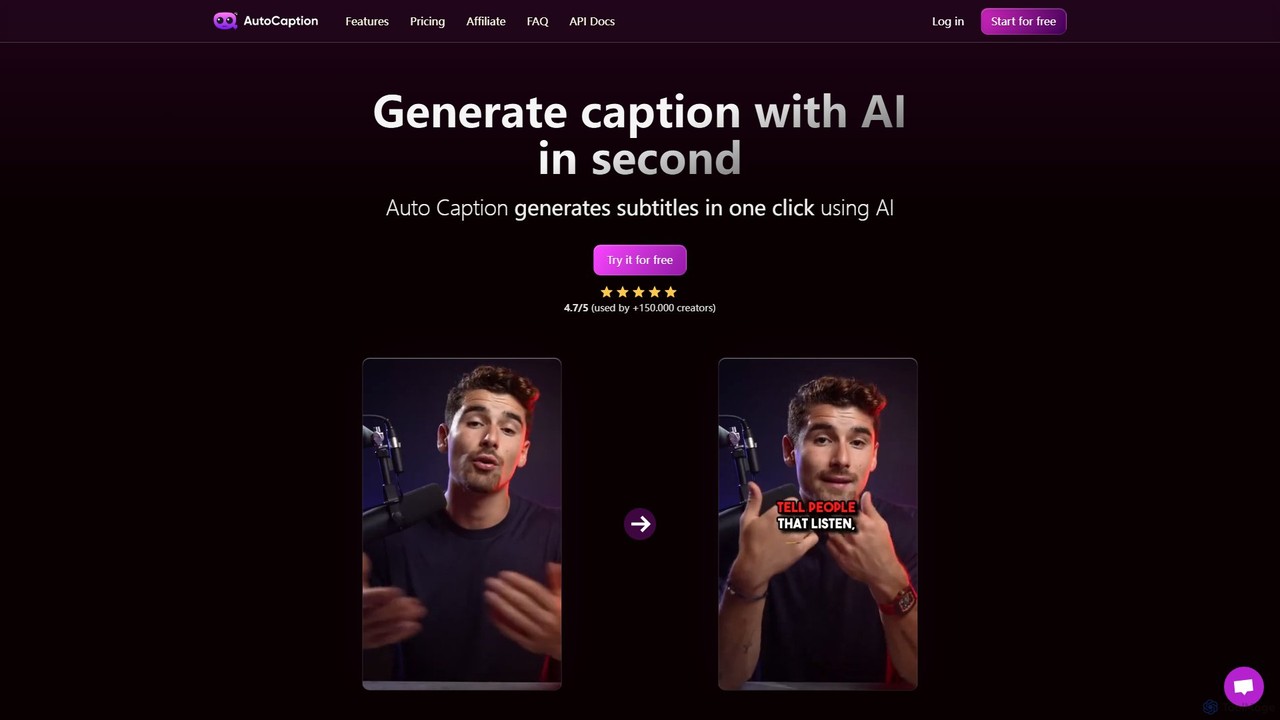
autocaption is a cutting-edge AI-driven platform designed to revolutionize video content creation by automating the subtitling process. Trusted by over 150,000 online creators, this tool significantly reduces editing time, allowing creators to focus on what they do best: creating compelling content. It automatically transcribes audio from videos and generates accurate, synchronized captions. The platform is particularly optimized for vertical video formats (1080x1920), making it an ideal solution for content on TikTok, Instagram Reels, and YouTube Shorts.
With support for over 99 languages, autocaption empowers creators to break language barriers and reach a global audience. The tool is not just about transcription; it offers a comprehensive suite of customization options to make captions visually appealing and on-brand. Users can choose from various animations, fonts, and colors to match their style, ensuring that the subtitles enhance the video's aesthetic rather than detract from it.
How to use autocaption
Using autocaption is a simple and intuitive process, designed for efficiency:
- Upload Your Video: Start by uploading your video file to the autocaption platform. The system supports various file sizes depending on your plan.
- Automatic Caption Generation: The AI gets to work immediately, transcribing the audio and generating time-synced captions for your video with remarkable speed and accuracy.
- Customize and Edit: Once the captions are generated, you enter the editor. Here, you can review and edit the text for accuracy, adjust timing, and apply a wide range of styles. Change fonts, colors, and add dynamic animations to make your text pop. You can also automatically add animated emojis with a single click.
- Use Templates: To streamline your workflow, you can use ready-to-use templates or create and save your own personal templates. This is perfect for maintaining a consistent brand look across all your videos.
- Enhance with B-Roll (Expert/Pro Plans): For more dynamic content, leverage the B-Roll AI tools to automatically insert relevant stock footage or imagery into your video.
- Export and Share: After finalizing your edits, export the video in Full HD (1080x1920) at a smooth 60 FPS. The final product is optimized for vertical platforms and ready to be shared with your audience.
Core Features of autocaption
- AI-Powered Automatic Captions: Utilizes advanced AI to provide fast and highly accurate transcription and caption generation.
- Extensive Language Support: Supports over 99 languages, enabling content to be accessible to a worldwide audience.
- Full Customization Suite: Offers complete control over the appearance of subtitles, including fonts, colors, sizes, and a variety of eye-catching animations.
- Animated Emojis: Automatically suggests and adds animated emojis to the captions with one click, boosting viewer engagement.
- Customizable Templates: Ability to use pre-built templates or create and save your own to ensure brand consistency and save time.
- High-Quality Export: Renders videos in Full HD (1080x1920) at 60 FPS, ensuring professional quality for all social media platforms.
- B-Roll AI Tools: An advanced feature in higher-tier plans that intelligently adds relevant B-roll footage to enrich the visual narrative of the video.
- Extremely Fast Rendering: Engineered for speed, the platform processes and renders videos quickly, optimizing the creator's workflow.
Use Cases for autocaption
autocaption is a versatile tool for various professionals:
- Social Media Creators: Perfect for adding engaging, trendy captions to TikToks, Instagram Reels, and YouTube Shorts to maximize watch time and audience retention.
- Marketers & Small Businesses: Create polished promotional videos and advertisements with clear, accessible messaging for social media campaigns.
- Educators & Online Tutors: Make educational content more accessible and easier to understand, catering to students with hearing impairments or those in noisy environments.
- Freelance Video Editors: Dramatically speed up the subtitling workflow, allowing them to handle more projects and increase their revenue.
Advantages of autocaption
The primary advantage of autocaption is the immense time savings it offers. What used to take hours of manual work can now be done in minutes. Furthermore, the tool helps increase video engagement, as captioned videos perform significantly better on social platforms where many users watch with the sound off. It enhances accessibility, making content available to a broader audience. The multi-language support facilitates global reach, and its user-friendly interface makes professional-grade captioning accessible to everyone, regardless of their technical skill level.
Pricing and Plans
autocaption operates on a freemium model with plans that can be billed monthly or annually (with a 25% saving on annual plans).
- Free Plan: Allows users to start for free to test the platform's capabilities.
- Starter Plan: Priced at $14/month (billed annually). Includes 100 videos/month, 300 MB max file size per video, 2-minute max duration, and standard support. Ideal for personal use.
- Expert Plan: The most popular option at $19/month (billed annually). Includes 215 videos/month, 1 GB max file size, 4-minute max duration, premium support, custom fonts & templates, and B-Roll AI Tools. Best for content creators.
- Pro Plan: Priced at $29/month (billed annually). Includes 500 videos/month, 2 GB max file size, 7-minute max duration, personal support, and all features from the Expert plan. Designed for freelancers and small businesses.
All plans can be canceled at any time without extra fees.
Traffic
Latest traffic
Status
Monthly traffic trend
- 2025-9: 119.9K
- 2026-1: 126.2K
- 2026-2: 91.1K
- 2026-3: 103.7K
- 2026-4: 114.5K
- 2026-5: 89.6K
Geography
Top 5 countries / regions
- 🇮🇩Indonesia32.3%
- 🇮🇳India21.3%
- 🇬🇧United Kingdom15.8%
- 🇺🇸United States15.7%
- 🇹🇷Türkiye14.9%
Traffic sources
| Source type | Percentage |
|---|---|
Direct | 81.3% |
Email | 11.1% |
Referral | 7.6% |
Top keywords
| Keyword | Cost per click |
|---|---|
| auto caption | $0.44 |
| autocaption | $0.15 |
| auto caption generator | $0.41 |
| auto caption generator free | $0.16 |
| caption ai | $0.57 |
autocaption Videos on YouTube


Manas Lakra

Techie Gautam

Technical Master
autocaption Alternatives
RenderCut
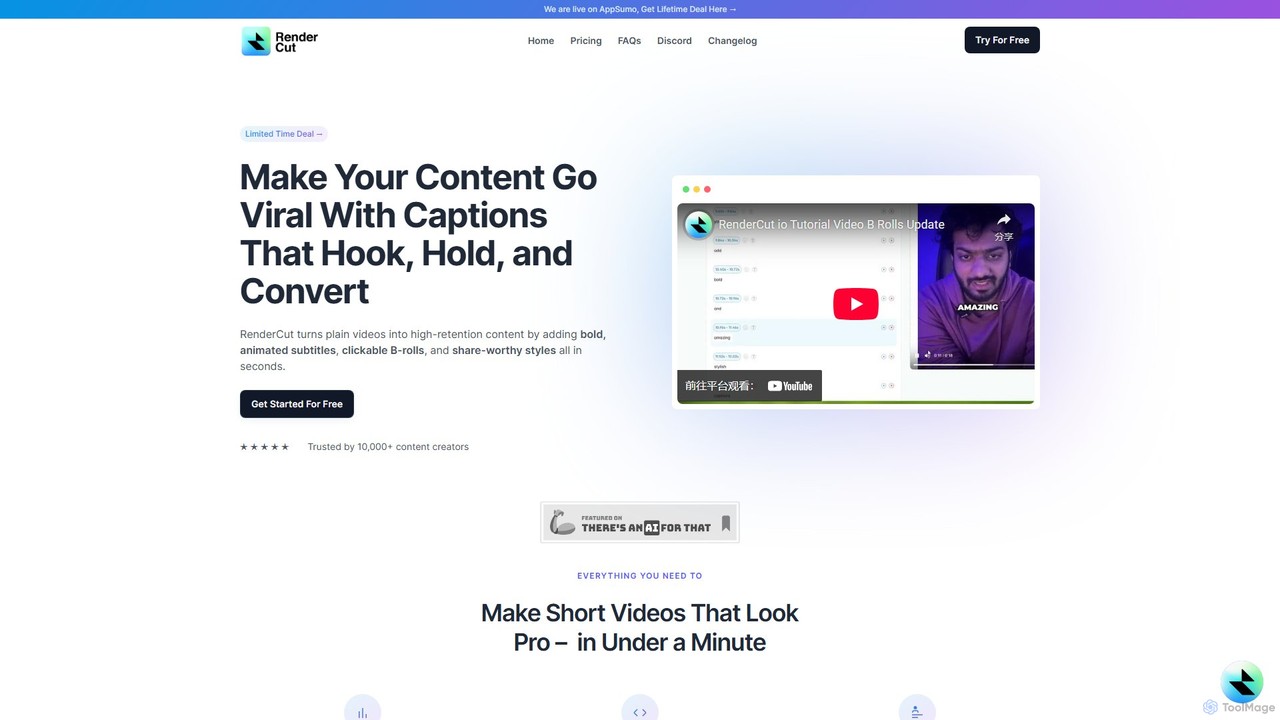
RenderCut is an AI-powered video editing tool that automates the creation of engaging short-form videos. It instantly adds stylish, animated subtitles, B-rolls, emojis, and sound effects, transforming plain videos or audio into high-retention content for platforms like TikTok, Reels, and Shorts. It's designed for content creators, marketers, and businesses to produce professional-looking videos in minutes, not hours.
Video Marketing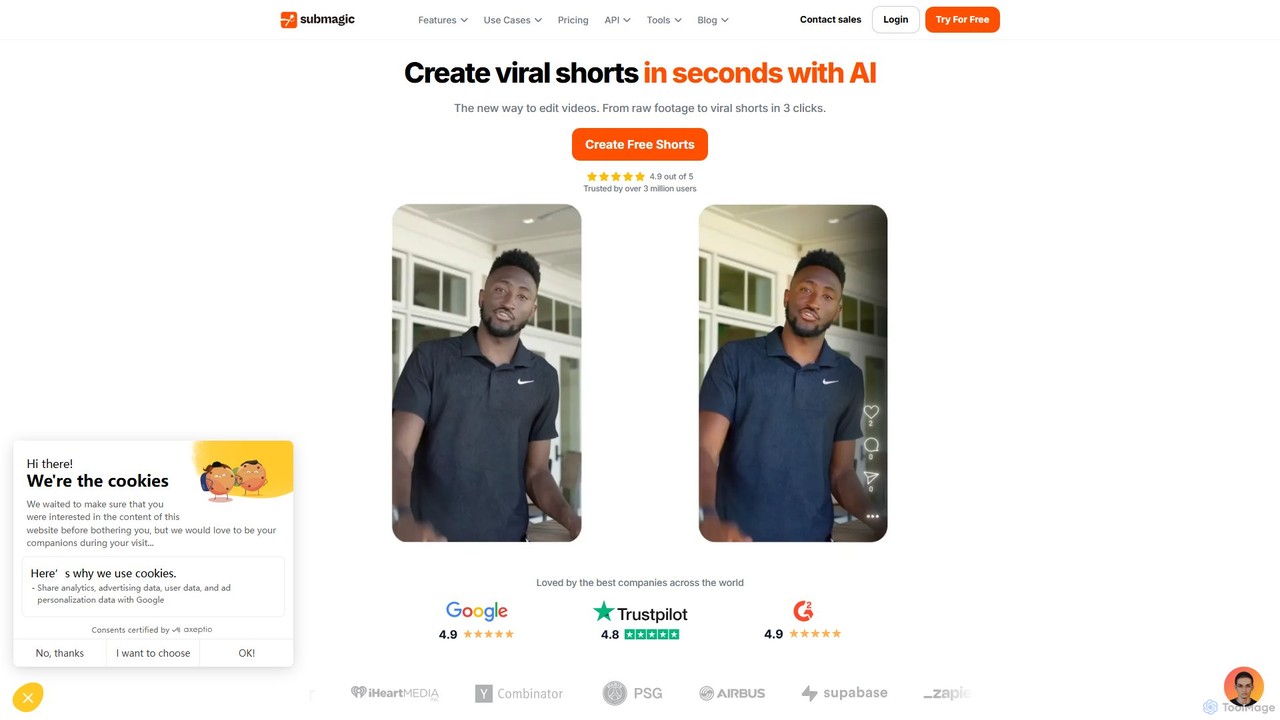
Submagic
Submagic is an all-in-one AI platform designed for creating viral short-form videos in seconds. It automates tedious editing tasks by generating trendy captions with emojis, adding dynamic B-rolls, creating smooth transitions, and extracting key moments from long videos. It's the perfect tool for content creators, marketers, and businesses looking to boost engagement and save time on video production.
Automation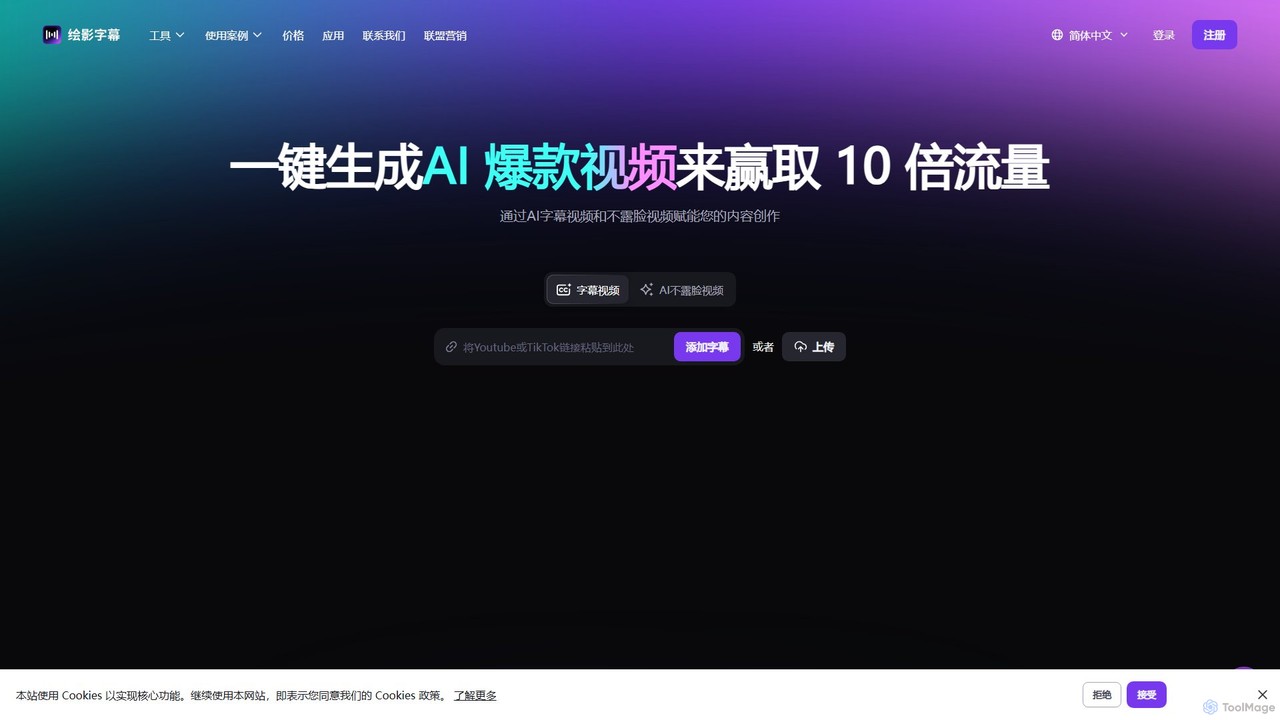
Zeemo
Zeemo is an all-in-one AI-powered video toolkit designed for content creators. It excels at automatic subtitle generation, transcription, and translation in over 95 languages with up to 98% accuracy. It also offers a suite of video editing tools, social media downloaders, and AI video generation features to streamline content creation and boost audience engagement.
Transcription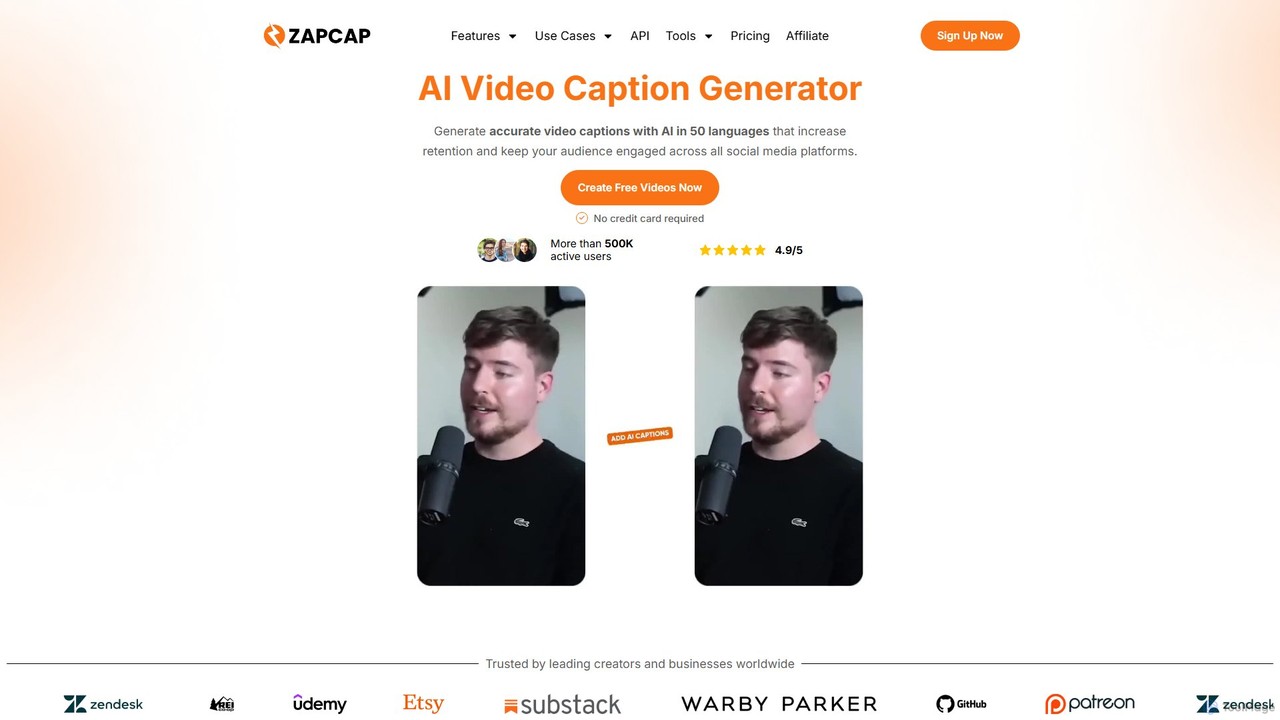
zapcap
zapcap is an AI-powered video editing platform designed to create viral short-form videos with ease. It automatically generates accurate captions in over 50 languages, removes silences, creates short clips from long videos, adds B-roll, sound effects, and generates SEO-optimized descriptions. It's an all-in-one tool for content creators, marketers, and businesses to boost engagement and save time.
Video Marketing
Zubtitle
Zubtitle is an AI-powered online video editor designed to help creators and marketers quickly optimize videos for social media. It specializes in automatic transcription and subtitling, allowing users to add captions, headlines, logos, and progress bars with just a few clicks. The tool simplifies video repurposing for platforms like Instagram, TikTok, and YouTube Shorts, making it easy to create engaging, professional-looking content that captures attention even when muted.
Transcriptionautocaption Categories
autocaption Embed Widget
Copy this embed code to place the badge on your blog, article, or product site and send readers directly to this ToolMage detail page.

Related AI tools
Zubtitle
Zubtitle is an AI-powered online video editor designed to help creators and marketers quickly optimize videos for social media. It specializes in automatic transcription and subtitling, allowing users to add captions, headlines, logos, and progress bars with just a few clicks. The tool simplifies video repurposing for platforms like Instagram, TikTok, and YouTube Shorts, making it easy to create engaging, professional-looking content that captures attention even when muted.
Transcription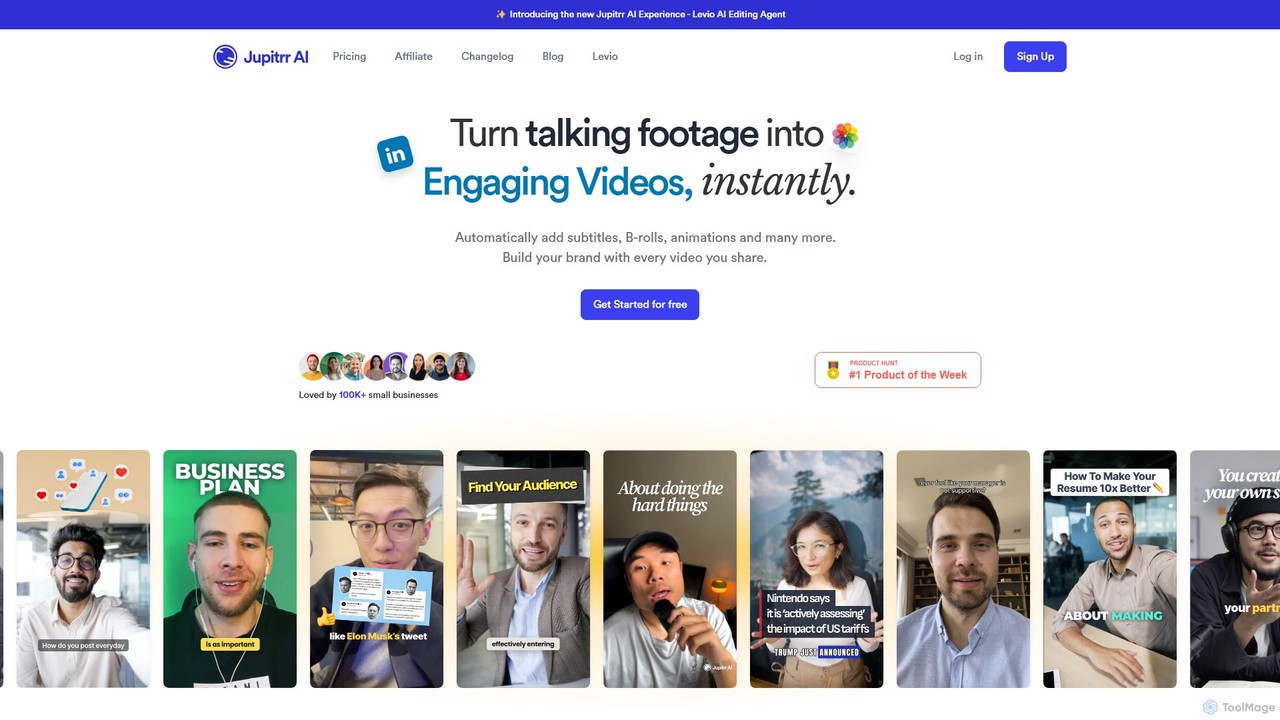
jupitrr
jupitrr is an AI-powered video editor that instantly transforms raw talking-head footage into engaging, shareable video clips. It automatically adds dynamic subtitles, relevant B-rolls from a massive stock library, animations, and background music, making professional video creation accessible to everyone without editing skills.
AutomationRenderCut
RenderCut is an AI-powered video editing tool that automates the creation of engaging short-form videos. It instantly adds stylish, animated subtitles, B-rolls, emojis, and sound effects, transforming plain videos or audio into high-retention content for platforms like TikTok, Reels, and Shorts. It's designed for content creators, marketers, and businesses to produce professional-looking videos in minutes, not hours.
Video Marketing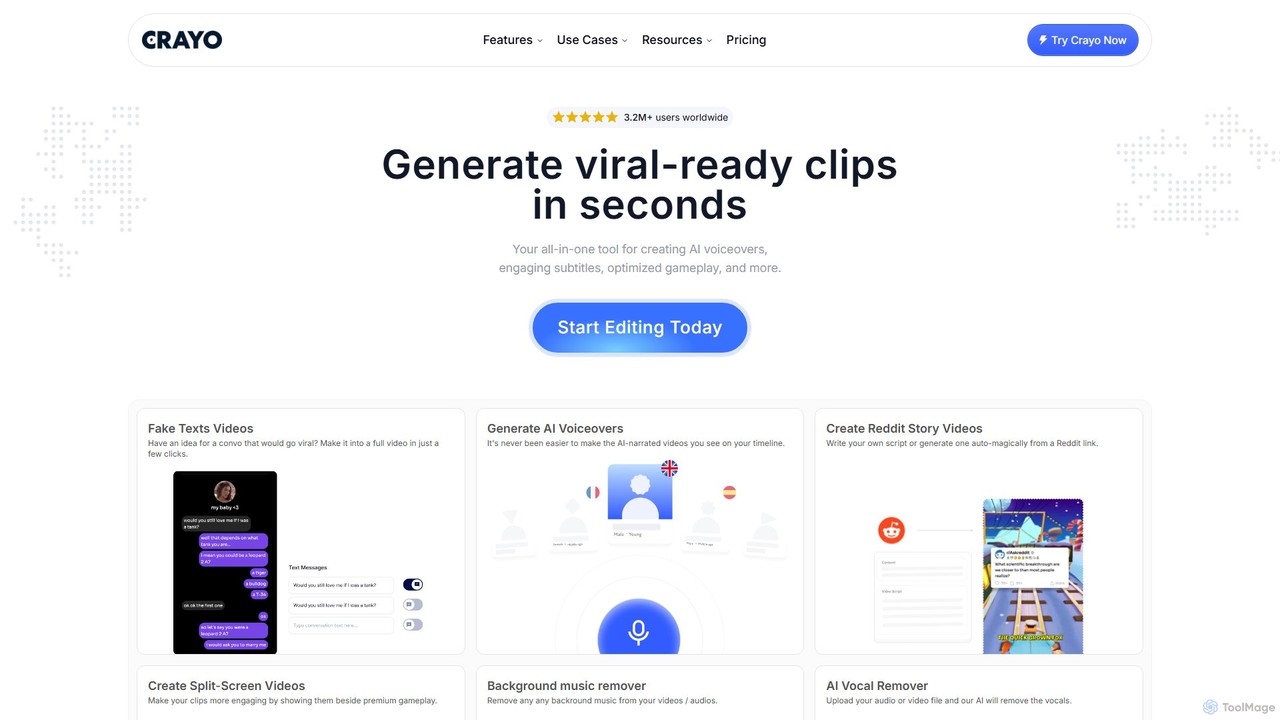
Crayo
Crayo is an all-in-one AI video editor designed for creating viral-ready short-form content in seconds. It automates tedious tasks with features like AI voiceovers, engaging subtitles, split-screen gameplay videos, and unique formats like fake text conversations and Reddit story videos. Ideal for content creators, streamers, and marketers looking to scale their video production and go viral on platforms like TikTok and YouTube.
Voice Generation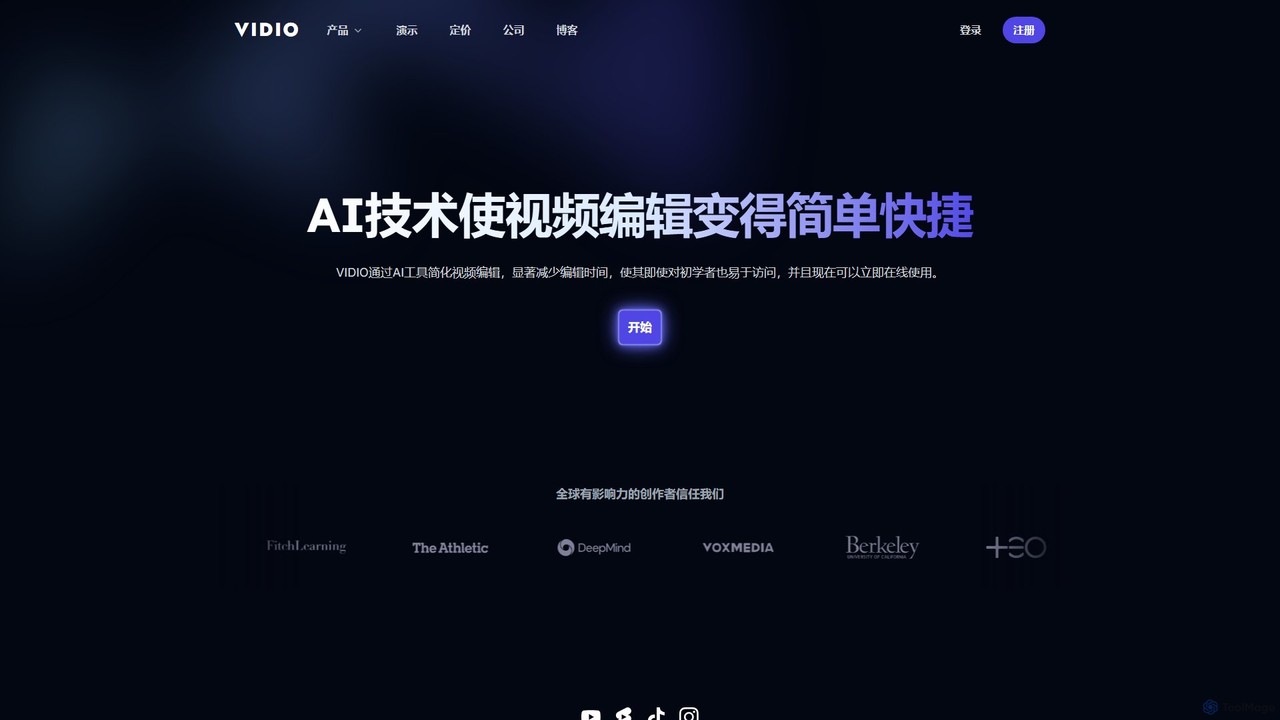
VIDIO
VIDIO is an AI-powered video editing platform that automates and simplifies complex editing tasks. It offers tools for creating motion graphics from text, generating highlight reels, automatic subtitling, face blurring, and more, making professional video creation accessible to everyone.
Social Media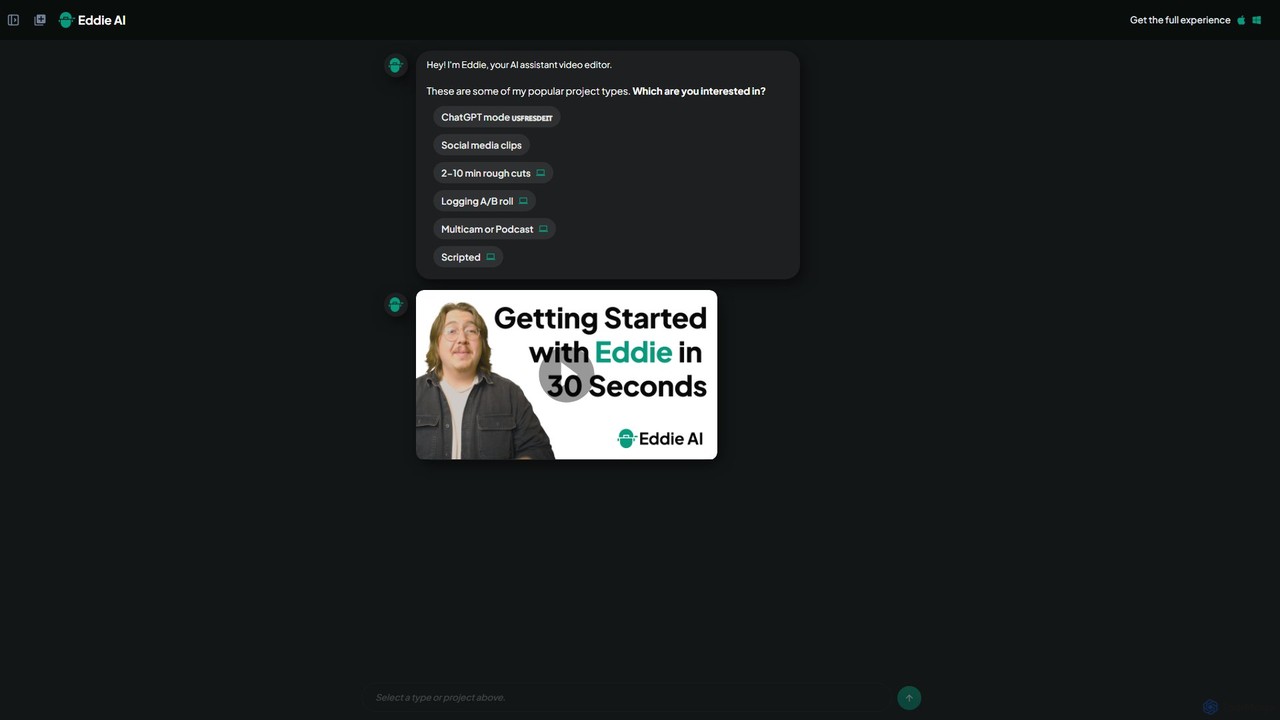
heyeddie
Heyeddie is an AI-powered video editing assistant that streamlines your workflow. Simply use natural language commands to have Eddie automatically create rough cuts, generate social media clips, log A/B roll, sync multicam footage, and edit based on a script. It's designed for content creators, marketers, and podcasters to save time and focus on storytelling.
Automation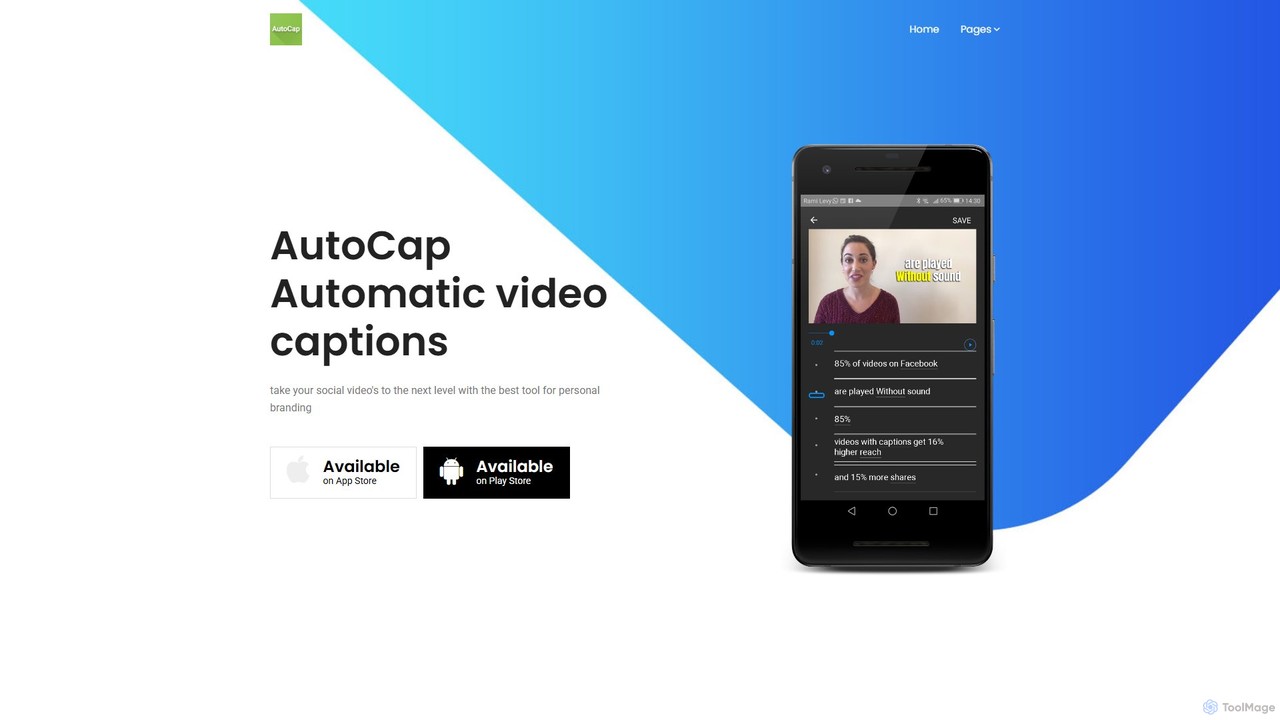
AutoCap
AutoCap is an AI-powered mobile app that automatically adds stunning animated captions to your videos. It uses advanced voice recognition to transcribe audio, provides an intuitive editor for corrections, and offers extensive customization options. Ideal for social media creators, marketers, and educators looking to boost engagement and accessibility.
Transcription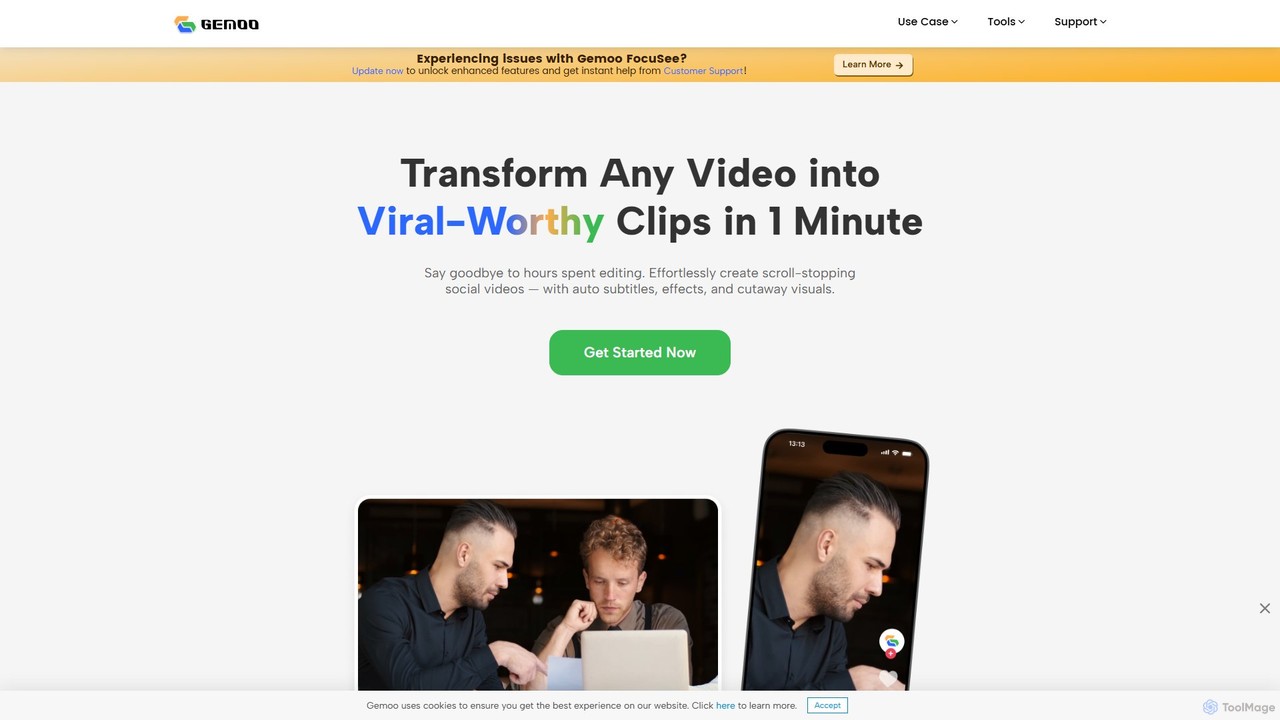
Gemoo
Gemoo is an AI-powered video editor that transforms any video into viral-worthy short clips in minutes. It automates tedious tasks like adding subtitles, inserting relevant B-roll footage, applying effects, and generating social media-optimized titles and descriptions. Ideal for creators, marketers, and educators looking to produce high-quality, engaging content efficiently.
Video Marketing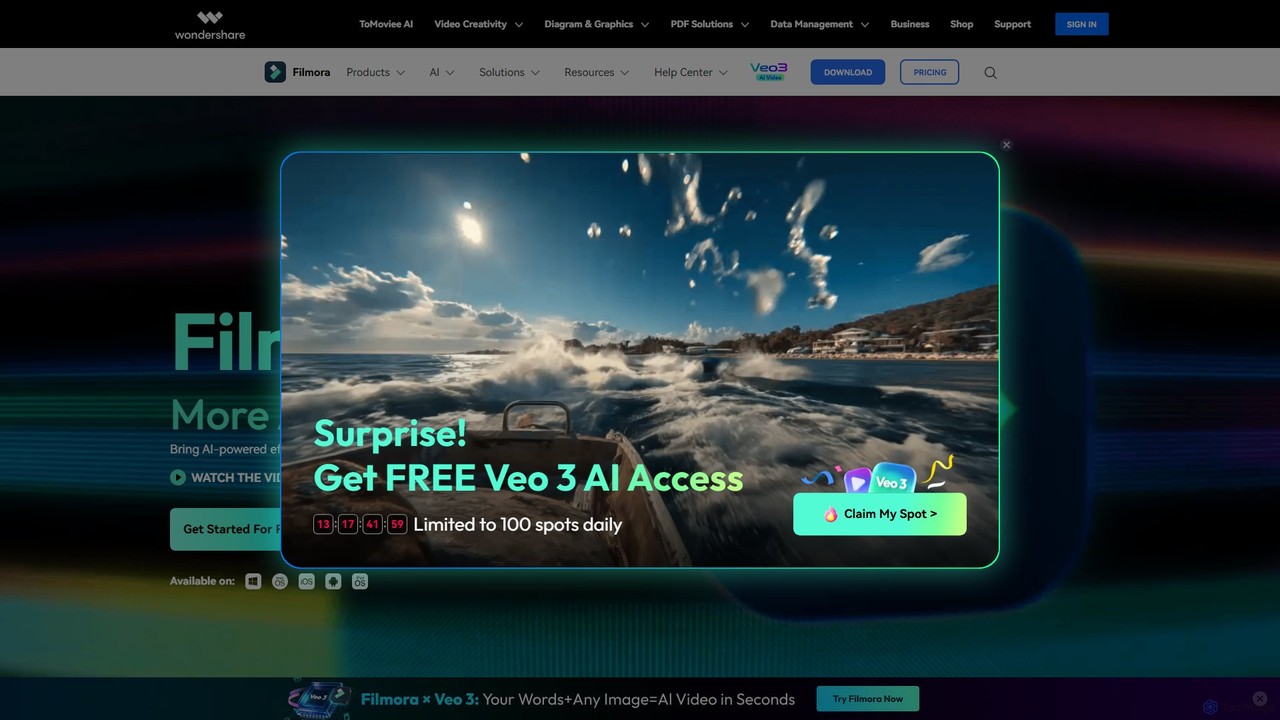
Filmora
Filmora is a powerful and intuitive AI video editor designed for creators of all skill levels. It simplifies the editing process with a suite of AI-powered tools, an extensive library of assets, and a user-friendly interface, making it easy to create professional-quality videos for social media, personal projects, and commercial use.
Social Media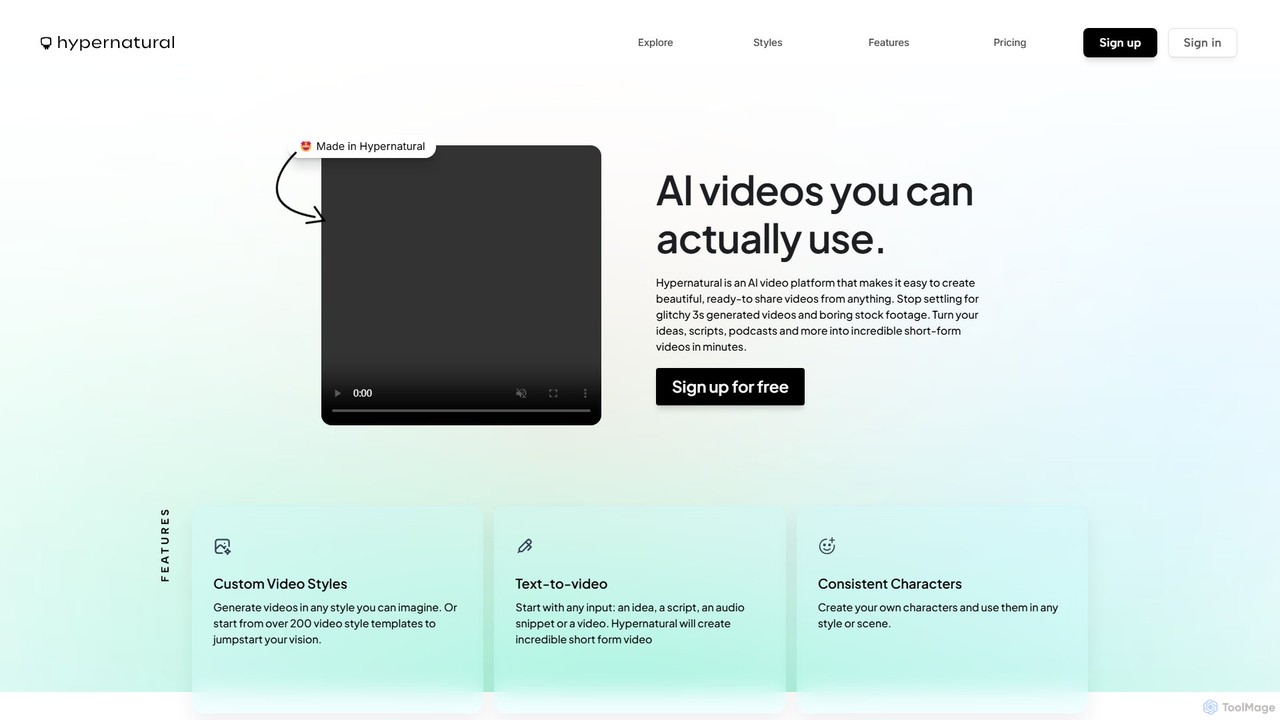
Hypernatural
Hypernatural is an AI video platform that transforms text, scripts, or audio into high-quality, ready-to-share short-form videos. It focuses on creating usable, non-glitchy content with consistent characters and custom styles, making professional video creation accessible to everyone from marketers to content creators.
Advertising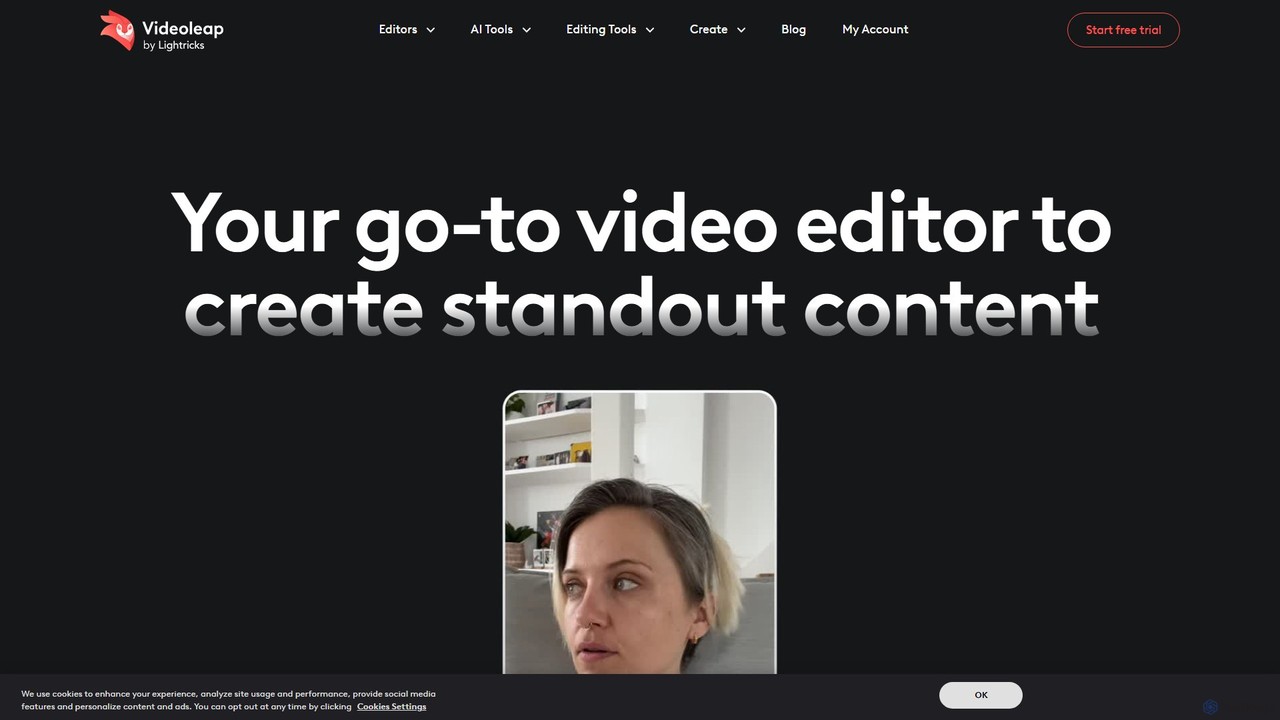
Videoleap
Videoleap is a powerful AI-driven video editor and maker app designed for both beginners and professionals. It combines a full suite of traditional editing tools with cutting-edge AI features like object removal, infinite zoom, and AI-generated effects. Create stunning, professional-quality videos for social media, marketing, or personal projects directly from your mobile device with ease and speed.
Mobile Apps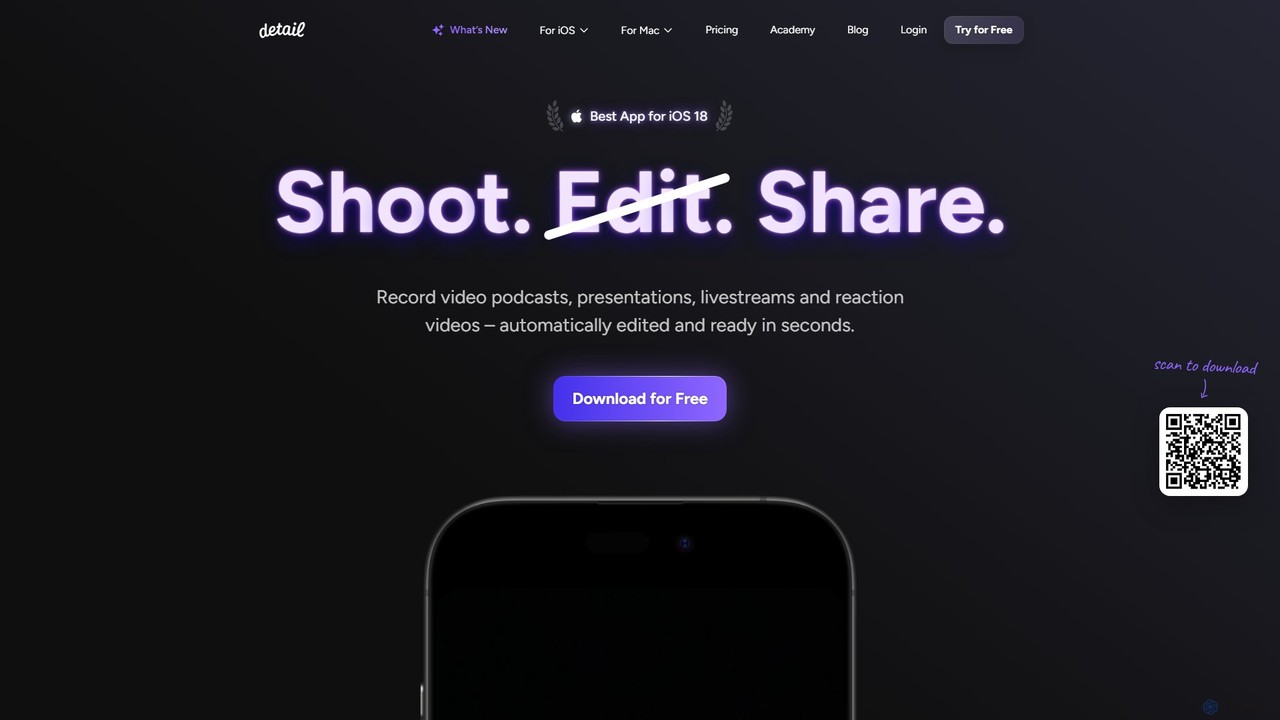
Detail
Detail is an AI-powered video creation and editing app for iOS and macOS that turns your device into a portable production studio. It automates editing for podcasts, reaction videos, and livestreams with features like a teleprompter, multi-camera recording, green screen, and automatic captions, simplifying professional video creation for everyone.
Content Creation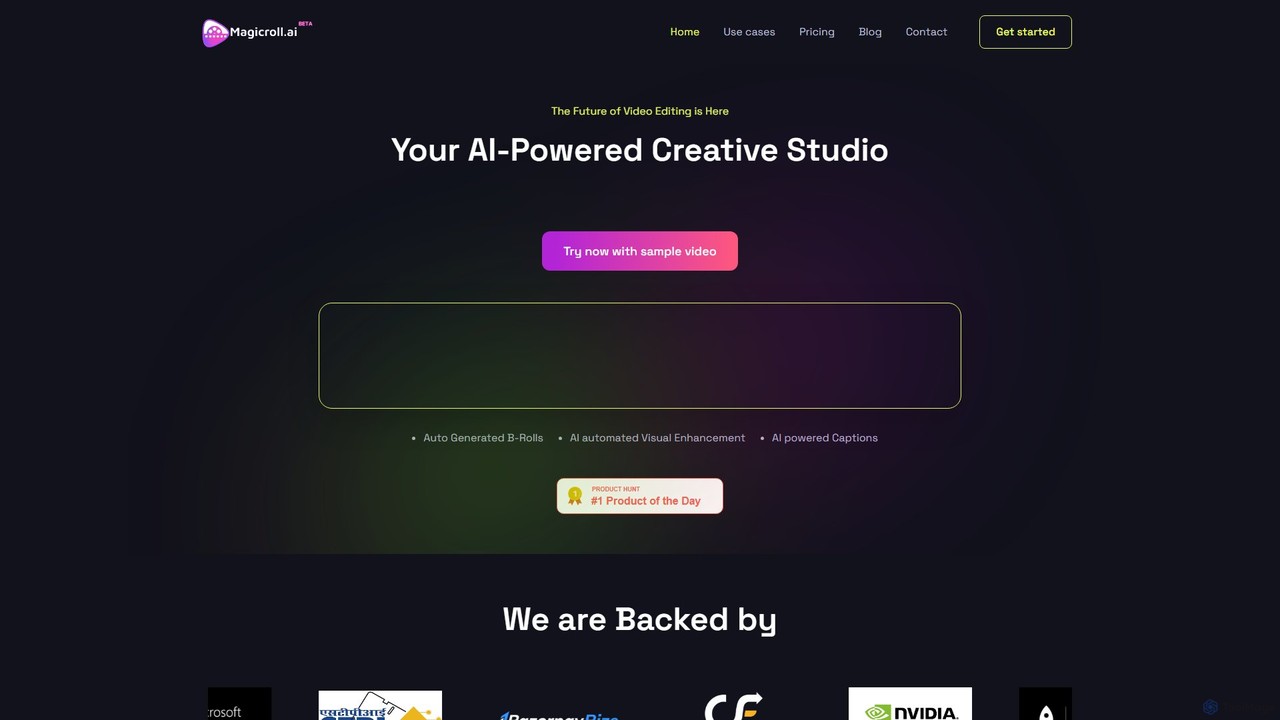
magicroll.ai
magicroll.ai is an AI-powered video editing platform that automates complex tasks. With one click, it generates contextual B-rolls, swaps video backdrops, and adds accurate, multi-language subtitles. It's designed for content creators, marketers, and businesses to produce professional-grade videos in minutes, without any prior editing experience, saving hours of manual work.
Social Media VideoSubmagic
Submagic is an all-in-one AI platform designed for creating viral short-form videos in seconds. It automates tedious editing tasks by generating trendy captions with emojis, adding dynamic B-rolls, creating smooth transitions, and extracting key moments from long videos. It's the perfect tool for content creators, marketers, and businesses looking to boost engagement and save time on video production.
AutomationZeemo
Zeemo is an all-in-one AI-powered video toolkit designed for content creators. It excels at automatic subtitle generation, transcription, and translation in over 95 languages with up to 98% accuracy. It also offers a suite of video editing tools, social media downloaders, and AI video generation features to streamline content creation and boost audience engagement.
Transcription
autocaption Comments (0)
Sign in to comment.
Sign inNo comments yet.