

RenderCut Overview
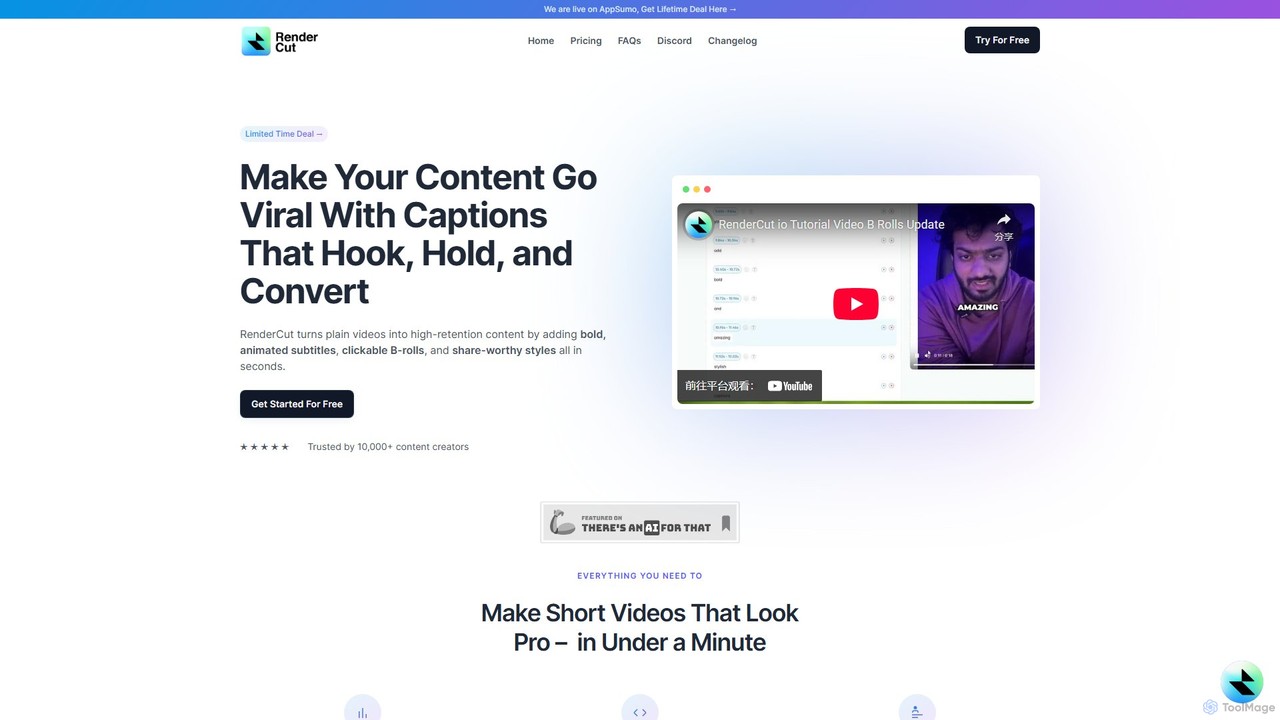
RenderCut is a revolutionary AI-driven platform designed to streamline and automate the entire workflow of creating short-form video content. In today's fast-paced digital world, captivating an audience on platforms like TikTok, Instagram Reels, and YouTube Shorts requires dynamic, engaging visuals. RenderCut addresses this need by transforming plain videos—or even just audio files—into viral-ready content in a matter of minutes. It was born from the frustration of spending hours manually adding and styling subtitles, a tedious task that stifled creativity. RenderCut automates this process, allowing creators to focus on what they do best: creating.
The platform is trusted by over 10,000 content creators, agencies, and entrepreneurs who leverage its powerful features to boost engagement, increase accessibility, and achieve global reach. By automatically generating perfectly synced, animated captions, adding relevant B-rolls, and incorporating fun elements like GIFs and emojis, RenderCut ensures your videos not only look professional but also hold viewer attention from the first second to the last.
How to use RenderCut
The workflow in RenderCut is designed for simplicity and speed, making professional video editing accessible to everyone. The process involves a few simple steps:
- Upload Your Media: Start by uploading your video file. You can also upload just an audio file (like a podcast segment), and RenderCut will turn it into a video.
- Automatic Transcription: The AI engine gets to work immediately, detecting the speech in your video and generating highly accurate, perfectly synchronized subtitles. It handles various accents, paces, and over 40 languages with ease.
- Customize and Style: This is where you bring your brand to life. Customize the appearance of your captions by choosing from a wide range of fonts, colors, backgrounds, and eye-catching animations. You can use pre-made templates for a quick start or create a unique style from scratch.
- Enhance with Visuals: Elevate your video by dragging and dropping B-rolls, adding animated emojis, relevant GIFs, and memes directly onto your timeline. These elements help illustrate your points and keep viewers engaged.
- Finalize and Export: Review your creation, make any final tweaks, and export your high-quality, watermark-free video. It's now ready to be published and go viral.
Core Features of RenderCut
- AI-Powered Auto Captions: Automatically generates subtitles with near-perfect accuracy in over 40 languages, saving hours of manual transcription.
- Advanced Styling Tools: Offers extensive customization for captions, including unique fonts, brand colors, backgrounds, and dynamic animations to match your brand's aesthetic.
- Automatic B-Rolls: Intelligently suggests and adds relevant B-roll footage to your video, making your content more visually appealing and illustrative.
- Rich Media Library: Includes a vast library of emojis (still and animated), GIFs, memes, and sound effects to add personality and impact to your videos.
- Audio-to-Video Conversion: A unique feature that allows you to upload an audio file and have RenderCut generate an engaging video with dynamic captions and visuals.
- Multilingual Subtitles: Break language barriers by translating your captions into different languages, turning your content into a global hit.
- AI Hook Title Generation: Automatically creates catchy, attention-grabbing titles for your videos to maximize clicks and views.
- Brand Kit: The 'Boost' feature allows you to consistently apply your brand's logo and cover images to all your videos.
Use Cases for RenderCut
RenderCut is a versatile tool suitable for a wide range of users:
- Social Media Content Creators: Quickly produce a high volume of engaging videos for TikTok, Instagram Reels, and YouTube Shorts to grow their following and increase virality.
- Marketers and Businesses: Create compelling video ads, product demos, and social media marketing campaigns that capture attention and drive conversions.
- Podcasters: Repurpose audio podcast episodes into visually engaging video clips to promote on social media platforms and reach new audiences.
- Coaches and Educators: Develop clear and accessible instructional videos, making learning more engaging and effective for their students.
- Digital Agencies: Streamline the video production workflow for multiple clients, delivering professional results faster and more efficiently.
Advantages of RenderCut
RenderCut offers significant advantages over traditional video editing methods:
- Massive Time Savings: It automates the most time-consuming parts of video editing, reducing a process that took hours to just a few minutes.
- Enhanced Viewer Engagement: The use of dynamic, Alex Hormozi-style captions and engaging visuals is proven to increase viewer retention and watch time.
- Professional Quality, No Experience Needed: Its intuitive interface allows anyone, regardless of technical skill, to produce high-quality, professional-looking videos.
- Increased Accessibility and Reach: Captions make content accessible to the hearing impaired and those who watch videos with the sound off. Multilingual support helps content go global.
- Cost-Effective: Provides features comparable to premium desktop software and agency services at a fraction of the cost, with a lifetime deal option often available.
Pricing and Plans
RenderCut offers a flexible pricing structure to suit different needs, including a free trial to get started.
- Free Plan: A great starting point that allows you to process 5 videos for free with no credit card required.
- Starter Plan ($15/month): Ideal for individuals and beginners, offering 25 video uploads per month, up to 3 minutes per video, and access to core features like Auto B-Rolls and custom templates.
- Growth Plan ($49/month): The most popular choice, tailored for growing businesses and creators. It includes 75 video uploads per month, up to 7 minutes per video, and all features from the Starter plan.
- Unlimited Plan ($129/month): Designed for power users and agencies, offering unlimited video uploads, up to 9 minutes per video, and complete creative freedom.
All paid plans are watermark-free and include access to all major features. An annual subscription offers a discount equivalent to two months free.
Traffic
Latest traffic
Status
Monthly traffic trend
- 2025-9: 18.4K
- 2026-1: 26.2K
- 2026-2: 19.7K
- 2026-3: 18.2K
- 2026-4: 17.2K
- 2026-5: 13.4K
Geography
Top 5 countries / regions
- 🇺🇸United States39.7%
- 🇻🇳Vietnam25.6%
- 🇮🇩Indonesia12.2%
- 🇮🇳India11.6%
- 🇳🇱Netherlands10.9%
Top keywords
| Keyword | Cost per click |
|---|---|
| how to add subtitles to quicktime player | $0.00 |
| rendercut | $0.00 |
| rendor cut ai | $0.00 |
| srt to high style with emojie free online | $0.00 |
| tiktok quality method | $0.00 |
RenderCut Alternatives
OpusClip
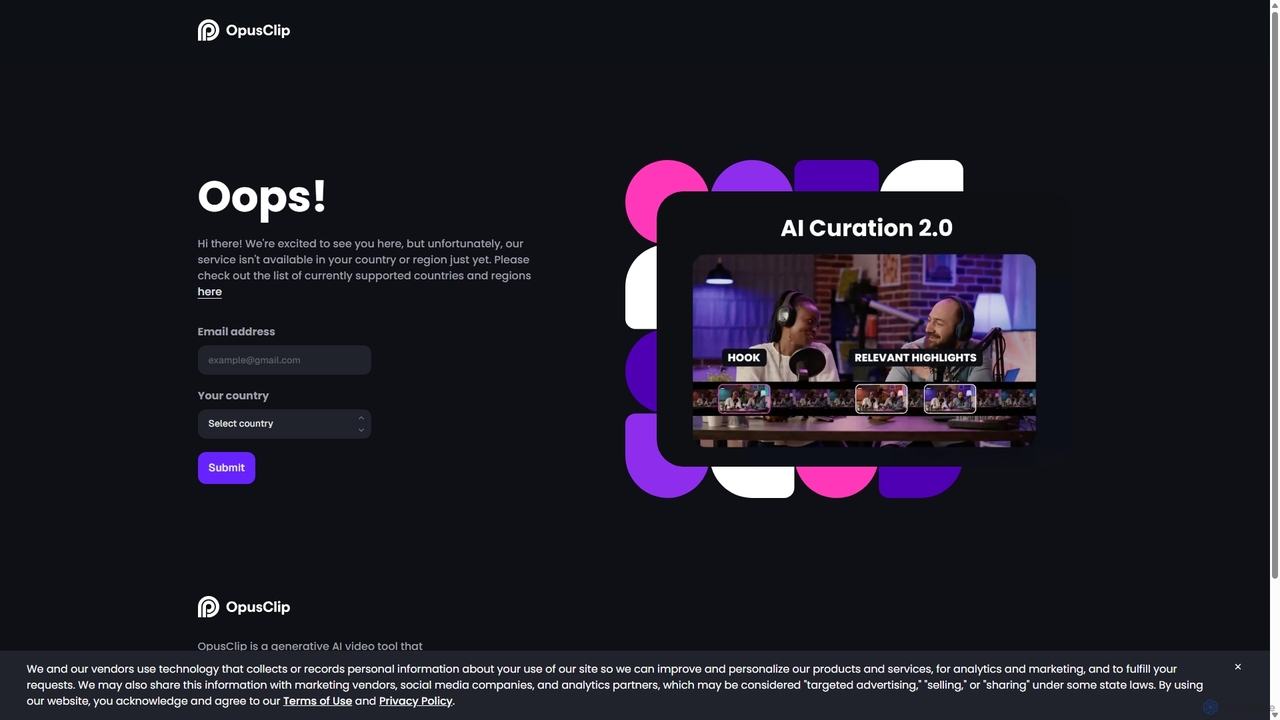
OpusClip is a generative AI video repurposing tool that turns long videos into viral short clips with one click. It automatically identifies the most compelling hooks, reframes the video, adds dynamic captions, and scores clips for virality, streamlining content creation for social media.
Video Marketing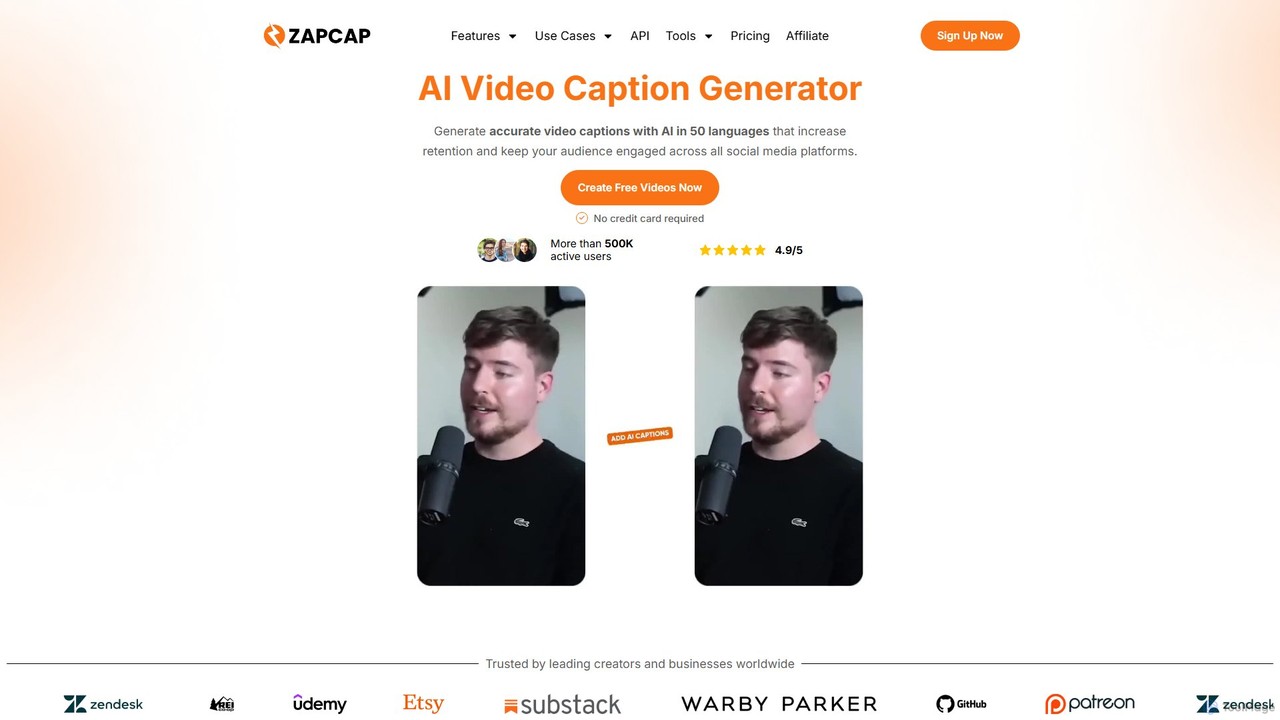
zapcap
zapcap is an AI-powered video editing platform designed to create viral short-form videos with ease. It automatically generates accurate captions in over 50 languages, removes silences, creates short clips from long videos, adds B-roll, sound effects, and generates SEO-optimized descriptions. It's an all-in-one tool for content creators, marketers, and businesses to boost engagement and save time.
Video Marketing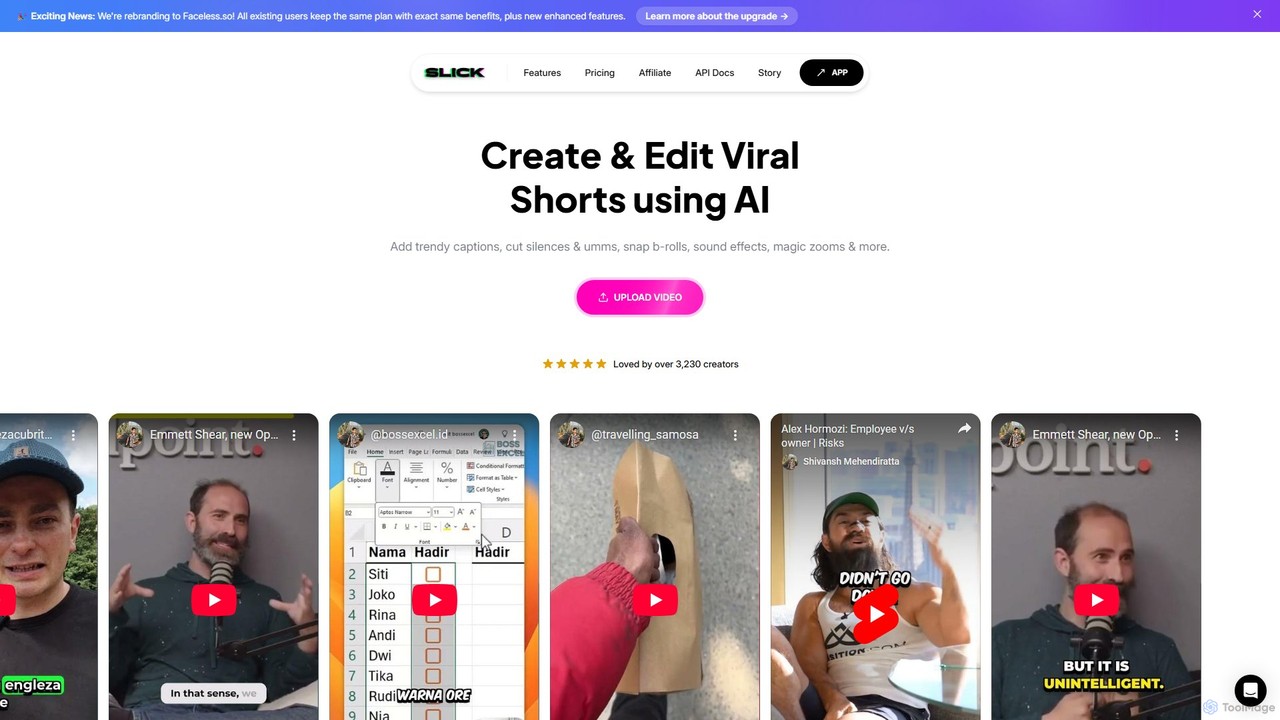
Slick
Slick (now rebranded as Faceless.so) is an AI-powered video editor designed to create and edit viral short videos for platforms like TikTok, Instagram Reels, and YouTube Shorts. It automates tedious tasks like adding trendy captions, inserting B-rolls, removing silences, and generating clips from long videos, enabling creators to produce engaging content effortlessly.
Automation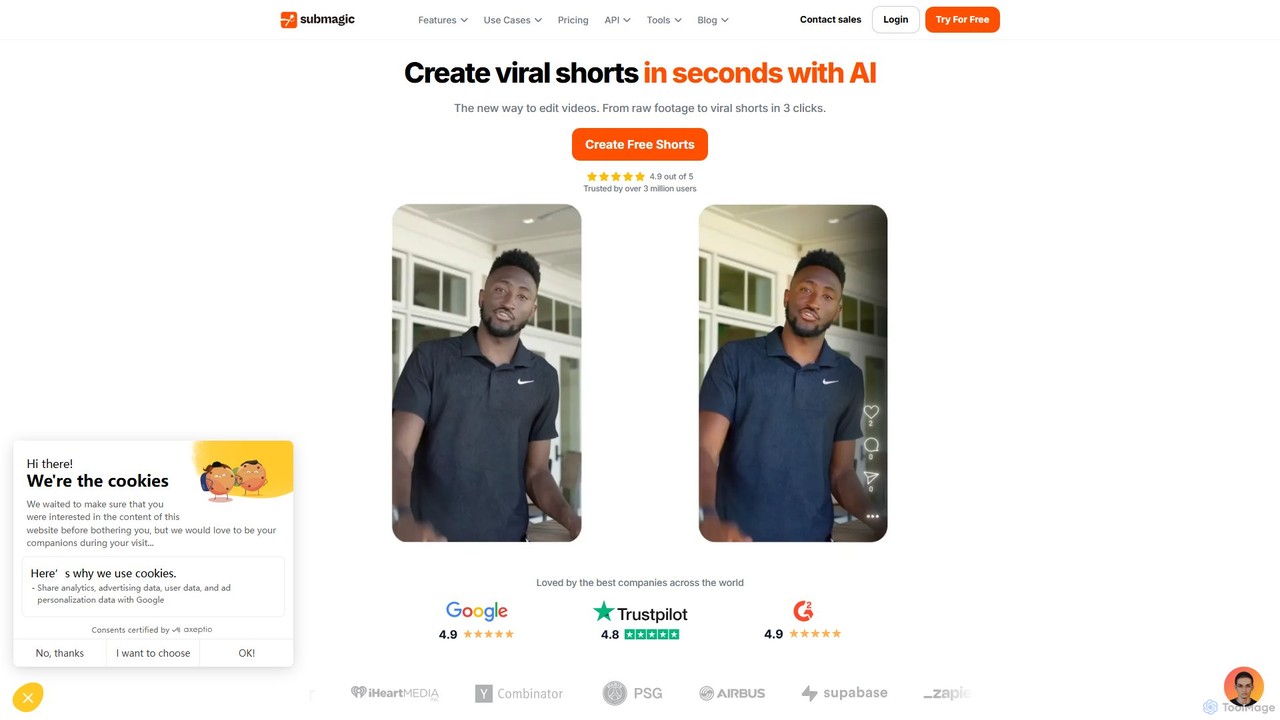
Submagic
Submagic is an all-in-one AI platform designed for creating viral short-form videos in seconds. It automates tedious editing tasks by generating trendy captions with emojis, adding dynamic B-rolls, creating smooth transitions, and extracting key moments from long videos. It's the perfect tool for content creators, marketers, and businesses looking to boost engagement and save time on video production.
Automation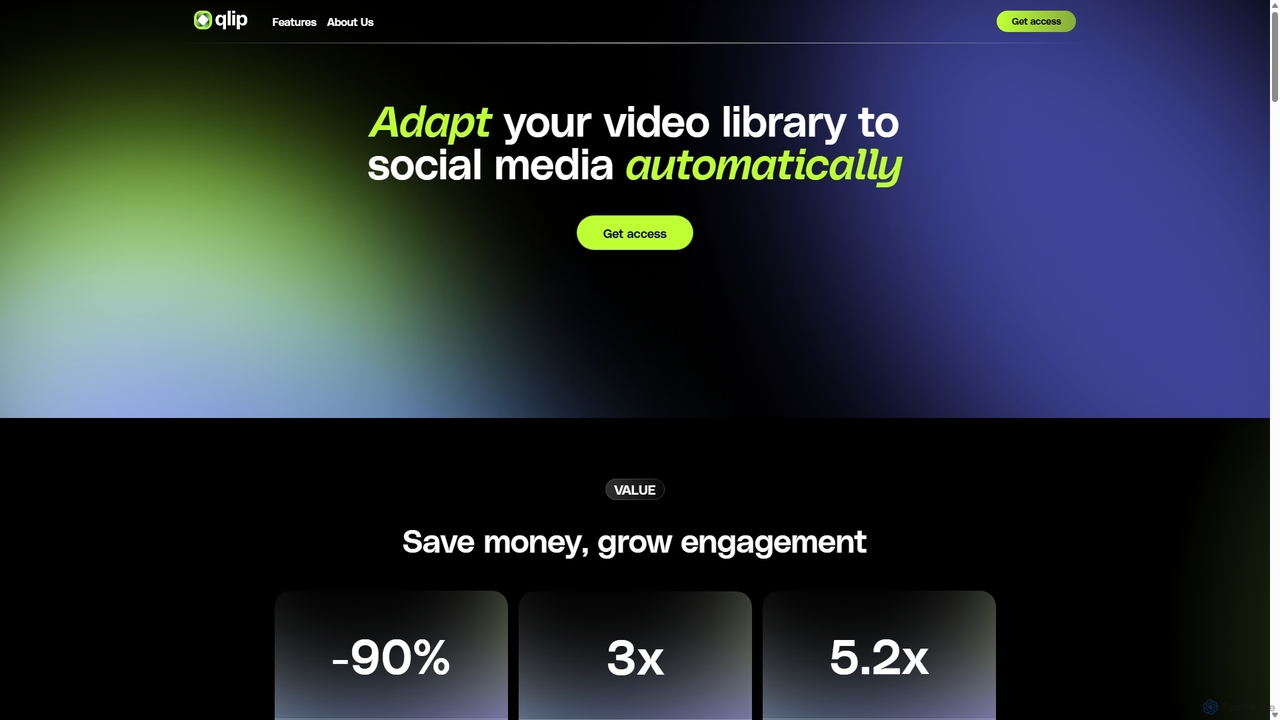
Qlip
Qlip is an AI-powered platform that automatically extracts impactful short clips from long-form videos. Designed for marketers and content creators, it simplifies repurposing content for social media with features like auto-reframing, branded subtitles, and transcription, helping to save costs and boost engagement.
Video MarketingRenderCut Categories
RenderCut Embed Widget
Copy this embed code to place the badge on your blog, article, or product site and send readers directly to this ToolMage detail page.

Related AI tools
Slick
Slick (now rebranded as Faceless.so) is an AI-powered video editor designed to create and edit viral short videos for platforms like TikTok, Instagram Reels, and YouTube Shorts. It automates tedious tasks like adding trendy captions, inserting B-rolls, removing silences, and generating clips from long videos, enabling creators to produce engaging content effortlessly.
AutomationSubmagic
Submagic is an all-in-one AI platform designed for creating viral short-form videos in seconds. It automates tedious editing tasks by generating trendy captions with emojis, adding dynamic B-rolls, creating smooth transitions, and extracting key moments from long videos. It's the perfect tool for content creators, marketers, and businesses looking to boost engagement and save time on video production.
Automation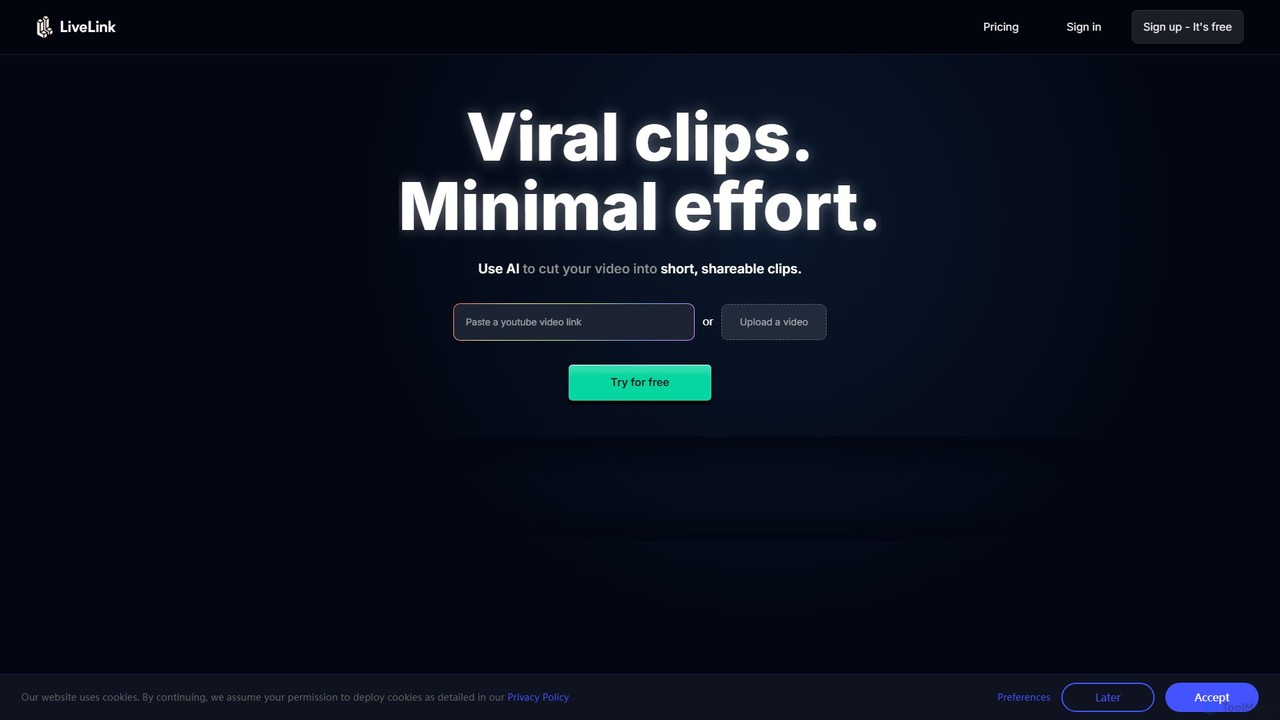
LiveLink
LiveLink is an AI-powered video clip maker that transforms long-form videos into engaging, shareable short clips for social media. It automates clipping, adds captions, reframes shots, and schedules posts to platforms like TikTok, YouTube Shorts, and Instagram Reels, saving creators and marketers significant time.
Repurposing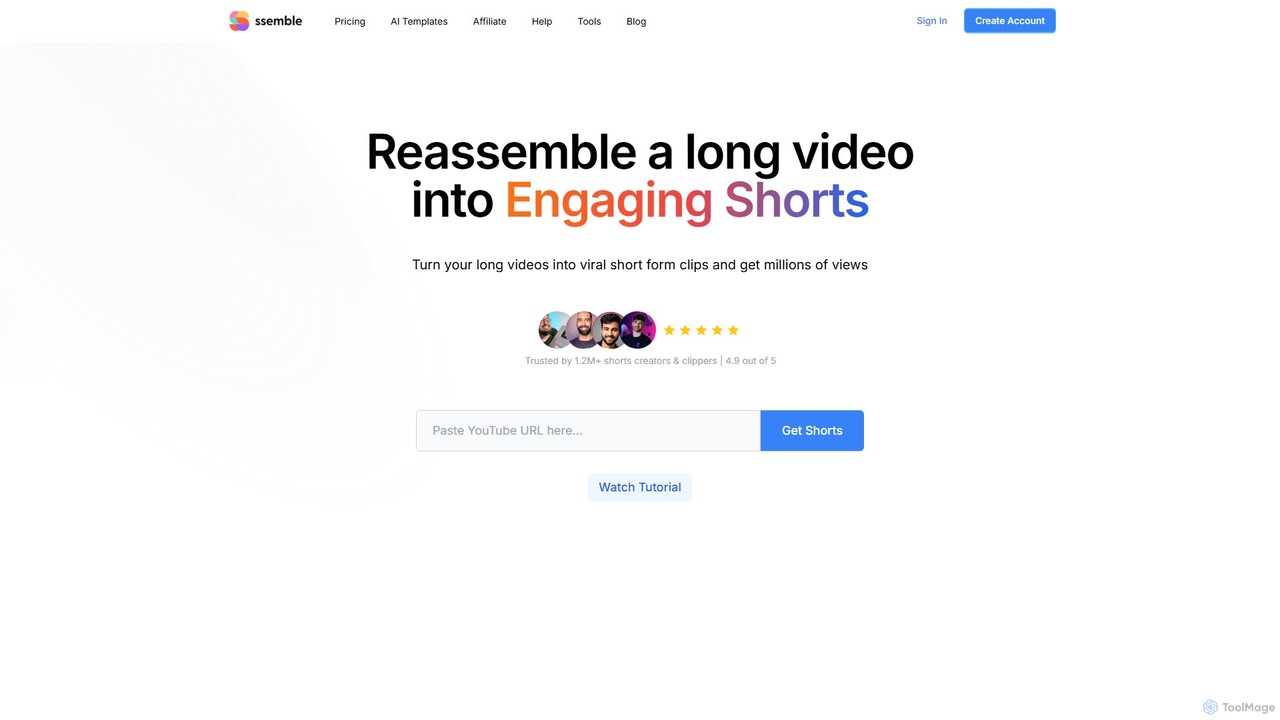
Ssemble
Ssemble is an AI-powered video editing platform that transforms long-form videos into engaging, viral short-form clips. It automates finding key moments, adding captions, reframing for vertical formats, and scheduling posts for TikTok, YouTube Shorts, and Instagram Reels. Ideal for content creators and marketers looking to maximize their reach and engagement with minimal effort.
Video Marketing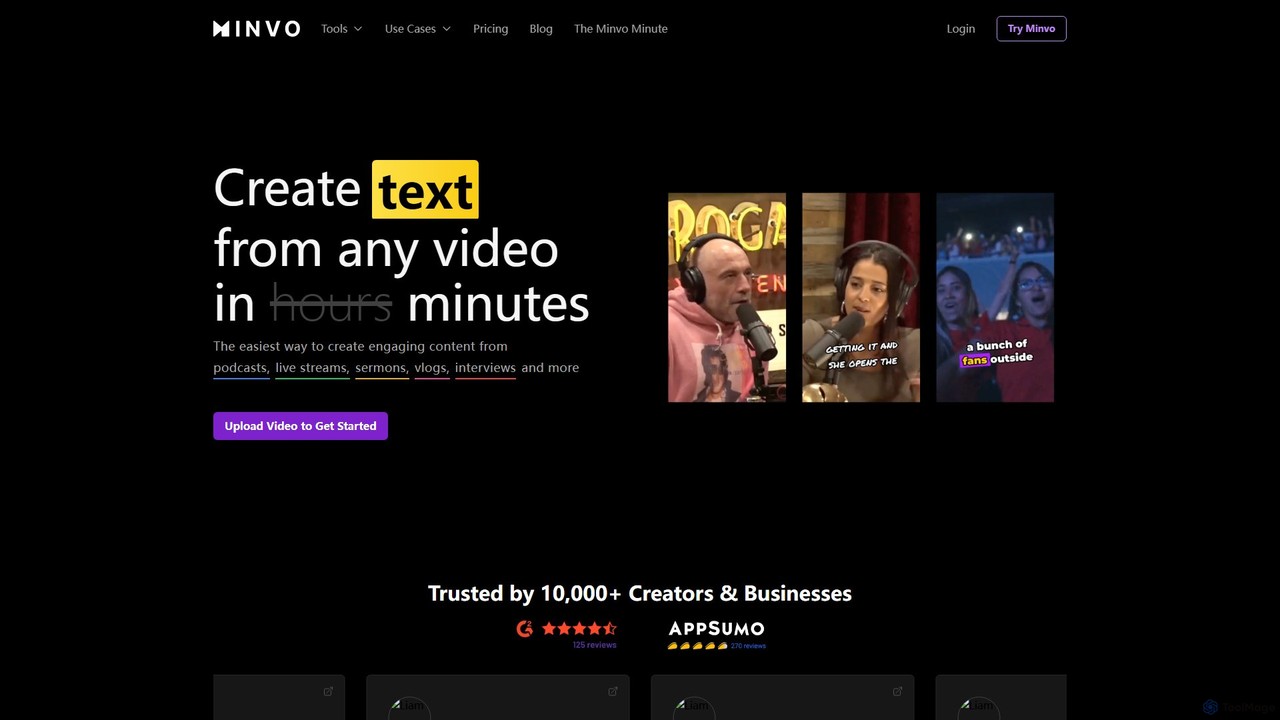
Minvo
Minvo is an AI-powered content studio that transforms long-form videos into engaging short clips, images, and text for social media. It automates the process of clipping, editing, captioning, and scheduling, helping creators and businesses save time and boost their online presence on platforms like YouTube, TikTok, and Instagram.
Automation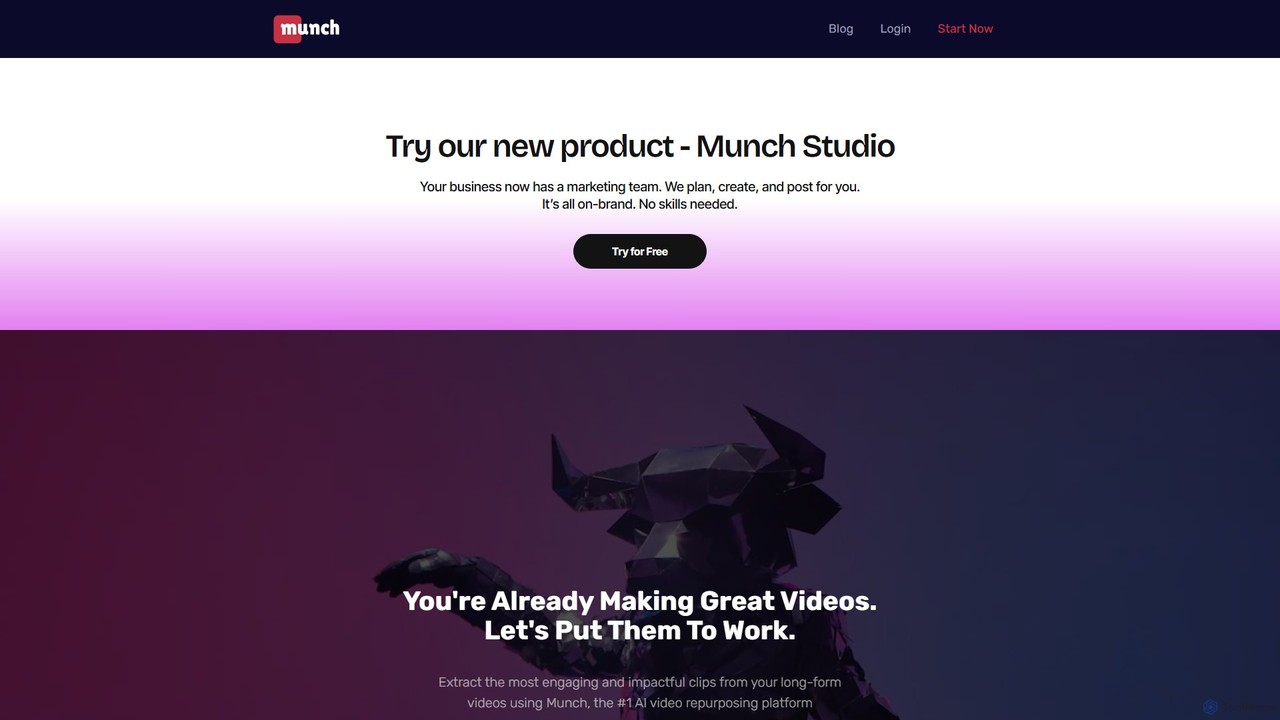
Munch
Munch is an AI-powered platform that automatically repurposes long-form videos into engaging, shareable short clips for social media. It uses AI to extract impactful moments, add captions, and format content for platforms like TikTok, Instagram, and YouTube Shorts, saving creators and marketers significant time and effort.
Video Marketing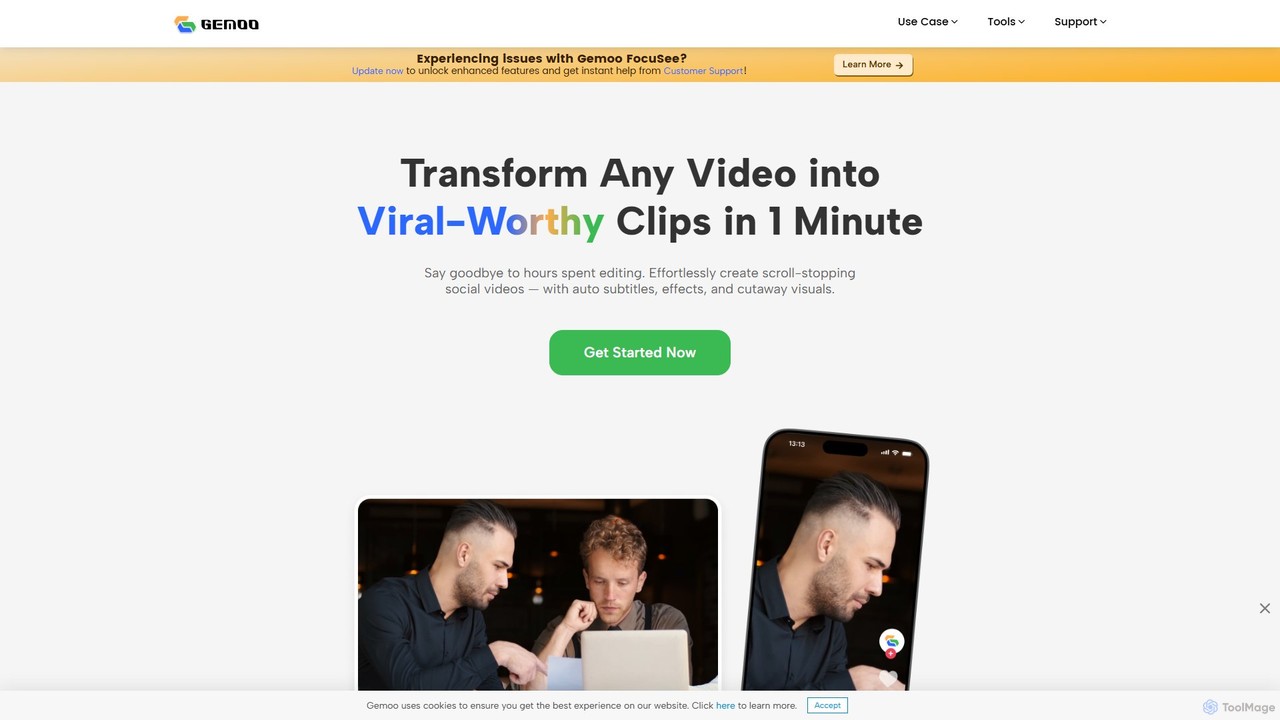
Gemoo
Gemoo is an AI-powered video editor that transforms any video into viral-worthy short clips in minutes. It automates tedious tasks like adding subtitles, inserting relevant B-roll footage, applying effects, and generating social media-optimized titles and descriptions. Ideal for creators, marketers, and educators looking to produce high-quality, engaging content efficiently.
Video Marketing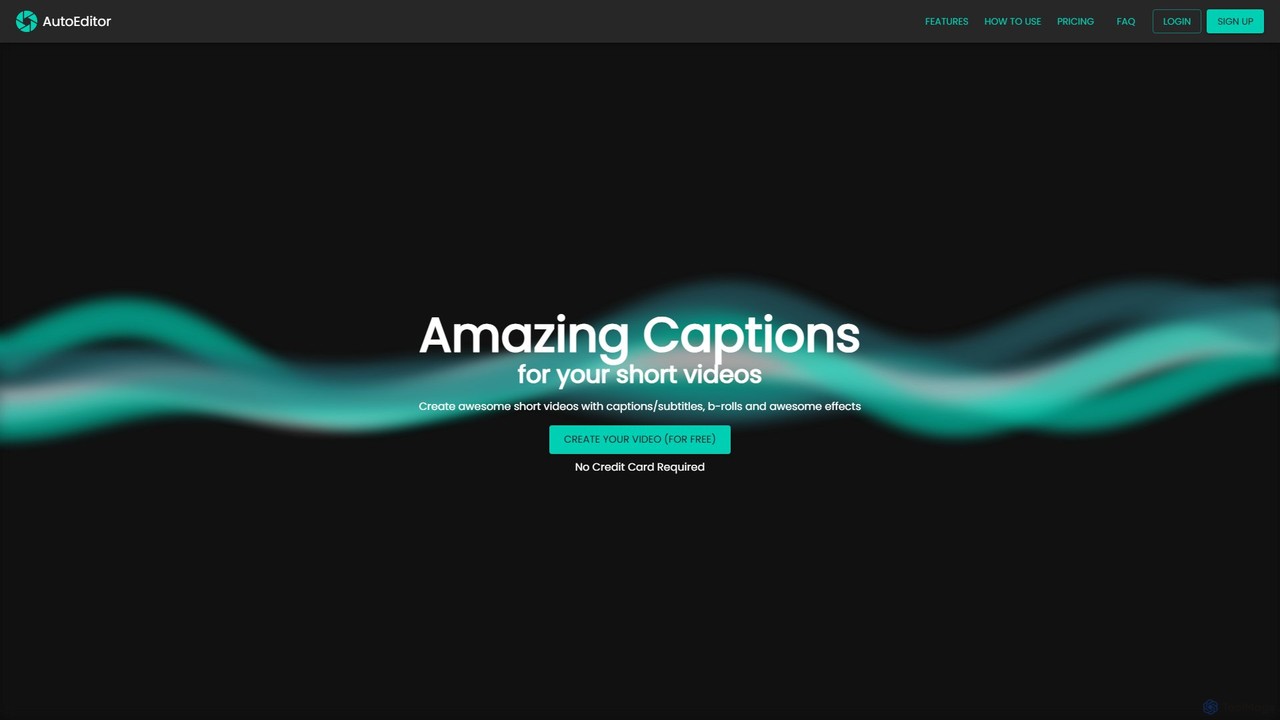
AutoEditor
AutoEditor is an AI-powered video editing tool designed to simplify the creation of engaging short videos. It automatically generates captions in over 40 languages, detects and removes silent parts, and allows users to easily add B-rolls, watermarks, and effects. Ideal for content creators looking to save time and enhance their videos for social media.
Automation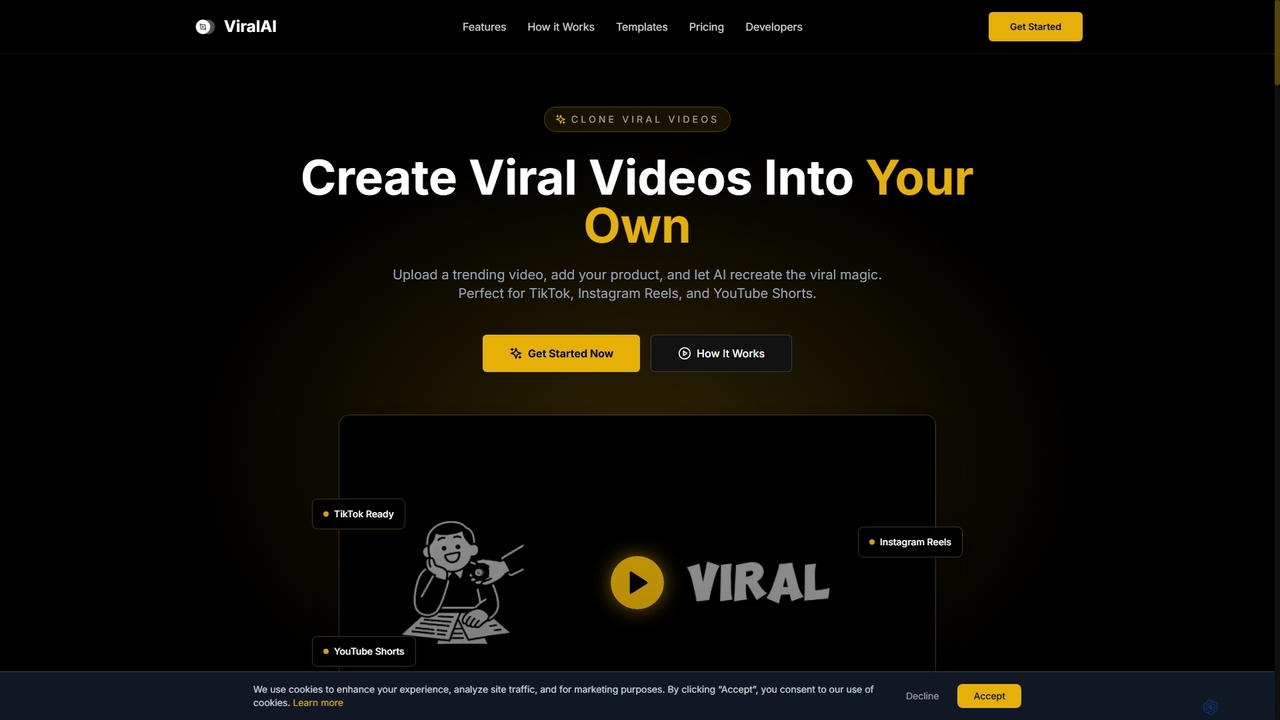
ViralAI
ViralAI is an AI-powered video creation tool designed to transform trending videos into personalized product promotions for platforms like TikTok, Instagram Reels, and YouTube Shorts. It leverages advanced AI motion capture and seamless product integration to help creators and businesses generate engaging, high-quality short-form video content rapidly.
3D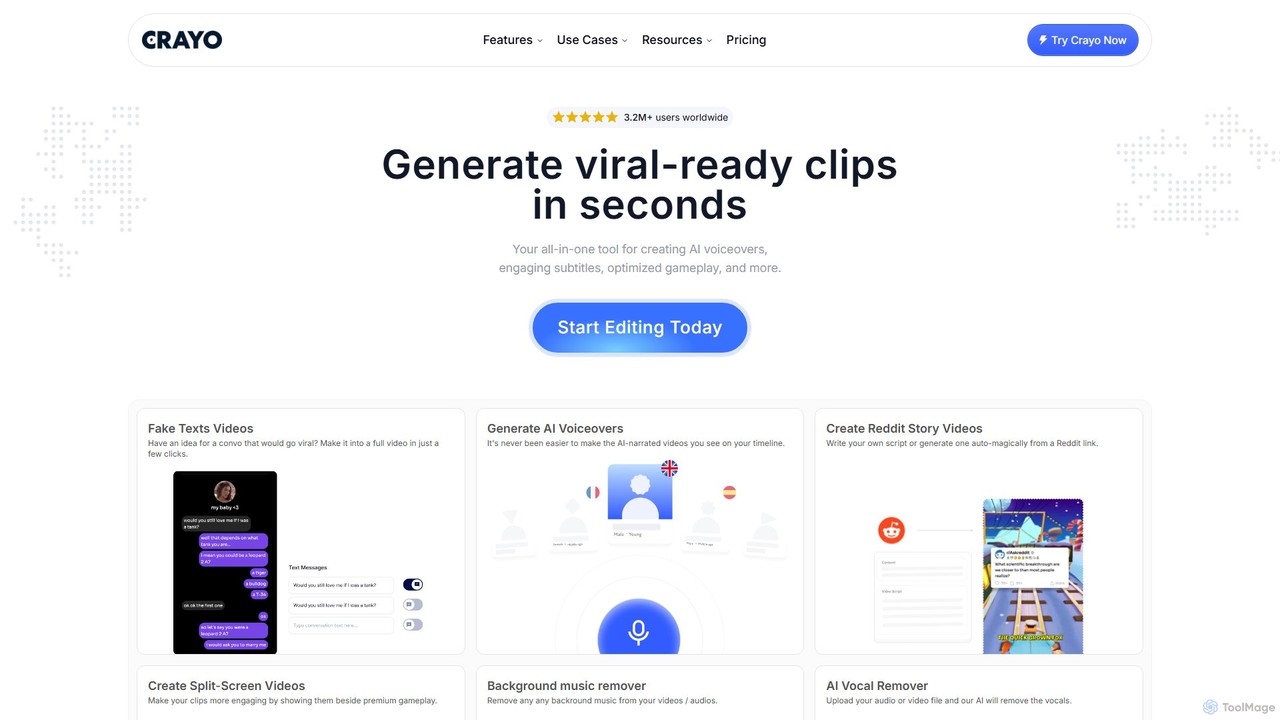
Crayo
Crayo is an all-in-one AI video editor designed for creating viral-ready short-form content in seconds. It automates tedious tasks with features like AI voiceovers, engaging subtitles, split-screen gameplay videos, and unique formats like fake text conversations and Reddit story videos. Ideal for content creators, streamers, and marketers looking to scale their video production and go viral on platforms like TikTok and YouTube.
Voice Generation
Vid.AI
Vid.AI is an AI-powered video generation platform that transforms ideas or scripts into engaging faceless videos for both short-form and long-form content. It automates scriptwriting, voiceovers, visuals, and editing, enabling creators to produce high-quality videos for YouTube, TikTok, and Reels in minutes, with no prior editing skills required.
Video Marketing
Jyek
Jyek is an AI agent platform that understands objectives, creates execution plans, uses tools, and delivers verifiable results for complex, multi-step tasks.
Automation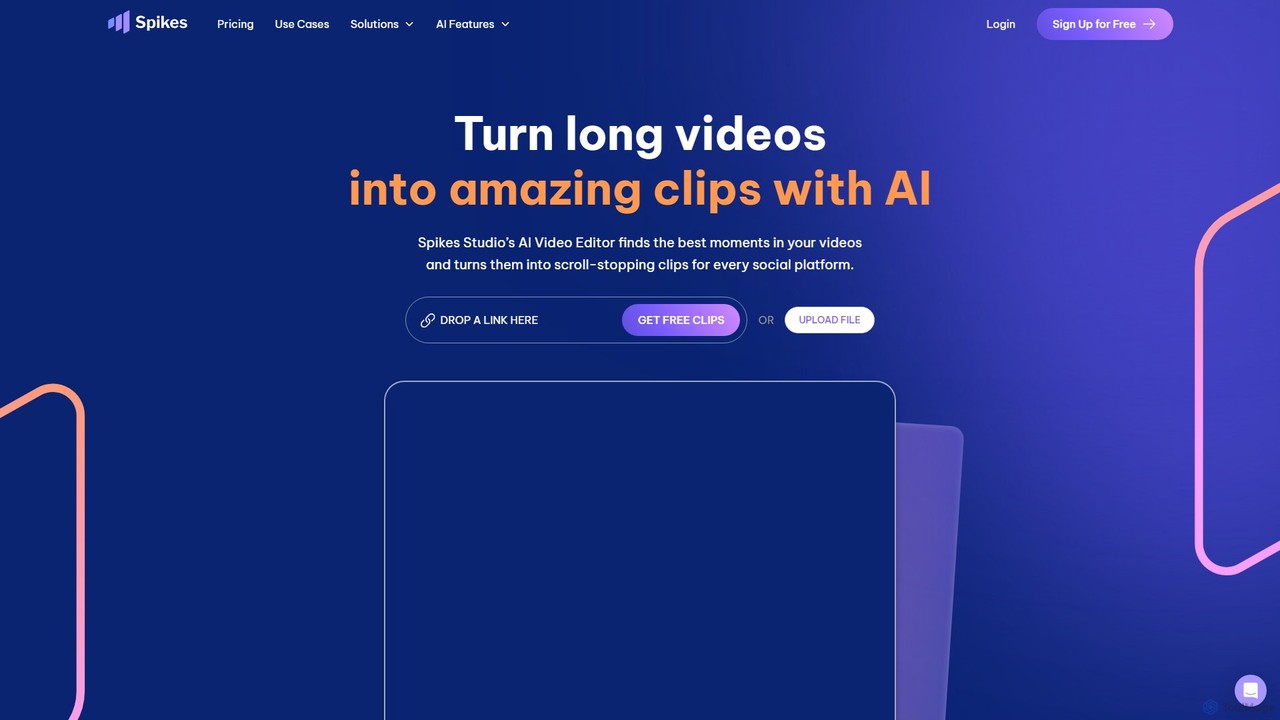
Spikes Studio
Spikes Studio is an AI-powered video editing platform that transforms long-form videos into engaging, shareable short clips for social media like TikTok, Reels, and YouTube Shorts. It automates clip detection, adds animated captions, and provides tools for scheduling and analytics, helping creators and marketers save time and grow their audience.
Automation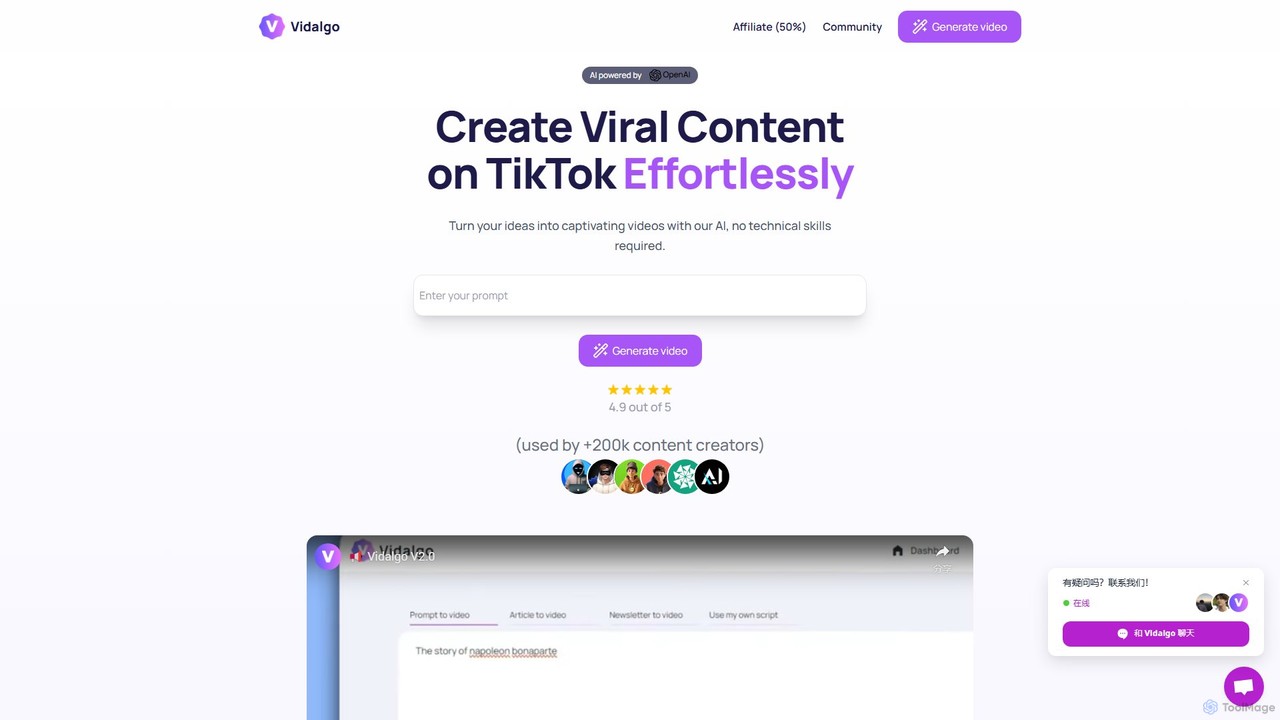
Vidalgo
Vidalgo is an AI-powered platform that enables creators to generate viral vertical videos for TikTok, YouTube Shorts, and Instagram Reels with a single click. It automates scriptwriting, image selection, and video assembly, requiring no technical skills. The tool is designed to save time, boost engagement, and help users create a high volume of content effortlessly.
Automation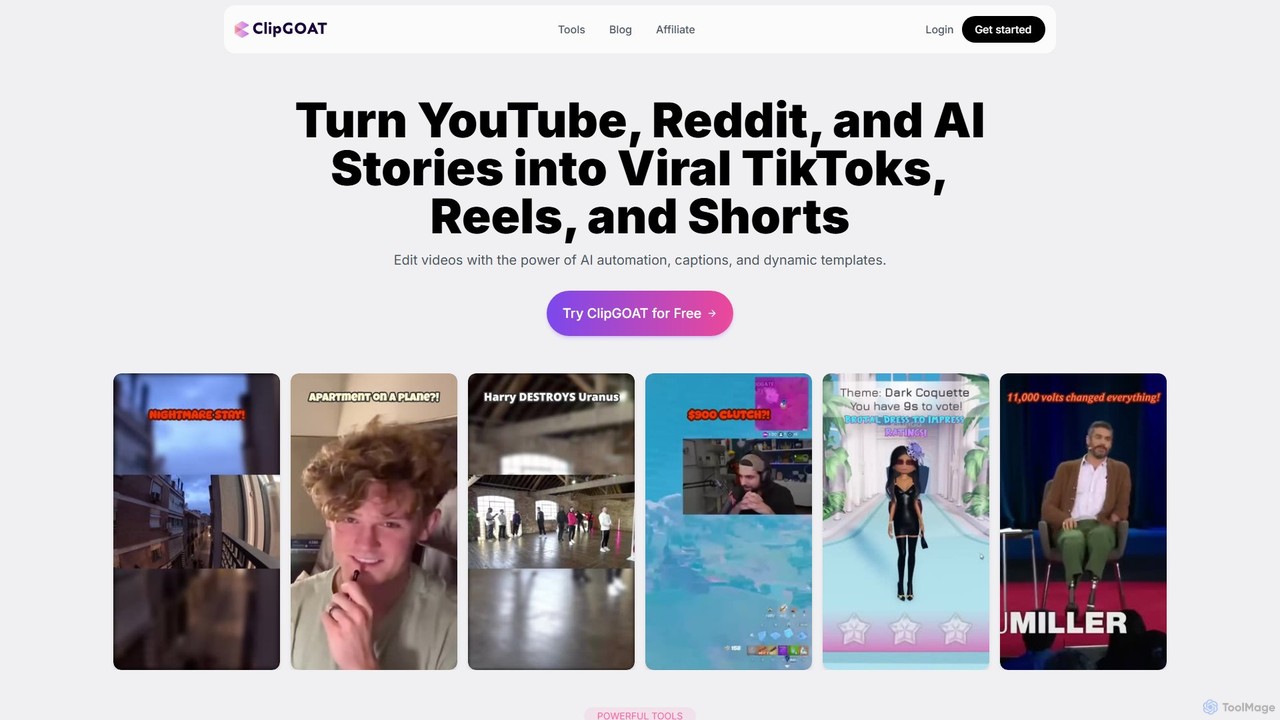
ClipGOAT
ClipGOAT is an AI-powered platform that transforms long-form content like YouTube videos, Reddit threads, and text stories into viral short-form videos for TikTok, Reels, and Shorts. It automates clipping, captioning, and reframing, enabling creators to produce and schedule engaging content in minutes without prior editing experience.
Automation
RenderCut Comments (0)
Sign in to comment.
Sign inNo comments yet.