
LiveLink Overview
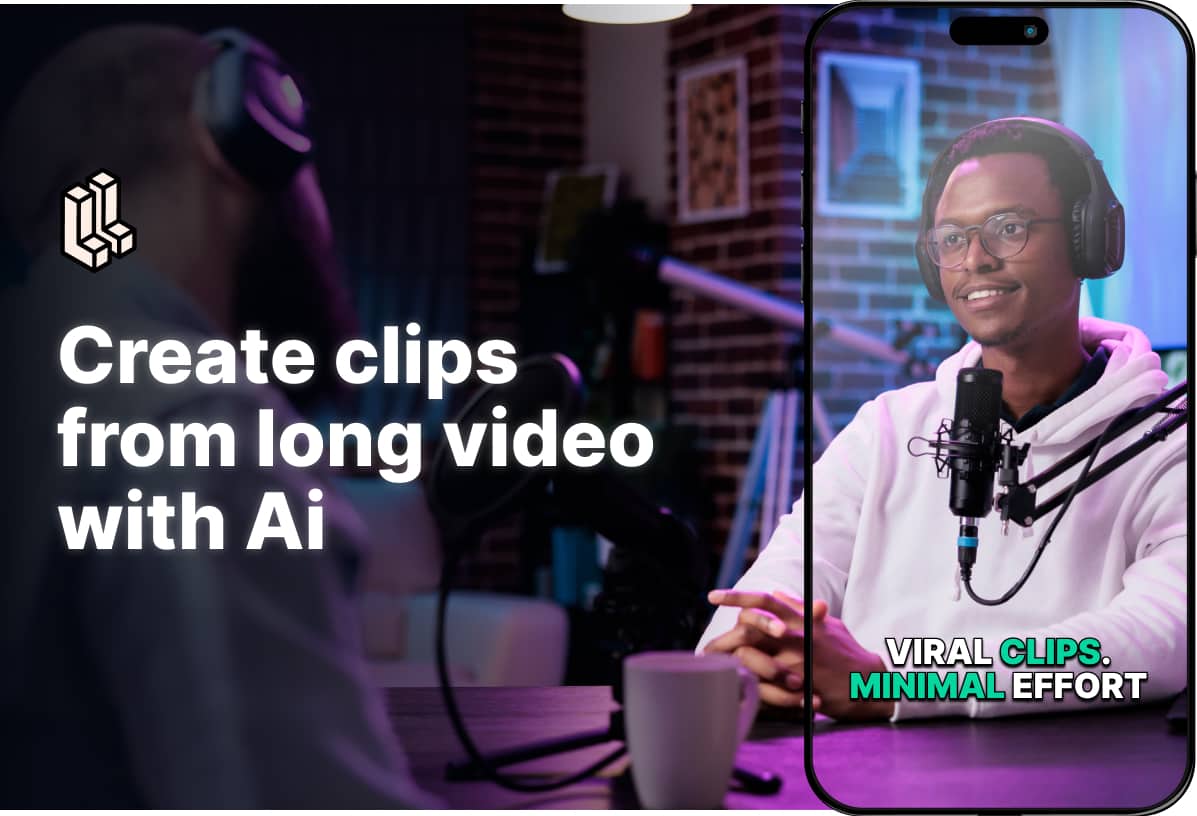
LiveLink is an intelligent AI video generation platform designed to streamline the content creation workflow for marketers, podcasters, and content creators. It specializes in repurposing long-form video content—such as podcasts, webinars, speeches, and product reviews—into compelling, bite-sized clips optimized for social media. By leveraging advanced AI algorithms, LiveLink automates the most time-consuming aspects of video editing, allowing users to maximize their content's reach and engagement with minimal effort.
The platform's core technology analyzes lengthy videos to identify the most impactful and shareable moments. It then automatically generates short clips, complete with dynamic captions and smart reframing that keeps the speaker in focus. This makes it incredibly easy to convert a single long video into a wealth of social media content, perfectly formatted for vertical viewing on platforms like TikTok, YouTube Shorts, and Instagram Reels.
How to use LiveLink
The workflow in LiveLink is designed to be intuitive and efficient, simplifying the video repurposing process into a few easy steps:
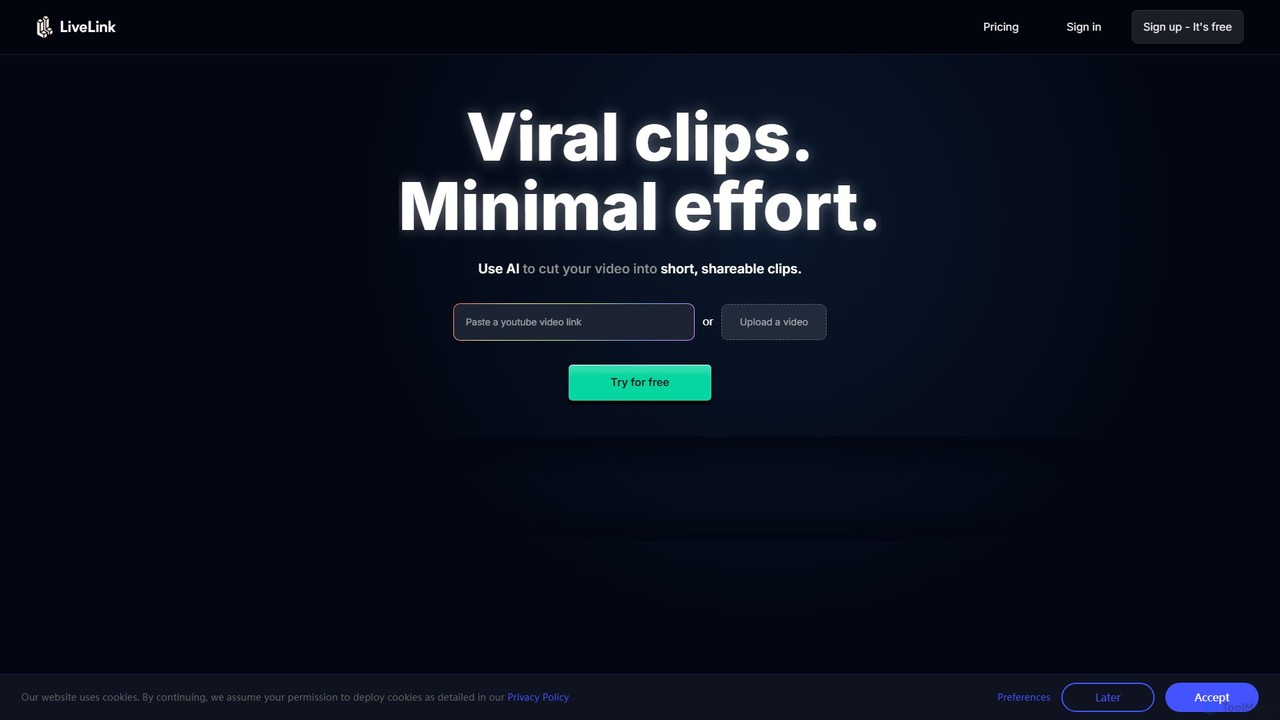
- Upload Your Video: Start by uploading your long-form video file or simply pasting a YouTube link.
- AI Analysis: LiveLink's AI gets to work, analyzing your video's content, identifying key speakers, and pinpointing the most engaging segments to turn into clips.
- Review & Select Clips: You will be presented with a series of AI-suggested clips. Review these suggestions and choose the ones that best fit your content strategy.
- Customize in the Editor: Use the powerful built-in editor to fine-tune your clips. You can trim the video, edit the auto-generated captions for accuracy, and change the caption style. Apply your custom brand templates, including logos, fonts, and color schemes, to maintain brand consistency.
- Schedule & Auto-Post: Once your clips are perfected, connect your social media accounts (YouTube, TikTok, Instagram). Use the integrated scheduler to plan your content calendar and let LiveLink auto-post the clips for you, ensuring a consistent stream of content for your audience.
Core Features of LiveLink
- AI Clip Generator: Automatically identifies and extracts viral-worthy moments from long videos using advanced algorithms.
- Advanced Speaker Tracking: Utilizes facial recognition to intelligently keep the speaker centered in the frame, even when converting from landscape to vertical format.
- Automatic Captions: Generates accurate captions automatically to increase accessibility and viewer retention. Users can customize the style and text of the captions.
- Custom Brand Templates: Create and save brand kits with your logos, colors, and fonts to quickly apply a consistent look to all your video clips.
- Video Resizer: Effortlessly converts horizontal (16:9) videos into vertical (9:16) clips suitable for mobile-first social platforms.
- Social Media Scheduler & Auto-Posting: Directly schedule and publish your finished clips to YouTube Shorts, Instagram Reels, and TikTok from within the platform.
- Advanced Video Editor: A user-friendly editor that allows for precise trimming, caption updates, and other fine-tuning to ensure every clip is perfect.
- Targeted Clip Suggestions: The AI provides recommendations for clips that are most likely to resonate with your audience, helping to boost engagement.
Use Cases for LiveLink
LiveLink is ideal for anyone looking to amplify their video content strategy:
- Content Creators & YouTubers: Effortlessly repurpose long-form vlogs, tutorials, or reviews into a steady stream of YouTube Shorts and Instagram Reels to grow their audience.
- Podcasters: Transform video podcasts into engaging clips to promote episodes on social media and attract new listeners.
- Marketers & Agencies: Quickly create promotional content, highlight reels, and social ads from webinars, interviews, or product demonstrations to drive traffic and conversions.
- Educators & Coaches: Break down lengthy lectures or online courses into digestible, bite-sized clips for social learning and promotion.
Advantages of LiveLink
The primary advantage of LiveLink is its efficiency. It dramatically reduces the hours spent on manual video editing, freeing up creators to focus on producing more core content. Its intelligent features ensure that the output is high-quality, professionally branded, and optimized for social media algorithms. The all-in-one workflow—from clipping and editing to scheduling and posting—simplifies the entire content distribution process, making it a powerful tool for enhancing any content marketing strategy.
Pricing and Plans
LiveLink offers a 7-day free trial to test its features. Following the trial, users can subscribe to a paid plan. While the specific pricing page was not available, a typical structure for such a service would include:
- Free Trial: A 7-day period to access the platform's core features.
- Creator Plan: A monthly subscription designed for individual creators, offering a set number of video upload minutes per month, access to all core AI features, and standard support.
- Pro Plan: A higher-tier plan for power users and small agencies, providing more upload minutes, higher export quality, removal of LiveLink branding, and priority support.
- Business/Enterprise Plan: Custom plans for large teams and agencies requiring extensive usage, team collaboration features, and dedicated support.
Traffic
Latest traffic
Status
Monthly traffic trend
- 2025-9: 200.7K
- 2026-1: 293.4K
- 2026-2: 269.7K
- 2026-3: 247.3K
- 2026-4: 176.1K
- 2026-5: 126.5K
Geography
Top 5 countries / regions
- 🇮🇳India34.7%
- 🇺🇸United States18.0%
- 🇮🇩Indonesia16.6%
- 🇪🇹Ethiopia15.4%
- 🇳🇬Nigeria15.4%
Traffic sources
| Source type | Percentage |
|---|---|
Direct | 88.5% |
Referral | 8.8% |
Email | 2.7% |
Top keywords
| Keyword | Cost per click |
|---|---|
| livelink | $2.91 |
| ssyoutube | $0.27 |
| youtube shorts download | $0.14 |
| ytmp3 | $0.56 |
| yt short download | $0.12 |
LiveLink Videos on YouTube
LiveLink Alternatives
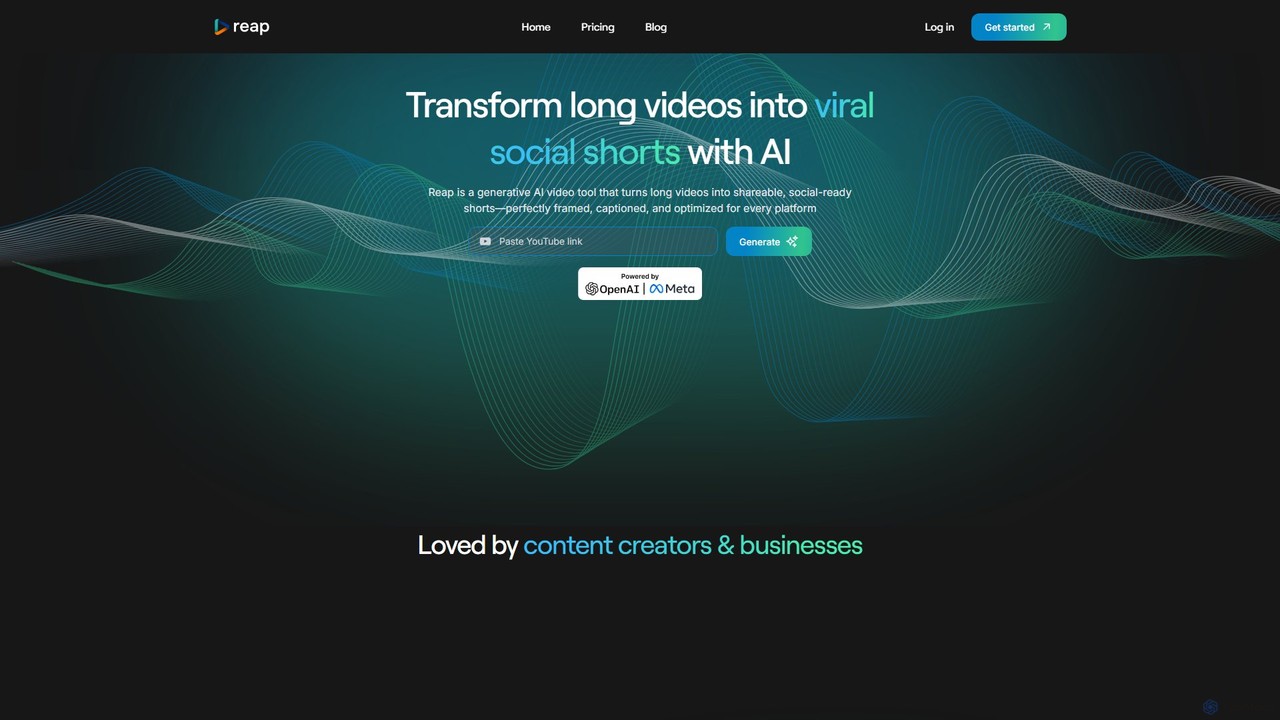
reap
An AI-powered video editing platform that automatically transforms long-form videos into viral short clips for social media. It features AI-driven clipping, transcript-based editing, automatic captions, and audio enhancement tools to save creators time and boost their content's reach.
Repurposing
ClipRemix
ClipRemix is an AI-powered platform that transforms long-form videos and podcasts into engaging, short-form clips for social media. It automatically identifies key moments, adds dynamic captions, and reformats content for platforms like TikTok, Reels, and Shorts, helping creators and marketers maximize their reach.
Repurposing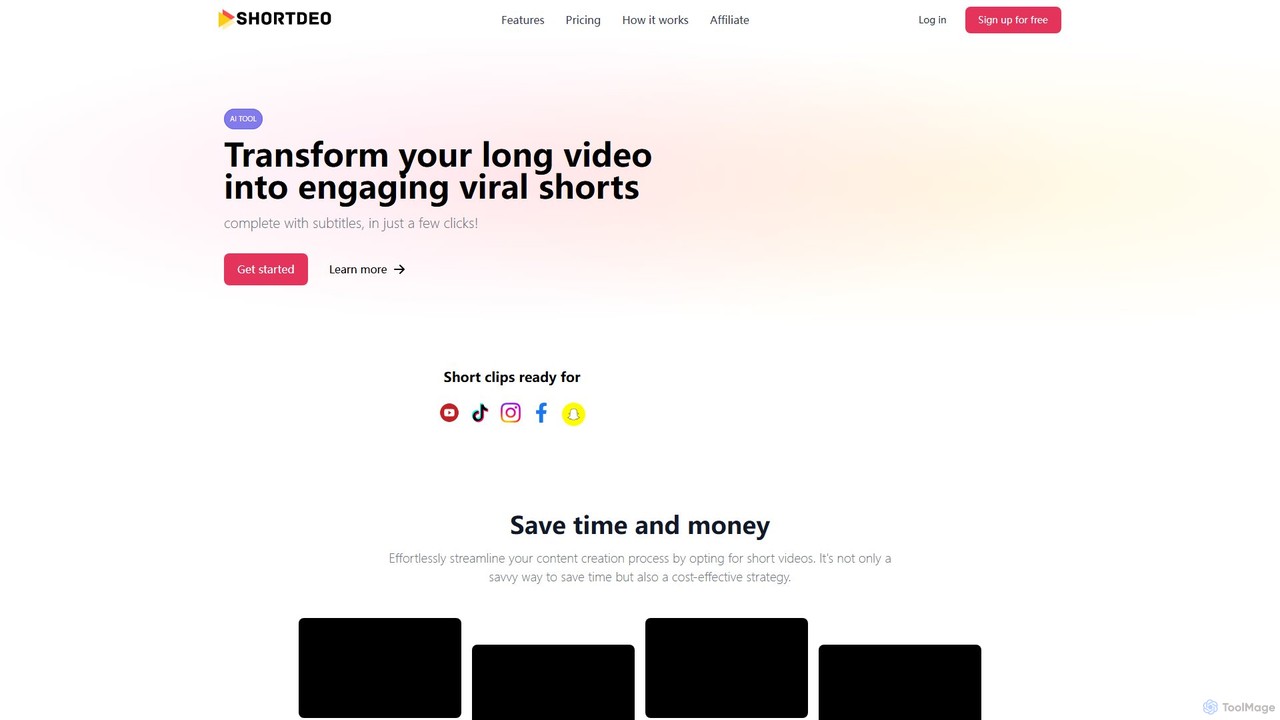
Shortdeo
Shortdeo is an AI-powered video editing platform that automatically transforms long videos into engaging, viral short clips. Ideal for content creators and marketers, it uses AI to detect key scenes, intelligently crop footage, and generate accurate subtitles. Effortlessly repurpose your content for TikTok, Instagram Reels, and YouTube Shorts in just a few clicks, saving significant time and production costs.
Repurposing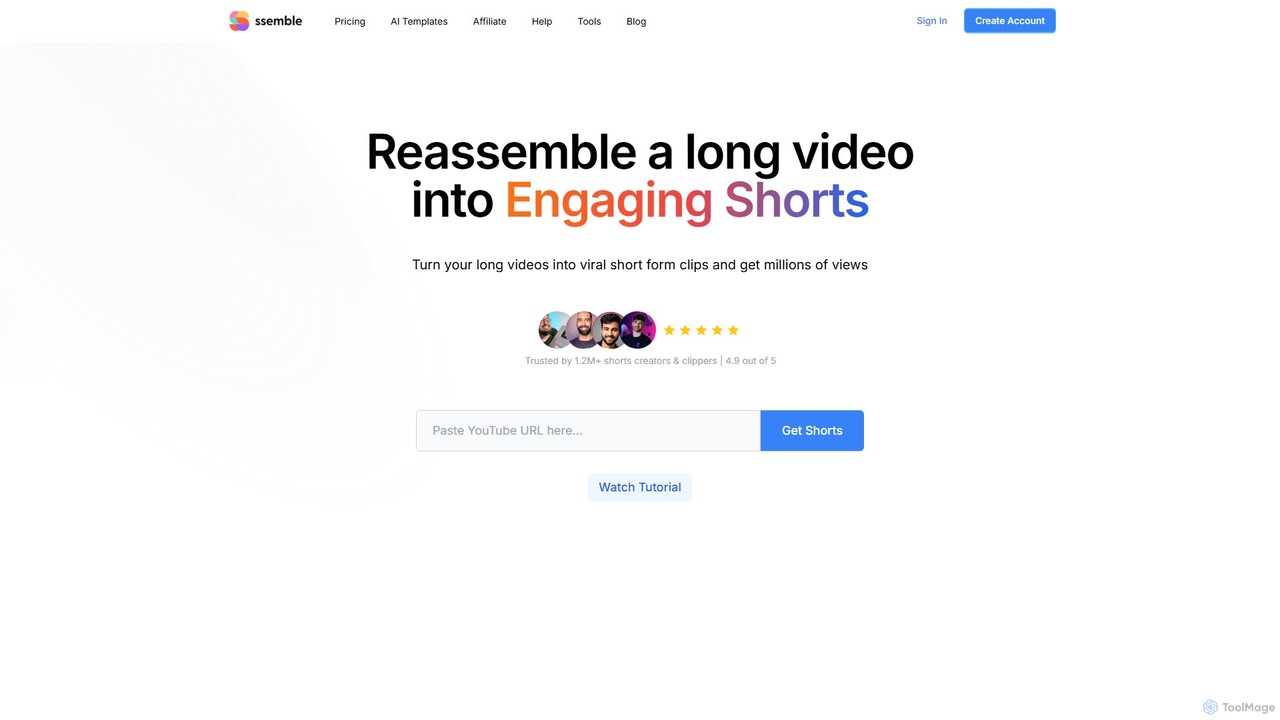
Ssemble
Ssemble is an AI-powered video editing platform that transforms long-form videos into engaging, viral short-form clips. It automates finding key moments, adding captions, reframing for vertical formats, and scheduling posts for TikTok, YouTube Shorts, and Instagram Reels. Ideal for content creators and marketers looking to maximize their reach and engagement with minimal effort.
Video Marketing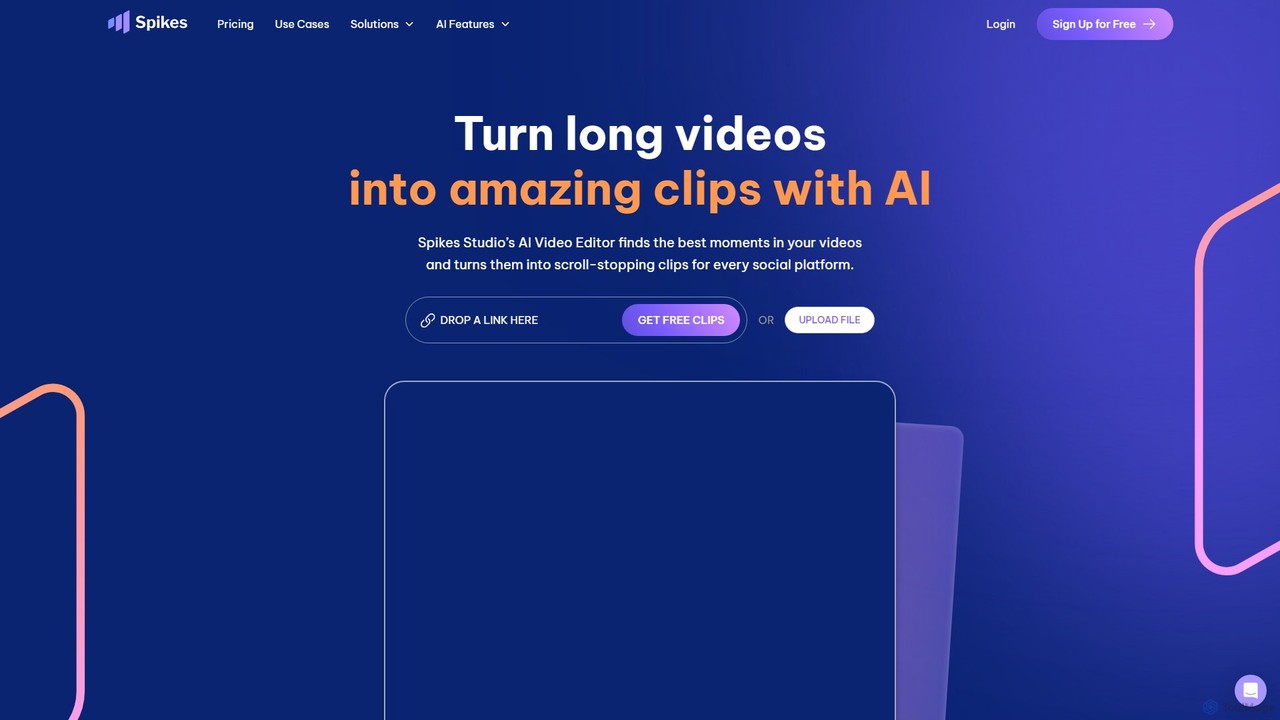
Spikes Studio
Spikes Studio is an AI-powered video editing platform that transforms long-form videos into engaging, shareable short clips for social media like TikTok, Reels, and YouTube Shorts. It automates clip detection, adds animated captions, and provides tools for scheduling and analytics, helping creators and marketers save time and grow their audience.
AutomationLiveLink Categories
LiveLink Embed Widget
Copy this embed code to place the badge on your blog, article, or product site and send readers directly to this ToolMage detail page.

Related AI tools
Ssemble
Ssemble is an AI-powered video editing platform that transforms long-form videos into engaging, viral short-form clips. It automates finding key moments, adding captions, reframing for vertical formats, and scheduling posts for TikTok, YouTube Shorts, and Instagram Reels. Ideal for content creators and marketers looking to maximize their reach and engagement with minimal effort.
Video MarketingSpikes Studio
Spikes Studio is an AI-powered video editing platform that transforms long-form videos into engaging, shareable short clips for social media like TikTok, Reels, and YouTube Shorts. It automates clip detection, adds animated captions, and provides tools for scheduling and analytics, helping creators and marketers save time and grow their audience.
Automationreap
An AI-powered video editing platform that automatically transforms long-form videos into viral short clips for social media. It features AI-driven clipping, transcript-based editing, automatic captions, and audio enhancement tools to save creators time and boost their content's reach.
Repurposing
Jyek
Jyek is an AI agent platform that understands objectives, creates execution plans, uses tools, and delivers verifiable results for complex, multi-step tasks.
Automation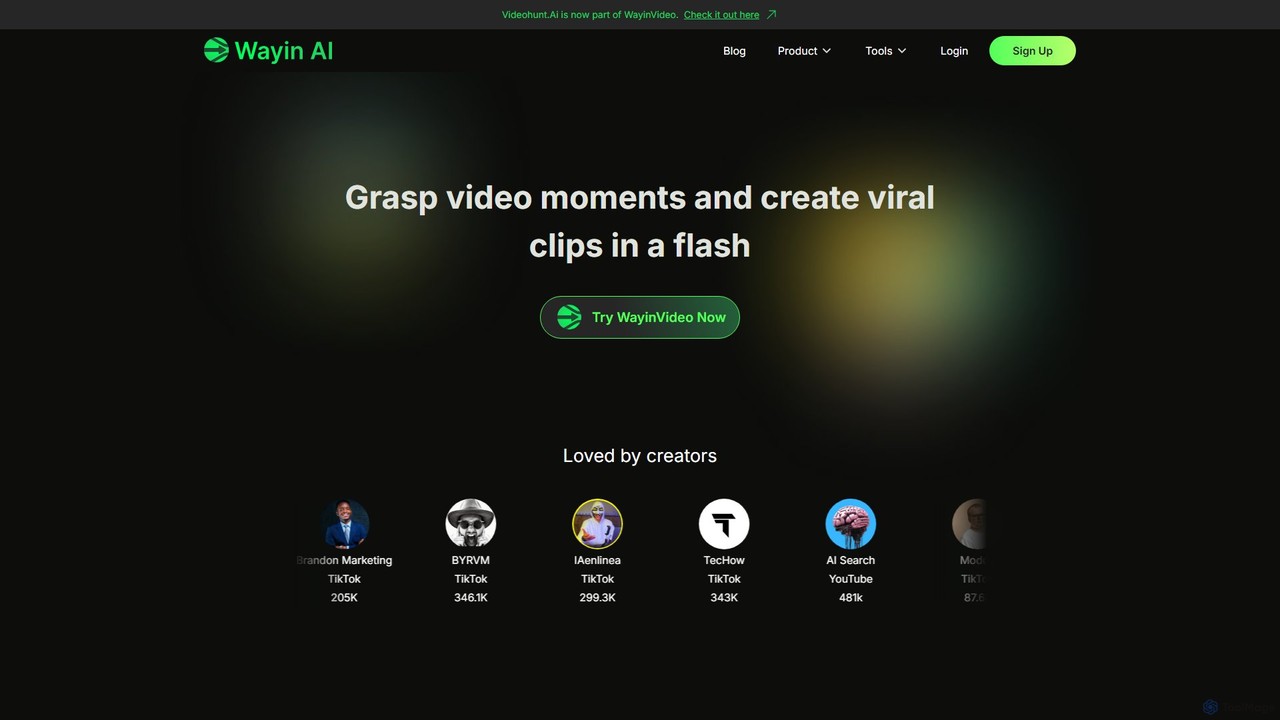
WayinVideo
WayinVideo is an AI-powered platform designed for content creators and marketers to effortlessly transform long-form videos into engaging, viral short clips. By simply pasting a video link or uploading a file, the AI automatically identifies key moments, generates animated captions, and reframes content for social media platforms like TikTok, YouTube Shorts, and Instagram Reels, saving hours of manual editing.
Automation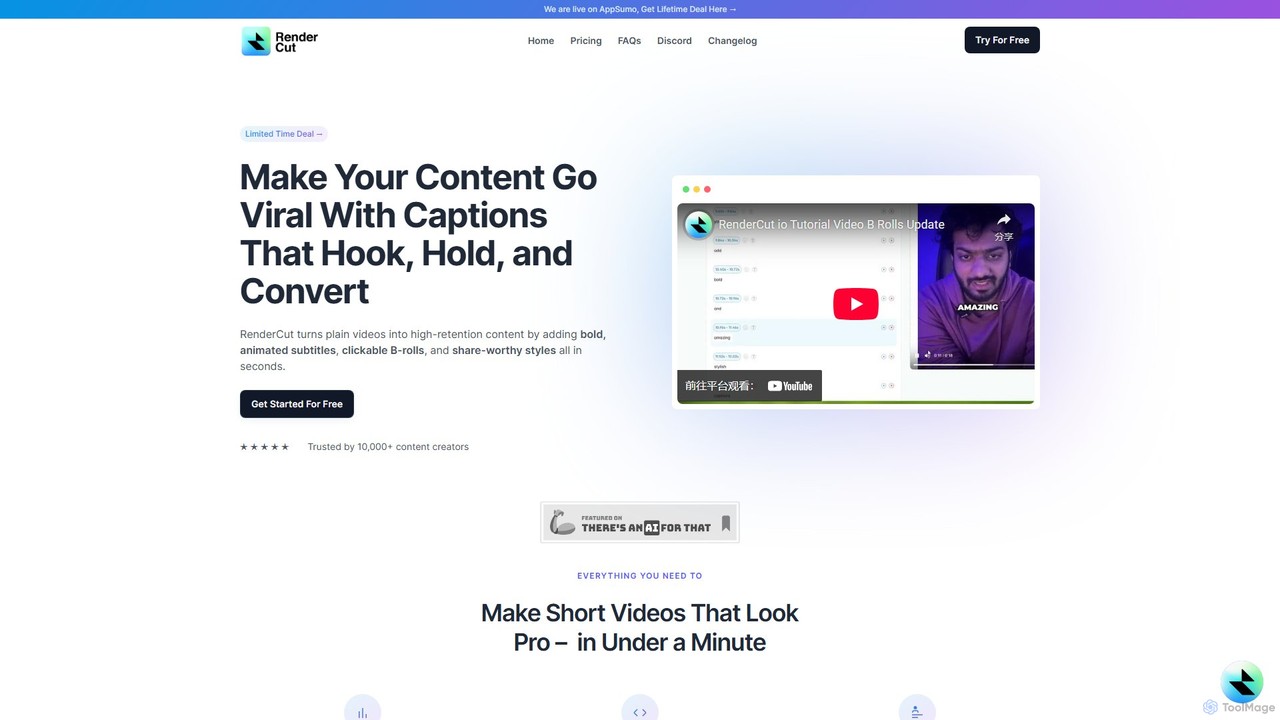
RenderCut
RenderCut is an AI-powered video editing tool that automates the creation of engaging short-form videos. It instantly adds stylish, animated subtitles, B-rolls, emojis, and sound effects, transforming plain videos or audio into high-retention content for platforms like TikTok, Reels, and Shorts. It's designed for content creators, marketers, and businesses to produce professional-looking videos in minutes, not hours.
Video Marketing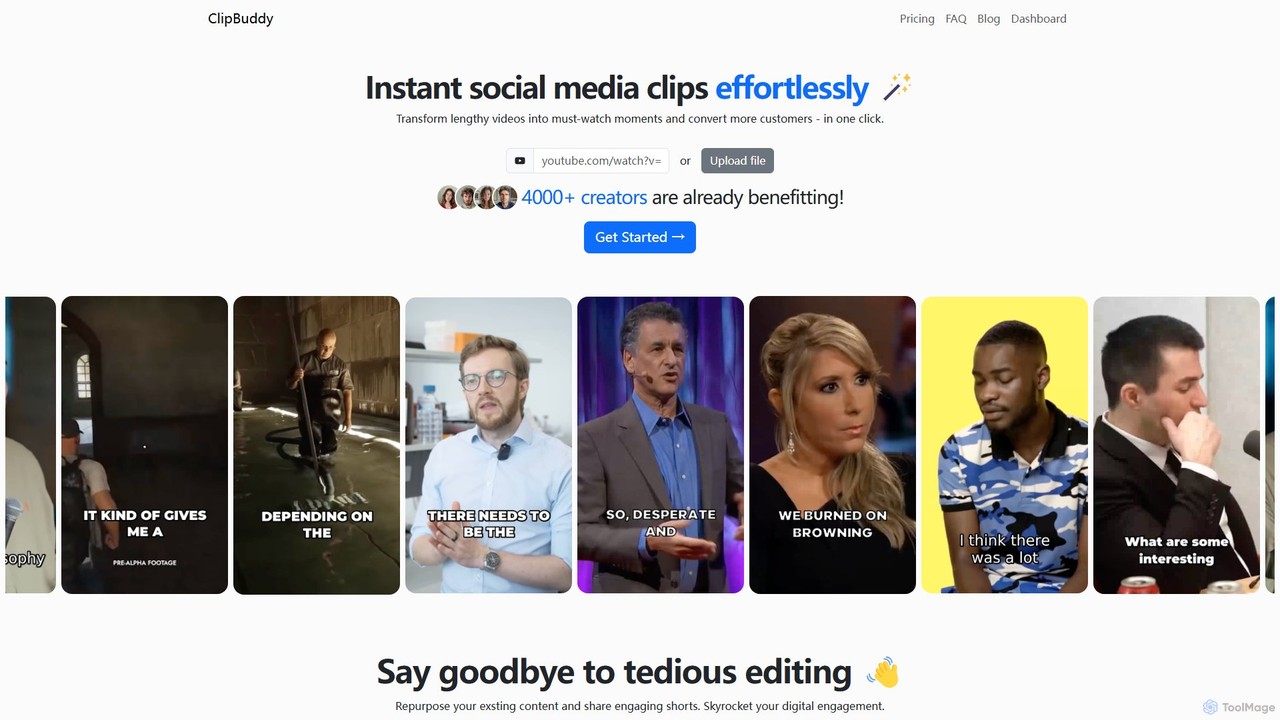
ClipBuddy
ClipBuddy is an AI-powered platform that automatically transforms long-form videos into engaging, viral short clips. It intelligently identifies key moments, adds dynamic multi-language captions, and resizes content for social media platforms like TikTok, Reels, and Shorts, helping creators maximize their reach and engagement with minimal effort.
Automation
ShortX.ai
ShortX.ai is an AI-powered platform that automates the creation of engaging short-form videos from long-form content. Ideal for creators and marketers, it uses AI to find viral moments, add dynamic captions, and reformat videos for platforms like TikTok, Reels, and YouTube Shorts, saving hours of editing time.
Video MarketingClipRemix
ClipRemix is an AI-powered platform that transforms long-form videos and podcasts into engaging, short-form clips for social media. It automatically identifies key moments, adds dynamic captions, and reformats content for platforms like TikTok, Reels, and Shorts, helping creators and marketers maximize their reach.
RepurposingShortdeo
Shortdeo is an AI-powered video editing platform that automatically transforms long videos into engaging, viral short clips. Ideal for content creators and marketers, it uses AI to detect key scenes, intelligently crop footage, and generate accurate subtitles. Effortlessly repurpose your content for TikTok, Instagram Reels, and YouTube Shorts in just a few clicks, saving significant time and production costs.
Repurposing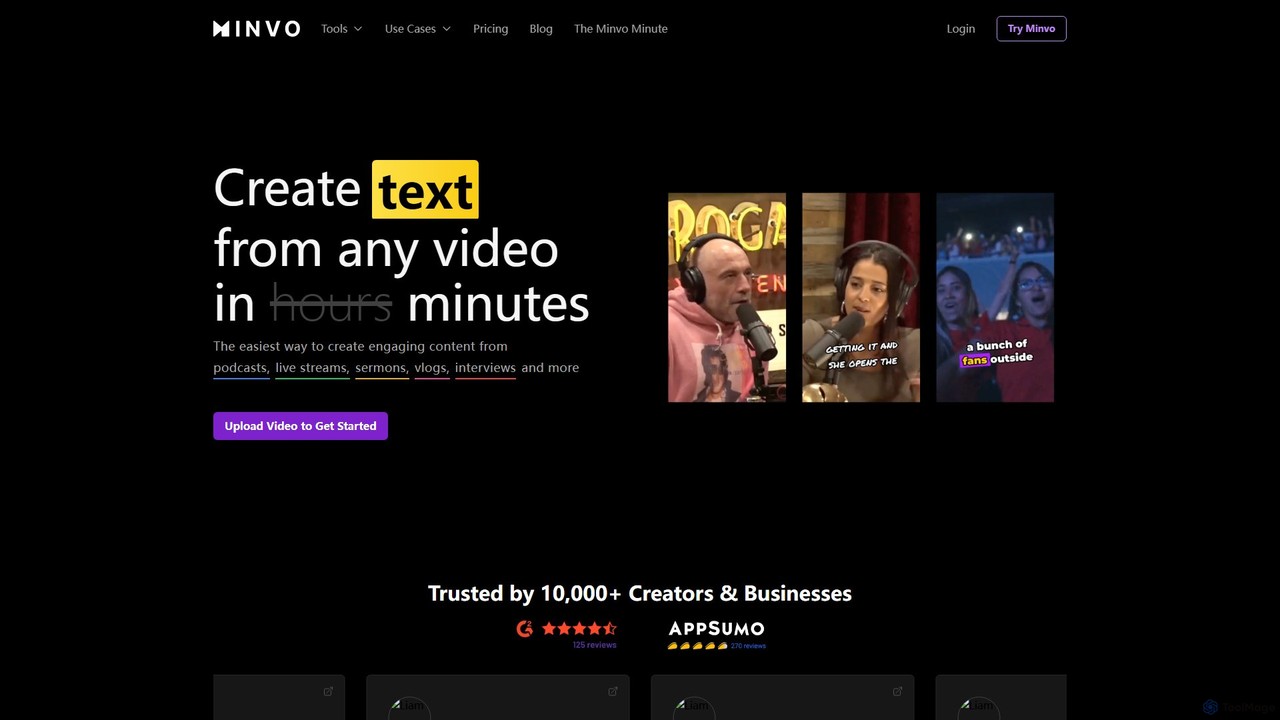
Minvo
Minvo is an AI-powered content studio that transforms long-form videos into engaging short clips, images, and text for social media. It automates the process of clipping, editing, captioning, and scheduling, helping creators and businesses save time and boost their online presence on platforms like YouTube, TikTok, and Instagram.
Automation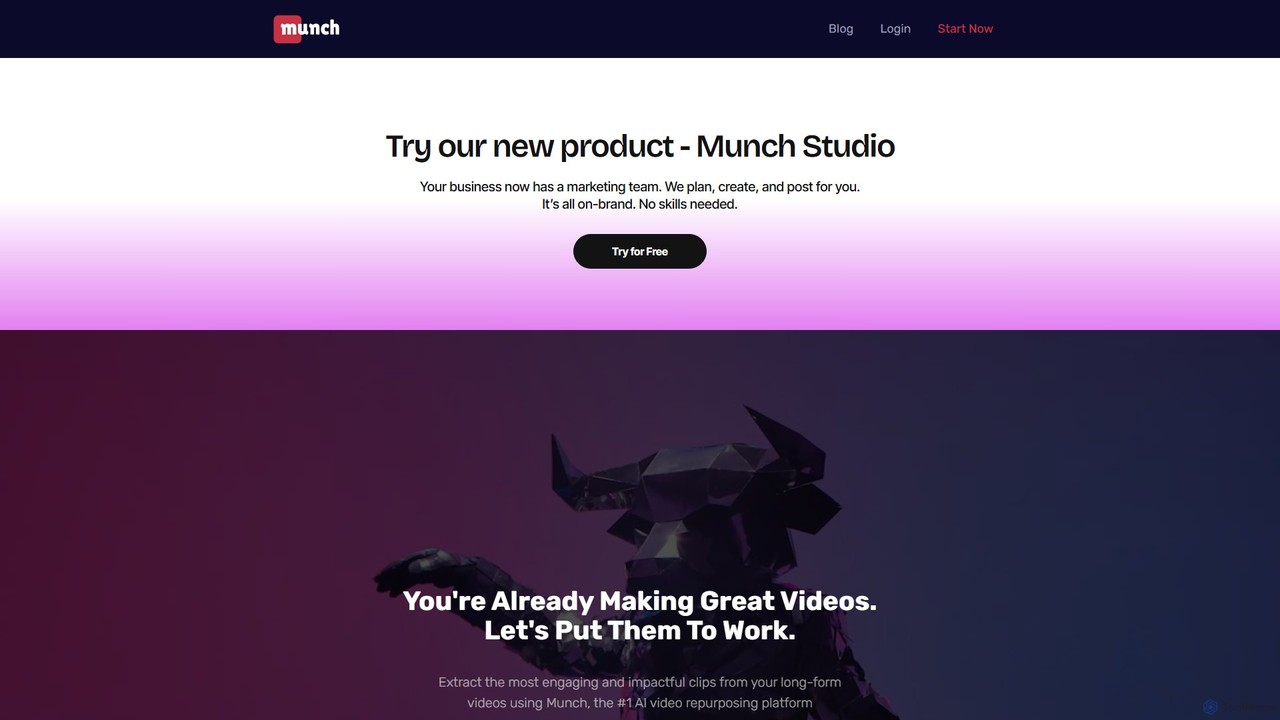
Munch
Munch is an AI-powered platform that automatically repurposes long-form videos into engaging, shareable short clips for social media. It uses AI to extract impactful moments, add captions, and format content for platforms like TikTok, Instagram, and YouTube Shorts, saving creators and marketers significant time and effort.
Video Marketing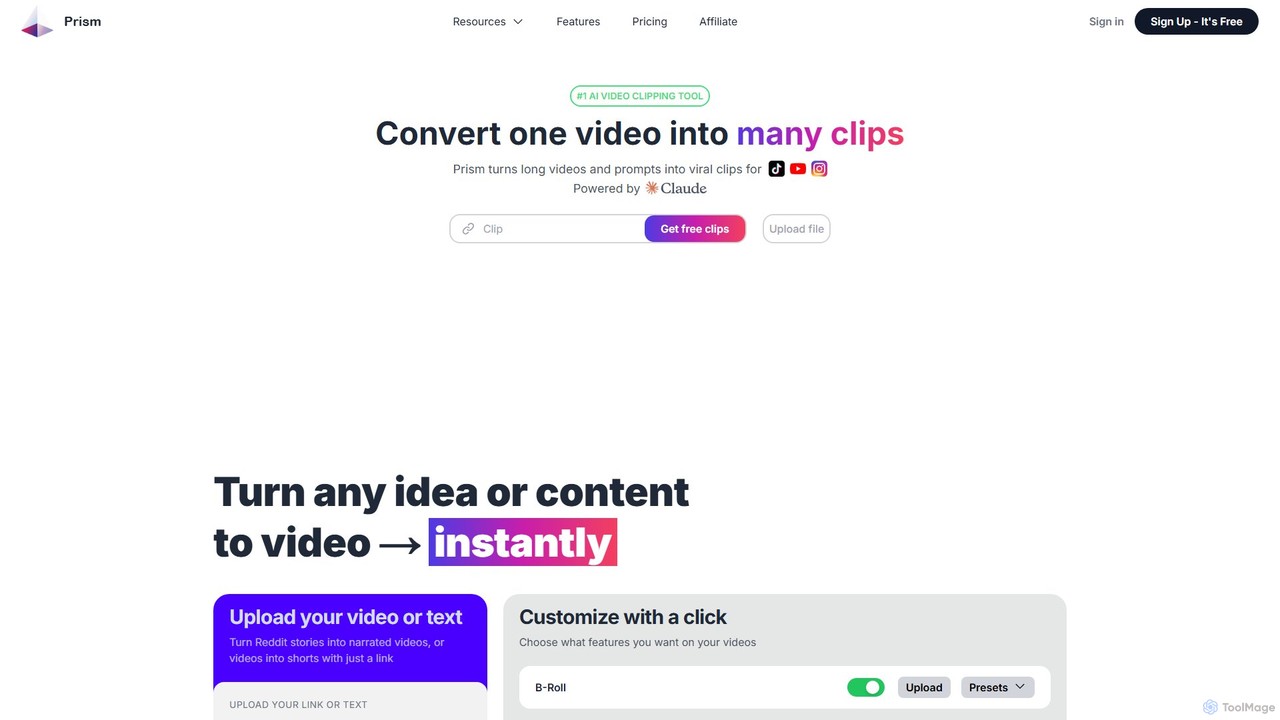
Prism Clips
Prism Clips is an AI-powered video clipping tool that automatically transforms long videos and text prompts into multiple viral-ready short clips. It analyzes content, identifies engaging moments, scores their virality potential, and allows for one-click customization and social media posting.
Automation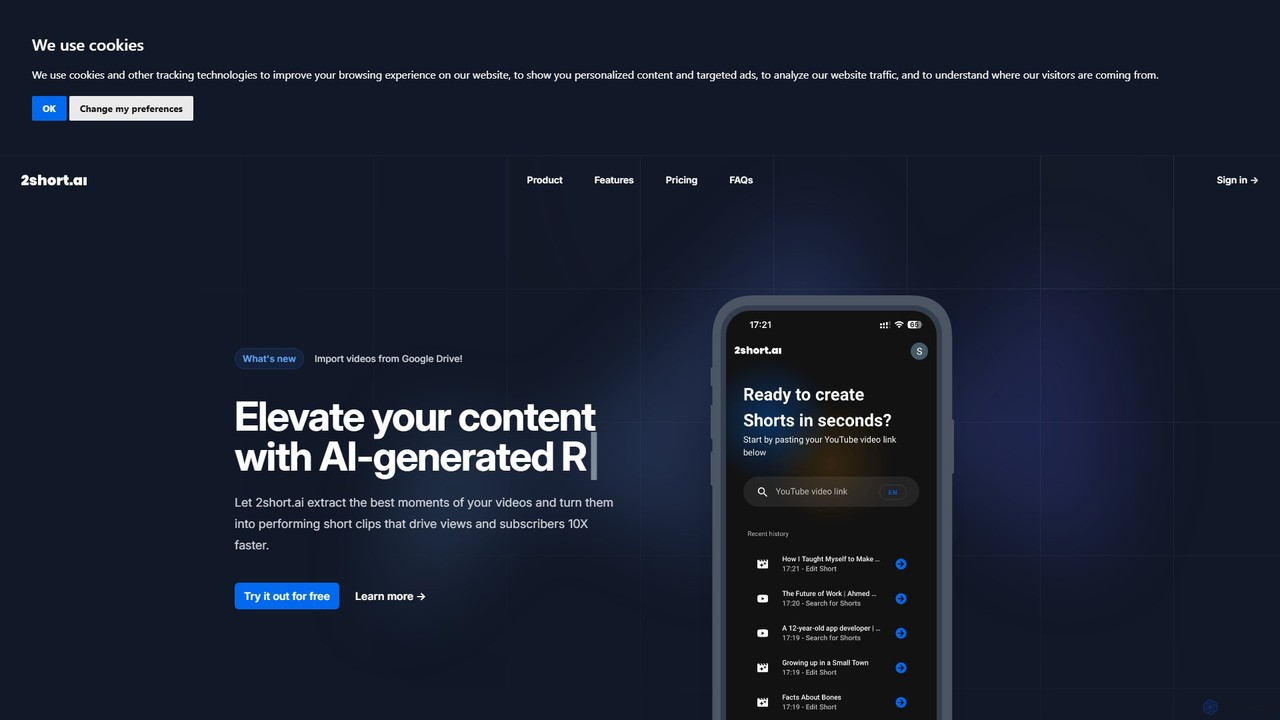
2short.ai
2short.ai is an AI-powered tool that transforms long-form videos into engaging, high-performing short clips. It automatically identifies the most captivating moments, adds animated subtitles, and uses facial tracking to perfectly frame speakers. This helps content creators save hours of editing time and grow their audience on platforms like YouTube Shorts, TikTok, and Reels 10x faster.
Automation
SNAPVID.AI
SNAPVID.AI is an AI-powered video editor designed for content creators to quickly transform long-form videos into viral short clips. It automates tedious tasks like cutting, adding subtitles, and inserting B-roll footage, enabling users to produce more content for platforms like TikTok, Reels, and YouTube Shorts, saving significant time and money.
Automation
LiveLink Comments (0)
Sign in to comment.
Sign inNo comments yet.