

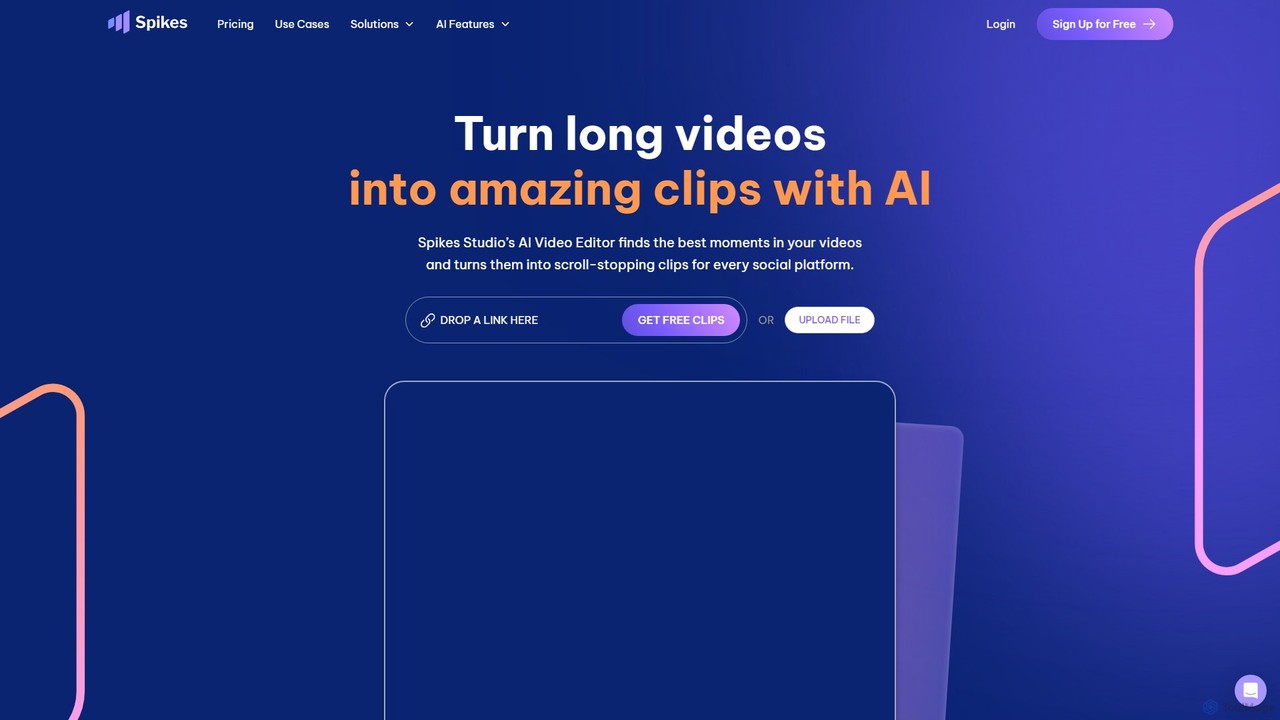
Spikes Studio Overview
Spikes Studio is a comprehensive, AI-driven social video studio designed to streamline the content creation process for creators, marketers, and businesses. It specializes in transforming raw, long-form video footage into polished, platform-ready short clips with remarkable speed and efficiency. By leveraging artificial intelligence, Spikes Studio automates the most time-consuming aspects of video editing, claiming to reduce editing time by up to 90%. This allows users to significantly increase their content output without a corresponding increase in effort or resources.
The platform is an all-in-one solution, integrating video editing, social media customization, publishing, analytics, and management into a single, user-friendly dashboard. This eliminates the need for multiple disparate tools, creating a seamless workflow from initial upload to final performance analysis. It's built to help users work smarter, stand out on crowded social feeds, and achieve consistent growth through data-driven insights.
How to use Spikes Studio
The workflow in Spikes Studio is designed for simplicity and speed. Users begin by uploading their long video file (such as a podcast, webinar, or livestream recording). The AI then gets to work, automatically analyzing the content to identify the most engaging or 'viral' moments. It curates these moments into potential short clips. From there, users can enter the web editor to refine the selections, add on-brand animated captions, and apply automatic effects like smooth transitions and smart zooming (AI Face Tracking). The platform also allows for automatic reframing to fit various social media formats (e.g., 9:16 for TikTok/Reels). Once the clips are ready, they can be scheduled and published directly to connected social media accounts, including TikTok, YouTube, Facebook, and LinkedIn. Finally, users can track the performance of their content through the built-in analytics dashboard to understand what resonates with their audience.
Core Features of Spikes Studio
- AI Clip Detection: Automatically identifies standout moments and potential viral clips from long videos.
- Automatic Editing & Effects: Includes auto transitions, smart zooming, AI face tracking, and auto reframing for vertical, horizontal, or square formats.
- Animated & On-Brand Captions: Transcribes audio in over 99 languages and adds customizable, animated captions to boost engagement.
- AI B-Roll & Emojis: Automatically suggests and inserts relevant B-roll footage and emojis to enhance visual storytelling and watch time.
- Social Media Integration: A complete management suite to directly publish, schedule, and manage posts across multiple social networks from one calendar.
- Performance Analytics: Provides data-driven insights into clip performance to guide future content strategy and identify hit videos.
- Audio Cleaning: Automatically removes filler words (like 'um', 'ah') and awkward pauses to create a more professional and polished sound.
- Customizable Templates: Allows users to create and save brand templates to maintain a consistent look and feel across all videos.
Use Cases for Spikes Studio
Spikes Studio is versatile and serves a wide range of users. Aspiring creators use it to go viral and grow their audience without needing professional editing skills. Video professionals and agencies leverage it to manage multiple clients, streamline workflows, and deliver engaging content faster. Small businesses and marketing teams use it to create a content powerhouse, producing product demos, customer testimonials, educational content, and brand stories without a full production crew. It's ideal for repurposing podcasts, interviews, speeches, and livestreams into bite-sized content for platforms like TikTok, Instagram Reels, YouTube Shorts, and LinkedIn.
Advantages of Spikes Studio
The primary advantage of Spikes Studio is its massive time-saving capability through AI automation. It transforms hours of manual editing into minutes. The all-in-one platform approach simplifies the entire content lifecycle, from creation to analysis. It empowers users without technical expertise to produce professional-quality videos. Furthermore, by providing platform-specific optimization and performance analytics, it helps users create more effective content that drives engagement, reach, and ultimately, business growth.
Pricing and Plans
Spikes Studio operates on a freemium model, offering a free trial and a permanent free plan without requiring a credit card.
Free Plan: Includes up to 30 minutes of video processing per month with a Spikes Studio watermark.
Basic Plan ($12.99/month): Offers 720p resolution, regular processing speed, and basic features.
PRO+ Plan ($14.09/month): Provides faster processing, 1080p resolution, no watermark, animated captions, AI B-roll, social media integration, and more advanced features.
Enterprise Plan ($56.34/month): The top-tier plan with the fastest processing, unlimited storage lifespan, custom brand templates, and a dedicated account manager for teams and large-scale operations.
Traffic
Latest traffic
Status
Monthly traffic trend
- 2025-9: 139.9K
- 2026-1: 154.7K
- 2026-2: 105.2K
- 2026-3: 74.2K
- 2026-4: 86.1K
- 2026-5: 76.6K
Geography
Top 5 countries / regions
- 🇺🇸United States29.8%
- 🇳🇬Nigeria23.4%
- 🇷🇺Russia18.7%
- 🇮🇩Indonesia15.3%
- 🇻🇳Vietnam12.8%
Traffic sources
| Source type | Percentage |
|---|---|
Direct | 82.2% |
Referral | 17.8% |
Top keywords
| Keyword | Cost per click |
|---|---|
| ai clip maker | $1.35 |
| clipping ai | $1.63 |
| spikes | $0.30 |
| spikes ai | $0.00 |
| spikes studio | $1.26 |
Spikes Studio Alternatives
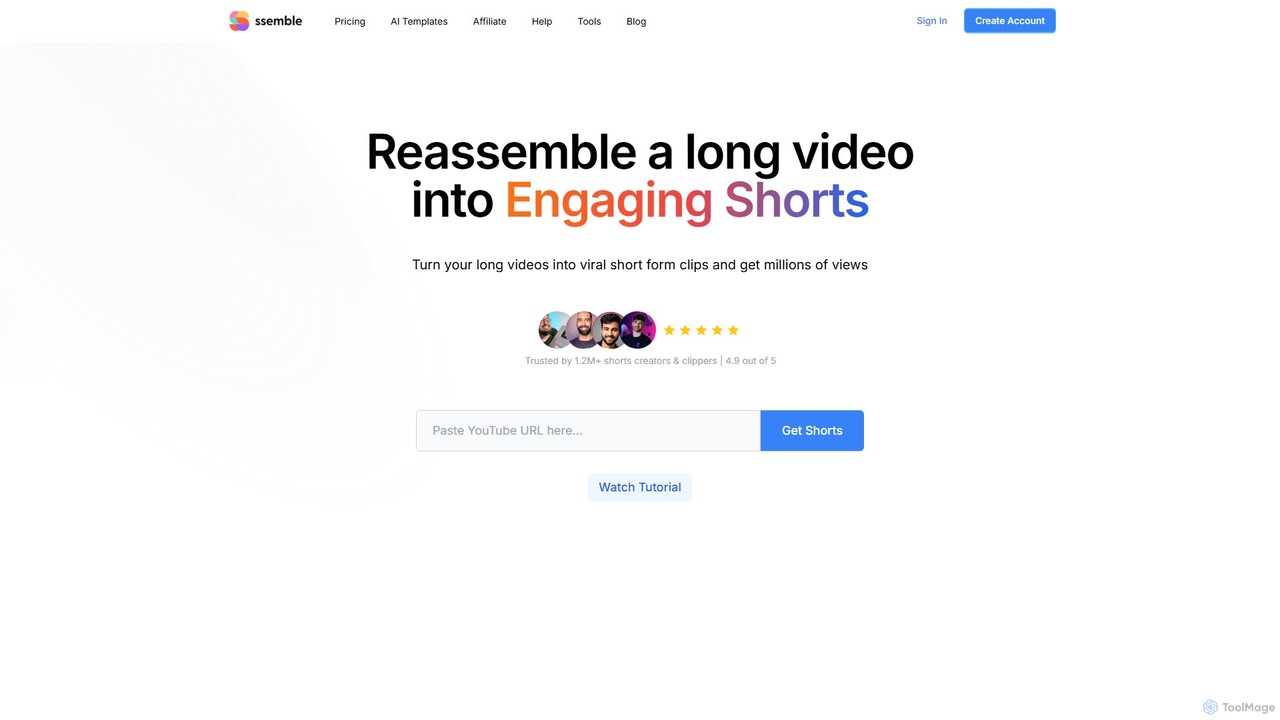
Ssemble
Ssemble is an AI-powered video editing platform that transforms long-form videos into engaging, viral short-form clips. It automates finding key moments, adding captions, reframing for vertical formats, and scheduling posts for TikTok, YouTube Shorts, and Instagram Reels. Ideal for content creators and marketers looking to maximize their reach and engagement with minimal effort.
Video Marketing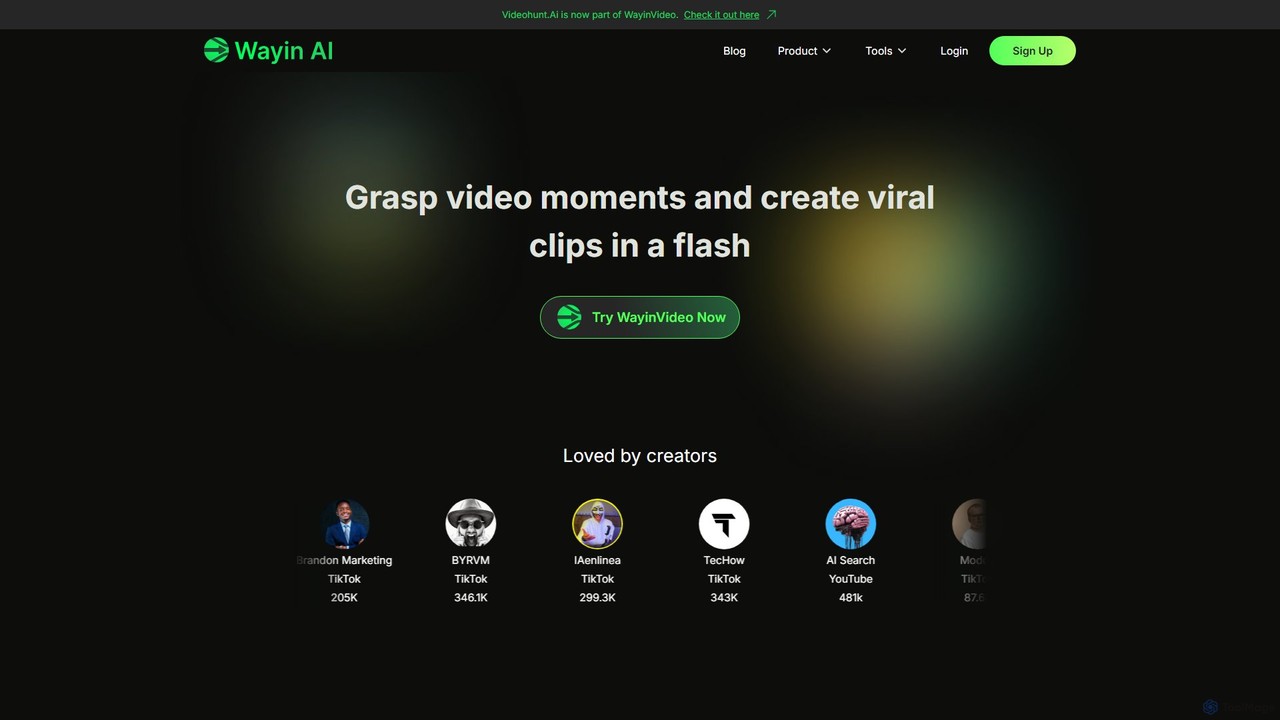
WayinVideo
WayinVideo is an AI-powered platform designed for content creators and marketers to effortlessly transform long-form videos into engaging, viral short clips. By simply pasting a video link or uploading a file, the AI automatically identifies key moments, generates animated captions, and reframes content for social media platforms like TikTok, YouTube Shorts, and Instagram Reels, saving hours of manual editing.
Automation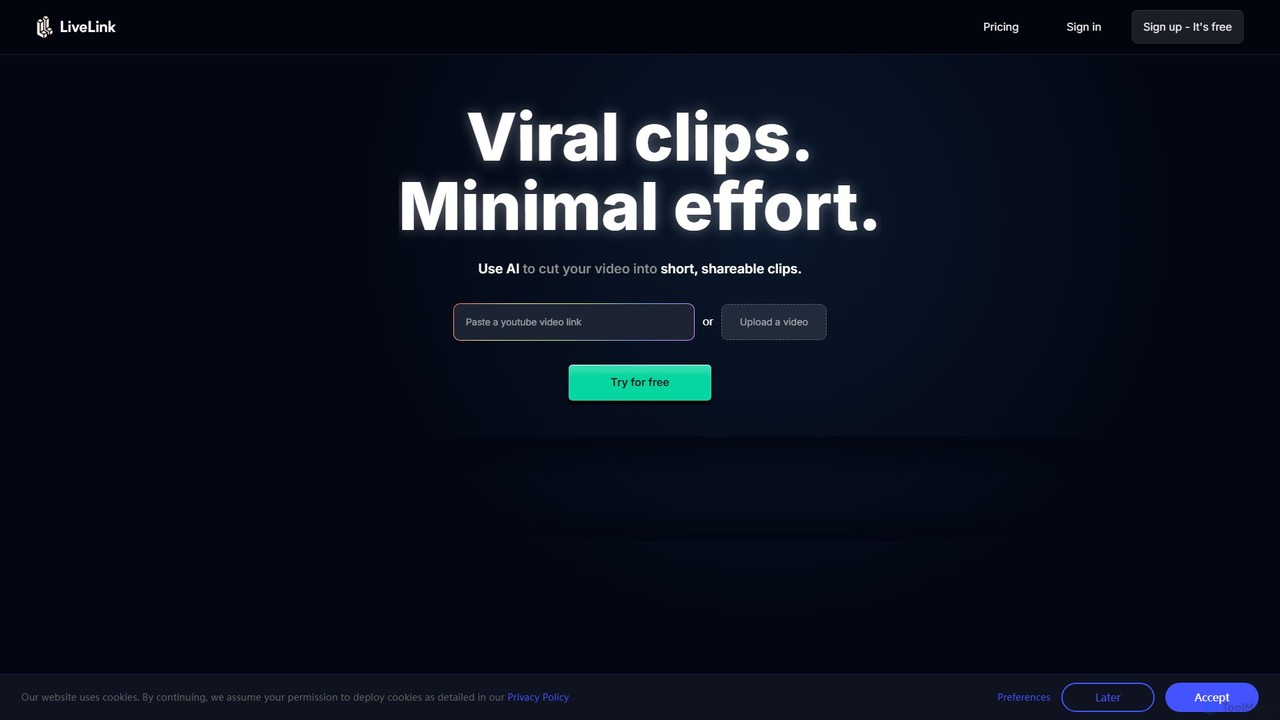
LiveLink
LiveLink is an AI-powered video clip maker that transforms long-form videos into engaging, shareable short clips for social media. It automates clipping, adds captions, reframes shots, and schedules posts to platforms like TikTok, YouTube Shorts, and Instagram Reels, saving creators and marketers significant time.
Repurposing
OpusClip
OpusClip is a generative AI video repurposing tool that turns long videos into viral short clips with one click. It automatically identifies the most compelling hooks, reframes the video, adds dynamic captions, and scores clips for virality, streamlining content creation for social media.
Video Marketing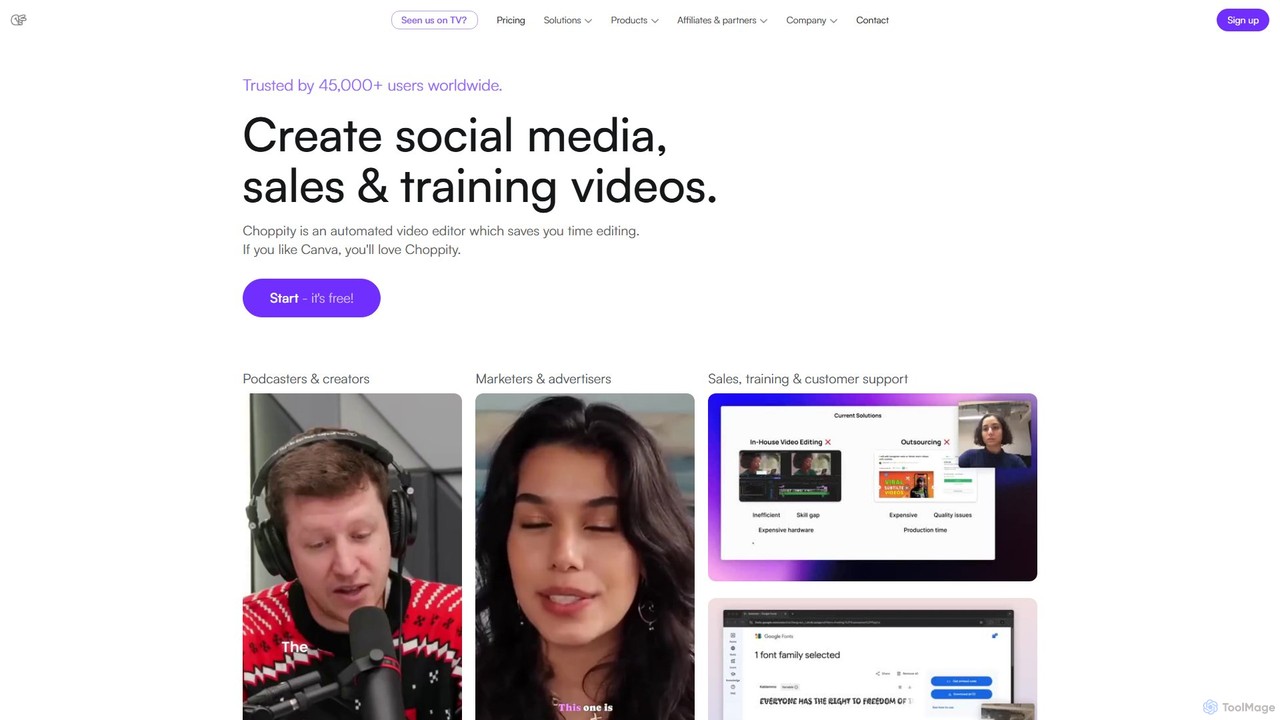
Choppity
Choppity is an AI-powered video editing platform designed to automate and accelerate the creation of short-form videos for social media and marketing. It automatically finds viral clips from long videos, adds customizable captions, reframes content for vertical formats, and applies consistent brand styling, allowing creators to produce more content with less editing effort.
AutomationSpikes Studio Categories
Spikes Studio Embed Widget
Copy this embed code to place the badge on your blog, article, or product site and send readers directly to this ToolMage detail page.

Related AI tools
Ssemble
Ssemble is an AI-powered video editing platform that transforms long-form videos into engaging, viral short-form clips. It automates finding key moments, adding captions, reframing for vertical formats, and scheduling posts for TikTok, YouTube Shorts, and Instagram Reels. Ideal for content creators and marketers looking to maximize their reach and engagement with minimal effort.
Video MarketingWayinVideo
WayinVideo is an AI-powered platform designed for content creators and marketers to effortlessly transform long-form videos into engaging, viral short clips. By simply pasting a video link or uploading a file, the AI automatically identifies key moments, generates animated captions, and reframes content for social media platforms like TikTok, YouTube Shorts, and Instagram Reels, saving hours of manual editing.
Automation
Jyek
Jyek is an AI agent platform that understands objectives, creates execution plans, uses tools, and delivers verifiable results for complex, multi-step tasks.
AutomationLiveLink
LiveLink is an AI-powered video clip maker that transforms long-form videos into engaging, shareable short clips for social media. It automates clipping, adds captions, reframes shots, and schedules posts to platforms like TikTok, YouTube Shorts, and Instagram Reels, saving creators and marketers significant time.
Repurposing
ShortX.ai
ShortX.ai is an AI-powered platform that automates the creation of engaging short-form videos from long-form content. Ideal for creators and marketers, it uses AI to find viral moments, add dynamic captions, and reformat videos for platforms like TikTok, Reels, and YouTube Shorts, saving hours of editing time.
Video MarketingOpusClip
OpusClip is a generative AI video repurposing tool that turns long videos into viral short clips with one click. It automatically identifies the most compelling hooks, reframes the video, adds dynamic captions, and scores clips for virality, streamlining content creation for social media.
Video Marketing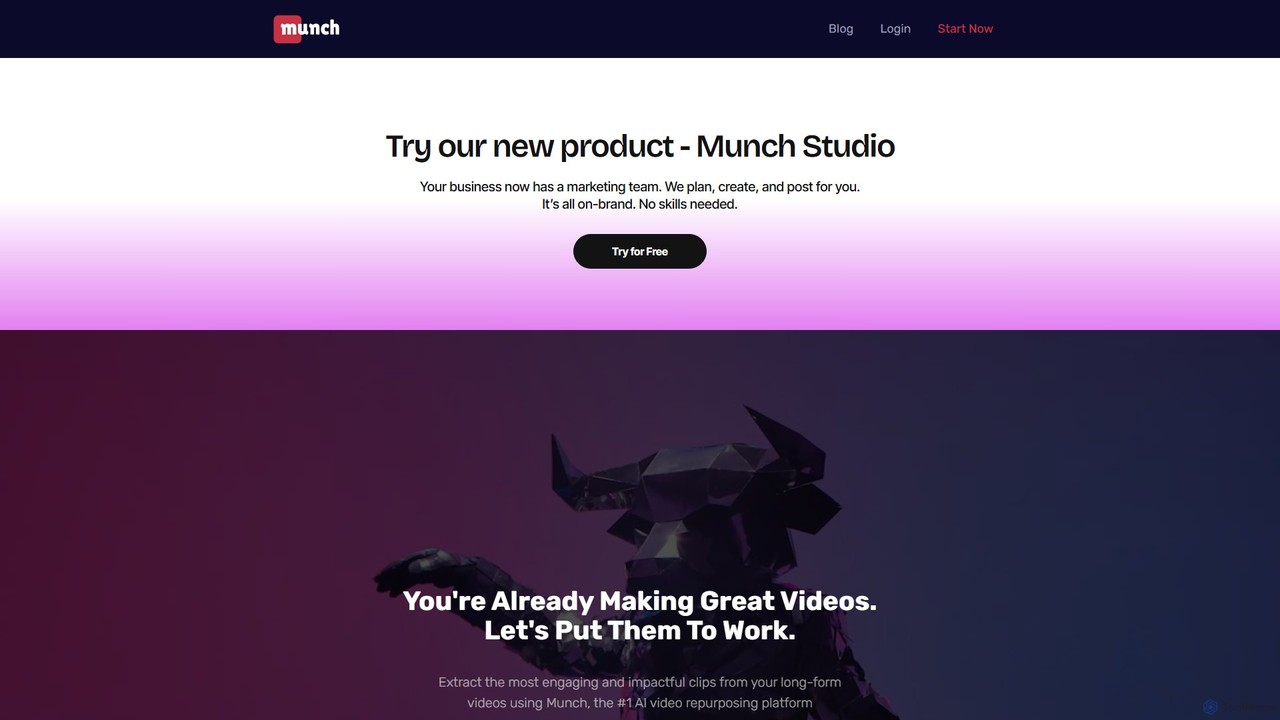
Munch
Munch is an AI-powered platform that automatically repurposes long-form videos into engaging, shareable short clips for social media. It uses AI to extract impactful moments, add captions, and format content for platforms like TikTok, Instagram, and YouTube Shorts, saving creators and marketers significant time and effort.
Video Marketing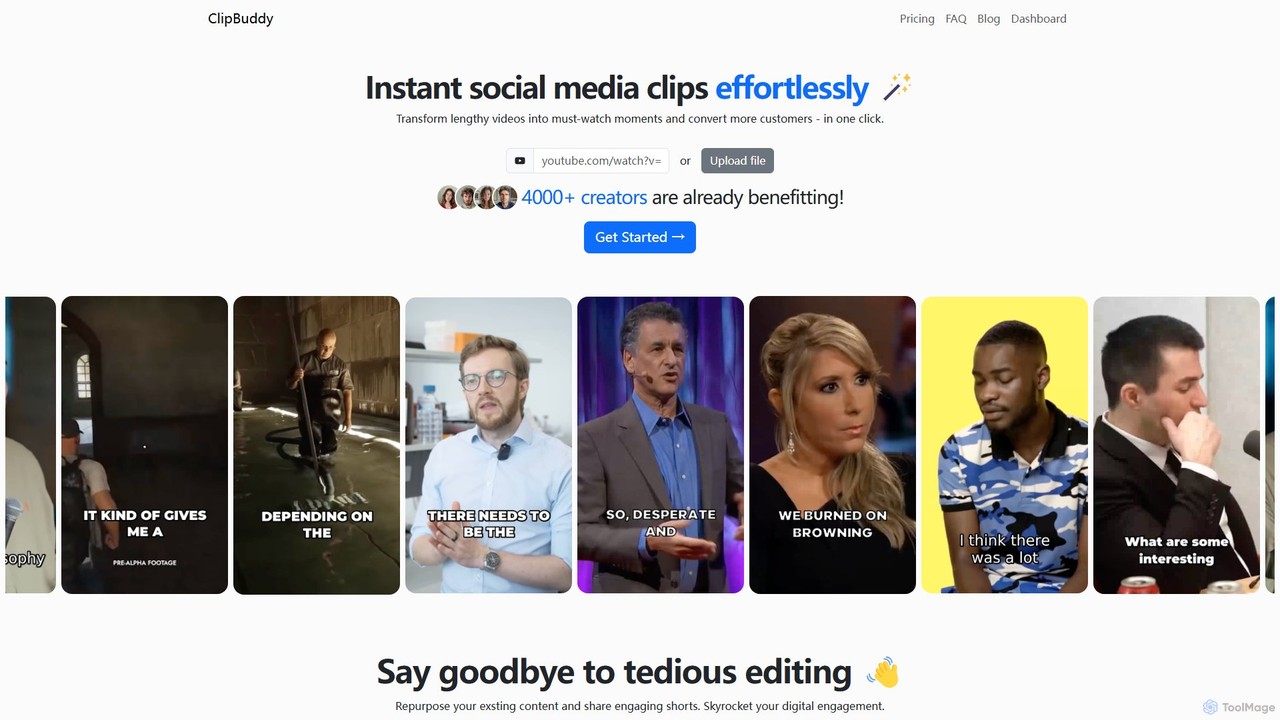
ClipBuddy
ClipBuddy is an AI-powered platform that automatically transforms long-form videos into engaging, viral short clips. It intelligently identifies key moments, adds dynamic multi-language captions, and resizes content for social media platforms like TikTok, Reels, and Shorts, helping creators maximize their reach and engagement with minimal effort.
Automation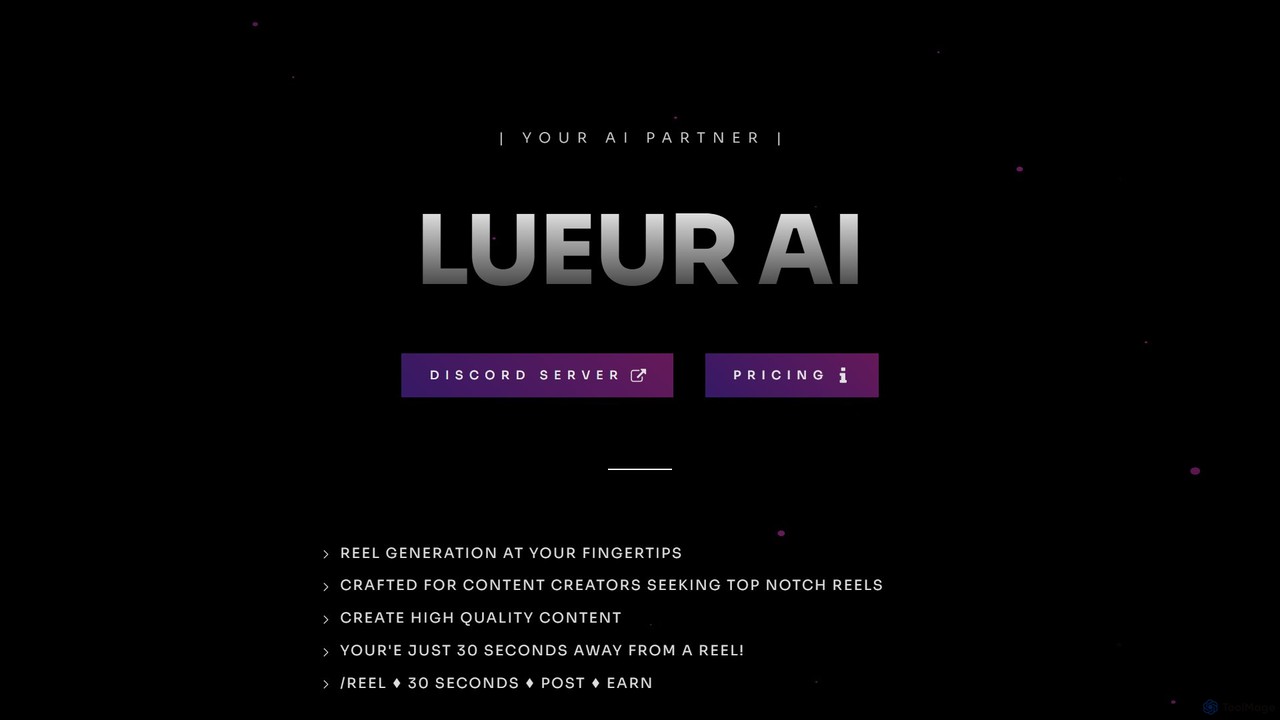
lueurai
lueurai is an AI-powered video generation tool that creates high-quality, engaging short-form videos and reels in just 30 seconds. Operating via Discord, it's designed for content creators and marketers to effortlessly produce content from URLs or text, complete with voice-overs and dynamic captions.
Automation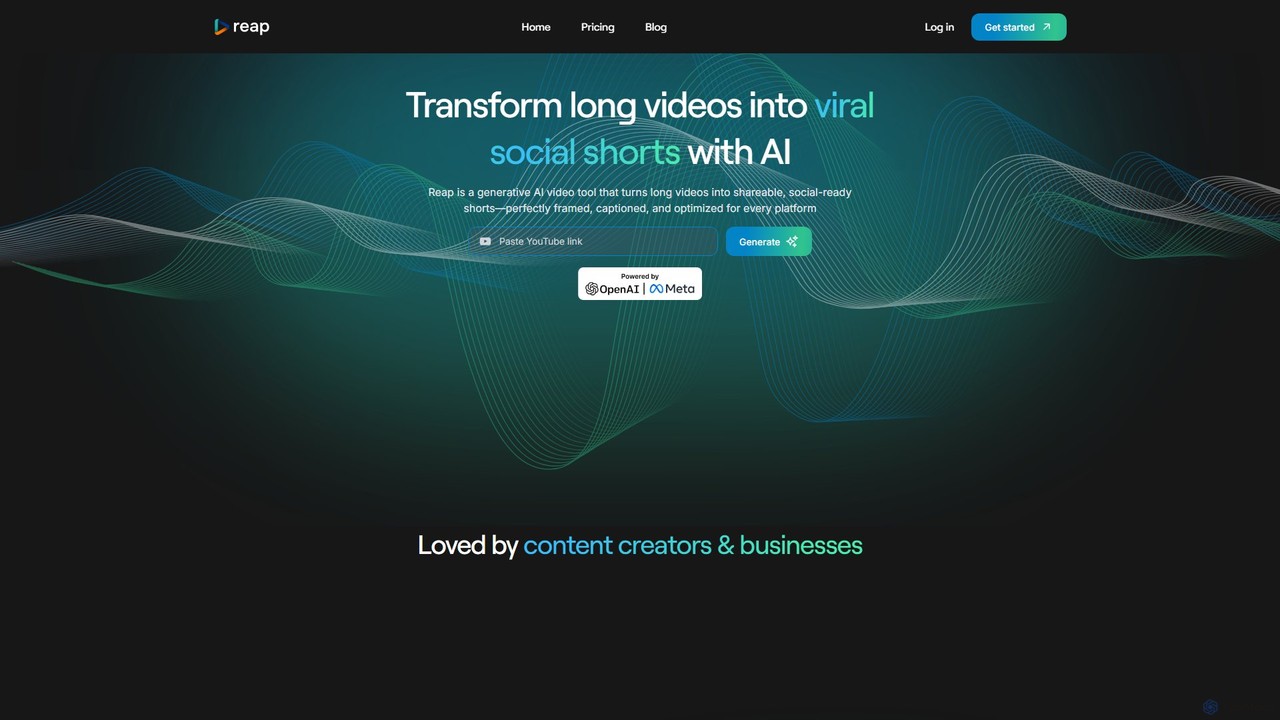
reap
An AI-powered video editing platform that automatically transforms long-form videos into viral short clips for social media. It features AI-driven clipping, transcript-based editing, automatic captions, and audio enhancement tools to save creators time and boost their content's reach.
Repurposing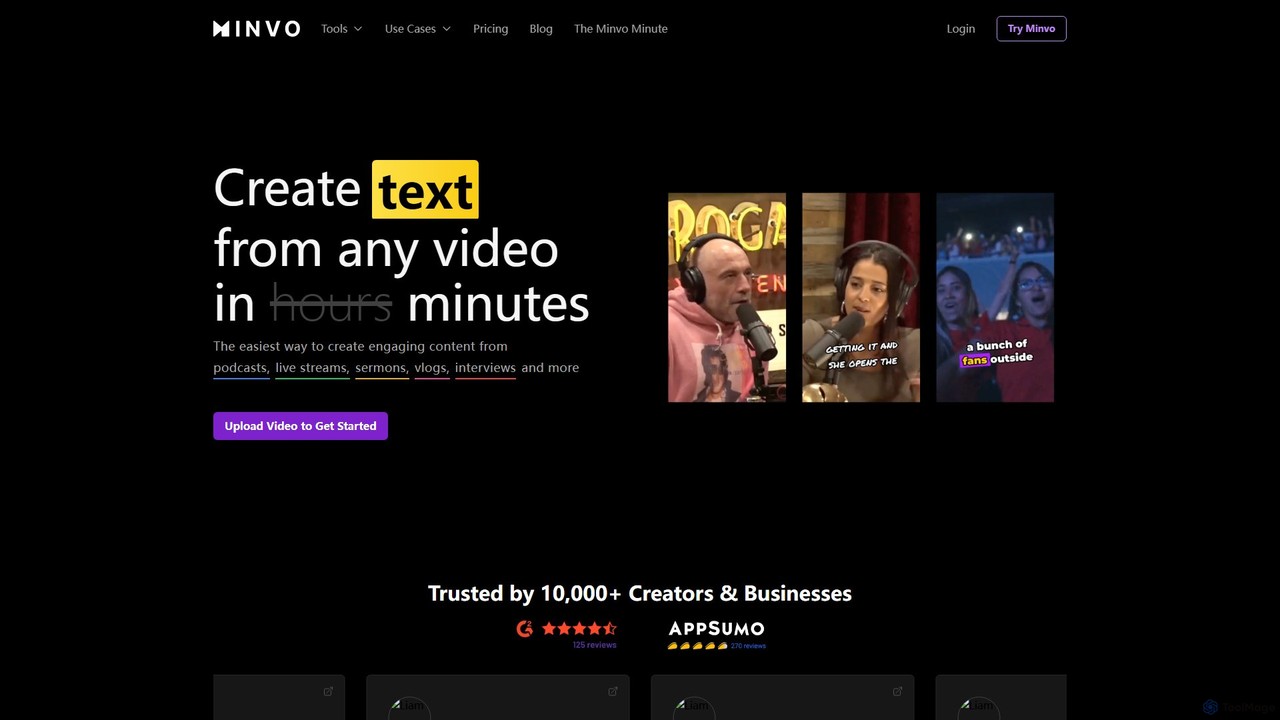
Minvo
Minvo is an AI-powered content studio that transforms long-form videos into engaging short clips, images, and text for social media. It automates the process of clipping, editing, captioning, and scheduling, helping creators and businesses save time and boost their online presence on platforms like YouTube, TikTok, and Instagram.
Automation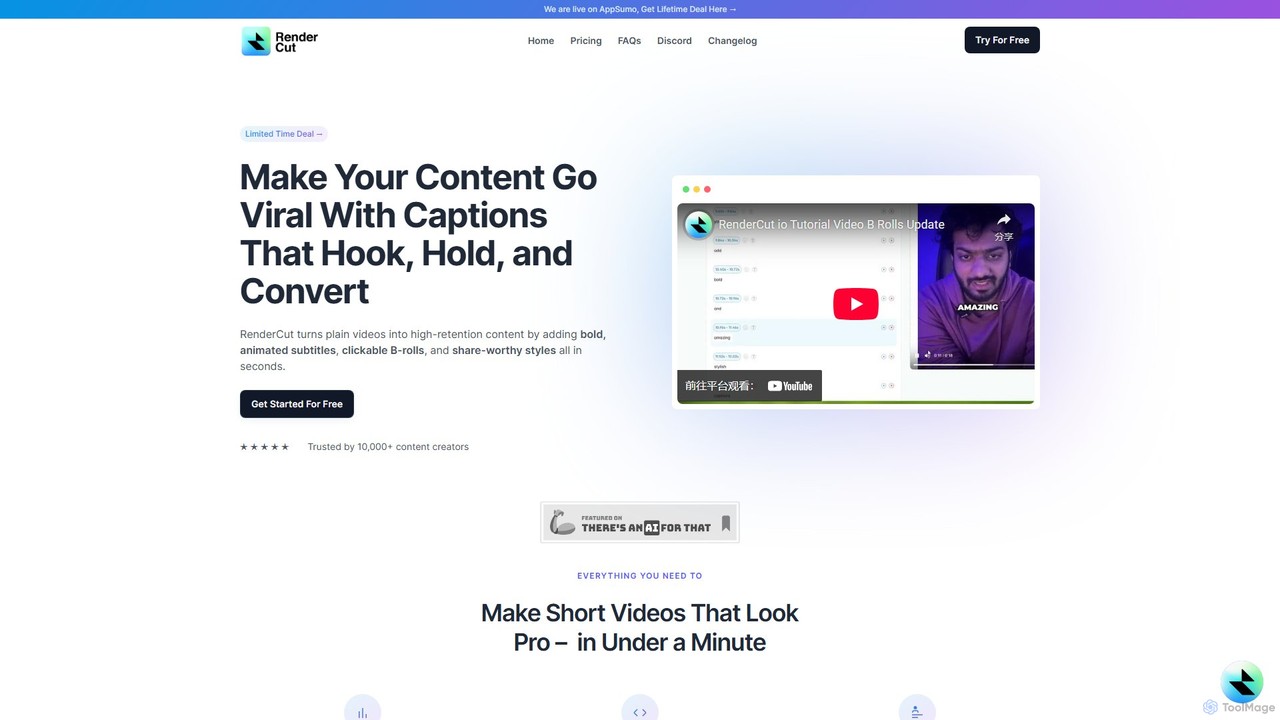
RenderCut
RenderCut is an AI-powered video editing tool that automates the creation of engaging short-form videos. It instantly adds stylish, animated subtitles, B-rolls, emojis, and sound effects, transforming plain videos or audio into high-retention content for platforms like TikTok, Reels, and Shorts. It's designed for content creators, marketers, and businesses to produce professional-looking videos in minutes, not hours.
Video Marketing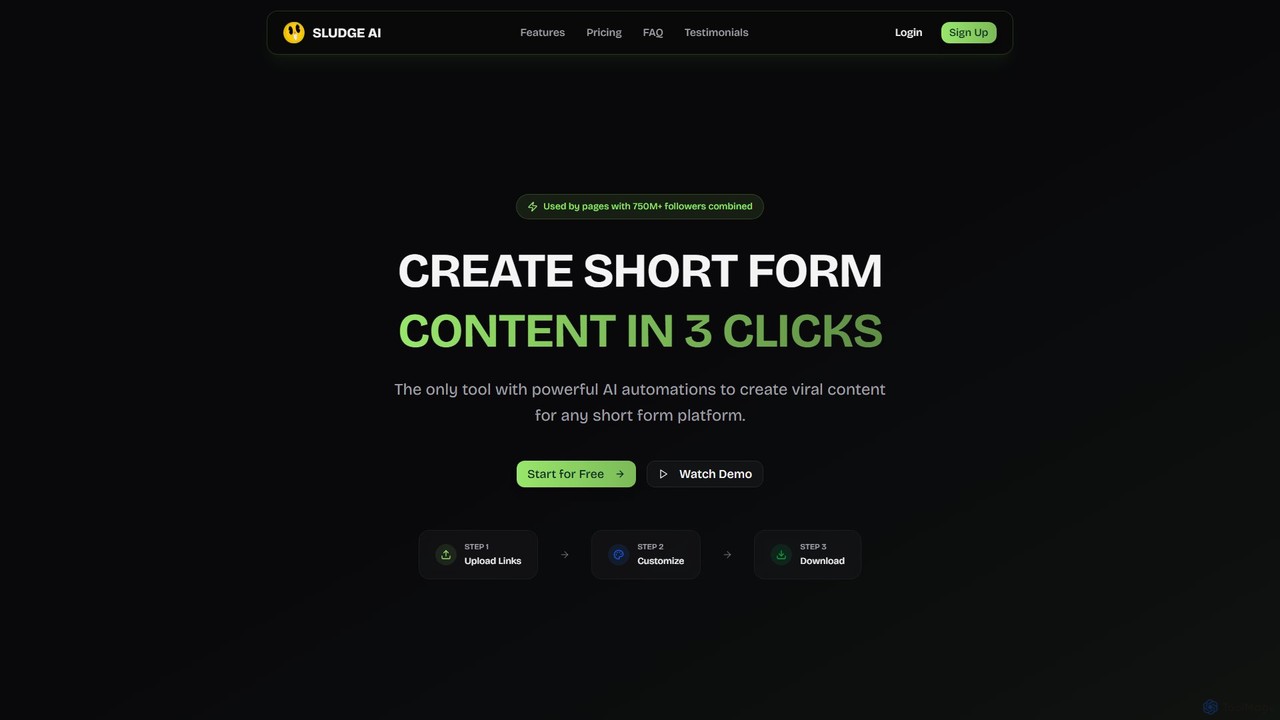
Sludge AI
Sludge AI is an all-in-one platform that uses powerful AI automations to create viral short-form video content in just a few clicks. It helps creators, marketers, and agencies automate tedious editing tasks, generate unique video variations to bypass content flags, and produce engaging content for platforms like TikTok, Instagram, and Snapchat.
Automation
WUI.AI
WUI.AI is an AI-powered platform that transforms long-form videos and podcasts into engaging, viral short clips for social media. It automates highlight detection, subtitling, resizing, and translation, helping creators and marketers save time and maximize their content's reach on platforms like TikTok, Instagram, and YouTube Shorts.
Automation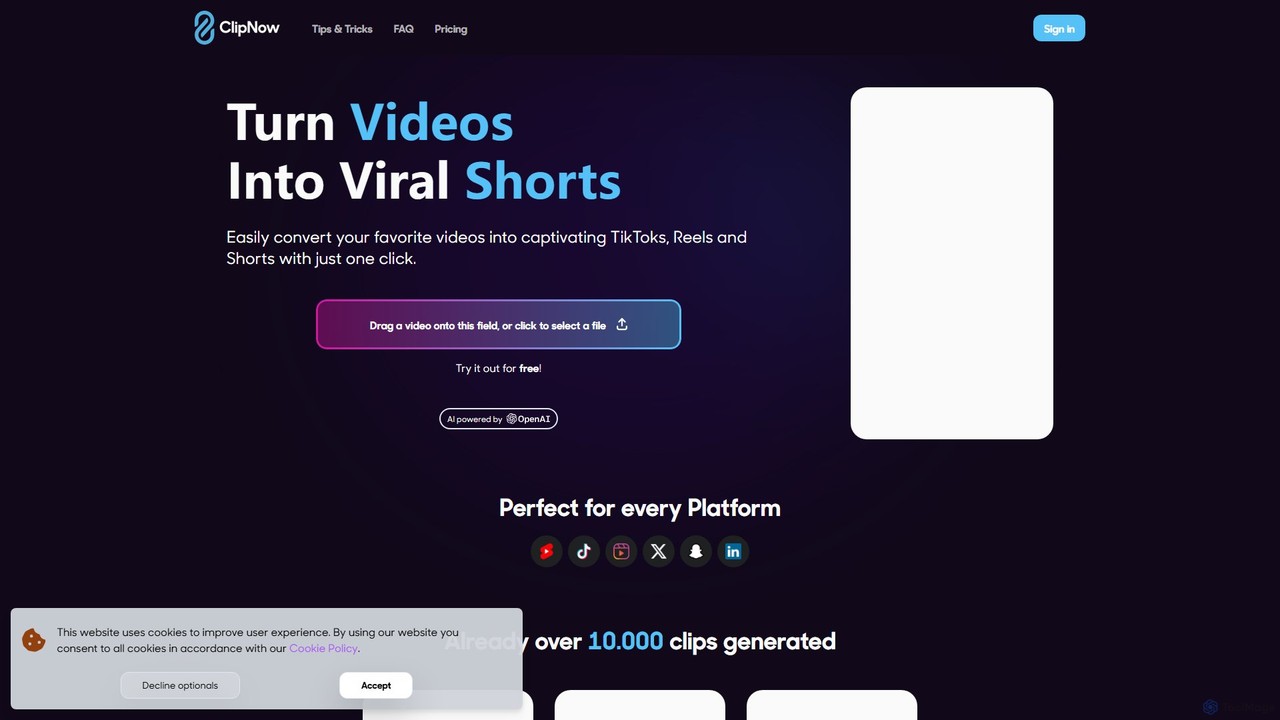
ClipNow
ClipNow is an AI-powered tool that automatically transforms long-form videos into multiple engaging, viral short clips for social media platforms like TikTok, Instagram Reels, and YouTube Shorts. With just one click, it analyzes, crops, and adds captions to your content, significantly speeding up your content creation workflow.
Automation
Spikes Studio Comments (0)
Sign in to comment.
Sign inNo comments yet.