
SNAPVID.AI Overview
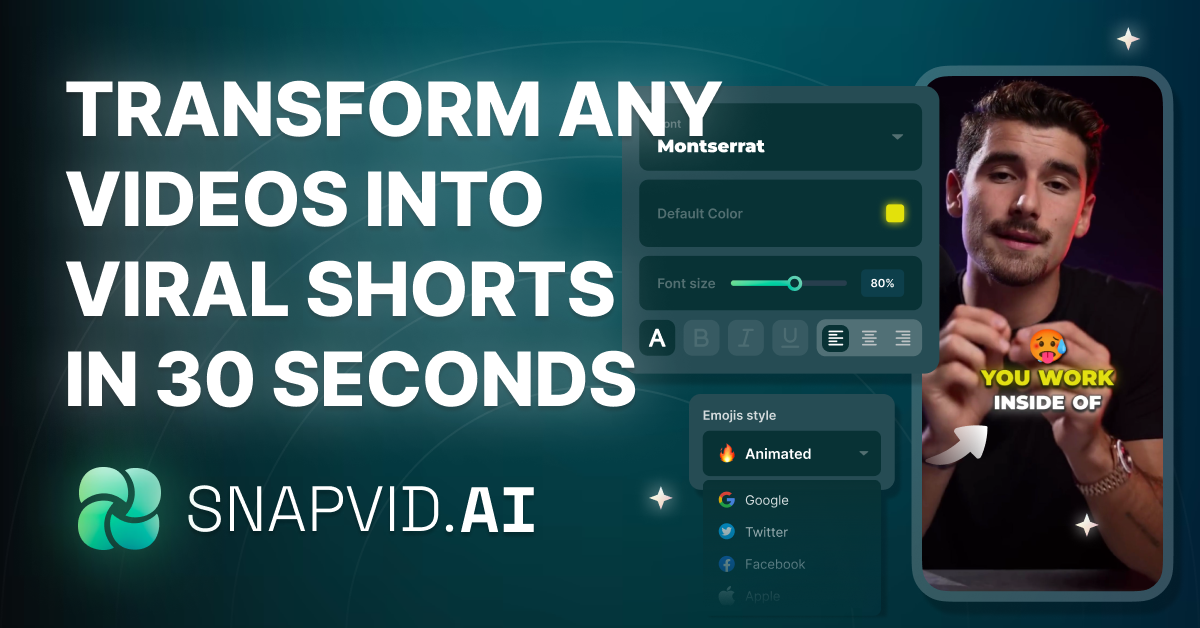
SNAPVID.AI is a revolutionary AI-driven video editing platform designed to empower content creators, podcasters, and marketers. Its primary mission is to eliminate the time-consuming and often tedious process of video editing, particularly for creating short-form content. By leveraging advanced artificial intelligence, SNAPVID.AI automates the most laborious tasks, allowing creators to focus on what they do best: creating compelling stories and impactful messages. The platform can take long-form videos, such as podcasts or YouTube videos, and intelligently repurpose them into multiple engaging, viral-ready short clips suitable for social media platforms like TikTok, Instagram Reels, and YouTube Shorts.
How to use SNAPVID.AI
The workflow in SNAPVID.AI is designed for simplicity and efficiency, allowing users to generate professional-looking short videos in minutes:
- Upload Your Content: Begin by uploading your video file (MP4, MKV, MOV) directly to the platform. You can also import a video directly from YouTube by simply pasting the URL.
- Let the AI Work: Once uploaded, SNAPVID.AI's powerful AI gets to work. It automatically transcribes the audio, identifies the most engaging and viral-worthy moments, and cuts them into short clips. Simultaneously, it generates dynamic subtitles, removes awkward silences and filler words, and adds relevant B-roll footage from its extensive library to make the video more visually appealing.
- Review and Refine: The AI-generated clips are presented in the SNAPVID™ Pro Editor. Here, you can review the results, make any necessary adjustments, customize subtitle styles and fonts, and fine-tune the edits to perfectly match your brand and vision.
- Export and Share: Once you are satisfied with the final product, you can export all the clips in high quality (up to 4K) with a single click. The platform streamlines the process, making it easy to share your content across all your social media channels.
Core Features of SNAPVID.AI
- AI Auto Cut (Long to Shorts): Intelligently analyzes long videos to identify and extract the most compelling segments, creating multiple short, viral clips automatically.
- AI Auto Cleanup: Automatically removes filler words (like "uhm", "ah", "err") and awkward silences, resulting in a cleaner and more professional final video.
- AI Auto B-Roll: Enhances videos by automatically selecting and inserting relevant stock footage and images from a library of over 100,000 assets, perfectly timed with the video's narrative.
- Customizable Subtitles: Generate accurate, animated subtitles with a single click. Users can choose from multiple styles and custom fonts to match their branding.
- Video Dubbing & Translation: Break language barriers by dubbing and translating your videos into various languages, enabling you to scale your content globally and reach a wider audience.
- SNAPVID™ Pro Editor: A user-friendly yet powerful editor that allows for fine-tuning of AI-generated clips, giving you full creative control.
- High-Quality Export: Supports video exports in up to 4K resolution, ensuring your content looks crisp and professional on all platforms.
- Team Collaboration: Pro and Creator plans offer workspace features, allowing teams to collaborate on projects, share credits, and streamline their content creation workflow.
Use Cases for SNAPVID.AI
SNAPVID.AI is a versatile tool for various creators:
- Podcasters: Effortlessly turn long audio or video podcast episodes into dozens of shareable short clips to promote on social media and attract new listeners.
- YouTubers & Content Creators: Repurpose existing long-form videos into a steady stream of Shorts, Reels, and TikToks to maximize content reach and audience engagement.
- Marketers & Businesses: Quickly create promotional videos, testimonials, and social media ads from webinars, interviews, or product demos.
- Video Editors: Drastically speed up the initial editing process of cutting, cleaning, and subtitling, freeing up more time for creative enhancements and other projects.
Advantages of SNAPVID.AI
Using SNAPVID.AI offers significant benefits:
- Massive Time and Cost Savings: Reduces video editing time from hours to minutes, saving hundreds of dollars per month on freelance editors or expensive software.
- Increased Content Velocity: Enables creators to multiply their content output from a single piece of long-form video, maintaining a consistent presence on social media.
- Enhanced Audience Engagement: Creates dynamic, visually appealing videos with engaging subtitles and B-rolls, which are proven to increase watch time and interaction.
- Global Reach: The built-in translation and dubbing features make it simple to localize content for international audiences.
Pricing and Plans
SNAPVID.AI offers a freemium model with a 7-day free trial for its paid plans.
- Basic Plan: Ideal for individual content creators. Priced at approximately $29/month or a discounted rate of $16/month when billed annually. This plan includes 20 videos per month, 1.5-minute max video length, 2 custom subtitle styles, AI Auto B-Roll, and 4K quality.
- Pro Plan: Designed for professional creators and video editors. Priced at $49/month or a discounted rate of $30/month when billed annually. This plan offers unlimited videos, 30-minute max video length, 5+ custom subtitle styles, 20 custom fonts, and all AI features including Auto Cut, Auto Cleanup, and Auto B-Roll, plus team collaboration features.
Traffic
Latest traffic
Status
Monthly traffic trend
- 2025-9: 15.0K
- 2026-1: 9.5K
- 2026-2: 7.6K
- 2026-3: 23.6K
- 2026-4: 10.7K
- 2026-5: 20.2K
Geography
Top 5 countries / regions
- 🇧🇷Brazil35.5%
- 🇻🇳Vietnam26.1%
- 🇺🇸United States16.4%
- 🇫🇷France13.4%
- 🇮🇳India8.6%
Top keywords
| Keyword | Cost per click |
|---|---|
| snapvid | $1.46 |
| snap video | $0.34 |
| snapvideo | $0.28 |
| snap video ai | $0.00 |
| snapviral.io | $0.00 |
SNAPVID.AI Alternatives

SmartEdit
SmartEdit is an AI-powered video editing tool designed for content creators to effortlessly transform long videos into engaging, viral-ready short clips in seconds. It automates transcription, adds trendy animated captions, and integrates relevant b-roll to maximize watch time and audience engagement.
Automation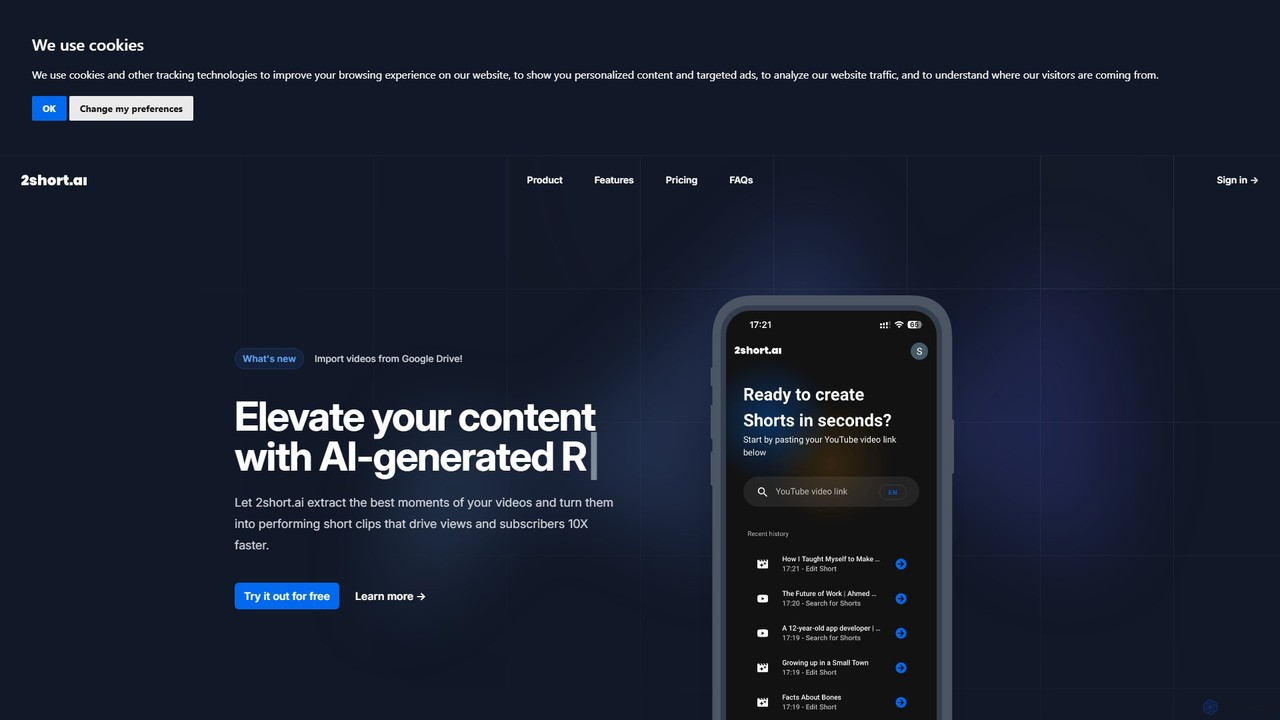
2short.ai
2short.ai is an AI-powered tool that transforms long-form videos into engaging, high-performing short clips. It automatically identifies the most captivating moments, adds animated subtitles, and uses facial tracking to perfectly frame speakers. This helps content creators save hours of editing time and grow their audience on platforms like YouTube Shorts, TikTok, and Reels 10x faster.
Automation
ShortX.ai
ShortX.ai is an AI-powered platform that automates the creation of engaging short-form videos from long-form content. Ideal for creators and marketers, it uses AI to find viral moments, add dynamic captions, and reformat videos for platforms like TikTok, Reels, and YouTube Shorts, saving hours of editing time.
Video Marketing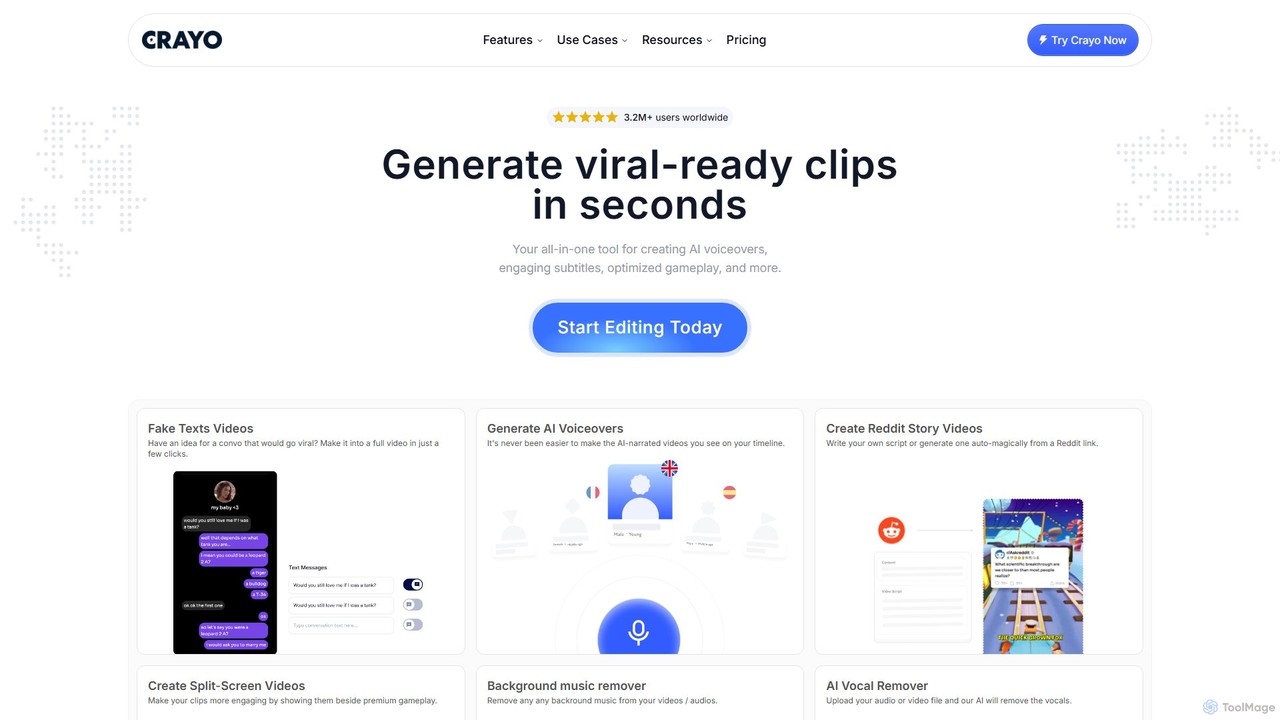
Crayo
Crayo is an all-in-one AI video editor designed for creating viral-ready short-form content in seconds. It automates tedious tasks with features like AI voiceovers, engaging subtitles, split-screen gameplay videos, and unique formats like fake text conversations and Reddit story videos. Ideal for content creators, streamers, and marketers looking to scale their video production and go viral on platforms like TikTok and YouTube.
Voice Generation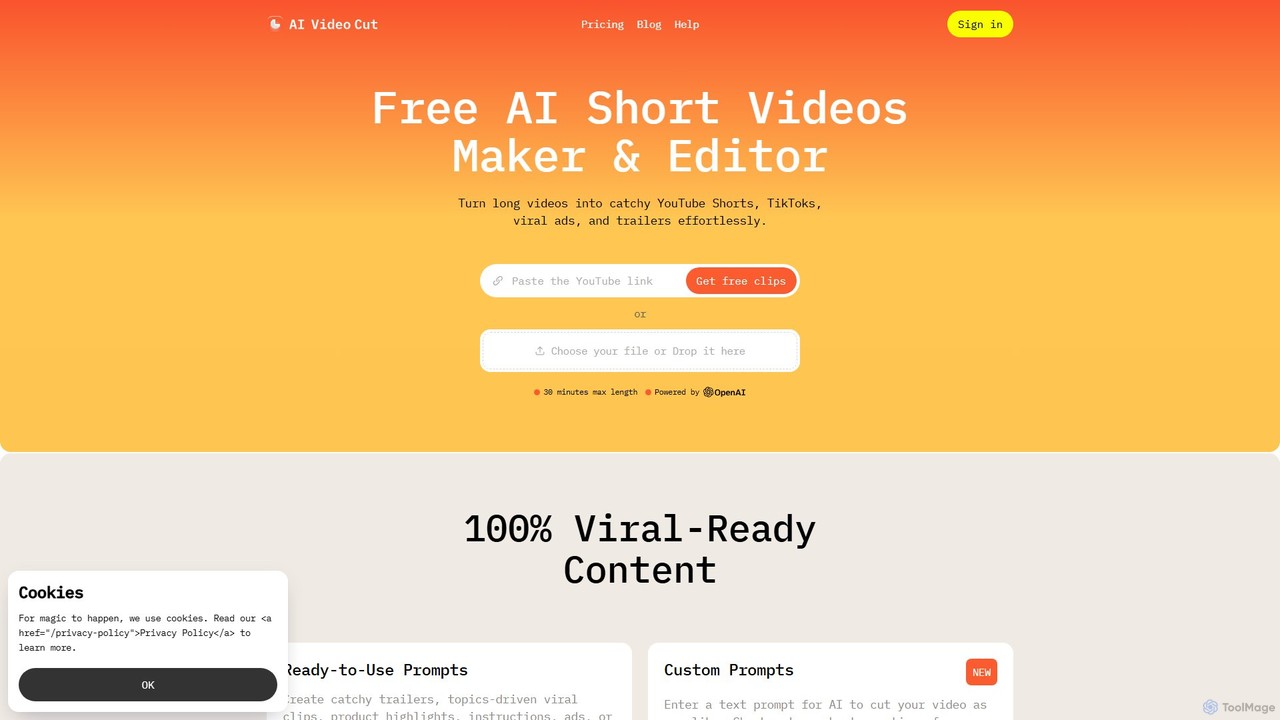
aivideocut
aivideocut is an AI-powered video editor that transforms long videos into engaging, viral short clips for platforms like YouTube Shorts, TikTok, and Instagram. Using AI prompts, it automatically identifies the most compelling moments, adds captions, and formats content for social media, saving creators hours of manual editing.
AdvertisingSNAPVID.AI Categories
SNAPVID.AI Embed Widget
Copy this embed code to place the badge on your blog, article, or product site and send readers directly to this ToolMage detail page.

Related AI tools
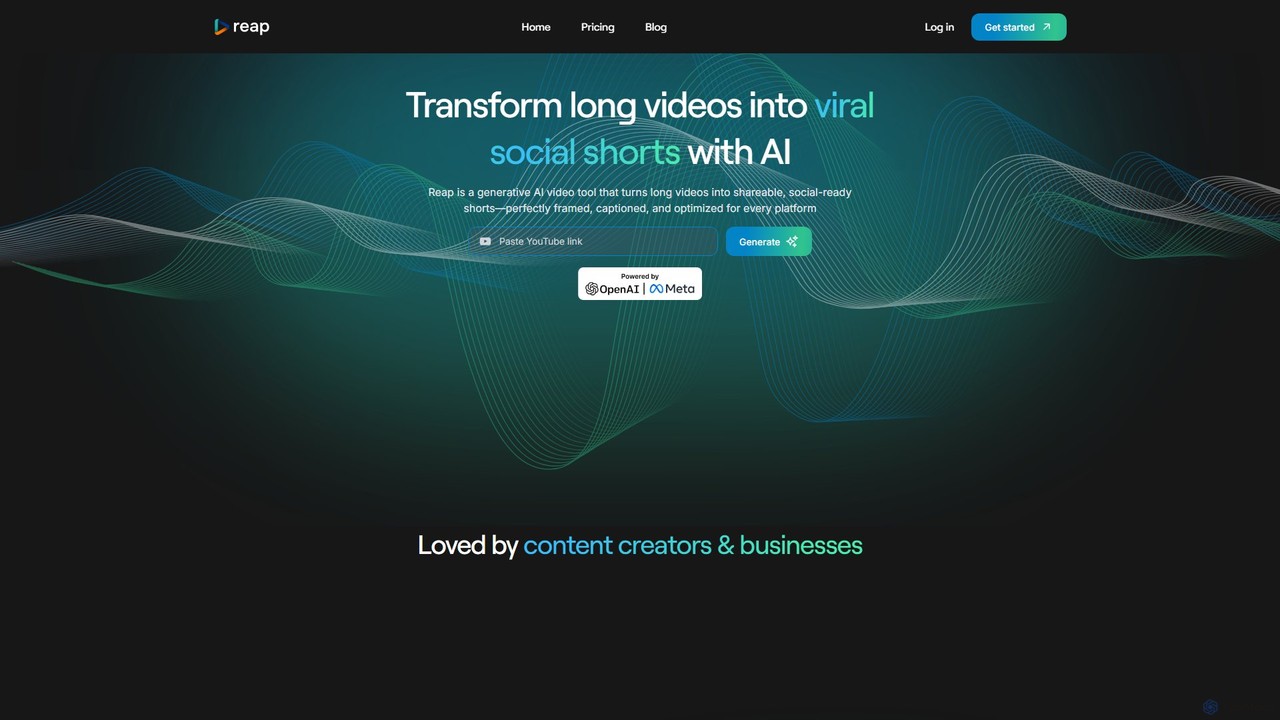
reap
An AI-powered video editing platform that automatically transforms long-form videos into viral short clips for social media. It features AI-driven clipping, transcript-based editing, automatic captions, and audio enhancement tools to save creators time and boost their content's reach.
RepurposingSmartEdit
SmartEdit is an AI-powered video editing tool designed for content creators to effortlessly transform long videos into engaging, viral-ready short clips in seconds. It automates transcription, adds trendy animated captions, and integrates relevant b-roll to maximize watch time and audience engagement.
Automation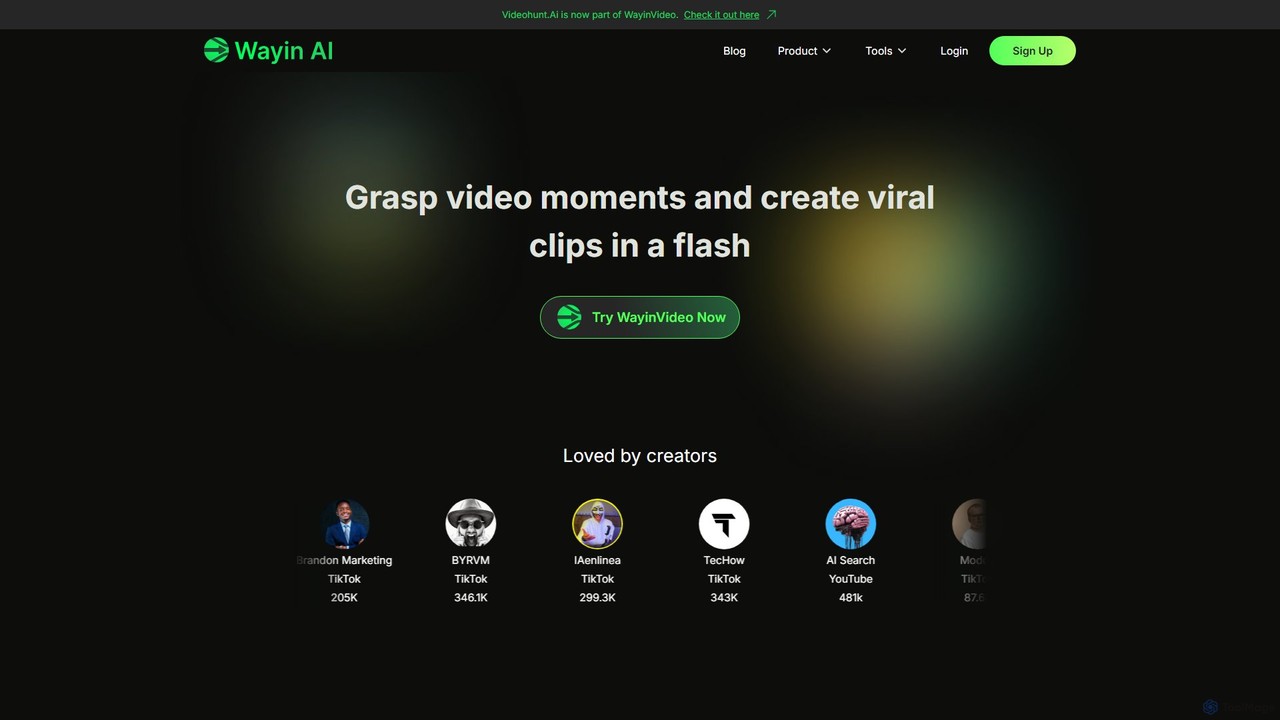
WayinVideo
WayinVideo is an AI-powered platform designed for content creators and marketers to effortlessly transform long-form videos into engaging, viral short clips. By simply pasting a video link or uploading a file, the AI automatically identifies key moments, generates animated captions, and reframes content for social media platforms like TikTok, YouTube Shorts, and Instagram Reels, saving hours of manual editing.
Automation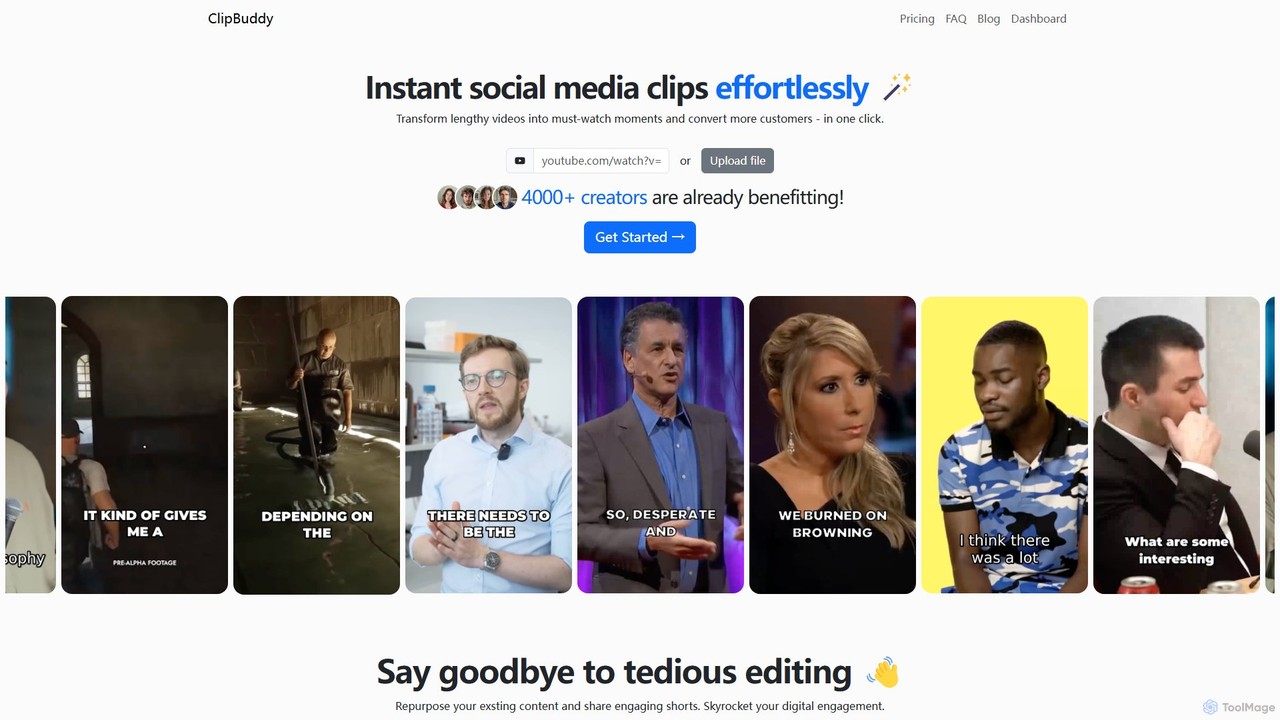
ClipBuddy
ClipBuddy is an AI-powered platform that automatically transforms long-form videos into engaging, viral short clips. It intelligently identifies key moments, adds dynamic multi-language captions, and resizes content for social media platforms like TikTok, Reels, and Shorts, helping creators maximize their reach and engagement with minimal effort.
Automation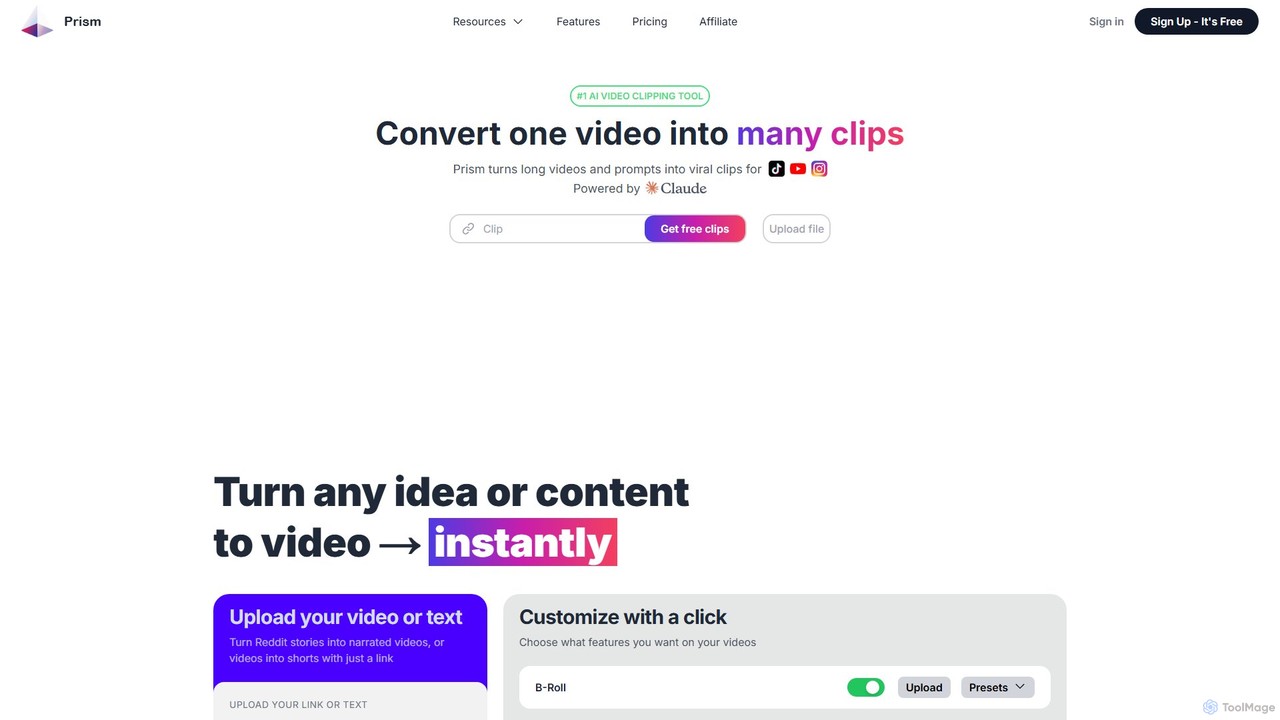
Prism Clips
Prism Clips is an AI-powered video clipping tool that automatically transforms long videos and text prompts into multiple viral-ready short clips. It analyzes content, identifies engaging moments, scores their virality potential, and allows for one-click customization and social media posting.
Automation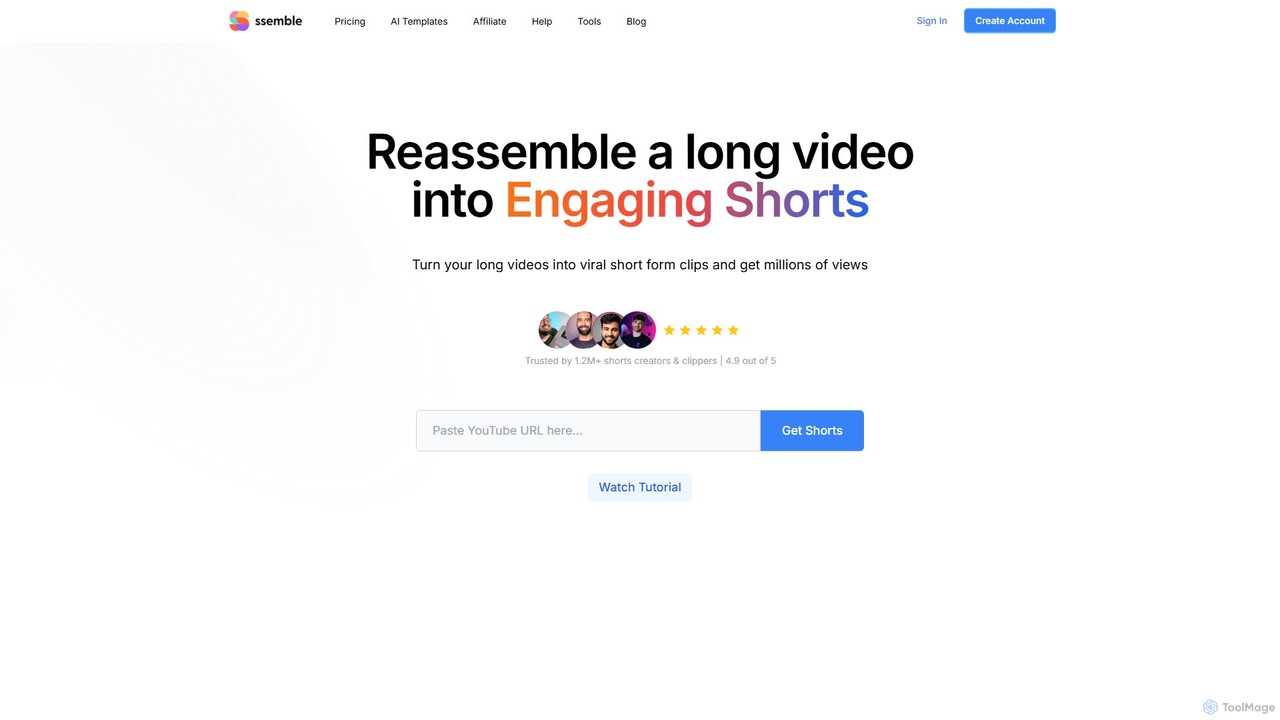
Ssemble
Ssemble is an AI-powered video editing platform that transforms long-form videos into engaging, viral short-form clips. It automates finding key moments, adding captions, reframing for vertical formats, and scheduling posts for TikTok, YouTube Shorts, and Instagram Reels. Ideal for content creators and marketers looking to maximize their reach and engagement with minimal effort.
Video Marketing
Jyek
Jyek is an AI agent platform that understands objectives, creates execution plans, uses tools, and delivers verifiable results for complex, multi-step tasks.
Automation2short.ai
2short.ai is an AI-powered tool that transforms long-form videos into engaging, high-performing short clips. It automatically identifies the most captivating moments, adds animated subtitles, and uses facial tracking to perfectly frame speakers. This helps content creators save hours of editing time and grow their audience on platforms like YouTube Shorts, TikTok, and Reels 10x faster.
AutomationShortX.ai
ShortX.ai is an AI-powered platform that automates the creation of engaging short-form videos from long-form content. Ideal for creators and marketers, it uses AI to find viral moments, add dynamic captions, and reformat videos for platforms like TikTok, Reels, and YouTube Shorts, saving hours of editing time.
Video Marketing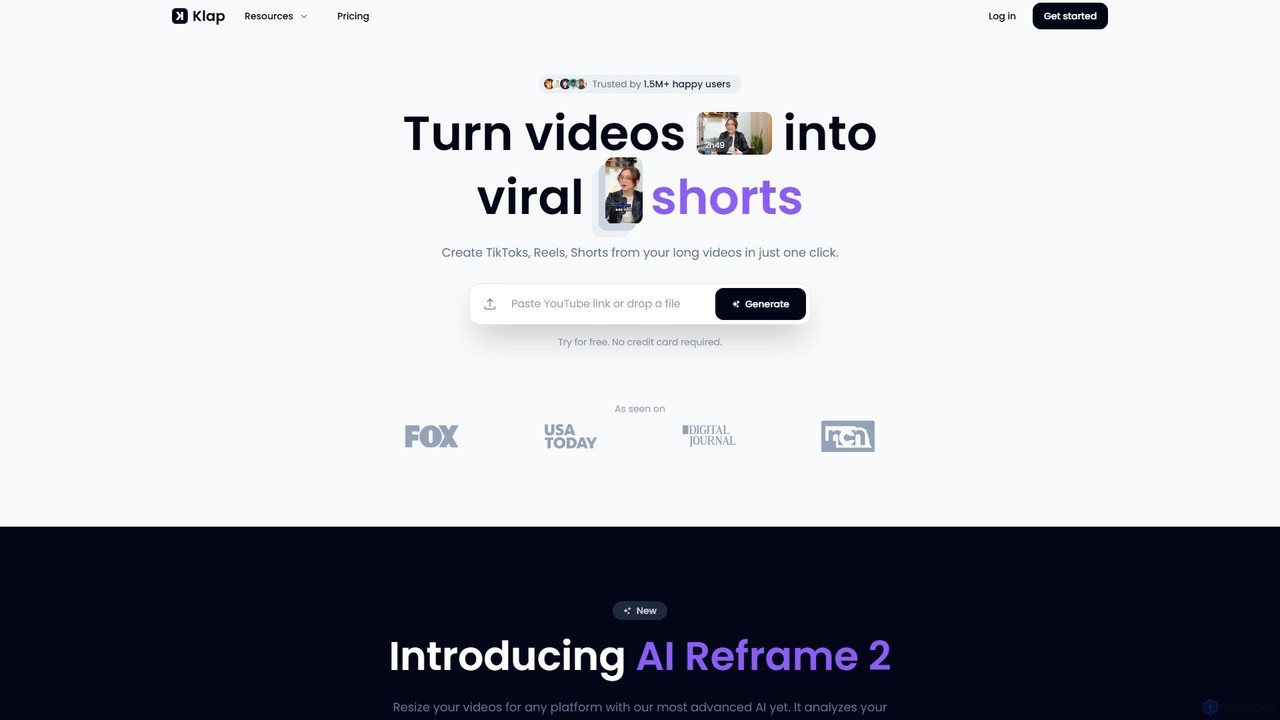
Klap
Klap is an AI-powered video editor that transforms long videos, like YouTube content or podcasts, into viral-ready short clips for TikTok, Reels, and Shorts. It automatically identifies the most engaging topics, reframes shots, adds dynamic captions, and helps you publish content effortlessly to grow your audience.
Automation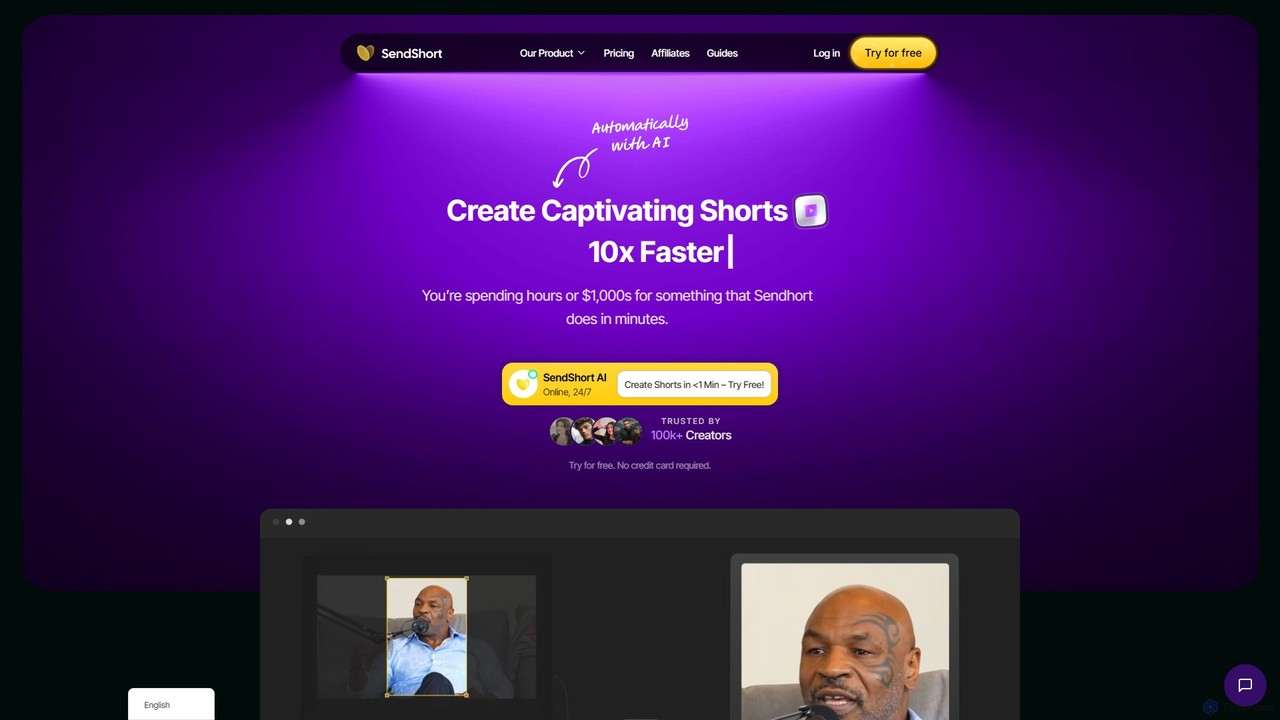
SendShort
SendShort is an AI-powered video platform that instantly transforms long-form videos into dozens of viral short clips for TikTok, Reels, and Shorts. It automates editing, adds dynamic captions, generates faceless content, and provides tools for scheduling, saving creators hours of work and thousands in costs.
Automation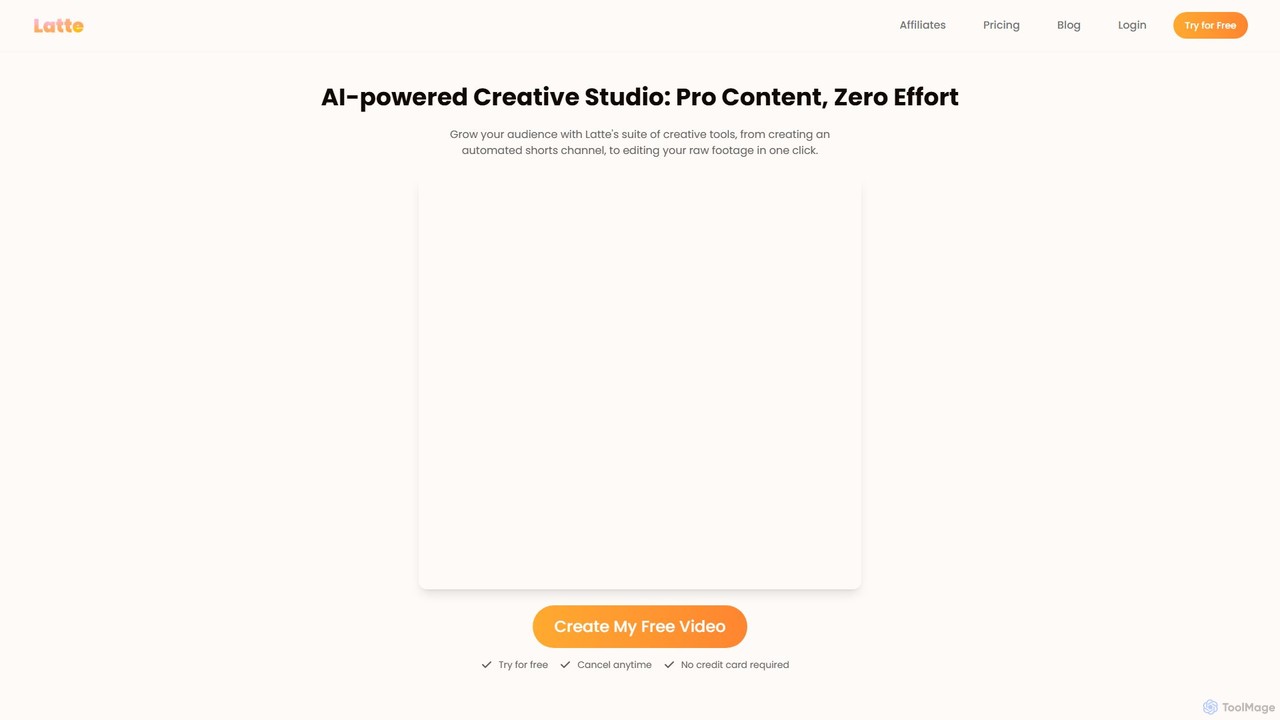
Latte Social
Latte Social is an AI-powered creative studio designed to simplify video production for social media. It automates content creation by transforming long-form videos into viral short clips, editing raw footage, adding animated subtitles, and even generating videos from text. It's built for creators and businesses looking to grow their audience with professional content, effortlessly.
Automation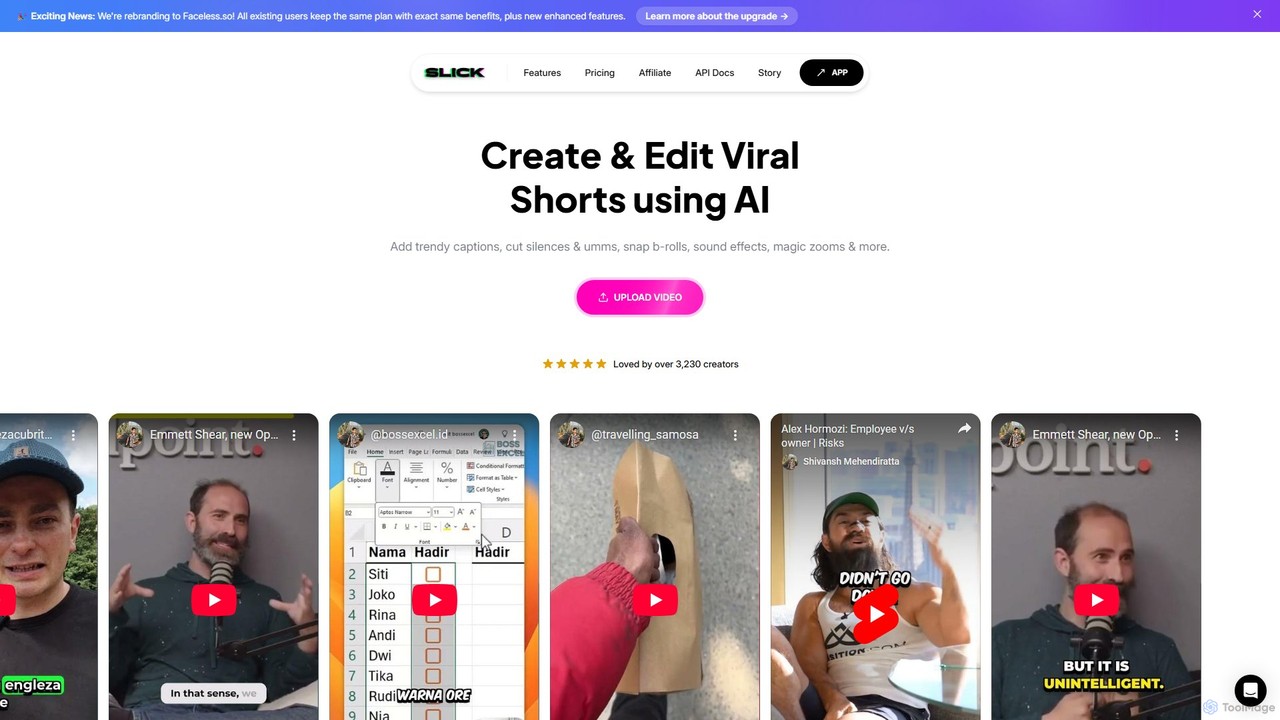
Slick
Slick (now rebranded as Faceless.so) is an AI-powered video editor designed to create and edit viral short videos for platforms like TikTok, Instagram Reels, and YouTube Shorts. It automates tedious tasks like adding trendy captions, inserting B-rolls, removing silences, and generating clips from long videos, enabling creators to produce engaging content effortlessly.
Automation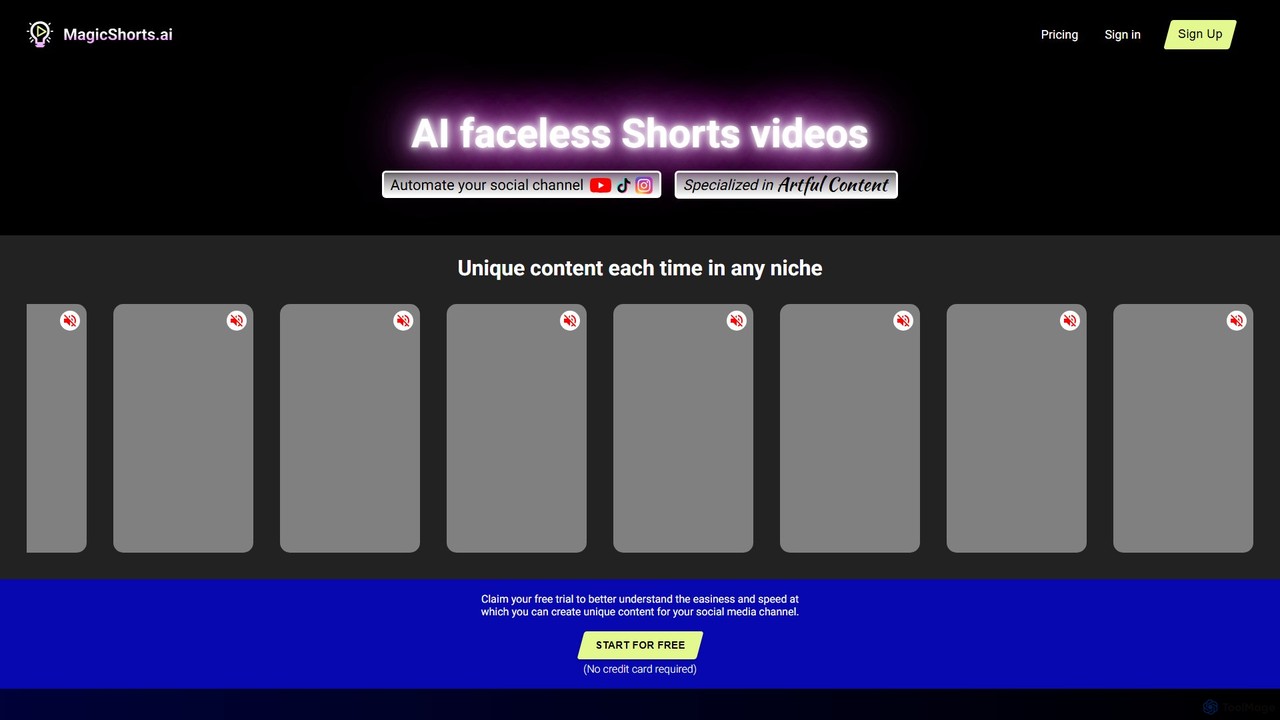
magicshorts
magicshorts is an AI-powered platform that automates the creation of unique, faceless short videos for social media. Simply provide a topic, and the tool generates a script, adds a lifelike AI voiceover, and pairs it with stunning artistic visuals and background music. It's designed for content creators who want to produce engaging content for YouTube Shorts, TikTok, and Reels without appearing on camera.
Automation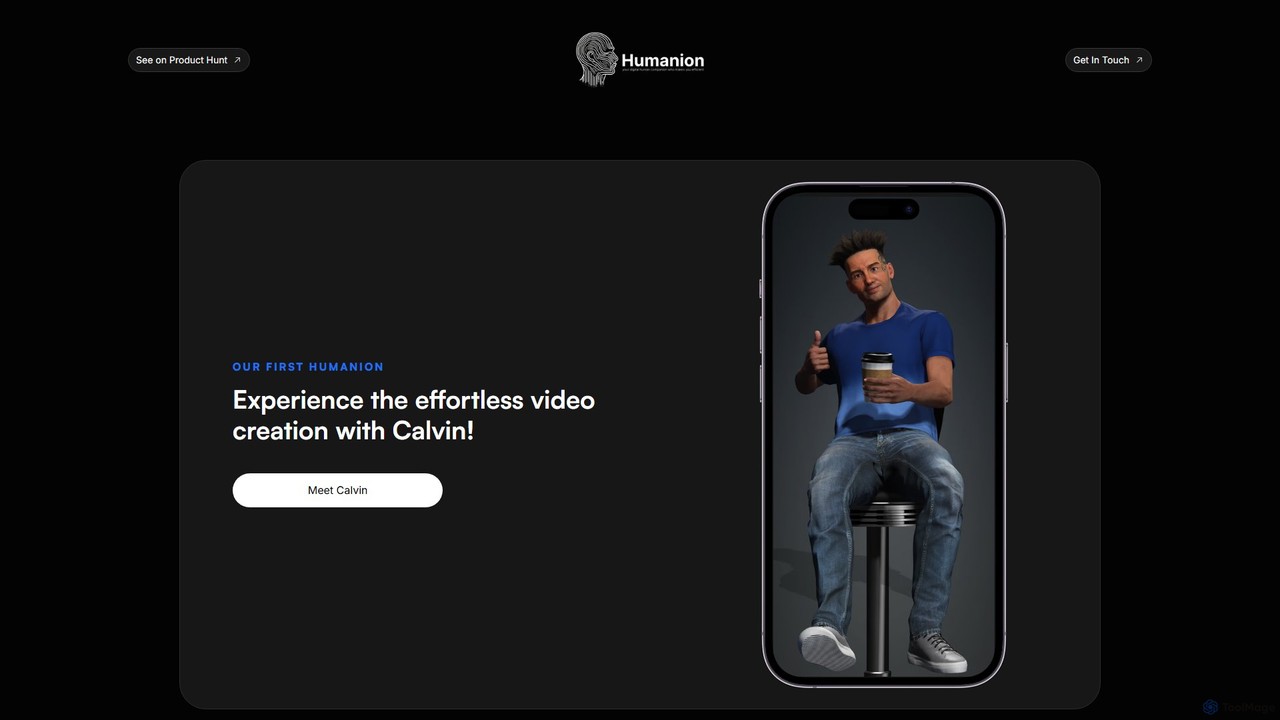
Humanion.ai
Humanion.ai introduces Calvin, a revolutionary AI-powered mobile app that transforms your spoken or typed ideas into captivating short videos. Designed for social media, Calvin automates the entire editing process, allowing you to create viral content for TikTok, Reels, and Shorts effortlessly. Simply describe your vision, and the AI assistant brings it to life with visuals, music, and text, no technical skills required.
Automation
SNAPVID.AI Comments (0)
Sign in to comment.
Sign inNo comments yet.