
Crayo Overview
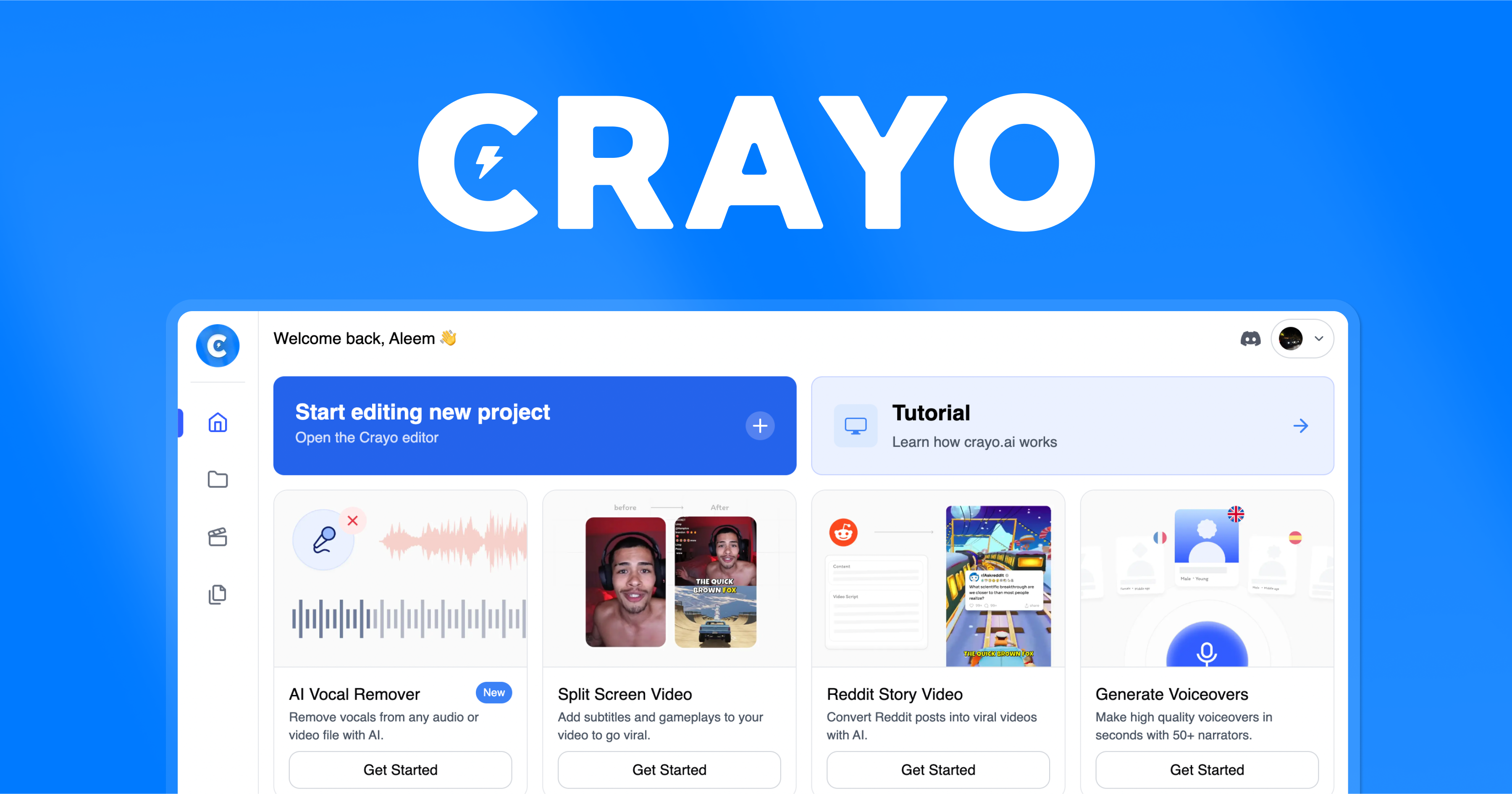
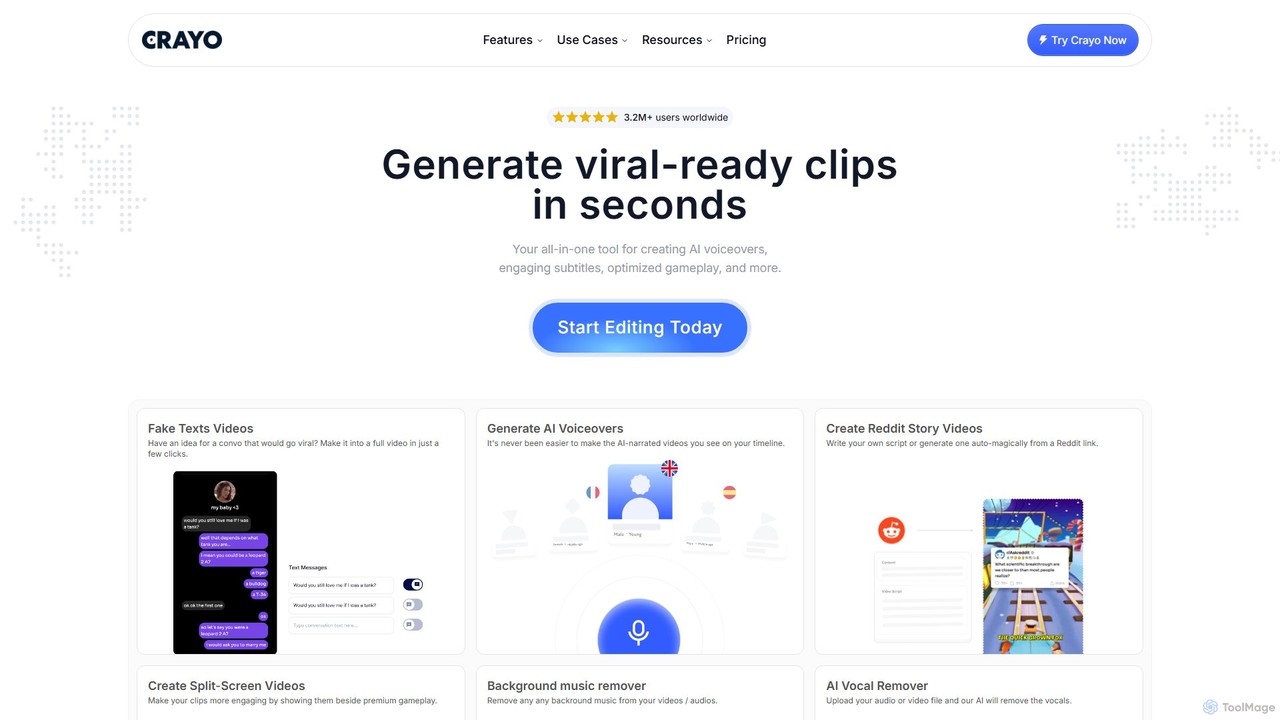
Crayo is a powerful, all-in-one AI-driven video editing platform specifically engineered to help content creators produce engaging, viral-ready short-form videos with unprecedented speed and ease. Trusted by over 3.2 million users worldwide, Crayo streamlines the entire content creation workflow, from brainstorming ideas to publishing finished clips. It eliminates the manual, time-consuming aspects of video editing, allowing creators to focus on what truly matters: crafting compelling stories that capture audience attention on platforms like TikTok, YouTube Shorts, and Instagram Reels.
The platform is built around a suite of intelligent tools that automate complex editing tasks. Whether you're converting a Reddit thread into a captivating story video, creating a simulated text message conversation, or adding dynamic subtitles to your streamer highlights, Crayo provides a dedicated workflow to make it happen in just a few clicks. It's the ultimate cheat code for scaling content production without sacrificing quality.
How to use Crayo
Crayo simplifies video creation into an intuitive, three-step process that anyone can master, regardless of their editing experience:
- Write and Outline: Begin your project by creating a script. You can write your own, use one of Crayo's pre-built templates for inspiration, or leverage the AI by simply providing a prompt. For maximum efficiency, you can even paste a Reddit link to have the AI automatically generate a complete video script based on the post and its comments.
- Customize and Style: This is where your video comes to life. Select a background video from a library of premium content, including popular gameplay footage to keep viewers engaged. Choose from over 50 distinct AI-generated voices to narrate your script, and add background music from a free-to-use template library to set the perfect tone.
- Finish and Export: Once you're satisfied with your creation, choose your desired export format and resolution. You can download the final video, the generated script, or just the narration file. The entire process is designed to be fast, seamless, and reliable, enabling you to go from idea to viral-ready clip in minutes.
Core Features of Crayo
- AI Video Workflows: Specialized tools for creating Fake Texts Videos, Reddit Story Videos, Split-Screen Videos, Streamer Videos, and ChatGPT-style conversation videos.
- AI Voiceovers: Generate high-quality, human-like voiceovers in seconds with a library of over 50 different narrators and styles.
- AI Brainstormer: Overcome creative blocks by generating viral content ideas tailored to your specific niche or topic.
- Audio Editing Tools: Includes an AI Vocal Remover to isolate instrumentals and a Background Music Remover to clean up audio from your clips.
- Content Sourcing: A built-in YouTube & TikTok Video Downloader allows you to safely and easily import content for your edits.
- AI Image Generator: Create custom images from text prompts to use in your videos, perfect for illustrating concepts or creating unique visuals.
- VEO3 Generator: An advanced AI tool for creating high-quality videos from prompts, pushing the boundaries of automated content creation.
- Engaging Subtitles: Automatically generate and style subtitles to make your videos more accessible and engaging, a key factor for viewer retention on mobile platforms.
Use Cases for Crayo
Crayo is versatile enough to support a wide range of content creators and marketers:
- Social Media Influencers: Quickly produce a high volume of daily content for TikTok and YouTube Shorts, using features like Reddit Story Videos and AI Voiceovers to stay on top of trends.
- Gamers and Streamers: Effortlessly turn long stream VODs into exciting, viral-ready clips using the Streamer Video and Split-Screen video tools, complete with engaging subtitles and background gameplay.
- Digital Marketers: Create unique and eye-catching video ads, such as Fake Texts Videos, to promote products or services in a format that resonates with younger audiences.
- Podcasters and Storytellers: Repurpose audio content into visually engaging videos. Use the AI Vocal Remover to isolate speech and the AI Brainstormer to develop new episode ideas.
Advantages of Crayo
Crayo offers a significant competitive edge for content creators:
- Unmatched Speed: Drastically reduces editing time from hours to minutes, enabling a much higher content output.
- Ease of Use: The intuitive interface and automated workflows make professional-quality video editing accessible to everyone, with no technical skills required.
- Trend-Focused Toolkit: Features are specifically designed to create content formats that are proven to perform well and go viral on social media.
- All-in-One Solution: Consolidates multiple tools (scripting, voice generation, video editing, asset sourcing) into a single, seamless platform.
- Cost-Effective: Provides immense value by saving time and eliminating the need for multiple expensive software subscriptions.
Pricing and Plans
Crayo offers a transparent, tiered pricing structure to fit different needs and scales, with a 20% discount on yearly subscriptions.
- Hobby Plan: $19/month. Includes 50 AI videos, 40 minutes of export, 30 voiceover minutes, 100 AI images, and 40 workflow credits.
- Clipper Plan (Most Popular): $39/month. Includes 150 AI videos, 2 hours of export, 120 voiceover minutes, 300 AI images, and 120 workflow credits.
- Pro Plan: $79/month. Includes 250 AI videos, 3 hours of export, 180 voiceover minutes, 500 AI images, and 180 workflow credits.
All plans include access to key workflows like Fake Texts, Reddit, Split-Screen, and Streamer videos, as well as tools like the AI Brainstormer and video downloaders.
Traffic
Latest traffic
Status
Monthly traffic trend
- 2025-9: 223.2K
- 2026-1: 313.8K
- 2026-2: 237.0K
- 2026-3: 247.6K
- 2026-4: 275.5K
- 2026-5: 290.0K
Geography
Top 5 countries / regions
- 🇺🇸United States49.6%
- 🇮🇳India16.4%
- 🇳🇬Nigeria12.3%
- 🇬🇧United Kingdom11.7%
- 🇵🇭Philippines10.0%
Traffic sources
| Source type | Percentage |
|---|---|
Direct | 86.3% |
Referral | 13.3% |
Email | 0.5% |
Crayo Videos on YouTube

Simple Trading & Investing

Levi Acay
Paul’s Software Vault


The AI Reference


Crayo Alternatives
ClipGOAT
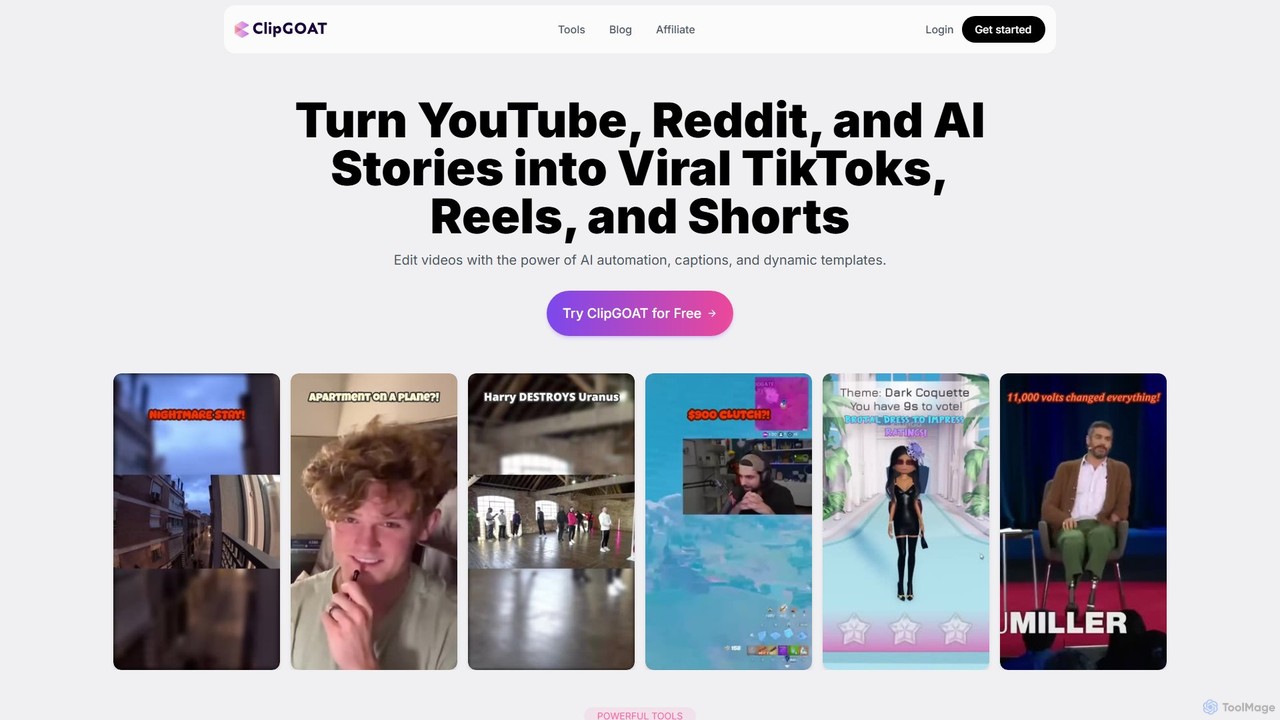
ClipGOAT is an AI-powered platform that transforms long-form content like YouTube videos, Reddit threads, and text stories into viral short-form videos for TikTok, Reels, and Shorts. It automates clipping, captioning, and reframing, enabling creators to produce and schedule engaging content in minutes without prior editing experience.
Automation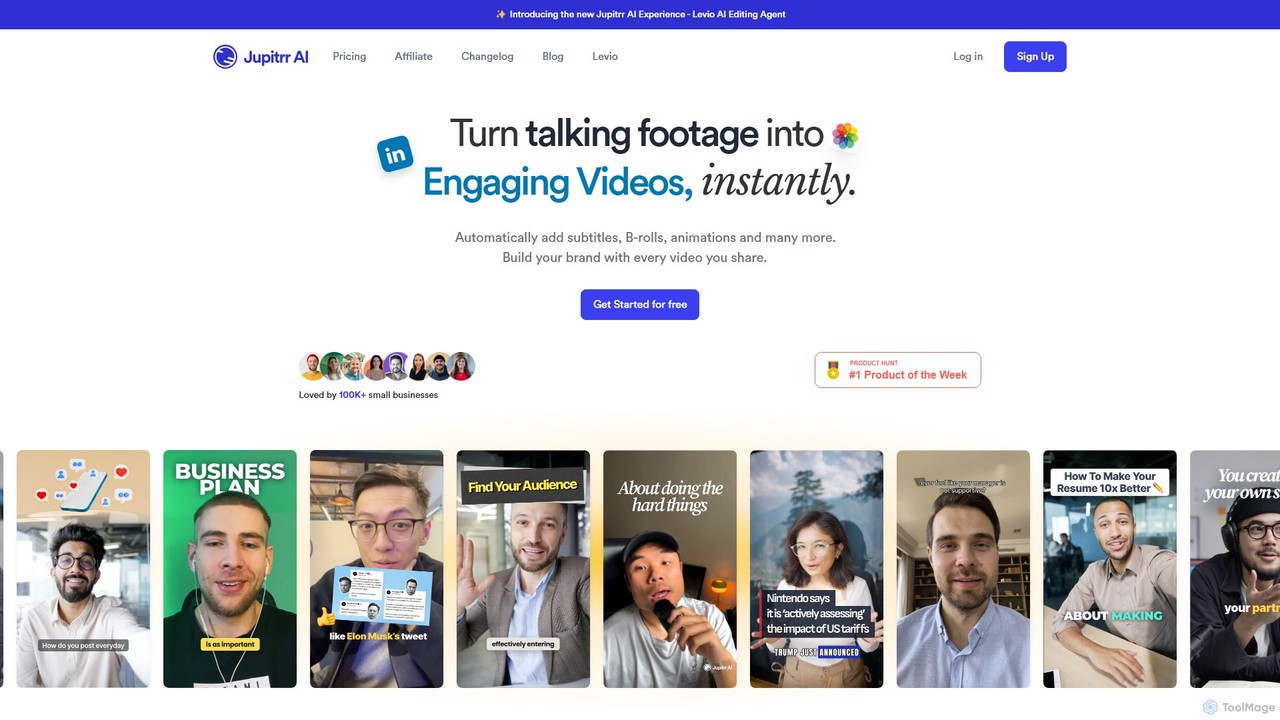
jupitrr
jupitrr is an AI-powered video editor that instantly transforms raw talking-head footage into engaging, shareable video clips. It automatically adds dynamic subtitles, relevant B-rolls from a massive stock library, animations, and background music, making professional video creation accessible to everyone without editing skills.
Automation
SNAPVID.AI
SNAPVID.AI is an AI-powered video editor designed for content creators to quickly transform long-form videos into viral short clips. It automates tedious tasks like cutting, adding subtitles, and inserting B-roll footage, enabling users to produce more content for platforms like TikTok, Reels, and YouTube Shorts, saving significant time and money.
Automation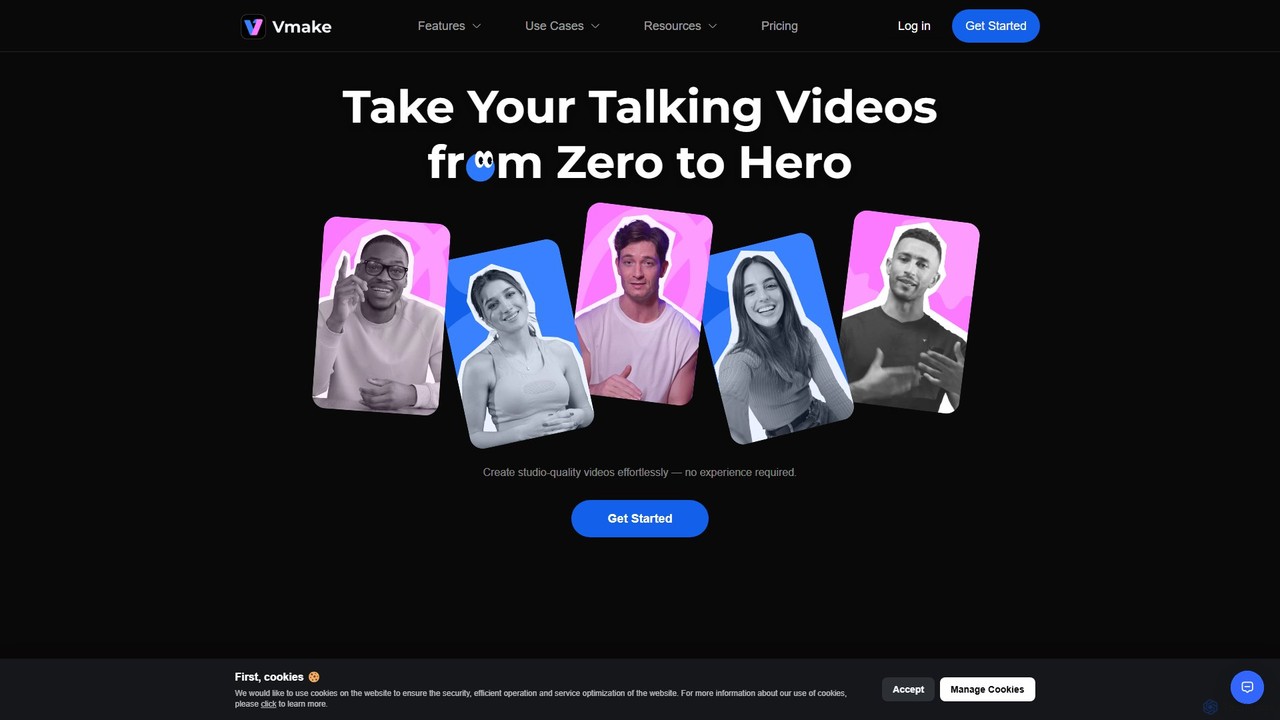
Vmake
Vmake is an all-in-one AI video solution designed for creators. It simplifies video production with features like watermark removal, auto-captions, background removal, and video enhancement. Effortlessly create studio-quality talking videos for social media and marketing without prior experience.
Transcription
2short.ai
2short.ai is an AI-powered tool that transforms long-form videos into engaging, high-performing short clips. It automatically identifies the most captivating moments, adds animated subtitles, and uses facial tracking to perfectly frame speakers. This helps content creators save hours of editing time and grow their audience on platforms like YouTube Shorts, TikTok, and Reels 10x faster.
AutomationCrayo Categories
Crayo Embed Widget
Copy this embed code to place the badge on your blog, article, or product site and send readers directly to this ToolMage detail page.

Related AI tools
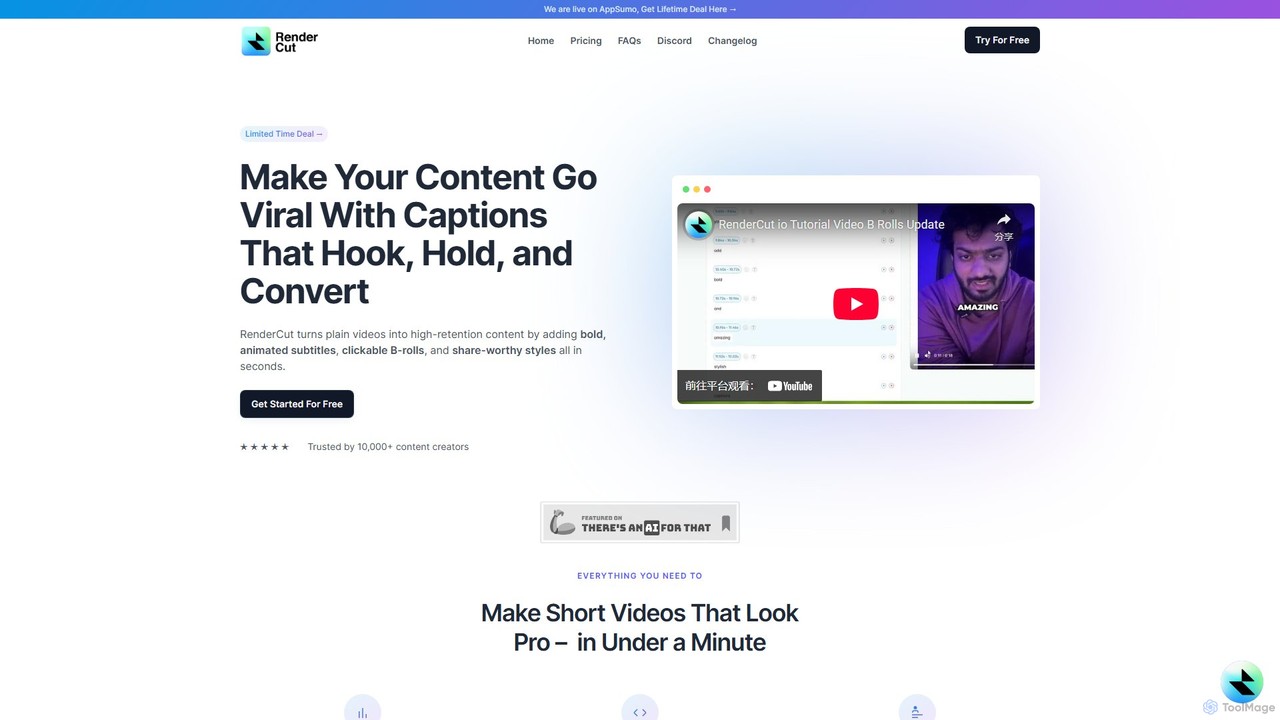
RenderCut
RenderCut is an AI-powered video editing tool that automates the creation of engaging short-form videos. It instantly adds stylish, animated subtitles, B-rolls, emojis, and sound effects, transforming plain videos or audio into high-retention content for platforms like TikTok, Reels, and Shorts. It's designed for content creators, marketers, and businesses to produce professional-looking videos in minutes, not hours.
Video Marketing
Latte Social
Latte Social is an AI-powered creative studio designed to simplify video production for social media. It automates content creation by transforming long-form videos into viral short clips, editing raw footage, adding animated subtitles, and even generating videos from text. It's built for creators and businesses looking to grow their audience with professional content, effortlessly.
Automation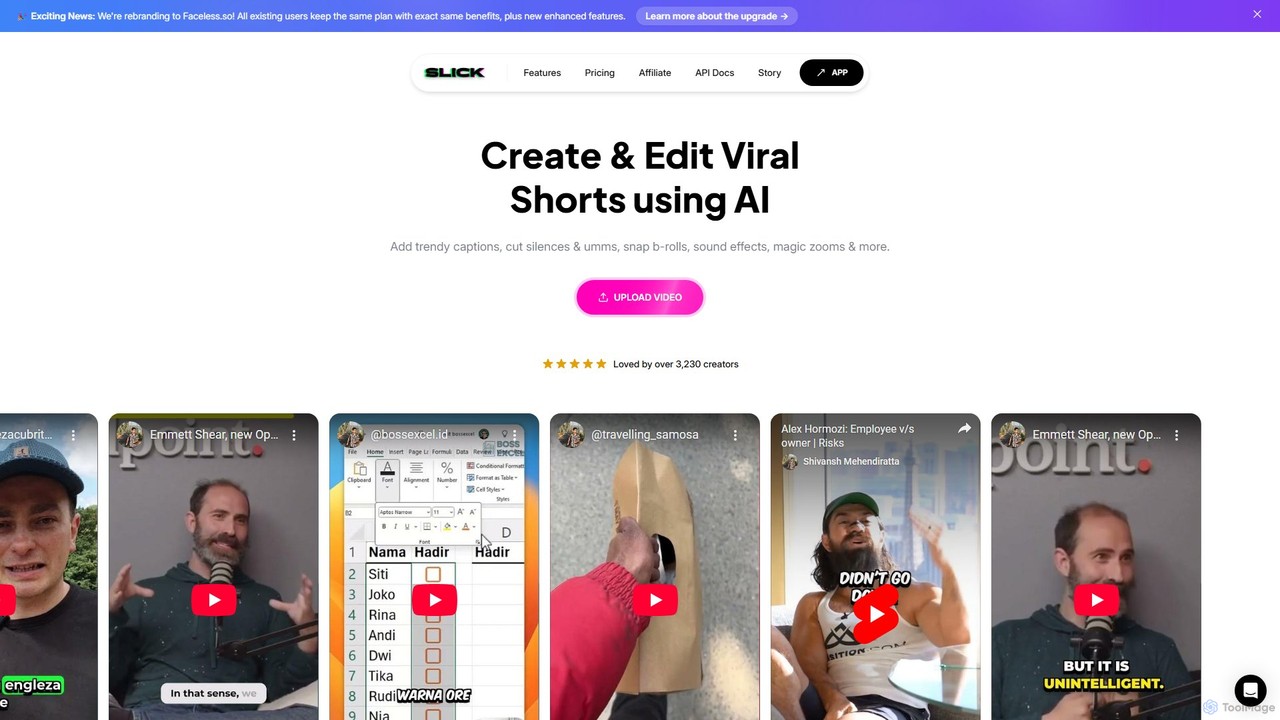
Slick
Slick (now rebranded as Faceless.so) is an AI-powered video editor designed to create and edit viral short videos for platforms like TikTok, Instagram Reels, and YouTube Shorts. It automates tedious tasks like adding trendy captions, inserting B-rolls, removing silences, and generating clips from long videos, enabling creators to produce engaging content effortlessly.
Automation
rapidshorts
rapidshorts is an AI-powered video generator that transforms text into engaging short-form videos in seconds. Designed for content creators and marketers, it automates the entire video creation process, from scriptwriting and voiceovers to sourcing visuals and adding captions, supporting multiple languages and styles.
Social Media Marketing
Faceless.so
Faceless.so is an all-in-one AI video generator for creating and automating faceless videos for social media. It transforms text from prompts, Reddit, X (Twitter), and blogs into engaging short-form videos, complete with captions, music, and B-roll, and auto-posts them to YouTube, TikTok, and X.
Marketing Automation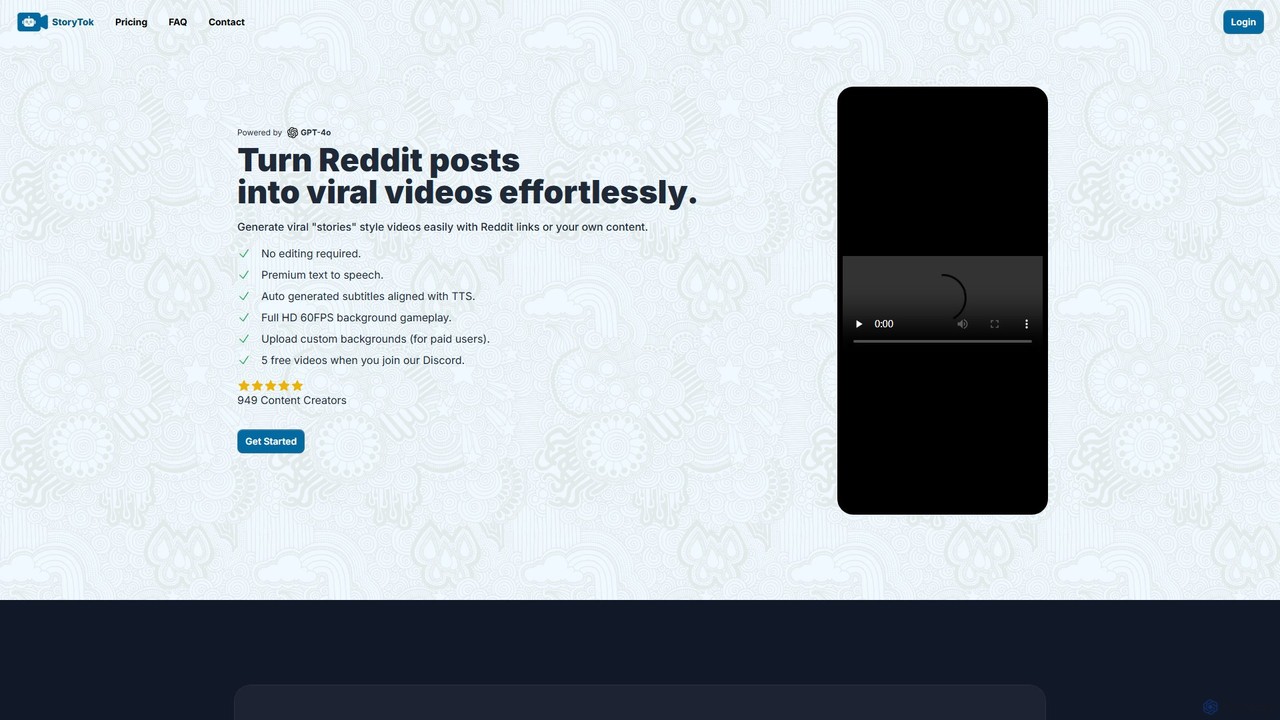
StoryTok
StoryTok is an AI-powered video generator that effortlessly transforms Reddit posts and custom text into viral short-form story videos. Featuring premium text-to-speech, auto-synced subtitles, and high-quality background gameplay footage, it allows creators to produce engaging content for platforms like TikTok and YouTube Shorts with zero editing required. It's ideal for quickly creating popular 'Reddit story' style videos.
Text To SpeechClipGOAT
ClipGOAT is an AI-powered platform that transforms long-form content like YouTube videos, Reddit threads, and text stories into viral short-form videos for TikTok, Reels, and Shorts. It automates clipping, captioning, and reframing, enabling creators to produce and schedule engaging content in minutes without prior editing experience.
Automationjupitrr
jupitrr is an AI-powered video editor that instantly transforms raw talking-head footage into engaging, shareable video clips. It automatically adds dynamic subtitles, relevant B-rolls from a massive stock library, animations, and background music, making professional video creation accessible to everyone without editing skills.
AutomationSNAPVID.AI
SNAPVID.AI is an AI-powered video editor designed for content creators to quickly transform long-form videos into viral short clips. It automates tedious tasks like cutting, adding subtitles, and inserting B-roll footage, enabling users to produce more content for platforms like TikTok, Reels, and YouTube Shorts, saving significant time and money.
Automation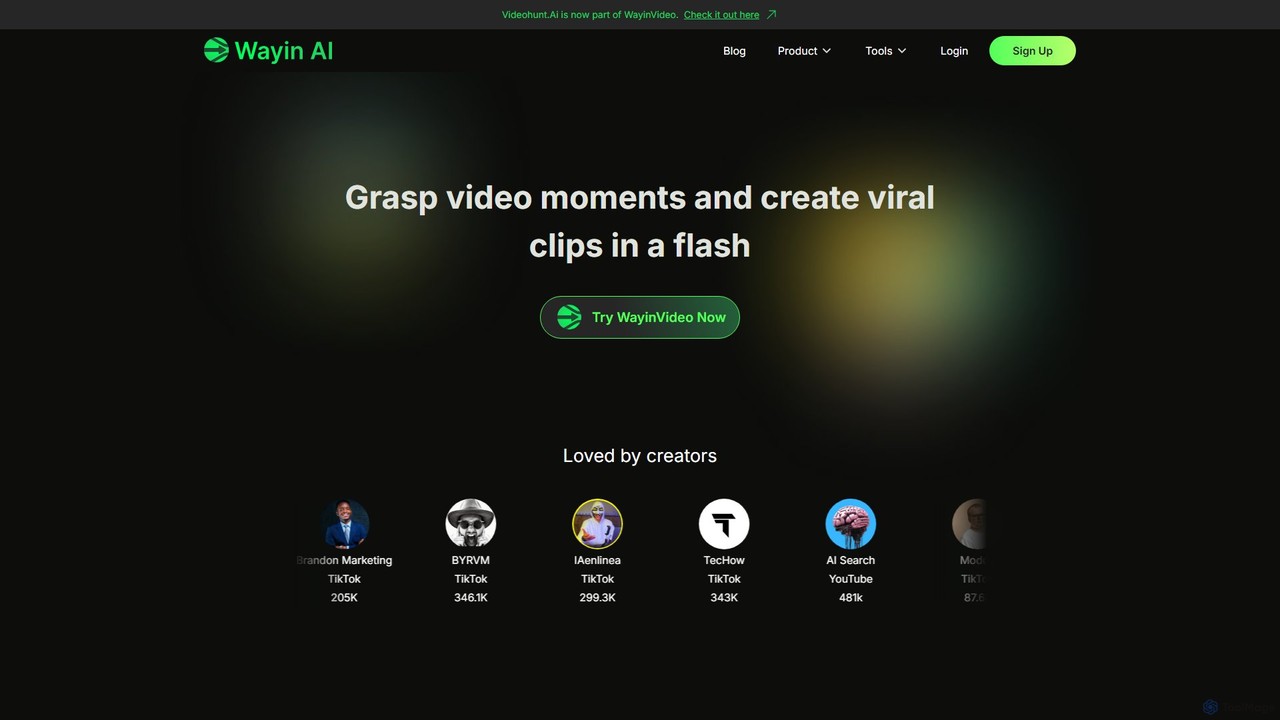
WayinVideo
WayinVideo is an AI-powered platform designed for content creators and marketers to effortlessly transform long-form videos into engaging, viral short clips. By simply pasting a video link or uploading a file, the AI automatically identifies key moments, generates animated captions, and reframes content for social media platforms like TikTok, YouTube Shorts, and Instagram Reels, saving hours of manual editing.
Automation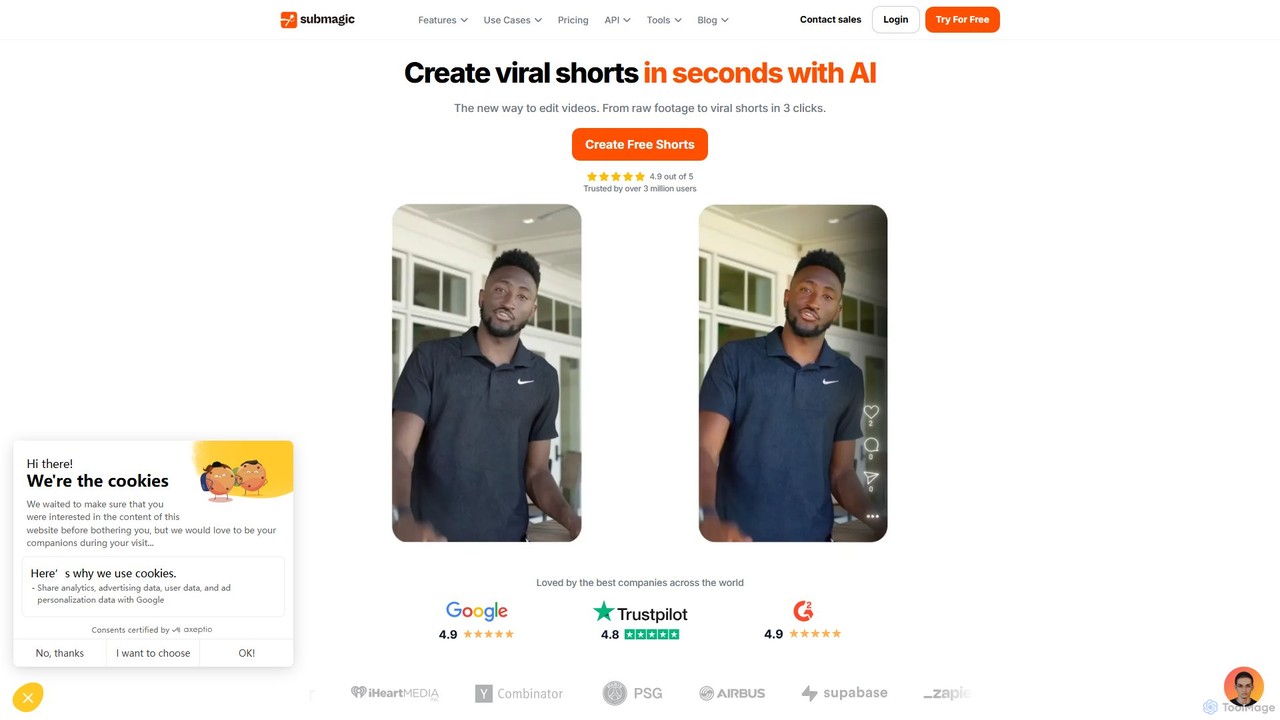
Submagic
Submagic is an all-in-one AI platform designed for creating viral short-form videos in seconds. It automates tedious editing tasks by generating trendy captions with emojis, adding dynamic B-rolls, creating smooth transitions, and extracting key moments from long videos. It's the perfect tool for content creators, marketers, and businesses looking to boost engagement and save time on video production.
Automation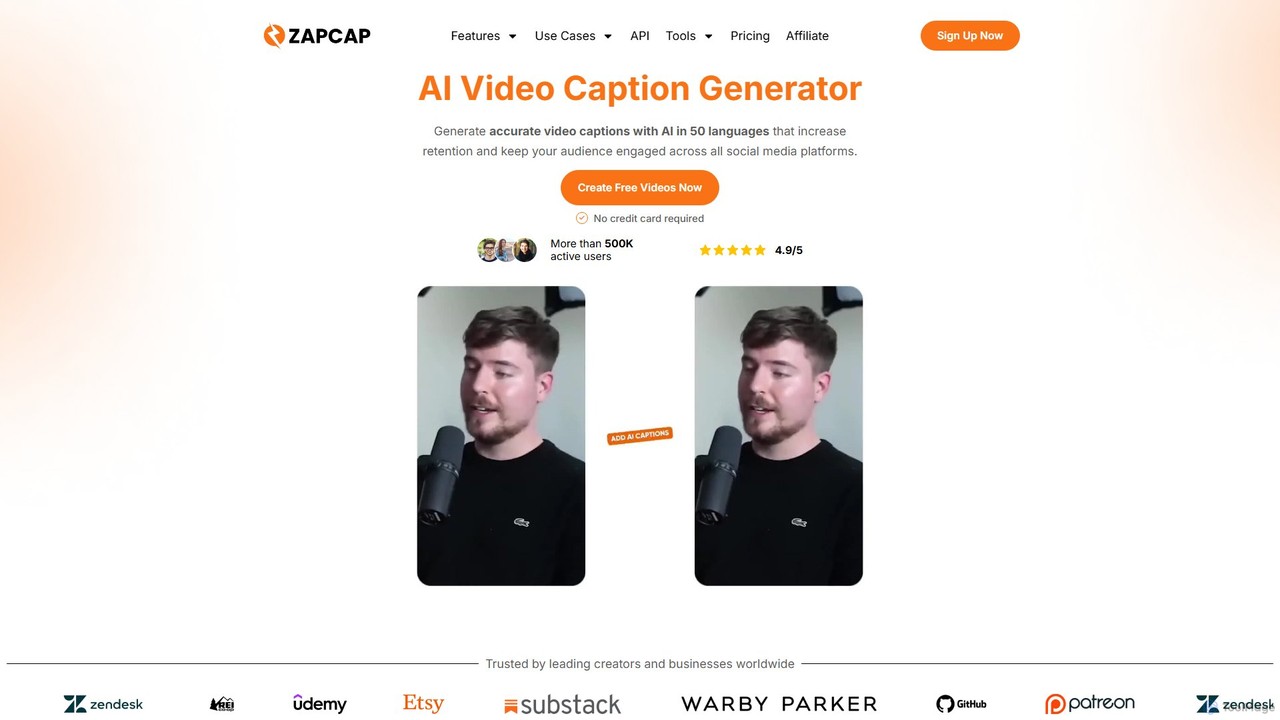
zapcap
zapcap is an AI-powered video editing platform designed to create viral short-form videos with ease. It automatically generates accurate captions in over 50 languages, removes silences, creates short clips from long videos, adds B-roll, sound effects, and generates SEO-optimized descriptions. It's an all-in-one tool for content creators, marketers, and businesses to boost engagement and save time.
Video Marketing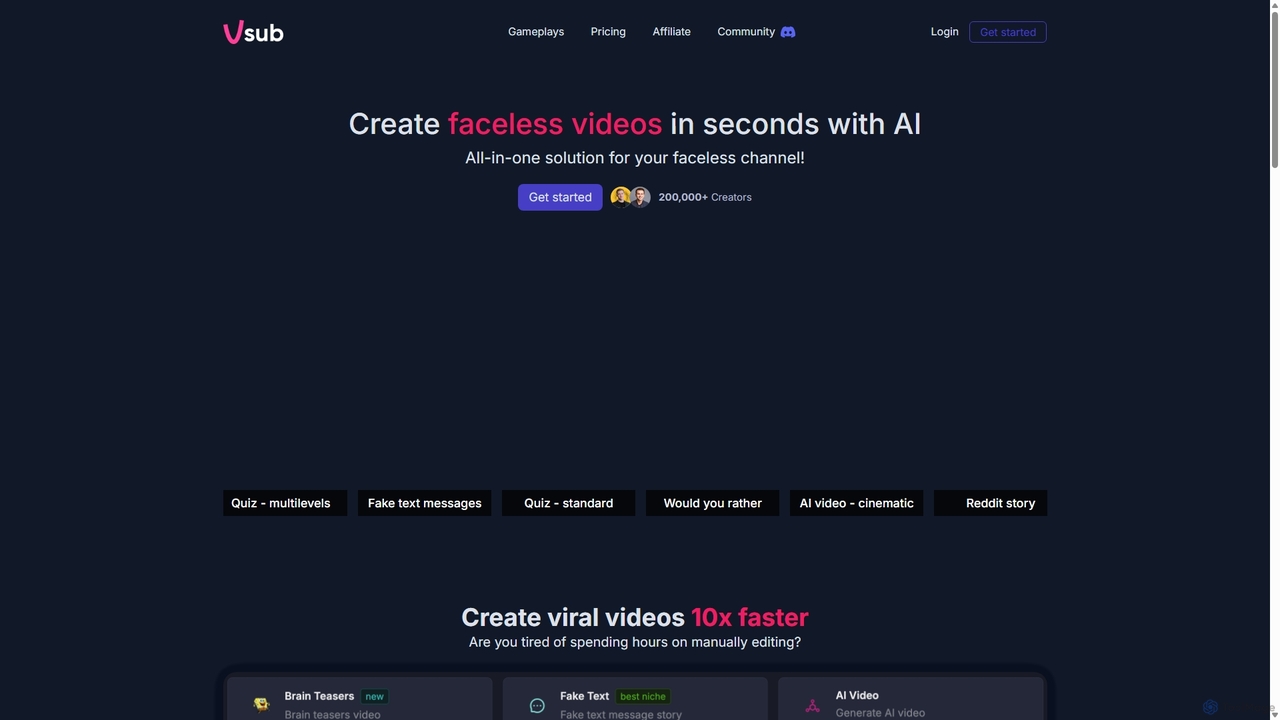
Vsub
Vsub is an AI-powered platform designed for creating engaging, faceless short videos in seconds. It serves as an all-in-one solution for content creators, enabling them to produce viral content for platforms like YouTube Shorts, TikTok, and Instagram Reels 10x faster than traditional methods.
Automation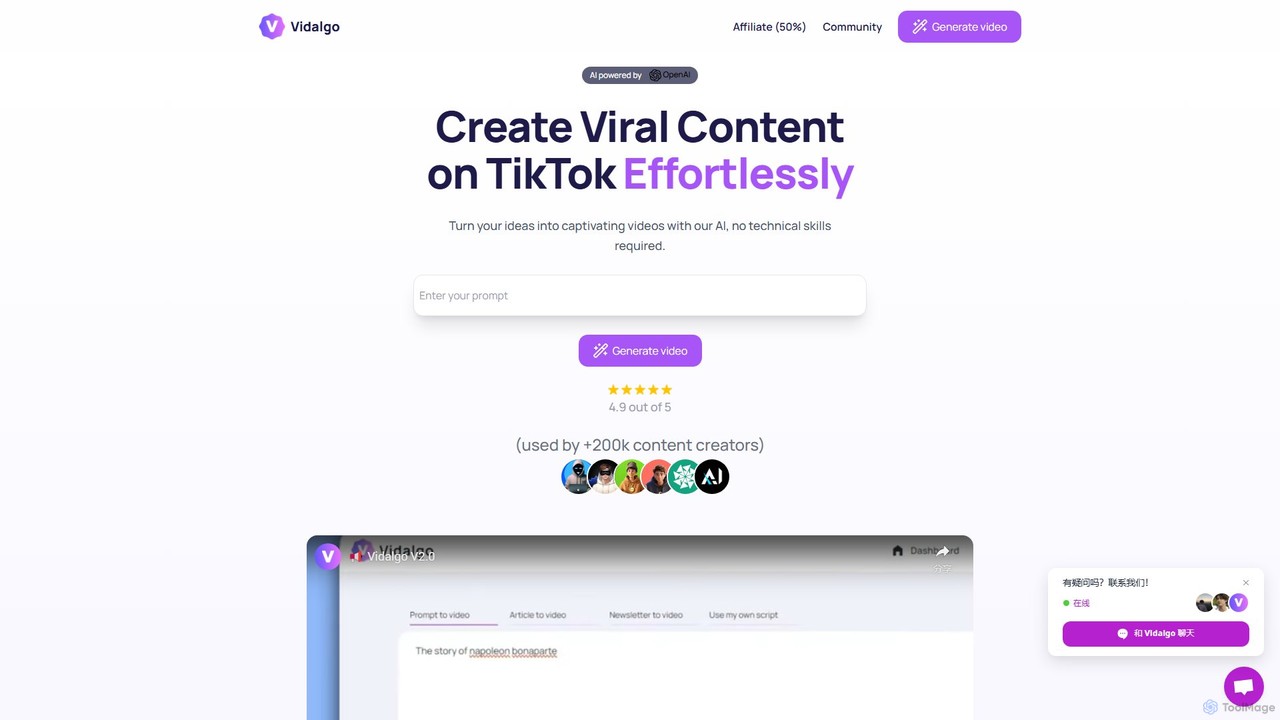
Vidalgo
Vidalgo is an AI-powered platform that enables creators to generate viral vertical videos for TikTok, YouTube Shorts, and Instagram Reels with a single click. It automates scriptwriting, image selection, and video assembly, requiring no technical skills. The tool is designed to save time, boost engagement, and help users create a high volume of content effortlessly.
Automation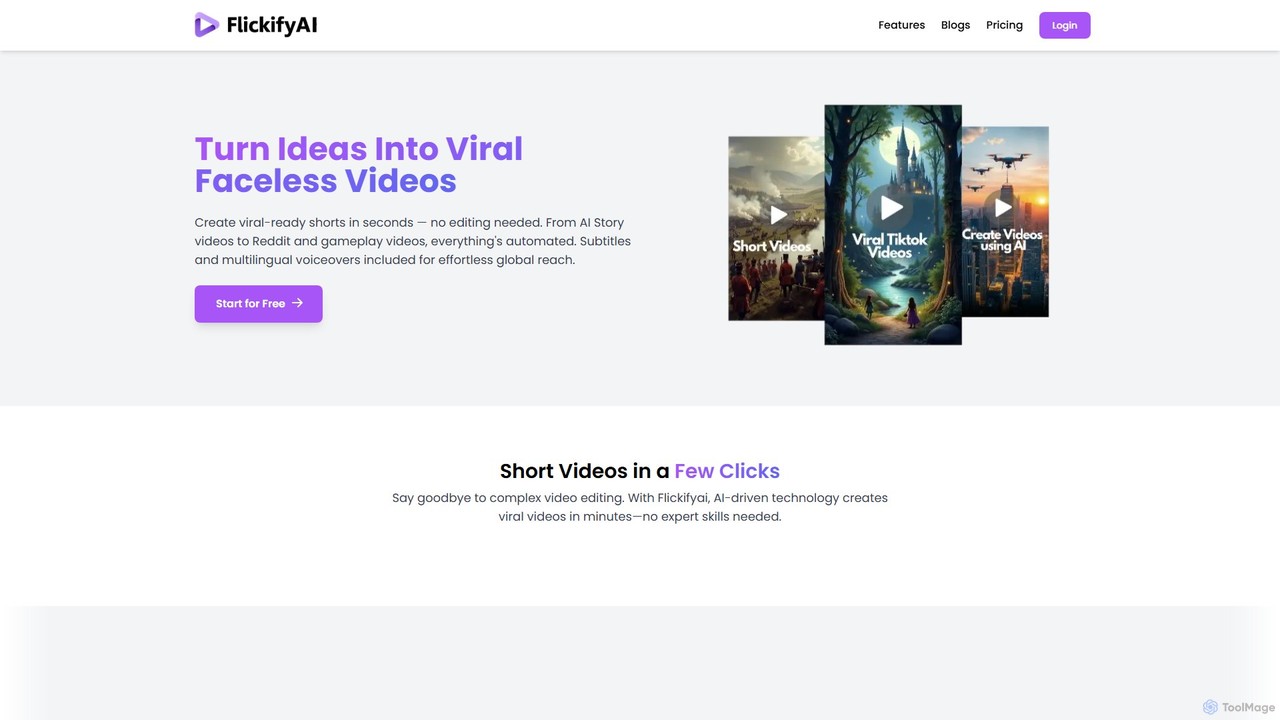
FlickifyAI
FlickifyAI is an AI-powered video creation platform that effortlessly transforms text, blog posts, or Reddit links into engaging, viral-ready short videos. It automates scriptwriting, voiceovers, subtitles, and visual selection, making it ideal for creating faceless content for social media without any editing skills.
Automation
Crayo Comments (0)
Sign in to comment.
Sign inNo comments yet.