

Vmake Overview
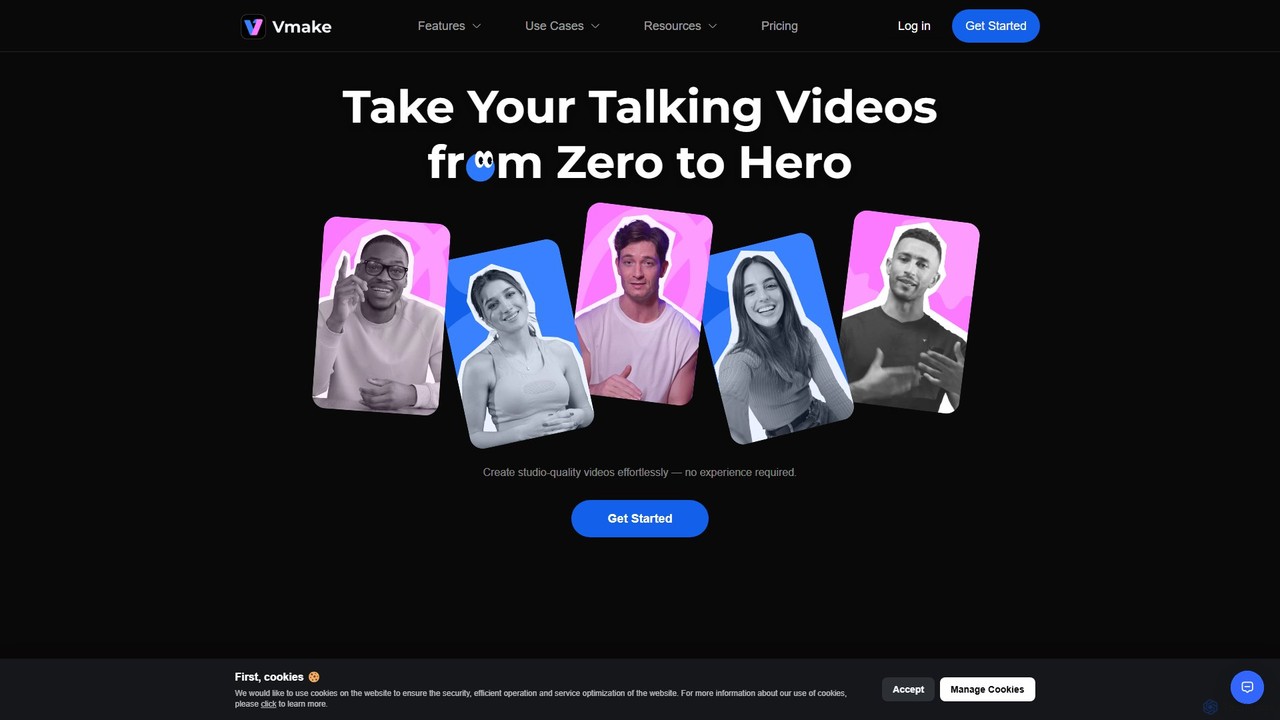
Vmake is a comprehensive, AI-powered video creation and editing platform that empowers users to produce professional, studio-quality videos with remarkable ease. Designed for content creators, marketers, educators, and anyone looking to enhance their video presence, Vmake streamlines the entire video production workflow, from initial concept to final polished product. It eliminates the steep learning curve and technical barriers often associated with traditional video editing software, making high-quality video creation accessible to everyone.
The platform's core philosophy is to make video editing faster, smarter, and more efficient. Whether you're repurposing existing content or creating something new from scratch, Vmake's suite of AI tools is built to handle the heavy lifting. This allows creators to focus on their message and creativity, rather than getting bogged down in tedious editing tasks. With availability as both a web application and a mobile app, Vmake offers flexibility to edit on the go or on a desktop.
How to use Vmake
Using Vmake is an intuitive and straightforward process, designed for users of all skill levels:
- Upload Your Media: Start by uploading your video or audio file to the Vmake platform. You can drag and drop files directly into the web interface or select them from your device.
- Choose an AI Tool: Based on your needs, select from Vmake's powerful AI features. If you need to clean up a video, choose the 'Watermark & Subtitle Remover'. To make your video more accessible, use 'Auto Captions'. For a cleaner look, select 'Video Background Remover'. To improve quality, use the 'Video Enhancer'.
- Apply and Customize: Let the AI work its magic. The tool will automatically process your video. For features like captions, you can then customize the style, font, and color to match your brand's aesthetic.
- Edit and Refine: Use the integrated AI video editor to trim your clips, combine different segments, and make final adjustments. You can also use the AI to generate compelling covers for your videos to increase engagement.
- Export and Share: Once you are satisfied with the result, export your video in high quality. Your professional-looking video is now ready to be shared on social media platforms like TikTok, YouTube, Instagram, or used in your marketing campaigns.
Core Features of Vmake
- Watermark & Subtitle Remover: Intelligently removes unwanted watermarks, logos, text, or burned-in subtitles from any video, allowing for clean repurposing of content.
- Auto Captions: Automatically transcribes audio from your videos and generates accurate, stylizable subtitles in a single click, boosting accessibility and viewer retention.
- Video Background Remover: Instantly and precisely removes the background from your videos without the need for a green screen, allowing you to add custom backgrounds or maintain a transparent look.
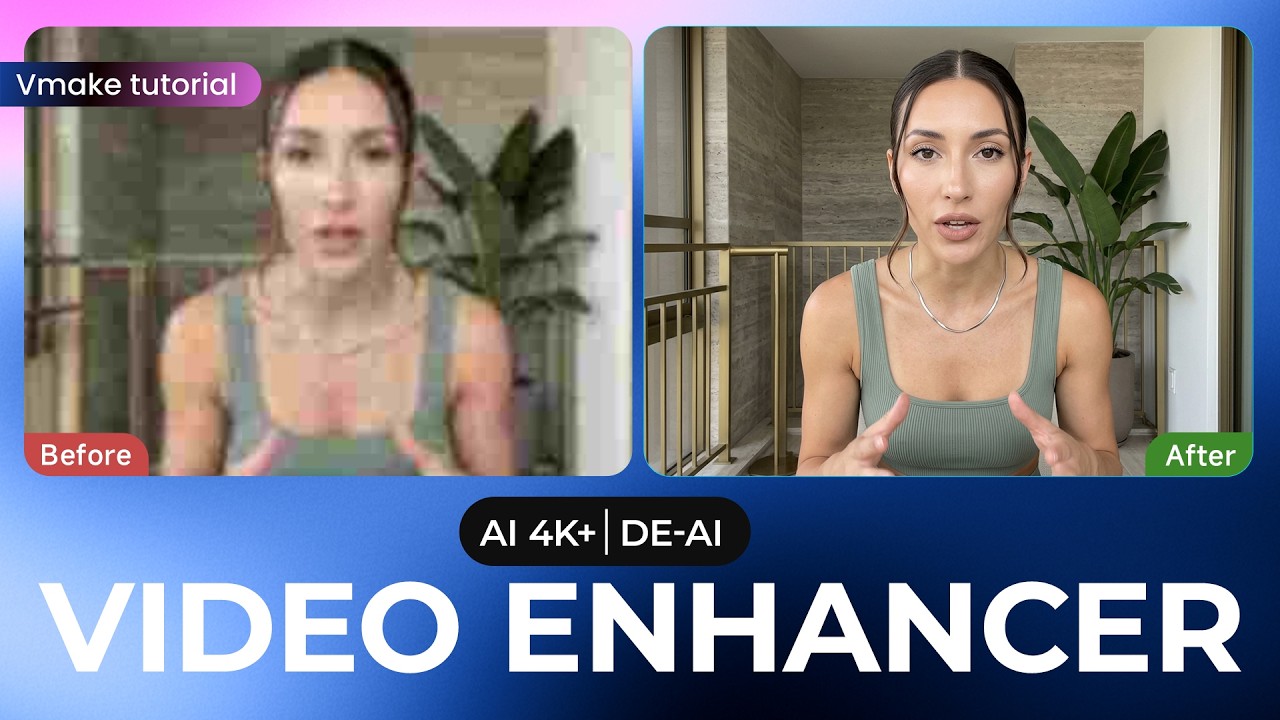
- AI Video Enhancer: Automatically improves video quality by increasing resolution, reducing noise, and enhancing clarity. It also includes audio enhancement to remove background noise for crystal-clear sound.
- Video & Audio To Text: Provides accurate transcription services, converting spoken content from video or audio files into editable text for repurposing, content analysis, or creating articles.
- AI Video Editing Suite: A collection of smart editing tools that simplify tasks like trimming, cutting, and creating engaging video covers, powered by AI to make the process more efficient.
- AI Video Teleprompter (App Only): A feature within the mobile app that helps creators record videos confidently by displaying a script on-screen as they record.
Use Cases for Vmake
Vmake is a versatile tool suitable for a wide range of applications:
- Social Media Content Creators: Quickly produce engaging, captioned, and high-quality videos for platforms like TikTok, Instagram Reels, and YouTube Shorts.
- Marketers and Businesses: Create professional product demos, advertisements, and promotional videos without the high cost of a production agency.
- Educators and Online Tutors: Develop clear and polished instructional videos and online course materials with enhanced audio and visual quality.
- Podcasters: Repurpose audio podcasts into dynamic video formats with captions and visualizations to reach a wider audience on video platforms.
- Real Estate Agents: Enhance property tour videos by removing distracting elements or improving video quality shot on mobile devices.
Advantages of Vmake
Vmake stands out by offering a unique combination of power and simplicity. Its primary advantage is its all-in-one nature, consolidating multiple expensive and complex tools into one affordable and user-friendly platform. This significantly boosts productivity, allowing users to create more content in less time. The AI-driven automation removes the need for specialized skills, democratizing video production. The cross-platform availability ensures that you can work on your projects wherever you are, seamlessly switching between your computer and mobile device.
Pricing and Plans
Vmake operates on a freemium model, making it accessible to get started. It offers a free plan that allows users to test the core features, which may come with certain limitations such as watermarks on exported videos or a cap on usage credits. For users with greater needs, Vmake provides various paid subscription plans. These premium plans typically offer more credits, higher resolution exports, access to all advanced features, and remove watermarks, catering to both individual creators and businesses.
Traffic
Latest traffic
Status
Monthly traffic trend
- 2025-9: 2.2M
- 2026-1: 2.2M
- 2026-2: 2.1M
- 2026-3: 2.2M
- 2026-4: 2.1M
- 2026-5: 2.4M
Geography
Top 5 countries / regions
- 🇮🇳India31.2%
- 🇰🇷South Korea22.9%
- 🇺🇸United States19.0%
- 🇧🇷Brazil14.5%
- 🇵🇭Philippines12.5%
Traffic sources
| Source type | Percentage |
|---|---|
Direct | 91.1% |
Referral | 8.0% |
Email | 0.9% |
Top keywords
| Keyword | Cost per click |
|---|---|
| remove watermark from video | $0.24 |
| video watermark remover | $0.23 |
| vmake | $0.61 |
| vmake ai | $0.53 |
| watermark remover | $0.27 |
Vmake Videos on YouTube


Pritam Sahoo - LearnAI


AI Builders Academy


Vmake Alternatives
Crayo
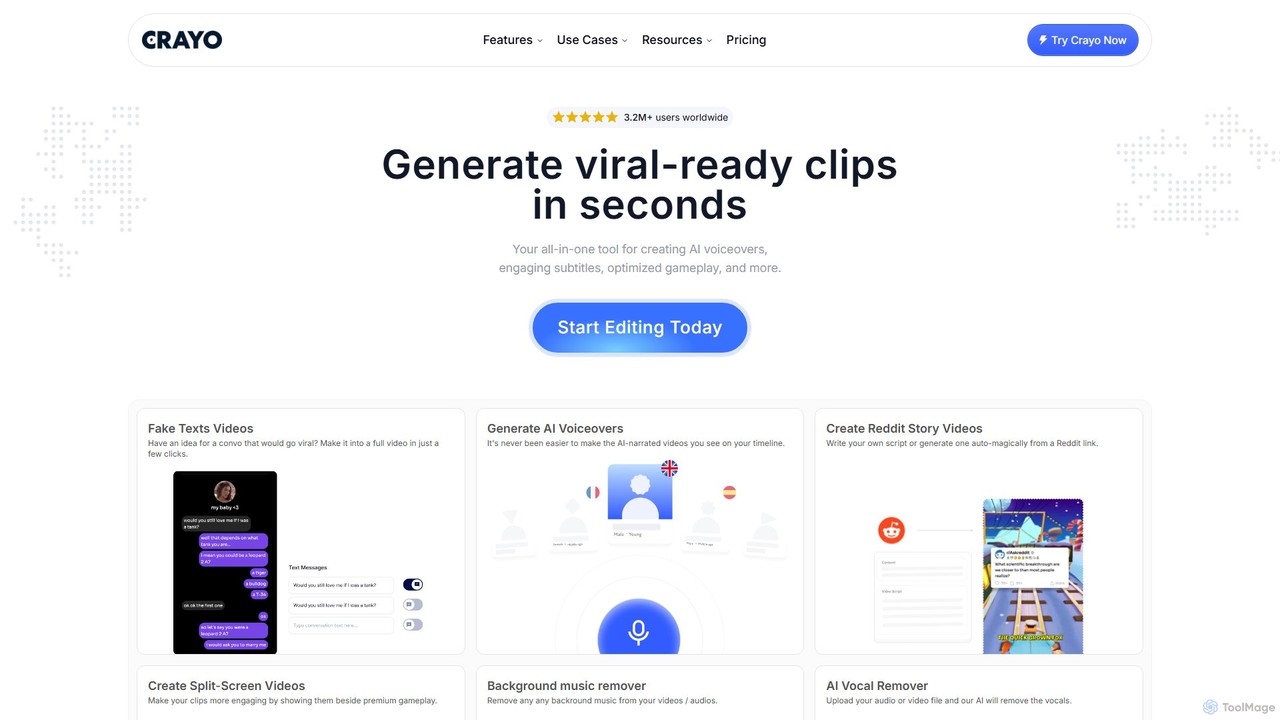
Crayo is an all-in-one AI video editor designed for creating viral-ready short-form content in seconds. It automates tedious tasks with features like AI voiceovers, engaging subtitles, split-screen gameplay videos, and unique formats like fake text conversations and Reddit story videos. Ideal for content creators, streamers, and marketers looking to scale their video production and go viral on platforms like TikTok and YouTube.
Voice Generation
myaivlog
myaivlog is an AI-powered video editor designed to simplify vlogging. It automatically analyzes your footage to select the best highlights, saving up to 95% of editing time. With features like smart cutting, AI-generated covers, subtitles, and background music, it empowers anyone to create professional-looking vlogs for daily life, travel, or social media with minimal effort. Available on iOS, Android, and desktop.
Automation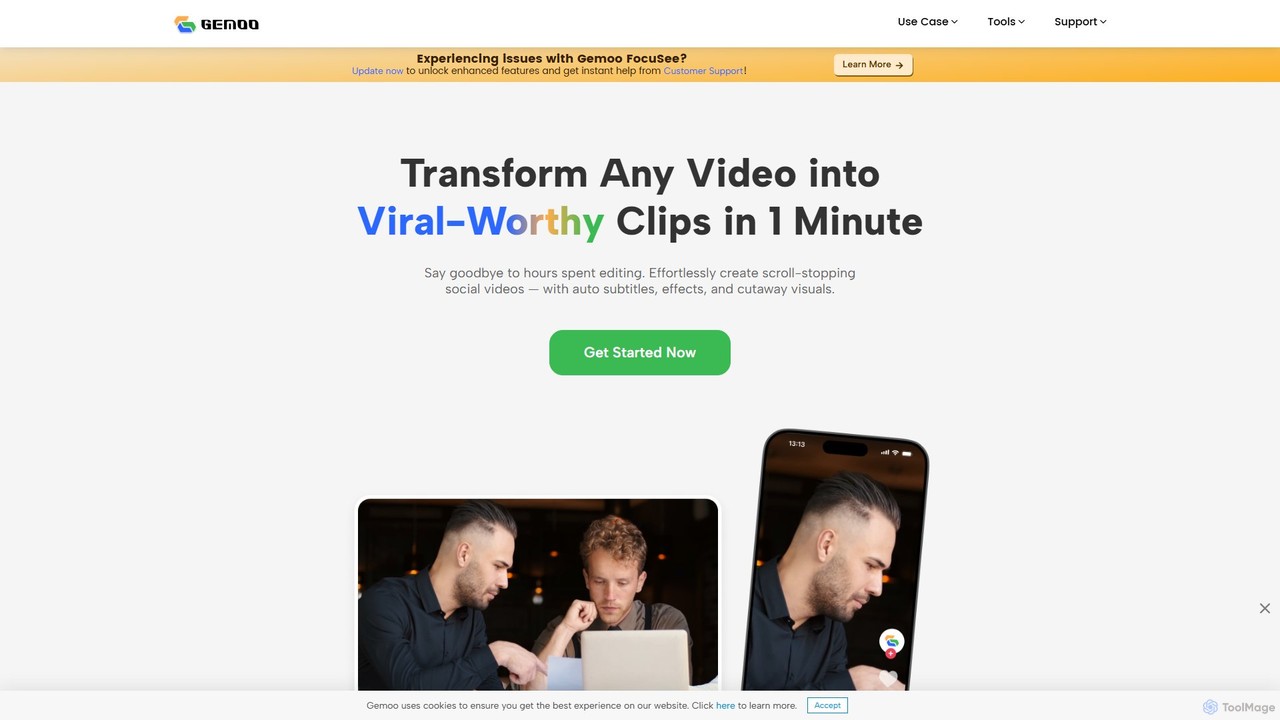
Gemoo
Gemoo is an AI-powered video editor that transforms any video into viral-worthy short clips in minutes. It automates tedious tasks like adding subtitles, inserting relevant B-roll footage, applying effects, and generating social media-optimized titles and descriptions. Ideal for creators, marketers, and educators looking to produce high-quality, engaging content efficiently.
Video Marketing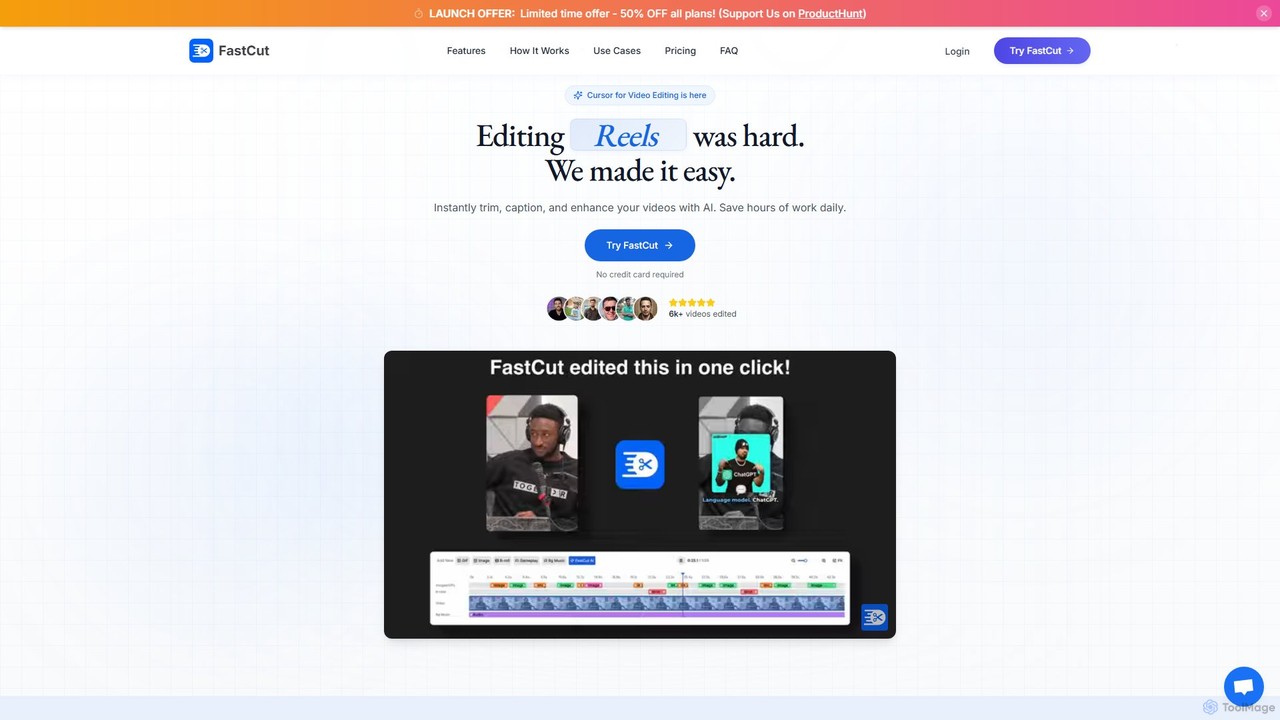
fastcutai
FastCut is an AI-powered video editor designed to simplify and accelerate the creation of short-form videos for platforms like TikTok, Reels, and YouTube Shorts. It automates tedious tasks like trimming, captioning, and adding B-roll, enabling creators to produce high-engagement content 10x faster.
Automation
Zeemo
Zeemo is an all-in-one AI-powered video toolkit designed for content creators. It excels at automatic subtitle generation, transcription, and translation in over 95 languages with up to 98% accuracy. It also offers a suite of video editing tools, social media downloaders, and AI video generation features to streamline content creation and boost audience engagement.
TranscriptionVmake Categories
Vmake Embed Widget
Copy this embed code to place the badge on your blog, article, or product site and send readers directly to this ToolMage detail page.

Related AI tools
CapCut
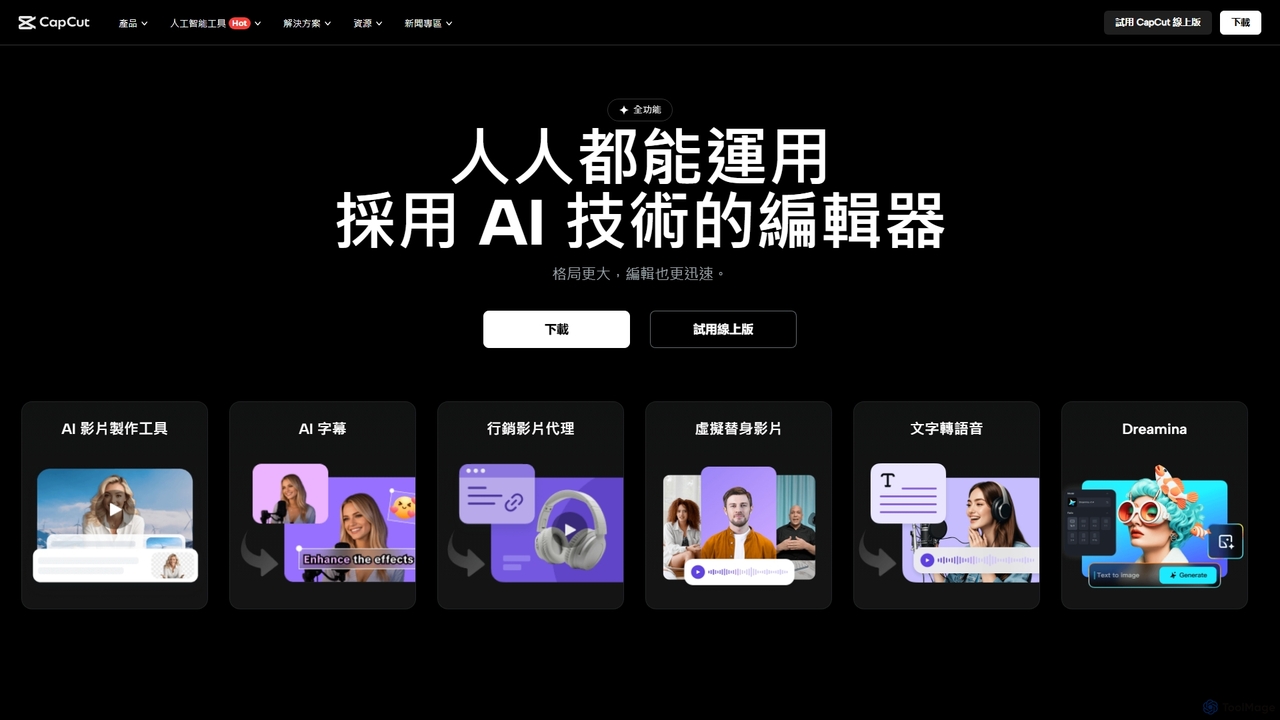
CapCut is a powerful, all-in-one AI video editor and creative suite. It simplifies content creation with intuitive tools for video editing, graphic design, and team collaboration. It offers a wide range of AI features like auto-captions, script-to-video, background removal, and video upscaling, making professional-quality content accessible to everyone, from beginners to pros, across web, desktop, and mobile platforms.
Graphics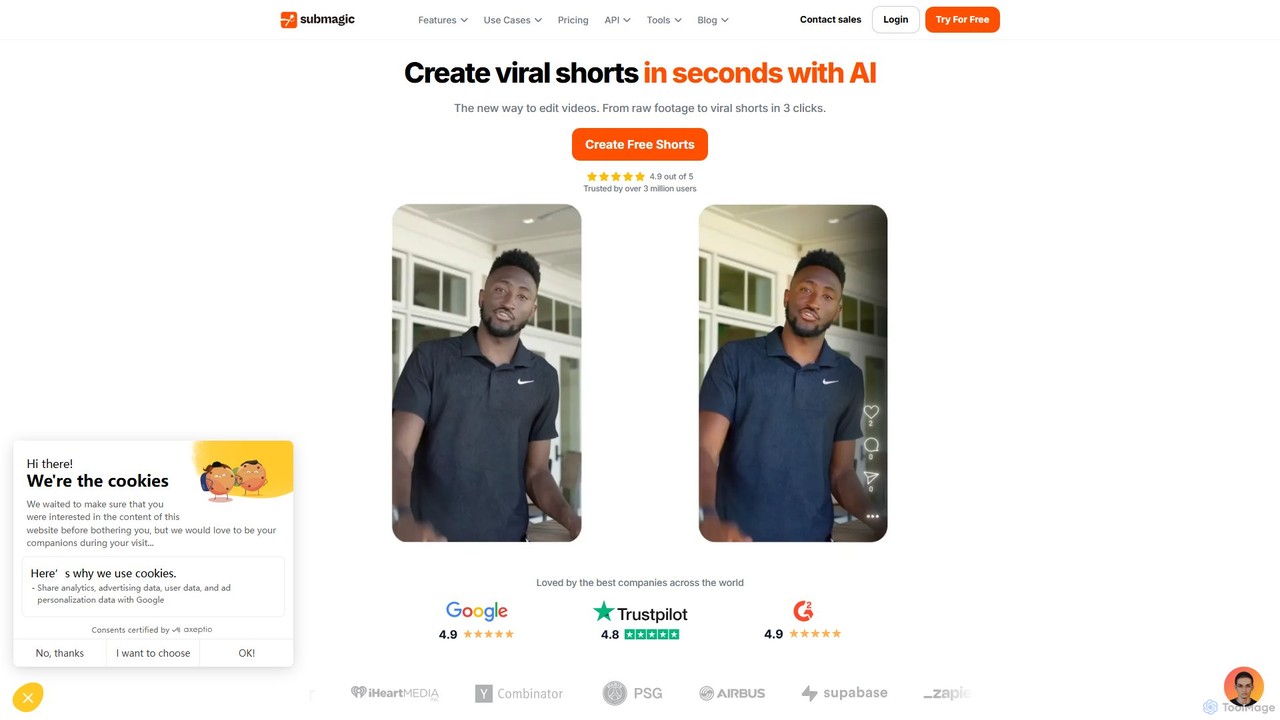
Submagic
Submagic is an all-in-one AI platform designed for creating viral short-form videos in seconds. It automates tedious editing tasks by generating trendy captions with emojis, adding dynamic B-rolls, creating smooth transitions, and extracting key moments from long videos. It's the perfect tool for content creators, marketers, and businesses looking to boost engagement and save time on video production.
Automation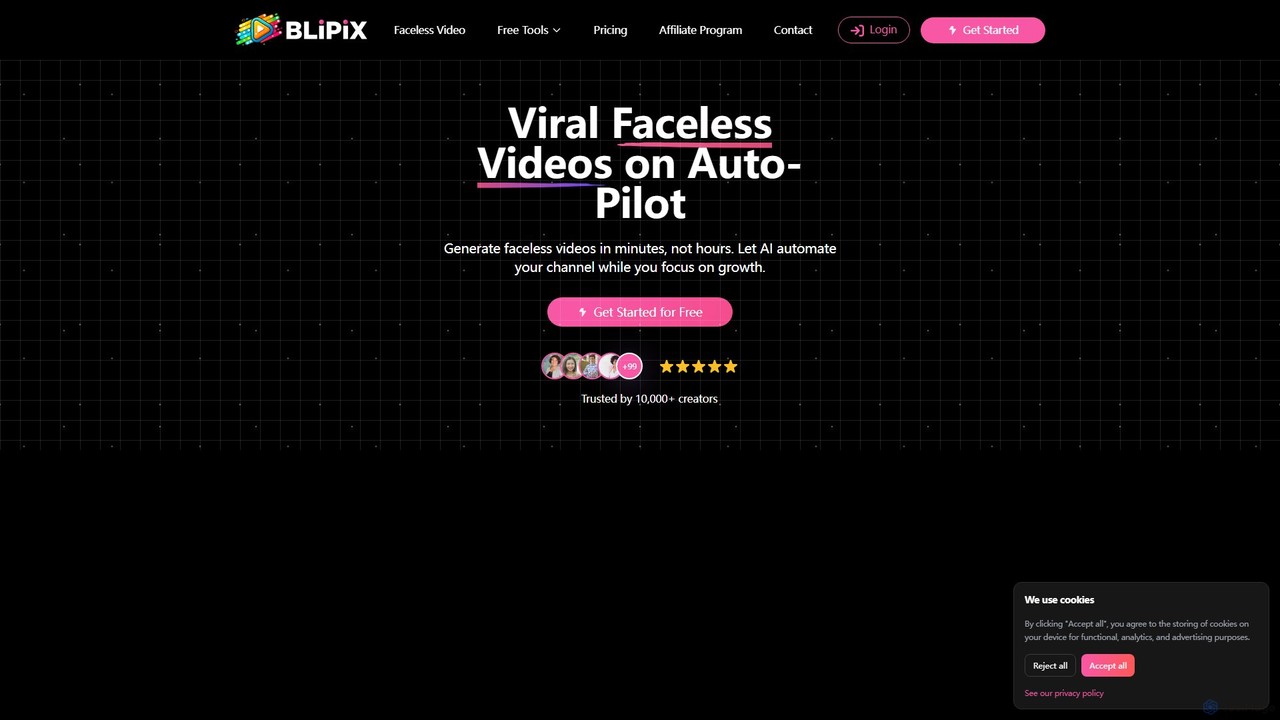
blipix
Blipix is an AI-powered faceless video generator for YouTube and TikTok creators. It automates the entire content creation process, from scriptwriting and voiceovers to generating visuals and scheduling posts. This allows creators to produce viral, monetizable videos in minutes without ever showing their face, saving time and reducing production costs.
Video Marketing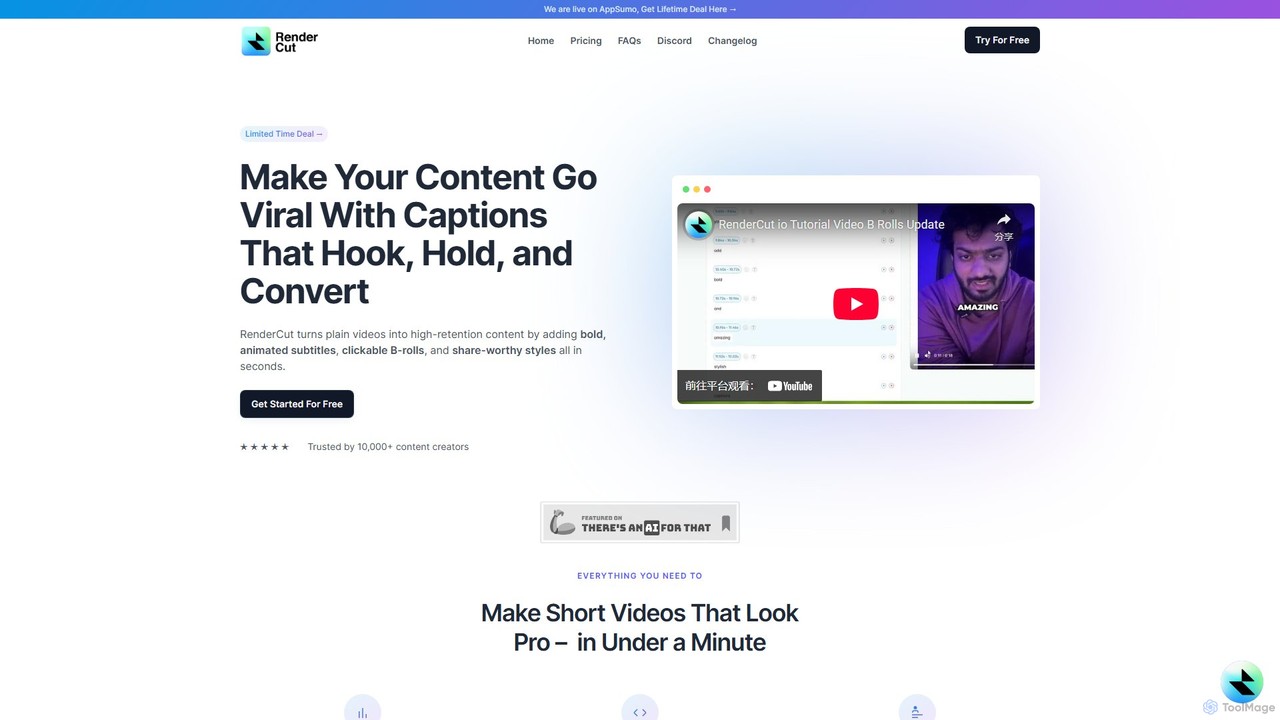
RenderCut
RenderCut is an AI-powered video editing tool that automates the creation of engaging short-form videos. It instantly adds stylish, animated subtitles, B-rolls, emojis, and sound effects, transforming plain videos or audio into high-retention content for platforms like TikTok, Reels, and Shorts. It's designed for content creators, marketers, and businesses to produce professional-looking videos in minutes, not hours.
Video Marketing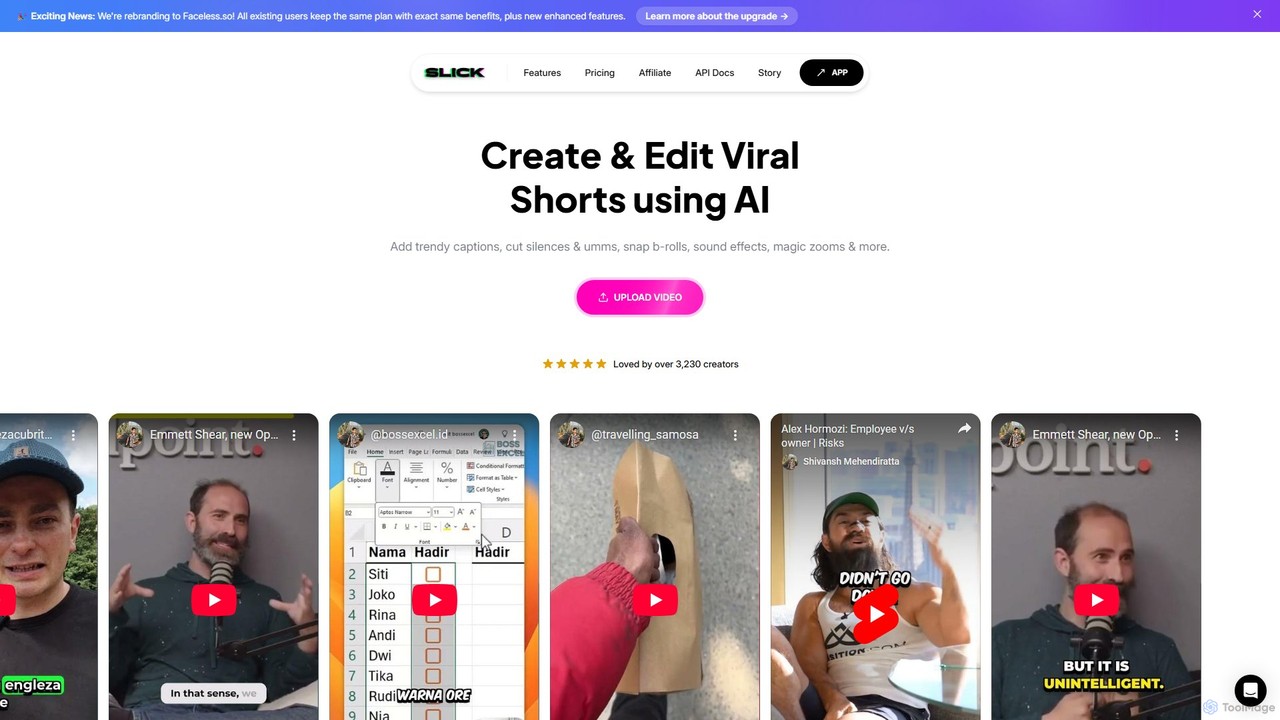
Slick
Slick (now rebranded as Faceless.so) is an AI-powered video editor designed to create and edit viral short videos for platforms like TikTok, Instagram Reels, and YouTube Shorts. It automates tedious tasks like adding trendy captions, inserting B-rolls, removing silences, and generating clips from long videos, enabling creators to produce engaging content effortlessly.
Automation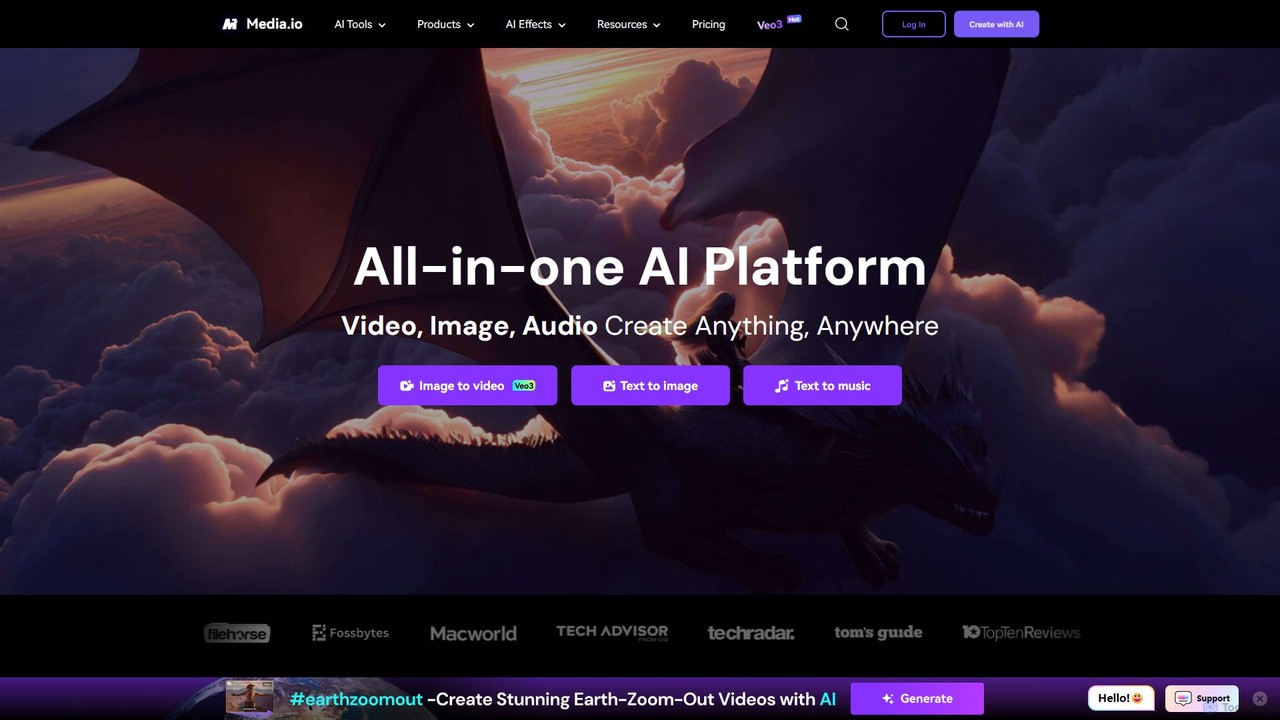
Media.io
Media.io is a comprehensive, all-in-one AI creative platform for video, image, and audio. It empowers users to effortlessly generate and edit high-quality content using advanced AI tools. From text-to-video and image-to-video generation to AI-powered object removal, video enhancement, and music creation, Media.io provides a complete suite for content creators, marketers, and individuals to turn their ideas into compelling visual and auditory experiences directly in their browser.
Music Generation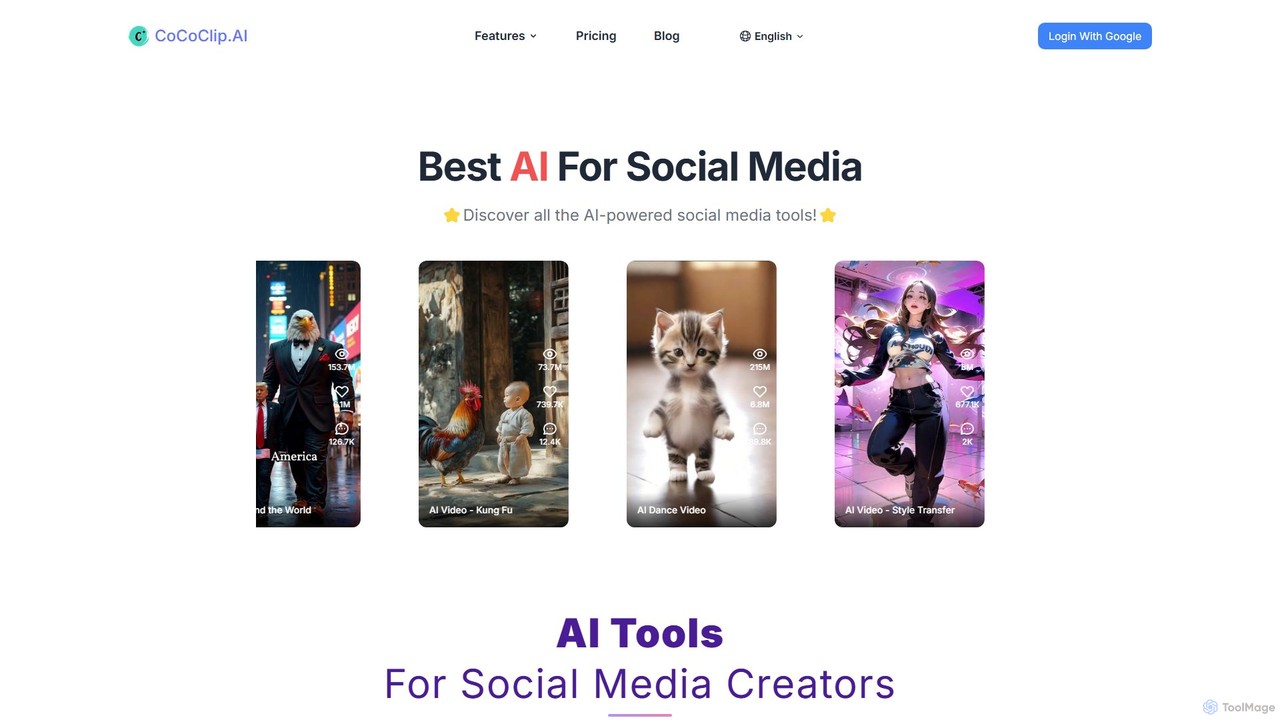
CoCoClip.AI
CoCoClip.AI is an all-in-one AI video editor designed for social media creators. It transforms text, prompts, or images into engaging, viral videos for platforms like TikTok and YouTube Shorts. Key features include an AI script generator, automatic editing, AI voiceovers, and a watermark remover, streamlining the entire content creation workflow.
Voice SynthesisCrayo
Crayo is an all-in-one AI video editor designed for creating viral-ready short-form content in seconds. It automates tedious tasks with features like AI voiceovers, engaging subtitles, split-screen gameplay videos, and unique formats like fake text conversations and Reddit story videos. Ideal for content creators, streamers, and marketers looking to scale their video production and go viral on platforms like TikTok and YouTube.
Voice Generationmyaivlog
myaivlog is an AI-powered video editor designed to simplify vlogging. It automatically analyzes your footage to select the best highlights, saving up to 95% of editing time. With features like smart cutting, AI-generated covers, subtitles, and background music, it empowers anyone to create professional-looking vlogs for daily life, travel, or social media with minimal effort. Available on iOS, Android, and desktop.
AutomationGemoo
Gemoo is an AI-powered video editor that transforms any video into viral-worthy short clips in minutes. It automates tedious tasks like adding subtitles, inserting relevant B-roll footage, applying effects, and generating social media-optimized titles and descriptions. Ideal for creators, marketers, and educators looking to produce high-quality, engaging content efficiently.
Video Marketingfastcutai
FastCut is an AI-powered video editor designed to simplify and accelerate the creation of short-form videos for platforms like TikTok, Reels, and YouTube Shorts. It automates tedious tasks like trimming, captioning, and adding B-roll, enabling creators to produce high-engagement content 10x faster.
Automation
Jyek
Jyek is an AI agent platform that understands objectives, creates execution plans, uses tools, and delivers verifiable results for complex, multi-step tasks.
Automation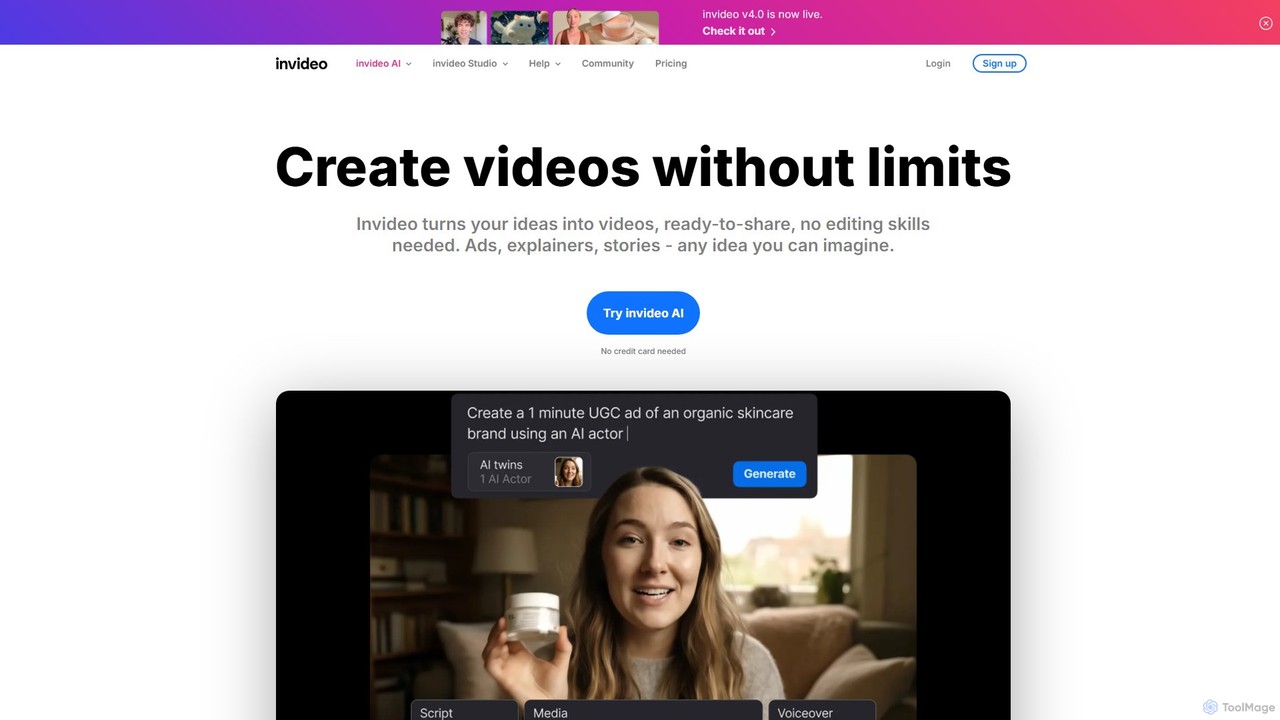
invideo
invideo is an AI-powered video creation platform that transforms text prompts, ideas, or URLs into publish-ready videos. It automates scriptwriting, visual creation, voiceovers, and editing, enabling users without technical skills to produce high-quality ads, social media content, and explainer videos in minutes.
Text To Speech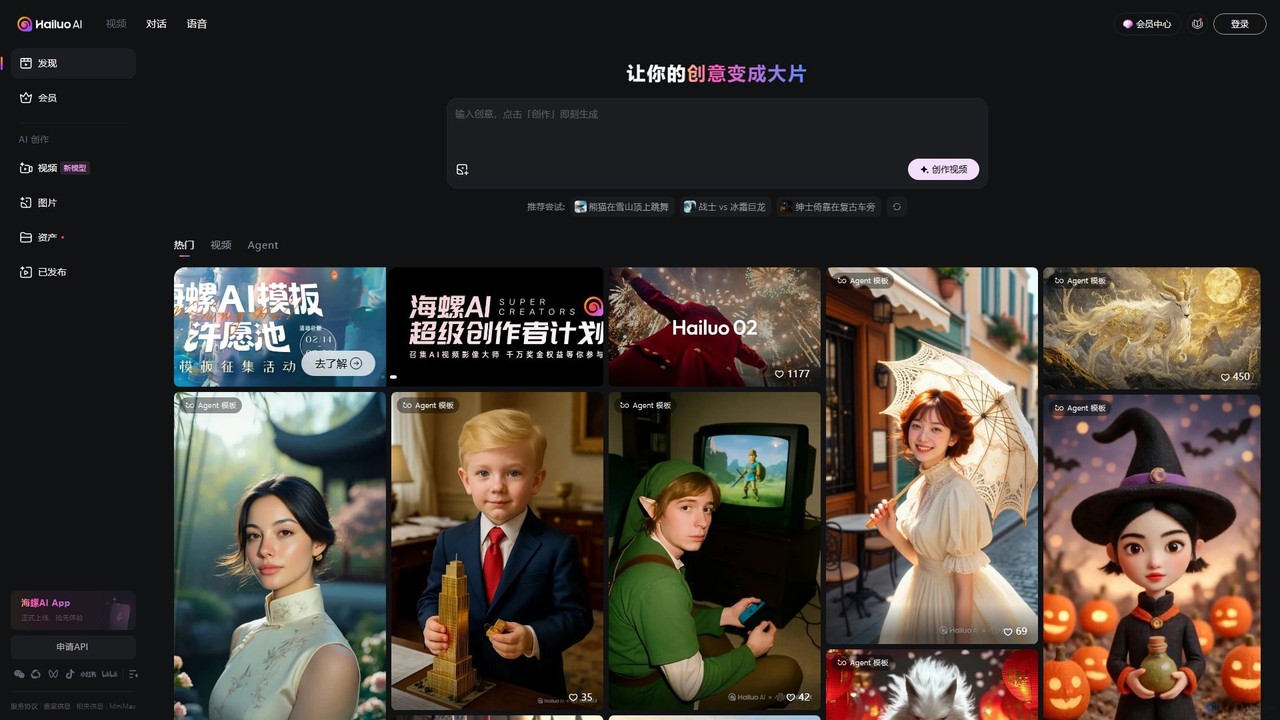
Hailuo AI
Hailuo AI is a powerful AI video generator that transforms your ideas, text prompts, and images into stunning, high-quality videos. Leveraging advanced AI from MiniMax, it offers a wide range of creative templates and customization options, making video creation simple, fun, and efficient for marketers, content creators, and individuals.
Generative Art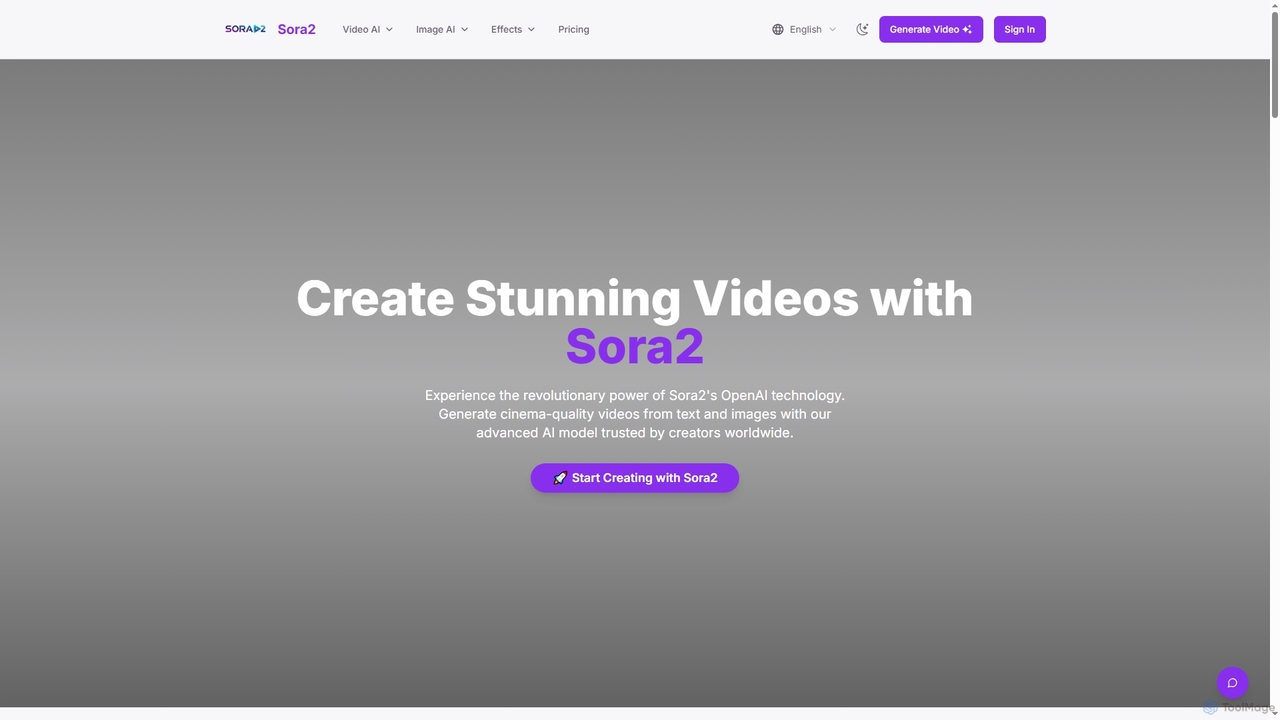
Sora2web
Sora2web is an advanced AI platform offering cinema-quality video and high-fidelity image generation from text and images. Leveraging models like OpenAI's Sora2, Kling, and Nanobanana, it provides creators, marketers, and businesses with powerful tools for diverse content needs, including realistic physics simulations, consistent character appearance, and a wide array of visual effects, all within an intuitive, cloud-based environment.
Content Creation
Vmake Comments (0)
Sign in to comment.
Sign inNo comments yet.