

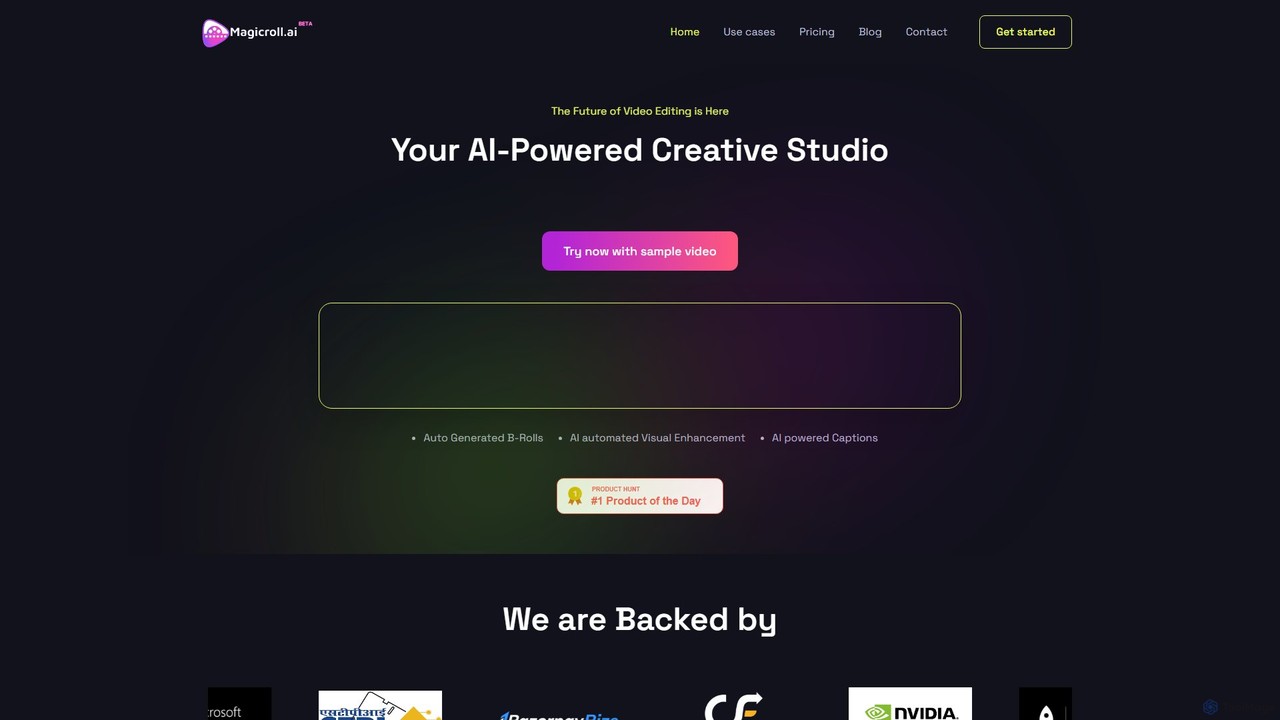
magicroll.ai Overview
magicroll.ai is a revolutionary AI-powered creative studio designed to transform the future of video editing. It empowers creators, marketers, podcasters, and businesses to produce stunning, professional-grade videos with unprecedented speed and ease. By automating the most time-consuming aspects of post-production, magicroll.ai allows you to focus on what truly matters: your story. The platform's core mission is to make video creation accessible to everyone, regardless of their technical skills. Forget spending hours on tedious edits; with magicroll.ai, you can turn raw footage into a captivating, polished video in just a few clicks. It's not just an editing tool; it's a complete storytelling platform that brings your creative vision to life magically and efficiently.
How to use magicroll.ai
The workflow is designed for maximum simplicity and efficiency, allowing you to create amazing videos in three easy steps:
- Upload Your Video: Start by uploading your raw video footage to the platform. This can be anything from a talking-head video, a podcast recording, a product demo, or an event highlight reel.
- Let the AI Work Its Magic: Once uploaded, the powerful AI engine gets to work. It analyzes your video's audio and visual content to automatically generate and insert relevant B-roll footage, enhance visuals, and create precise subtitles. You can also use one-click features like backdrop swapping.
- Review and Export: The AI presents a fully edited draft. You can review the changes, make any final adjustments to the B-rolls or captions, and then export your finished video in high definition. The entire process takes minutes, not hours.
Core Features of magicroll.ai
- Auto B-Roll Generation: This flagship feature elevates your storytelling by automatically adding contextual B-roll footage. The AI analyzes the dialogue and context of your video to seamlessly integrate relevant clips from an extensive library and non-copyrighted internet sources, making your videos more dynamic and engaging.
- Instant Backdrop Swapping: A market-first feature that allows you to change your video's background with a single click. Transform a plain or messy background into a professional studio, a branded environment, or any dynamic scene you can imagine. This is perfect for creating consistent branding and eliminating the need for a physical green screen.
- AI-Powered Auto-Subtitles: Revolutionize your video's reach and accessibility. The platform provides near-perfect transcription accuracy to automatically generate subtitles. It supports multiple languages, allowing you to connect with a global audience. You can also customize the font, color, and style of the captions to match your brand's aesthetic.
- AI Automated Visual Enhancement: Beyond B-rolls, the AI works to improve the overall visual quality of your footage, ensuring a polished and professional look for your final video.
Use Cases for magicroll.ai
magicroll.ai is a versatile tool suitable for a wide range of video creation needs:
- Podcast Videos: Effortlessly convert your audio podcasts into engaging video formats by adding relevant visuals, B-rolls, and captions, making them perfect for platforms like YouTube.
- Influencer & Social Media Videos: Create eye-catching videos for TikTok, Instagram, and YouTube. Use backdrop swapping and dynamic B-rolls to elevate your personal brand and keep your audience hooked.
- Marketing & Explainer Videos: Simplify complex topics and showcase your products or services effectively. The AI helps create clear, concise, and compelling videos that captivate customers and drive conversions.
- Educational & DIY Videos: Transform tutorials and educational content into crisp, easy-to-follow videos. The AI ensures that key steps are visually supported, improving the learning experience.
- News & Event Videos: Quickly turn headlines and event footage into impactful highlight reels. Streamline the editing process to deliver timely and professional news segments or memorable event summaries.
Advantages of magicroll.ai
magicroll.ai offers a magical combination of speed, simplicity, and power:
- Massive Time Savings: Automates tedious tasks like finding B-roll and transcribing, reducing editing time from hours to mere minutes.
- No Experience Needed: The intuitive, user-friendly interface is designed for everyone, from beginners to seasoned creators. You don't need any technical editing skills to produce high-quality content.
- Cost-Effective: Eliminates the need for expensive editing software or hiring professional video editors. The freemium model allows you to start for free and scale as you grow.
- Enhanced Engagement & Accessibility: Features like dynamic B-rolls, custom backdrops, and multi-language subtitles make your videos more engaging and accessible to a wider, global audience.
- Innovative Technology: Leverages cutting-edge AI to provide unique features like one-click backdrop swapping, setting your content apart from the competition.
Pricing and Plans
magicroll.ai offers a simple and accessible pricing structure to suit different needs:
- Free Plan: Perfect for trying out the platform. It costs $0/month and includes 3 video exports per month, a maximum duration of 60 seconds per video, basic editing tools, and 720p video quality.
- Creator Plan: Ideal for content creators and professionals who need more capacity and higher quality. This plan costs $25/month and provides 20 video exports per month, a 60-second duration limit, access to multiple transitions, and full 1080p HD video quality.
Users interested in the Creator plan are prompted to contact the sales team for setup. Discounts may also be available for subscriptions.
Traffic
Latest traffic
Status
Monthly traffic trend
- 2025-9: 1.9K
- 2026-1: 6.7K
- 2026-2: 1.3K
- 2026-3: 1.6K
- 2026-4: 999
- 2026-5: 1.3K
Geography
Top 5 countries / regions
- 🇮🇳India100.0%
Top keywords
| Keyword | Cost per click |
|---|---|
| ai b roll | $3.07 |
| b roll ai | $0.45 |
| magic b roll | $0.00 |
| magicroll ai | $0.00 |
| magicrolls | $0.00 |
magicroll.ai Alternatives
Filmora
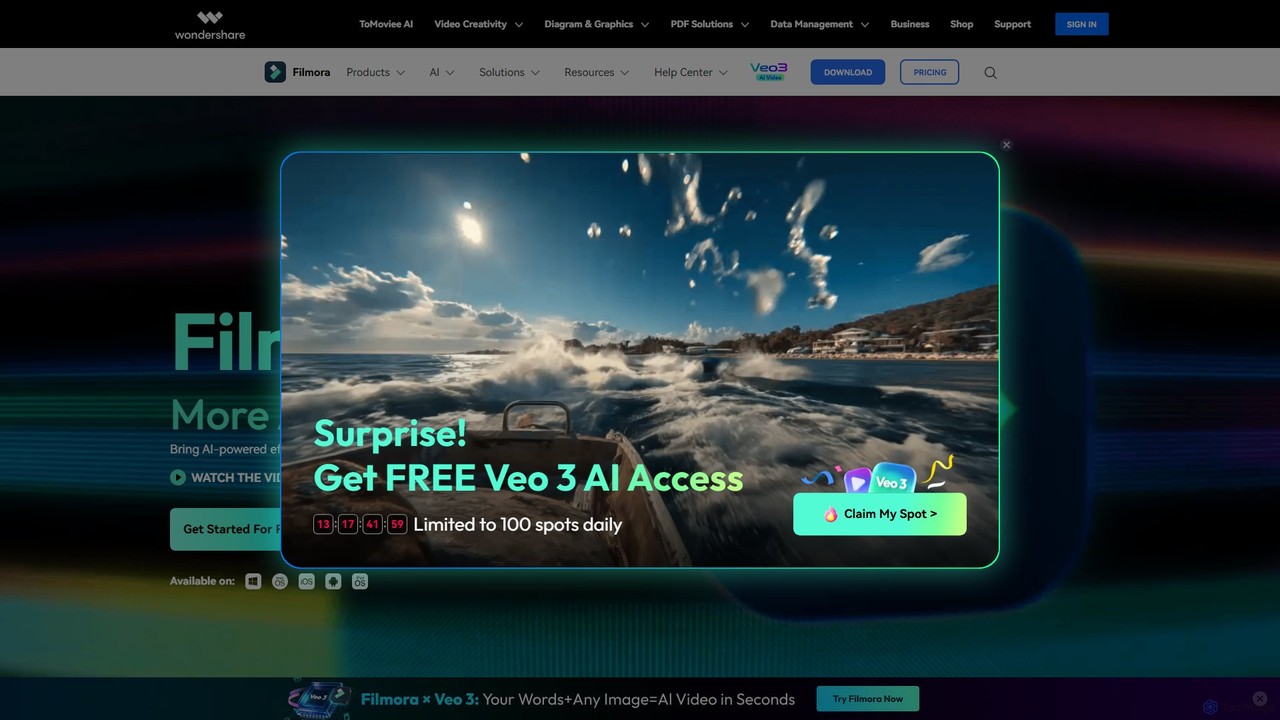
Filmora is a powerful and intuitive AI video editor designed for creators of all skill levels. It simplifies the editing process with a suite of AI-powered tools, an extensive library of assets, and a user-friendly interface, making it easy to create professional-quality videos for social media, personal projects, and commercial use.
Social Media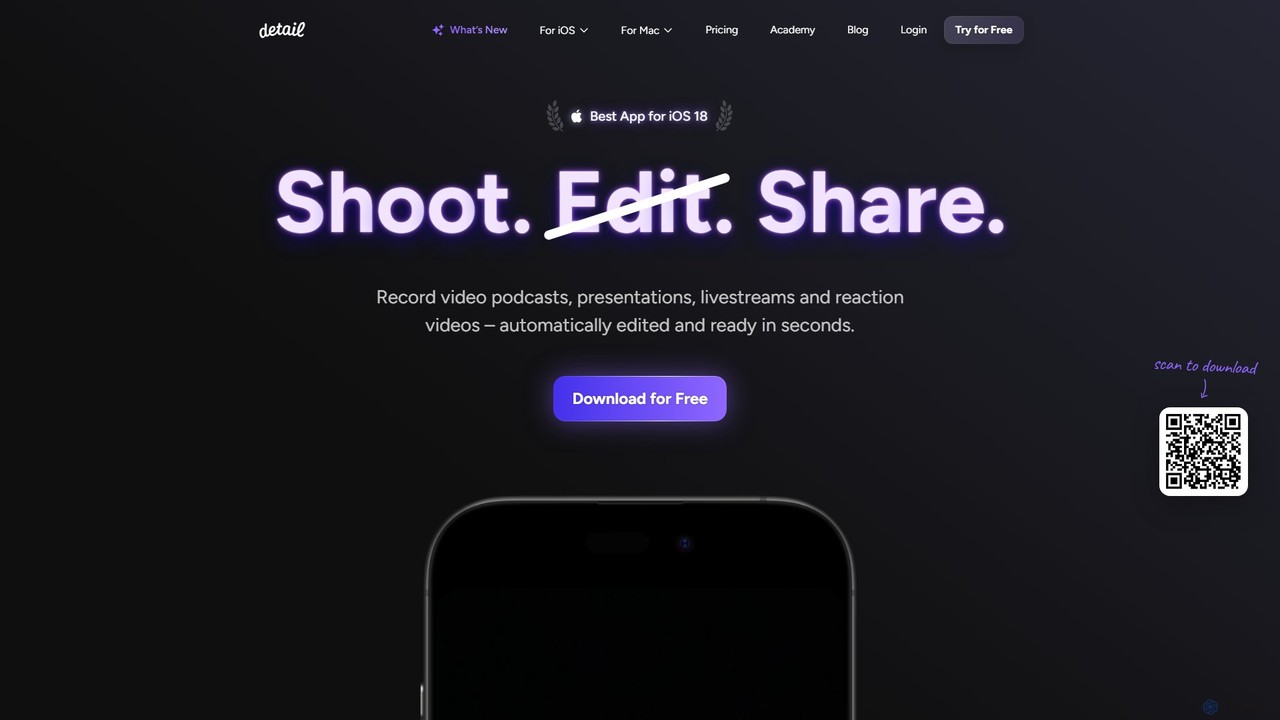
Detail
Detail is an AI-powered video creation and editing app for iOS and macOS that turns your device into a portable production studio. It automates editing for podcasts, reaction videos, and livestreams with features like a teleprompter, multi-camera recording, green screen, and automatic captions, simplifying professional video creation for everyone.
Content Creation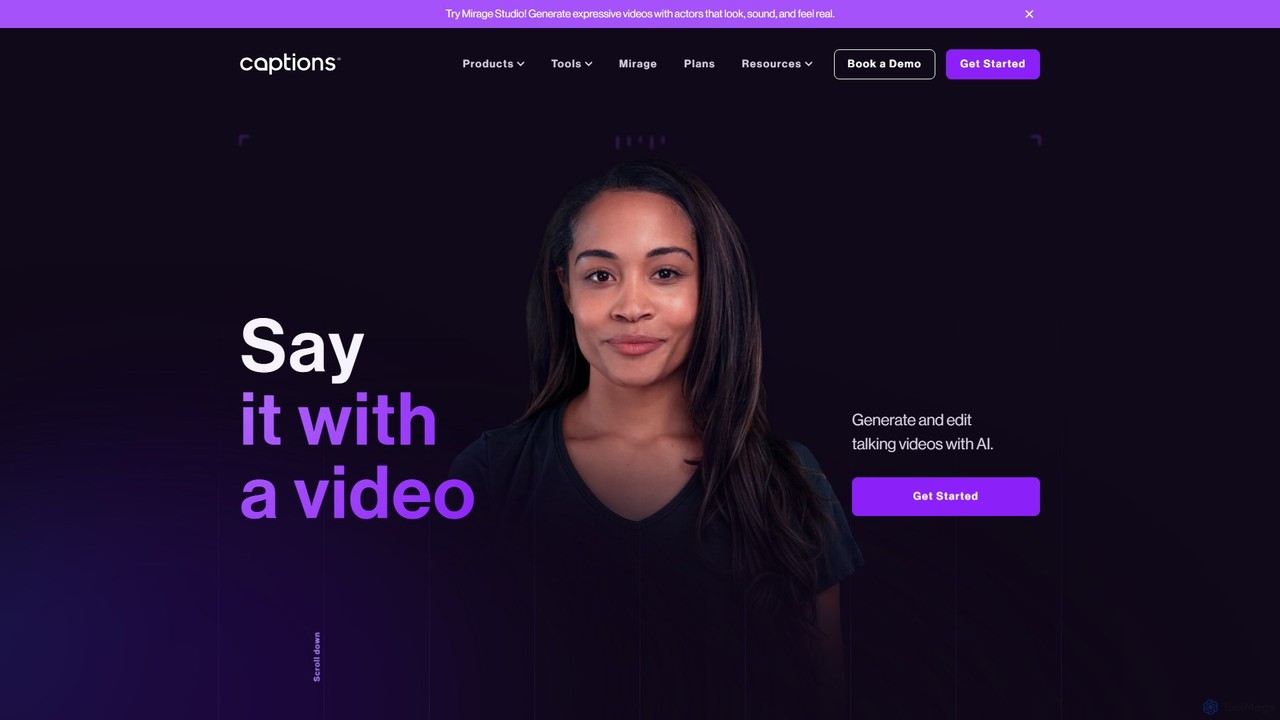
Captions
Captions is an AI-powered creative studio designed for video creators. It automates editing, adds dynamic subtitles, and offers advanced features like AI dubbing, voice generation, and creating a digital twin. It simplifies professional video production, making it accessible for everyone from social media influencers to businesses.
Transcription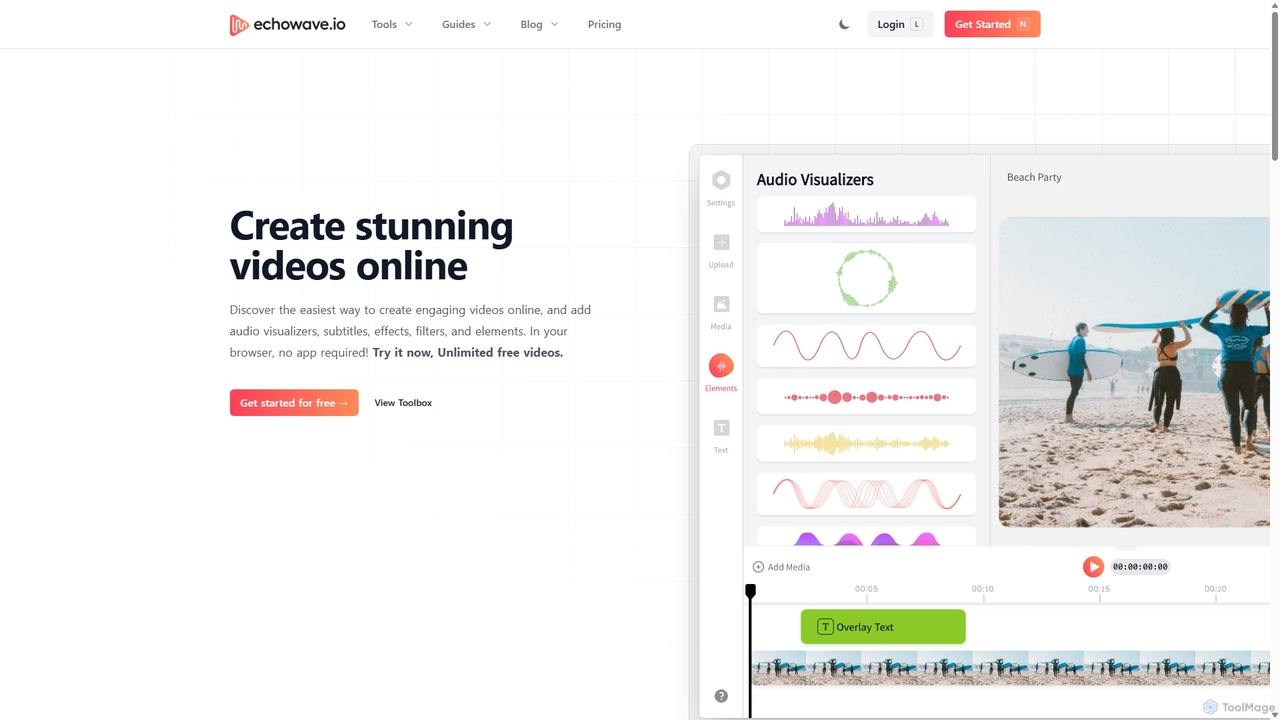
Echowave
Echowave is a free and simple online video editor designed for creators to easily convert audio files into engaging videos. It specializes in adding audio visualizers, automatic subtitles, and effects, making it perfect for podcasters, musicians, and social media managers to repurpose content for platforms like Instagram, YouTube, and Facebook.
Content Creation
Zubtitle
Zubtitle is an AI-powered online video editor designed to help creators and marketers quickly optimize videos for social media. It specializes in automatic transcription and subtitling, allowing users to add captions, headlines, logos, and progress bars with just a few clicks. The tool simplifies video repurposing for platforms like Instagram, TikTok, and YouTube Shorts, making it easy to create engaging, professional-looking content that captures attention even when muted.
Transcriptionmagicroll.ai Categories
magicroll.ai Embed Widget
Copy this embed code to place the badge on your blog, article, or product site and send readers directly to this ToolMage detail page.

Related AI tools
Echowave
Echowave is a free and simple online video editor designed for creators to easily convert audio files into engaging videos. It specializes in adding audio visualizers, automatic subtitles, and effects, making it perfect for podcasters, musicians, and social media managers to repurpose content for platforms like Instagram, YouTube, and Facebook.
Content CreationZubtitle
Zubtitle is an AI-powered online video editor designed to help creators and marketers quickly optimize videos for social media. It specializes in automatic transcription and subtitling, allowing users to add captions, headlines, logos, and progress bars with just a few clicks. The tool simplifies video repurposing for platforms like Instagram, TikTok, and YouTube Shorts, making it easy to create engaging, professional-looking content that captures attention even when muted.
Transcription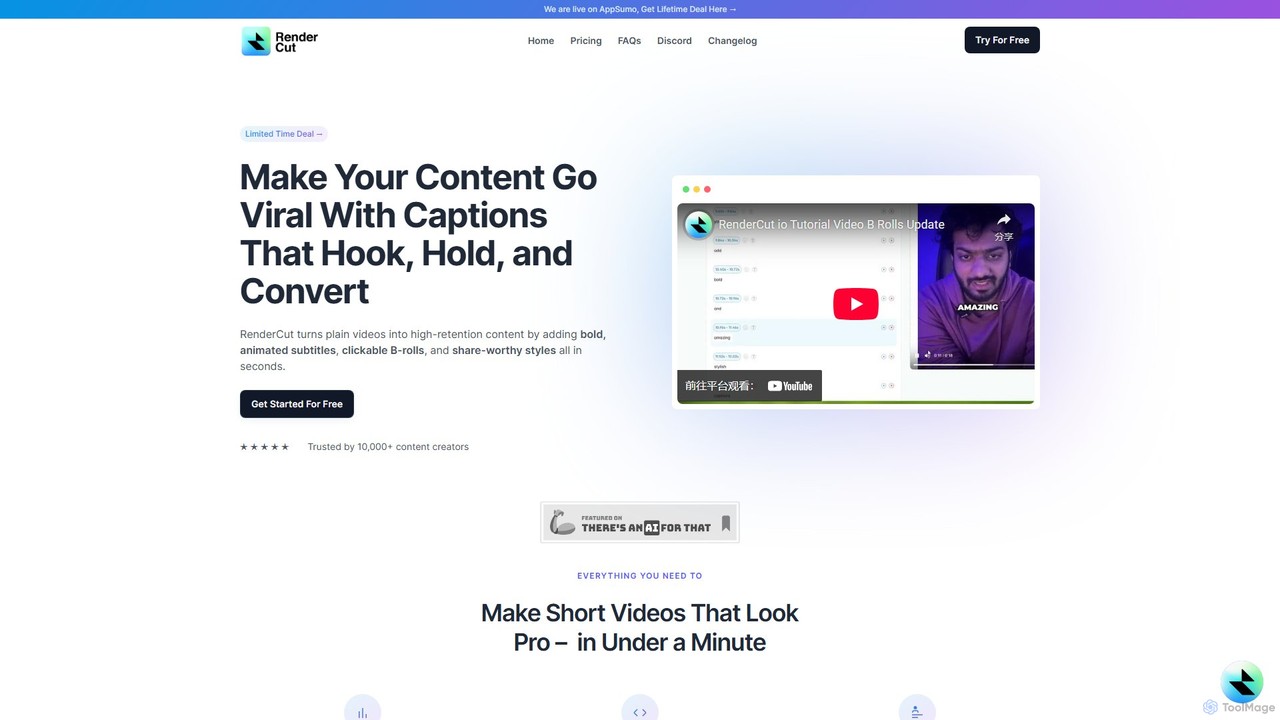
RenderCut
RenderCut is an AI-powered video editing tool that automates the creation of engaging short-form videos. It instantly adds stylish, animated subtitles, B-rolls, emojis, and sound effects, transforming plain videos or audio into high-retention content for platforms like TikTok, Reels, and Shorts. It's designed for content creators, marketers, and businesses to produce professional-looking videos in minutes, not hours.
Video Marketing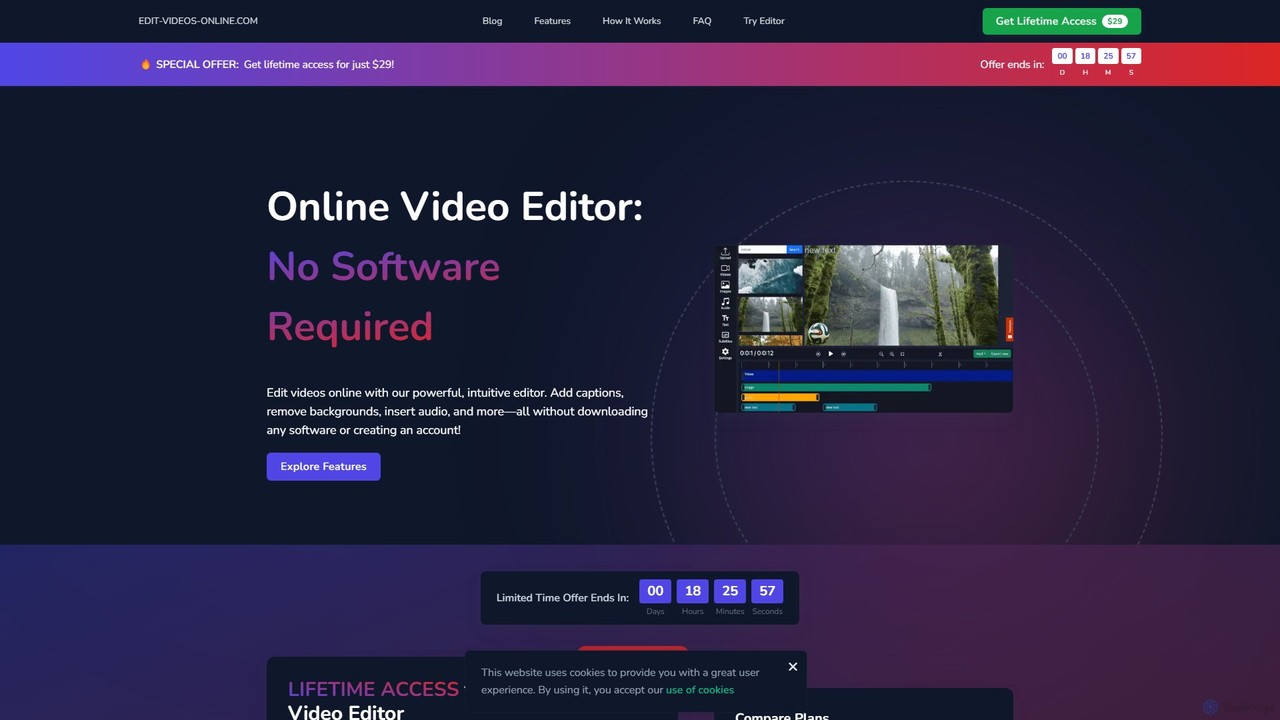
edit_videos_online
edit_videos_online is a powerful, browser-based video editor that leverages AI to simplify content creation. Easily remove video backgrounds with one click, automatically generate accurate captions, create AI voiceovers, and add dynamic text and watermarks. It's designed for social media creators, marketers, and anyone looking to produce professional-quality videos for platforms like TikTok, Instagram, and YouTube without complex software.
Advertising
videolulu
videolulu is an AI-powered video creation platform that transforms text into professional videos. Ideal for marketers and content creators, it automates video generation, adds subtitles, and repurposes long-form content into engaging short clips for social media, streamlining the entire video production workflow.
Social Media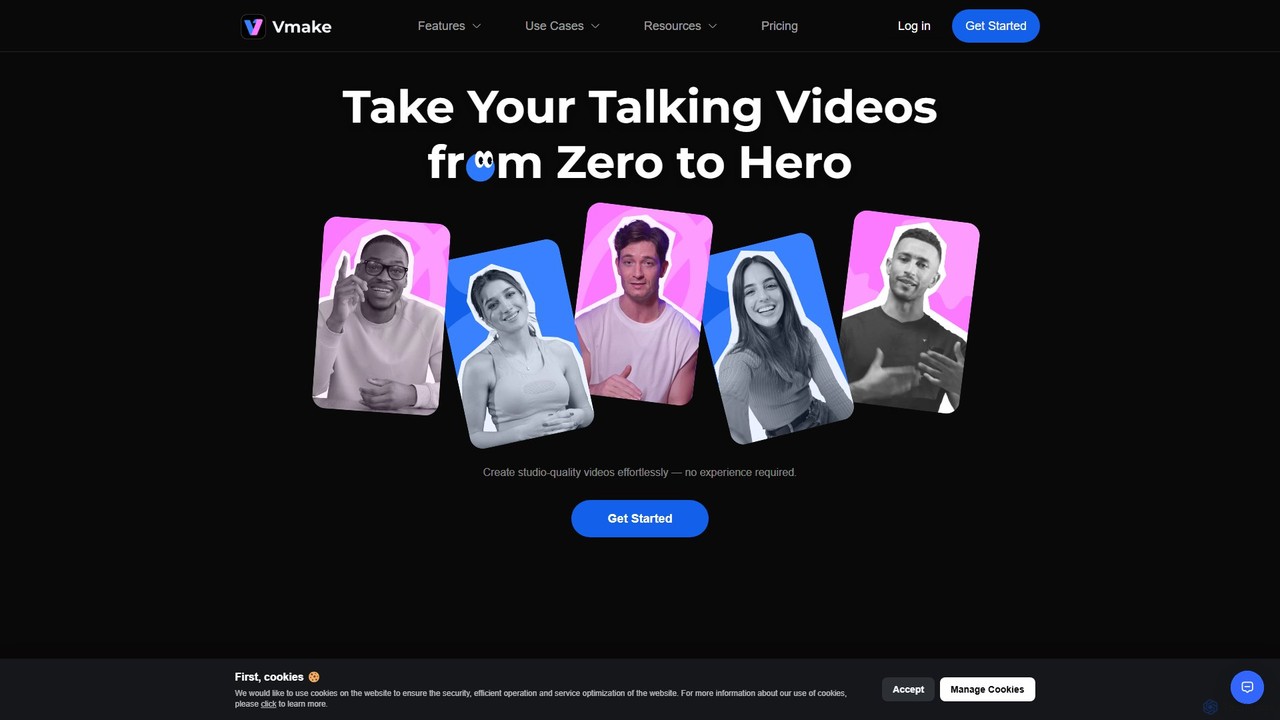
Vmake
Vmake is an all-in-one AI video solution designed for creators. It simplifies video production with features like watermark removal, auto-captions, background removal, and video enhancement. Effortlessly create studio-quality talking videos for social media and marketing without prior experience.
Transcription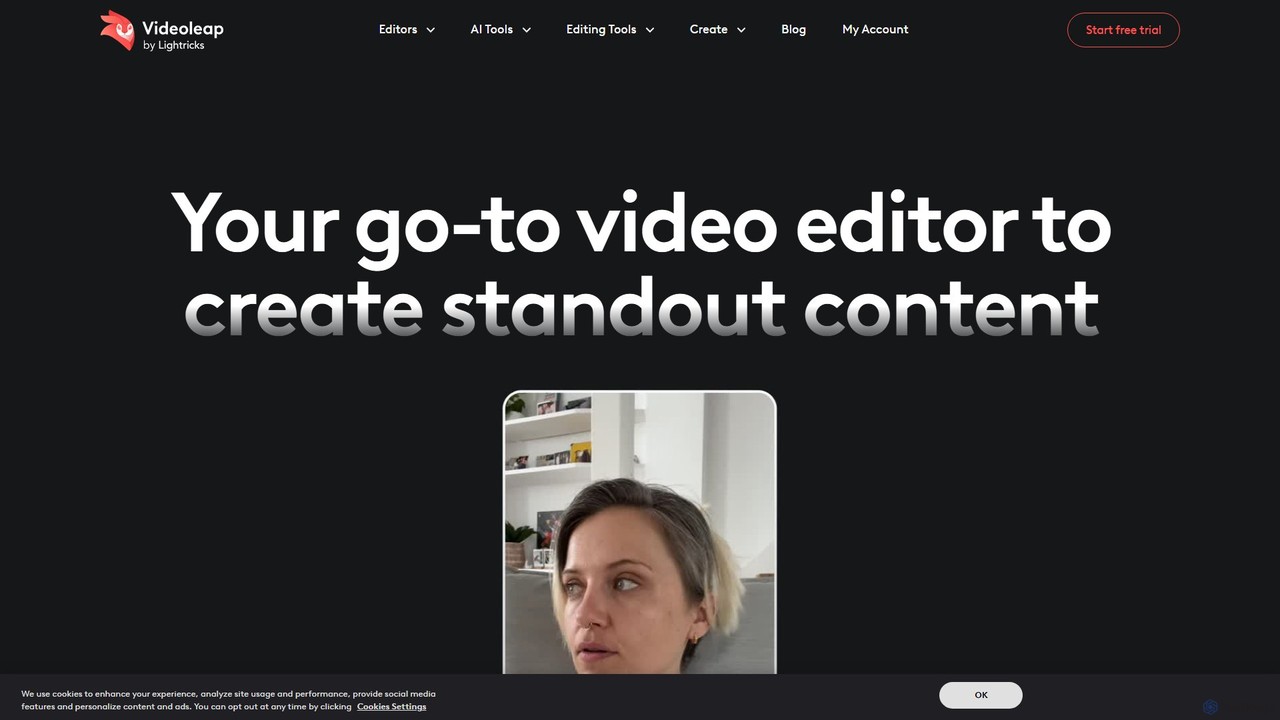
Videoleap
Videoleap is a powerful AI-driven video editor and maker app designed for both beginners and professionals. It combines a full suite of traditional editing tools with cutting-edge AI features like object removal, infinite zoom, and AI-generated effects. Create stunning, professional-quality videos for social media, marketing, or personal projects directly from your mobile device with ease and speed.
Mobile Apps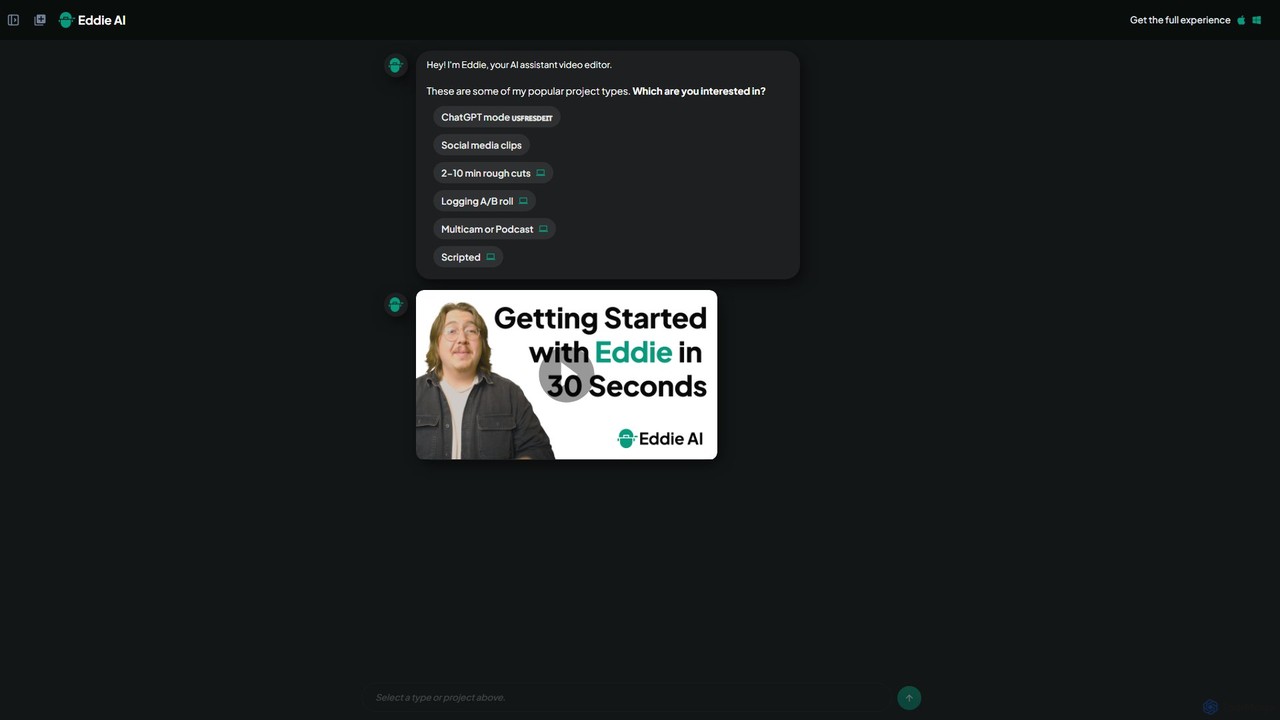
heyeddie
Heyeddie is an AI-powered video editing assistant that streamlines your workflow. Simply use natural language commands to have Eddie automatically create rough cuts, generate social media clips, log A/B roll, sync multicam footage, and edit based on a script. It's designed for content creators, marketers, and podcasters to save time and focus on storytelling.
Automation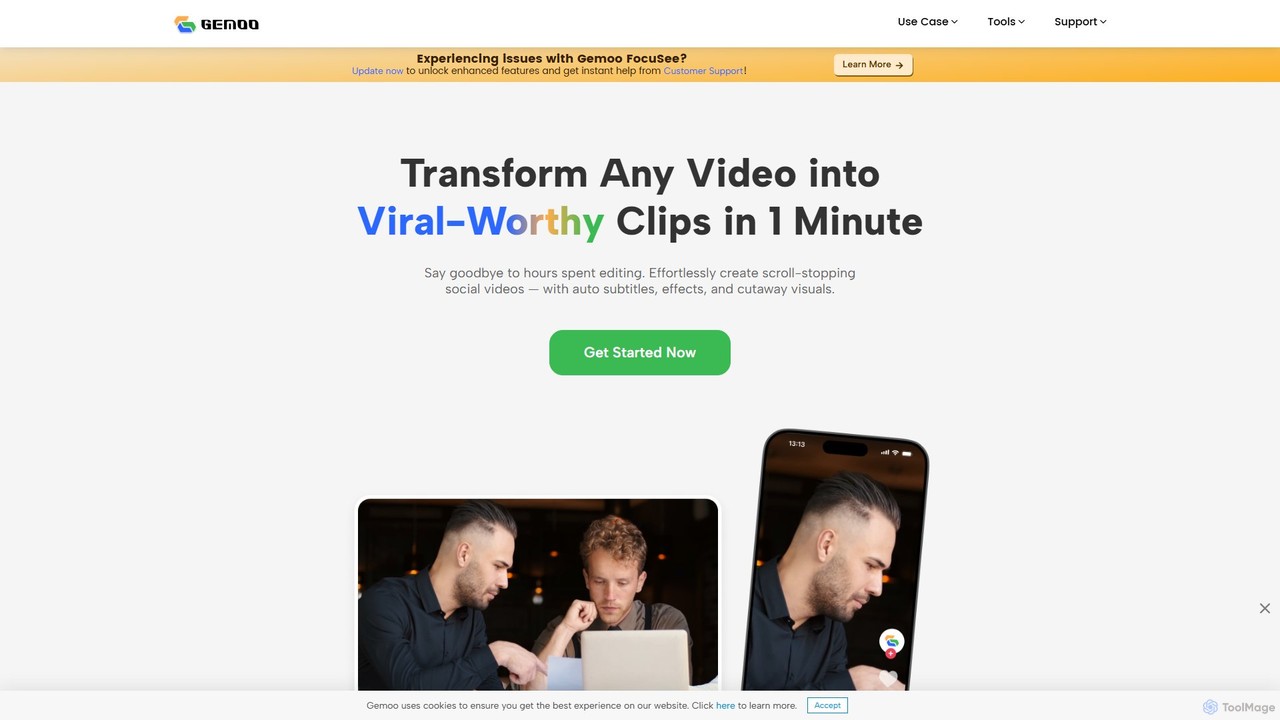
Gemoo
Gemoo is an AI-powered video editor that transforms any video into viral-worthy short clips in minutes. It automates tedious tasks like adding subtitles, inserting relevant B-roll footage, applying effects, and generating social media-optimized titles and descriptions. Ideal for creators, marketers, and educators looking to produce high-quality, engaging content efficiently.
Video MarketingFilmora
Filmora is a powerful and intuitive AI video editor designed for creators of all skill levels. It simplifies the editing process with a suite of AI-powered tools, an extensive library of assets, and a user-friendly interface, making it easy to create professional-quality videos for social media, personal projects, and commercial use.
Social MediaDetail
Detail is an AI-powered video creation and editing app for iOS and macOS that turns your device into a portable production studio. It automates editing for podcasts, reaction videos, and livestreams with features like a teleprompter, multi-camera recording, green screen, and automatic captions, simplifying professional video creation for everyone.
Content Creation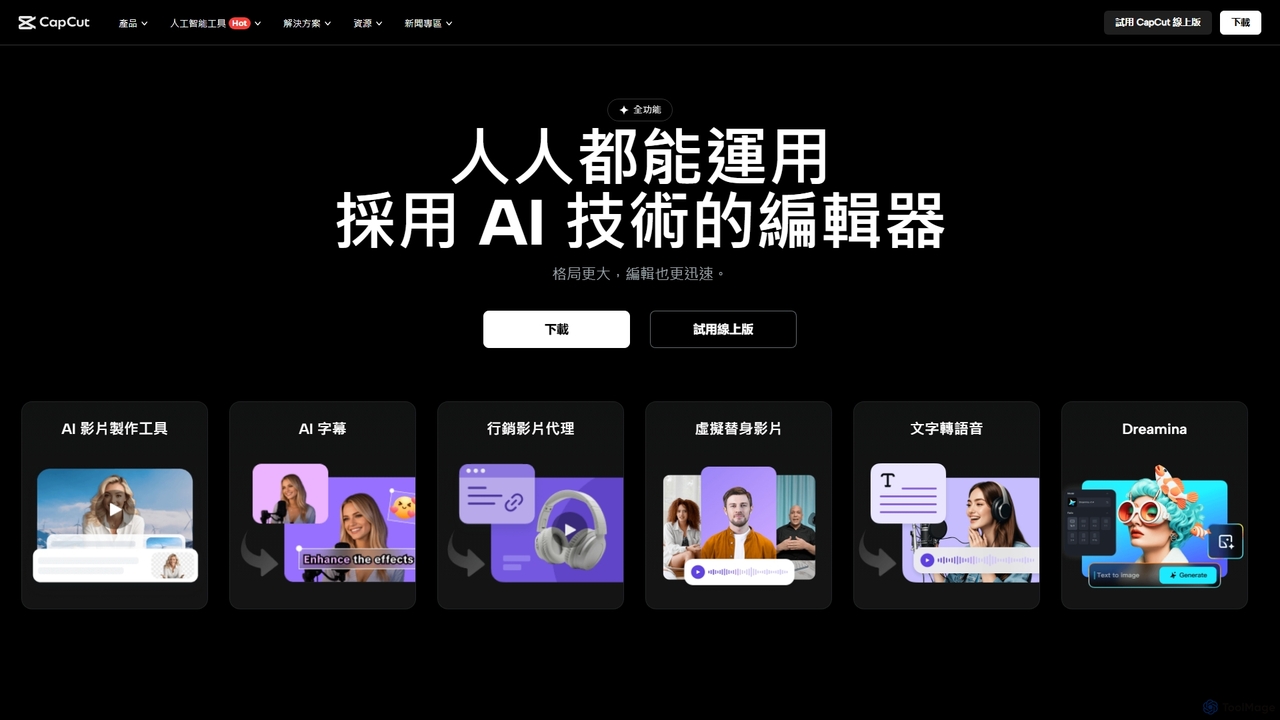
CapCut
CapCut is a powerful, all-in-one AI video editor and creative suite. It simplifies content creation with intuitive tools for video editing, graphic design, and team collaboration. It offers a wide range of AI features like auto-captions, script-to-video, background removal, and video upscaling, making professional-quality content accessible to everyone, from beginners to pros, across web, desktop, and mobile platforms.
Graphics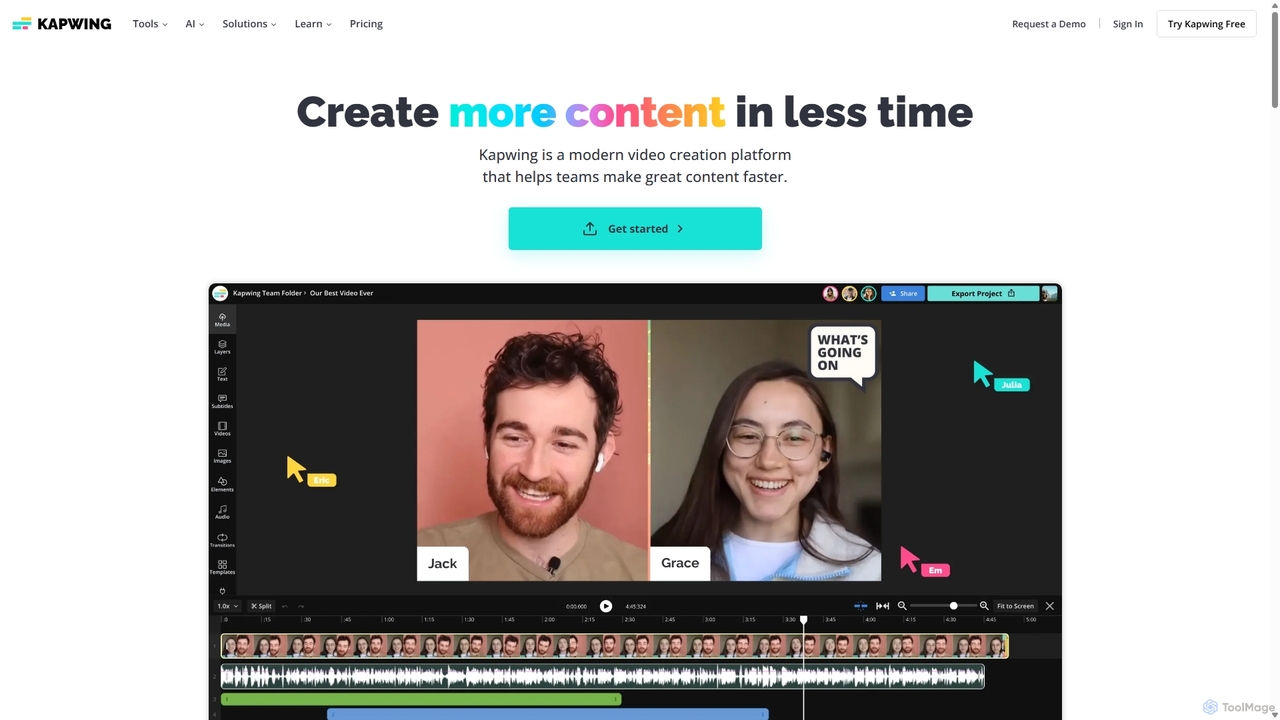
Kapwing
Kapwing is an AI-powered online video editor designed for teams and creators to produce high-quality content faster. It combines a full suite of editing tools with intelligent AI features like text-to-video, automatic subtitling, and background removal in a collaborative, browser-based platform, making video creation accessible to everyone.
Video Marketing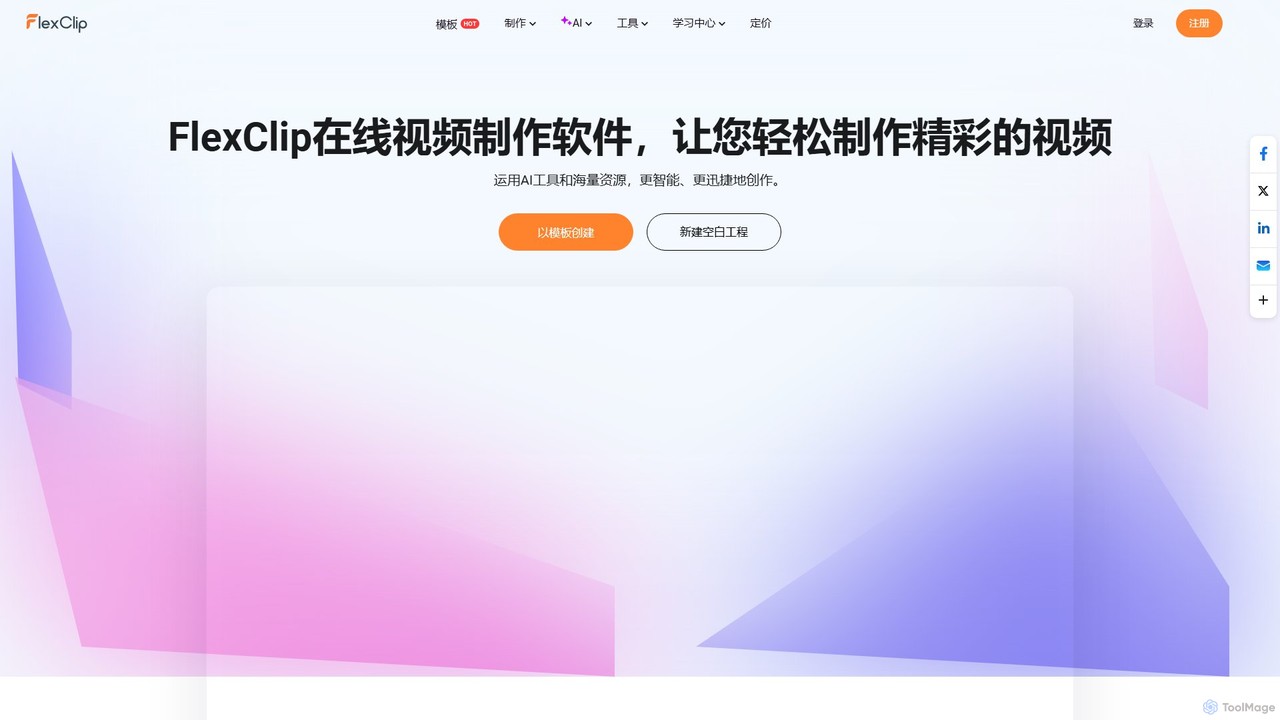
FlexClip
A powerful yet easy-to-use online video maker that combines traditional editing tools with a suite of AI features. Create professional videos for marketing, social media, or personal use with a vast library of templates, stock media, and intelligent tools like AI video generation, auto-subtitling, and text-to-speech.
Social Media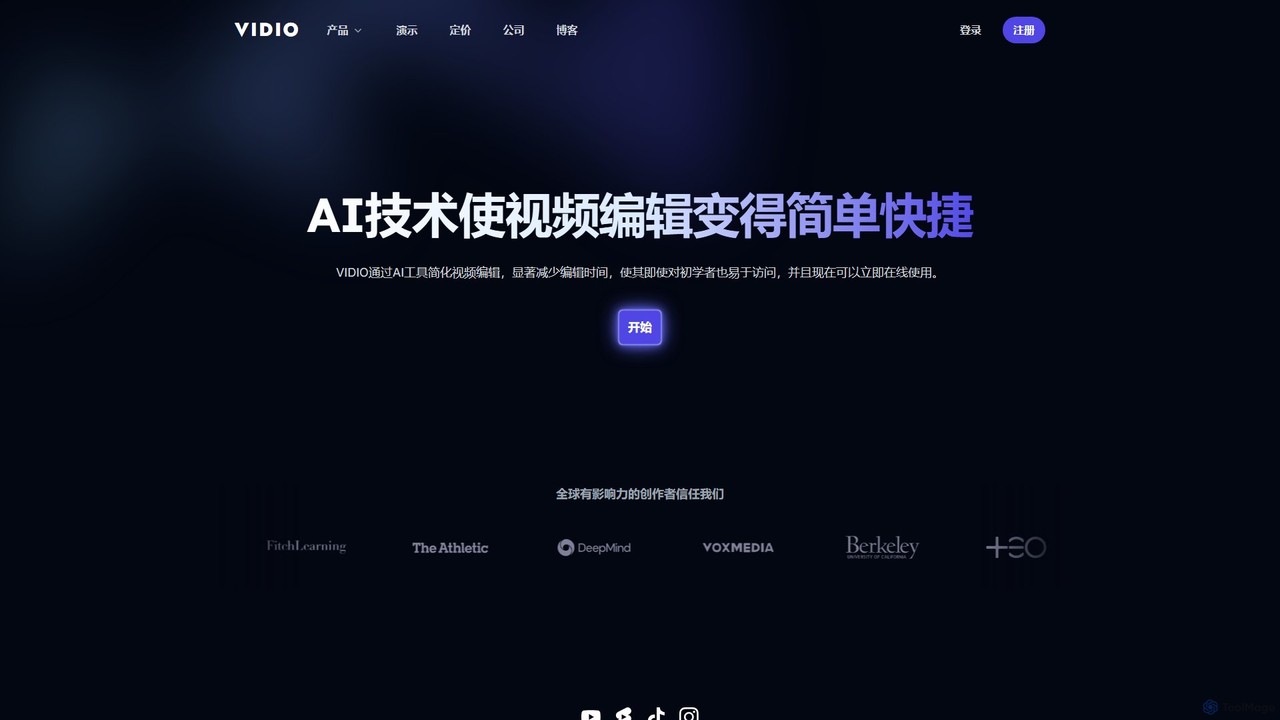
VIDIO
VIDIO is an AI-powered video editing platform that automates and simplifies complex editing tasks. It offers tools for creating motion graphics from text, generating highlight reels, automatic subtitling, face blurring, and more, making professional video creation accessible to everyone.
Social Media
magicroll.ai Comments (0)
Sign in to comment.
Sign inNo comments yet.