

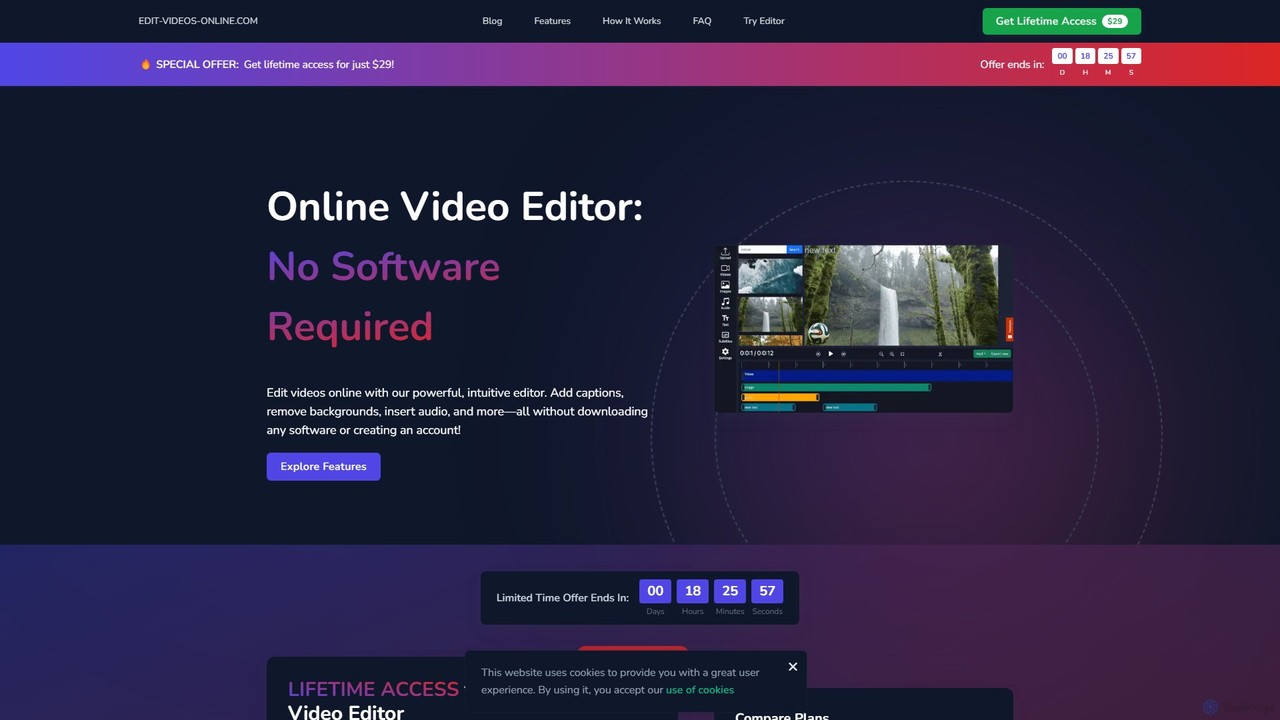
edit_videos_online Overview
edit_videos_online is a comprehensive, all-in-one online video editing platform designed to make professional-grade video creation accessible to everyone. By integrating powerful AI technologies, this tool streamlines complex editing tasks, allowing users to produce high-quality, engaging content directly in their web browser. Whether you're a social media influencer, a digital marketer, an e-commerce business owner, or an educator, edit_videos_online provides the features you need to make your videos stand out. The platform's intuitive interface ensures that even users with no prior editing experience can achieve stunning results quickly and efficiently.
How to use edit_videos_online
Using edit_videos_online is a straightforward process designed for maximum efficiency:
- Upload Your Media: Start by dragging and dropping your video file directly onto the website or selecting it from your computer.
- Use AI-Powered Tools: Once your video is in the editor, you can access the suite of AI tools. Select your clip and click 'AI Background Removal' to instantly isolate your subject. Use the 'Automatic Caption Generation' feature to transcribe your audio into timed subtitles.
- Enhance Audio: Navigate to the audio section to upload your own music, record a voiceover directly in the browser, or use the Text-to-Speech (TTS) function to generate a clear AI voiceover from your script.
- Add Creative Elements: Customize your video with dynamic text overlays, titles, and callouts. Add your brand's logo as a watermark by uploading a PNG file and adjusting its position, size, and opacity.
- Trim and Edit: Use the simple video trimmer to cut out unwanted parts and arrange your clips on the timeline.
- Export and Share: Once you are satisfied with your creation, click the 'Export' button. Your video will be processed and ready to download and share on platforms like TikTok, Instagram, and YouTube.
Core Features of edit_videos_online
- AI Background Removal: Instantly remove video backgrounds without a green screen. This feature accurately detects and isolates people, objects, and products, allowing you to add custom image or video backgrounds or export with a transparent background.
- Automatic Caption Generation: Boost engagement and accessibility with AI-powered captions. The tool automatically transcribes audio to text and creates perfectly synchronized, customizable subtitles. You can adjust fonts, colors, and styles to match your brand.
- Advanced Audio Solutions & AI Voiceovers: Enhance your video's sound with multiple options. Upload background music, record your own voice, or leverage the AI text-to-speech engine to create professional voiceovers in various languages and voices.
- Dynamic Text Overlays & Animations: Make your message clear and impactful with a wide range of text options. Add titles, annotations, and call-to-actions with hundreds of fonts and animated effects.
- Brand Watermarking: Protect your content and build brand recognition by adding custom watermarks. You have full control over the size, position, opacity, and duration of your logo or image overlay.
- Intuitive Video Trimmer: Easily cut, trim, and arrange your video clips on a user-friendly timeline to create a seamless final product.
Use Cases for edit_videos_online
This versatile tool is ideal for a variety of applications:
- Social Media Content: Creators can quickly produce eye-catching videos for TikTok, Instagram Reels, and YouTube Shorts, complete with trendy captions and effects.
- Marketing and Advertising: Businesses can create professional promotional videos, product demos, and social media ads with consistent branding and clear messaging.
- E-commerce: Online store owners can create clean, professional product videos by removing distracting backgrounds and highlighting the product's features.
- Education and Training: Educators and corporate trainers can develop engaging instructional videos with clear annotations, subtitles, and voiceovers to improve learning outcomes.
Advantages of edit_videos_online
The primary advantages of using this tool include its simplicity, power, and accessibility. It eliminates the need for expensive, complex desktop software. The AI-driven features save users hours of manual work, automating tedious tasks like rotoscoping and transcription. Being fully browser-based, it allows you to edit from any computer with an internet connection, making it a highly flexible and convenient solution for modern content creators.
Pricing and Plans
edit_videos_online likely operates on a freemium model, offering different tiers to suit various user needs. While specific details are not listed, a typical structure would include:
- Free Plan: Ideal for casual users, offering basic editing features, but may include a watermark on exported videos, limited export resolution, and a cap on monthly exports.
- Pro Plan: Aimed at individual creators and small businesses, this plan would likely remove the watermark, offer higher resolution exports (e.g., 1080p or 4K), provide access to premium stock assets, and increase the limits on AI feature usage.
- Business/Enterprise Plan: Designed for teams and agencies, offering collaborative features, dedicated support, custom branding kits, and the highest usage limits.
Users are encouraged to visit the website for the most current and detailed pricing information.
edit_videos_online Alternatives
Kapwing
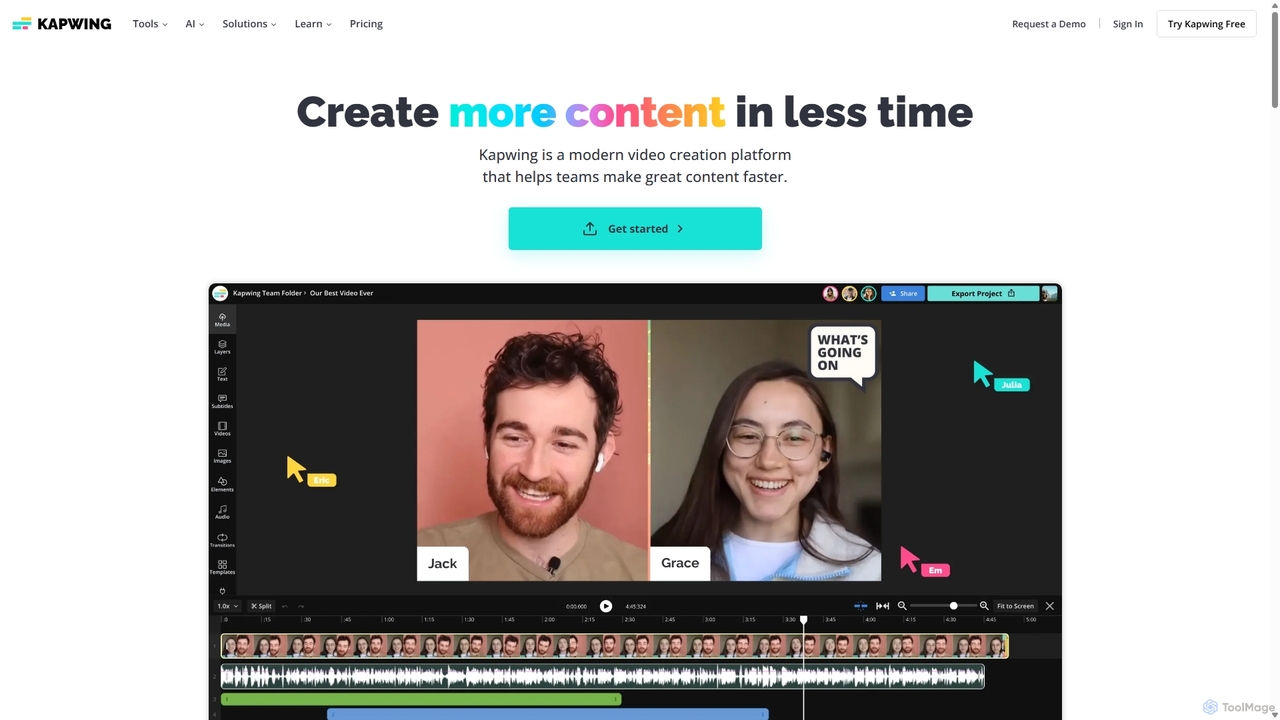
Kapwing is an AI-powered online video editor designed for teams and creators to produce high-quality content faster. It combines a full suite of editing tools with intelligent AI features like text-to-video, automatic subtitling, and background removal in a collaborative, browser-based platform, making video creation accessible to everyone.
Video Marketing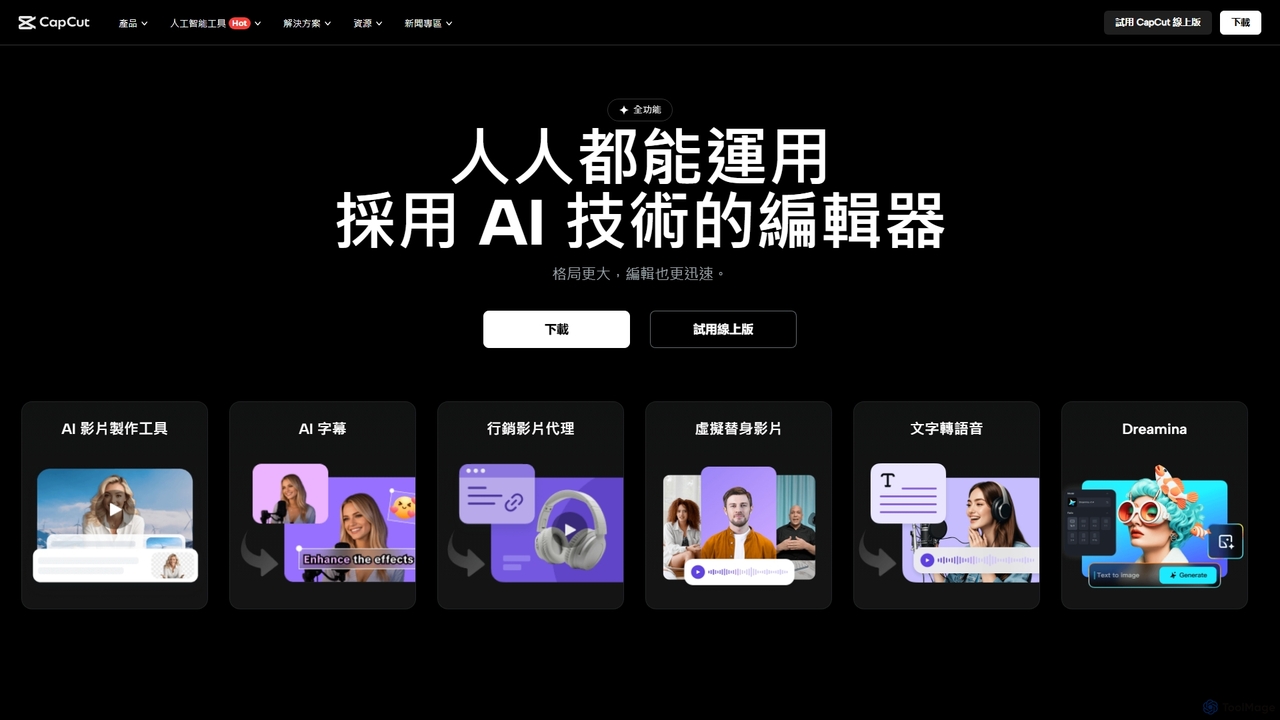
CapCut
CapCut is a powerful, all-in-one AI video editor and creative suite. It simplifies content creation with intuitive tools for video editing, graphic design, and team collaboration. It offers a wide range of AI features like auto-captions, script-to-video, background removal, and video upscaling, making professional-quality content accessible to everyone, from beginners to pros, across web, desktop, and mobile platforms.
Graphics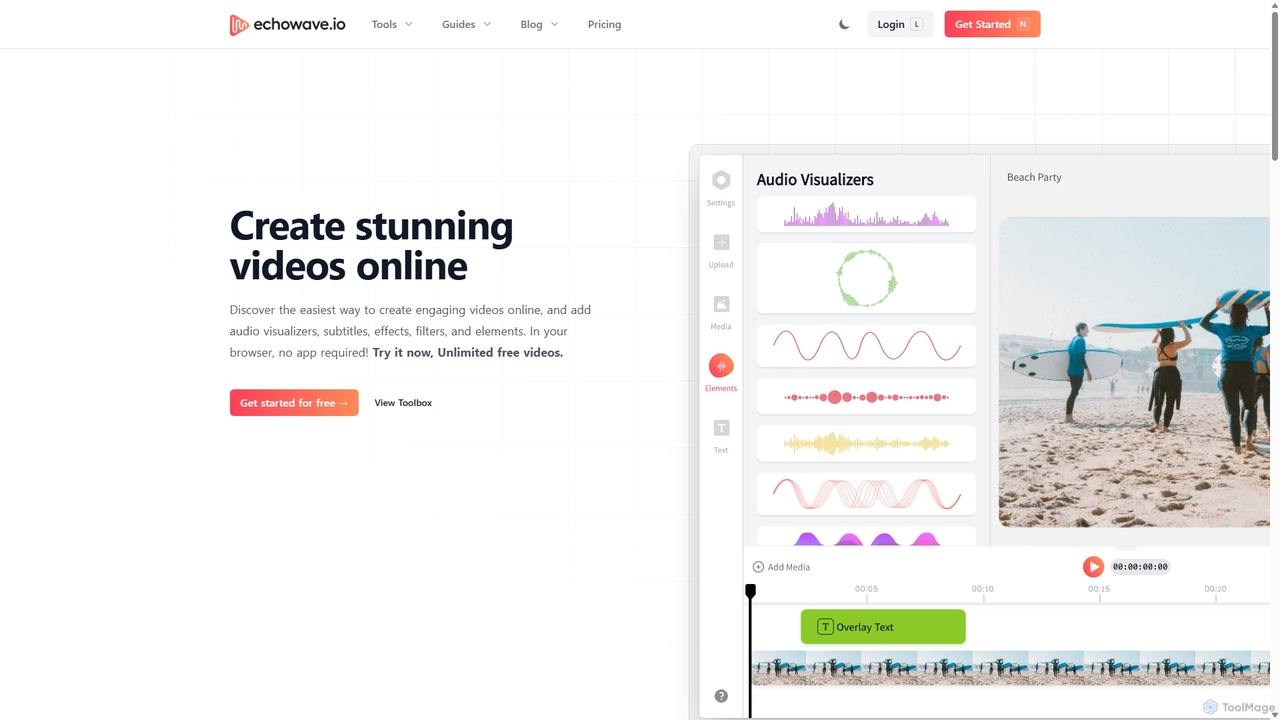
Echowave
Echowave is a free and simple online video editor designed for creators to easily convert audio files into engaging videos. It specializes in adding audio visualizers, automatic subtitles, and effects, making it perfect for podcasters, musicians, and social media managers to repurpose content for platforms like Instagram, YouTube, and Facebook.
Content Creation
Zubtitle
Zubtitle is an AI-powered online video editor designed to help creators and marketers quickly optimize videos for social media. It specializes in automatic transcription and subtitling, allowing users to add captions, headlines, logos, and progress bars with just a few clicks. The tool simplifies video repurposing for platforms like Instagram, TikTok, and YouTube Shorts, making it easy to create engaging, professional-looking content that captures attention even when muted.
Transcription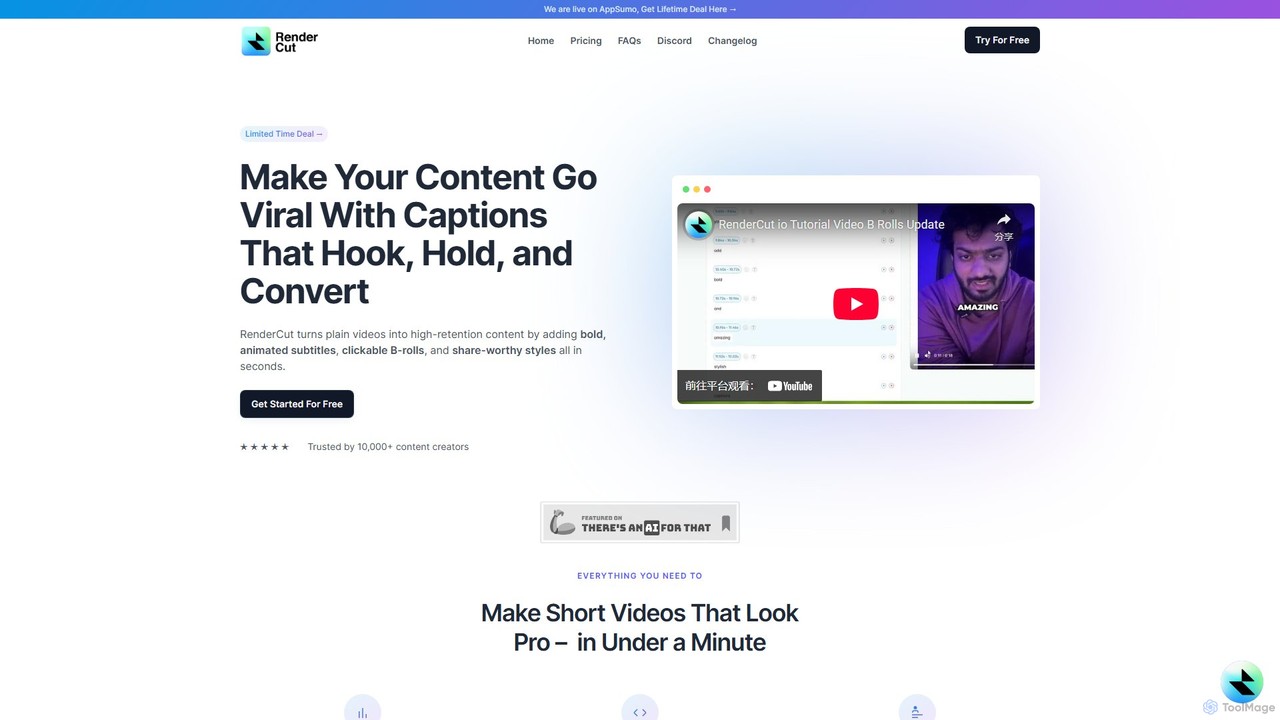
RenderCut
RenderCut is an AI-powered video editing tool that automates the creation of engaging short-form videos. It instantly adds stylish, animated subtitles, B-rolls, emojis, and sound effects, transforming plain videos or audio into high-retention content for platforms like TikTok, Reels, and Shorts. It's designed for content creators, marketers, and businesses to produce professional-looking videos in minutes, not hours.
Video Marketingedit_videos_online Categories
edit_videos_online Embed Widget
Copy this embed code to place the badge on your blog, article, or product site and send readers directly to this ToolMage detail page.

Related AI tools

Clipchamp
Clipchamp is a user-friendly, AI-powered online video editor from Microsoft. It enables everyone, from beginners to professionals, to create stunning videos with features like AI-driven text-to-speech, automatic subtitles, and smart editing tools. Available on browsers, Windows, and iOS, it's an all-in-one solution for content creators, businesses, and educators.
Text To Speech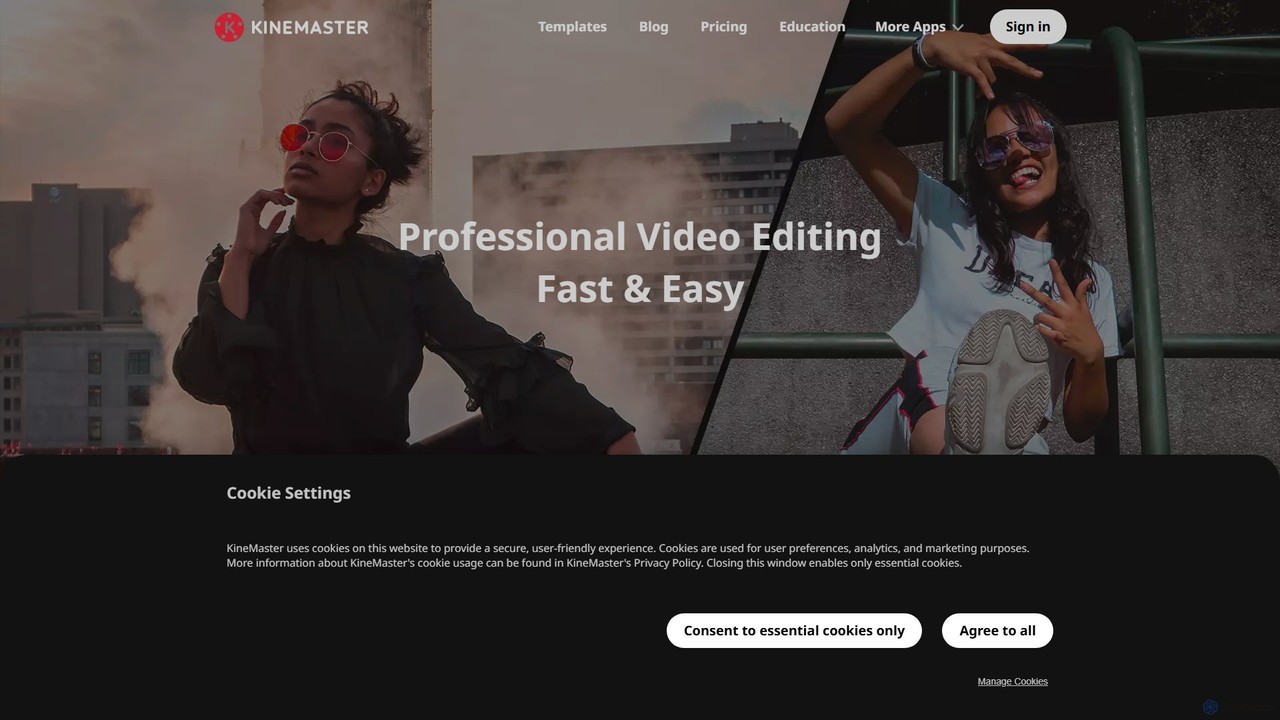
KineMaster
KineMaster is a professional-grade mobile video editing app packed with powerful AI features. It offers a multi-layer timeline, 4K export, and a vast library of templates and assets, making it easy to create stunning videos for social media, vlogs, and marketing directly on your phone.
Mobile ToolsKapwing
Kapwing is an AI-powered online video editor designed for teams and creators to produce high-quality content faster. It combines a full suite of editing tools with intelligent AI features like text-to-video, automatic subtitling, and background removal in a collaborative, browser-based platform, making video creation accessible to everyone.
Video Marketing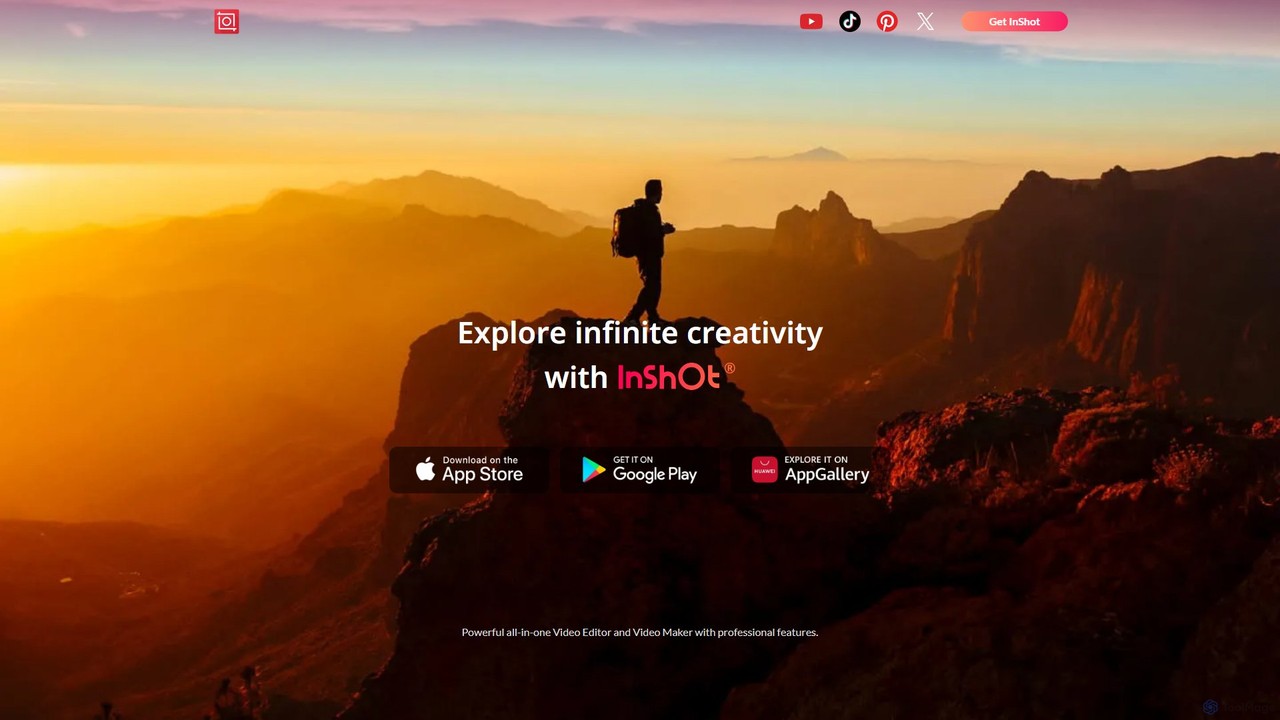
InShot
InShot is a powerful all-in-one video and photo editor for mobile devices, packed with professional-grade features and AI-powered tools. It's designed for everyone from social media creators to beginners, offering an intuitive interface for easy editing, trimming, and enhancing videos. With features like AI auto-captions, advanced effects, a rich music library, and 4K export, InShot makes creating high-quality content for platforms like YouTube, Instagram, and TikTok simple and accessible.
Photo Editing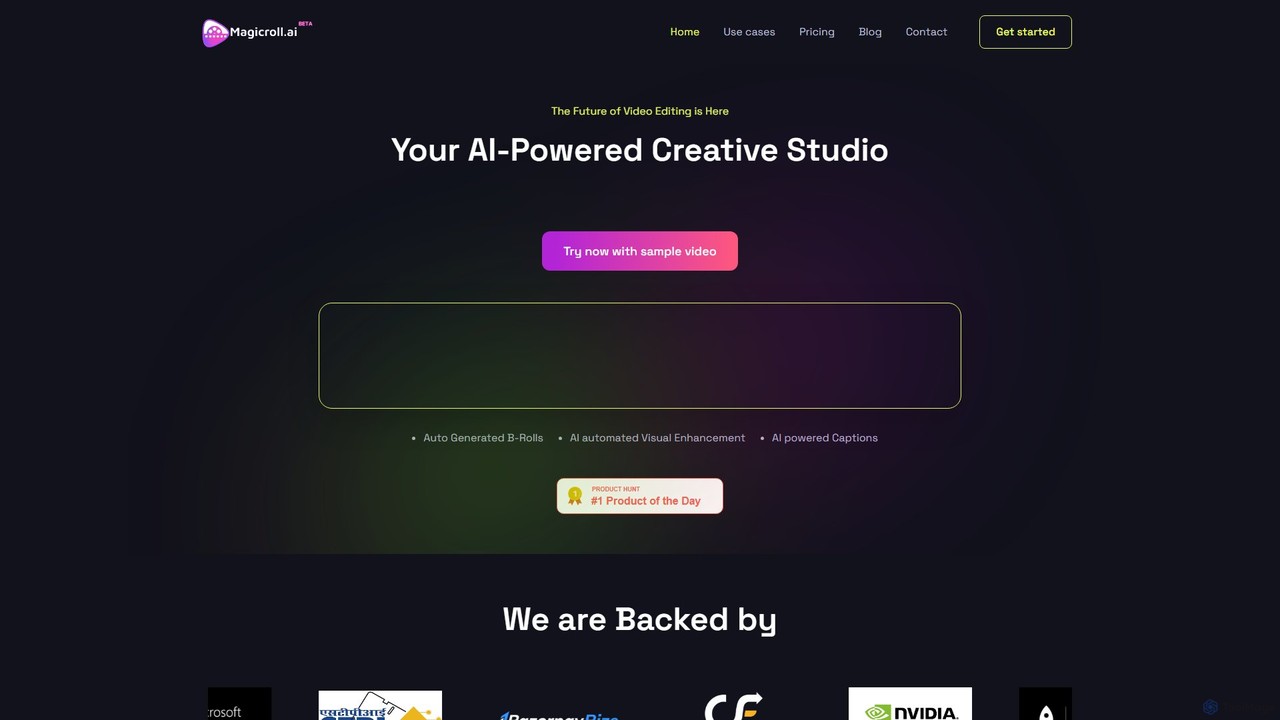
magicroll.ai
magicroll.ai is an AI-powered video editing platform that automates complex tasks. With one click, it generates contextual B-rolls, swaps video backdrops, and adds accurate, multi-language subtitles. It's designed for content creators, marketers, and businesses to produce professional-grade videos in minutes, without any prior editing experience, saving hours of manual work.
Social Media Video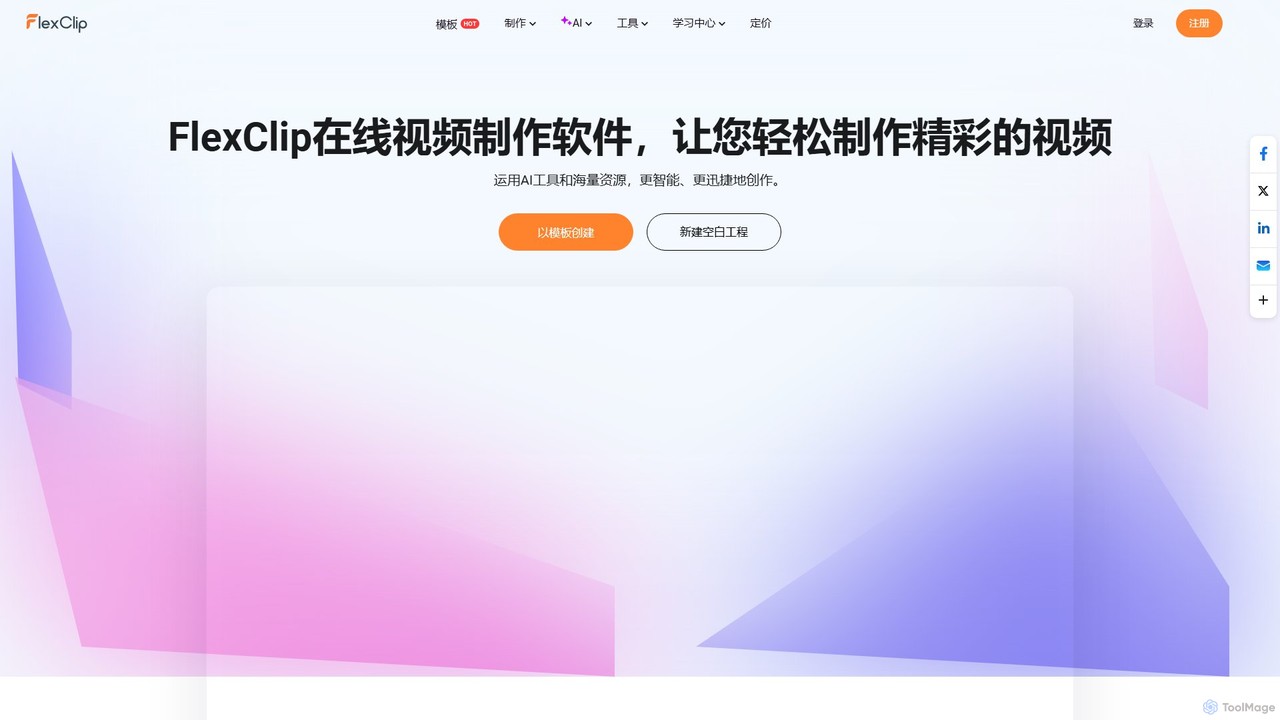
FlexClip
A powerful yet easy-to-use online video maker that combines traditional editing tools with a suite of AI features. Create professional videos for marketing, social media, or personal use with a vast library of templates, stock media, and intelligent tools like AI video generation, auto-subtitling, and text-to-speech.
Social MediaCapCut
CapCut is a powerful, all-in-one AI video editor and creative suite. It simplifies content creation with intuitive tools for video editing, graphic design, and team collaboration. It offers a wide range of AI features like auto-captions, script-to-video, background removal, and video upscaling, making professional-quality content accessible to everyone, from beginners to pros, across web, desktop, and mobile platforms.
GraphicsEchowave
Echowave is a free and simple online video editor designed for creators to easily convert audio files into engaging videos. It specializes in adding audio visualizers, automatic subtitles, and effects, making it perfect for podcasters, musicians, and social media managers to repurpose content for platforms like Instagram, YouTube, and Facebook.
Content CreationZubtitle
Zubtitle is an AI-powered online video editor designed to help creators and marketers quickly optimize videos for social media. It specializes in automatic transcription and subtitling, allowing users to add captions, headlines, logos, and progress bars with just a few clicks. The tool simplifies video repurposing for platforms like Instagram, TikTok, and YouTube Shorts, making it easy to create engaging, professional-looking content that captures attention even when muted.
TranscriptionRenderCut
RenderCut is an AI-powered video editing tool that automates the creation of engaging short-form videos. It instantly adds stylish, animated subtitles, B-rolls, emojis, and sound effects, transforming plain videos or audio into high-retention content for platforms like TikTok, Reels, and Shorts. It's designed for content creators, marketers, and businesses to produce professional-looking videos in minutes, not hours.
Video Marketing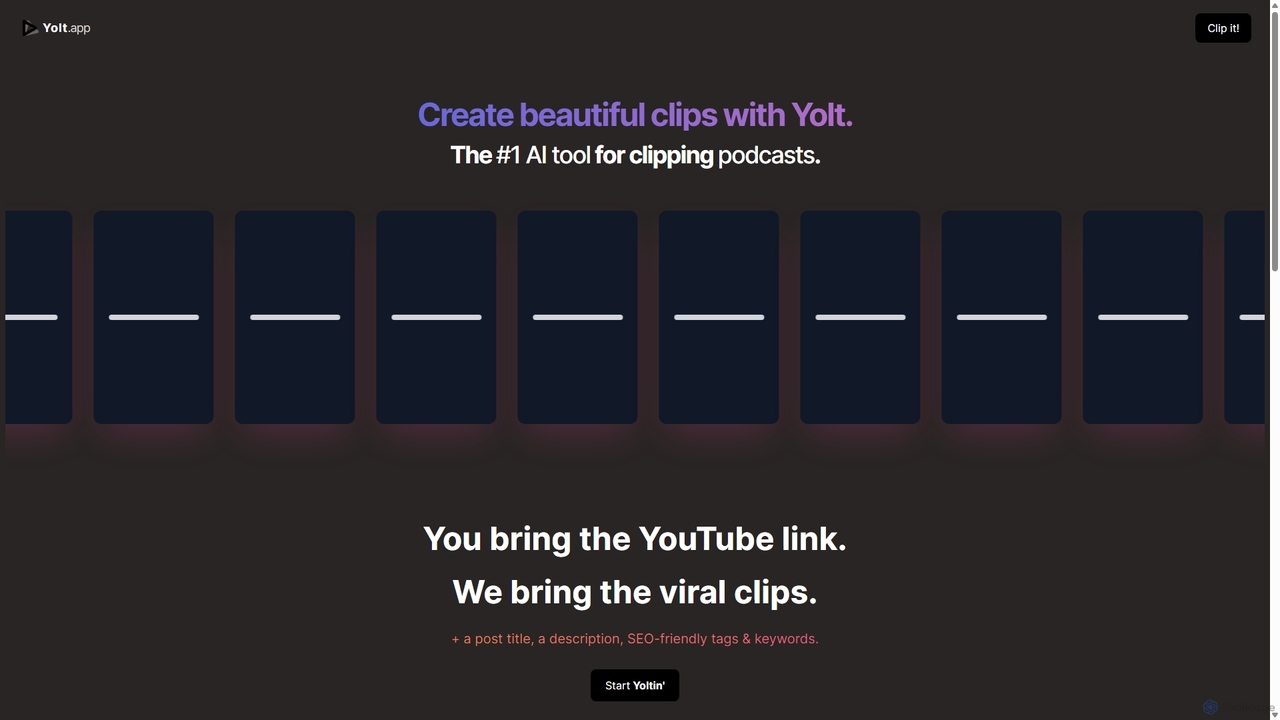
Yolt
Yolt is an AI-powered tool that transforms long-form YouTube videos, especially podcasts, into engaging, short, viral clips for social media. Simply provide a YouTube link, and Yolt's AI identifies the best moments, generates clips with subtitles, and provides optimized titles, descriptions, and SEO tags to maximize your reach and engagement on platforms like TikTok, Instagram Reels, and YouTube Shorts.
Video Marketing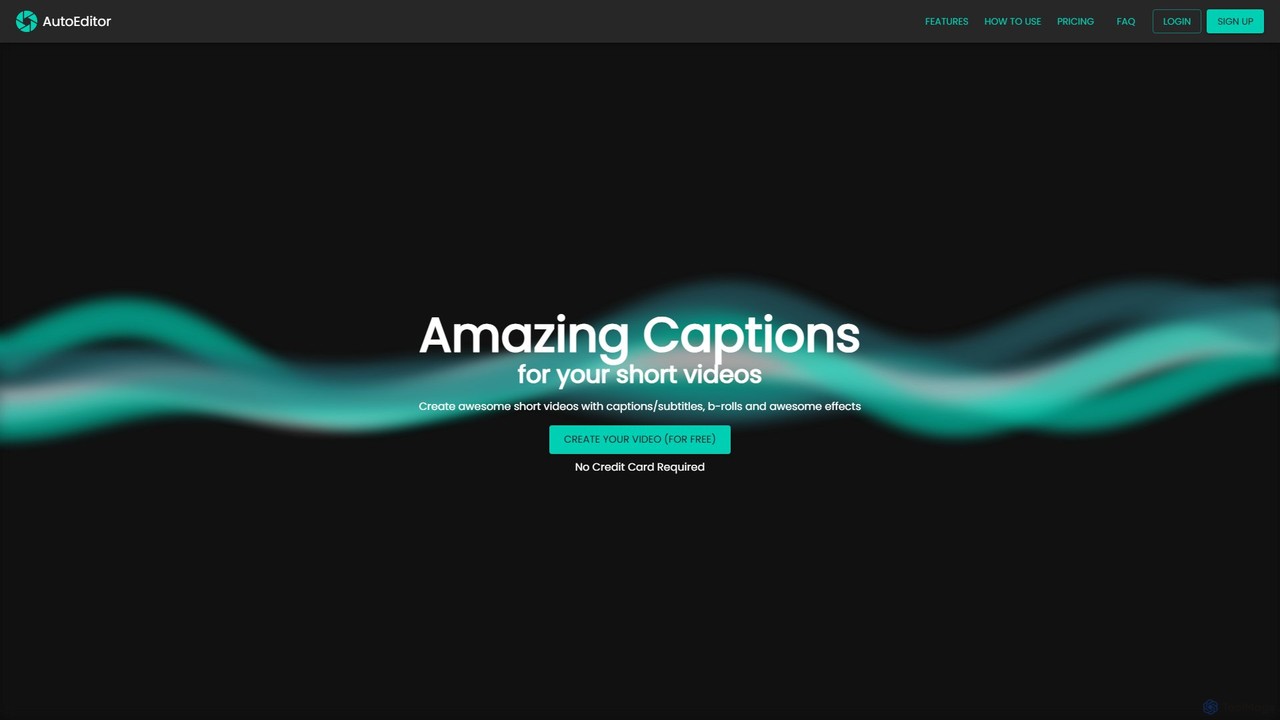
AutoEditor
AutoEditor is an AI-powered video editing tool designed to simplify the creation of engaging short videos. It automatically generates captions in over 40 languages, detects and removes silent parts, and allows users to easily add B-rolls, watermarks, and effects. Ideal for content creators looking to save time and enhance their videos for social media.
Automation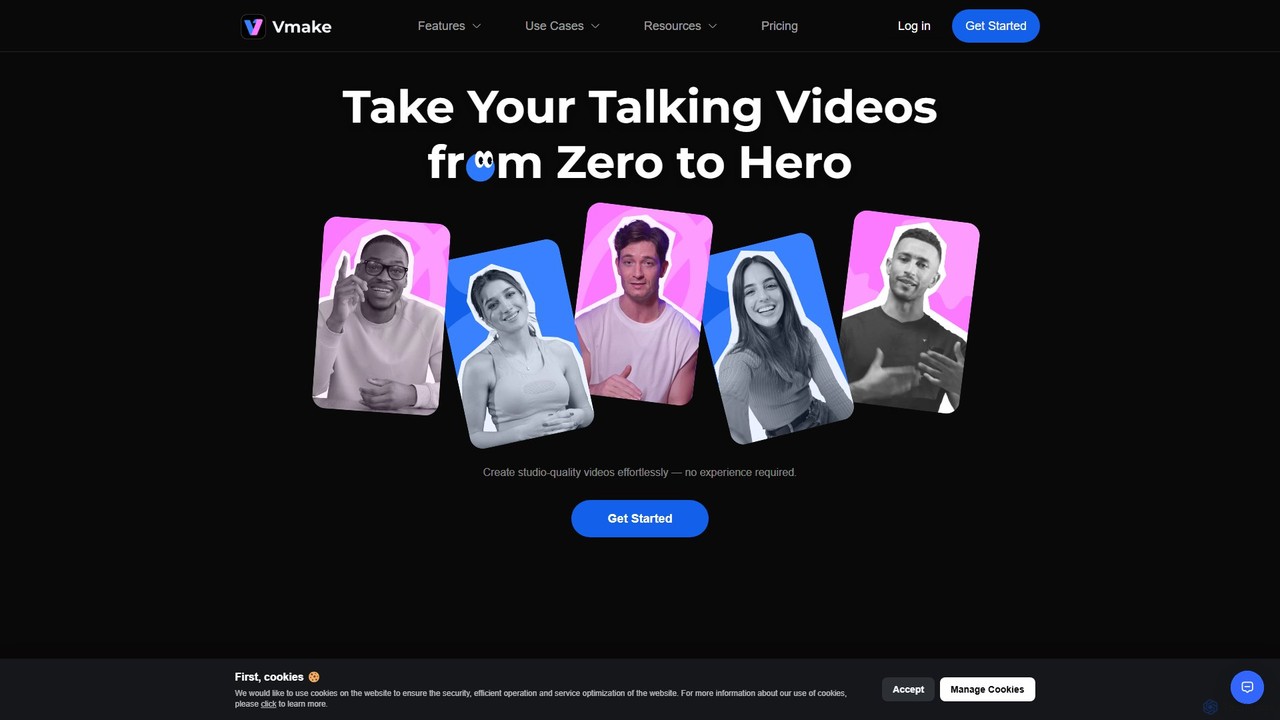
Vmake
Vmake is an all-in-one AI video solution designed for creators. It simplifies video production with features like watermark removal, auto-captions, background removal, and video enhancement. Effortlessly create studio-quality talking videos for social media and marketing without prior experience.
Transcription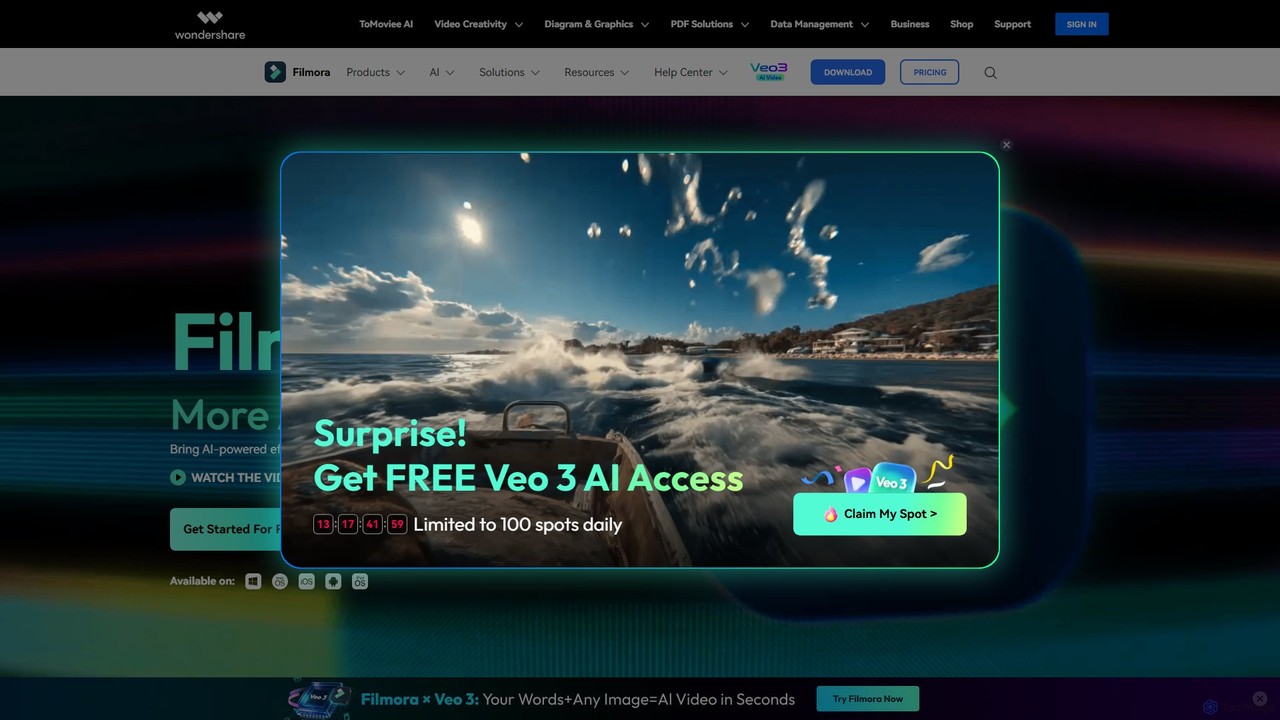
Filmora
Filmora is a powerful and intuitive AI video editor designed for creators of all skill levels. It simplifies the editing process with a suite of AI-powered tools, an extensive library of assets, and a user-friendly interface, making it easy to create professional-quality videos for social media, personal projects, and commercial use.
Social Media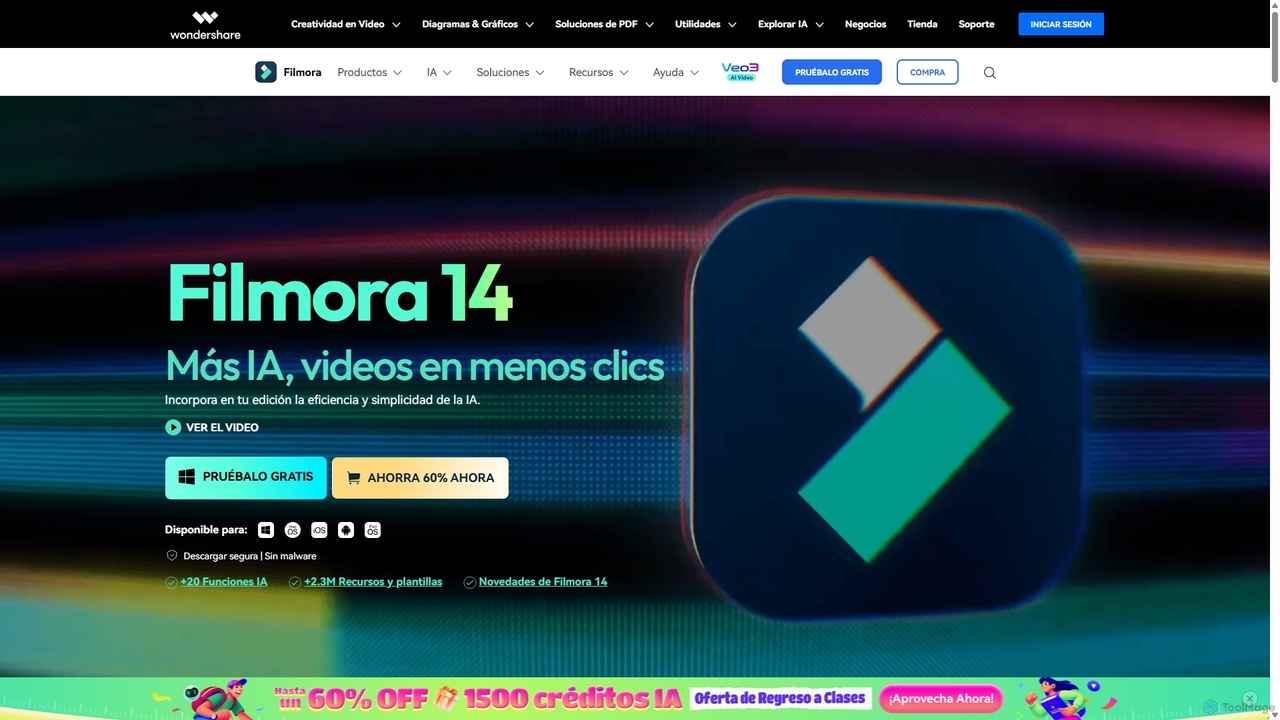
Filmora
Filmora is an AI-powered video editor that simplifies the creation process for both beginners and professionals. It offers a vast suite of AI tools, including smart clip generation, text-to-video, and advanced audio enhancement, combined with a user-friendly interface and a massive library of effects and resources to make video editing faster and more creative.
Social Media
edit_videos_online Comments (0)
Sign in to comment.
Sign inNo comments yet.