

InShot Overview
InShot is a comprehensive and user-friendly video and photo editing application designed for mobile users who want to create professional-looking content with ease. It stands out as an all-in-one creative suite, empowering millions of content creators, social media influencers, and casual users to bring their ideas to life directly from their smartphones. Combining a powerful set of traditional editing tools with cutting-edge AI features, InShot bridges the gap between simple mobile apps and complex desktop software.
The application's interface is celebrated for its intuitiveness, making it accessible for beginners while still offering the depth required by experienced editors. Whether you're creating a quick video for TikTok, a polished vlog for YouTube, or a beautiful photo collage, InShot provides all the necessary tools in a streamlined workflow. From basic trimming and cutting to advanced features like keyframe animations and color grading, the app ensures a smooth and efficient editing experience.
How to use InShot
Using InShot is a straightforward process designed for efficiency. First, download the app from your device's app store. Upon opening, you can choose to start a new project by selecting 'Video', 'Photo', or 'Collage'. Import your desired media files from your gallery. Once loaded, you'll be presented with a timeline-based editor. You can easily trim, split, and arrange your clips. Use the toolbar to add music from InShot's library or your own, apply text with various fonts and animations, and insert stickers or GIFs. Explore the vast library of filters and effects to enhance the visual mood. For advanced edits, use features like Picture-in-Picture (PIP), speed adjustments, or the AI-powered cutout tool. Once your masterpiece is complete, simply click the 'Export' button, choose your desired resolution (up to 4K), and save or share it directly to your social media platforms.
Core Features of InShot
- AI-Powered Editing Suite: Includes Auto Captions to generate and edit subtitles in multiple languages, AI Cutout for removing backgrounds, AI Effects for unique visuals, and AI Speech enhancement.
- Professional Video Editing: Features a multi-track timeline, 4K resolution export, precise trimming and splitting, video merging, and speed control with advanced speed curves.
- Keyframe Animation: Animate layers like text, stickers, and PIPs to create dynamic and engaging motion effects.
- Rich Media & Effects Library: Access an extensive collection of royalty-free music, sound effects, animated stickers, and a wide variety of transitions, filters, and visual effects like Glitch, Distort, and Ripped Paper.
- Advanced Color Correction: Utilize HSL (Hue, Saturation, Luminance) tools for fine-tuning colors and achieving the perfect cinematic look.
- Comprehensive Photo Editor & Collage Maker: Beyond video, it offers robust photo editing tools and a versatile collage maker with various layouts and customization options.
- Audio Tools: Easily extract audio from videos, add voice-overs using the built-in recorder, and precisely control audio volume and fades.
Use Cases for InShot
InShot is incredibly versatile and is used by a wide range of creators. Social media managers and influencers use it to quickly produce high-quality Instagram Reels, TikTok videos, and YouTube Shorts that capture trends. YouTubers rely on it for editing full-length vlogs and tutorials on the go, without needing a desktop computer. Small businesses and marketers create professional-looking product advertisements and promotional videos. It's also perfect for personal use, such as compiling travel vlogs, creating memorable family video montages, and designing beautiful photo slideshows set to music.
Advantages of InShot
The primary advantage of InShot is its combination of power and simplicity. Its user-friendly interface significantly lowers the barrier to entry for video editing. The all-in-one nature of the app—combining video, photo, and collage tools—eliminates the need for multiple applications. Its AI features automate time-consuming tasks, boosting productivity. The free version is remarkably generous, offering a vast number of features without cost. For those who need more, the Pro subscription is affordable and provides immense value by unlocking all features and removing watermarks. Finally, its ability to export in 4K ensures that the final product is always of the highest quality, ready for any platform.
Pricing and Plans
InShot operates on a freemium model. The free version is highly functional, providing access to a wide array of editing tools, but it includes ads and places a small watermark on exported videos. For users seeking an unrestricted experience, InShot Pro is available as a subscription. The Pro plan removes all ads and the watermark, and grants unlimited access to the entire library of premium effects, transitions, filters, and stickers. Typically, InShot offers flexible payment options, including a monthly subscription, an annual subscription for better value, and a one-time lifetime purchase for permanent access.
Traffic
Latest traffic
Status
Monthly traffic trend
- 2025-9: 501.2K
- 2026-1: 614.4K
- 2026-2: 533.7K
- 2026-3: 557.8K
- 2026-4: 493.9K
- 2026-5: 591.2K
Geography
Top 5 countries / regions
- 🇮🇳India54.1%
- 🇺🇸United States20.5%
- 🇧🇷Brazil12.4%
- 🇵🇰Pakistan7.0%
- 🇪🇸Spain6.0%
Traffic sources
| Source type | Percentage |
|---|---|
Direct | 77.7% |
Referral | 21.1% |
Email | 1.3% |
Top keywords
| Keyword | Cost per click |
|---|---|
| inshot | $0.28 |
| inshot app | $0.18 |
| inshot download | $0.10 |
| inshot for pc | $0.28 |
| inshot video editor | $0.51 |
InShot Videos on YouTube

InShot Video Editor
Deepak GrowTech23

Afnan Aijaz

Arvind zone


Caron Modern Media | Video Strategy & Custom Art
InShot Alternatives
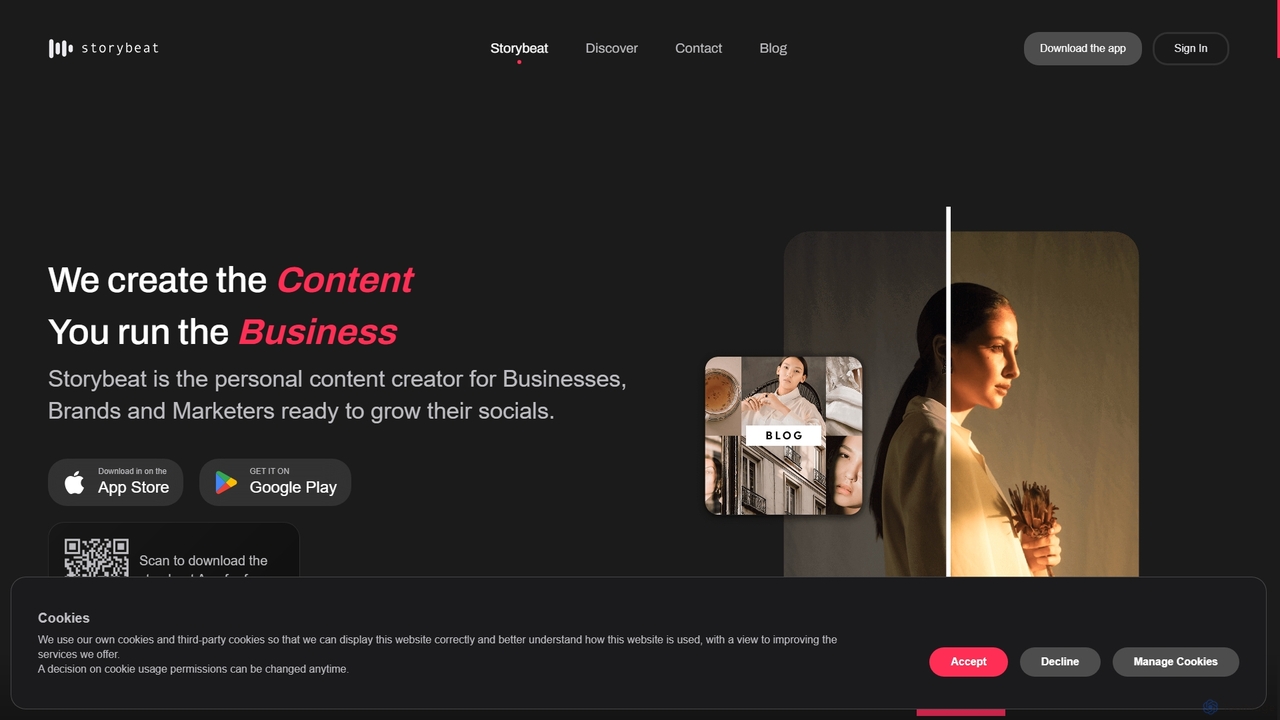
Storybeat
Storybeat is an AI-powered mobile app for creating stunning social media stories and reels. It offers a vast library of templates, filters, and music, along with AI tools like Auto Design, AI Captions, and AI Avatars to help businesses, brands, and creators grow their social presence effortlessly.
Social Media Marketing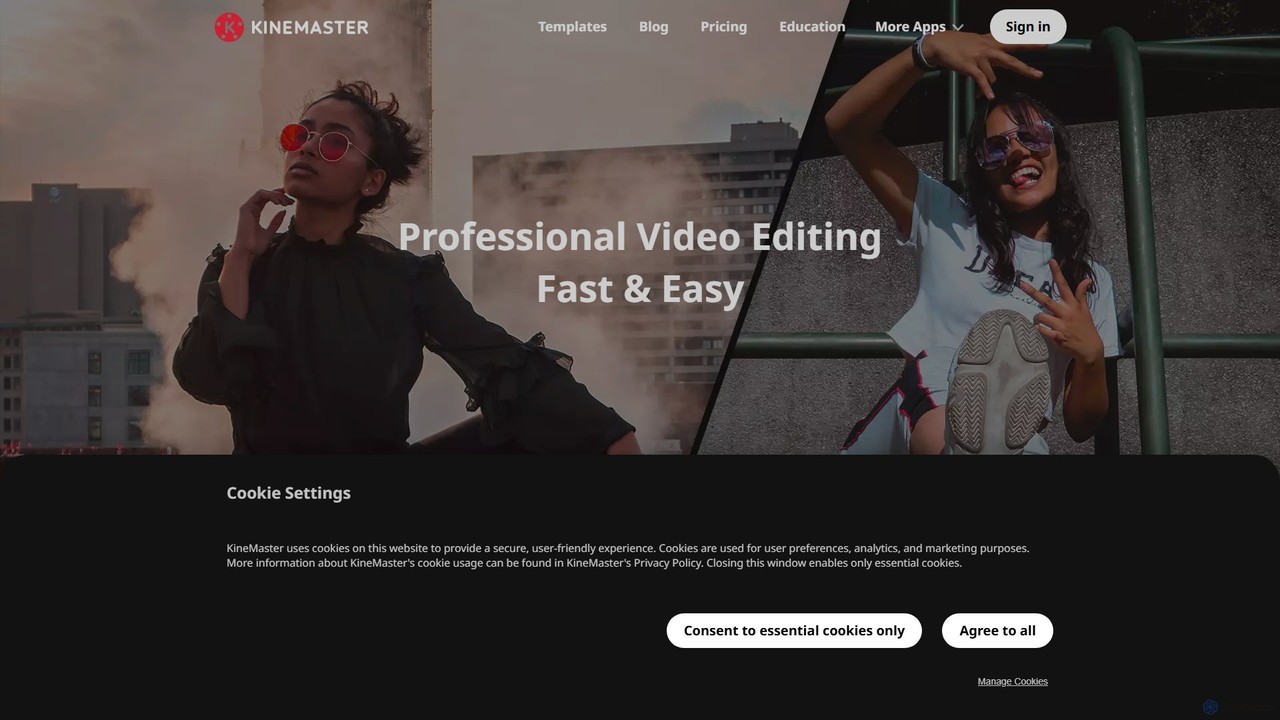
KineMaster
KineMaster is a professional-grade mobile video editing app packed with powerful AI features. It offers a multi-layer timeline, 4K export, and a vast library of templates and assets, making it easy to create stunning videos for social media, vlogs, and marketing directly on your phone.
Mobile Tools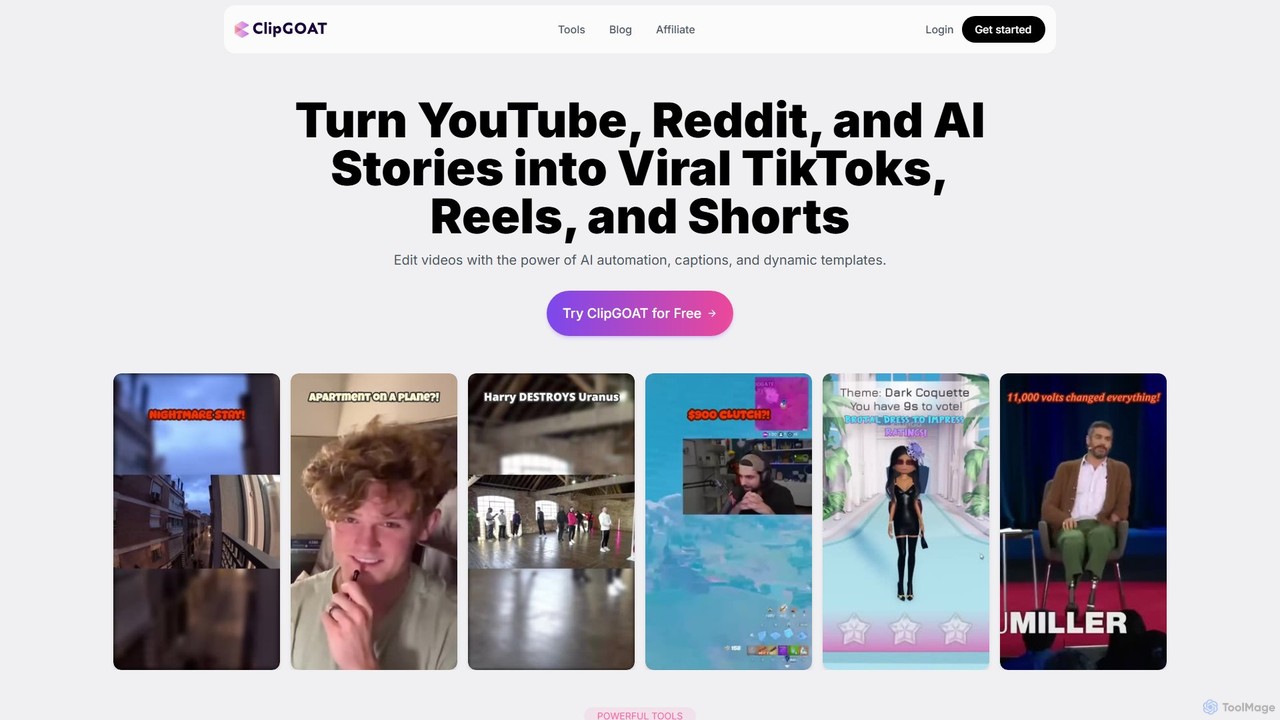
ClipGOAT
ClipGOAT is an AI-powered platform that transforms long-form content like YouTube videos, Reddit threads, and text stories into viral short-form videos for TikTok, Reels, and Shorts. It automates clipping, captioning, and reframing, enabling creators to produce and schedule engaging content in minutes without prior editing experience.
Automation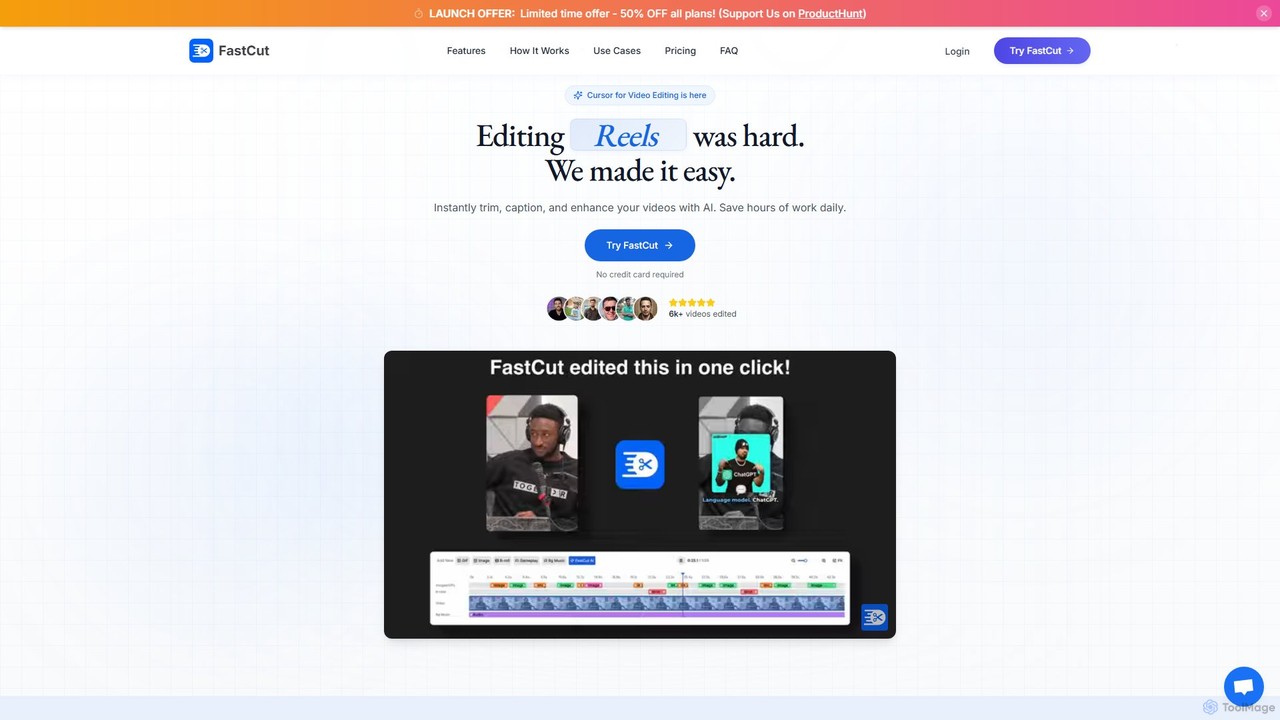
fastcutai
FastCut is an AI-powered video editor designed to simplify and accelerate the creation of short-form videos for platforms like TikTok, Reels, and YouTube Shorts. It automates tedious tasks like trimming, captioning, and adding B-roll, enabling creators to produce high-engagement content 10x faster.
Automation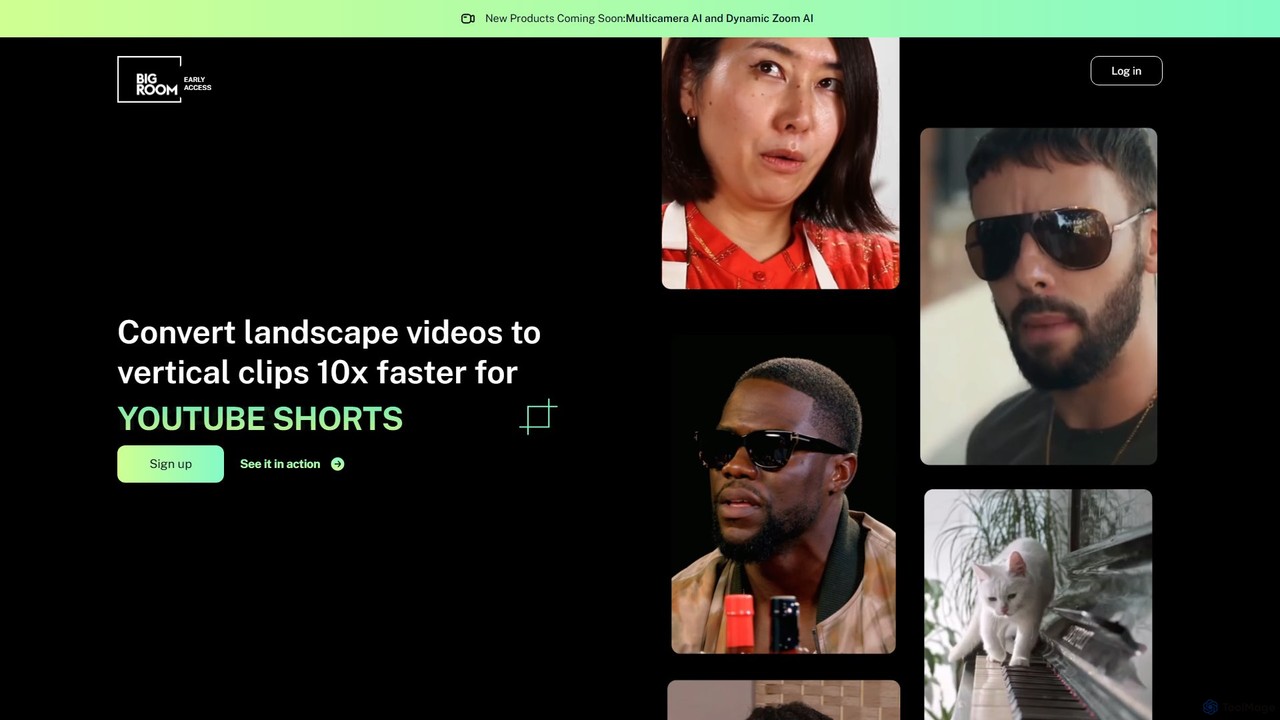
bigroom
bigroom is an AI-powered video tool that automatically converts landscape videos into engaging vertical clips for social media like TikTok, Instagram Reels, and YouTube Shorts. It uses AI to intelligently track subjects, reframe shots, and make smart cuts, simulating a professional multi-camera production 10x faster.
AutomationInShot Categories
InShot Embed Widget
Copy this embed code to place the badge on your blog, article, or product site and send readers directly to this ToolMage detail page.

Related AI tools
KineMaster
KineMaster is a professional-grade mobile video editing app packed with powerful AI features. It offers a multi-layer timeline, 4K export, and a vast library of templates and assets, making it easy to create stunning videos for social media, vlogs, and marketing directly on your phone.
Mobile Tools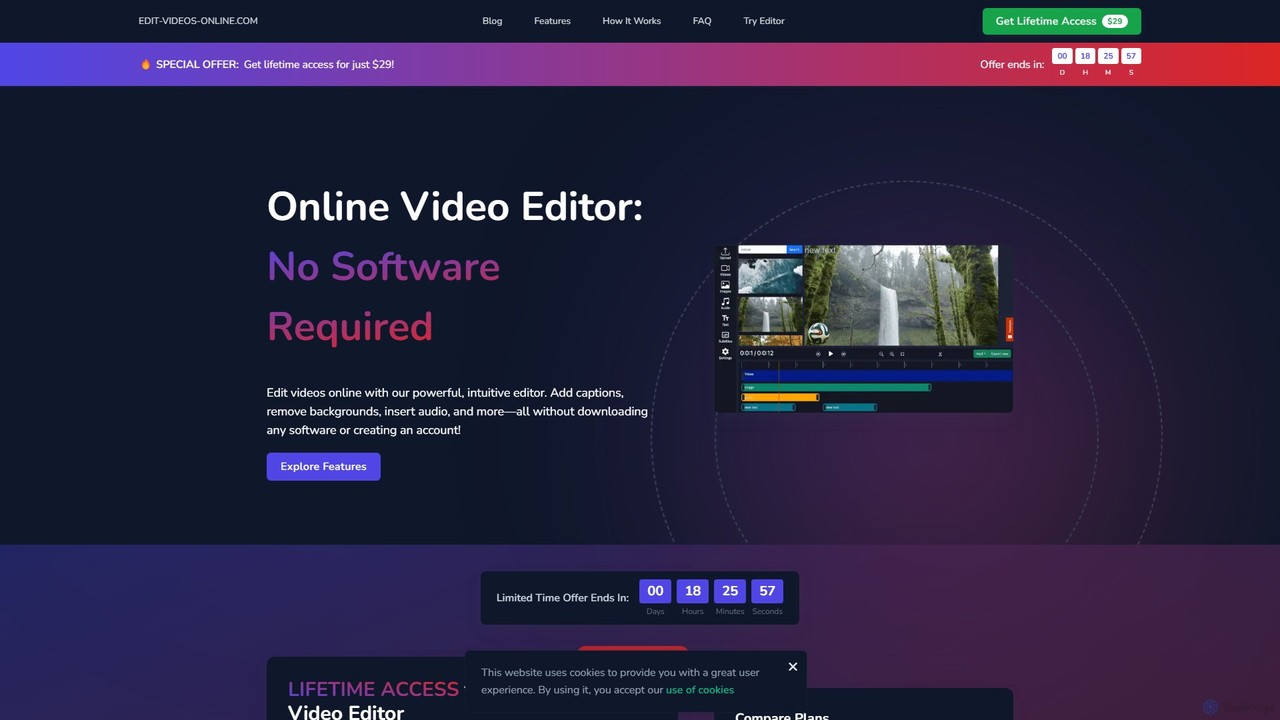
edit_videos_online
edit_videos_online is a powerful, browser-based video editor that leverages AI to simplify content creation. Easily remove video backgrounds with one click, automatically generate accurate captions, create AI voiceovers, and add dynamic text and watermarks. It's designed for social media creators, marketers, and anyone looking to produce professional-quality videos for platforms like TikTok, Instagram, and YouTube without complex software.
AdvertisingClipGOAT
ClipGOAT is an AI-powered platform that transforms long-form content like YouTube videos, Reddit threads, and text stories into viral short-form videos for TikTok, Reels, and Shorts. It automates clipping, captioning, and reframing, enabling creators to produce and schedule engaging content in minutes without prior editing experience.
Automationfastcutai
FastCut is an AI-powered video editor designed to simplify and accelerate the creation of short-form videos for platforms like TikTok, Reels, and YouTube Shorts. It automates tedious tasks like trimming, captioning, and adding B-roll, enabling creators to produce high-engagement content 10x faster.
Automationbigroom
bigroom is an AI-powered video tool that automatically converts landscape videos into engaging vertical clips for social media like TikTok, Instagram Reels, and YouTube Shorts. It uses AI to intelligently track subjects, reframe shots, and make smart cuts, simulating a professional multi-camera production 10x faster.
Automation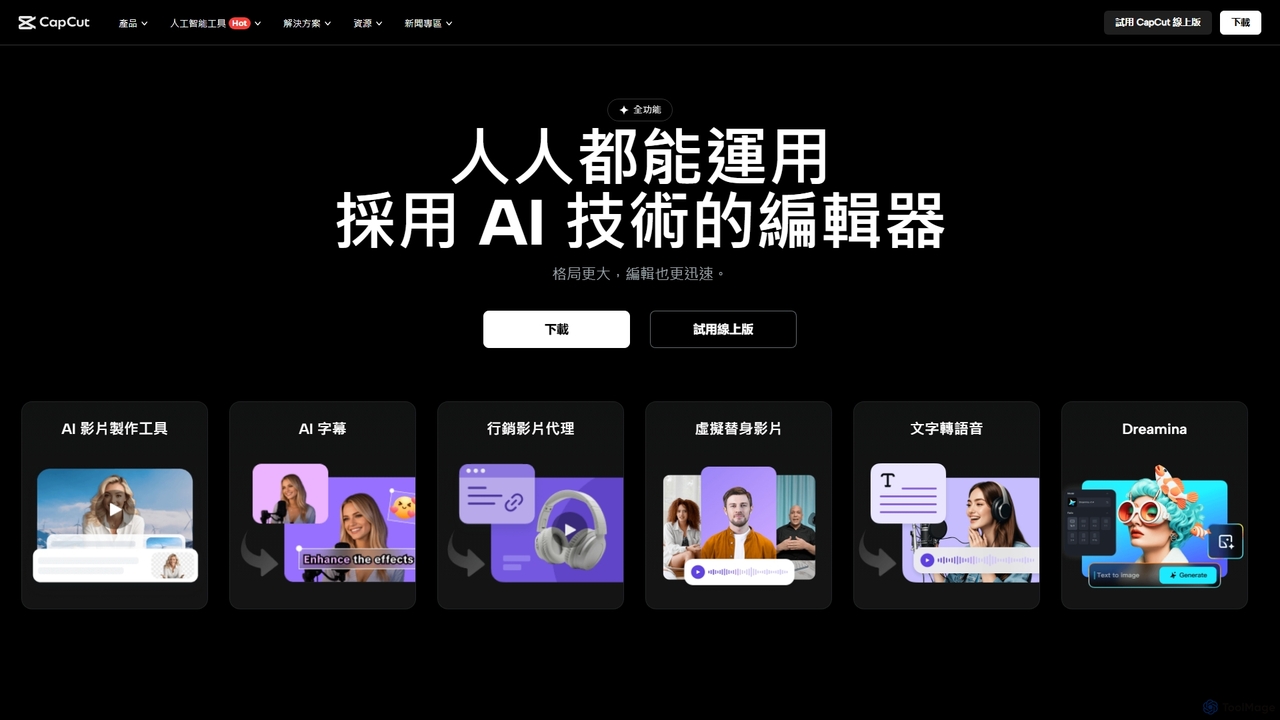
CapCut
CapCut is a powerful, all-in-one AI video editor and creative suite. It simplifies content creation with intuitive tools for video editing, graphic design, and team collaboration. It offers a wide range of AI features like auto-captions, script-to-video, background removal, and video upscaling, making professional-quality content accessible to everyone, from beginners to pros, across web, desktop, and mobile platforms.
Graphics
Clipchamp
Clipchamp is a user-friendly, AI-powered online video editor from Microsoft. It enables everyone, from beginners to professionals, to create stunning videos with features like AI-driven text-to-speech, automatic subtitles, and smart editing tools. Available on browsers, Windows, and iOS, it's an all-in-one solution for content creators, businesses, and educators.
Text To Speech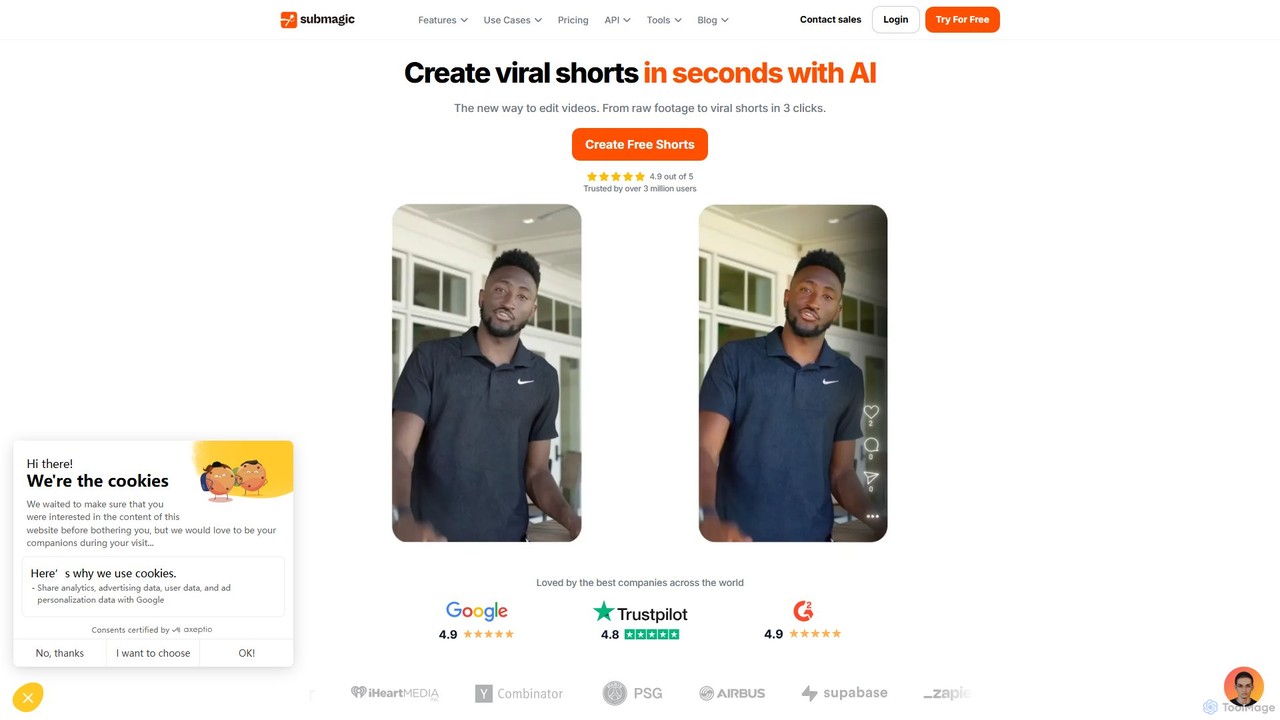
Submagic
Submagic is an all-in-one AI platform designed for creating viral short-form videos in seconds. It automates tedious editing tasks by generating trendy captions with emojis, adding dynamic B-rolls, creating smooth transitions, and extracting key moments from long videos. It's the perfect tool for content creators, marketers, and businesses looking to boost engagement and save time on video production.
Automation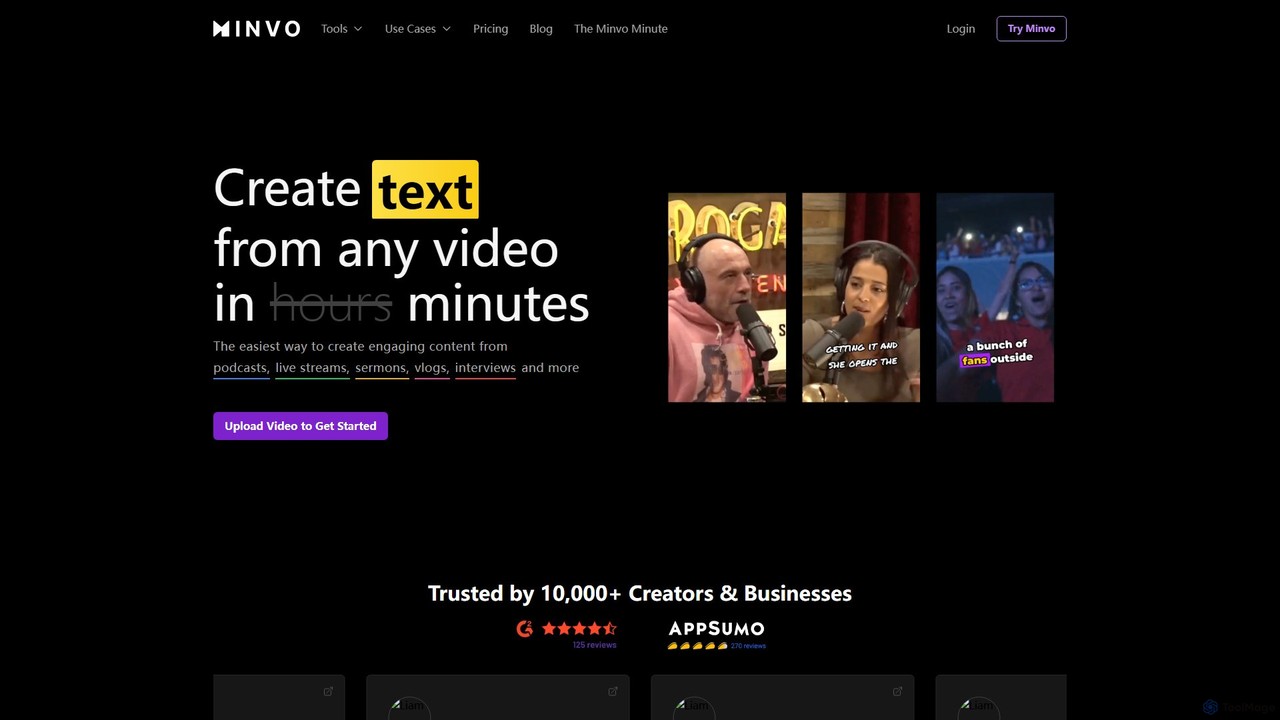
Minvo
Minvo is an AI-powered content studio that transforms long-form videos into engaging short clips, images, and text for social media. It automates the process of clipping, editing, captioning, and scheduling, helping creators and businesses save time and boost their online presence on platforms like YouTube, TikTok, and Instagram.
Automation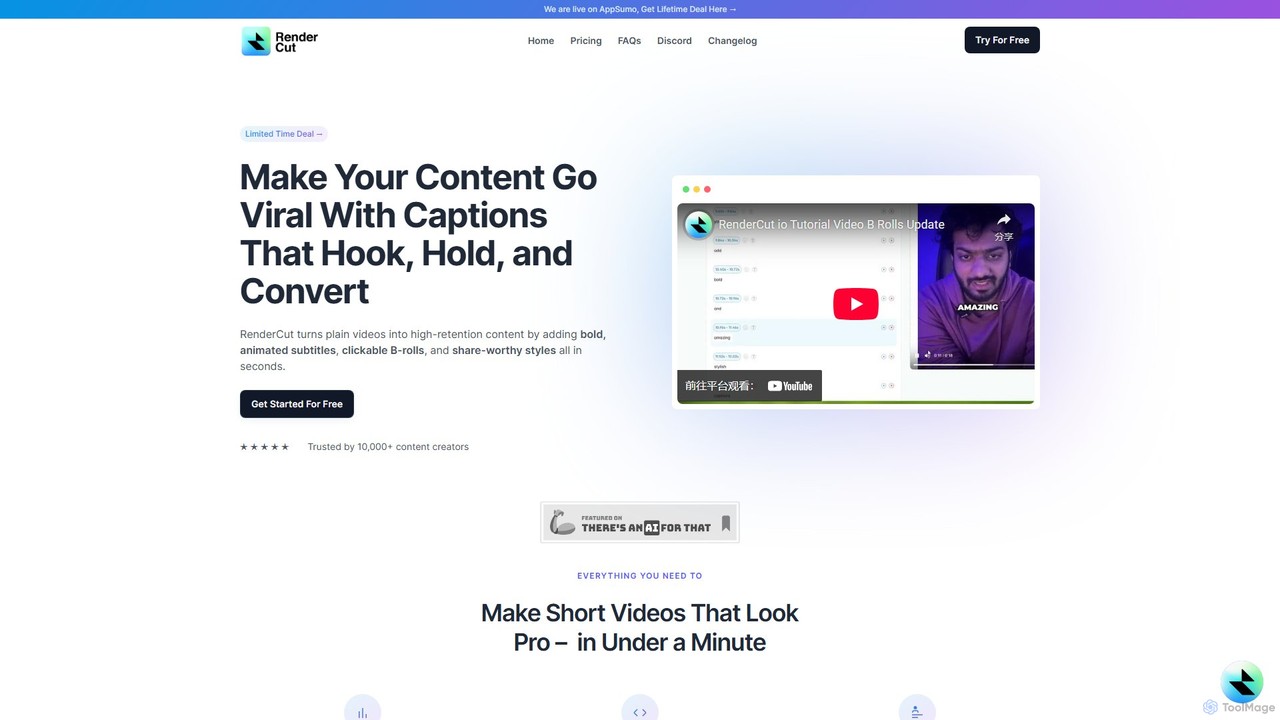
RenderCut
RenderCut is an AI-powered video editing tool that automates the creation of engaging short-form videos. It instantly adds stylish, animated subtitles, B-rolls, emojis, and sound effects, transforming plain videos or audio into high-retention content for platforms like TikTok, Reels, and Shorts. It's designed for content creators, marketers, and businesses to produce professional-looking videos in minutes, not hours.
Video Marketing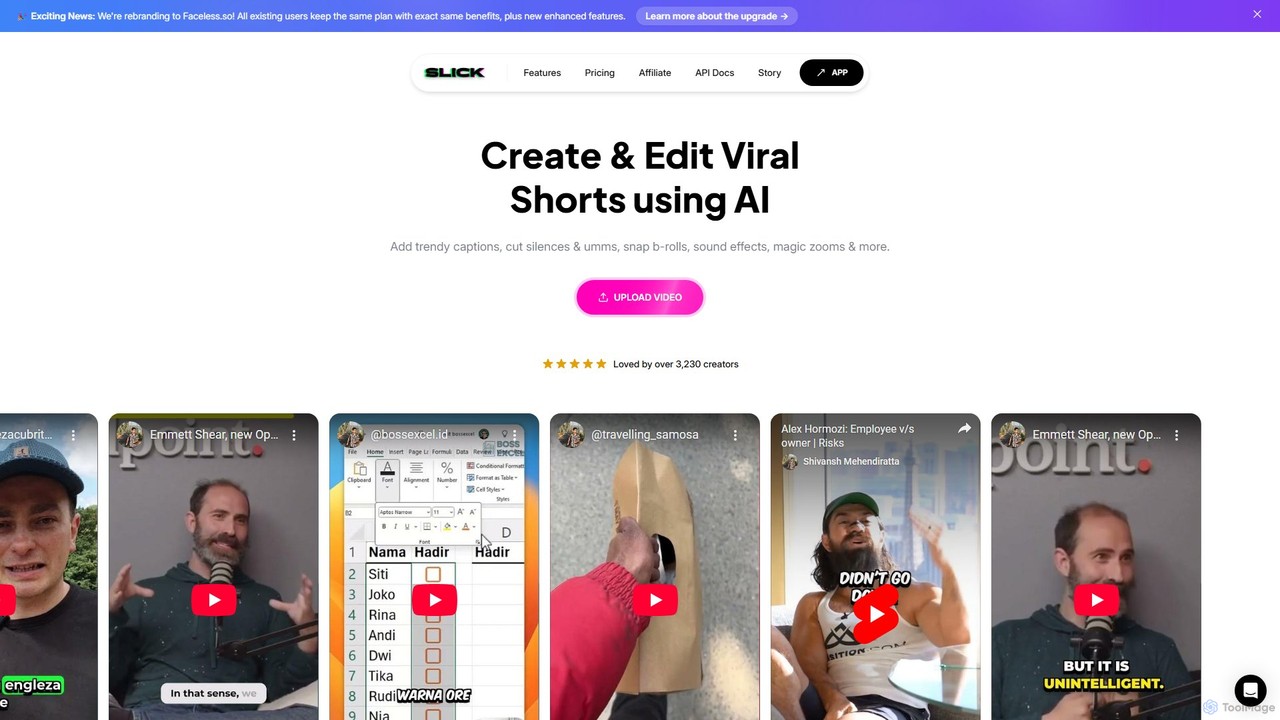
Slick
Slick (now rebranded as Faceless.so) is an AI-powered video editor designed to create and edit viral short videos for platforms like TikTok, Instagram Reels, and YouTube Shorts. It automates tedious tasks like adding trendy captions, inserting B-rolls, removing silences, and generating clips from long videos, enabling creators to produce engaging content effortlessly.
Automation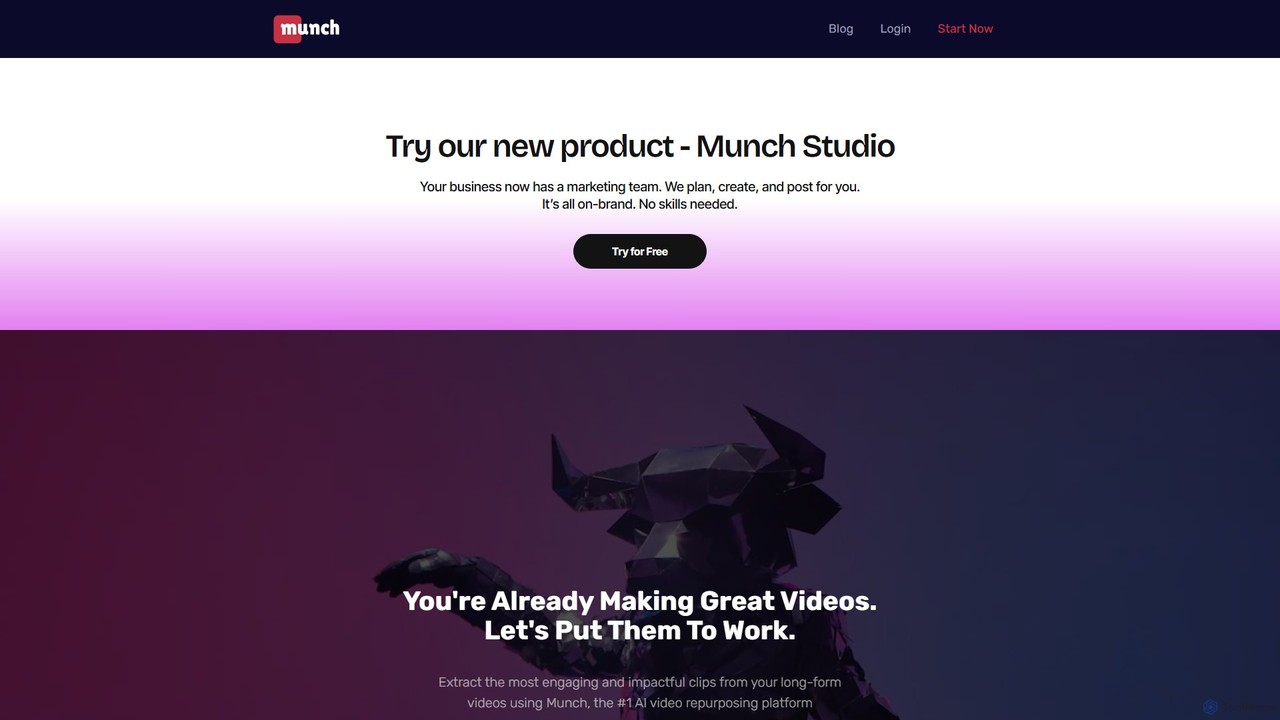
Munch
Munch is an AI-powered platform that automatically repurposes long-form videos into engaging, shareable short clips for social media. It uses AI to extract impactful moments, add captions, and format content for platforms like TikTok, Instagram, and YouTube Shorts, saving creators and marketers significant time and effort.
Video Marketing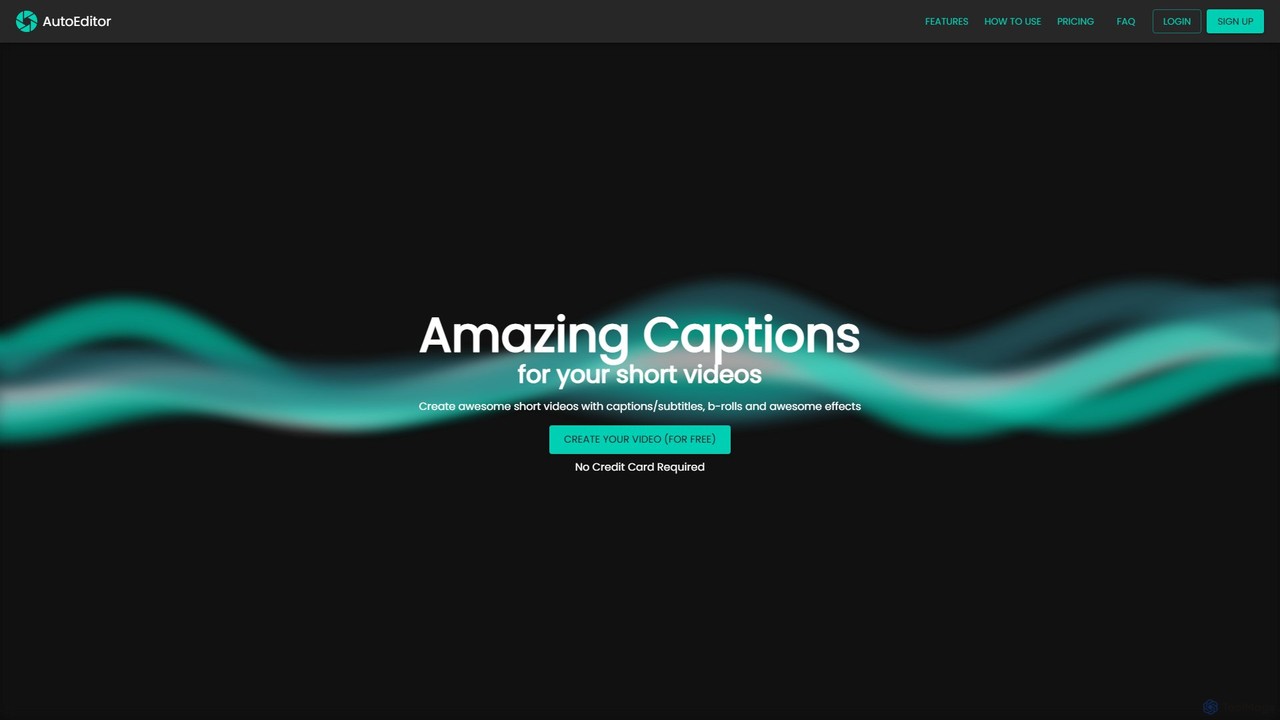
AutoEditor
AutoEditor is an AI-powered video editing tool designed to simplify the creation of engaging short videos. It automatically generates captions in over 40 languages, detects and removes silent parts, and allows users to easily add B-rolls, watermarks, and effects. Ideal for content creators looking to save time and enhance their videos for social media.
AutomationStorybeat
Storybeat is an AI-powered mobile app for creating stunning social media stories and reels. It offers a vast library of templates, filters, and music, along with AI tools like Auto Design, AI Captions, and AI Avatars to help businesses, brands, and creators grow their social presence effortlessly.
Social Media Marketing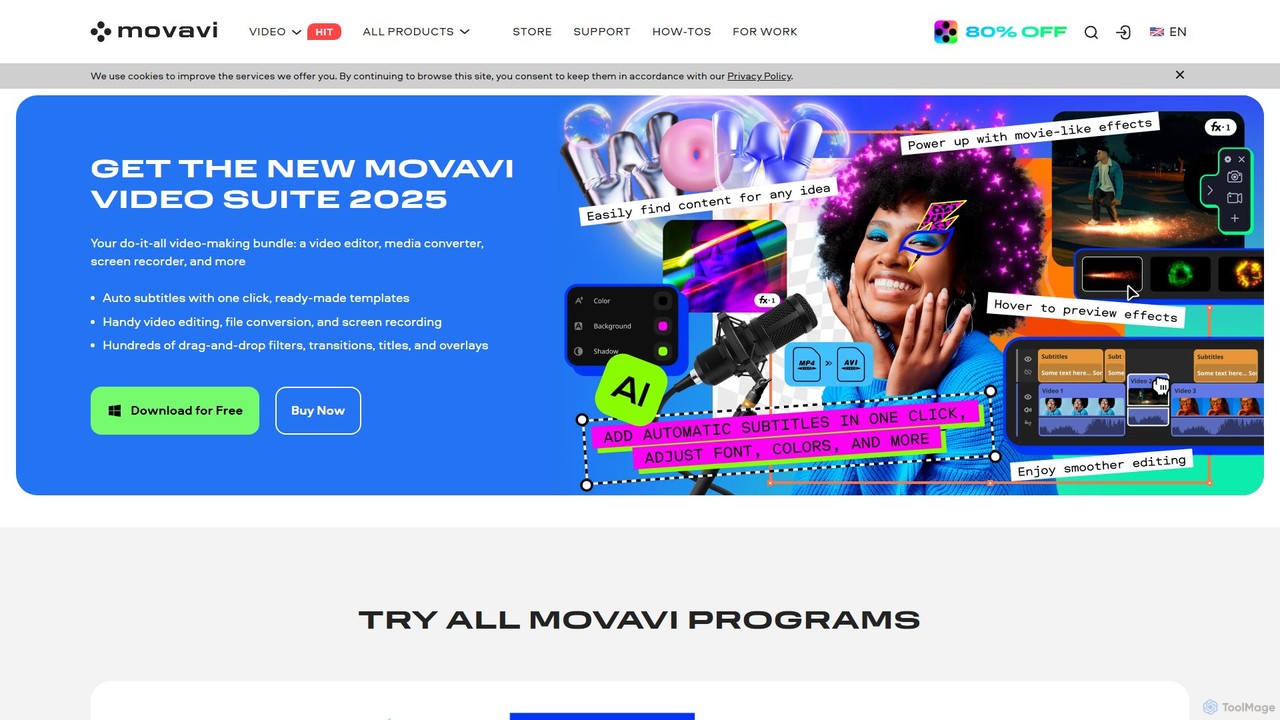
Movavi
Movavi is a comprehensive suite of multimedia programs, featuring a powerful yet user-friendly AI video editor, photo editor, screen recorder, and file converter. It's designed for everyone from beginners to seasoned creators, offering AI-driven features like background removal, motion tracking, and audio denoising to simplify the creative process. Create stunning videos, edit photos, and capture your screen with an intuitive drag-and-drop interface and a vast library of effects.
Screen Recording
InShot Comments (0)
Sign in to comment.
Sign inNo comments yet.