
Free
Xannotate
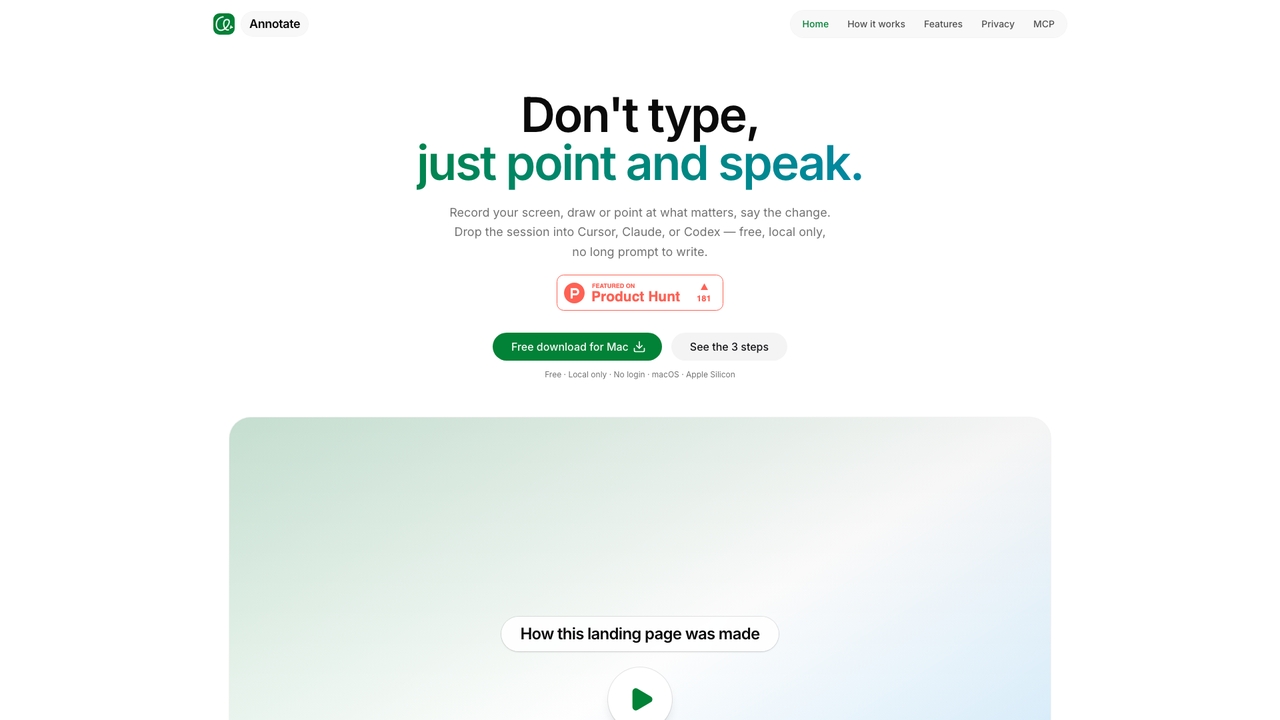
Record, point, speak, and hand off to Cursor, Claude Code, or Codex. Free, local-only macOS app.
UI AnnotationVisits 5.3KFavorites 44Likes 37
Popular Screen Recording AI tools in Productivity include Movavi, Vmaker, EaseUS Multimedia, Nabla Mind, Layerpath, Screenity, DreamCut, Motion, and Xannotate, helping you work more efficiently.
Record, point, speak, and hand off to Cursor, Claude Code, or Codex. Free, local-only macOS app.
UI Annotation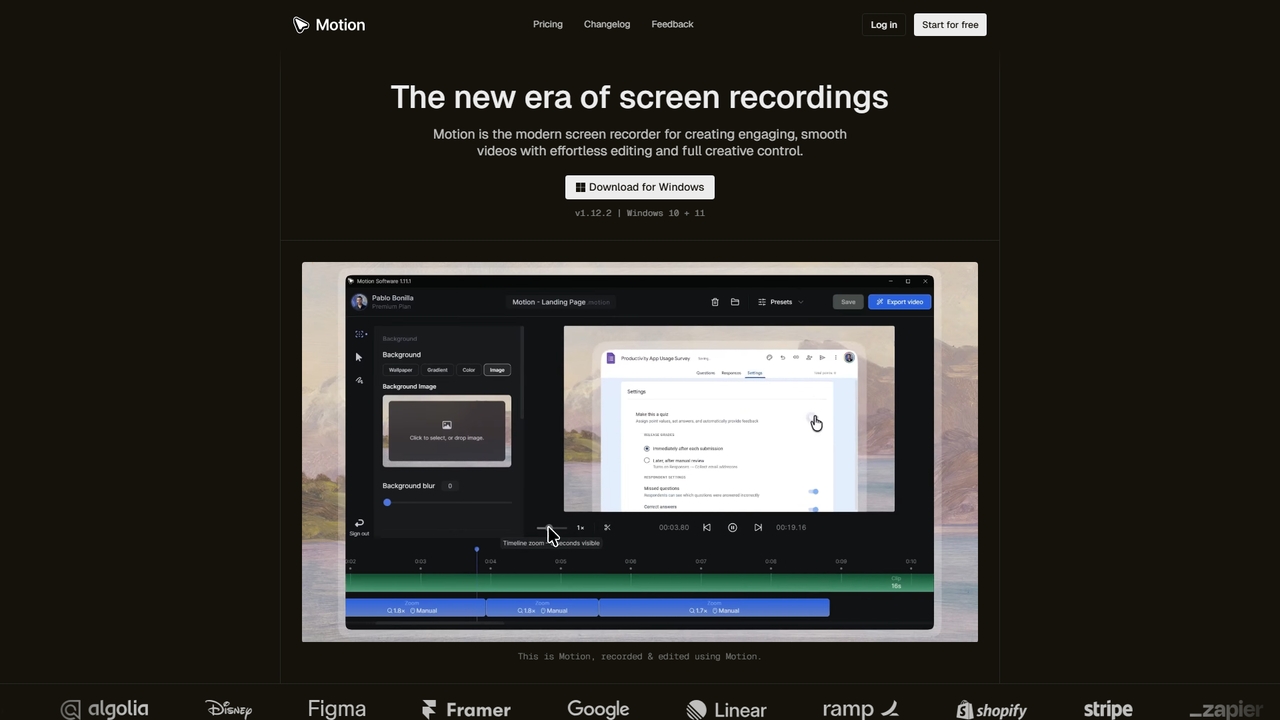
Motion is a modern screen recorder and video editor designed specifically for Windows. It enables users to create smooth, professional-looking screen recordings effortlessly, with built-in smart editing tools that automatically handle animations like cursor movements and zooms. Perfect for creating tutorials, demos, marketing content, and more, Motion offers a powerful yet intuitive workspace for both beginners and professionals.
Presentations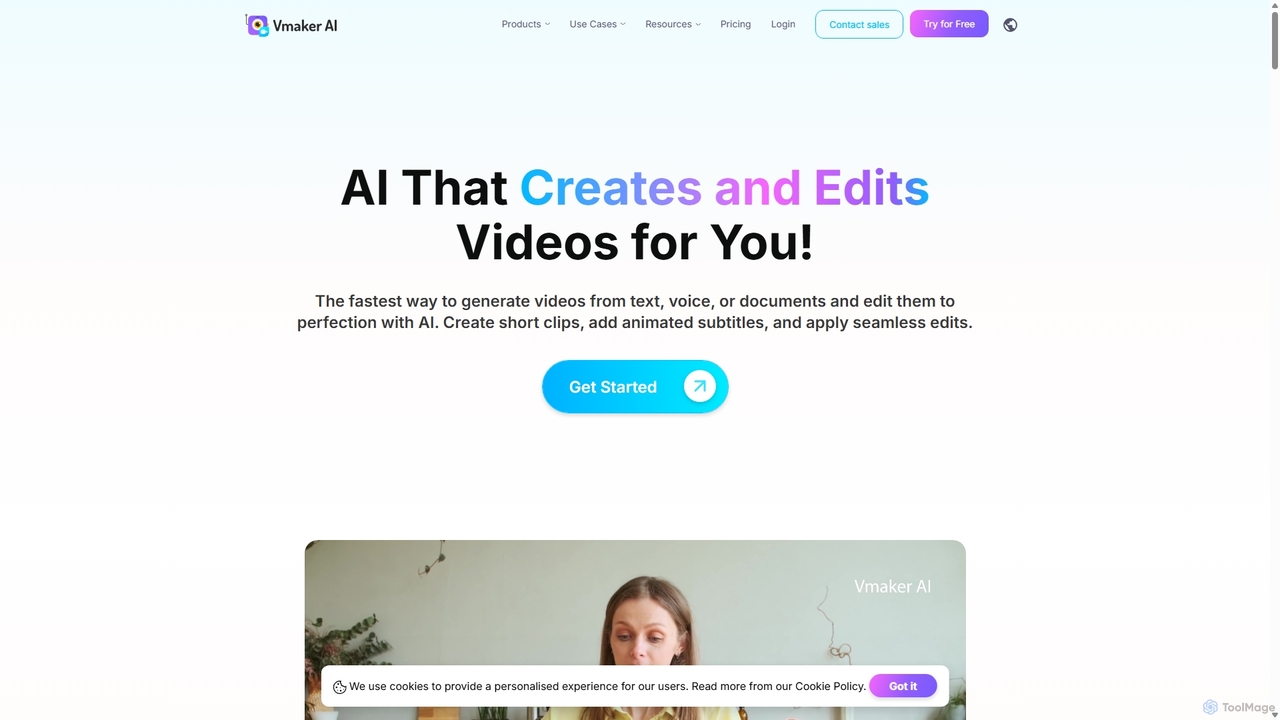
Vmaker is an all-in-one AI video creation and editing suite. It enables users to generate videos from text, audio, or documents using AI avatars, record screens in 4K, and edit footage with a powerful AI editor. Key features include auto-subtitles, background removal, and content repurposing tools, designed for marketers, content creators, and L&D teams.
Training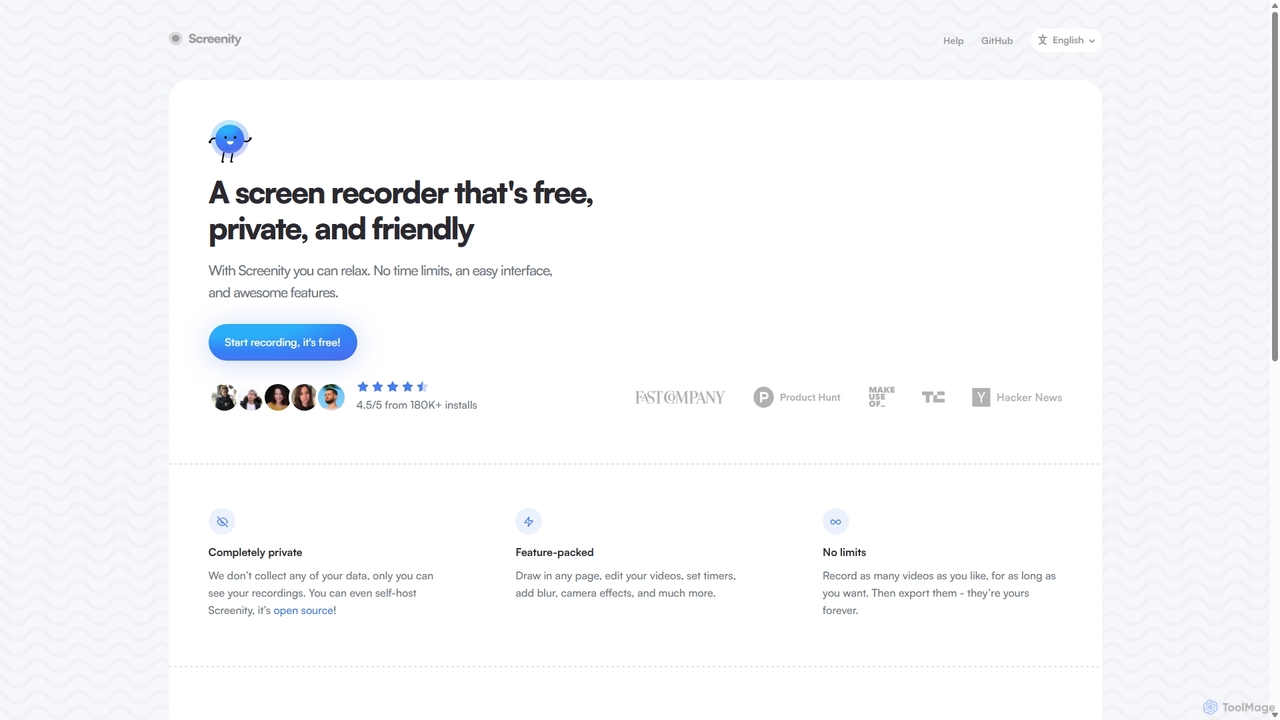
Screenity is a powerful, free, and privacy-focused screen and camera recorder for Chrome. It offers unlimited recording, annotation tools, and basic video editing without collecting any user data. Ideal for creating tutorials, demos, and presentations.
Bug Reporting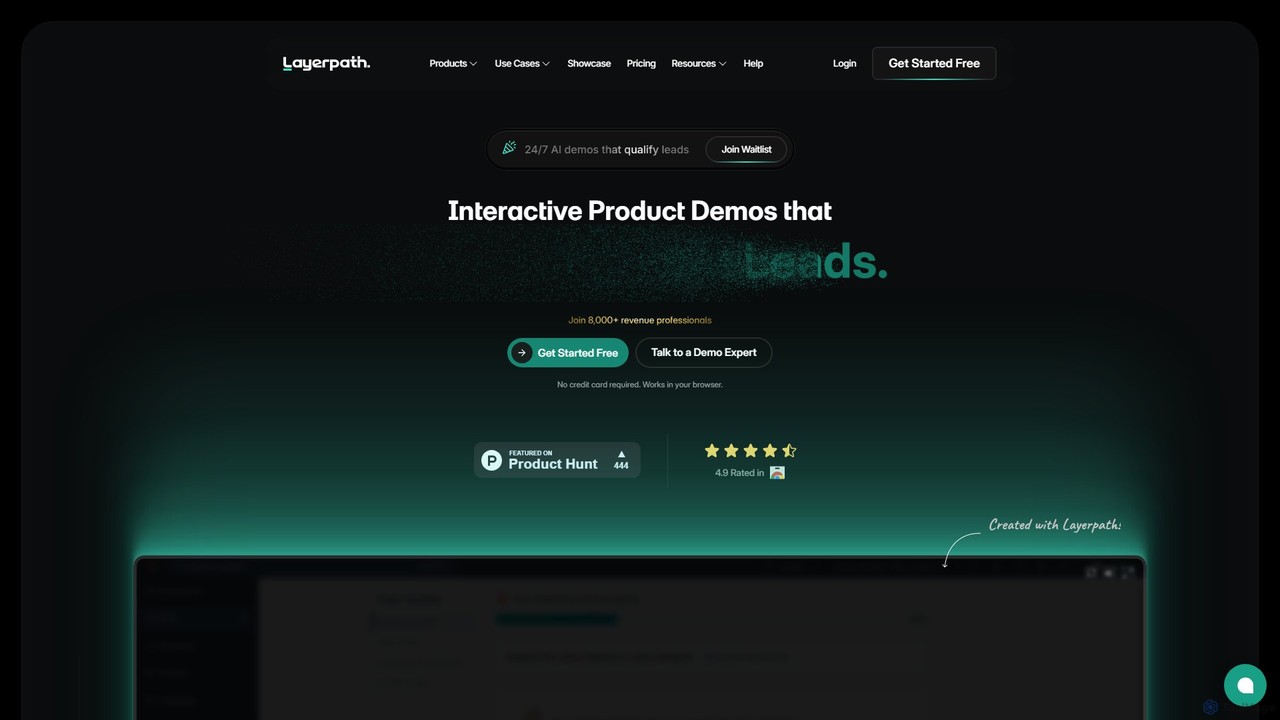
Layerpath is an AI-powered platform for creating interactive product demos, video tutorials, and step-by-step guides. It helps sales, marketing, and customer success teams to generate more leads, accelerate user onboarding, and showcase product features effectively without complex editing.
User Onboarding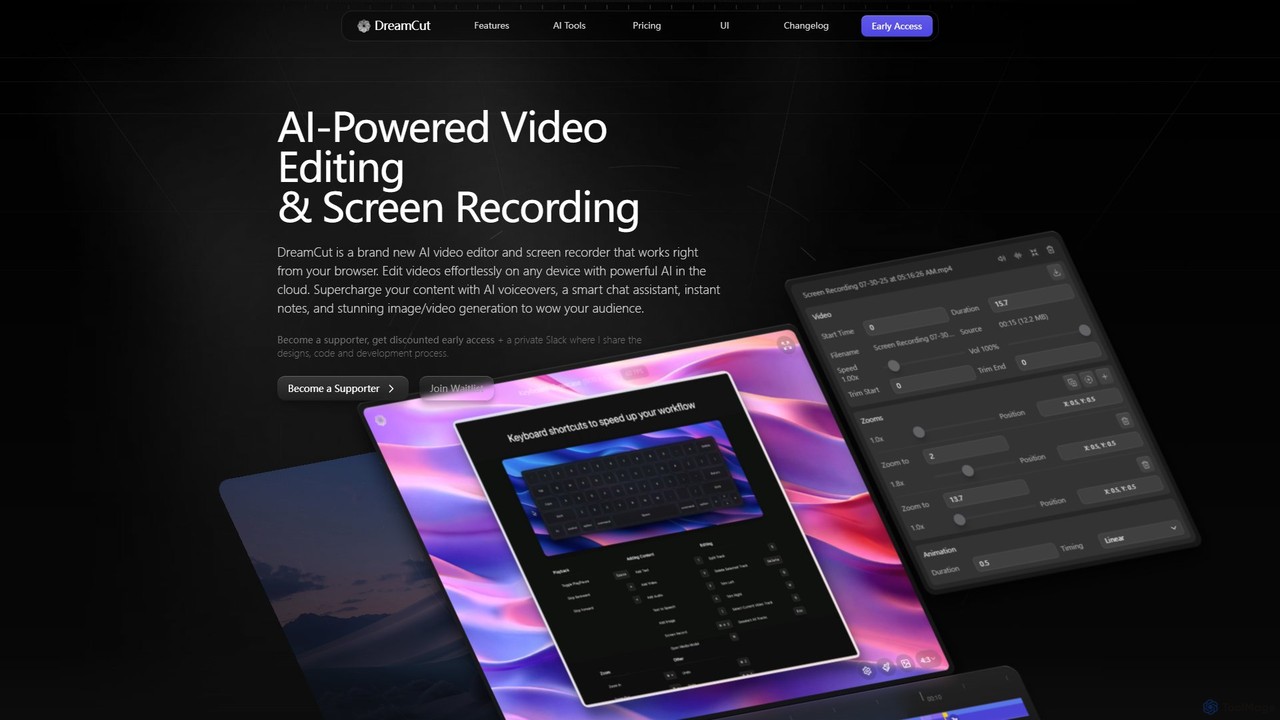
DreamCut is an all-in-one, AI-powered video editor and screen recorder that operates directly from your browser. It combines a multi-track editor, high-quality screen capture, AI voice generation, an AI chat assistant, and image/video creation into a single, cloud-based platform, enabling users to create professional content effortlessly on any device.
Text To Speech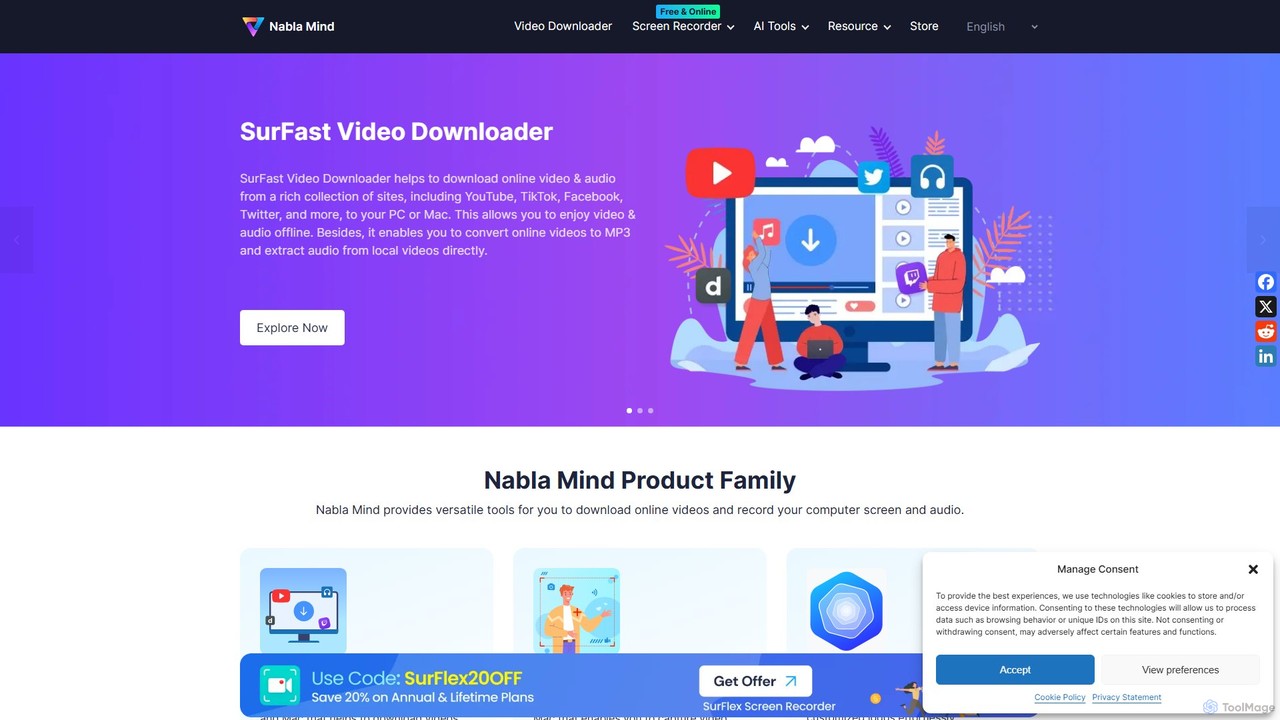
Nabla Mind offers a suite of powerful software for content creators and professionals, including SurFast Video Downloader, SurFlex Screen Recorder, and AI-powered utilities. Easily download online videos, record your screen with audio, and leverage AI for creative tasks like logo design and automatic captioning.
Logo Generation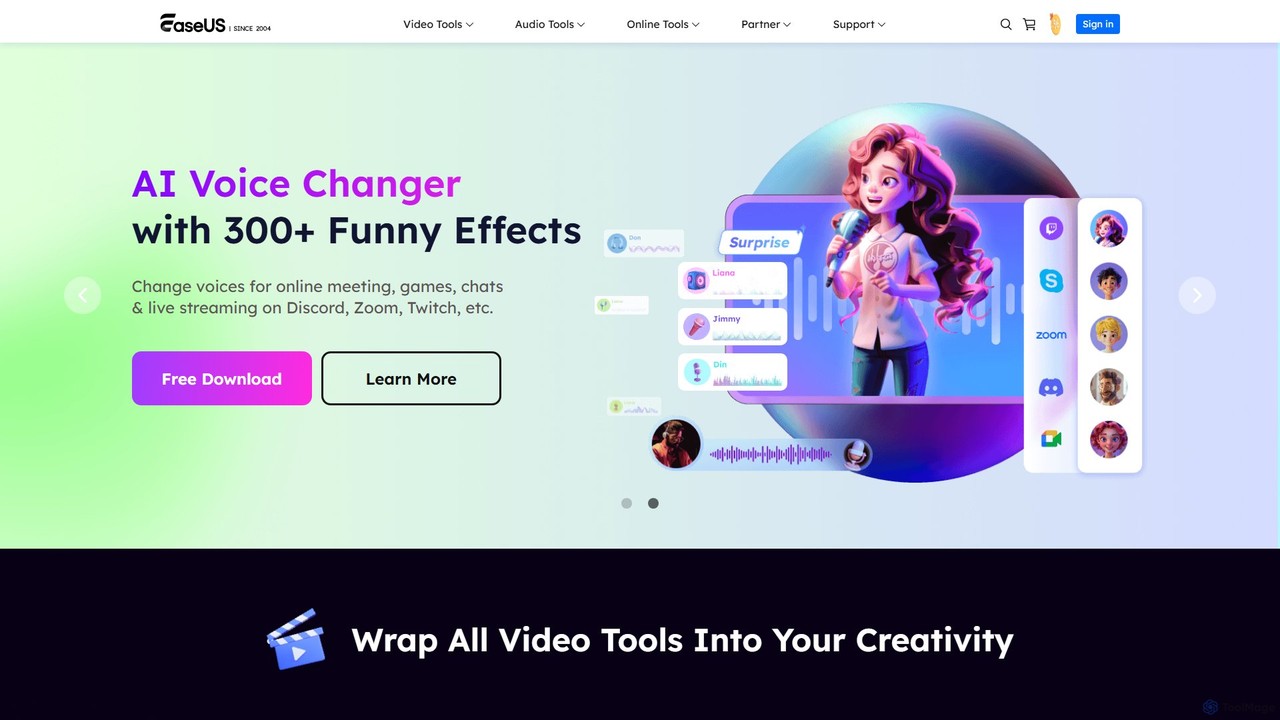
EaseUS Multimedia is an all-in-one AI-powered toolkit for video and audio processing. It includes a video converter, editor, downloader, screen recorder, and AI voice changer. Ideal for content creators, gamers, and general users, it simplifies tasks like format conversion, audio extraction, noise removal, and creating AI song covers.
Transcription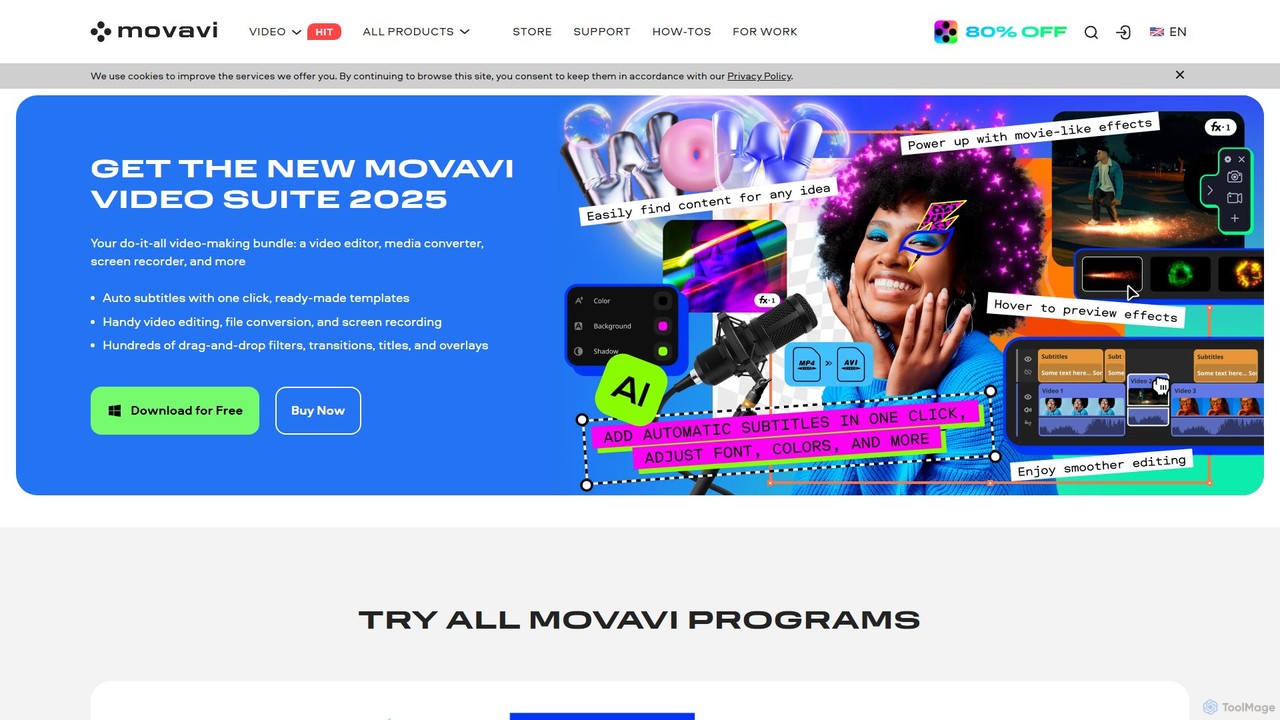
Movavi is a comprehensive suite of multimedia programs, featuring a powerful yet user-friendly AI video editor, photo editor, screen recorder, and file converter. It's designed for everyone from beginners to seasoned creators, offering AI-driven features like background removal, motion tracking, and audio denoising to simplify the creative process. Create stunning videos, edit photos, and capture your screen with an intuitive drag-and-drop interface and a vast library of effects.
Screen RecordingScreen recording tools are designed to capture digital activity on a computer or mobile screen, often accompanied by audio and webcam footage. These powerful utilities provide a visual record of on-screen actions, making complex processes easy to understand and share. As a vital component of productivity, screen recorders enhance communication, facilitate detailed documentation, and streamline content creation across various professional and personal contexts, from educational materials to technical support.
Screen recording tools are indispensable for creating detailed software tutorials and product demonstrations, documenting technical issues for support teams, and archiving important online meetings or webinars for future reference. They are also widely used by educators to develop engaging e-learning content, by marketers for compelling product showcases, and by individuals for personal workflow review and presentation practice.
When selecting a screen recording tool, consider the required recording quality (resolution, frame rate, system performance impact), the availability of robust annotation and editing features, and its compatibility with your operating system. Evaluate the ease of use, the variety of export and sharing options, and whether it supports simultaneous audio and webcam capture to meet your specific content creation and distribution needs. Look for features like scheduled recording and custom region selection for advanced flexibility.
Content creators and software trainers use screen recording tools to demonstrate software features step-by-step. By recording their screen with voiceover and highlighting clicks, they produce engaging and clear instructional videos. This helps users quickly grasp new applications, reducing support queries and enhancing product adoption.
Developers, QA testers, and IT support personnel utilize screen recording to capture reproducible steps for software bugs or to illustrate technical issues. Recording screen activity, including error messages and mouse movements, provides clear visual evidence for faster troubleshooting and more efficient resolution of problems.
Remote teams, students, and professionals frequently record online meetings, webinars, and virtual training sessions. This ensures that important discussions, presentations, and shared content are archived and accessible for review, allowing absent participants to catch up and providing a valuable resource for future reference.
Educators and e-learning designers leverage screen recording tools to create engaging video lectures, interactive lessons, and flipped classroom materials. By recording presentations, whiteboard explanations, or software demonstrations, they produce rich, dynamic learning resources that cater to diverse learning styles and enhance student engagement.
Marketing specialists and sales teams use screen recording to produce compelling product walkthroughs, feature highlights, and personalized sales pitches. By recording product interfaces, adding voiceovers, and integrating webcam footage for a personal touch, they create visual content that effectively attracts and converts leads, showcasing value directly.
Individual professionals and students use screen recording for personal productivity and self-review. This includes reviewing their own workflows, practicing presentations, or capturing fleeting ideas during brainstorming sessions. The recorded footage helps improve self-awareness, refine presentation skills, and organize thoughts more effectively for better personal and academic performance.
Screen recording tools are software applications designed to capture and record the digital activity displayed on a computer or mobile device screen. They typically allow users to record full screen, specific windows, or custom regions, often with accompanying audio from the system or microphone, and webcam footage. These tools are essential for creating tutorials, documenting processes, and archiving visual content.
When selecting a screen recording tool, consider several key factors. Prioritize recording quality (resolution, frame rate) and system performance impact. Look for robust annotation and editing features to enhance your videos. Ensure it supports simultaneous audio and webcam capture, offers flexible export formats (MP4, GIF), and has intuitive ease of use. Compatibility with your operating system and pricing model are also crucial considerations.
Yes, most modern screen recording tools are designed to capture audio from multiple sources (system audio, microphone) and video from a webcam simultaneously with the screen activity. Users typically have options to select which audio inputs to record, adjust volume levels, and choose the webcam feed, allowing for comprehensive and dynamic video content creation.
In a professional setting, screen recording is highly versatile. It's commonly used for creating software demonstrations and tutorials for onboarding or marketing, documenting bugs and technical issues for IT support, and archiving important online meetings or webinars for team reference. Additionally, it's valuable for developing e-learning courses, creating sales pitches, and conducting internal training sessions.
Screen recording is generally legal for personal use or for content you own or have created. However, when recording others' content, such as online meetings, webinars, or copyrighted material, it's crucial to obtain consent from all participants or content owners, especially if you plan to share or publish the recording. Always be mindful of privacy regulations and copyright laws to ensure ethical and legal compliance.