

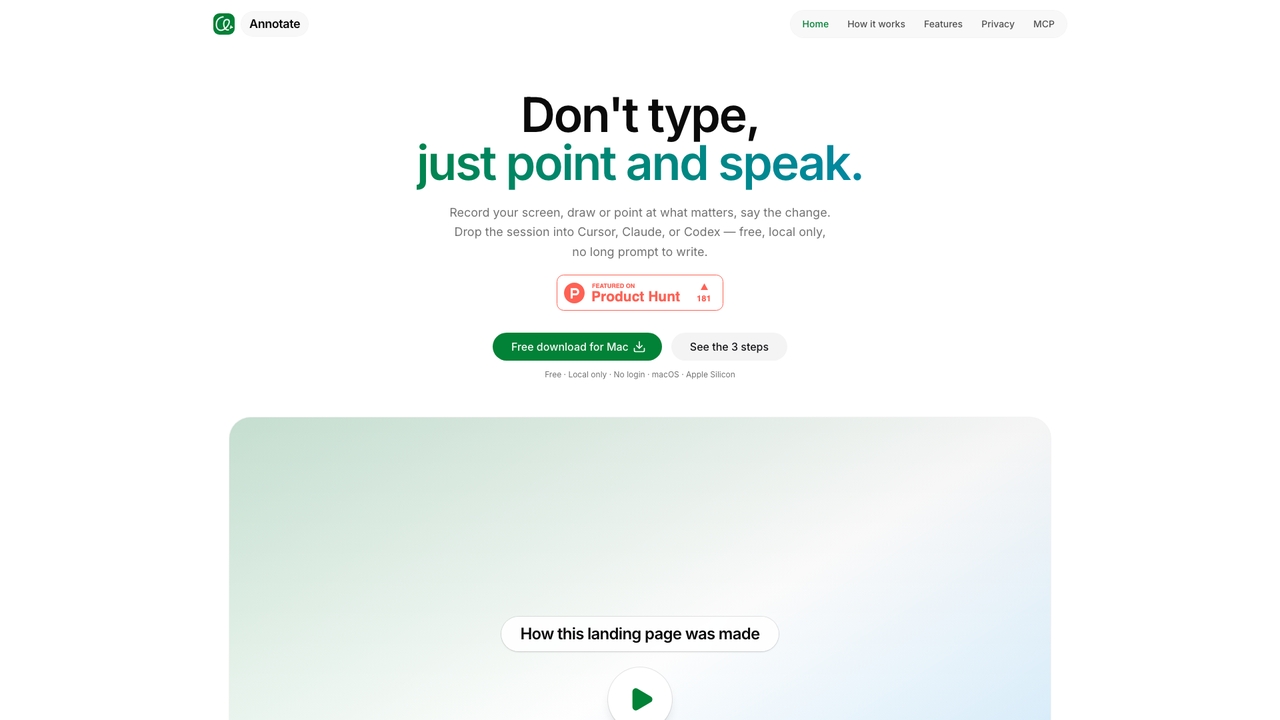
Xannotate Overview
Xannotate is a free, local-only macOS application for Apple Silicon that rethinks how developers communicate changes to AI coding agents. Instead of writing a long prompt or pasting a screenshot, you record your screen, draw or point at the exact UI element, speak the change, and then hand the session to Cursor, Claude Code, or Codex. The agent reads the recording — frames and speech aligned — through MCP, so it understands the intended change rather than guessing from a static image.
How to use Xannotate
Use Xannotate in three steps. First, record your screen, capturing one window or every display in a single session. Second, point and speak: use the pen, rectangle, or text tools to mark the exact UI element and say the change you want. Third, hand off to your agent: open the session in Cursor, Claude Code, or Codex and let the agent take the next step. No written brief or prompt draft is required.
Core Features of Xannotate
- Screen recording as a prompt: capture one window or all displays in a single take.
- Point-and-speak annotation: pen, rectangle, and text tools mark the exact UI element while you describe the change verbally.
- Voice-transcript alignment: your speech is transcribed and aligned with what was on screen when you said it.
- MCP-based handoff: agents read frames and speech via MCP instead of a giant video dump, using fewer tokens with clearer intent.
- Multi-monitor capture: app on one display and editor on another are captured together.
- Local by design: frames and transcripts stay on your Mac and are never uploaded.
- No login required: download and use without an account.
Use Cases for Xannotate
Xannotate is built for developers and product teams who use AI coding agents. It is ideal for explaining UI changes, reproducing bugs in a visible way, describing design adjustments across multiple monitors, and handing off a specific task to Cursor, Claude Code, or Codex without writing a long text brief. It is also useful when a static screenshot is insufficient because clicks, timing, and voice are part of the change.
Advantages of Xannotate
Compared with static screenshots, Xannotate preserves the full story: motion, gestures, speech, and timing remain in sync. It saves time by removing the need to type detailed written prompts, and it reduces token usage by sending frames and speech through MCP rather than a large video file. Privacy is a core advantage: the app is local-only, stays on your Mac, and nothing leaves the device. It also integrates where developers already work — Cursor, Claude Code, and Codex — and does not introduce a new chat app. The landing page itself was made with Xannotate, demonstrating its practical use.
Pricing and Plans
Xannotate is free. The page lists 'Free · Local only · No login' and provides a free download for Mac on macOS Apple Silicon (arm64). No paid plans are mentioned.
Xannotate FAQ
Xannotate Alternatives
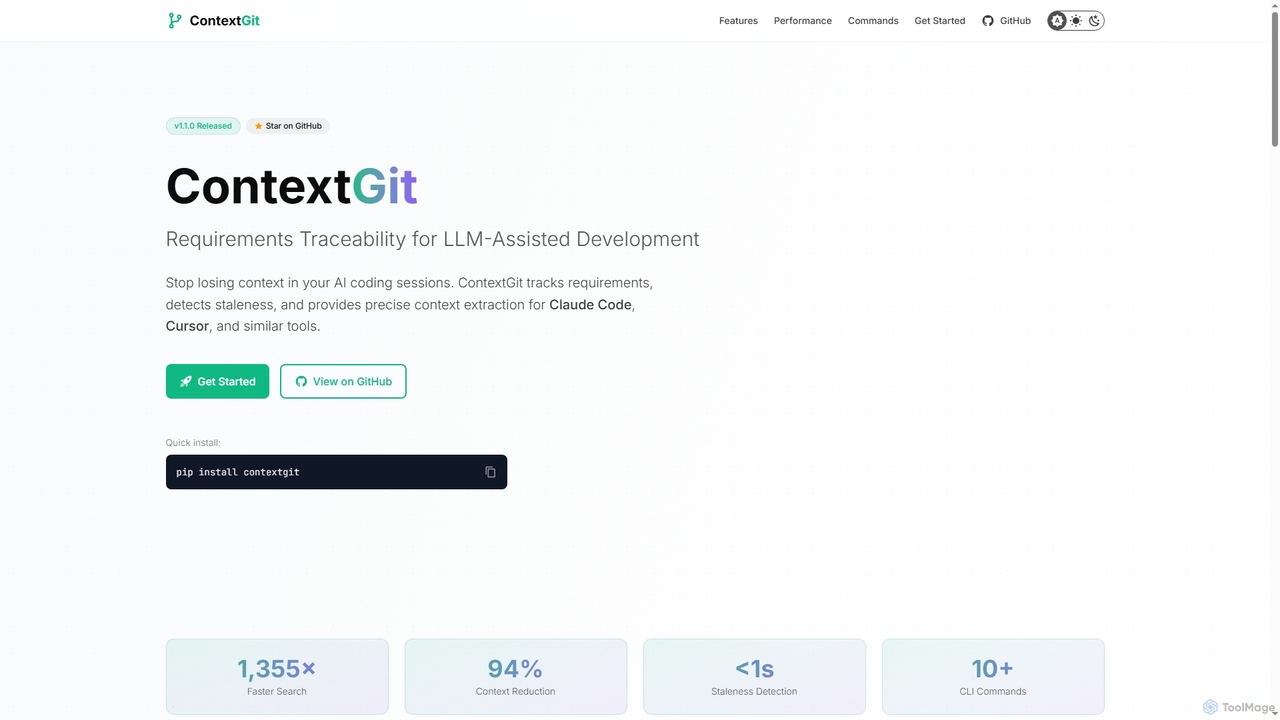
Contextgit
A command-line tool for developers using LLMs, providing requirements traceability, staleness detection, and precise context extraction to enhance AI-assisted coding workflows. It significantly reduces token usage and syncs AI tools with project requirements.
Code Assistant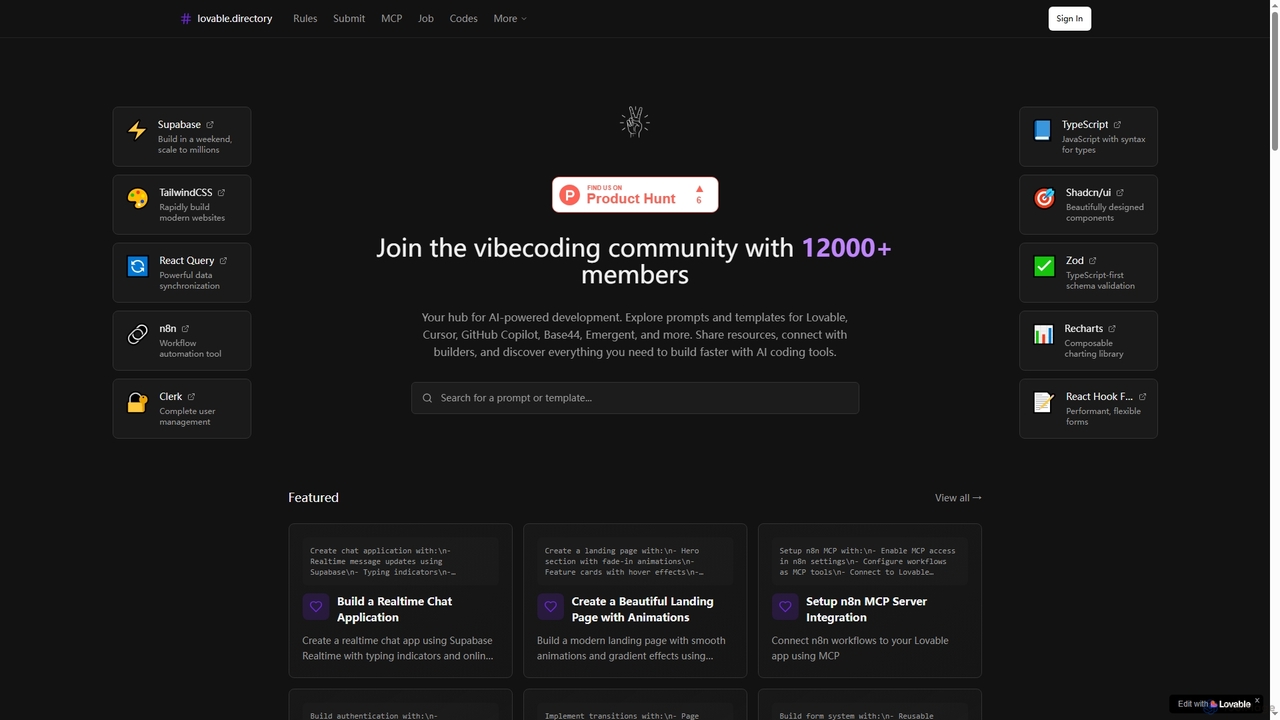
Lovabledirectory
A curated directory of AI coding prompts, templates, and resources for developers using tools like Lovable, Cursor, and GitHub Copilot. It serves as a community hub to help builders accelerate development with practical guides and shared knowledge.
Code Assistant
Codecademy
Codecademy is a leading online interactive platform for learning to code. It offers courses in over a dozen programming languages and tech subjects, enhanced by an AI-powered assistant that provides personalized help, debugging, and explanations to create an effective, hands-on learning experience for millions of users worldwide.
Code Assistant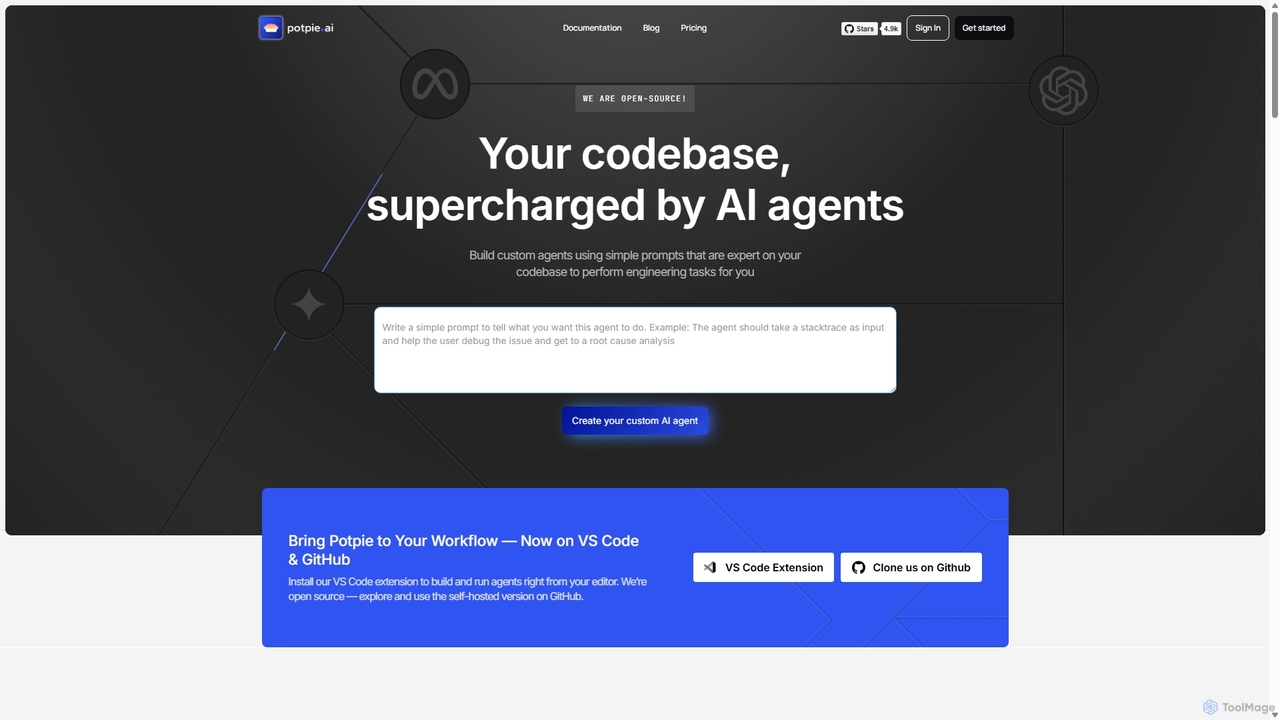
Potpie
Potpie is an open-source platform that empowers developers to build custom AI agents expert on their codebase. These agents automate complex engineering tasks, from debugging and testing to system design, integrating seamlessly into workflows via VS Code and GitHub.
Custom Agent Builder
Happycapy
Happycapy is an agent-native computer platform that allows AI agents to learn and adapt to your workflows. It provides a visual desktop interface where AI agents can perform tasks directly in your browser, from design and writing to automation, delivering results to your inbox while you maintain full control and visibility over the process.
WorkflowXannotate Categories
Xannotate Jobs
Xannotate Embed Widget
Copy this embed code to place the badge on your blog, article, or product site and send readers directly to this ToolMage detail page.

Related AI tools
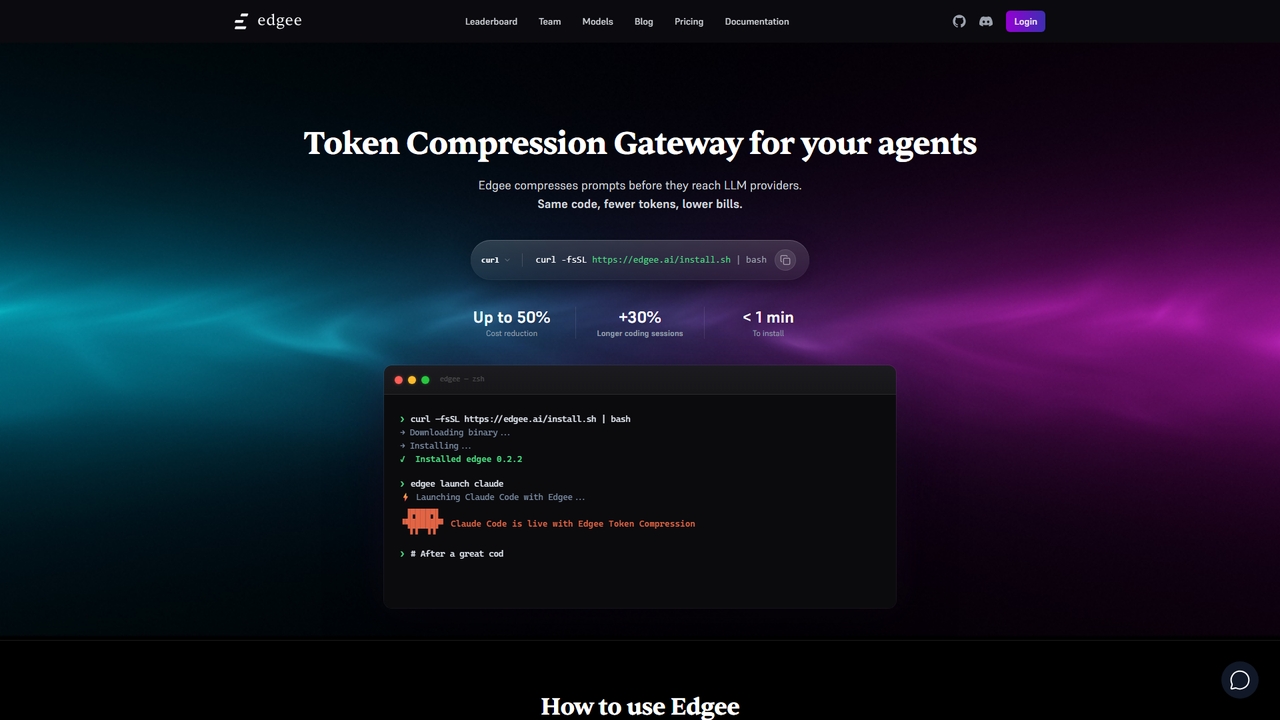
Edgee
Edgee is a token compression gateway that reduces LLM prompt costs by up to 50%. Works transparently with coding agents like Claude, Codex, and Cursor.
Llm Gateway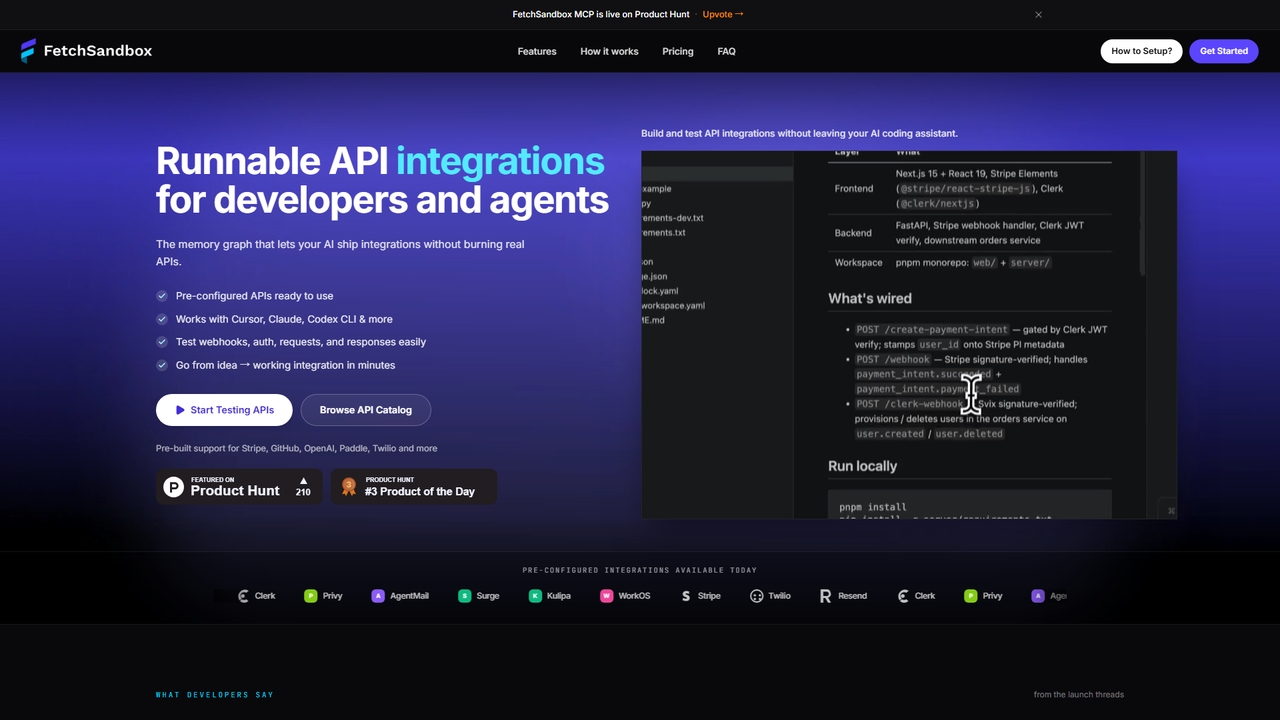
FetchSandbox
Test API integrations, webhooks, and workflows via MCP in your IDE without real API keys or quota.
API DevelopmentContextgit
A command-line tool for developers using LLMs, providing requirements traceability, staleness detection, and precise context extraction to enhance AI-assisted coding workflows. It significantly reduces token usage and syncs AI tools with project requirements.
Code AssistantLovabledirectory
A curated directory of AI coding prompts, templates, and resources for developers using tools like Lovable, Cursor, and GitHub Copilot. It serves as a community hub to help builders accelerate development with practical guides and shared knowledge.
Code Assistant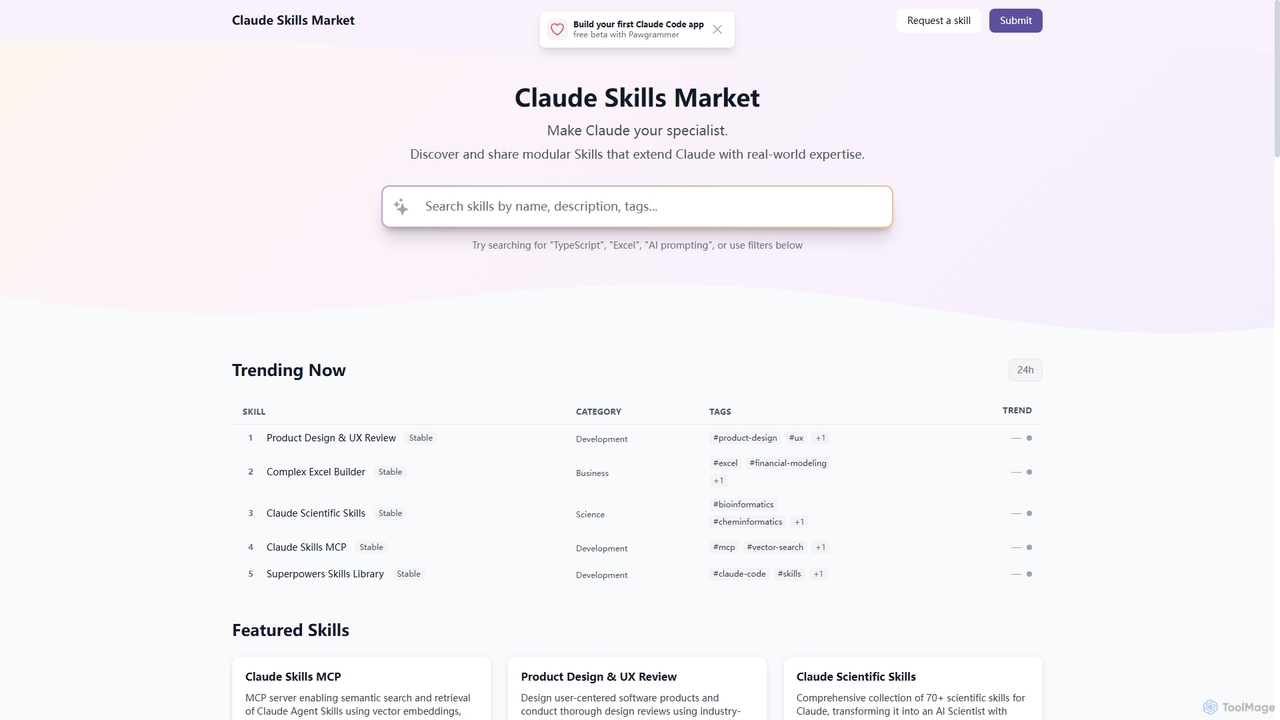
Skills
Skills is a dynamic marketplace designed to extend Claude's capabilities with specialized, real-world expertise. It offers a diverse collection of modular tools, transforming Claude into a specialist across various domains like product design, financial modeling, scientific research, and software development.
Prompt Engineering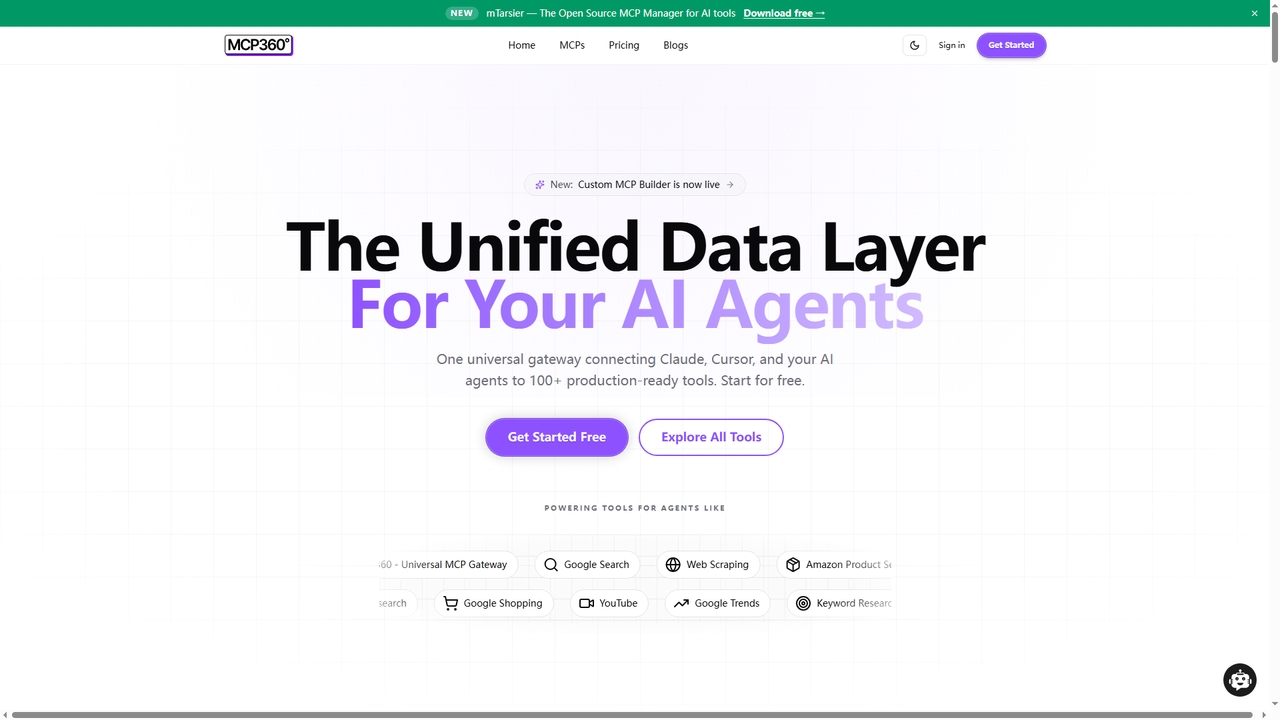
MCP360
MCP360 is a unified gateway for connecting AI agents like Claude and Cursor to over 100+ production-ready tools via the Model Context Protocol (MCP). It simplifies integration with a single subscription, offers a no-code custom MCP builder, and provides an interactive chat playground for real-time testing, accelerating AI workflow development.
Data & Research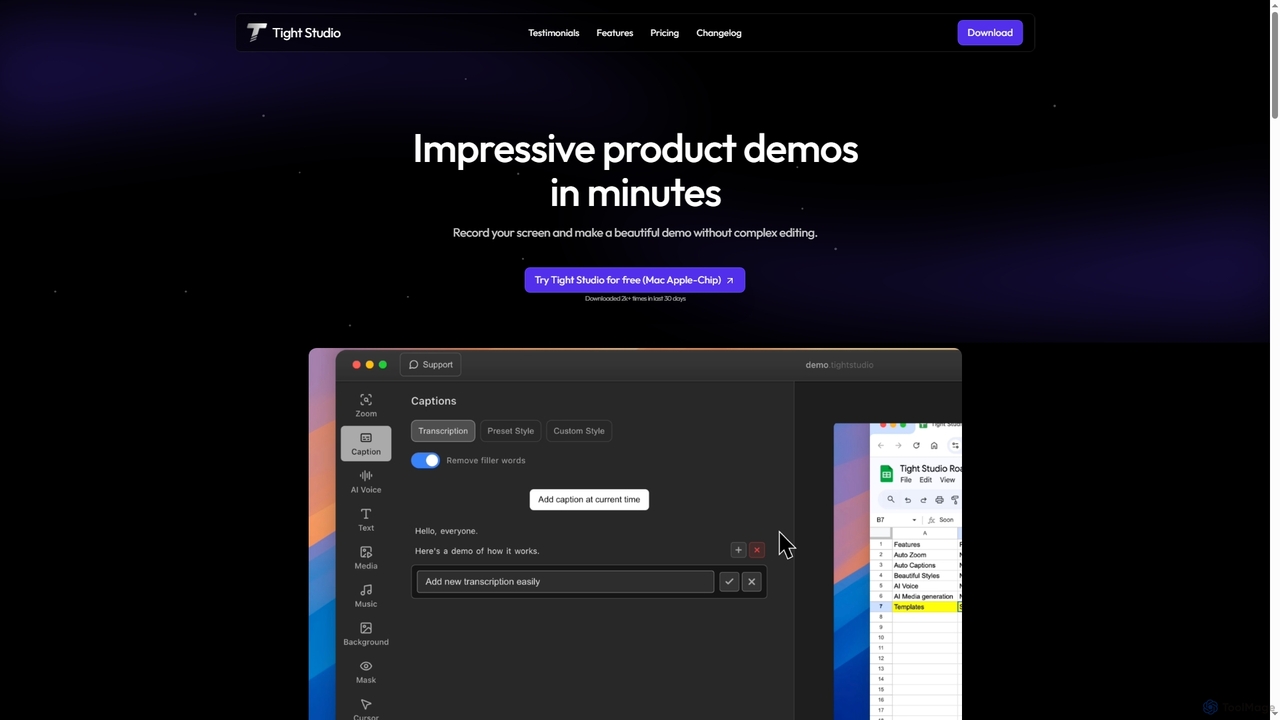
Tight Studio
Tight Studio is an AI-powered screen recording and video editing application for Mac, designed to create professional product demos and tutorials in minutes. It features smart zoom, automatic captions, AI narration, and an intuitive editor, enabling users without editing skills to produce high-quality, engaging videos effortlessly.
Tutorials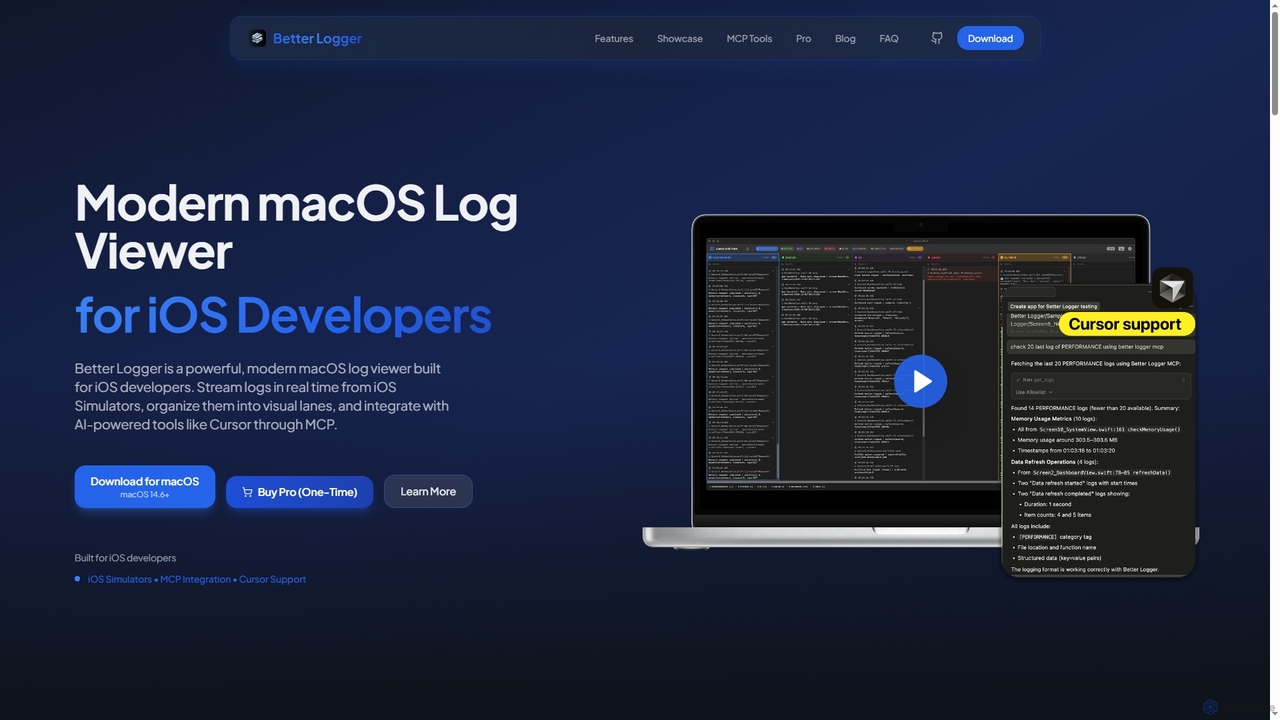
BetterLogger
BetterLogger is a powerful, modern macOS log viewer designed for iOS developers. It streams real-time logs from iOS Simulators, organizes them into visual lanes, and integrates with AI-powered tools like Cursor via MCP for enhanced debugging.
Macos Utilities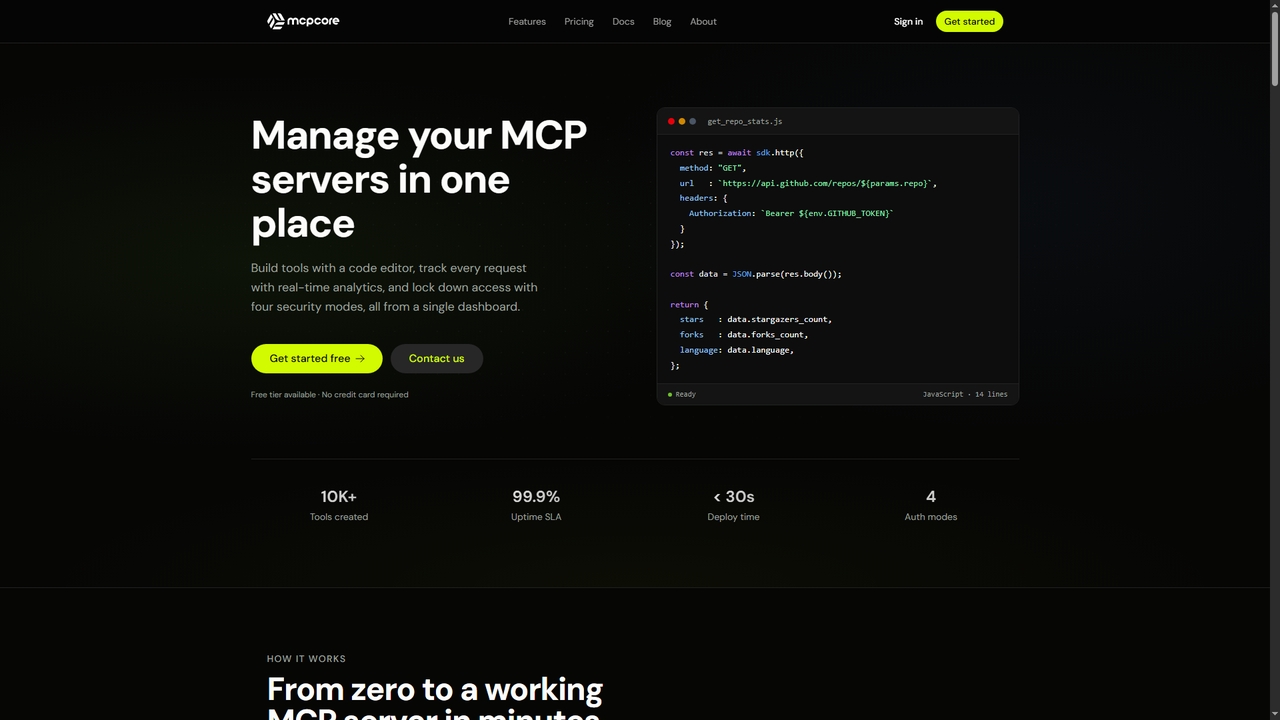
MCPCore
MCPCore is a comprehensive platform for building, deploying, and managing production-ready Model Context Protocol (MCP) servers. It provides a browser-based IDE with AI-assisted code generation, built-in security controls, real-time analytics, and one-click deployment, enabling developers to connect AI assistants to custom tools and data sources in minutes without managing complex infrastructure.
Agent Frameworks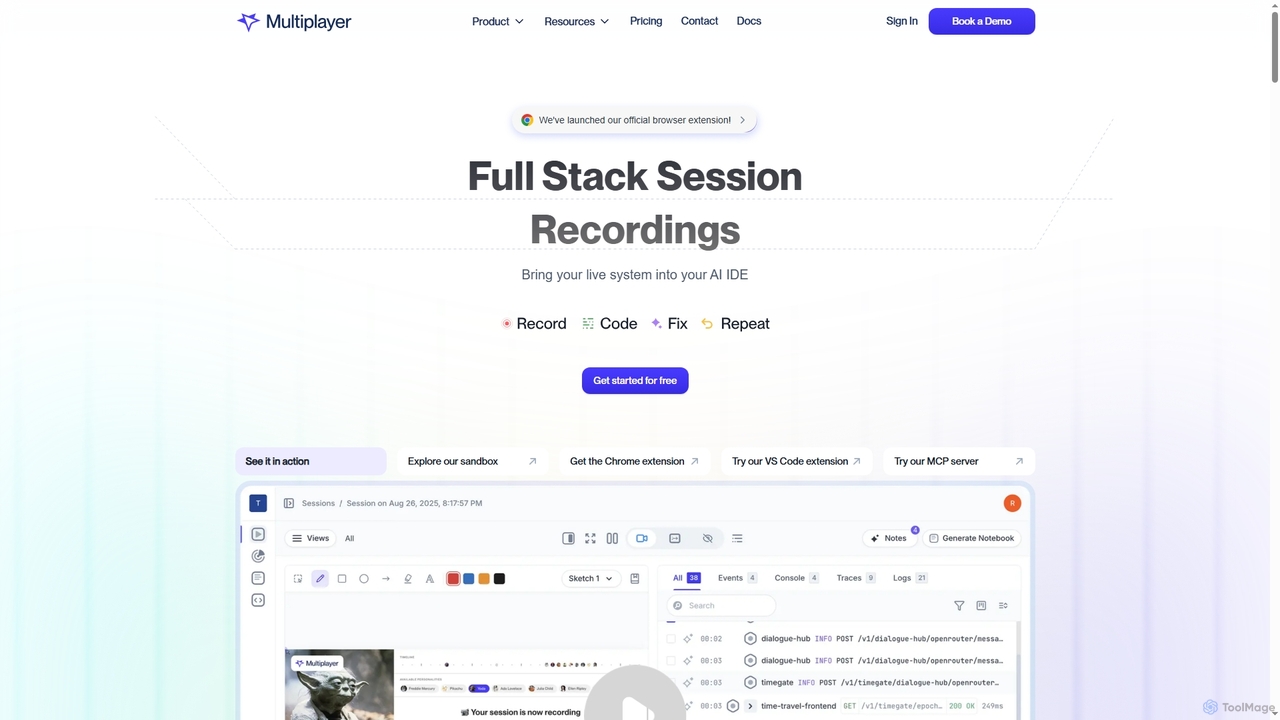
Multiplayer
Multiplayer is a full-stack session recording platform that captures frontend and backend data, providing complete context for debugging, testing, and AI-powered feature development. It integrates seamlessly with AI IDEs and engineering workflows to accelerate problem resolution and build new features with confidence.
Ai Integration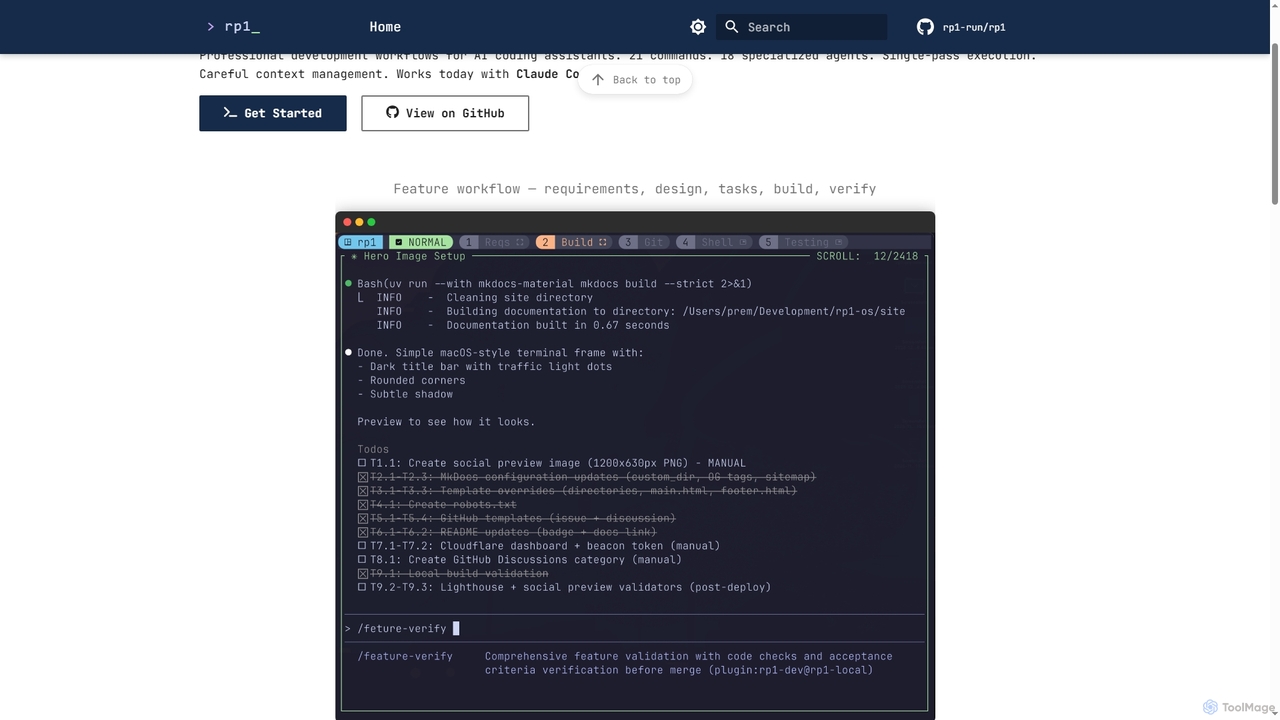
Rp1
Rp1 is a professional development workflow tool for AI coding assistants, designed to streamline software creation from requirements to deployment. It offers 21 commands and 18 specialized agents for efficient, single-pass execution of complex coding tasks, ensuring structured outputs and deep codebase awareness.
Ai AssistantHappycapy
Happycapy is an agent-native computer platform that allows AI agents to learn and adapt to your workflows. It provides a visual desktop interface where AI agents can perform tasks directly in your browser, from design and writing to automation, delivering results to your inbox while you maintain full control and visibility over the process.
Workflow
Zipy
Zipy is an AI-powered platform combining session replay, error tracking, and user analytics. It helps software teams proactively identify, debug, and resolve user-facing issues, providing complete context with developer tools to enhance digital experiences and accelerate problem-solving.
User Behavior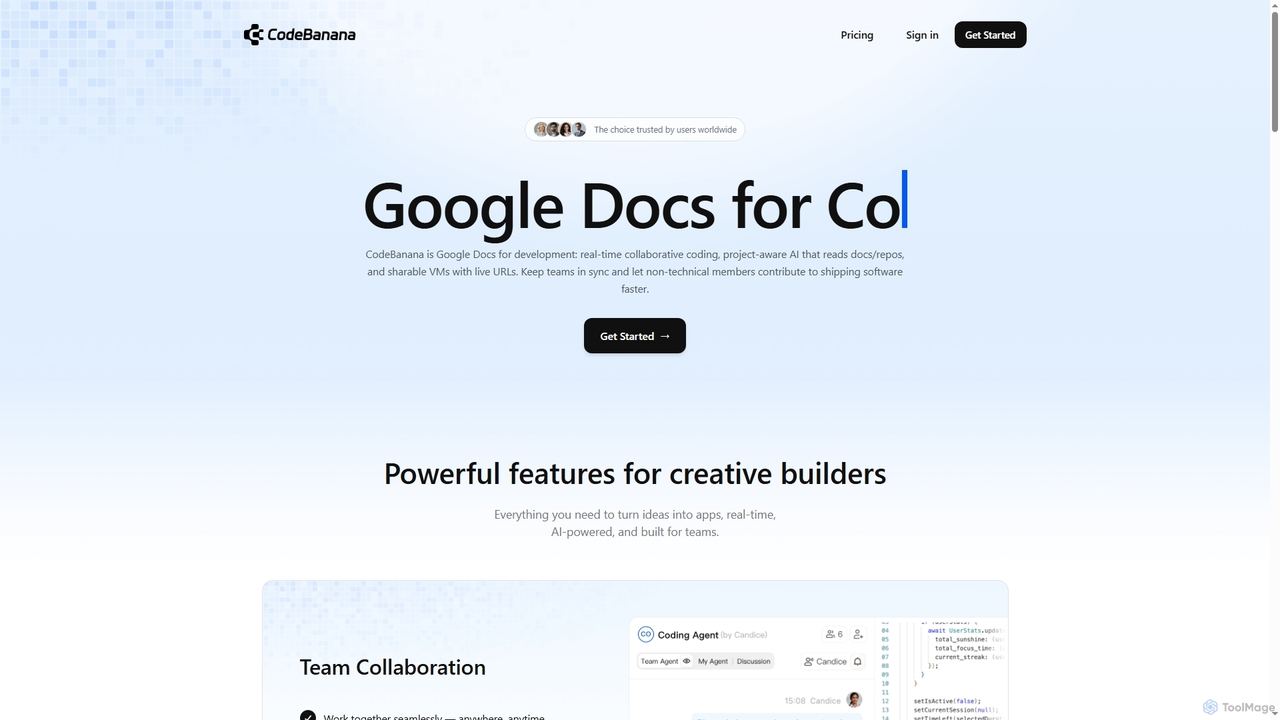
CodeBanana
CodeBanana is an AI-powered collaborative coding platform designed as "Google Docs for development." It offers real-time team collaboration, project-aware AI assistance, and sharable cloud virtual machines with live URLs. This tool helps development teams stay in sync, accelerate coding workflows, and allows non-technical members to contribute effectively, transforming ideas into applications faster and more efficiently.
Cloud Environment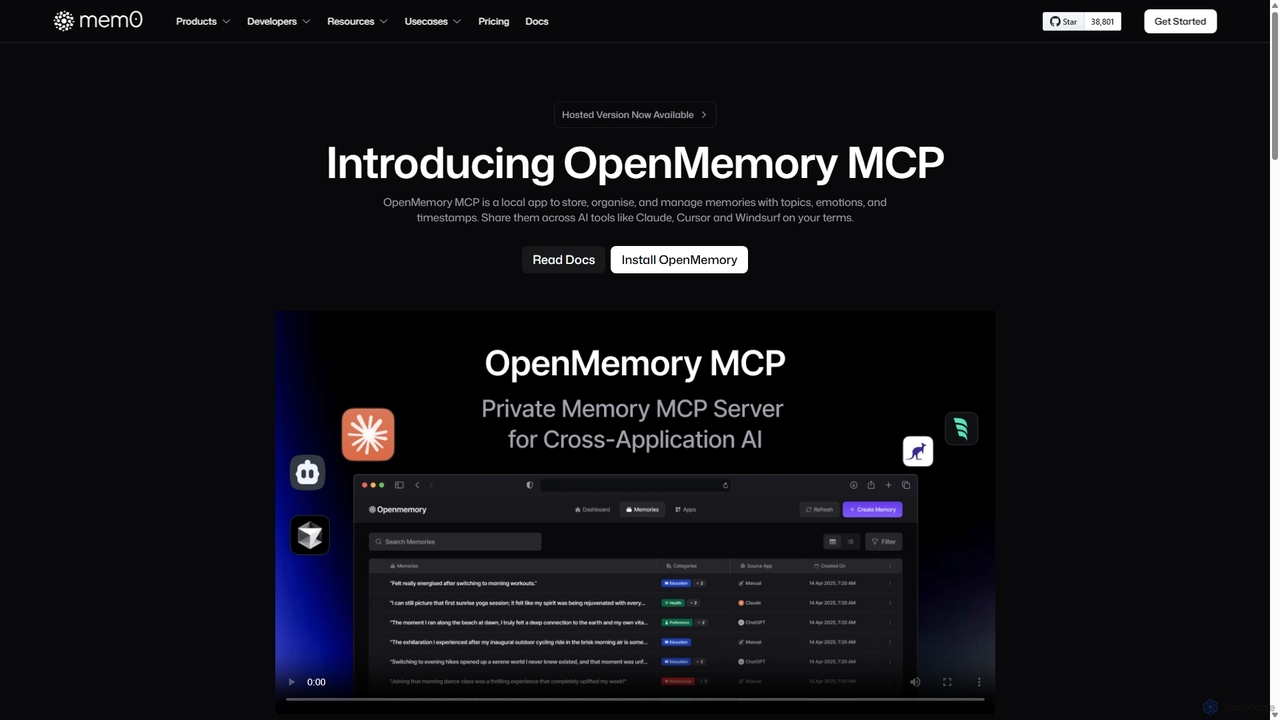
OpenMemory MCP
OpenMemory MCP is a local-first application designed to give your AI tools a persistent, private memory. It allows you to store, organize, and manage context like project details, code snippets, and personal preferences, sharing them securely across different AI applications like Claude and Cursor to enhance personalization and workflow continuity.
Personalization
Xannotate Comments (0)
Sign in to comment.
Sign inNo comments yet.