
Tight Studio Overview
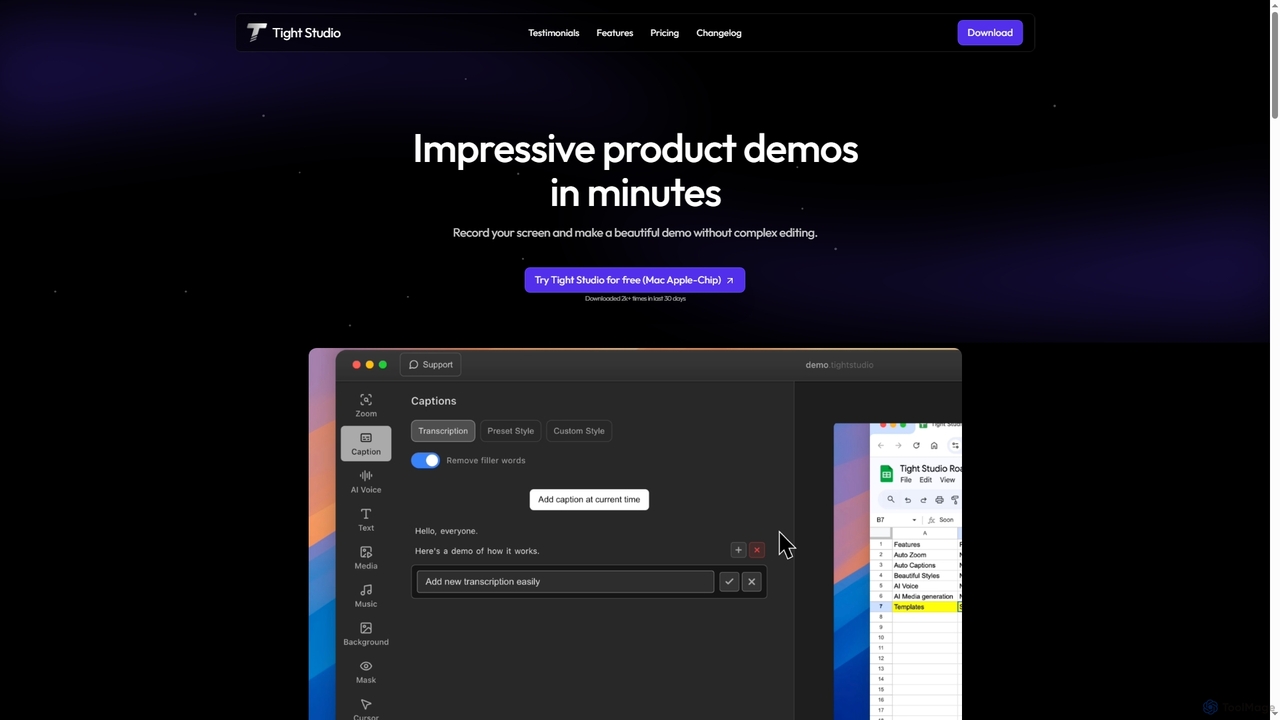
Tight Studio is a powerful and intuitive desktop application for Mac (Apple Silicon) that revolutionizes the creation of product demonstrations, tutorials, and software walkthroughs. It's engineered to transform raw screen recordings into polished, professional-grade videos in a fraction of the time required by traditional editing software. By leveraging a suite of AI-powered features, Tight Studio automates the most tedious aspects of video production, making it accessible to everyone from software engineers and product managers to marketers and customer support teams.
The core philosophy of Tight Studio is to combine simplicity with impact. It eliminates the steep learning curve associated with complex video editors. Users can simply record their screen and let the AI handle the heavy lifting, such as highlighting key actions, generating captions, and even creating a voiceover. This streamlined workflow allows for the rapid creation of content that is not only informative but also highly engaging for the audience.
How to use Tight Studio
Using Tight Studio is designed to be a seamless and straightforward process, even for those with no prior video editing experience. The workflow is as follows:
- Record Your Screen: Start by capturing your screen, application window, or a specific area. You can also include a camera overlay, which can be moved and resized dynamically during the recording.
- AI-Powered Enhancements: Once the recording is complete, Tight Studio's AI features kick in. The Smart Zoom automatically identifies and follows mouse movements and clicks, creating smooth pans and zooms to focus the viewer's attention. The tool also transcribes the audio to generate professional, timed captions instantly.
- Refine and Customize: In the editor, you can easily trim and clip video segments. Customize the automatically generated captions with various pre-designed styles to match your brand. Generate a crystal-clear AI voiceover from your captions to overcome noisy environments or accent concerns.
- Add Finishing Touches: Elevate your video by adding background music from the curated library, inserting dynamic text overlays to highlight key points, and enriching your content with imported images, video clips, or even AI-generated media.
- Export and Share: Export your final video in high quality, with options for different formats including GIFs. Paid plans allow for exporting without a watermark, ready for sharing with colleagues, customers, or on social media.
Core Features of Tight Studio
- Smart Zoom: AI automatically follows your cursor and clicks, creating dynamic zoom and pan effects that highlight important actions and keep viewers engaged.
- AI Professional Captions: Instantly generate accurate, timed captions from your audio. Choose from multiple professional styles and fonts to ensure accessibility and brand consistency.
- Crystal Clear AI Narration: Transform your captions into a natural-sounding voiceover using advanced AI. This is perfect for creating clean audio without a microphone or for localizing content.
- Dynamic Overlays & Media: Enhance your videos with animated text overlays, images, and additional video clips. You can import your own media or use the AI media generator to create visuals.
- Background Music & Audio Controls: Set the perfect mood with a library of royalty-free music or upload your own tracks. Adjust volume levels for individual clips for a balanced audio mix.
- Intuitive Editing Tools: Simple yet powerful tools for clipping video, adjusting playback speed, removing filler words, and managing a multi-track timeline.
- Camera Overlay: Record your webcam feed as a resizable and movable overlay (circle or square) to add a personal touch to your demos.
- Custom Branding: Add custom watermarks and branded background images to maintain a consistent brand identity across your videos.
Use Cases for Tight Studio
Tight Studio is versatile and trusted by professionals across various roles:
- Product Managers & Marketers: Creating compelling product launch videos, feature announcements, and marketing content that clearly demonstrates value.
- Software Developers & Engineers: Seamlessly recording and editing technical demos, bug reports, and code walkthroughs for peers and presentations.
- Customer Support & Success Teams: Producing clear, step-by-step tutorials and help guides to resolve customer issues and improve onboarding.
- Sales Representatives: Crafting personalized sales demos to showcase how a product solves a specific prospect's problems.
- Educators & Content Creators: Developing engaging educational content, online courses, and software tutorials.
Advantages of Tight Studio
Tight Studio stands out from other screen recorders with its focus on speed and AI-driven automation. Its primary advantage is enabling users to go from recording to a polished, shareable demo in minutes, not hours. The AI Smart Zoom and AI Narration features are significant time-savers that produce professional results with minimal effort. The user-friendly interface makes it accessible to non-editors, while the frequent updates and new features show a commitment to continuous improvement and quality.
Pricing and Plans
Tight Studio offers a flexible pricing structure to suit different needs:
- Free Plan: $0/month. Includes basic features like automatic captions, zoom tools, video clipping, and background music. Videos are exported with a Tight Studio watermark.
- Pro Plan: $20/month (or save 25% with annual billing). Includes all features from the Free plan plus AI voiceover, AI media generation, and exporting without a watermark. Comes with 1000 AI credits per month.
- Custom Plan: Custom pricing. For teams or individuals who need dedicated support. This plan includes all Pro features plus a service where the Tight Studio team will produce the video for you from your raw recordings, ensuring a 100% happiness guarantee.
Traffic
Latest traffic
Status
Monthly traffic trend
- 2025-9: 466
- 2026-2: 0
- 2026-3: 0
- 2026-4: 316
- 2026-5: 635
Geography
Top 5 countries / regions
- 🇮🇳India100.0%
Top keywords
| Keyword | Cost per click |
|---|---|
| ai voice over screen recording | $0.00 |
| mp4 to gif | $0.31 |
| mp4 to gif converter | $0.27 |
| tight studio | $0.00 |
| webm to mp4 | $0.26 |
Tight Studio Alternatives
Tella
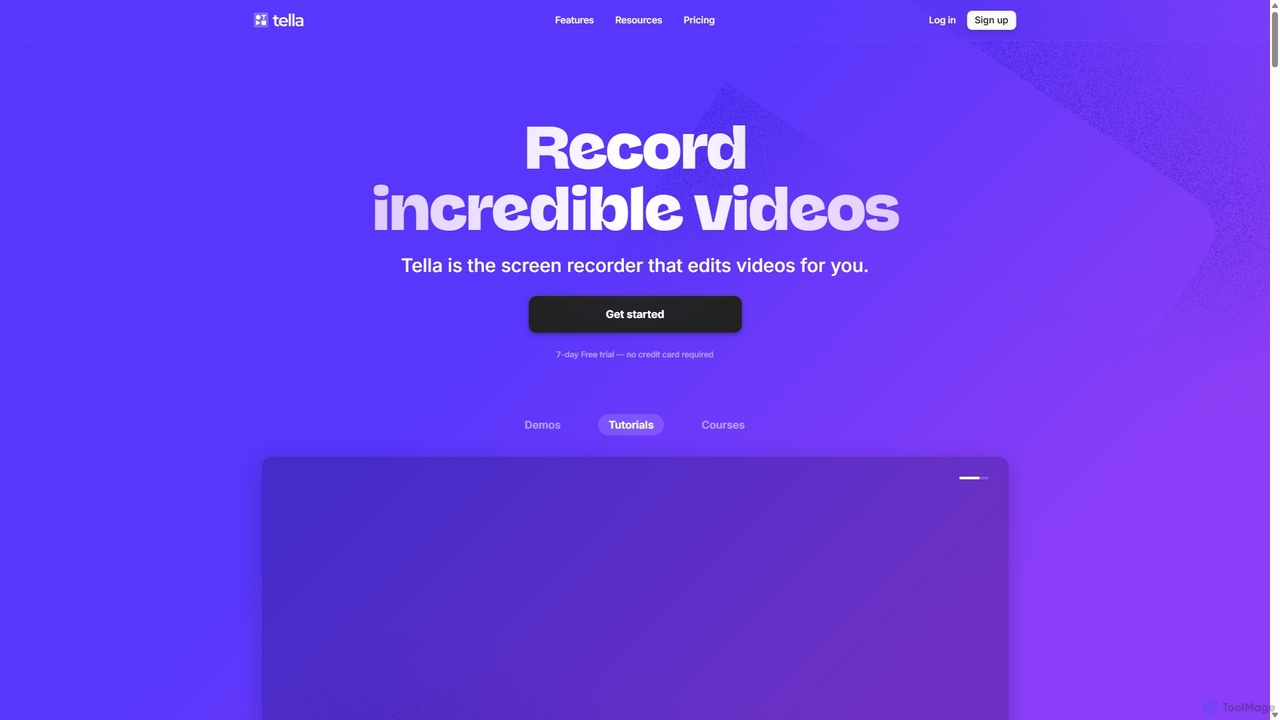
Tella is an AI-powered screen recorder and video editor for Mac & Windows that simplifies video creation. It automatically removes silences and filler words, offers transcript-based editing, and provides professional customization options like backgrounds, layouts, and zooms. Ideal for creating tutorials, product demos, and online courses in minutes, not hours.
E Learning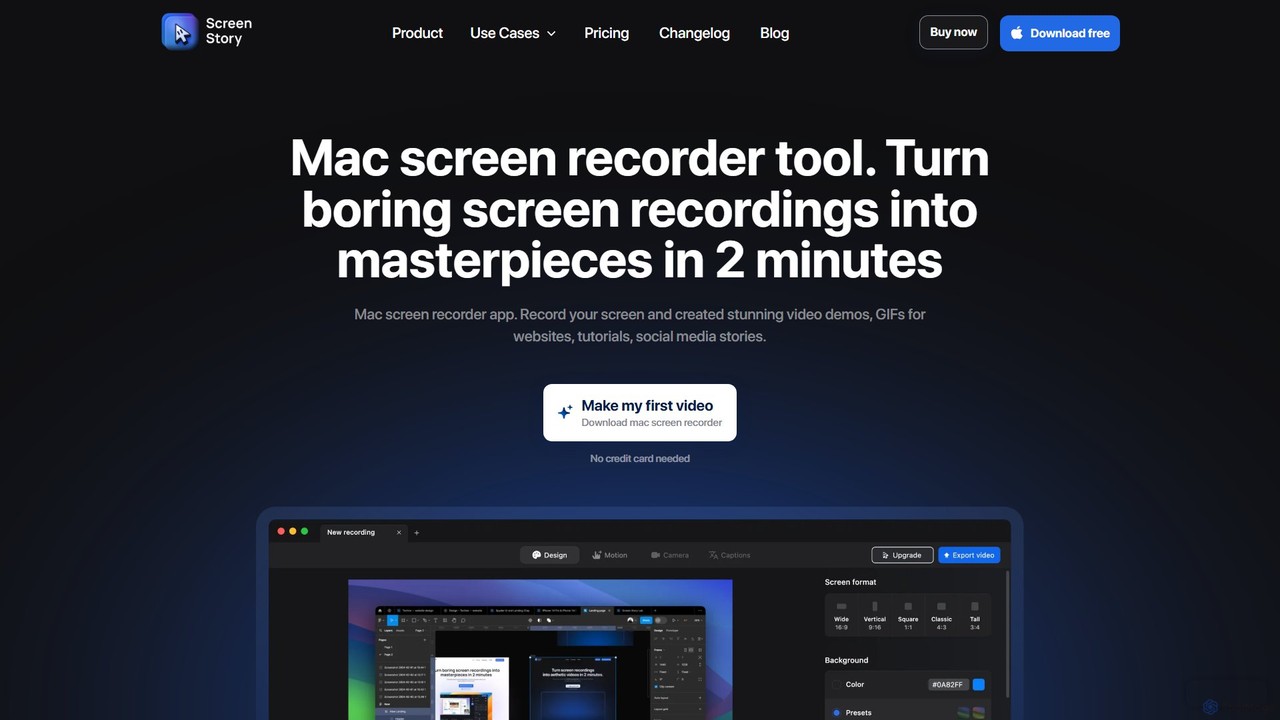
ScreenStory
ScreenStory is an intelligent screen recording app for macOS that automatically transforms standard screen captures into polished, professional-looking videos. It adds dynamic zooms, smooth cursor movements, and motion blur without manual editing. Ideal for creating engaging product demos, tutorials, and marketing content, it simplifies video production for users of all skill levels.
Tutorials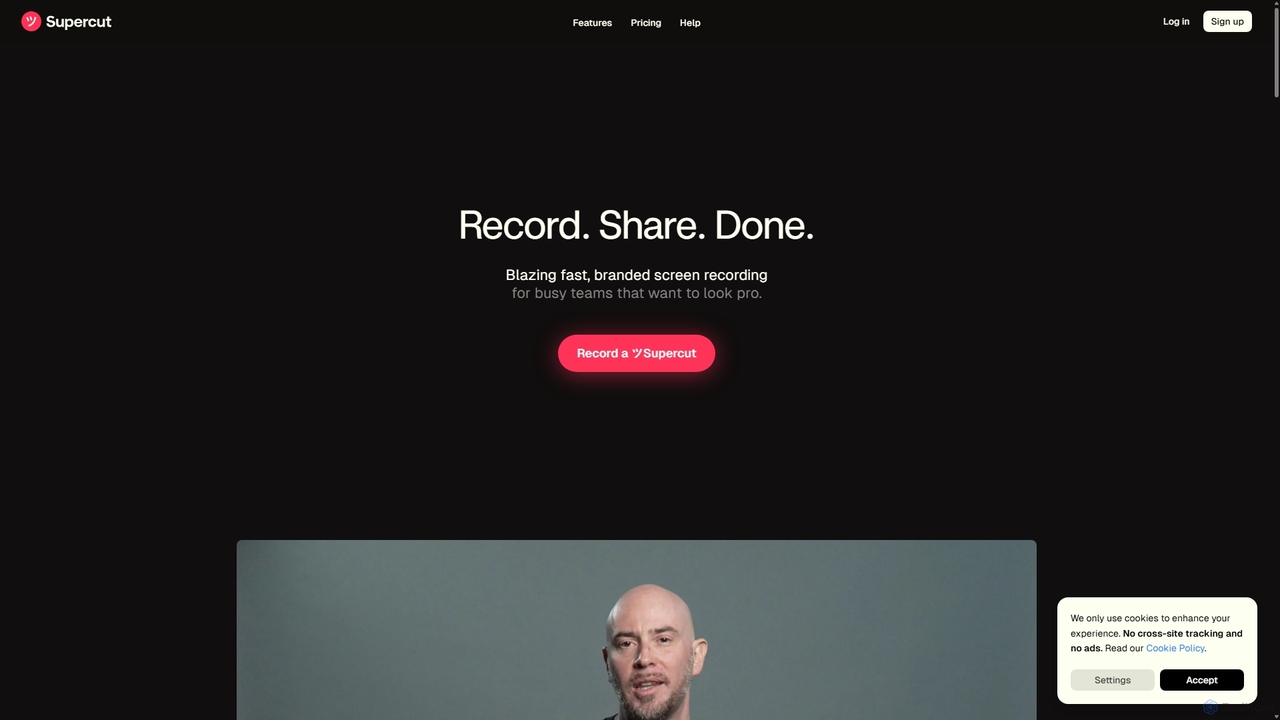
Supercut
Supercut is an AI-powered screen recording tool designed for teams to create professional, branded videos with blazing speed. It automates tedious tasks like chapter creation and editing, enabling users to record, share, and get results instantly. Ideal for sales, customer support, and team collaboration.
Helpdesk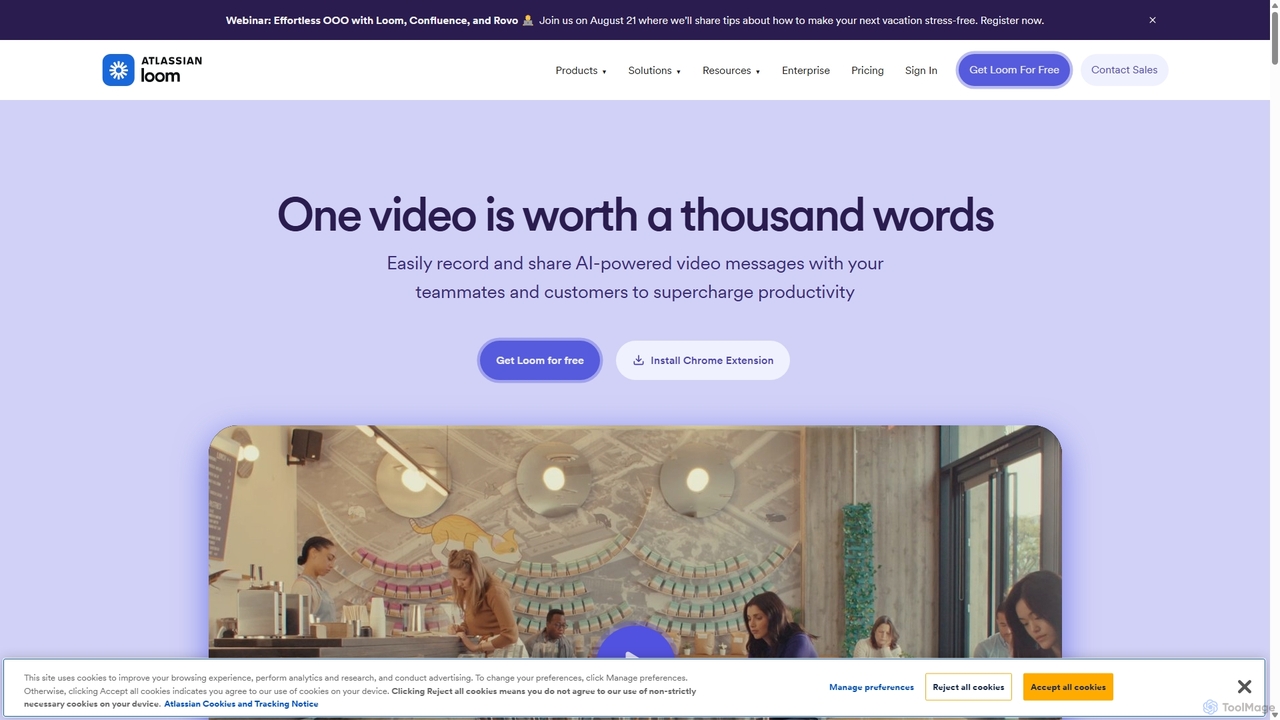
Loom
Loom is an AI-powered video messaging platform for work that allows users to instantly record and share their screen, camera, and audio. It streamlines communication, reduces meetings, and enhances team collaboration with features like AI-powered summaries, transcriptions, and editing tools.
Team Management
Tella
Tella is an AI-powered screen recorder and video editor for Mac and Windows, designed for entrepreneurs and creators. It simplifies video production by recording in manageable clips and using AI to automatically remove filler words and silences. With features like customizable backgrounds, dynamic zooms, and 4K exports, Tella helps users create professional-looking demos, tutorials, and courses in minutes, not hours, without needing any video editing expertise.
Course CreationTight Studio Categories
Tight Studio Jobs
Tight Studio Embed Widget
Copy this embed code to place the badge on your blog, article, or product site and send readers directly to this ToolMage detail page.

Related AI tools
Tella
Tella is an AI-powered screen recorder and video editor for Mac & Windows that simplifies video creation. It automatically removes silences and filler words, offers transcript-based editing, and provides professional customization options like backgrounds, layouts, and zooms. Ideal for creating tutorials, product demos, and online courses in minutes, not hours.
E LearningSupercut
Supercut is an AI-powered screen recording tool designed for teams to create professional, branded videos with blazing speed. It automates tedious tasks like chapter creation and editing, enabling users to record, share, and get results instantly. Ideal for sales, customer support, and team collaboration.
Helpdesk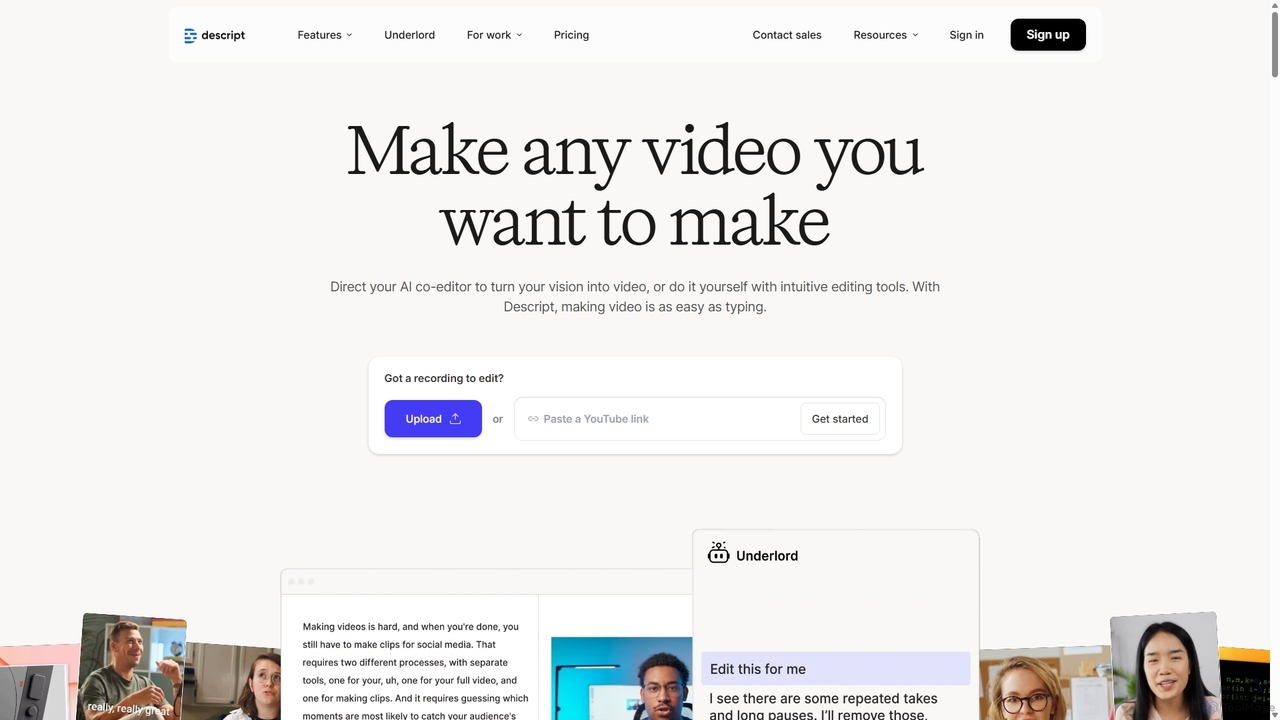
Descript
Descript is an all-in-one AI-powered video and podcast editor that lets you edit media as easily as editing a text document. It features automatic transcription, screen recording, AI voice cloning, filler word removal, and powerful AI effects like Studio Sound and Green Screen to streamline content creation for creators, marketers, and businesses.
Social MediaLoom
Loom is an AI-powered video messaging platform for work that allows users to instantly record and share their screen, camera, and audio. It streamlines communication, reduces meetings, and enhances team collaboration with features like AI-powered summaries, transcriptions, and editing tools.
Team Management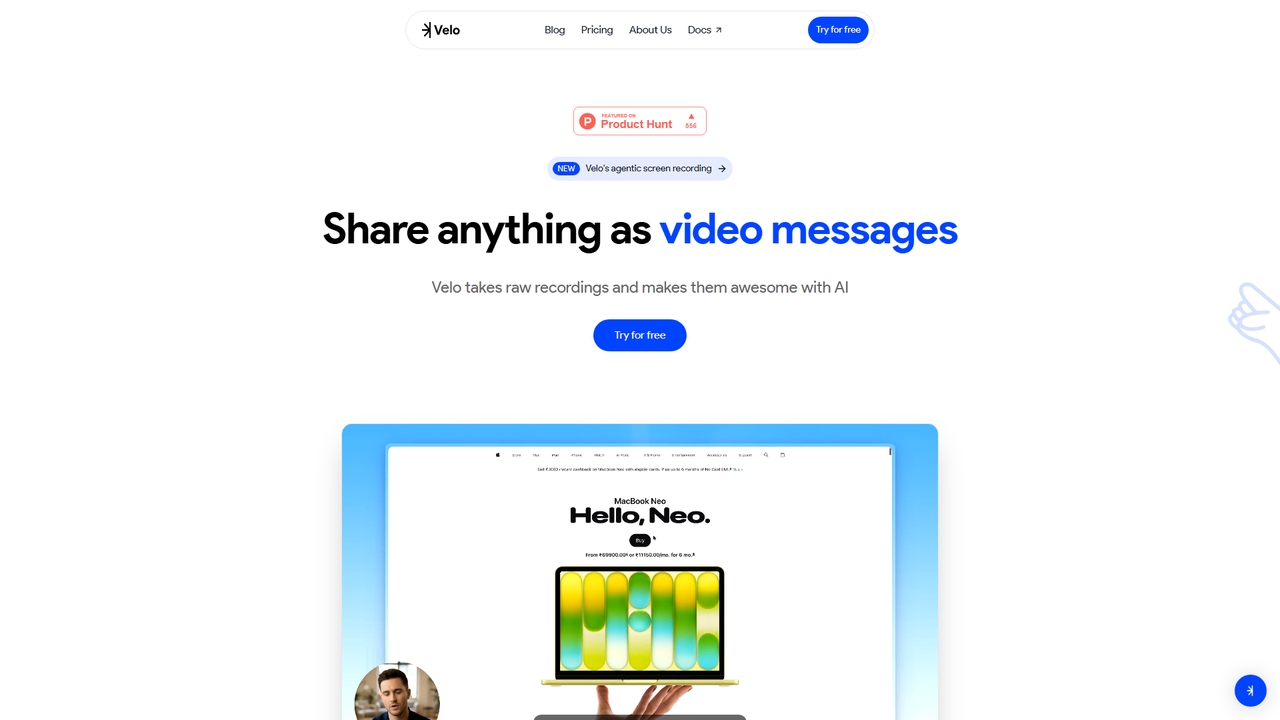
Velo
Velo is an AI-powered video messaging platform that transforms raw screen recordings into professional, share-ready videos. It utilizes agentic screen recording and creates hyper-realistic AI Avatars to help sales, product, support, marketing, education, and creator teams communicate complex ideas effortlessly.
Training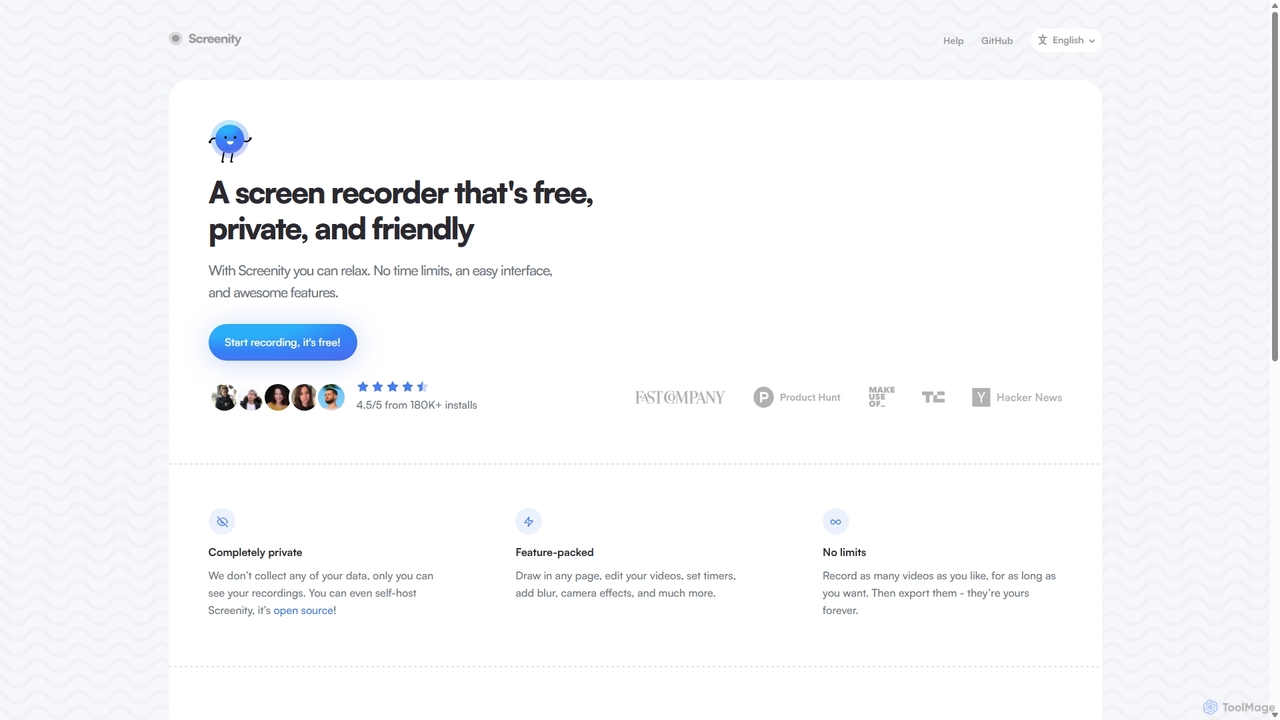
Screenity
Screenity is a powerful, free, and privacy-focused screen and camera recorder for Chrome. It offers unlimited recording, annotation tools, and basic video editing without collecting any user data. Ideal for creating tutorials, demos, and presentations.
Bug Reporting
DemoGPT
DemoGPT is an AI-powered platform that instantly creates interactive product demos and guided tutorials. Simply provide a text prompt, URL, or screen recording, and DemoGPT automatically generates a clickable, shareable, and embeddable demo, eliminating the need for coding or design skills.
Onboarding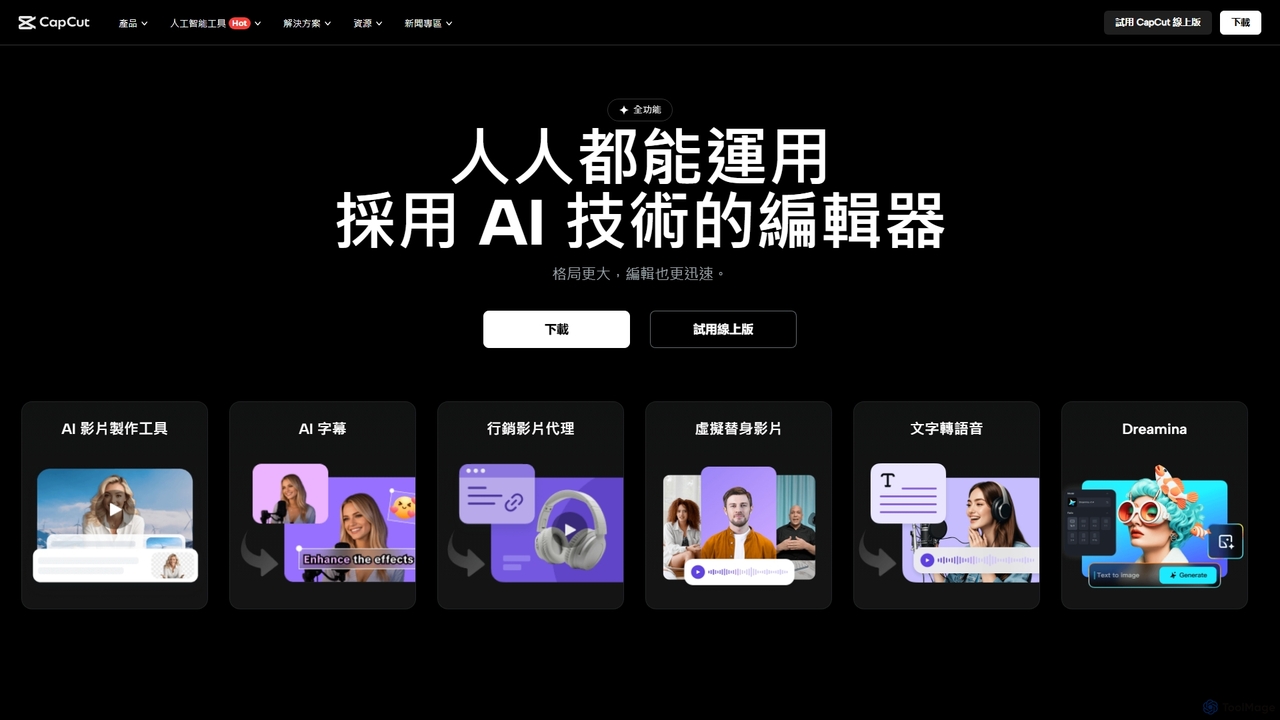
CapCut
CapCut is a powerful, all-in-one AI video editor and creative suite. It simplifies content creation with intuitive tools for video editing, graphic design, and team collaboration. It offers a wide range of AI features like auto-captions, script-to-video, background removal, and video upscaling, making professional-quality content accessible to everyone, from beginners to pros, across web, desktop, and mobile platforms.
Graphics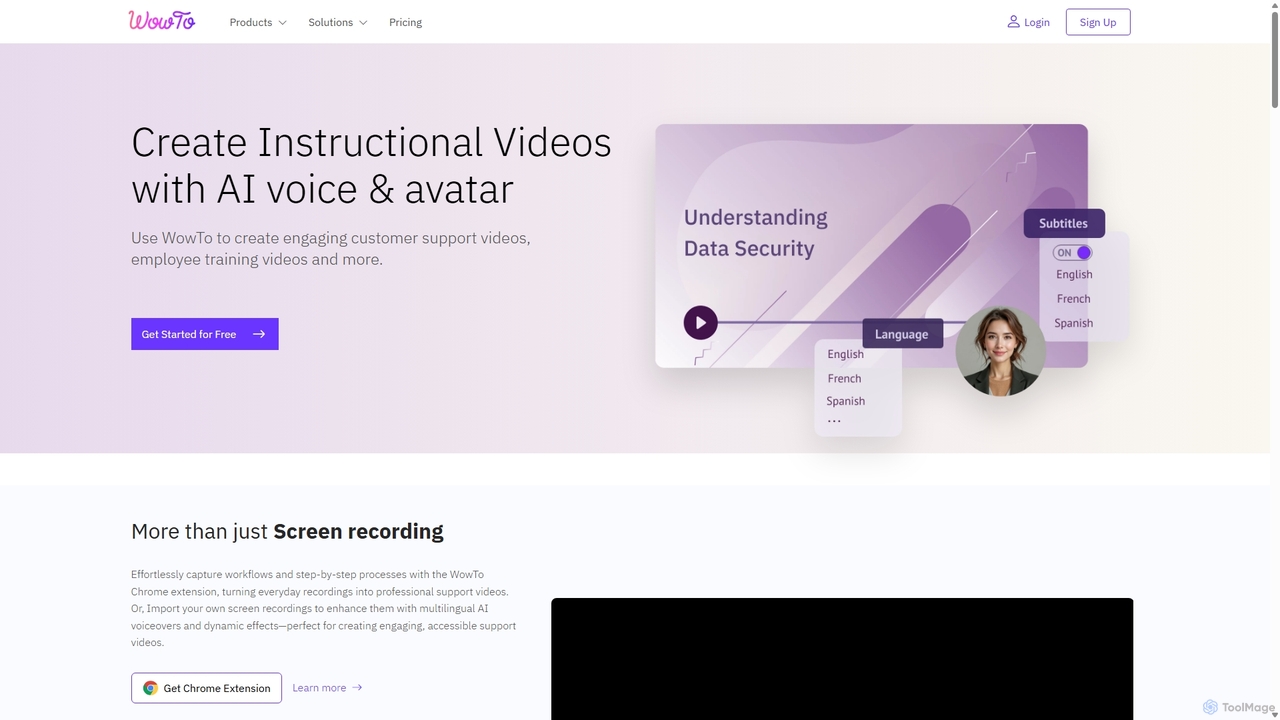
WowTo
WowTo is an AI-powered platform designed to create professional how-to, support, and training videos in minutes. It transforms screen recordings, text, or existing presentations into engaging, multilingual videos with AI voiceovers, helping businesses reduce support tickets and improve user onboarding.
Help Desk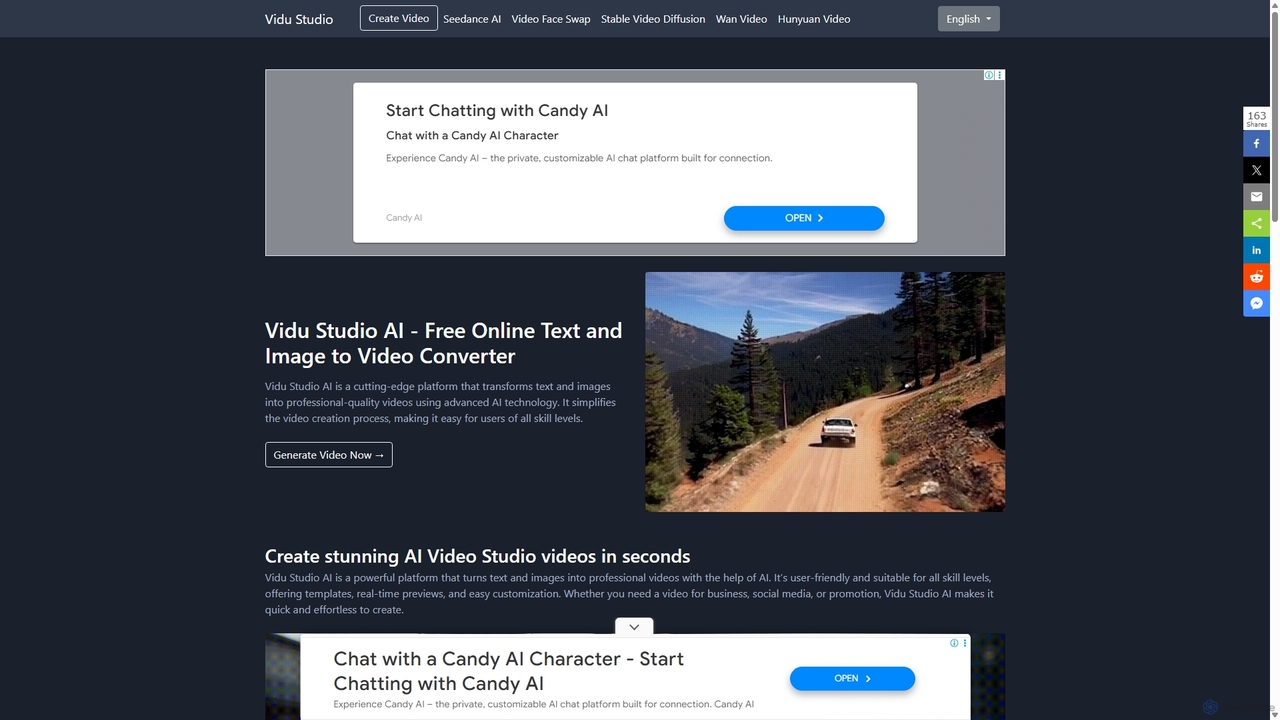
Vidu Studio AI
Vidu Studio AI is a cutting-edge, AI-powered platform that effortlessly transforms text and images into professional-quality videos. Leveraging a unique fusion of diffusion and transformer technology, it enables users of all skill levels to create stunning, high-quality videos with realistic physics and dynamic effects from simple prompts, making video production fast, easy, and accessible.
Social Media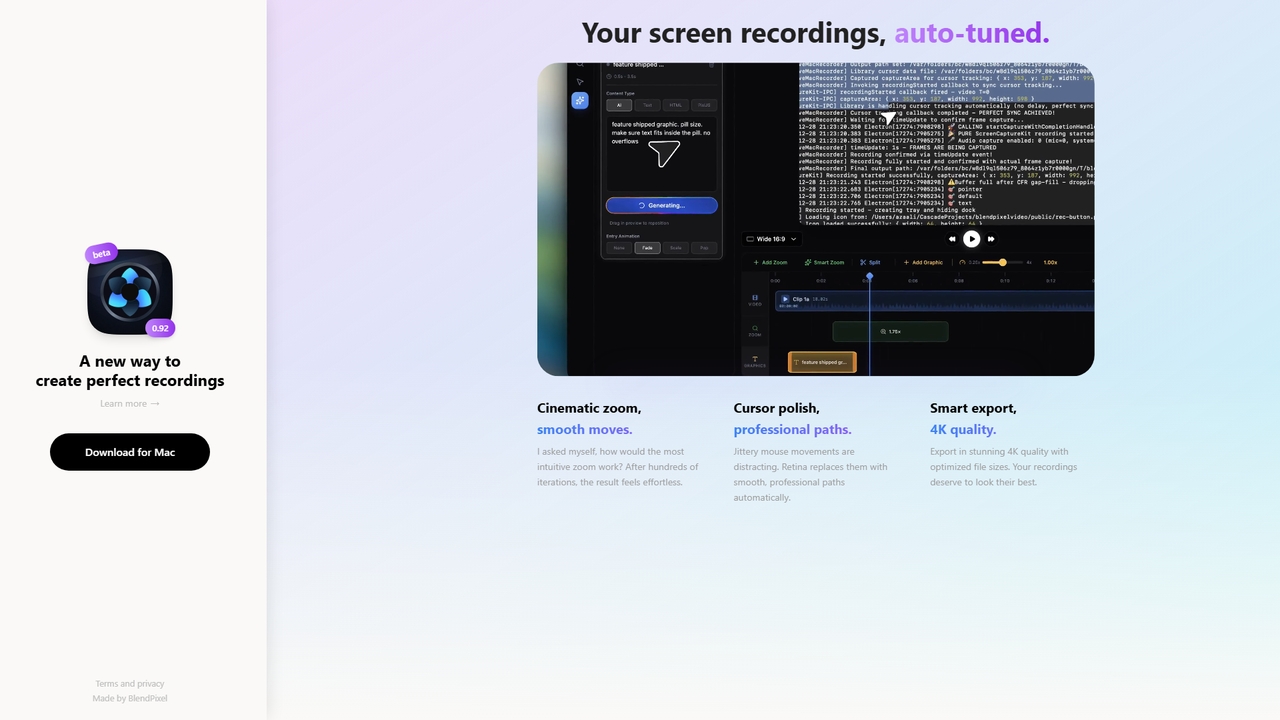

Jyek
Jyek is an AI agent platform that understands objectives, creates execution plans, uses tools, and delivers verifiable results for complex, multi-step tasks.
Automation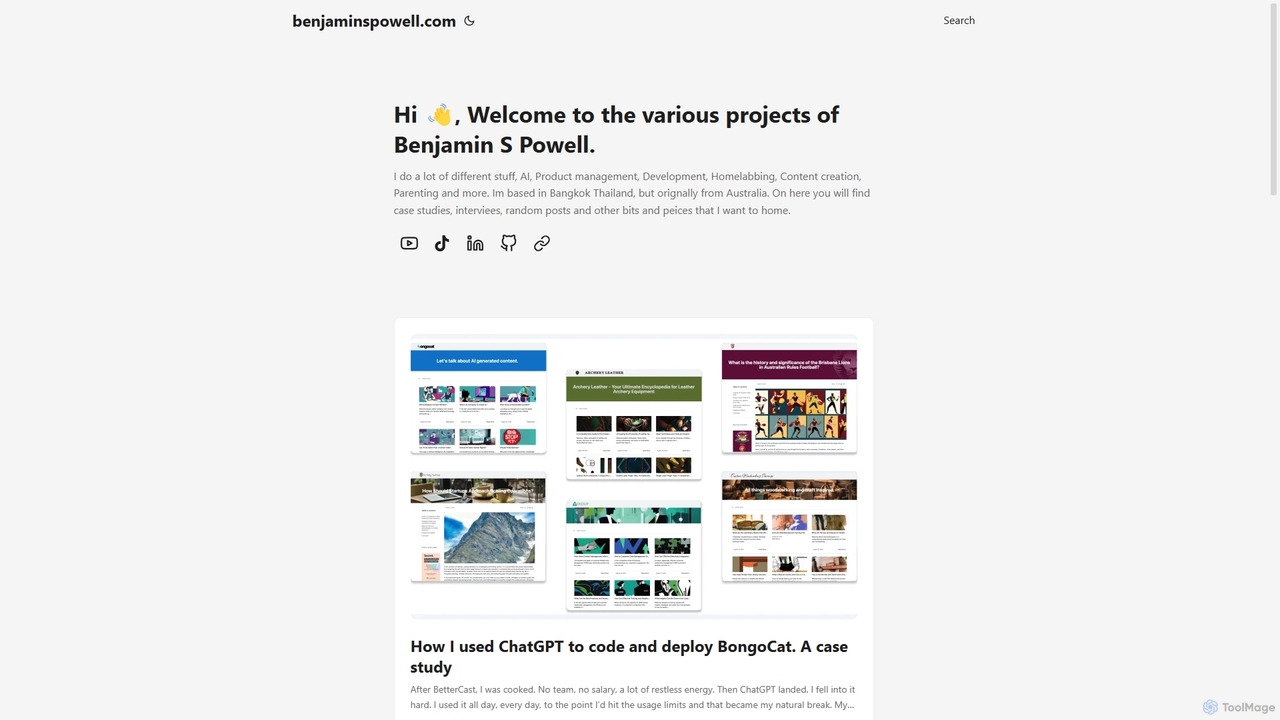
BongoCat
BongoCat is an AI-powered animation and video creation platform that allows users to effortlessly generate engaging animated videos, GIFs, and memes. Perfect for marketers, content creators, and social media managers, it transforms simple text prompts or ideas into vibrant, shareable visual content in minutes, with no animation skills required.
Meme GeneratorScreenStory
ScreenStory is an intelligent screen recording app for macOS that automatically transforms standard screen captures into polished, professional-looking videos. It adds dynamic zooms, smooth cursor movements, and motion blur without manual editing. Ideal for creating engaging product demos, tutorials, and marketing content, it simplifies video production for users of all skill levels.
Tutorials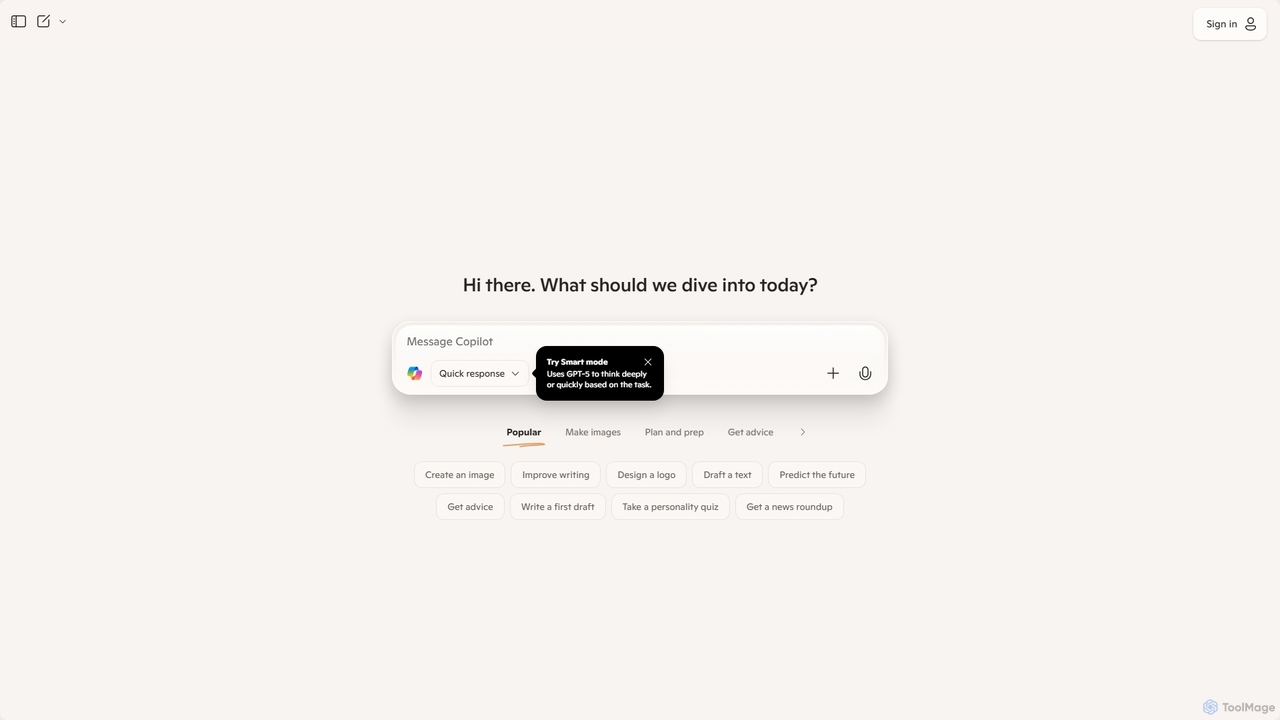
Microsoft Copilot
Microsoft Copilot is your everyday AI companion, enhancing productivity and creativity. It provides intelligent search, content generation, and image creation capabilities by leveraging the latest AI models like GPT-4 and DALL-E 3. Integrated across the Microsoft ecosystem, it assists with writing, coding, planning, and design tasks.
Image Generator
Tight Studio Comments (0)
Sign in to comment.
Sign inNo comments yet.