

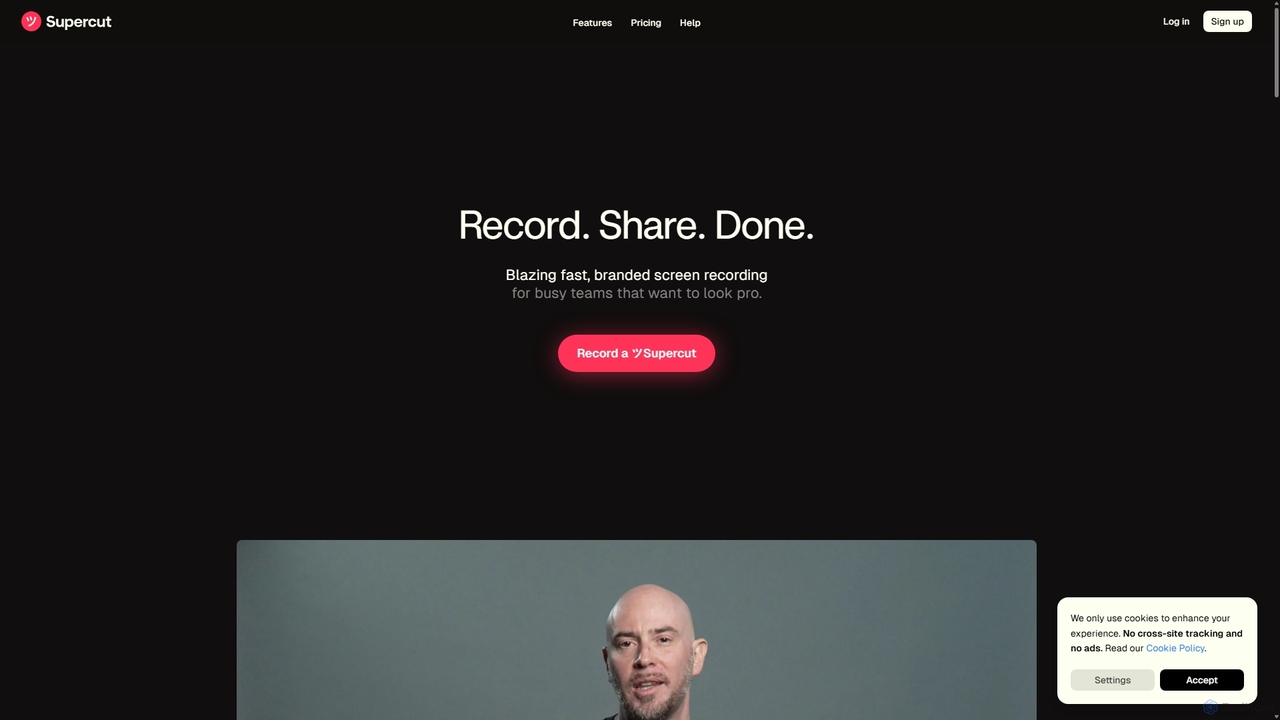
Supercut Overview
Supercut is an intelligent, AI-driven screen recording platform built to empower busy teams to create professional, polished, and branded videos effortlessly. Moving beyond simple screen capture, Supercut streamlines the entire video creation workflow from recording to sharing. It's designed for speed, simplicity, and beauty, allowing users to produce high-quality content for sales outreach, customer support, product demonstrations, and internal communications without the steep learning curve of traditional video editing software.
The core philosophy of Supercut is "Record. Share. Done." It eliminates the friction typically associated with video production. Once a recording is complete, a shareable link is instantly available. The platform's AI gets to work immediately, analyzing the content to generate smart, clickable chapters, making it easy for viewers to navigate to the most relevant sections. This focus on automation and user experience makes it a powerful alternative to more complex tools like Descript or standard recorders like Loom.
How to use Supercut
Using Supercut is designed to be an intuitive and seamless process:
- Start Recording: Begin by using the native macOS application (with a Windows version coming soon) or the browser extension available for Chrome, Edge, and Firefox. You can choose to record your screen, your camera, or both simultaneously in up to 4K resolution.
- Finish and Share: Once you stop recording, your video is automatically uploaded, and a shareable link is copied to your clipboard. There's no waiting for rendering or exporting.
- AI Enhancement: Supercut's AI automatically processes your video, creating a table of contents with smart chapters. The upcoming auto-edit feature will also remove filler words, long pauses, and retakes to create a clean final version.
- Brand and Customize: Apply your team's branding with a single click. Add your logo, choose brand colors, and select from multiple professional layouts to ensure every video is consistent with your company's image.
- Add Interactivity: Embed powerful Call-to-Action (CTA) buttons directly into your video to guide viewers to the next step, whether it's booking a meeting, visiting a website, or downloading a document.
- Collaborate and Analyze: Share the video with your team for feedback. Members can leave comments and reactions directly on the video timeline. You can also track views and engagement to measure the impact of your content.
Core Features of Supercut
- AI Smart Chapters: Automatically analyzes your video's content and structure to generate a clickable table of contents, saving you manual effort and improving the viewer experience.
- Zero-Effort Auto-Editing (Coming Soon): An upcoming feature that will automatically remove awkward pauses, filler words (like "um" and "ah"), and redundant takes, turning a rough recording into a polished presentation.
- Instant Branding & Custom Layouts: Maintain brand consistency by applying your logo, custom colors, and professional layouts to all your videos effortlessly.
- Interactive CTAs: Drive action by embedding customizable Call-to-Action buttons within your videos, such as "Book a Call" or "Learn More."
- Team Collaboration: Invite teammates to view, comment, and react on the video timeline, making feedback and collaboration seamless and contextual.
- AI-Powered Q&A: Viewers can ask questions about the video's content and receive instant, AI-generated answers, reducing support queries and improving comprehension.
- High-Resolution Recording: Capture your screen and camera in crisp detail with support for up to 4K recording.
- Instant Sharing and Analytics: Get a shareable link the moment you finish recording and track key metrics like views and viewer engagement to understand performance.
Use Cases for Supercut
Supercut is versatile and valuable for various professional scenarios:
- Sales Enablement: Create personalized video outreach and product demos to build rapport with prospects. Use CTAs to seamlessly guide them through the sales funnel.
- Customer Support: Resolve customer issues faster by creating clear, step-by-step video tutorials, bug reports, and how-to guides. The AI Q&A feature further empowers customers to find solutions.
- Customer Onboarding: Welcome new users with personalized video walkthroughs of your platform, ensuring they understand key features and get to value quickly.
- Team Updates & Asynchronous Communication: Share internal updates, project feedback, and presentations without scheduling another meeting, fostering efficient async collaboration.
- Product Demos & Marketing: Quickly produce polished videos showcasing new features for your website, social media, or marketing campaigns.
Advantages of Supercut
Supercut stands out by focusing on speed, professionalism, and intelligence. Its main advantages include its extreme ease of use, which eliminates the need for any video editing skills, and its powerful AI features that automate the most time-consuming parts of video creation. The instant branding ensures all team communications look professional and cohesive. Compared to competitors, it offers a more streamlined, faster workflow specifically designed for business communication, not complex content production.
Pricing and Plans
Supercut is currently in its Public Beta phase and is available completely free of charge. The team is focused on gathering user feedback to build the best possible product. While official pricing plans will be announced in the future, they have committed to offering fair and competitive rates that provide exceptional value. For now, users can enjoy all the premium features of Supercut without any cost.
Supercut Alternatives
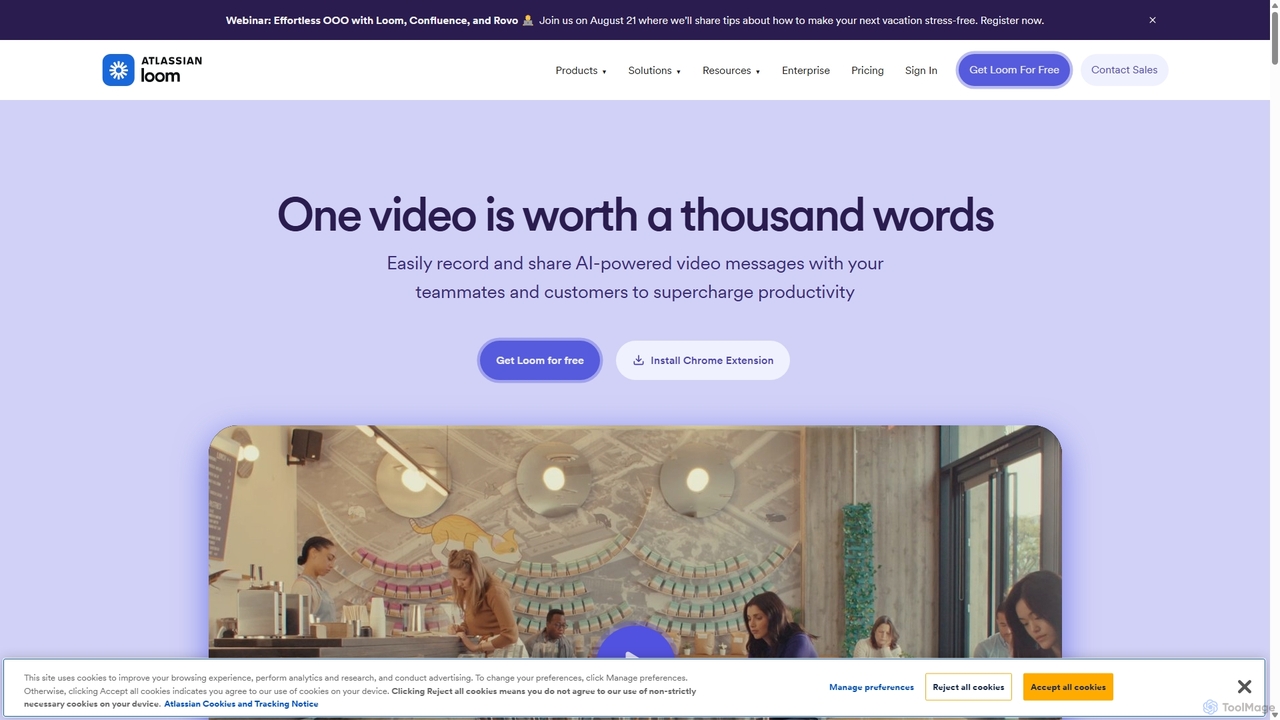
Loom
Loom is an AI-powered video messaging platform for work that allows users to instantly record and share their screen, camera, and audio. It streamlines communication, reduces meetings, and enhances team collaboration with features like AI-powered summaries, transcriptions, and editing tools.
Team Management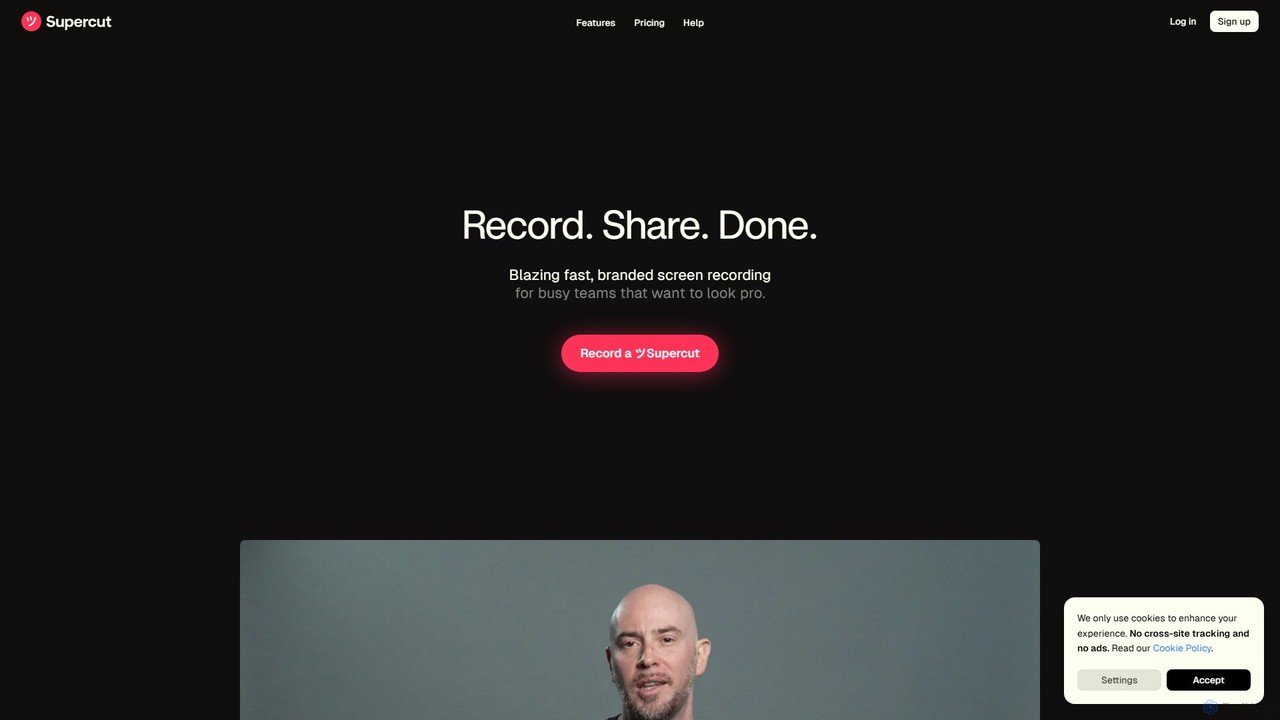
Supercut
Supercut is an AI-powered screen recording tool designed for teams to create professional, branded videos with blazing speed. It automates editing, generates smart chapters, and facilitates collaboration, making it ideal for product demos, sales outreach, and tutorials without a steep learning curve.
Content Creation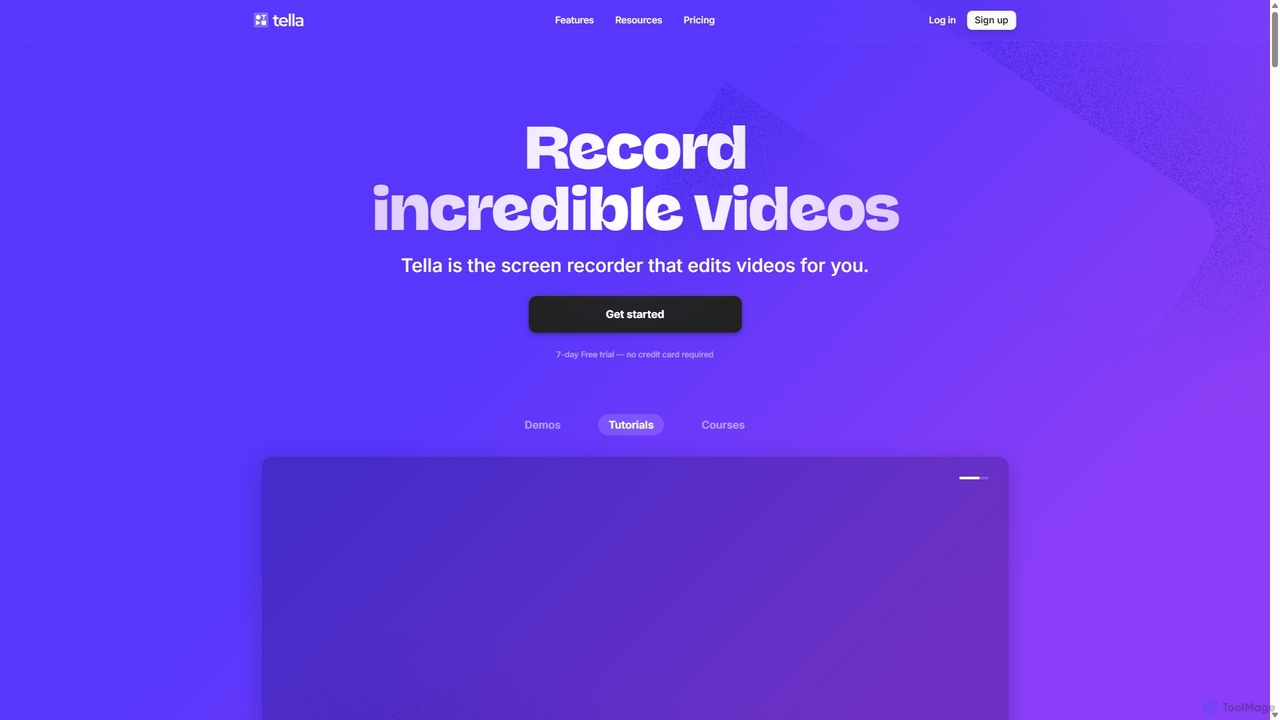
Tella
Tella is an AI-powered screen recorder and video editor for Mac & Windows that simplifies video creation. It automatically removes silences and filler words, offers transcript-based editing, and provides professional customization options like backgrounds, layouts, and zooms. Ideal for creating tutorials, product demos, and online courses in minutes, not hours.
E Learning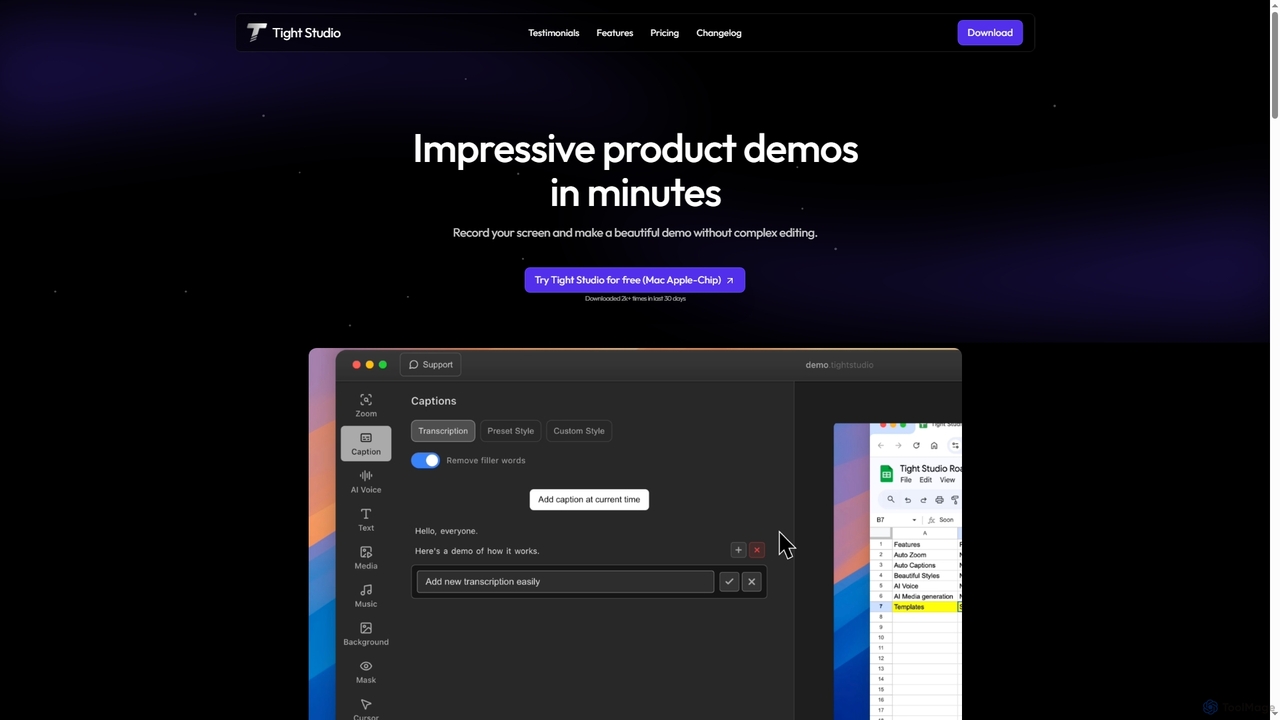
Tight Studio
Tight Studio is an AI-powered screen recording and video editing application for Mac, designed to create professional product demos and tutorials in minutes. It features smart zoom, automatic captions, AI narration, and an intuitive editor, enabling users without editing skills to produce high-quality, engaging videos effortlessly.
Tutorials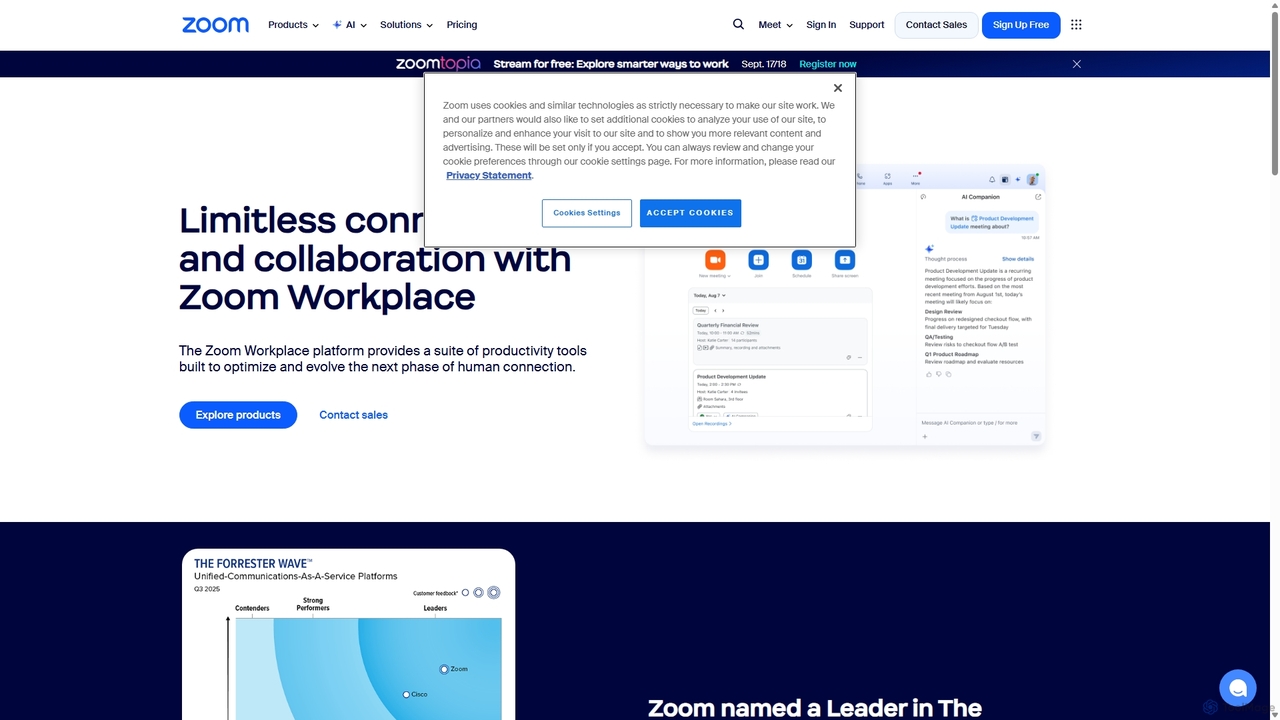
Zoom
Zoom is an AI-first, unified collaboration platform that connects people through video meetings, phone calls, team chat, webinars, and more. Featuring the AI Companion, it streamlines workflows, summarizes meetings, and enhances productivity for remote and hybrid teams across all industries.
Meeting ManagementSupercut Categories
Supercut Jobs
Supercut Embed Widget
Copy this embed code to place the badge on your blog, article, or product site and send readers directly to this ToolMage detail page.

Related AI tools
Supercut
Supercut is an AI-powered screen recording tool designed for teams to create professional, branded videos with blazing speed. It automates editing, generates smart chapters, and facilitates collaboration, making it ideal for product demos, sales outreach, and tutorials without a steep learning curve.
Content CreationLoom
Loom is an AI-powered video messaging platform for work that allows users to instantly record and share their screen, camera, and audio. It streamlines communication, reduces meetings, and enhances team collaboration with features like AI-powered summaries, transcriptions, and editing tools.
Team ManagementTella
Tella is an AI-powered screen recorder and video editor for Mac & Windows that simplifies video creation. It automatically removes silences and filler words, offers transcript-based editing, and provides professional customization options like backgrounds, layouts, and zooms. Ideal for creating tutorials, product demos, and online courses in minutes, not hours.
E LearningTight Studio
Tight Studio is an AI-powered screen recording and video editing application for Mac, designed to create professional product demos and tutorials in minutes. It features smart zoom, automatic captions, AI narration, and an intuitive editor, enabling users without editing skills to produce high-quality, engaging videos effortlessly.
Tutorials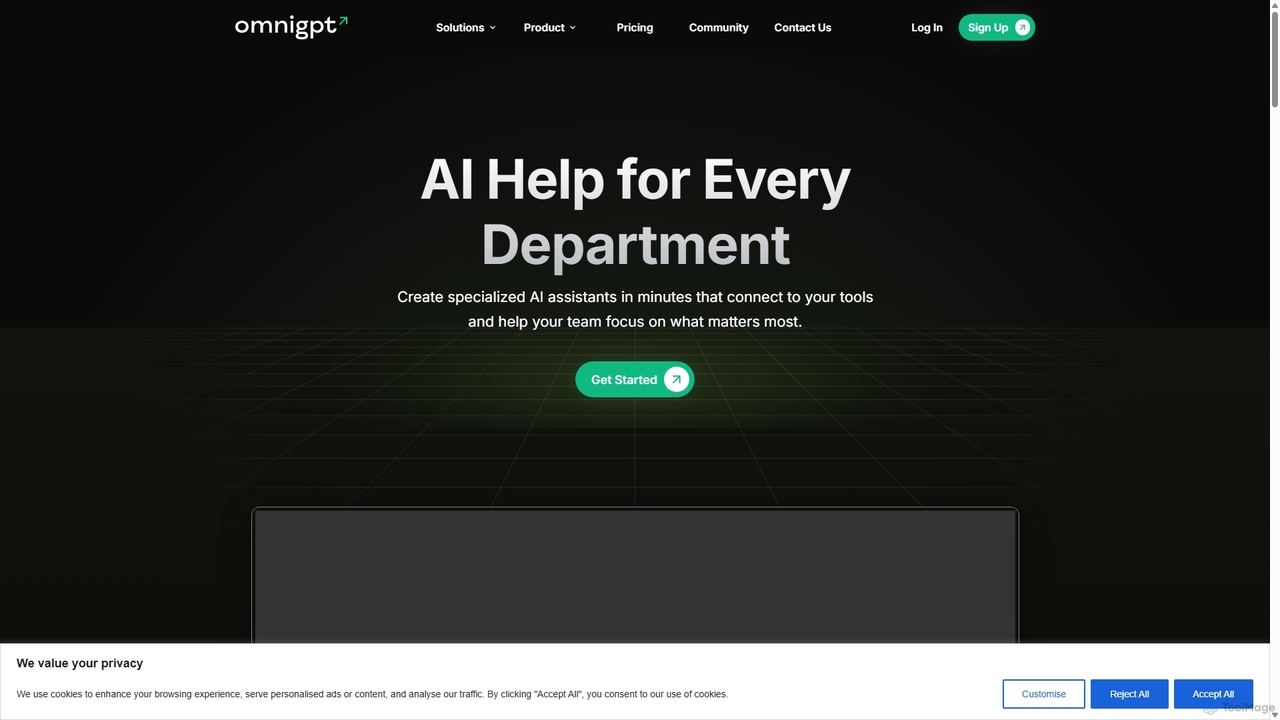
OmniGPT
OmniGPT is an all-in-one AI productivity platform that provides access to multiple leading AI models like GPT-4, Claude 3.5, and Llama 3 through a single subscription. Designed for individuals and teams, it enhances workflows with features such as document analysis, image generation, team collaboration, and seamless integrations with everyday tools like WhatsApp and Slack, offering a cost-effective alternative to multiple AI service subscriptions.
Code Assistant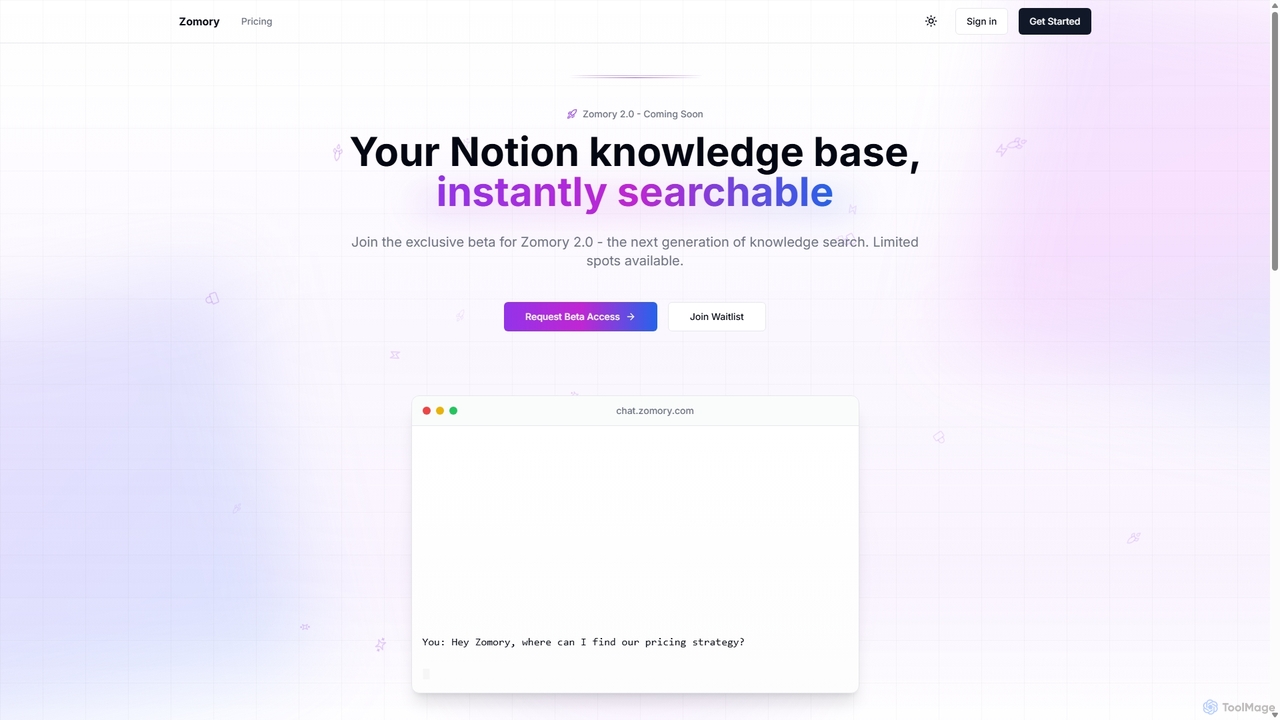
Zomory
Zomory is an AI-powered search tool that transforms your Notion knowledge base into an instantly searchable resource. Integrated directly with Slack, it allows teams to find information using natural language, ask follow-up questions, and get answers in milliseconds without switching context.
Collaboration
Jyek
Jyek is an AI agent platform that understands objectives, creates execution plans, uses tools, and delivers verifiable results for complex, multi-step tasks.
AutomationZoom
Zoom is an AI-first, unified collaboration platform that connects people through video meetings, phone calls, team chat, webinars, and more. Featuring the AI Companion, it streamlines workflows, summarizes meetings, and enhances productivity for remote and hybrid teams across all industries.
Meeting Management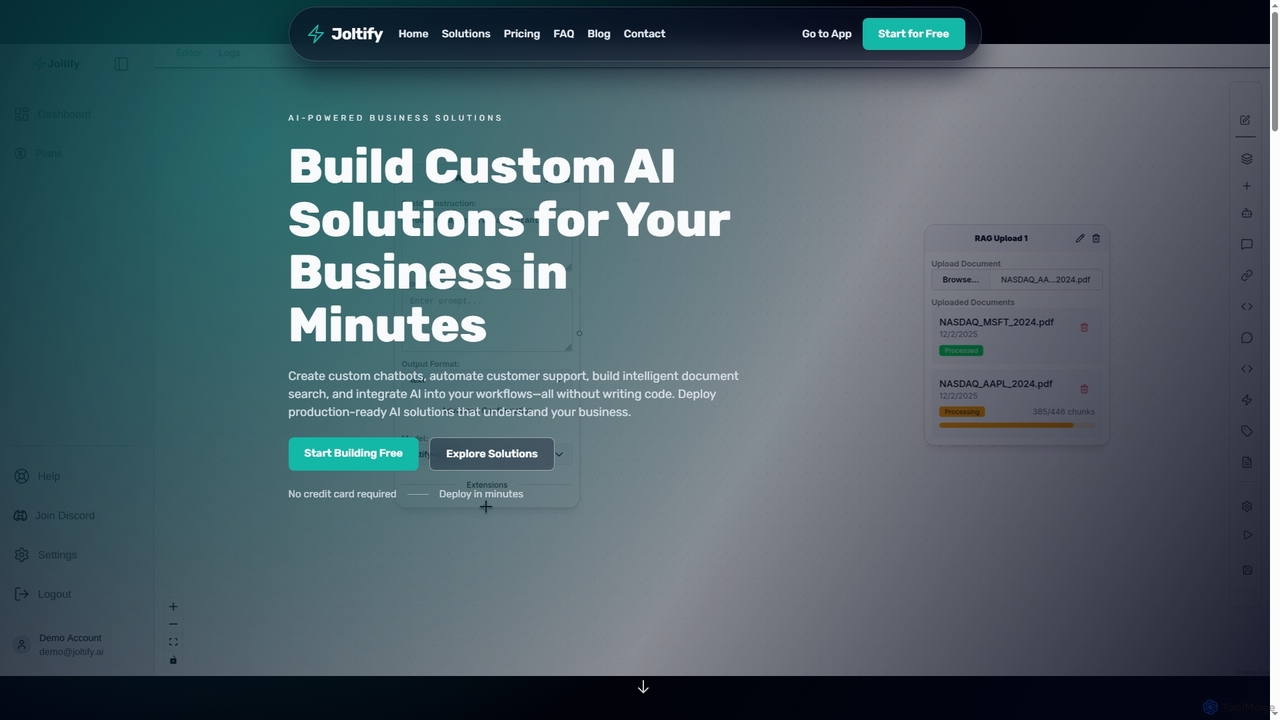
Joltify
Joltify is an AI workflow automation platform that empowers businesses to create custom chatbots, intelligent document search, and automate tasks like support ticket routing and data processing using AI. It's a no-code solution designed to enhance customer experience and streamline internal operations efficiently.
3D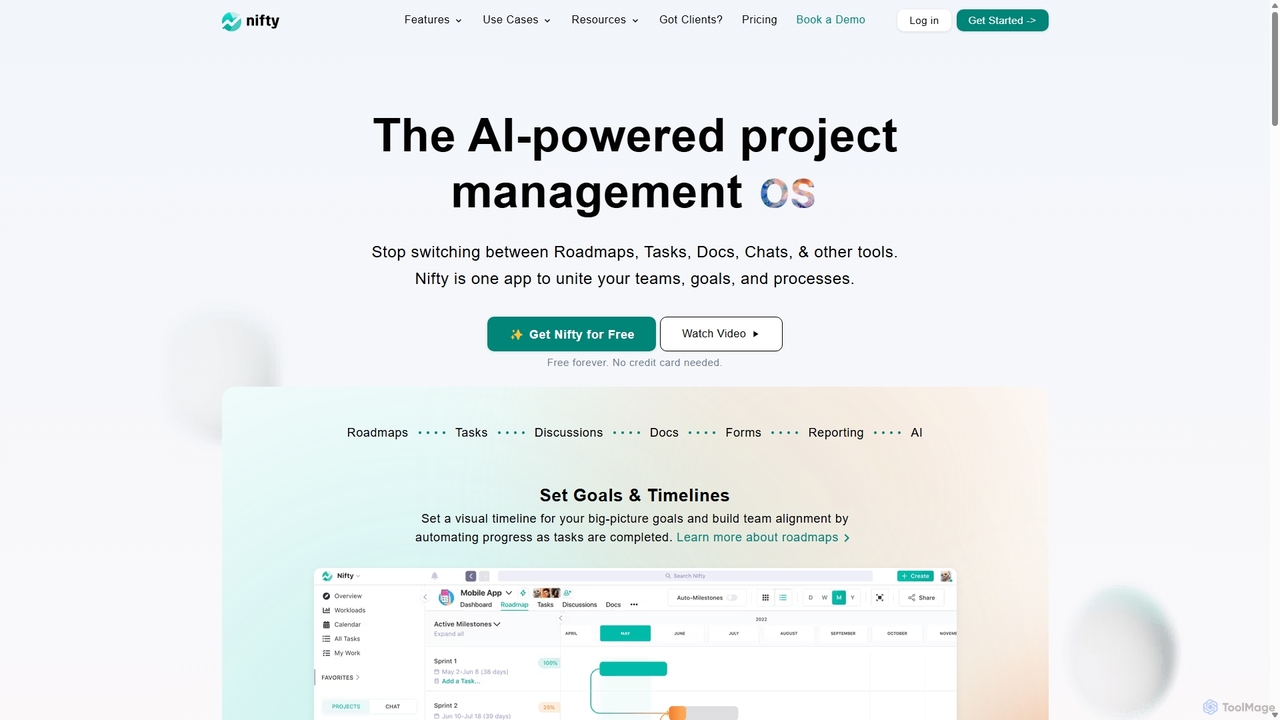
NiftyPM
NiftyPM is an AI-powered, all-in-one project management operating system designed to unite teams, goals, and processes. It consolidates roadmaps, tasks, documents, and team chat into a single collaborative workspace, eliminating the need to switch between multiple tools. With its Orbit AI, NiftyPM streamlines workflows, automates reporting, and enhances overall productivity for various teams, including engineering, marketing, and sales.
Collaboration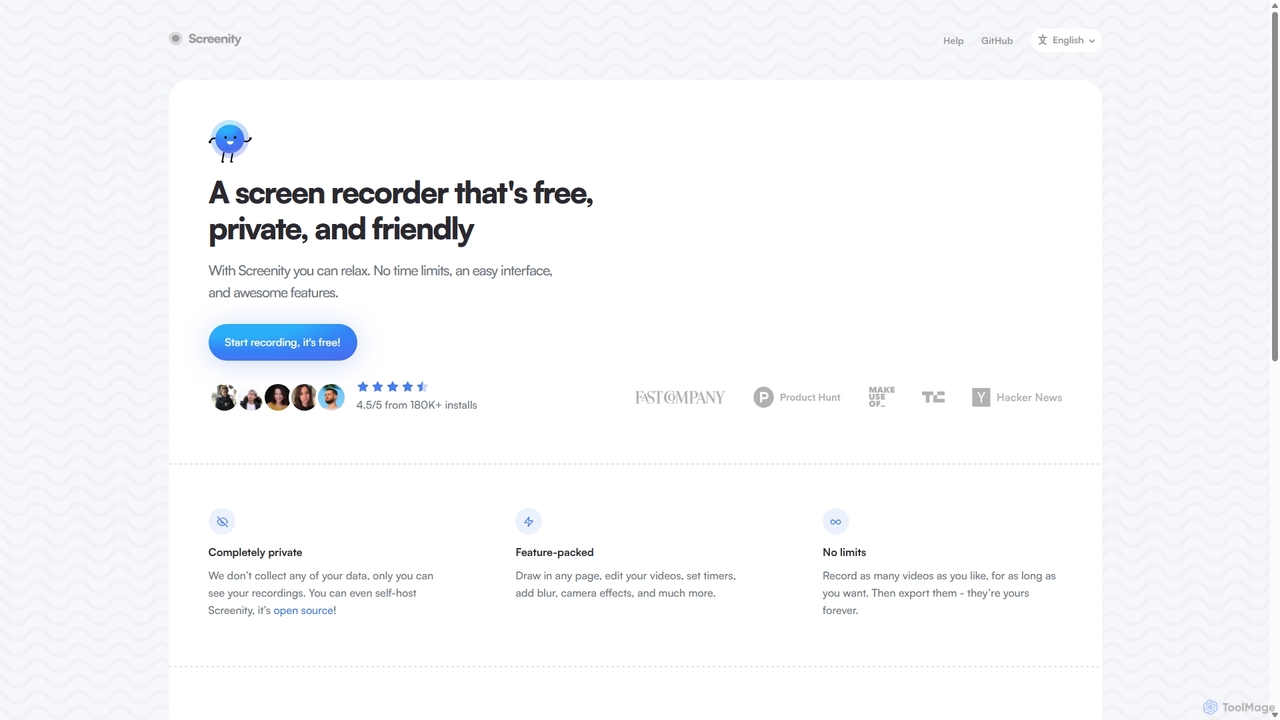
Screenity
Screenity is a powerful, free, and privacy-focused screen and camera recorder for Chrome. It offers unlimited recording, annotation tools, and basic video editing without collecting any user data. Ideal for creating tutorials, demos, and presentations.
Bug Reporting
Tingo.ai
Tingo.ai is an AI-powered productivity and workflow automation platform designed for modern teams. It integrates with your existing tools like Slack and Jira to automate meeting summaries, task management, and knowledge base creation, helping your team stay aligned and focus on what matters most.
Project Management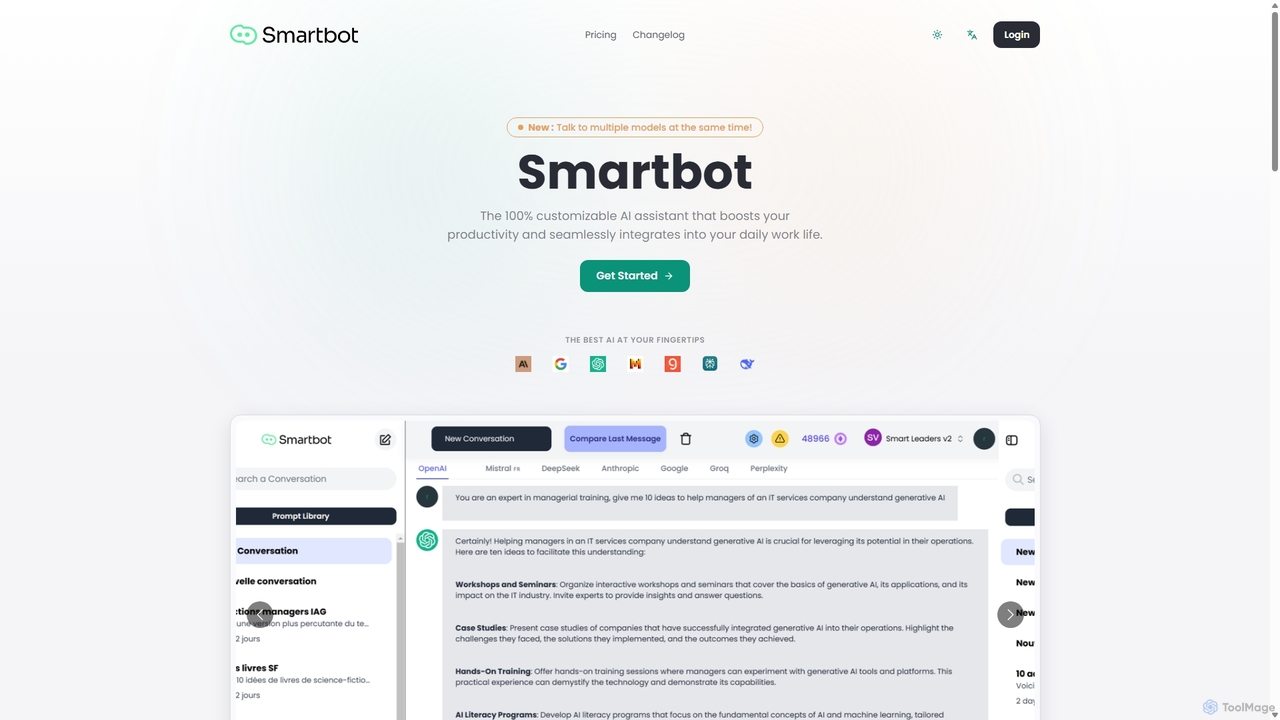
Smart Bot
Smart Bot is a highly customizable AI assistant that boosts productivity by integrating multiple top-tier AI models like ChatGPT, Claude, and Gemini into a single interface. It allows users to compare responses simultaneously, manage a shared library of custom prompts for team collaboration, and even visualize and test generated code. With features like image and file reading, it streamlines daily workflows for individuals and organizations.
Code Assistant
Rayo
Rayo is an AI-powered work management platform designed to automate workflows, streamline project management, and enhance team collaboration. It intelligently organizes tasks, optimizes processes, and provides data-driven insights to help teams achieve their goals faster and more efficiently. Ideal for businesses of all sizes looking to boost productivity.
Collaboration
Slite
Slite is an AI-powered knowledge base and team collaboration tool. It serves as a single source of truth, helping teams organize their documents, share knowledge, and make decisions asynchronously. Its core AI feature, 'Ask', allows users to find answers from across the entire workspace using natural language questions, making information instantly accessible.
Internal Communication
Supercut Comments (0)
Sign in to comment.
Sign inNo comments yet.