

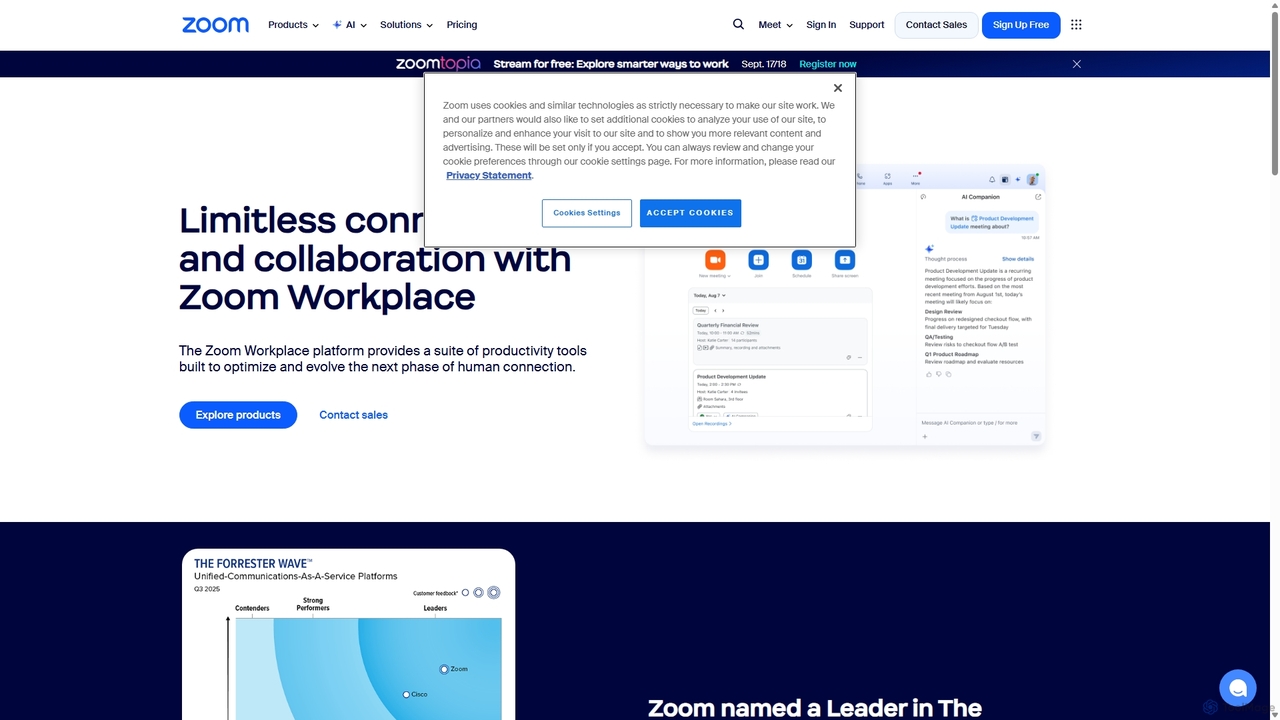
Zoom Overview
Zoom has evolved from a leading video conferencing solution into a comprehensive, AI-powered collaboration platform known as Zoom Workplace. It is designed to facilitate seamless communication and enhance productivity for individuals, teams, and large enterprises. At its core, Zoom provides a unified hub for all communication needs, integrating video meetings, a cloud phone system, persistent team chat, webinars, and collaborative tools like Zoom Docs and Whiteboard. The platform is built with an "AI-first" philosophy, with the Zoom AI Companion deeply integrated to automate tasks, generate insights, and improve the overall user experience.
How to use Zoom
Getting started with Zoom is straightforward. Users can sign up for a free account or choose a paid plan for more features. To host a meeting, simply open the Zoom desktop or mobile app, click 'New Meeting,' and share the meeting link with participants. To join a meeting, click the link provided by the host or enter the Meeting ID in the app. During meetings, users can leverage a variety of features, such as sharing their screen, using the chat function, and recording sessions. For a more personalized experience, you can change your virtual background by navigating to 'Preferences' > 'Background & Filters' and uploading an image or video. For enhanced collaboration, you can use Zoom Docs to create and co-edit documents in real-time during a meeting, ensuring everyone is aligned and can contribute simultaneously.
Core Features of Zoom
- AI Companion: An integrated AI assistant that provides meeting summaries, next steps, helps compose chats and emails, generates ideas on a whiteboard, and creates content in Zoom Docs, all at no additional cost for paid plans.
- Zoom Meetings: High-definition video and audio conferencing with features like screen sharing, recording, breakout rooms, virtual backgrounds, and in-meeting chat.
- Zoom Phone: A feature-rich cloud phone system (VoIP) that allows for calls from any device, with intelligent features like call routing and voicemail transcription.
- Team Chat: Persistent messaging channels for teams to collaborate, share files, and integrate with other apps, keeping conversations organized and accessible.
- Zoom Docs: A collaborative workspace for creating documents, wikis, and project plans. It's AI-powered, allowing for content generation, summarization, and real-time co-editing within the Zoom ecosystem.
- Zoom Whiteboard: An infinite digital canvas for teams to brainstorm, plan, and create together in real-time, both during and outside of meetings.
- Zoom Webinars & Events: Tools to host large-scale virtual events and webinars with interactive features like Q&A, polling, and detailed analytics.
- App Marketplace: An extensive ecosystem of third-party integrations that connect Zoom with essential business applications like Google Workspace, Microsoft Teams, Salesforce, and more to streamline workflows.
Use Cases for Zoom
Zoom's versatility supports a wide range of professional scenarios. For Sales teams, it's used for client demos, virtual sales meetings, and leveraging Zoom Revenue Accelerator for conversation analysis. Marketing departments use it to host webinars, create promotional content, and collaborate on campaign strategies using Team Chat and Docs. HR professionals conduct remote interviews, onboard new hires, and run company-wide training sessions. In Education, it facilitates online classes, group projects, and virtual office hours. IT and Engineering teams use it for daily stand-ups, technical support sessions, and collaborative problem-solving on a virtual Whiteboard.
Advantages of Zoom
The primary advantage of Zoom is its transformation into an all-in-one, AI-powered platform. This consolidation reduces the need for multiple disparate applications, saving costs and minimizing context switching. The inclusion of the AI Companion in paid plans offers significant value by boosting productivity without extra fees. Zoom is renowned for its user-friendly interface, reliability, and high-quality performance, which were key to its widespread adoption. Its scalability allows it to serve everyone from individual freelancers to global corporations. Furthermore, its robust security features and extensive App Marketplace make it a flexible and secure choice for any organization.
Pricing and Plans
Zoom offers a freemium model with several tiers to suit different needs:
- Basic (Free): Host meetings for up to 100 participants for up to 40 minutes. Includes Team Chat, Whiteboard (3 editable boards), and Zoom Docs.
- Pro (from ~$13.32/user/month): Removes the 40-minute meeting limit, includes 5 GB of cloud recording, and grants access to the AI Companion features.
- Business (from ~$18.32/user/month): For small teams, includes features of Pro plus meetings for up to 300 participants, single sign-on (SSO), company branding, and unlimited whiteboards.
- Enterprise: Custom pricing for large organizations, offering expanded capacity, unlimited cloud storage, a dedicated business manager, and advanced features like Zoom Phone and Webinars.
*Pricing is based on publicly available information and may vary. AI Companion is included at no extra cost with eligible paid plans.*
Traffic
Latest traffic
Status
Monthly traffic trend
- 2025-9: 23.9M
- 2026-1: 25.0M
- 2026-2: 23.4M
- 2026-3: 25.5M
- 2026-4: 42.9M
- 2026-5: 87.9M
Geography
Top 5 countries / regions
- 🇺🇸United States63.1%
- 🇯🇵Japan19.4%
- 🇮🇩Indonesia7.6%
- 🇬🇧United Kingdom5.0%
- 🇷🇺Russia4.9%
Traffic sources
| Source type | Percentage |
|---|---|
Direct | 85.8% |
Referral | 7.5% |
Email | 6.7% |
Top keywords
| Keyword | Cost per click |
|---|---|
| z oom | $0.97 |
| zoom | $0.92 |
| zoom download | $0.47 |
| zoom meeting | $0.38 |
| зум | $0.23 |
Zoom Videos on YouTube
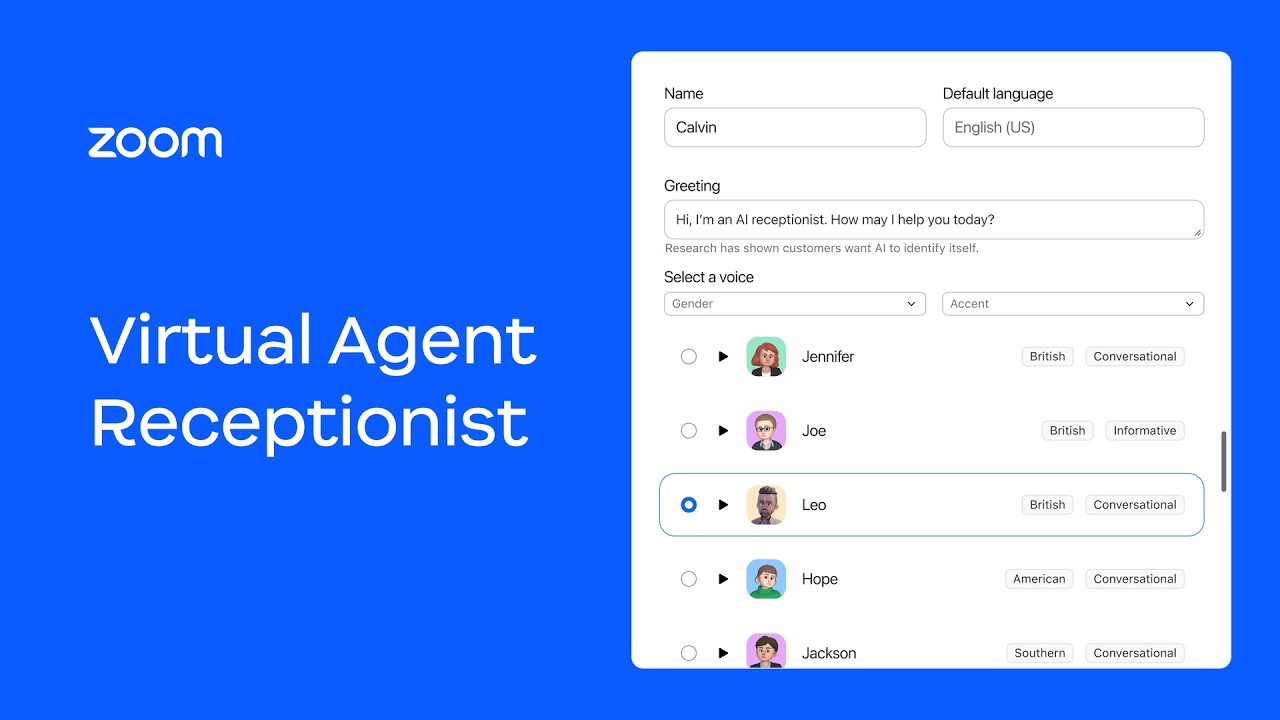
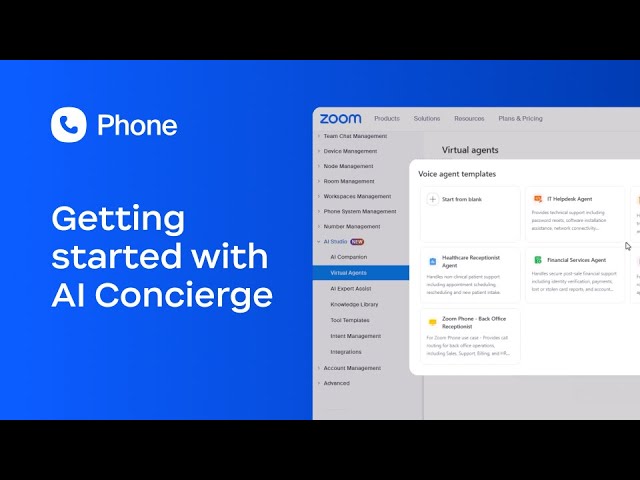
The Zoom Playground with Betsy Sabatini



SimplifAI Consulting
Zoom Alternatives
Loom
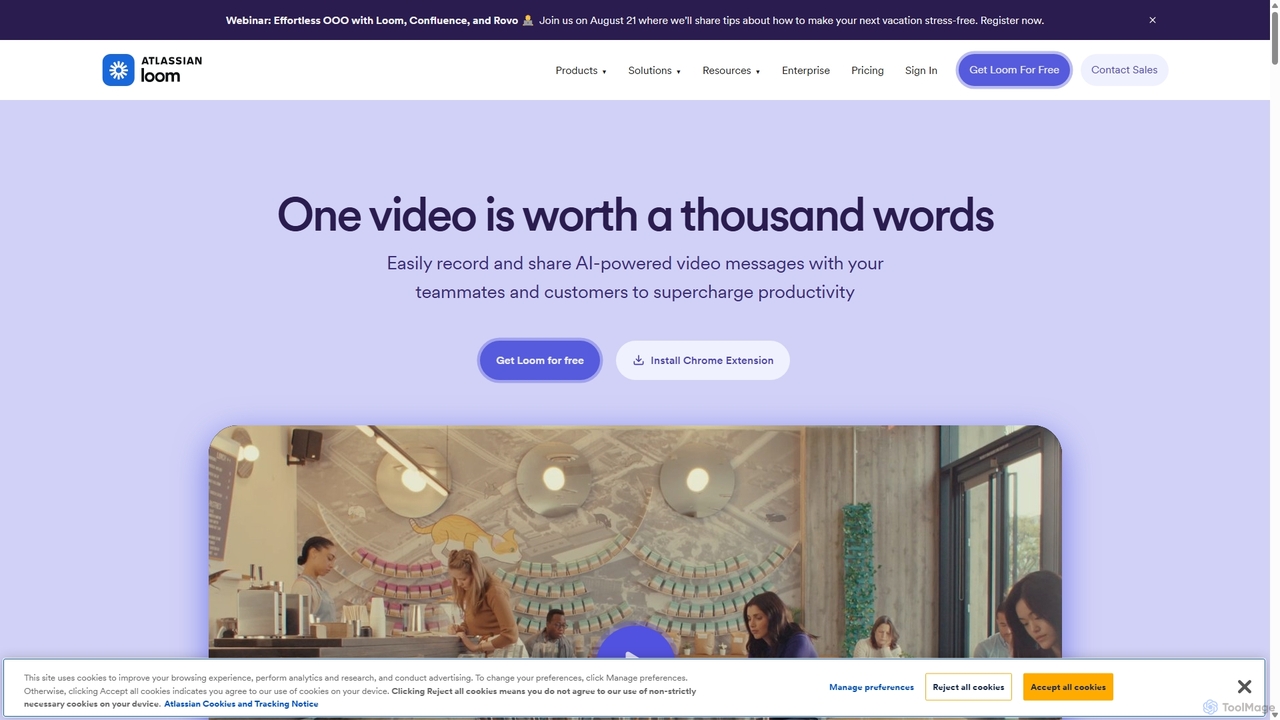
Loom is an AI-powered video messaging platform for work that allows users to instantly record and share their screen, camera, and audio. It streamlines communication, reduces meetings, and enhances team collaboration with features like AI-powered summaries, transcriptions, and editing tools.
Team Management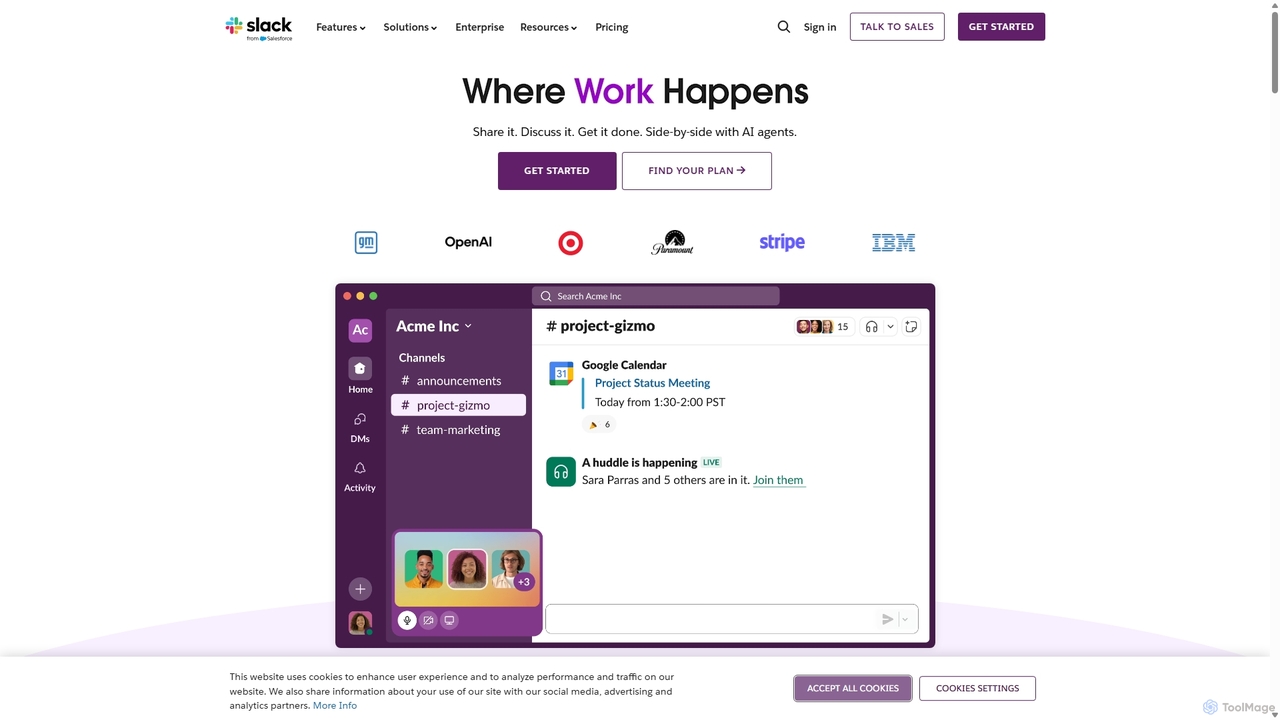
Slack
Slack is an AI-powered collaboration hub that connects your people, partners, and tools. It replaces email with faster, better-organized communication through channels. With integrated AI, workflow automation, and thousands of apps, Slack centralizes your work to boost productivity and streamline project management.
Project Management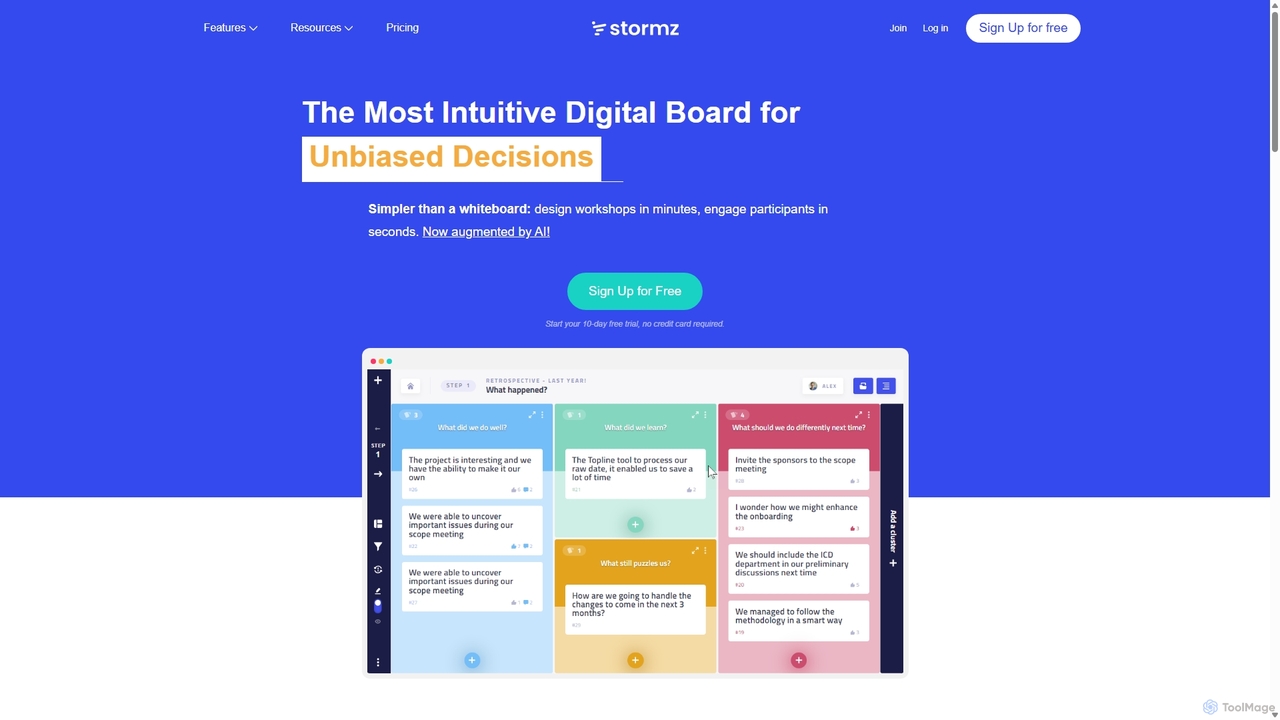
Stormz
Stormz is an AI-augmented digital platform designed for facilitators to run highly engaging and productive collaborative workshops. It simplifies brainstorming, decision-making, and retrospectives for in-person, remote, or hybrid teams. With its intuitive interface and powerful features, Stormz ensures full participation and helps groups achieve unbiased, high-quality outcomes efficiently.
Meeting Management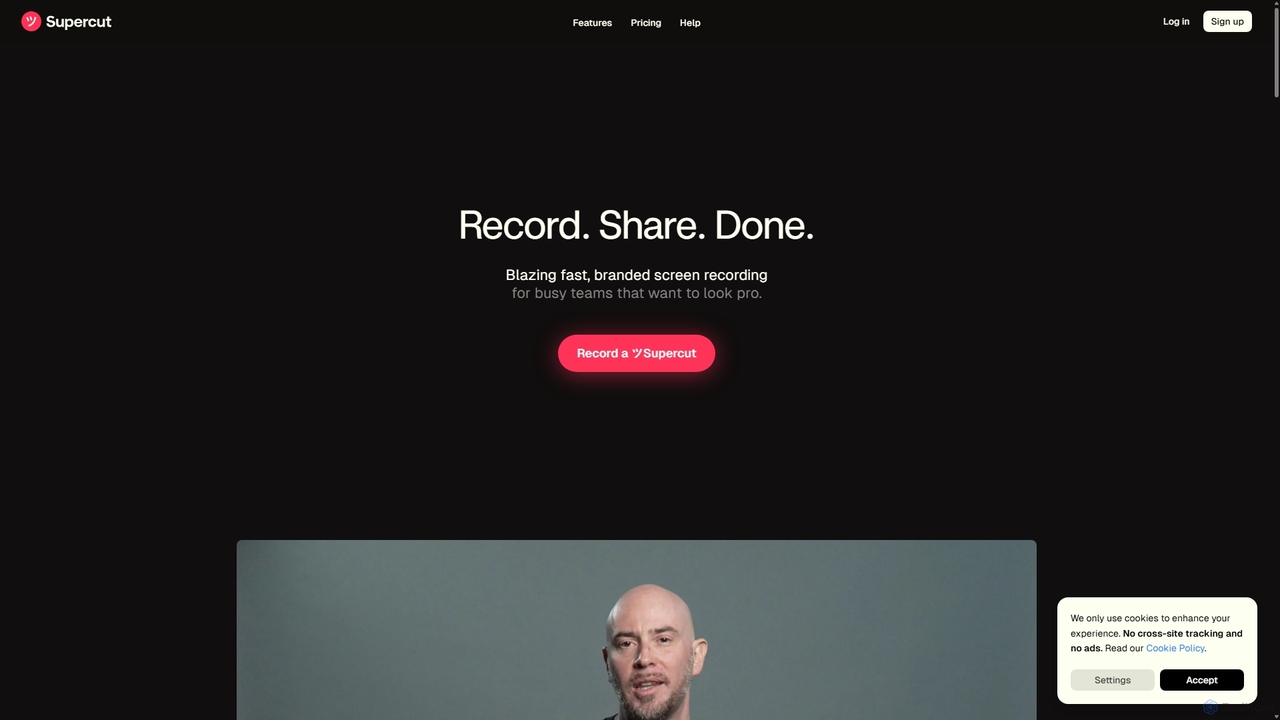
Supercut
Supercut is an AI-powered screen recording tool designed for teams to create professional, branded videos with blazing speed. It automates tedious tasks like chapter creation and editing, enabling users to record, share, and get results instantly. Ideal for sales, customer support, and team collaboration.
Helpdesk
GPT Workspace
GPT Workspace integrates AI-powered features directly into Google Workspace applications like Docs, Sheets, Slides, and Gmail. It enhances productivity by automating content creation, data analysis, email drafting, and document editing, allowing users to leverage the power of models like GPT-4o seamlessly within their existing workflow.
Document ManagementZoom Categories
Zoom Jobs
Zoom Embed Widget
Copy this embed code to place the badge on your blog, article, or product site and send readers directly to this ToolMage detail page.

Related AI tools
Loom
Loom is an AI-powered video messaging platform for work that allows users to instantly record and share their screen, camera, and audio. It streamlines communication, reduces meetings, and enhances team collaboration with features like AI-powered summaries, transcriptions, and editing tools.
Team Management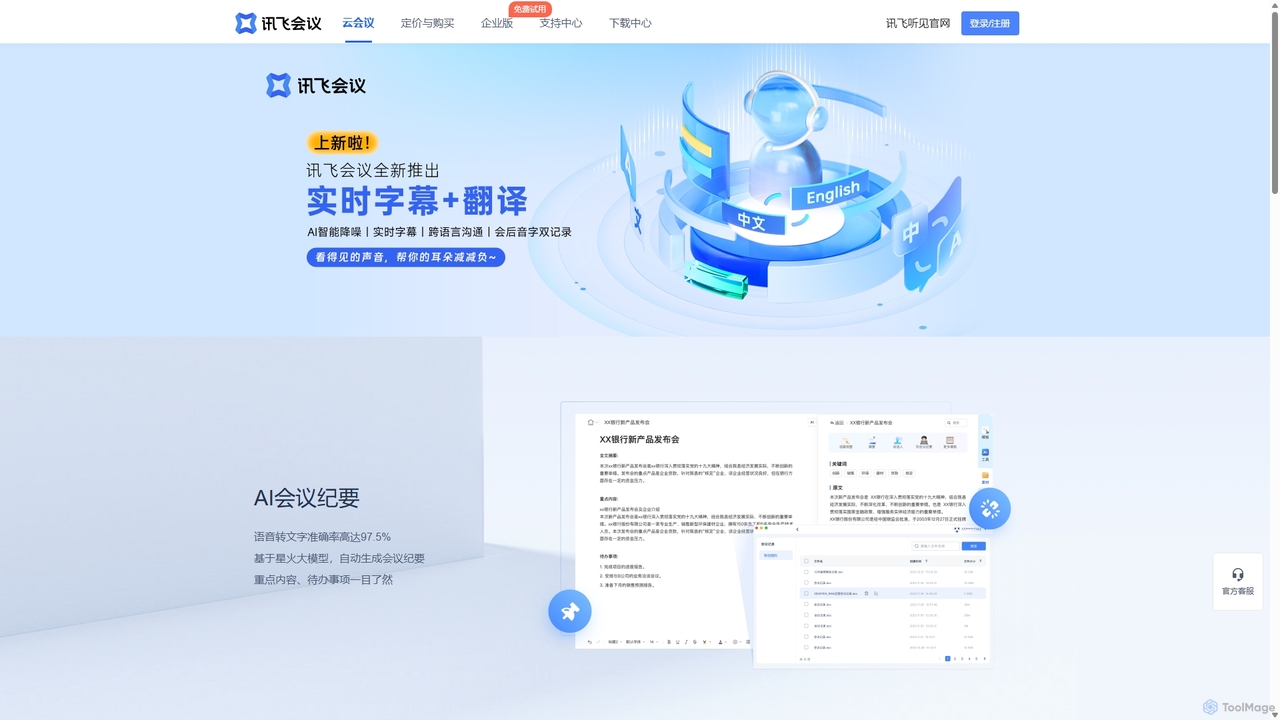
IFlytek Meeting
iFlytek Meeting is an AI-powered HD video conferencing platform. It offers high-accuracy real-time transcription, automatic meeting summaries, and to-do list generation. With features like stable HD video, cross-platform support, and robust security, it enhances meeting efficiency for individuals, teams, and large enterprises, providing a seamless remote collaboration experience.
Communication
Rayo
Rayo is an AI-powered work management platform designed to automate workflows, streamline project management, and enhance team collaboration. It intelligently organizes tasks, optimizes processes, and provides data-driven insights to help teams achieve their goals faster and more efficiently. Ideal for businesses of all sizes looking to boost productivity.
CollaborationSlack
Slack is an AI-powered collaboration hub that connects your people, partners, and tools. It replaces email with faster, better-organized communication through channels. With integrated AI, workflow automation, and thousands of apps, Slack centralizes your work to boost productivity and streamline project management.
Project Management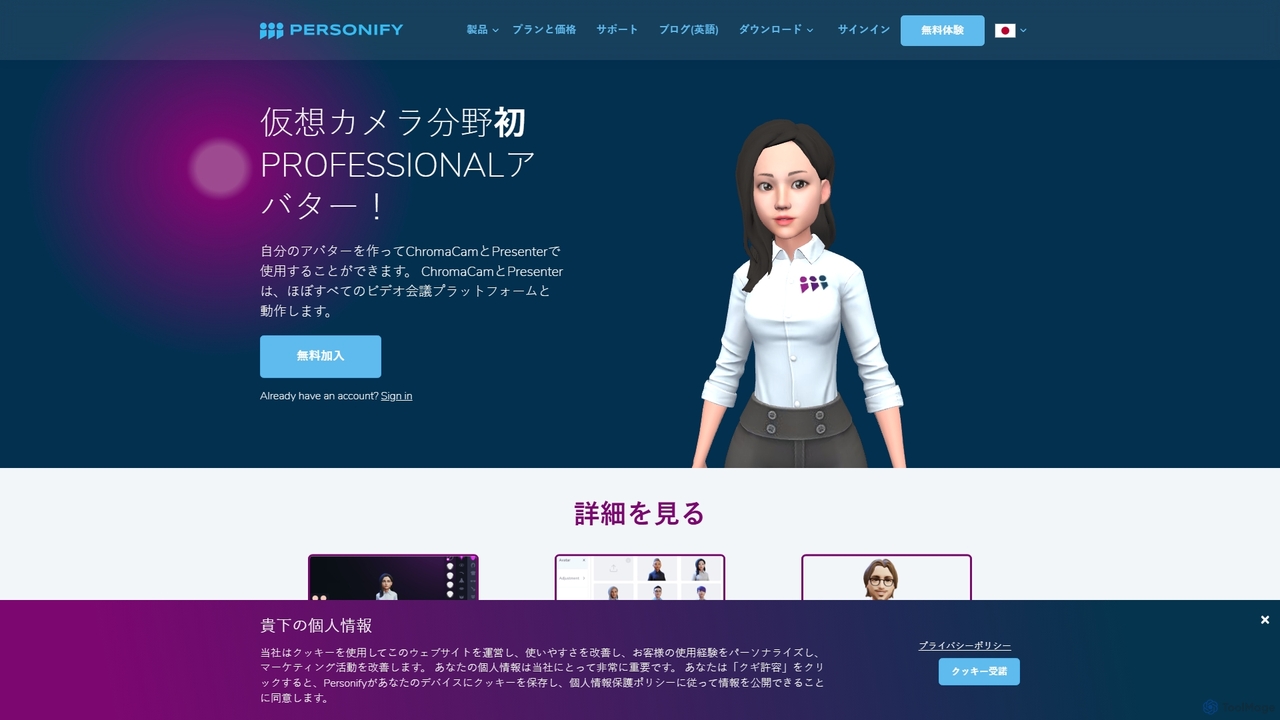
Personify
Personify is an AI-powered suite of virtual camera tools, including Presenter and ChromaCam, designed to create immersive and engaging video presentations. It allows users to overlay their video on content, use custom 3D avatars, and replace backgrounds in any video conferencing app.
Virtual Identity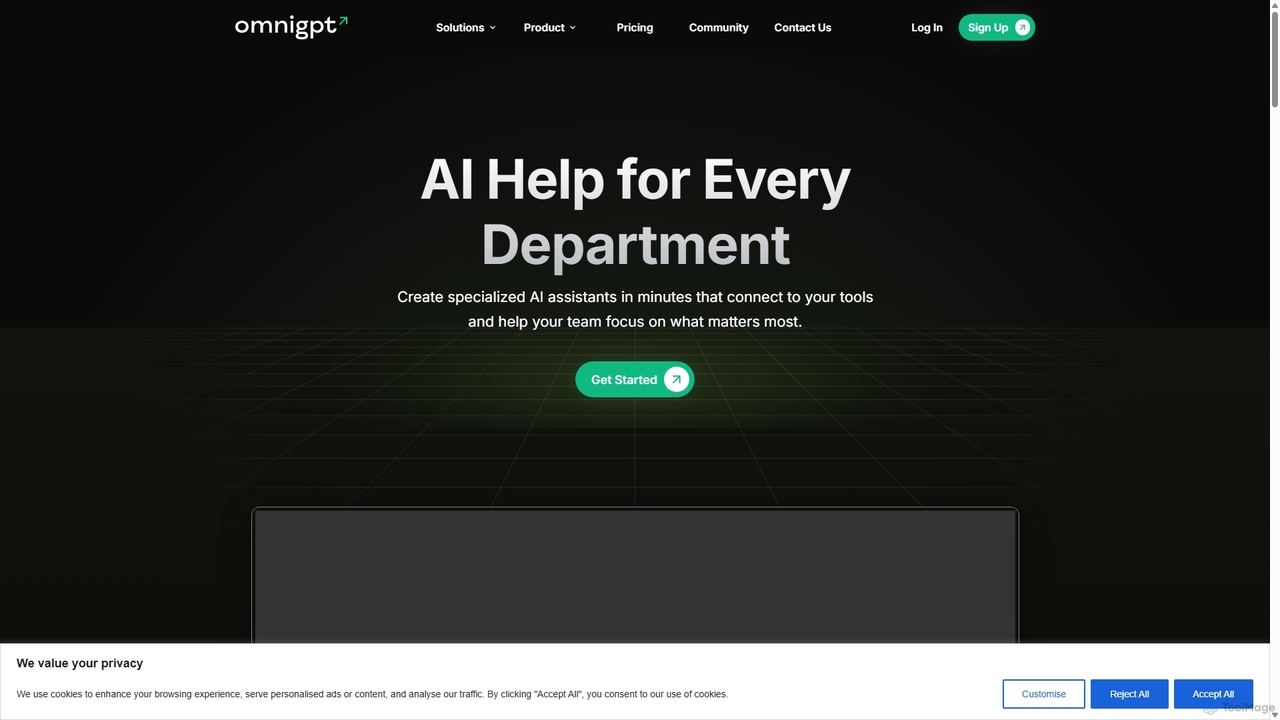
OmniGPT
OmniGPT is an all-in-one AI productivity platform that provides access to multiple leading AI models like GPT-4, Claude 3.5, and Llama 3 through a single subscription. Designed for individuals and teams, it enhances workflows with features such as document analysis, image generation, team collaboration, and seamless integrations with everyday tools like WhatsApp and Slack, offering a cost-effective alternative to multiple AI service subscriptions.
Code Assistant
Tingo.ai
Tingo.ai is an AI-powered productivity and workflow automation platform designed for modern teams. It integrates with your existing tools like Slack and Jira to automate meeting summaries, task management, and knowledge base creation, helping your team stay aligned and focus on what matters most.
Project Management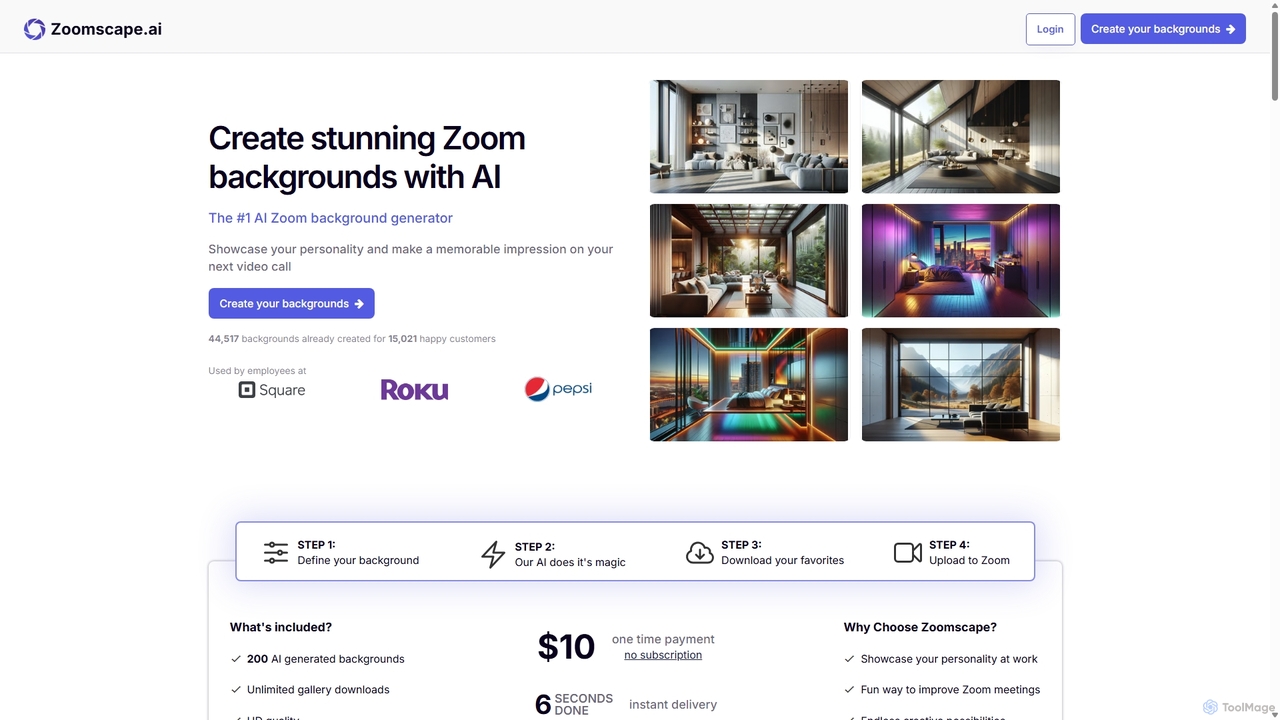
ZoomScape.ai
ZoomScape.ai is an AI-powered generator that creates hundreds of unique, stunning, and high-definition virtual backgrounds for Zoom and other video conferencing platforms. In seconds, you can generate personalized backdrops that showcase your personality, enhance your professional brand, and make your meetings more engaging.
Miscellaneous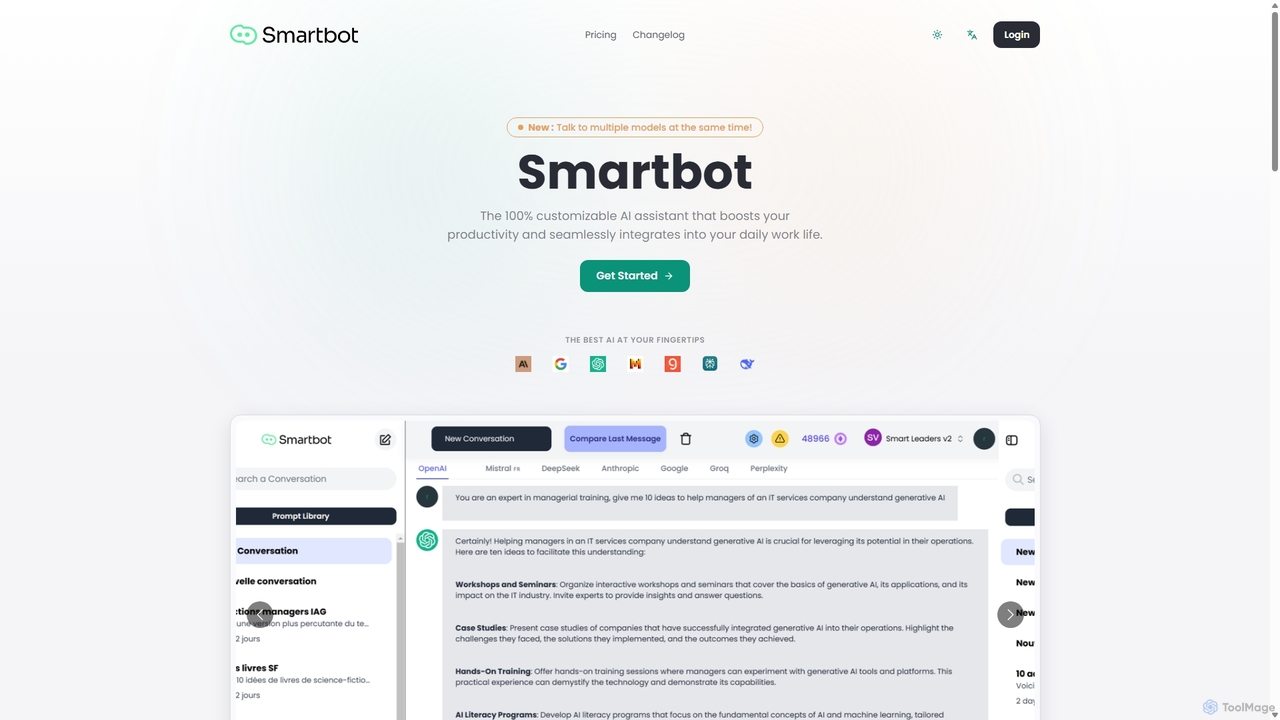
Smart Bot
Smart Bot is a highly customizable AI assistant that boosts productivity by integrating multiple top-tier AI models like ChatGPT, Claude, and Gemini into a single interface. It allows users to compare responses simultaneously, manage a shared library of custom prompts for team collaboration, and even visualize and test generated code. With features like image and file reading, it streamlines daily workflows for individuals and organizations.
Code Assistant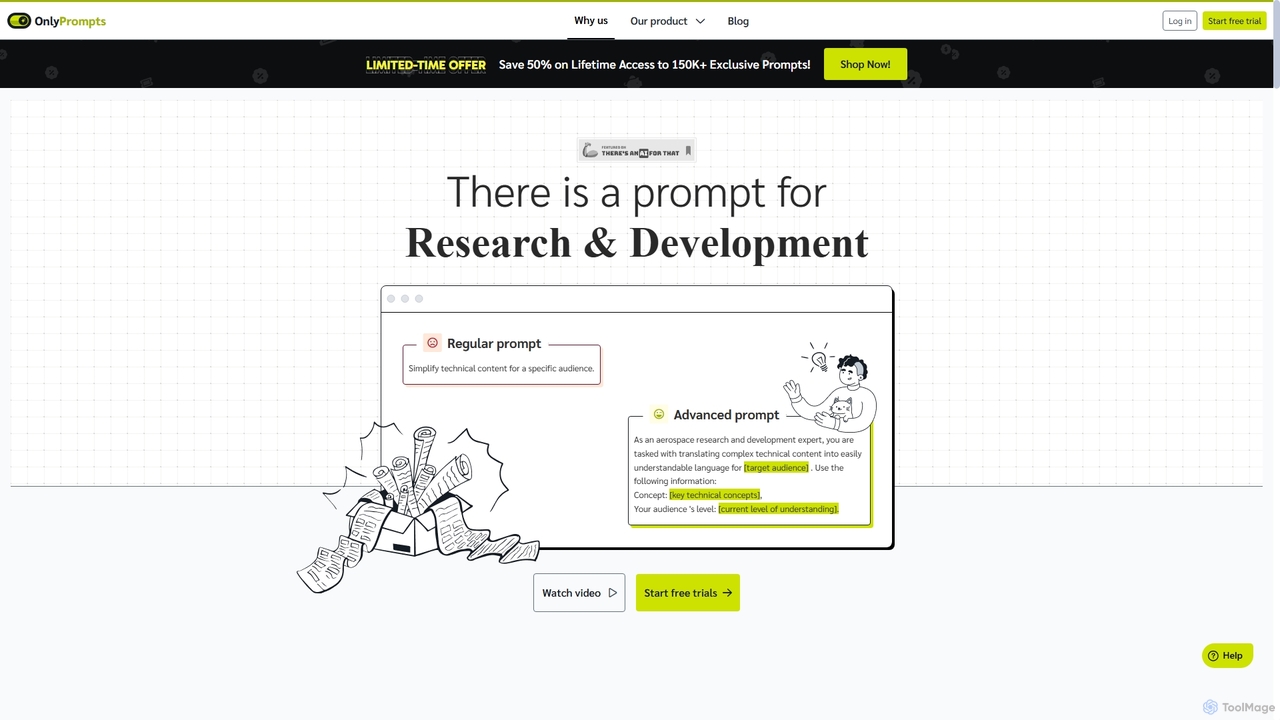
OnlyPrompts
OnlyPrompts is the ultimate AI prompt library, offering over 150,000 expertly crafted prompts for 37,000+ tasks. It features an integrated AI assistant compatible with GPT-4 and Claude 3, side-by-side prompt testing, and customizable templates. Designed for professionals in marketing, HR, finance, and more, it streamlines workflows, enhances productivity, and elevates the quality of AI-generated content.
Operations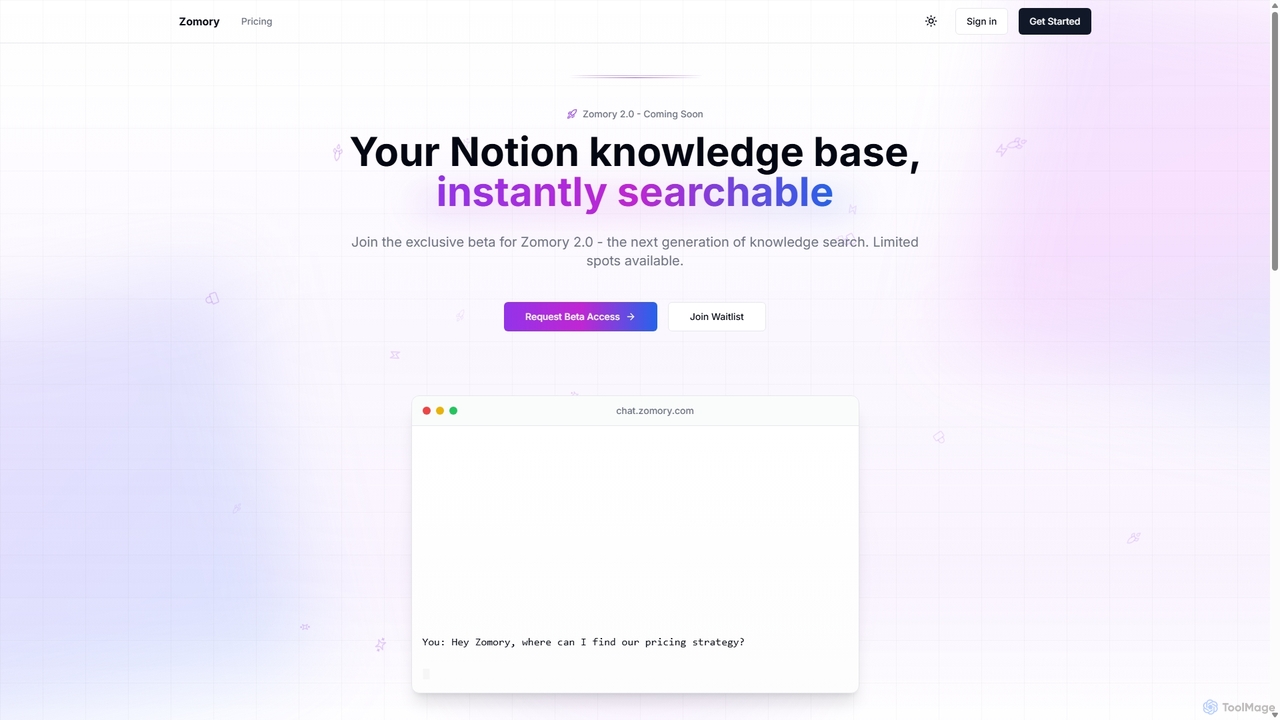
Zomory
Zomory is an AI-powered search tool that transforms your Notion knowledge base into an instantly searchable resource. Integrated directly with Slack, it allows teams to find information using natural language, ask follow-up questions, and get answers in milliseconds without switching context.
Collaboration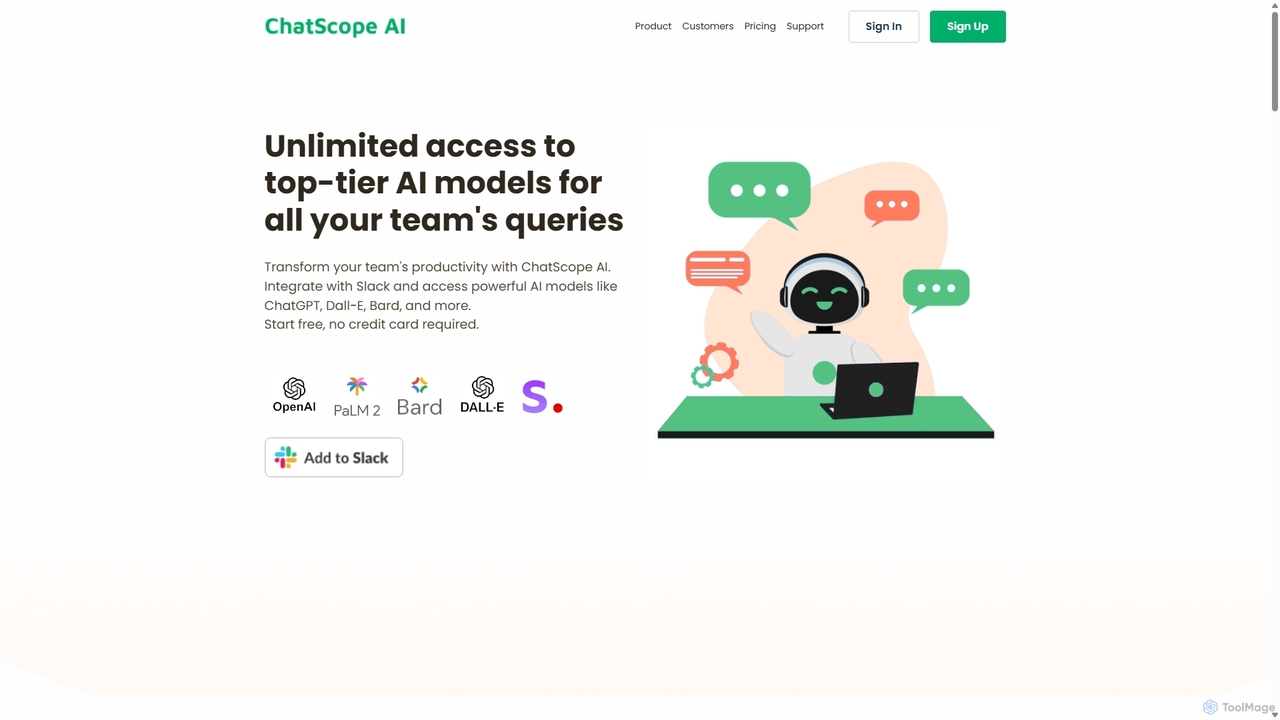
ChatScope AI
ChatScope AI integrates top-tier AI models like ChatGPT, Dall-E, and Bard directly into your Slack workspace. Boost team productivity by answering questions, summarizing threads, brainstorming ideas, and generating content, all within your existing communication channels. It's a cost-effective solution designed for seamless collaboration and enhanced efficiency.
Multi Model Access
carlos_app
carlos_app is an intelligent AI personal assistant designed to streamline your workflow, manage tasks, automate scheduling, and enhance communication. It acts as your proactive partner, helping you focus on what truly matters by handling the administrative details.
Task ManagementSupercut
Supercut is an AI-powered screen recording tool designed for teams to create professional, branded videos with blazing speed. It automates tedious tasks like chapter creation and editing, enabling users to record, share, and get results instantly. Ideal for sales, customer support, and team collaboration.
Helpdesk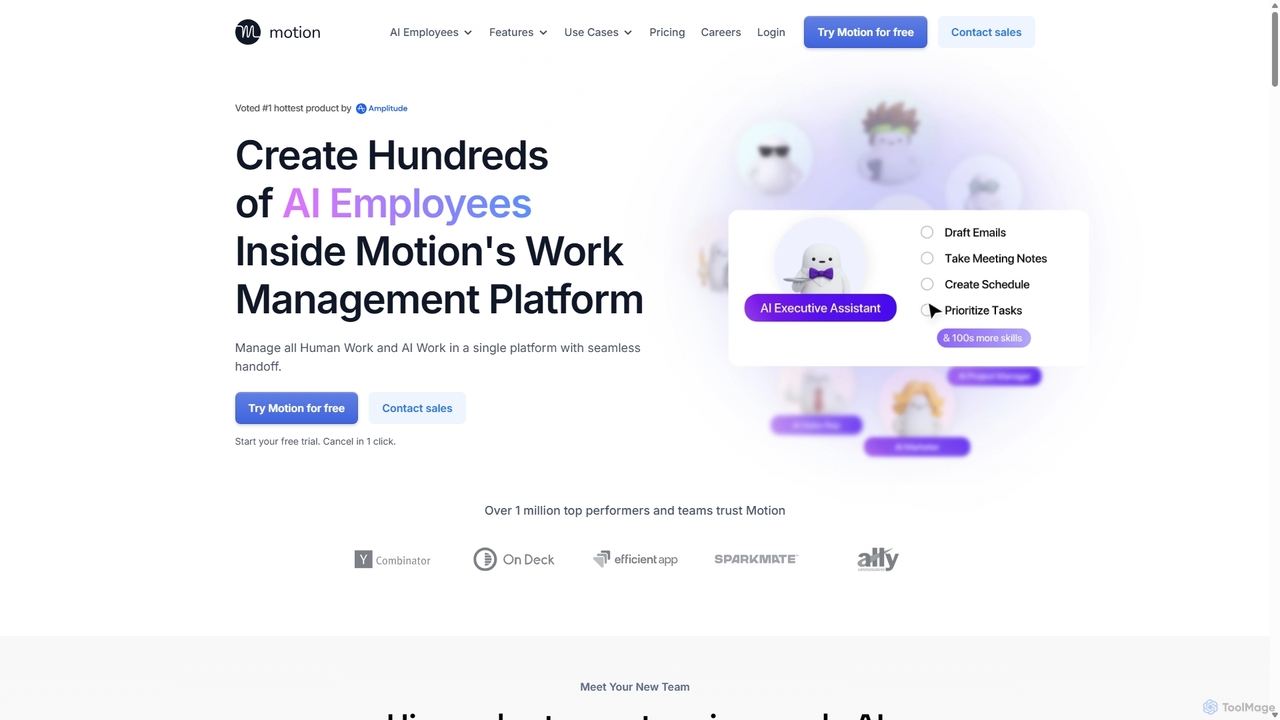
Motion
Motion is an AI-powered platform that provides a suite of AI Employees and productivity tools to automate tasks, manage projects, and organize schedules. It's designed to 10x your team's output by handling everything from calendar management and email replies to sales outreach and customer support, all within a single integrated workspace.
Virtual Assistant
Zoom Comments (0)
Sign in to comment.
Sign inNo comments yet.