
ToolMage
Sign in

Best 1 Multi Model Access AI tools for Ai Chatbots

Popular Multi Model Access AI tools in Ai Chatbots include ChatScope AI, helping you work more efficiently.

ChatScope AI
Freemium

ChatScope AI

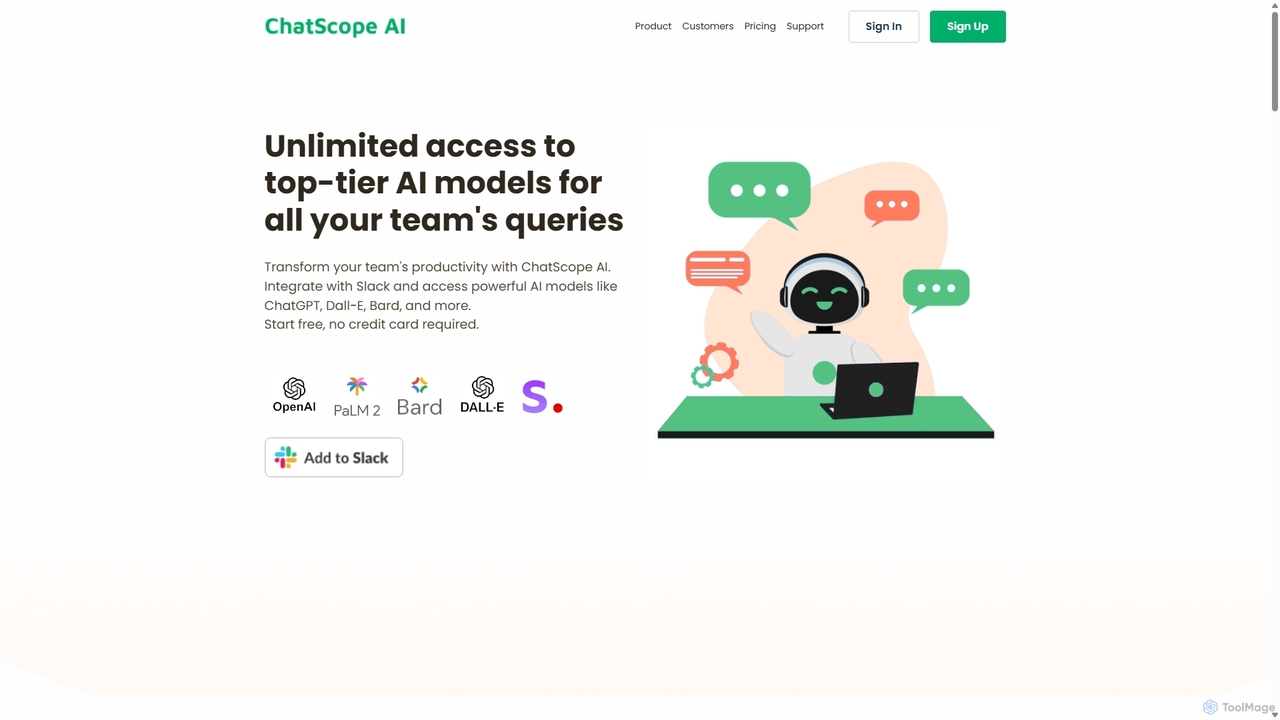
ChatScope AI integrates top-tier AI models like ChatGPT, Dall-E, and Bard directly into your Slack workspace. Boost team productivity by answering questions, summarizing threads, brainstorming ideas, and generating content, all within your existing communication channels. It's a cost-effective solution designed for seamless collaboration and enhanced efficiency.

Multi Model Access
Visits 7.3KFavorites 184Likes 176

About Multi Model Access

Multi Model Access tools are specialized AI chatbot platforms that provide a unified interface to access and switch between various large language models (LLMs) from different providers. Instead of being limited to a single model like GPT-4 or Claude 3, these tools act as a central gateway to a diverse range of AI models. This enables users to directly compare model performance for specific tasks, optimize operational costs by selecting the most efficient model, and ensure service continuity with fallback options. They often include advanced features for intelligent prompt routing and cross-model performance analytics.

Core Features

  • Model Library & Switching: Access a wide selection of LLMs (e.g., from OpenAI, Anthropic, Google, Mistral) and instantly switch between them within the same interface.
  • Unified API Endpoint: A single API that simplifies development by allowing calls to multiple different models without changing code for each provider.
  • Cost & Usage Analytics: Dashboards to monitor API spending, track token usage per model, and compare the cost-effectiveness of different options.
  • Performance Comparison: Side-by-side testing capabilities to evaluate the speed, quality, and style of responses from various models for the same prompt.
  • Intelligent Routing: Automatically directs queries to the most appropriate or cost-effective model based on complexity, content, or predefined rules.

Use Cases

These tools are ideal for developers building resilient AI applications, businesses aiming to control and optimize AI expenditure, and researchers conducting comparative studies on LLM capabilities. Content creators and prompt engineers also use them to experiment and find the best model for generating specific types of content, from marketing copy to creative writing.

How to Choose

When selecting a Multi Model Access tool, evaluate the breadth and recency of its supported model library. Assess the quality of its API documentation and SDKs for ease of integration. Scrutinize the pricing model, including any platform fees on top of base model costs. Finally, consider the sophistication of its management tools for analytics, cost control, and automated routing.

Multi Model Access use cases

1

A/B Testing AI Models for Marketing Copy

A marketing specialist needs to generate compelling ad copy for a new product launch. Using a Multi Model Access platform, they input a single detailed prompt and simultaneously receive outputs from GPT-4o, Claude 3 Opus, and Llama 3. They can then compare the tone, creativity, and call-to-action effectiveness of each response side-by-side. This process allows them to identify which model best aligns with their brand voice and campaign goals without needing separate subscriptions or interfaces, streamlining the creative workflow.

2

Building Resilient AI Applications with Model Fallback

A developer is creating a customer service chatbot that must maintain high availability. By integrating a unified API from a Multi Model Access provider, they configure their application to use a primary model (e.g., GPT-4o for high-quality responses). They also set up a secondary, faster model (e.g., Claude 3 Haiku) as a fallback. If the primary model's API experiences downtime or high latency, the system automatically reroutes requests to the fallback model. This ensures the chatbot remains operational and responsive, providing uninterrupted service to users.

3

Optimizing AI Operational Costs with Smart Routing

A startup uses an AI-powered tool for internal knowledge base queries. To manage costs, they use a Multi Model Access platform with intelligent routing. Simple queries like 'What is the office Wi-Fi password?' are automatically routed to a fast, inexpensive model like Mistral 7B. More complex, analytical queries such as 'Summarize our Q2 sales performance compared to last year' are sent to a powerful model like Claude 3 Opus. This tiered approach significantly reduces their monthly API bill by ensuring they only pay for high-performance models when absolutely necessary.

4

Academic Research and Comparative LLM Analysis

An AI researcher is conducting a study on the reasoning abilities of different large language models. A Multi Model Access platform is essential for this work. It allows the researcher to create a standardized benchmark of questions and run it across a dozen different models, from open-source to proprietary, through a single interface. The platform's unified logging and output formatting capabilities simplify data collection, enabling the researcher to efficiently gather and analyze results to draw meaningful conclusions about the strengths and weaknesses of each model.

5

Creative Exploration and Prompt Engineering

A creative writer is developing a concept for a new sci-fi story. They use a Multi Model Access tool like Poe to test their core premise on a variety of models. They might send the same prompt to a highly creative model like Claude 3 Opus to generate plot ideas, a visually descriptive model to get scene descriptions, and a more logical model like GPT-4 to check for plot holes. This ability to tap into the unique 'personalities' and strengths of different models from one place accelerates their creative process and helps them refine their ideas from multiple perspectives.

6

Centralized AI Governance and Cost Control for Enterprises

An enterprise IT department needs to provide AI tools to various teams while maintaining control over security and spending. They deploy a Multi Model Access platform as a centralized gateway. This allows them to manage user access, set team-specific budgets, and enforce usage policies across all available LLMs. The platform's comprehensive dashboard provides a single view of all AI-related activities and costs, eliminating the need to manage separate subscriptions with OpenAI, Google, and Anthropic. This simplifies administration, enhances security, and provides clear visibility into the company's overall AI expenditure.

Multi Model Access FAQ

What are Multi Model Access tools?

Multi Model Access tools are platforms that act as a single gateway to multiple large language models (LLMs) from various providers like OpenAI, Google, and Anthropic. Unlike a standard AI chatbot that is tied to one specific model, these tools allow users to switch between, compare, and manage a diverse library of models through one unified interface or API. Their primary purpose is to provide flexibility, enable cost optimization, and simplify development for AI-powered applications.

What is the difference between a Multi Model Access tool and a standard AI Chatbot?

The key difference lies in choice and scope. A standard AI Chatbot (like the basic ChatGPT interface) typically uses a single underlying AI model. A Multi Model Access tool is a meta-platform built on top of many models. It allows you to choose which model to use for your query. Key differentiators include:

  • Model Selection: Standard chatbots offer no choice; Multi Model tools offer a library of choices.
  • Primary Goal: Standard chatbots focus on conversation; Multi Model tools focus on flexibility, comparison, and management.
  • Target User: Standard chatbots are for general users; Multi Model tools are often for developers, researchers, and businesses optimizing AI usage.
Why use a Multi Model Access tool instead of directly using an API from OpenAI or Google?

Using a Multi Model Access tool offers several advantages over a direct API integration. The primary benefits are avoiding vendor lock-in and simplifying management. With a unified API, you can switch models without rewriting your code, making your application more resilient and future-proof. These platforms also provide centralized billing, usage analytics across all models, and features like automatic failover to a backup model, which you would otherwise have to build and manage yourself. This saves significant development time and operational overhead.

What key features should I look for in a Multi Model Access tool?

When choosing a tool, focus on features that support your specific needs. Key aspects to consider include:

  • Model Library: Ensure it supports the models you need, including the latest versions and open-source options.
  • API Quality: Look for well-documented, reliable APIs with low latency and SDKs for your preferred programming languages.
  • Cost Management: Check for detailed analytics dashboards, budget alerts, and tools to track spending per user or project.
  • Advanced Routing: For complex applications, look for features like semantic routing (choosing a model based on query content) or automatic cost-optimization routing.
  • Security and Compliance: Verify that the platform meets your organization's security standards, especially for handling sensitive data.
Who are Multi Model Access tools best suited for?

These tools are particularly valuable for users who need more than just a simple conversational interface. Key user groups include:

  • Developers: For building applications that require flexibility, resilience (via model fallback), and the ability to integrate the best model for a specific task without being locked into one ecosystem.
  • Businesses & Enterprises: For managing and optimizing AI costs, ensuring governance and security, and providing employees with access to a wide range of AI capabilities through a single, controlled platform.
  • Researchers: For conducting comparative studies on LLM performance, behavior, and biases across a standardized set of tasks.
  • Power Users & Prompt Engineers: For experimenting with prompts across different models to discover unique outputs and understand the nuanced strengths of each AI.