Communication Best in category 1 results Team Management AI Tool

Popular AI tools in the Team Management field of Communication include Loom, etc., helping you quickly improve efficiency.

Loom

Loom

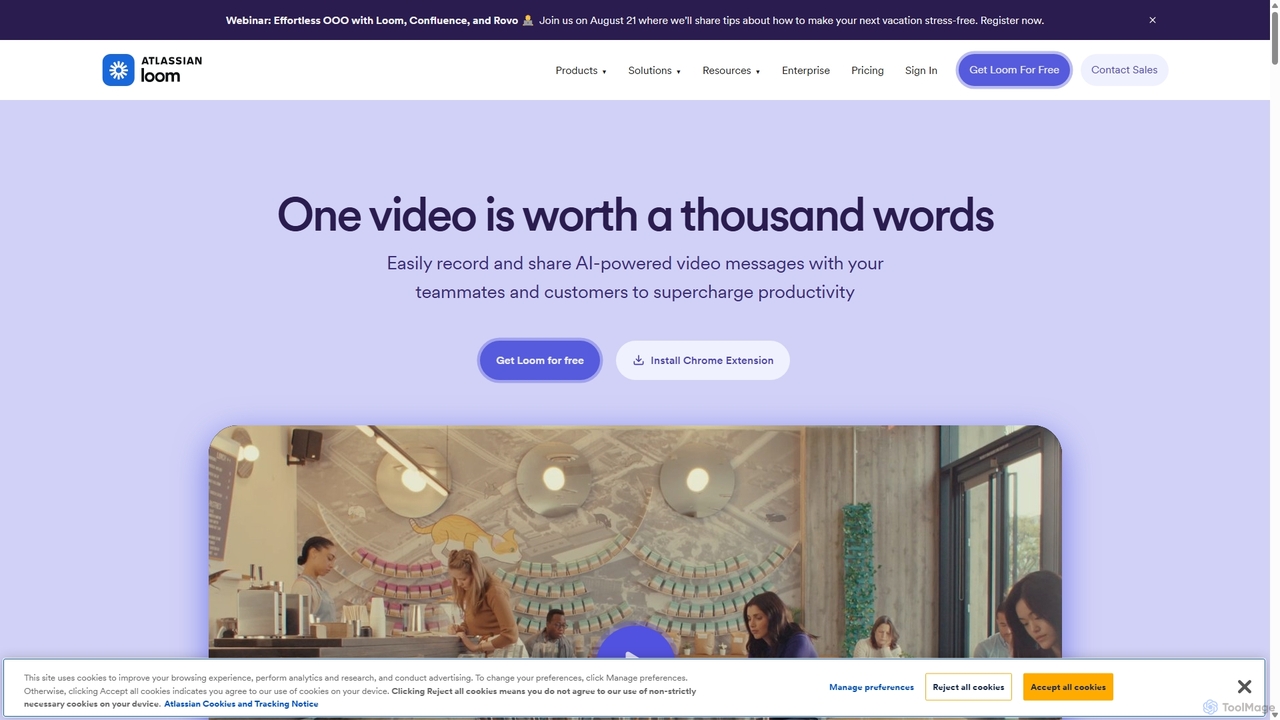
Loom is an AI-powered video messaging platform for work that allows users to instantly record and share their …

18.8M

About Team Management

AI Team Management tools are platforms that use artificial intelligence to optimize project workflows, task allocation, and team performance. They leverage machine learning algorithms to analyze project data, predict outcomes, and provide data-driven recommendations for managers. This enables teams to move beyond simple task tracking, focusing on proactive resource allocation, risk mitigation, and continuous productivity improvement. As a specialized area within Communication, these tools structure collaboration around specific goals and deliverables, making communication more efficient and context-aware.

Core Features

  • Intelligent Task Assignment: Automatically suggests the most suitable team member for a task based on skills, availability, and current workload.
  • Predictive Analytics: Forecasts project timelines, identifies potential bottlenecks, and alerts managers to at-risk tasks before they become critical.
  • Automated Progress Tracking: Monitors task completion and project milestones in real-time, generating automated status reports.
  • Performance Insights: Provides objective, data-driven analytics on individual and team productivity, helping to identify coaching opportunities.
  • Workload Balancing: Visualizes resource distribution across the team, helping managers prevent burnout and optimize allocation.

Use Cases

These tools are particularly valuable for technology companies, marketing agencies, consulting firms, and any organization with remote or distributed teams. They are used by project managers to oversee complex initiatives, by team leads to balance workloads and monitor sprint progress, and by executives to gain a high-level view of organizational productivity.

How to Choose

When selecting an AI Team Management tool, consider its integration capabilities with your existing stack (e.g., Slack, Jira, GitHub). Evaluate the sophistication of its AI features—does it offer simple automation or deep predictive analytics? Also, assess its scalability for your team size, data security protocols, and the user-friendliness of its interface for both managers and team members.

Team ManagementUse Cases

1

Optimize Sprint Planning for a Software Team

A software development lead uses an AI Team Management tool to plan their two-week sprints. Before the planning meeting, the AI analyzes the backlog of user stories and each developer's historical performance, skills, and current workload. It then suggests an optimal distribution of tasks, assigning complex backend tasks to senior engineers with available capacity and frontend tasks to UI specialists. This data-driven approach reduces planning time by 50% and helps create a more balanced, achievable sprint plan, increasing the team's velocity and reducing the risk of developer burnout.

2

Manage a Cross-Functional Marketing Campaign

A marketing manager at a B2B tech company is launching a new product. They use an AI Team Management tool to coordinate efforts between the content, design, social media, and paid ads teams. The tool automatically creates a project timeline, identifies task dependencies (e.g., the ad campaign cannot start until landing page copy and design are complete), and visualizes the workload of each team member. When the content team's blog post is delayed, the AI flags the risk to the social media schedule and suggests reallocating a designer to expedite graphics, ensuring the overall campaign timeline is met.

3

Balance Workloads in a Remote Creative Agency

The operations manager of a fully remote design agency needs to ensure fair work distribution among 20 designers. They use an AI Team Management tool that integrates with their design software and time-tracking tools. The AI provides a real-time dashboard showing each designer's capacity, active projects, and upcoming deadlines. When a new high-priority project comes in, the manager can instantly see who has the bandwidth to take it on. The AI also proactively flags designers who are consistently working overtime, allowing the manager to intervene, reassign tasks, and prevent burnout before it happens.

4

Automate Project Status Reporting for Clients

An account manager at a digital agency spends hours each week manually compiling progress reports for multiple clients. By implementing an AI Team Management tool, they can automate this process. The tool connects to the team's task board and automatically generates a weekly summary for each client, highlighting completed tasks, upcoming milestones, and any potential delays flagged by the AI's predictive analytics. The reports are professionally formatted and can be scheduled to send out automatically. This saves the account manager over 5 hours per week and provides clients with consistent, transparent, and data-backed updates on their project's health.

5

Identify and Mitigate Project Risks Proactively

A project manager for a large-scale construction project uses an AI Team Management platform to monitor progress. The AI continuously analyzes data from various sources, including task completion rates, resource availability, and communication patterns. It identifies a potential risk: a critical-path task is progressing 20% slower than planned, and the assigned subcontractor has a history of delays. The system automatically alerts the project manager, quantifies the potential impact on the final deadline, and suggests mitigation strategies, such as reallocating resources or engaging a backup subcontractor. This allows the manager to address the issue weeks before it would have become a major problem.

6

Improve Performance Reviews with Objective Data

A manager preparing for annual performance reviews uses an AI Team Management tool to gather objective data on each team member's contributions. Instead of relying solely on memory or subjective feedback, the manager accesses a dashboard that shows metrics like tasks completed on time, complexity of assigned work, and collaboration frequency. The AI can also highlight positive trends, such as an engineer who has significantly improved their code review turnaround time. This data allows the manager to have more constructive, evidence-based conversations, recognize specific achievements, and identify clear areas for professional development.

Team ManagementFrequently Asked Questions