

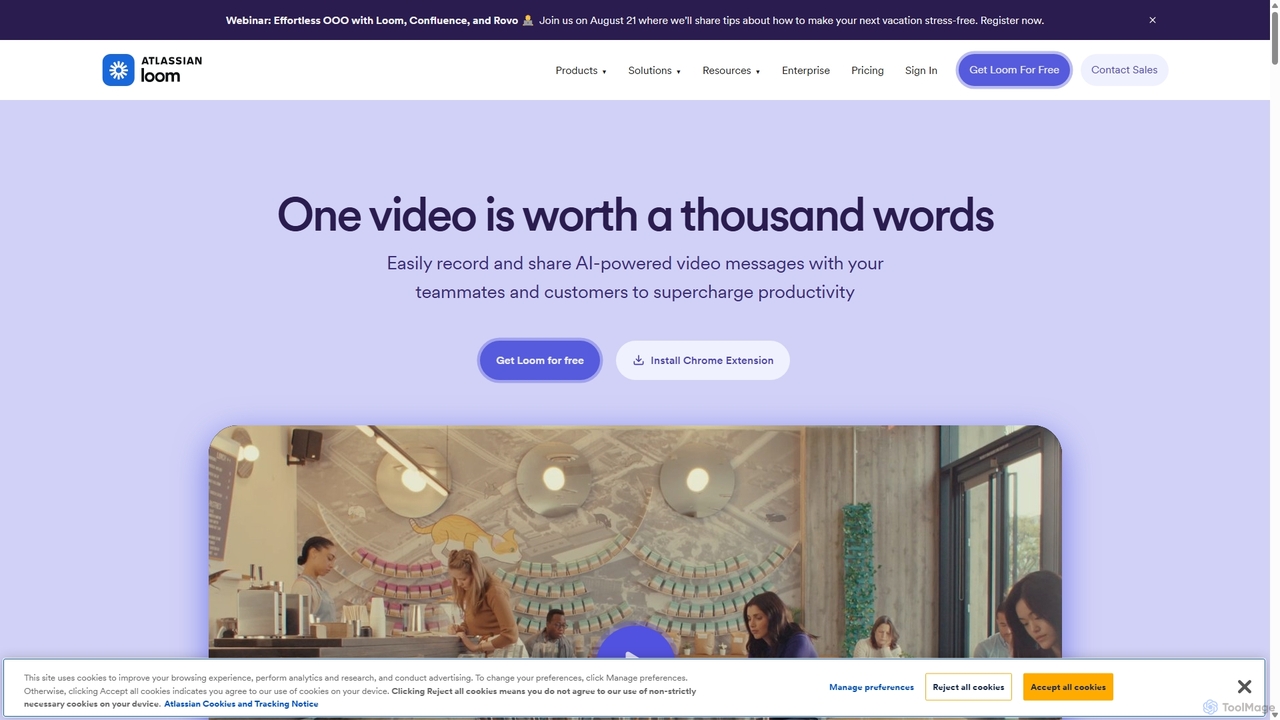
Loom Overview
Loom is a leading asynchronous video communication platform designed to make workplace communication more efficient, effective, and personal. Acquired by Atlassian, Loom empowers over 25 million users across 400,000 companies to convey complex ideas and provide rich feedback without scheduling another meeting. By allowing users to record their screen, camera, and microphone simultaneously, Loom creates instantly shareable video messages that capture context and tone far better than text alone. The platform is further enhanced by a powerful AI suite that automates tedious tasks, making videos more polished and accessible in a fraction of the time.
How to use Loom
Getting started with Loom is simple and intuitive. First, download the Loom desktop app (for Mac or Windows), the mobile app (iOS/Android), or install the Chrome extension. Once installed, you can start recording with a single click. Choose to record your entire screen, a specific application window, or just your camera. During the recording, you can use tools like a drawing pen, mouse emphasis, and virtual backgrounds to make your message clearer. When you finish, Loom automatically uploads the video and generates a shareable link. There's no rendering or lengthy upload process. The video can then be enhanced by Loom's AI, which can automatically generate a title, a summary, chapters, and identify action items. Share the link in any application—like Slack, Jira, Notion, or email—to collaborate with your team.
Core Features of Loom
- AI-Powered Enhancements (Loom AI): Automatically generates titles, summaries, chapters, and tasks from your video. It also features filler word and silence removal to create polished recordings instantly.
- High-Quality Recording: Capture your screen and camera in up to 4K resolution. Features include virtual backgrounds, camera frames, background noise suppression, and a recording canvas.
- Instant Sharing & Collaboration: Videos are instantly available via a shareable link upon completion. Viewers can react with emojis and leave time-stamped comments to provide precise feedback.
- Advanced Editing Tools: Trim and stitch video clips, edit your video by editing the transcript, add custom thumbnails, and embed clickable links directly into your video.
- Team Workspace & Analytics: Organize videos in a shared team library with folders and spaces. Gain insights into who has watched your video and track engagement metrics.
- Enterprise-Grade Security: Offers advanced security features including SSO (SAML), SCIM for user provisioning, custom data retention policies, and advanced content privacy controls.
- Extensive Integrations: Seamlessly integrates with popular workplace tools like Slack, Jira, Confluence, GitHub, Salesforce, Notion, and Figma.
Use Cases for Loom
Loom is versatile and valuable across various departments and roles:
- Engineering: Conduct code reviews, report bugs with screen recordings, and share technical demos of new features.
- Sales: Send personalized video pitches to prospects, record product demos, and create follow-up messages that stand out.
- Customer Support: Create quick troubleshooting tutorials, provide personalized solutions to customer issues, and build a library of support-related video content.
- Design & Product: Present design mockups, walk through user flows, and gather asynchronous feedback on prototypes.
- Marketing: Share campaign briefs, report on performance metrics, and create internal announcements.
- Leadership & HR: Deliver company-wide updates, onboard new hires, and provide personalized feedback to team members.
Advantages of Loom
Loom's primary advantage is its ability to significantly reduce the need for live meetings, freeing up valuable time on everyone's calendar. It enhances communication clarity by adding visual context and personal tone that text-based communication lacks. The AI suite boosts productivity by automating post-production work, allowing users to share professional-quality videos with minimal effort. For remote and distributed teams, Loom helps foster a stronger sense of connection and collaboration. Its robust security and administrative features make it a scalable solution for organizations of any size.
Pricing and Plans
Loom offers a range of plans to suit different needs:
- Starter: Free. Includes up to 25 videos per person, with a 5-minute recording limit per video. Ideal for individuals getting started.
- Business: $15 USD/user/month (billed annually). Offers unlimited videos, unlimited recording length, custom branding, engagement insights, and basic editing features.
- Business + AI: $20 USD/user/month (billed annually). Includes all Business features plus the full Loom AI suite, such as auto-summaries, filler word removal, and auto-meeting notes.
- Enterprise: Custom pricing. Designed for large organizations, this plan includes advanced security (SSO, SCIM), custom data retention, Salesforce integration, and dedicated support.
- Loom for Education: A free plan is available for verified teachers and students.
A 14-day free trial of the Business + AI plan is available.
Traffic
Latest traffic
Status
Monthly traffic trend
- 2025-9: 17.7M
- 2026-1: 19.6M
- 2026-2: 19.1M
- 2026-3: 20.1M
- 2026-4: 18.8M
- 2026-5: 17.4M
Geography
Top 5 countries / regions
- 🇺🇸United States68.4%
- 🇵🇭Philippines8.9%
- 🇬🇧United Kingdom8.7%
- 🇦🇺Australia7.5%
- 🇮🇳India6.5%
Traffic sources
| Source type | Percentage |
|---|---|
Direct | 85.4% |
Referral | 10.4% |
Email | 4.2% |
Top keywords
| Keyword | Cost per click |
|---|---|
| loom | $1.17 |
| loom desktop app | $2.18 |
| loom download | $1.53 |
| loom login | $3.56 |
| loom video | $1.62 |
Loom Videos on YouTube


AI BusinessBrains


Loom Alternatives
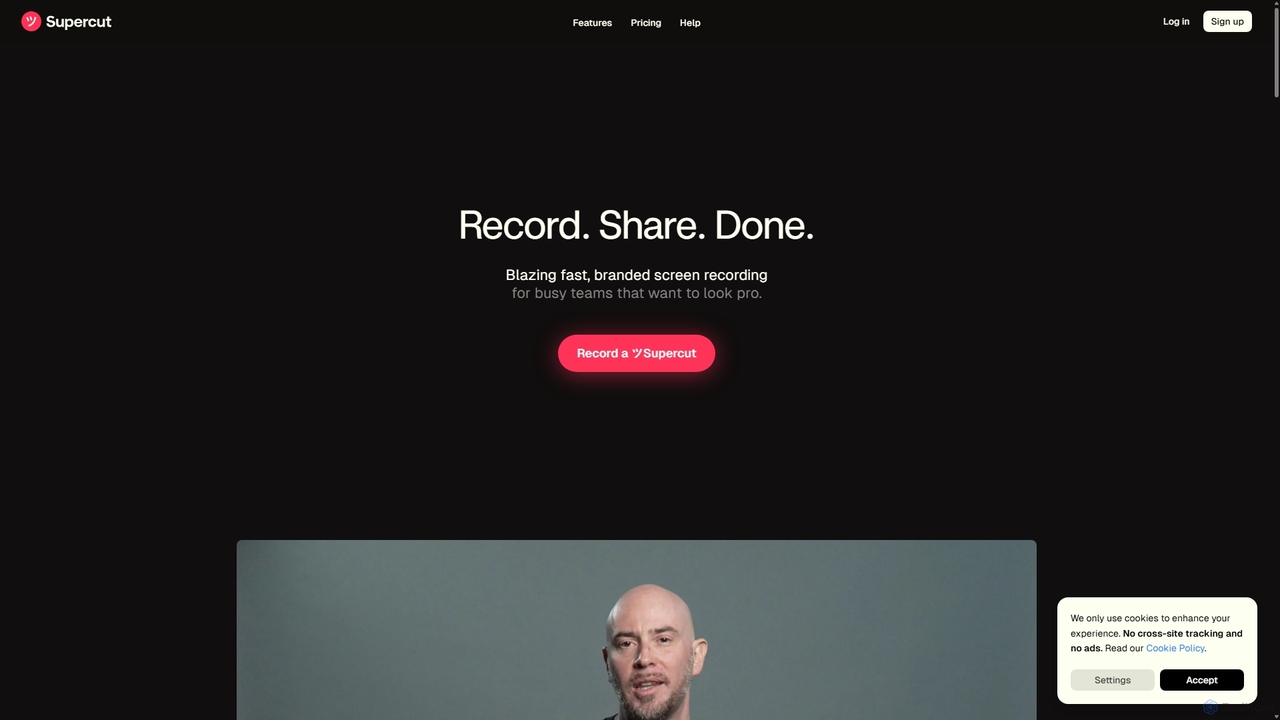
Supercut
Supercut is an AI-powered screen recording tool designed for teams to create professional, branded videos with blazing speed. It automates tedious tasks like chapter creation and editing, enabling users to record, share, and get results instantly. Ideal for sales, customer support, and team collaboration.
Helpdesk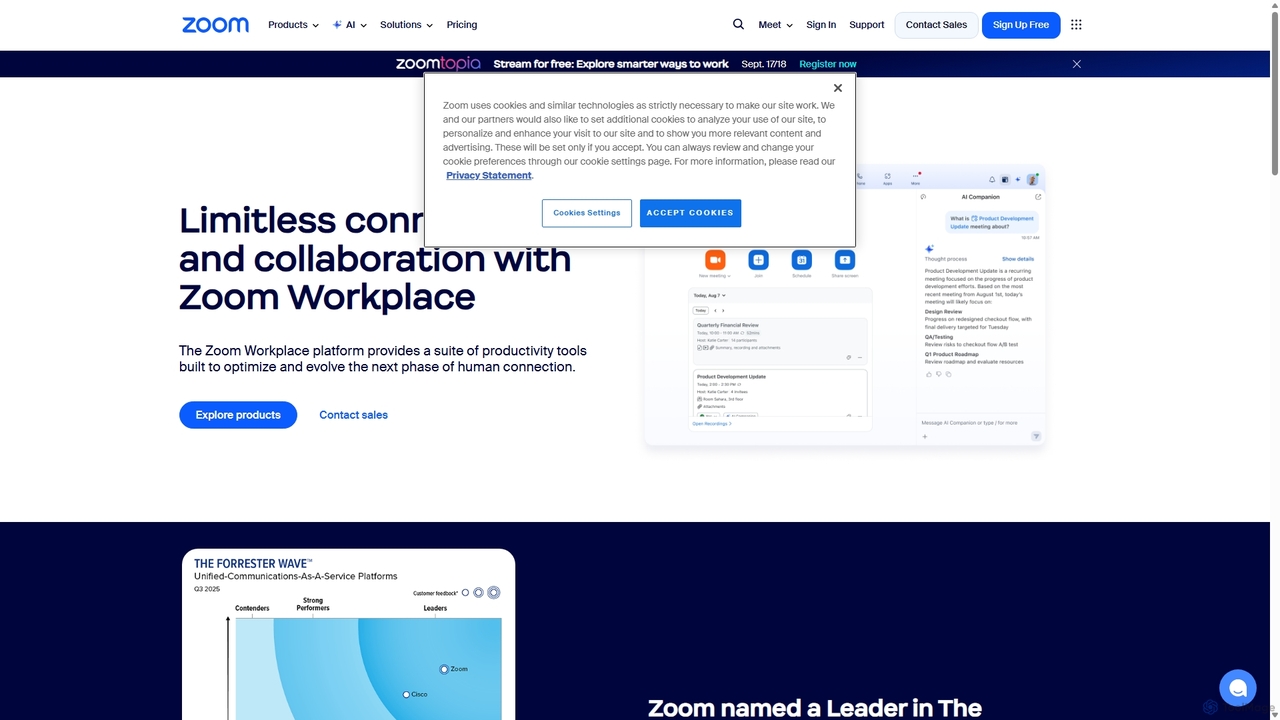
Zoom
Zoom is an AI-first, unified collaboration platform that connects people through video meetings, phone calls, team chat, webinars, and more. Featuring the AI Companion, it streamlines workflows, summarizes meetings, and enhances productivity for remote and hybrid teams across all industries.
Meeting Management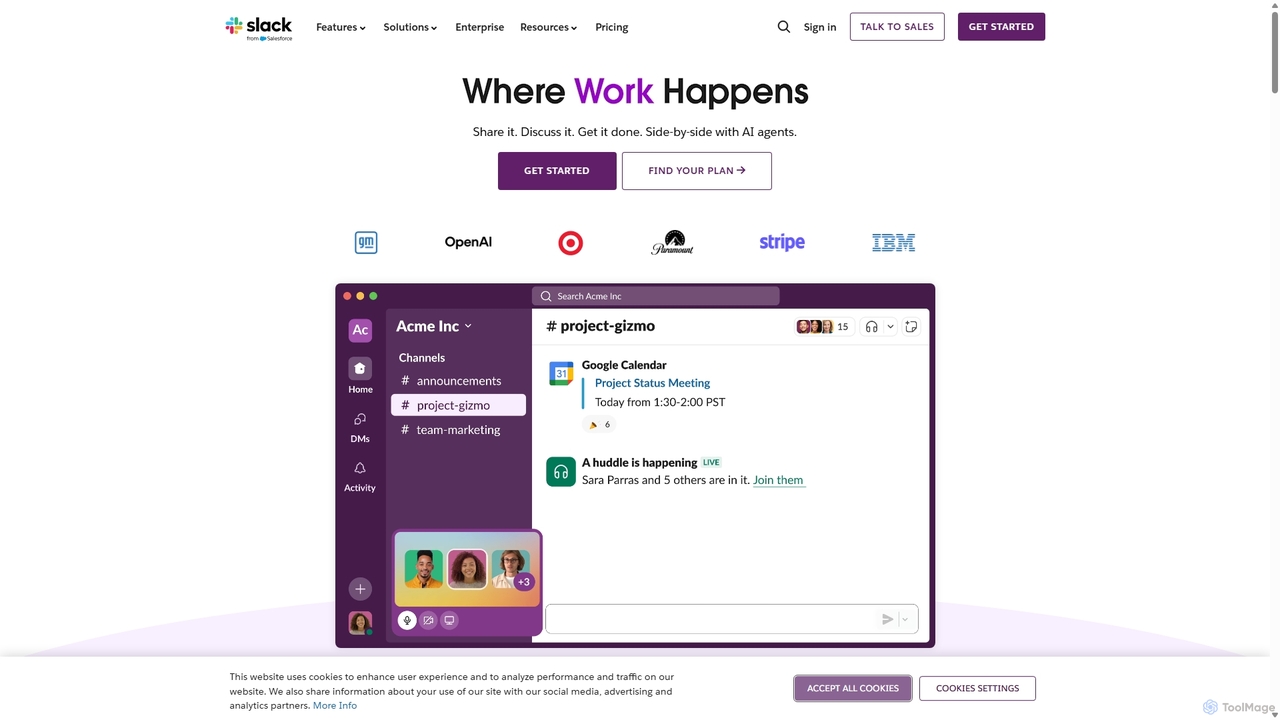
Slack
Slack is an AI-powered collaboration hub that connects your people, partners, and tools. It replaces email with faster, better-organized communication through channels. With integrated AI, workflow automation, and thousands of apps, Slack centralizes your work to boost productivity and streamline project management.
Project Management
Berrycast
Berrycast is an AI-powered video communication tool for Windows and Mac, designed to enhance workplace productivity. It allows users to easily record their screen and webcam, creating clear, shareable video messages for team collaboration, client communication, and asynchronous work. Features include an AI note-taker, video transcription, and seamless integrations.
Content Creation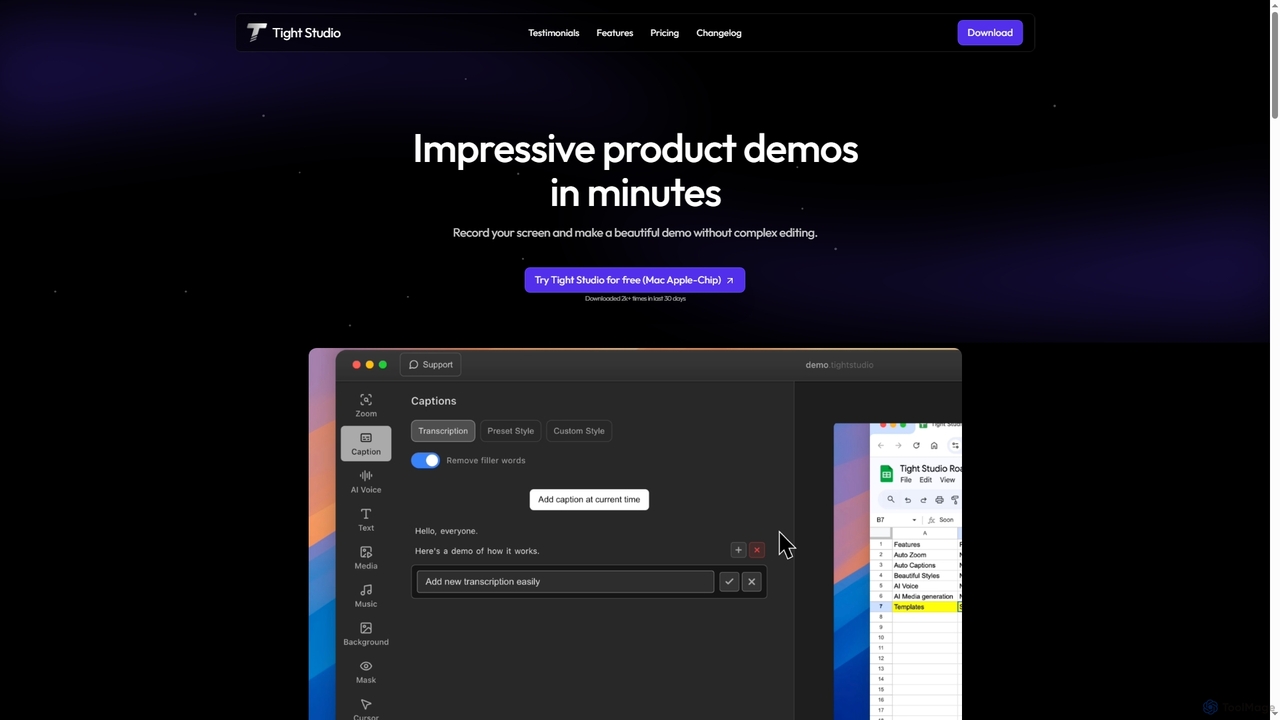
Tight Studio
Tight Studio is an AI-powered screen recording and video editing application for Mac, designed to create professional product demos and tutorials in minutes. It features smart zoom, automatic captions, AI narration, and an intuitive editor, enabling users without editing skills to produce high-quality, engaging videos effortlessly.
TutorialsLoom Categories
Loom Jobs
Loom Embed Widget
Copy this embed code to place the badge on your blog, article, or product site and send readers directly to this ToolMage detail page.

Related AI tools
Supercut
Supercut is an AI-powered screen recording tool designed for teams to create professional, branded videos with blazing speed. It automates tedious tasks like chapter creation and editing, enabling users to record, share, and get results instantly. Ideal for sales, customer support, and team collaboration.
HelpdeskZoom
Zoom is an AI-first, unified collaboration platform that connects people through video meetings, phone calls, team chat, webinars, and more. Featuring the AI Companion, it streamlines workflows, summarizes meetings, and enhances productivity for remote and hybrid teams across all industries.
Meeting Management
OmniGPT
OmniGPT is an all-in-one AI productivity platform that provides access to multiple leading AI models like GPT-4, Claude 3.5, and Llama 3 through a single subscription. Designed for individuals and teams, it enhances workflows with features such as document analysis, image generation, team collaboration, and seamless integrations with everyday tools like WhatsApp and Slack, offering a cost-effective alternative to multiple AI service subscriptions.
Code Assistant
Rayo
Rayo is an AI-powered work management platform designed to automate workflows, streamline project management, and enhance team collaboration. It intelligently organizes tasks, optimizes processes, and provides data-driven insights to help teams achieve their goals faster and more efficiently. Ideal for businesses of all sizes looking to boost productivity.
Collaboration
Slite
Slite is an AI-powered knowledge base and team collaboration tool. It serves as a single source of truth, helping teams organize their documents, share knowledge, and make decisions asynchronously. Its core AI feature, 'Ask', allows users to find answers from across the entire workspace using natural language questions, making information instantly accessible.
Internal Communication
Zomory
Zomory is an AI-powered search tool that transforms your Notion knowledge base into an instantly searchable resource. Integrated directly with Slack, it allows teams to find information using natural language, ask follow-up questions, and get answers in milliseconds without switching context.
CollaborationSlack
Slack is an AI-powered collaboration hub that connects your people, partners, and tools. It replaces email with faster, better-organized communication through channels. With integrated AI, workflow automation, and thousands of apps, Slack centralizes your work to boost productivity and streamline project management.
Project ManagementTight Studio
Tight Studio is an AI-powered screen recording and video editing application for Mac, designed to create professional product demos and tutorials in minutes. It features smart zoom, automatic captions, AI narration, and an intuitive editor, enabling users without editing skills to produce high-quality, engaging videos effortlessly.
Tutorials
Vocol.ai
Vocol.ai is an all-in-one AI voice collaboration platform that transforms spoken conversations into actionable insights. It provides high-accuracy, multilingual transcription (English, Chinese, Japanese), AI-generated summaries, key topics, and action items. Designed for teams, it streamlines workflows, enhances collaboration, and boosts productivity by automating the manual work of note-taking and analysis for meetings, interviews, and lectures.
Speech To Text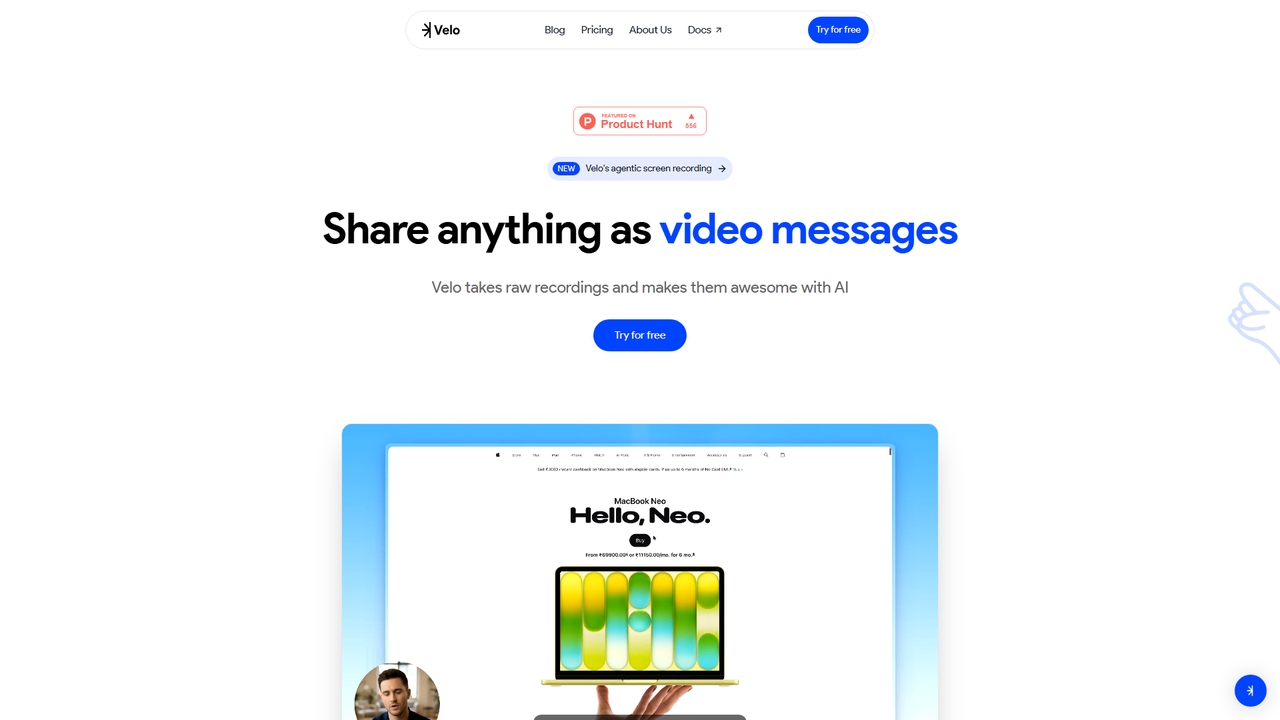
Velo
Velo is an AI-powered video messaging platform that transforms raw screen recordings into professional, share-ready videos. It utilizes agentic screen recording and creates hyper-realistic AI Avatars to help sales, product, support, marketing, education, and creator teams communicate complex ideas effortlessly.
Training
Microsoft Copilot
Microsoft Copilot is your everyday AI companion, enhancing productivity and creativity. It provides intelligent search, content generation, and image creation capabilities by leveraging the latest AI models like GPT-4 and DALL-E 3. Integrated across the Microsoft ecosystem, it assists with writing, coding, planning, and design tasks.
Image Generator
Tingo.ai
Tingo.ai is an AI-powered productivity and workflow automation platform designed for modern teams. It integrates with your existing tools like Slack and Jira to automate meeting summaries, task management, and knowledge base creation, helping your team stay aligned and focus on what matters most.
Project Management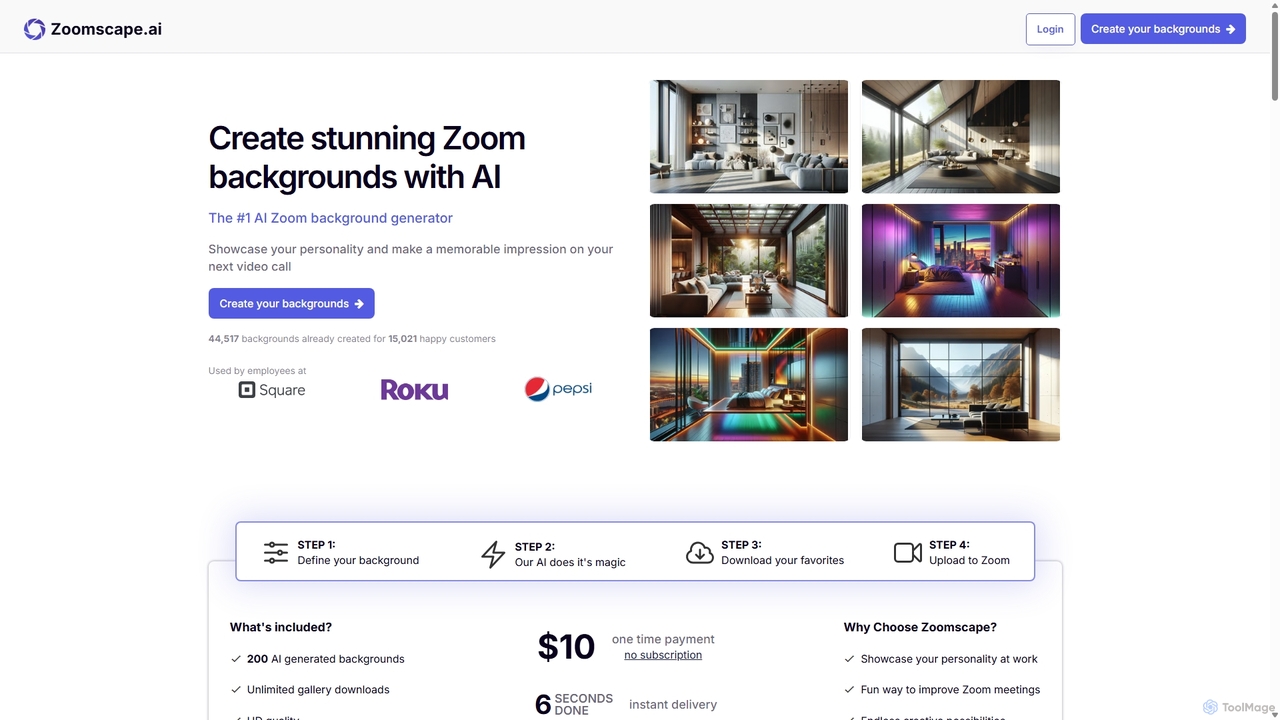
ZoomScape.ai
ZoomScape.ai is an AI-powered generator that creates hundreds of unique, stunning, and high-definition virtual backgrounds for Zoom and other video conferencing platforms. In seconds, you can generate personalized backdrops that showcase your personality, enhance your professional brand, and make your meetings more engaging.
Miscellaneous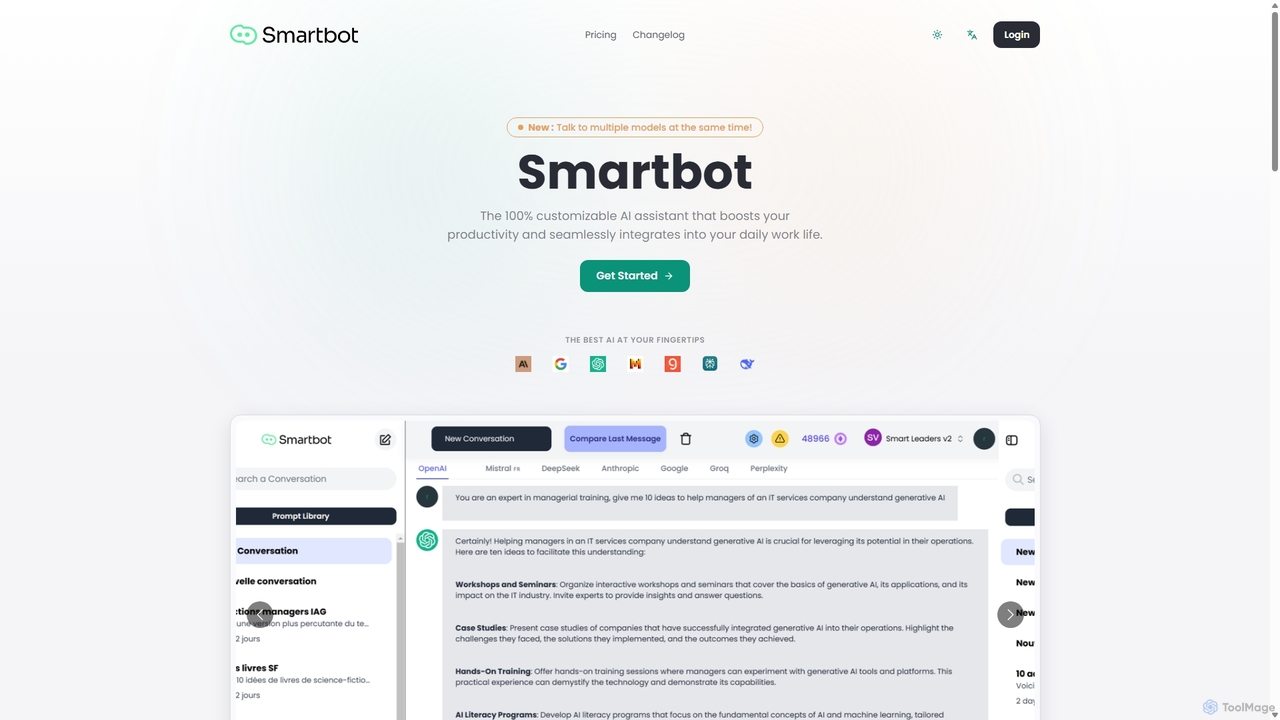
Smart Bot
Smart Bot is a highly customizable AI assistant that boosts productivity by integrating multiple top-tier AI models like ChatGPT, Claude, and Gemini into a single interface. It allows users to compare responses simultaneously, manage a shared library of custom prompts for team collaboration, and even visualize and test generated code. With features like image and file reading, it streamlines daily workflows for individuals and organizations.
Code AssistantBerrycast
Berrycast is an AI-powered video communication tool for Windows and Mac, designed to enhance workplace productivity. It allows users to easily record their screen and webcam, creating clear, shareable video messages for team collaboration, client communication, and asynchronous work. Features include an AI note-taker, video transcription, and seamless integrations.
Content Creation
Loom Comments (0)
Sign in to comment.
Sign inNo comments yet.