
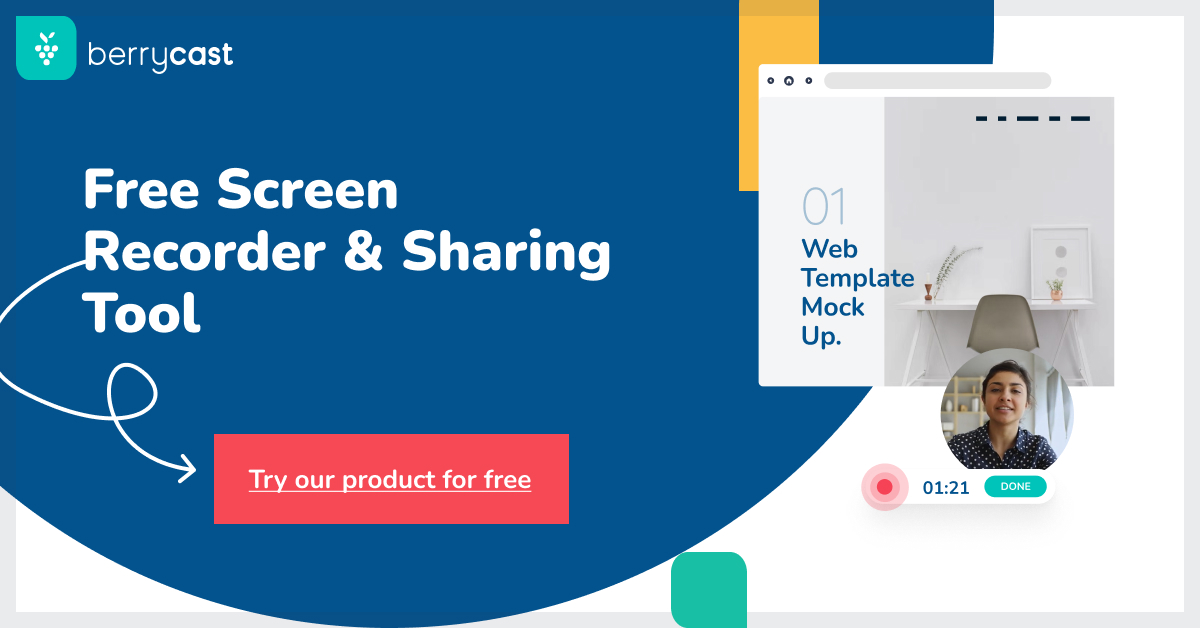

Berrycast Overview
Berrycast is a dynamic and intuitive video communication tool designed to revolutionize how teams and individuals communicate at work. It simplifies the process of creating and sharing screen and webcam recordings, transforming complex messages into clear, engaging, and personal video content. By bridging the gap left by text-based communication, Berrycast enhances clarity, boosts productivity, and adds a crucial human touch to digital interactions. It is trusted by over 2,300 teams and is positioned as a feature-rich and affordable alternative to other platforms like Loom.
The platform's core philosophy is to make communication more efficient and effective. Whether you're a project manager explaining a complex workflow, a sales representative giving a personalized demo, or a customer support agent guiding a user through a solution, Berrycast provides the tools to convey your message with precision and personality. Recently, Berrycast has integrated powerful AI capabilities, including an AI Note Taker and automatic video transcription, further streamlining workflows and saving valuable time.
How to use Berrycast
Getting started with Berrycast is designed to be a straightforward, three-step process:
- Launch and Record: Simply open the Berrycast screen recorder on your Windows or Mac computer. Click the 'Record' button to start capturing your screen, your webcam (as a bubble overlay), or both simultaneously. You can talk over your recording to provide narration and context.
- Enhance and Clarify: Once your recording is complete, you can add more clarity and context. Use annotation tools to highlight key areas on the screen, or trim the video to remove unnecessary parts. The platform automatically generates a shareable link as soon as you finish recording.
- Share and Collaborate: Share the generated link with colleagues, clients, or stakeholders via email, messaging apps, or by embedding it directly into your project management tools. Viewers can leave time-stamped comments and even reply with their own videos, facilitating swift feedback and accelerating decision-making processes.
Core Features of Berrycast
- Screen & Webcam Recording: Simultaneously record your screen and webcam to create personal and engaging video messages.
- AI Note Taker: Automatically generates concise notes and summaries from your video recordings, saving you the effort of manual note-taking.
- AI-Powered Video Transcription: Provides accurate, searchable transcripts for your videos, making content more accessible and easier to reference. (Availability depends on the plan).
- Instant Sharing: Get a shareable link the moment you stop recording. Share via email, social media, or embed anywhere.
- Team Collaboration: Features like video comments, collaborative spaces, and public folders facilitate seamless teamwork and feedback loops.
- Custom Branding: Professional and Enterprise users can customize their video sharing page with their own logo, brand colors, and even use a custom domain (CNAME).
- Video Analytics: Gain insights into viewer engagement. See who watched your video, which parts they viewed, and the average completion rate.
- Integrations: Seamlessly embed and use Berrycast within your favorite daily applications for an uninterrupted workflow.
- Security and Compliance: Berrycast is GDPR compliant, ensuring that your data security is a top priority. Videos can also be password-protected.
- Editing and Customization: Perform basic video editing, add Calls-to-Action (CTAs), and create custom GIF or image thumbnails for your videos.
Use Cases for Berrycast
Berrycast is versatile and can be applied across various professional scenarios:
- Client Communication: Mortgage brokers, consultants, and account managers can explain complex contracts, proposals, or reports with visual clarity, improving customer satisfaction and understanding.
- Project Management: Provide clear feedback on designs, explain project updates, or document processes for the team, reducing misunderstandings and the need for meetings.
- Sales and Demos: Create personalized product demos or follow-up messages for prospects to increase engagement and conversion rates.
- Customer Support: Quickly resolve customer issues by sending a short video that walks them through the solution, reducing back-and-forth communication.
- Team Onboarding & Training: Develop a library of training videos to help new hires get up to speed quickly and consistently.
Advantages of Berrycast
Berrycast offers significant advantages for modern workplaces. It excels in fostering asynchronous communication, which drastically reduces the number of unnecessary meetings and respects team members' focus time. The tool's speed and ease of use mean that creating and sharing a video takes only a few clicks, making it a highly efficient communication method. The addition of AI features like transcription and note-taking further boosts productivity by automating tedious tasks. Compared to competitors, Berrycast provides a robust feature set at a more affordable price point, making it an excellent value proposition for individuals and businesses of all sizes.
Pricing and Plans
Berrycast offers a 14-day free trial and several paid plans to suit different needs:
- Starter Plan: $16/user/month (billed annually). Includes unlimited videos, unlimited recording length, video comments, screen annotation, and basic features.
- Professional Plan: $18/user/month (billed annually). Includes all Starter features plus custom branding, custom domain, 2 hours/month of AI Writer, and 2 hours/month of video transcription.
- Enterprise Plan: $29/user/month (billed annually). Includes all Pro features plus video analytics, unlimited AI Writer, unlimited video transcription, and collaborative spaces.
Special bundle pricing is available for teams with 20+ employees, offering a pay-per-usage model for lower expenses.
Traffic
Latest traffic
Status
Monthly traffic trend
- 2025-9: 25.3K
- 2026-1: 29.8K
- 2026-2: 34.8K
- 2026-3: 39.5K
- 2026-4: 34.4K
- 2026-5: 34.0K
Geography
Top 5 countries / regions
- 🇺🇸United States40.0%
- 🇮🇳India27.6%
- 🇻🇳Vietnam10.9%
- 🇲🇽Mexico10.8%
- 🇳🇬Nigeria10.7%
Traffic sources
| Source type | Percentage |
|---|---|
Direct | 84.8% |
Referral | 13.1% |
Email | 2.1% |
Top keywords
| Keyword | Cost per click |
|---|---|
| alternate version for castomatic | $0.00 |
| berrycast | $4.86 |
| getting meeting summaries when i'm not the host | $0.00 |
| how to screen record on chromebook | $1.60 |
| project communication tools | $0.00 |
Berrycast Alternatives
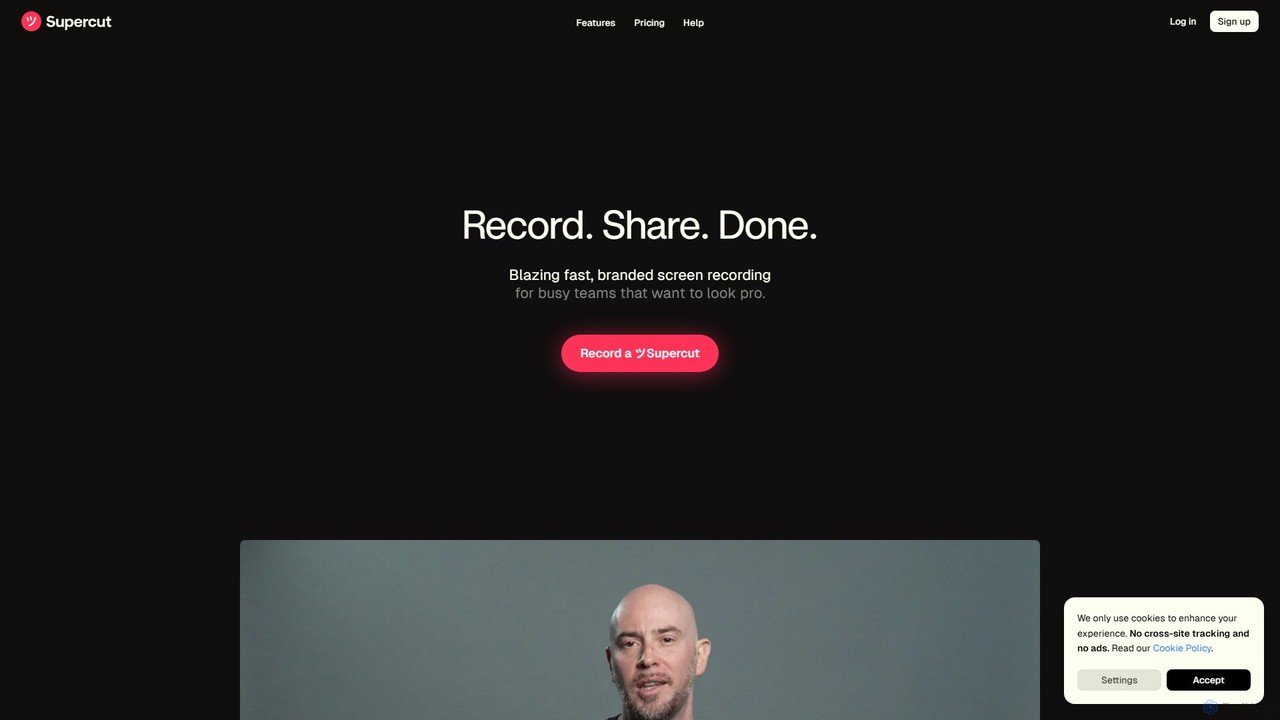
Supercut
Supercut is an AI-powered screen recording tool designed for teams to create professional, branded videos with blazing speed. It automates editing, generates smart chapters, and facilitates collaboration, making it ideal for product demos, sales outreach, and tutorials without a steep learning curve.
Content Creation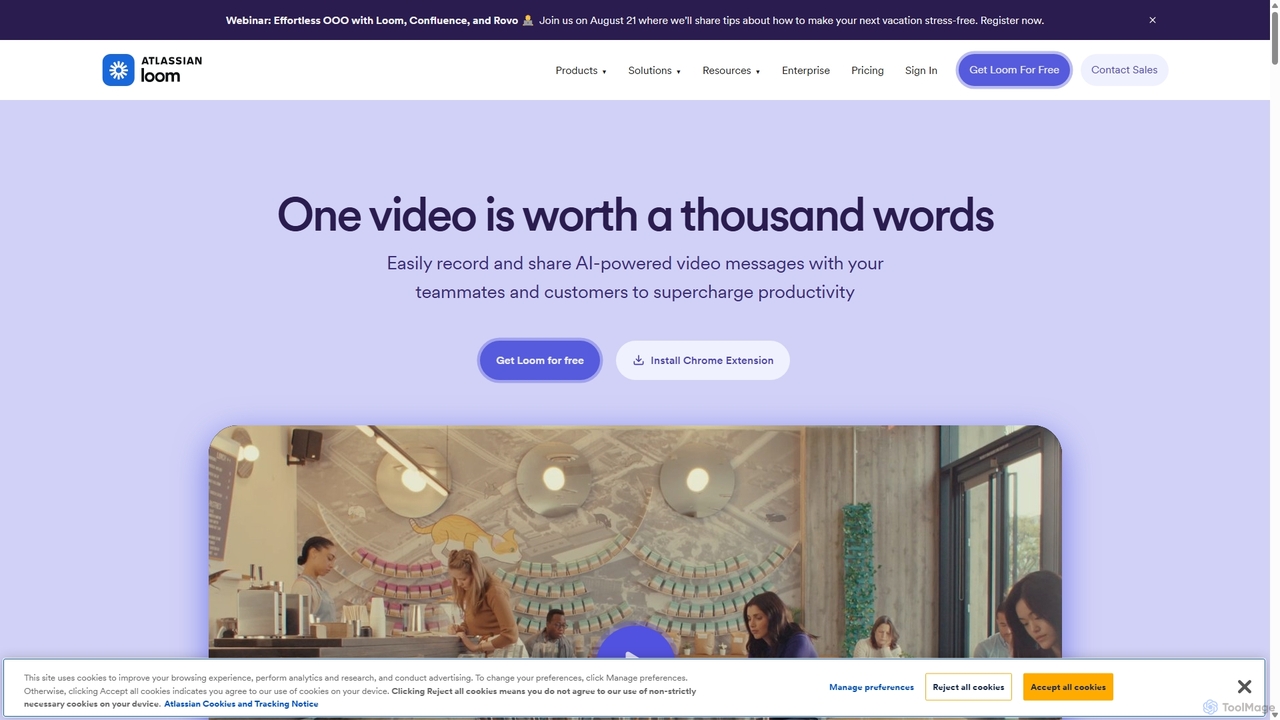
Loom
Loom is an AI-powered video messaging platform for work that allows users to instantly record and share their screen, camera, and audio. It streamlines communication, reduces meetings, and enhances team collaboration with features like AI-powered summaries, transcriptions, and editing tools.
Team Management
Canvid
Canvid is an AI-powered screen recorder for Windows and Mac designed to create professional-looking demos effortlessly. It automatically tracks clicks, applies smart zooms, and uses AI to enhance audio by removing background noise. With features like webcam background replacement and instant captions, Canvid simplifies video production, making it a powerful alternative to tools like Loom.
Content Creation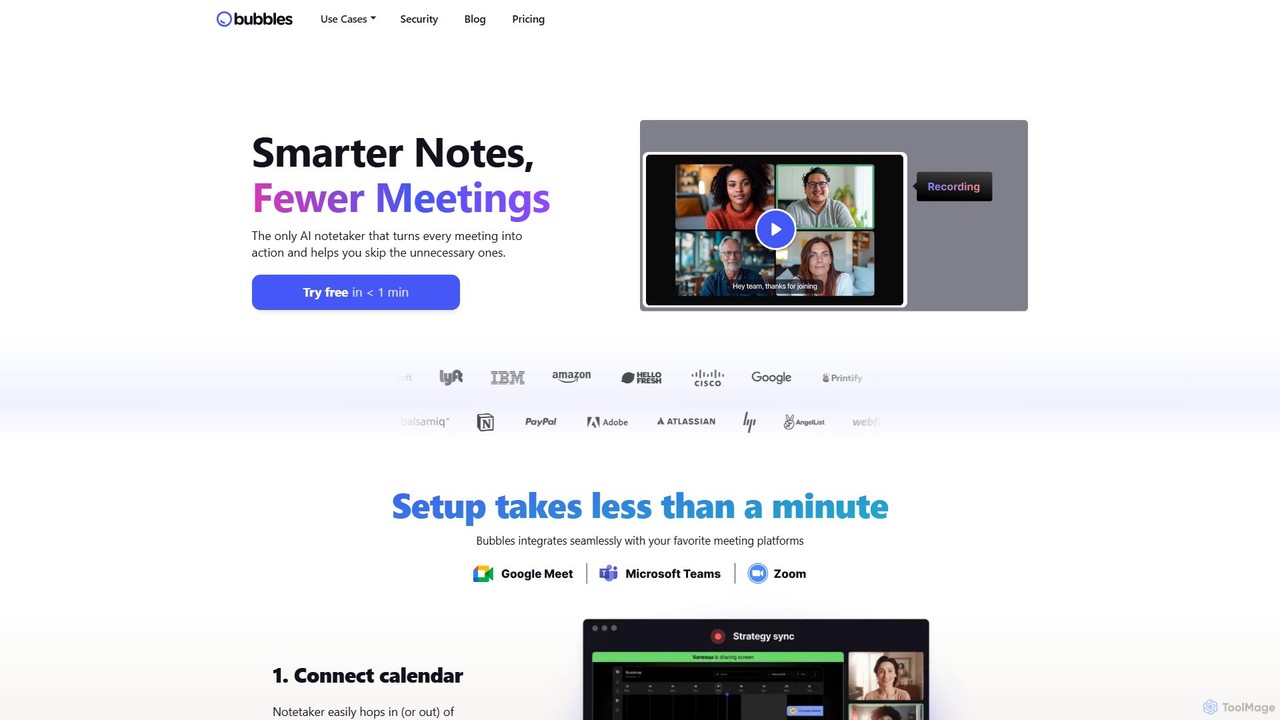
Bubbles
Bubbles is an AI-powered meeting assistant and screen recorder designed to reduce meeting fatigue and enhance team productivity. It automatically joins your meetings to record, transcribe, and generate concise summaries with actionable items. It also facilitates asynchronous communication through screen and video recordings, helping teams collaborate effectively without constant calls.
Collaboration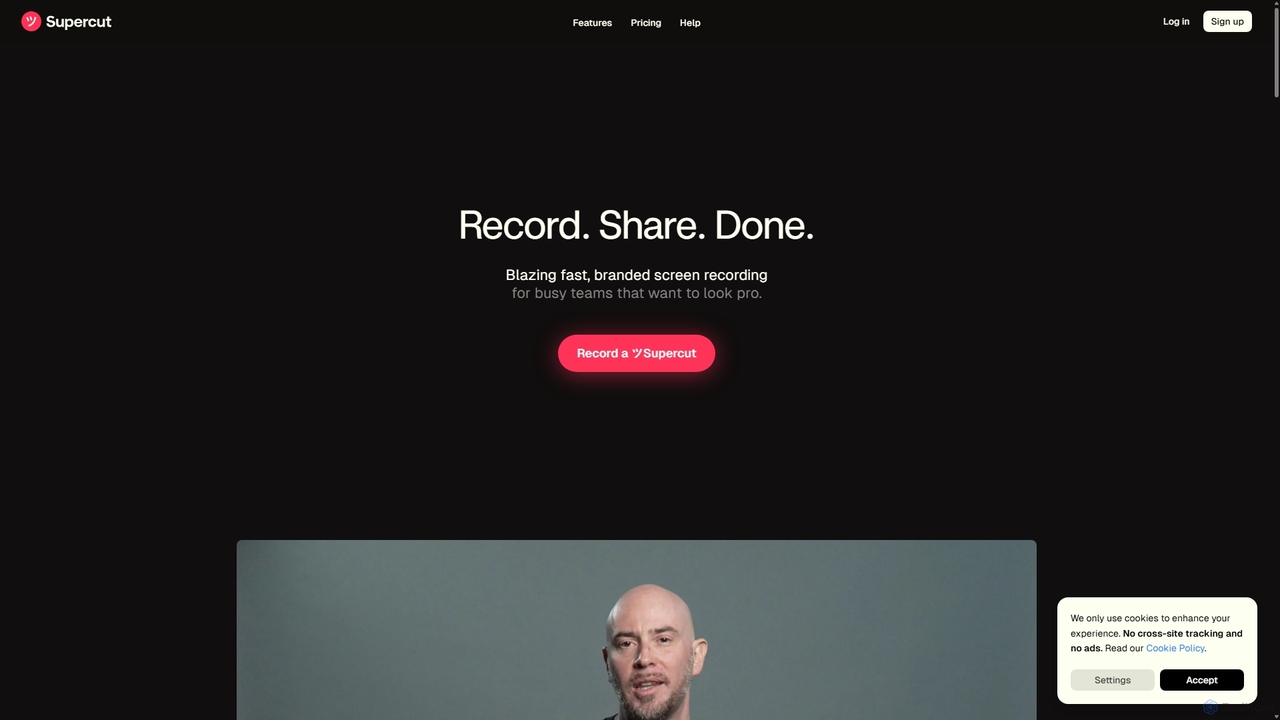
Supercut
Supercut is an AI-powered screen recording tool designed for teams to create professional, branded videos with blazing speed. It automates tedious tasks like chapter creation and editing, enabling users to record, share, and get results instantly. Ideal for sales, customer support, and team collaboration.
HelpdeskBerrycast Categories
Berrycast Embed Widget
Copy this embed code to place the badge on your blog, article, or product site and send readers directly to this ToolMage detail page.

Related AI tools
Supercut
Supercut is an AI-powered screen recording tool designed for teams to create professional, branded videos with blazing speed. It automates editing, generates smart chapters, and facilitates collaboration, making it ideal for product demos, sales outreach, and tutorials without a steep learning curve.
Content CreationLoom
Loom is an AI-powered video messaging platform for work that allows users to instantly record and share their screen, camera, and audio. It streamlines communication, reduces meetings, and enhances team collaboration with features like AI-powered summaries, transcriptions, and editing tools.
Team ManagementBubbles
Bubbles is an AI-powered meeting assistant and screen recorder designed to reduce meeting fatigue and enhance team productivity. It automatically joins your meetings to record, transcribe, and generate concise summaries with actionable items. It also facilitates asynchronous communication through screen and video recordings, helping teams collaborate effectively without constant calls.
CollaborationSupercut
Supercut is an AI-powered screen recording tool designed for teams to create professional, branded videos with blazing speed. It automates tedious tasks like chapter creation and editing, enabling users to record, share, and get results instantly. Ideal for sales, customer support, and team collaboration.
Helpdesk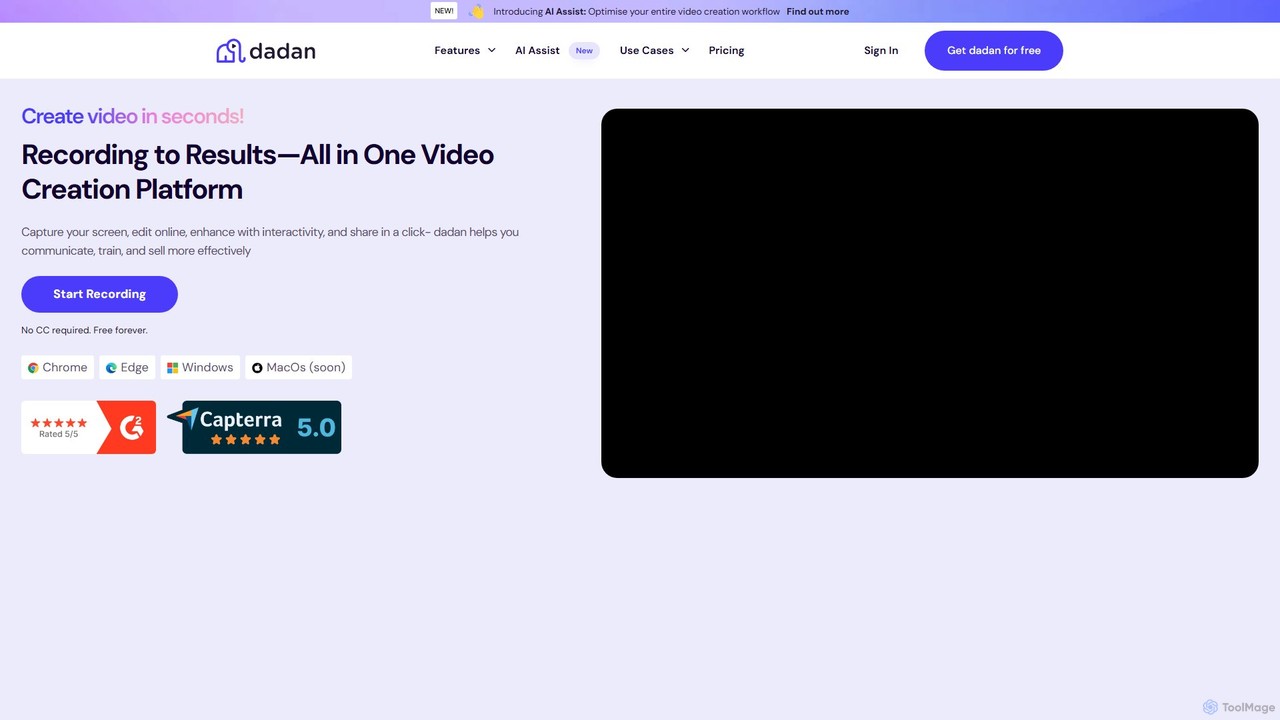
dadan
dadan is an all-in-one, AI-powered video creation platform that simplifies recording, editing, and sharing. It features an AI assistant for automatic transcription, summaries, and chapter generation. Users can enhance videos with interactive elements like polls and quizzes, collaborate with teams, and capture leads directly from videos. Ideal for education, marketing, sales, and remote teams, dadan streamlines video communication and boosts engagement, offering a generous free-forever plan.
Team Collaboration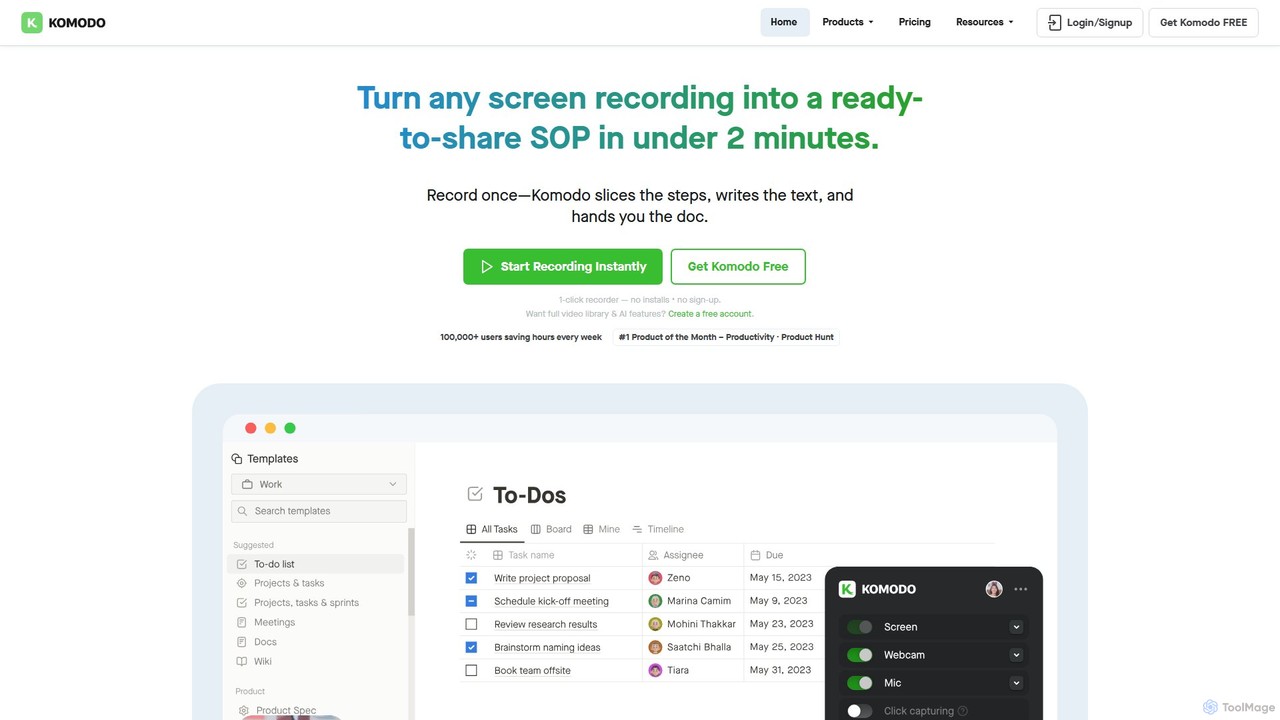
Komodo
Komodo is an AI-powered screen recorder and knowledge base that automatically transforms screen recordings into step-by-step SOPs, guides, and training documents. It also records meetings, generates AI summaries and action items, and provides a searchable video library, consolidating multiple tools into one platform for enhanced team productivity and collaboration.
Knowledge ManagementCanvid
Canvid is an AI-powered screen recorder for Windows and Mac designed to create professional-looking demos effortlessly. It automatically tracks clicks, applies smart zooms, and uses AI to enhance audio by removing background noise. With features like webcam background replacement and instant captions, Canvid simplifies video production, making it a powerful alternative to tools like Loom.
Content Creation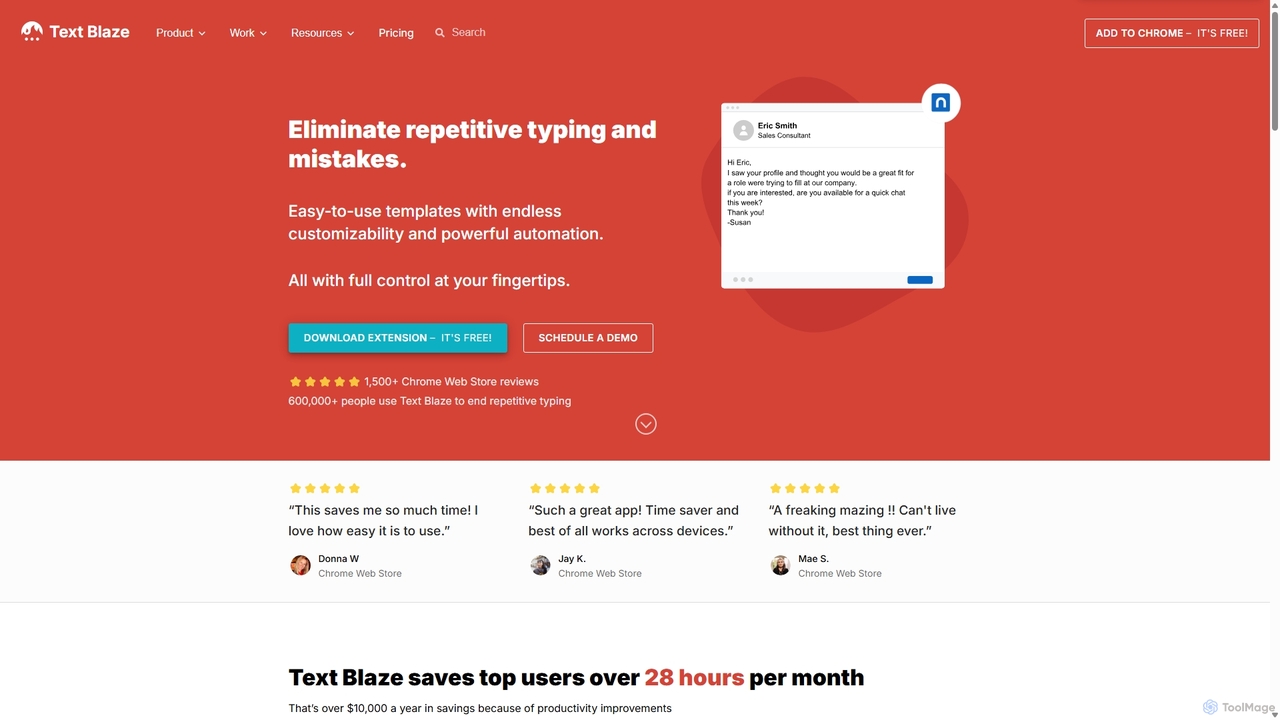
Blaze
Blaze (formerly Text Blaze) is a powerful text expander and automation tool that eliminates repetitive typing. Create customizable snippets and templates with dynamic formulas, forms, and team collaboration features to boost productivity across any website or application.
Response Management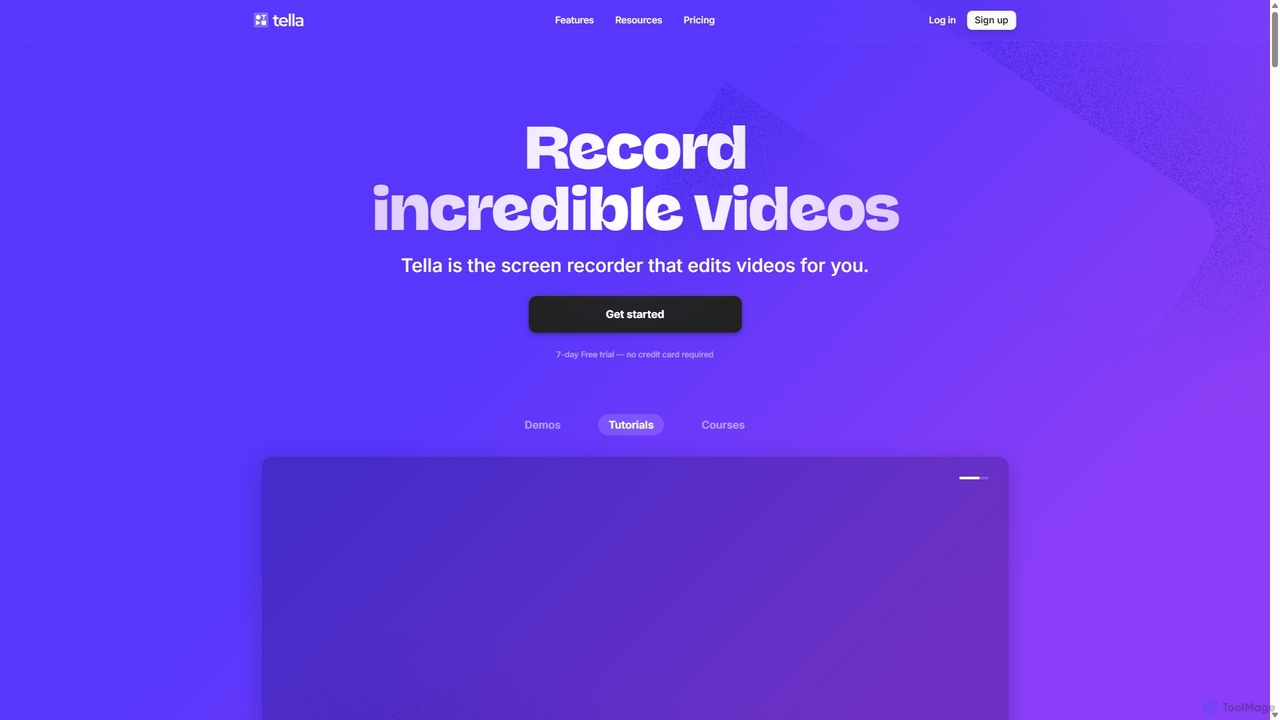
Tella
Tella is an AI-powered screen recorder and video editor for Mac & Windows that simplifies video creation. It automatically removes silences and filler words, offers transcript-based editing, and provides professional customization options like backgrounds, layouts, and zooms. Ideal for creating tutorials, product demos, and online courses in minutes, not hours.
E Learning
Tella
Tella is an AI-powered screen recorder and video editor for Mac and Windows, designed for entrepreneurs and creators. It simplifies video production by recording in manageable clips and using AI to automatically remove filler words and silences. With features like customizable backgrounds, dynamic zooms, and 4K exports, Tella helps users create professional-looking demos, tutorials, and courses in minutes, not hours, without needing any video editing expertise.
Course Creation
typedesk
typedesk is an AI-powered text expander and keyboard automation app designed to eliminate repetitive typing. Create customizable text shortcuts and canned responses that work across all your apps and websites. It enhances productivity with team collaboration, dynamic variables, and a powerful ChatGPT integration for consistent and efficient communication.
Response Management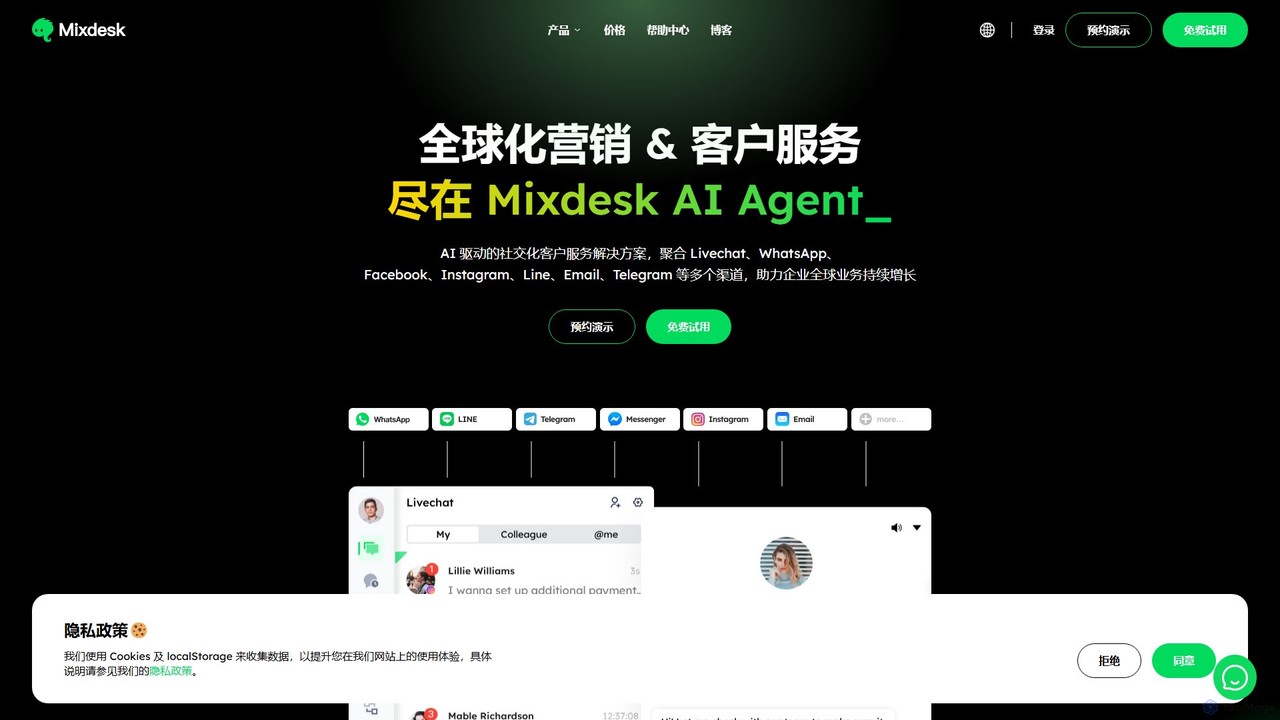
Mixdesk
Mixdesk is an AI-powered global marketing and customer service platform. It unifies communication channels like Live Chat, WhatsApp, Facebook, and Email into a single dashboard, enabling businesses to provide seamless, multilingual support and automate marketing workflows with intelligent AI agents.
Live Chat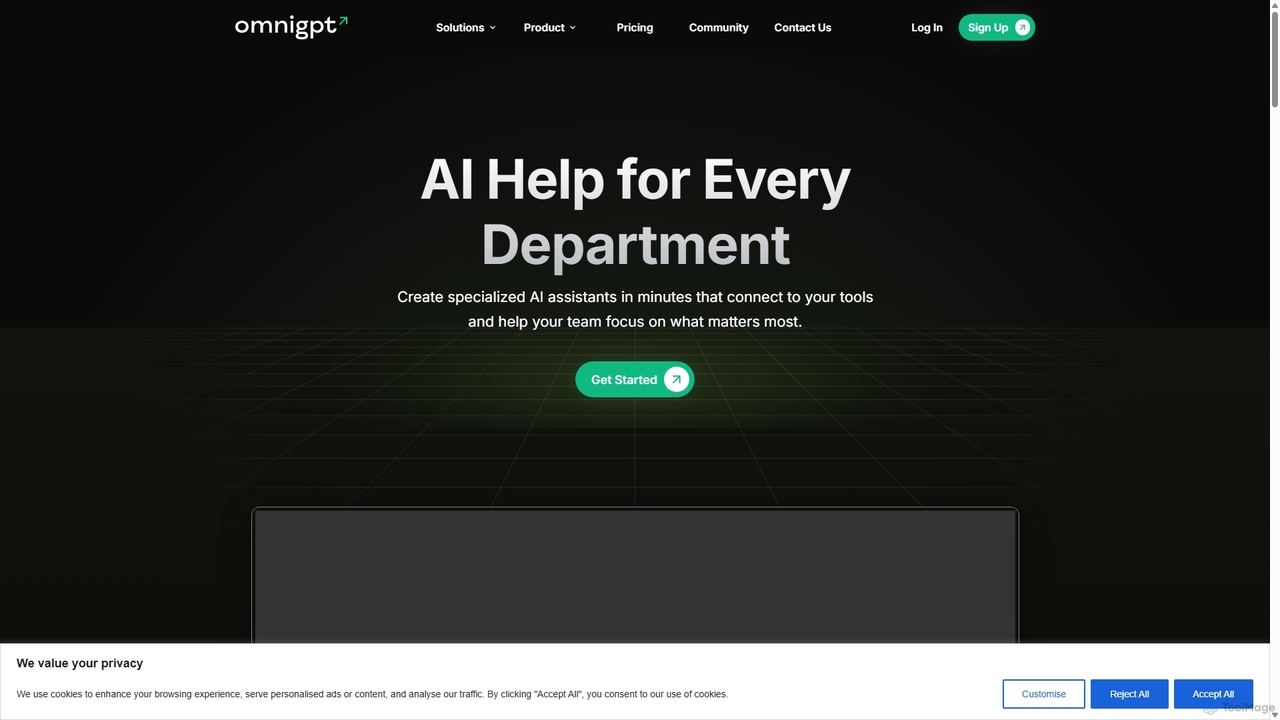
OmniGPT
OmniGPT is an all-in-one AI productivity platform that provides access to multiple leading AI models like GPT-4, Claude 3.5, and Llama 3 through a single subscription. Designed for individuals and teams, it enhances workflows with features such as document analysis, image generation, team collaboration, and seamless integrations with everyday tools like WhatsApp and Slack, offering a cost-effective alternative to multiple AI service subscriptions.
Code Assistant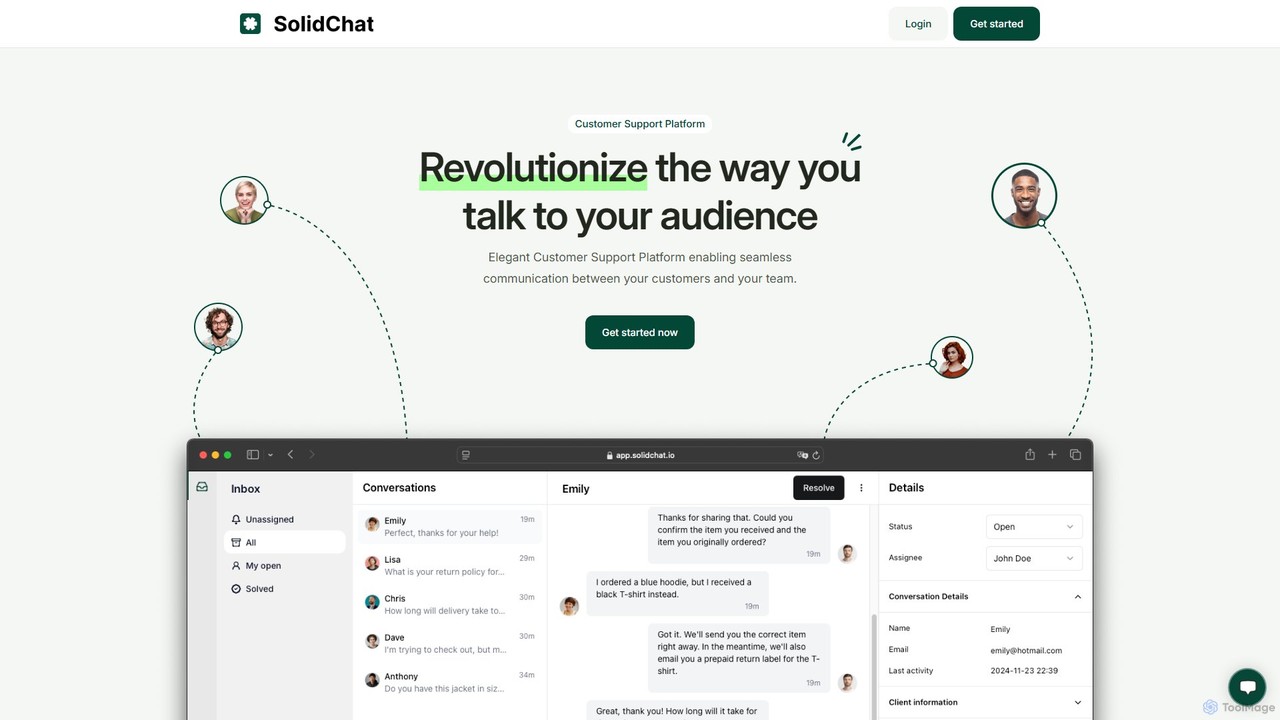
SolidChat
SolidChat is an AI-powered customer support platform designed to enhance customer engagement and streamline communication. It offers a live chat widget, intelligent chatbots for 24/7 support, and a collaborative team inbox. By enabling instant responses and proactive engagement, SolidChat helps businesses convert more visitors, improve customer satisfaction, and boost operational efficiency.
Live Chat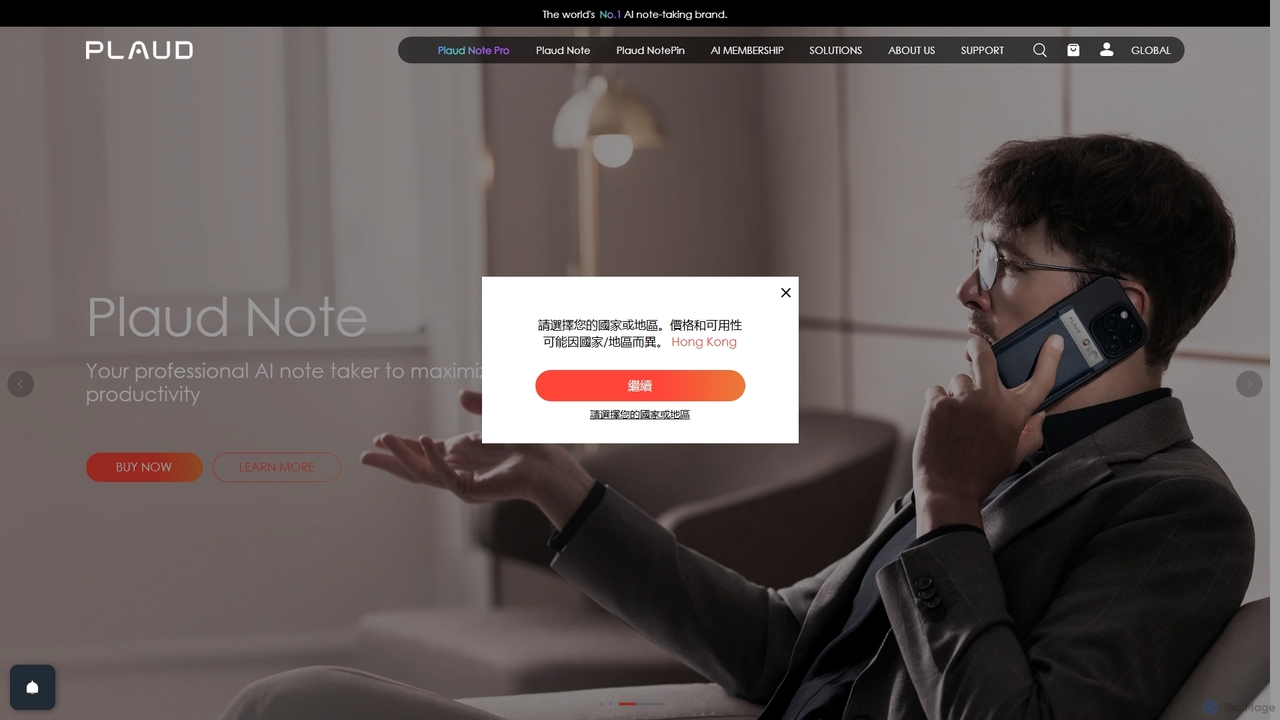
Plaud
Plaud is an innovative AI note-taking solution combining a sleek hardware voice recorder with a powerful AI app. It captures conversations, transcribes them with high accuracy, and generates structured summaries, mind maps, and action items. Designed for professionals, students, and creators, Plaud streamlines the documentation of meetings, lectures, and interviews, saving hours of manual work and ensuring no critical detail is missed.
Transcription
Berrycast Comments (0)
Sign in to comment.
Sign inNo comments yet.