
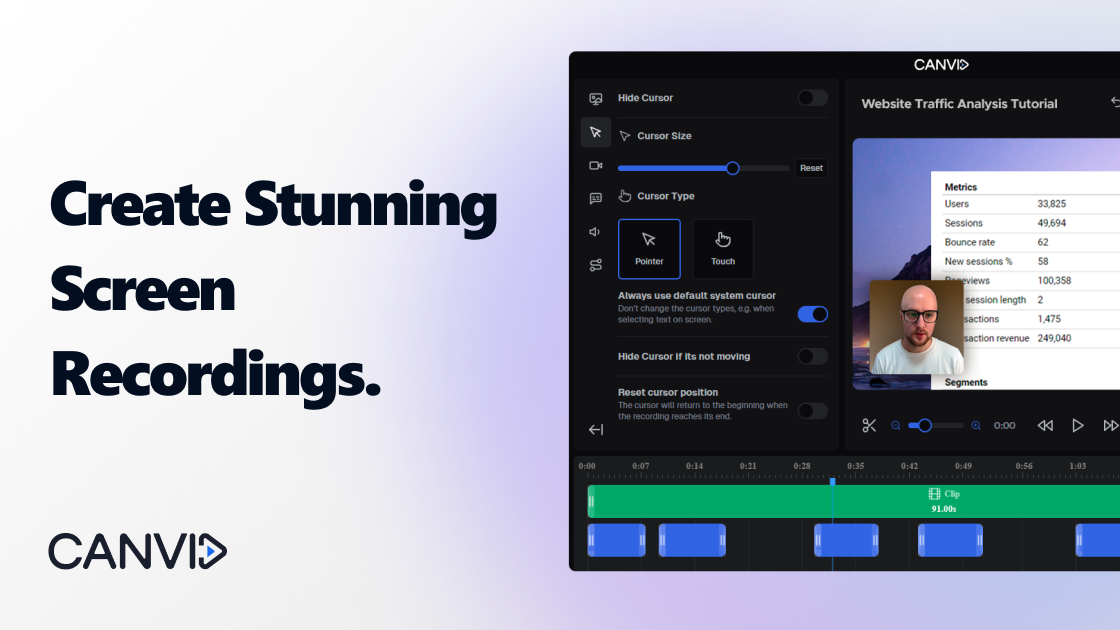

Canvid Overview
Canvid is an intelligent, AI-powered screen recording application built for both Windows and macOS. It is designed to help users create polished, professional-quality video demonstrations and tutorials with minimal effort. By automating tedious editing tasks, Canvid allows creators to focus on their content. The software intelligently detects every mouse click, automatically zooms in on the action, and applies smooth transitions to keep viewers engaged. This makes it an ideal tool for software demos, educational content, team collaboration, and marketing videos.
What sets Canvid apart is its suite of AI-driven enhancement features. The "AI Voice Clarity" function automatically removes distracting background noise from your microphone audio, ensuring your narration is crisp and clear. Additionally, it offers AI-powered webcam tricks, such as background blur or complete background replacement, allowing you to maintain a professional appearance without a green screen. Canvid also generates instant captions for your videos, improving accessibility and viewer comprehension. Positioned as a strong alternative to services like Loom, Canvid offers the native performance and flexible pricing, including a lifetime license, that many users seek.
How to use Canvid
Using Canvid is a straightforward process designed for efficiency. First, you download and install the native application on your Windows or Mac computer. Before recording, you can select the recording area (full screen, window, or custom region) and configure your audio sources, choosing to capture your microphone, system audio, or both. Once you start recording, Canvid's AI works in the background, tracking your cursor movements and clicks to apply smart zooms automatically. When you've finished recording, you're taken directly to Canvid's built-in editor. Here, you can trim unwanted parts of your video, manually adjust the automatic zooms, and edit the AI-generated captions for accuracy. No external video editing software is needed. Finally, sharing your creation is simple. With the "Quick Share" feature, Canvid renders the video, uploads it to your personal cloud space, and copies a shareable, view-only link to your clipboard, ready to be pasted into Slack, LinkedIn, X (formerly Twitter), or YouTube.
Core Features of Canvid
- AI Smart Zoom & Click Tracking: Automatically detects clicks and zooms in on the relevant area of the screen to highlight key actions, creating a dynamic and professional-looking video without manual editing.
- AI Voice Clarity: Utilizes artificial intelligence to remove background noise and enhance the clarity of your voice narration, resulting in clean, high-quality audio.
- AI Webcam Effects: Enhance your webcam feed with background blur or custom background replacement, providing a professional look for your presentations.
- Instant Captions: Automatically generates subtitles for your recordings, making your content more accessible and easier to follow.
- 4K Recording: Supports high-resolution recording up to 4K on both Windows and Mac (including Apple Silicon), ensuring your videos are sharp and detailed.
- Native Cross-Platform Support: Optimized as a native application for both Windows and macOS, with platform-specific keyboard shortcuts and cursor styles for a seamless user experience.
- Integrated Video Editor: A simple yet powerful built-in editor allows you to trim clips, fine-tune zooms, and edit captions directly after recording.
- Quick Share & Cloud Hosting: Instantly upload your finished videos to the Canvid Cloud and get a shareable link, streamlining your workflow from creation to distribution.
- System Audio Recording: Capture audio from your computer's system, perfect for recording application sounds or other media playing on your device.
Use Cases for Canvid
Canvid is a versatile tool suitable for a wide range of applications. For software developers and product managers, it's perfect for creating clear and concise product demonstrations and feature walkthroughs. Educators and trainers can use it to produce engaging tutorials and instructional videos. Marketing and sales teams can create compelling video content for social media, email campaigns, and sales pitches. For internal communication, teams can use Canvid to share bug reports, provide feedback, or explain complex processes, replacing long emails and unnecessary meetings. It's an excellent tool for anyone who needs to communicate visually and effectively.
Advantages of Canvid
The primary advantage of Canvid is its ability to produce professional-grade videos with remarkable speed and ease. The AI-powered automation saves countless hours that would otherwise be spent on manual video editing. Its native performance on both Windows and Mac ensures a stable and responsive experience, unlike some web-based recorders. The all-in-one workflow—record, edit, and share within a single app—is highly efficient. Furthermore, Canvid's pricing model is a significant benefit. It offers both a flexible monthly subscription and a highly requested one-time payment Lifetime license, making it an accessible and cost-effective solution compared to subscription-only competitors.
Pricing and Plans
Canvid offers a flexible pricing structure to suit different user needs, including a free trial to explore its features.
- Free Trial: New users can sign up and get three free "Quick Share" exports. This allows you to test all of Canvid's AI-powered features and tools before committing to a purchase.
- Subscription Plan: For $15 per month, this plan provides full access to all Canvid features, including unlimited video exports, cloud services for sharing, and all future app updates.
- Lifetime Plan: For a one-time payment of $99, you get a permanent license to use the Canvid app. This plan includes one year of free updates and cloud storage. After the first year, users can optionally renew their access to updates and cloud services.
- Team Plans: Larger teams can contact Canvid directly for custom volume pricing.
Both the Subscription and Lifetime plans allow usage on up to 3 personal devices for the same user.
Traffic
Latest traffic
Status
Monthly traffic trend
- 2025-9: 38.1K
- 2026-1: 34.2K
- 2026-2: 34.0K
- 2026-3: 40.2K
- 2026-4: 31.8K
- 2026-5: 38.2K
Geography
Top 5 countries / regions
- 🇺🇸United States39.8%
- 🇮🇳India22.7%
- 🇬🇧United Kingdom17.6%
- 🇵🇰Pakistan12.6%
- 🇻🇳Vietnam7.3%
Traffic sources
| Source type | Percentage |
|---|---|
Direct | 65.6% |
Referral | 30.7% |
Email | 3.7% |
Top keywords
| Keyword | Cost per click |
|---|---|
| ai screen recorder | $6.42 |
| canvid | $5.53 |
| canvid crack | $0.00 |
| how to crop an mp4 canvid | $0.00 |
| loom | $1.17 |
Canvid Alternatives
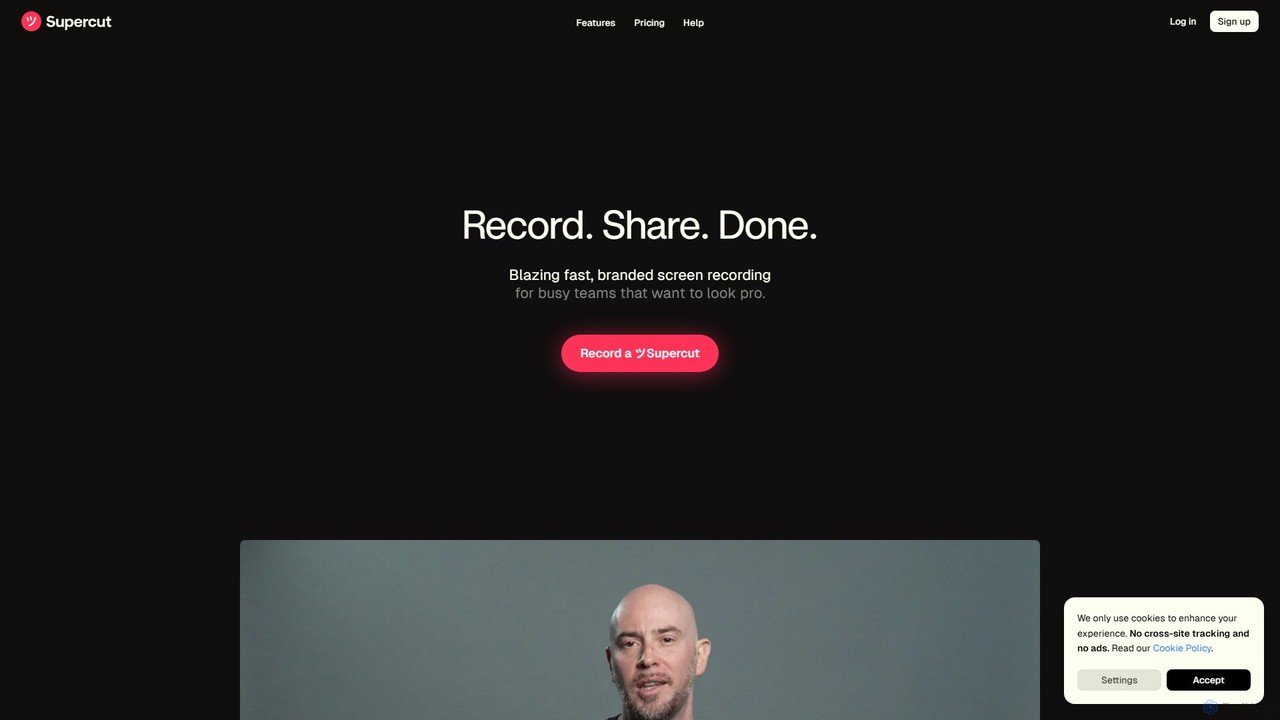
Supercut
Supercut is an AI-powered screen recording tool designed for teams to create professional, branded videos with blazing speed. It automates editing, generates smart chapters, and facilitates collaboration, making it ideal for product demos, sales outreach, and tutorials without a steep learning curve.
Content Creation
Berrycast
Berrycast is an AI-powered video communication tool for Windows and Mac, designed to enhance workplace productivity. It allows users to easily record their screen and webcam, creating clear, shareable video messages for team collaboration, client communication, and asynchronous work. Features include an AI note-taker, video transcription, and seamless integrations.
Content Creation
Tella
Tella is an AI-powered screen recorder and video editor for Mac and Windows, designed for entrepreneurs and creators. It simplifies video production by recording in manageable clips and using AI to automatically remove filler words and silences. With features like customizable backgrounds, dynamic zooms, and 4K exports, Tella helps users create professional-looking demos, tutorials, and courses in minutes, not hours, without needing any video editing expertise.
Course Creation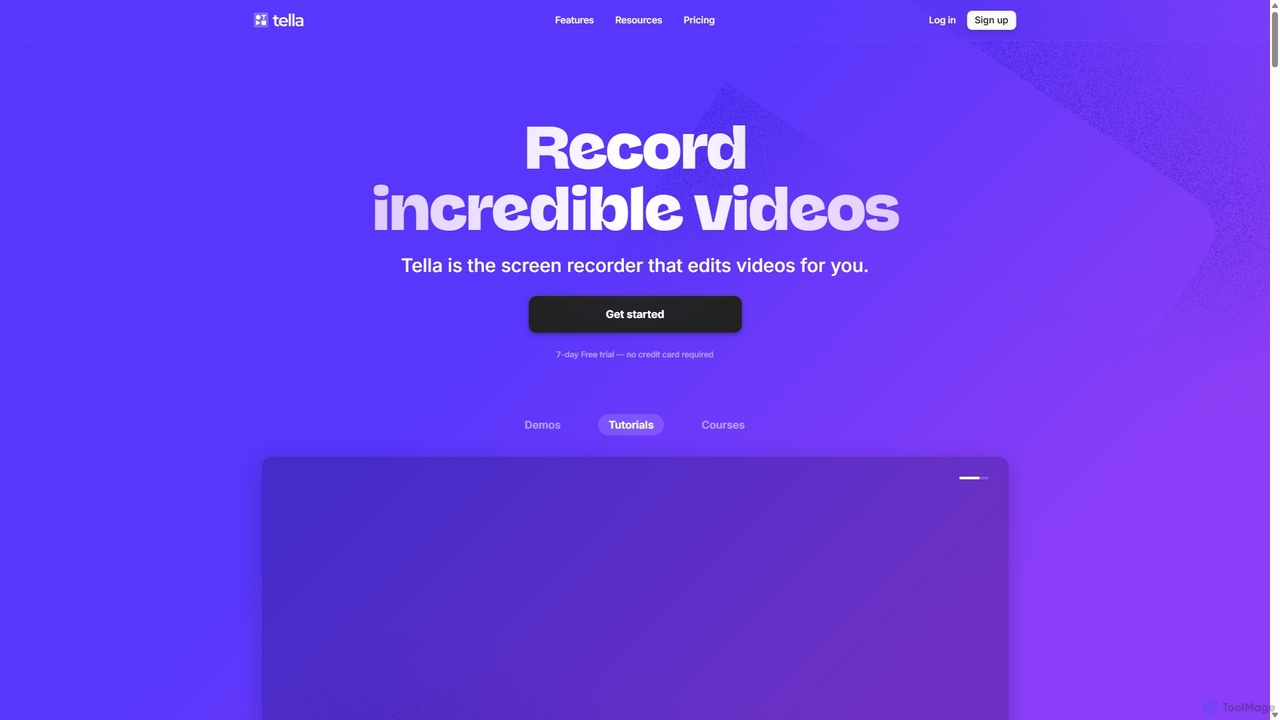
Tella
Tella is an AI-powered screen recorder and video editor for Mac & Windows that simplifies video creation. It automatically removes silences and filler words, offers transcript-based editing, and provides professional customization options like backgrounds, layouts, and zooms. Ideal for creating tutorials, product demos, and online courses in minutes, not hours.
E Learning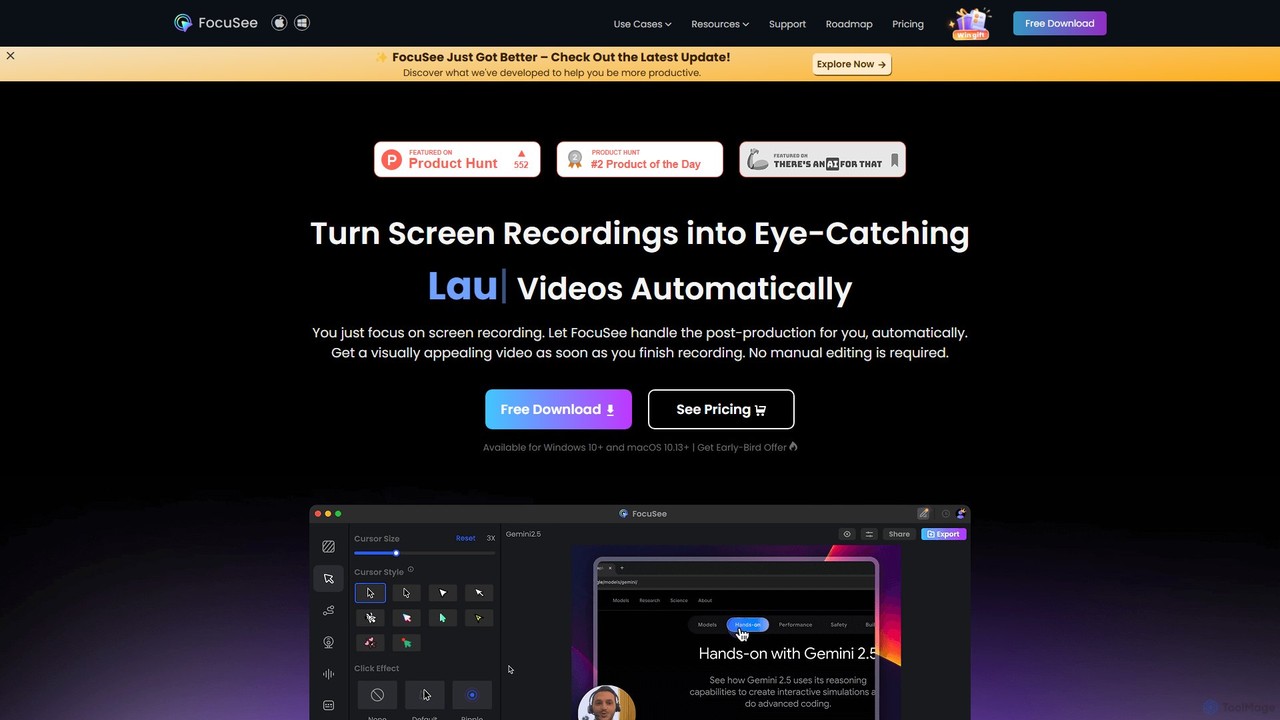
FocuSee
FocuSee is an AI-powered screen recording and video editing software designed to create professional-looking videos with ease. Its standout feature is the automatic zoom and pan effect, which intelligently follows your cursor movements to highlight key actions. This makes it ideal for creating engaging product demos, tutorials, and presentations without complex manual editing, simplifying the entire video creation workflow.
E LearningCanvid Categories
Canvid Embed Widget
Copy this embed code to place the badge on your blog, article, or product site and send readers directly to this ToolMage detail page.

Related AI tools
Tella
Tella is an AI-powered screen recorder and video editor for Mac and Windows, designed for entrepreneurs and creators. It simplifies video production by recording in manageable clips and using AI to automatically remove filler words and silences. With features like customizable backgrounds, dynamic zooms, and 4K exports, Tella helps users create professional-looking demos, tutorials, and courses in minutes, not hours, without needing any video editing expertise.
Course CreationSupercut
Supercut is an AI-powered screen recording tool designed for teams to create professional, branded videos with blazing speed. It automates editing, generates smart chapters, and facilitates collaboration, making it ideal for product demos, sales outreach, and tutorials without a steep learning curve.
Content CreationTella
Tella is an AI-powered screen recorder and video editor for Mac & Windows that simplifies video creation. It automatically removes silences and filler words, offers transcript-based editing, and provides professional customization options like backgrounds, layouts, and zooms. Ideal for creating tutorials, product demos, and online courses in minutes, not hours.
E LearningFocuSee
FocuSee is an AI-powered screen recording and video editing software designed to create professional-looking videos with ease. Its standout feature is the automatic zoom and pan effect, which intelligently follows your cursor movements to highlight key actions. This makes it ideal for creating engaging product demos, tutorials, and presentations without complex manual editing, simplifying the entire video creation workflow.
E Learning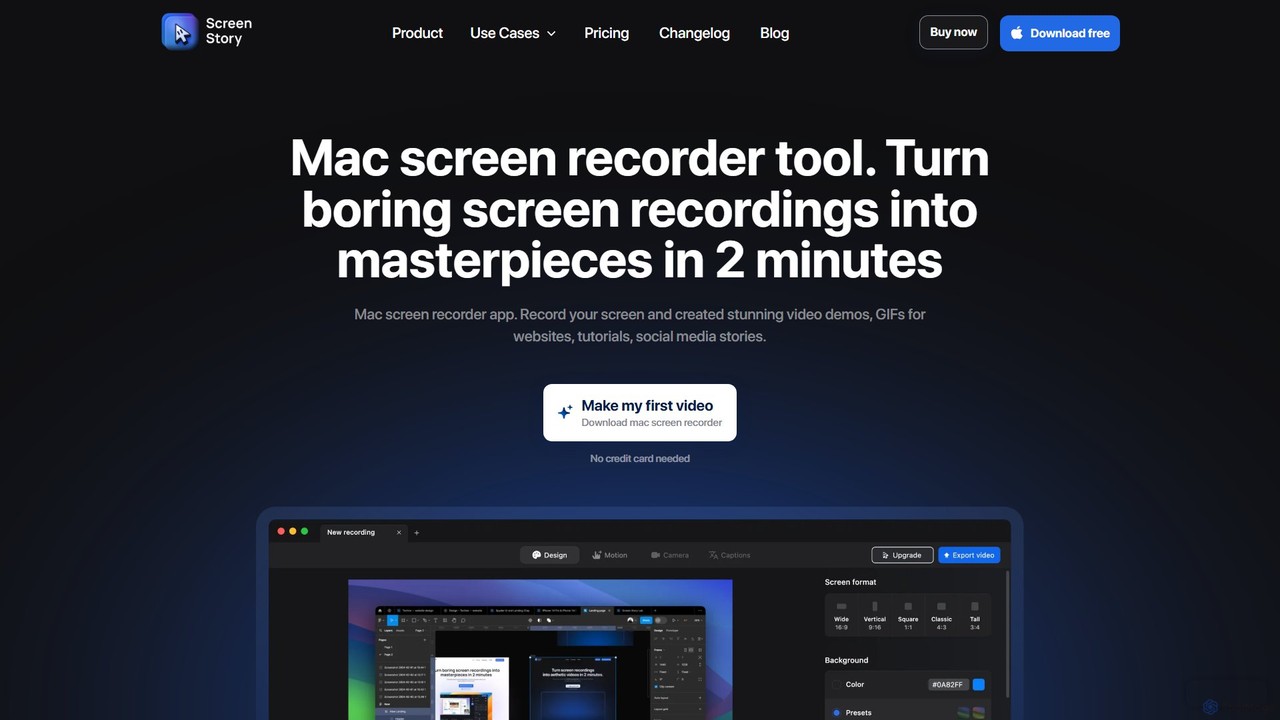
ScreenStory
ScreenStory is an intelligent screen recording app for macOS that automatically transforms standard screen captures into polished, professional-looking videos. It adds dynamic zooms, smooth cursor movements, and motion blur without manual editing. Ideal for creating engaging product demos, tutorials, and marketing content, it simplifies video production for users of all skill levels.
Tutorials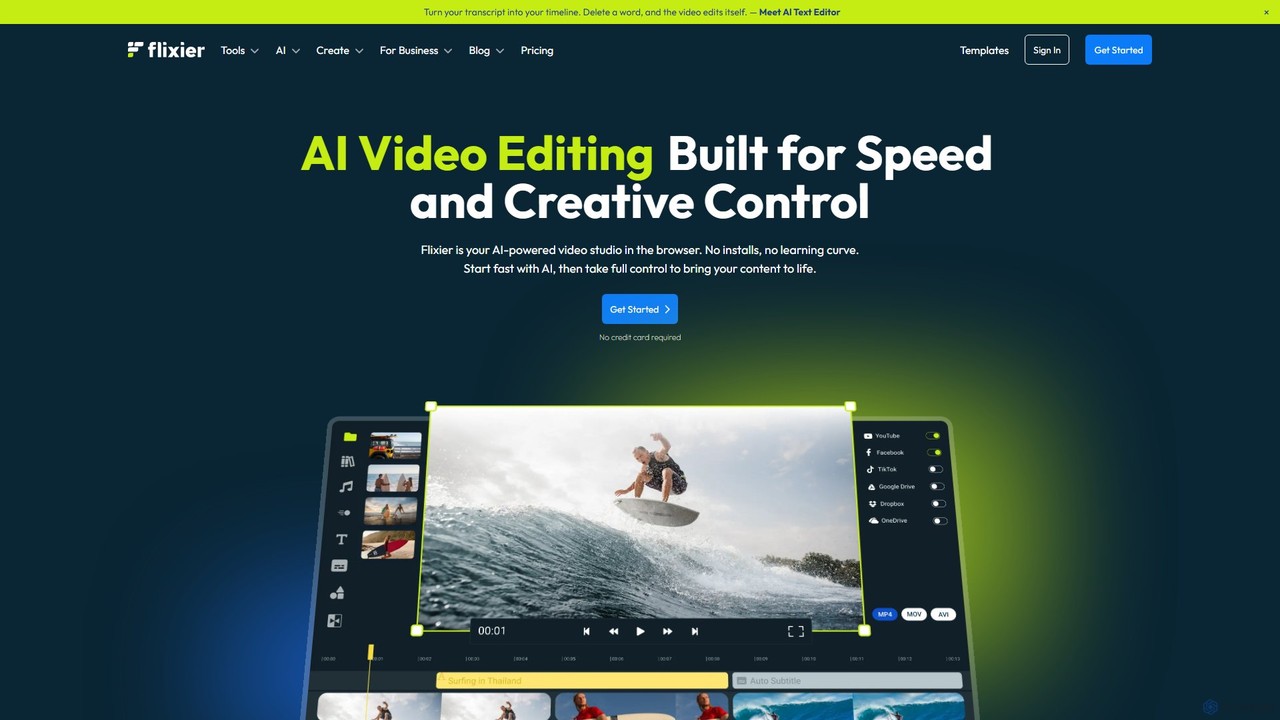
Flixier
Flixier is an AI-powered, cloud-based video editor designed for speed and ease of use. It offers features like text-based editing, AI voiceovers, automatic subtitles, and real-time collaboration, making it ideal for creators, marketers, and educators without needing powerful hardware.
Transcription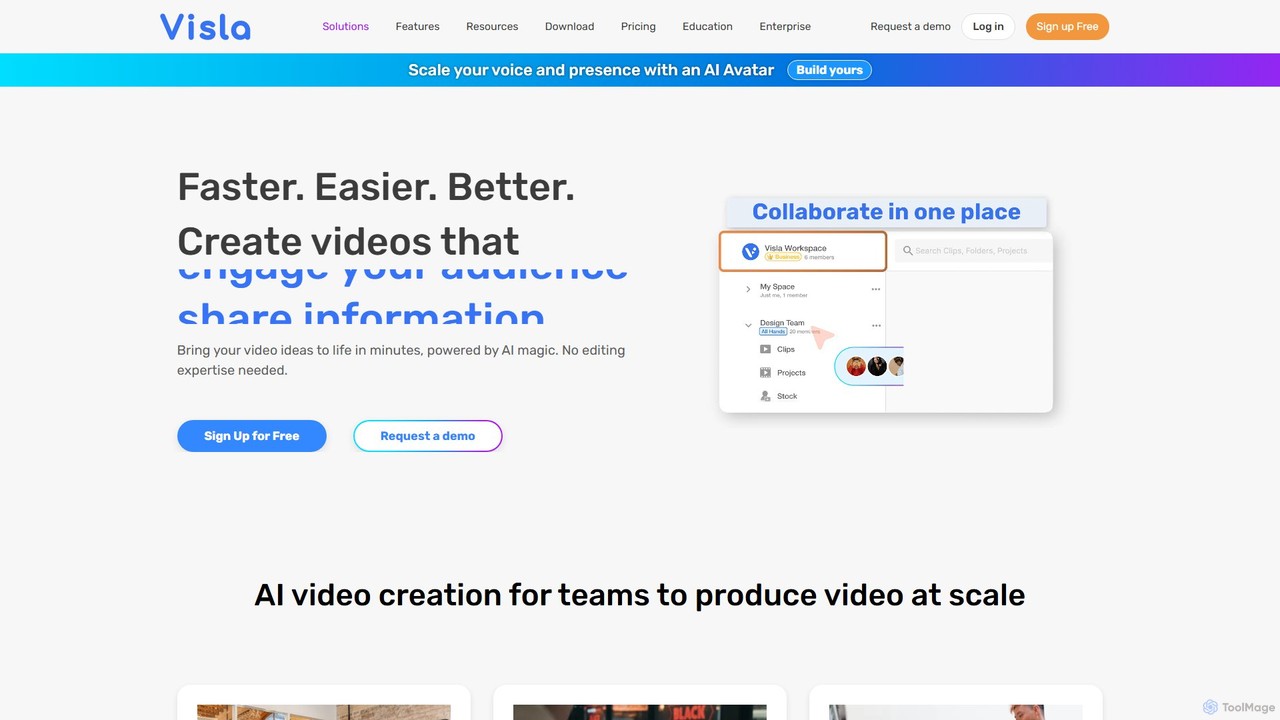
Visla
Visla is an all-in-one AI video platform designed for businesses. It empowers teams to effortlessly create, edit, record, and collaborate on professional-quality videos. Featuring AI-driven tools like text-to-video generation, realistic AI avatars, and an intelligent editor, Visla makes video production scalable and accessible to everyone, regardless of their technical expertise.
TrainingBerrycast
Berrycast is an AI-powered video communication tool for Windows and Mac, designed to enhance workplace productivity. It allows users to easily record their screen and webcam, creating clear, shareable video messages for team collaboration, client communication, and asynchronous work. Features include an AI note-taker, video transcription, and seamless integrations.
Content Creation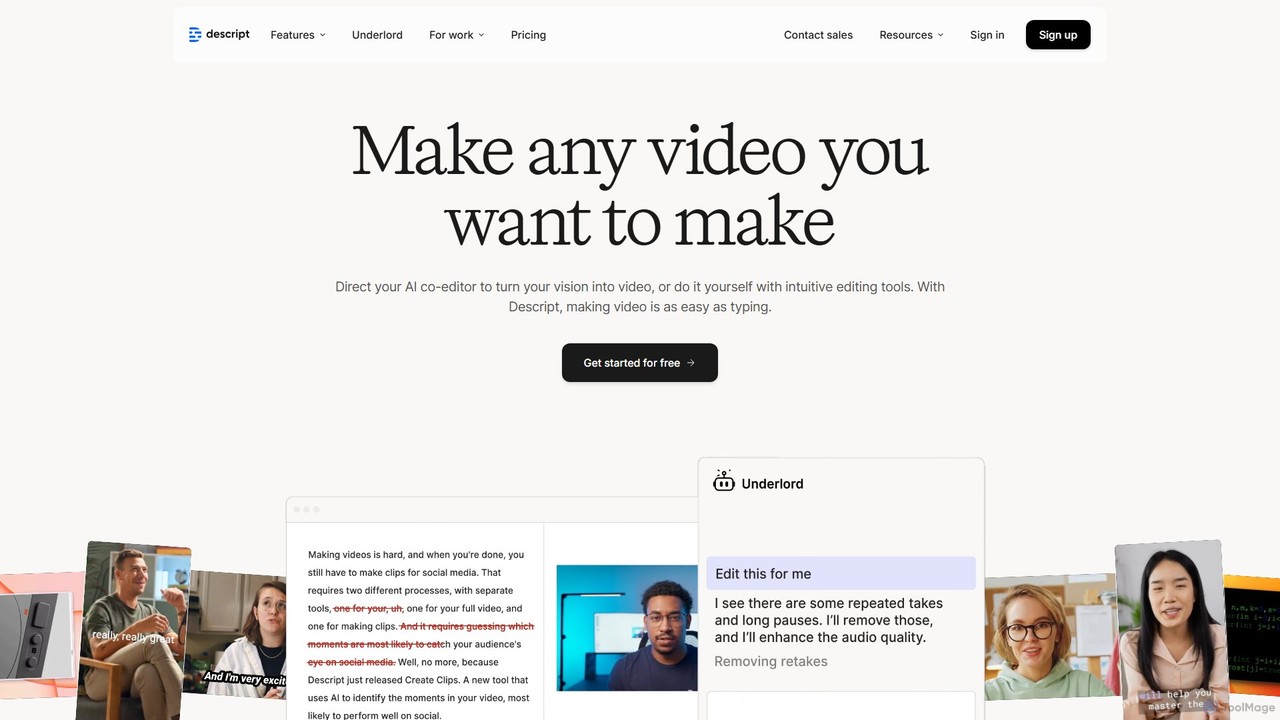
Descript
Descript is an all-in-one AI-powered video and podcast editor that revolutionizes content creation by allowing you to edit media as easily as a text document. It features text-based editing, automatic transcription, and powerful AI tools like Studio Sound, green screen, eye contact correction, and filler word removal. It's the ideal solution for creators and businesses aiming to produce high-quality, professional content with unparalleled efficiency.
Social Media
RecCloud
RecCloud is an all-in-one AI-powered video and audio workshop. It integrates screen recording, cloud storage, and a suite of AI tools including speech-to-text, text-to-speech, subtitle generation, and video translation. It's designed to boost productivity for creators, educators, and professionals by simplifying complex editing and processing tasks.
Speech To Text
Filmora
Filmora is a powerful yet user-friendly AI video editor designed for creators of all levels. It integrates advanced AI tools like text-to-video, smart cutout, and an AI music generator to streamline the editing process. It offers a rich library of effects, templates, and stock media, making it easy to create professional-quality videos for social media, marketing, or personal projects on Windows and macOS.
Video Generation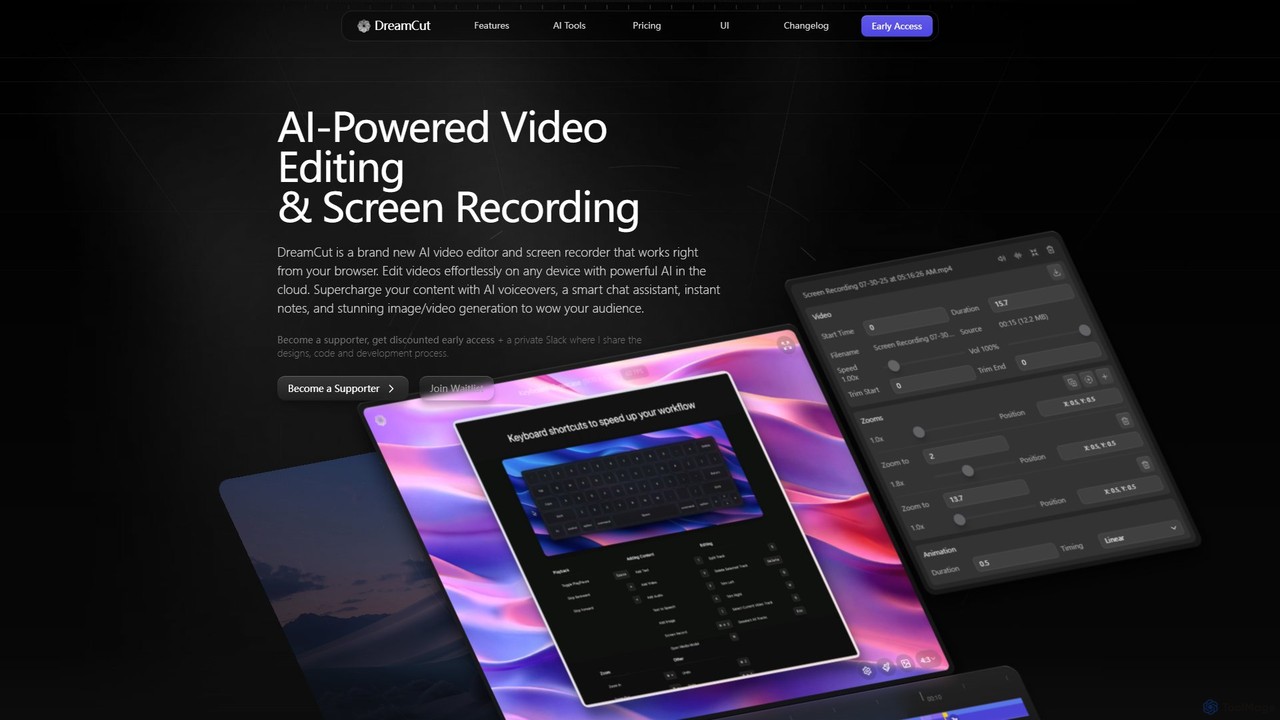
DreamCut
DreamCut is an all-in-one, AI-powered video editor and screen recorder that operates directly from your browser. It combines a multi-track editor, high-quality screen capture, AI voice generation, an AI chat assistant, and image/video creation into a single, cloud-based platform, enabling users to create professional content effortlessly on any device.
Text To Speech
TechSmith
TechSmith offers a powerful suite of tools, including Snagit and Camtasia, for professional screen capture and video creation. Leveraging AI-assisted features, users can easily record, edit, and share high-quality tutorials, training videos, and presentations. It simplifies complex communication by transforming expertise into clear, engaging visual content, trusted by professionals and Fortune 500 companies worldwide.
E Learning
Supercut
Supercut is an AI-powered screen recording tool designed for teams to create professional, branded videos with blazing speed. It automates tedious tasks like chapter creation and editing, enabling users to record, share, and get results instantly. Ideal for sales, customer support, and team collaboration.
Helpdesk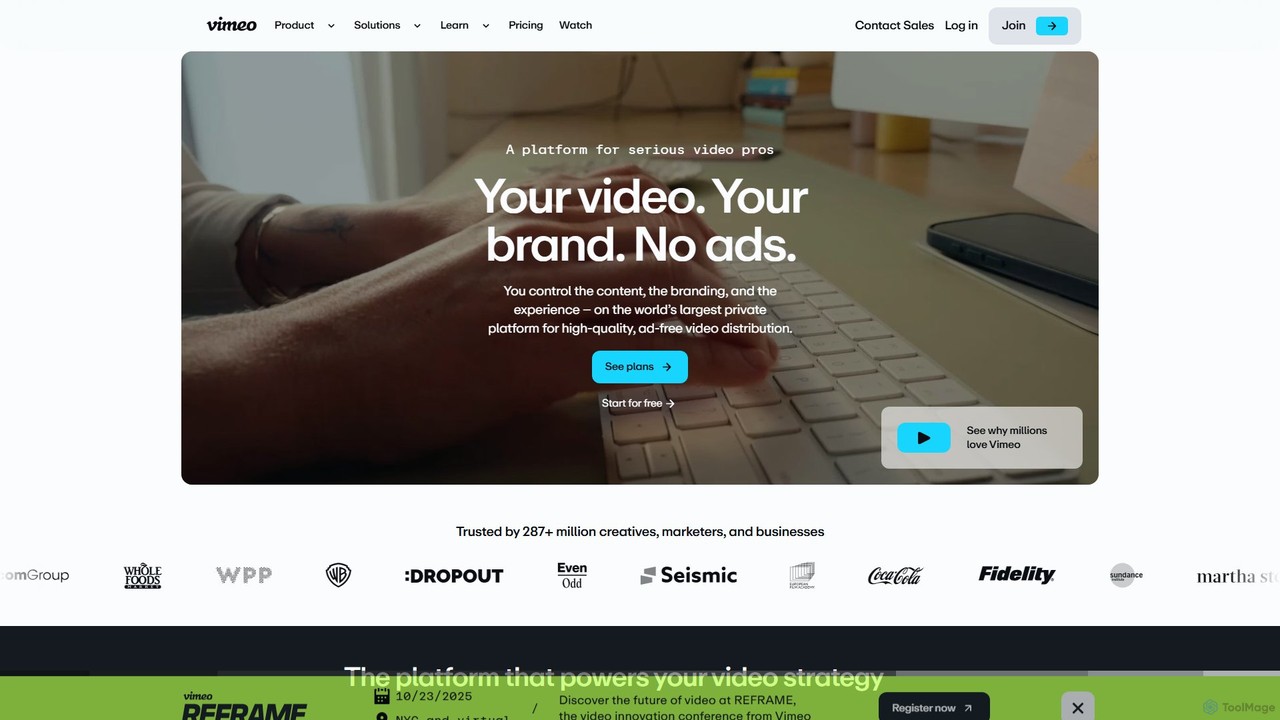
Vimeo
Vimeo is an all-in-one, AI-powered video platform for professionals, businesses, and creators. It offers high-quality, ad-free video hosting, advanced creation and editing tools, live streaming, and monetization solutions. New AI features like text-based editing, automatic translation, and SEO optimization streamline workflows and enhance video impact.
Video Marketing
Canvid Comments (0)
Sign in to comment.
Sign inNo comments yet.