

Visla Overview
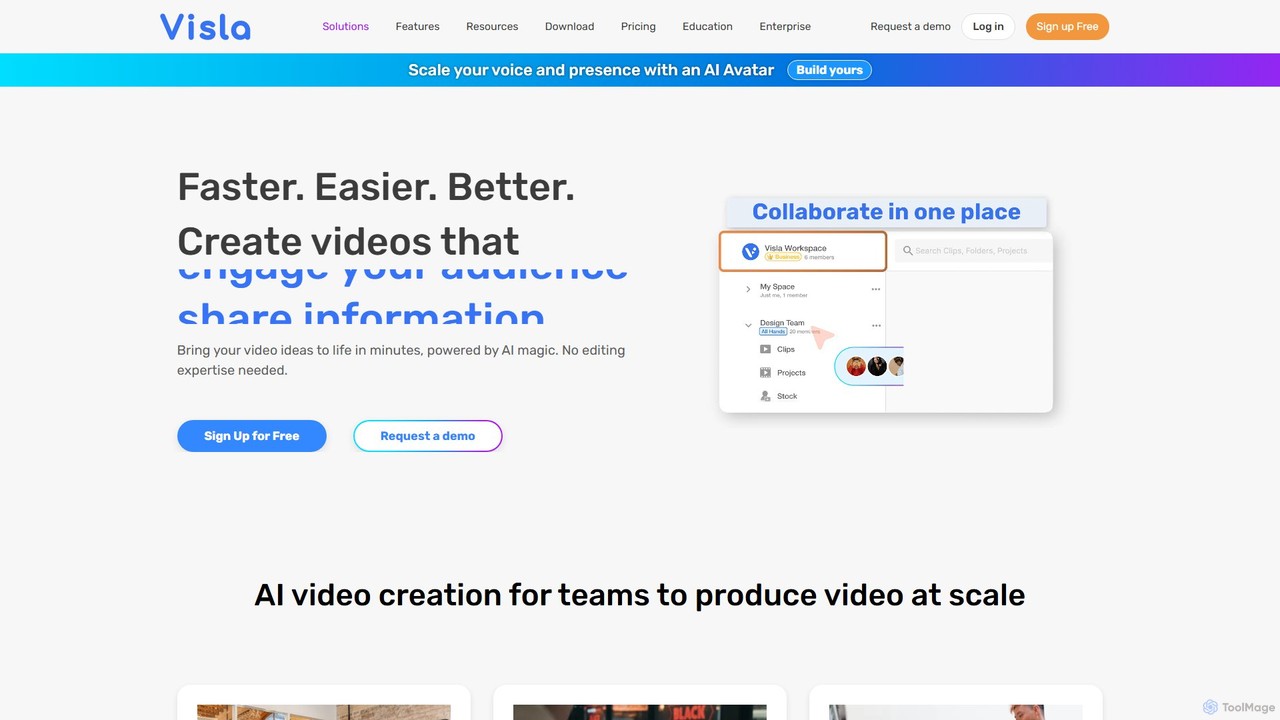
Visla is a comprehensive, AI-powered video storytelling platform designed to empower teams and individuals to create high-quality videos without needing any prior video creation experience. Founded by a former Zoom founding engineer, Visla's mission is to make video the most accessible and powerful medium for communication. It serves as an all-in-one solution, integrating video generation, recording, editing, and collaboration tools into a single, seamless workflow. This makes it an ideal choice for marketing, sales, training, support, and communication teams looking to scale their video content production efficiently and effectively.
How to use Visla
Visla streamlines the video creation process into a few simple, AI-enhanced steps:
- Generate a Draft: Start your project from various sources. You can input a simple text prompt, a detailed script, a URL to a webpage or article, or even upload a PDF or PPT file. Visla's AI Video Generator will instantly create a polished video draft complete with stock footage, voiceover, and subtitles.
- Record Content: Use Visla's powerful recording suite to capture your screen, camera, or both simultaneously. The unique Screen Step Recorder is perfect for creating how-to guides, as it automatically captures steps and generates descriptive text overlays. A built-in teleprompter helps you deliver your lines flawlessly.
- Edit with AI: Refine your video using the intuitive, AI-powered editor. You can edit your video by simply editing the transcribed text. Features like automatic filler word removal, pause removal, and auto-cutting scenes save hours of manual work. Enhance your video with branding, background music, premium stock media, and custom fonts.
- Incorporate AI Avatars: Create a realistic AI Avatar from a photo or text prompt to act as a virtual presenter. This allows you to produce consistent, brand-aligned video messages at scale without needing to be on camera every time.
- Collaborate and Share: Invite team members to your workspace to collaborate on projects in real-time. Leave comments, review changes, and manage your video assets in a centralized cloud storage. Once complete, easily share your video with a link, embed it on a website, or download it for various platforms.
Core Features of Visla
- AI Video Generation: Convert text, scripts, webpages, PDFs, and PPTs into videos automatically. Includes a Video Maker GPT for transforming ideas into visual stories.
- AI Avatars: Create custom, realistic AI avatars from photos or text prompts to present your content.
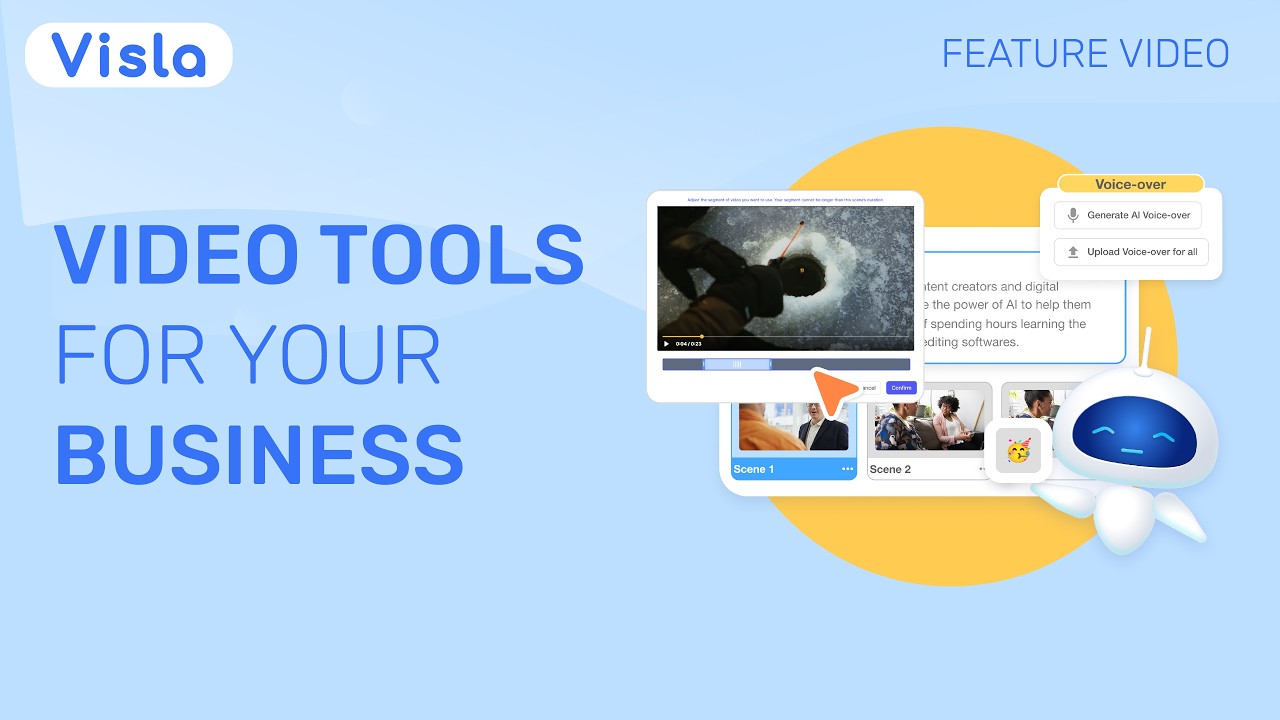
- Advanced AI Video Editor: Features text-based editing, automatic subtitle generation, filler word and pause removal, auto cut, and AI-powered footage recommendations.
- Comprehensive Recording Suite: Includes screen recording, video recording, meeting recording, and an innovative AI Screen Step Recorder for tutorials. Features a teleprompter and virtual camera backgrounds.
- Collaboration Tools: Shared Workspaces and Teamspaces for seamless team collaboration, video sharing, and in-context comments and reviews.
- Branding and Customization: Add custom branding, logos, fonts, and intros/outros. Access a library of free and premium stock footage, music, and stickers.
- Enterprise-Ready Security: Ensures data security and privacy with SOC 2 Type II compliance and offers secure Single Sign-On (SSO) for enterprise teams.
- Content Repurposing: Easily transform audio to video, extract clips, and change video aspect ratios for different social media platforms.
Use Cases for Visla
Visla is versatile and supports a wide range of business needs:
- Marketing: Quickly create product demos, social media videos, promotional content, and video ads to accelerate marketing campaigns.
- Training and Onboarding: Develop engaging employee training videos, onboarding materials, and step-by-step instructional guides for software and processes.
- Sales: Scale lead generation and boost conversion rates by creating personalized sales videos, product showcases, and client presentations.
- Customer Support: Empower customers with clear how-to videos, FAQ answers, and troubleshooting guides to enhance customer success.
- Internal Communications: Capture audience attention with impactful communication videos for company announcements, SOP documentation, and workflow explanations.
- Product & QA: Document and report bugs with the Screen Step Recorder, and create detailed product guides to showcase new features.
Advantages of Visla
- Efficiency: Drastically reduces video production time from hours or days to just minutes.
- Accessibility: Its intuitive interface and AI automation make it usable by anyone, eliminating the need for professional video editors.
- All-in-One Platform: Consolidates all necessary tools for video creation—recording, editing, generation, and collaboration—in one place.
- Scalability: Enables teams to produce a high volume of quality video content consistently and at scale.
- Cost-Effective: Reduces the high costs associated with traditional video production and specialized software.
Pricing and Plans
Visla operates on a freemium model. It offers a Free Plan that allows users to get started and explore the core features of the platform. For more advanced capabilities, higher usage limits, premium stock media, and enhanced collaboration features, Visla provides paid Premium and Enterprise plans. The Enterprise plan includes additional security features like SSO and SOC 2 compliance, making it suitable for larger organizations. For the most current and detailed pricing information, please visit the official Visla website.
Traffic
Latest traffic
Status
Monthly traffic trend
- 2025-9: 264.9K
- 2026-1: 226.5K
- 2026-2: 177.3K
- 2026-3: 190.8K
- 2026-4: 209.7K
- 2026-5: 217.2K
Geography
Top 5 countries / regions
- 🇧🇷Brazil37.7%
- 🇺🇸United States26.2%
- 🇮🇳India16.9%
- 🇨🇴Colombia10.5%
- 🇪🇸Spain8.6%
Traffic sources
| Source type | Percentage |
|---|---|
Direct | 92.7% |
Referral | 6.3% |
Email | 1.0% |
Top keywords
| Keyword | Cost per click |
|---|---|
| script to video ai | $0.47 |
| visla | $2.03 |
| visla ai | $0.26 |
| visla ia | $0.00 |
| vislo | $0.55 |
Visla Videos on YouTube



Visla

Visla Alternatives

HeyGen
HeyGen is a leading AI video generation platform that enables users to create professional, studio-quality videos in minutes without a camera or crew. It converts text into engaging videos using realistic AI avatars, voice cloning, and advanced video translation. Ideal for marketing, sales, training, and content creation, HeyGen simplifies video production, making it scalable and accessible for everyone.
E Learning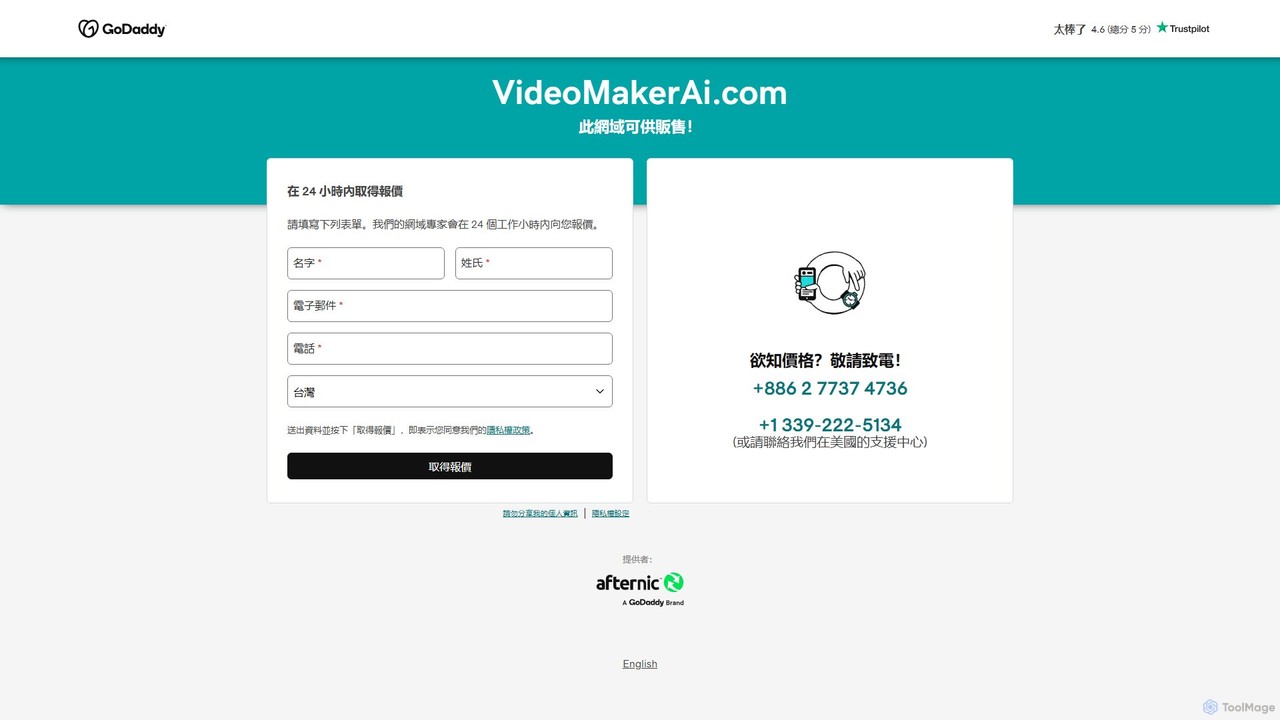
VideoMakerAI
VideoMakerAI is a powerful AI-driven video generation platform that transforms text, scripts, and images into professional-quality videos in minutes. Create engaging content for marketing, social media, and education without any video editing experience.
Social Media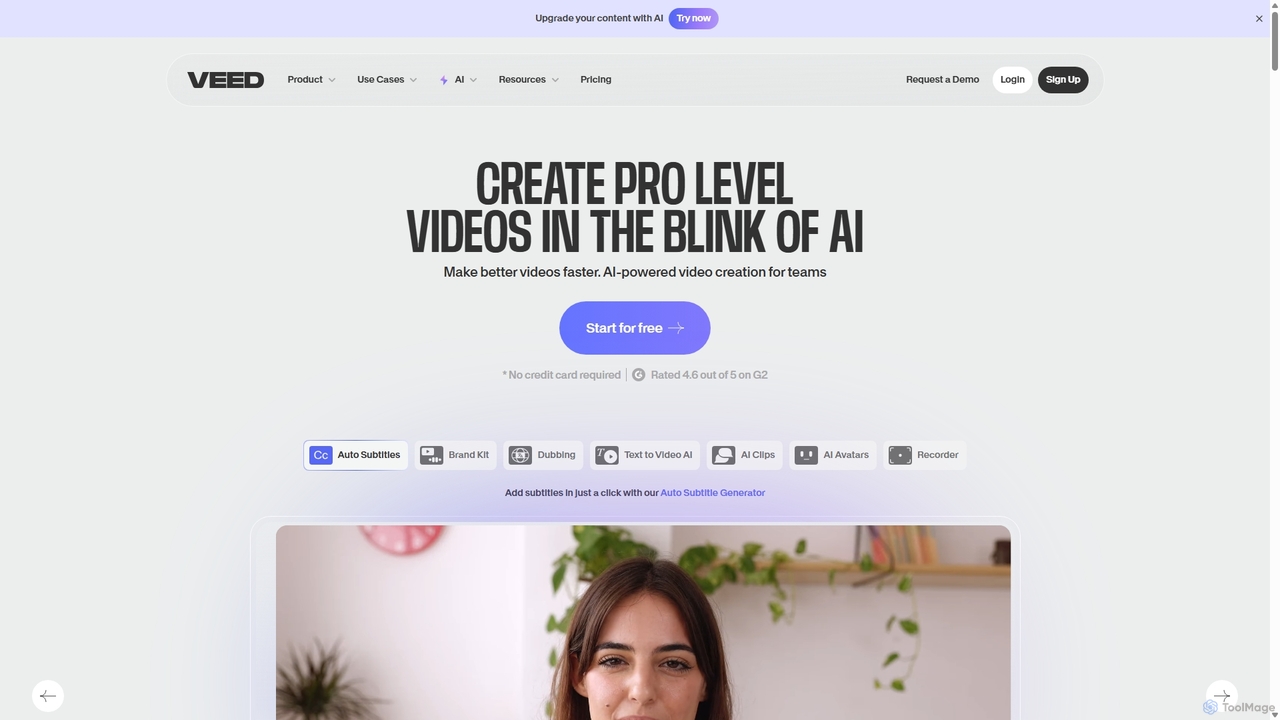
VEED.IO
VEED.IO is a powerful, AI-driven online video editor designed for teams and creators. It simplifies professional video creation with a suite of intuitive tools, including auto-subtitling, text-to-video, AI avatars, and collaborative workspaces. Create, edit, and share high-quality videos directly from your browser, no complex software required.
Social Media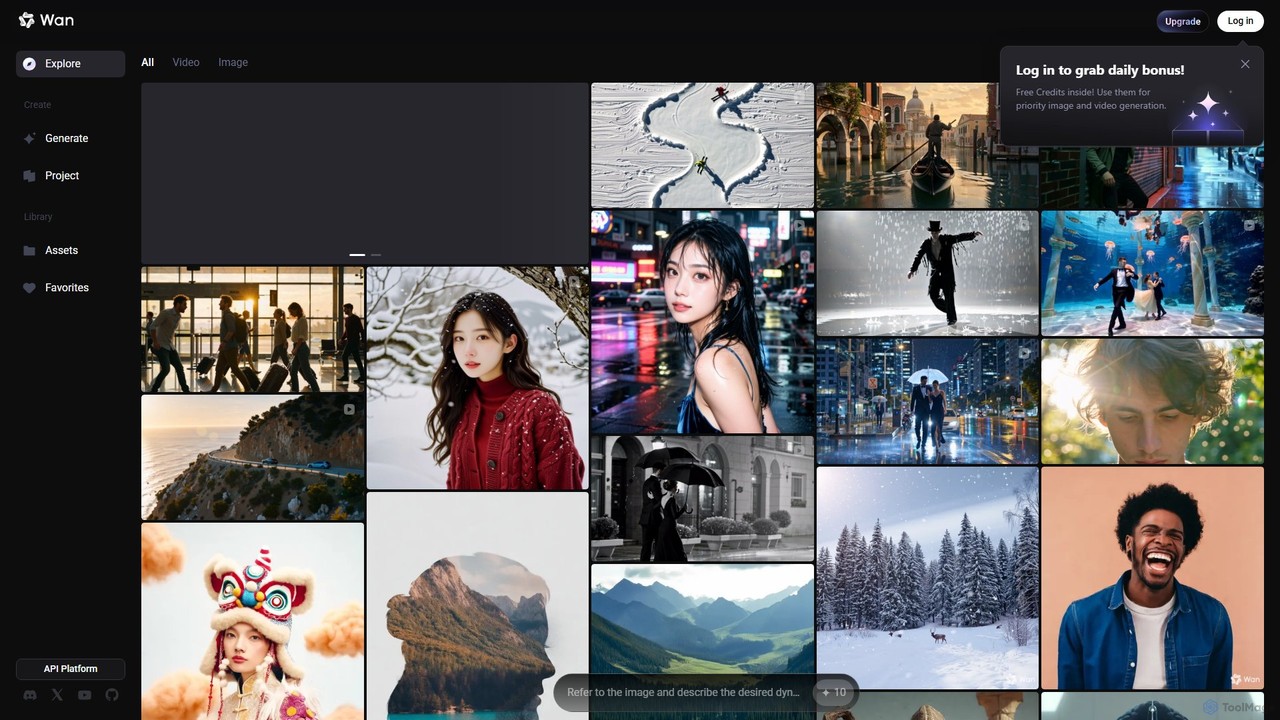
Wan AI
Wan AI is a leading AI video generation platform powered by the Wan 2.2 model. It transforms text prompts and static images into high-quality, dynamic video clips. Ideal for creators, marketers, and developers, it offers an intuitive interface, a project library, and a powerful API for seamless integration.
Generative Art
Luna AI
Luna AI is a powerful and free online AI video generator, powered by Luma Labs' Dream Machine. It enables users to effortlessly create stunning, high-quality videos from text prompts or static images in minutes. Designed for accessibility, it requires no prior video editing skills and supports multiple languages, making it ideal for marketers, content creators, and educators.
AnimationVisla Categories
Visla Embed Widget
Copy this embed code to place the badge on your blog, article, or product site and send readers directly to this ToolMage detail page.

Related AI tools
invideo
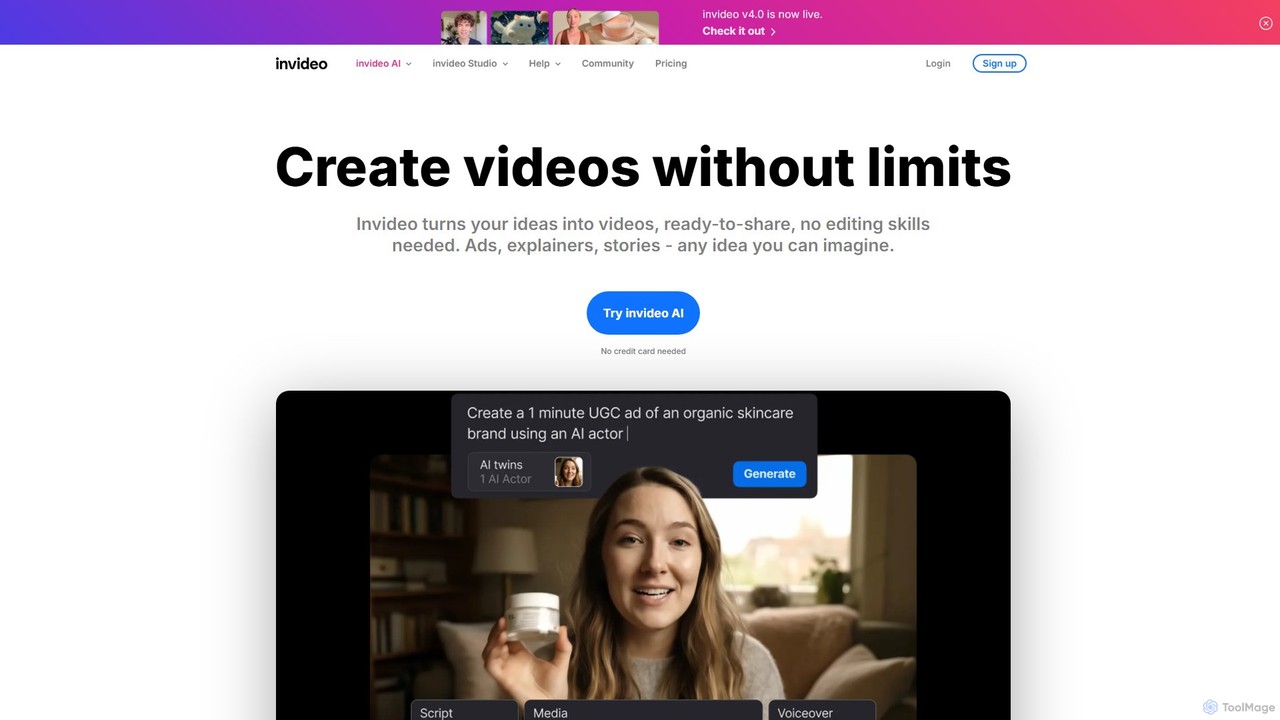
invideo is an AI-powered video creation platform that transforms text prompts, ideas, or URLs into publish-ready videos. It automates scriptwriting, visual creation, voiceovers, and editing, enabling users without technical skills to produce high-quality ads, social media content, and explainer videos in minutes.
Text To Speech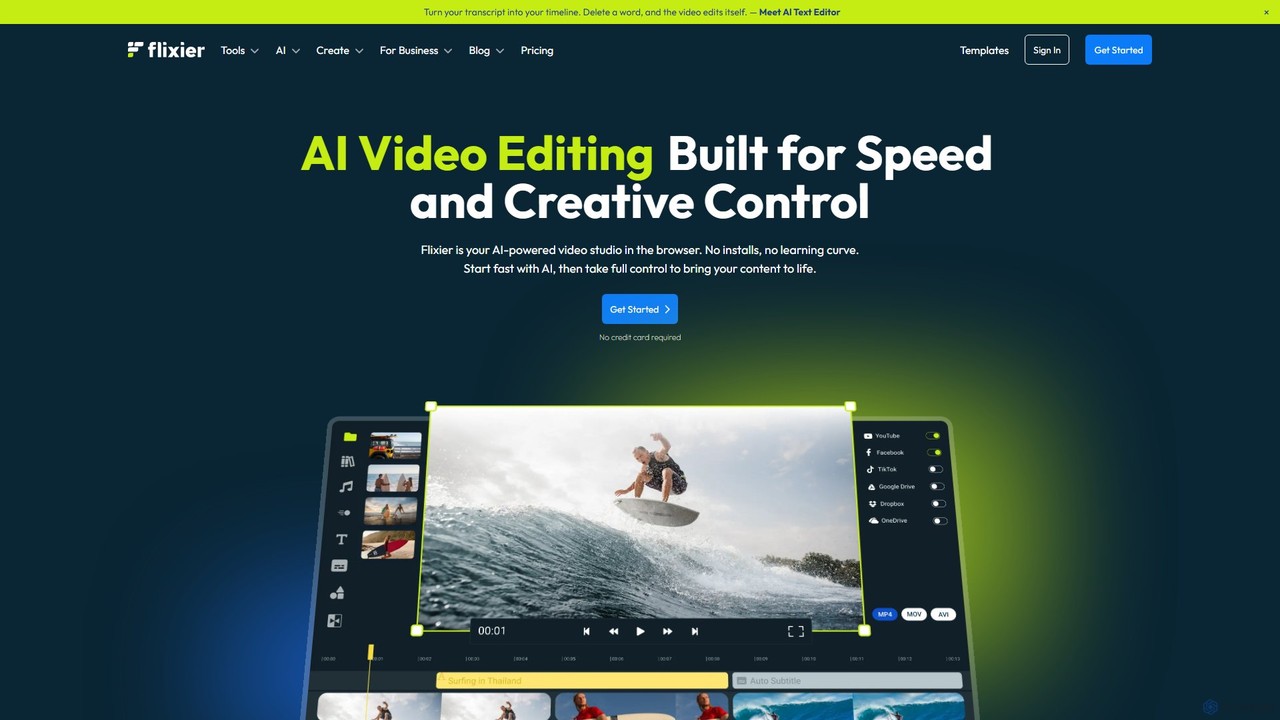
Flixier
Flixier is an AI-powered, cloud-based video editor designed for speed and ease of use. It offers features like text-based editing, AI voiceovers, automatic subtitles, and real-time collaboration, making it ideal for creators, marketers, and educators without needing powerful hardware.
TranscriptionHeyGen
HeyGen is a leading AI video generation platform that enables users to create professional, studio-quality videos in minutes without a camera or crew. It converts text into engaging videos using realistic AI avatars, voice cloning, and advanced video translation. Ideal for marketing, sales, training, and content creation, HeyGen simplifies video production, making it scalable and accessible for everyone.
E LearningVideoMakerAI
VideoMakerAI is a powerful AI-driven video generation platform that transforms text, scripts, and images into professional-quality videos in minutes. Create engaging content for marketing, social media, and education without any video editing experience.
Social Media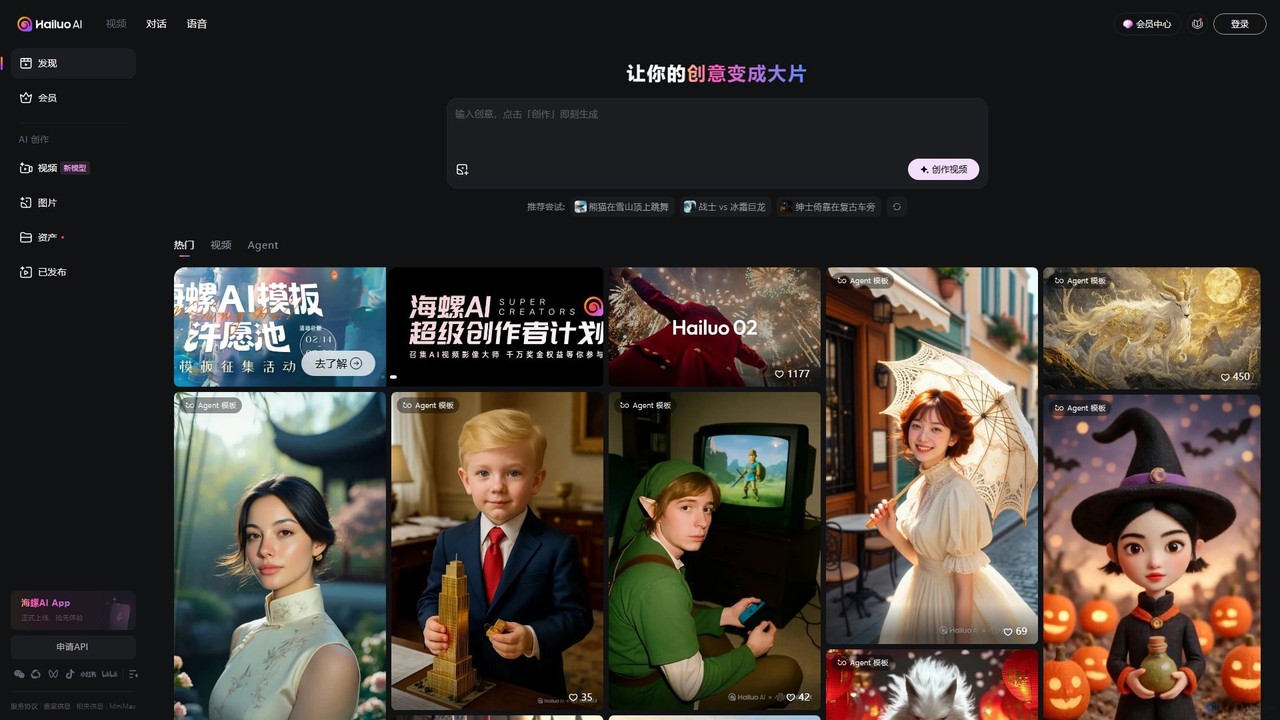
Hailuo AI
Hailuo AI is a powerful AI video generator that transforms your ideas, text prompts, and images into stunning, high-quality videos. Leveraging advanced AI from MiniMax, it offers a wide range of creative templates and customization options, making video creation simple, fun, and efficient for marketers, content creators, and individuals.
Generative Art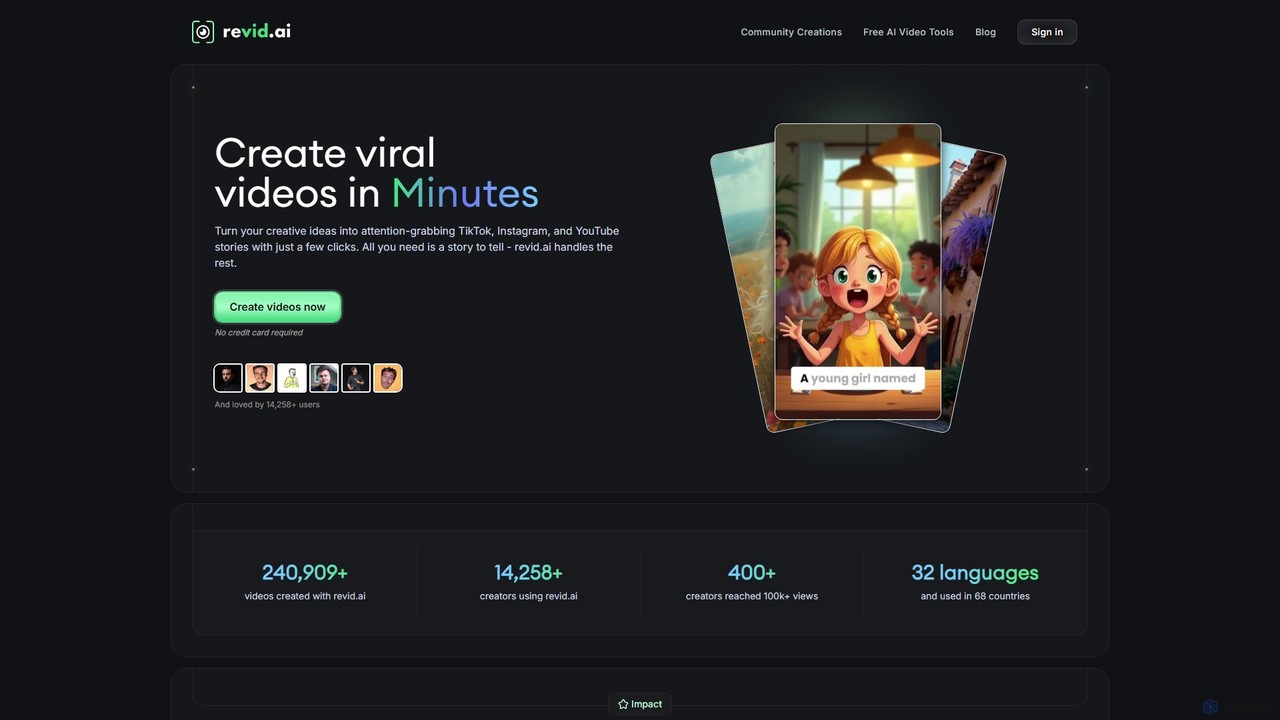
Revid
Revid is a powerful AI video generator that transforms your ideas, text, or URLs into captivating vertical videos optimized for virality. By analyzing millions of successful videos, it crafts compelling scripts, visuals, and hooks designed to maximize engagement on platforms like TikTok, Instagram, and YouTube. It's the ultimate tool for creators and marketers looking to save time and produce high-performing content effortlessly, even without prior video editing experience.
Advertising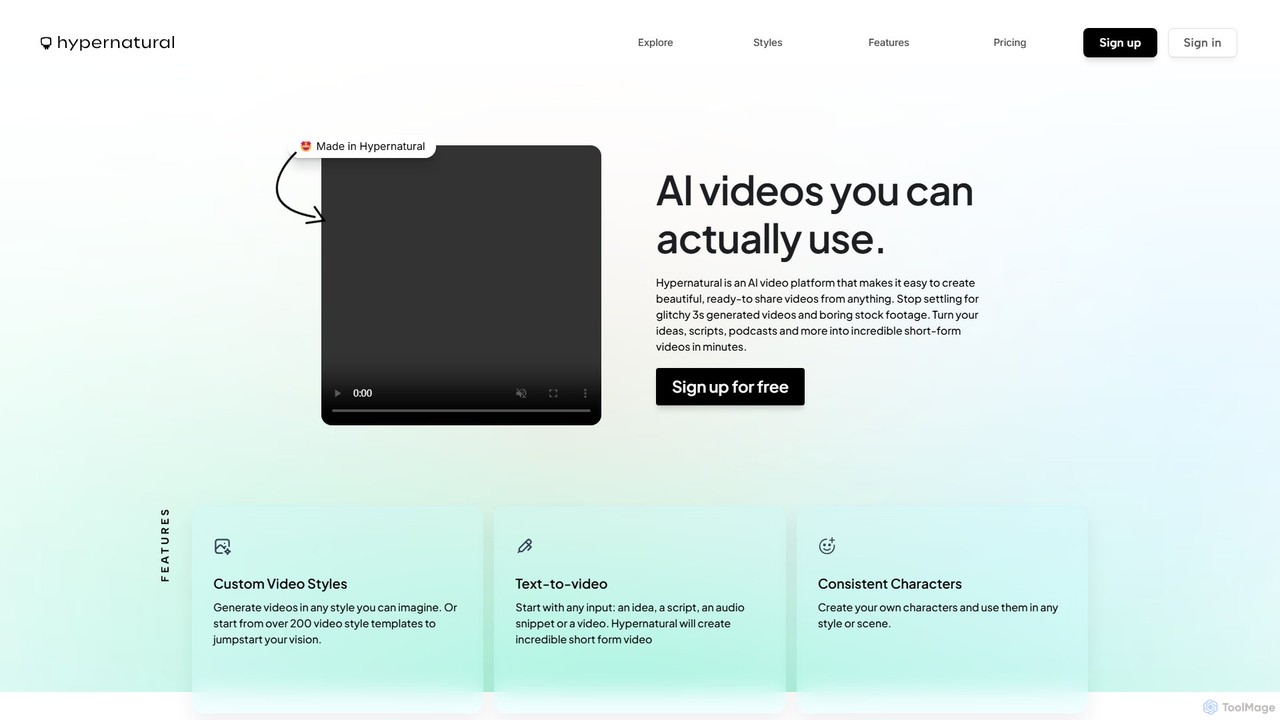
Hypernatural
Hypernatural is an AI video platform that transforms text, scripts, or audio into high-quality, ready-to-share short-form videos. It focuses on creating usable, non-glitchy content with consistent characters and custom styles, making professional video creation accessible to everyone from marketers to content creators.
Advertising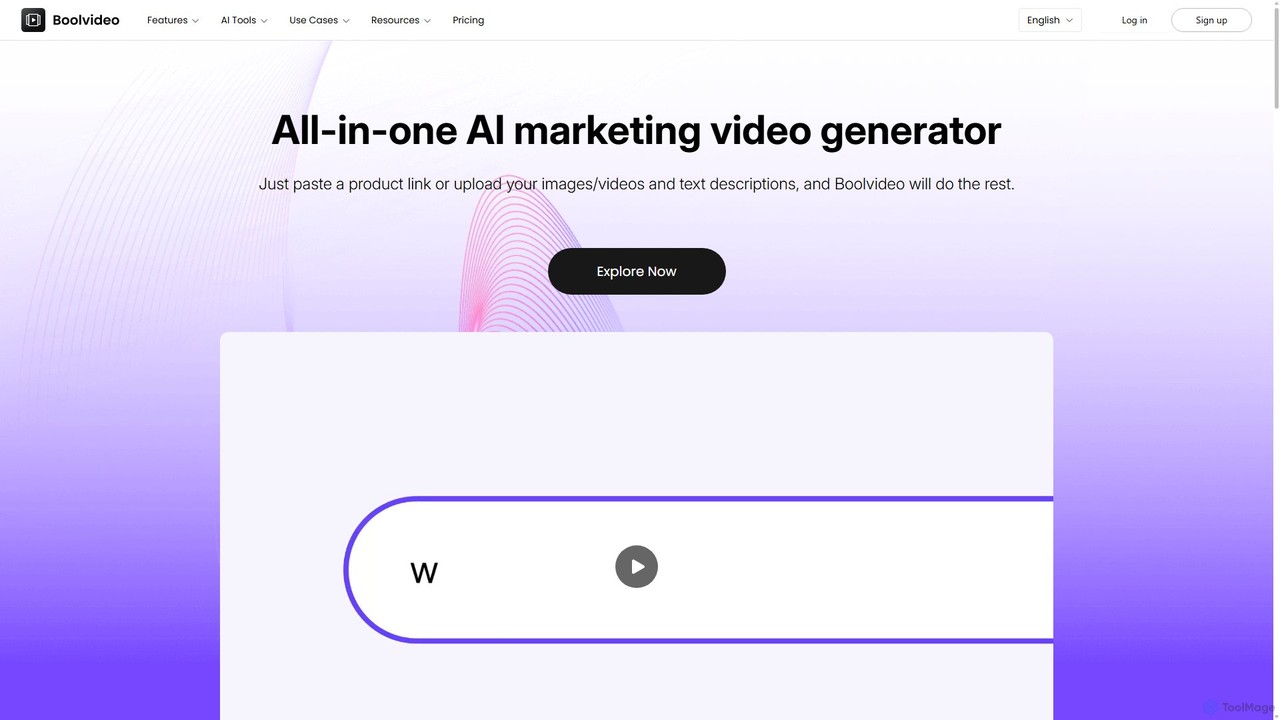
Boolvideo
Boolvideo is an all-in-one AI video generator designed for marketing and e-commerce. It allows users to effortlessly transform product links, images, text, or simple ideas into engaging, professional-quality videos. With a suite of AI-powered tools, it automates scriptwriting, voiceover generation, and visual selection, making it ideal for social media managers, content creators, and brands looking to scale their video content production quickly.
Product Videos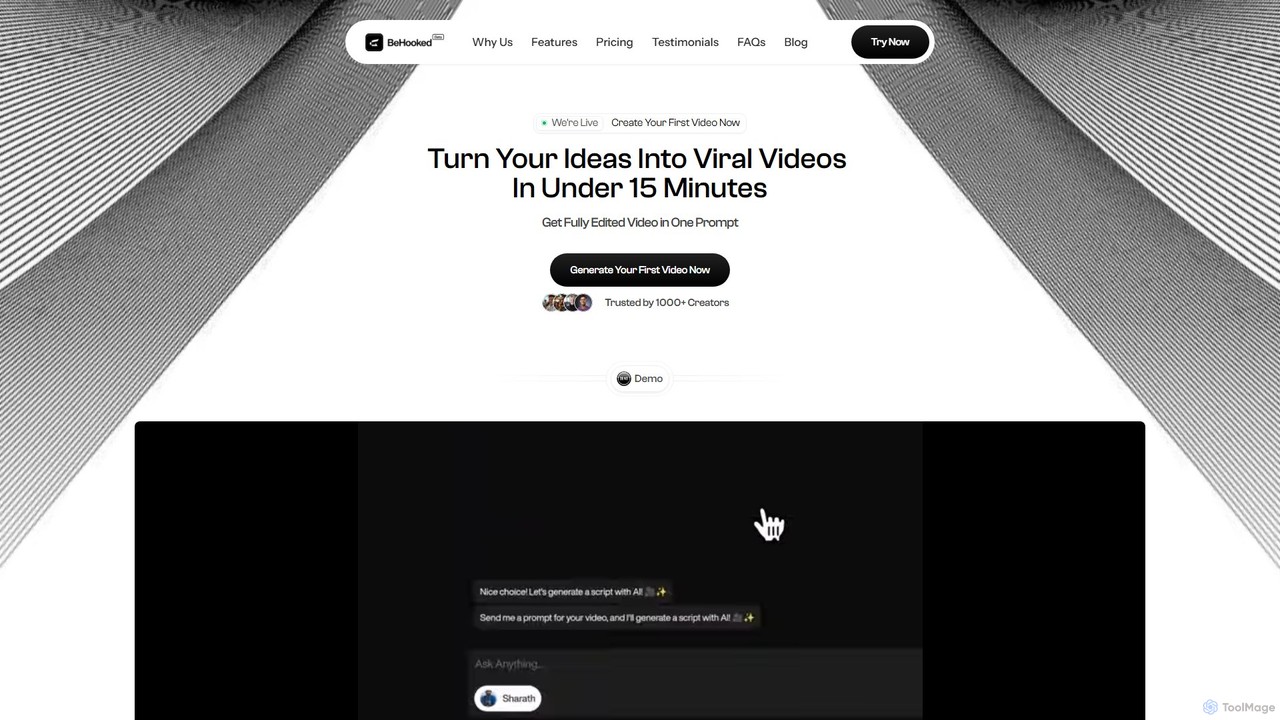
behooked
Behooked is an AI video agent that transforms your ideas into viral-ready short videos in under 15 minutes. Simply provide a text prompt, and the AI handles everything: scriptwriting, a hyper-realistic digital avatar, voiceover, auto-subtitles, and professional editing with B-rolls and music. It's designed for creators and businesses to save time and money, eliminate creative burnout, and consistently produce high-quality content for personal branding and marketing without any technical skills.
Video Marketing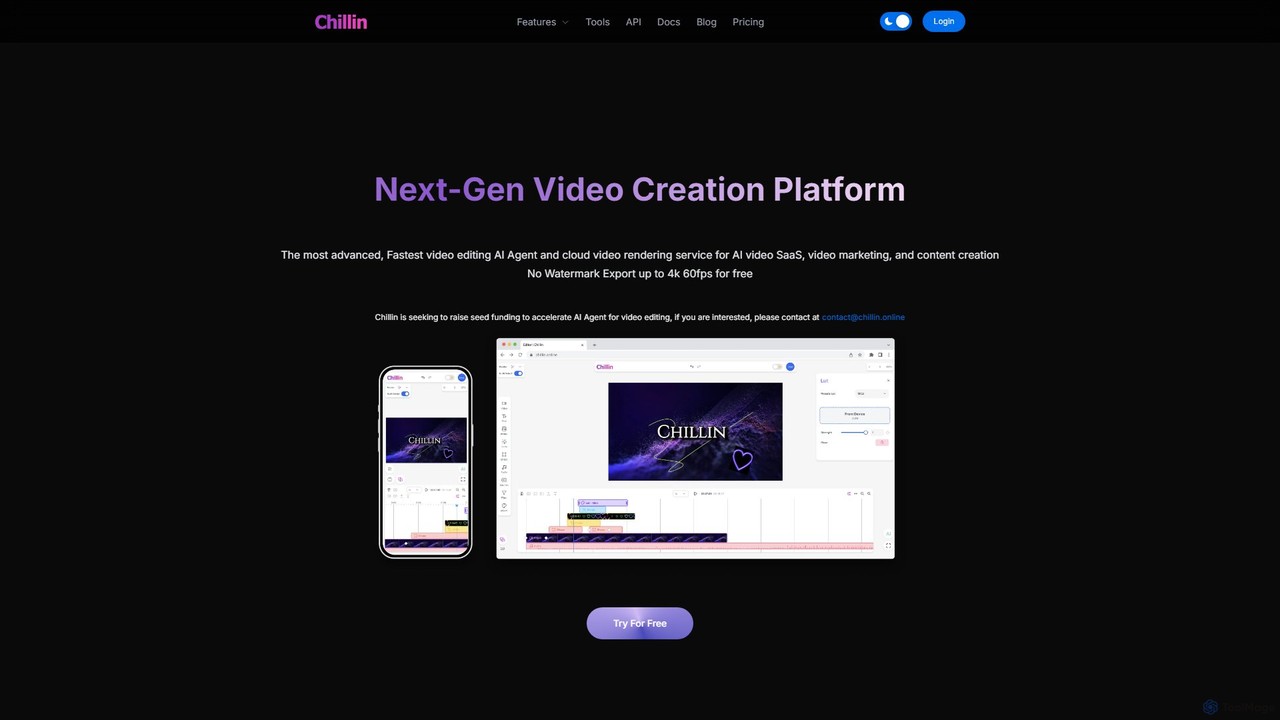
Chillin
Chillin is an advanced AI-powered video creation platform offering a comprehensive suite of tools for both individual creators and businesses. It features an AI Agent for automated editing, high-speed cloud rendering, and a full-featured online editor. Key capabilities include AI-driven captioning, text-to-speech, image generation, and background removal. It also provides a powerful API for programmatic video creation, making it a versatile solution for content marketing and AI video SaaS applications.
Api
HeyGen
HeyGen is a cutting-edge AI video generation platform that enables users to create professional, studio-quality videos with realistic AI avatars and voices. Effortlessly convert text into engaging spokesperson videos for marketing, training, and communication without the need for cameras, actors, or complex editing software. It's designed to scale video production quickly and affordably.
E Learning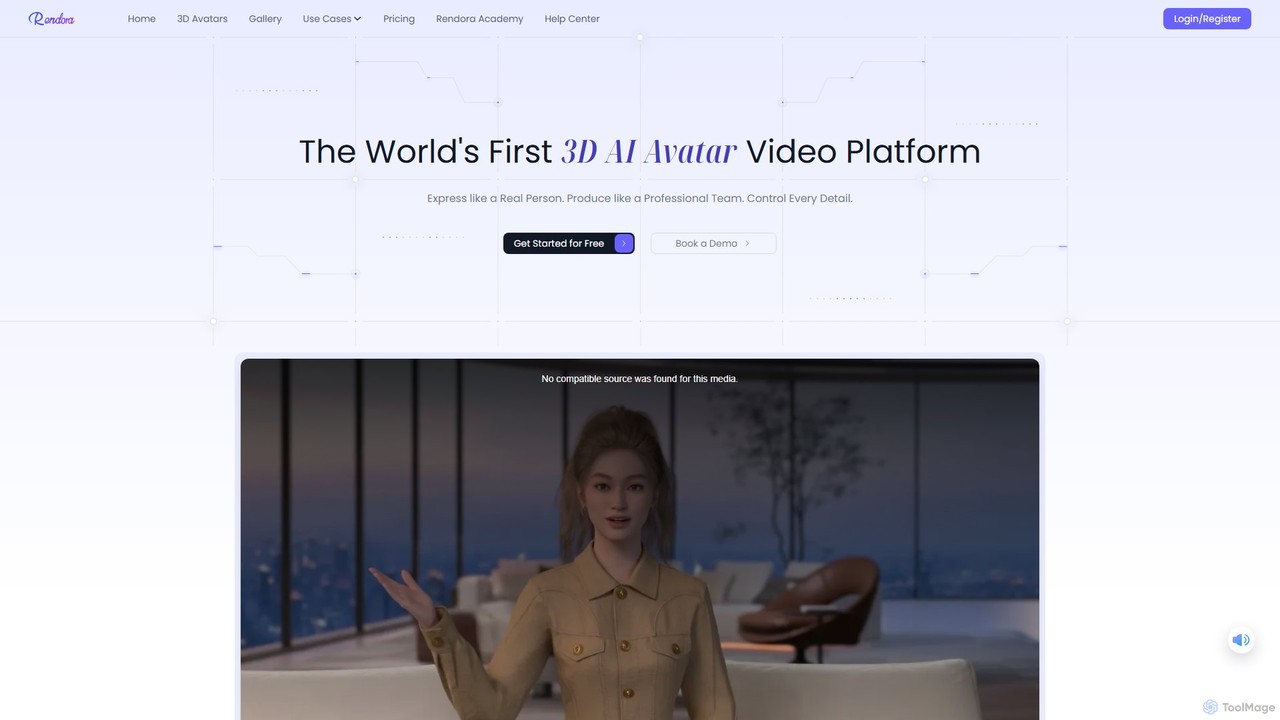
Rendora
Rendora is a pioneering 3D AI avatar video generation platform that enables users to create studio-quality videos in minutes without cameras or editing. Simply input a script, and Rendora's AI engine generates a complete video with a hyper-realistic 3D avatar, lifelike animations, natural voiceovers, and dynamic camera movements. It offers over 3,000 customizable avatars and extensive templates, making professional video production accessible for marketing, education, and news.
E LearningVEED.IO
VEED.IO is a powerful, AI-driven online video editor designed for teams and creators. It simplifies professional video creation with a suite of intuitive tools, including auto-subtitling, text-to-video, AI avatars, and collaborative workspaces. Create, edit, and share high-quality videos directly from your browser, no complex software required.
Social MediaWan AI
Wan AI is a leading AI video generation platform powered by the Wan 2.2 model. It transforms text prompts and static images into high-quality, dynamic video clips. Ideal for creators, marketers, and developers, it offers an intuitive interface, a project library, and a powerful API for seamless integration.
Generative ArtLuna AI
Luna AI is a powerful and free online AI video generator, powered by Luma Labs' Dream Machine. It enables users to effortlessly create stunning, high-quality videos from text prompts or static images in minutes. Designed for accessibility, it requires no prior video editing skills and supports multiple languages, making it ideal for marketers, content creators, and educators.
Animation
Visla Comments (0)
Sign in to comment.
Sign inNo comments yet.