

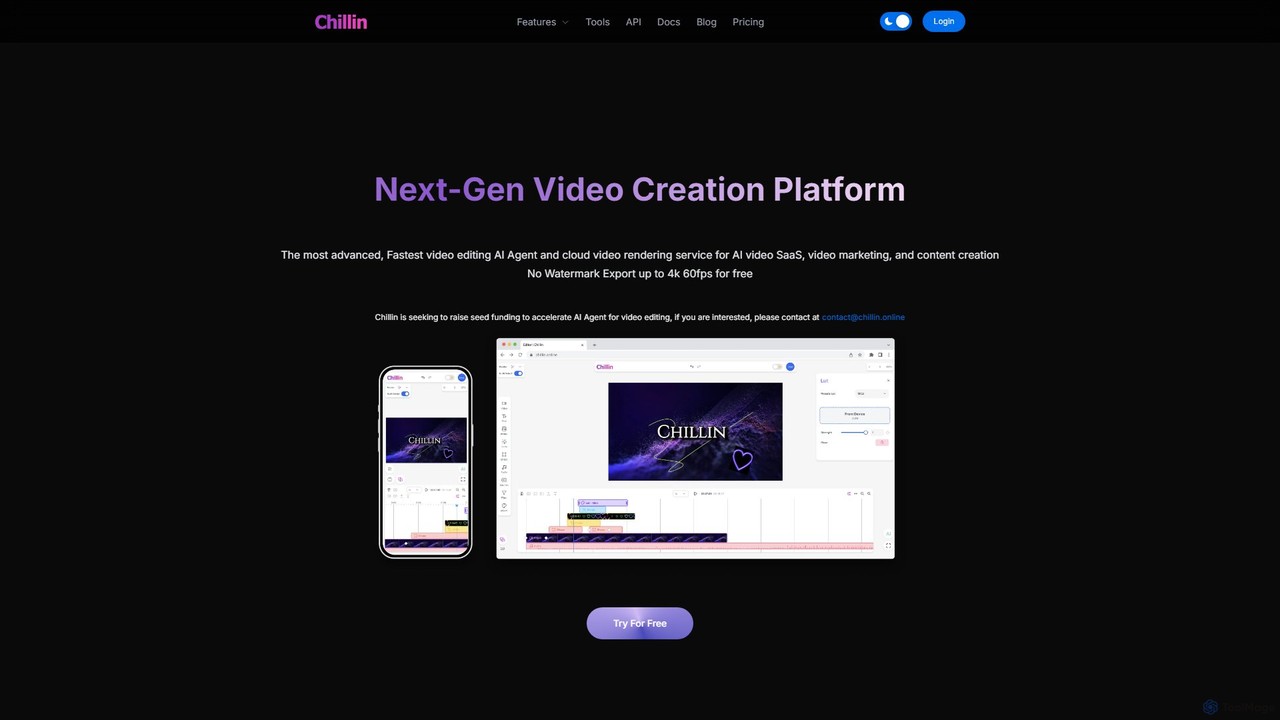
Chillin Overview
Chillin positions itself as a next-generation video creation platform, designed to cater to a wide range of users from individual content creators to large-scale AI SaaS businesses. It uniquely combines a user-friendly online video editor with a powerful, developer-focused cloud rendering API. The core of the platform is its AI Agent, which automates and simplifies complex video editing tasks, allowing users to create professional-quality videos with minimal effort.
The platform offers a complete ecosystem for video production. Users can generate high-quality images from text prompts, create lifelike voiceovers with its text-to-speech engine, and automatically generate accurate video captions in over 100 languages. A standout feature is its ability to generate complete short videos from simple prompts, combining AI-generated voice and captions seamlessly. For developers and businesses, Chillin provides an ultra-fast and cost-effective cloud rendering service, accessible via a well-documented API, enabling them to build and scale their own video applications without the overhead of managing rendering infrastructure.
How to use Chillin
Chillin offers two primary workflows depending on the user's needs:
1. For Content Creators (Online Editor):
- Sign up for a free account on the Chillin website.
- Start a new project in the online editor. You can upload your own media (videos, images, audio) or generate assets using AI tools like Text-to-Image or Text-to-Speech.
- Use the intuitive timeline to arrange your clips. Trim, split, and reorder them as needed.
- Leverage AI features with a single click: generate automatic captions for your video, remove the background from an image, or create a short video from a text prompt.
- Enhance your video with advanced features like keyframe animations, Lottie/SVG vector motion, transitions, filters, and cinematic LUTs.
- Once editing is complete, export your video in up to 4K 60fps resolution, without a watermark, even on the free plan.
2. For Developers (Render API):
- Obtain your API key from the Chillin Render Console.
- Construct a JSON object that defines your entire video project. This includes specifying dimensions, frame rate, and all elements like video clips, images, text overlays, audio tracks, and their properties (position, duration, animations, etc.).
- Send this JSON payload via a POST request to the Chillin Render API endpoint.
- The API operates asynchronously. You will receive a response confirming the request was submitted, along with a `render_id`.
- You can then poll the API for the status of the render job and retrieve the URL of the finished video once it's complete.
Core Features of Chillin
- AI Agent for Video Editing: Automates and simplifies the creative process, from generating content to editing.
- Cloud Video Rendering & API: An ultra-fast, cost-effective, and scalable rendering service for developers and AI video SaaS businesses.
- AI Content Generation: Includes Text-to-Speech with human-like voices, Text-to-Image generation, and one-click Short Video generation from prompts.
- Automatic AI Captioning: Generate accurate video and audio captions in over 100 languages, available both on the server and for free in the browser.
- Advanced Online Editor: A full-featured editor with a powerful timeline, advanced keyframe controls, and support for Lottie/SVG vector animations.
- Comprehensive Editing Tools: Includes transitions, filters, color adjustments with LUTs, shape and text masks, and audio visualization with soundwaves.
- Free Utility Tools: Offers a suite of free tools including a high-precision image background remover, image compressor, and GIF compressor.
- High-Quality Export: Supports watermark-free video export up to 4K resolution at 60fps, even for free users.
Use Cases for Chillin
Chillin is a versatile tool suitable for various applications:
- Social Media Marketing: Quickly create engaging short videos for platforms like TikTok, Instagram Reels, and YouTube Shorts, complete with trendy captions and AI voiceovers.
- AI SaaS Development: Businesses can integrate the Chillin API to power their own video creation applications, offering features like automated video generation to their users.
- Content Creation: YouTubers, bloggers, and educators can streamline their video production workflow, saving time on tedious tasks like captioning and editing.
- E-commerce: Generate professional product videos, remove backgrounds from product images, and create promotional content at scale.
- Programmatic Video: Developers can use the API to generate thousands of personalized videos for marketing campaigns, data visualization, or user-generated content platforms.
Advantages of Chillin
- All-in-One Platform: Combines AI generation, a full-featured editor, and a developer API in a single service.
- Generous Free Tier: The ability to export 4K 60fps videos without a watermark for free is a significant advantage over competitors.
- Scalability and Cost-Effectiveness: The cloud rendering API is designed for high performance and affordability, making it ideal for businesses.
- Automation and Speed: AI-powered features dramatically reduce the time and effort required to produce high-quality videos.
- Flexibility: The unique combination of non-linear video editing and vector motion graphics (like After Effects and Premiere in one) opens up advanced creative possibilities.
Pricing and Plans
Chillin operates on a freemium model:
- Free Plan: Completely free. Includes no-watermark exporting up to 4K 60fps and access to all core editing features. Some AI features like browser-based captioning and background removal are also free.
- Pro Plan ($9/month): Includes all Free features, plus 10GB of cloud storage and 300 AI Points per month.
- Pro Plus Plan ($19/month): Includes all Free features, plus 25GB of cloud storage and 800 AI Points per month.
- Max Plan ($29/month): Includes all Free features, plus 50GB of cloud storage and 1500 AI Points per month.
AI Points are used for premium, server-intensive AI features such as server-side AI captioning (2 minutes/1 point), text-to-speech (500 characters/1 point), image generation (1 image/1 point), and cloud video rendering (1 minute at 1080p/2 points).
Chillin Alternatives
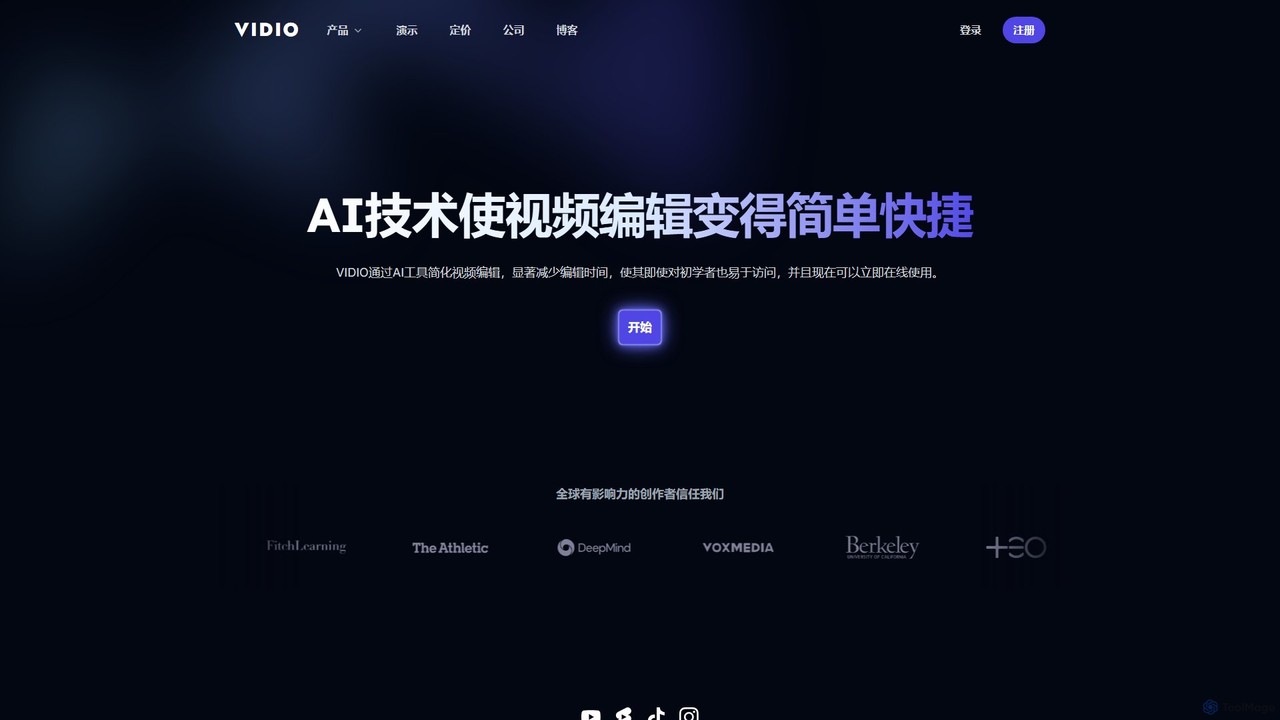
VIDIO
VIDIO is an AI-powered video editing platform that automates and simplifies complex editing tasks. It offers tools for creating motion graphics from text, generating highlight reels, automatic subtitling, face blurring, and more, making professional video creation accessible to everyone.
Social Media
motionvid.ai
motionvid.ai is an AI-powered platform that transforms text prompts and sketches into professional-quality motion graphics and animations in seconds. It's designed for content creators, marketers, and editors to produce stunning videos 20x faster than traditional software like After Effects, without needing any technical skills.
Social Media
Vivu.ai
Vivu.ai is an AI-powered video editing platform that simplifies and accelerates the video creation process. It uses AI to automatically generate smart rough cuts, index and search video content, and suggest background music, enabling creators of all skill levels to produce professional-quality videos with ease.
Social Media
FilmForge AI
FilmForge AI is an AI-powered video generator that instantly creates engaging videos from simple text prompts. The platform automatically includes captions, natural-sounding voiceovers, transcripts, and relevant graphics, making it ideal for marketers, content creators, and businesses looking to produce high-quality video content quickly and effortlessly.
Social Media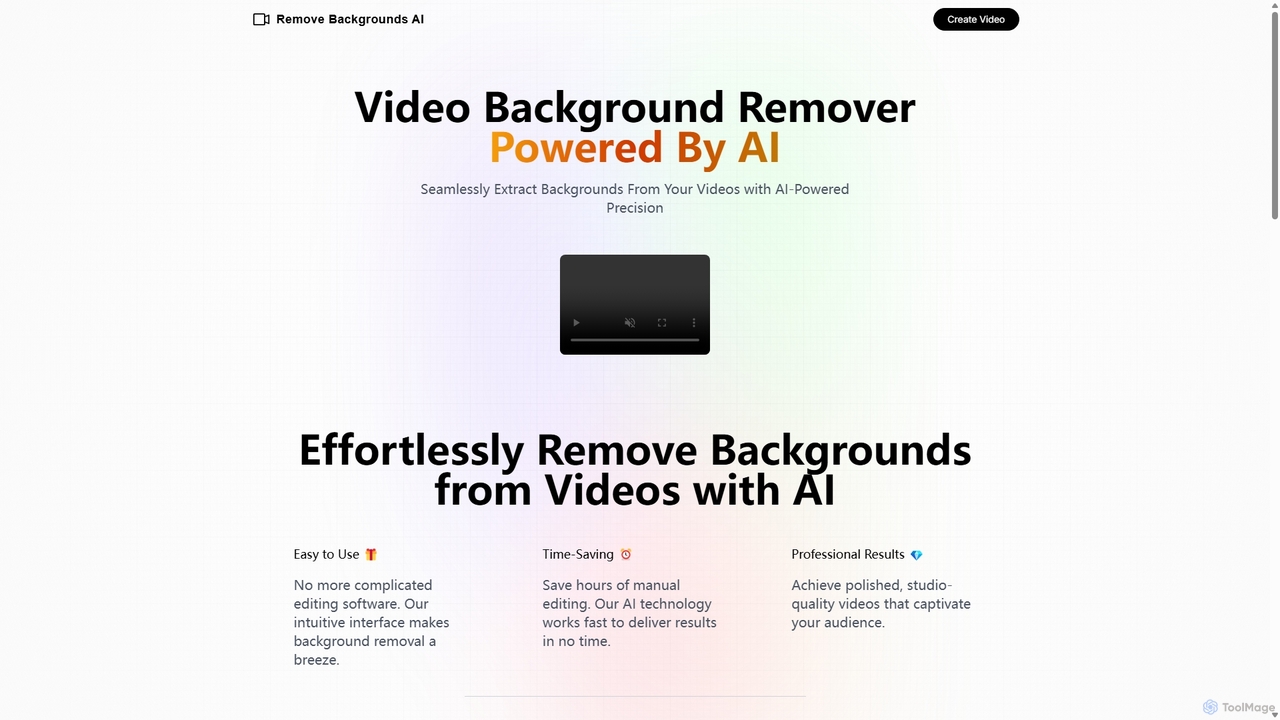
Remove Backgrounds AI
Remove Backgrounds AI is an AI-powered tool for seamless video background removal. It specializes in human video matting, using a recurrent neural network to accurately and quickly extract subjects from their backgrounds. Ideal for content creators and marketers, it delivers professional, studio-quality results in minutes, simplifying complex editing tasks with an intuitive interface and a simple pay-per-video pricing model.
Social MediaChillin Categories
Chillin Embed Widget
Copy this embed code to place the badge on your blog, article, or product site and send readers directly to this ToolMage detail page.

Related AI tools
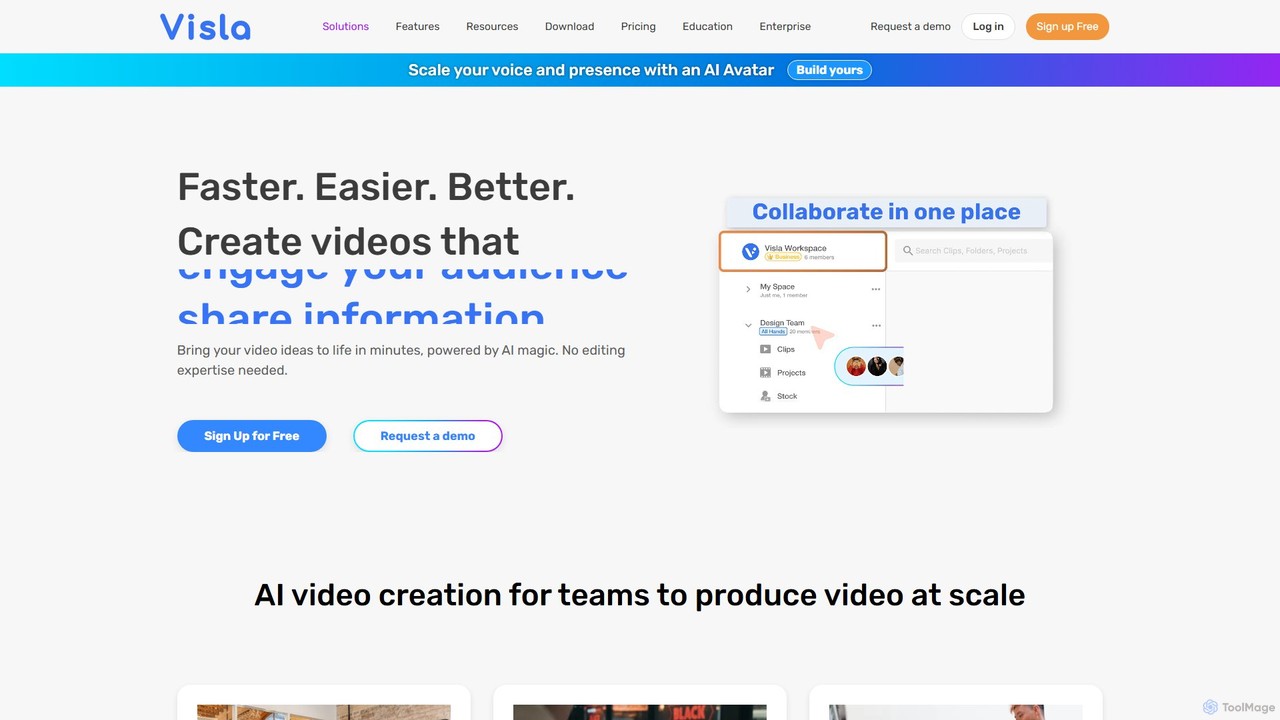
Visla
Visla is an all-in-one AI video platform designed for businesses. It empowers teams to effortlessly create, edit, record, and collaborate on professional-quality videos. Featuring AI-driven tools like text-to-video generation, realistic AI avatars, and an intelligent editor, Visla makes video production scalable and accessible to everyone, regardless of their technical expertise.
Training
Videomagic
Videomagic is an AI-powered video generator that automatically transforms text, articles, and product information into engaging short-form videos in minutes. Designed for marketers, e-commerce owners, and content creators, it streamlines video production, making it effortless to create high-quality content for social media, advertising, and communication without any prior editing skills.
Product Videos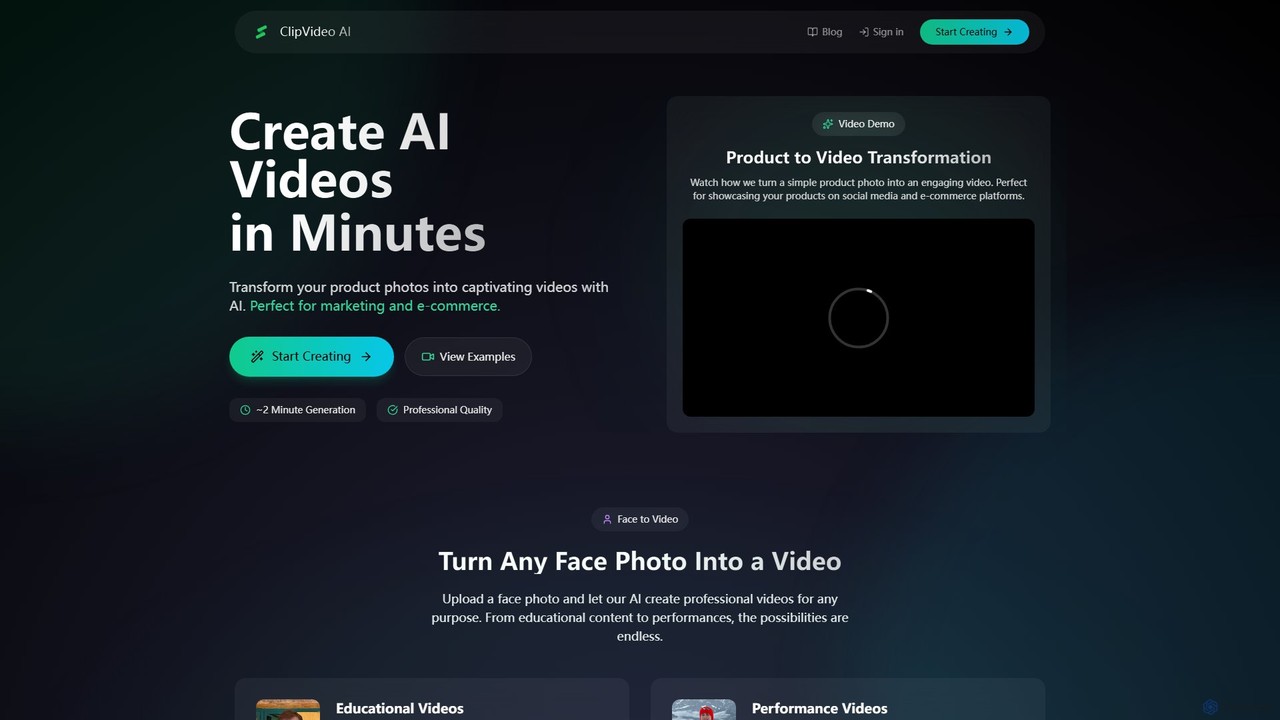
ClipVideoAI
ClipVideoAI is a powerful AI video generator that transforms product photos, face images, and text prompts into captivating, professional-quality videos in minutes. It's designed for marketing, e-commerce, content creation, and education, simplifying video production for various needs.
E Learning
stunnvideo
Stunnvideo is an AI-powered video creation platform that transforms text, voice clips, or existing videos into professional, engaging content for social media in seconds. It automatically adds stock footage, music, effects, and high-quality captions.
Video Marketing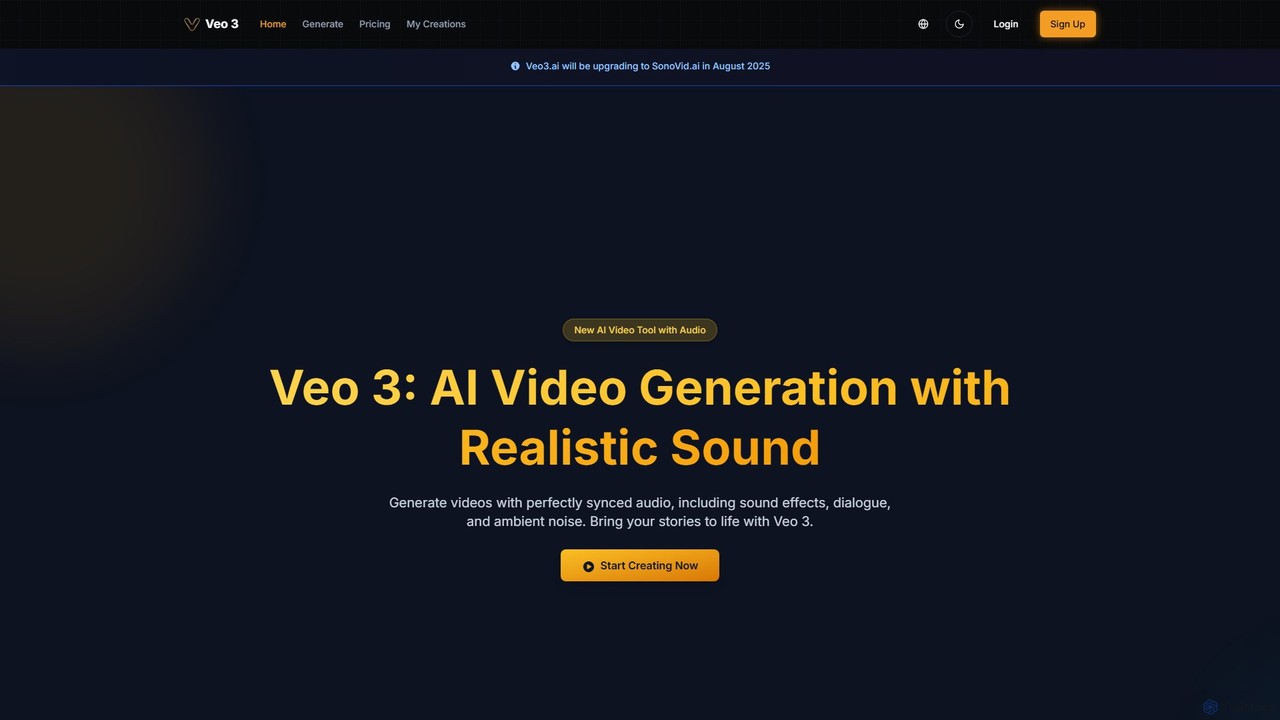
veo3.bot
veo3.bot is an AI video generation platform that provides access to Google's advanced Veo 3 model. It enables users to create high-quality 1080p videos from text or images, complete with native synchronized audio and precise lip-sync. The platform offers a free trial and flexible pricing without requiring a Google Gemini subscription, making advanced video creation accessible to creators, marketers, and developers.
Social Media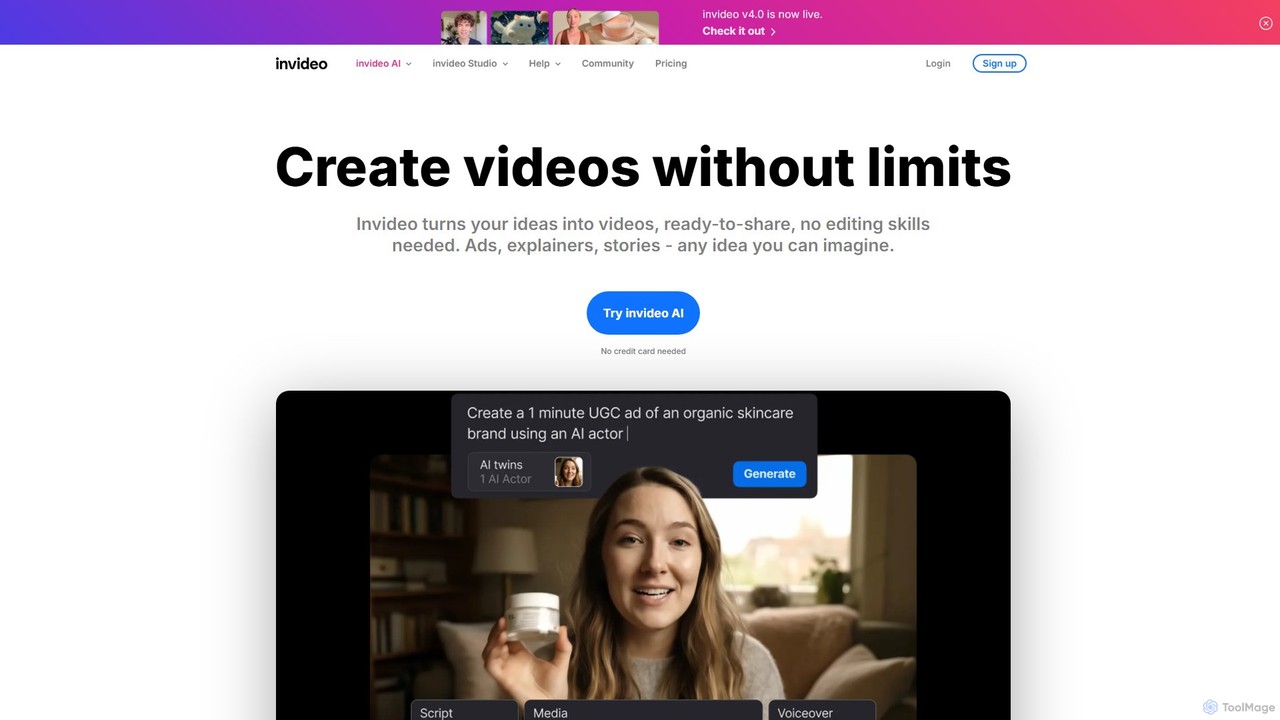
invideo
invideo is an AI-powered video creation platform that transforms text prompts, ideas, or URLs into publish-ready videos. It automates scriptwriting, visual creation, voiceovers, and editing, enabling users without technical skills to produce high-quality ads, social media content, and explainer videos in minutes.
Text To Speech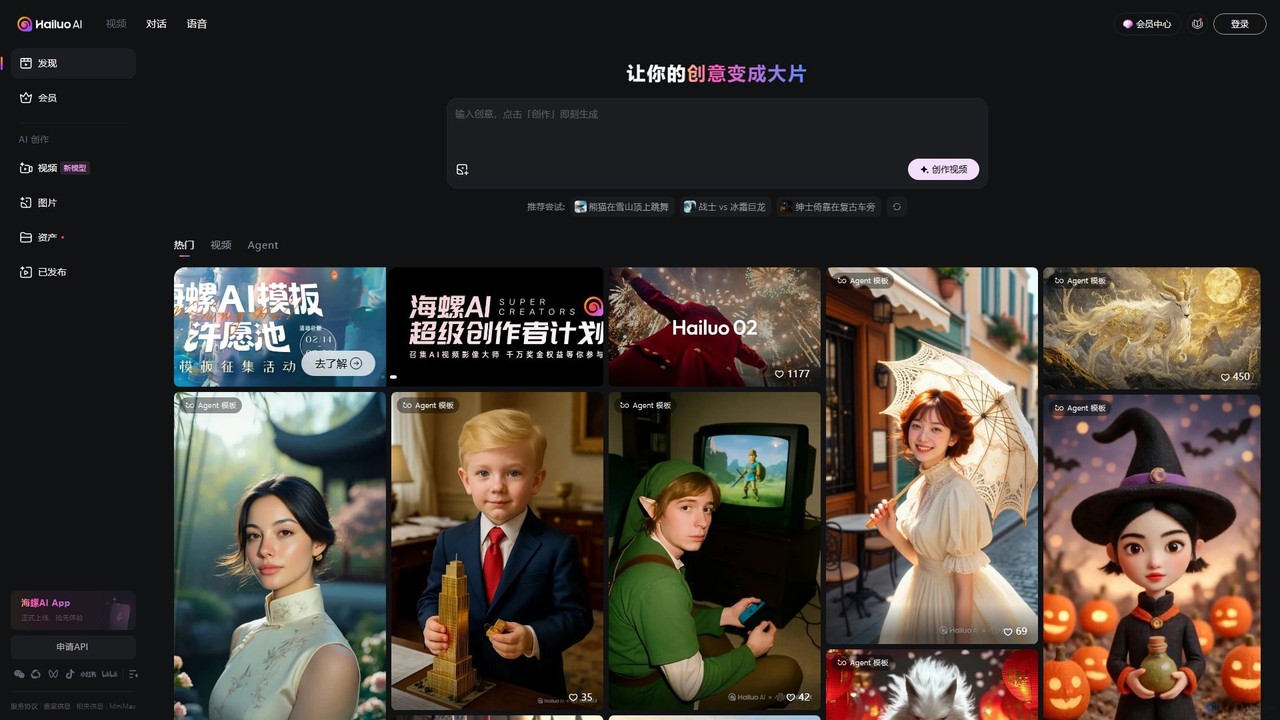
Hailuo AI
Hailuo AI is a powerful AI video generator that transforms your ideas, text prompts, and images into stunning, high-quality videos. Leveraging advanced AI from MiniMax, it offers a wide range of creative templates and customization options, making video creation simple, fun, and efficient for marketers, content creators, and individuals.
Generative Art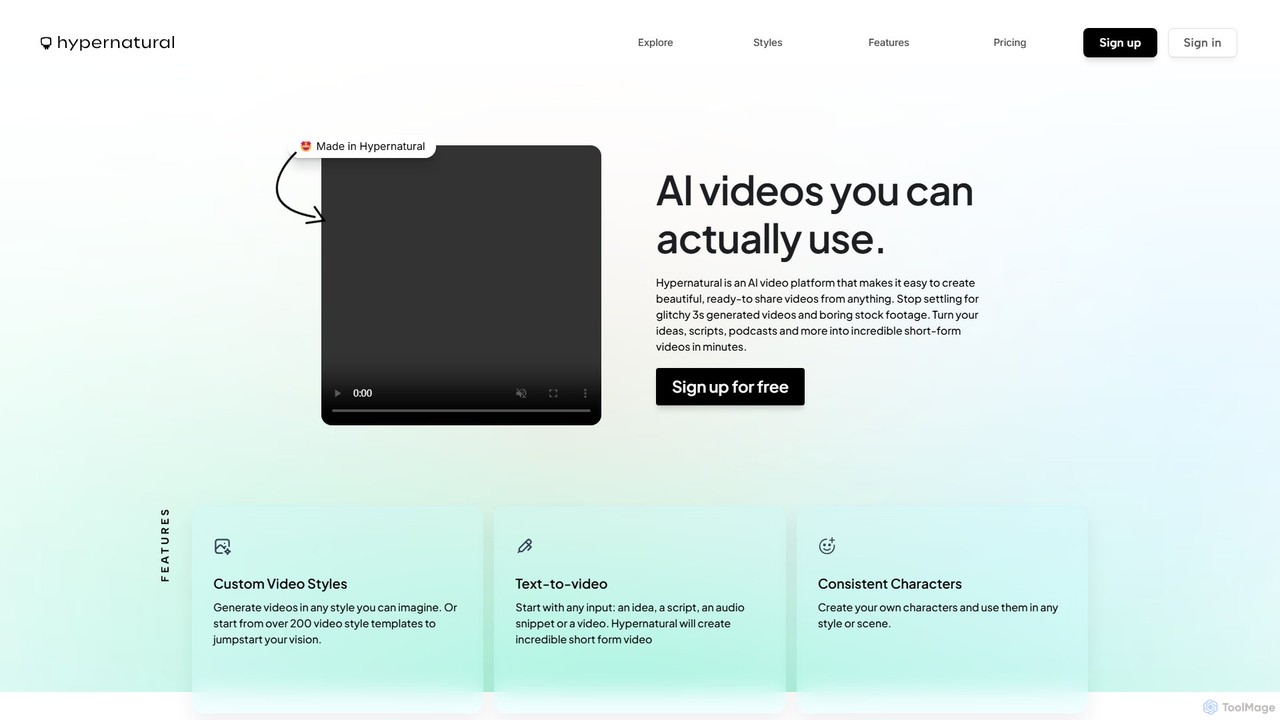
Hypernatural
Hypernatural is an AI video platform that transforms text, scripts, or audio into high-quality, ready-to-share short-form videos. It focuses on creating usable, non-glitchy content with consistent characters and custom styles, making professional video creation accessible to everyone from marketers to content creators.
Advertising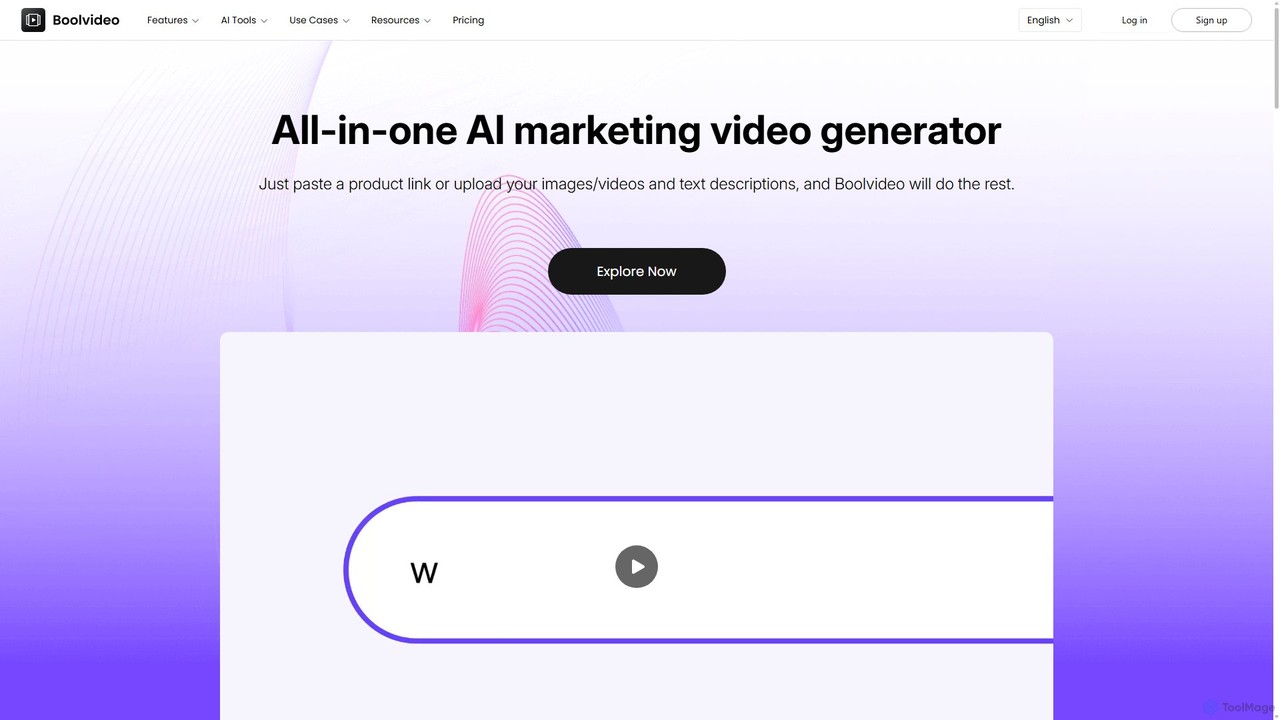
Boolvideo
Boolvideo is an all-in-one AI video generator designed for marketing and e-commerce. It allows users to effortlessly transform product links, images, text, or simple ideas into engaging, professional-quality videos. With a suite of AI-powered tools, it automates scriptwriting, voiceover generation, and visual selection, making it ideal for social media managers, content creators, and brands looking to scale their video content production quickly.
Product Videos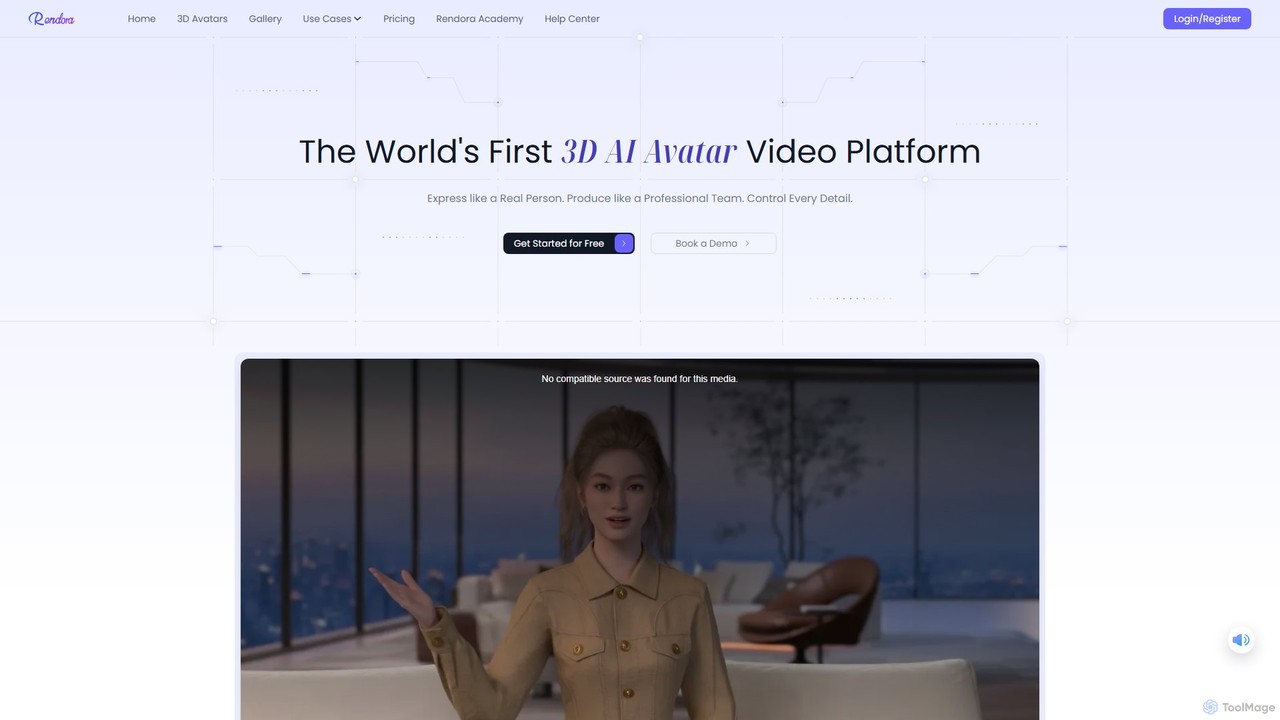
Rendora
Rendora is a pioneering 3D AI avatar video generation platform that enables users to create studio-quality videos in minutes without cameras or editing. Simply input a script, and Rendora's AI engine generates a complete video with a hyper-realistic 3D avatar, lifelike animations, natural voiceovers, and dynamic camera movements. It offers over 3,000 customizable avatars and extensive templates, making professional video production accessible for marketing, education, and news.
E Learning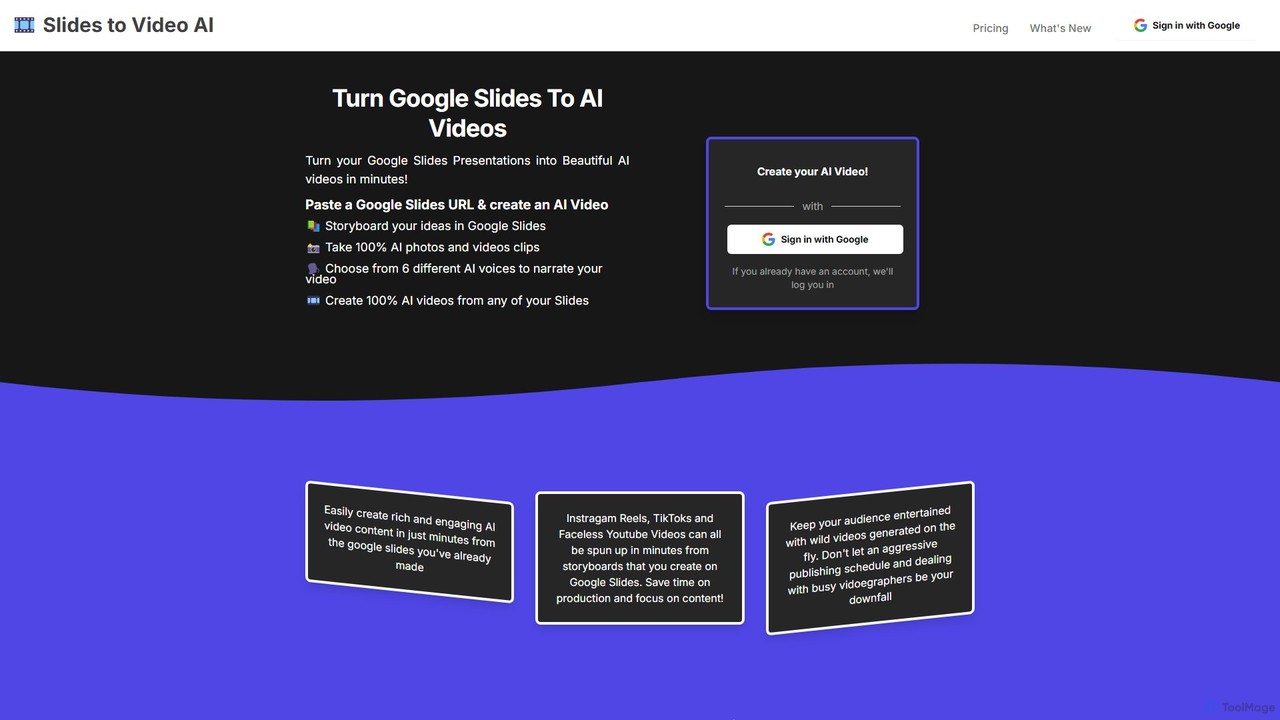
slidestovideos
slidestovideos is an AI-powered tool that transforms Google Slides presentations into engaging videos in minutes. Simply paste a Google Slides URL to generate AI-driven visuals, select from multiple AI voices for narration, and create professional-quality videos for marketing, social media, and education.
Video Marketing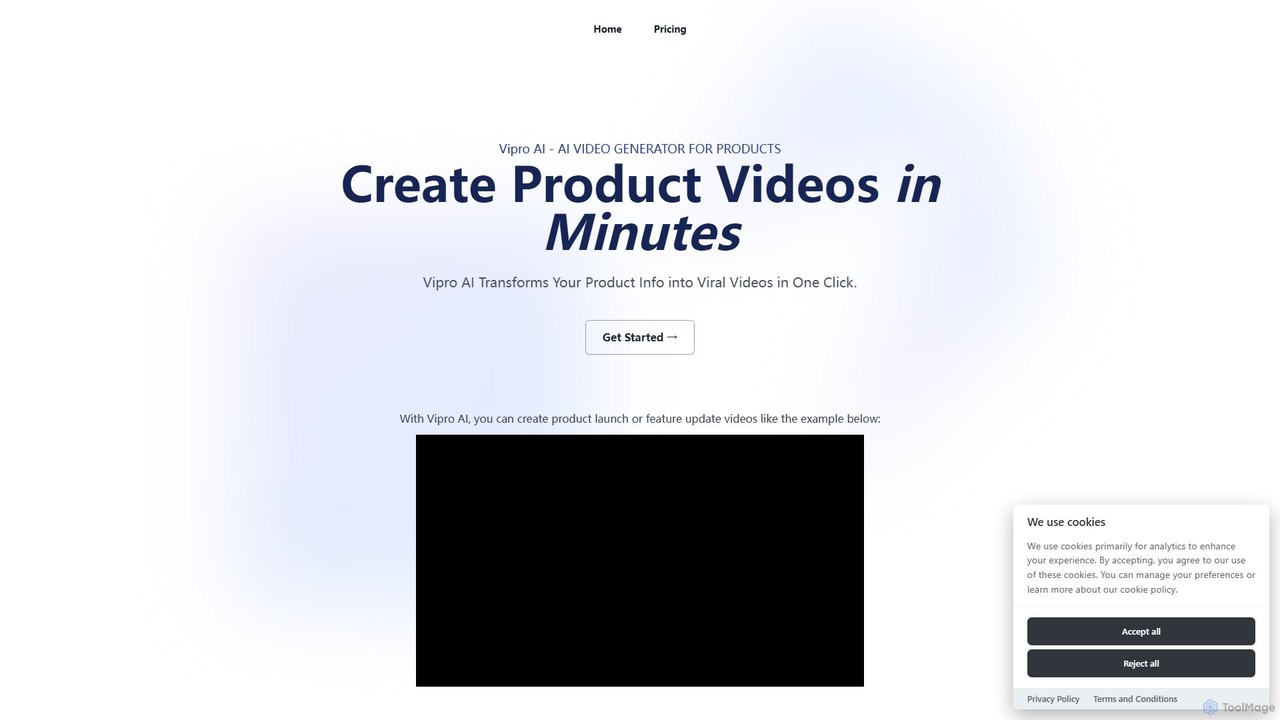
Vipro AI
Vipro AI is an AI-powered video generator that transforms product information, descriptions, and screenshots into engaging promotional videos in minutes. It's designed for marketers, e-commerce businesses, and SaaS companies to effortlessly create high-quality product launch, feature update, and marketing videos without needing any video editing skills.
Product Marketingmotionvid.ai
motionvid.ai is an AI-powered platform that transforms text prompts and sketches into professional-quality motion graphics and animations in seconds. It's designed for content creators, marketers, and editors to produce stunning videos 20x faster than traditional software like After Effects, without needing any technical skills.
Social MediaFilmForge AI
FilmForge AI is an AI-powered video generator that instantly creates engaging videos from simple text prompts. The platform automatically includes captions, natural-sounding voiceovers, transcripts, and relevant graphics, making it ideal for marketers, content creators, and businesses looking to produce high-quality video content quickly and effortlessly.
Social Media
dyvo
dyvo is an AI-powered video generation platform that transforms text, scripts, or data into professional-quality videos in minutes. It's designed for marketers, content creators, and businesses to effortlessly create engaging video content, personalized ads, and social media stories without any editing skills.
Social Media
Chillin Comments (0)
Sign in to comment.
Sign inNo comments yet.