
VIDIO Overview
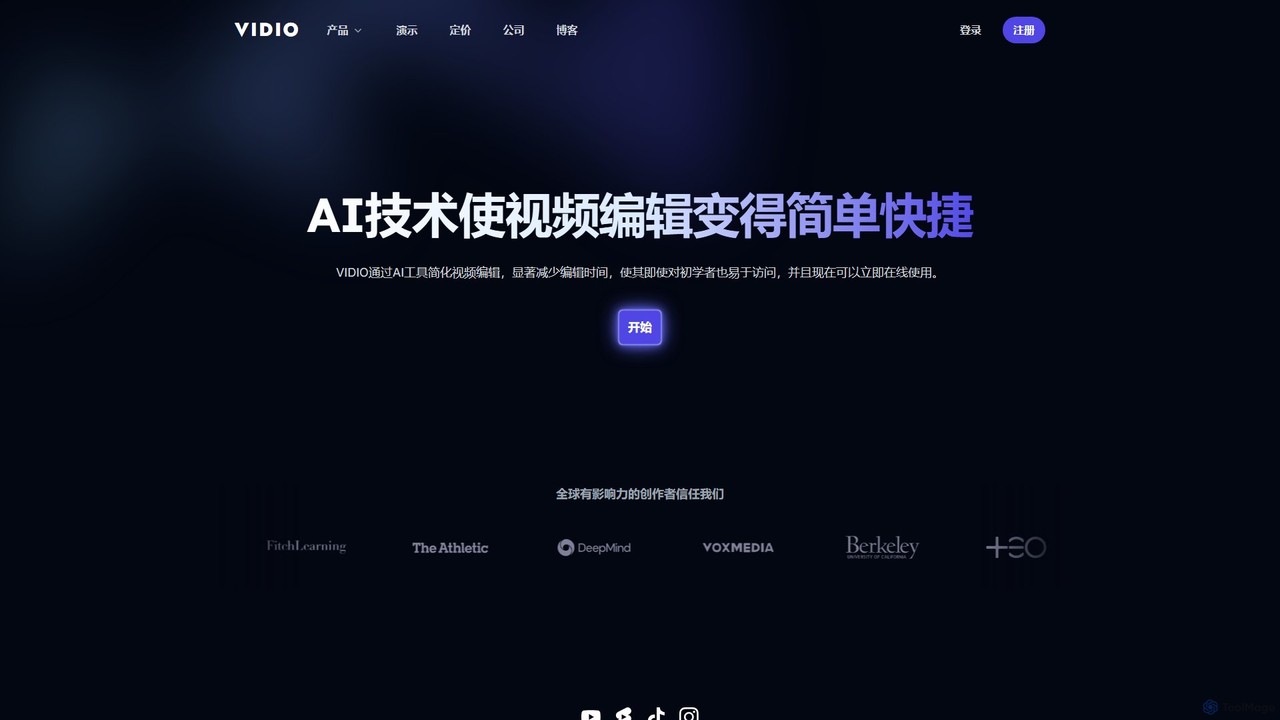
VIDIO is a revolutionary AI-powered video editing platform designed to make the video creation process faster, simpler, and more accessible for everyone. By harnessing the power of artificial intelligence, VIDIO automates tedious and time-consuming editing tasks, significantly reducing the hours creators spend on post-production. Whether you are a beginner vlogger, a marketing professional, or a seasoned videographer, VIDIO provides a suite of intelligent tools to enhance your workflow and elevate your content.
The platform is entirely web-based, eliminating the need for powerful hardware or complex software installations. It streamlines editing through an intuitive interface, including a unique chat-based system where users can describe their desired edits. From generating dynamic visuals to ensuring privacy, VIDIO is a comprehensive solution for modern content creation.
How to use VIDIO
Using VIDIO is designed to be a straightforward and efficient experience. The typical workflow is as follows:
- Upload Your Footage: Start by uploading your video files directly to the platform. For larger files, you can seamlessly connect your cloud storage accounts, including Google Drive, Dropbox, and OneDrive, saving time and bandwidth.
- Choose an AI Tool: Select from VIDIO's extensive toolkit based on your needs. For instance, use 'MotionChat™' to create motion graphics by simply typing a text prompt like 'energetic summer sale promo'. Use the 'Highlight Editor' to automatically generate a short clip from a long video.
- Let the AI Work: Once you've made your selection or given your command, VIDIO's AI gets to work. It processes your video in the cloud, performing tasks like object masking, face detection, or audio cleaning. The platform's ability to run tasks in parallel ensures fast turnaround times.
- Review and Download: After processing, you can preview the edited video. Once satisfied, download the final product in a high-quality format like MP4, ready for sharing on any platform. For advanced workflows, you can export an XML file compatible with Adobe Premiere Pro, Final Cut Pro, and DaVinci Resolve.
Core Features of VIDIO
- MotionChat™: A text-to-video tool that generates stunning motion graphics and animations from simple text prompts.
- Highlight Editor: Automatically analyzes long videos, identifies the most compelling moments, and stitches them together into a dynamic highlight reel.
- Privacy Protection: An essential tool that automatically detects and blurs faces in videos to protect individual privacy and comply with regulations.
- AI Rotoscoping: Effortlessly creates precise masks around objects in your video, enabling you to isolate them for effects, background changes, or color correction.
- Auto Subtitles: Transcribes spoken words into text and generates synchronized subtitles, making your content more accessible.
- Noise Removal & Silence Detection: Cleans up your audio by removing background noise and automatically cutting out silent segments for a more polished sound.
- Automated Editing Suite: Includes features like automatic transitions between scenes, smart resizing for different aspect ratios (e.g., for TikTok, Instagram Reels), and audio extraction.
- Seamless Integrations: Works with major cloud storage providers and supports XML export for a hybrid workflow with professional desktop editors.
Use Cases for VIDIO
VIDIO is a versatile tool trusted by a wide range of users:
- Content Creators (Podcasters, Vloggers): To quickly repurpose long-form content into engaging short clips for social media, add captions, and improve audio quality.
- Marketing Professionals & Small Businesses: To create professional-looking promotional videos, advertisements, and social media content without the high cost of an agency or specialized software.
- Wedding & Event Videographers: To automate the culling and editing of hours of footage, quickly producing highlight videos for clients.
- Investigative Journalists: To protect the identity of sources by automatically blurring faces, license plates, or other sensitive information.
- Amateur Sports Enthusiasts: To automatically edit footage from weekend games into shareable highlight reels of the best plays.
Advantages of VIDIO
VIDIO offers significant advantages over traditional editing methods. Its primary benefit is the massive amount of time saved by automating repetitive tasks. The platform's user-friendly interface makes it accessible to users with no prior editing experience, democratizing video production. Its cloud-based architecture ensures high efficiency, allowing for parallel processing of multiple tasks and handling large video files without straining your local computer. This combination of speed, simplicity, and power enables creators to produce more high-quality content in less time.
Pricing and Plans
VIDIO operates on a freemium model. New users can sign up for a free plan to explore the platform's core functionalities. The free tier typically comes with certain limitations, such as watermarks on exported videos, restricted video length, or a limited number of monthly credits. For users with greater needs, VIDIO offers various premium subscription plans. These paid plans unlock advanced features, provide higher processing limits, offer watermark-free exports in higher resolutions, and grant access to priority customer support. For detailed information on the specific features and costs of each plan, please visit the official pricing page on the VIDIO website.
Traffic
Latest traffic
Status
Monthly traffic trend
- 2026-1: 297.2K
- 2026-2: 261.7K
- 2026-3: 273.1K
- 2026-4: 227.0K
- 2026-5: 263.3K
Geography
Top 5 countries / regions
- 🇺🇸United States36.6%
- 🇷🇺Russia18.7%
- 🇰🇷South Korea17.4%
- 🇪🇸Spain14.6%
- 🇫🇷France12.7%
Traffic sources
| Source type | Percentage |
|---|---|
Direct | 82.9% |
Referral | 16.7% |
Email | 0.5% |
Top keywords
| Keyword | Cost per click |
|---|---|
| automate stich videos for ads | $0.00 |
| stabilizer video | $0.24 |
| unscreen | $0.24 |
| vidio | $0.35 |
| vidio.ai | $0.00 |
VIDIO Alternatives
Remove Backgrounds AI
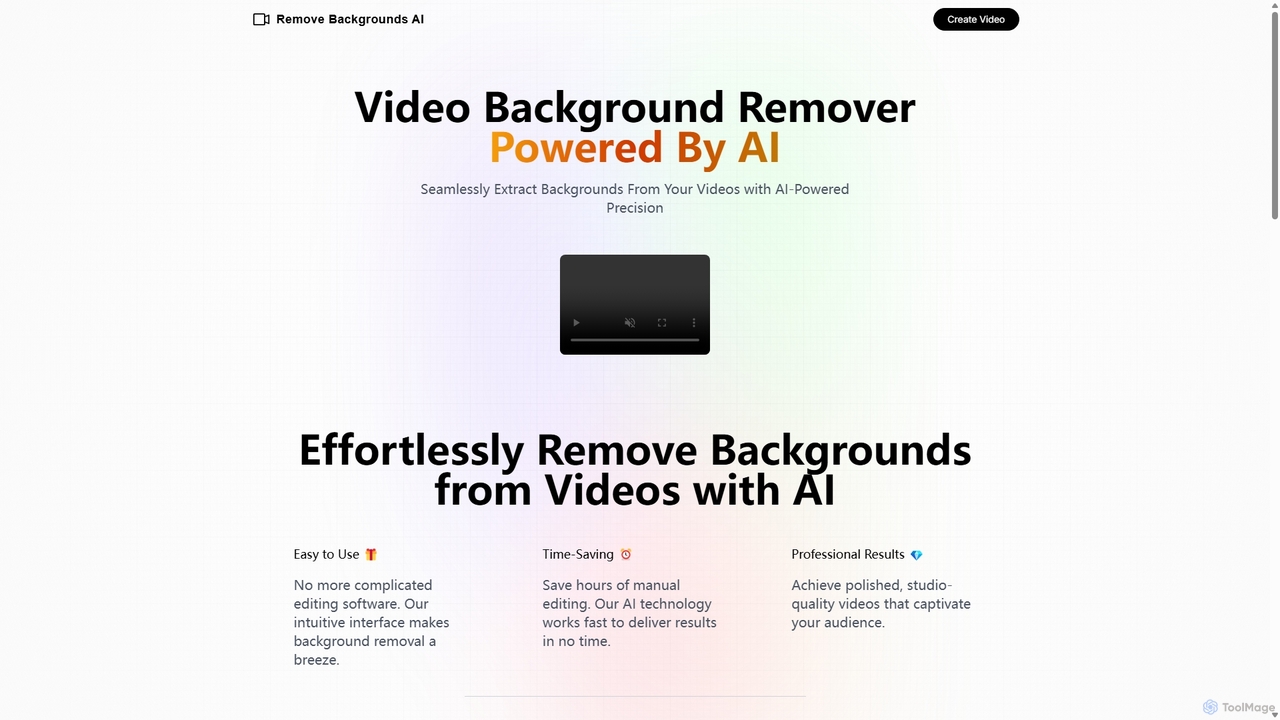
Remove Backgrounds AI is an AI-powered tool for seamless video background removal. It specializes in human video matting, using a recurrent neural network to accurately and quickly extract subjects from their backgrounds. Ideal for content creators and marketers, it delivers professional, studio-quality results in minutes, simplifying complex editing tasks with an intuitive interface and a simple pay-per-video pricing model.
Social Media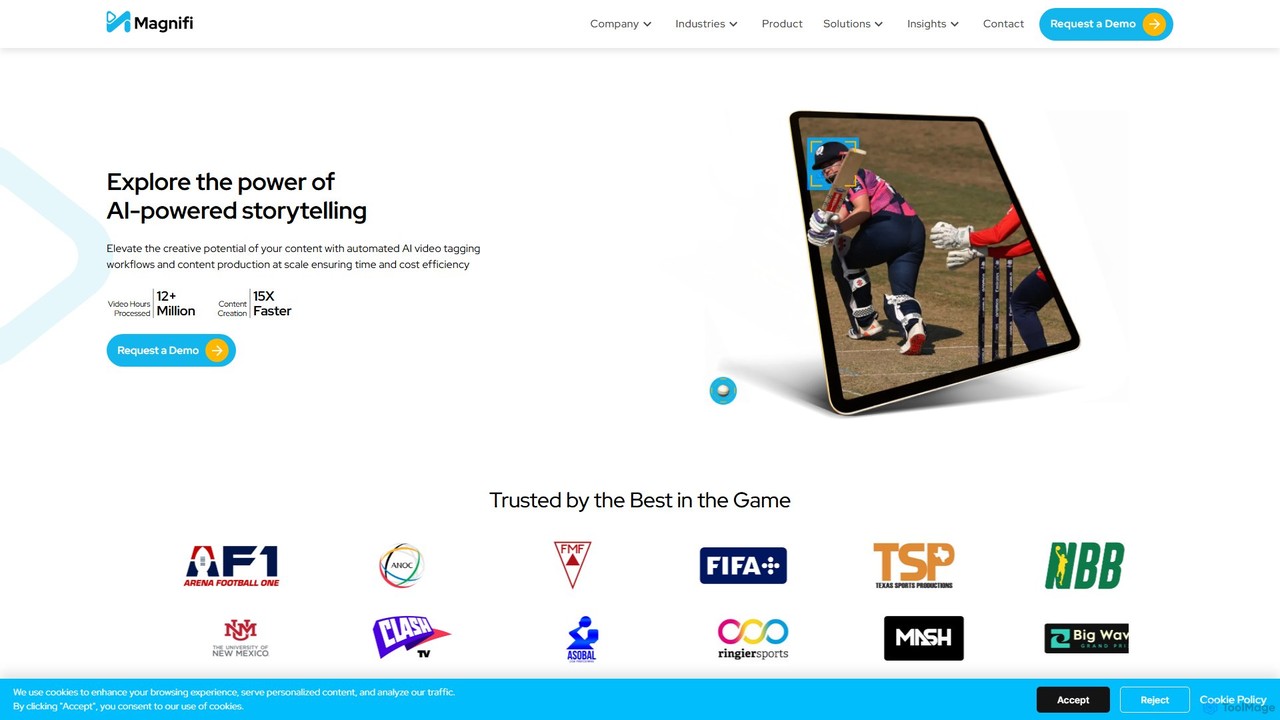
Magnifi
Magnifi is an AI-powered video platform that automates the creation of highlights and summaries from long-form content. Ideal for sports, news, and media broadcasters, it uses AI to detect key moments, automatically generate engaging clips, resize them for social media, and distribute them across multiple channels, saving significant time and cost.
Social Media
Vivu.ai
Vivu.ai is an AI-powered video editing platform that simplifies and accelerates the video creation process. It uses AI to automatically generate smart rough cuts, index and search video content, and suggest background music, enabling creators of all skill levels to produce professional-quality videos with ease.
Social Media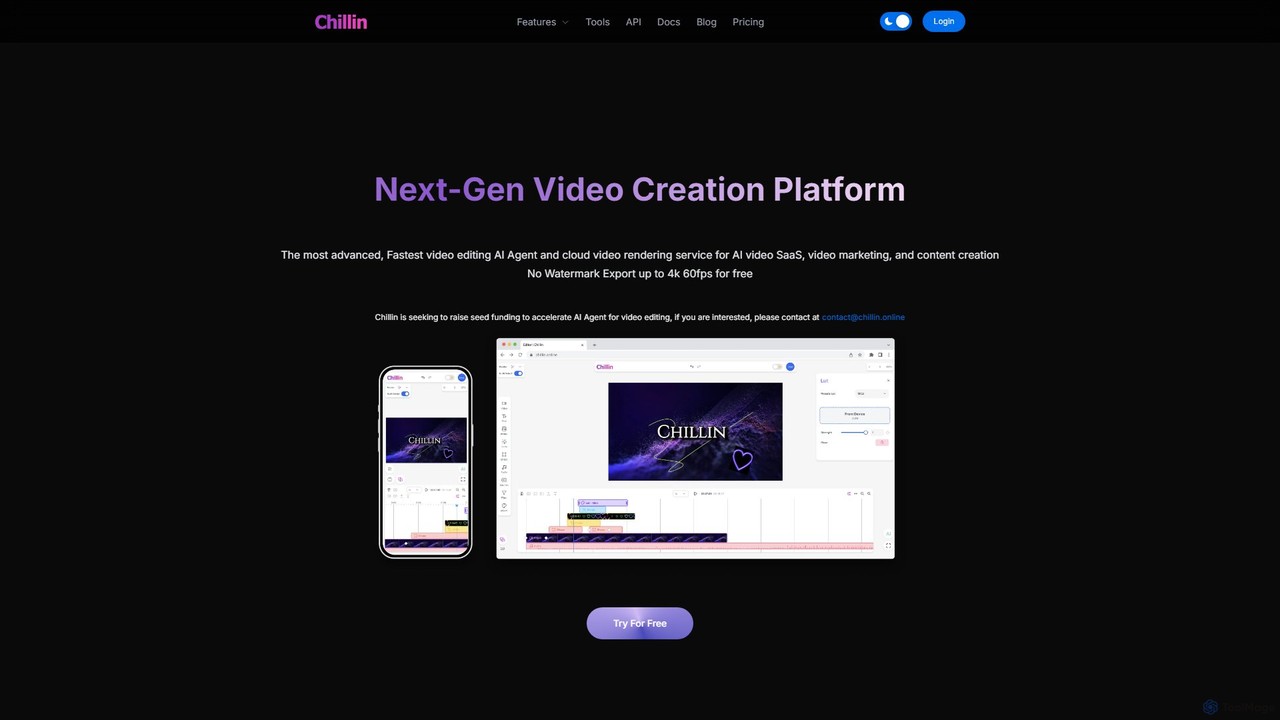
Chillin
Chillin is an advanced AI-powered video creation platform offering a comprehensive suite of tools for both individual creators and businesses. It features an AI Agent for automated editing, high-speed cloud rendering, and a full-featured online editor. Key capabilities include AI-driven captioning, text-to-speech, image generation, and background removal. It also provides a powerful API for programmatic video creation, making it a versatile solution for content marketing and AI video SaaS applications.
Api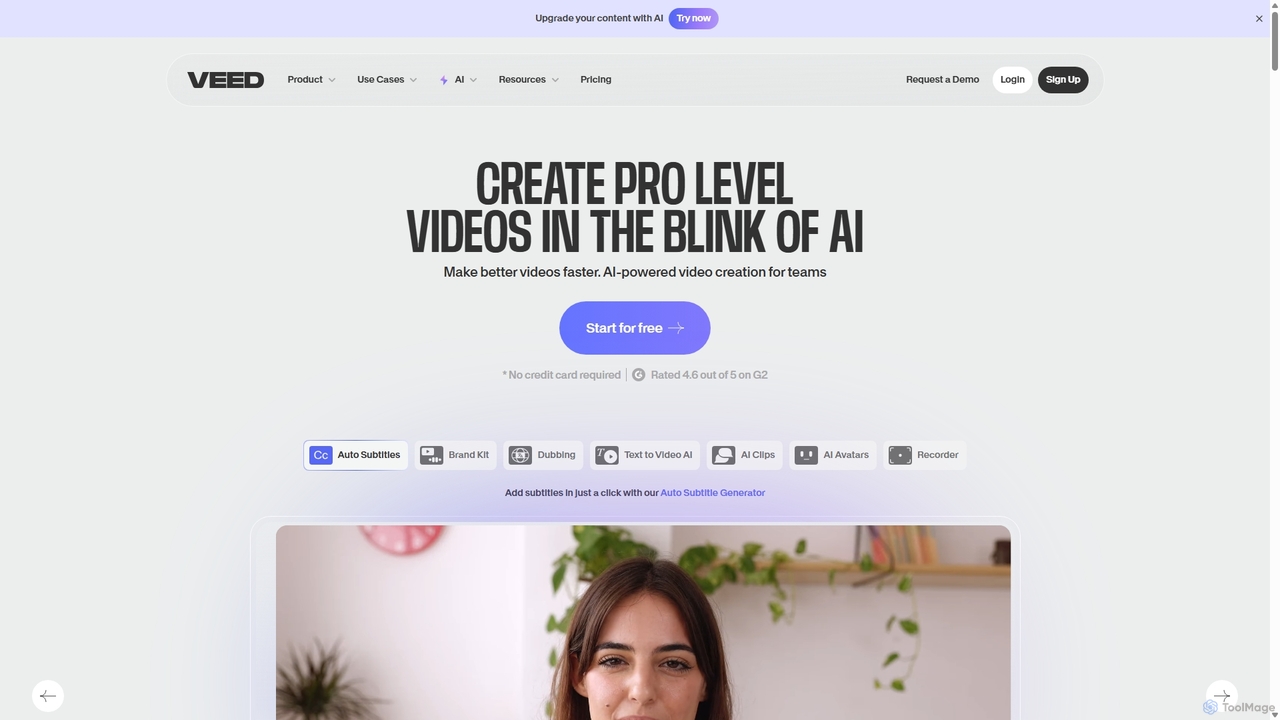
VEED.IO
VEED.IO is a powerful, AI-driven online video editor designed for teams and creators. It simplifies professional video creation with a suite of intuitive tools, including auto-subtitling, text-to-video, AI avatars, and collaborative workspaces. Create, edit, and share high-quality videos directly from your browser, no complex software required.
Social MediaVIDIO Categories
VIDIO Embed Widget
Copy this embed code to place the badge on your blog, article, or product site and send readers directly to this ToolMage detail page.

Related AI tools
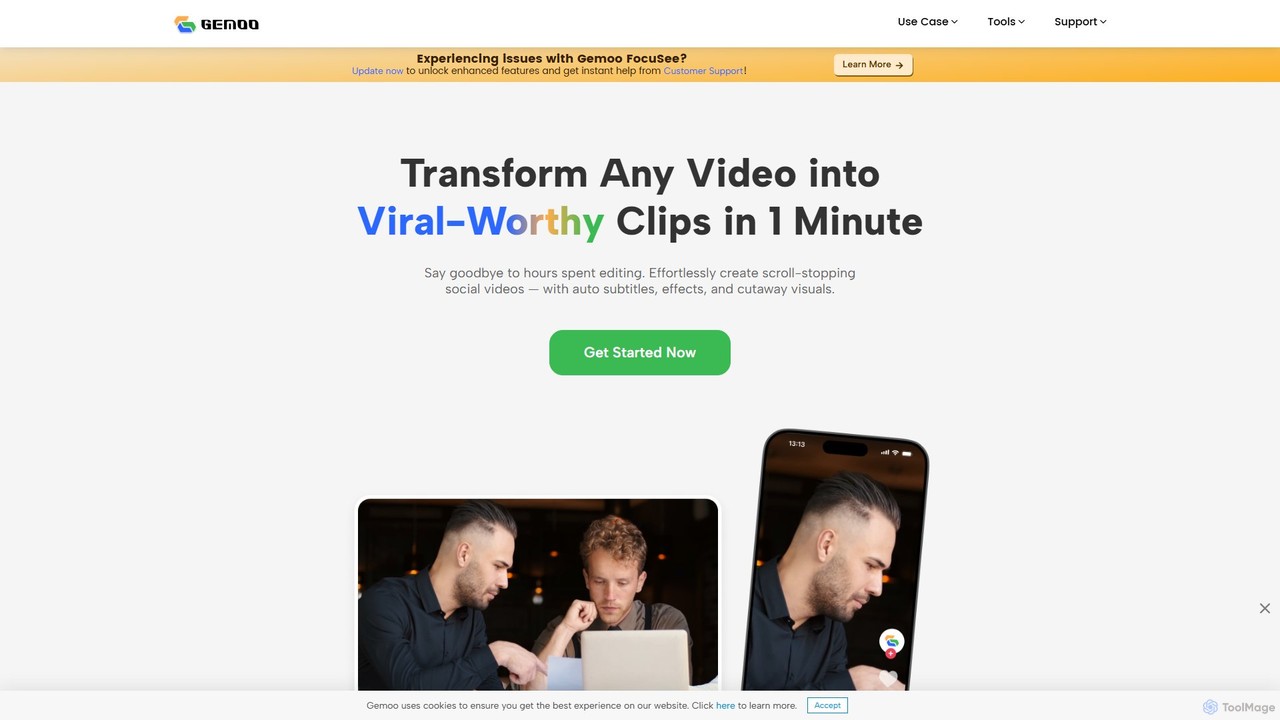
Gemoo
Gemoo is an AI-powered video editor that transforms any video into viral-worthy short clips in minutes. It automates tedious tasks like adding subtitles, inserting relevant B-roll footage, applying effects, and generating social media-optimized titles and descriptions. Ideal for creators, marketers, and educators looking to produce high-quality, engaging content efficiently.
Video MarketingVEED.IO
VEED.IO is a powerful, AI-driven online video editor designed for teams and creators. It simplifies professional video creation with a suite of intuitive tools, including auto-subtitling, text-to-video, AI avatars, and collaborative workspaces. Create, edit, and share high-quality videos directly from your browser, no complex software required.
Social Media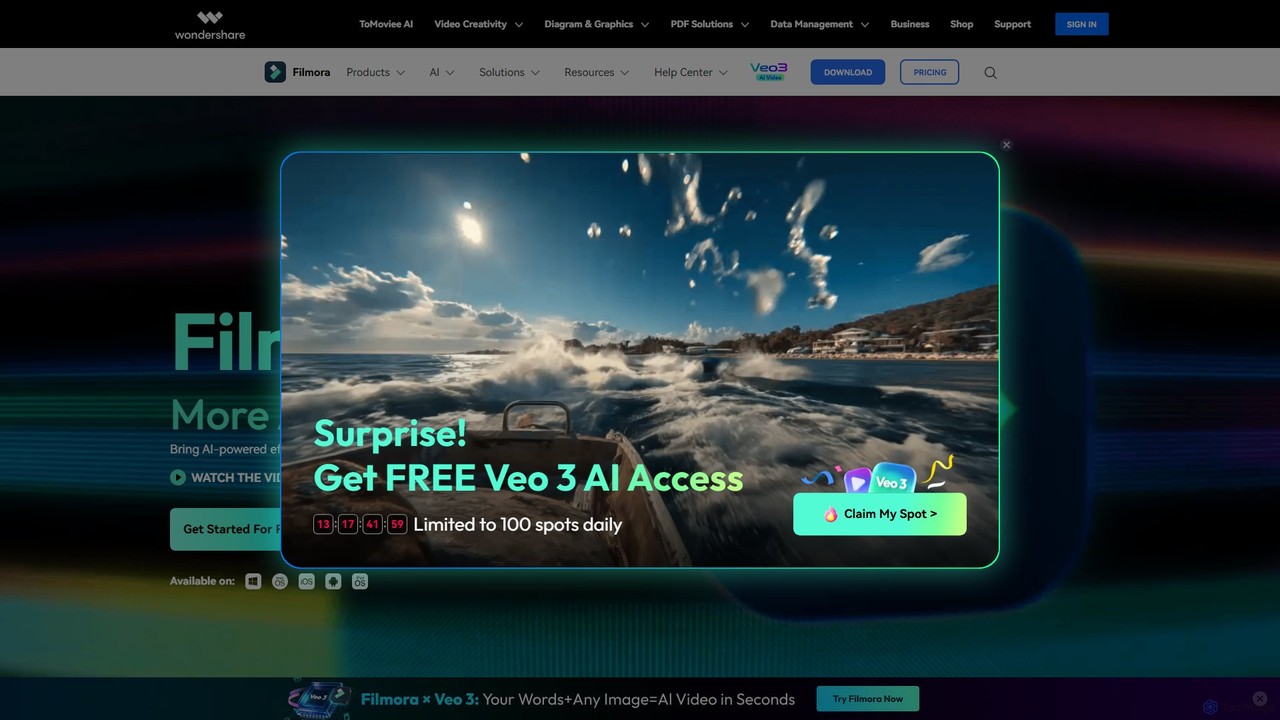
Filmora
Filmora is a powerful and intuitive AI video editor designed for creators of all skill levels. It simplifies the editing process with a suite of AI-powered tools, an extensive library of assets, and a user-friendly interface, making it easy to create professional-quality videos for social media, personal projects, and commercial use.
Social Media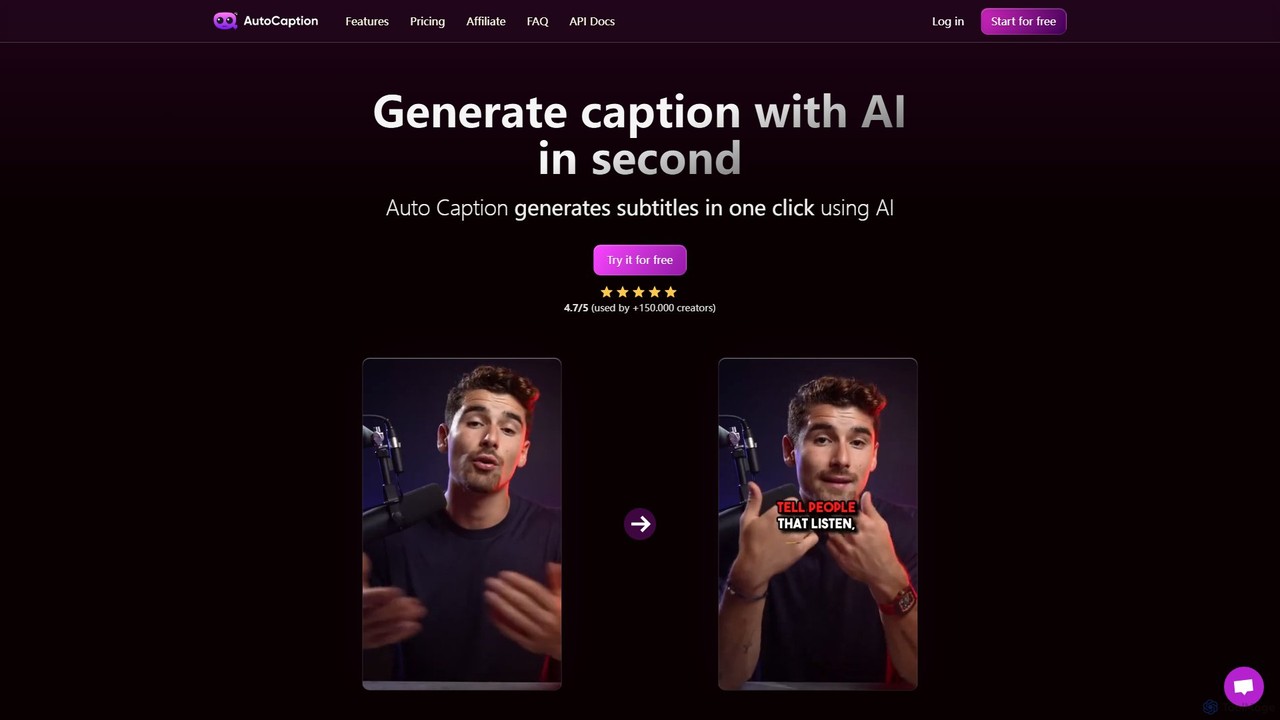
autocaption
autocaption is an AI-powered tool that automatically generates, transcribes, and animates video captions in over 99 languages. Designed for content creators, it saves hours of editing with features like customizable templates, animated emojis, and B-Roll AI. Enhance video engagement and accessibility with fast, fully editable, high-definition subtitles optimized for social media.
Automation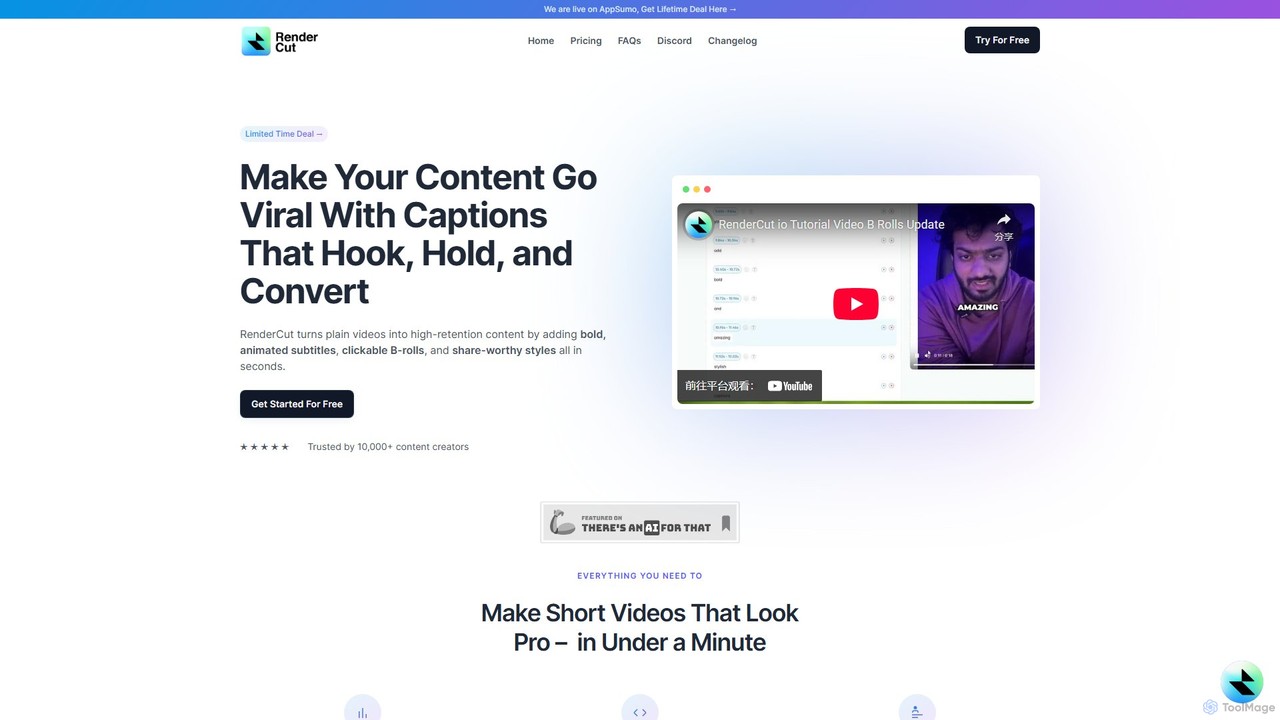
RenderCut
RenderCut is an AI-powered video editing tool that automates the creation of engaging short-form videos. It instantly adds stylish, animated subtitles, B-rolls, emojis, and sound effects, transforming plain videos or audio into high-retention content for platforms like TikTok, Reels, and Shorts. It's designed for content creators, marketers, and businesses to produce professional-looking videos in minutes, not hours.
Video Marketing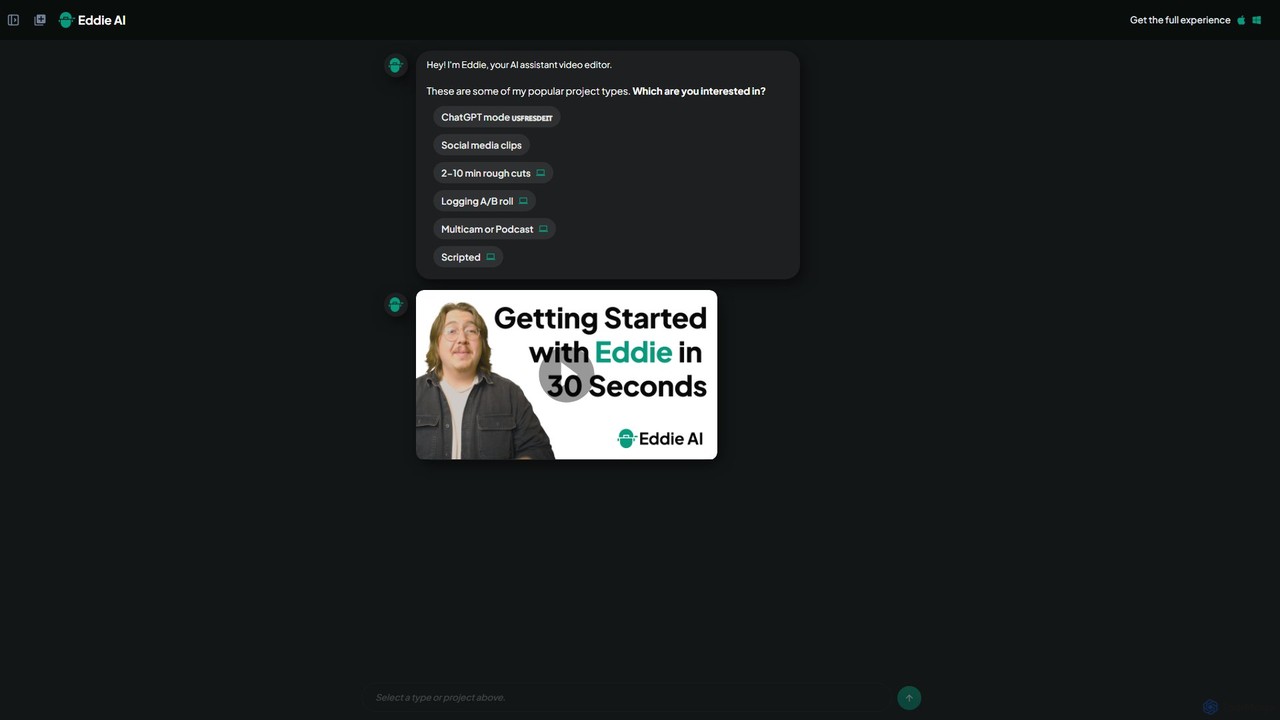
heyeddie
Heyeddie is an AI-powered video editing assistant that streamlines your workflow. Simply use natural language commands to have Eddie automatically create rough cuts, generate social media clips, log A/B roll, sync multicam footage, and edit based on a script. It's designed for content creators, marketers, and podcasters to save time and focus on storytelling.
Automation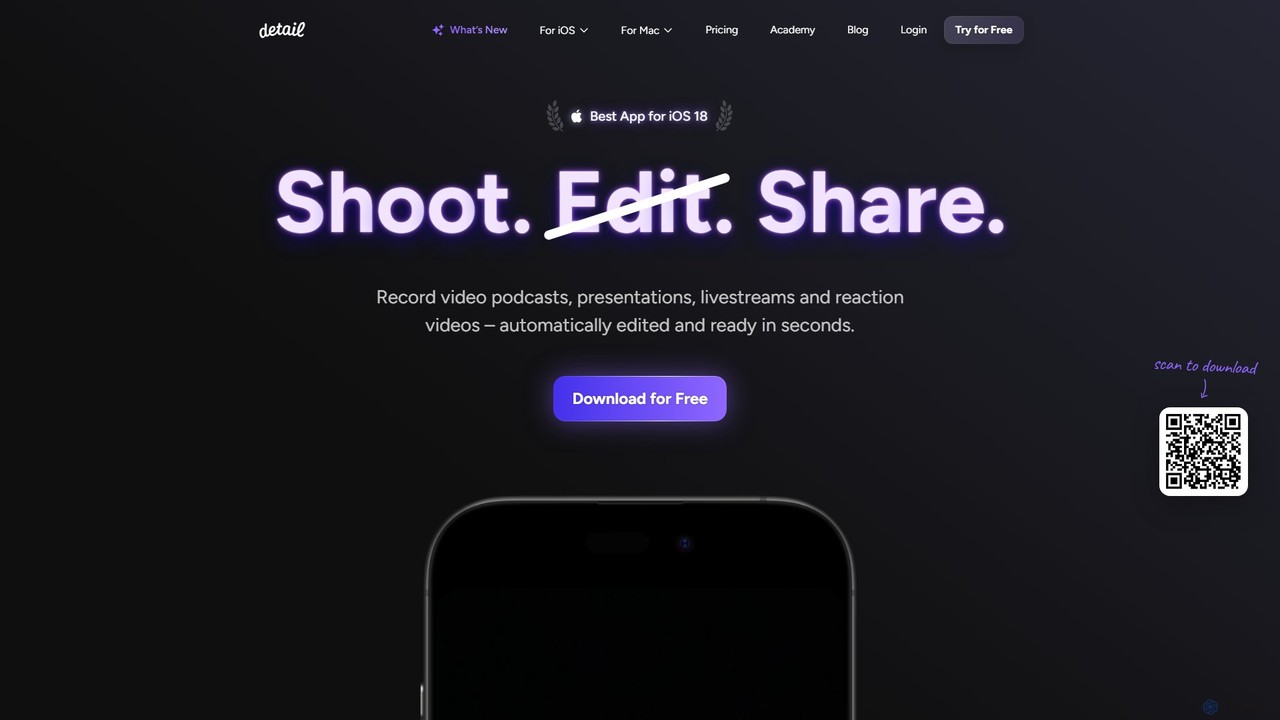
Detail
Detail is an AI-powered video creation and editing app for iOS and macOS that turns your device into a portable production studio. It automates editing for podcasts, reaction videos, and livestreams with features like a teleprompter, multi-camera recording, green screen, and automatic captions, simplifying professional video creation for everyone.
Content Creation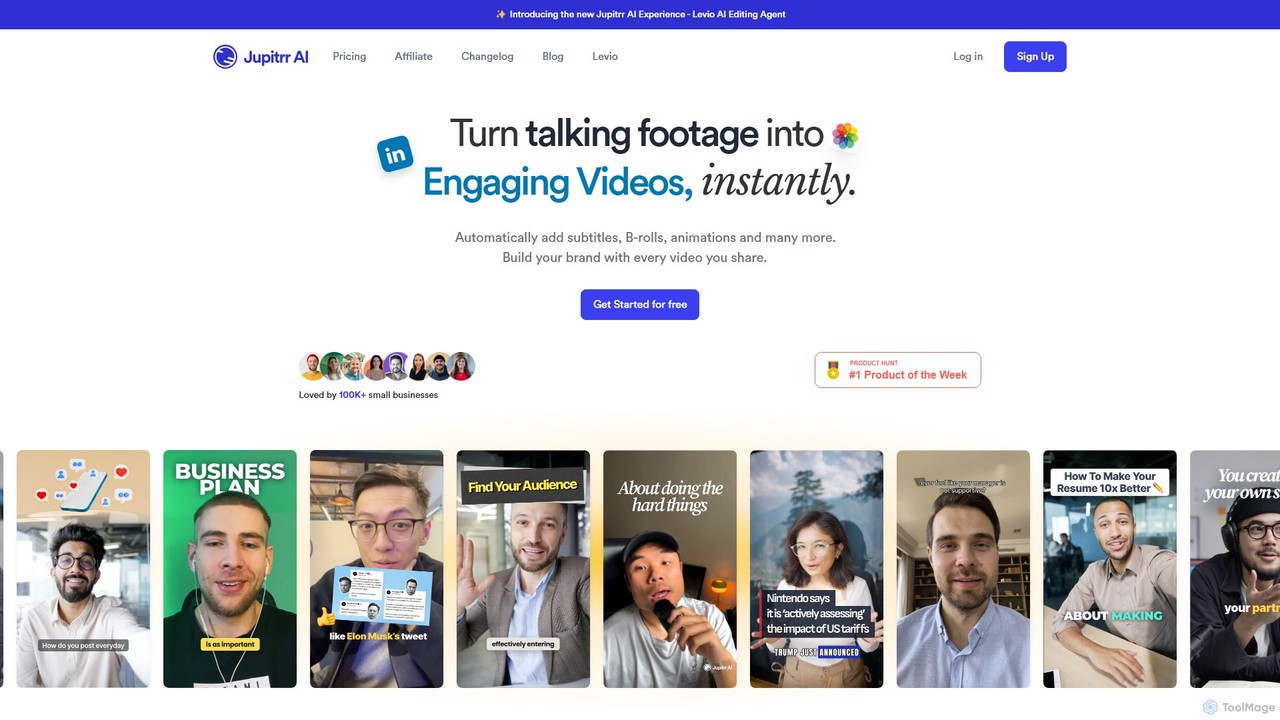
jupitrr
jupitrr is an AI-powered video editor that instantly transforms raw talking-head footage into engaging, shareable video clips. It automatically adds dynamic subtitles, relevant B-rolls from a massive stock library, animations, and background music, making professional video creation accessible to everyone without editing skills.
Automation
Zubtitle
Zubtitle is an AI-powered online video editor designed to help creators and marketers quickly optimize videos for social media. It specializes in automatic transcription and subtitling, allowing users to add captions, headlines, logos, and progress bars with just a few clicks. The tool simplifies video repurposing for platforms like Instagram, TikTok, and YouTube Shorts, making it easy to create engaging, professional-looking content that captures attention even when muted.
Transcription
Jyek
Jyek is an AI agent platform that understands objectives, creates execution plans, uses tools, and delivers verifiable results for complex, multi-step tasks.
Automation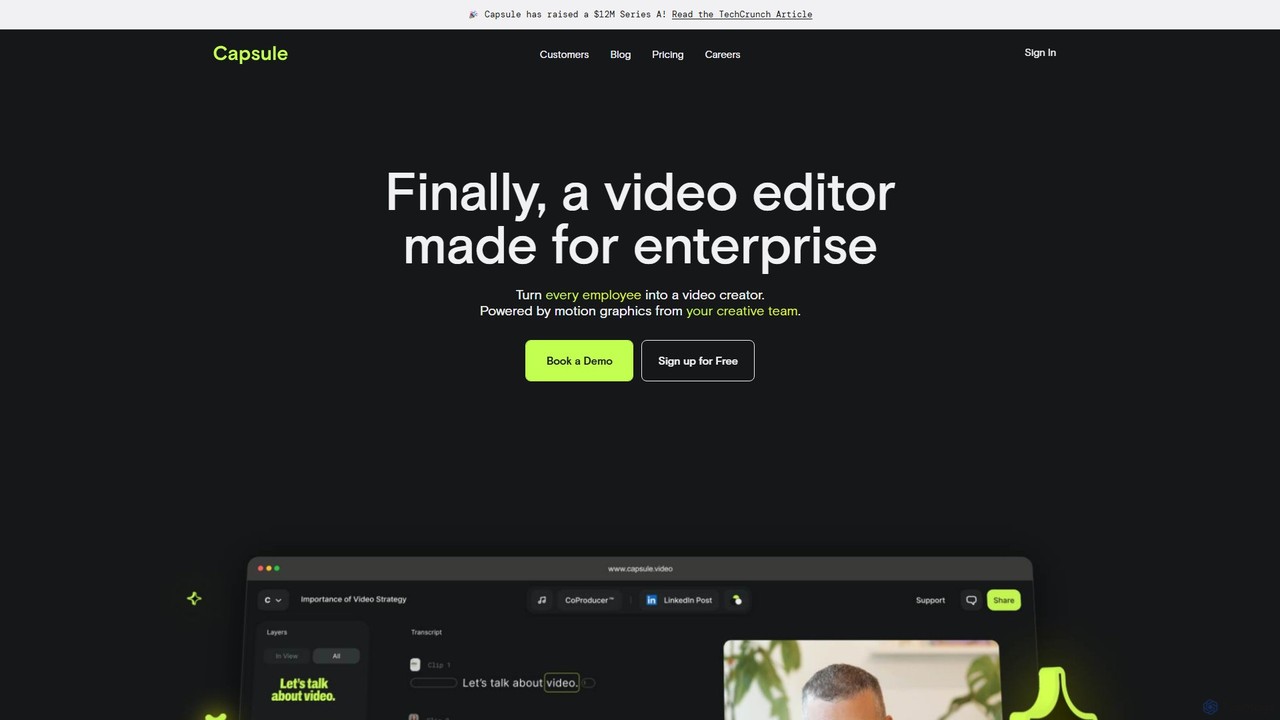
Capsule
Capsule is an AI-powered video editor designed for enterprise teams to create professional, on-brand videos 10x faster. It empowers non-editors with features like AI audio enhancement (VoiceMagic), smart music suggestions, and reusable motion design templates. This collaborative platform streamlines video creation for marketing, sales, and internal communications, ensuring brand consistency at scale.
Social Media
Keyframes Studio
Keyframes Studio is an AI-powered, all-in-one online video editor designed to simplify the creation, editing, and repurposing of videos for social media. It uses AI to automatically generate keyframes and subtitles, making professional video production accessible to everyone, regardless of experience.
Marketing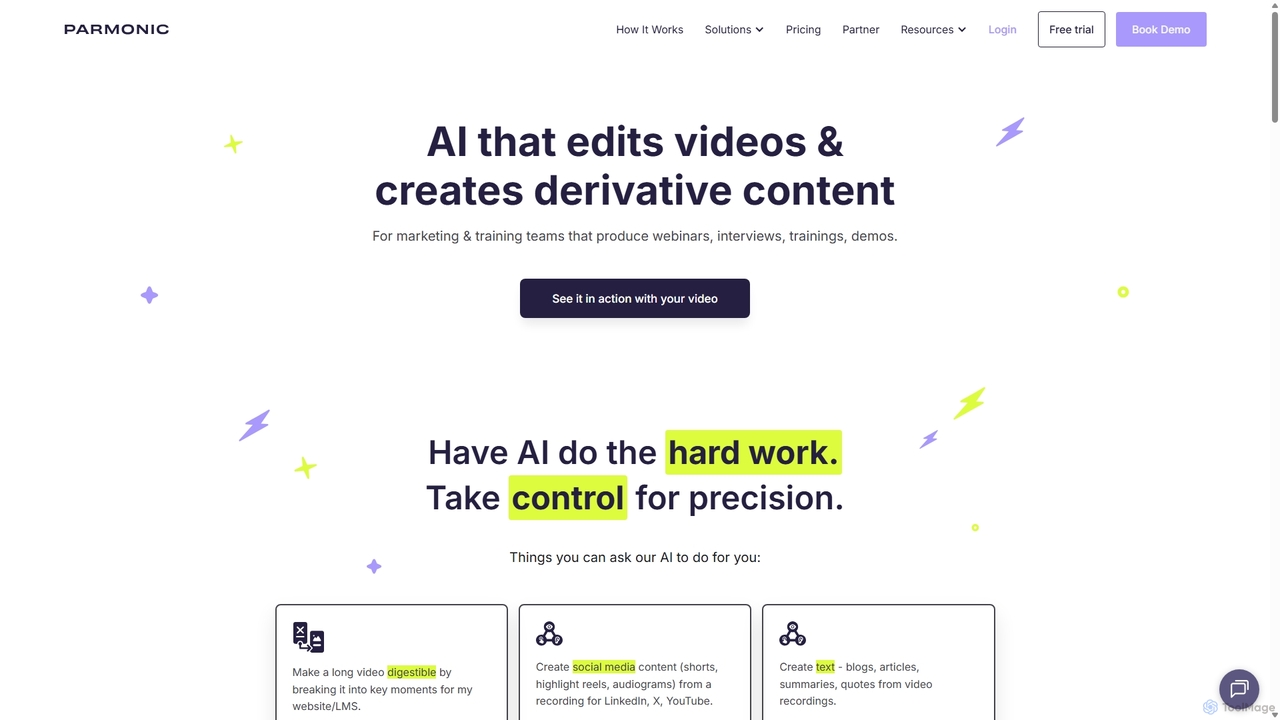
Parmonic
Parmonic is an AI-powered video editor and content repurposing platform designed for marketing and training teams. It automatically transforms long-form videos like webinars, interviews, and training sessions into digestible, shareable content such as social media clips, blogs, summaries, and highlight reels, streamlining content creation and maximizing engagement.
Content Creation
magicroll.ai
magicroll.ai is an AI-powered video editing platform that automates complex tasks. With one click, it generates contextual B-rolls, swaps video backdrops, and adds accurate, multi-language subtitles. It's designed for content creators, marketers, and businesses to produce professional-grade videos in minutes, without any prior editing experience, saving hours of manual work.
Social Media Video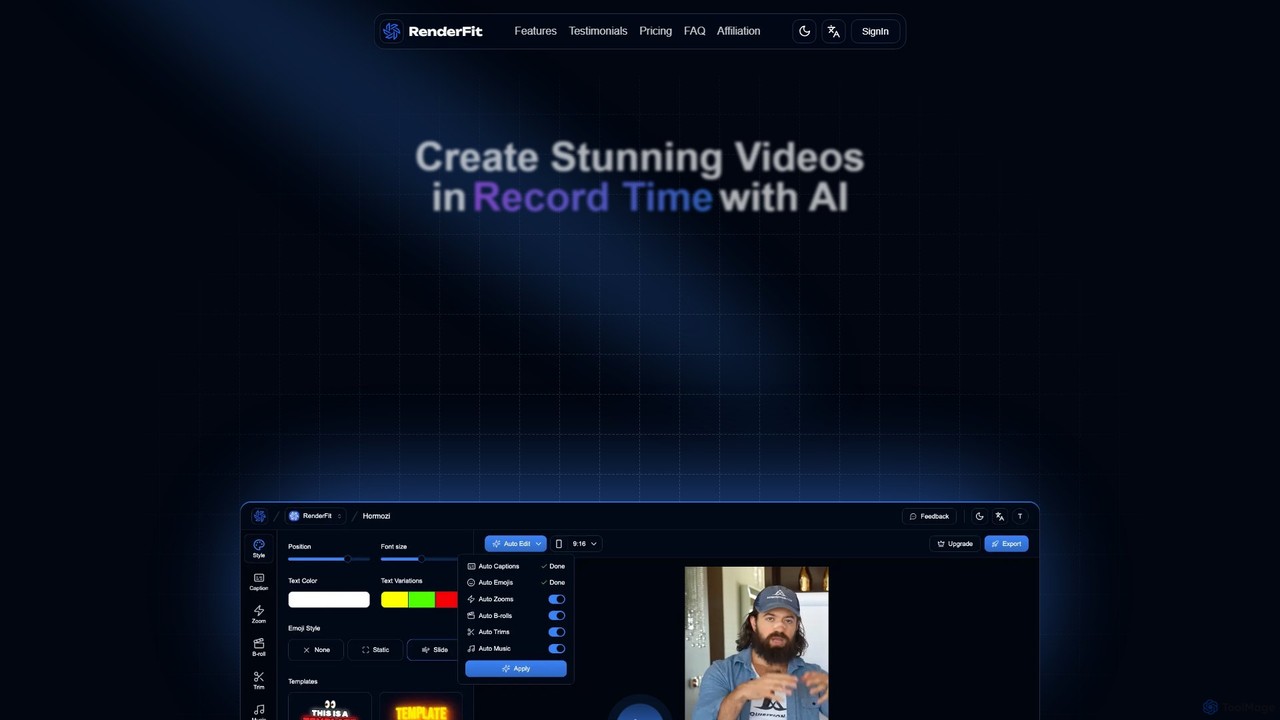
RenderFit
RenderFit is an AI-powered video editing platform that automates and accelerates video creation. It enables users to generate eye-catching subtitles, automatically cut silences, add dynamic B-rolls and music, and create engaging social media content in minutes, without requiring professional editing skills. Ideal for content creators, marketing teams, and agencies.
Video Marketing
VIDIO Comments (0)
Sign in to comment.
Sign inNo comments yet.