
Keyframes Studio Overview
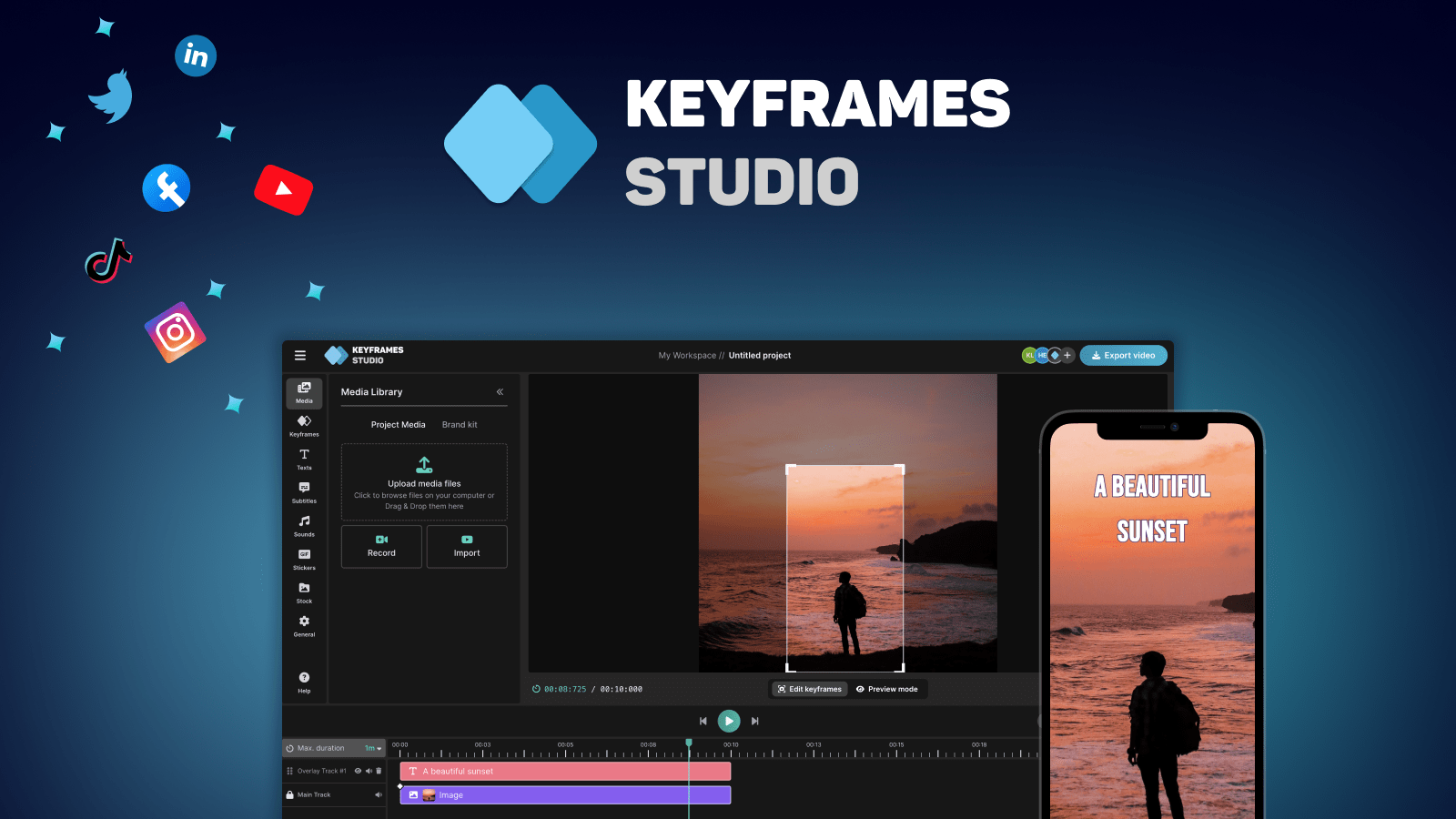
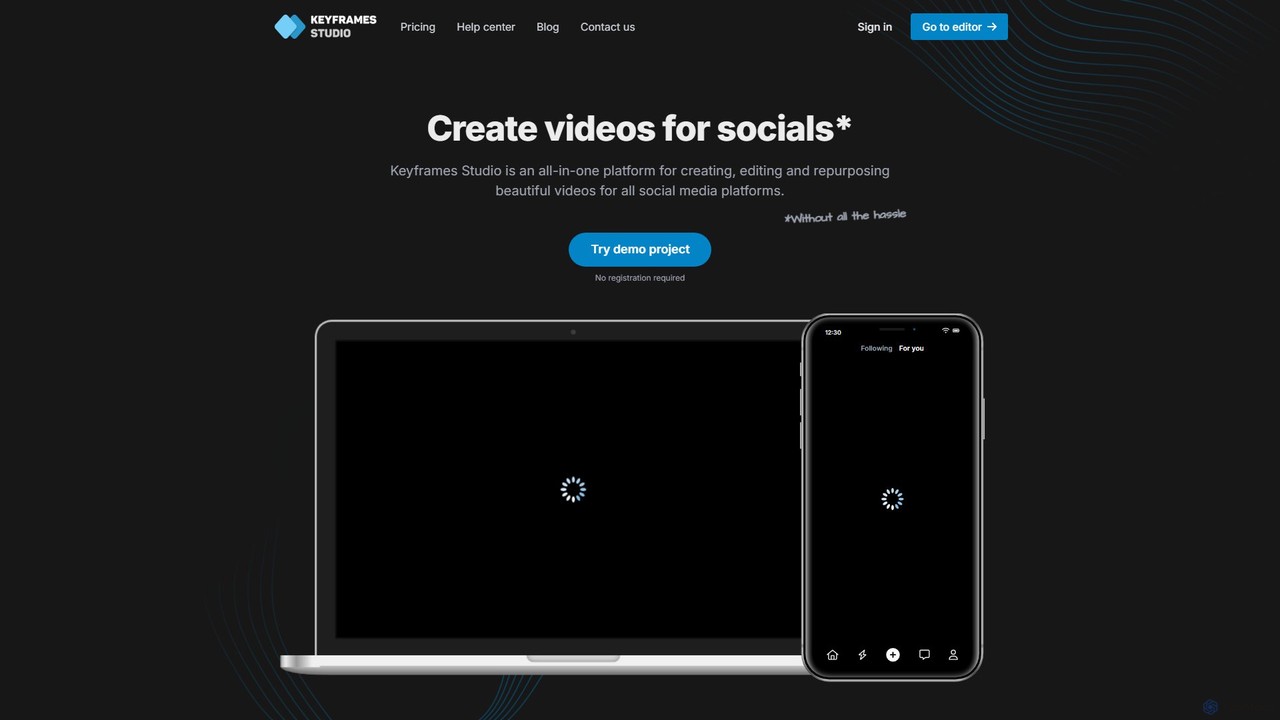
Keyframes Studio is a comprehensive, web-based video editing platform built to streamline the process of creating engaging content for social media. It addresses the common challenges of video production, such as adapting content for mobile screens and the tedious task of subtitling, by leveraging powerful AI technology. The platform is designed for a wide range of users, from individual content creators and vloggers to digital marketing agencies and businesses, providing an intuitive interface that doesn't require any prior video editing experience. With Keyframes Studio, users can transform raw footage, screen recordings, or existing videos into polished, dynamic content ready for platforms like TikTok, Instagram, and YouTube.
The core philosophy of Keyframes Studio is to let AI handle the heavy lifting. Its standout feature is the automatic generation of keyframes, which intelligently identifies and highlights the most important parts of a video, creating smooth camera movements and focus shifts. This is particularly useful for converting horizontal videos into a vertical format that fills mobile screens effectively, ensuring a better viewing experience. The platform also automates the creation of accurate, catchy subtitles in over a dozen languages, a proven method for boosting viewer engagement and accessibility.
How to use Keyframes Studio
The workflow in Keyframes Studio is designed to be intuitive and efficient, broken down into three simple steps:
- Provide Media: Start by uploading your own video files, or use the built-in recorder to capture your screen and camera. This flexibility allows you to work with existing content or create new material from scratch directly within the platform.
- Set Keyframes and Edit: This is where the magic happens. You can manually control the camera movement by setting keyframes to zoom, pan, and focus on specific areas, telling your story with precision. Alternatively, you can let the AI analyze your video and automatically generate keyframes for you. The user-friendly editor allows you to trim, cut, crop, and resize your clips, add images, GIFs, and viral sounds from integrated libraries, and customize the automatically generated subtitles.
- Export and Share: Once your video is complete, you can download the final product in high quality or post it directly to your social media channels. The platform ensures your video is optimized for any screen or platform.
Core Features of Keyframes Studio
- AI-Powered Keyframing: Automatically analyzes video to highlight the most important parts, creating dynamic camera movements for engaging storytelling.
- Automatic Subtitle Generation: Creates accurate subtitles in over 12 languages with a single click, with options to highlight words karaoke-style.
- Intuitive Online Editor: A full-featured yet easy-to-use editor for resizing, trimming, cropping, cutting, zooming, and moving clips. No experience is necessary.
- Content Repurposing: Excellently converts horizontal videos to vertical formats, ensuring they are perfectly optimized for mobile viewing.
- Integrated Media Libraries: Access to a rich library of stock images, videos, GIFs, and a curated list of trending sounds to enhance your videos.
- Team Collaboration: Invite team members to a shared workspace to collaborate on projects, share assets, and streamline workflows.
- Brand Kit: (Available on paid plans) Upload and save brand assets like fonts, colors, logos, and video templates for consistent branding across all content.
- Screen and Camera Recording: Directly record your screen, camera, or both within the application.
Use Cases for Keyframes Studio
Keyframes Studio is versatile and caters to various needs:
- Content Creators: Podcasters can turn audio clips into engaging video snippets. Vloggers can quickly edit travel footage, and gamers can create highlight reels from their gameplay.
- Digital Agencies & Marketers: Agencies can efficiently manage video content for multiple clients using the brand kit and collaboration features. Marketers can create promotional videos, how-to guides, and social media ads.
- Businesses: Companies can produce professional-looking training videos, product demonstrations, and internal communications without a dedicated video team.
- Personal Use: Anyone can create fun videos for social media, from memes to sharing moments from concerts or personal events.
Advantages of Keyframes Studio
The primary advantage of Keyframes Studio is its blend of powerful AI features with a user-friendly interface. It significantly reduces the time and effort required to produce high-quality videos. The AI automation for keyframes and subtitles is a game-changer, eliminating tedious manual work. Its focus on mobile-first video formats makes it highly relevant in today's social media landscape. Furthermore, the freemium model allows anyone to start creating immediately, with scalable plans for professionals and teams.
Pricing and Plans
Keyframes Studio offers a transparent, tiered pricing structure, including a free plan to get started.
- Free Plan: Allows users to use the editor and all its features, but exported videos will have a watermark. Subject to certain usage limits.
- Starter Plan: Priced at $9 per month (billed annually). Includes unlimited projects, 5 seats, 20 GB storage, 60 minutes/month of subtitles, 30 minutes/month of AI generation, and no watermark.
- Professional Plan: The most popular option at $15 per month (billed annually). Offers unlimited projects, 20 seats, 50 GB storage, 120 minutes/month of subtitles, 60 minutes/month of AI generation, a Brand Kit, and no watermark.
- Enterprise Plan: Custom pricing for large teams and organizations. Provides custom solutions for seats, storage, subtitle minutes, and AI generation, along with dedicated support.
Users can cancel their subscription at any time with a single click.
Traffic
Latest traffic
Status
Monthly traffic trend
- 2025-9: 2.3K
- 2026-1: 4.8K
- 2026-2: 3.8K
- 2026-3: 3.1K
- 2026-4: 3.7K
- 2026-5: 5.1K
Geography
Top 5 countries / regions
- 🇺🇸United States42.0%
- 🇮🇳India25.4%
- 🇫🇷France21.1%
- 🇮🇩Indonesia10.0%
- 🇬🇧United Kingdom1.5%
Top keywords
| Keyword | Cost per click |
|---|---|
| keyframe | $1.05 |
| keyframes | $2.72 |
| keyframes ai | $0.00 |
| keyframes studio | $0.00 |
| video programs with keyframes | $0.00 |
Keyframes Studio Alternatives
CapCut
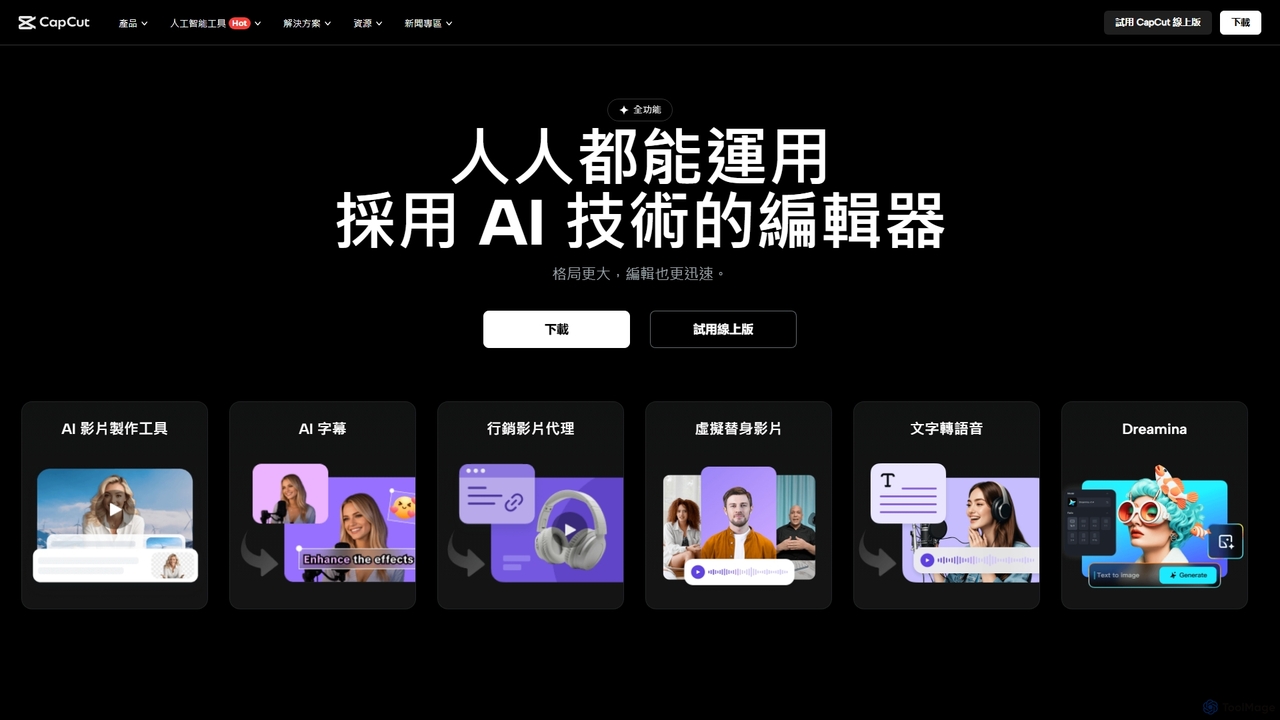
CapCut is a powerful, all-in-one AI video editor and creative suite. It simplifies content creation with intuitive tools for video editing, graphic design, and team collaboration. It offers a wide range of AI features like auto-captions, script-to-video, background removal, and video upscaling, making professional-quality content accessible to everyone, from beginners to pros, across web, desktop, and mobile platforms.
Graphics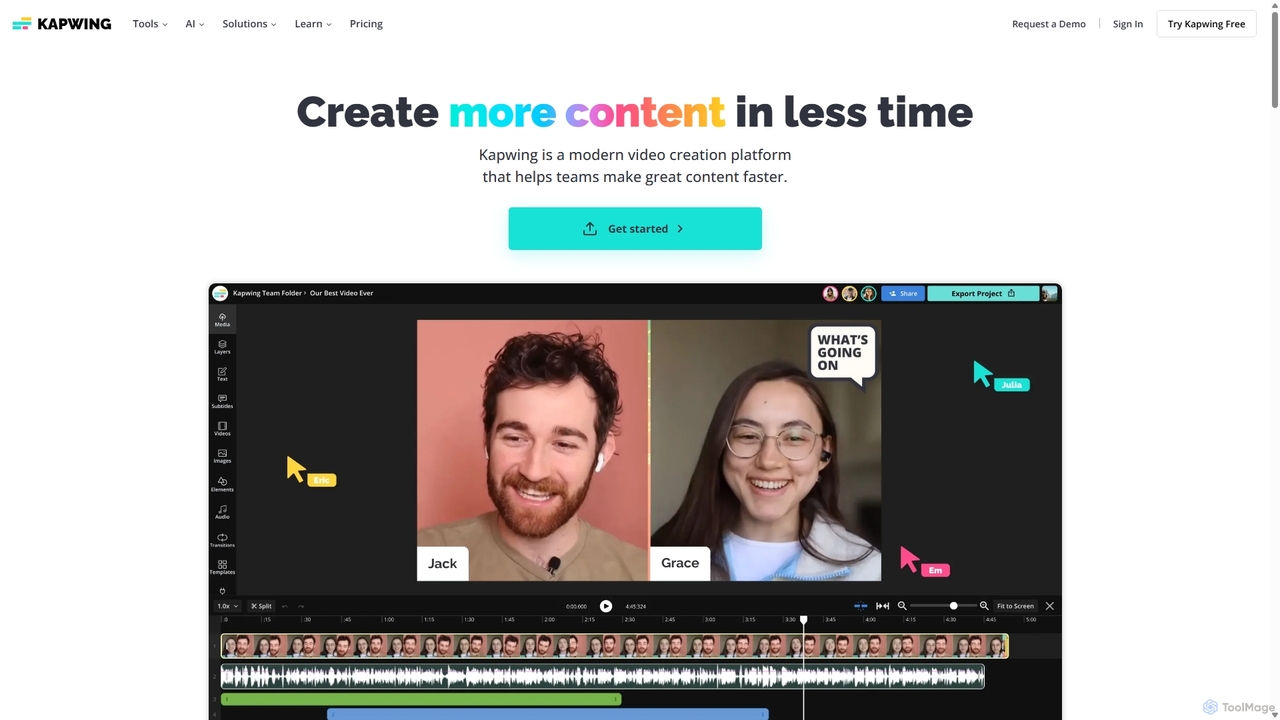
Kapwing
Kapwing is an AI-powered online video editor designed for teams and creators to produce high-quality content faster. It combines a full suite of editing tools with intelligent AI features like text-to-video, automatic subtitling, and background removal in a collaborative, browser-based platform, making video creation accessible to everyone.
Video Marketing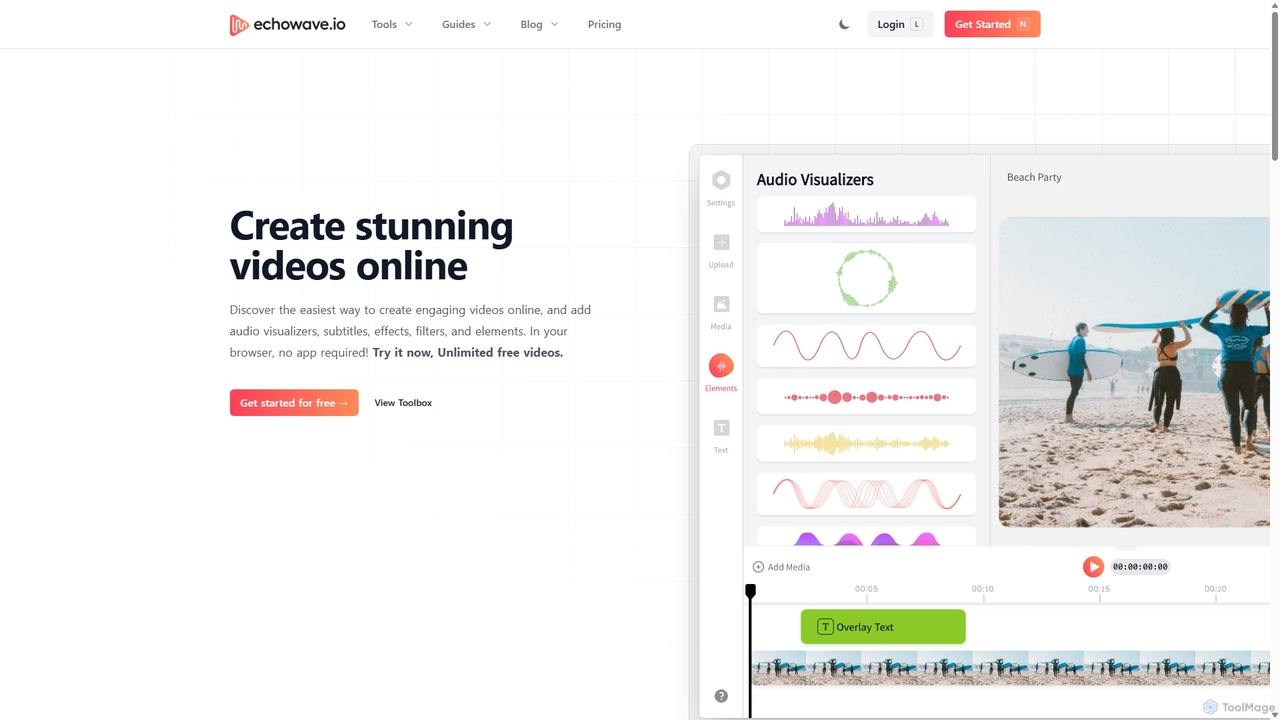
Echowave
Echowave is a free and simple online video editor designed for creators to easily convert audio files into engaging videos. It specializes in adding audio visualizers, automatic subtitles, and effects, making it perfect for podcasters, musicians, and social media managers to repurpose content for platforms like Instagram, YouTube, and Facebook.
Content Creation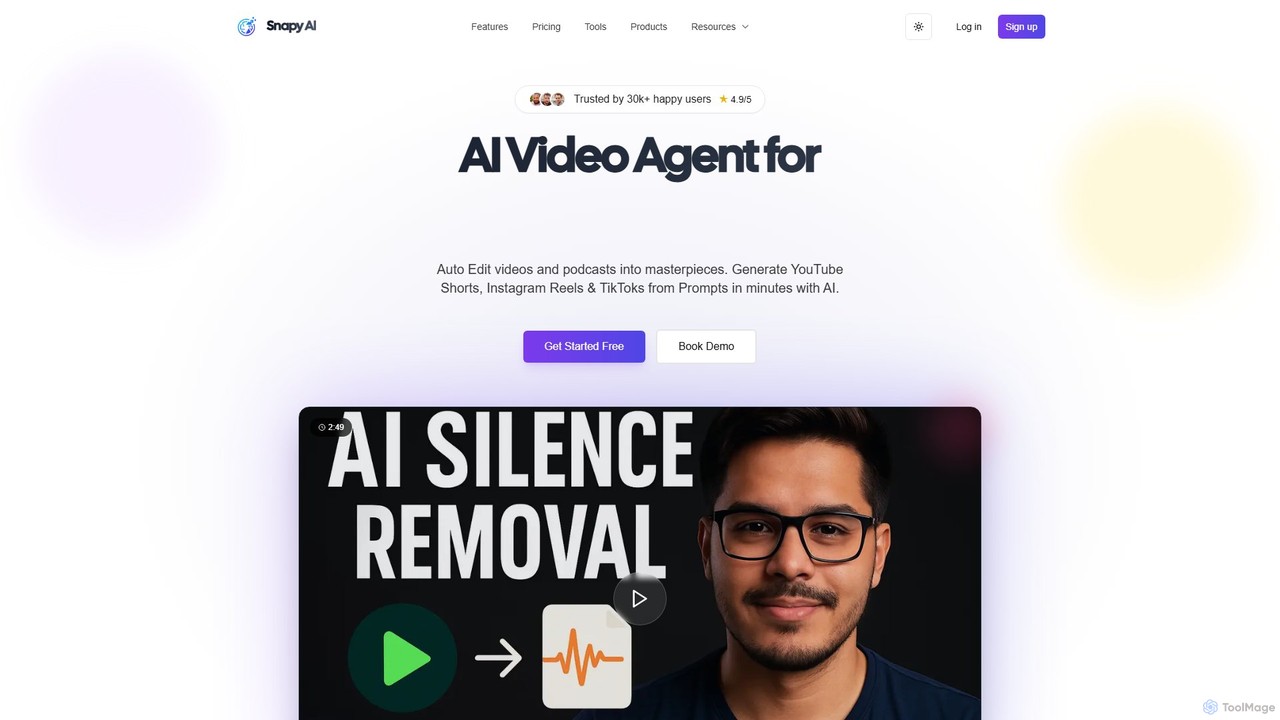
snapy.ai
Snapy.ai is an AI-powered video creation suite that automatically edits long-form videos and podcasts into engaging short clips for social media. It can also generate videos from text prompts, remove silences and background noise, dub videos into multiple languages, and convert presentations into dynamic videos.
Automation
ClipRemix
ClipRemix is an AI-powered platform that transforms long-form videos and podcasts into engaging, short-form clips for social media. It automatically identifies key moments, adds dynamic captions, and reformats content for platforms like TikTok, Reels, and Shorts, helping creators and marketers maximize their reach.
RepurposingKeyframes Studio Categories
Keyframes Studio Embed Widget
Copy this embed code to place the badge on your blog, article, or product site and send readers directly to this ToolMage detail page.

Related AI tools
Flixier
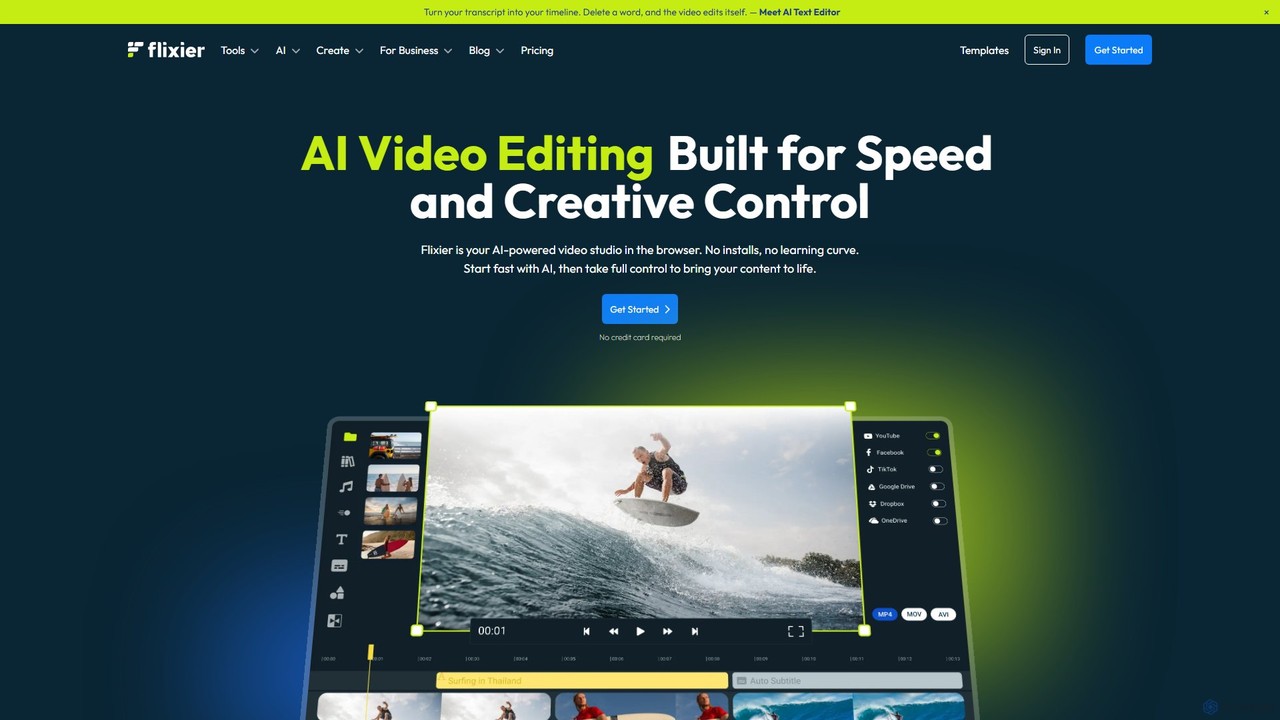
Flixier is an AI-powered, cloud-based video editor designed for speed and ease of use. It offers features like text-based editing, AI voiceovers, automatic subtitles, and real-time collaboration, making it ideal for creators, marketers, and educators without needing powerful hardware.
Transcription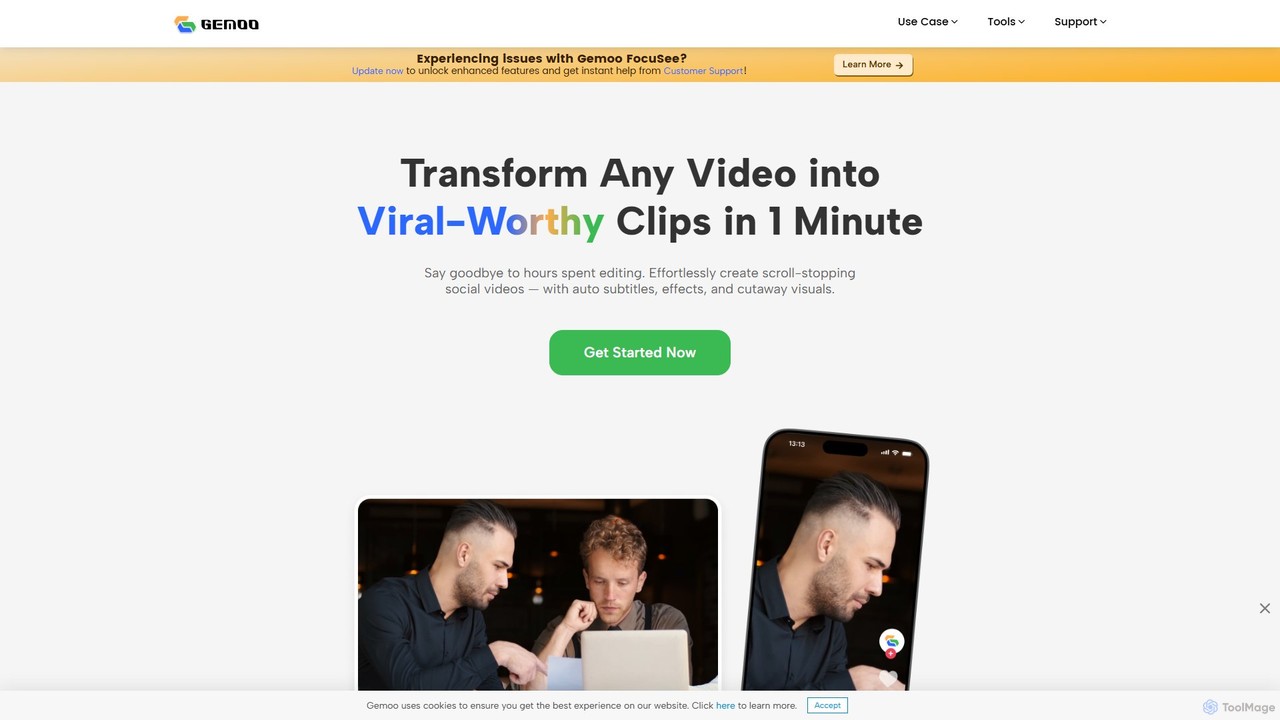
Gemoo
Gemoo is an AI-powered video editor that transforms any video into viral-worthy short clips in minutes. It automates tedious tasks like adding subtitles, inserting relevant B-roll footage, applying effects, and generating social media-optimized titles and descriptions. Ideal for creators, marketers, and educators looking to produce high-quality, engaging content efficiently.
Video MarketingKapwing
Kapwing is an AI-powered online video editor designed for teams and creators to produce high-quality content faster. It combines a full suite of editing tools with intelligent AI features like text-to-video, automatic subtitling, and background removal in a collaborative, browser-based platform, making video creation accessible to everyone.
Video MarketingEchowave
Echowave is a free and simple online video editor designed for creators to easily convert audio files into engaging videos. It specializes in adding audio visualizers, automatic subtitles, and effects, making it perfect for podcasters, musicians, and social media managers to repurpose content for platforms like Instagram, YouTube, and Facebook.
Content Creationsnapy.ai
Snapy.ai is an AI-powered video creation suite that automatically edits long-form videos and podcasts into engaging short clips for social media. It can also generate videos from text prompts, remove silences and background noise, dub videos into multiple languages, and convert presentations into dynamic videos.
Automation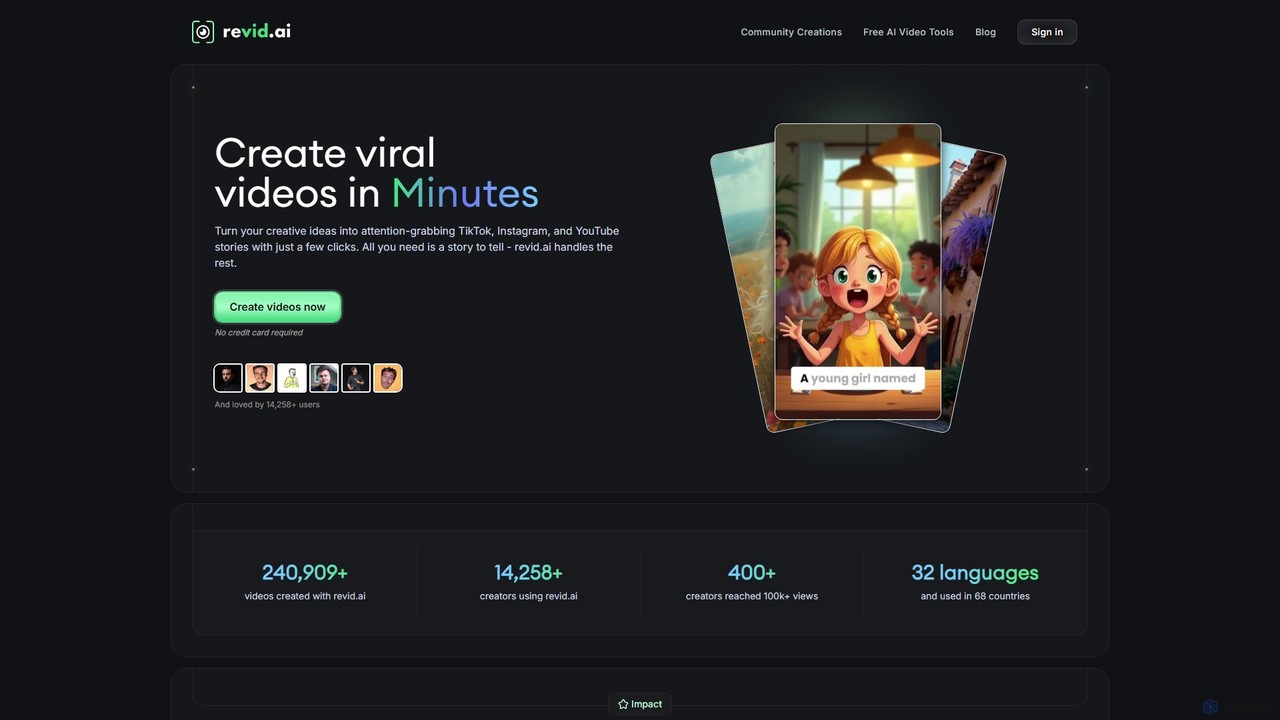
Revid
Revid is a powerful AI video generator that transforms your ideas, text, or URLs into captivating vertical videos optimized for virality. By analyzing millions of successful videos, it crafts compelling scripts, visuals, and hooks designed to maximize engagement on platforms like TikTok, Instagram, and YouTube. It's the ultimate tool for creators and marketers looking to save time and produce high-performing content effortlessly, even without prior video editing experience.
Advertising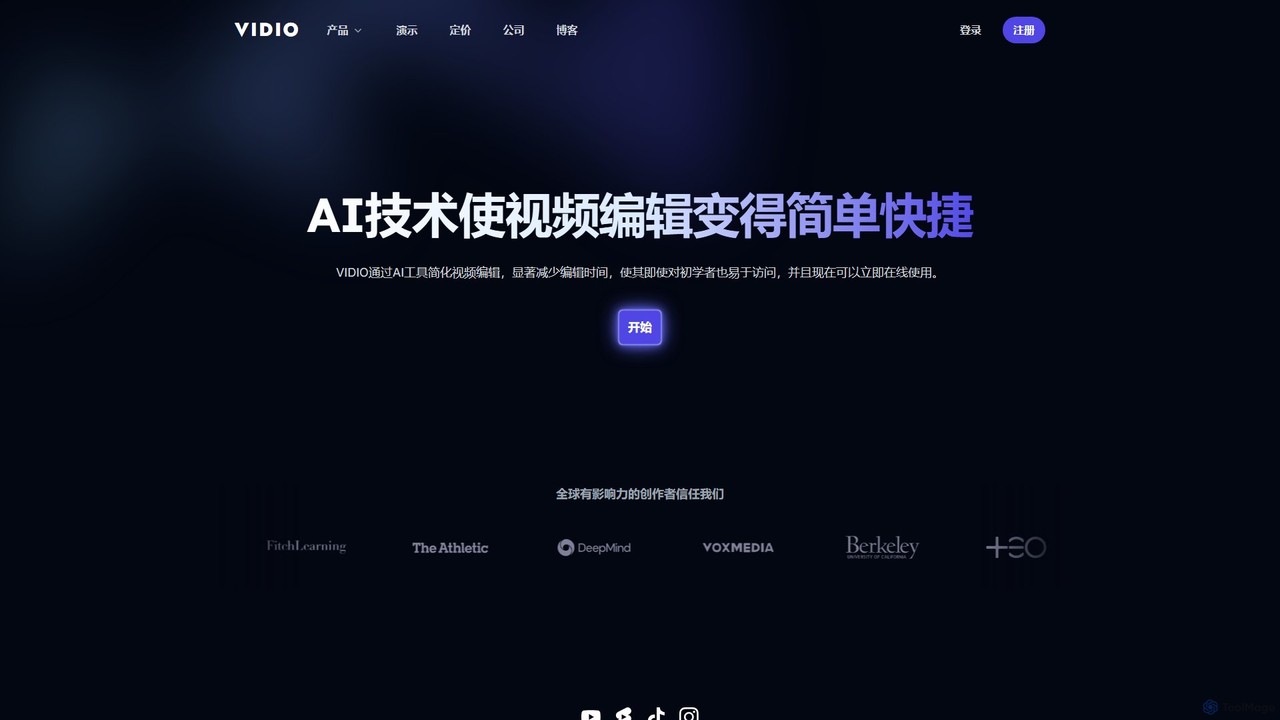
VIDIO
VIDIO is an AI-powered video editing platform that automates and simplifies complex editing tasks. It offers tools for creating motion graphics from text, generating highlight reels, automatic subtitling, face blurring, and more, making professional video creation accessible to everyone.
Social Media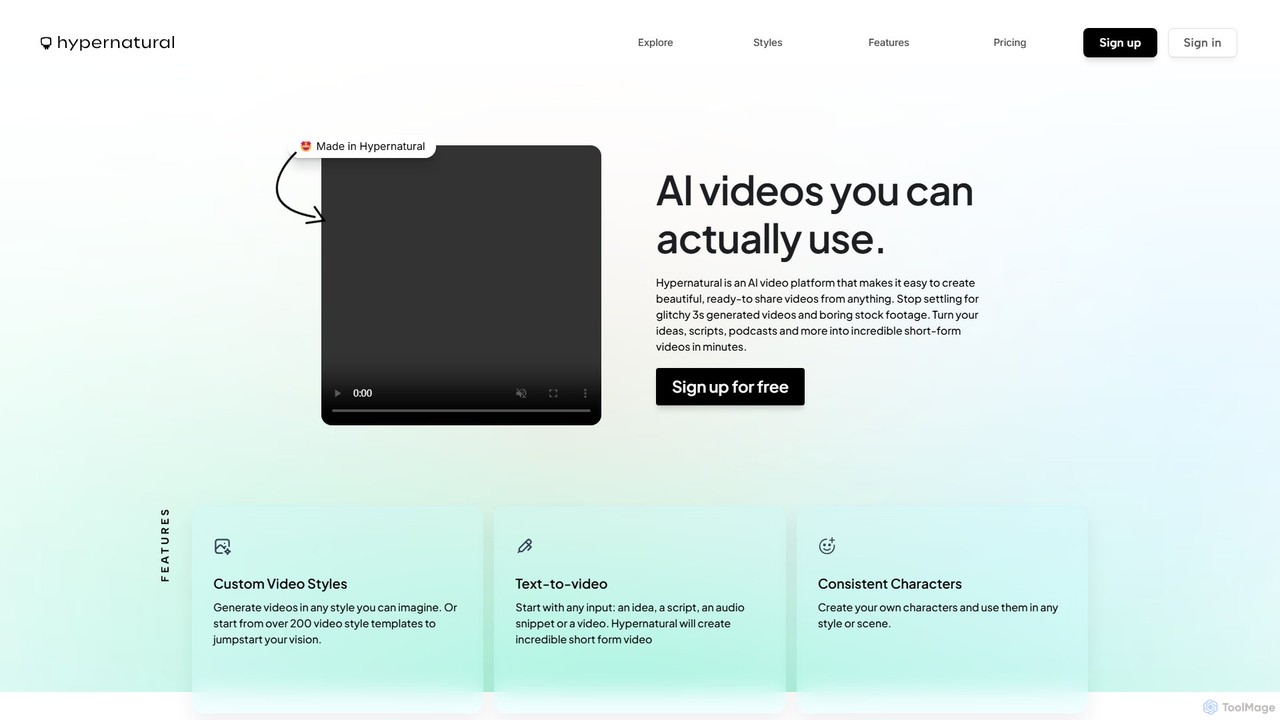
Hypernatural
Hypernatural is an AI video platform that transforms text, scripts, or audio into high-quality, ready-to-share short-form videos. It focuses on creating usable, non-glitchy content with consistent characters and custom styles, making professional video creation accessible to everyone from marketers to content creators.
Advertising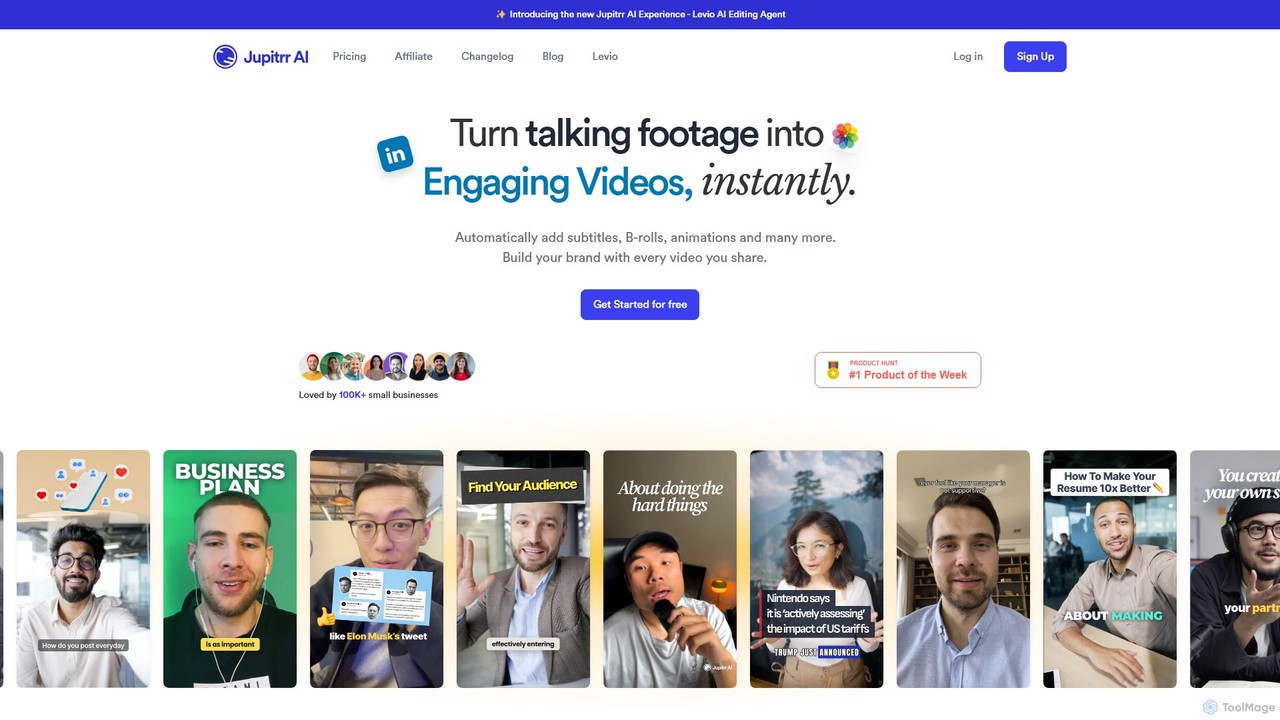
jupitrr
jupitrr is an AI-powered video editor that instantly transforms raw talking-head footage into engaging, shareable video clips. It automatically adds dynamic subtitles, relevant B-rolls from a massive stock library, animations, and background music, making professional video creation accessible to everyone without editing skills.
Automation
Clipchamp
Clipchamp is a user-friendly, AI-powered online video editor from Microsoft. It enables everyone, from beginners to professionals, to create stunning videos with features like AI-driven text-to-speech, automatic subtitles, and smart editing tools. Available on browsers, Windows, and iOS, it's an all-in-one solution for content creators, businesses, and educators.
Text To Speech
Animoto
Animoto is an intuitive online video maker that enables users to create professional-quality videos with ease. Using a drag-and-drop interface, you can combine photos, video clips, and screen recordings. It offers a vast library of templates, licensed music, and stock media from Getty Images, making it ideal for marketing, business communications, and personal projects without requiring any prior editing experience.
Corporate Communications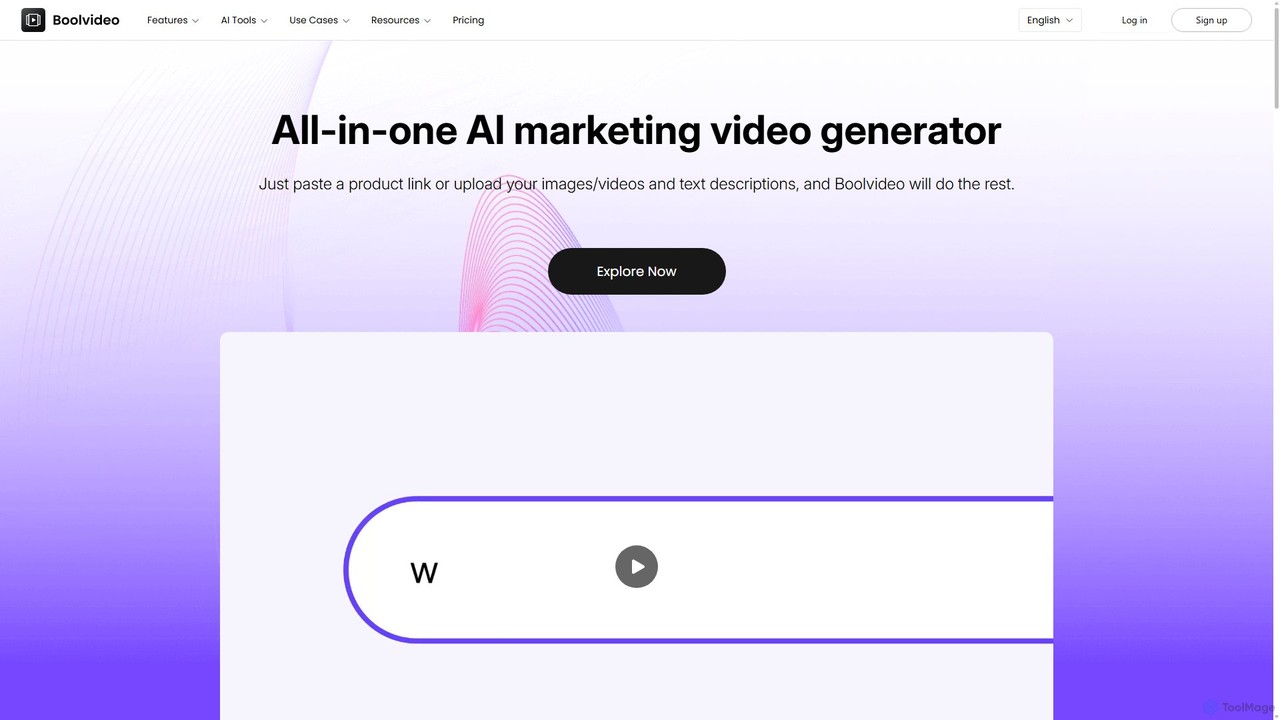
Boolvideo
Boolvideo is an all-in-one AI video generator designed for marketing and e-commerce. It allows users to effortlessly transform product links, images, text, or simple ideas into engaging, professional-quality videos. With a suite of AI-powered tools, it automates scriptwriting, voiceover generation, and visual selection, making it ideal for social media managers, content creators, and brands looking to scale their video content production quickly.
Product Videos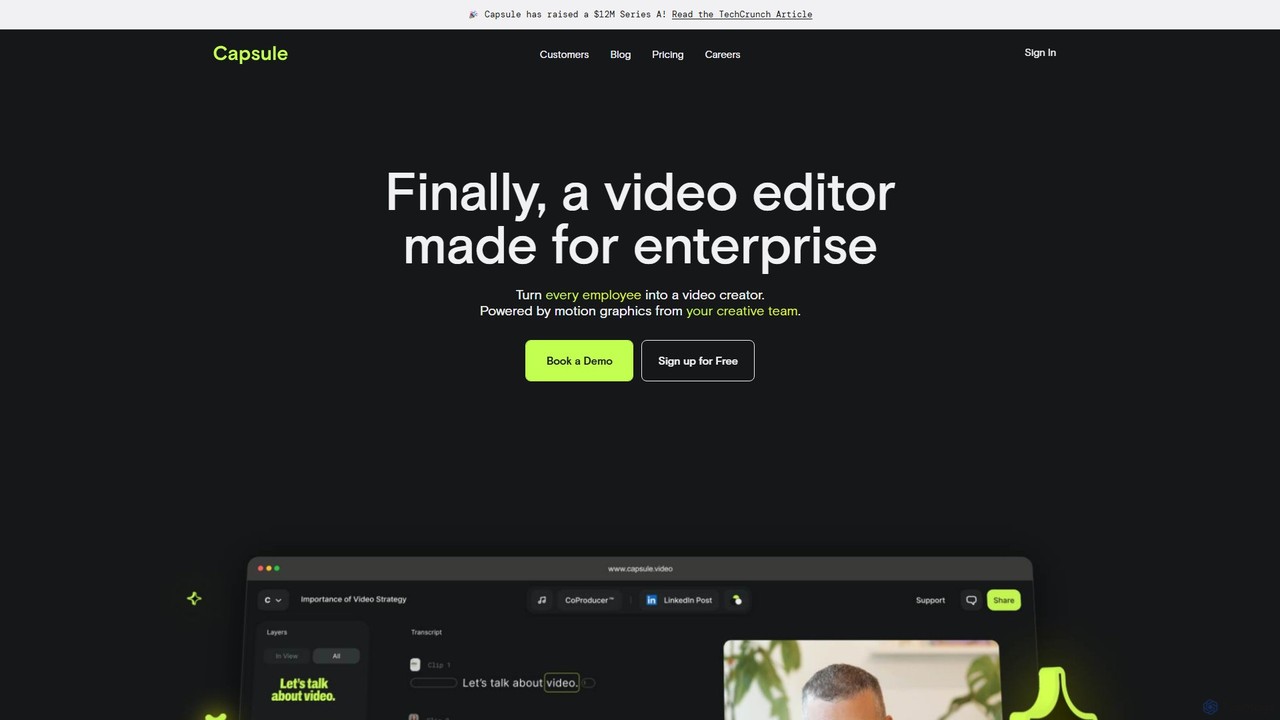
Capsule
Capsule is an AI-powered video editor designed for enterprise teams to create professional, on-brand videos 10x faster. It empowers non-editors with features like AI audio enhancement (VoiceMagic), smart music suggestions, and reusable motion design templates. This collaborative platform streamlines video creation for marketing, sales, and internal communications, ensuring brand consistency at scale.
Social Media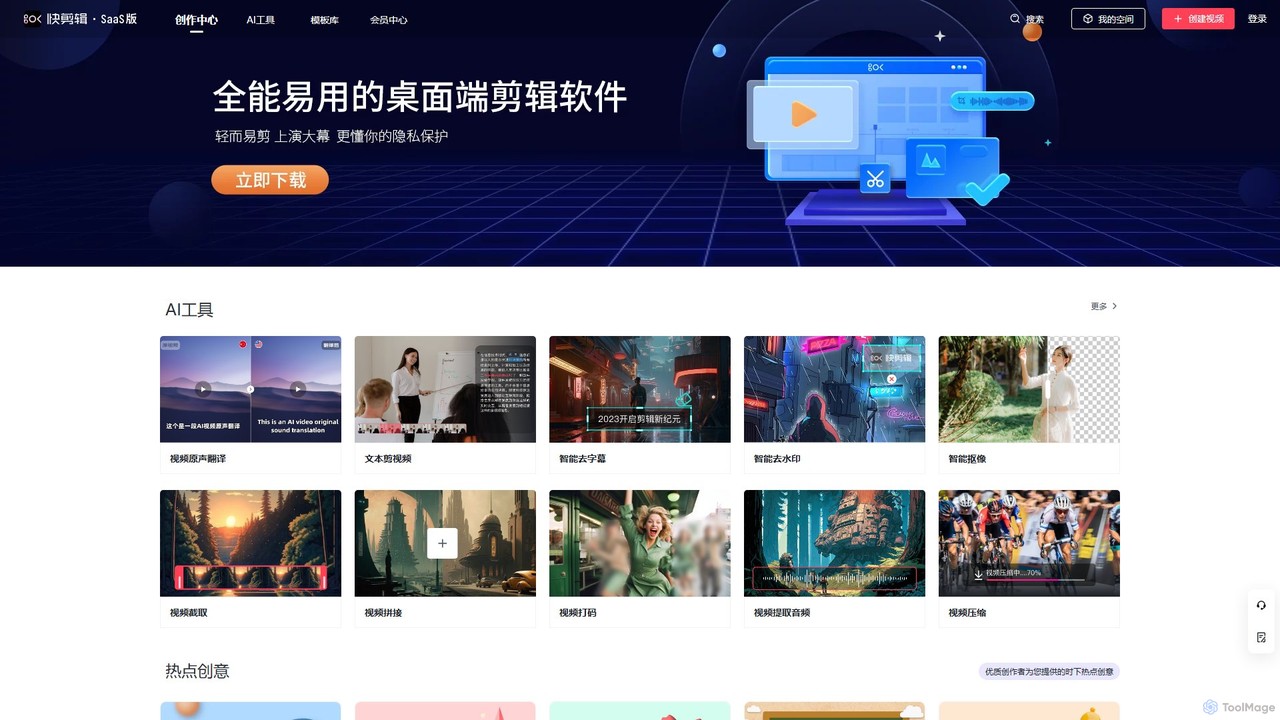
Kuaijianji
Kuaijianji is an AI-powered online video creation platform that simplifies video editing through a vast template library and intelligent tools. It enables users to quickly create professional videos for marketing, social media, and business communications, featuring text-to-video, smart cutout, and AI translation.
Text To Video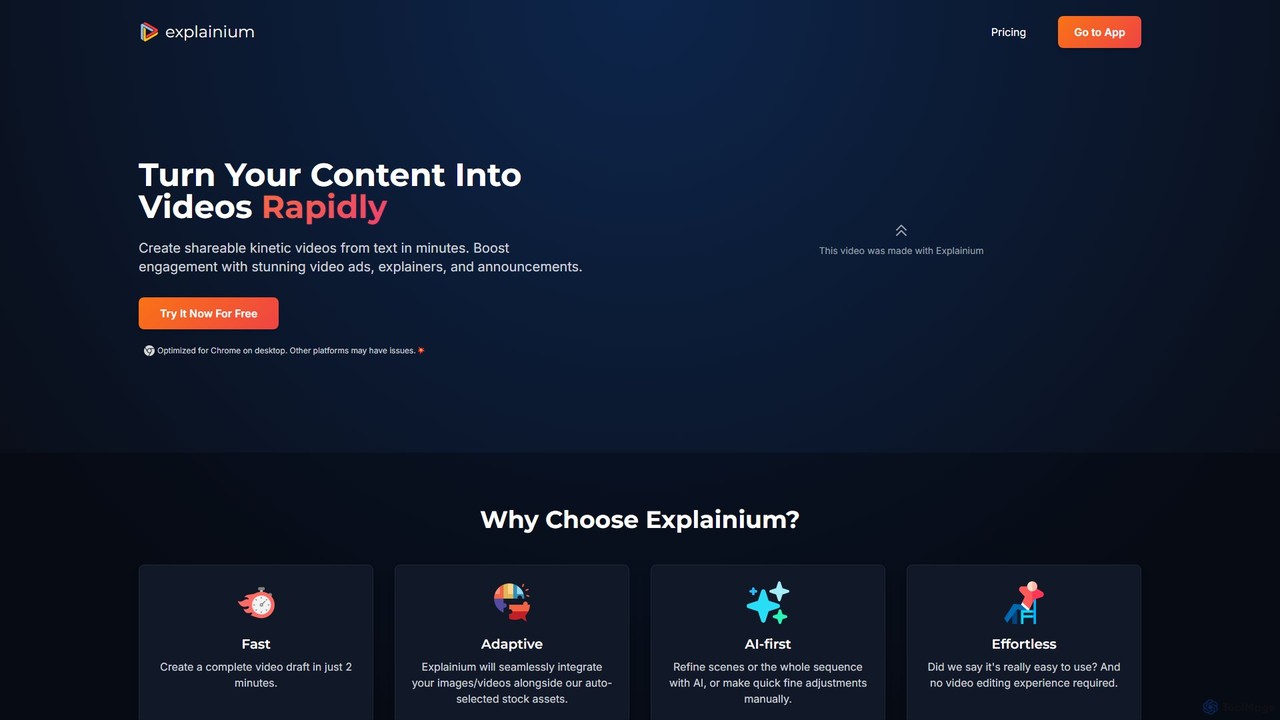
Explainium
Explainium is an AI-powered video creation platform that effortlessly transforms text into engaging kinetic typography videos. Ideal for marketers, content creators, and businesses, it allows you to create professional promo videos, explainers, and announcements in minutes, with no video editing experience required.
Social Media
Keyframes Studio Comments (0)
Sign in to comment.
Sign inNo comments yet.