
Capsule Overview
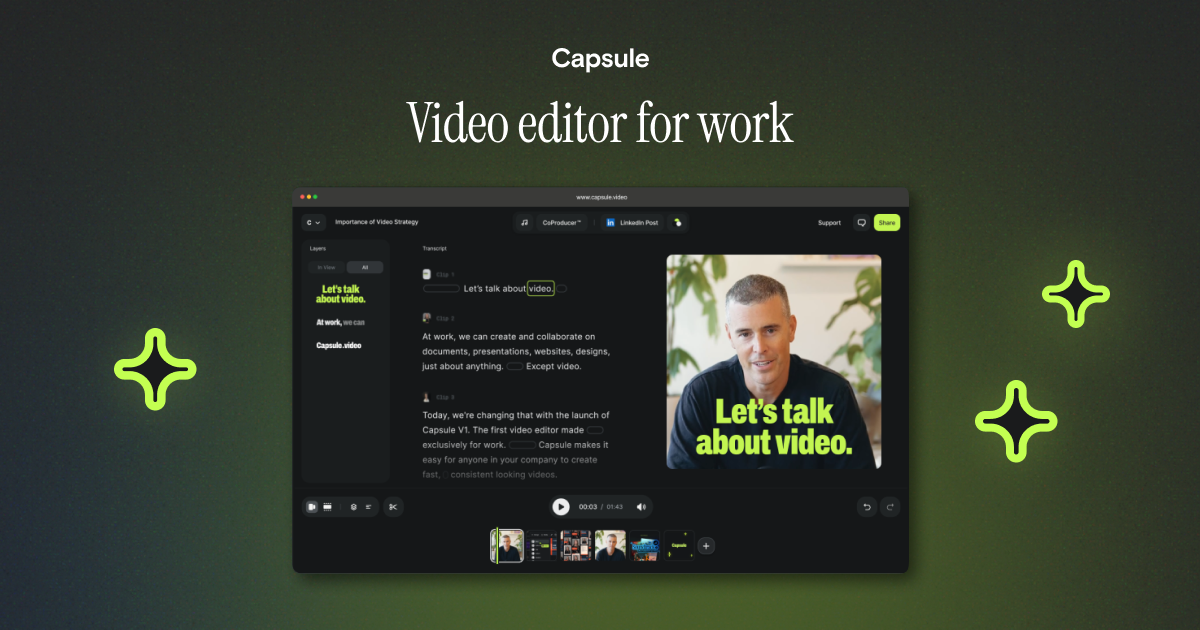
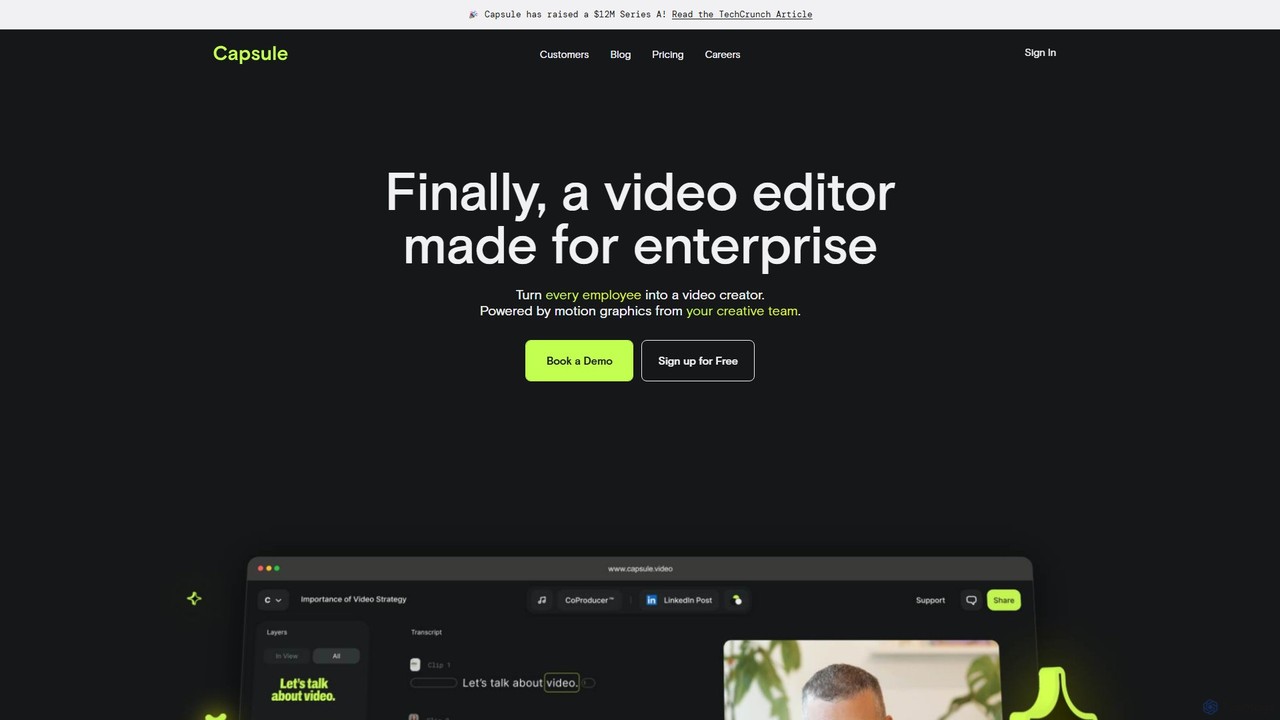
Capsule is a revolutionary AI-powered video editing platform specifically engineered for enterprise and marketing teams. Its core mission is to dramatically accelerate the video creation process, enabling teams to produce high-quality, on-brand video content up to 10 times faster than with traditional tools. Capsule achieves this by combining a user-friendly, text-based editor with a powerful AI assistant called CoProducer, making professional video creation accessible to everyone in an organization, not just seasoned editors.
The platform is built around the concept of a 'motion design system,' which allows a company's creative team to transform complex After Effects files into simple, reusable templates. This ensures that every video produced—whether by a marketer, a salesperson, or an HR professional—adheres strictly to the company's brand guidelines, including fonts, colors, logos, and animations. This approach not only maintains brand consistency but also massively scales the organization's video output without increasing the creative team's workload.
How to use Capsule
Using Capsule is designed to be an intuitive and efficient process, even for those without prior video editing experience:
- Upload or Record: Begin by uploading your existing video clips and audio files or record new content directly within the Capsule platform.
- Text-Based Editing: Capsule transcribes your video's audio, allowing you to edit the video by simply editing the text, much like a word document. Deleting a sentence in the transcript automatically removes the corresponding video segment.
- Apply Brand Templates: With a single click, apply your company's pre-set motion design system. This instantly adds branded intros, lower thirds, transitions, and outros to your video.
- Enhance with AI CoProducer: Leverage the suite of AI tools. Use 'VoiceMagic' to clean up audio and give it a studio-quality finish. Use 'Soundtrack' to get AI-driven music recommendations that match the mood of your video. 'Auto Frame' will intelligently adjust your video for various aspect ratios like social media stories or posts.
- Add Captions and B-Roll: Automatically generate and animate captions to increase accessibility and engagement. The system can also intelligently suggest and add relevant B-roll footage to make your video more dynamic.
- Collaborate and Review: Share a project link with stakeholders to gather feedback. Team members can leave time-stamped comments directly on the video, streamlining the review process.
- Export and Publish: Once finalized, export your professional, on-brand video and share it across all your channels.
Core Features of Capsule
- AI CoProducer: An intelligent assistant that automates and enhances the editing process, including audio, music, and framing.
- VoiceMagic: A one-click feature that transforms any speech recording into clear, studio-quality audio by removing background noise and optimizing levels.
- Motion Design Systems: Enables creative teams to lock in brand assets (logos, fonts, colors, animations) into easy-to-use templates for the entire organization.
- Text-Based Editing: An intuitive way to edit video by manipulating the transcribed text, making the process fast and simple.
- Auto Frame: Automatically reformats videos for different platforms (e.g., 16:9, 9:16, 1:1), ensuring graphics and subjects remain perfectly framed.
- AI Soundtrack: Suggests royalty-free music that perfectly matches the tone and pacing of your video content.
- Real-time Collaboration: Share projects via a link for comments and feedback. Real-time co-editing features are also in development.
- Automated & Animated Captions: Instantly generate accurate captions and style them to match your brand.
Use Cases for Capsule
Capsule is versatile and ideal for a wide range of corporate video needs, including:
- Marketing & Sales: Creating social media posts, paid media ads, customer testimonials, product demos, and sales enablement videos.
- Internal Communications: Producing internal training videos, company announcements, and event recaps.
- Content Creation: Repurposing long-form content like webinars into short-form clips, creating branded case studies, and building a video knowledge base.
- Brand Management: Curating and branding user-generated content (UGC) to align with company standards.
Advantages of Capsule
Capsule offers significant advantages over traditional video editors like Adobe Premiere, Descript, and VEED. Its primary benefits include incredible speed, unwavering brand consistency, and the democratization of video creation. By empowering anyone on a team to create professional videos, it removes bottlenecks and allows creative teams to focus on high-level strategy instead of repetitive editing tasks. The AI-driven features save countless hours on tasks like audio mixing, music selection, and reformatting, leading to a more efficient and scalable content pipeline.
Pricing and Plans
Capsule offers a freemium model with two main tiers:
- Business Free: This plan is free and designed for small teams. It includes access to standard motion design components, the ability to customize fonts, colors, and logos, project sharing via links for limited collaboration, and basic help center support.
- Enterprise: This is a custom-priced plan for larger teams that require full brand control and advanced collaboration. It includes fully custom motion design systems built for your brand, unlimited custom components, dedicated creative services, full collaboration features (comments, real-time editing coming soon), VIP support with a dedicated account manager, MSA & security reviews, and 1:1 training sessions.
Traffic
Latest traffic
Status
Monthly traffic trend
- 2025-9: 41.9K
- 2026-1: 29.8K
- 2026-2: 21.8K
- 2026-3: 18.3K
- 2026-4: 20.9K
- 2026-5: 19.8K
Geography
Top 5 countries / regions
- 🇺🇸United States53.0%
- 🇮🇳India18.0%
- 🇻🇳Vietnam13.3%
- 🇧🇷Brazil8.1%
- 🇩🇪Germany7.7%
Traffic sources
| Source type | Percentage |
|---|---|
Direct | 87.4% |
Referral | 12.6% |
Top keywords
| Keyword | Cost per click |
|---|---|
| ai capsule | $0.00 |
| capsule | $0.97 |
| capsule ai | $0.20 |
| capsule video | $5.31 |
| capsule video ai | $0.00 |
Capsule Videos on YouTube

Capsule Video


Capsule Video


Capsule AI

Learner's Capsule

David Morales
Capsule Alternatives
Kuaijianji
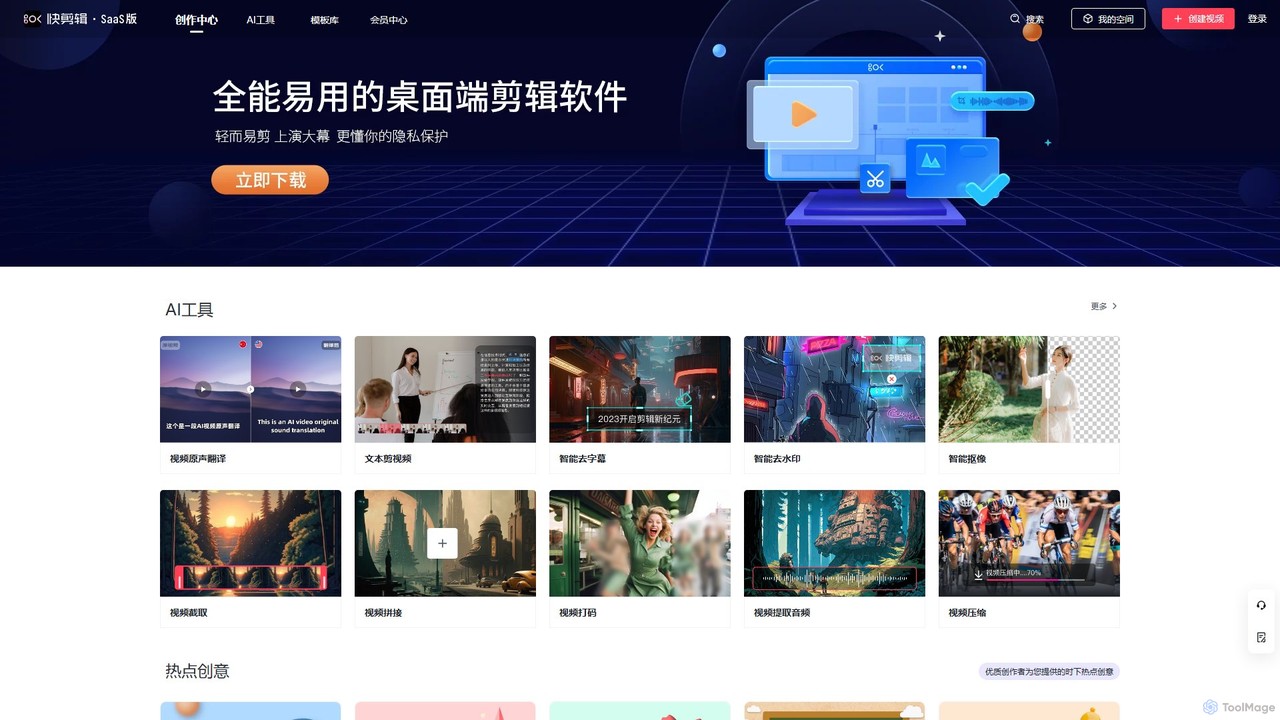
Kuaijianji is an AI-powered online video creation platform that simplifies video editing through a vast template library and intelligent tools. It enables users to quickly create professional videos for marketing, social media, and business communications, featuring text-to-video, smart cutout, and AI translation.
Text To Video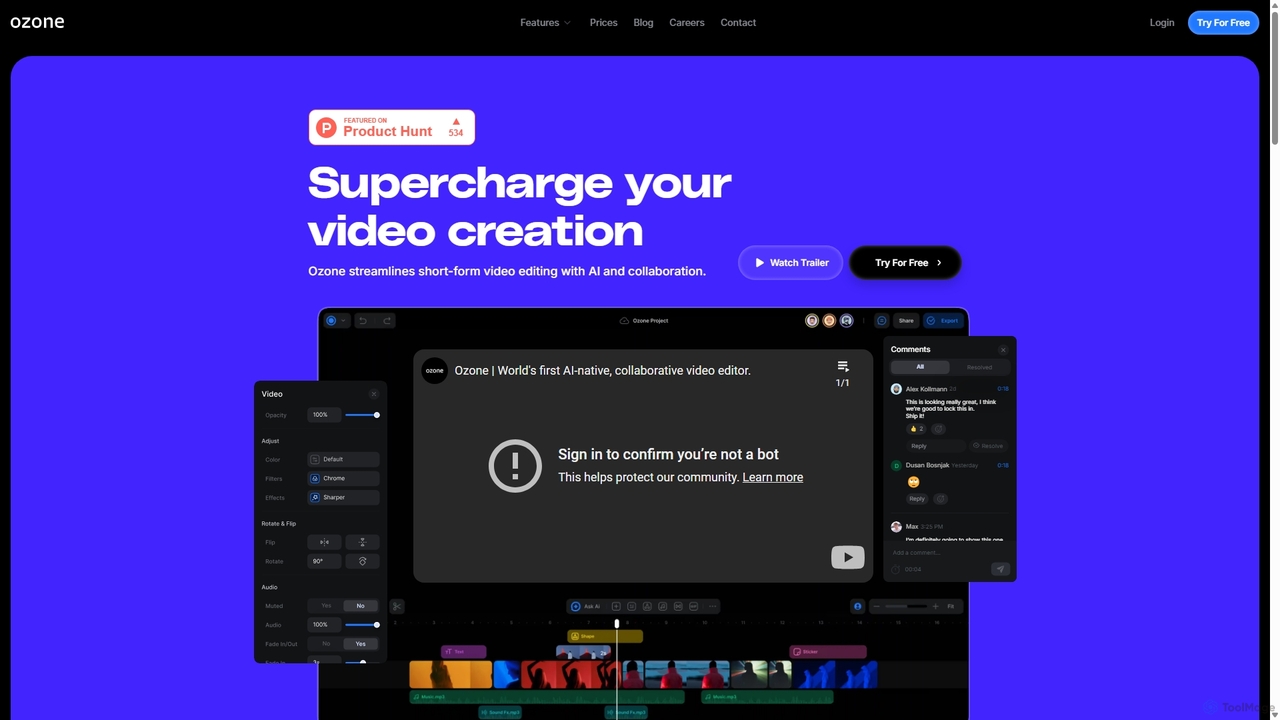
Ozone
Ozone is an AI-powered, cloud-based video editing platform that streamlines short-form video creation. It combines intelligent features like auto-captioning, text-to-video, and silence removal with real-time collaboration tools. Designed for content creators and marketing teams, Ozone eliminates the need for powerful hardware and complex workflows, allowing users to focus on storytelling and produce professional videos faster from anywhere.
Voice Synthesis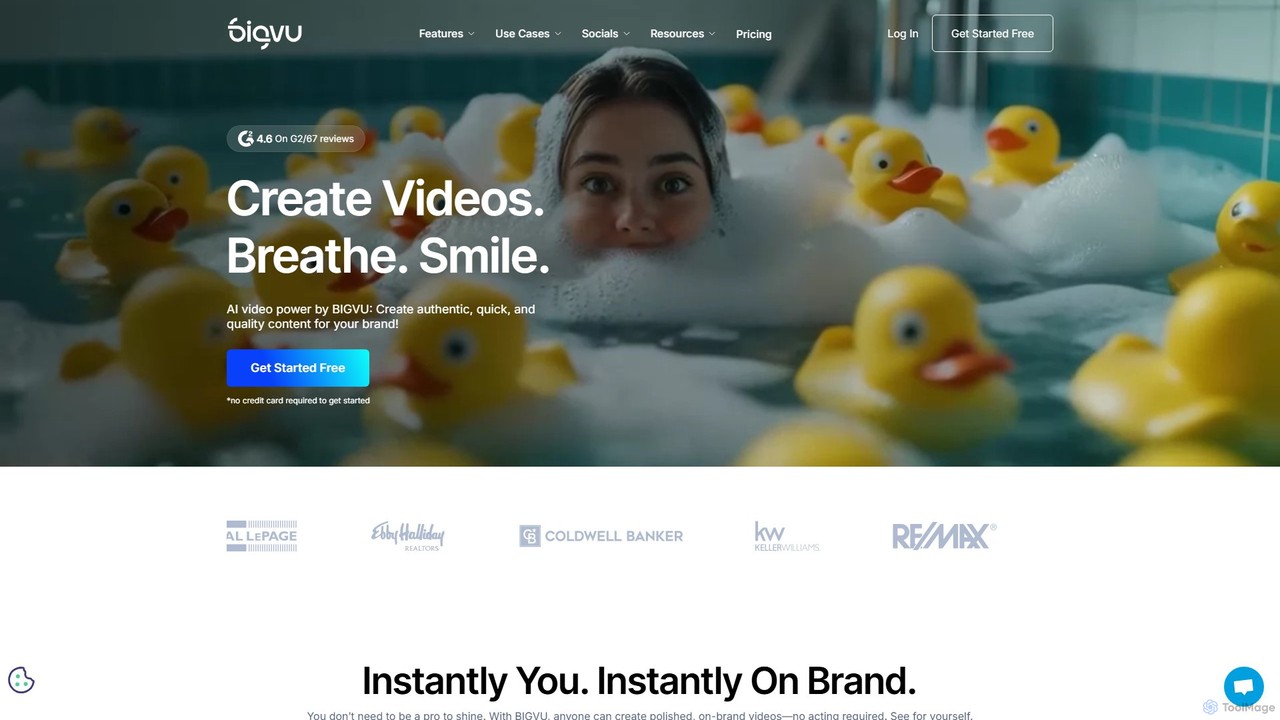
bigvu
bigvu is an all-in-one AI video creation platform that combines a teleprompter, AI script generator, automatic captions, and a powerful video editor. It enables users to script, shoot, style, and share professional-quality videos 10x faster, with features like AI avatars and text-based editing. Ideal for marketing, sales, and content creators.
Script Writing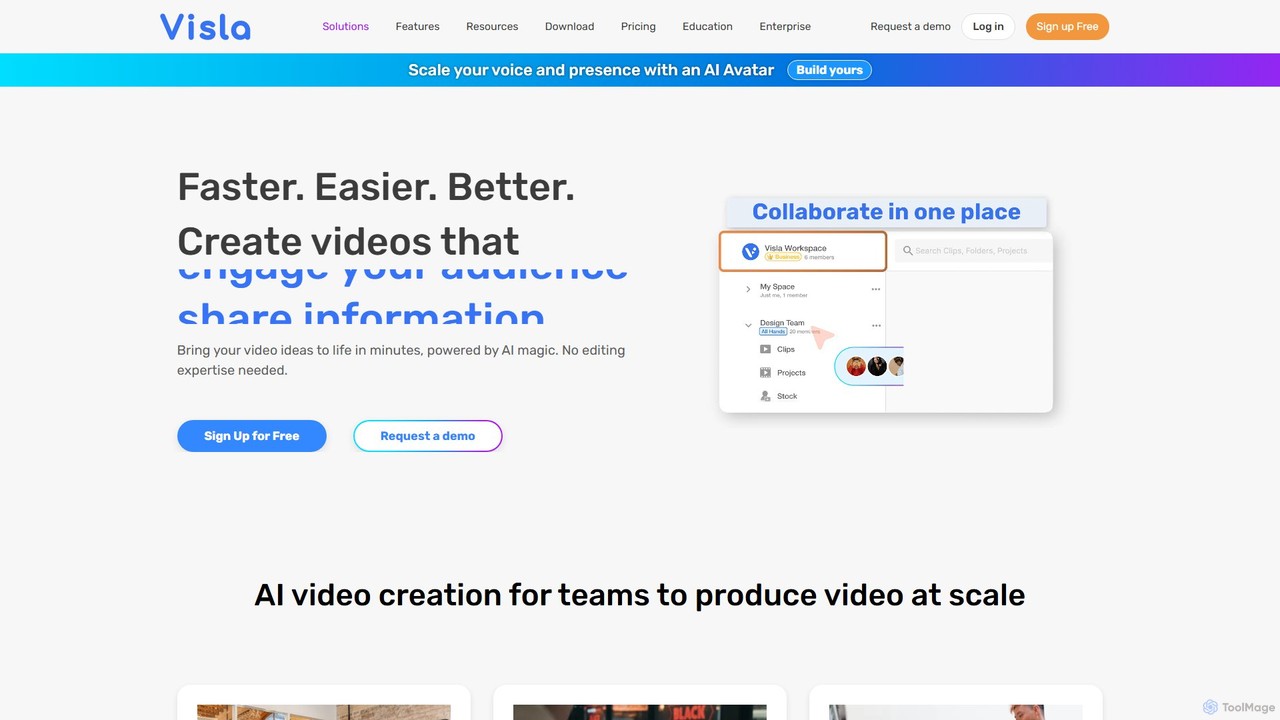
Visla
Visla is an all-in-one AI video platform designed for businesses. It empowers teams to effortlessly create, edit, record, and collaborate on professional-quality videos. Featuring AI-driven tools like text-to-video generation, realistic AI avatars, and an intelligent editor, Visla makes video production scalable and accessible to everyone, regardless of their technical expertise.
Training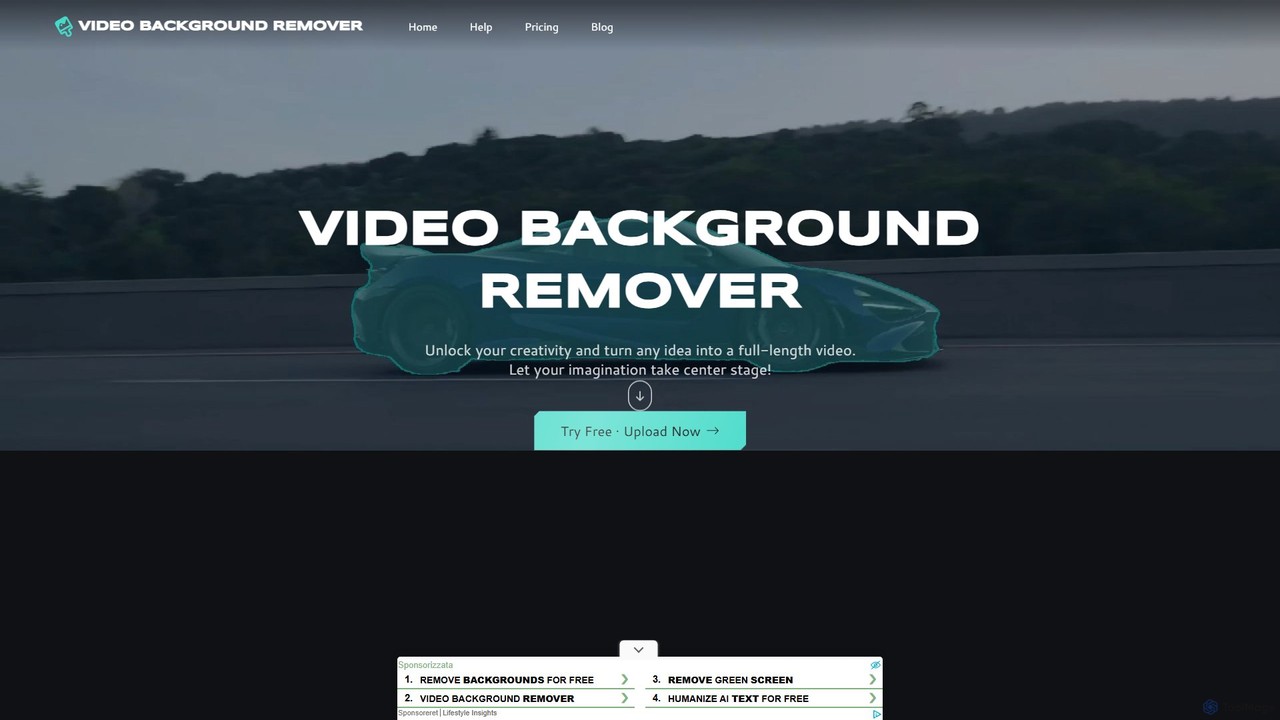
video_background_remover
An AI-powered online tool that allows users to remove video backgrounds instantly without a green screen. It supports multi-subject selection, various editing effects, and Full HD export, all for free and directly in your browser.
Social MediaCapsule Categories
Capsule Embed Widget
Copy this embed code to place the badge on your blog, article, or product site and send readers directly to this ToolMage detail page.

Related AI tools
Kuaijianji
Kuaijianji is an AI-powered online video creation platform that simplifies video editing through a vast template library and intelligent tools. It enables users to quickly create professional videos for marketing, social media, and business communications, featuring text-to-video, smart cutout, and AI translation.
Text To VideoOzone
Ozone is an AI-powered, cloud-based video editing platform that streamlines short-form video creation. It combines intelligent features like auto-captioning, text-to-video, and silence removal with real-time collaboration tools. Designed for content creators and marketing teams, Ozone eliminates the need for powerful hardware and complex workflows, allowing users to focus on storytelling and produce professional videos faster from anywhere.
Voice Synthesis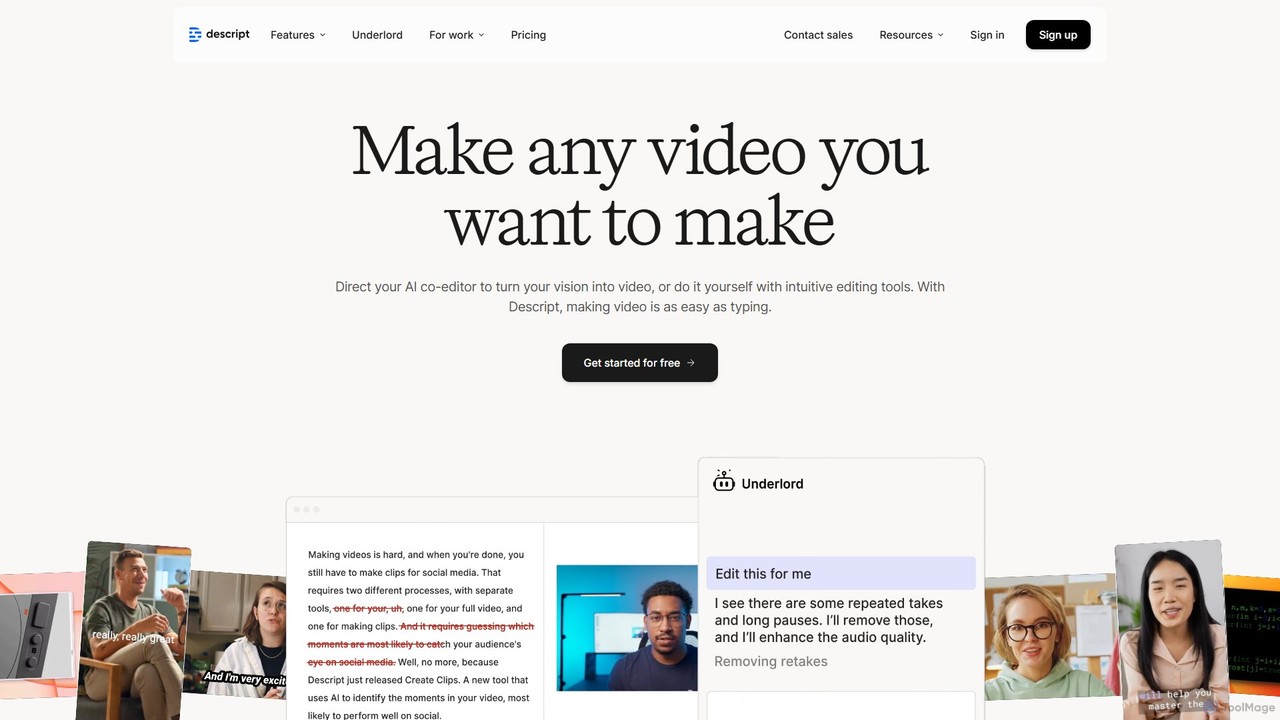
Descript
Descript is an all-in-one AI-powered video and podcast editor that revolutionizes content creation by allowing you to edit media as easily as a text document. It features text-based editing, automatic transcription, and powerful AI tools like Studio Sound, green screen, eye contact correction, and filler word removal. It's the ideal solution for creators and businesses aiming to produce high-quality, professional content with unparalleled efficiency.
Social Media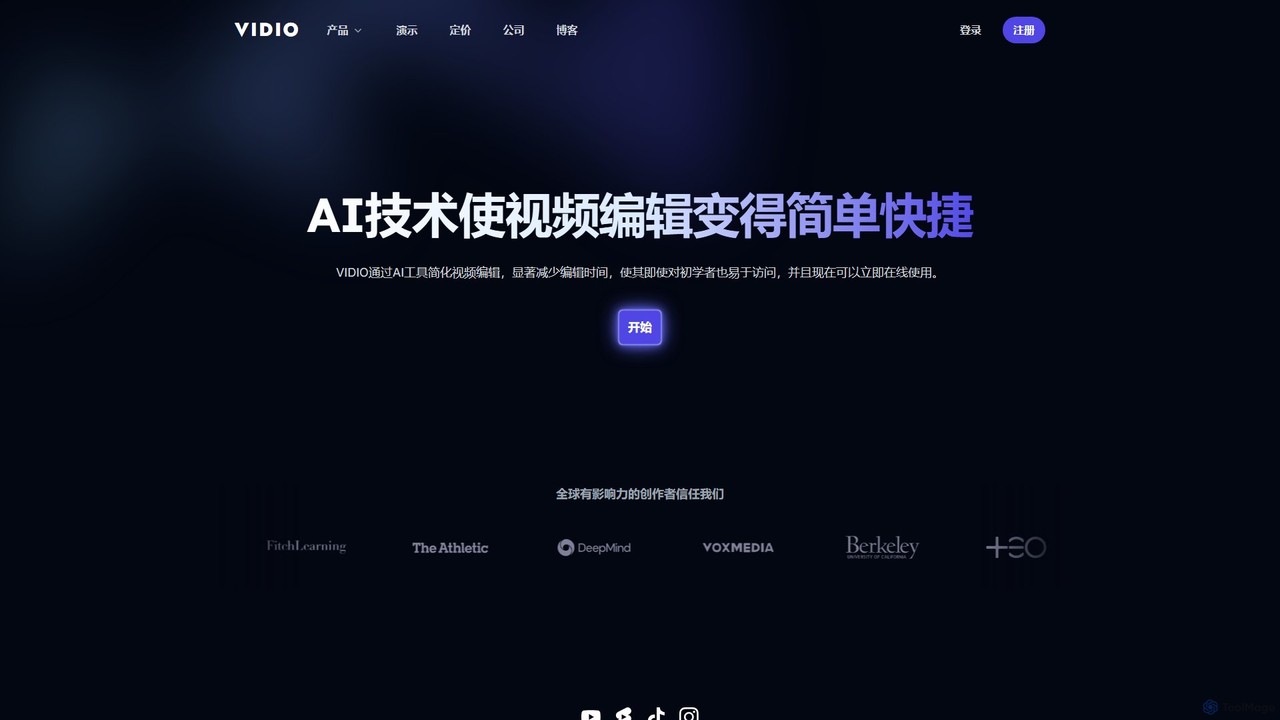
VIDIO
VIDIO is an AI-powered video editing platform that automates and simplifies complex editing tasks. It offers tools for creating motion graphics from text, generating highlight reels, automatic subtitling, face blurring, and more, making professional video creation accessible to everyone.
Social Media
motionvid.ai
motionvid.ai is an AI-powered platform that transforms text prompts and sketches into professional-quality motion graphics and animations in seconds. It's designed for content creators, marketers, and editors to produce stunning videos 20x faster than traditional software like After Effects, without needing any technical skills.
Social Media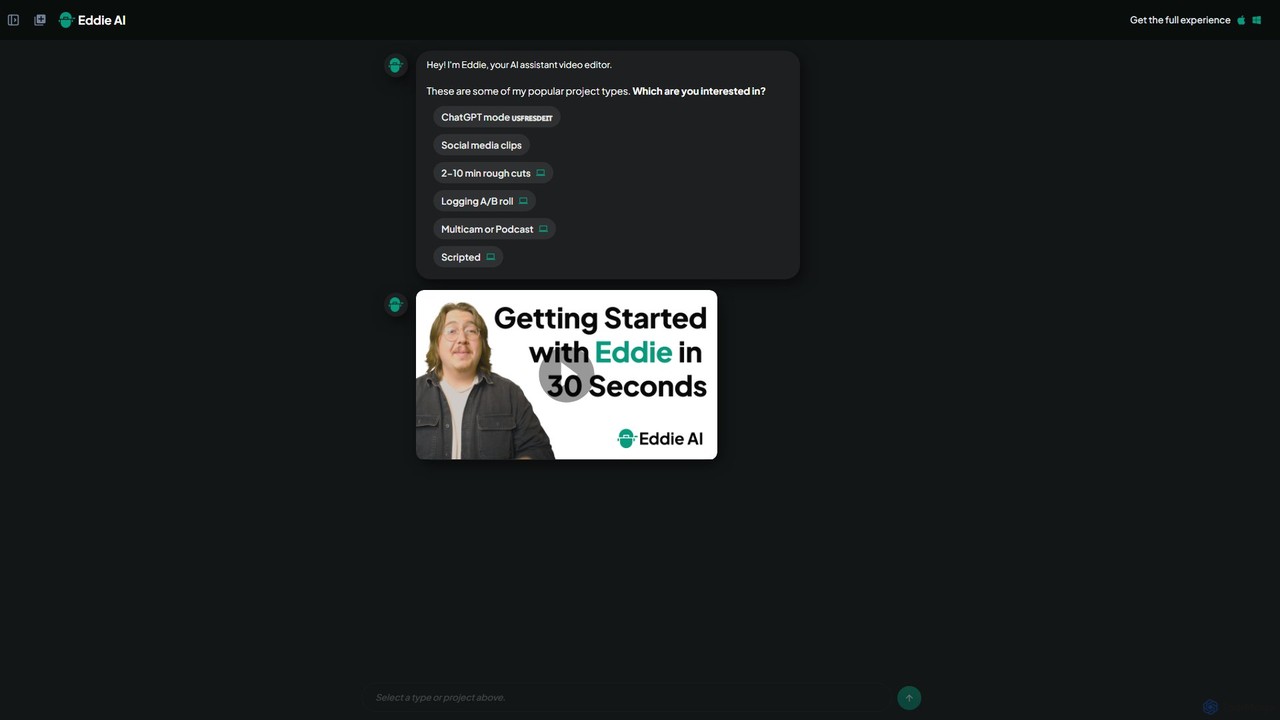
heyeddie
Heyeddie is an AI-powered video editing assistant that streamlines your workflow. Simply use natural language commands to have Eddie automatically create rough cuts, generate social media clips, log A/B roll, sync multicam footage, and edit based on a script. It's designed for content creators, marketers, and podcasters to save time and focus on storytelling.
Automation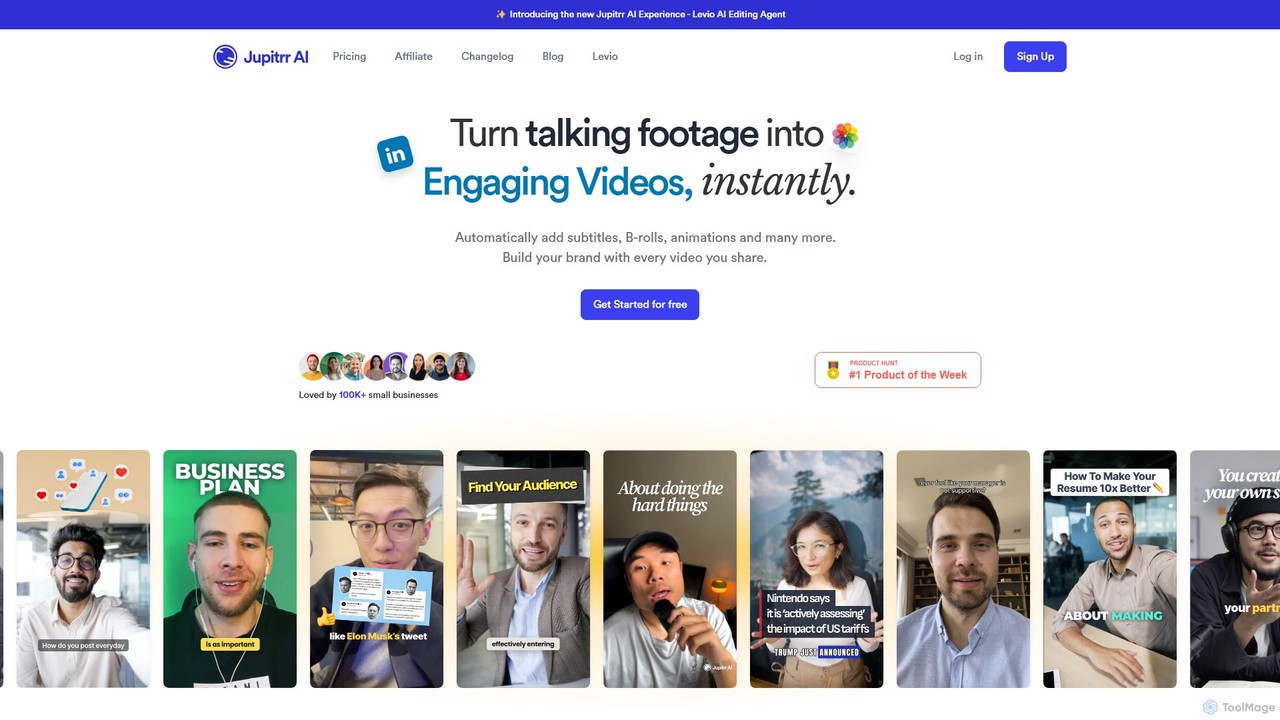
jupitrr
jupitrr is an AI-powered video editor that instantly transforms raw talking-head footage into engaging, shareable video clips. It automatically adds dynamic subtitles, relevant B-rolls from a massive stock library, animations, and background music, making professional video creation accessible to everyone without editing skills.
Automation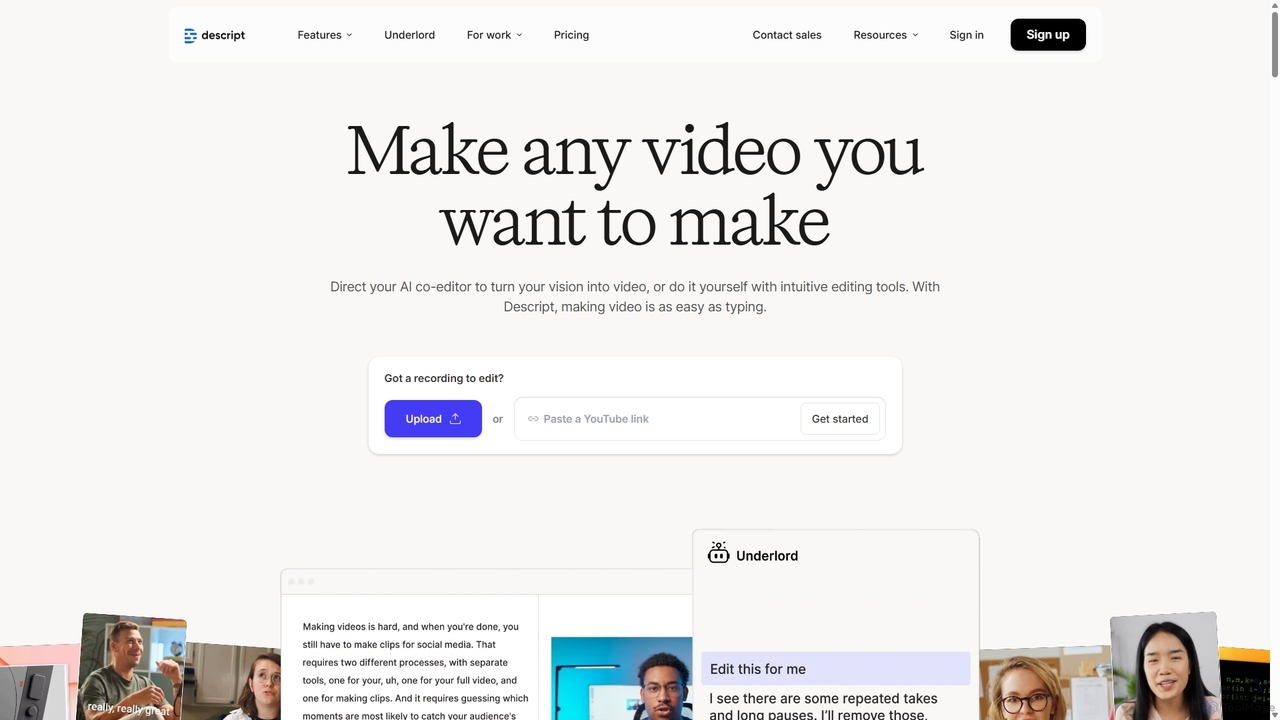
Descript
Descript is an all-in-one AI-powered video and podcast editor that lets you edit media as easily as editing a text document. It features automatic transcription, screen recording, AI voice cloning, filler word removal, and powerful AI effects like Studio Sound and Green Screen to streamline content creation for creators, marketers, and businesses.
Social Media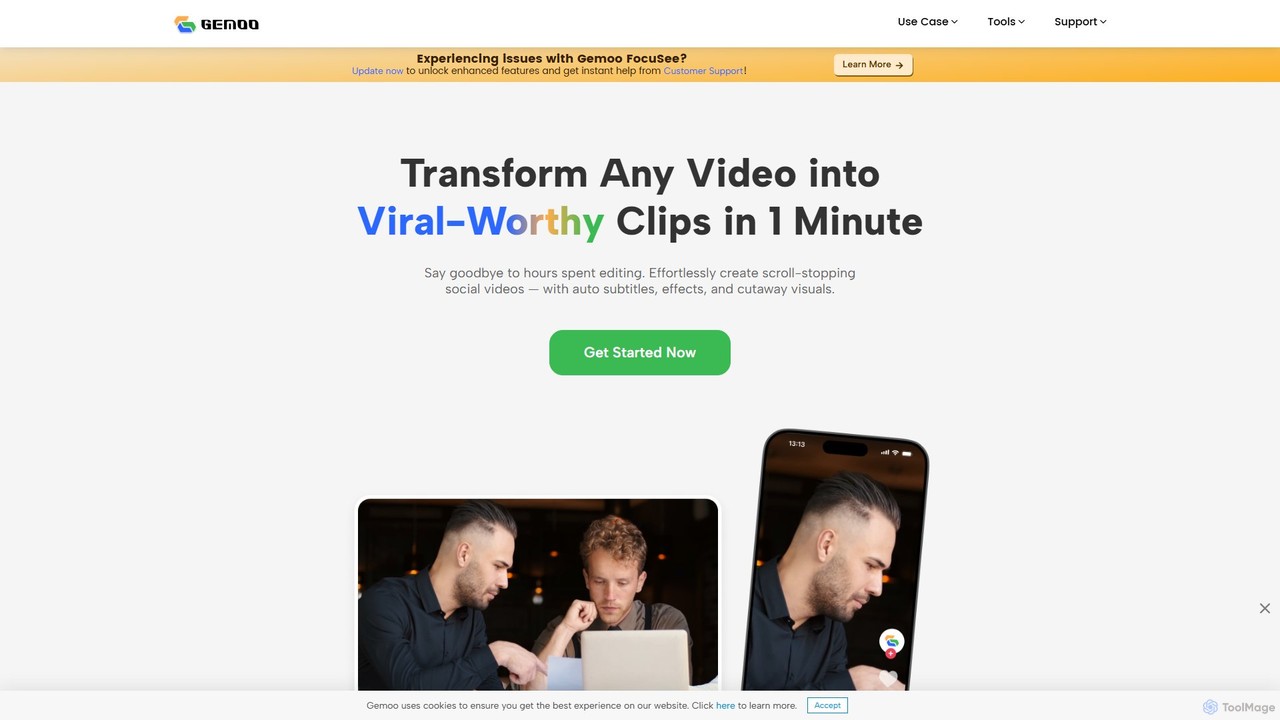
Gemoo
Gemoo is an AI-powered video editor that transforms any video into viral-worthy short clips in minutes. It automates tedious tasks like adding subtitles, inserting relevant B-roll footage, applying effects, and generating social media-optimized titles and descriptions. Ideal for creators, marketers, and educators looking to produce high-quality, engaging content efficiently.
Video Marketing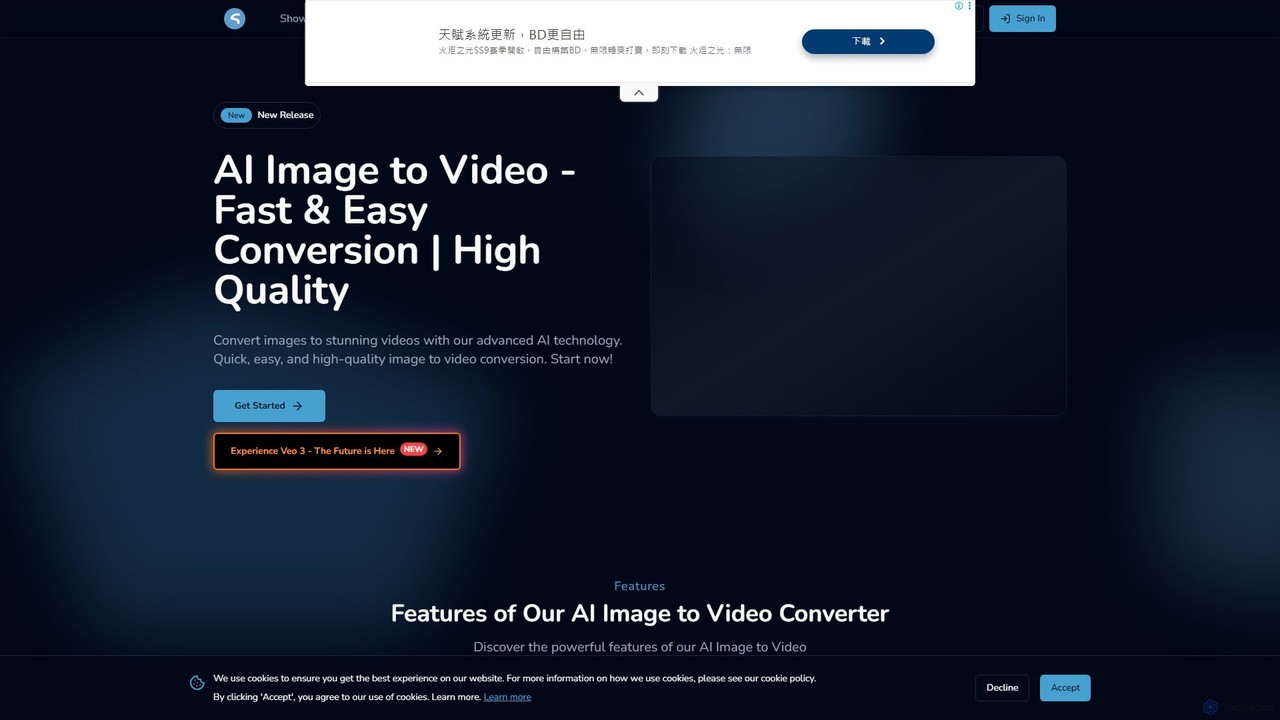
imgtovideoai
imgtovideoai is a comprehensive AI video creation suite that transforms images and text into dynamic, high-quality videos. It offers multiple tools, including Text-to-Video, Image-to-Video, AI Video Effects, and Image Blending, catering to marketers, content creators, and artists.
Image To Video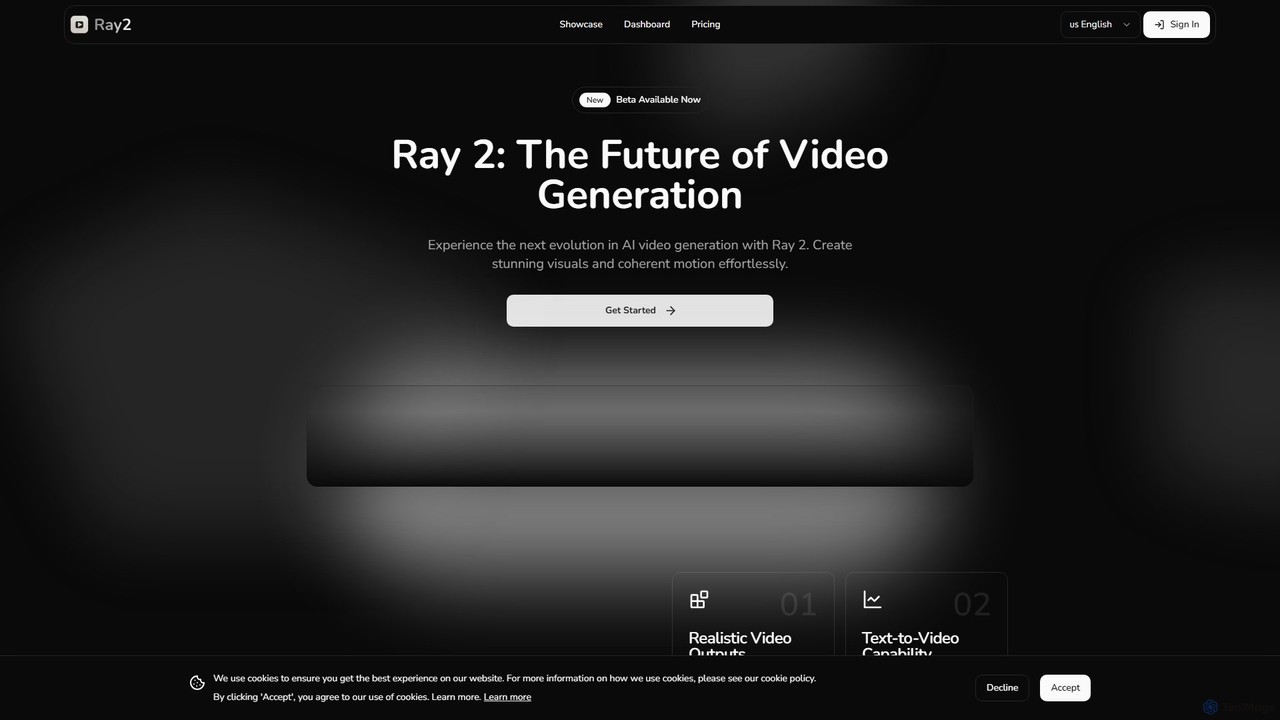
ray2
Ray 2 is an advanced AI video generation platform that transforms text prompts and images into high-quality, coherent video clips. Designed for creators, marketers, and designers, it simplifies video production with a user-friendly interface, multiple aspect ratios, and fast processing speeds, making it ideal for creating engaging content for social media, advertising, and artistic projects.
Social Media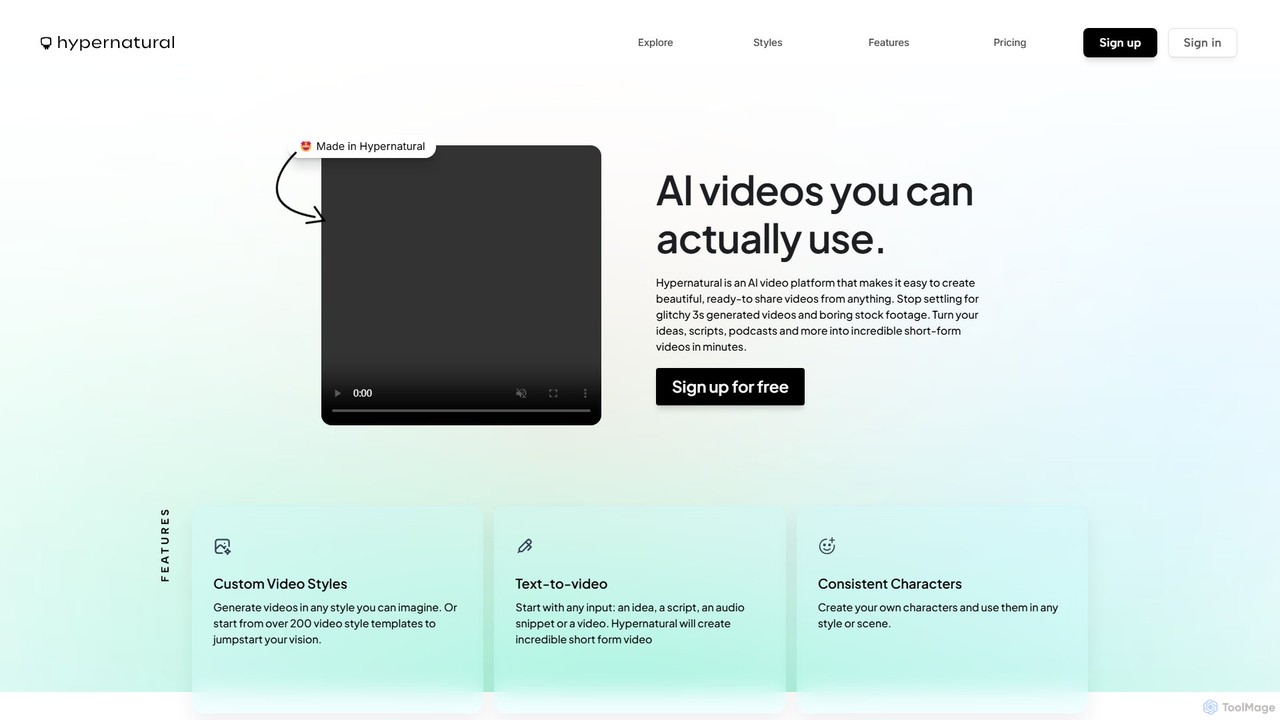
Hypernatural
Hypernatural is an AI video platform that transforms text, scripts, or audio into high-quality, ready-to-share short-form videos. It focuses on creating usable, non-glitchy content with consistent characters and custom styles, making professional video creation accessible to everyone from marketers to content creators.
Advertising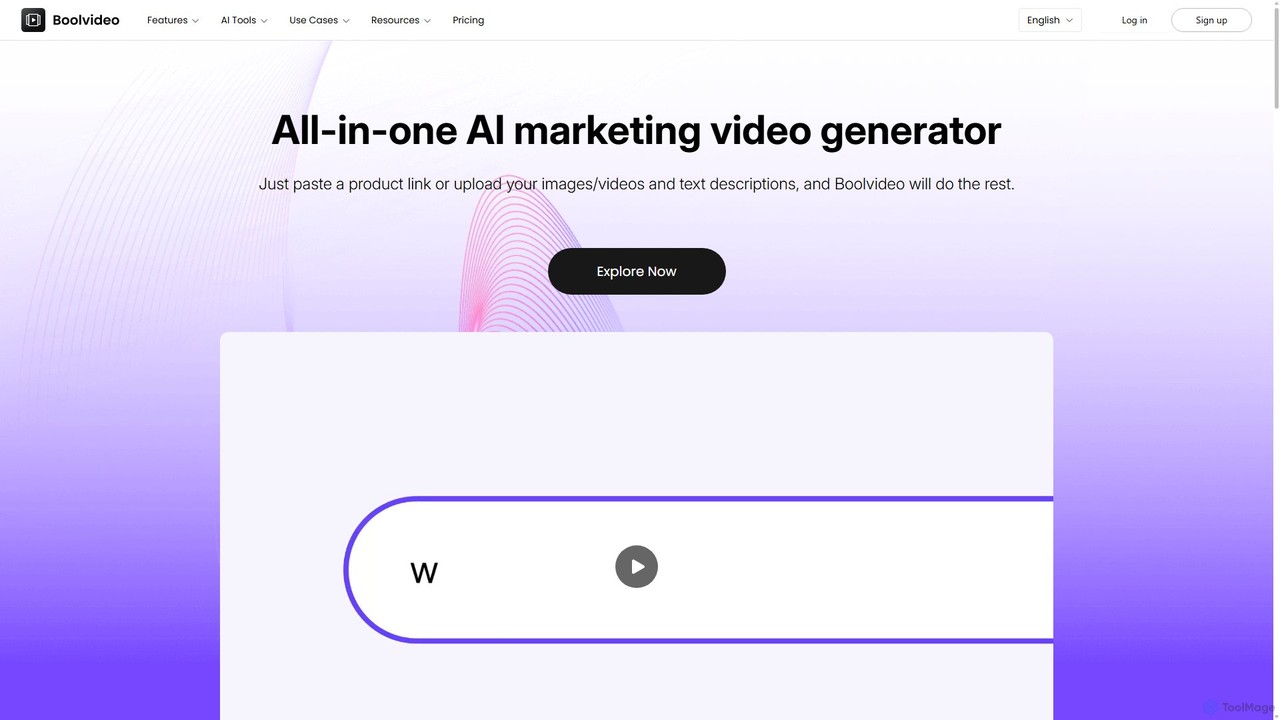
Boolvideo
Boolvideo is an all-in-one AI video generator designed for marketing and e-commerce. It allows users to effortlessly transform product links, images, text, or simple ideas into engaging, professional-quality videos. With a suite of AI-powered tools, it automates scriptwriting, voiceover generation, and visual selection, making it ideal for social media managers, content creators, and brands looking to scale their video content production quickly.
Product Videos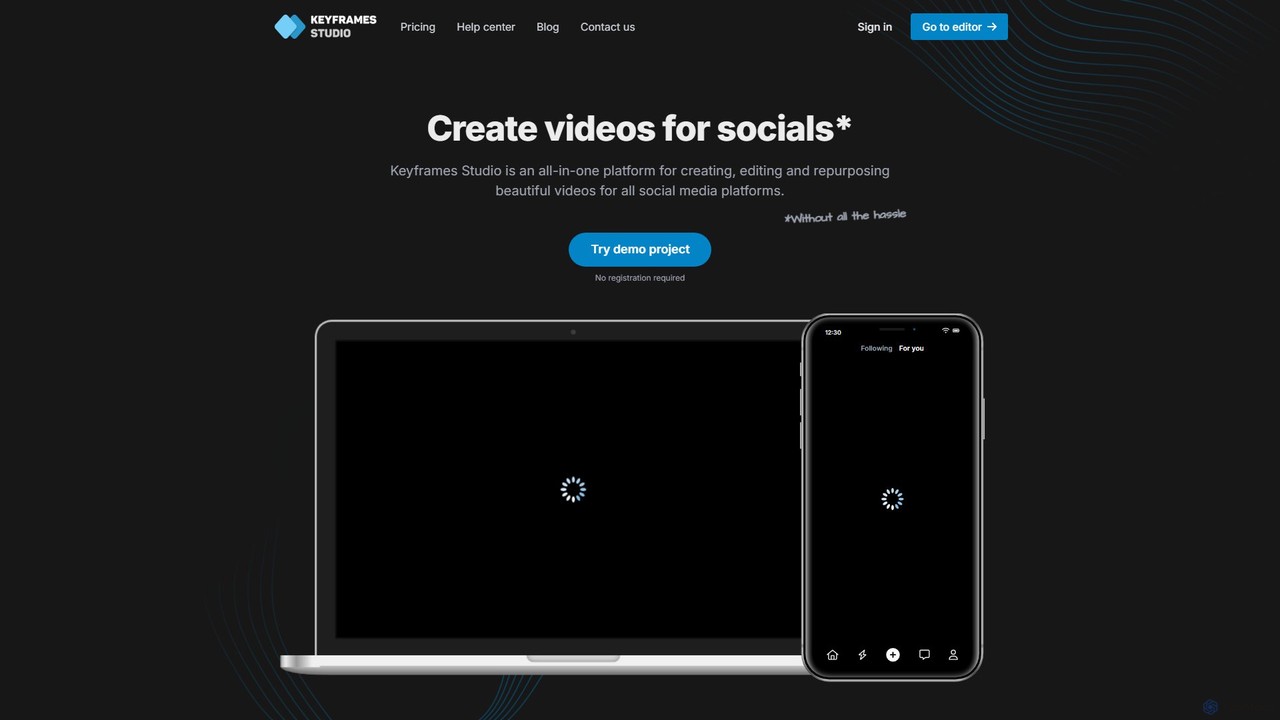
Keyframes Studio
Keyframes Studio is an AI-powered, all-in-one online video editor designed to simplify the creation, editing, and repurposing of videos for social media. It uses AI to automatically generate keyframes and subtitles, making professional video production accessible to everyone, regardless of experience.
Marketing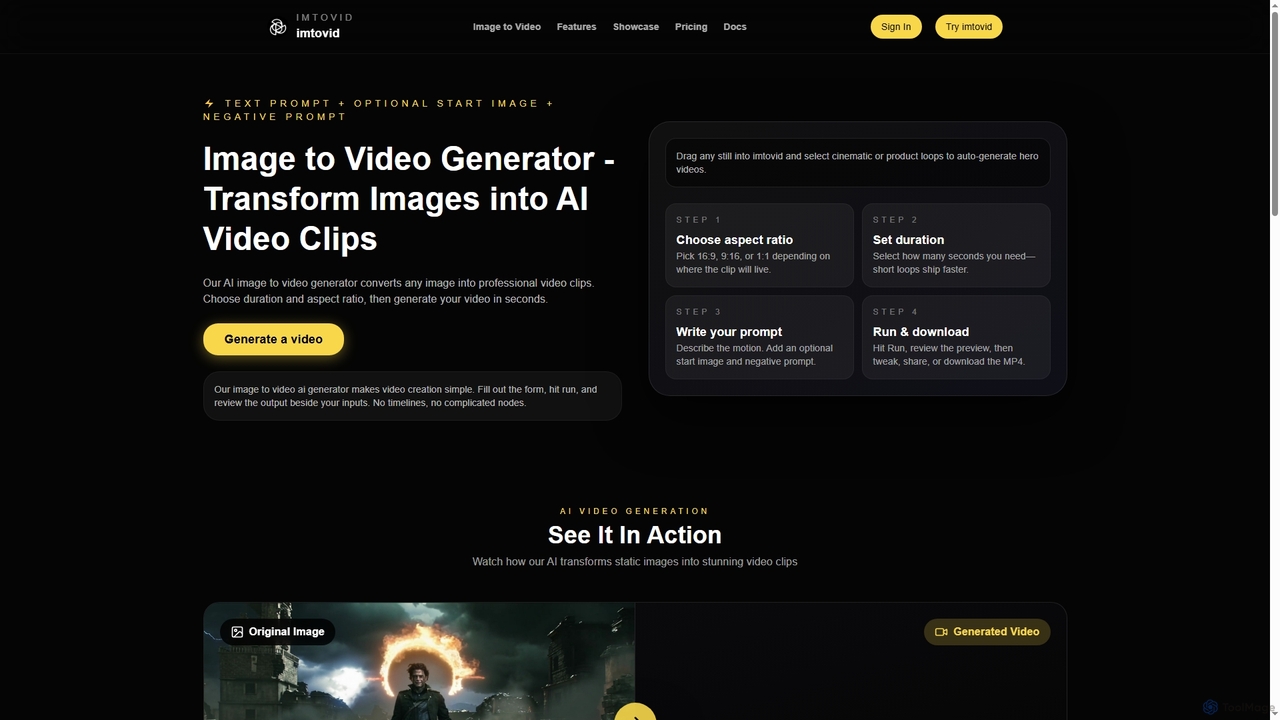
Imtovid
Imtovid is an AI-powered image to video and text to video generator that transforms static images and text prompts into dynamic video clips. It simplifies video creation with intuitive controls for aspect ratio, duration, and motion description, making professional video content accessible in minutes.
Social Media Video
Capsule Comments (0)
Sign in to comment.
Sign inNo comments yet.