
video_background_remover Overview
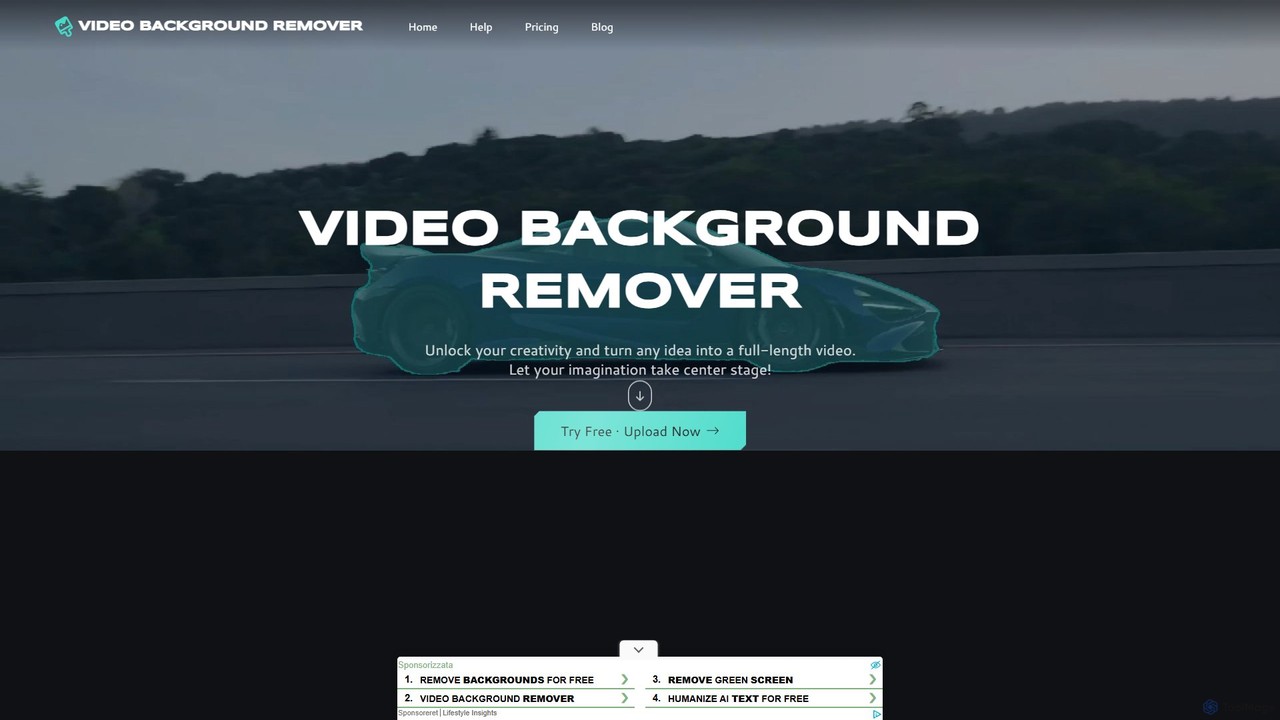
video_background_remover is a powerful, AI-driven online platform designed to effortlessly remove backgrounds from any video. This tool eliminates the need for expensive equipment, complex software like Adobe After Effects, or traditional green screens. It caters to a wide range of users, including content creators, marketing teams, and educators, enabling them to produce professional-quality videos with just a few clicks. The entire process is handled within your web browser, requiring no downloads or installations, making it an accessible and efficient solution for high-impact video creation.
The platform's core technology uses advanced AI to accurately detect and isolate subjects—people or objects—from their backgrounds. Users can then apply a variety of creative effects to both the subject and the background independently, offering a high degree of creative control. Whether you're creating engaging content for YouTube, polished product demos for your business, or distraction-free educational materials, video_background_remover provides the tools to transform raw footage into stunning visual content.
How to use video_background_remover
The process of removing a video background is streamlined into five simple steps, making it accessible even for beginners:
- Upload Your Video: Begin by uploading your video clip directly from your device. The tool supports all popular video formats, including MP4, MOV, and WebM.
- Select Subjects: The AI automatically detects potential subjects. You can then select one or more people or objects you wish to keep in the foreground. The tool can track multiple subjects throughout the video.
- Customize the Subject(s): Apply a range of powerful effects to the selected subjects. Options include Erase (remove the object), Gradient, Pixelate (for anonymity), Overlay (add filters), Emoji (mask faces), Burst (animated highlights), and Spotlight (draw focus).
- Choose a Background Effect: Independently edit the background. You can remove it entirely for a transparent background, apply a color gradient, pixelate it for privacy, desaturate it to black and white, add text layers, apply a blur effect, or use an outline to highlight the subject.
- Generate and Download: Once you are satisfied with your edits, click "Generate." The tool will process the video, and you can download the final result in Full HD resolution, completely watermark-free (for a limited time).
Core Features of video_background_remover
- AI-Powered Background Removal: Intelligently detects and removes video backgrounds without needing a green screen.
- Multi-Subject Selection: Select and track multiple people or objects within the same video.
- Advanced Editing Effects: A rich set of effects for both subjects (Spotlight, Emoji, Pixelate) and backgrounds (Blur, Desaturate, Text, Outline).
- Green Screen Mode: Includes a dedicated mode for users who prefer to use a traditional green screen, ensuring a seamless keying process.
- Transparent Video Output: Create videos with a transparent background, perfect for overlays on websites, presentations, or other videos.
- Full HD Resolution: Export your edited videos in high-quality Full HD without any loss in clarity.
- No Software Installation: A fully browser-based tool that works on any computer without needing to install any software.
- Broad Format Support: Compatible with major video formats like MP4, MOV, and WebM.
Use Cases for video_background_remover
This tool is versatile and serves various professional and creative needs:
- For Creators and Influencers: Quickly create professional-looking videos for YouTube, TikTok, and Instagram Reels. Ideal for travel vlogs, makeup tutorials, gaming streams, and reaction videos without a dedicated studio setup.
- For Businesses and Marketing Teams: Produce high-impact marketing content such as product demos, social media ads, and testimonial videos. Customize scenes with brand colors, logos, or promotional graphics to maintain brand consistency.
- For Educators and Course Creators: Develop engaging and distraction-free educational content. Replace cluttered backgrounds with virtual whiteboards, presentation slides, or branded templates to keep learners focused during online courses, training sessions, or webinars.
Advantages of video_background_remover
The primary advantage is its combination of power, simplicity, and accessibility. It democratizes professional video editing by removing financial and technical barriers. Users can achieve studio-quality results in seconds without any prior editing experience. The online-only nature means you can work from anywhere, and the current free-to-use model with no watermarks makes it an unbeatable choice for anyone looking to elevate their video content quickly and affordably.
Pricing and Plans
Currently, video_background_remover is offering a limited-time promotion where all its Pro features are available for 100% free. This includes:
- Enhanced AI Video Model
- Multi-Subject Selection
- Full HD Resolution
- No Watermark
- Max Length Clip Support
- Video File Download
- Fast Processing Speed
- Green Screen Mode
There is no signup required to use the service. The website indicates that paid plans may be introduced after this free promotional period ends.
video_background_remover Alternatives
Mojo
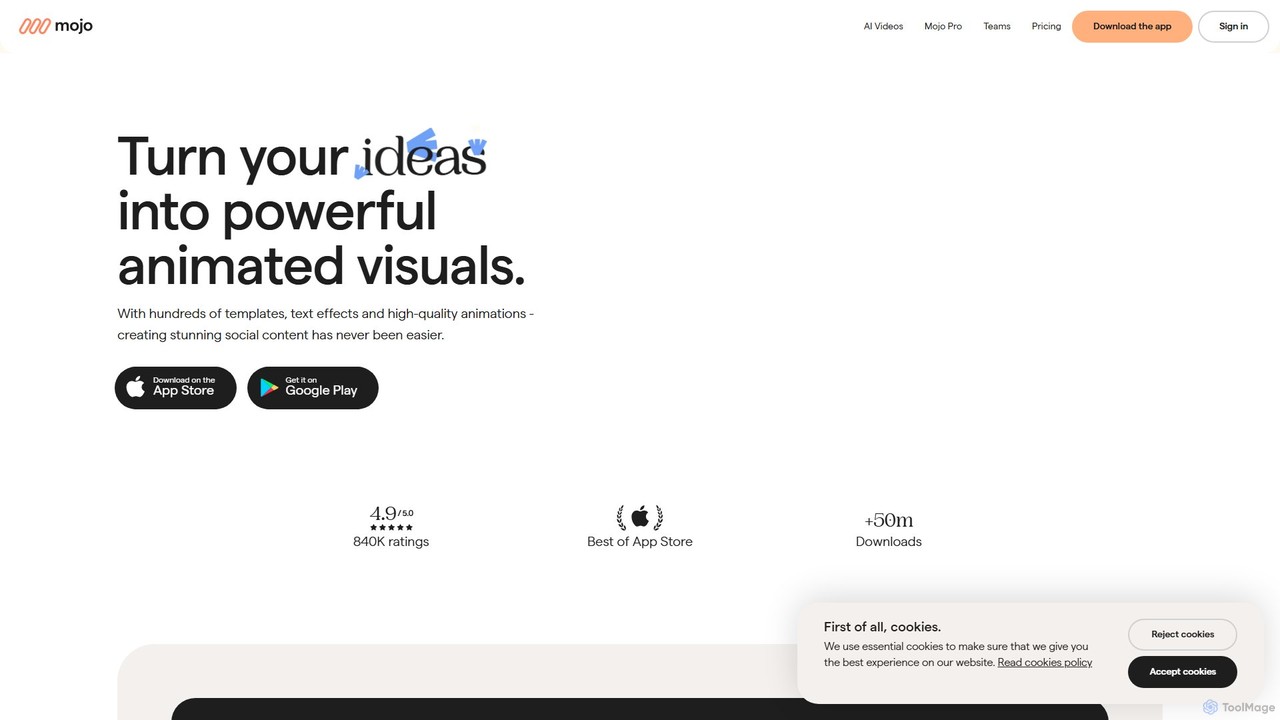
Mojo is a powerful mobile app for creating stunning animated social media content. Designed for small businesses, creators, and teams, it offers hundreds of templates, advanced editing tools, and brand kits to produce professional-looking videos, stories, and posts for platforms like Instagram, TikTok, and more.
Templates
VideoPlus Studio
VideoPlus Studio is an AI-powered platform that transforms your videos into captivating cartoons and adds realistic AI voiceovers in over 80 languages. It's designed for creating engaging product demos, marketing content, and animated storybooks with ease.
Text To Speech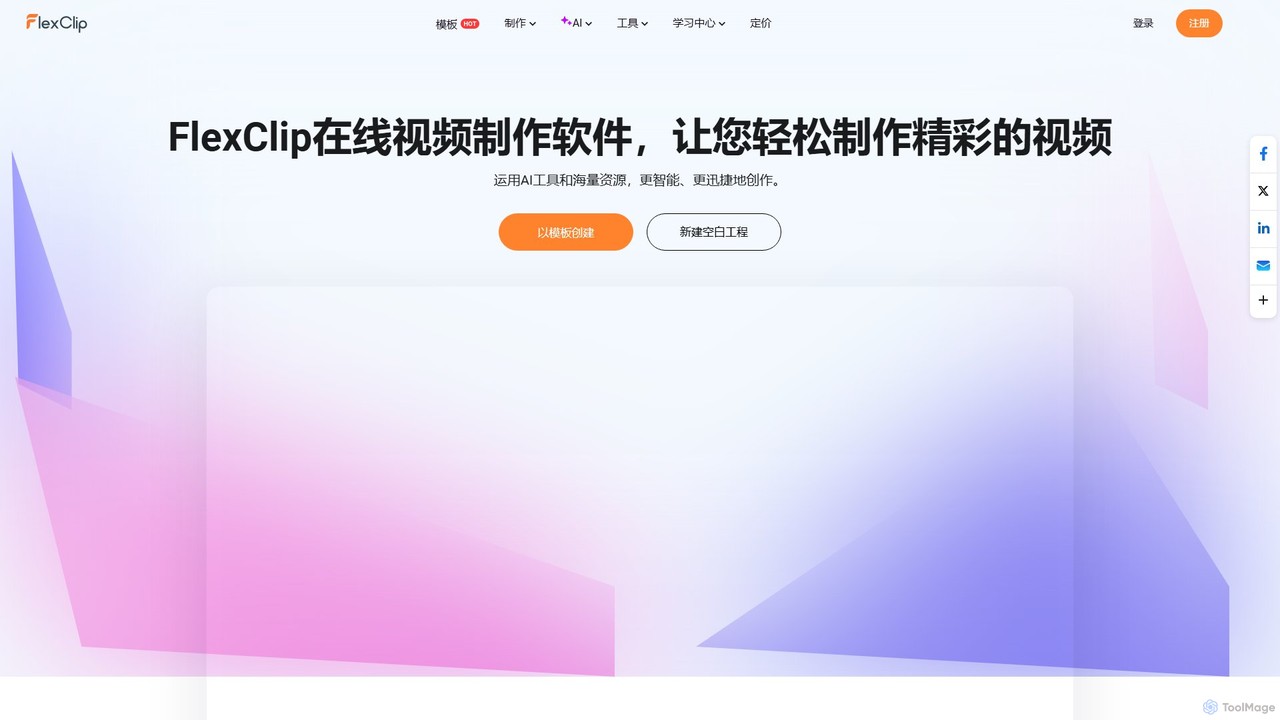
FlexClip
A powerful yet easy-to-use online video maker that combines traditional editing tools with a suite of AI features. Create professional videos for marketing, social media, or personal use with a vast library of templates, stock media, and intelligent tools like AI video generation, auto-subtitling, and text-to-speech.
Social Media
Filmora
Filmora is a powerful and intuitive AI video editor designed for creators of all skill levels. It simplifies the editing process with a suite of AI-powered tools, an extensive library of assets, and a user-friendly interface, making it easy to create professional-quality videos for social media, personal projects, and commercial use.
Social Media
Beatoven.ai
Beatoven.ai is an advanced AI music generator designed for content creators. It produces unique, mood-based, royalty-free music tailored for videos, podcasts, and games. Simply describe your scene or select a genre and mood, and the AI composes a suitable soundtrack, saving you time and licensing fees while providing the perfect audio backdrop for your content.
Music Generationvideo_background_remover Categories
video_background_remover Embed Widget
Copy this embed code to place the badge on your blog, article, or product site and send readers directly to this ToolMage detail page.

Related AI tools
invideo
invideo is an AI-powered video creation platform that transforms text prompts, ideas, or URLs into publish-ready videos. It automates scriptwriting, visual creation, voiceovers, and editing, enabling users without technical skills to produce high-quality ads, social media content, and explainer videos in minutes.
Text To Speech
Hailuo AI
Hailuo AI is a powerful AI video generator that transforms your ideas, text prompts, and images into stunning, high-quality videos. Leveraging advanced AI from MiniMax, it offers a wide range of creative templates and customization options, making video creation simple, fun, and efficient for marketers, content creators, and individuals.
Generative Art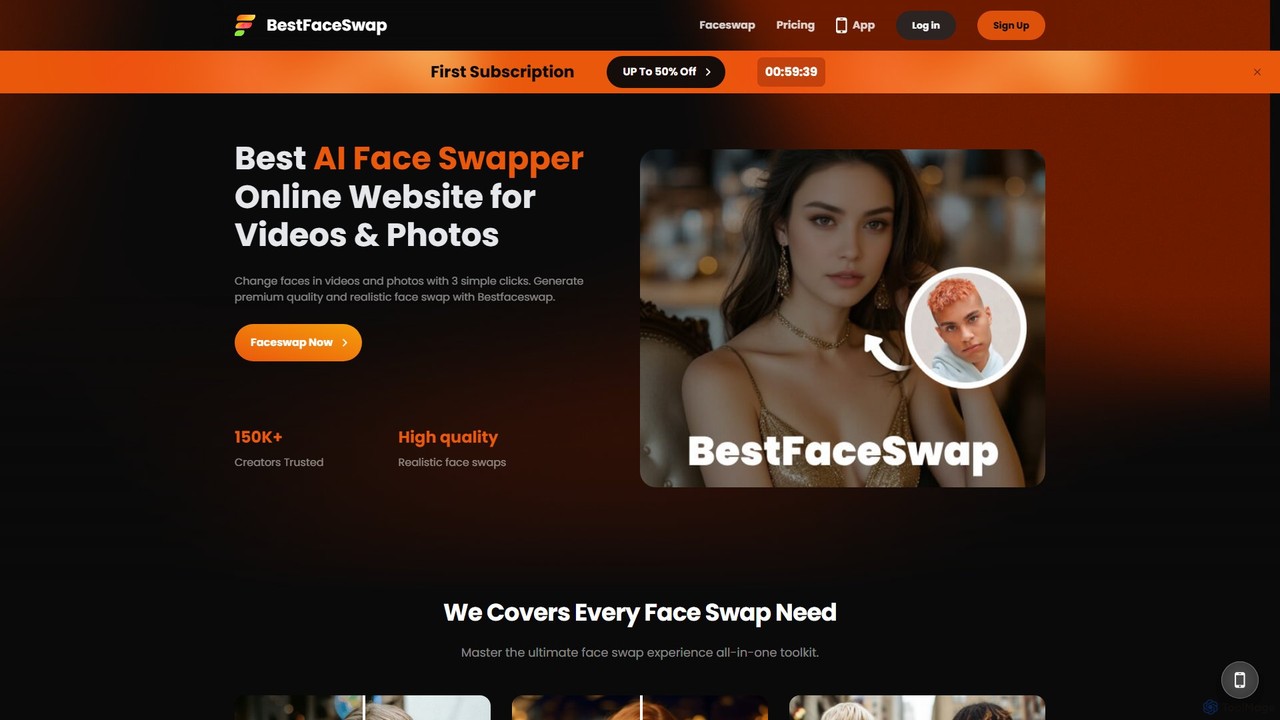
bestfaceswap
bestfaceswap is an advanced AI-powered online tool for creating high-quality, realistic face swaps in both videos and photos. With a simple 3-step process, users can easily generate entertaining content, memes, or professional marketing materials. It supports high-resolution output, ensures user privacy, and offers a seamless experience with no downloads required.
Meme GeneratorFilmora
Filmora is a powerful and intuitive AI video editor designed for creators of all skill levels. It simplifies the editing process with a suite of AI-powered tools, an extensive library of assets, and a user-friendly interface, making it easy to create professional-quality videos for social media, personal projects, and commercial use.
Social Media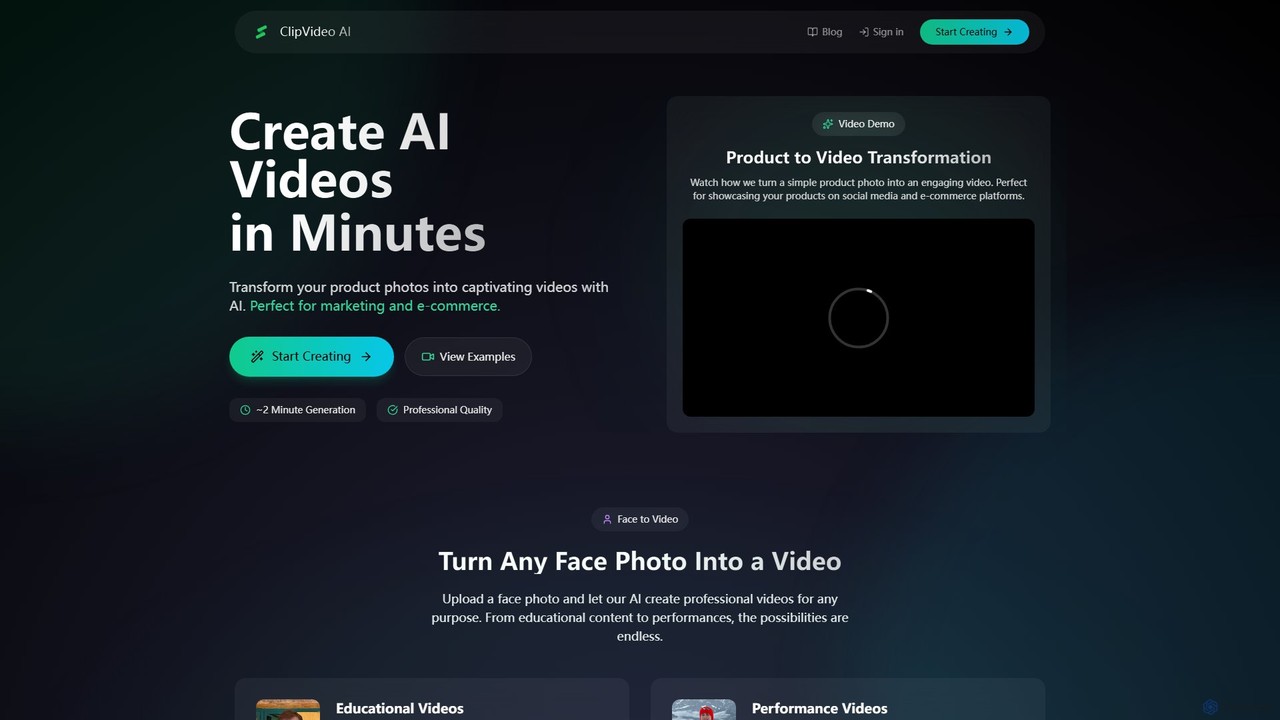
ClipVideoAI
ClipVideoAI is a powerful AI video generator that transforms product photos, face images, and text prompts into captivating, professional-quality videos in minutes. It's designed for marketing, e-commerce, content creation, and education, simplifying video production for various needs.
E Learning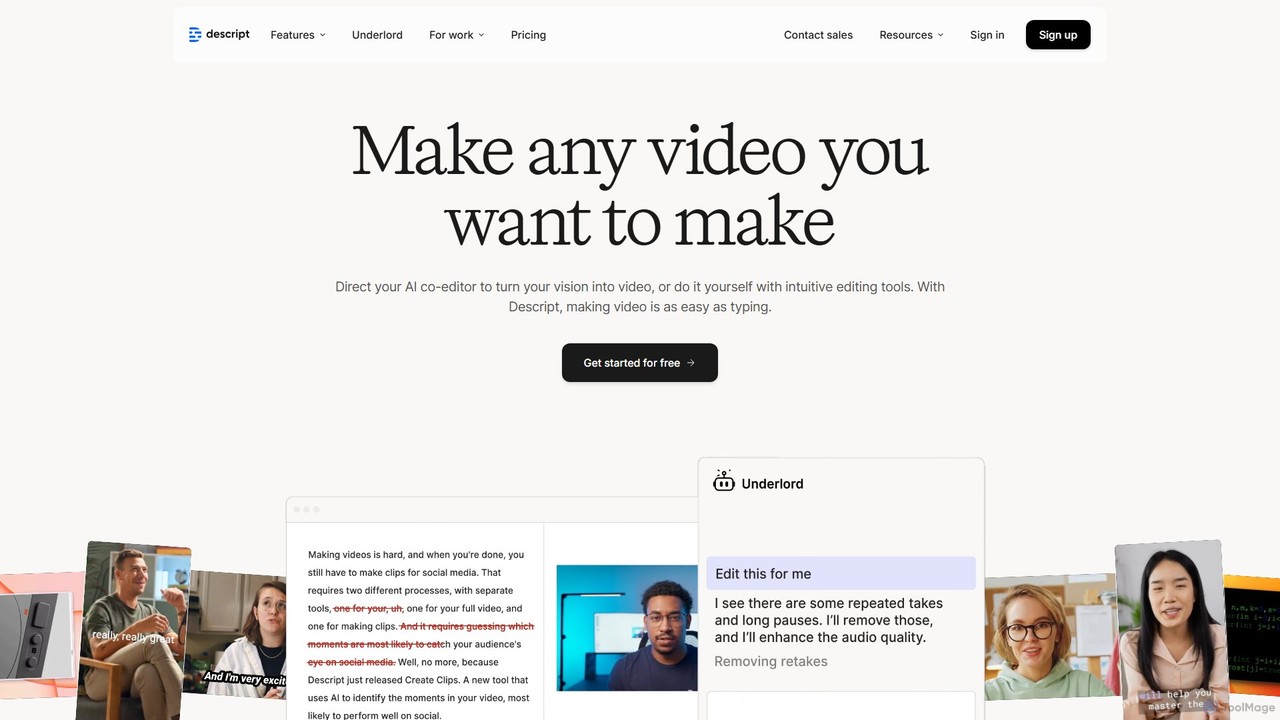
Descript
Descript is an all-in-one AI-powered video and podcast editor that revolutionizes content creation by allowing you to edit media as easily as a text document. It features text-based editing, automatic transcription, and powerful AI tools like Studio Sound, green screen, eye contact correction, and filler word removal. It's the ideal solution for creators and businesses aiming to produce high-quality, professional content with unparalleled efficiency.
Social Media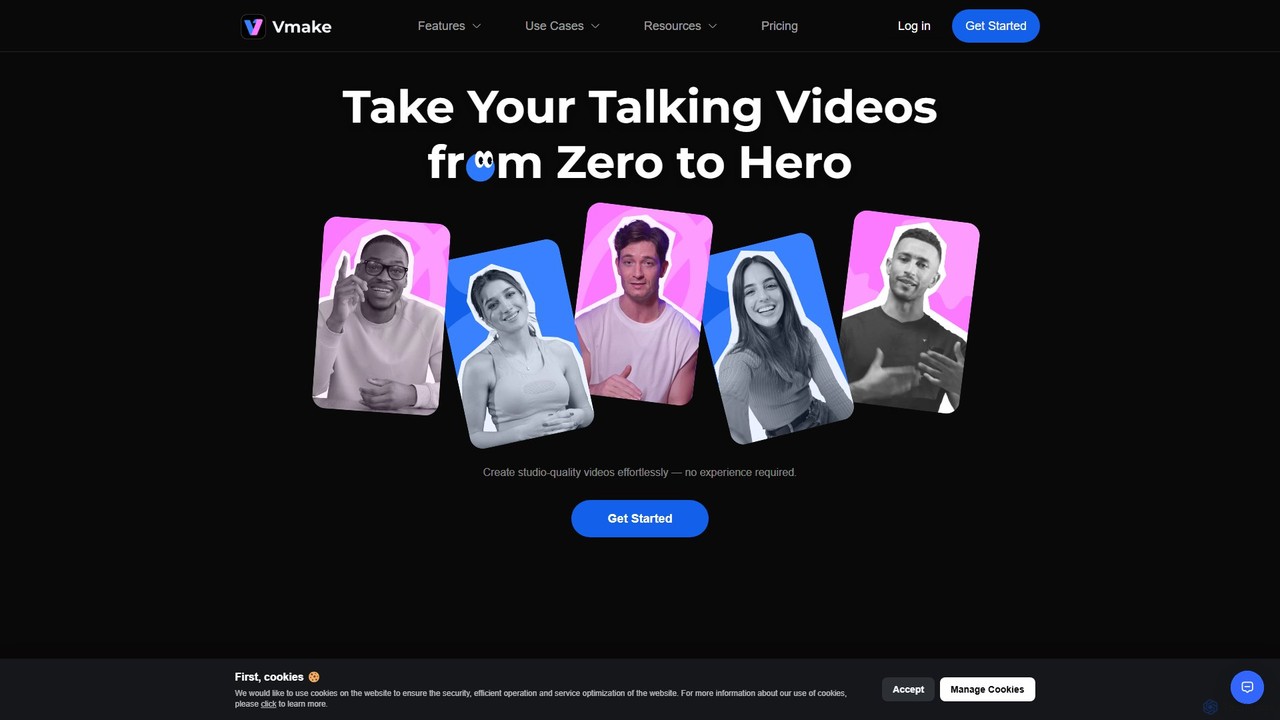
Vmake
Vmake is an all-in-one AI video solution designed for creators. It simplifies video production with features like watermark removal, auto-captions, background removal, and video enhancement. Effortlessly create studio-quality talking videos for social media and marketing without prior experience.
Transcription
Nim
Nim is an all-in-one AI video production platform that consolidates the best AI models and editing tools. It enables users to create full-length videos from text or images with features like text-to-video, lip-sync, upscaling, and a comprehensive clip editor, catering to over 1.5 million creators.
Generative Art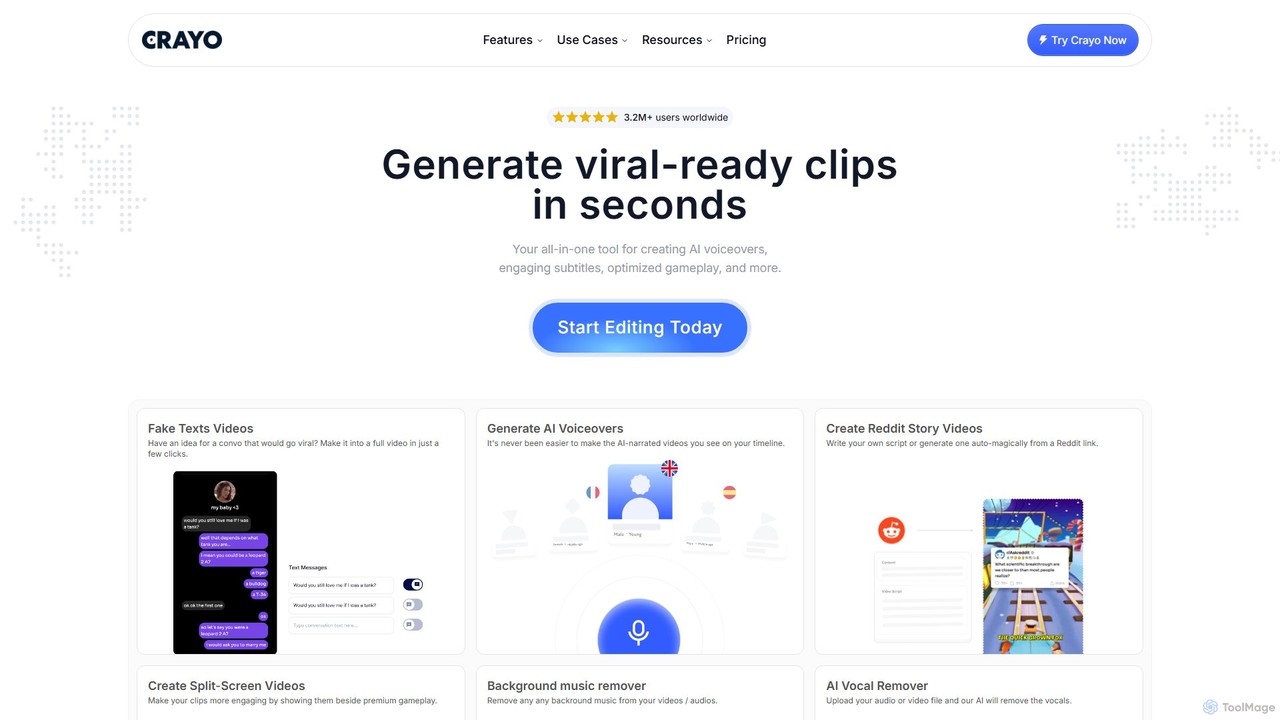
Crayo
Crayo is an all-in-one AI video editor designed for creating viral-ready short-form content in seconds. It automates tedious tasks with features like AI voiceovers, engaging subtitles, split-screen gameplay videos, and unique formats like fake text conversations and Reddit story videos. Ideal for content creators, streamers, and marketers looking to scale their video production and go viral on platforms like TikTok and YouTube.
Voice Generation
makefilm
makefilm is an all-in-one AI video platform that enables users to create professional videos from text or images in minutes. It offers a comprehensive suite of tools, including a text-to-video generator, image animator, video summarizer, AI voice generator, and automatic captioning. Designed for marketers, educators, and content creators, makefilm streamlines the video production process, saving significant time and resources while delivering high-quality, engaging content.
Text To Speech
Jyek
Jyek is an AI agent platform that understands objectives, creates execution plans, uses tools, and delivers verifiable results for complex, multi-step tasks.
Automation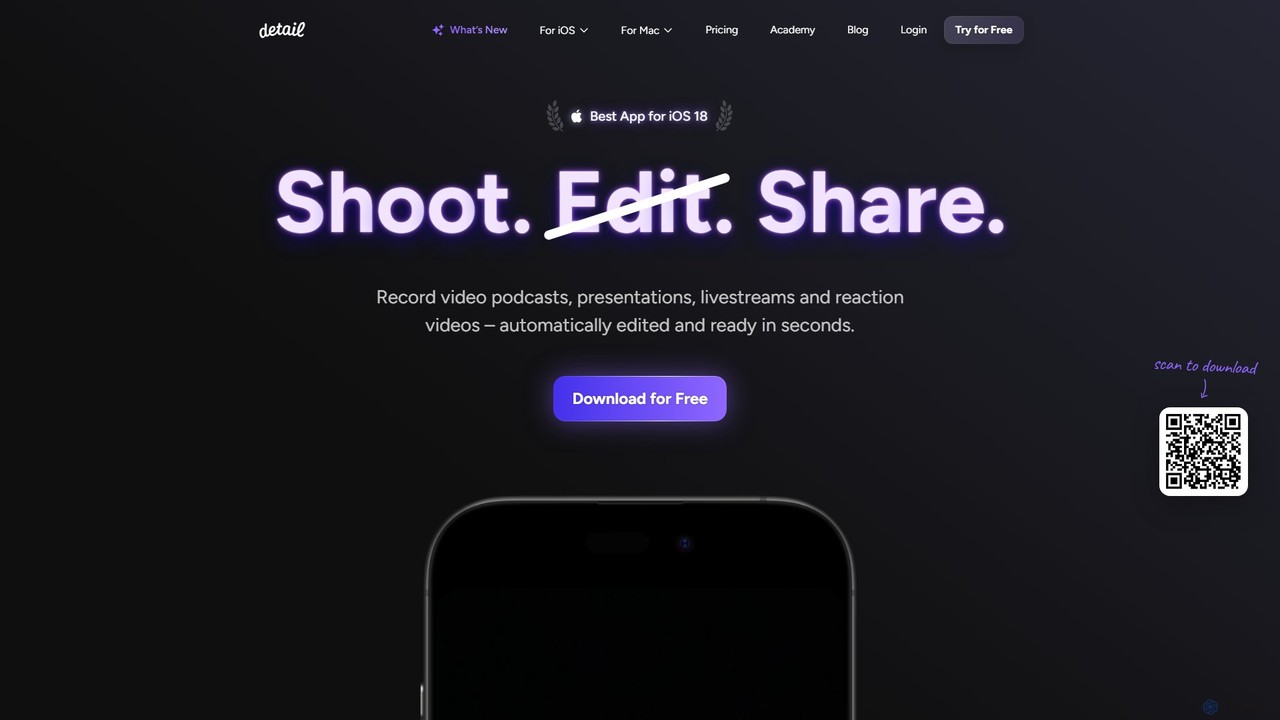
Detail
Detail is an AI-powered video creation and editing app for iOS and macOS that turns your device into a portable production studio. It automates editing for podcasts, reaction videos, and livestreams with features like a teleprompter, multi-camera recording, green screen, and automatic captions, simplifying professional video creation for everyone.
Content Creation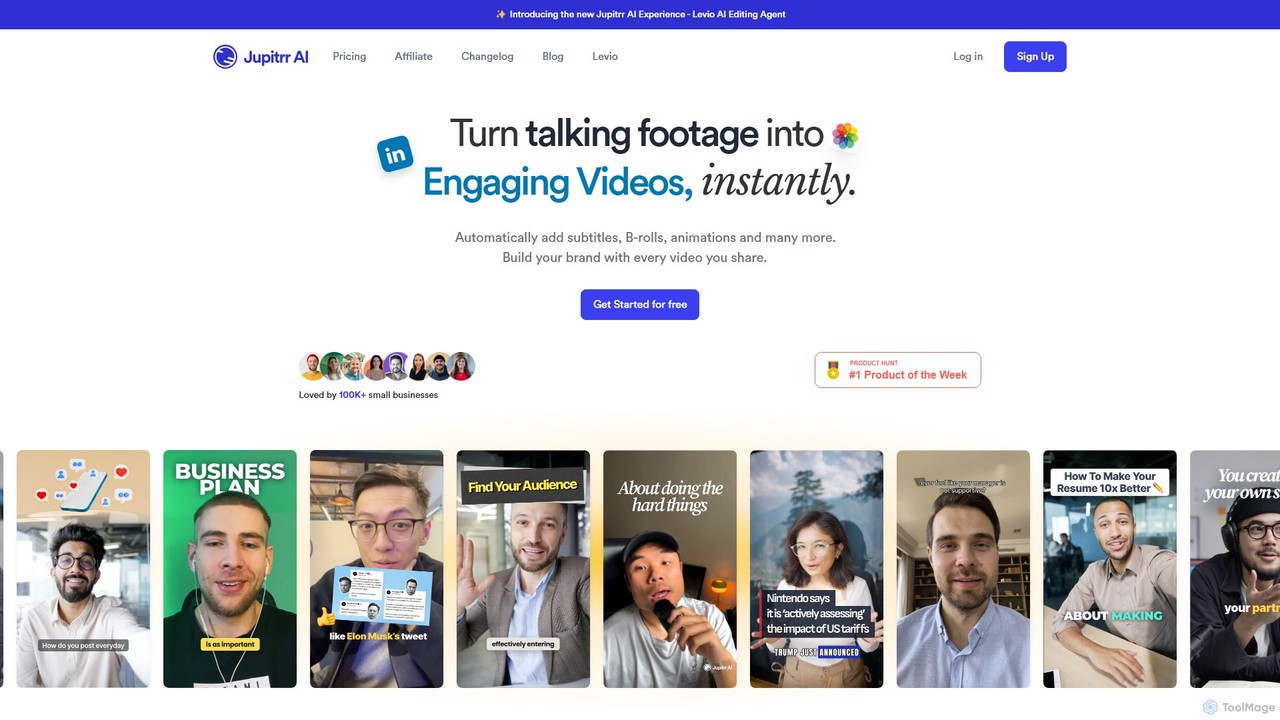
jupitrr
jupitrr is an AI-powered video editor that instantly transforms raw talking-head footage into engaging, shareable video clips. It automatically adds dynamic subtitles, relevant B-rolls from a massive stock library, animations, and background music, making professional video creation accessible to everyone without editing skills.
Automation
myaivlog
myaivlog is an AI-powered video editor designed to simplify vlogging. It automatically analyzes your footage to select the best highlights, saving up to 95% of editing time. With features like smart cutting, AI-generated covers, subtitles, and background music, it empowers anyone to create professional-looking vlogs for daily life, travel, or social media with minimal effort. Available on iOS, Android, and desktop.
Automation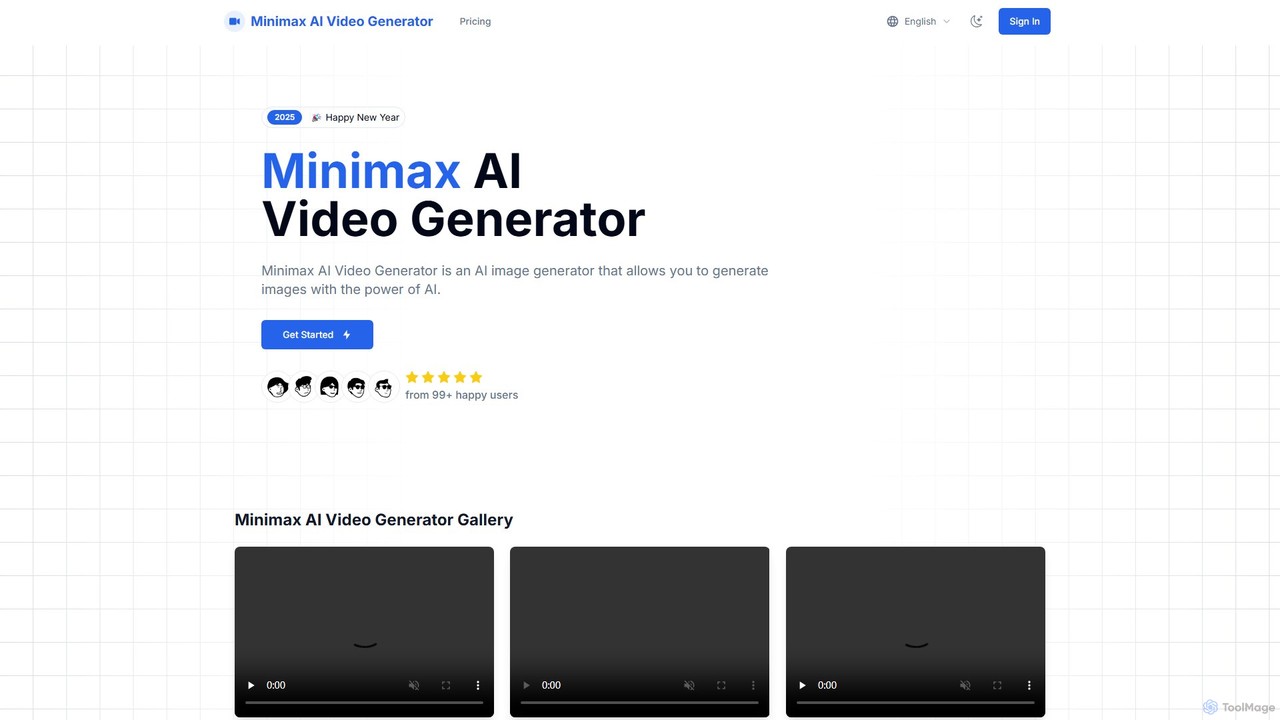
Minimax AI Video Generator
A powerful AI tool that generates high-definition videos from text and images. Developed by MiniMax, it uses the advanced Video-01 model to create stunningly clear and smooth 6-second clips, ideal for marketers, creators, and artists.
Generative Art
video_background_remover Comments (0)
Sign in to comment.
Sign inNo comments yet.