


myaivlog Overview
myaivlog is a revolutionary AI video editor specifically engineered to transform the vlogging experience. It addresses the most time-consuming aspect of content creation—editing—by automating the process of finding and compiling the most compelling moments from your footage. This allows creators, from beginners to seasoned vloggers, to produce high-quality, engaging videos in a fraction of the time, claiming to save up to 95% of the manual editing effort.
The core technology of myaivlog lies in its intelligent analysis engine. When you upload your videos, the AI scans the content to identify key highlights, such as dynamic action, clear speech, emotional expressions, and visually appealing scenes. It then automatically performs smart cuts, seamlessly stitching these clips together to create a coherent and engaging narrative. This eliminates the tedious task of manually scrubbing through hours of footage.
Beyond just cutting clips, myaivlog offers a suite of AI-powered tools to enhance your vlogs. It can generate eye-catching vlog covers (thumbnails), automatically transcribe and add synchronized subtitles, and intelligently select and add royalty-free background music that matches the mood and pace of your video. This comprehensive approach ensures that every aspect of your vlog is polished and professional.
How to use myaivlog
Using myaivlog is designed to be an intuitive and straightforward process, enabling anyone to become a vlogger:
- Upload Your Footage: Start by importing your video clips into the myaivlog app, which is available on iOS, Android, and desktop platforms. You can upload pre-recorded videos from your device.
- Let the AI Work: Once uploaded, the AI automatically analyzes your content. It identifies the best moments, filters out dull parts, and prepares a draft edit for you.
- Customize and Enhance: Review the AI-generated draft. You can then use the built-in tools to further refine your vlog. Add an AI-generated cover, apply intelligent effects and filters, generate subtitles for accessibility, and choose the perfect background music from the smart-suggestion library.
- Export and Share: Once you are satisfied with your creation, export the final video. myaivlog provides one-click sharing options to all major social media platforms, including TikTok, YouTube, Instagram, X (Twitter), and Facebook, making it easy to distribute your content to your audience.
Core Features of myaivlog
- AI Highlight Selection: Automatically analyzes and selects the most interesting and significant clips from your raw footage.
- Smart Cutting & Flow: Intelligently trims and arranges clips to create a seamless and engaging video narrative.
- AI Vlog Cover Generation: Creates compelling and clickable thumbnails for your videos to attract more viewers.
- Automatic Subtitle Generation: Transcribes audio from your video and creates perfectly synchronized subtitles, improving accessibility and engagement.
- Intelligent Background Music: Suggests and adds royalty-free music that fits the tone and rhythm of your vlog.
- Smart Effects and Filters: A collection of AI-powered effects to enhance the visual appeal of your videos with a single tap.
- Multi-Platform Availability: Edit on the go or at your desk with dedicated apps for iOS, Android, and Desktop.
- One-Click Social Sharing: Effortlessly share your finished vlogs directly to multiple social media platforms.
Use Cases for myaivlog
myaivlog is versatile and suitable for various types of vlogging content:
- Travel Vlogs: Condense hours of vacation footage into a dynamic and exciting travel diary.
- Daily Life & Routine Vlogs: Quickly create engaging summaries of your day-to-day activities without spending hours editing.
- Talking Head Videos: Automatically remove pauses and mistakes, creating a concise and professional video for tutorials, reviews, or commentary.
- Event Coverage: Create highlight reels from parties, concerts, or family gatherings to share with friends and family.
- Social Media Content: Produce short, punchy videos optimized for platforms like TikTok, Instagram Reels, and YouTube Shorts.
Advantages of myaivlog
The primary advantage of myaivlog is its incredible efficiency. By automating the most tedious parts of video editing, it empowers users to focus on creativity and storytelling. It lowers the technical barrier for aspiring creators, making it possible for anyone to produce professional-quality vlogs. The cross-platform support ensures flexibility, allowing you to start a project on your phone and finish it on your computer. The result is a faster, more enjoyable content creation workflow that delivers stunning results.
Pricing and Plans
myaivlog operates on a freemium model. Users can download the app and use its core features for free. The free version may include limitations such as watermarks on exported videos, a smaller selection of music and effects, or limits on video length.
A premium subscription is typically available to unlock the full potential of the tool, offering benefits like:
- Watermark-free exports
- Access to the full library of premium music, effects, and filters
- Higher resolution exports (e.g., 4K)
- Unlimited video length and cloud storage
Specific pricing details can be found within the app on the App Store, Google Play Store, or on the official website.
Traffic
Latest traffic
Status
Monthly traffic trend
- 2025-9: 1.7K
- 2026-1: 264
- 2026-2: 988
- 2026-3: 79
- 2026-4: 249
- 2026-5: 1.7K
Geography
Top 5 countries / regions
- 🇮🇳India46.7%
- 🇲🇾Malaysia30.0%
- 🇮🇶Iraq23.3%
Top keywords
| Keyword | Cost per click |
|---|---|
| ai vlog | $2.20 |
| ai vlog editor | $0.00 |
| signoo pte. ltd. london | $0.00 |
| vlogger ai | $0.00 |
myaivlog Alternatives
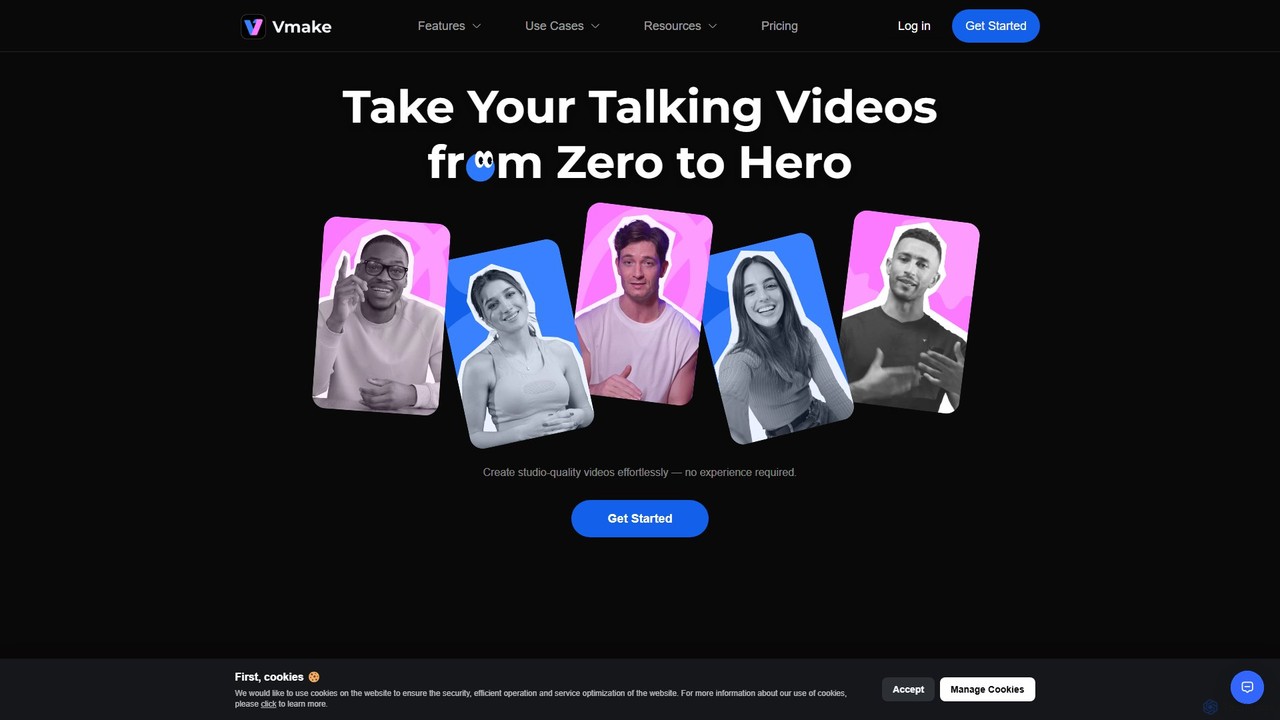
Vmake
Vmake is an all-in-one AI video solution designed for creators. It simplifies video production with features like watermark removal, auto-captions, background removal, and video enhancement. Effortlessly create studio-quality talking videos for social media and marketing without prior experience.
Transcription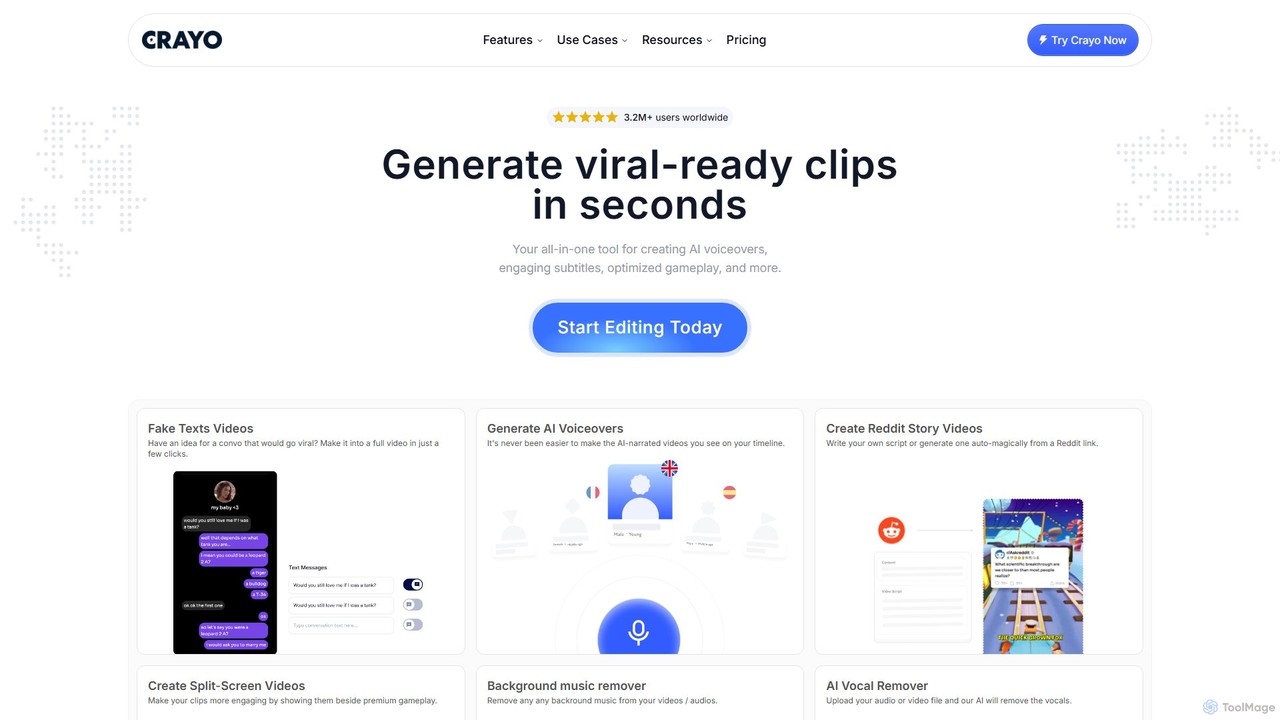
Crayo
Crayo is an all-in-one AI video editor designed for creating viral-ready short-form content in seconds. It automates tedious tasks with features like AI voiceovers, engaging subtitles, split-screen gameplay videos, and unique formats like fake text conversations and Reddit story videos. Ideal for content creators, streamers, and marketers looking to scale their video production and go viral on platforms like TikTok and YouTube.
Voice Generation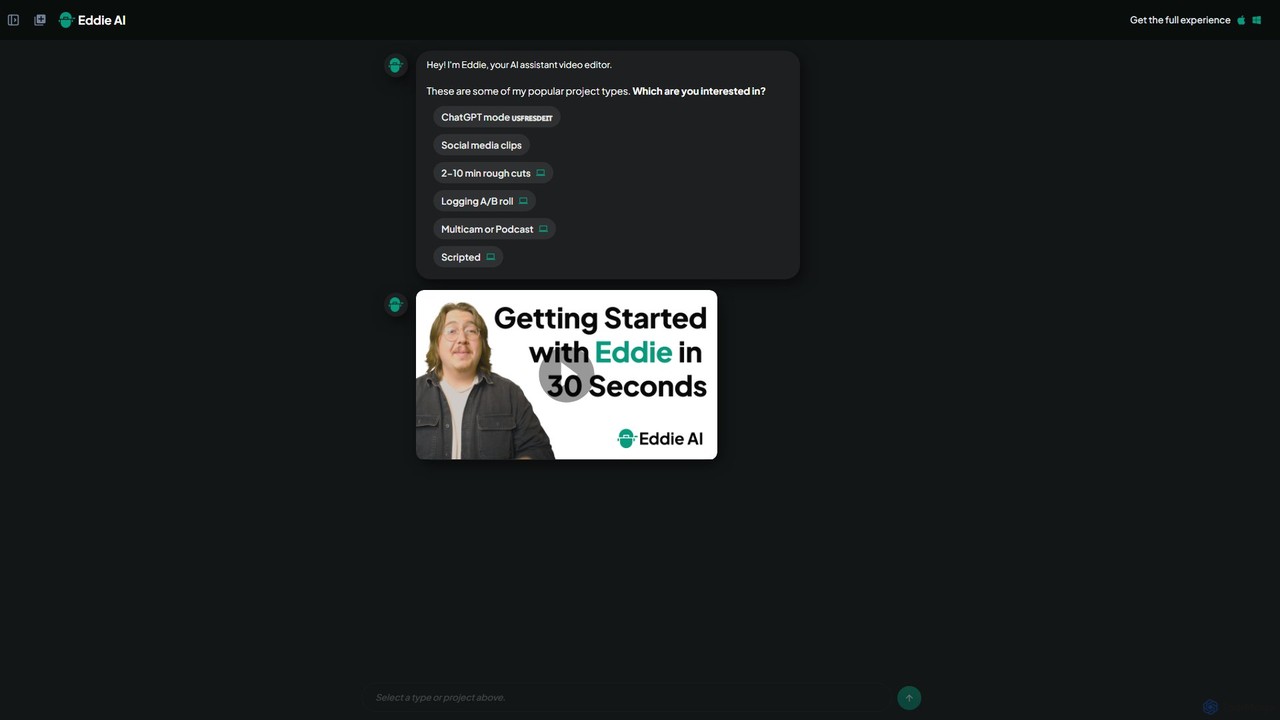
heyeddie
Heyeddie is an AI-powered video editing assistant that streamlines your workflow. Simply use natural language commands to have Eddie automatically create rough cuts, generate social media clips, log A/B roll, sync multicam footage, and edit based on a script. It's designed for content creators, marketers, and podcasters to save time and focus on storytelling.
Automation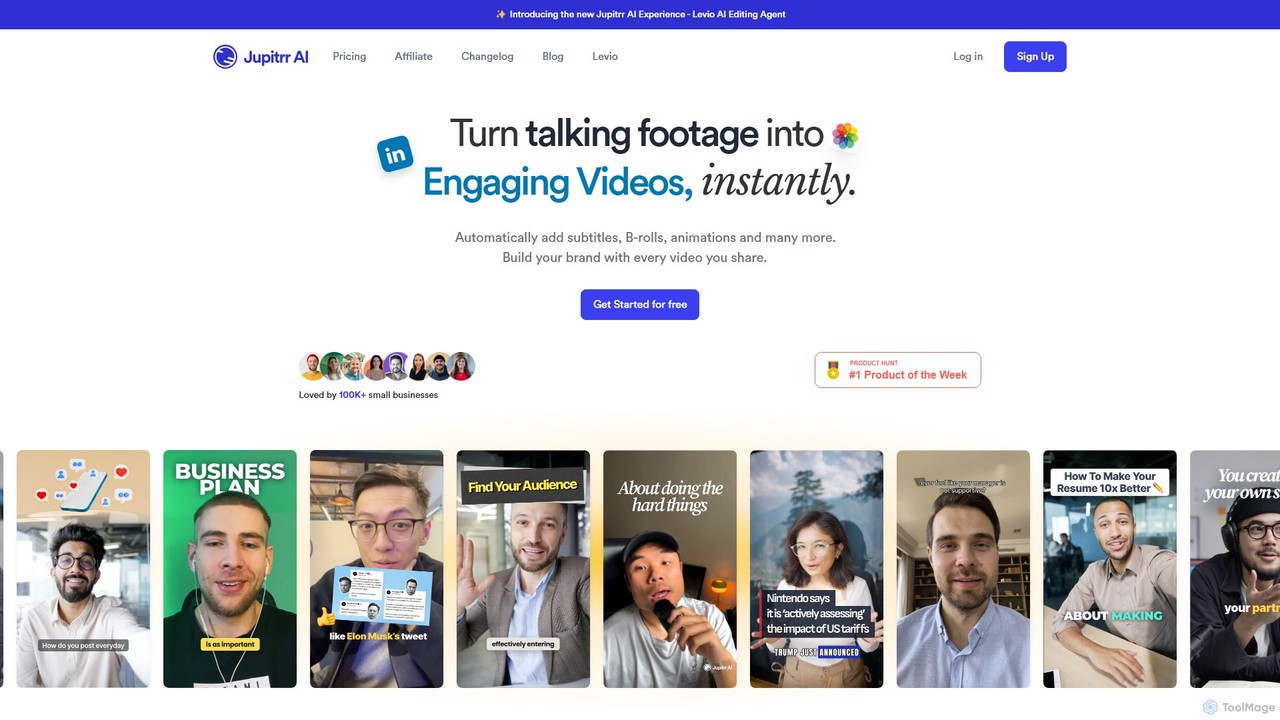
jupitrr
jupitrr is an AI-powered video editor that instantly transforms raw talking-head footage into engaging, shareable video clips. It automatically adds dynamic subtitles, relevant B-rolls from a massive stock library, animations, and background music, making professional video creation accessible to everyone without editing skills.
Automation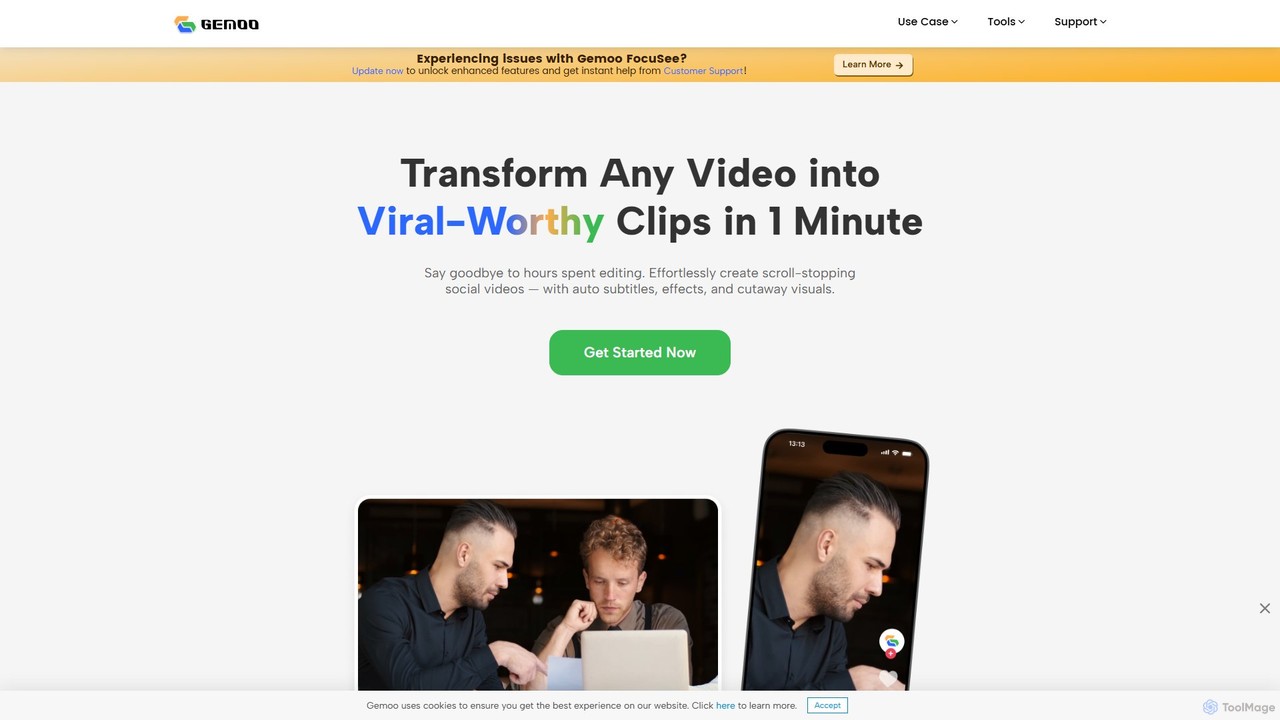
Gemoo
Gemoo is an AI-powered video editor that transforms any video into viral-worthy short clips in minutes. It automates tedious tasks like adding subtitles, inserting relevant B-roll footage, applying effects, and generating social media-optimized titles and descriptions. Ideal for creators, marketers, and educators looking to produce high-quality, engaging content efficiently.
Video Marketingmyaivlog Categories
myaivlog Embed Widget
Copy this embed code to place the badge on your blog, article, or product site and send readers directly to this ToolMage detail page.

Related AI tools
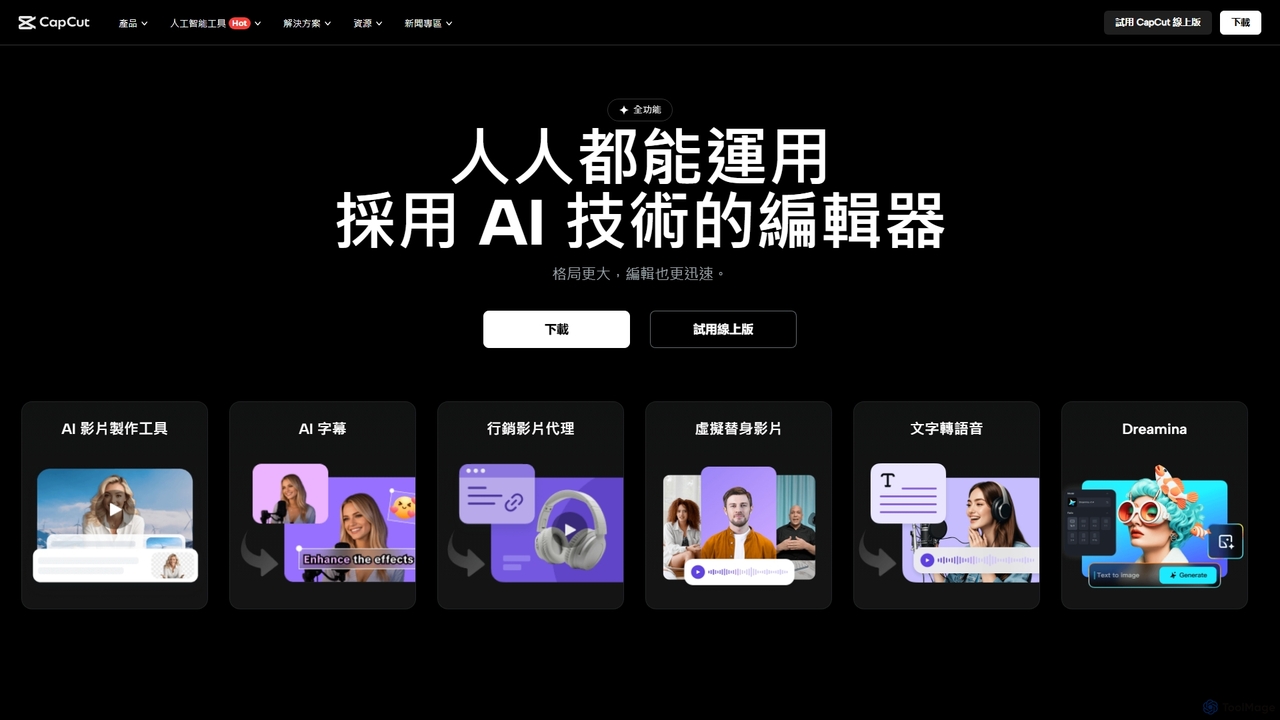
CapCut
CapCut is a powerful, all-in-one AI video editor and creative suite. It simplifies content creation with intuitive tools for video editing, graphic design, and team collaboration. It offers a wide range of AI features like auto-captions, script-to-video, background removal, and video upscaling, making professional-quality content accessible to everyone, from beginners to pros, across web, desktop, and mobile platforms.
GraphicsVmake
Vmake is an all-in-one AI video solution designed for creators. It simplifies video production with features like watermark removal, auto-captions, background removal, and video enhancement. Effortlessly create studio-quality talking videos for social media and marketing without prior experience.
TranscriptionCrayo
Crayo is an all-in-one AI video editor designed for creating viral-ready short-form content in seconds. It automates tedious tasks with features like AI voiceovers, engaging subtitles, split-screen gameplay videos, and unique formats like fake text conversations and Reddit story videos. Ideal for content creators, streamers, and marketers looking to scale their video production and go viral on platforms like TikTok and YouTube.
Voice Generation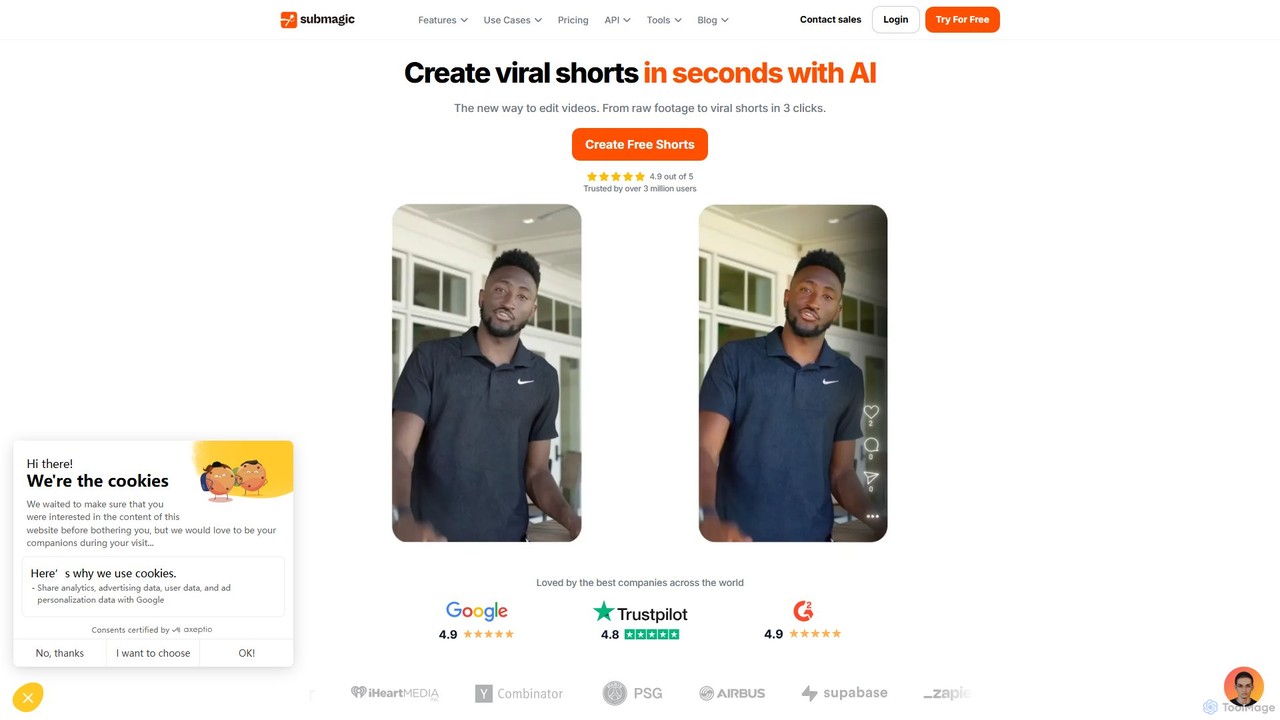
Submagic
Submagic is an all-in-one AI platform designed for creating viral short-form videos in seconds. It automates tedious editing tasks by generating trendy captions with emojis, adding dynamic B-rolls, creating smooth transitions, and extracting key moments from long videos. It's the perfect tool for content creators, marketers, and businesses looking to boost engagement and save time on video production.
Automation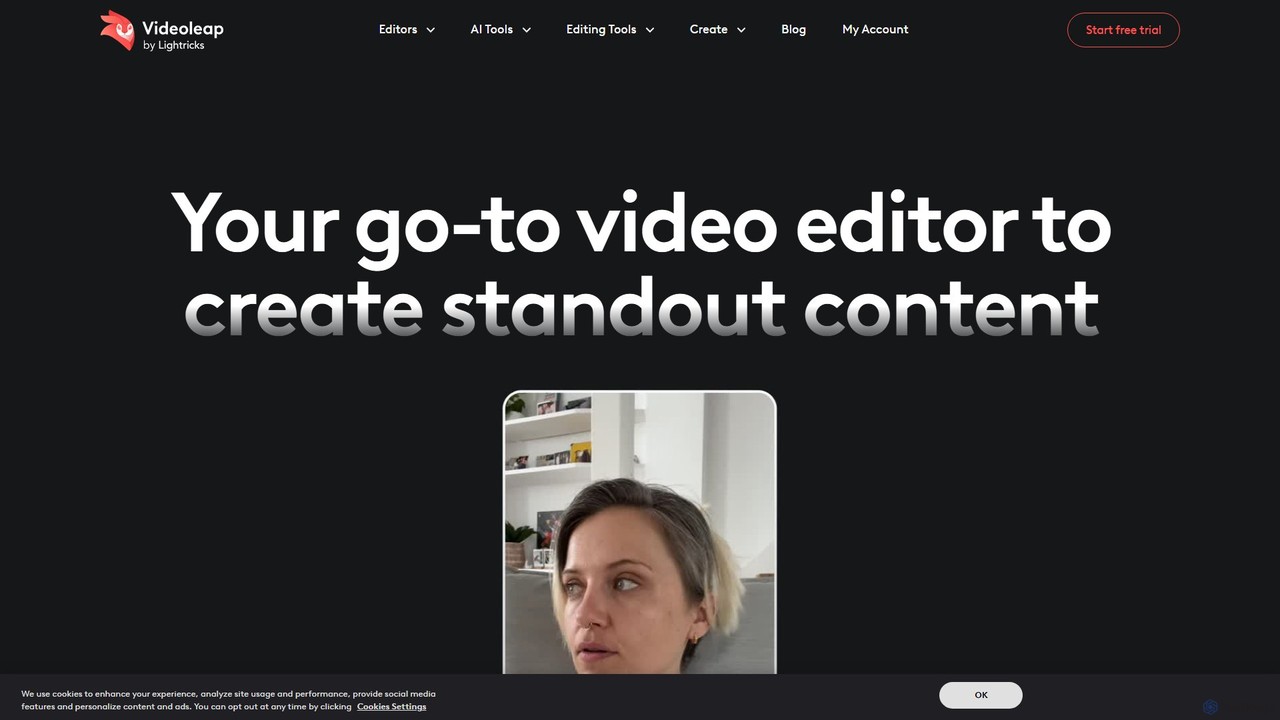
Videoleap
Videoleap is a powerful AI-driven video editor and maker app designed for both beginners and professionals. It combines a full suite of traditional editing tools with cutting-edge AI features like object removal, infinite zoom, and AI-generated effects. Create stunning, professional-quality videos for social media, marketing, or personal projects directly from your mobile device with ease and speed.
Mobile Apps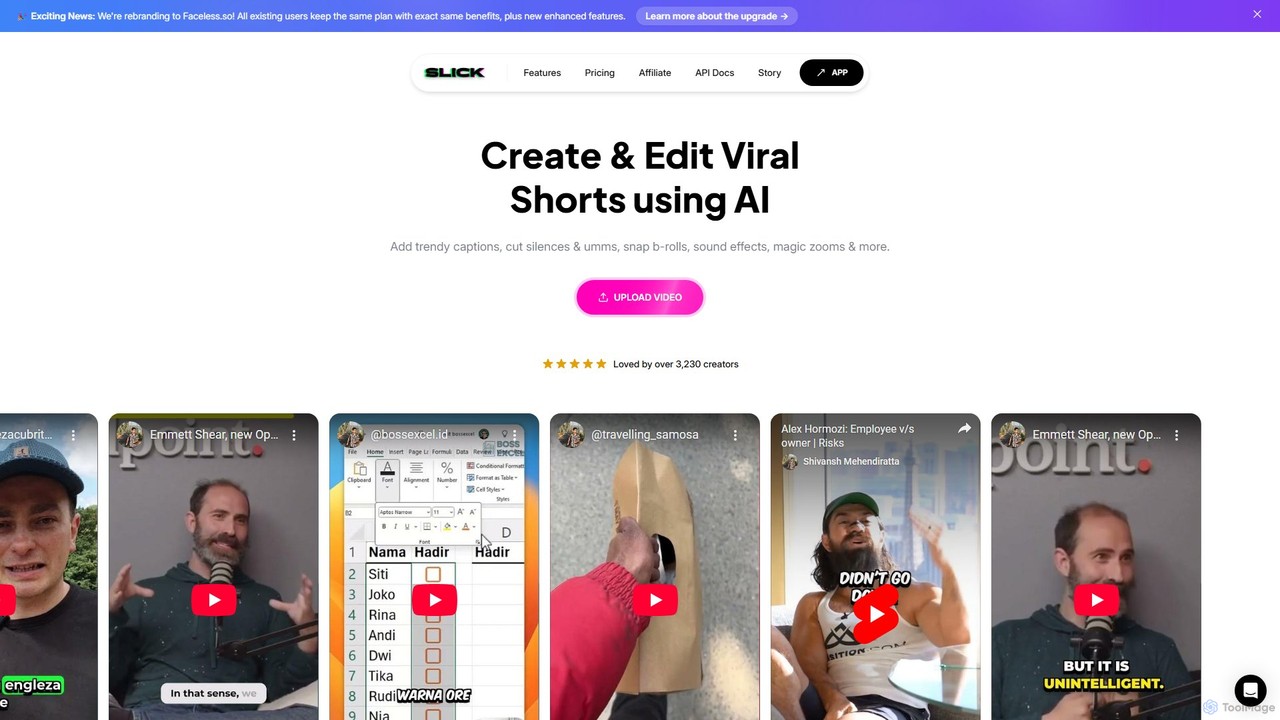
Slick
Slick (now rebranded as Faceless.so) is an AI-powered video editor designed to create and edit viral short videos for platforms like TikTok, Instagram Reels, and YouTube Shorts. It automates tedious tasks like adding trendy captions, inserting B-rolls, removing silences, and generating clips from long videos, enabling creators to produce engaging content effortlessly.
Automation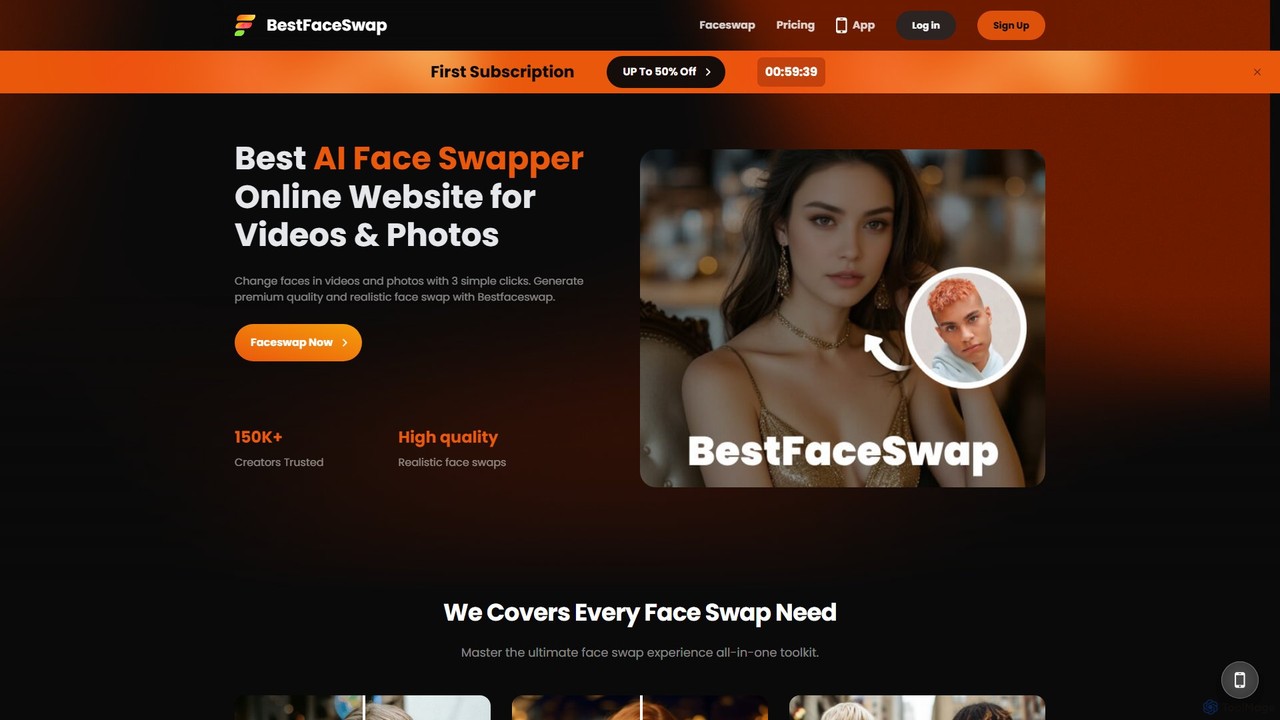
bestfaceswap
bestfaceswap is an advanced AI-powered online tool for creating high-quality, realistic face swaps in both videos and photos. With a simple 3-step process, users can easily generate entertaining content, memes, or professional marketing materials. It supports high-resolution output, ensures user privacy, and offers a seamless experience with no downloads required.
Meme Generator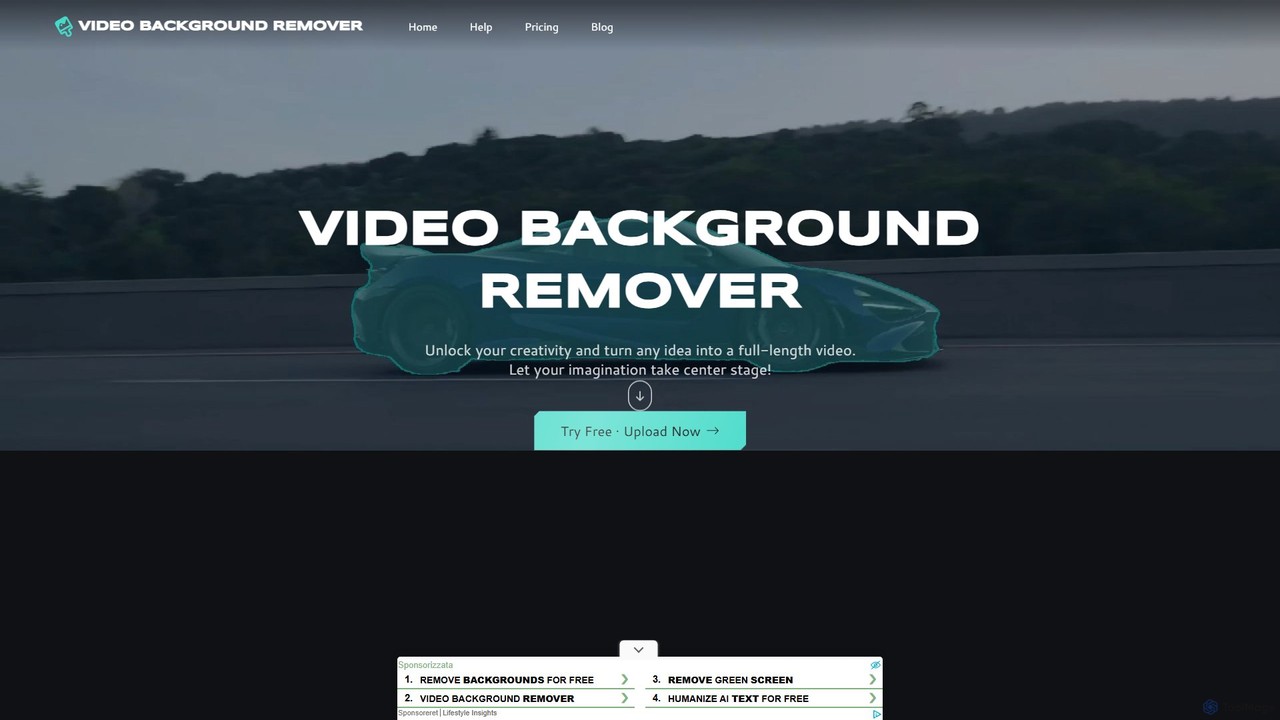
video_background_remover
An AI-powered online tool that allows users to remove video backgrounds instantly without a green screen. It supports multi-subject selection, various editing effects, and Full HD export, all for free and directly in your browser.
Social Media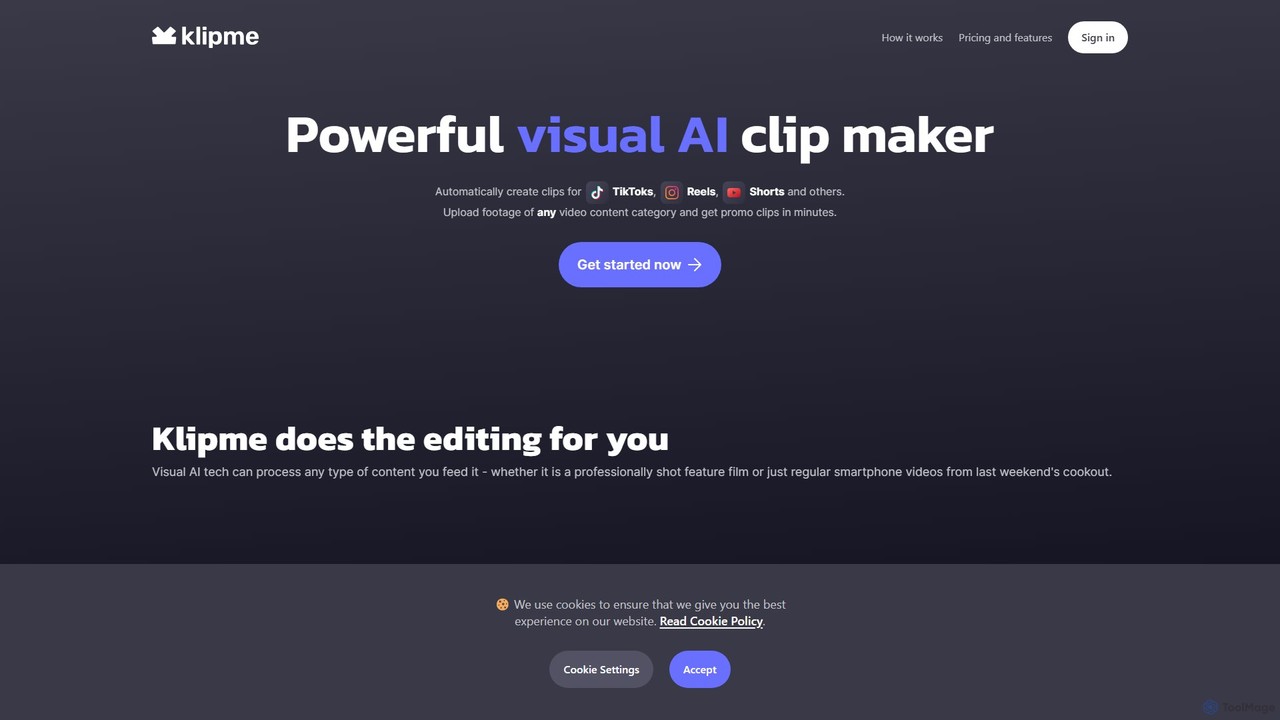
klipmeapp
Klipme is a powerful visual AI clip maker that automatically transforms long-form videos into engaging short clips for TikTok, Reels, and Shorts. It uses advanced AI to analyze, summarize, and edit content, adding subtitles, music, and effects to help your videos go viral.
Video Marketing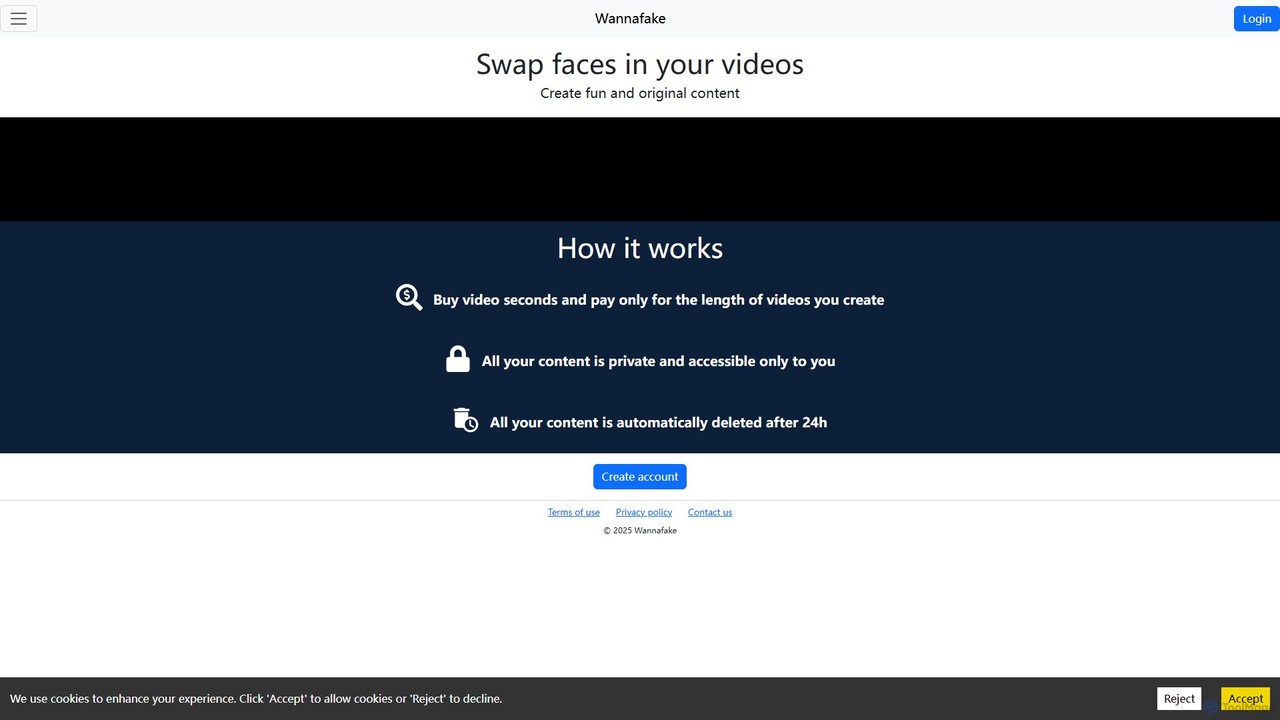
Wannafake
Wannafake is an AI-powered online tool that allows users to easily swap faces in videos. It offers a simple, secure, and fun way to create original content for social media, personal entertainment, or marketing. With a unique pay-as-you-go pricing model and a strong focus on privacy, including automatic 24-hour data deletion, Wannafake makes advanced video editing accessible to everyone.
Meme Generatorheyeddie
Heyeddie is an AI-powered video editing assistant that streamlines your workflow. Simply use natural language commands to have Eddie automatically create rough cuts, generate social media clips, log A/B roll, sync multicam footage, and edit based on a script. It's designed for content creators, marketers, and podcasters to save time and focus on storytelling.
Automationjupitrr
jupitrr is an AI-powered video editor that instantly transforms raw talking-head footage into engaging, shareable video clips. It automatically adds dynamic subtitles, relevant B-rolls from a massive stock library, animations, and background music, making professional video creation accessible to everyone without editing skills.
AutomationGemoo
Gemoo is an AI-powered video editor that transforms any video into viral-worthy short clips in minutes. It automates tedious tasks like adding subtitles, inserting relevant B-roll footage, applying effects, and generating social media-optimized titles and descriptions. Ideal for creators, marketers, and educators looking to produce high-quality, engaging content efficiently.
Video Marketing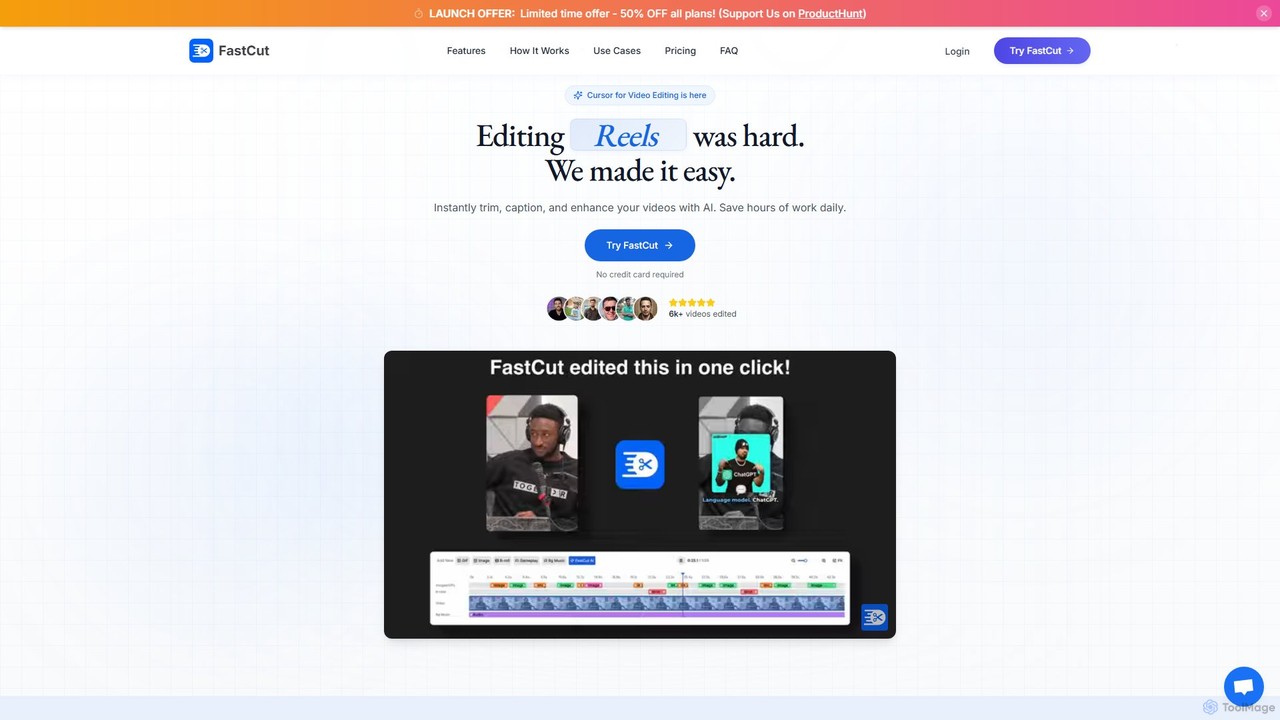
fastcutai
FastCut is an AI-powered video editor designed to simplify and accelerate the creation of short-form videos for platforms like TikTok, Reels, and YouTube Shorts. It automates tedious tasks like trimming, captioning, and adding B-roll, enabling creators to produce high-engagement content 10x faster.
Automation
SmartEdit
SmartEdit is an AI-powered video editing tool designed for content creators to effortlessly transform long videos into engaging, viral-ready short clips in seconds. It automates transcription, adds trendy animated captions, and integrates relevant b-roll to maximize watch time and audience engagement.
Automation
myaivlog Comments (0)
Sign in to comment.
Sign inNo comments yet.