
heyeddie Overview
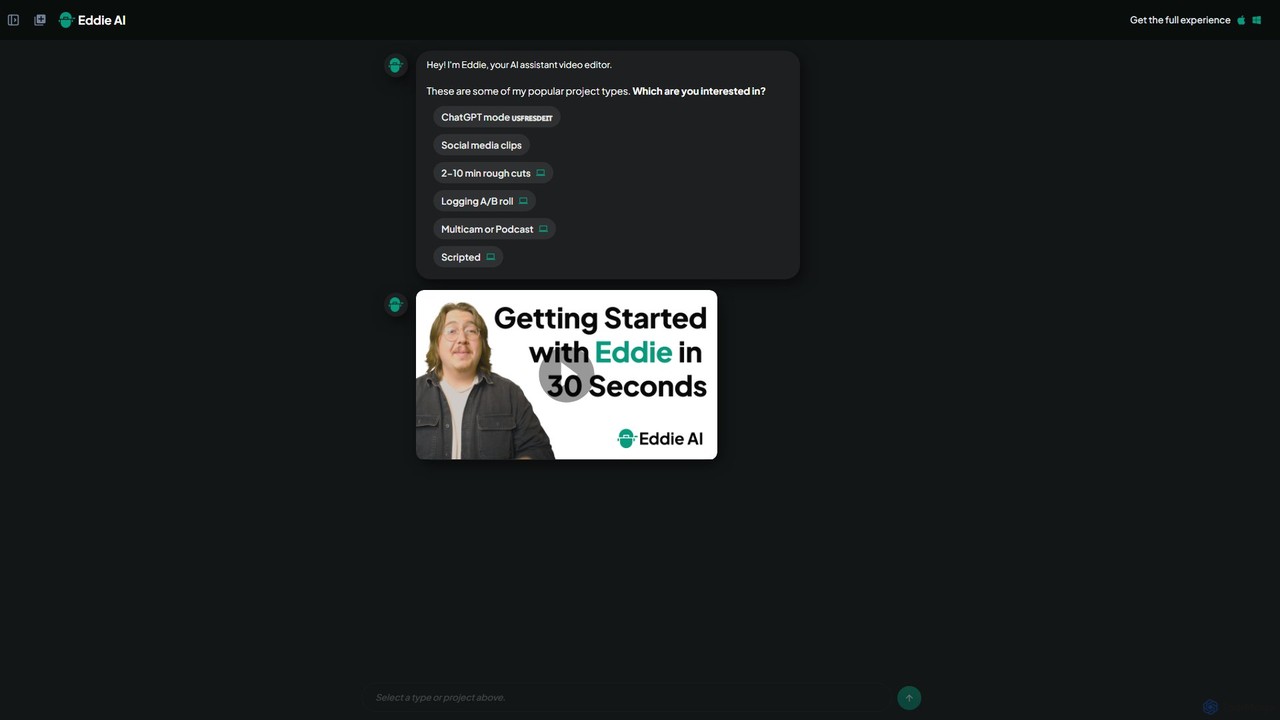
Heyeddie is a revolutionary AI video editing assistant designed to transform the post-production workflow. Acting as a virtual partner, Eddie interprets natural language commands to perform complex and time-consuming editing tasks. Instead of manually scrubbing through timelines, users can simply tell Eddie what they want, such as 'create a 90-second highlight reel' or 'find all the clips where we discuss the new feature and arrange them'. This conversational approach makes video editing more accessible, intuitive, and significantly faster.
The platform is built to handle a wide range of video projects, from quick social media clips to more intricate multicam podcast episodes. By uploading your raw footage, Eddie's AI gets to work analyzing, transcribing, and organizing your media, preparing it for your commands. It's an ideal solution for anyone looking to escape the tedious aspects of video editing and dedicate more time to creative development and storytelling.
How to use heyeddie
Using Heyeddie is designed to be a straightforward, conversational process:
- Upload Your Media: Start a new project by uploading all your video files (A-roll, B-roll), audio tracks, and any multicam footage.
- Give Your Instructions: Interact with Eddie through a chat-like interface. Use simple, clear commands. For example: 'Make a 2-minute rough cut from the uploaded files,' 'Generate 5 vertical clips for social media,' or 'Sync the three camera angles from the podcast recording.'
- AI-Powered Editing: Eddie's AI processes your request. It automatically transcribes the audio, identifies key moments, and assembles a video draft based on your instructions. For script-based editing, you can upload a script, and Eddie will match the footage to the text.
- Review and Refine: Watch the draft created by Eddie. You can then provide further commands to refine the edit, such as 'Replace the third clip with a B-roll shot of the city' or 'Shorten the introduction.'
- Export and Share: Once you are satisfied with the final product, export the video in your desired format and resolution, ready for publishing.
Core Features of heyeddie
- Conversational AI Editing: Edit videos using simple text prompts in a chat interface, eliminating the need for complex timeline manipulation.
- Automated Rough Cuts: Quickly generate first drafts from hours of footage, saving significant time in the initial editing phase.
- Social Media Clip Generation: Automatically repurpose long-form content into engaging, short-form vertical videos for platforms like TikTok, Instagram, and YouTube Shorts.
- Multicam & Podcast Syncing: Effortlessly sync video and audio from multiple cameras and microphones, a typically tedious task for podcast and interview editing.
- A/B Roll Logging: The AI intelligently identifies and organizes your primary footage (A-roll) and supplementary footage (B-roll) for a richer narrative.
- Script-Based Editing: Upload a text script, and Eddie will automatically find the corresponding video clips and edit them together, creating a text-to-video assembly.
- Thematic Analysis: Eddie can understand and search for abstract topics within your footage, allowing you to create edits based on themes rather than just keywords.
Use Cases for heyeddie
Heyeddie is versatile and benefits a wide range of users:
- Content Creators & YouTubers: Drastically cut down editing time for vlogs, reviews, and tutorials, allowing for more frequent content uploads.
- Social Media Managers: Efficiently create a high volume of video content for various platforms by repurposing webinars, interviews, or longer videos.
- Podcast Producers: Simplify the editing of video podcasts, especially complex multicam setups, ensuring a professional final product.
- Marketing Teams: Rapidly produce promotional videos, customer testimonials, and internal communications without requiring a dedicated video editor.
- Educators and Trainers: Quickly assemble educational content and online course materials from lecture recordings.
Advantages of heyeddie
The primary advantage of Heyeddie is its massive efficiency gain. It automates the most laborious parts of video editing, allowing creators to produce more content in less time. Its intuitive, conversational interface lowers the technical barrier, making powerful video editing accessible to non-editors. By handling tasks like syncing, logging, and rough cutting, it frees up users to focus on higher-level creative decisions, such as storytelling, pacing, and message refinement.
Pricing and Plans
Heyeddie operates on a freemium model, providing options for different levels of usage:
- Free Plan: Ideal for users who want to try the platform. This plan likely includes a limited amount of video processing minutes per month and may have watermarked exports.
- Pro Plan: A subscription-based plan for individual creators and professionals who require more power. It typically offers a significant increase in processing minutes, higher export resolutions, no watermarks, and access to all advanced features.
- Team/Enterprise Plan: Custom pricing for agencies and larger organizations, offering collaborative features, unlimited processing, and dedicated support.
Traffic
Latest traffic
Status
Monthly traffic trend
- 2025-9: 64.6K
- 2026-1: 78.5K
- 2026-2: 83.0K
- 2026-3: 86.2K
- 2026-4: 85.8K
- 2026-5: 80.4K
Geography
Top 5 countries / regions
- 🇺🇸United States61.1%
- 🇩🇪Germany11.0%
- 🇮🇩Indonesia10.3%
- 🇬🇧United Kingdom9.4%
- 🇮🇳India8.3%
Traffic sources
| Source type | Percentage |
|---|---|
Direct | 90.3% |
Referral | 6.1% |
Email | 3.7% |
Top keywords
| Keyword | Cost per click |
|---|---|
| eddie | $0.71 |
| eddie ai | $1.37 |
| eddie.ai | $0.00 |
| eddie editor | $0.00 |
| galyn susman | $0.00 |
heyeddie Videos on YouTube


Joey /// VP Land


Serge Morgotch


Don Allen III
heyeddie Alternatives
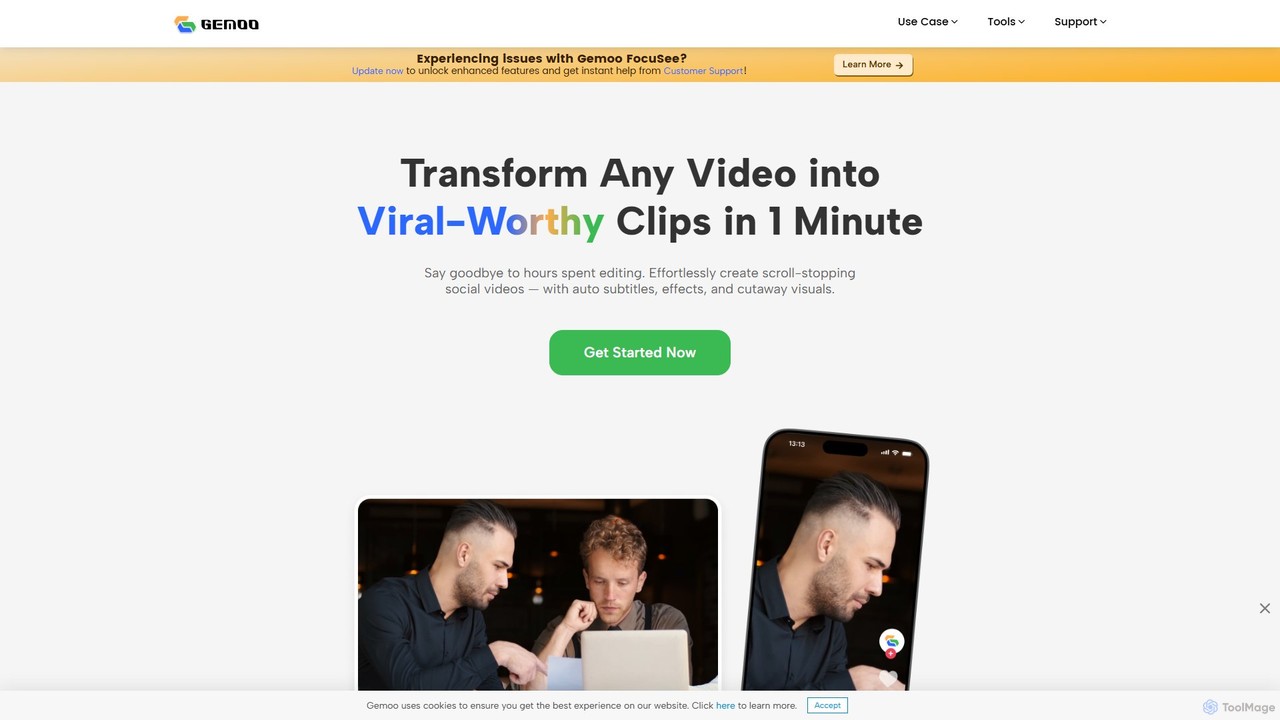
Gemoo
Gemoo is an AI-powered video editor that transforms any video into viral-worthy short clips in minutes. It automates tedious tasks like adding subtitles, inserting relevant B-roll footage, applying effects, and generating social media-optimized titles and descriptions. Ideal for creators, marketers, and educators looking to produce high-quality, engaging content efficiently.
Video Marketing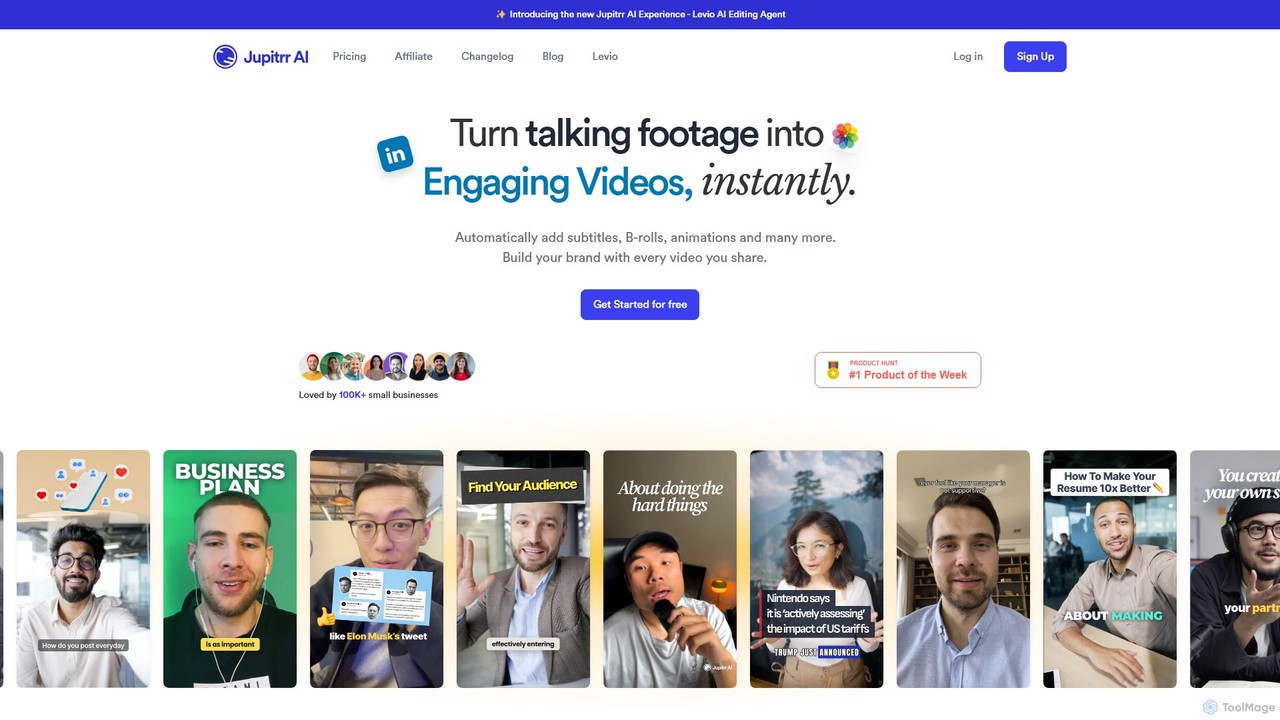
jupitrr
jupitrr is an AI-powered video editor that instantly transforms raw talking-head footage into engaging, shareable video clips. It automatically adds dynamic subtitles, relevant B-rolls from a massive stock library, animations, and background music, making professional video creation accessible to everyone without editing skills.
Automation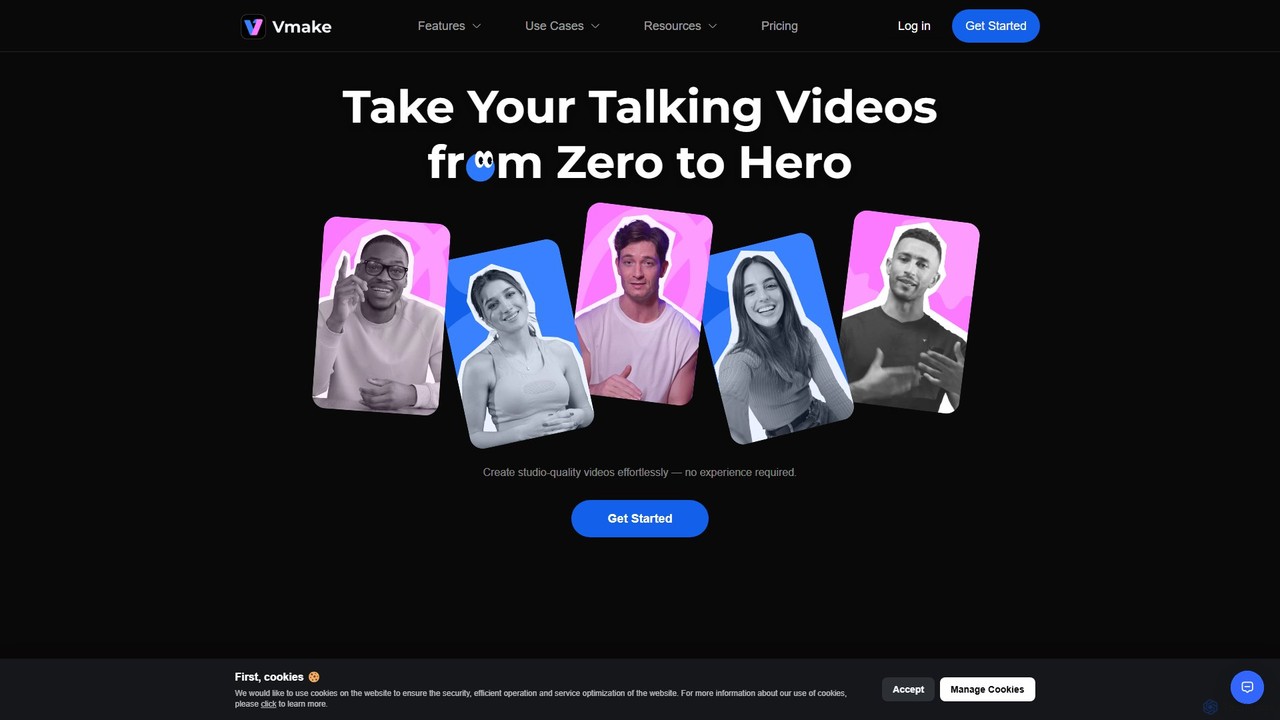
Vmake
Vmake is an all-in-one AI video solution designed for creators. It simplifies video production with features like watermark removal, auto-captions, background removal, and video enhancement. Effortlessly create studio-quality talking videos for social media and marketing without prior experience.
Transcription
Crayo
Crayo is an all-in-one AI video editor designed for creating viral-ready short-form content in seconds. It automates tedious tasks with features like AI voiceovers, engaging subtitles, split-screen gameplay videos, and unique formats like fake text conversations and Reddit story videos. Ideal for content creators, streamers, and marketers looking to scale their video production and go viral on platforms like TikTok and YouTube.
Voice Generation
Tellers
Tellers is an AI-powered video editing platform that automates the creation of professional videos from scripts, raw footage, or podcasts. It uses AI to generate dynamic edits, add visual effects, and source royalty-free stock footage, significantly reducing editing time. Ideal for marketers, content creators, and podcasters looking to produce high-quality video content efficiently.
Video Marketingheyeddie Categories
heyeddie Embed Widget
Copy this embed code to place the badge on your blog, article, or product site and send readers directly to this ToolMage detail page.

Related AI tools
Gemoo
Gemoo is an AI-powered video editor that transforms any video into viral-worthy short clips in minutes. It automates tedious tasks like adding subtitles, inserting relevant B-roll footage, applying effects, and generating social media-optimized titles and descriptions. Ideal for creators, marketers, and educators looking to produce high-quality, engaging content efficiently.
Video Marketingjupitrr
jupitrr is an AI-powered video editor that instantly transforms raw talking-head footage into engaging, shareable video clips. It automatically adds dynamic subtitles, relevant B-rolls from a massive stock library, animations, and background music, making professional video creation accessible to everyone without editing skills.
Automation
magicroll.ai
magicroll.ai is an AI-powered video editing platform that automates complex tasks. With one click, it generates contextual B-rolls, swaps video backdrops, and adds accurate, multi-language subtitles. It's designed for content creators, marketers, and businesses to produce professional-grade videos in minutes, without any prior editing experience, saving hours of manual work.
Social Media Video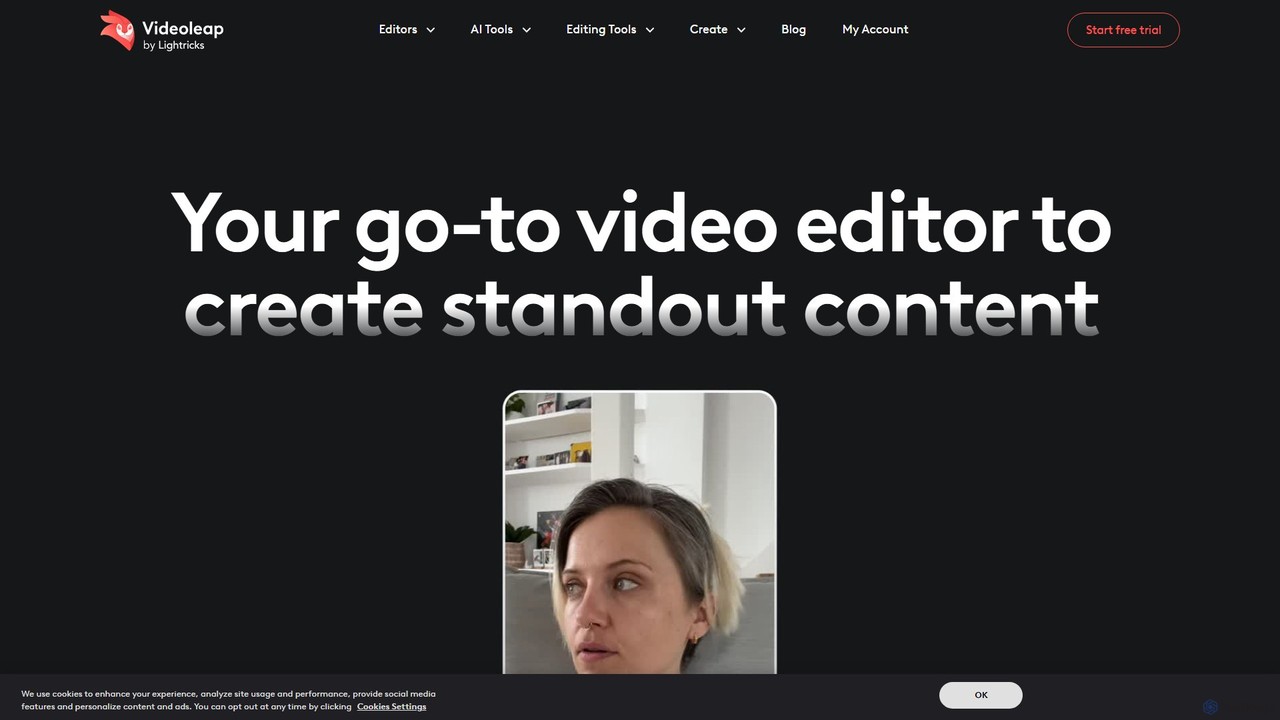
Videoleap
Videoleap is a powerful AI-driven video editor and maker app designed for both beginners and professionals. It combines a full suite of traditional editing tools with cutting-edge AI features like object removal, infinite zoom, and AI-generated effects. Create stunning, professional-quality videos for social media, marketing, or personal projects directly from your mobile device with ease and speed.
Mobile Apps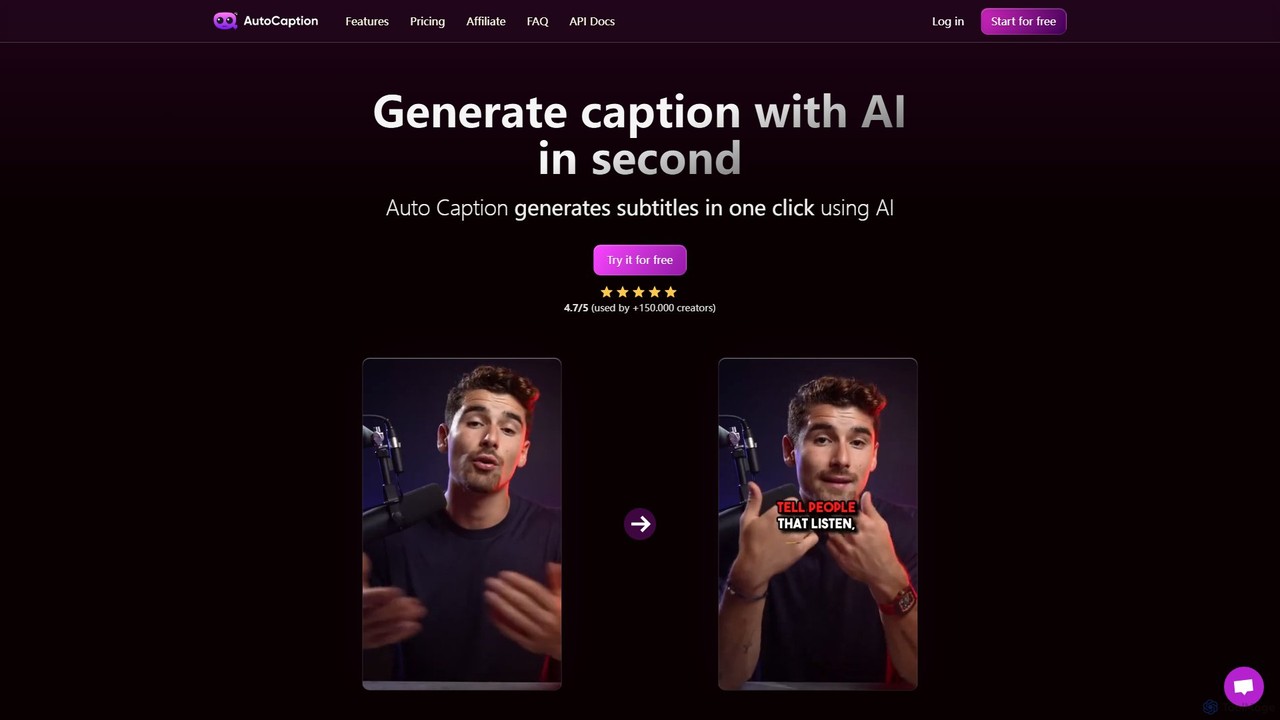
autocaption
autocaption is an AI-powered tool that automatically generates, transcribes, and animates video captions in over 99 languages. Designed for content creators, it saves hours of editing with features like customizable templates, animated emojis, and B-Roll AI. Enhance video engagement and accessibility with fast, fully editable, high-definition subtitles optimized for social media.
Automation
Jyek
Jyek is an AI agent platform that understands objectives, creates execution plans, uses tools, and delivers verifiable results for complex, multi-step tasks.
Automation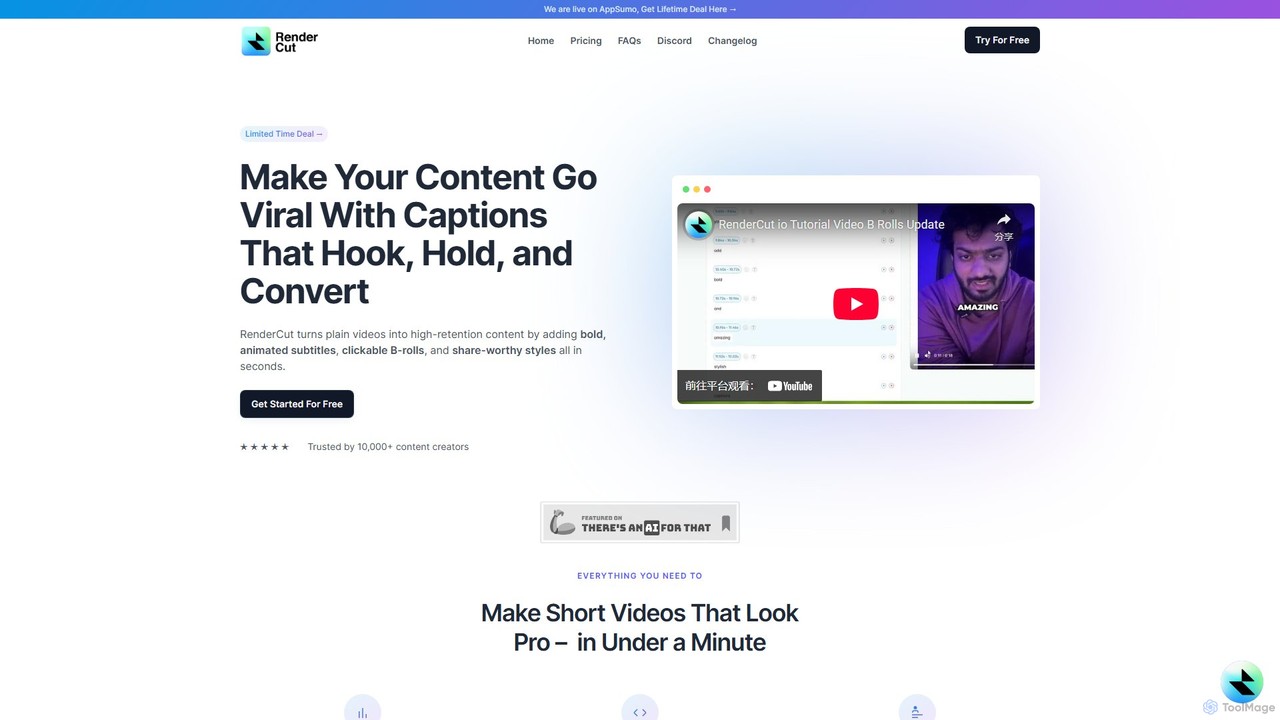
RenderCut
RenderCut is an AI-powered video editing tool that automates the creation of engaging short-form videos. It instantly adds stylish, animated subtitles, B-rolls, emojis, and sound effects, transforming plain videos or audio into high-retention content for platforms like TikTok, Reels, and Shorts. It's designed for content creators, marketers, and businesses to produce professional-looking videos in minutes, not hours.
Video Marketing
AutoEditor
AutoEditor is an AI-powered video editing tool designed to simplify the creation of engaging short videos. It automatically generates captions in over 40 languages, detects and removes silent parts, and allows users to easily add B-rolls, watermarks, and effects. Ideal for content creators looking to save time and enhance their videos for social media.
Automation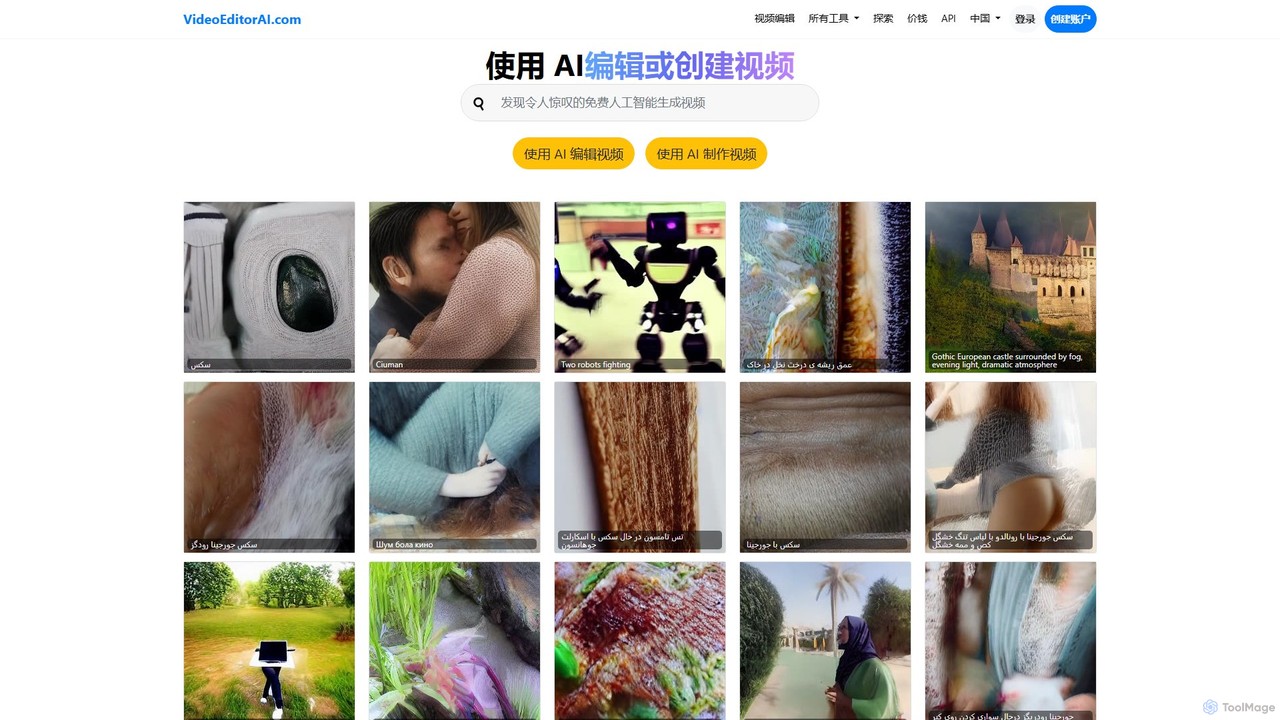
videoeditorai
videoeditorai is a powerful AI-driven platform that simplifies video production. It allows users to either edit existing videos or create new ones from scratch using simple text commands. No complex software or editing skills required.
Content Creation
stunnvideo
Stunnvideo is an AI-powered video creation platform that transforms text, voice clips, or existing videos into professional, engaging content for social media in seconds. It automatically adds stock footage, music, effects, and high-quality captions.
Video Marketing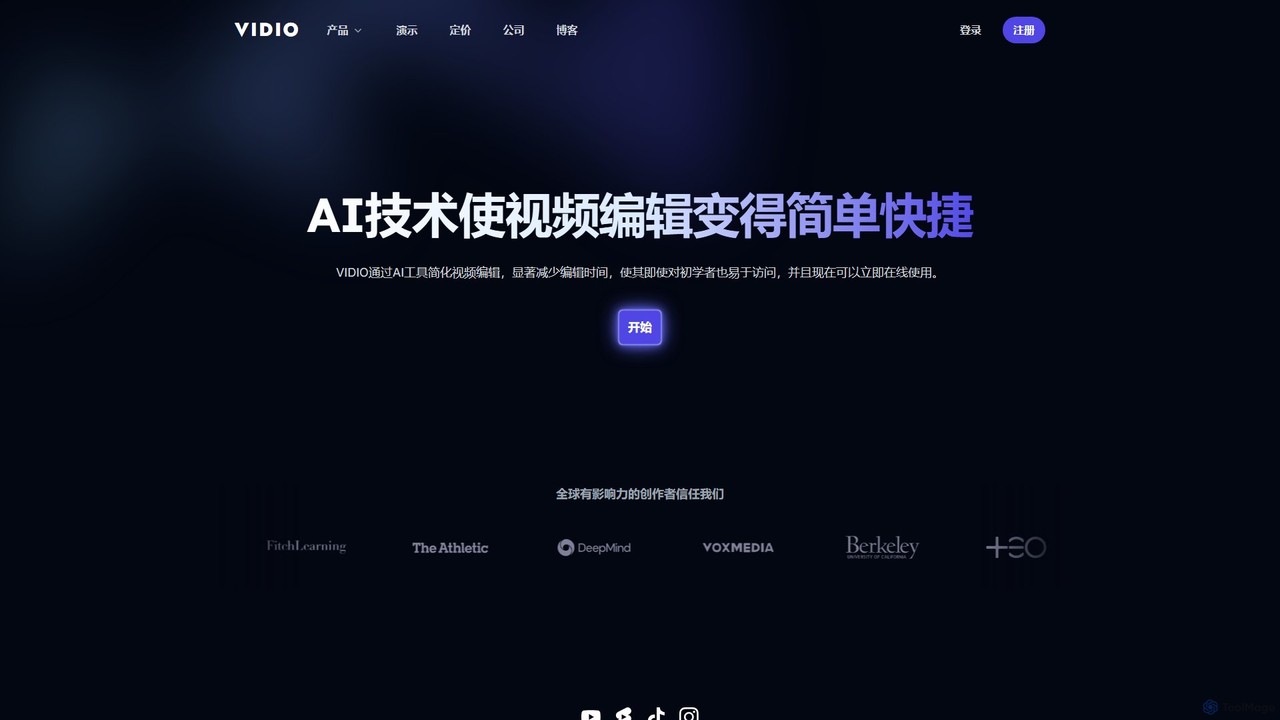
VIDIO
VIDIO is an AI-powered video editing platform that automates and simplifies complex editing tasks. It offers tools for creating motion graphics from text, generating highlight reels, automatic subtitling, face blurring, and more, making professional video creation accessible to everyone.
Social Media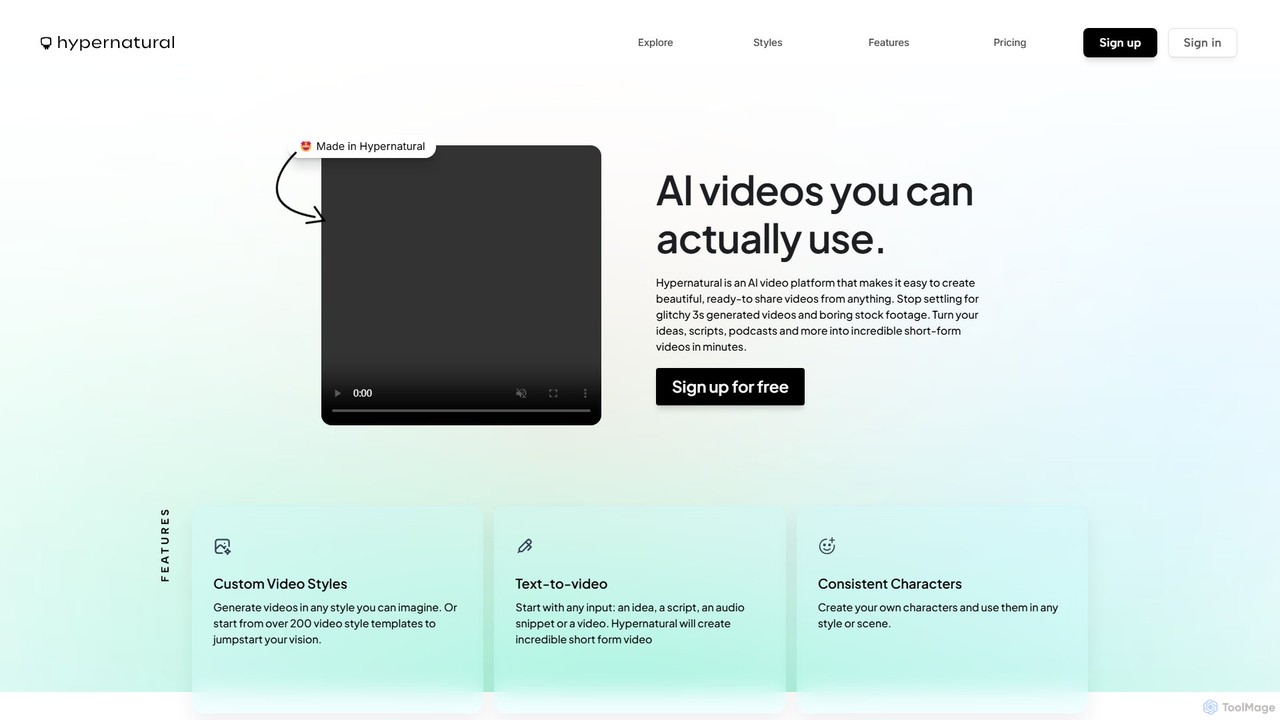
Hypernatural
Hypernatural is an AI video platform that transforms text, scripts, or audio into high-quality, ready-to-share short-form videos. It focuses on creating usable, non-glitchy content with consistent characters and custom styles, making professional video creation accessible to everyone from marketers to content creators.
Advertising
Zubtitle
Zubtitle is an AI-powered online video editor designed to help creators and marketers quickly optimize videos for social media. It specializes in automatic transcription and subtitling, allowing users to add captions, headlines, logos, and progress bars with just a few clicks. The tool simplifies video repurposing for platforms like Instagram, TikTok, and YouTube Shorts, making it easy to create engaging, professional-looking content that captures attention even when muted.
Transcription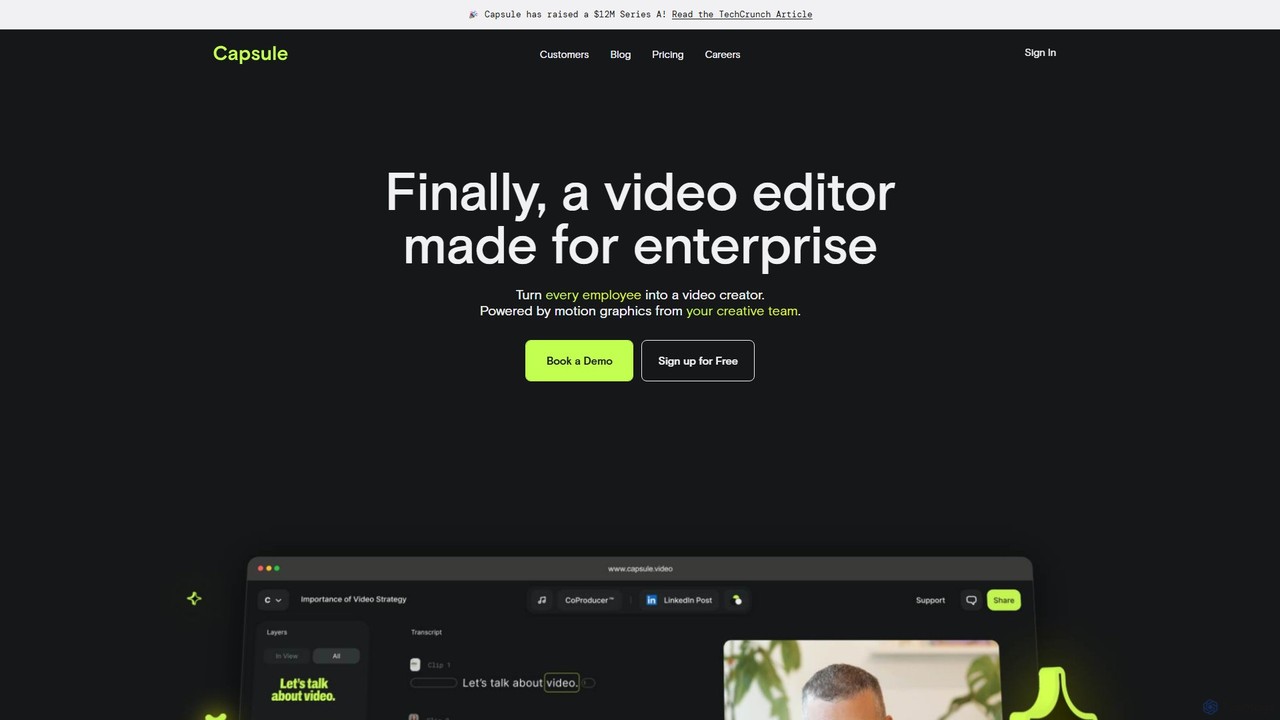
Capsule
Capsule is an AI-powered video editor designed for enterprise teams to create professional, on-brand videos 10x faster. It empowers non-editors with features like AI audio enhancement (VoiceMagic), smart music suggestions, and reusable motion design templates. This collaborative platform streamlines video creation for marketing, sales, and internal communications, ensuring brand consistency at scale.
Social Media
Videomagic
Videomagic is an AI-powered video generator that automatically transforms text, articles, and product information into engaging short-form videos in minutes. Designed for marketers, e-commerce owners, and content creators, it streamlines video production, making it effortless to create high-quality content for social media, advertising, and communication without any prior editing skills.
Product Videos
heyeddie Comments (0)
Sign in to comment.
Sign inNo comments yet.