magicroll.ai
magicroll.ai is an AI-powered video editing platform that automates complex tasks. With one click, it generates contextual B-rolls, …
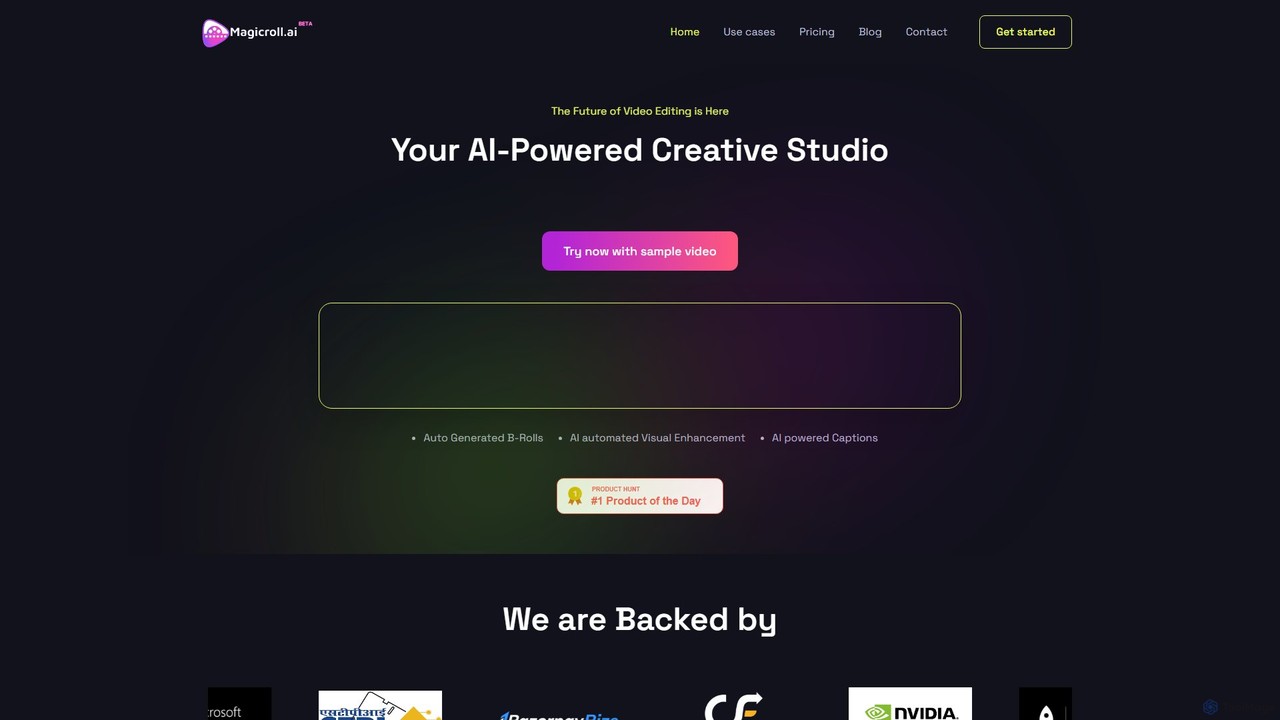
magicroll.ai is an AI-powered video editing platform that automates complex tasks. With one click, it generates contextual B-rolls, swaps video backdrops, and adds accurate, multi-language subtitles. It's designed for content creators, marketers, and businesses to produce professional-grade videos in minutes, without any prior editing experience, saving hours of manual work.
About Social Media Video
AI Social Media Video tools are a specialized category of marketing AI that automates the creation of short, engaging videos optimized for platforms like TikTok, Instagram Reels, and YouTube Shorts. These tools leverage generative AI to transform text, images, or long-form content into dynamic video clips, often incorporating automated captions, trendy transitions, and background music. They enable marketers and creators to rapidly produce a high volume of platform-native content, increasing brand visibility and engagement without requiring extensive video editing skills. Their key advantage lies in speed and scalability, turning a single piece of content into dozens of social-ready video variations in minutes.
Core Features
- AI Clip Generation: Automatically creates short video clips from text prompts, articles, or existing long videos.
- Automated Subtitling: Transcribes audio and burns stylish, attention-grabbing captions directly into the video to boost watch time.
- Template-Based Editing: Provides pre-designed templates with layouts, effects, and transitions optimized for specific social platforms.
- Brand Kit Integration: Applies consistent branding such as logos, brand colors, and fonts across all generated videos.
- AI Voiceover & Music: Generates realistic voiceovers from text and suggests royalty-free background music that matches the video's mood.
Use Cases
These tools are ideal for social media managers, content marketers, digital advertising agencies, and small business owners. They are particularly useful for teams that need to maintain a consistent and active presence on video-centric platforms but lack dedicated video production resources. Common applications include repurposing blog content, creating product teasers, and generating video ads at scale.
How to Choose
When selecting a tool, consider its platform-specific optimizations, such as templates and aspect ratios for TikTok or Reels. Evaluate the flexibility of its input sources—can it work from text, URLs, or long videos? Assess the level of customization for editing captions and applying brand elements. Finally, check the quality of its AI-generated assets, like stock footage selection and voiceovers, to ensure they align with your brand standards.

Social Media VideoUse Cases
Repurpose Blog Posts into Engaging Video Snippets
A content marketer needs to increase the reach of their existing high-performing blog articles on social media. They paste the article's URL into an AI Social Media Video tool. The AI analyzes the text, identifies key points and compelling quotes, and automatically generates several 30-60 second video clips. It pairs these text snippets with relevant stock footage, adds animated captions for silent viewing, and includes a clear call-to-action to read the full article. This process turns one blog post into a week's worth of video content in under an hour, significantly boosting social engagement and driving traffic back to the website.
Create Viral-Style Videos with AI-Powered Captions
A personal brand coach records simple 'talking head' videos on their phone to share advice. To increase engagement, they upload the raw footage to an AI video tool. The tool automatically transcribes the speech and overlays dynamic, word-by-word animated captions, similar to those seen in popular influencer videos. It also suggests relevant emojis and B-roll clips to insert at key moments to maintain viewer attention. The final output is a professional-looking, highly engaging video that significantly increases watch time and shareability, helping the coach reach a wider audience on platforms like Instagram and TikTok.
Generate Product Teaser Videos for E-commerce
An e-commerce store owner needs to quickly create short, eye-catching videos for a new product launch on Instagram. Instead of hiring a video editor, they use an AI tool. They input a product description, key features, and upload a few product images. The AI generates a 15-second video that showcases the images with energetic transitions, selects upbeat background music, and overlays text highlighting the product's benefits and a 'Shop Now' call-to-action. The owner can generate multiple variations in minutes to A/B test which ad performs best, all without any video editing experience.
Transform Podcasts into Shareable Audiogram Videos
A podcaster wants to promote new episodes on social media, where audio-only content performs poorly. They upload a compelling one-minute audio clip from their latest episode to an AI video tool. The tool automatically generates an audiogram video. It displays the podcast's cover art, adds a dynamic waveform that animates in sync with the audio, and provides animated transcriptions of the dialogue. This transforms the audio snippet into a visually engaging video format, making it highly shareable on Instagram Stories and other feeds, effectively driving listeners to the full episode on platforms like Spotify or Apple Podcasts.
Automate Video Ad Creation for Performance Marketing
A performance marketer needs to create dozens of video ad variations for a campaign to test different hooks and calls-to-action. Using an AI tool, they provide a base script, brand assets like logos, and product images. The AI then generates multiple 15-30 second video versions by combining different stock footage, AI-generated voiceovers, and text overlays. This allows the marketer to rapidly produce a large volume of creatives for A/B testing on platforms like Facebook Ads and TikTok. The process reduces ad creative production time by over 90%, enabling faster testing cycles and improving overall campaign return on ad spend (ROAS).
Create Internal Communication & Training Shorts
An HR manager needs to share a company policy update in a format that employees will actually watch. Instead of a long email, they use an AI video tool. They input the key points of the update as a text prompt. The AI generates a 60-second vertical video featuring a friendly AI avatar presenter, animated text highlighting the main changes, and simple graphics. The video is then shared on the company's internal social platform. This approach improves engagement with internal communications by using a familiar and easily digestible format, ensuring important information is received and understood by employees.