ToolMage
Sign in

Best 3 Mobile Apps for Productivity

Popular Mobile Apps in Productivity include Videoleap, Magiscan, and Spectre, helping you work more efficiently.

Videoleap
Freemium

Videoleap

Videoleap is a powerful AI-driven video editor and maker app designed for both beginners and professionals. It combines a full suite of traditional editing tools with cutting-edge AI features like object removal, infinite zoom, and AI-generated effects. Create stunning, professional-quality videos for social media, marketing, or personal projects directly from your mobile device with ease and speed.

Mobile Apps
Visits 109KFavorites 124Likes 121
Magiscan
Freemium

Magiscan

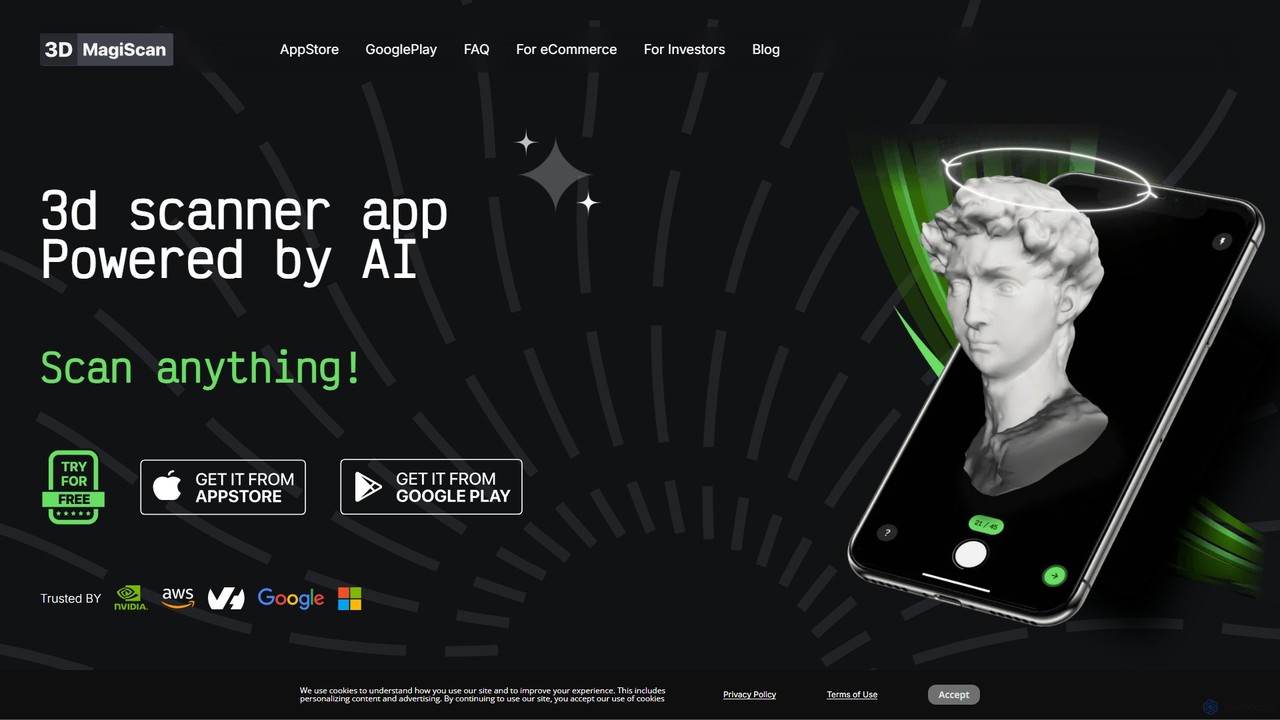
Magiscan is an AI-powered 3D scanner app for iOS and Android that transforms photos of real-world objects into high-quality 3D models. It offers multiple scanning modes, including photogrammetry and Lidar point cloud capture. With support for numerous export formats (GLB, OBJ, STL, etc.) and direct integration with NVIDIA Omniverse, it's a versatile tool for eCommerce, game development, AR/VR, and 3D artists. A free tier is available, with a premium subscription for advanced features and higher limits.

3D Scanning
Visits 7.3KFavorites 91Likes 95
Spectre
Paid

Spectre

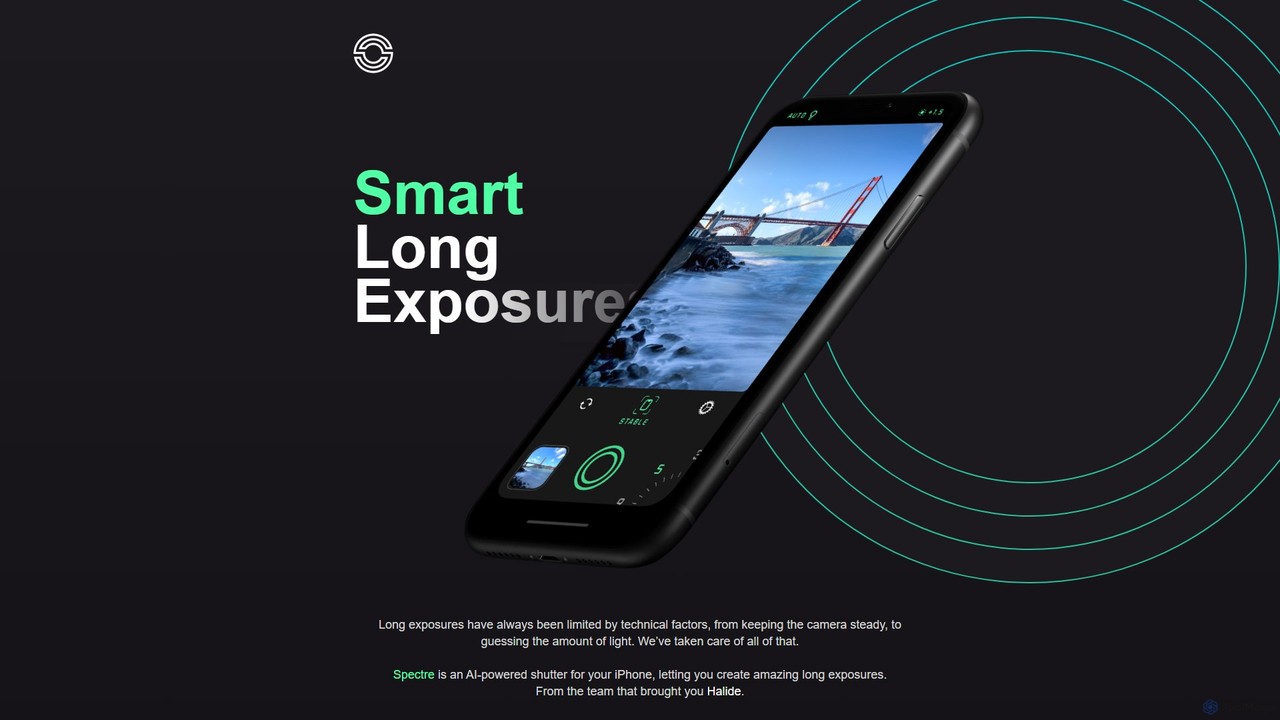
Spectre is an AI-powered camera app for iPhone that leverages computational photography to create stunning long exposure effects. Easily remove crowds, draw light trails, and smooth water with advanced features like AI scene detection and image stabilization, all from the creators of Halide.

Photography
Visits 6.1KFavorites 154Likes 137

About Mobile Apps

AI Mobile Apps are applications for smartphones and tablets that integrate artificial intelligence to deliver intelligent, automated, and personalized user experiences. These apps leverage on-device or cloud-based AI models to perform complex tasks that traditionally required a desktop computer. Their primary value lies in bringing powerful AI capabilities, from content creation to data analysis, directly into the user's hands, enhancing productivity and creativity on the go. This makes sophisticated technology accessible anywhere, anytime.

Core Features

  • On-Device AI Processing: Executes AI tasks directly on the device for faster response times, offline functionality, and enhanced data privacy.
  • Context-Aware Automation: Intelligently automates tasks based on user behavior, location, time, or other contextual cues.
  • Advanced Media Manipulation: Provides AI-powered tools for real-time photo and video editing, such as object removal, style transfer, and quality enhancement.
  • Natural Language Interaction: Enables users to interact with the app using voice commands or conversational text for tasks like scheduling, search, and content generation.
  • Personalized Recommendations: Analyzes user data to offer tailored content, product suggestions, or feature recommendations.

Use Cases

AI Mobile Apps are widely used by content creators for quick editing on the fly, business professionals for managing schedules and transcribing meetings, and students for personalized learning and research. They are also integral for travelers needing real-time translation and anyone seeking a more efficient and personalized way to interact with their digital world.

How to Choose

When selecting an AI Mobile App, consider its core functionality and whether it solves your specific problem. Evaluate its platform compatibility (iOS/Android) and performance, especially its impact on battery life. Pay close attention to the privacy policy to understand how your data is used, particularly the distinction between on-device and cloud processing. Finally, assess the pricing model—subscription, one-time purchase, or freemium—to ensure it aligns with your budget and usage frequency.

Featured tool rankings

Mobile Apps use cases

1

On-the-Go Content Creation for Social Media

A social media manager uses an AI mobile app to streamline their workflow while traveling. Instead of waiting to get back to a laptop, they can use the app to generate engaging post captions from a simple prompt, create eye-catching video clips with AI-powered effects and transitions, and even design graphics using intelligent templates. The app's AI can also suggest optimal posting times based on audience engagement patterns, allowing the manager to schedule a week's worth of content directly from their phone, saving hours of work and ensuring a consistent online presence.

2

Instant Meeting Transcription and Summarization

A consultant uses an AI mobile app during a client meeting to capture the entire conversation. The app transcribes the discussion in real-time with high accuracy, distinguishing between different speakers. Immediately after the meeting ends, the AI processes the full transcript to generate a concise summary, identify key decisions made, and list out all action items with assigned owners. This allows the consultant to send a detailed follow-up email from their phone within minutes, improving client communication and ensuring no critical tasks are forgotten.

3

AI-Powered Photo Enhancement for Travelers

A travel blogger on vacation uses an AI photo editing app to perfect their shots directly on their smartphone. With a single tap, the AI can remove unwanted tourists from the background of a landmark photo, automatically adjust lighting and color to professional standards, and even replace a dull, overcast sky with a vibrant sunset. This eliminates the need for complex desktop software, allowing the blogger to edit and post high-quality, visually stunning images to their social media channels in near real-time, engaging their audience while the experience is still fresh.

4

Real-time Language Translation for Communication

An international business professional uses an AI mobile app to overcome language barriers during a trip abroad. By pointing their phone's camera at a menu or sign, the app provides an instant, on-screen translation. In conversations, they use the app's two-way voice translation mode, which listens to a foreign language and speaks the translation aloud, then listens to their response and translates it back. This facilitates smooth, natural communication with local partners, taxi drivers, and hotel staff, making international travel more productive and less stressful.

5

Personalized Learning and Skill Development

A student uses an AI-powered language learning app on their phone to prepare for an exam. The app creates a personalized study plan based on an initial assessment of their skills. During practice sessions, the AI provides instant feedback on pronunciation through voice recognition and adapts the difficulty of vocabulary quizzes based on their performance. It also uses spaced repetition algorithms to schedule review sessions for words they struggle with, optimizing memory retention and making study time more effective, all managed from their mobile device.

6

Intelligent Personal Assistant and Task Management

A busy executive relies on an AI assistant app to manage their hectic schedule. They can simply speak or type natural language commands like, "Find a 30-minute slot for a meeting with the marketing team next week and book a conference room." The AI understands the context, checks calendars for availability, books the room, and sends out invitations. It also proactively reminds them of upcoming deadlines, suggests prep materials for meetings based on the agenda, and automatically categorizes and prioritizes their daily tasks, acting as a true productivity partner on their mobile device.

Mobile Apps FAQ

What are AI Mobile Apps?

AI Mobile Apps are applications for smartphones and tablets that use artificial intelligence to provide advanced features beyond those of standard apps. Unlike traditional apps that rely on pre-programmed rules, AI apps can learn from data, understand context, and make intelligent decisions. Key features often include natural language processing for voice commands, computer vision for image analysis, and machine learning for personalization. They essentially turn your mobile device into a smarter, more proactive assistant for productivity and creativity.

How to choose the right AI Mobile App?

To choose the right AI mobile app, focus on these key factors:

  • Specific Need: Identify the primary task you want to accomplish, whether it's photo editing, writing assistance, or task management. Look for apps that specialize in that area.
  • Platform and Performance: Ensure the app is available for your device (iOS or Android) and check reviews for its performance, speed, and impact on battery life.
  • Privacy Policy: Review how the app handles your data. Apps that perform on-device processing are often more private than those that send data to the cloud.
  • User Interface (UI): Choose an app with an intuitive and easy-to-navigate interface that fits your workflow.
  • Cost and Subscription Model: Evaluate the pricing. Decide if a one-time purchase, a recurring subscription, or a free ad-supported model is best for you.
What's the difference between on-device AI and cloud-based AI in mobile apps?

The main difference lies in where the AI processing occurs. On-device AI runs algorithms directly on your smartphone or tablet, using its dedicated processing units (like Apple's Neural Engine). This results in faster speeds, offline functionality, and enhanced privacy since your data doesn't leave your device. Cloud-based AI sends your data to powerful remote servers for processing. This allows for more complex and computationally intensive tasks but requires a stable internet connection and raises potential data privacy concerns. Many apps use a hybrid approach, performing simple tasks on-device and complex ones in the cloud.

What kind of tasks can AI Mobile Apps automate?

AI mobile apps can automate a wide range of tasks to enhance productivity and convenience. Common examples include:

  • Content Creation: Generating text for emails and social media posts, creating images from prompts, and editing videos with automated effects.
  • Organization: Automatically sorting emails, categorizing expenses, transcribing voice notes, and scheduling appointments based on your calendar's availability.
  • Information Processing: Summarizing long articles or documents, translating languages in real-time, and identifying objects or text in photos.
  • Personalization: Curating news feeds, recommending music or movies, and adjusting app settings based on your usage patterns.
Are AI Mobile Apps safe for my data?

The safety of your data depends on the specific app and its developer. Reputable AI mobile apps prioritize user privacy and security. A key factor to consider is whether the app uses on-device or cloud-based processing. Apps with on-device AI are generally considered more secure for sensitive data, as the information is processed locally and never leaves your phone. For cloud-based apps, it is crucial to read the privacy policy to understand what data is collected, how it is stored, and if it is shared with third parties. Always download apps from official app stores and check user reviews for any reported privacy issues.