

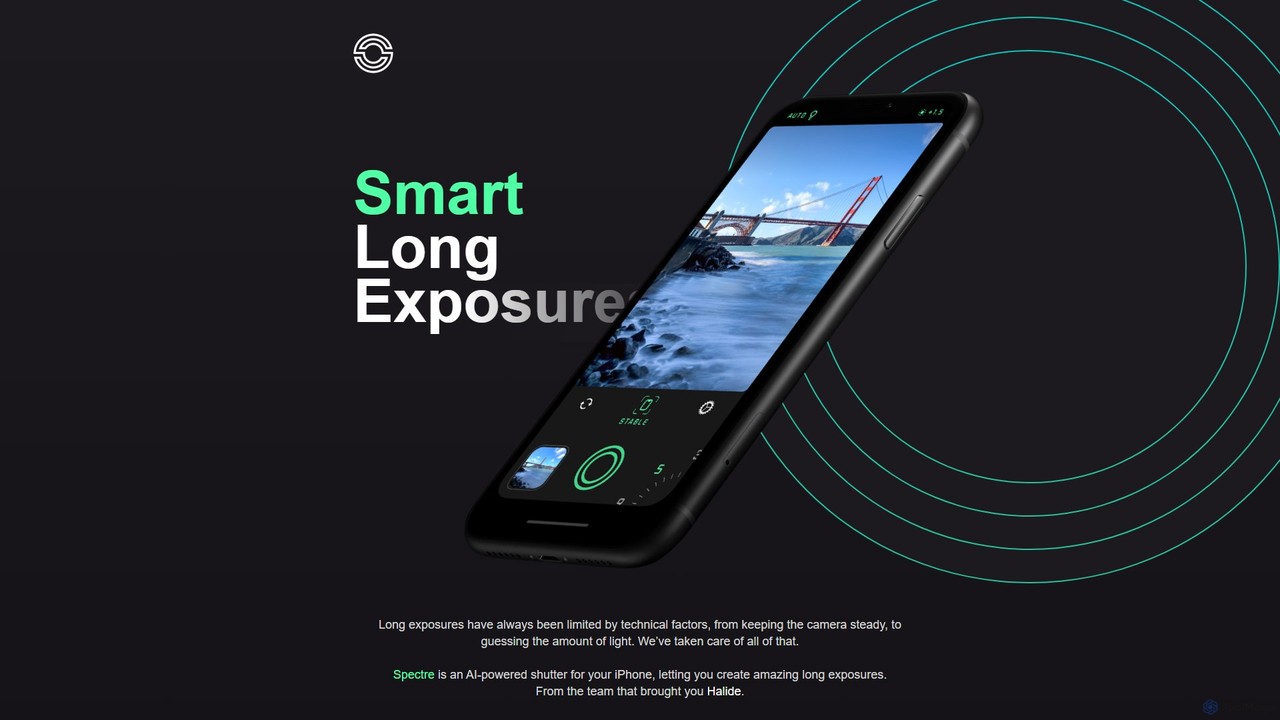
Spectre Overview
Spectre is a revolutionary AI camera application for iPhone, developed by the acclaimed team behind the professional camera app, Halide. It harnesses the power of computational photography to demystify and simplify the art of long exposure, making it accessible to photographers of all skill levels. By capturing hundreds of shots over a period and intelligently merging them, Spectre can produce breathtaking effects that were once the exclusive domain of DSLR cameras and tripods.
The core philosophy of Spectre is to use cutting-edge technology to handle the complexities of long exposure photography, allowing the user to focus on creativity. It employs a suite of AI and machine learning algorithms to analyze scenes, stabilize shots, and produce a perfect final image. Whether you're a tourist wanting to capture a landmark without the crowds, a city dweller fascinated by light trails, or a nature lover looking to capture the motion of water, Spectre provides the tools to do so with just a tap.
How to use Spectre
Using Spectre is designed to be an intuitive and seamless experience. The process is straightforward:
- Frame Your Shot: Open Spectre and compose your image just like you would with the native camera app.
- Select Duration: Choose a duration for the exposure (e.g., three, five, or nine seconds). For specific scenes like moving water or traffic, the app's AI may suggest an optimal duration.
- Capture: Tap the shutter button. It's crucial to hold your iPhone as steady as possible. Spectre's computer vision-aided stabilization will work to counteract hand-shake, but for the best results, especially on longer exposures, a tripod is recommended. The app even has a Tripod Detection feature.
- AI Processing: As the app captures a burst of hundreds of photos, its AI engine gets to work in real-time. It aligns the shots and merges them to create the desired long exposure effect, whether it's making moving objects like people and cars disappear or blending them into artistic motion trails.
- Review and Share: The final result is saved as a Live Photo. This unique format allows you to see the entire exposure unfold as a video, pick the perfect still frame, or share the dynamic clip. You can export your creation as a still image, a video, or both.
Core Features of Spectre
- AI Crowd Removal: Set a medium or long duration to intelligently erase moving crowds and cars from tourist spots, leaving you with a clean, serene image.
- Rivers of Light: At night, AI Scene Detection automatically activates a mode to capture beautiful light trails from moving vehicles, turning cityscapes into dynamic works of art.
- Ghostly Water: Capture the motion of waterfalls, rivers, and ocean waves, transforming them into smooth, ethereal, and misty surfaces.
- Live Photo Long Exposures: Unlike traditional long exposures that only yield a single image, Spectre saves the entire process as a Live Photo, giving you a dynamic result that can be replayed and shared.
- Intelligent Stabilization: Utilizes computer vision and AI to provide incredible electronic stabilization, allowing for handheld long exposures in many situations. It also features automatic tripod detection for maximum stability.
- Pro-Grade Technology: Built on the latest iOS technologies, including DCI-P3 Wide Color Gamut, HEIC capture, and the Metal graphics framework for high performance and stunning image quality.
Use Cases for Spectre
Spectre excels in a variety of photographic situations:
- Travel Photography: Capture iconic landmarks like the Eiffel Tower or Times Square as if you had them all to yourself by erasing the bustling crowds.
- Urban & Night Photography: Create mesmerizing images of city streets with vibrant ribbons of light from car headlights and taillights.
- Landscape & Nature Photography: Give waterfalls and rivers a silky, smooth appearance, or make ocean waves look like a ghostly mist crashing on the shore.
- Light Painting: Experiment with creative photography by using a light source to draw shapes and words in the dark.
- Architectural Photography: Isolate buildings and structures by removing the distraction of passing cars and pedestrians.
Advantages of Spectre
Spectre offers significant advantages over traditional long exposure methods and other camera apps:
- Simplicity: It automates the most difficult parts of long exposure, such as calculating exposure time and ensuring stability.
- Accessibility: Brings a professional photography technique to the iPhone, eliminating the need for expensive DSLR cameras, filters, and tripods in many cases.
- Powerful AI: The intelligent scene detection, stabilization, and processing ensure high-quality results with minimal effort.
- Creative Flexibility: The Live Photo output provides more options for sharing and enjoying your creations compared to a static image.
- Superb Design: Features a beautiful, dark UI that is easy on the eyes and simple to use with one hand, reflecting the design-first philosophy of its creators.
Pricing and Plans
Spectre is available on the Apple App Store as a one-time purchase. There are no hidden fees, subscriptions, or in-app purchases. Once you buy the app, you get access to all its current and future features, making it a straightforward and valuable investment for any iPhone photographer.
Traffic
Latest traffic
Status
Monthly traffic trend
- 2025-9: 2.5K
- 2026-1: 2.6K
- 2026-2: 2.0K
- 2026-3: 2.3K
- 2026-4: 2.2K
- 2026-5: 1.8K
Geography
Top 5 countries / regions
- 🇺🇸United States100.0%
Top keywords
| Keyword | Cost per click |
|---|---|
| specter | $3.06 |
| specter ai | $3.82 |
| spectre | $2.41 |
| spectres | $2.84 |
| spetre | $0.00 |
Spectre Alternatives
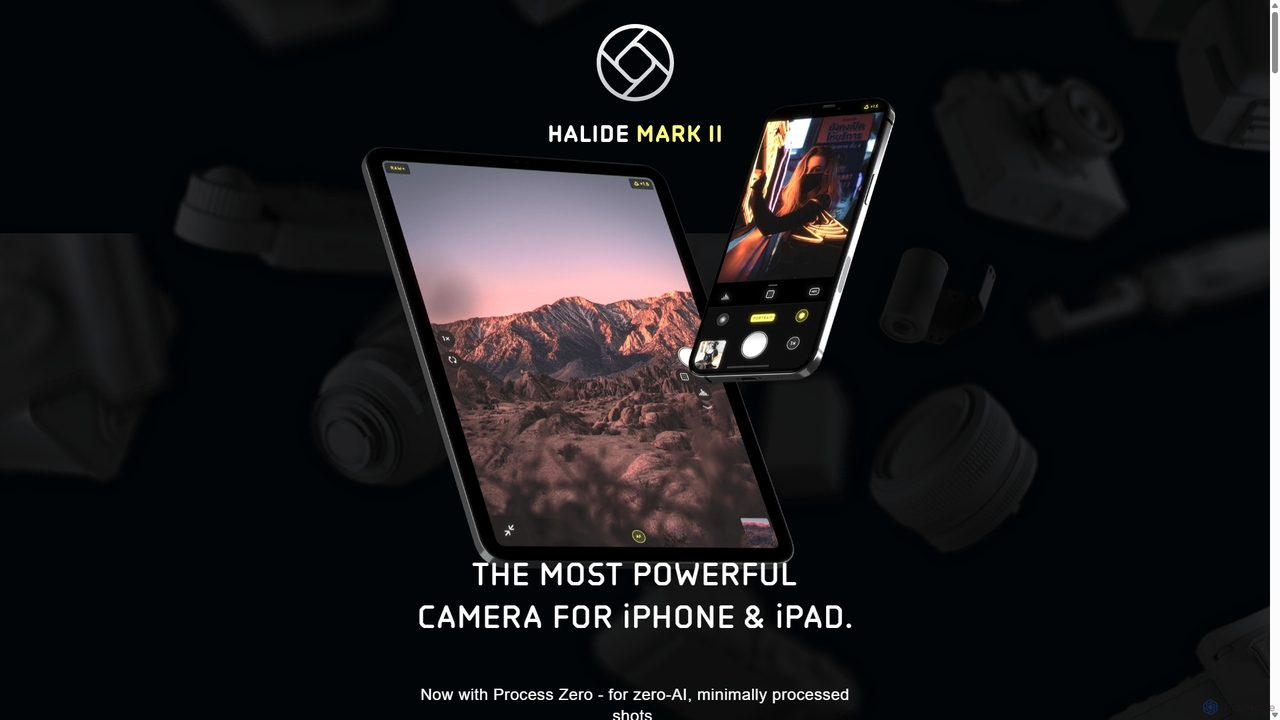
Halide
Halide is an award-winning professional camera app for iPhone and iPad, offering powerful manual controls, RAW capture, and advanced computational photography tools. It's designed for photographers who want to unlock the full potential of their device's camera, providing a tactile, intuitive interface inspired by classic film cameras.
Photography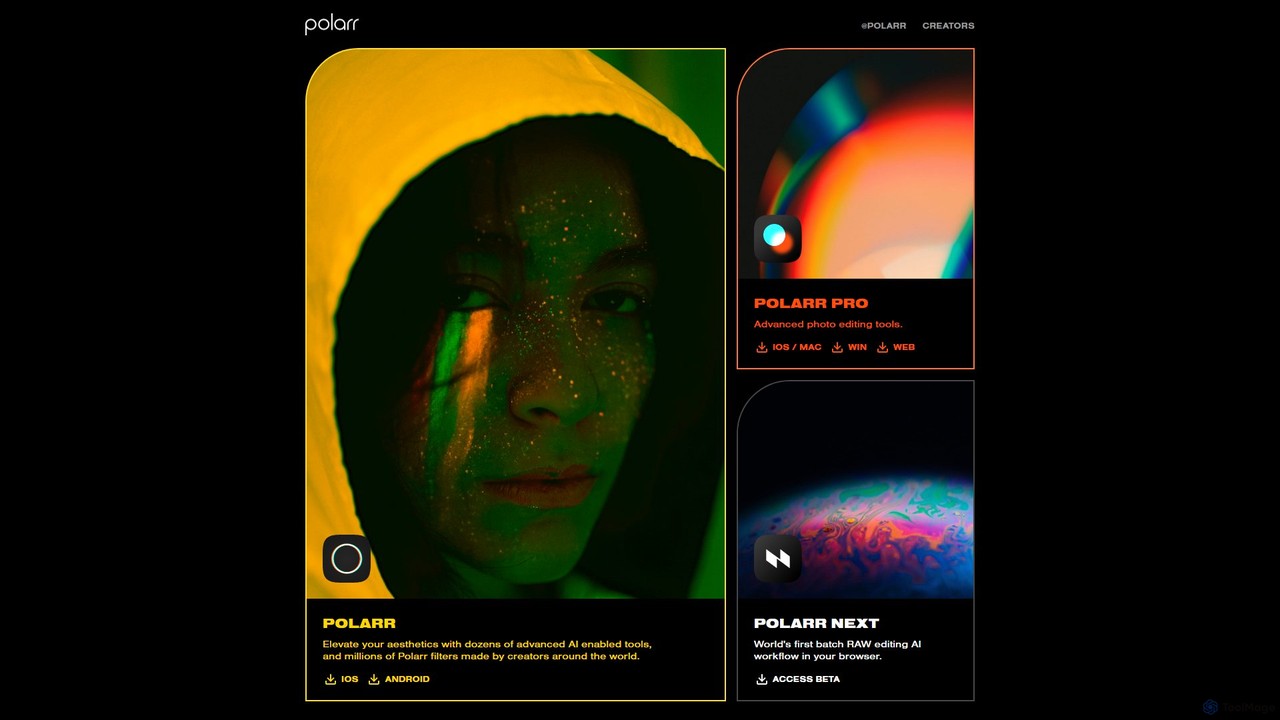
Polarr
Polarr is a powerful AI-driven photo and video editing suite for creators of all levels. It offers advanced editing tools, a vast library of millions of community-created filters, and a revolutionary batch RAW editing workflow, available across all devices.
Generative Art
EaseUS
EaseUS offers a comprehensive suite of software for data management, recovery, and multimedia creation, enhanced with powerful AI. From AI-powered file repair and data recovery to creative tools like AI image generation and vocal removal, EaseUS provides reliable, user-friendly applications for both individual and enterprise users. It simplifies complex tasks like disk partitioning, system backup, and data transfer, making digital life easier and more secure.
Generative Art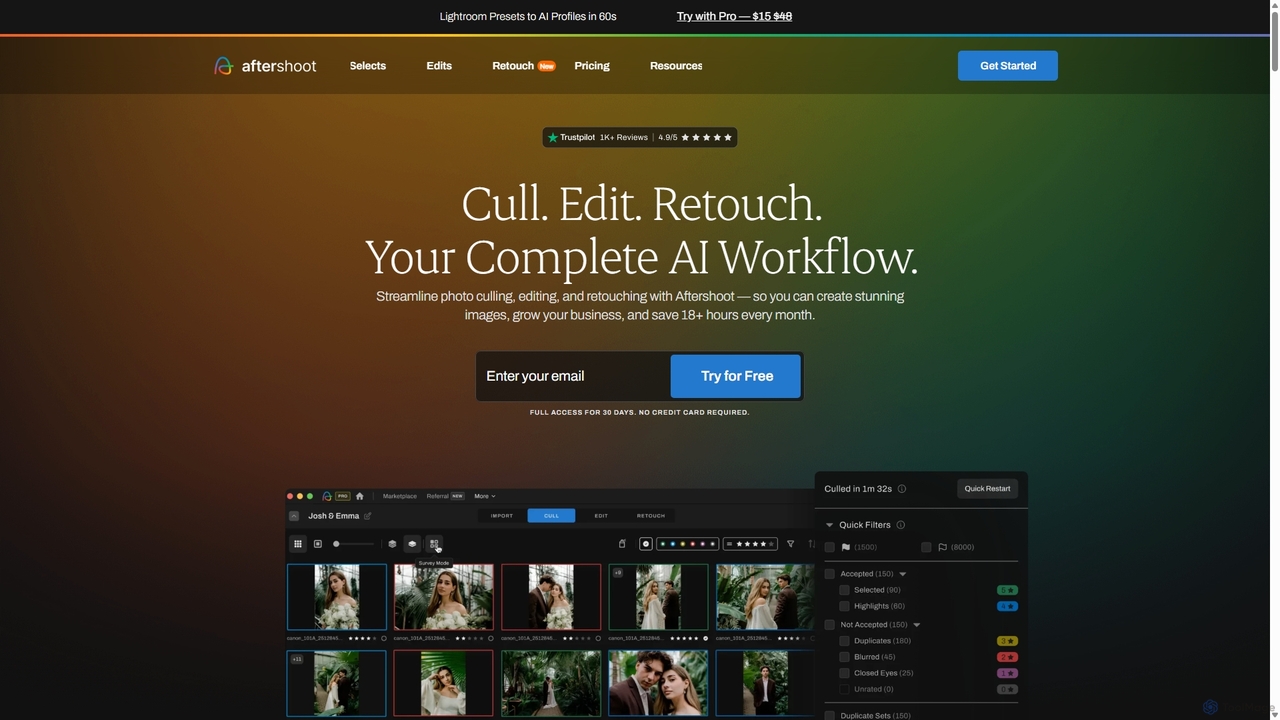
Aftershoot
Aftershoot is an all-in-one AI software for photographers, designed to automate and streamline the post-production workflow. It offers intelligent culling to select the best photos, personalized AI editing that learns your style, and advanced AI retouching for portraits. By handling tedious tasks, Aftershoot saves photographers over 18 hours per month, ensuring consistent results and allowing them to focus on creativity and business growth.
Photography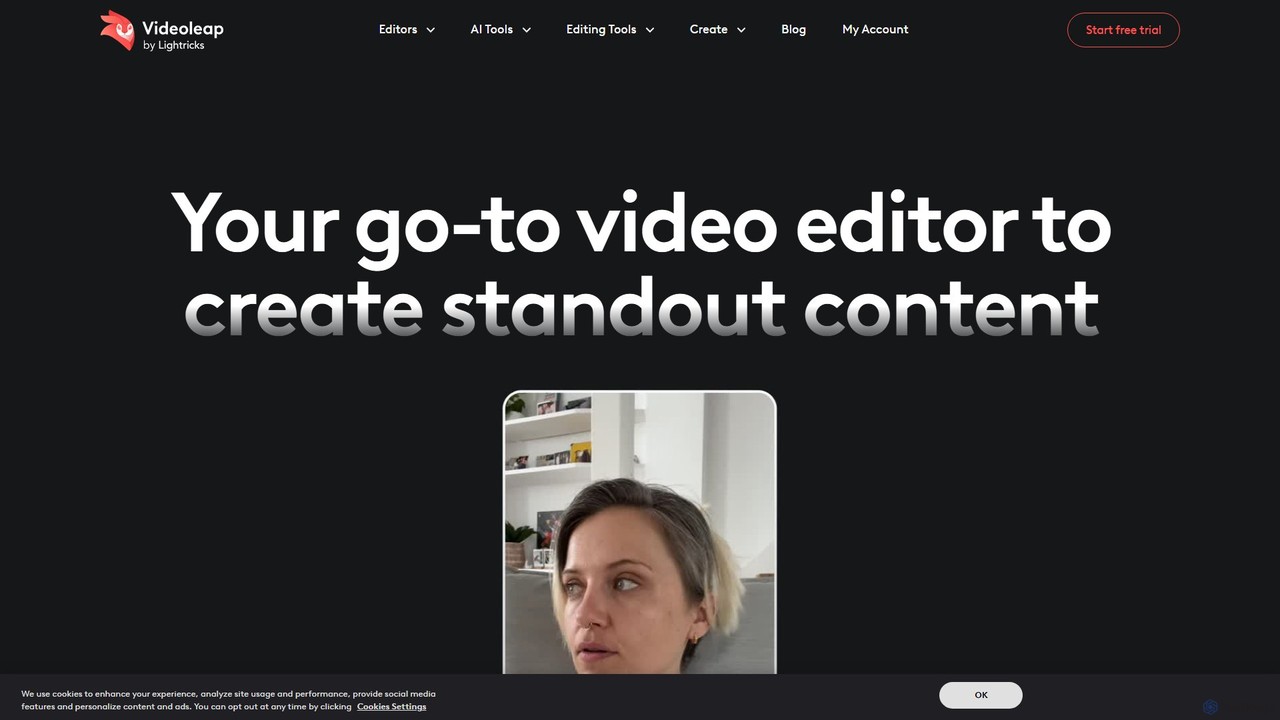
Videoleap
Videoleap is a powerful AI-driven video editor and maker app designed for both beginners and professionals. It combines a full suite of traditional editing tools with cutting-edge AI features like object removal, infinite zoom, and AI-generated effects. Create stunning, professional-quality videos for social media, marketing, or personal projects directly from your mobile device with ease and speed.
Mobile AppsSpectre Categories
Spectre Embed Widget
Copy this embed code to place the badge on your blog, article, or product site and send readers directly to this ToolMage detail page.

Related AI tools
Halide
Halide is an award-winning professional camera app for iPhone and iPad, offering powerful manual controls, RAW capture, and advanced computational photography tools. It's designed for photographers who want to unlock the full potential of their device's camera, providing a tactile, intuitive interface inspired by classic film cameras.
Photography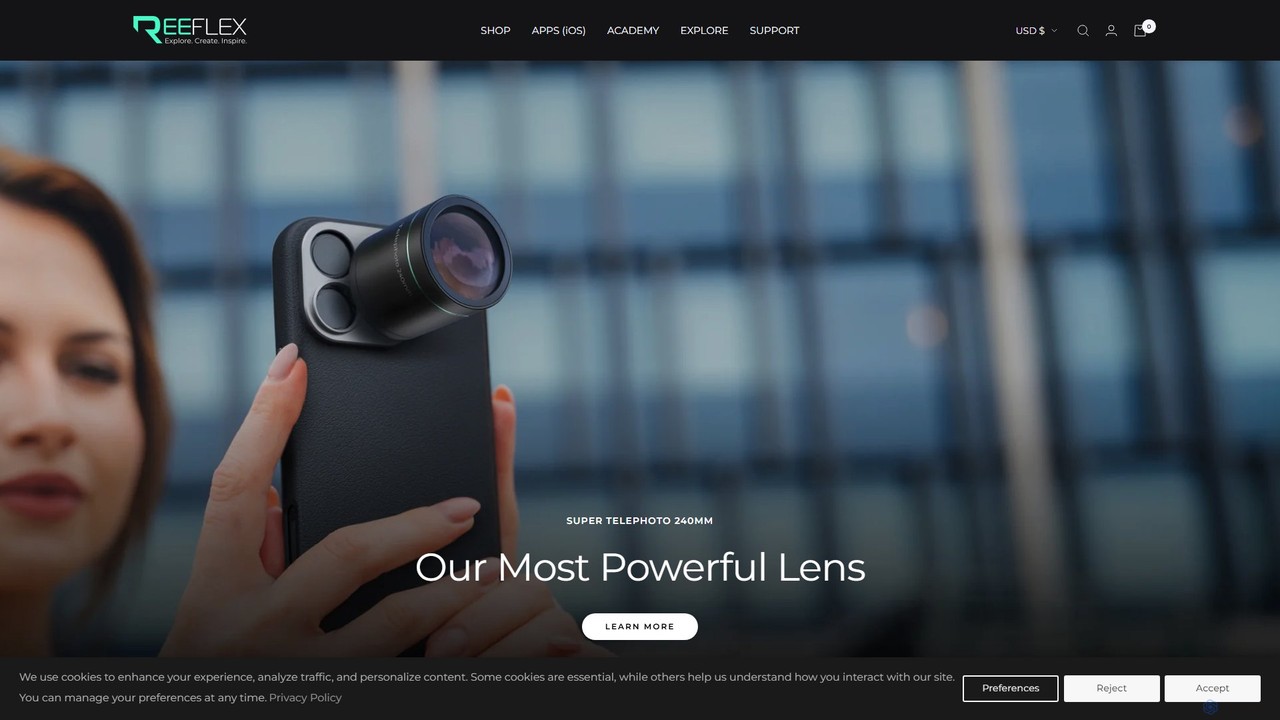
Reeflex
Reeflex offers a complete ecosystem for mobile content creators, featuring professional-grade G-Series lenses and a suite of AI-powered camera apps. Transform your iPhone or Samsung into a professional photography and videography powerhouse for capturing stunning RAW images, long exposures, and cinematic videos.
Hardware
NeuralCam
NeuralCam is an AI-powered camera app for iOS that enhances mobile photography. It offers real-time composition guidance from an AI Photo Coach, smart capture modes for any lighting, and professional-grade auto-editing features like DSLR-like bokeh, intelligent illumination, and AI color grading. It's a complete system designed to help both beginners and experienced photographers take stunning photos.
Ios Apps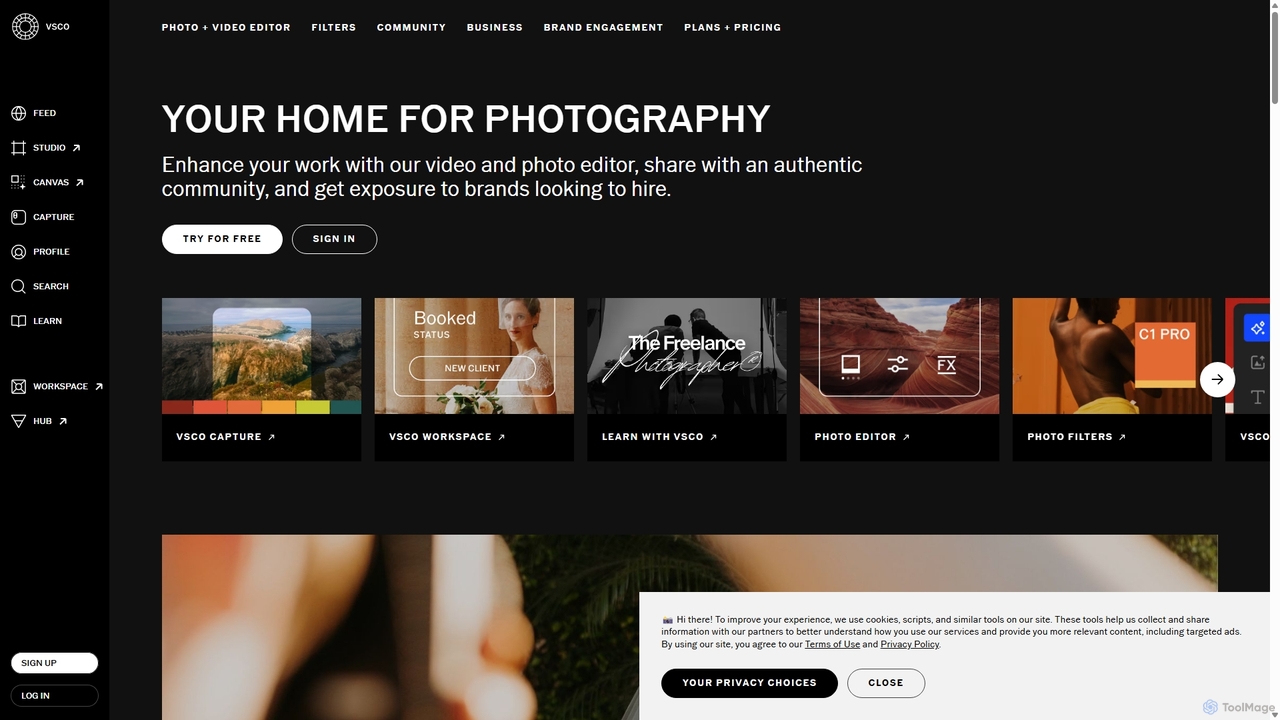
VSCO
VSCO is an all-in-one platform for photographers, offering a powerful photo and video editor with over 200 presets, AI-powered tools, and a vibrant creative community. It also provides professional tools like portfolio websites, studio management software, and opportunities to get hired, supporting creators at every stage of their journey.
3D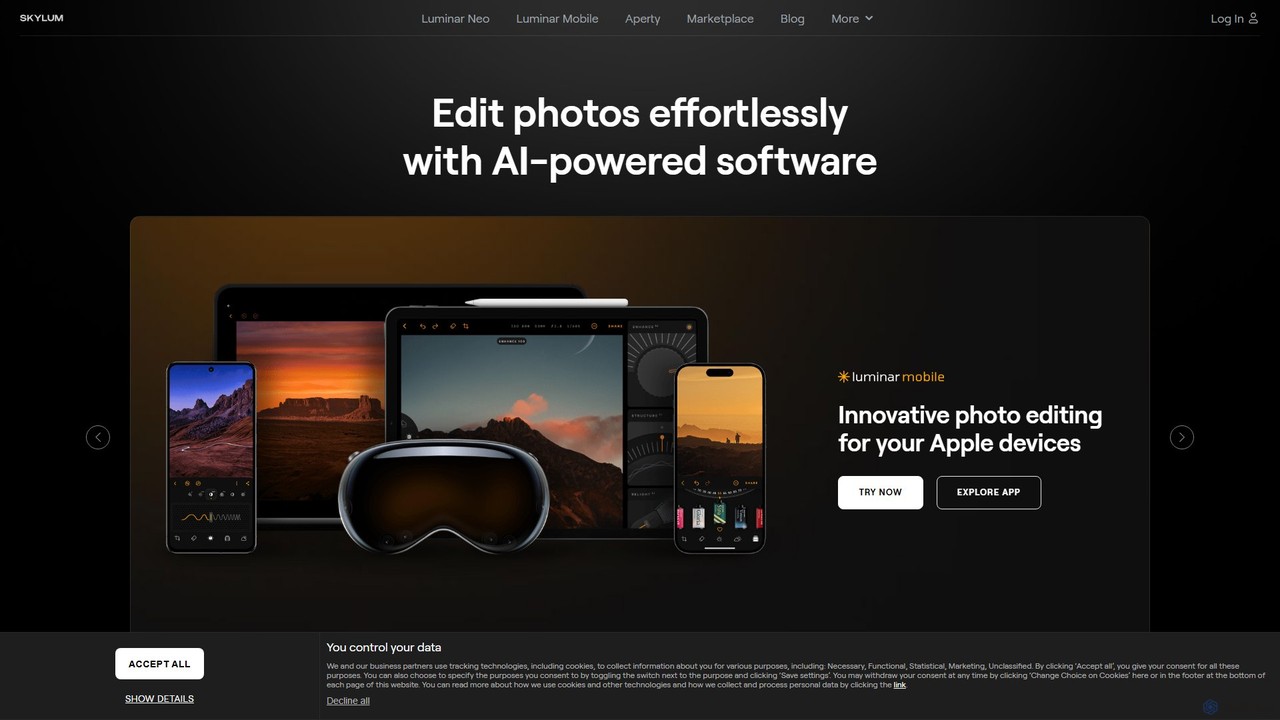
Skylum
Skylum develops AI-powered photo editing software, including the flagship Luminar Neo. Designed for photographers of all skill levels, its tools simplify complex editing tasks like sky replacement, portrait retouching, and landscape enhancement, enabling users to achieve professional-quality results with intuitive controls and creative automation.
Graphics
Aragon
Aragon is a leading AI headshot and photo generator that transforms your selfies into studio-quality professional portraits in minutes. It also offers a comprehensive suite of AI photo editing tools, including background removal, object erasing, and image enhancement, to perfect your images for any purpose.
Generators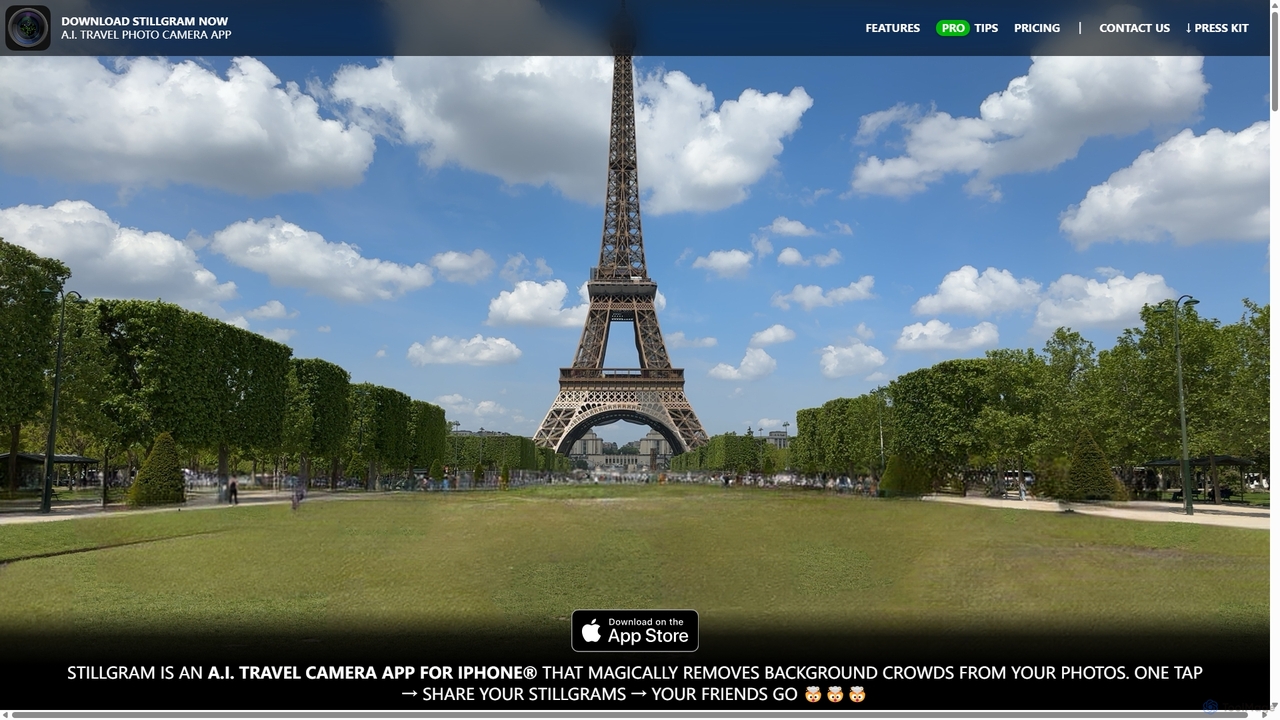
Stillgram
Stillgram is an AI-powered camera app for iPhone designed for travelers. It magically removes crowds and unwanted people from your photos, allowing you to capture perfect, empty shots of famous landmarks. It works completely offline and features unique 'Live Stillgrams' for stunning social media content.
Ios Apps
Luminar Brush
Luminar Brush is an innovative AI-powered image relighting tool developed by the creator of ControlNet. It allows users to professionally manipulate lighting in photos and digital art with incredible precision. By using a unique two-stage framework, it can remove existing lighting and then apply new, interactive light sources, preserving fine details like skin texture and hair for stunning, realistic results.
Generative ArtPolarr
Polarr is a powerful AI-driven photo and video editing suite for creators of all levels. It offers advanced editing tools, a vast library of millions of community-created filters, and a revolutionary batch RAW editing workflow, available across all devices.
Generative Art
remove.bg
remove.bg is an AI-powered tool that automatically removes the background from any image in just 5 seconds. It uses advanced AI to accurately handle challenging edges like hair and fur. Ideal for photographers, e-commerce businesses, marketers, and developers, it offers web, desktop, and plugin integrations to streamline workflows.
Editing
Photoroom
Photoroom is an AI-powered photo editor that automatically removes backgrounds to create professional product photos, profile pictures, and marketing images in seconds. Featuring AI-generated backgrounds, magic eraser, and batch editing, it simplifies complex editing tasks for e-commerce sellers, marketers, and creators. Available on web and mobile, it offers a fast, easy way to produce studio-quality visuals without any design skills.
Graphic Design
Photopea
Photopea is a powerful, free online photo and graphics editor that runs directly in your browser. It supports advanced features like layers, masks, and smart objects, and is compatible with formats such as PSD, AI, and Sketch. It's a versatile alternative to expensive desktop software, perfect for designers, photographers, and content creators.
Image Editor
Picsart
Picsart is an all-in-one AI-powered creative platform for photo and video editing. It offers a comprehensive suite of tools, including AI image generation, background removal, photo enhancement, and a vast library of templates and stock content. Designed for everyone from beginners to professionals, Picsart simplifies the creation of stunning visuals for social media, marketing, and personal projects, accessible on both web and mobile.
3D
Pixelcut
Pixelcut is an all-in-one AI-powered creative suite for photo and video editing. It enables users to instantly remove backgrounds, upscale images to 4K, erase objects, generate images and videos from text prompts, and collaborate with teams. It's designed for creators, brands, and businesses to produce professional-quality content quickly and easily.
Image Editing
Pixlr
Pixlr is a comprehensive suite of online AI-powered tools for photo editing, image generation, and graphic design. Accessible on web, mobile, and desktop, it caters to both beginners and professionals with its intuitive interface, offering everything from quick edits and AI enhancements to advanced layer-based editing and text-to-image creation.
Graphic Design
Spectre Comments (0)
Sign in to comment.
Sign inNo comments yet.