


NeuralCam Overview
NeuralCam is a revolutionary AI-powered camera application for iOS, designed to elevate mobile photography far beyond the native camera's capabilities. Since its launch in 2019 as a pioneer in night mode photography for iPhone, NeuralCam has evolved into a comprehensive, intelligent photography system. It leverages the power of artificial intelligence throughout the entire photographic process—from composition and capture to editing—to help users of all skill levels create professional-quality images with ease.
How to use NeuralCam
NeuralCam simplifies advanced photography into an intuitive three-step process:
- Composition with AI Guidance: Before you even take a picture, the AI Photo Coach acts as your personal professional photographer. It provides real-time, on-screen guidance to help you find better compositions, identify compelling subjects, discover creative angles, and use lighting effectively. This feature is perfect for both beginners learning the fundamentals and seasoned photographers seeking fresh perspectives.
- Smart Capture: The app's Smart Capture System intelligently analyzes the scene in front of you. It automatically selects the optimal capture mode, whether it's SmartHDR for high-contrast scenes, DeepFusion for enhancing detail in moderate light, or a custom Night Mode for low-light conditions. Its SmartMERGE technology then fuses multiple frames to produce a single image with superior detail, reduced noise, and fewer artifacts, even when zoomed in.
- Intelligent Auto-Editing: After capturing the image, NeuralCam's AI editing engine takes over. It automatically applies stunning, DSLR-like background blur (bokeh) to portraits, which can be refocused and adjusted later. The Intelligent Illumination feature brightens dark scenes without sacrificing natural contrast, revealing hidden details. Finally, AI Color Grading applies styles trained on professional work to enhance the mood and impact of your photos. For those who want more control, a quick editor allows for fine-tuning of all AI effects and access to classic editing tools.
Core Features of NeuralCam
- AI Photo Coach: Get real-time guidance on composition, lighting, and storytelling from an LLM-powered coach.
- Smart Capture System: Automatically analyzes scenes and selects the best mode (SmartHDR, DeepFusion, Night Mode) for optimal results.
- SmartMERGE Frame Fusion: Combines multiple frames to enhance detail, reduce noise, and improve overall image quality.
- AI Upscaling & Detail Enhancement: Enlarge photos to 12MP, 24MP, or even 48MP with intelligent noise reduction for sharp, clean results ideal for printing.
- AI-Powered Portrait Effects: Add adjustable, DSLR-like background blur (bokeh) to any photo, taken with any lens, even in Night Mode.
- Intelligent Illumination: Brightens dark areas and enhances details in challenging lighting conditions while maintaining natural contrast.
- Professional AI Color Grading: Apply sophisticated color styles trained on the work of professional photographers to add mood and impact.
- Fine-Tuning Controls: A user-friendly editor to adjust AI effects like bokeh strength and focus point, illumination, and style intensity.
Use Cases for NeuralCam
NeuralCam is a versatile tool for various photography scenarios:
- Low-Light & Night Photography: Capture bright, clear, and detailed photos in dimly lit restaurants, at concerts, or during nighttime city explorations.
- Professional-Looking Portraits: Create stunning portraits with creamy, blurred backgrounds that make your subjects pop, perfect for social media profiles or family photos.
- Landscape & Travel Photography: Shoot high-contrast scenes like sunsets or cityscapes, perfectly exposing both the bright sky and dark foregrounds.
- Learning Photography: Amateurs and students can use the AI Photo Coach as an interactive learning tool to master the principles of composition and lighting.
- High-Resolution Printing: Use the AI Upscaling feature to prepare your mobile photos for large-format prints without losing quality.
Advantages of NeuralCam
NeuralCam offers significant advantages over standard camera apps:
- Superior Image Quality: Computational photography techniques produce sharper, cleaner, and more detailed images in all lighting conditions.
- Intelligent Automation: It makes complex photographic techniques accessible to everyone, automating the process of capturing and editing professional-looking photos.
- End-to-End Solution: It covers the entire workflow from pre-shot guidance to post-shot editing within a single app.
- Creative Freedom: While its automation is powerful, it still provides users with the tools to fine-tune every aspect of their images.
- Continuous Innovation: The team at NeuralStudio consistently updates the app with new AI-powered features, including specialized apps like NeuralCam NightVideo and NeuralCam Live for video enhancement.
Pricing and Plans
NeuralCam offers a flexible pricing structure to suit different needs:
- NeuralCam Free: Access core features including Night Mode, basic AI Bokeh, and Macro Mode.
- Pro Plan ($3.99/month): Unlock the full potential with advanced controls. This includes full AI Bokeh control, over 20 Pro Styles, unlimited control over editing tools, and 48 MP AI upscaling.
- Pro + Coach Plan ($5.99/month): Includes all Pro features plus unlimited access to the AI Photo Coach for real-time guidance while shooting.
Traffic
Latest traffic
Status
Monthly traffic trend
- 2025-9: 2.4K
- 2026-1: 4.9K
- 2026-2: 4.5K
- 2026-3: 2.7K
- 2026-4: 3.1K
- 2026-5: 4.3K
Geography
Top 5 countries / regions
- 🇺🇸United States62.0%
- 🇹🇷Türkiye28.2%
- 🇮🇳India9.7%
Top keywords
| Keyword | Cost per click |
|---|---|
| ai webcam effects for mac | $0.00 |
| contrast camera during livestram mac open source | $0.00 |
| neural ai | $4.91 |
| neuralcam live | $0.00 |
| neuralcam live wab cam | $0.00 |
NeuralCam Alternatives
Stillgram
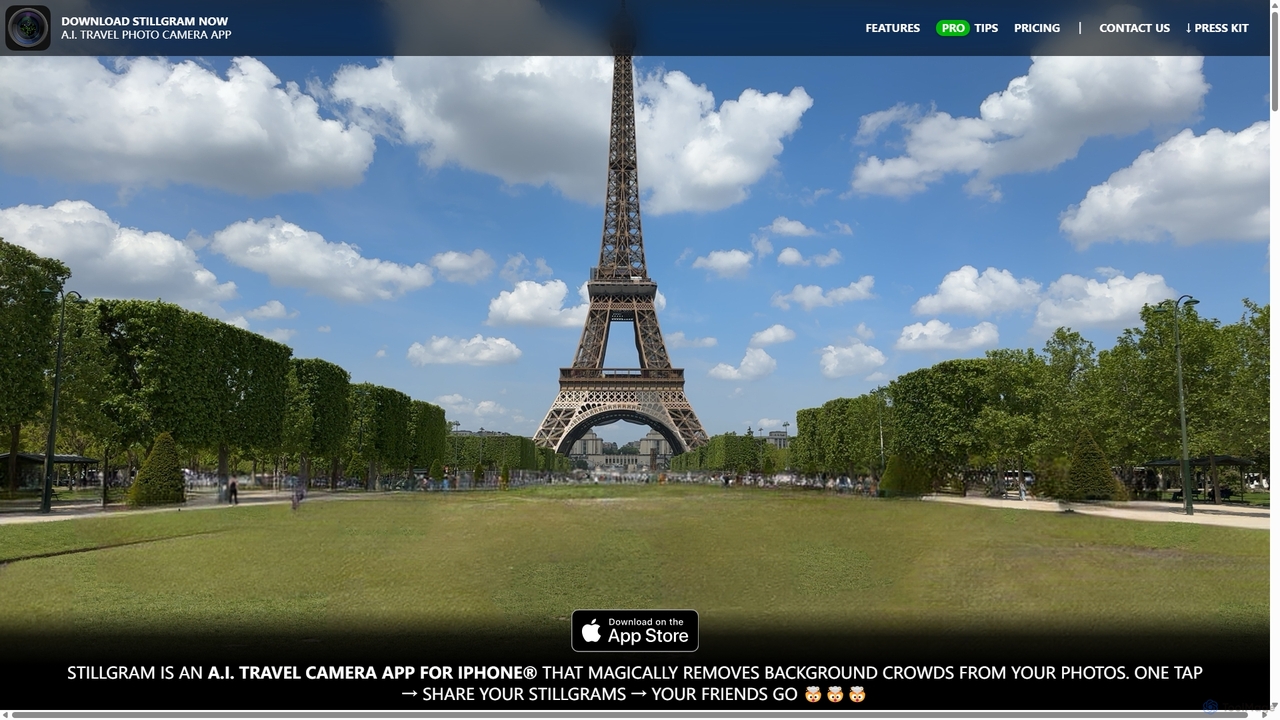
Stillgram is an AI-powered camera app for iPhone designed for travelers. It magically removes crowds and unwanted people from your photos, allowing you to capture perfect, empty shots of famous landmarks. It works completely offline and features unique 'Live Stillgrams' for stunning social media content.
Ios Apps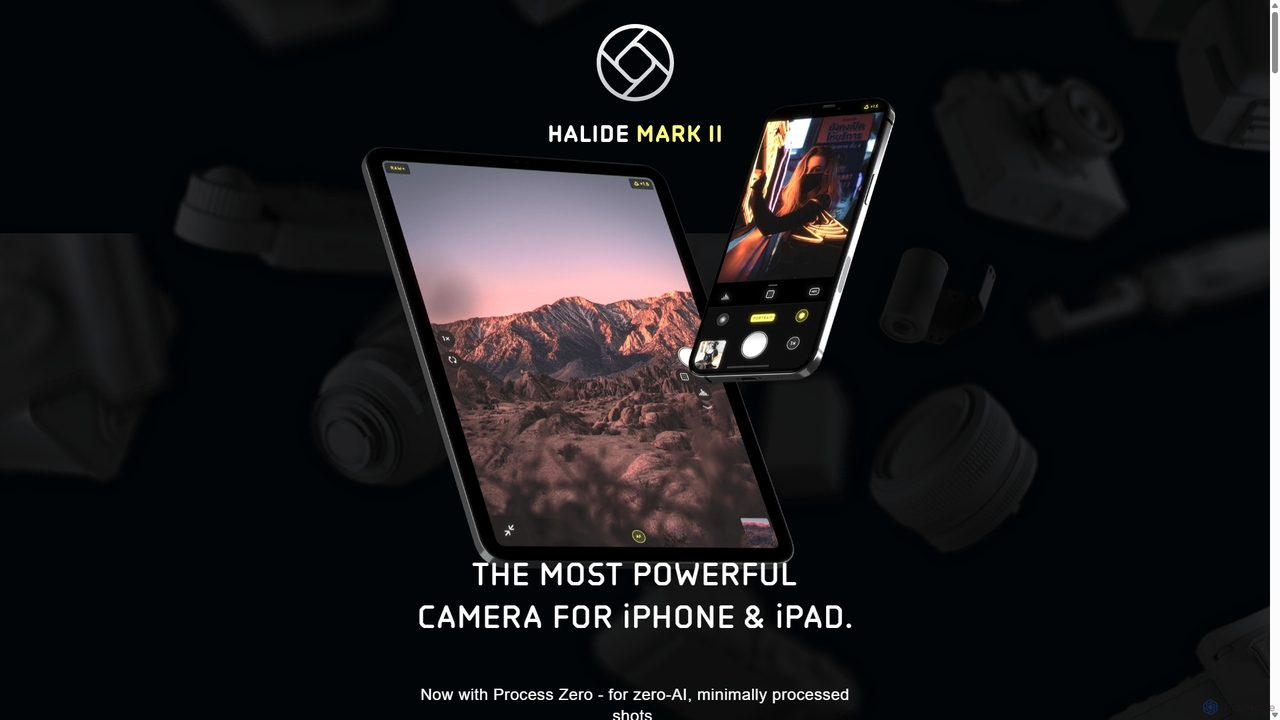
Halide
Halide is an award-winning professional camera app for iPhone and iPad, offering powerful manual controls, RAW capture, and advanced computational photography tools. It's designed for photographers who want to unlock the full potential of their device's camera, providing a tactile, intuitive interface inspired by classic film cameras.
Photography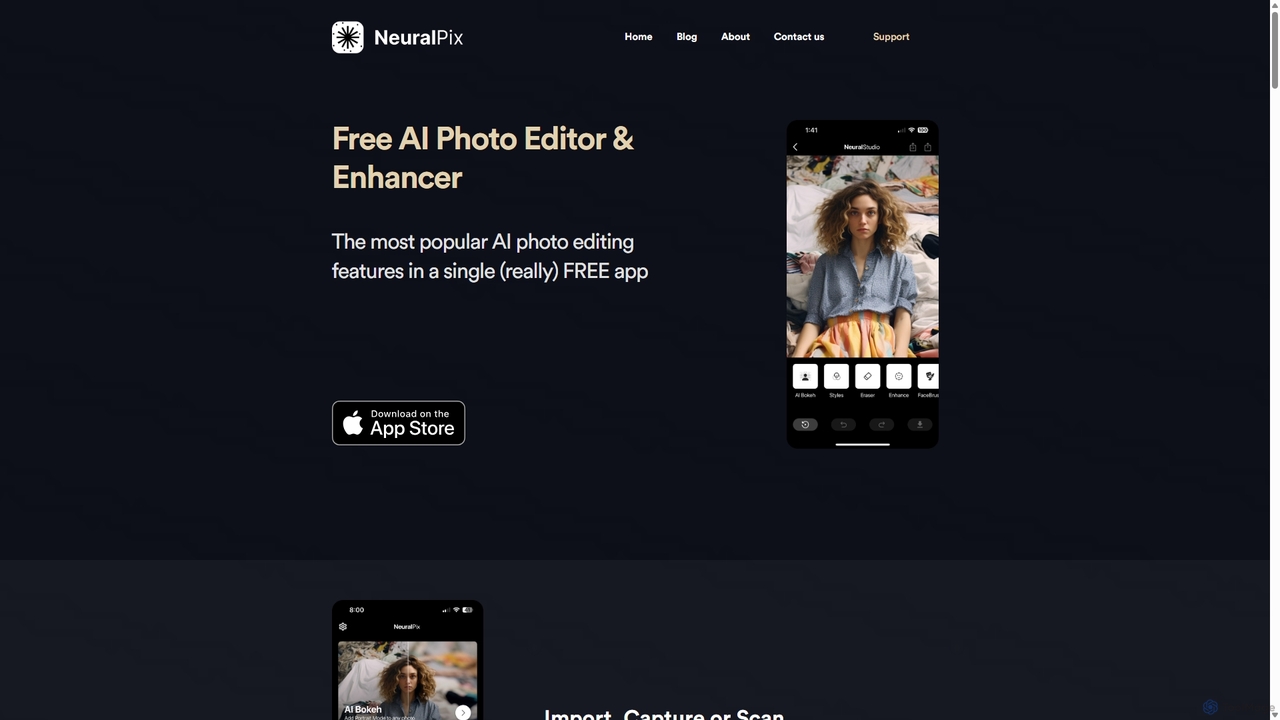
NeuralPix
NeuralPix is a completely free, all-in-one AI photo editor and enhancer app. It packs powerful features like Magic Eraser, AI Bokeh, Photo Enhancer, Unblur, Colorization, and Upscaling into a single, user-friendly interface. Perfect for both casual users and professionals to effortlessly improve photos, restore old memories, and create stunning images without subscriptions or ads.
Image Editing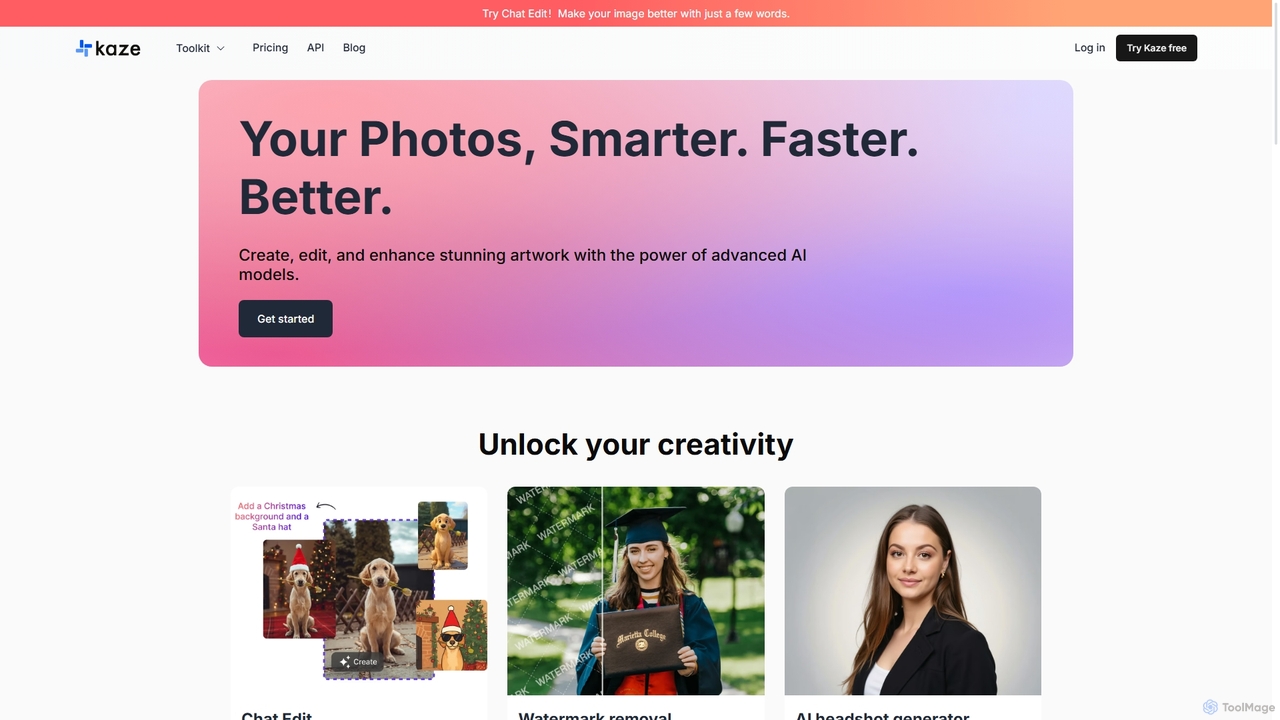
Kaze
Kaze is a comprehensive AI-powered image editing suite designed to create, edit, and enhance photos effortlessly. It offers a wide range of tools including one-click watermark and object removal, photo restoration, image upscaling, background removal, and an AI headshot generator. With its user-friendly interface and advanced AI models, Kaze delivers professional, studio-quality results in seconds, catering to creators, marketers, and photographers.
3D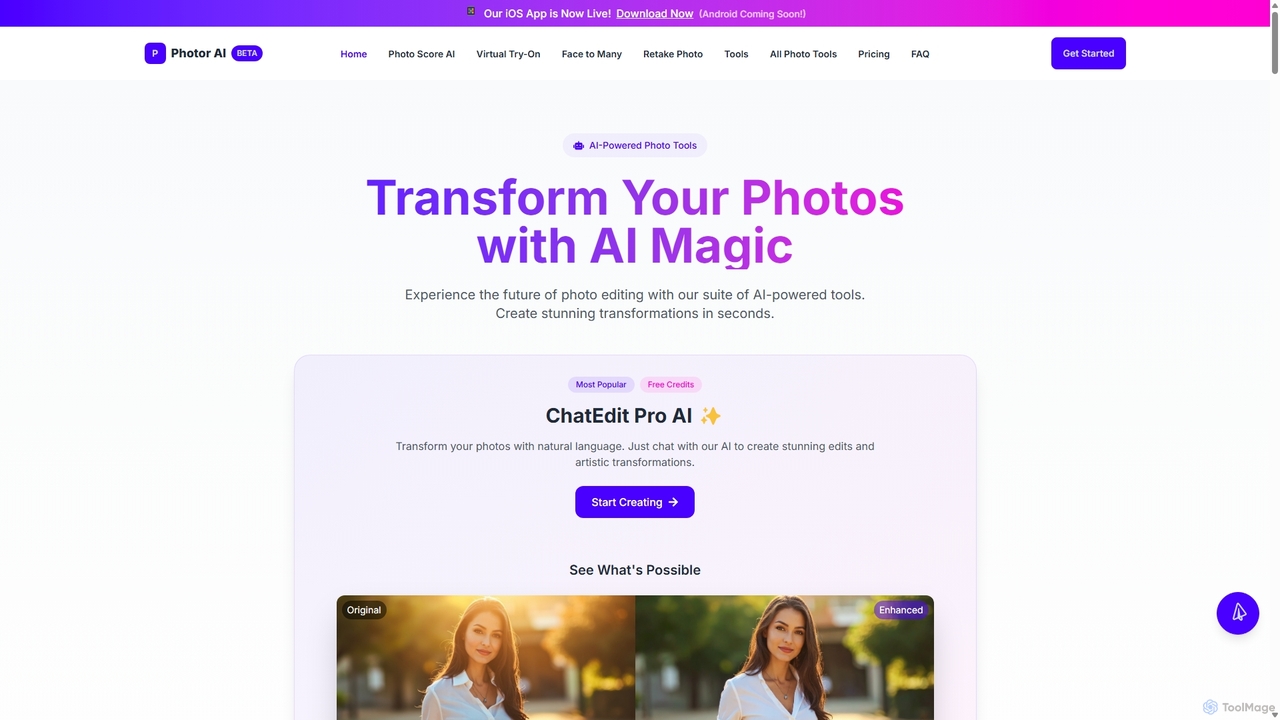
Photor
Photor is a comprehensive AI-powered photo editing suite designed to transform and enhance images with ease. It offers a wide range of tools, from one-click enhancements and style transfers to advanced features like natural language editing via chat, AI photo analysis for professional feedback, and a video generator. It caters to both hobbyists and professional photographers, simplifying complex editing tasks into intuitive, AI-driven workflows.
3DNeuralCam Categories
NeuralCam Jobs
NeuralCam Embed Widget
Copy this embed code to place the badge on your blog, article, or product site and send readers directly to this ToolMage detail page.

Related AI tools
Halide
Halide is an award-winning professional camera app for iPhone and iPad, offering powerful manual controls, RAW capture, and advanced computational photography tools. It's designed for photographers who want to unlock the full potential of their device's camera, providing a tactile, intuitive interface inspired by classic film cameras.
PhotographyStillgram
Stillgram is an AI-powered camera app for iPhone designed for travelers. It magically removes crowds and unwanted people from your photos, allowing you to capture perfect, empty shots of famous landmarks. It works completely offline and features unique 'Live Stillgrams' for stunning social media content.
Ios AppsPhotor
Photor is a comprehensive AI-powered photo editing suite designed to transform and enhance images with ease. It offers a wide range of tools, from one-click enhancements and style transfers to advanced features like natural language editing via chat, AI photo analysis for professional feedback, and a video generator. It caters to both hobbyists and professional photographers, simplifying complex editing tasks into intuitive, AI-driven workflows.
3DNeuralPix
NeuralPix is a completely free, all-in-one AI photo editor and enhancer app. It packs powerful features like Magic Eraser, AI Bokeh, Photo Enhancer, Unblur, Colorization, and Upscaling into a single, user-friendly interface. Perfect for both casual users and professionals to effortlessly improve photos, restore old memories, and create stunning images without subscriptions or ads.
Image Editing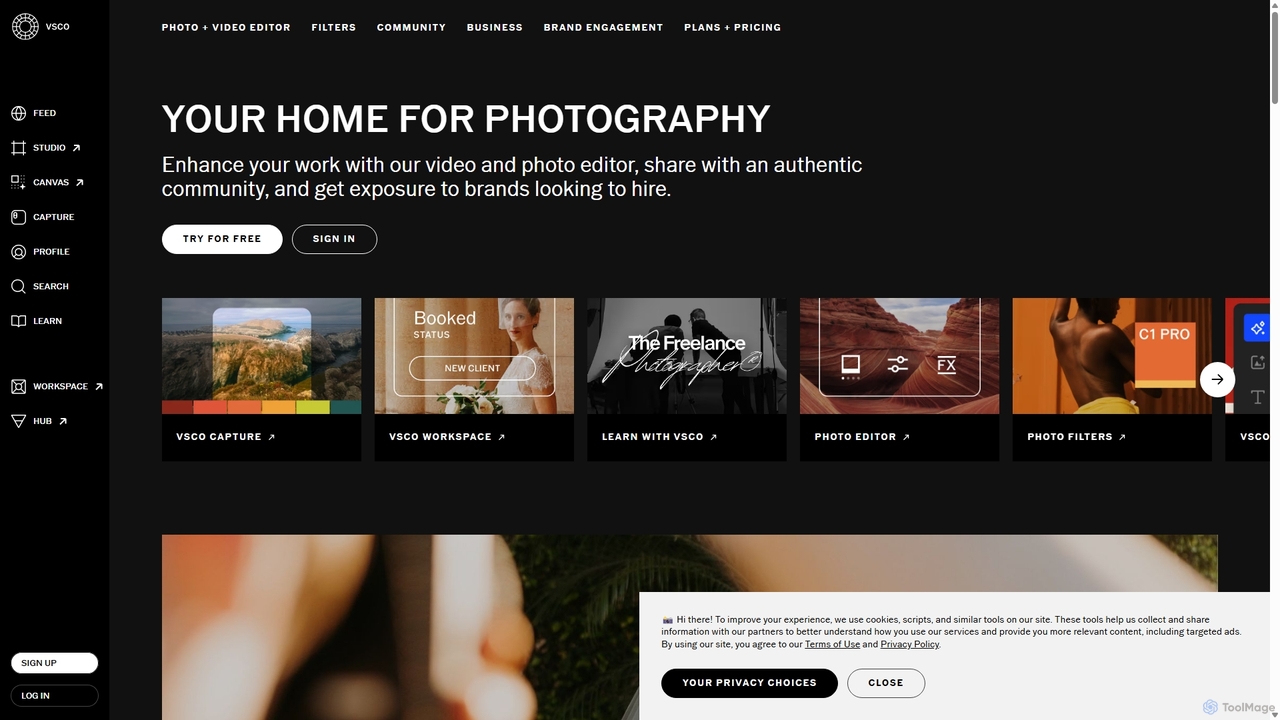
VSCO
VSCO is an all-in-one platform for photographers, offering a powerful photo and video editor with over 200 presets, AI-powered tools, and a vibrant creative community. It also provides professional tools like portfolio websites, studio management software, and opportunities to get hired, supporting creators at every stage of their journey.
3D
PhotoGrid
PhotoGrid is an all-in-one online collage maker and AI photo editor. It offers over 20,000 templates and a suite of powerful AI tools to create stunning photo collages, remove backgrounds, enhance image quality, and apply creative filters, making professional photo editing accessible to everyone.
Collage Maker
Pixelfox
Pixelfox is a comprehensive, free-to-use AI suite for creators and businesses. It combines a powerful online photo and video editor with over 300 AI writing tools. Effortlessly retouch photos, remove backgrounds, generate images from text, swap faces, and enhance quality. Simultaneously, create SEO-optimized articles, social media content, product descriptions, and much more, all within a single, no-download platform.
3D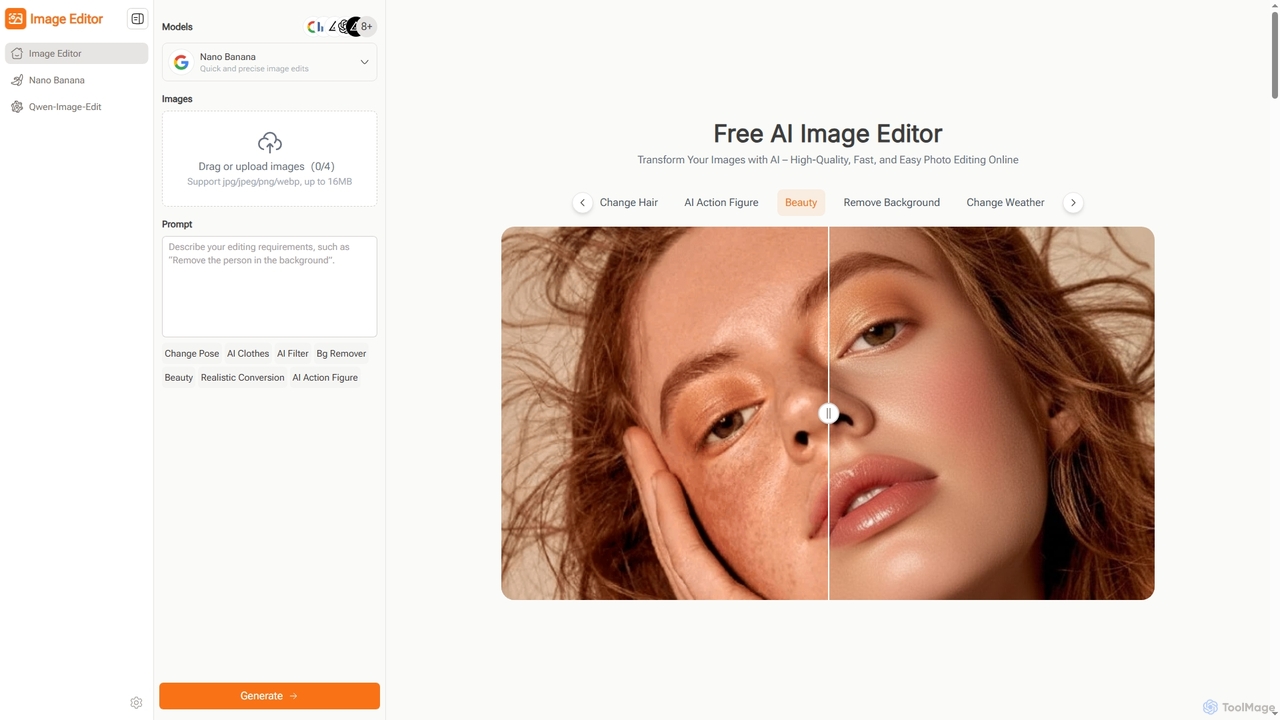
Image Editor
Image Editor is a free, AI-powered online tool designed for quick and high-quality photo editing. It allows users to transform images using natural language prompts, offering features like background removal, pose adjustment, style transfer, and multi-image blending without requiring sign-up or complex software.
Digital Assets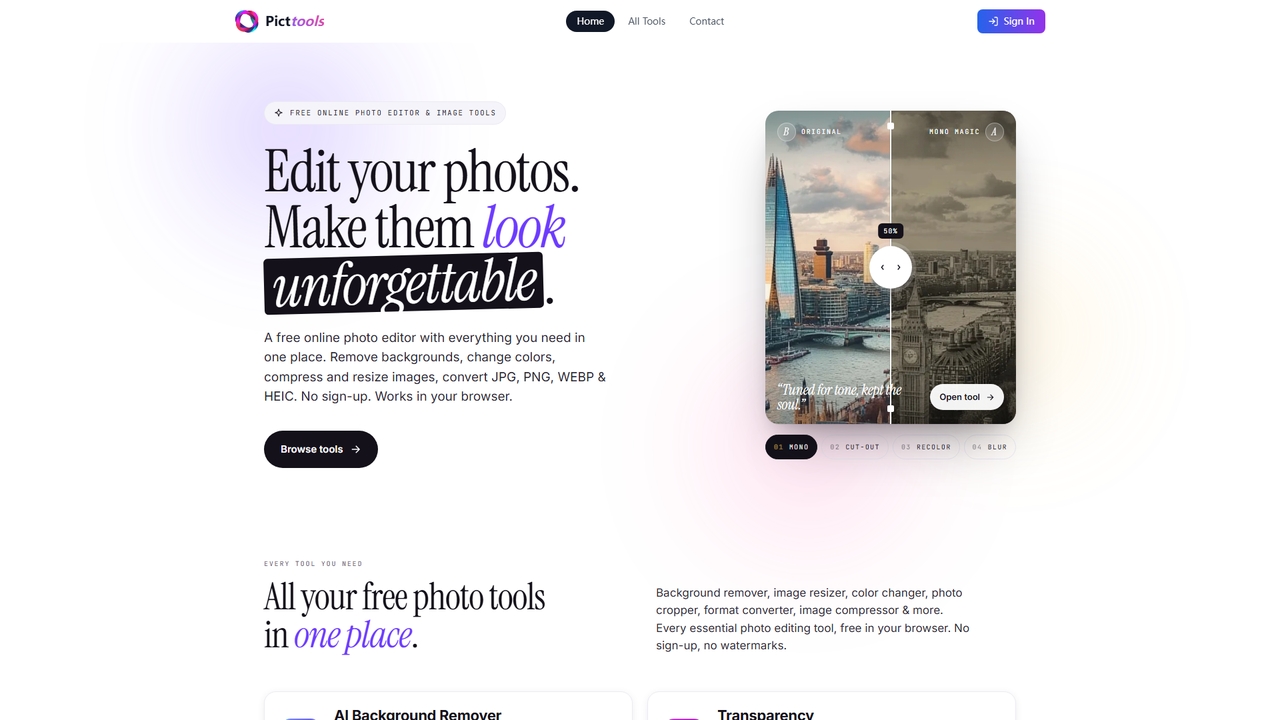
PictTools
Free online photo editor with a suite of essential image tools including background remover, color changer, and format converter. All tools run in your browser with no sign-up or watermarks.
Image EditingKaze
Kaze is a comprehensive AI-powered image editing suite designed to create, edit, and enhance photos effortlessly. It offers a wide range of tools including one-click watermark and object removal, photo restoration, image upscaling, background removal, and an AI headshot generator. With its user-friendly interface and advanced AI models, Kaze delivers professional, studio-quality results in seconds, catering to creators, marketers, and photographers.
3D
Picsart
Picsart is an all-in-one AI-powered creative platform for photo and video editing. It offers a comprehensive suite of tools, including AI image generation, background removal, photo enhancement, and a vast library of templates and stock content. Designed for everyone from beginners to professionals, Picsart simplifies the creation of stunning visuals for social media, marketing, and personal projects, accessible on both web and mobile.
3D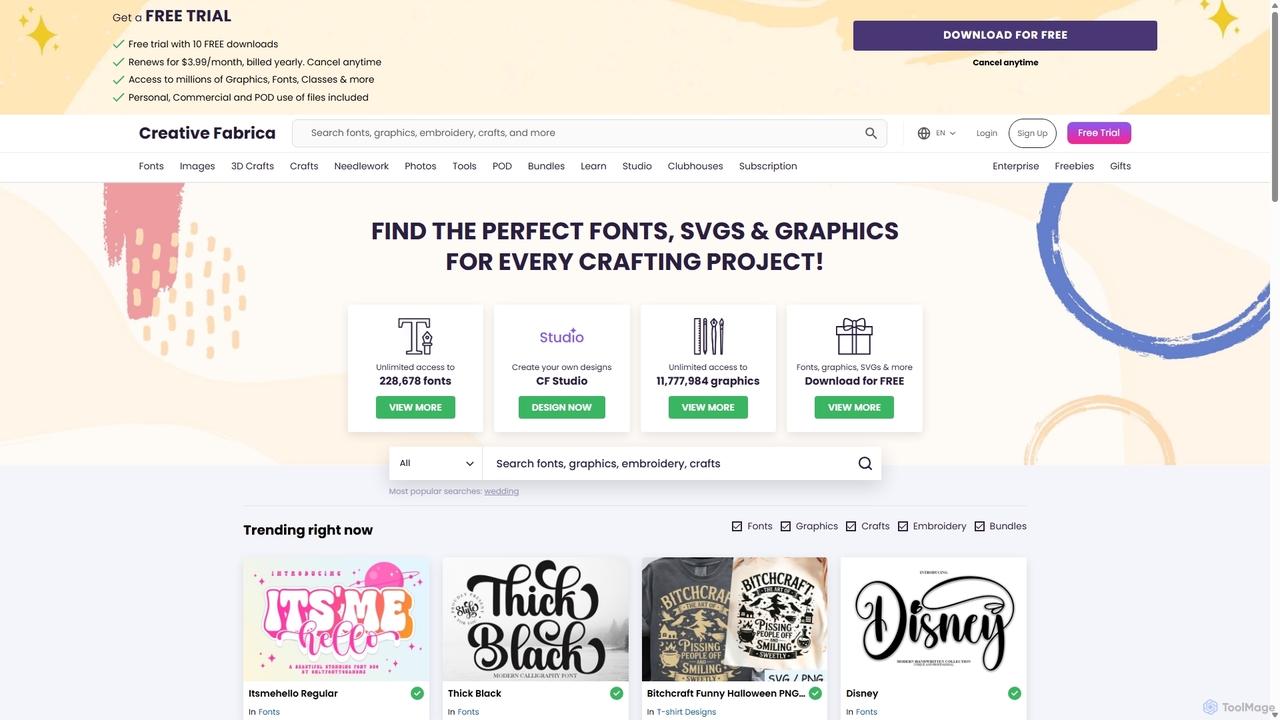
Creative Fabrica
A comprehensive platform for creatives, offering millions of digital assets like fonts, graphics, and SVGs, alongside a powerful suite of online design tools (CF Studio) featuring numerous AI-powered capabilities for image editing, content creation, and design.
Fonts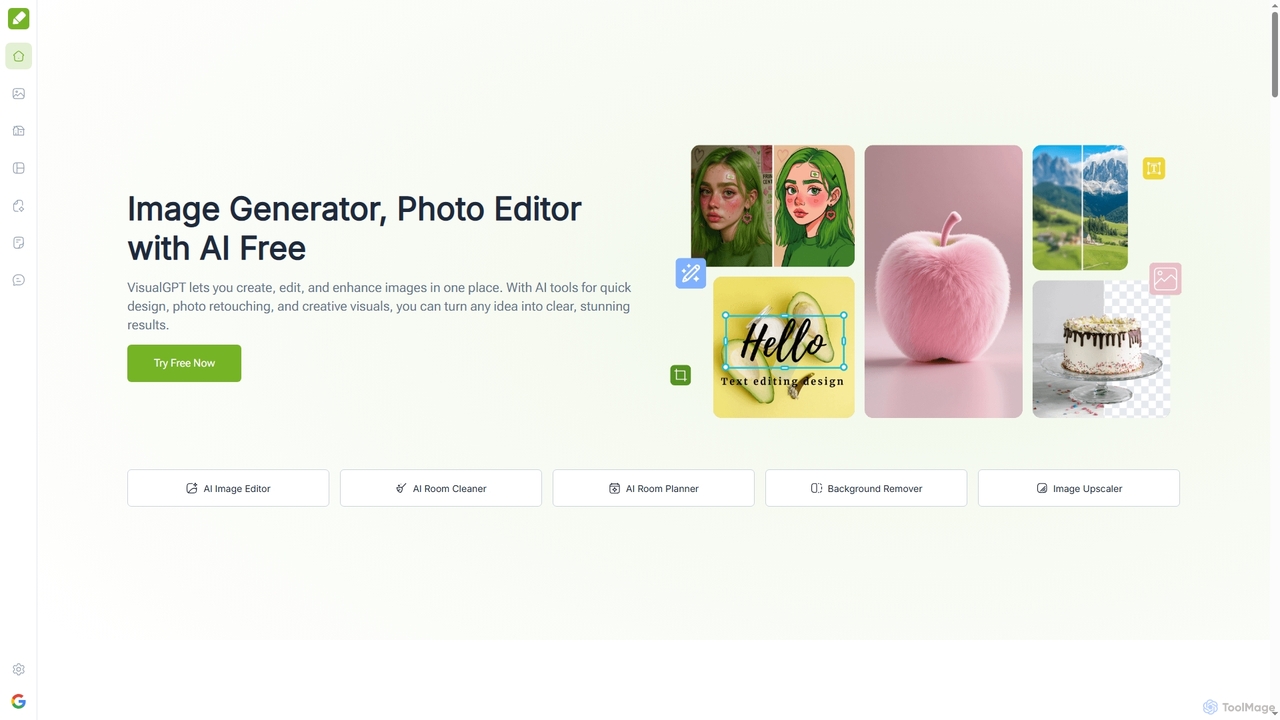
VisualGPT
VisualGPT is an all-in-one online AI platform for generating, editing, and enhancing images. It offers tools like AI image editing, background removal, room planning, and visualization, powered by advanced models like Nano Banana and Stable Diffusion. Designed for ease of use, it helps users create stunning visuals quickly without complex software or design skills.
Graphic Design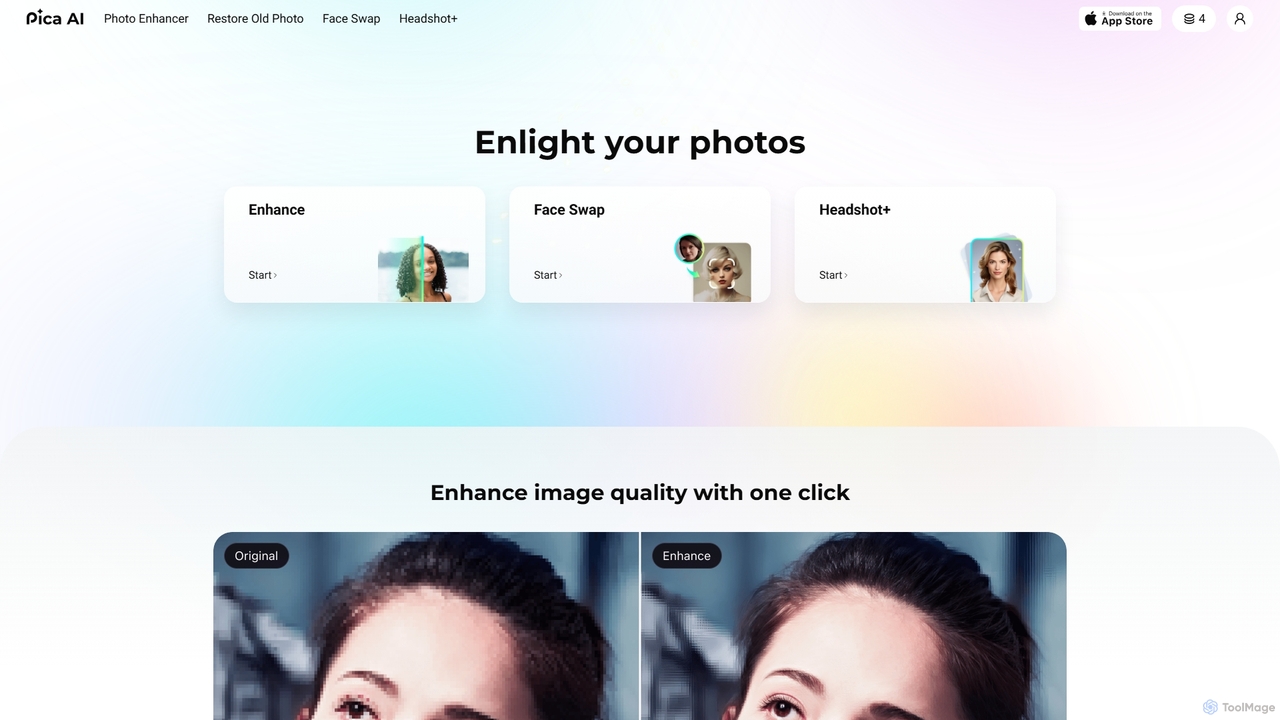
Pica AI
Pica AI is a versatile AI-powered platform for photo editing and creation. It offers a suite of tools including a photo enhancer to improve quality and resolution, an old photo restorer to fix scratches and damage, a fun face swap tool for photos and videos, and a professional AI headshot generator. It's designed for ease of use, delivering high-quality results with just a few clicks.
3D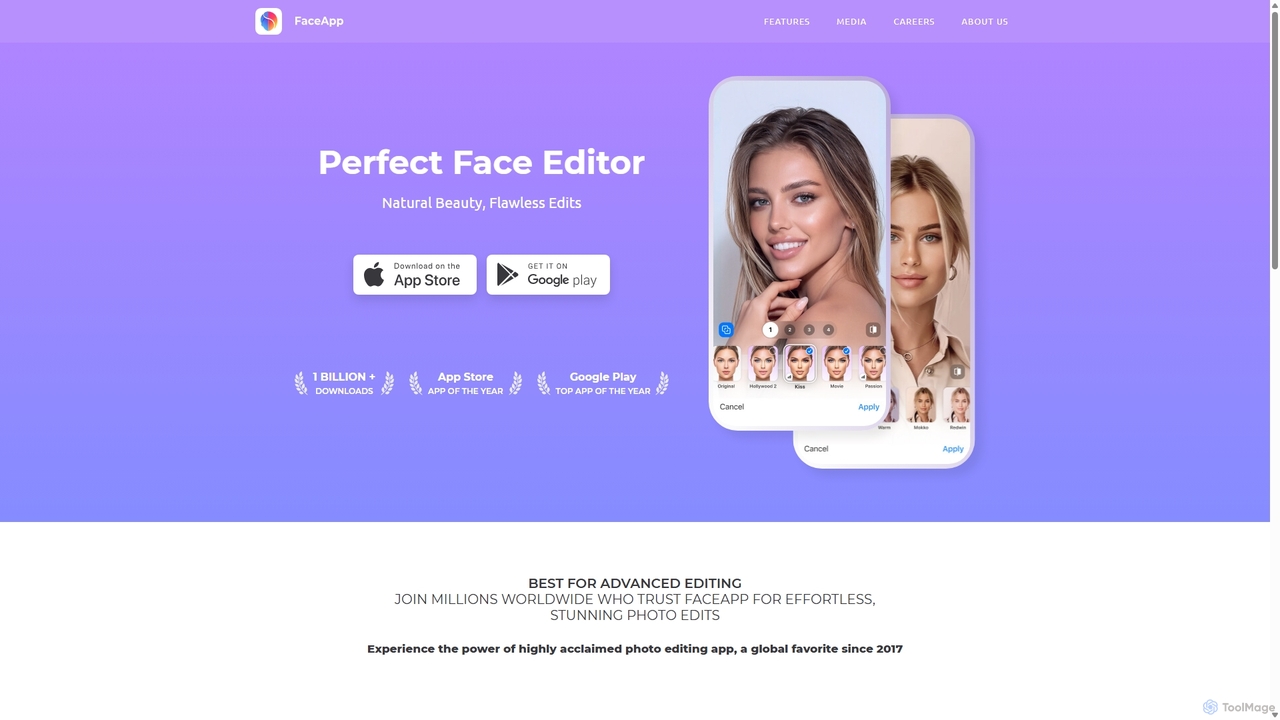
FaceApp
FaceApp is a leading AI-powered photo and selfie editor for iOS and Android. With over a billion downloads, it uses advanced neural networks to offer hyper-realistic transformations. Effortlessly apply filters for aging, gender swap, makeup, hairstyles, and beauty retouching. Perfect for creating stunning, shareable content for social media or simply for fun.
Entertainment
NeuralCam Comments (0)
Sign in to comment.
Sign inNo comments yet.