

Halide Overview
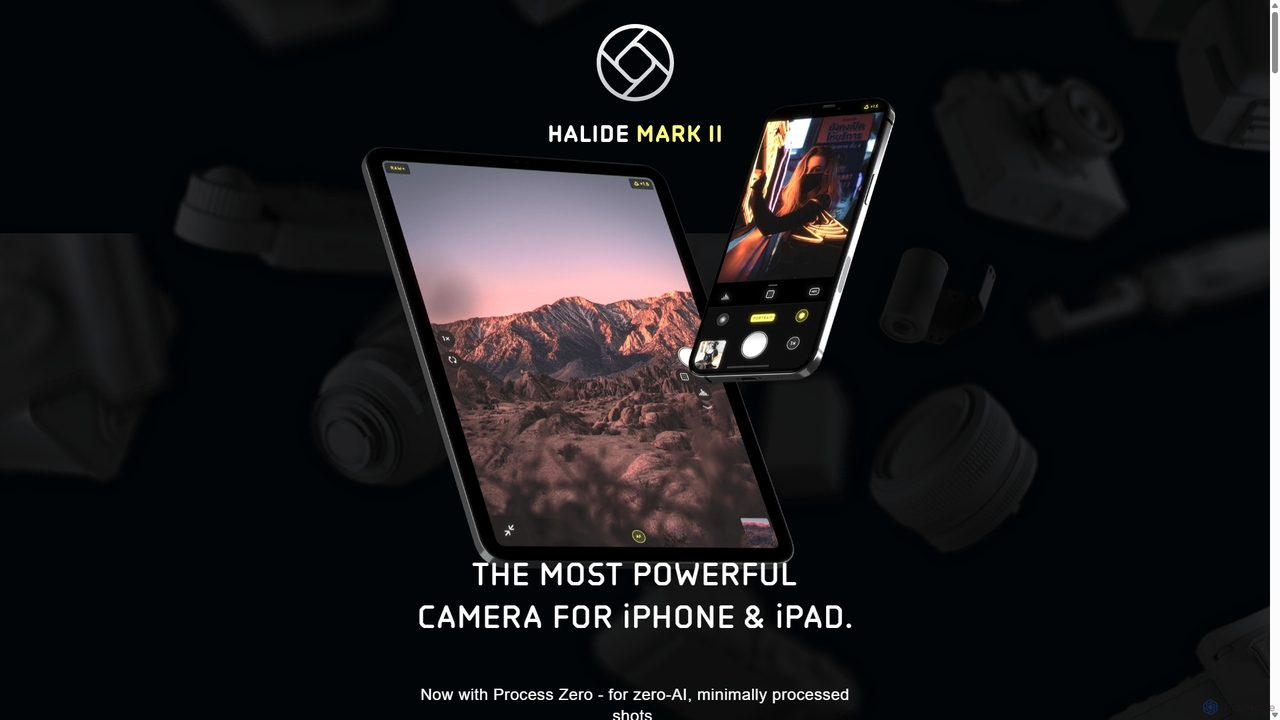
Halide is a groundbreaking camera application designed exclusively for iPhone and iPad, created for photographers who demand more control and higher quality than the standard camera app provides. Developed by Lux, a team of two passionate friends, Halide reimagines mobile photography by blending a beautiful, tactile design inspired by classic film cameras with the most advanced digital and computational photography features available on iOS.
The app's philosophy centers on providing professional-grade tools in an intuitive and uncluttered interface. It caters to both seasoned photographers and enthusiasts looking to elevate their skills. Halide offers a complete suite of manual controls, allowing users to precisely adjust focus, exposure, shutter speed, ISO, and white balance. This level of control enables creative expression that is often limited by automated camera systems.
A standout feature is its sophisticated handling of RAW files. With 'Smart RAW,' Halide uses machine learning to optimize exposure settings for RAW captures, resulting in images with maximum detail and minimal noise. For purists, the unique 'Process Zero' mode offers a single-shot RAW capture with virtually no AI or computational processing, delivering a clean, film-like image straight from the sensor. This gives editors maximum flexibility in post-production.
How to use Halide
Getting started with Halide is designed to be intuitive. The main interface is clean, with core controls accessible through simple gestures. Swiping up or down adjusts exposure compensation, while a left-right swipe controls manual focus. Tapping the 'AF' button toggles between autofocus and manual focus. More advanced settings are neatly tucked away but easily accessible. Users can switch between automatic mode, which leverages Halide's smart processing, and full manual mode for complete control. To master the app's full potential, Halide offers a free 10-day email course directly within the app, guiding users through the fundamentals of professional photography and the app's specific features.
Core Features of Halide
- Full Manual Controls: Take complete command over shutter speed, ISO, white balance, and manual focus.
- Pro Tools: Utilize professional-grade tools like XDR 14-bit color Zebras and Waveforms for perfect exposure, detailed Histograms (color and monochrome), and a Focus Loupe for critical sharpness.
- Focus Peaking: Advanced focus peaking highlights the sharpest areas of your image in real-time, ensuring your subject is perfectly in focus.
- Process Zero: A unique capture mode that bypasses Apple's AI-driven image processing (like Smart HDR and Deep Fusion) to produce minimally processed, natural-looking RAW files with a film-like quality.
- Smart RAW: A machine-learning powered mode that intelligently exposes RAW files to maximize detail and reduce noise, providing a superior starting point for editing.
- Depth Mode: Capture Portrait mode-style photos of people, pets, and objects with detailed depth maps, even on devices where the native camera app has limitations.
- Custom iPad Interface: A completely redesigned experience for the iPad's larger screen, including a 'Pro View' that provides an unobstructed view of the shot with ample space for tools.
- Privacy by Design: Halide does not track users, collect personal data, or share photos with any third parties.
Use Cases for Halide
Halide is ideal for professional photographers using their iPhone as a B-camera or for scouting, serious hobbyists wanting to learn the craft of photography, and content creators who need high-quality images for social media or blogs. It's also perfect for everyday users who prefer a more natural, less-processed look for their photos, thanks to the Process Zero feature. Whether you're shooting landscapes, portraits, street photography, or macro shots, Halide provides the tools to capture your vision with precision and quality.
Advantages of Halide
The primary advantage of Halide is its ability to transform an iPhone or iPad into a professional-level camera. It offers a level of control and a suite of analytical tools previously found only on dedicated cameras. The design is both beautiful and functional, making the complex process of manual photography feel intuitive. Its commitment to privacy is a significant differentiator in today's app market. Furthermore, the continuous development and updates ensure that Halide always supports the latest iOS features and hardware, providing a cutting-edge experience for its users.
Pricing and Plans
Halide is available on the App Store as a premium application. It offers a free 7-day trial for new users to experience all its features. After the trial, users can choose between a yearly subscription or a one-time lifetime purchase option to unlock permanent access to the app and all future updates.
Traffic
Latest traffic
Status
Monthly traffic trend
- 2025-9: 27.5K
- 2026-1: 41.2K
- 2026-2: 40.5K
- 2026-3: 40.1K
- 2026-4: 38.3K
- 2026-5: 116.2K
Geography
Top 5 countries / regions
- 🇺🇸United States41.7%
- 🇮🇳India32.2%
- 🇻🇳Vietnam10.8%
- 🇩🇪Germany7.8%
- 🇨🇦Canada7.5%
Traffic sources
| Source type | Percentage |
|---|---|
Direct | 75.4% |
Referral | 24.6% |
Top keywords
| Keyword | Cost per click |
|---|---|
| halibter infineon kemere sony hrx babel | $0.00 |
| halide | $0.00 |
| halide app | $1.23 |
| halide cam app | $0.00 |
| halide mark ii | $1.44 |
Halide Videos on YouTube


Becca Farsace
Halide Alternatives

NeuralCam
NeuralCam is an AI-powered camera app for iOS that enhances mobile photography. It offers real-time composition guidance from an AI Photo Coach, smart capture modes for any lighting, and professional-grade auto-editing features like DSLR-like bokeh, intelligent illumination, and AI color grading. It's a complete system designed to help both beginners and experienced photographers take stunning photos.
Ios Apps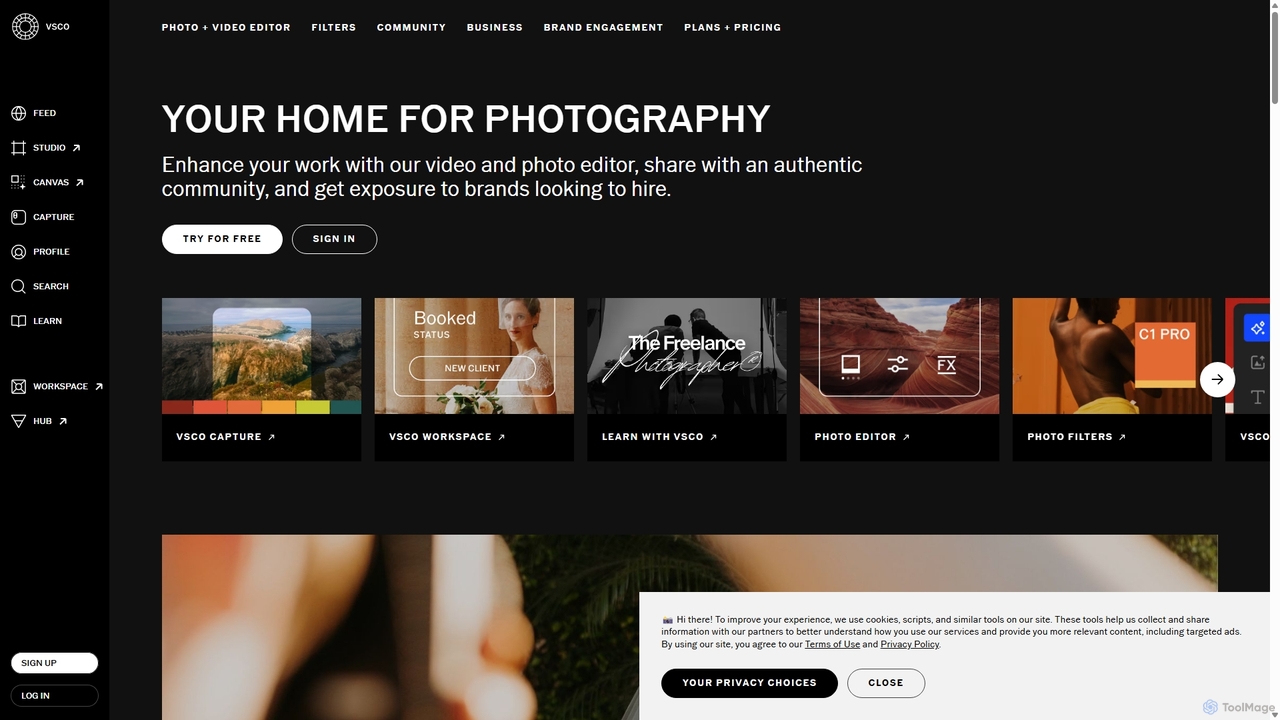
VSCO
VSCO is an all-in-one platform for photographers, offering a powerful photo and video editor with over 200 presets, AI-powered tools, and a vibrant creative community. It also provides professional tools like portfolio websites, studio management software, and opportunities to get hired, supporting creators at every stage of their journey.
3D
PhotoGrid
PhotoGrid is an all-in-one online collage maker and AI photo editor. It offers over 20,000 templates and a suite of powerful AI tools to create stunning photo collages, remove backgrounds, enhance image quality, and apply creative filters, making professional photo editing accessible to everyone.
Collage Maker
Pixelfox
Pixelfox is a comprehensive, free-to-use AI suite for creators and businesses. It combines a powerful online photo and video editor with over 300 AI writing tools. Effortlessly retouch photos, remove backgrounds, generate images from text, swap faces, and enhance quality. Simultaneously, create SEO-optimized articles, social media content, product descriptions, and much more, all within a single, no-download platform.
3D
Photor
Photor is a comprehensive AI-powered photo editing suite designed to transform and enhance images with ease. It offers a wide range of tools, from one-click enhancements and style transfers to advanced features like natural language editing via chat, AI photo analysis for professional feedback, and a video generator. It caters to both hobbyists and professional photographers, simplifying complex editing tasks into intuitive, AI-driven workflows.
3DHalide Categories
Halide Jobs
Halide Embed Widget
Copy this embed code to place the badge on your blog, article, or product site and send readers directly to this ToolMage detail page.

Related AI tools
NeuralCam
NeuralCam is an AI-powered camera app for iOS that enhances mobile photography. It offers real-time composition guidance from an AI Photo Coach, smart capture modes for any lighting, and professional-grade auto-editing features like DSLR-like bokeh, intelligent illumination, and AI color grading. It's a complete system designed to help both beginners and experienced photographers take stunning photos.
Ios AppsVSCO
VSCO is an all-in-one platform for photographers, offering a powerful photo and video editor with over 200 presets, AI-powered tools, and a vibrant creative community. It also provides professional tools like portfolio websites, studio management software, and opportunities to get hired, supporting creators at every stage of their journey.
3D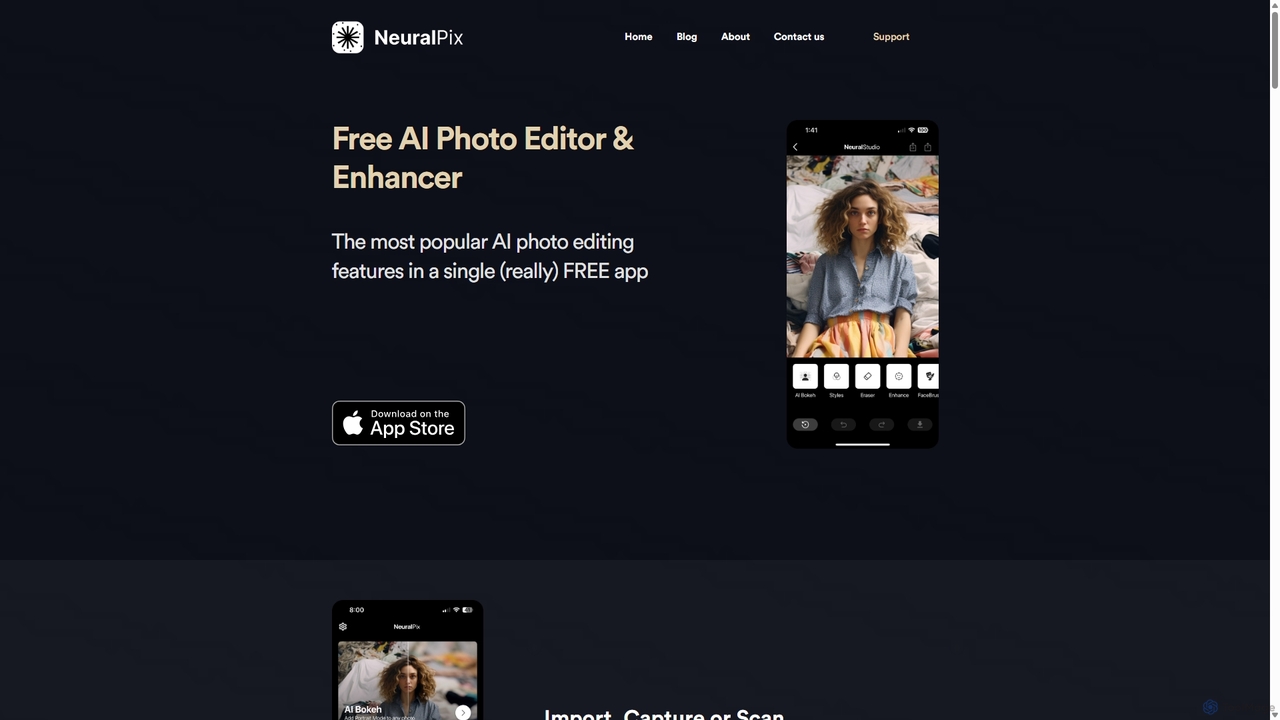
NeuralPix
NeuralPix is a completely free, all-in-one AI photo editor and enhancer app. It packs powerful features like Magic Eraser, AI Bokeh, Photo Enhancer, Unblur, Colorization, and Upscaling into a single, user-friendly interface. Perfect for both casual users and professionals to effortlessly improve photos, restore old memories, and create stunning images without subscriptions or ads.
Image EditingPhotoGrid
PhotoGrid is an all-in-one online collage maker and AI photo editor. It offers over 20,000 templates and a suite of powerful AI tools to create stunning photo collages, remove backgrounds, enhance image quality, and apply creative filters, making professional photo editing accessible to everyone.
Collage MakerPixelfox
Pixelfox is a comprehensive, free-to-use AI suite for creators and businesses. It combines a powerful online photo and video editor with over 300 AI writing tools. Effortlessly retouch photos, remove backgrounds, generate images from text, swap faces, and enhance quality. Simultaneously, create SEO-optimized articles, social media content, product descriptions, and much more, all within a single, no-download platform.
3DPhotor
Photor is a comprehensive AI-powered photo editing suite designed to transform and enhance images with ease. It offers a wide range of tools, from one-click enhancements and style transfers to advanced features like natural language editing via chat, AI photo analysis for professional feedback, and a video generator. It caters to both hobbyists and professional photographers, simplifying complex editing tasks into intuitive, AI-driven workflows.
3D
PictTools
Free online photo editor with a suite of essential image tools including background remover, color changer, and format converter. All tools run in your browser with no sign-up or watermarks.
Image Editing
Creative Fabrica
A comprehensive platform for creatives, offering millions of digital assets like fonts, graphics, and SVGs, alongside a powerful suite of online design tools (CF Studio) featuring numerous AI-powered capabilities for image editing, content creation, and design.
Fonts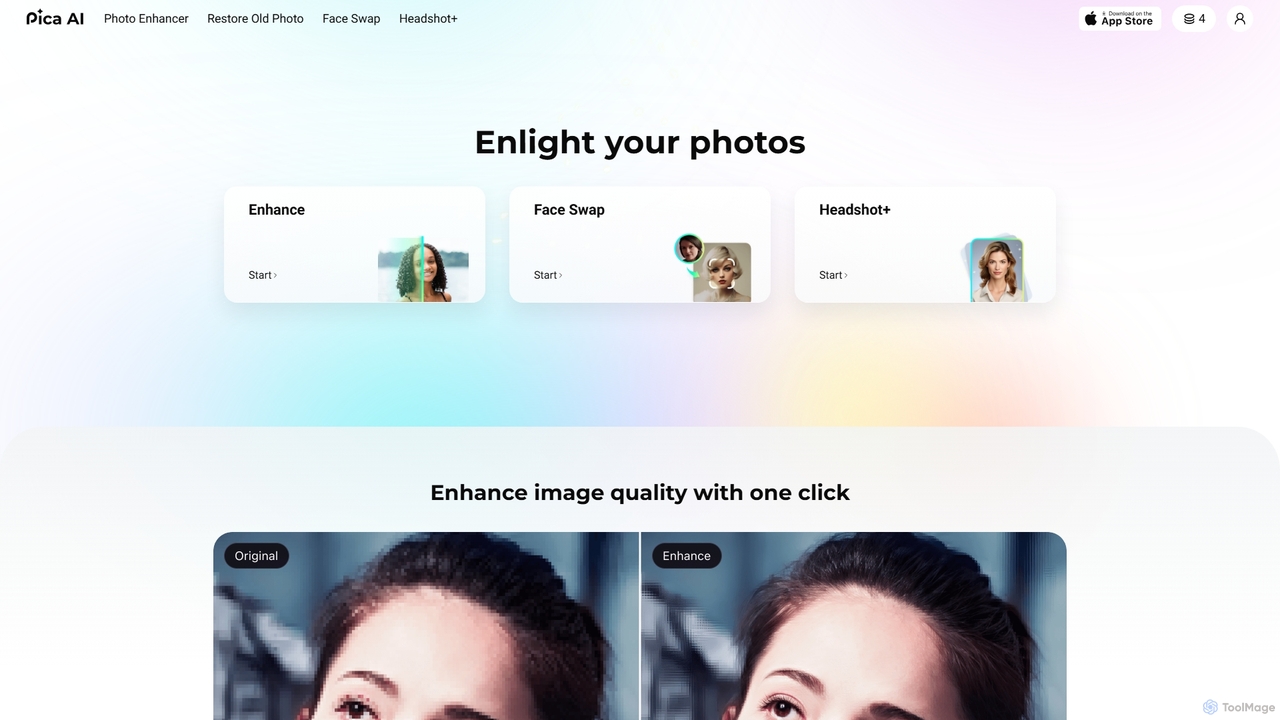
Pica AI
Pica AI is a versatile AI-powered platform for photo editing and creation. It offers a suite of tools including a photo enhancer to improve quality and resolution, an old photo restorer to fix scratches and damage, a fun face swap tool for photos and videos, and a professional AI headshot generator. It's designed for ease of use, delivering high-quality results with just a few clicks.
3D
Nano-Banana
Nano-Banana is an advanced online AI image editor that empowers users to create and modify images with text prompts, offering features like generation, inpainting, style transfer, and outpainting. It ensures character consistency and scene coherence with fast, studio-quality results.
Photo Editor
Aipose
Aipose is an all-in-one AI platform for creating and editing visual content. It transforms text into images and videos, generates AI art and professional headshots, and offers a comprehensive suite of over 14 powerful photo editing tools for creators, designers, and businesses.
3D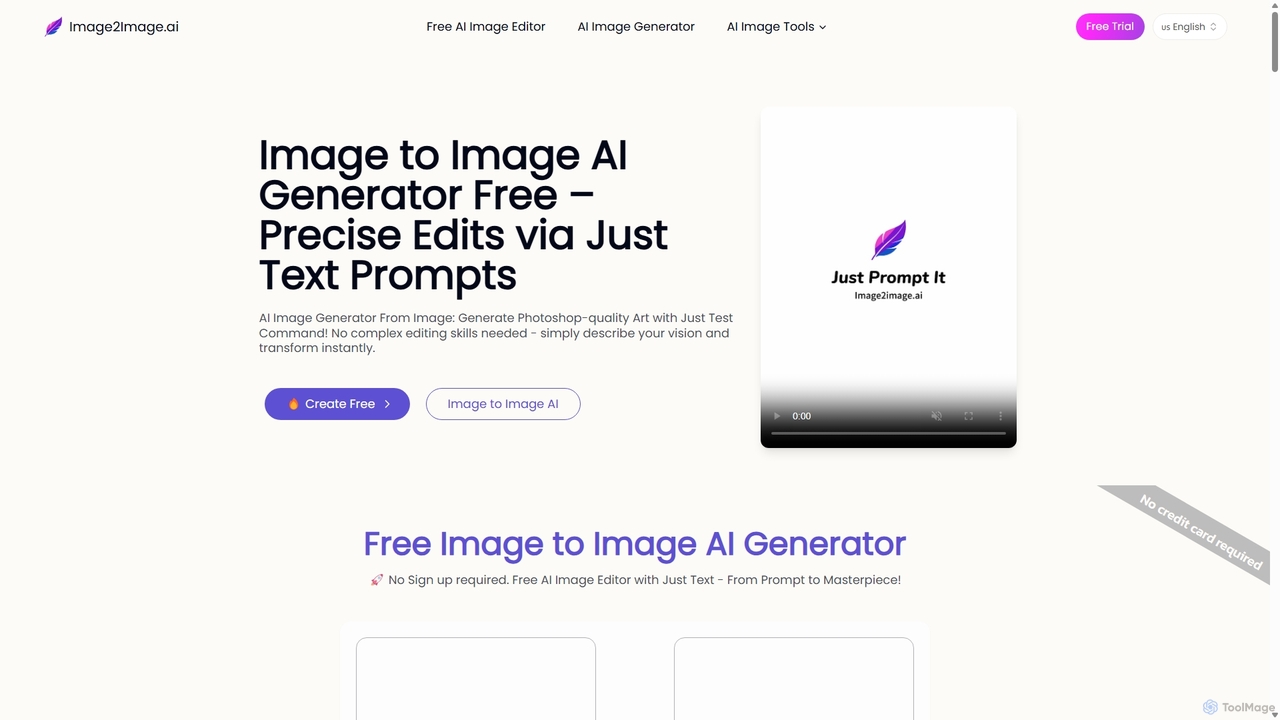
Image to Image AI
Image to Image AI is a powerful free tool that transforms your existing photos into stunning new creations using simple text prompts. It allows for precise edits, style transfers, object removal, and photo restoration while maintaining the consistency and composition of the original image, no professional skills required.
Ai Art Generator
Prisma AI
Prisma AI, from Prisma Labs, is a suite of powerful mobile applications, including the famous Lensa and Prisma apps. It leverages advanced AI to transform your photos and videos into stunning works of art, create personalized 'Magic Avatars', and perform professional-grade image and video editing with ease.
Generative Art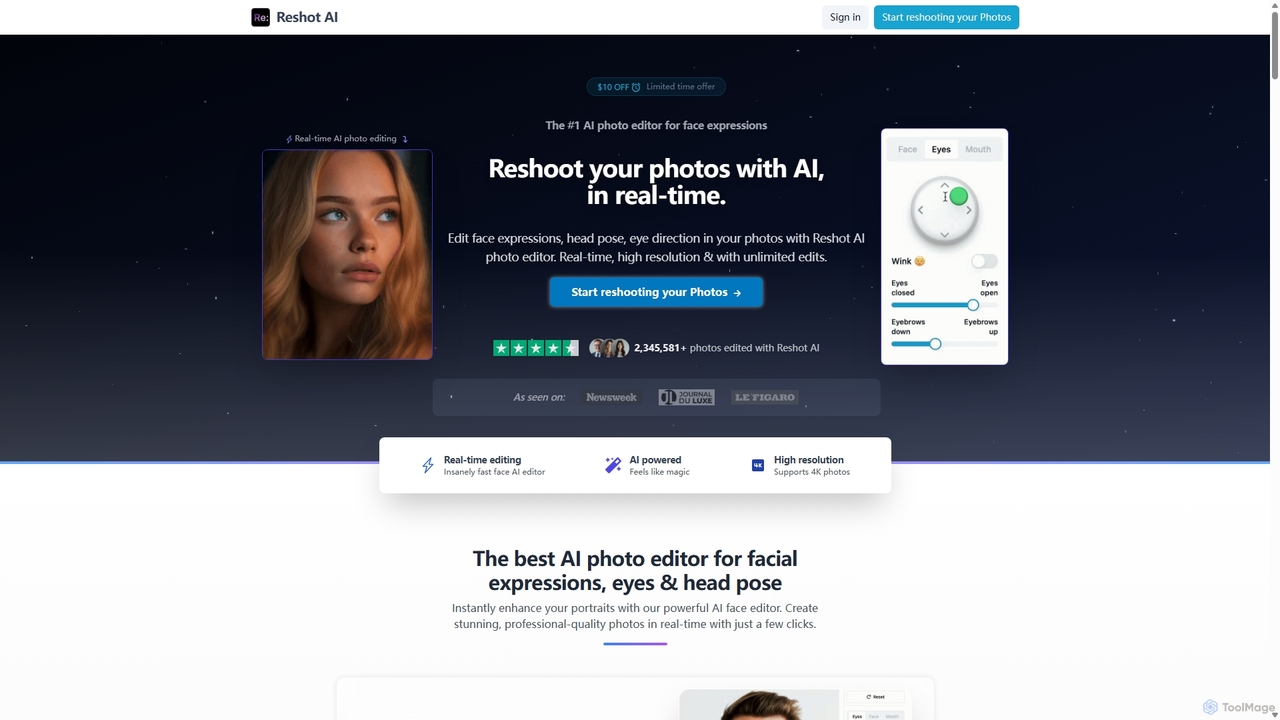
Reshot AI
Reshot AI is a real-time, AI-powered online photo editor specializing in manipulating facial expressions, head poses, and eye direction. It allows users to create professional-quality portraits and headshots with precise control over smiles, eyes, and head tilt, supporting up to 4K resolution.
3D
Gemini Photo
Gemini Photo is an advanced AI-powered image editing and generation tool that leverages the Nano Banana 2.0 model. It allows users to transform photos and create new images using natural language prompts, offering features like background removal, style transformations, and professional product photography, all designed for stunning and accurate visual results.
Digital Art
Halide Comments (0)
Sign in to comment.
Sign inNo comments yet.