ToolMage
Sign in

Best 2 Photography AI tools for Creative

Popular Photography AI tools in Creative include Halide and Binded, helping you work more efficiently.

Halide
Paid

Halide

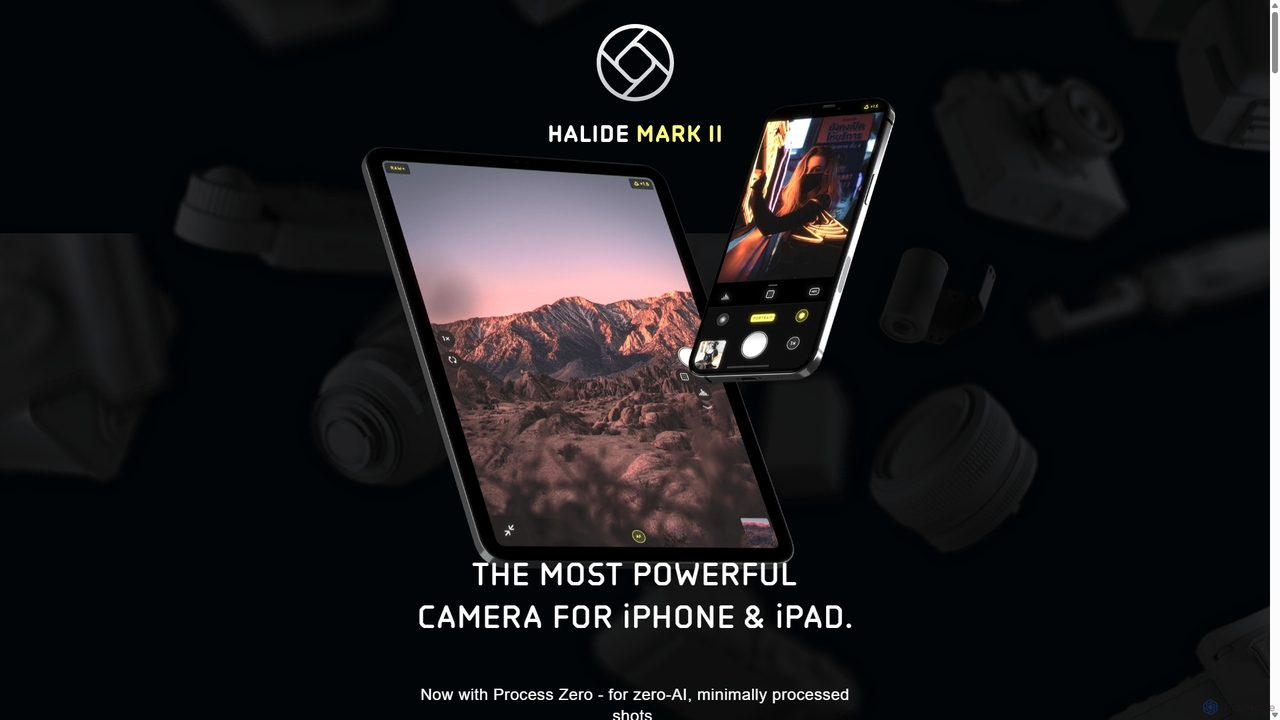
Halide is an award-winning professional camera app for iPhone and iPad, offering powerful manual controls, RAW capture, and advanced computational photography tools. It's designed for photographers who want to unlock the full potential of their device's camera, providing a tactile, intuitive interface inspired by classic film cameras.

Photography
Visits 120.5KFavorites 116Likes 112
Binded
Freemium

Binded

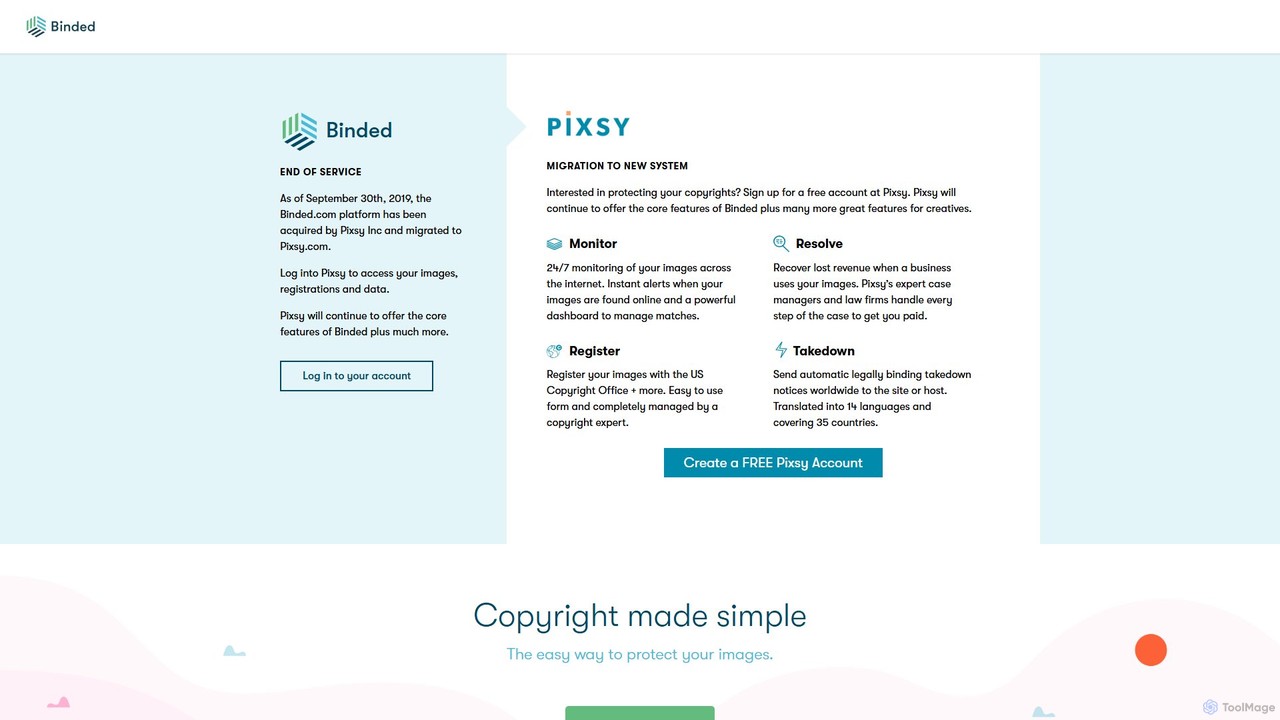
Binded was a pioneering copyright protection service using blockchain technology to create immutable records for creative works. It has since been acquired by and integrated into Pixsy, a comprehensive platform for image monitoring, infringement detection, and revenue recovery for creators.

Photography
Visits 8.5KFavorites 142Likes 151

About Photography

AI Photography tools are a class of software that uses artificial intelligence to automate and enhance the editing, restoration, and manipulation of photographic images. These tools leverage deep learning models to understand image content, enabling complex tasks like object removal, background replacement, and resolution enhancement with minimal user input. They are designed to streamline post-production workflows for photographers, marketers, and designers, making professional-quality results more accessible. This technology significantly reduces the time and technical skill required for advanced photo editing.

Core Features

  • AI Image Enhancement: Automatically improves resolution, sharpness, lighting, and color balance in photos.
  • Intelligent Object & Background Removal: Seamlessly erases unwanted elements or replaces the entire background with a single click.
  • Photo Restoration & Colorization: Repairs scratches, removes noise from old photos, and adds realistic color to black-and-white images.
  • AI Portrait Retouching: Automates skin smoothing, blemish removal, and enhancement of facial features while maintaining natural textures.
  • Sky Replacement: Intelligently detects and replaces dull or overcast skies with more dynamic options.

Use Cases

These tools are widely used in e-commerce for creating clean product images, by professional photographers to speed up portrait and wedding photo editing, and in real estate to enhance property photos. Marketers also use them to create compelling visuals for social media campaigns and advertisements without needing extensive design skills.

How to Choose

When selecting an AI Photography tool, consider its specific function set—whether you need portrait retouching, product photo cleanup, or restoration. Evaluate its integration capabilities, such as plugins for Adobe Photoshop or Lightroom. Also, assess the processing speed, output quality, and the pricing model, which could be a subscription, a one-time purchase, or a credit-based system.

Featured tool rankings

Photography use cases

1

Automate E-commerce Product Photo Editing

An e-commerce store manager needs to upload hundreds of new product photos. Instead of manually editing each image, they use an AI photography tool to batch-process the entire set. The tool automatically removes the original backgrounds, replaces them with a pure white canvas, corrects color inconsistencies, and enhances sharpness. This process reduces the editing time from several days to just a few hours, ensuring a professional and consistent look across the entire online store.

2

Streamline Professional Portrait Retouching

A professional photographer has just finished a portrait session with a client. To speed up the post-production workflow, they use an AI tool for the initial retouching. The software automatically smooths skin while preserving texture, removes blemishes, whitens teeth, and enhances eyes. This handles about 80% of the tedious retouching work, allowing the photographer to focus their time on creative color grading and final artistic adjustments, delivering high-quality results to the client faster.

3

Enhance Real Estate Property Listings

A real estate agent has photos of a property taken on a cloudy day, making the exterior look dull. Using an AI photography tool, they instantly replace the overcast sky with a bright, sunny one. For interior shots, they use the AI to correct lens distortion, brighten up dimly lit rooms, and even remove clutter left behind by the previous occupants. These enhancements make the property listing significantly more attractive to potential buyers, increasing inquiries and viewing requests.

4

Restore and Colorize Vintage Family Photos

An individual is creating a family history album and has a collection of old, faded, and scratched black-and-white photographs. They use an AI photo restoration tool to scan and upload these images. The AI automatically repairs cracks and scratches, reduces film grain, and sharpens blurry faces. Then, with another click, the tool colorizes the photos, adding realistic skin tones, clothing colors, and background hues. This brings cherished family memories back to life in vibrant detail for future generations to enjoy.

5

Remove Distractions from Travel Photos

A travel blogger returns from a trip with beautiful photos of landmarks, but many are spoiled by crowds of tourists or distracting elements like trash cans. Instead of discarding these shots, they use an AI tool's object removal feature. They simply paint over the unwanted people or objects, and the AI intelligently fills in the background, creating a clean, professional-looking image. This allows them to salvage valuable photos and maintain a high-quality aesthetic for their blog and social media.

6

Generate Custom Photorealistic Stock Images

A marketing team needs a very specific image for an ad campaign: 'a senior woman joyfully learning to code on a laptop in a sunlit, modern living room'. Standard stock photo libraries don't have this exact scene. Instead of organizing an expensive photoshoot, they use an AI photography tool with generative capabilities. They enter the detailed text prompt, and the AI generates several high-resolution, photorealistic options. They can then select the best one, saving significant time and budget while getting the precise image they envisioned.

Photography FAQ

What are AI Photography tools?

AI Photography tools are software applications that use artificial intelligence to simplify and automate complex photo editing tasks. Instead of manual adjustments, these tools leverage machine learning to perform functions like enhancing image quality, removing unwanted objects, replacing backgrounds, restoring old photos, and retouching portraits with just a few clicks. They are designed to make professional-level photo manipulation accessible to everyone, regardless of their technical skill.

How to choose the right AI Photography tool?

To choose the right tool, first identify your primary need. Are you mainly retouching portraits, editing product photos, or restoring old images? Then, consider these factors:

  • Specific Features: Look for a tool that excels at your required task (e.g., superior background removal or natural-looking skin smoothing).
  • Workflow Integration: Check if it works as a standalone application or as a plugin for software you already use, like Photoshop or Lightroom.
  • Ease of Use: Evaluate the user interface. Some tools offer simple one-click solutions, while others provide more granular control.
  • Pricing Model: Compare subscription costs, one-time fees, or credit-based systems to find what best fits your budget and usage frequency.
What's the difference between AI Photography tools and traditional photo editors?

The main difference lies in automation and skill requirement. Traditional editors like Adobe Photoshop provide a comprehensive set of manual tools (like brushes, layers, and selection tools) that require significant skill and time to master. AI Photography tools automate these complex processes. For example, instead of manually tracing an object to remove it, an AI tool does it in one click. They act as intelligent assistants, making advanced editing techniques fast and accessible, often complementing a traditional workflow rather than completely replacing it for professionals.

Can AI Photography tools replace professional photographers?

No, AI photography tools are designed to be powerful assistants, not replacements for photographers. While they can automate technical editing tasks and even generate images, they cannot replicate the creative vision, composition skills, understanding of light, and human interaction that a professional photographer brings to a shoot. These tools enhance a photographer's workflow, allowing them to spend less time on repetitive editing and more time on the creative aspects of their craft.

Who can benefit from using AI Photography tools?

A wide range of users can benefit from these tools. This includes:

  • Professional Photographers: To significantly speed up their editing workflow for events like weddings and portraits.
  • E-commerce Businesses: To create clean, consistent, and professional product images at scale.
  • Marketers and Social Media Managers: To quickly edit or create high-quality visuals for campaigns without needing advanced design skills.
  • Real Estate Agents: To enhance property photos by improving lighting, replacing skies, and cleaning up interiors.
  • Hobbyists and Individuals: To easily improve their personal photos, restore old family pictures, or remove unwanted elements from their shots.