

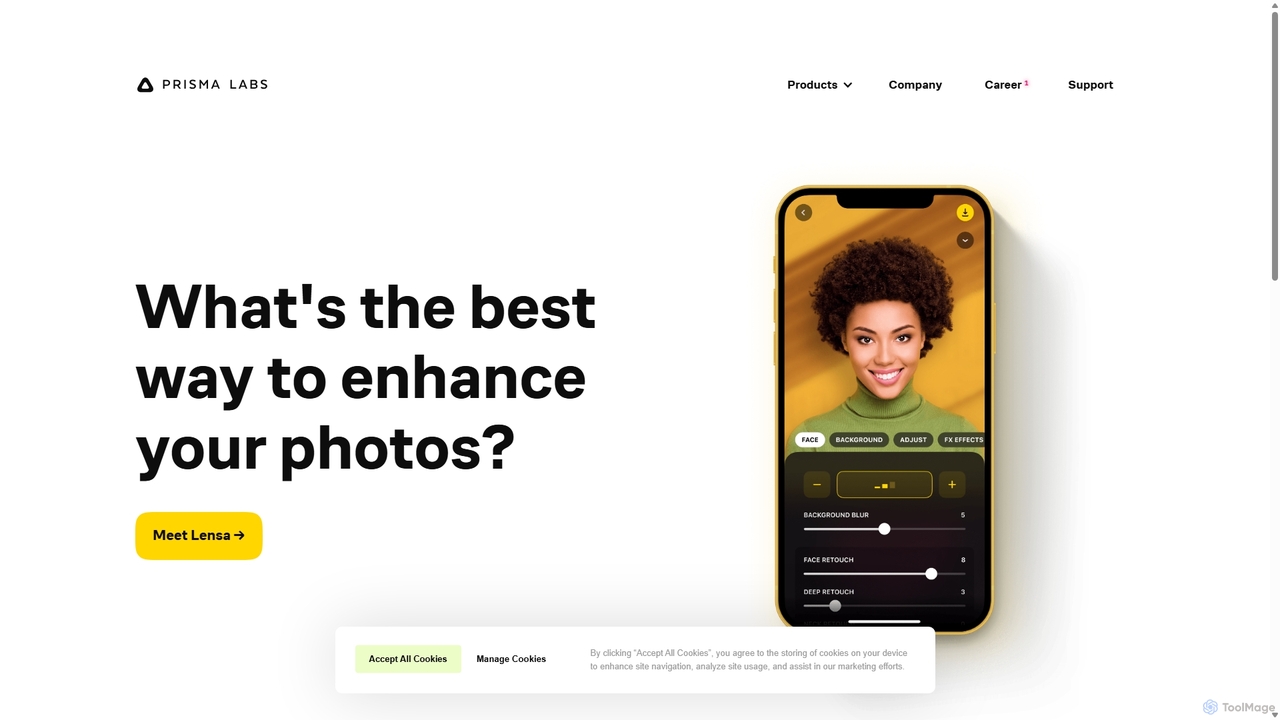
Prisma AI Overview
Prisma AI represents the cutting-edge of mobile creative technology, developed by Prisma Labs. This suite of AI-powered tools, most notably the viral applications Lensa and Prisma, empowers users to transform ordinary photos and videos into extraordinary artistic creations. By harnessing the power of neural networks and generative AI, Prisma AI offers a range of features from artistic style transfers to the wildly popular personalized Magic Avatars, making sophisticated digital art creation accessible to everyone.
How to use Prisma AI
Using the applications under the Prisma AI umbrella is designed to be intuitive and user-friendly:
- Download the App: Start by downloading either the Lensa or Prisma app from the Apple App Store or Google Play Store.
- Select a Feature: Open the app and choose your desired function. For Lensa, this could be 'Magic Avatars' or standard photo/video editing. For Prisma, you'll focus on its unique art filters.
- Upload Your Media: Select a photo or video from your gallery. For the 'Magic Avatars' feature in Lensa, you will be prompted to upload 10-20 selfies from various angles to train a personalized AI model.
- Apply AI Effects: Browse through the vast library of styles, filters, and effects. With a single tap, the AI will process your image or video and apply the chosen transformation. For Magic Avatars, the AI will generate hundreds of unique portraits in various themes after processing your selfies.
- Refine and Edit: Utilize the built-in editing tools to make further adjustments, such as cropping, adjusting brightness, or using features like Lensa's 'Magic Retouch' for flawless skin.
- Save and Share: Once you are satisfied with the result, save the high-resolution artwork to your device or share it directly to your social media platforms.
Core Features of Prisma AI
- Magic Avatars (Lensa): A groundbreaking feature that uses generative AI to create hundreds of stylized, artistic avatars from your selfies in themes like Fantasy, Sci-Fi, Anime, and more.
- Artistic Style Transfer (Prisma): The original feature that made Prisma famous. It transforms your photos into paintings in the style of renowned artists like Van Gogh, Picasso, and Munch.
- AI-Powered Photo Retouching: Tools like 'Magic Retouch' in Lensa allow for one-tap facial retouching, background removal, and other complex edits that look natural and professional.
- Advanced Video Editing: Apply the same stunning artistic effects and filters to your videos, turning simple clips into cinematic art pieces.
- Vast Library of Filters and Effects: Both apps offer an ever-expanding collection of high-quality filters and effects, ensuring endless creative possibilities.
Use Cases for Prisma AI
Prisma AI tools are versatile and cater to a wide audience:
- Social Media Enthusiasts: Create unique and eye-catching profile pictures, posts, and stories for platforms like Instagram, TikTok, and Facebook.
- Content Creators & Marketers: Generate stunning visuals for marketing campaigns, blog posts, and social media content without needing advanced design skills.
- Digital Artists & Hobbyists: Experiment with different art styles and create unique digital artwork for personal projects or portfolios.
- General Users: A fun and easy way to stylize personal photos of family, friends, and travel, creating memorable keepsakes.
Advantages of Prisma AI
Prisma AI stands out in the crowded field of photo editors due to its powerful and unique AI capabilities. Its primary advantages include its user-friendly interface that makes complex AI editing accessible to beginners, the high quality and artistic integrity of its output, and its continuous innovation, particularly with features like Magic Avatars that set industry trends. The speed at which it processes images and videos is also a significant plus for users who want quick, impressive results.
Pricing and Plans
Prisma AI's applications (Lensa and Prisma) operate on a freemium model:
- Free Version: Users can download the apps for free and access a limited selection of filters and basic editing tools.
- Premium Subscription: A weekly, monthly, or annual subscription unlocks all premium features, including the full library of filters, advanced editing tools, faster processing, and watermark-free exports.
- In-App Purchases: Specific features, most notably the 'Magic Avatars' in Lensa, are typically offered as a one-time purchase. Users buy packs of avatars, and the price may vary based on the number of avatars and styles generated.
Traffic
Latest traffic
Status
Monthly traffic trend
- 2025-9: 75.0K
- 2026-1: 56.0K
- 2026-2: 52.1K
- 2026-3: 43.5K
- 2026-4: 40.8K
- 2026-5: 58.3K
Geography
Top 5 countries / regions
- 🇳🇬Nigeria27.4%
- 🇺🇸United States26.2%
- 🇻🇳Vietnam16.2%
- 🇧🇷Brazil15.2%
- 🇷🇺Russia15.0%
Top keywords
| Keyword | Cost per click |
|---|---|
| lensa | $0.63 |
| lensa ai | $0.54 |
| prisma | $0.51 |
| prisma ai | $0.24 |
| prisma labs | $1.35 |
Prisma AI Videos on YouTube

Palo Alto Networks

Palo Alto Networks Taiwan
Just Security

Palo Alto Networks

AJ - Prompt & Motion
Palo Alto Networks Taiwan
CSA Romania Association
Prisma AI Alternatives
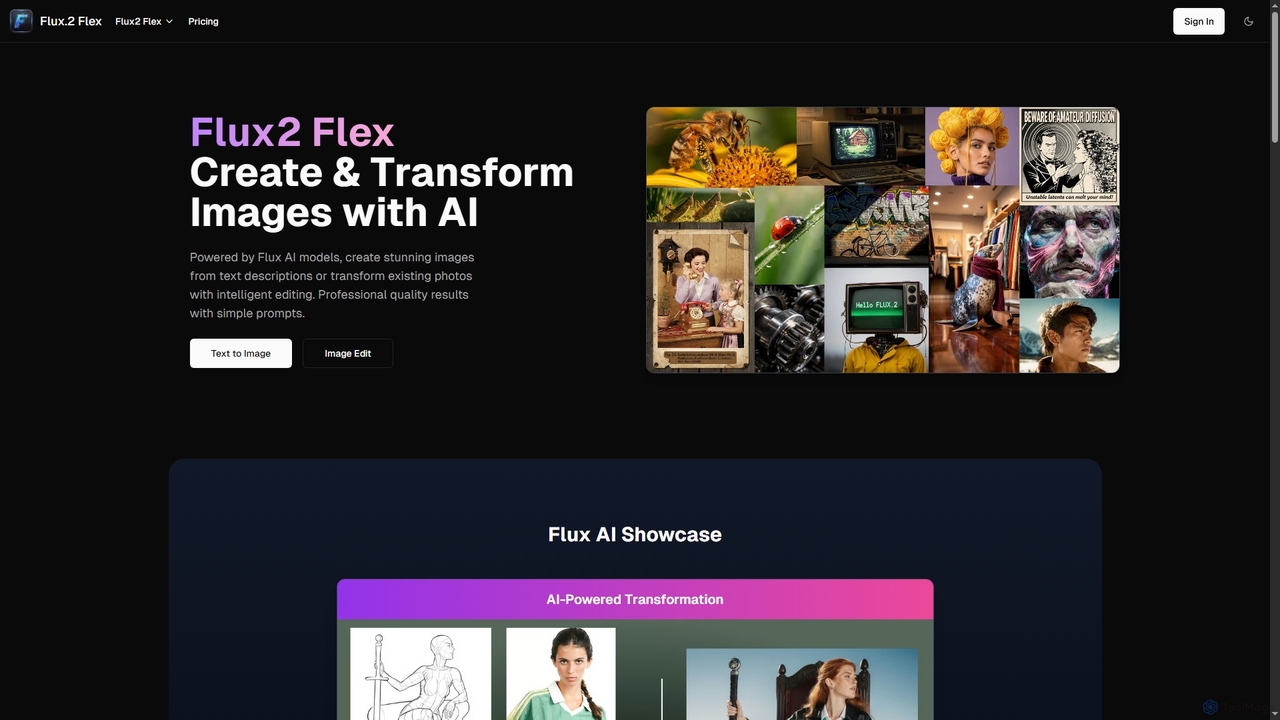
Flux2 Flex
Flux2 Flex is an AI-powered image generator and editor designed to create high-quality visuals from text prompts or transform existing photos. Leveraging advanced Flux AI models, it offers intuitive tools for text-to-image creation, image-to-image editing, style transfer, and object manipulation, catering to both professionals and beginners.
Generative Art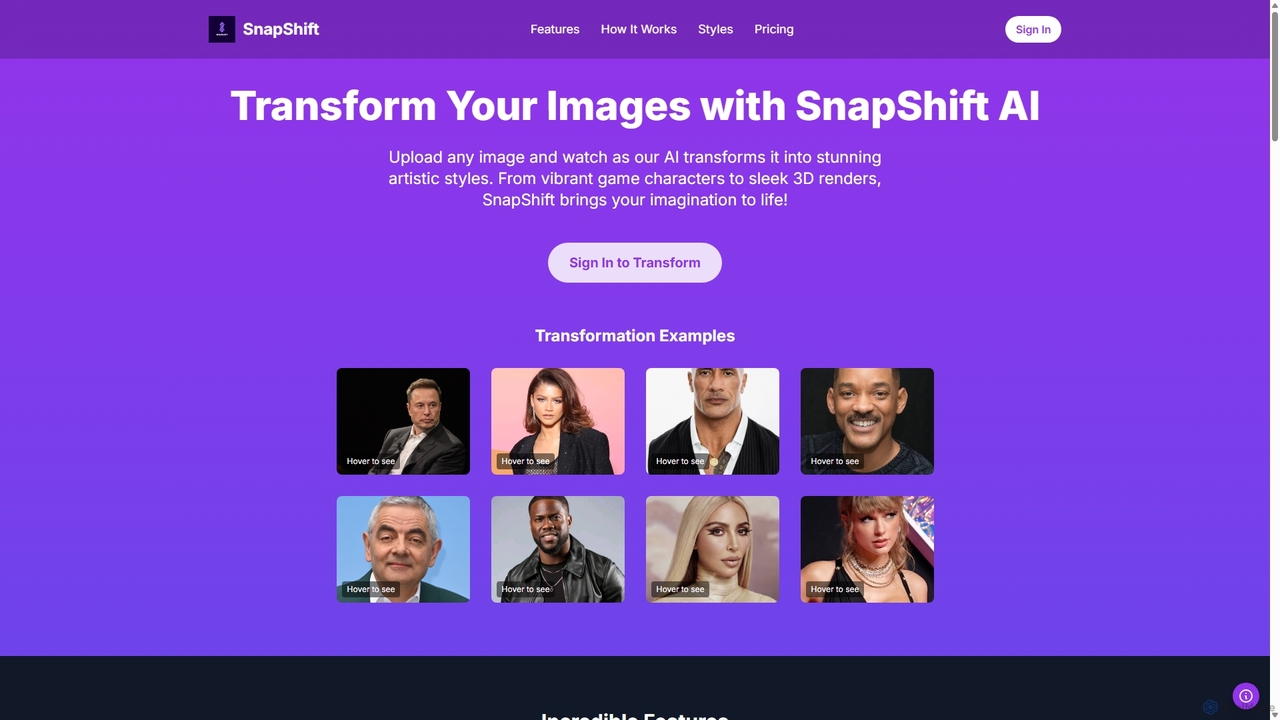
Snapshift
Snapshift is an AI-powered image transformation tool that converts your photos into a variety of stunning artistic styles. Effortlessly create video game characters, 3D renders, pixel art, and more. It's perfect for social media creators, digital artists, and gamers looking to produce unique, high-quality visuals in seconds.
Generative Art
Photoleap
Photoleap is a powerful all-in-one AI photo editing app by Lightricks. It combines traditional editing tools with a massive suite of cutting-edge AI features, allowing users to transform photos, generate stunning AI art from text, create professional headshots, and apply creative effects with ease. It's designed for everyone from social media creators to casual users looking to elevate their images.
Generative Art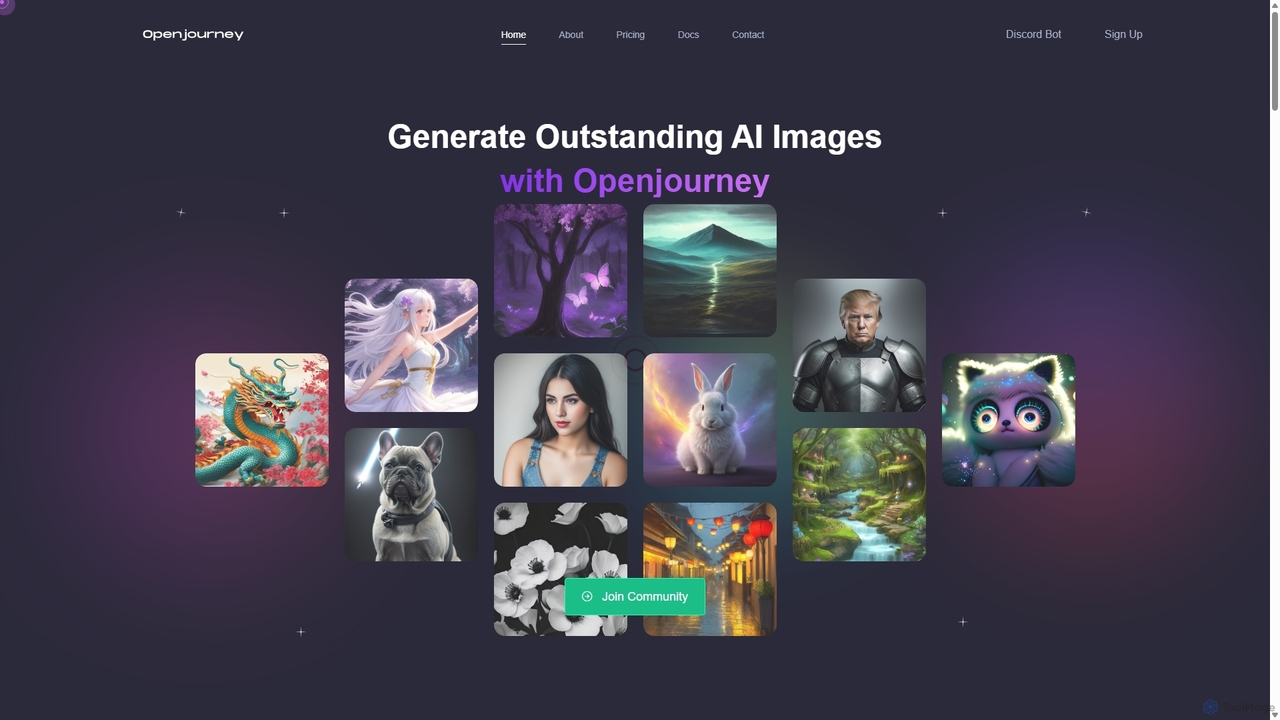
Openjourney
Openjourney is a comprehensive AI creative suite that offers a wide range of generative tools in one place. It excels in generating high-quality images from text prompts but also includes powerful features like face restoration, face swapping, background removal, image upscaling to 4K, an unlimited AI chatbot, and advanced controls like Controlnet. It's designed for creators, marketers, and artists seeking a versatile and powerful AI toolkit.
Generative Art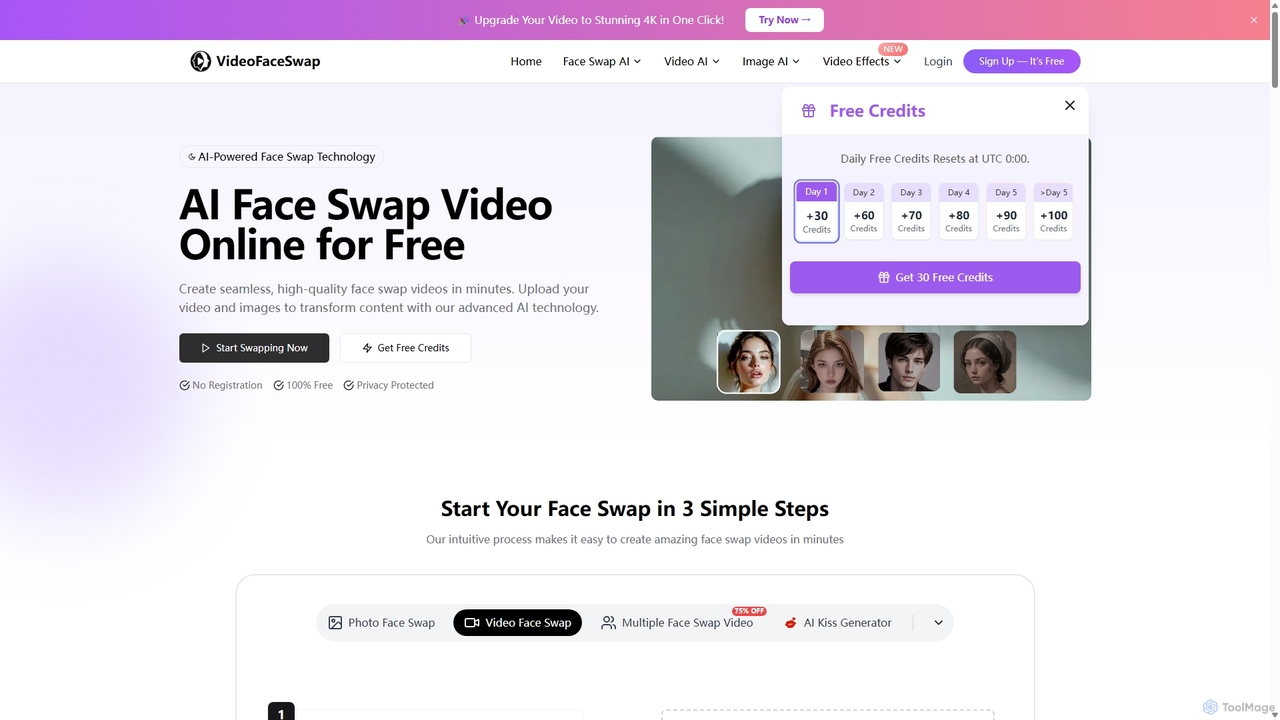
Videofaceswap
Videofaceswap is a free, AI-powered online tool for creating seamless face swaps in videos, GIFs, and photos. It offers single, multiple, and batch face swapping with a simple three-step process. No registration is required to start, and it prioritizes user privacy with high-quality, realistic results for creative and entertainment purposes.
Meme GeneratorPrisma AI Categories
Prisma AI Jobs
Prisma AI Embed Widget
Copy this embed code to place the badge on your blog, article, or product site and send readers directly to this ToolMage detail page.

Related AI tools
Snapshift
Snapshift is an AI-powered image transformation tool that converts your photos into a variety of stunning artistic styles. Effortlessly create video game characters, 3D renders, pixel art, and more. It's perfect for social media creators, digital artists, and gamers looking to produce unique, high-quality visuals in seconds.
Generative ArtFlux2 Flex
Flux2 Flex is an AI-powered image generator and editor designed to create high-quality visuals from text prompts or transform existing photos. Leveraging advanced Flux AI models, it offers intuitive tools for text-to-image creation, image-to-image editing, style transfer, and object manipulation, catering to both professionals and beginners.
Generative Art
PhotoFairy
PhotoFairy is a powerful AI-driven photo editor and graphic design tool. It effortlessly transforms photos into various art styles, removes backgrounds and objects, generates images from text, and provides an infinite canvas for creative projects. Ideal for designers, marketers, and content creators seeking an all-in-one visual creation platform.
Art Generation
Nano-Banana
Nano-Banana is an advanced online AI image editor that empowers users to create and modify images with text prompts, offering features like generation, inpainting, style transfer, and outpainting. It ensures character consistency and scene coherence with fast, studio-quality results.
Photo Editor
Nano Banana
Nano Banana is an AI-powered image editor driven by natural language prompts, utilizing Gemini 2.5 Flash Image technology. It excels at precise, effortless edits while maintaining character consistency, scene layout, and lighting across various images.
3D Figure Generation
Photor
Photor is a comprehensive AI-powered photo editing suite designed to transform and enhance images with ease. It offers a wide range of tools, from one-click enhancements and style transfers to advanced features like natural language editing via chat, AI photo analysis for professional feedback, and a video generator. It caters to both hobbyists and professional photographers, simplifying complex editing tasks into intuitive, AI-driven workflows.
3D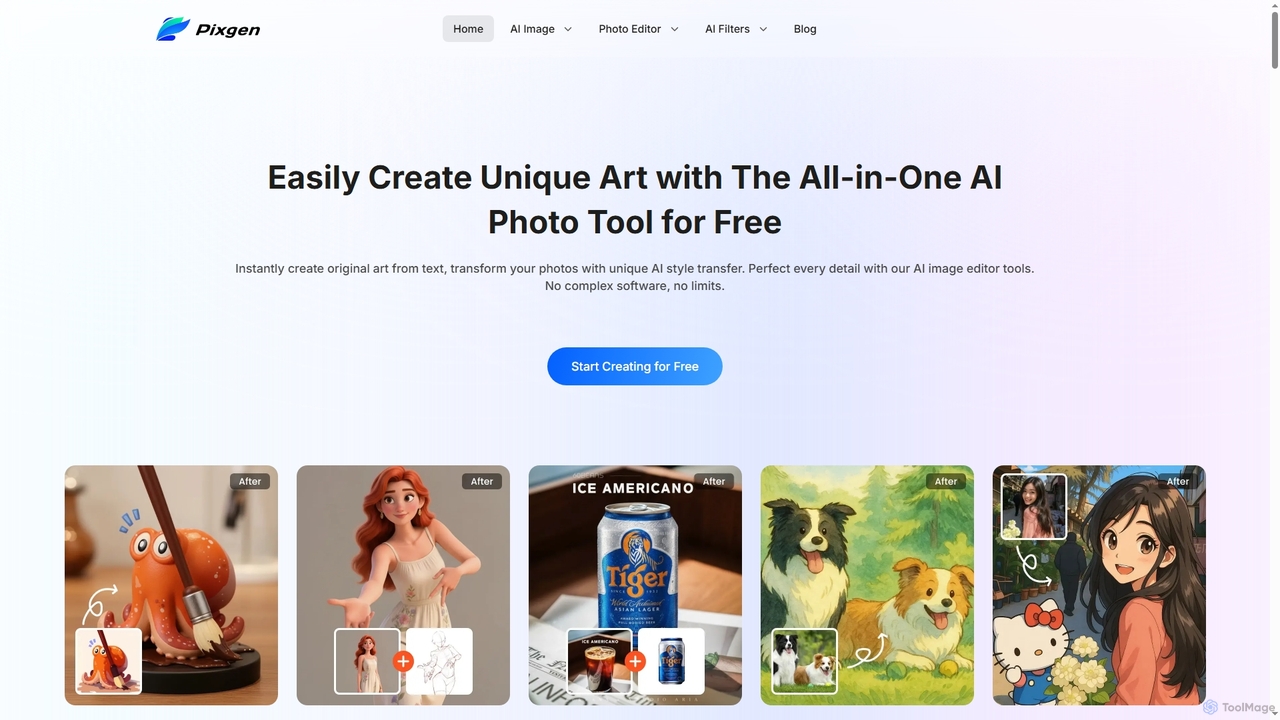
Pixgen
Pixgen is a free, all-in-one AI-powered online platform for creating, editing, and stylizing images. It allows users to generate unique art from text prompts, transform photos with AI style transfers, and perfect details using advanced editing tools like background removal, object erasure, and image enhancement. Designed for ease of use, Pixgen offers a seamless creative workflow without watermarks or hidden costs.
Style TransferPhotoleap
Photoleap is a powerful all-in-one AI photo editing app by Lightricks. It combines traditional editing tools with a massive suite of cutting-edge AI features, allowing users to transform photos, generate stunning AI art from text, create professional headshots, and apply creative effects with ease. It's designed for everyone from social media creators to casual users looking to elevate their images.
Generative ArtOpenjourney
Openjourney is a comprehensive AI creative suite that offers a wide range of generative tools in one place. It excels in generating high-quality images from text prompts but also includes powerful features like face restoration, face swapping, background removal, image upscaling to 4K, an unlimited AI chatbot, and advanced controls like Controlnet. It's designed for creators, marketers, and artists seeking a versatile and powerful AI toolkit.
Generative Art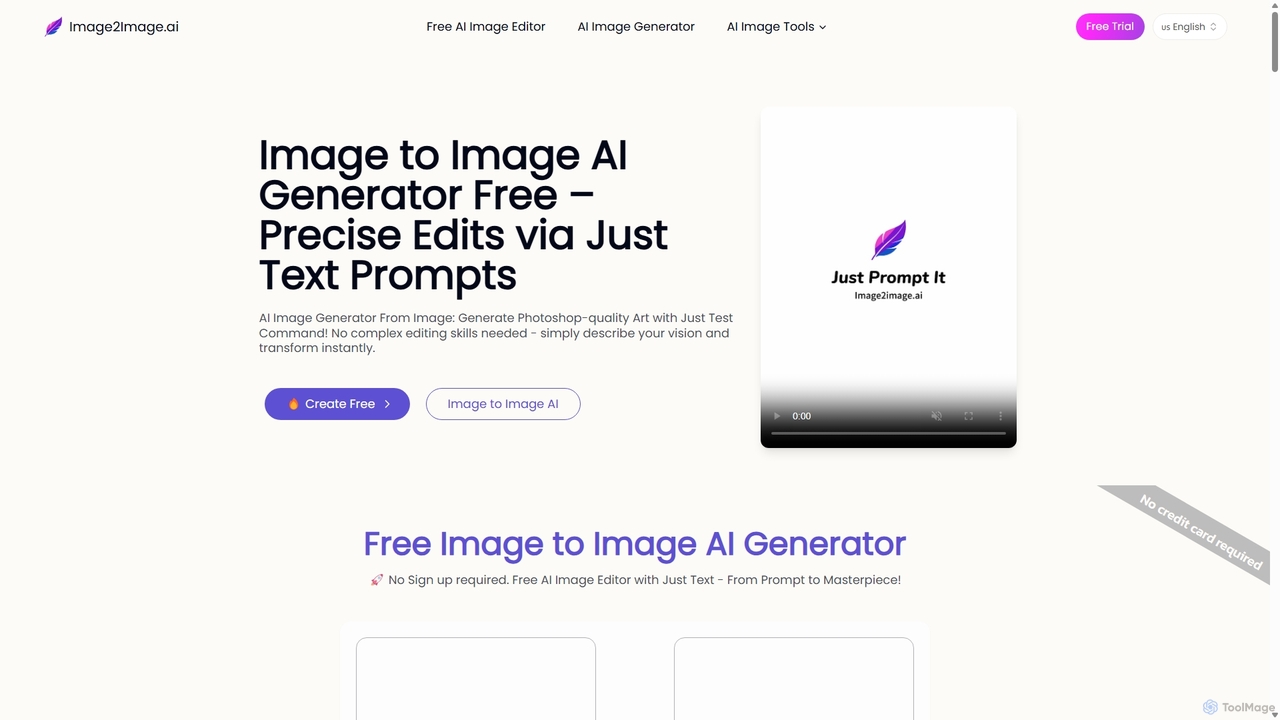
Image to Image AI
Image to Image AI is a powerful free tool that transforms your existing photos into stunning new creations using simple text prompts. It allows for precise edits, style transfers, object removal, and photo restoration while maintaining the consistency and composition of the original image, no professional skills required.
Ai Art Generator
Artwurk
Artwurk is an AI-powered creative suite that expands your artistic possibilities. It allows you to generate stunning images from text, transform static photos into dynamic videos or anime-style art, and even train personalized AI models for consistent and unique visuals. It's an all-in-one platform for creators, marketers, and artists.
Avatars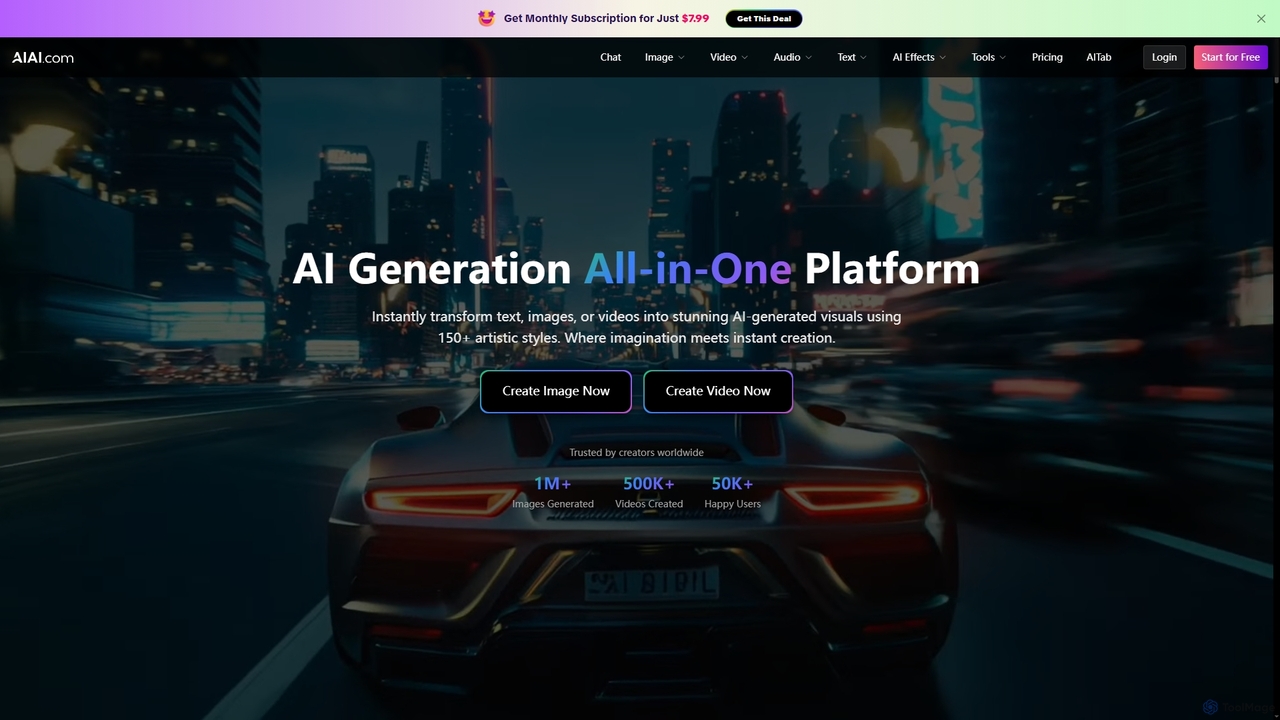
AIAI
AIAI is an all-in-one AI creative suite designed to transform ideas into stunning visuals and provide intelligent assistance. It offers powerful tools for generating images, videos, and text content, alongside specialized features like an AI Homework Helper and a productivity-boosting browser extension.
Homework Assistance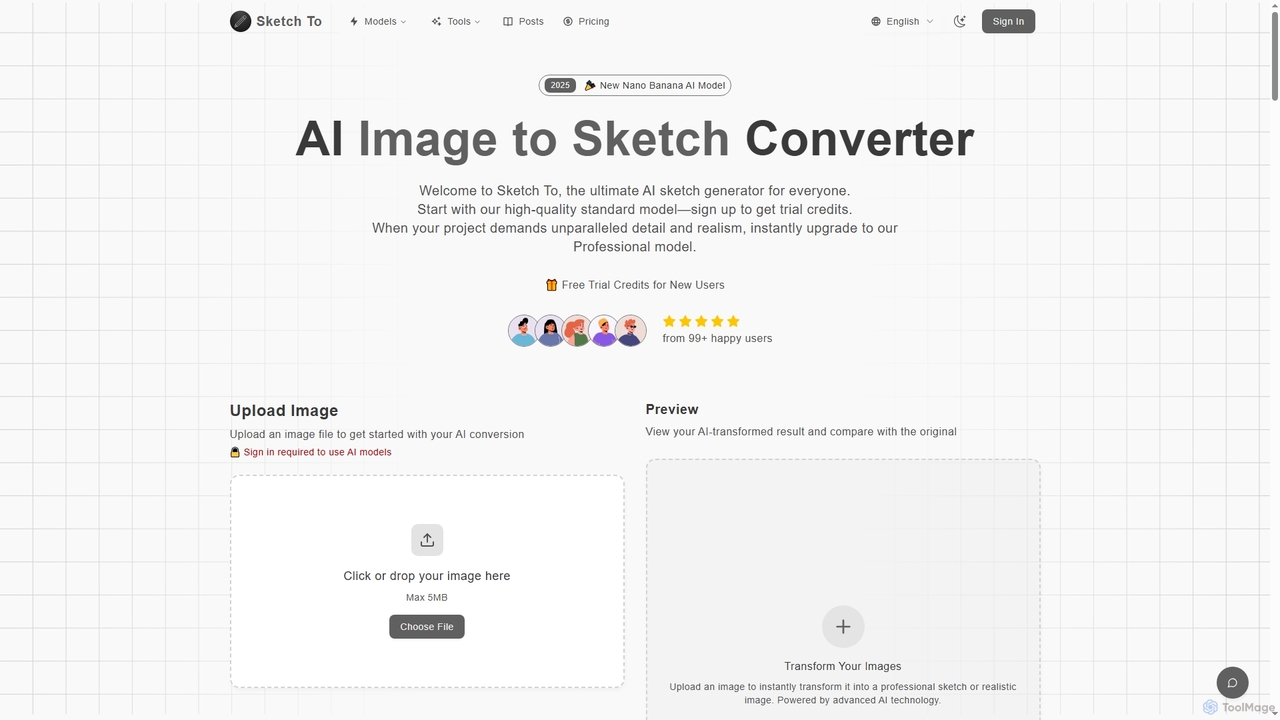
Sketch To
Sketch To is a versatile AI platform that transforms images into sketches and sketches into realistic photos. It also serves as a powerful hub for multiple advanced text-to-image models like Nano Banana, Seedream 4.0, and HunYuan 3.0, enabling users to generate high-quality, detailed visuals from simple text prompts. It offers both free trial and professional plans for various creative needs.
Digital Art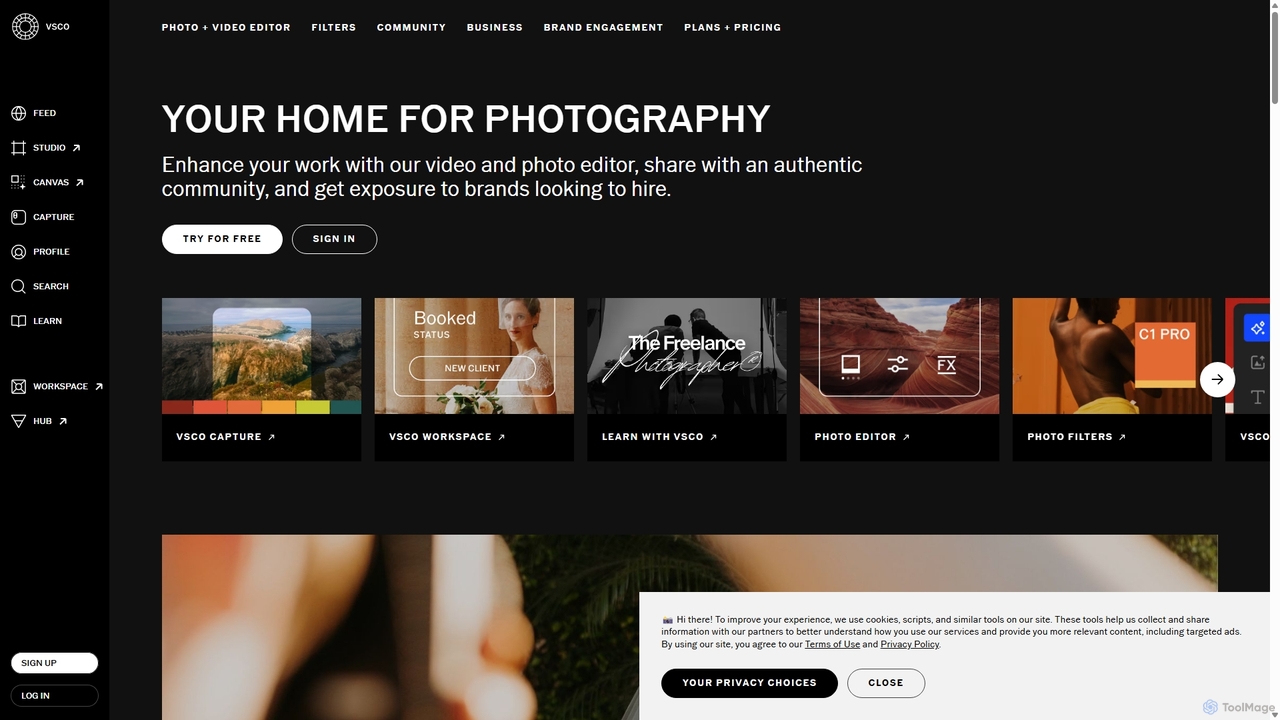
VSCO
VSCO is an all-in-one platform for photographers, offering a powerful photo and video editor with over 200 presets, AI-powered tools, and a vibrant creative community. It also provides professional tools like portfolio websites, studio management software, and opportunities to get hired, supporting creators at every stage of their journey.
3D
Pixelfox
Pixelfox is a comprehensive, free-to-use AI suite for creators and businesses. It combines a powerful online photo and video editor with over 300 AI writing tools. Effortlessly retouch photos, remove backgrounds, generate images from text, swap faces, and enhance quality. Simultaneously, create SEO-optimized articles, social media content, product descriptions, and much more, all within a single, no-download platform.
3D
Prisma AI Comments (0)
Sign in to comment.
Sign inNo comments yet.