
Sketch To Overview
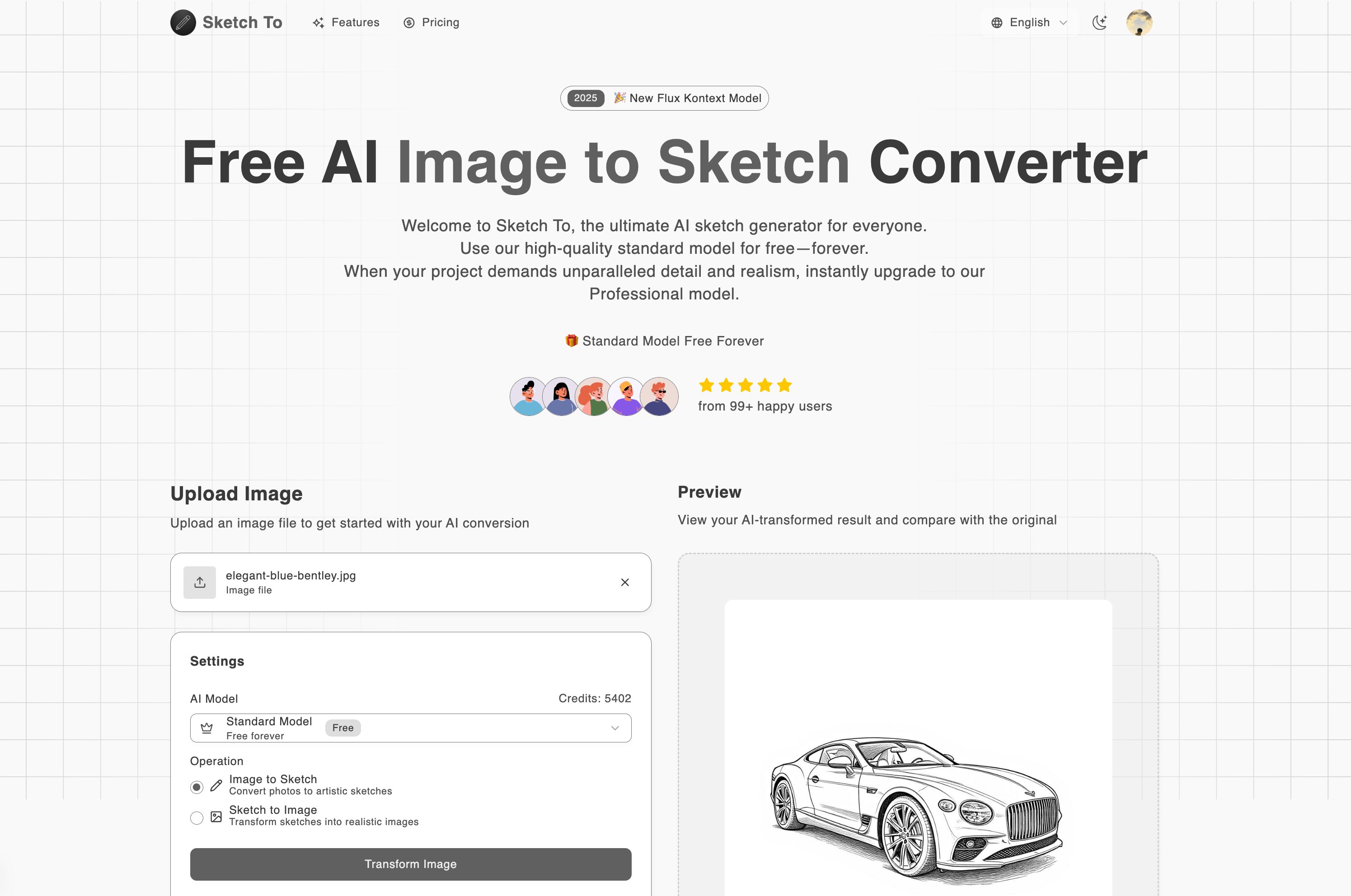
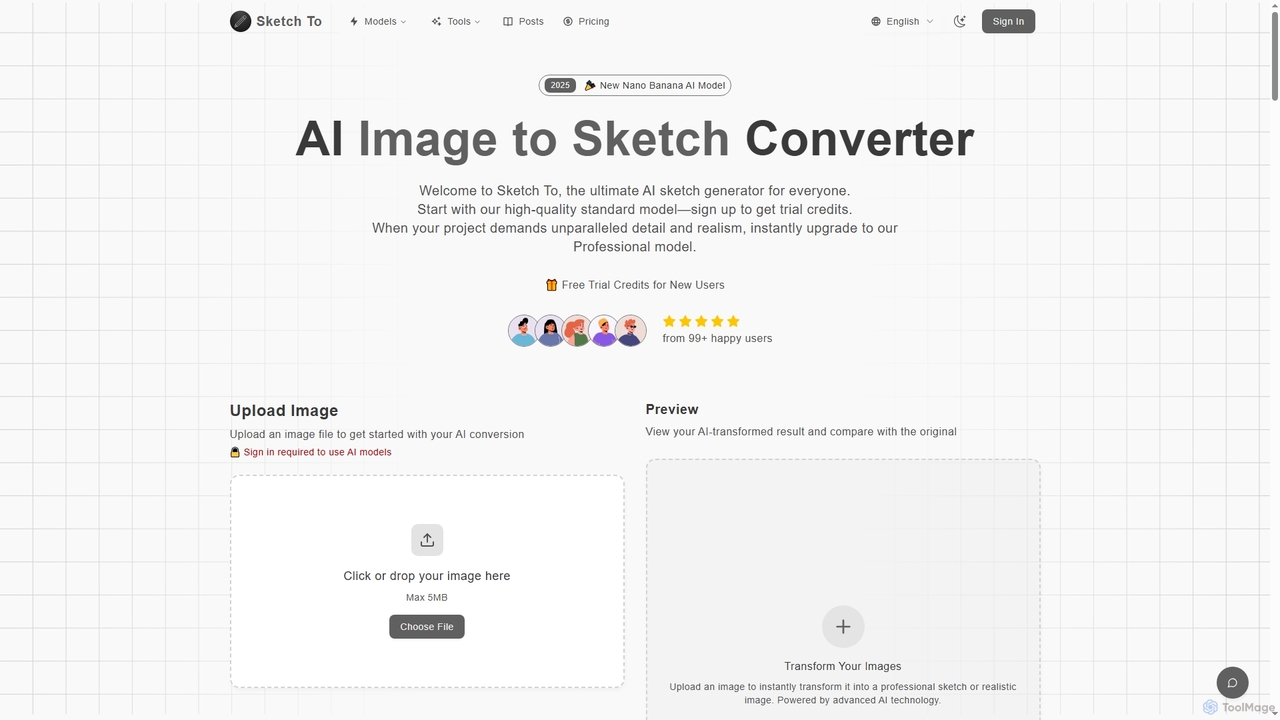
Sketch To is a comprehensive AI-powered creative suite designed for artists, designers, content creators, and hobbyists. It offers a dual set of powerful functionalities: converting images to sketches and vice versa, and providing access to a range of state-of-the-art text-to-image generation models. This makes it a versatile tool for a wide spectrum of creative projects, from simple social media posts to professional commercial work.
The platform's core feature is its image and sketch converter, which comes in two tiers. The Standard Model is perfect for everyday creative tasks, school projects, and social media content, allowing users to transform photos into beautiful pencil sketches. New users are welcomed with free trial credits to explore this feature. For professionals demanding the highest level of quality, the Professional Model unlocks unparalleled detail and realism, capable of turning a simple sketch into a photorealistic image with stunning accuracy.
Beyond its conversion capabilities, Sketch To integrates several cutting-edge text-to-image AI models. Users can harness the power of Google's Nano Banana AI for vivid and creative image generation, Tencent's HunYuan Image 3.0 for enhanced color accuracy and detail, and ByteDance's Seedream 4.0, which offers revolutionary 4K image generation and precise single-sentence image editing. This multi-model approach ensures users have the right tool for any creative vision, from abstract art to photorealistic portraits.
How to use Sketch To
The platform is designed for simplicity and efficiency, allowing users to generate stunning visuals in just a few steps:
- Upload or Describe: For image conversion, drag and drop your photo or sketch file onto the canvas. The tool supports major formats like JPG, PNG, and WEBP. For text-to-image generation, simply type a descriptive prompt detailing your vision in the text box.
- Choose Your Model and Style: Select your desired AI model. For conversions, you can choose between the Standard (1 credit) and Professional models. For generation, you can select from advanced models like Nano Banana, Seedream 4.0, etc. You can also configure parameters like aspect ratio and resolution.
- Generate & Download: Click the 'Generate' button. The AI processes your request instantly, and you can preview the result. Once satisfied, download your new creation in high resolution, ready for personal or professional use.
Core Features of Sketch To
- Image to Sketch Conversion: Instantly convert photos into artistic pencil sketches using advanced AI.
- Sketch to Image AI: Transform rough sketches into detailed, realistic images with the Professional model.
- Multi-Model Text-to-Image Generation: Access a suite of powerful AI models, including Nano Banana, Flux Kontext, HunYuan Image 3.0, and Seedream 4.0, to create images from text.
- 4K High-Resolution Output: Generate and download creations in high resolution suitable for print and professional projects, with models like Seedream 4.0 supporting up to 4K.
- AI-Powered Image Editing: With the Seedream 4.0 model, edit images using simple, natural language text commands.
- Instant Processing: A powerful cloud-based infrastructure ensures that most conversions and generations are completed within seconds.
- Free Trial Credits: New users receive free credits to test the standard model and explore the platform's capabilities.
- Commercial Usage Rights: Paid plans offer commercial rights, allowing you to use the generated images for client work and business projects.
Use Cases for Sketch To
Sketch To is trusted by over 500,000 creators for its versatility. Bloggers and social media managers use the standard image-to-sketch feature to create unique visuals for their content. Digital artists and graphic designers leverage the Professional model to bring concepts to life, turning sketches into realistic portfolio pieces or client assets. Marketing professionals utilize the various text-to-image models to quickly generate high-quality visuals for campaigns without needing a photographer. Art students find it an invaluable tool for coursework, helping them visualize and refine their projects.
Advantages of Sketch To
The primary advantage of Sketch To is its consolidation of multiple AI creative tools into one user-friendly platform. Instead of subscribing to several different services, users get access to both image conversion and a diverse range of top-tier text-to-image models. The platform offers a model for every need and budget, from a free trial for hobbyists to robust professional plans for commercial use. Its commitment to speed, high-resolution output, and integration of the latest AI technology makes it a powerful and efficient tool for any creative workflow.
Pricing and Plans
Sketch To operates on a freemium model with a credit-based system. New users receive free trial credits to start.
- Basic Plan: Perfect for casual users. Costs $9.99/month or $8.00/month when billed annually. Includes 100 credits per month, access to advanced AI models, image history, high-quality downloads, priority email support, and commercial usage rights.
- Pro Plan: Ideal for professionals and businesses. Costs $19.99/month or $16.00/month when billed annually. Includes 300 credits per month and all the features of the Basic plan.
Traffic
Latest traffic
Status
Monthly traffic trend
- 2025-9: 609
- 2026-1: 4.7K
- 2026-2: 7.3K
- 2026-3: 11.6K
- 2026-4: 14.2K
- 2026-5: 35.5K
Geography
Top 5 countries / regions
- 🇺🇸United States40.9%
- 🇳🇬Nigeria28.0%
- 🇻🇳Vietnam11.7%
- 🇷🇺Russia10.0%
- 🇪🇸Spain9.3%
Traffic sources
| Source type | Percentage |
|---|---|
Direct | 92.6% |
Referral | 7.4% |
Top keywords
| Keyword | Cost per click |
|---|---|
| anime ai live wallpaper generator | $0.00 |
| draw2photo workflows | $0.00 |
| photo into mii | $0.00 |
| seedream 4.5 image free | $0.00 |
| tomodachi life avatar maker | $0.00 |
Sketch To Videos on YouTube

Jacob Wellinghoff

Toscape AI | Architectural Rendering




Wd Creative Ai

Wd Creative Ai
Sketch To Alternatives

Artimator
Artimator is a versatile, all-in-one AI art and image generator. It leverages powerful models like Stable Diffusion 3, SDXL, and Leonardo Diffusion to transform text prompts into unique, high-resolution images. It offers free generation, photo-to-sketch conversion, AI-powered object removal, and full commercial rights for all created artwork, making it ideal for artists, marketers, and creators.
Generative Art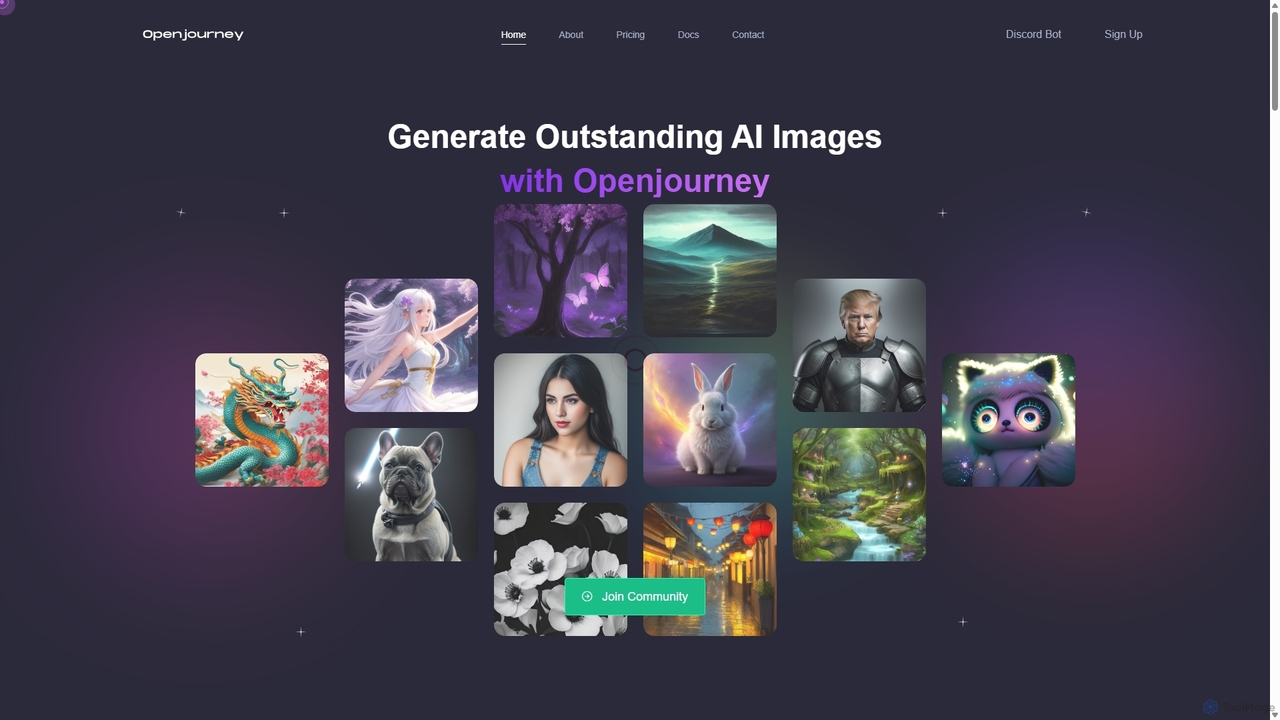
Openjourney
Openjourney is a comprehensive AI creative suite that offers a wide range of generative tools in one place. It excels in generating high-quality images from text prompts but also includes powerful features like face restoration, face swapping, background removal, image upscaling to 4K, an unlimited AI chatbot, and advanced controls like Controlnet. It's designed for creators, marketers, and artists seeking a versatile and powerful AI toolkit.
Generative Art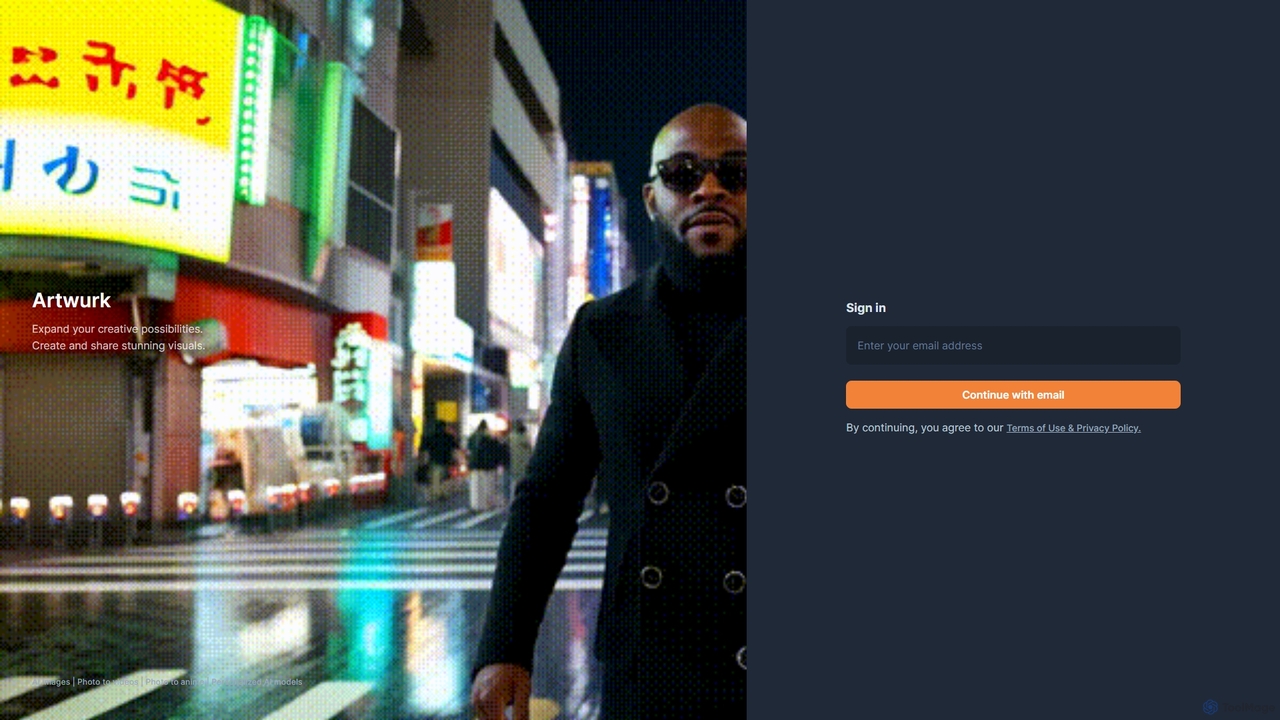
Artwurk
Artwurk is an AI-powered creative suite that expands your artistic possibilities. It allows you to generate stunning images from text, transform static photos into dynamic videos or anime-style art, and even train personalized AI models for consistent and unique visuals. It's an all-in-one platform for creators, marketers, and artists.
Avatars
Soulgen
Soulgen is a powerful AI creative suite for generating unique images and videos from text or reference photos. It specializes in creating realistic and anime-style characters, offering advanced features like high-consistency video generation, inpainting, outpainting, and face swapping. It's designed for artists, creators, and enthusiasts to bring their dream characters to life with ease.
Character Creator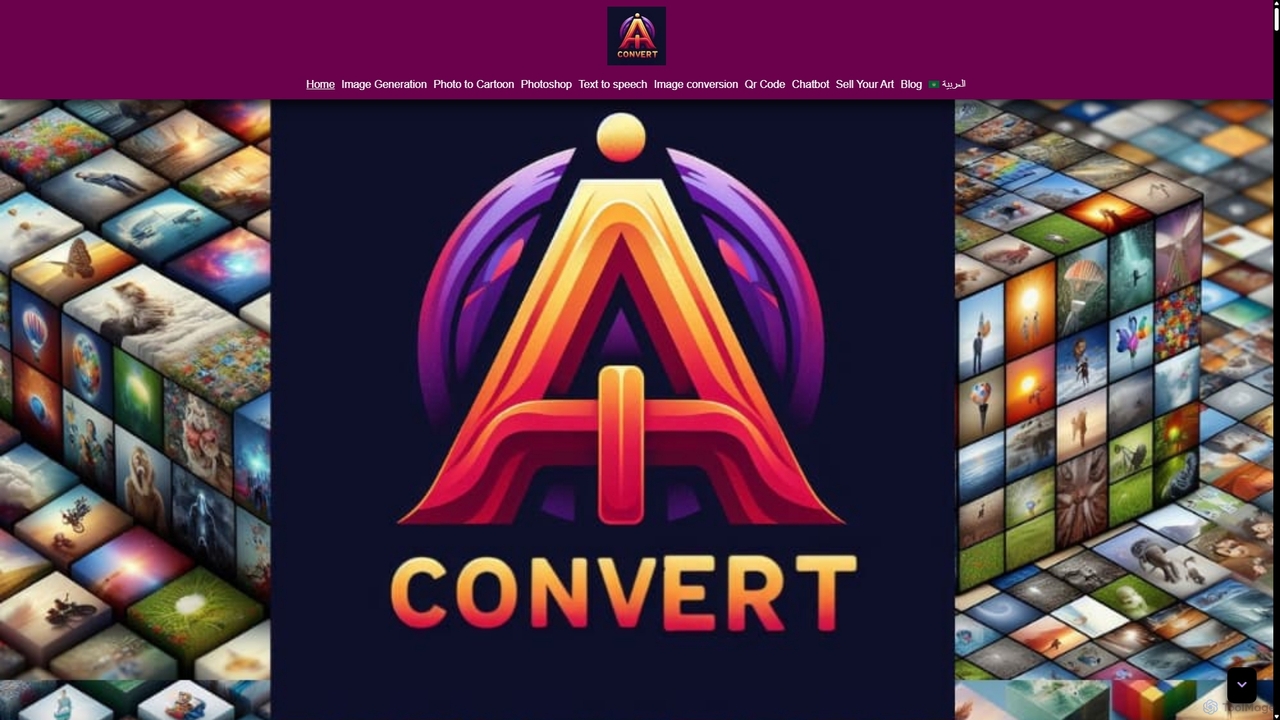
Aiconvert
Aiconvert is a comprehensive online suite of free AI tools. It offers a wide range of functionalities, including advanced image generation, photo editing and restoration, text-to-speech, AI chatbots, and OCR. No registration or payment is required, making powerful AI technology accessible to everyone for creative and productive tasks.
Text To SpeechSketch To Categories
Sketch To Jobs
Sketch To Embed Widget
Copy this embed code to place the badge on your blog, article, or product site and send readers directly to this ToolMage detail page.

Related AI tools
Artimator
Artimator is a versatile, all-in-one AI art and image generator. It leverages powerful models like Stable Diffusion 3, SDXL, and Leonardo Diffusion to transform text prompts into unique, high-resolution images. It offers free generation, photo-to-sketch conversion, AI-powered object removal, and full commercial rights for all created artwork, making it ideal for artists, marketers, and creators.
Generative Art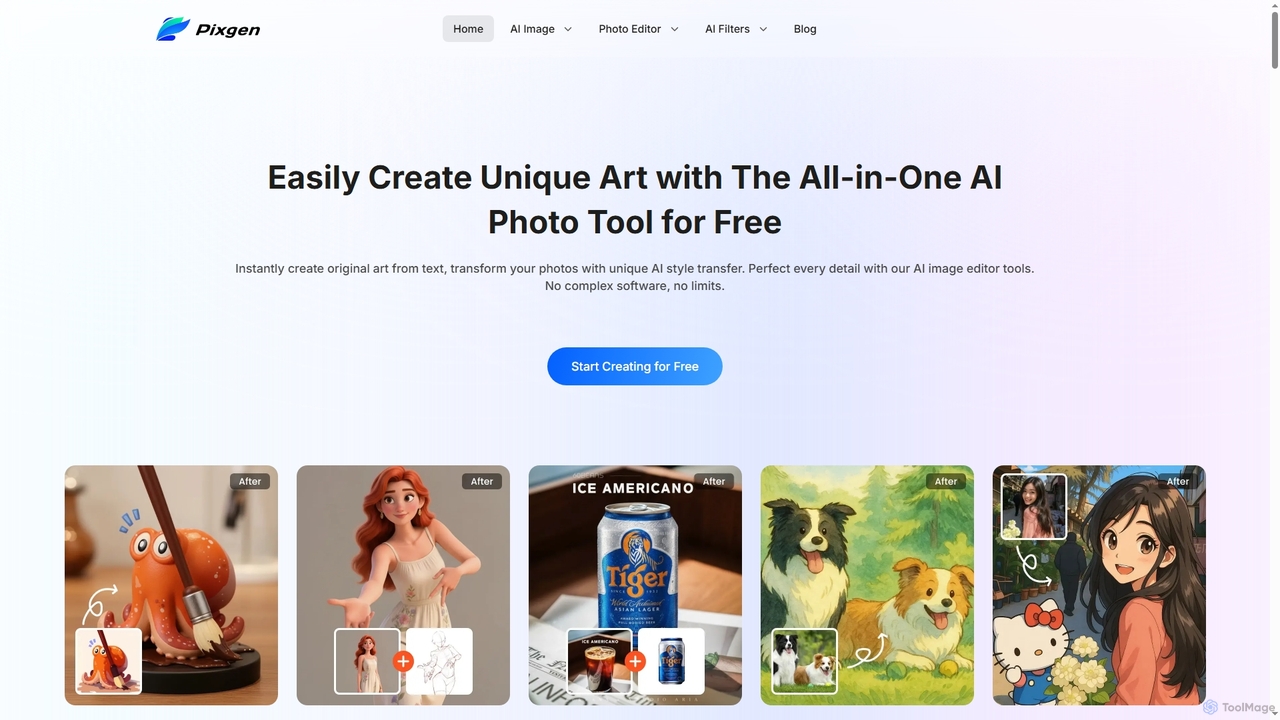
Pixgen
Pixgen is a free, all-in-one AI-powered online platform for creating, editing, and stylizing images. It allows users to generate unique art from text prompts, transform photos with AI style transfers, and perfect details using advanced editing tools like background removal, object erasure, and image enhancement. Designed for ease of use, Pixgen offers a seamless creative workflow without watermarks or hidden costs.
Style TransferOpenjourney
Openjourney is a comprehensive AI creative suite that offers a wide range of generative tools in one place. It excels in generating high-quality images from text prompts but also includes powerful features like face restoration, face swapping, background removal, image upscaling to 4K, an unlimited AI chatbot, and advanced controls like Controlnet. It's designed for creators, marketers, and artists seeking a versatile and powerful AI toolkit.
Generative ArtArtwurk
Artwurk is an AI-powered creative suite that expands your artistic possibilities. It allows you to generate stunning images from text, transform static photos into dynamic videos or anime-style art, and even train personalized AI models for consistent and unique visuals. It's an all-in-one platform for creators, marketers, and artists.
Avatars
SeaArt
SeaArt is an all-in-one AI creativity platform and community for generating high-quality images, videos, audio, and interactive characters. It offers a vast library of models, advanced tools like ComfyUI, and custom model training, catering to everyone from beginners to professional artists and developers.
Voice Synthesis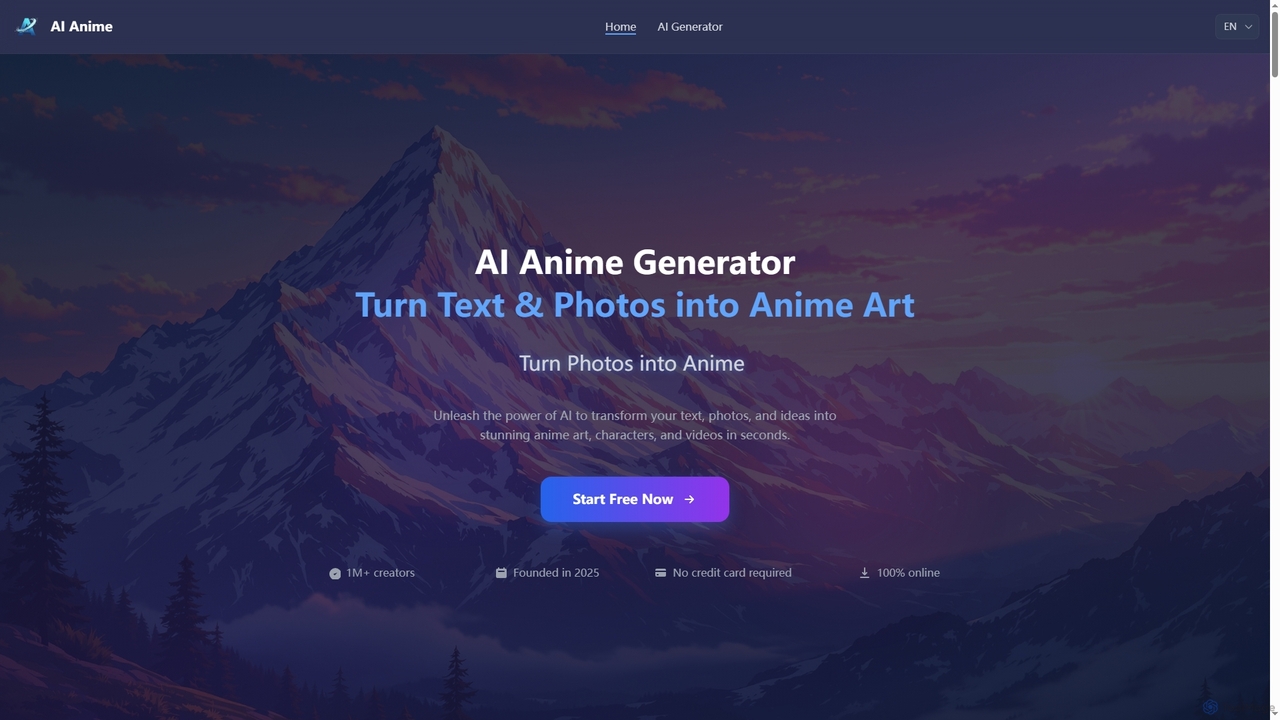
Aianime
Aianime is a free AI-powered suite for creating high-quality anime art. It transforms text and photos into unique anime characters, scenes, and videos in seconds. It offers various styles, requires no registration, and provides 60 free generations daily.
Avatar Maker
Nano Banana
Nano Banana is an AI-powered image editor driven by natural language prompts, utilizing Gemini 2.5 Flash Image technology. It excels at precise, effortless edits while maintaining character consistency, scene layout, and lighting across various images.
3D Figure Generation
Image Editor
Image Editor is a free, AI-powered online tool designed for quick and high-quality photo editing. It allows users to transform images using natural language prompts, offering features like background removal, pose adjustment, style transfer, and multi-image blending without requiring sign-up or complex software.
Digital Assets
NightCafe
NightCafe is a versatile AI art generator and a vibrant community platform. It provides access to a wide range of AI models like DALL-E 3, Stable Diffusion, and Flux, allowing users to create, share, and discuss AI-generated art. Engage in daily challenges, collaborate with friends, and explore millions of creations in a supportive environment, suitable for both beginners and experts.
Generative Art
Craiyon
Craiyon is a free and powerful AI art generator that transforms text descriptions into unique images. Formerly known as DALL·E mini, it allows users to create anything from photorealistic images to abstract art simply by typing a prompt. It offers both free and paid plans to cater to everyone from beginners to professionals.
Generative Art
Jyek
Jyek is an AI agent platform that understands objectives, creates execution plans, uses tools, and delivers verifiable results for complex, multi-step tasks.
AutomationSoulgen
Soulgen is a powerful AI creative suite for generating unique images and videos from text or reference photos. It specializes in creating realistic and anime-style characters, offering advanced features like high-consistency video generation, inpainting, outpainting, and face swapping. It's designed for artists, creators, and enthusiasts to bring their dream characters to life with ease.
Character Creator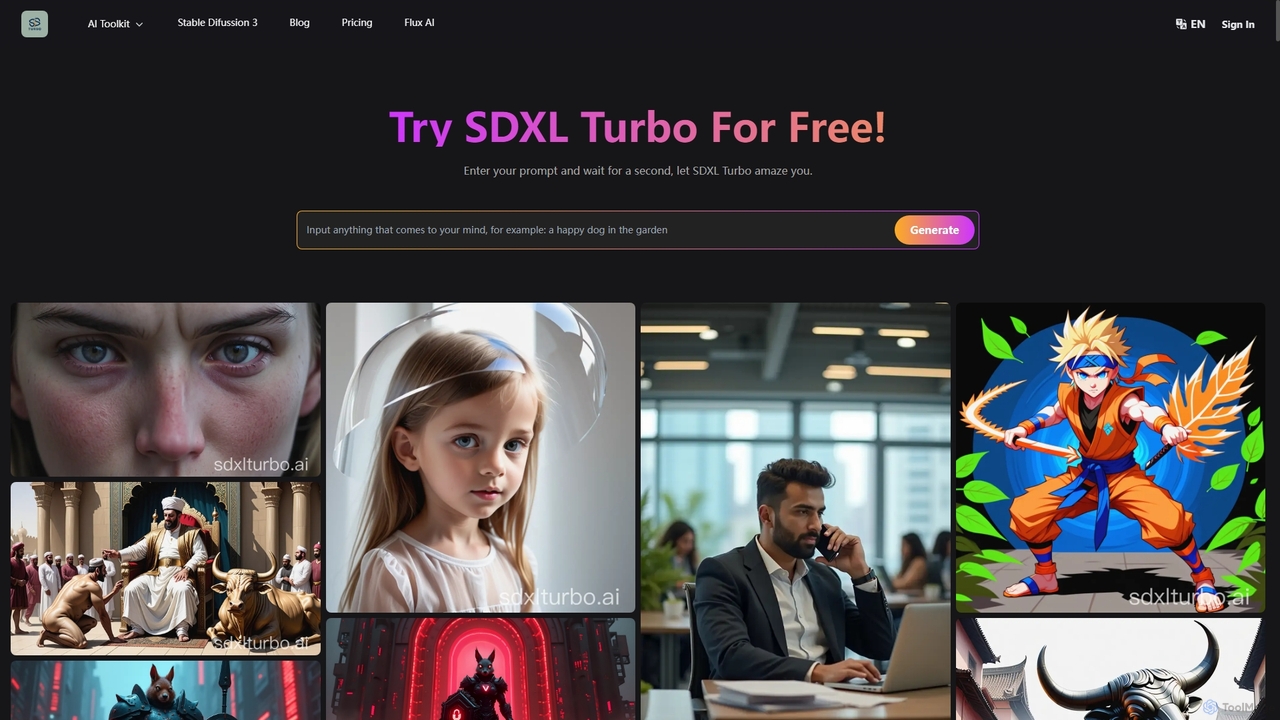
SDXL Turbo
SDXL Turbo is a real-time text-to-image AI generator that creates high-quality, detailed images from text prompts in a single step. Powered by advanced Adversarial Diffusion Distillation (ADD) technology, it offers incredible speed and efficiency. The platform also includes a powerful prompt generator and supports the latest Stable Diffusion 3 model, making it ideal for artists, designers, and content creators.
Art Generation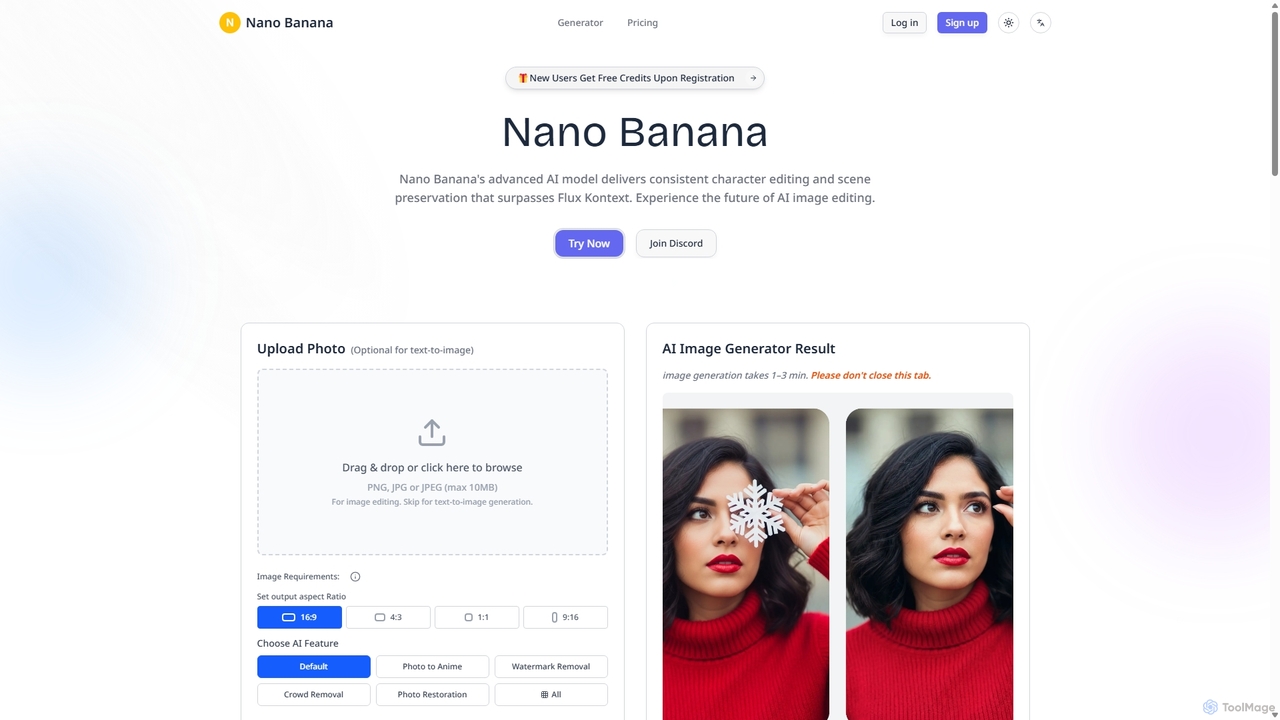
Nanobanana
Nanobanana is an advanced AI image editing and generation platform that transforms images using natural language prompts. It specializes in maintaining character consistency and scene integrity while offering powerful features like watermark removal, photo restoration, and batch processing. Ideal for creators, marketers, and photographers seeking efficient, high-quality visual content creation.
3D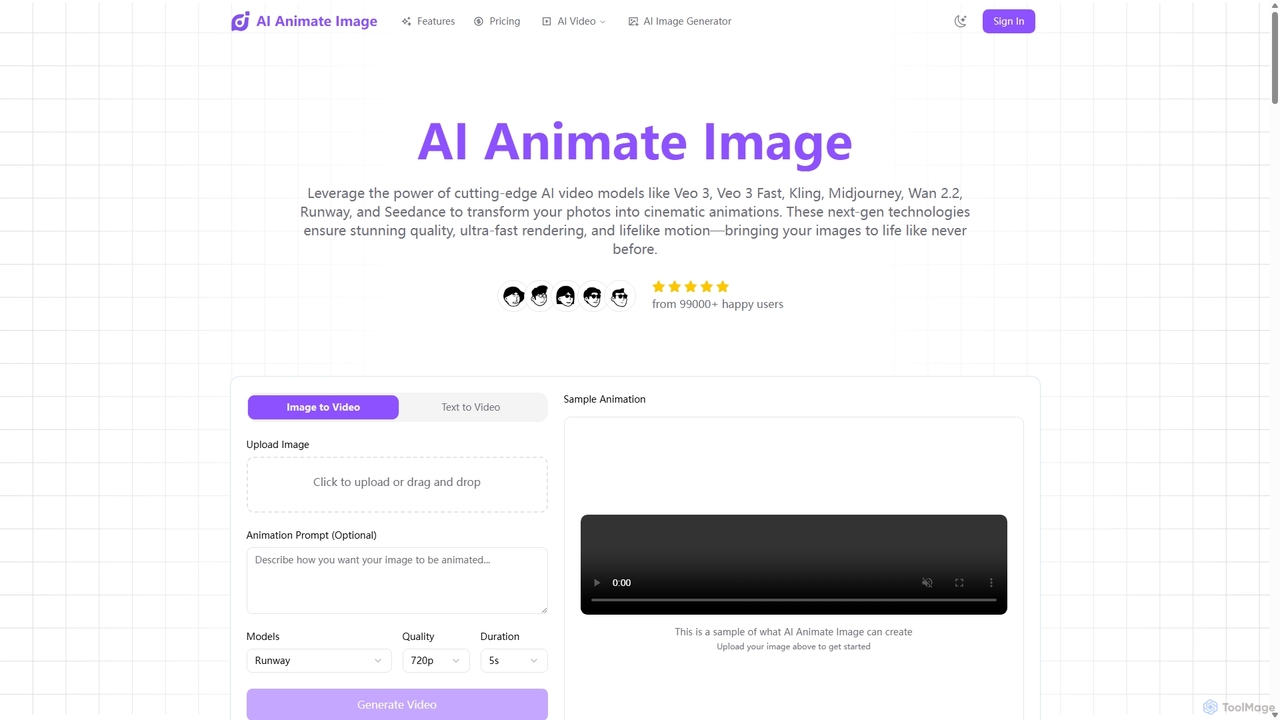
Aianimateimage
Aianimateimage is a comprehensive AI-powered platform that transforms static images into captivating animations and generates stunning visuals from text. Utilizing advanced models like Veo 3, Kling, and GPT-4o, it offers tools for image-to-video, text-to-video, and text-to-image creation. It's designed for creators, marketers, and artists to produce professional-quality animated content and images effortlessly through a user-friendly, browser-based interface.
Image Generation
Sketch To Comments (0)
Sign in to comment.
Sign inNo comments yet.