


SeaArt Overview
SeaArt is a comprehensive and versatile AI-powered creativity hub designed to empower users to generate a wide array of digital content. It stands out as an all-in-one solution, integrating tools for AI art generation, video creation, audio synthesis, and interactive AI character chat within a single platform. This eliminates the need for multiple specialized tools, streamlining the creative workflow for artists, designers, content creators, and developers. At its core, SeaArt is built upon a powerful foundation of generative AI models, offering users access to a massive library of official and community-created models, including Checkpoints, LoRAs, and more, supporting a diverse range of styles from photorealistic to anime and abstract art.
The platform is not just a set of tools but also a vibrant community. Creators can share their work, gain inspiration from others, and even 'remix' existing creations to add their own unique touch. Regular challenges and events encourage engagement and help artists showcase their skills. This community aspect fosters a collaborative environment where users can learn, grow, and push the boundaries of AI-generated art.
How to use SeaArt
Getting started with SeaArt is designed to be intuitive for all skill levels. Here’s a typical workflow:
- Sign Up & Get Credits: Create a free account on the SeaArt website or mobile app. New users receive a generous amount of daily free credits (Stamina) to start creating immediately.
- Choose Your Creation Tool: Navigate the user-friendly dashboard to select your desired function, such as Text-to-Image, Image-to-Video, AI Chat, or AI Audio.
- Provide Your Input: For image or video generation, enter a descriptive text prompt. You can also upload an initial image for image-to-image or image-to-video tasks. Be specific about subjects, styles, colors, and composition for best results.
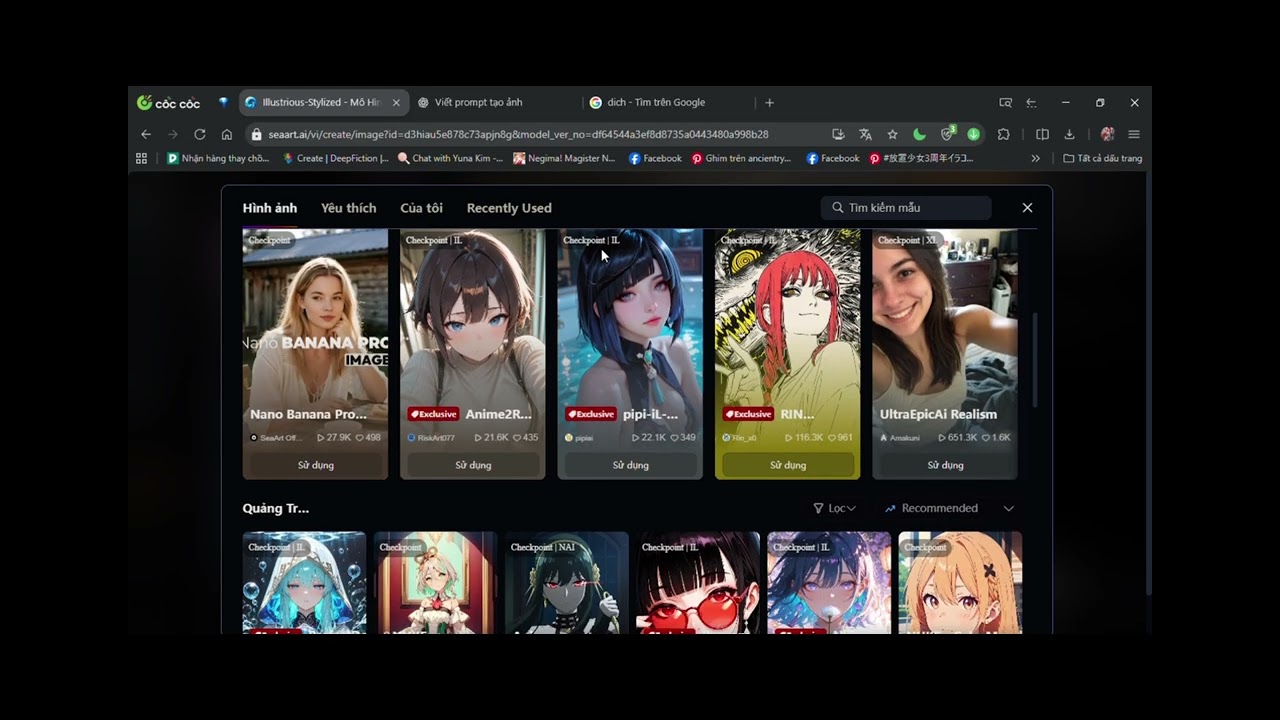
- Select Models and Configure Settings: Browse the extensive model library to find a style that matches your vision. Adjust parameters like aspect ratio, image quality, and negative prompts to refine the output.
- Generate & Refine: Click the 'Generate' button and let the AI work its magic. Once the result is ready, you can use Swift AI Tools like the Image Editor, Face Swap, or AI Filters to make further adjustments, upscale the resolution, or fix imperfections.
- For Advanced Users (ComfyUI): For ultimate control, use the integrated ComfyUI workflow. This node-based interface allows you to build custom generation pipelines, fine-tuning every step of the process from model loading to post-processing.
- Download and Share: Once you are satisfied with your creation, download it in high quality. You have full commercial rights to the art you generate, and you can easily share it with the SeaArt community or on your social media channels.
Core Features of SeaArt
- AI Image Generation: Powerful text-to-image and image-to-image capabilities with a vast library of models (Checkpoint, LoRA, etc.) supporting countless artistic styles.
- AI Video Generation: Create dynamic videos and animations from text prompts or static images, with various models optimized for different styles and quality levels.
- AI Audio Suite: Generate realistic voiceovers and audio clips using text-to-speech technology. Users can choose from various voices or train their own custom voice models.
- AI Character Chat: Design and interact with unique AI characters, each with distinct personalities and styles, for storytelling, role-playing, or entertainment.
- Swift AI Tools: A collection of one-click editing tools, including AI Face Swap, AI Filters, background remover, inpainting/outpainting, and virtual clothing try-on.
- ComfyUI Workflow Integration: Provides unparalleled control for advanced users to build and customize their image generation workflows with a node-based interface.
- Custom AI Model Training: Users can train their own AI models (like LoRAs) based on their specific art styles or subjects and use them online without needing powerful local hardware.
- Active Creator Community: A social hub to share creations, discover trends, participate in challenges, and remix artwork from other users.
Use Cases for SeaArt
SeaArt's versatility makes it suitable for a wide range of professionals and hobbyists:
- Content Creators & Social Media Managers: Quickly generate eye-catching visuals, short videos, and memes for platforms like Instagram, TikTok, and YouTube.
- Graphic Designers & Digital Artists: Accelerate the creative process by rapidly iterating on concepts, exploring new styles, and generating unique assets for projects.
- Indie Game Developers: Create character sprites, environmental textures, concept art, and promotional materials without a large art team.
- Marketers & Advertisers: Produce high-quality, customized ad creatives, product mockups, and visual content for marketing campaigns.
- Writers & Storytellers: Visualize characters, scenes, and worlds from their stories, or create interactive narratives with the AI Character feature.
Advantages of SeaArt
SeaArt offers several key advantages over other AI tools:
- All-in-One Platform: Consolidates image, video, audio, and chat functionalities, providing a seamless and efficient creative experience.
- Accessibility for All Levels: An intuitive interface for beginners is complemented by advanced features like ComfyUI for experts.
- Generous Freemium Model: The provision of daily free credits allows users to extensively test and use the platform without an immediate financial commitment.
- Full Commercial Rights: Users own the artwork they create, allowing them to sell it or use it in commercial projects without restrictions.
- Community-Driven Ecosystem: The platform thrives on its active community, which constantly contributes new models, inspiration, and feedback.
Pricing and Plans
SeaArt operates on a freemium model. Users receive a daily allotment of free 'Stamina' (credits) which can be used to access most of the generation features. This is often sufficient for casual users and for exploring the platform's capabilities. For users with higher demands, SeaArt offers paid plans and the option to purchase additional credit packs. These premium plans typically provide more credits, faster generation speeds, priority access to new features, and other benefits. The specific details of the subscription plans can be found on their official website.
Traffic
Latest traffic
Status
Monthly traffic trend
- 2025-9: 31.4M
- 2026-1: 17.1M
- 2026-2: 13.5M
- 2026-3: 16.2M
- 2026-4: 18.6M
- 2026-5: 18.3M
Geography
Top 5 countries / regions
- 🇯🇵Japan64.1%
- 🇺🇸United States14.7%
- 🇧🇷Brazil10.6%
- 🇷🇺Russia5.4%
- 🇹🇭Thailand5.2%
Traffic sources
| Source type | Percentage |
|---|---|
Direct | 95.0% |
Referral | 4.8% |
Email | 0.2% |
Top keywords
| Keyword | Cost per click |
|---|---|
| kling ai | $0.32 |
| leonardo ai | $0.21 |
| midjourney | $0.74 |
| seaart | $0.28 |
| seaart ai | $0.26 |
SeaArt Videos on YouTube


MS Crypto World
review tool ai


[動画生成AI] 始め方_How To チャンネル
SeaArt Alternatives
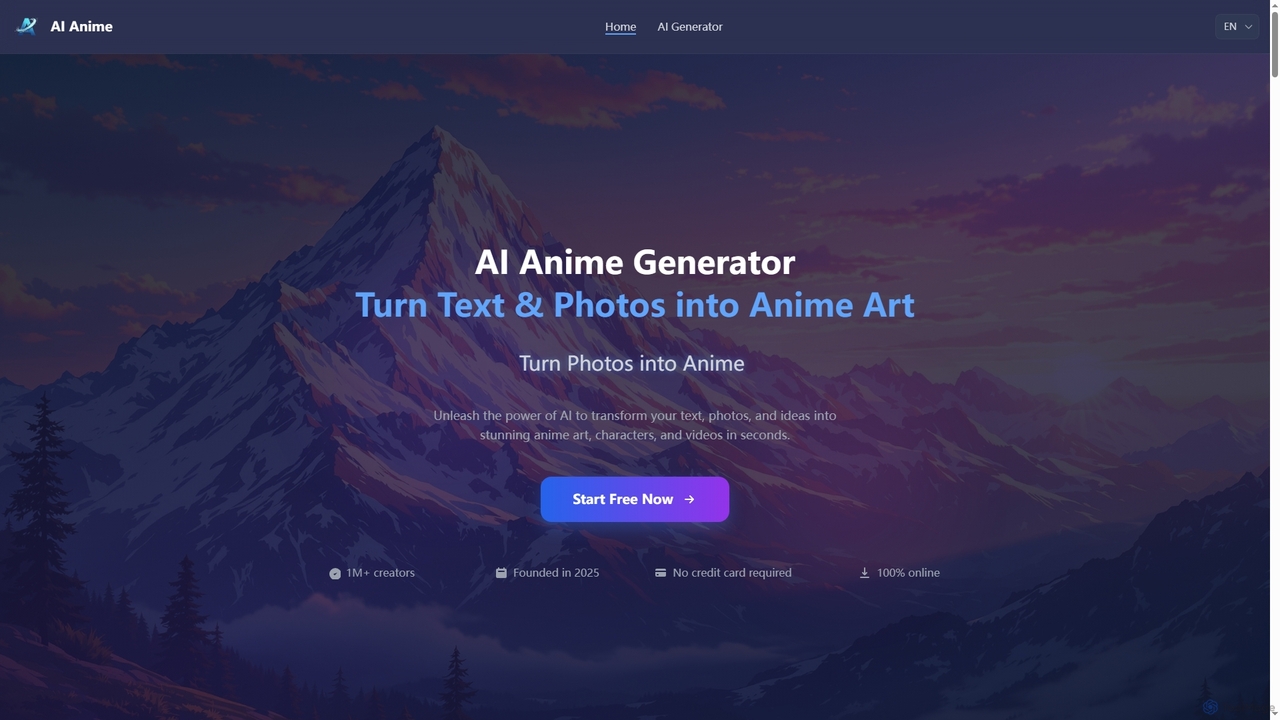
Aianime
Aianime is a free AI-powered suite for creating high-quality anime art. It transforms text and photos into unique anime characters, scenes, and videos in seconds. It offers various styles, requires no registration, and provides 60 free generations daily.
Avatar Maker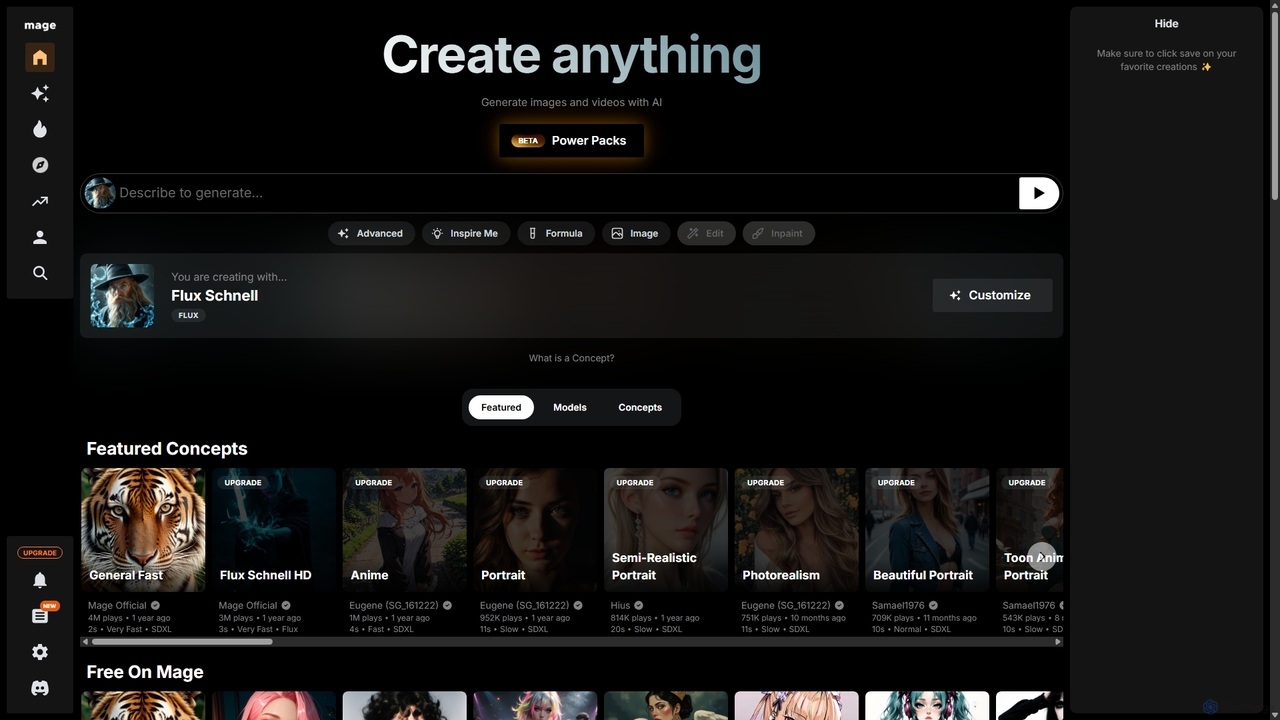
Mage
Mage is a powerful and versatile AI image and video generator offering free, unlimited creation capabilities. It provides access to a vast array of models like Stable Diffusion, Flux, and Wan, enabling users to generate diverse content from photorealistic portraits to anime and abstract art. With advanced features including LoRA, ControlNet, inpainting, and video animation, Mage caters to both beginners and professional artists seeking extensive creative control.
For Fun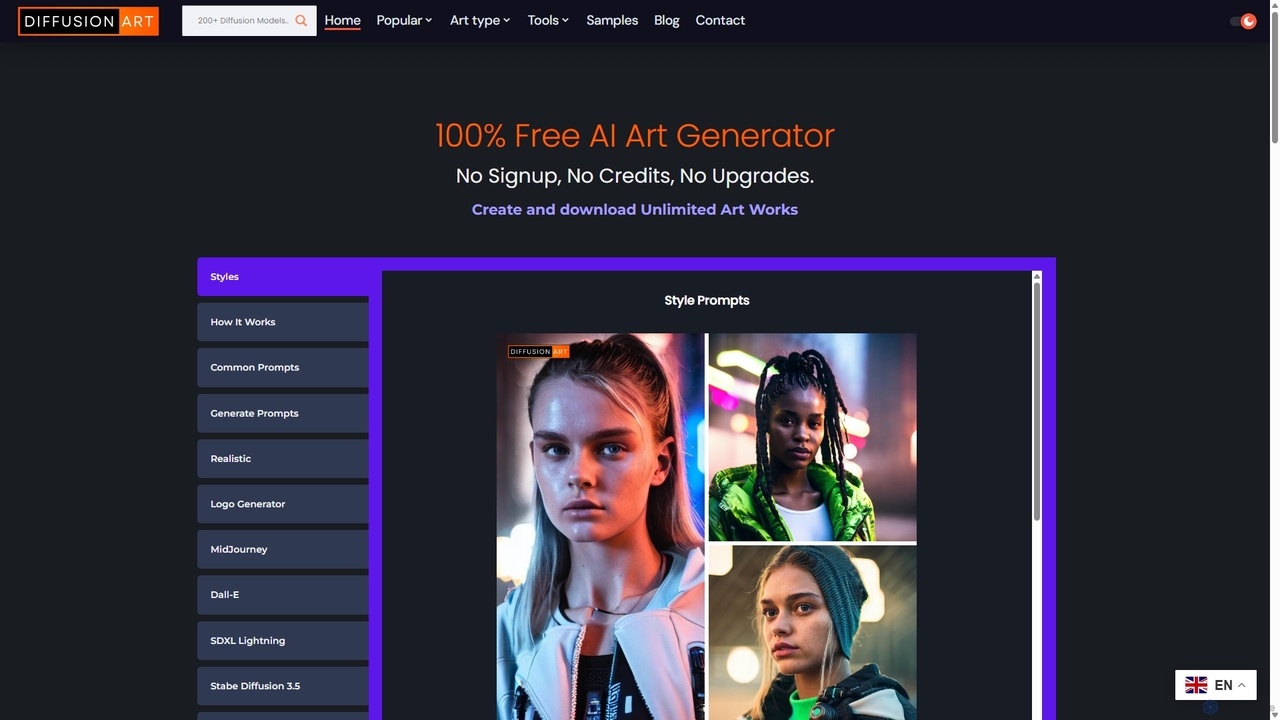
DiffusionArt.co
DiffusionArt.co is a 100% free AI art generator offering unlimited image creation without sign-ups or credits. It provides access to hundreds of hosted Stable Diffusion models for various styles like art, anime, and photorealism. Features include multi-model generation, prompt assistance, and integrated editing tools like upscaling and background removal, all accessible through a user-friendly web interface.
Art Generation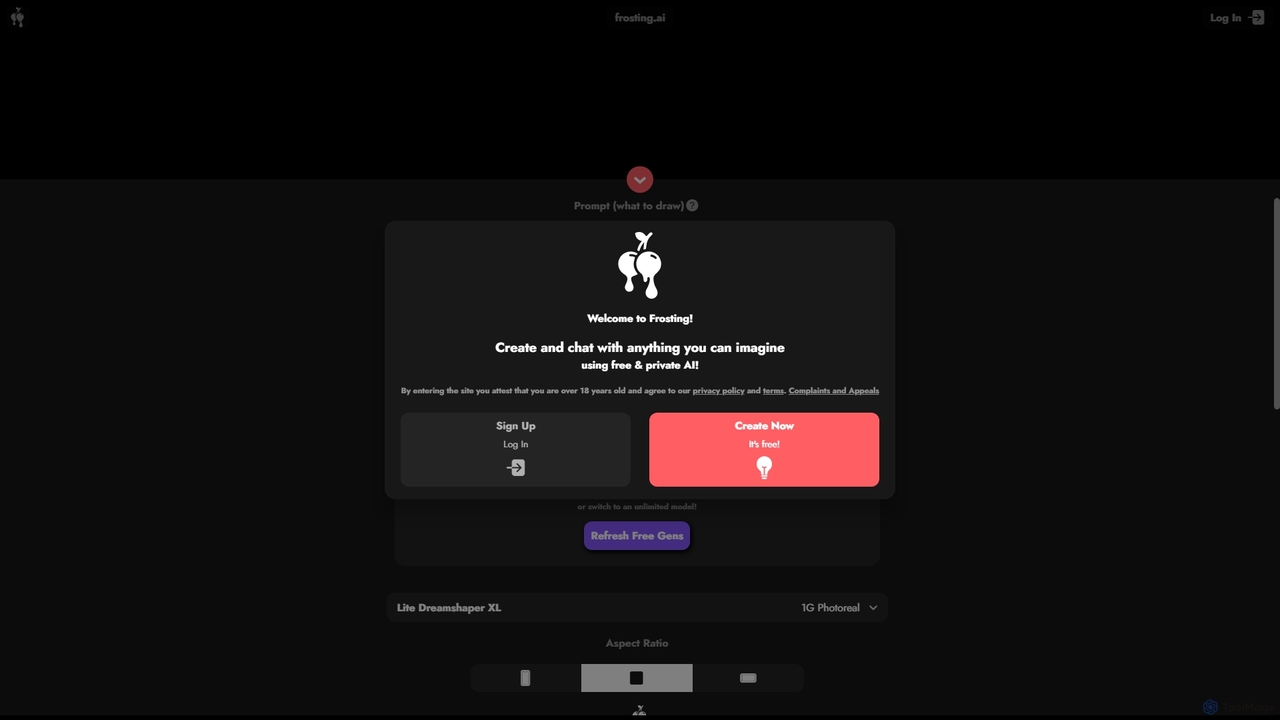
Frosting.ai
Frosting.ai is a versatile AI creation suite that combines advanced text-to-image and text-to-video generation with private AI chatbot capabilities. It offers a user-friendly interface for beginners and powerful, detailed controls like ControlNet and LoRAs for professionals, all within a freemium model.
Chatbots
Soulgen
Soulgen is a powerful AI creative suite for generating unique images and videos from text or reference photos. It specializes in creating realistic and anime-style characters, offering advanced features like high-consistency video generation, inpainting, outpainting, and face swapping. It's designed for artists, creators, and enthusiasts to bring their dream characters to life with ease.
Character CreatorSeaArt Categories
SeaArt Jobs
SeaArt Embed Widget
Copy this embed code to place the badge on your blog, article, or product site and send readers directly to this ToolMage detail page.

Related AI tools
Mage
Mage is a powerful and versatile AI image and video generator offering free, unlimited creation capabilities. It provides access to a vast array of models like Stable Diffusion, Flux, and Wan, enabling users to generate diverse content from photorealistic portraits to anime and abstract art. With advanced features including LoRA, ControlNet, inpainting, and video animation, Mage caters to both beginners and professional artists seeking extensive creative control.
For FunFrosting.ai
Frosting.ai is a versatile AI creation suite that combines advanced text-to-image and text-to-video generation with private AI chatbot capabilities. It offers a user-friendly interface for beginners and powerful, detailed controls like ControlNet and LoRAs for professionals, all within a freemium model.
Chatbots
Jyek
Jyek is an AI agent platform that understands objectives, creates execution plans, uses tools, and delivers verifiable results for complex, multi-step tasks.
AutomationAianime
Aianime is a free AI-powered suite for creating high-quality anime art. It transforms text and photos into unique anime characters, scenes, and videos in seconds. It offers various styles, requires no registration, and provides 60 free generations daily.
Avatar MakerSoulgen
Soulgen is a powerful AI creative suite for generating unique images and videos from text or reference photos. It specializes in creating realistic and anime-style characters, offering advanced features like high-consistency video generation, inpainting, outpainting, and face swapping. It's designed for artists, creators, and enthusiasts to bring their dream characters to life with ease.
Character Creator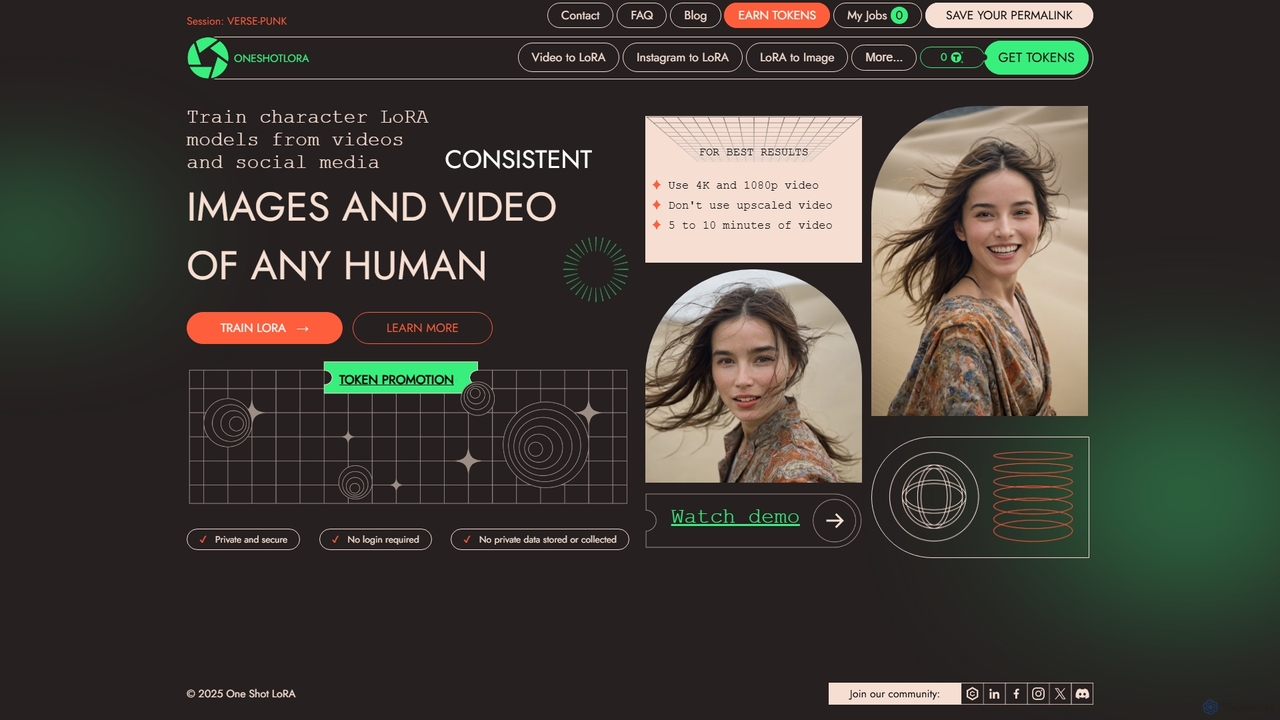
OneShotLoRA
OneShotLoRA is an AI tool that trains custom LoRA models from videos and social media profiles like Instagram. It enables users to generate consistent images and videos of any person or character without requiring a login. The platform is private, secure, and focuses on ease of use, converting 5-10 minute videos into high-quality, reusable AI models for creative projects.
Ai Art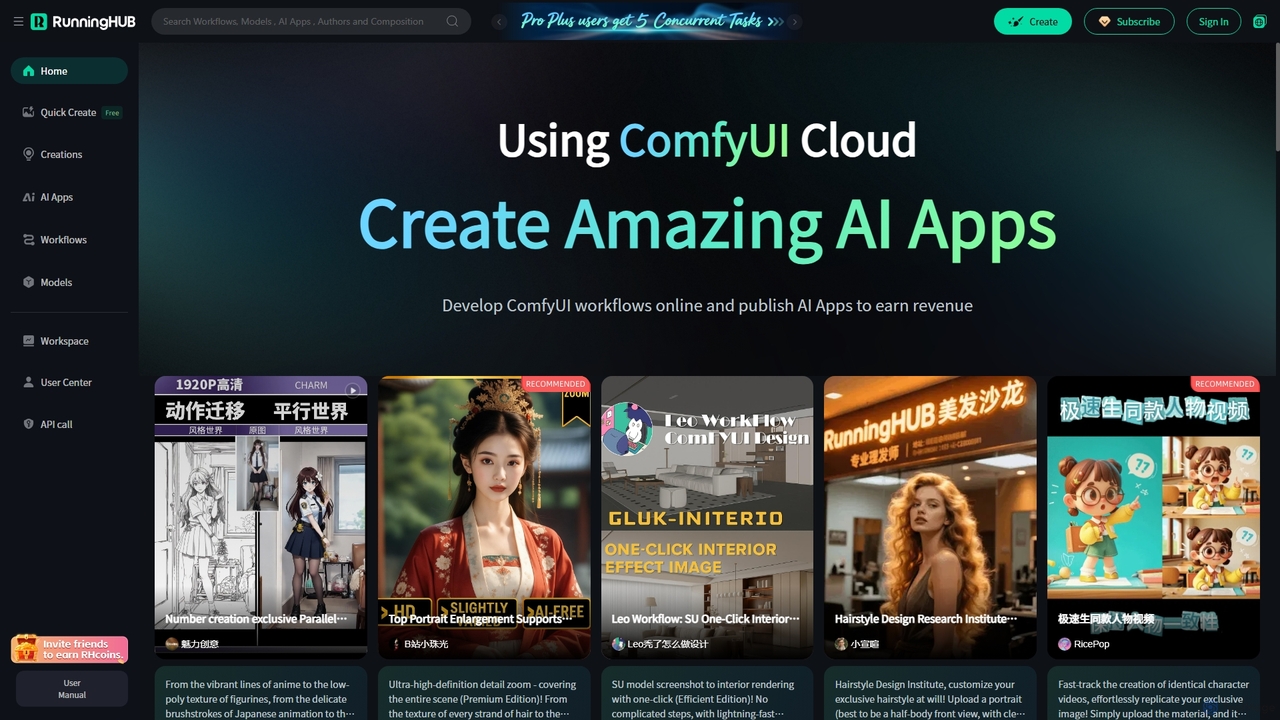
RunningHub
RunningHub is a powerful cloud-based platform for ComfyUI, enabling users to create, run, and share complex AI workflows without needing local hardware. It provides an online workspace with high-performance GPUs, a vast library of pre-installed models and nodes, and the ability to publish workflows as user-friendly AI applications for monetization.
Api
RunDiffusion
RunDiffusion is a cloud-based platform providing instant access to powerful, pre-configured Stable Diffusion environments. Launch private sessions with top-tier GPUs in seconds, without any setup. Ideal for AI artists, designers, and developers who need high-performance image generation, model training, and workflow experimentation on demand.
Ai ArtDiffusionArt.co
DiffusionArt.co is a 100% free AI art generator offering unlimited image creation without sign-ups or credits. It provides access to hundreds of hosted Stable Diffusion models for various styles like art, anime, and photorealism. Features include multi-model generation, prompt assistance, and integrated editing tools like upscaling and background removal, all accessible through a user-friendly web interface.
Art Generation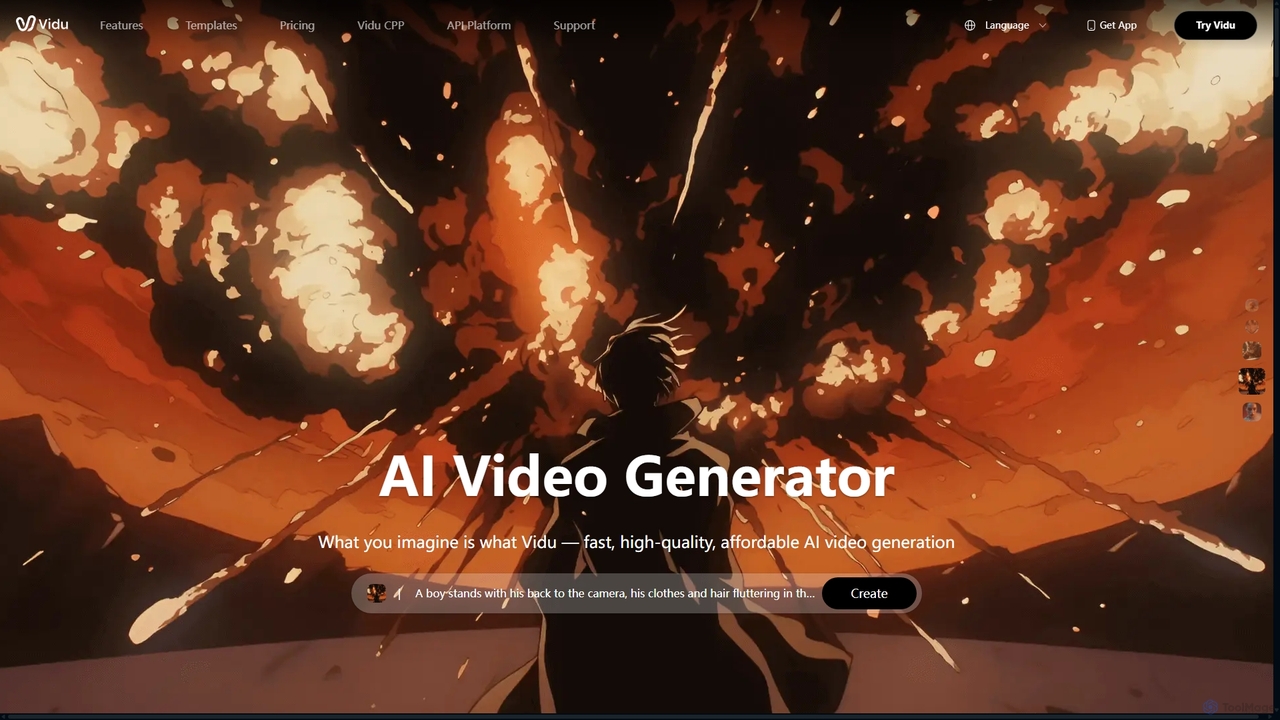
Vidu
Vidu is a powerful AI video generator that transforms text and images into high-quality videos in seconds. It excels in creating anime-style animations and maintaining character consistency across scenes using multi-reference technology. Ideal for creators, marketers, and animators.
Animation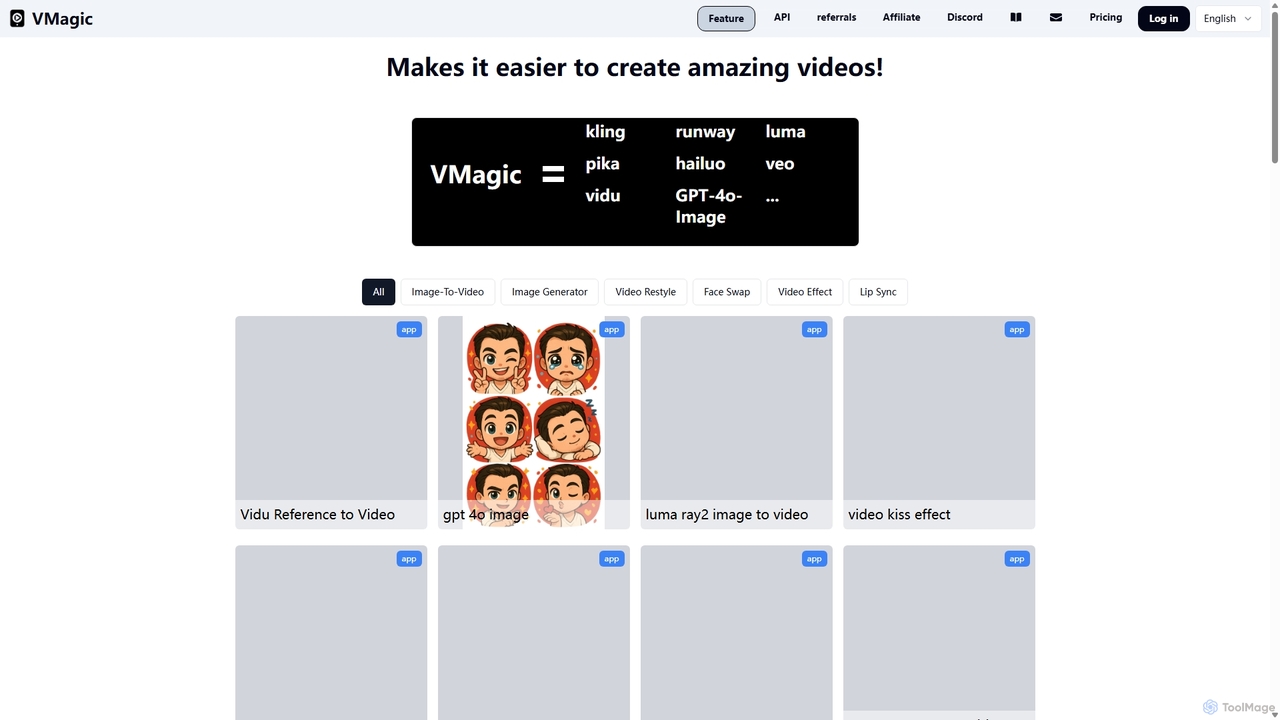
VMagic AI
VMagic AI is a powerful, all-in-one platform for creating stunning videos and images. It integrates top models like Kling, GPT-4O, and Runway to offer features like video-to-animation, text-to-video, AI face swap, lip sync, and advanced image generation. It simplifies the creative process, making it easy for anyone to produce professional-quality visual content.
Face Swap
DiffusionHub
DiffusionHub is a cloud-based platform for AI image generation, providing easy access to a vast library of Stable Diffusion models. It empowers users to create high-quality AI art and images through an intuitive interface, without the need for powerful local hardware. Ideal for artists, designers, and enthusiasts.
Generative Art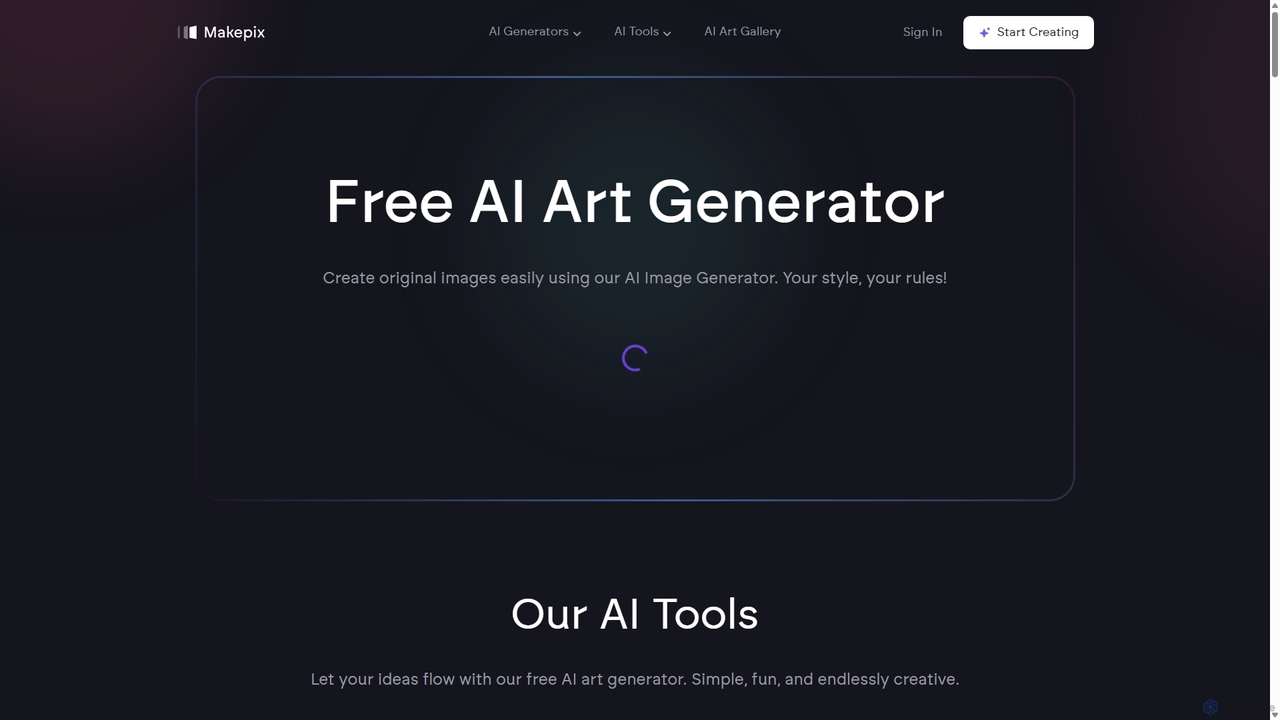
Makepix
A powerful and versatile AI image generation platform offering a suite of tools to create stunning visuals from text or images. It features specialized generators for anime, characters, faces, and more, alongside advanced editing functions like upscaling, background removal, and image-to-video conversion. Ideal for artists, marketers, and creators of all levels.
Generative Art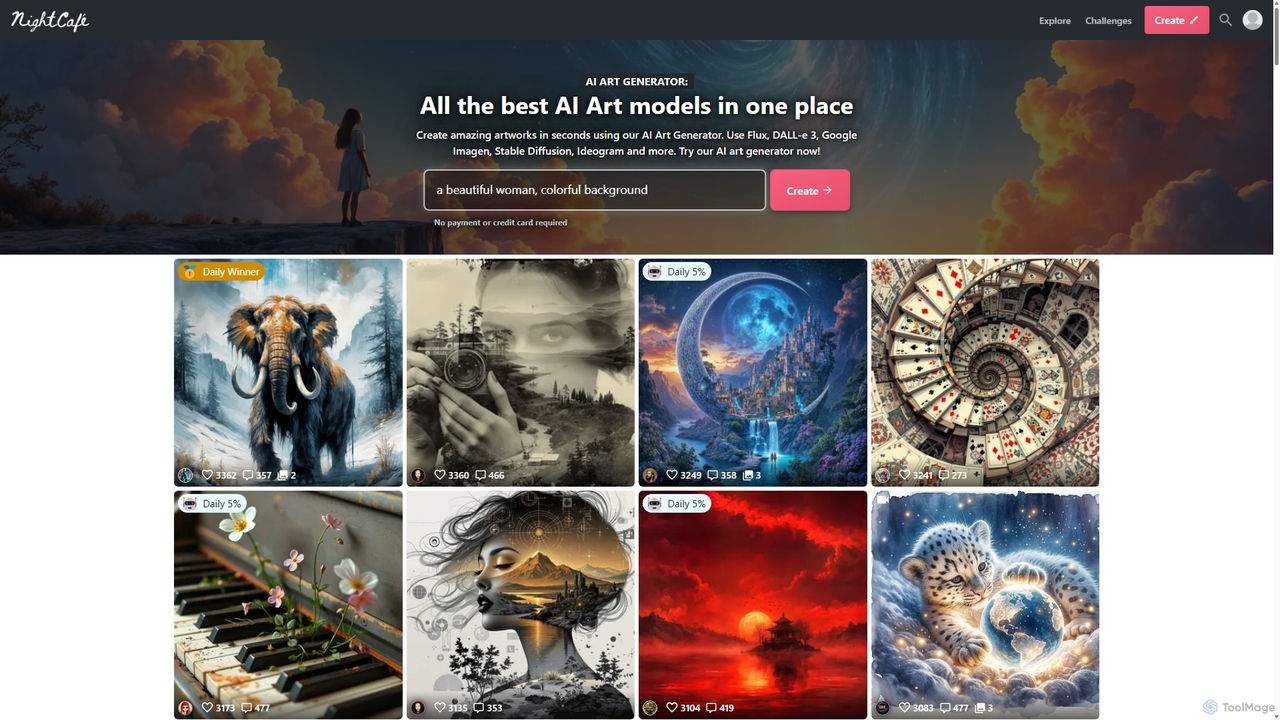
NightCafe
NightCafe is a versatile AI art generator and a vibrant community platform. It provides access to a wide range of AI models like DALL-E 3, Stable Diffusion, and Flux, allowing users to create, share, and discuss AI-generated art. Engage in daily challenges, collaborate with friends, and explore millions of creations in a supportive environment, suitable for both beginners and experts.
Generative Art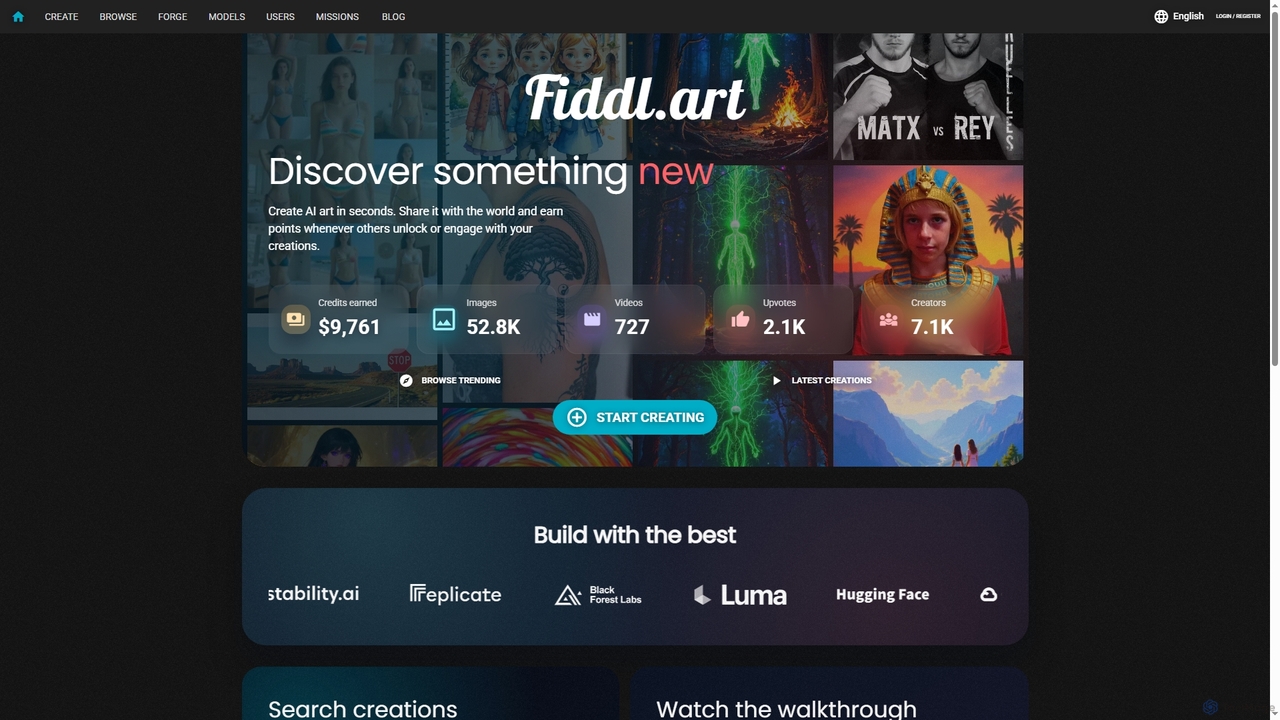
Fiddl
Fiddl is an advanced AI art and video generation platform that allows users to create stunning visuals in seconds. It features a diverse range of AI models, custom model training, and a vibrant community where creators can share their work, earn points, and explore new artistic possibilities without a subscription.
Generative Art
SeaArt Comments (0)
Sign in to comment.
Sign inNo comments yet.