

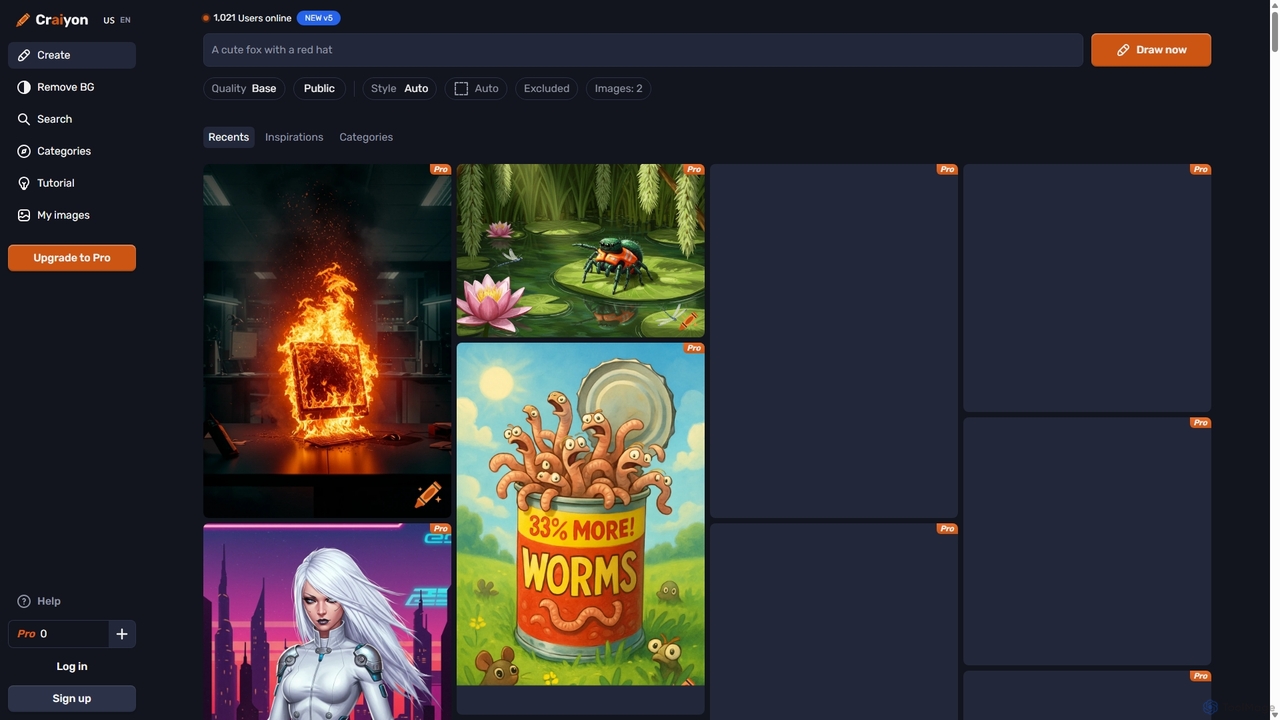
Craiyon Overview
Craiyon, formerly known as the viral sensation DALL·E mini, is a highly accessible and user-friendly AI image generator. It empowers anyone to become an artist by transforming simple text prompts into unique, AI-generated images in seconds. The platform is designed for both casual users exploring their creativity and professionals seeking high-quality visuals for their projects. With a commitment to accessibility, Craiyon offers a robust free tier that allows for unlimited image generation without needing an account, making it one of the easiest entry points into the world of AI art.
The core technology behind Craiyon is an advanced diffusion model trained on millions of internet images. This allows the AI to understand complex concepts, styles, and relationships described in a text prompt. It starts with digital noise and gradually refines it into a coherent image that matches the user's description. The platform is continuously improving, with its AI models being updated daily to enhance image quality, prompt understanding, and creative capabilities.
How to use Craiyon
Using Craiyon is designed to be a simple and intuitive process. Here’s a step-by-step guide to creating your first masterpiece:
- Enter Your Prompt: In the main prompt box, type a description of the image you want to create. Be as specific as possible for better results. For example, instead of "a dog," try "a fluffy golden retriever puppy playing in a field of sunflowers during a golden hour sunset." You can write prompts in any language.
- Use the Exclude Field: To refine your image, use the 'Exclude' field to specify elements you don't want to see. For instance, if you want a cityscape without cars, you can add "cars" to this field.
- Select Style and Quality: Choose from various artistic styles like Photo, Illustration, Vector, or Raw for a pure AI interpretation. Free users can generate images with 'Base' quality, while subscribers can access 'Pro' quality for higher detail and sharpness.
- Choose Aspect Ratio: Free users are limited to a square format. Subscribers can choose between square, landscape, and portrait formats to better suit their composition.
- Generate and Refine: Click the 'DRAW' button. Craiyon will generate a set of images based on your input. You can then refine your prompt, try different styles, or explore similar images generated by the community to get new ideas.
Core Features of Craiyon
- Text-to-Image Generation: The primary function, converting text descriptions into visual art.
- Multiple Art Styles: Users can select from Photo (realistic), Illustration (artistic), Vector (clean graphics), and Raw (unfiltered AI output) to guide the creative direction.
- Negative Prompts: The 'Exclude' feature allows users to specify what they don't want in the image, providing greater control over the output.
- Free Unlimited Generation: The free tier offers unlimited image generation at 'Base' quality, making it highly accessible.
- Pro Quality Images: Subscribers gain access to higher-quality models that produce more detailed, sharp, and accurate images.
- Custom Aspect Ratios: Paid plans unlock landscape and portrait formats in addition to the standard square.
- No Watermarks (Paid): Subscribers can download images without the Craiyon watermark.
- Commercial Use: Images can be used for personal, academic, or commercial purposes. Free users must provide attribution, while subscribers are exempt.
- Background Remover: A powerful tool to automatically remove the background from any image with high precision, especially around complex edges like hair.
- Image Discovery: Explore millions of images created by the community, view their prompts for inspiration, and browse by categories.
Use Cases for Craiyon
Craiyon's versatility makes it suitable for a wide range of applications:
- Content Creation: Bloggers, social media managers, and marketers can generate unique images for articles, posts, and advertisements.
- Design and Art: Graphic designers and artists can use it for brainstorming, creating concept art, illustrations, logos, and merchandise designs.
- Marketing and Branding: Create product mockups, event posters, social media content, and branding materials.
- Personal Projects: Design custom t-shirts, album covers, book illustrations, or simply create art for fun.
- Education and Academia: Generate visual aids for presentations and academic papers.
- Game Development: Create character concepts, item icons, and environmental art for games.
Advantages of Craiyon
Craiyon stands out in the crowded field of AI image generators due to several key advantages:
- Accessibility: No login is required for the free version, allowing anyone to start creating immediately.
- Generous Free Tier: Unlike many competitors, Craiyon offers unlimited free image generations.
- User-Friendly Interface: The platform is simple and intuitive, making it easy for beginners to get started.
- Continuous Improvement: The AI models are updated daily, ensuring that the quality and capabilities of the tool are constantly evolving.
- Active Community: A large and active Discord community provides a space for users to share creations, get help, and find inspiration.
- Flexible Commercial Use Policy: The clear terms of use allow for commercial applications even on the free plan (with attribution).
Pricing and Plans
Craiyon operates on a freemium model with plans designed for different user needs:
- Free Plan: $0/month. Includes unlimited 'Base' quality images, square format only, watermarks, and potential wait times during peak traffic. Attribution to Craiyon.com is required for commercial use.
- Supporter Plan: Starts at $5/month (billed yearly). Includes 120 'Pro' quality credits per month, unlimited 'Base' images, no watermarks, no attribution required, high-quality downloads, all aspect ratios, and priority generation. Generated images are public.
- Professional Plan: Starts at $20/month (billed yearly). Includes everything in the Supporter plan plus 250 'Pro' credits, private image generation, the fastest generation priority, and early access to new features.
- Enterprise Plan: Custom pricing. Offers fully customizable models, custom integrations, dedicated support, API access, and solutions for high-volume usage.
Traffic
Latest traffic
Status
Monthly traffic trend
- 2025-9: 1.5M
- 2026-1: 1.7M
- 2026-2: 1.5M
- 2026-3: 1.6M
- 2026-4: 1.5M
- 2026-5: 1.5M
Geography
Top 5 countries / regions
- 🇺🇸United States52.3%
- 🇮🇳India15.7%
- 🇫🇷France13.3%
- 🇩🇪Germany10.2%
- 🇬🇧United Kingdom8.5%
Traffic sources
| Source type | Percentage |
|---|---|
Direct | 90.9% |
Referral | 8.7% |
Email | 0.4% |
Top keywords
| Keyword | Cost per click |
|---|---|
| ai image generator free | $0.62 |
| craiyon | $0.58 |
| craiyon ai | $0.77 |
| crayon ai | $2.43 |
| remove background hd | $0.13 |
Craiyon Videos on YouTube


Dom the AI Tutor | Tech Tutor Zones
SKH LYRICAL WORD

Tech world
Chandan kumar

Thebwcs
Craiyon Alternatives
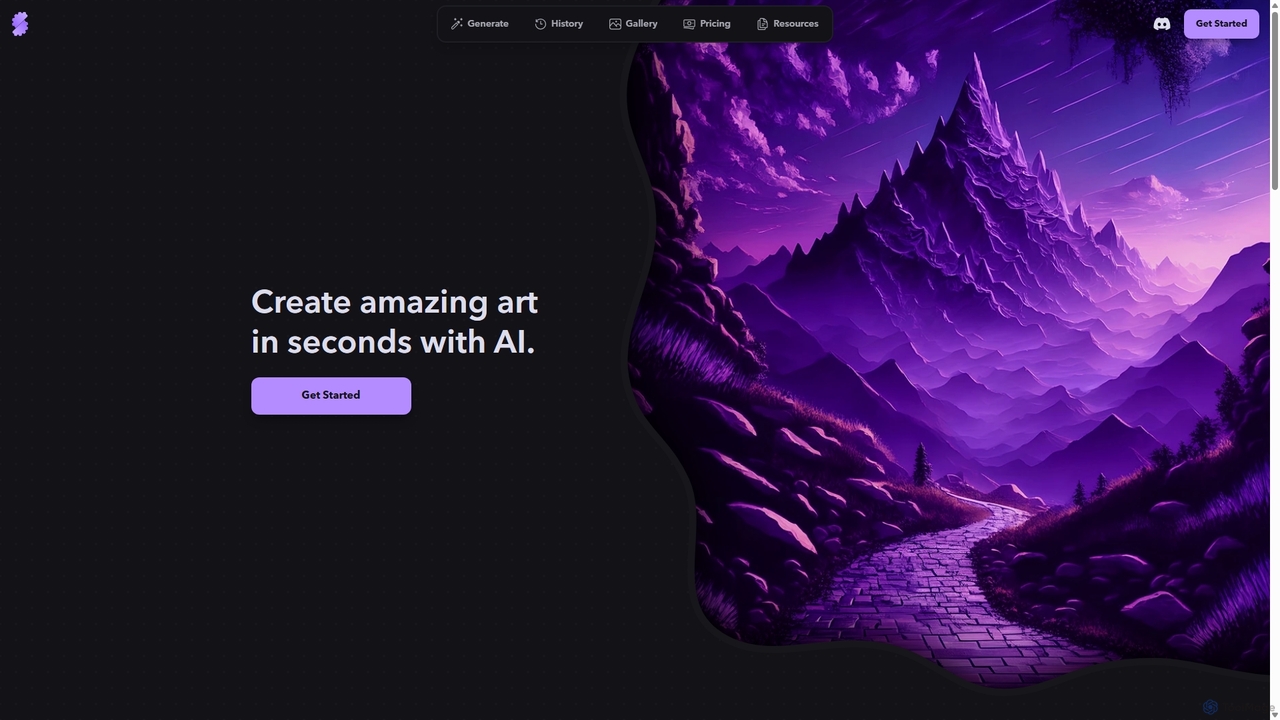
Stablecog
Stablecog is a powerful and user-friendly AI image generator that allows you to create stunning art from text or images in seconds. It supports multiple advanced AI models like Stable Diffusion 3 and SDXL, offering a versatile and creative platform for artists, designers, and content creators. With a generous free plan and flexible paid options, it's accessible to everyone.
Generative Art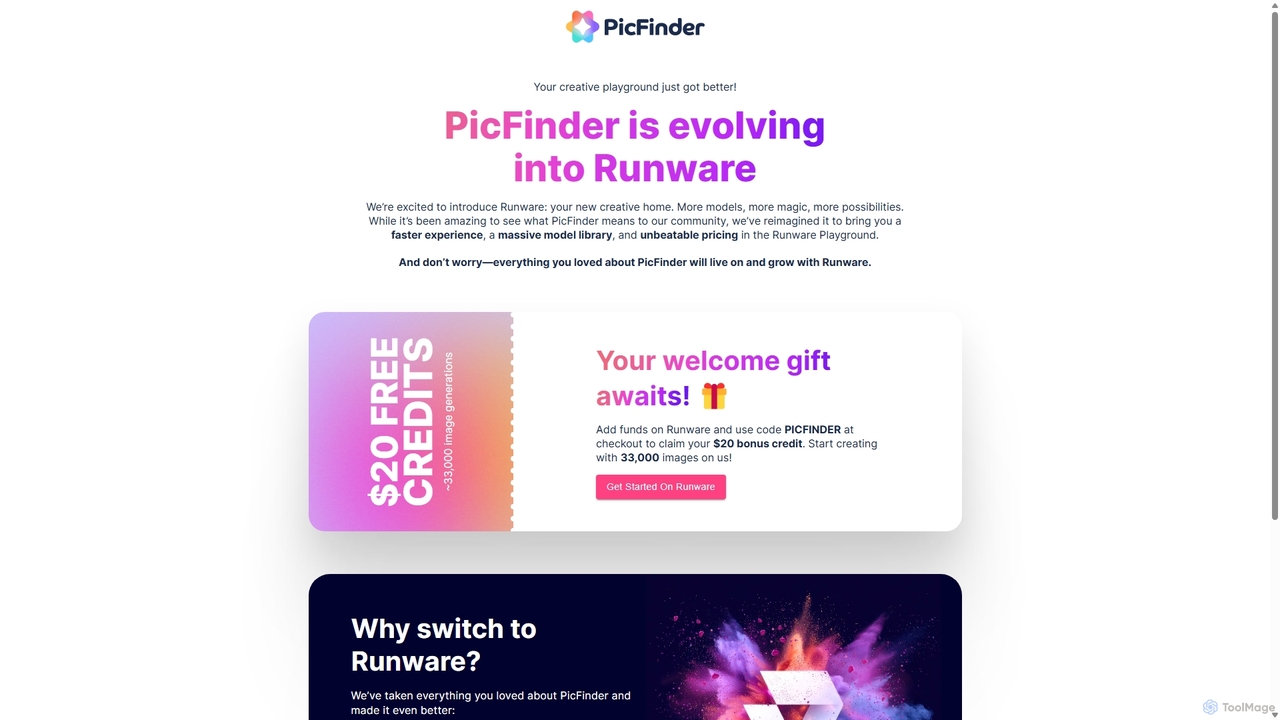
PicFinder
PicFinder has evolved into Runware, a powerful AI image generation platform. It offers a massive library of over 300,000 models, enabling users to create stunning visuals from text prompts. With features like batch generation, customizable controls, and an incredibly low cost, Runware serves as a comprehensive creative playground for artists, designers, and content creators, building upon the legacy of PicFinder.
Generative Art
DreamUp
DreamUp is a powerful AI art generator that transforms your text descriptions into stunning, high-quality images and artwork. Leveraging advanced generative models, it allows creators, marketers, and designers to produce unique visuals, concept art, and marketing materials in seconds.
Generative Art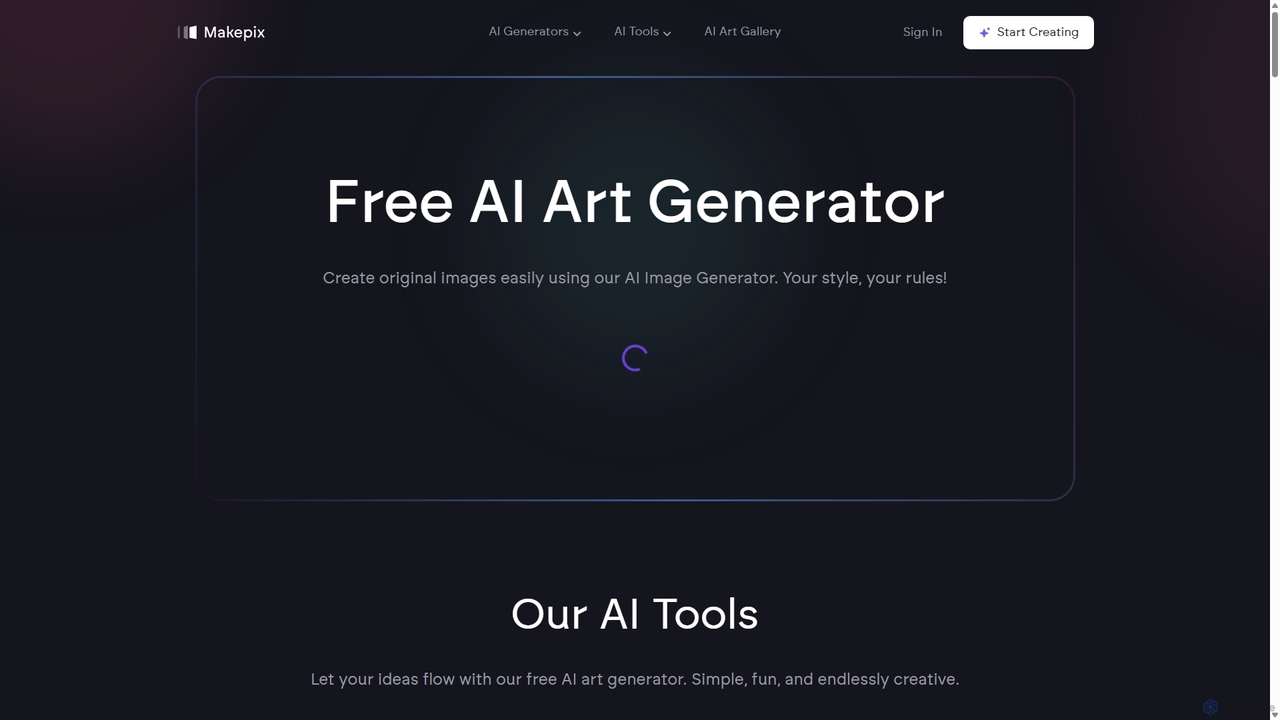
Makepix
A powerful and versatile AI image generation platform offering a suite of tools to create stunning visuals from text or images. It features specialized generators for anime, characters, faces, and more, alongside advanced editing functions like upscaling, background removal, and image-to-video conversion. Ideal for artists, marketers, and creators of all levels.
Generative Art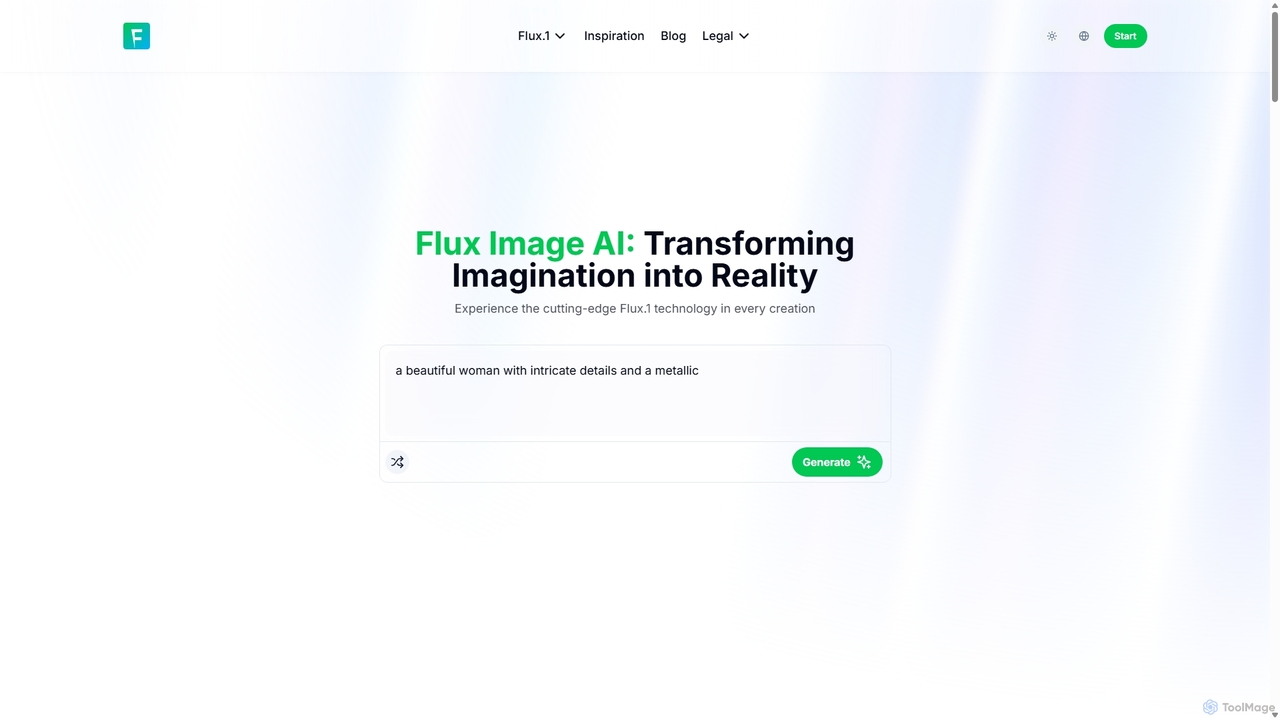
Flux Image AI
Flux Image AI is a next-generation AI art generator powered by the advanced Flux.1 model. It transforms text prompts into high-quality, detailed images with exceptional speed and prompt adherence. Ideal for designers, marketers, and creators, it offers versatile styles, commercial usage rights, and a user-friendly interface.
Generative ArtCraiyon Categories
Craiyon Jobs
Craiyon Embed Widget
Copy this embed code to place the badge on your blog, article, or product site and send readers directly to this ToolMage detail page.

Related AI tools
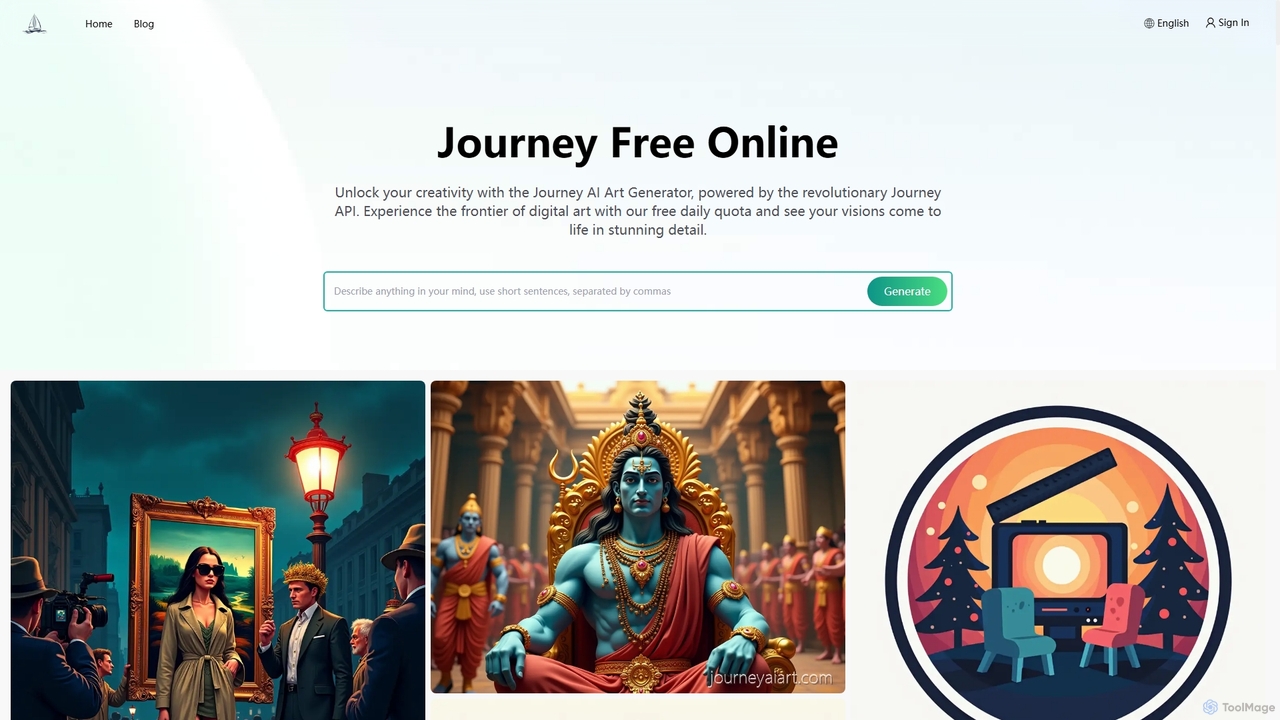
Journey AI Art Generator
Journey AI Art Generator is a free online Midjourney alternative that transforms text prompts into stunning visuals. Powered by the advanced Journey API, it supports diverse models like V6.1 for realism and NIJI for vibrant styles. It offers a daily free quota, making high-quality AI art creation accessible to everyone.
Graphics
Aiart.fm
Aiart.fm is a powerful AI art generator that transforms your text prompts into stunning, high-quality images and digital art in seconds. Featuring a user-friendly interface, it supports a wide range of artistic styles, from photorealistic to anime and abstract. Ideal for artists, designers, marketers, and content creators looking to unlock their creative potential without complex software.
Generative ArtDreamUp
DreamUp is a powerful AI art generator that transforms your text descriptions into stunning, high-quality images and artwork. Leveraging advanced generative models, it allows creators, marketers, and designers to produce unique visuals, concept art, and marketing materials in seconds.
Generative ArtStablecog
Stablecog is a powerful and user-friendly AI image generator that allows you to create stunning art from text or images in seconds. It supports multiple advanced AI models like Stable Diffusion 3 and SDXL, offering a versatile and creative platform for artists, designers, and content creators. With a generous free plan and flexible paid options, it's accessible to everyone.
Generative ArtPicFinder
PicFinder has evolved into Runware, a powerful AI image generation platform. It offers a massive library of over 300,000 models, enabling users to create stunning visuals from text prompts. With features like batch generation, customizable controls, and an incredibly low cost, Runware serves as a comprehensive creative playground for artists, designers, and content creators, building upon the legacy of PicFinder.
Generative Art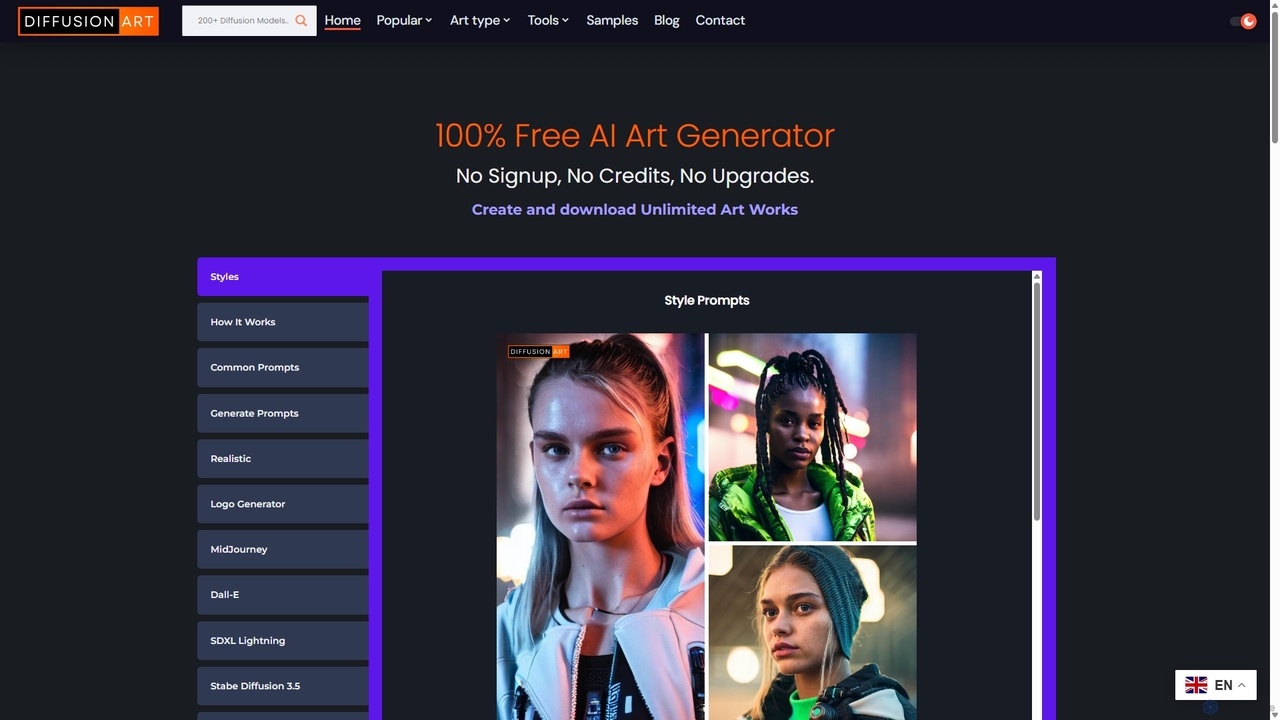
DiffusionArt.co
DiffusionArt.co is a 100% free AI art generator offering unlimited image creation without sign-ups or credits. It provides access to hundreds of hosted Stable Diffusion models for various styles like art, anime, and photorealism. Features include multi-model generation, prompt assistance, and integrated editing tools like upscaling and background removal, all accessible through a user-friendly web interface.
Art Generation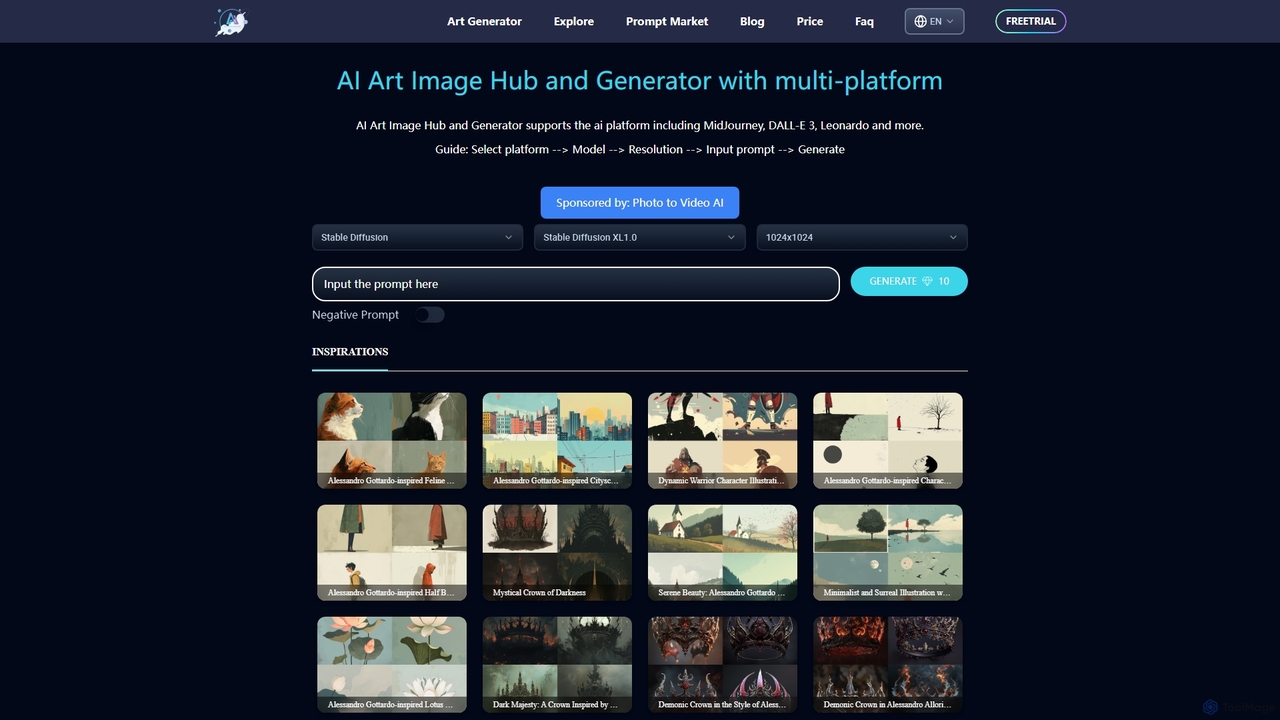
ArtiverseHub
ArtiverseHub is a comprehensive AI art hub integrating top generators like MidJourney, DALL-E 3, and Stable Diffusion. It features a powerful image generator, an extensive prompt marketplace, and an inspiration gallery. Ideal for artists, designers, and content creators to explore, create, and share stunning AI-generated visuals from a single, user-friendly platform.
Prompt Generation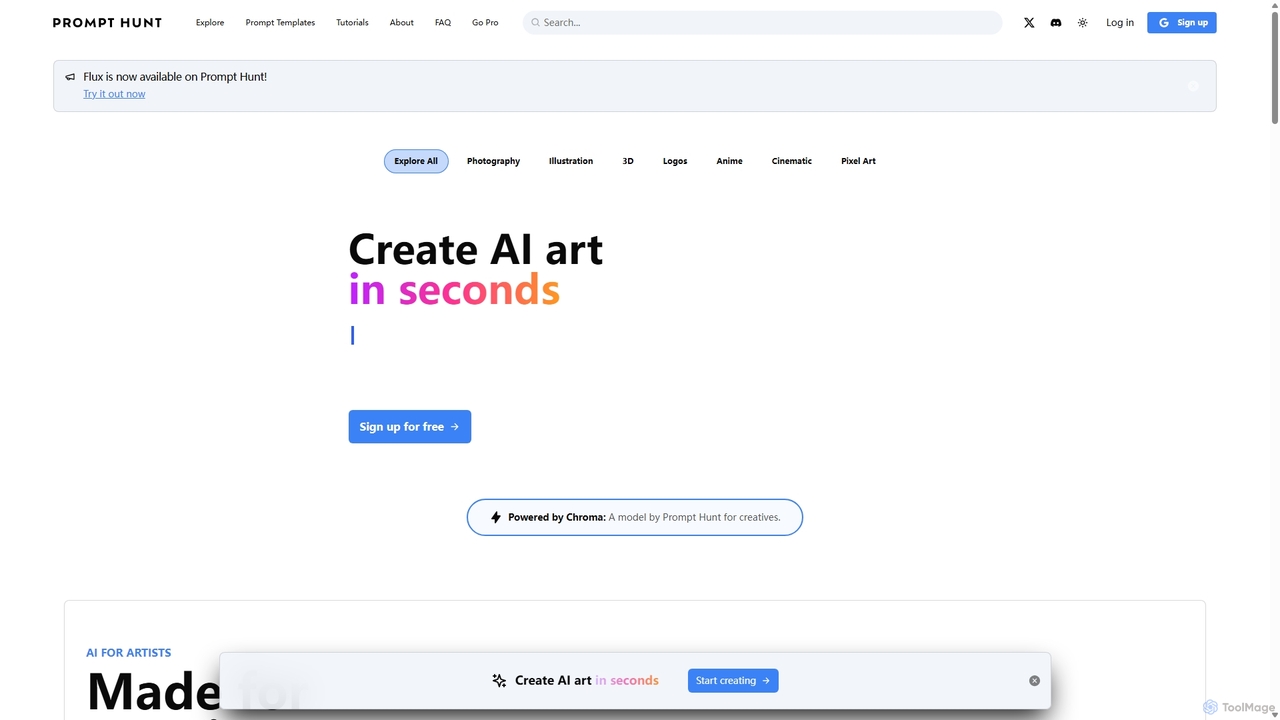
Prompt Hunt
Prompt Hunt is an AI art platform designed for creatives to explore, create, and share high-quality AI-generated images. It features a powerful proprietary model called Chroma, an extensive library of prompt templates, and an intuitive interface, making it easy for both beginners and experts to produce stunning visuals.
Illustration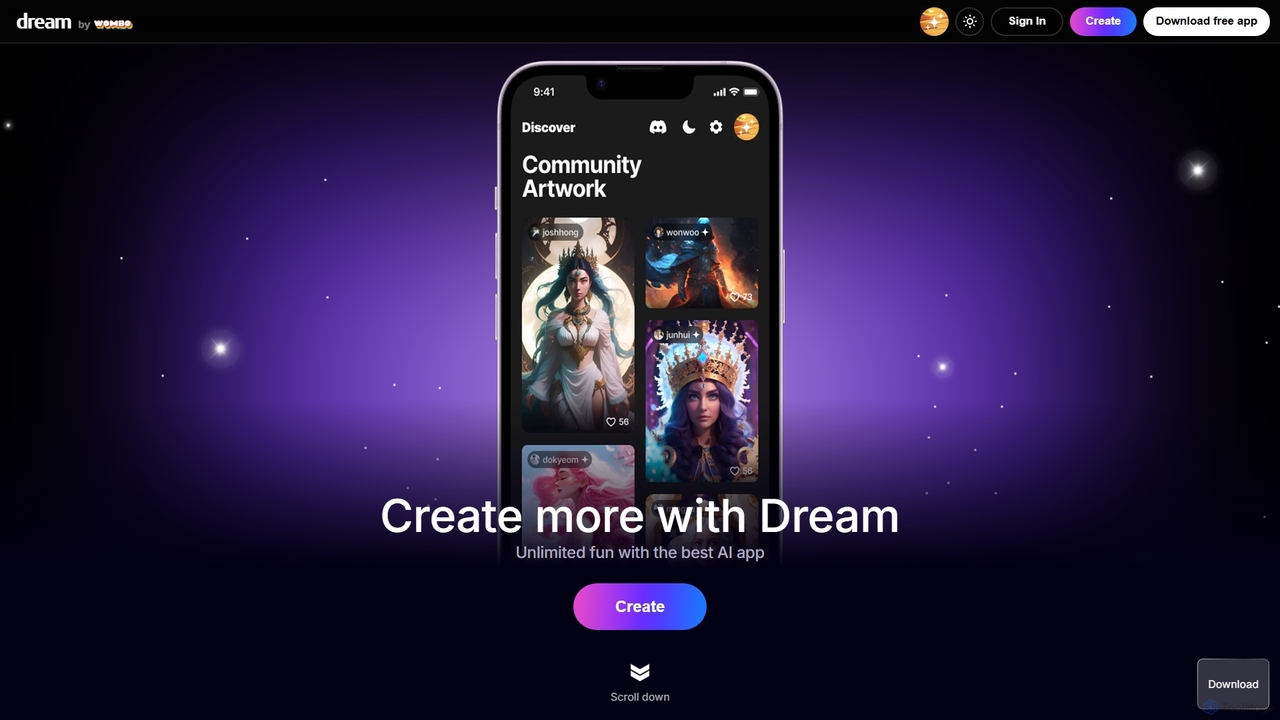
WOMBO Dream
WOMBO Dream is a powerful AI art generator that transforms your text prompts into stunning, unique paintings in seconds. Choose from a vast library of art styles, from surrealism to anime, and bring your creative ideas to life. Available on web and mobile.
Creative ToolsMakepix
A powerful and versatile AI image generation platform offering a suite of tools to create stunning visuals from text or images. It features specialized generators for anime, characters, faces, and more, alongside advanced editing functions like upscaling, background removal, and image-to-video conversion. Ideal for artists, marketers, and creators of all levels.
Generative Art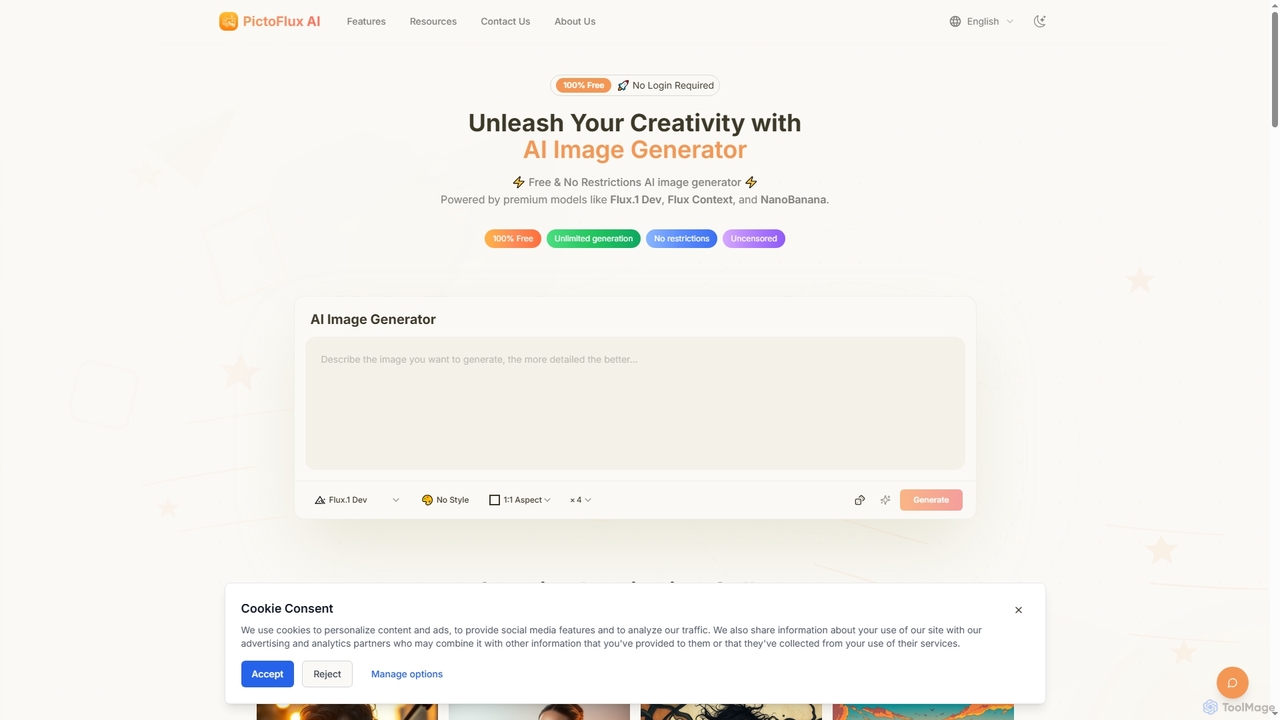
Pictoflux
Pictoflux is a completely free, unlimited, and uncensored AI image generator that requires no login. Powered by advanced open-source models like Flux.1 Dev, it allows anyone to create high-quality, studio-grade images from text prompts instantly and with full creative freedom.
Generative Art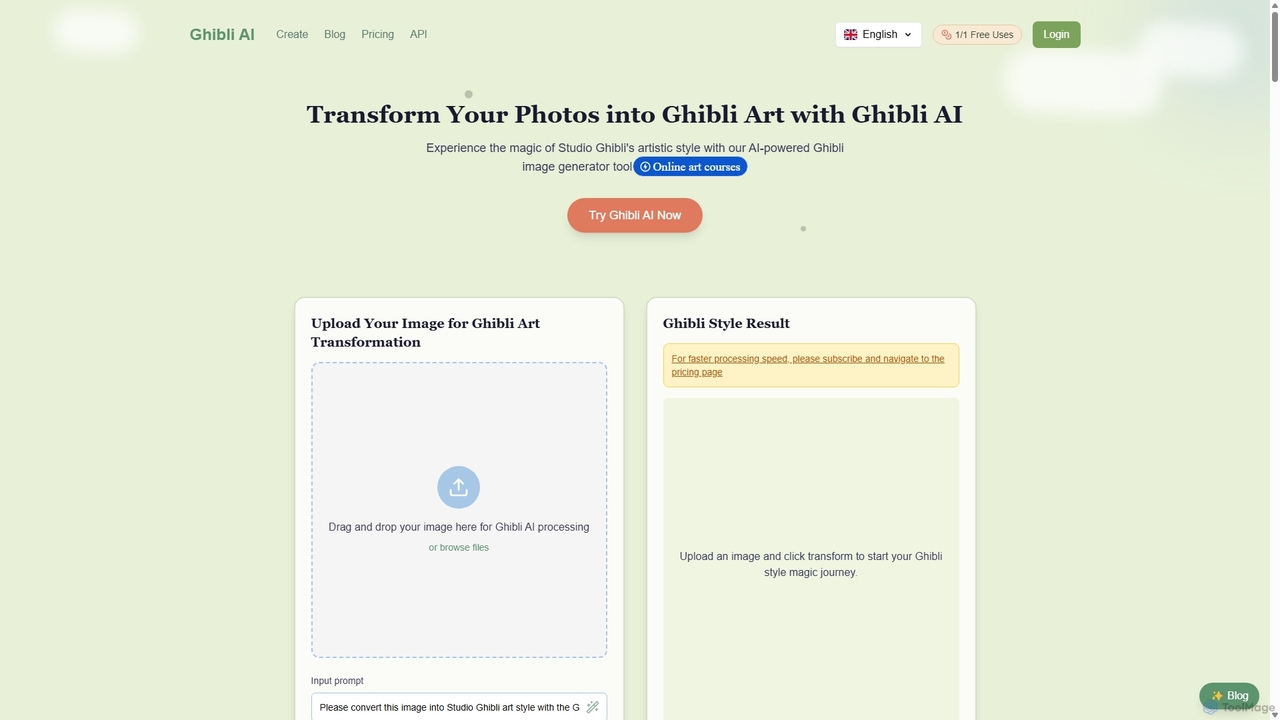
Ghibli AI
Ghibli AI is a powerful AI-powered art generator that transforms your photos and text prompts into the enchanting and iconic art style of Studio Ghibli. Create unique characters, dreamlike backgrounds, and full scenes with ease, perfect for artists, content creators, and Ghibli fans.
Generative ArtFlux Image AI
Flux Image AI is a next-generation AI art generator powered by the advanced Flux.1 model. It transforms text prompts into high-quality, detailed images with exceptional speed and prompt adherence. Ideal for designers, marketers, and creators, it offers versatile styles, commercial usage rights, and a user-friendly interface.
Generative Art
Jyek
Jyek is an AI agent platform that understands objectives, creates execution plans, uses tools, and delivers verifiable results for complex, multi-step tasks.
Automation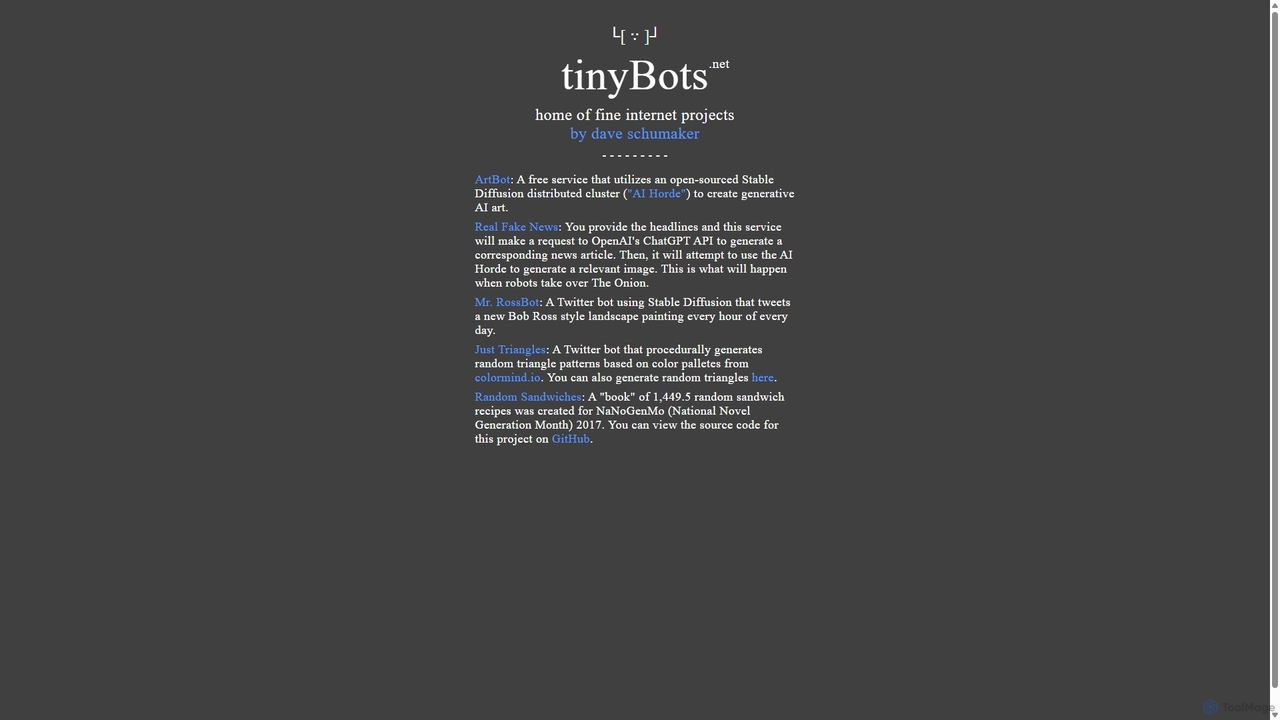
Tinybots.net
Tinybots.net is a collection of creative and experimental AI projects. Its flagship tool, ArtBot, provides free, unlimited AI image generation using the power of a distributed Stable Diffusion network (AI Horde). Users can create art from text, images, and even live drawings without registration. The collection also includes unique bots for generating satirical news, Bob Ross-style paintings, and procedural art, showcasing the diverse and fun applications of artificial intelligence.
Image Generation
Craiyon Comments (0)
Sign in to comment.
Sign inNo comments yet.