
WOMBO Dream Overview
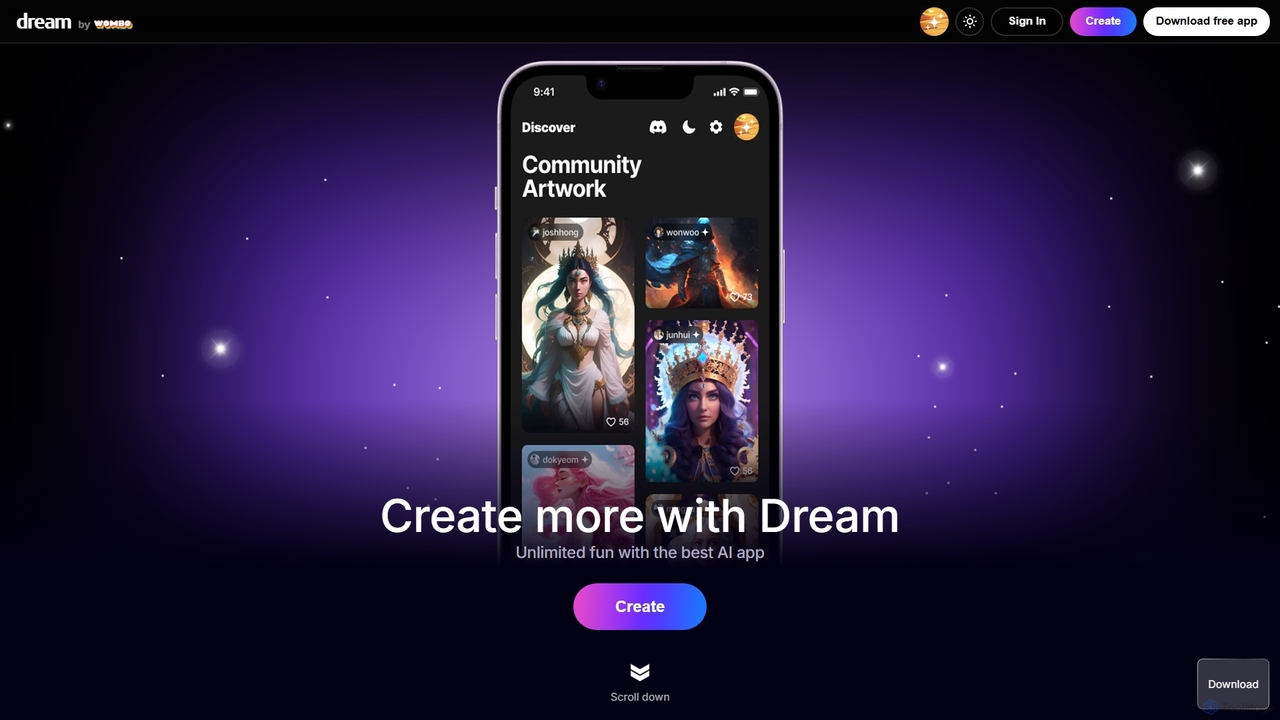
WOMBO Dream is a pioneering AI-powered art generation platform that empowers users to transform simple text prompts into breathtaking digital artwork. Developed by WOMBO, this tool stands at the forefront of creative technology, making digital art creation accessible to everyone, from professional artists to casual hobbyists. By simply describing an idea and selecting an artistic style, users can watch as the AI interprets their vision and renders a unique, high-quality image in a matter of seconds. The platform is celebrated for its intuitive interface, rapid generation speed, and an incredibly diverse library of art styles, fostering a global community of millions of creators.
How to use WOMBO Dream
The creation process on WOMBO Dream is designed for simplicity and speed, allowing anyone to become an artist in just a few steps:
- Enter a Prompt: Start by typing a descriptive text prompt of what you want to create in the input box. Be as imaginative and detailed as you like. For example, you could write "a cyberpunk city skyline at sunset," or "a mystical forest with glowing mushrooms."
- Choose an Art Style: This is where you define the aesthetic of your creation. Scroll through WOMBO Dream's extensive and ever-growing list of art styles. You can select from dozens of options like Realism, Anime, Surrealism, Ukiyo-e, Steampunk, Dark Fantasy, Cartoon, and many more. Each style dramatically alters the look and feel of the final piece.
- Upload an Input Image (Optional): For more guided creations, you can upload a reference image. The AI will use this image as inspiration for the composition, color palette, or subject matter, blending it with your text prompt to create a new, hybrid artwork. This feature offers a higher degree of creative control.
- Create: Click the "Create" button and let the AI work its magic. Within seconds, your unique artwork will be generated. You can then save it, share it with the community, or refine it by adjusting the prompt or style for a new result.
Core Features of WOMBO Dream
- Advanced Text-to-Image AI: Utilizes sophisticated algorithms to accurately interpret complex text prompts and generate corresponding high-quality visuals.
- Massive Style Library: Offers dozens of distinct art styles, including premium and exclusive options for subscribers. Styles range from classical (Baroque, Impressionism) to modern (HDR, VFX) and abstract (Surrealism, Abstract Fluid).
- Reference Image Guidance: The ability to use an input image to influence the final output, providing greater creative control and enabling image-to-image transformations.
- Cross-Platform Sync: Seamlessly available as a user-friendly website and a dedicated mobile app for both iOS and Android, allowing you to create and access your art on the go.
- Vibrant Community Hub: An integrated platform to explore artwork created by others, discover new and effective prompts, and share your own creations with a global audience of millions.
- Premium Subscription: Unlocks exclusive art styles, offers faster generation speeds, provides the ability to create multiple images at once, and removes watermarks for a professional finish.
Use Cases for WOMBO Dream
WOMBO Dream is a versatile tool for a wide range of users:
- Artists and Illustrators: Quickly generate concept art, find inspiration for new projects, or create base layers for more detailed digital paintings and illustrations.
- Social Media Managers: Produce an endless stream of unique, eye-catching visuals for Instagram, Twitter, Facebook, and blog posts to enhance audience engagement.
- Marketing and Advertising Professionals: Design custom graphics for ad campaigns, promotional materials, and website banners without needing a large design budget or extensive resources.
- Writers and Game Developers: Visualize characters, environments, and key scenes from their stories or games, helping to solidify the creative vision and create mood boards.
- Educators and Students: Create illustrative materials for presentations, reports, and learning aids to make complex topics more visually engaging and understandable.
- Personal Use: Design custom phone wallpapers, print-on-demand merchandise (t-shirts, mugs), personalized greeting cards, or simply have fun exploring the limits of your imagination.
Advantages of WOMBO Dream
- Incredibly User-Friendly: No technical skills or artistic background is required. The interface is straightforward and welcoming to beginners.
- Unmatched Speed: Go from a simple idea to a finished artwork in under a minute, enabling a process of rapid iteration and creative flow.
- Artistic Diversity: The vast selection of styles ensures that every creation can have a unique aesthetic, catering to any taste or project requirement.
- Cost-Effective: The freemium model provides a powerful free version, making AI art generation accessible to everyone, while the premium plan offers professional-grade features at a competitive price.
- Constant Innovation: The WOMBO team frequently adds new styles and updates its AI models, keeping the platform fresh, exciting, and at the cutting edge of technology.
Pricing and Plans
WOMBO Dream operates on a freemium model, offering both free and paid options:
- Free Plan: Users can generate artworks using a wide selection of standard styles. This plan is ad-supported and may include watermarks on the final images. It's perfect for casual users and those new to AI art.
- Premium Plan: A subscription-based plan that offers significant benefits, including access to all exclusive and premium art styles, faster generation times, the ability to generate multiple outputs from a single prompt, and an ad-free, watermark-free experience. Specific pricing details for monthly or annual subscriptions are available on the official website and within the mobile app.
WOMBO Dream Alternatives
Journey AI Art Generator
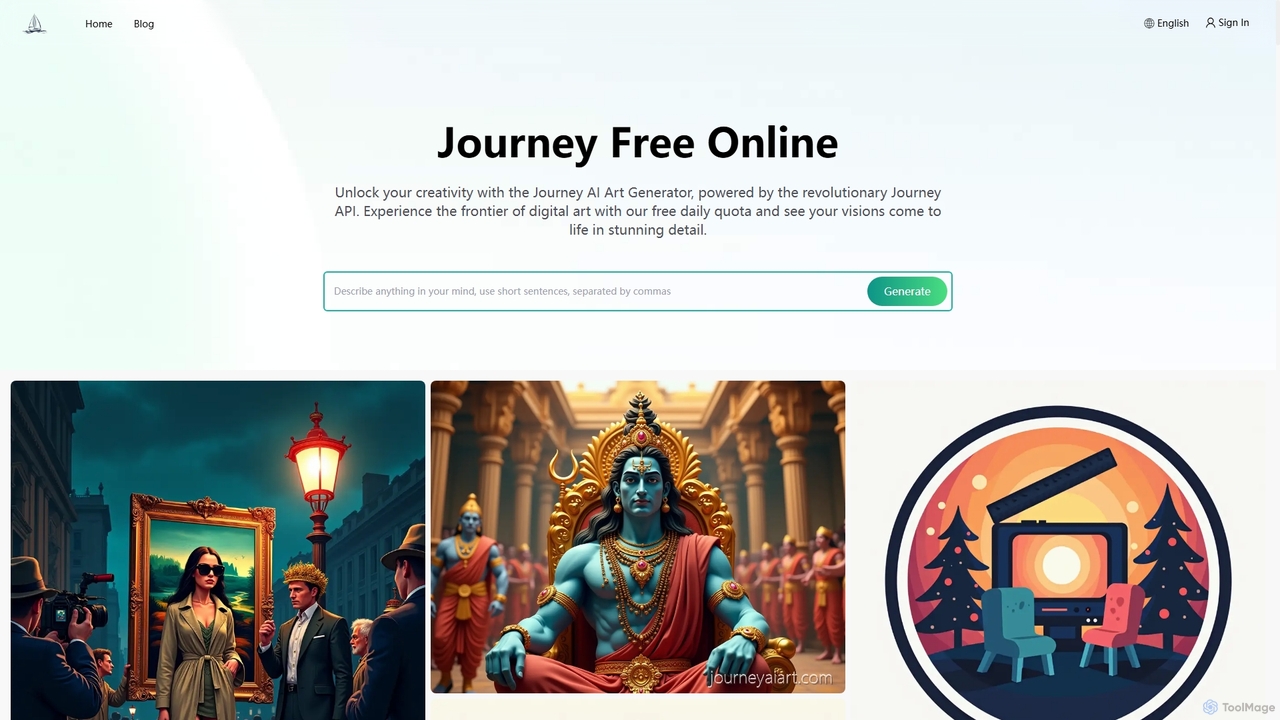
Journey AI Art Generator is a free online Midjourney alternative that transforms text prompts into stunning visuals. Powered by the advanced Journey API, it supports diverse models like V6.1 for realism and NIJI for vibrant styles. It offers a daily free quota, making high-quality AI art creation accessible to everyone.
Graphics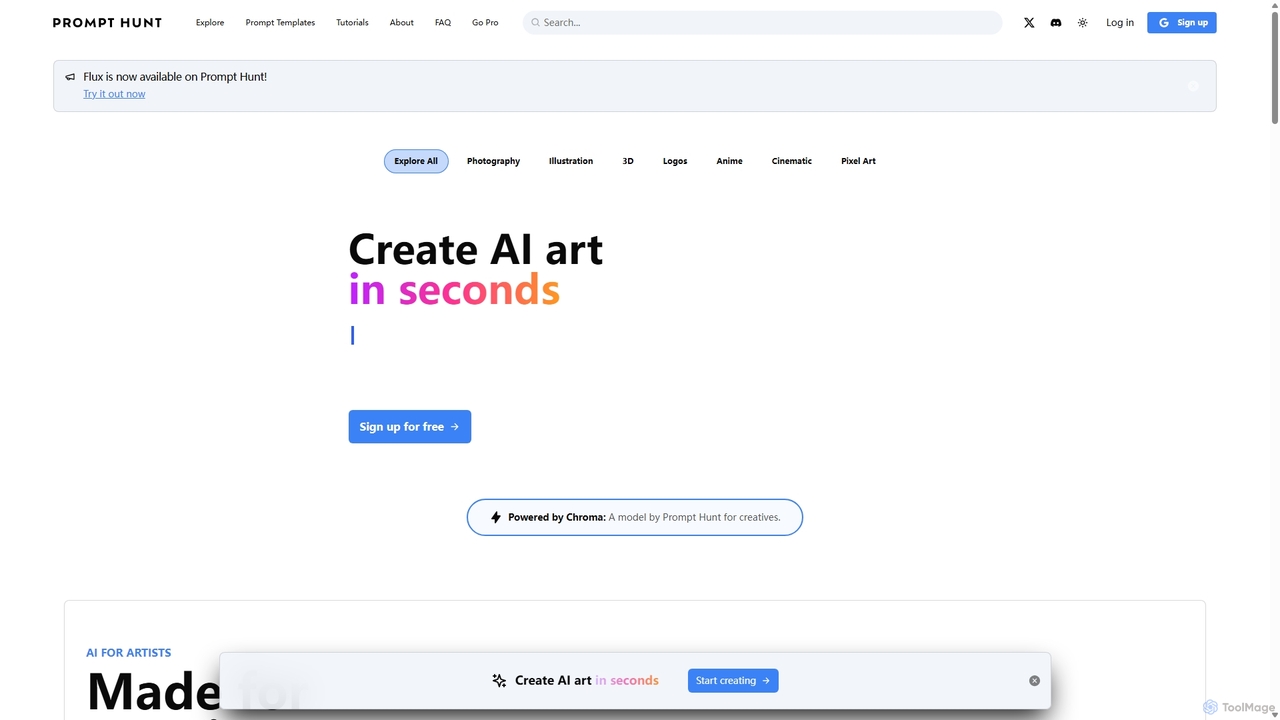
Prompt Hunt
Prompt Hunt is an AI art platform designed for creatives to explore, create, and share high-quality AI-generated images. It features a powerful proprietary model called Chroma, an extensive library of prompt templates, and an intuitive interface, making it easy for both beginners and experts to produce stunning visuals.
Illustration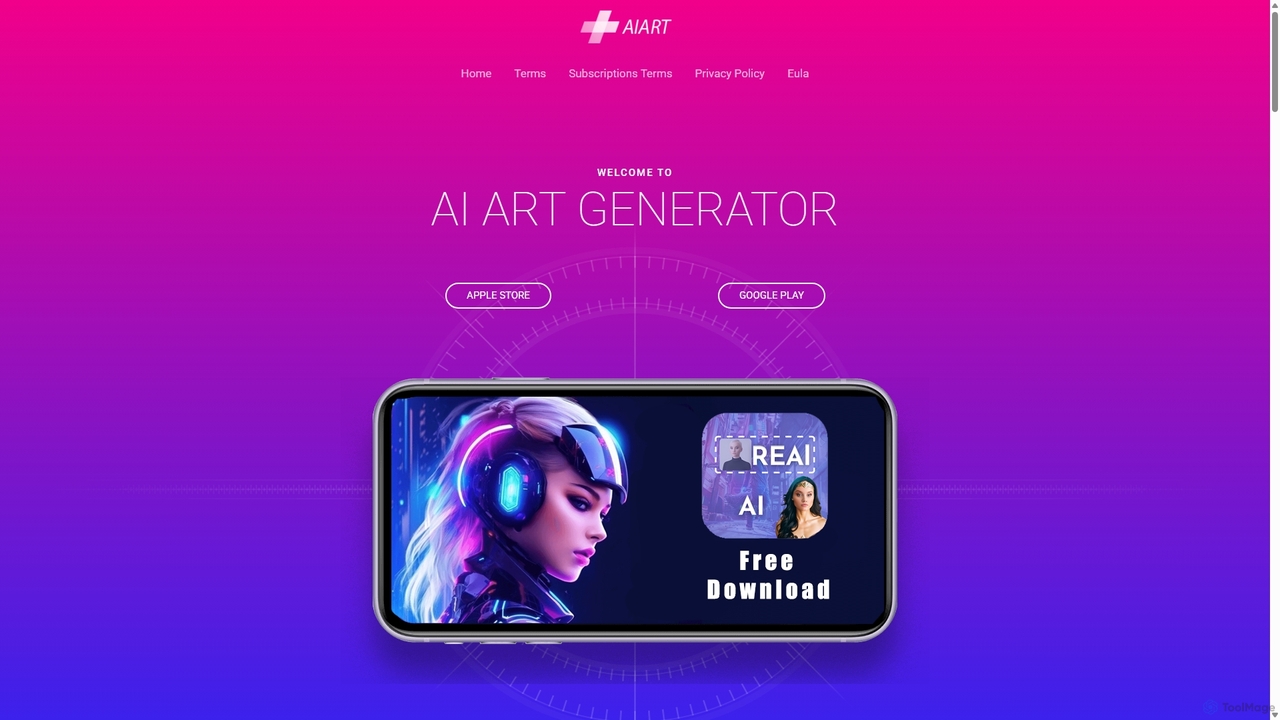
AI Art Generator
AI Art Generator is a powerful mobile application for iOS and Android that transforms your text prompts into stunning, high-quality images. Leveraging advanced artificial intelligence, it allows users to create unique digital art, photos, and illustrations effortlessly. Ideal for artists, designers, content creators, and hobbyists looking to unleash their creativity on the go.
Digital Art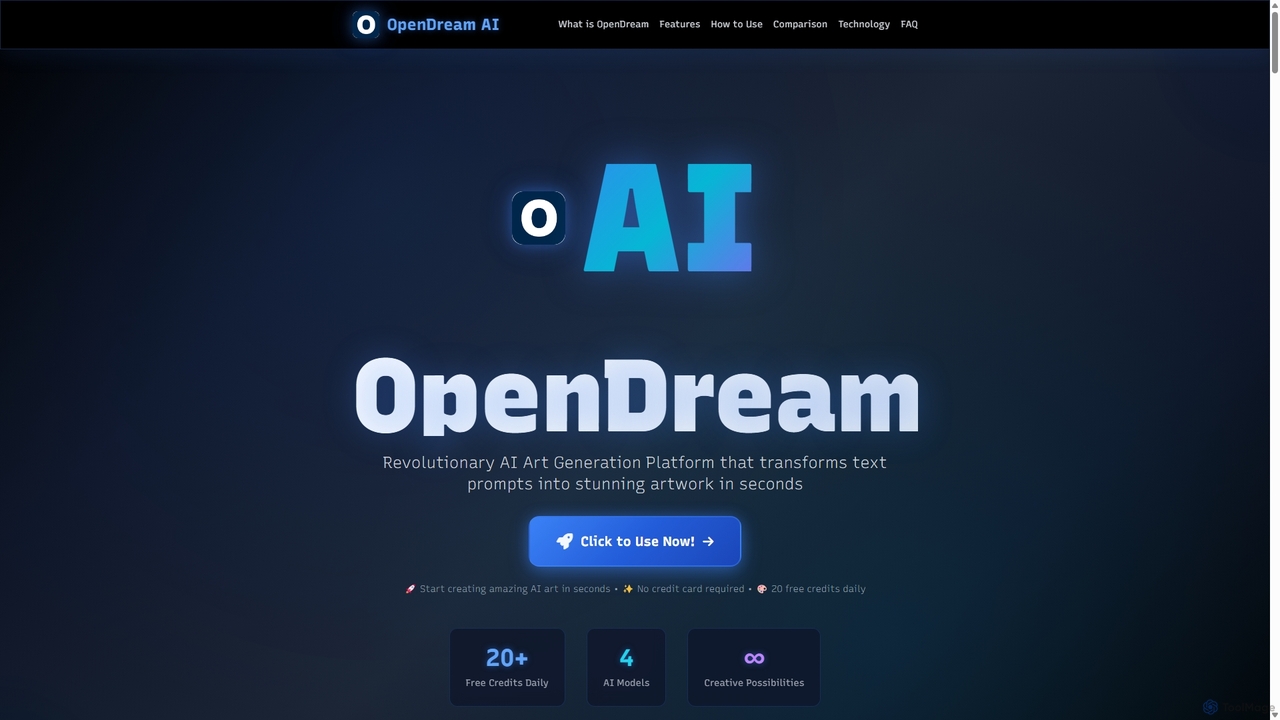
OpenDream
OpenDream is a user-friendly AI art generation platform that transforms text prompts into stunning images in seconds. It offers multiple AI models, including Stable Diffusion, for diverse styles like photorealism and anime. With a generous free tier providing 20 daily credits and full commercial rights on all creations, it's accessible to everyone from hobbyists to professional designers.
Graphics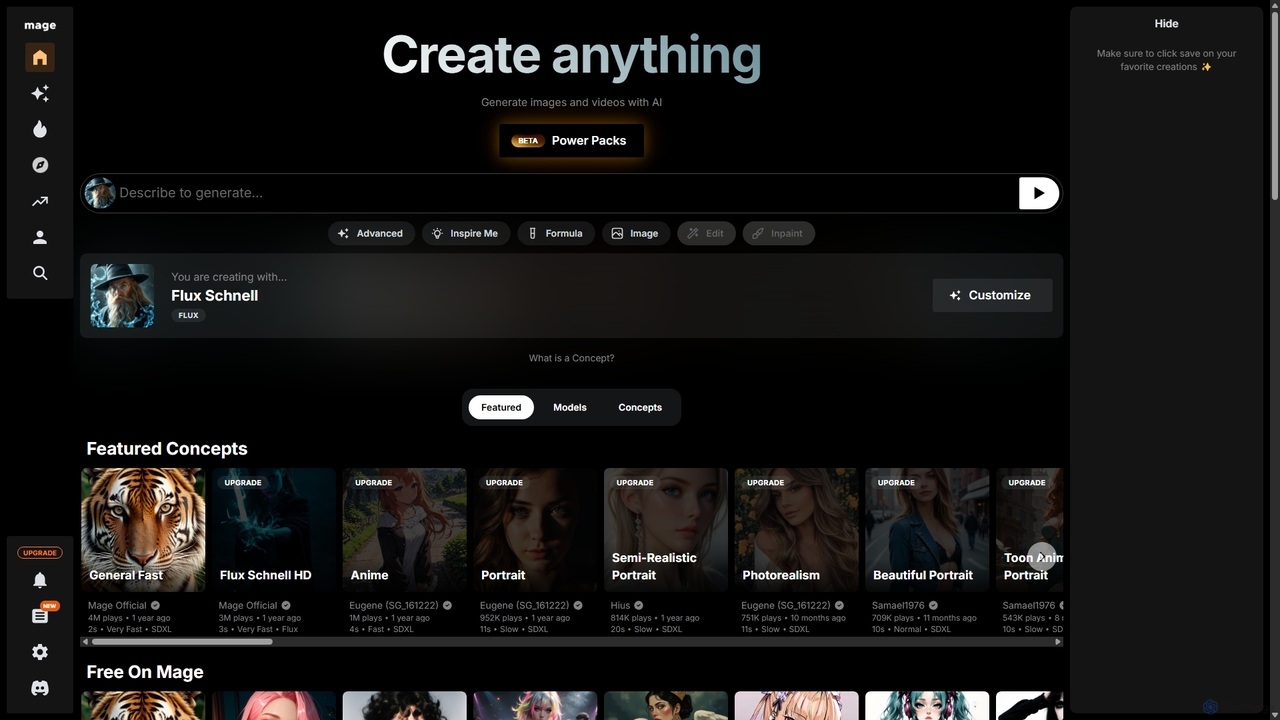
Mage
Mage is a powerful and versatile AI image and video generator offering free, unlimited creation capabilities. It provides access to a vast array of models like Stable Diffusion, Flux, and Wan, enabling users to generate diverse content from photorealistic portraits to anime and abstract art. With advanced features including LoRA, ControlNet, inpainting, and video animation, Mage caters to both beginners and professional artists seeking extensive creative control.
For FunWOMBO Dream Categories
WOMBO Dream Jobs
WOMBO Dream Embed Widget
Copy this embed code to place the badge on your blog, article, or product site and send readers directly to this ToolMage detail page.

Related AI tools
NightCafe
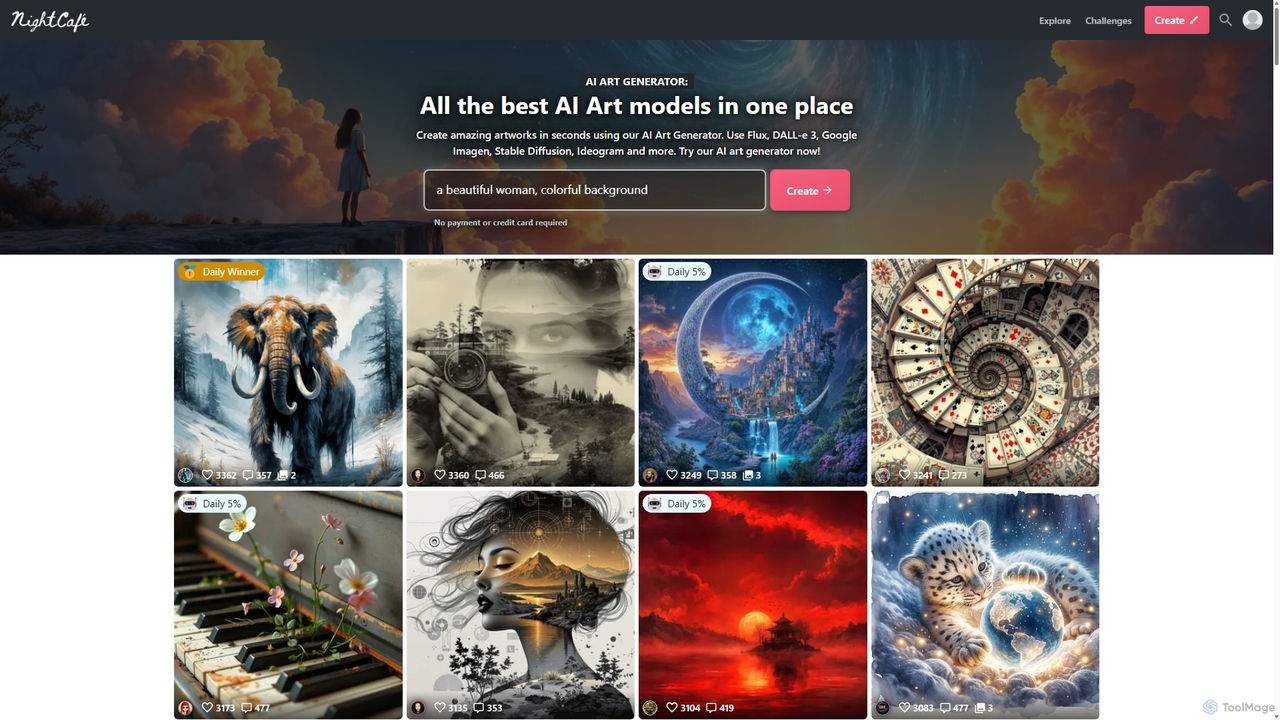
NightCafe is a versatile AI art generator and a vibrant community platform. It provides access to a wide range of AI models like DALL-E 3, Stable Diffusion, and Flux, allowing users to create, share, and discuss AI-generated art. Engage in daily challenges, collaborate with friends, and explore millions of creations in a supportive environment, suitable for both beginners and experts.
Generative Art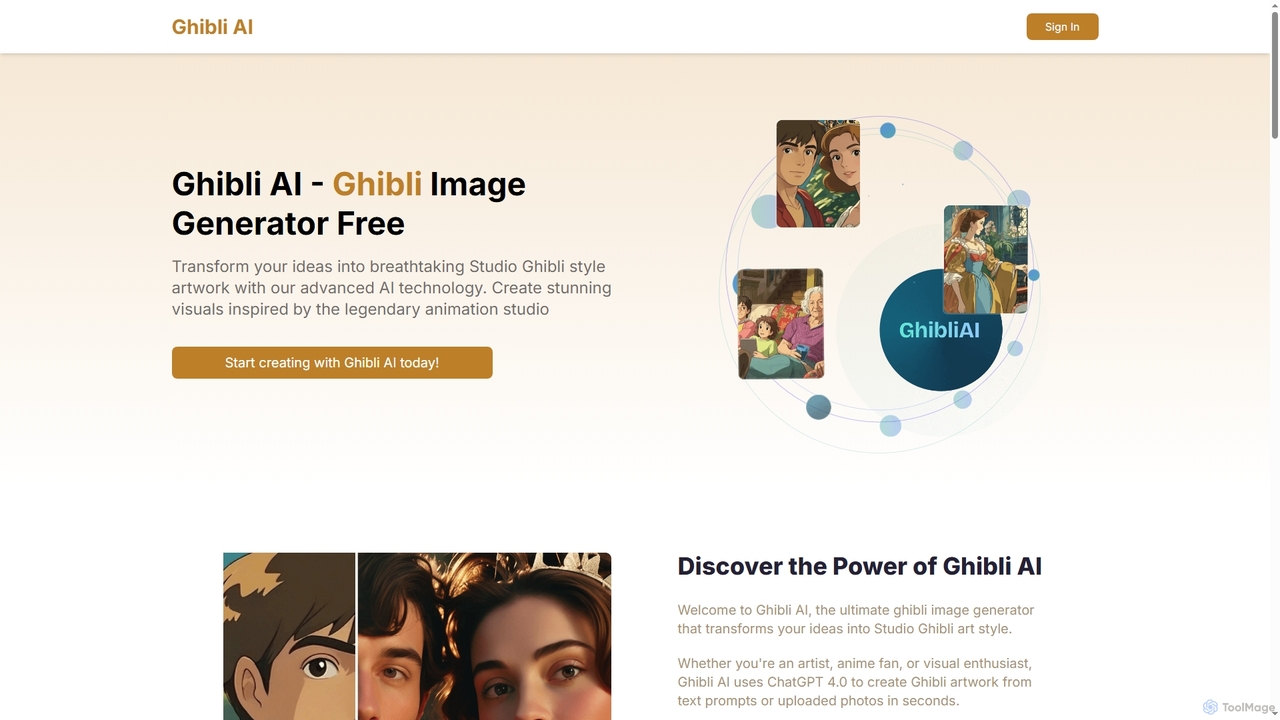
Ghibli AI
Ghibli AI is an advanced image generator that transforms your text prompts or uploaded photos into stunning Studio Ghibli-style artworks. Leveraging ChatGPT 4.0, it allows artists, fans, and professionals to effortlessly create enchanting visuals inspired by legendary animation, simplifying the process of crafting anime-style masterpieces in seconds.
Style Transfer
Jyek
Jyek is an AI agent platform that understands objectives, creates execution plans, uses tools, and delivers verifiable results for complex, multi-step tasks.
Automation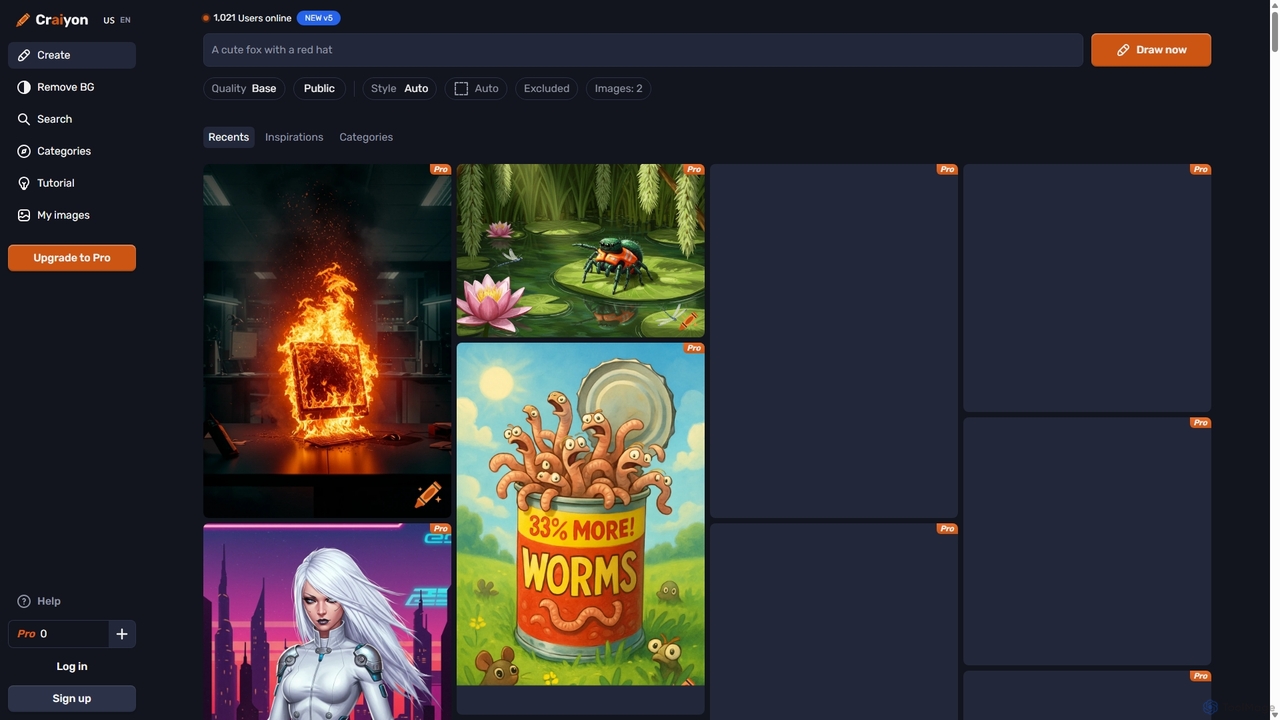
Craiyon
Craiyon is a free and powerful AI art generator that transforms text descriptions into unique images. Formerly known as DALL·E mini, it allows users to create anything from photorealistic images to abstract art simply by typing a prompt. It offers both free and paid plans to cater to everyone from beginners to professionals.
Generative ArtAI Art Generator
AI Art Generator is a powerful mobile application for iOS and Android that transforms your text prompts into stunning, high-quality images. Leveraging advanced artificial intelligence, it allows users to create unique digital art, photos, and illustrations effortlessly. Ideal for artists, designers, content creators, and hobbyists looking to unleash their creativity on the go.
Digital Art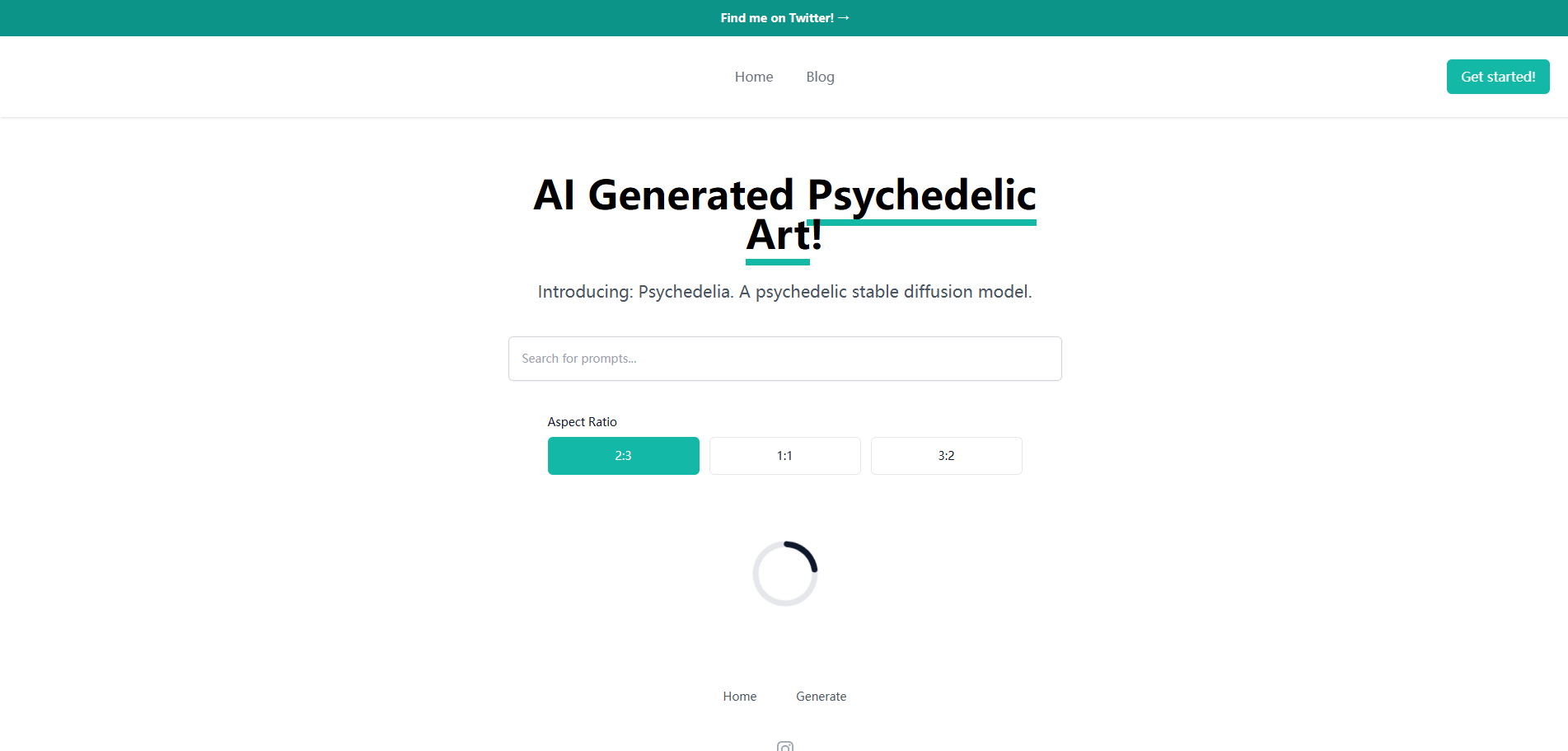
Aiart.fm
Aiart.fm is a powerful AI art generator that transforms your text prompts into stunning, high-quality images and digital art in seconds. Featuring a user-friendly interface, it supports a wide range of artistic styles, from photorealistic to anime and abstract. Ideal for artists, designers, marketers, and content creators looking to unlock their creative potential without complex software.
Generative ArtPrompt Hunt
Prompt Hunt is an AI art platform designed for creatives to explore, create, and share high-quality AI-generated images. It features a powerful proprietary model called Chroma, an extensive library of prompt templates, and an intuitive interface, making it easy for both beginners and experts to produce stunning visuals.
IllustrationOpenDream
OpenDream is a user-friendly AI art generation platform that transforms text prompts into stunning images in seconds. It offers multiple AI models, including Stable Diffusion, for diverse styles like photorealism and anime. With a generous free tier providing 20 daily credits and full commercial rights on all creations, it's accessible to everyone from hobbyists to professional designers.
GraphicsJourney AI Art Generator
Journey AI Art Generator is a free online Midjourney alternative that transforms text prompts into stunning visuals. Powered by the advanced Journey API, it supports diverse models like V6.1 for realism and NIJI for vibrant styles. It offers a daily free quota, making high-quality AI art creation accessible to everyone.
Graphics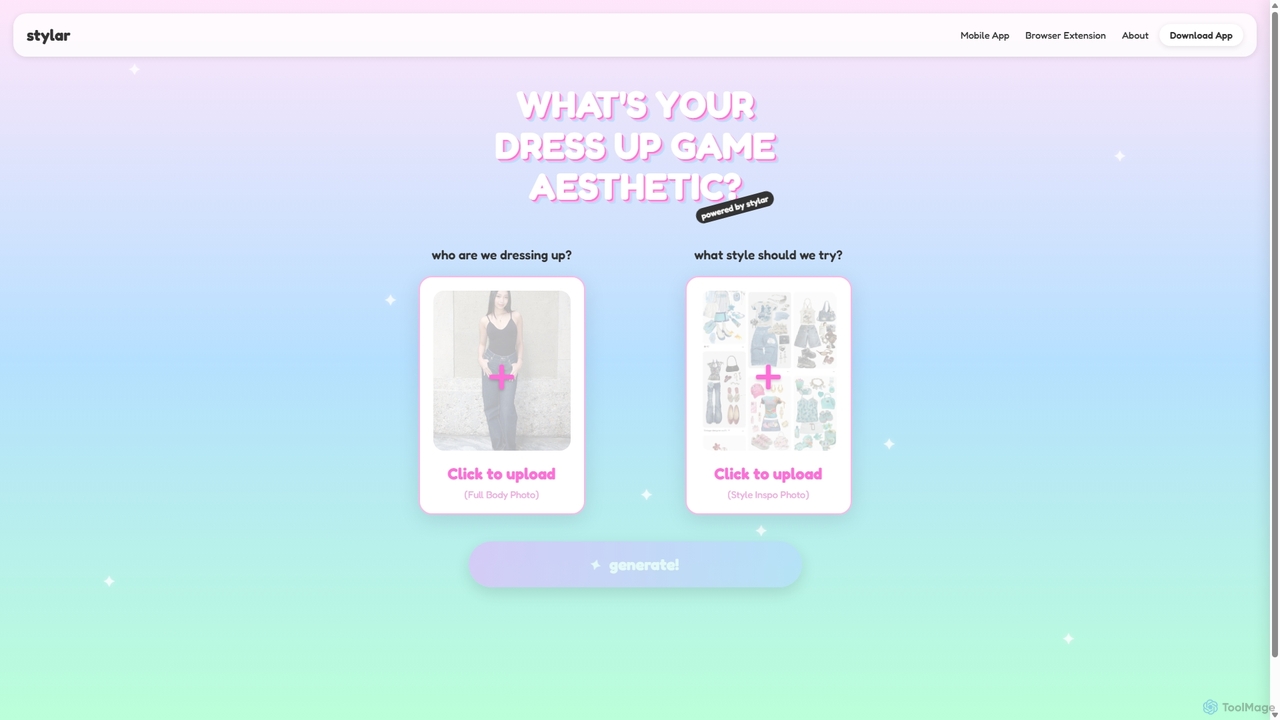
Stylar
Stylar is an all-in-one AI creative suite for artists and designers, offering precise control over image generation. It combines text-to-image, image-to-image, and composition tools with a user-friendly layer-based interface. Ideal for fashion design, character creation, and concept art, Stylar empowers users to bring their exact creative vision to life with unparalleled control and flexibility across web, mobile, and browser extension platforms.
Generative Art
Sirens
Sirens is a specialized AI art generator for creating breathtaking fantasy and mythological artwork. Using advanced text-to-image models, it excels at bringing mythical creatures, enchanted landscapes, and epic scenes to life. Perfect for artists, writers, and game developers seeking high-quality, thematic visuals.
Image Generation
DreamUp
DreamUp is a powerful AI art generator that transforms your text descriptions into stunning, high-quality images and artwork. Leveraging advanced generative models, it allows creators, marketers, and designers to produce unique visuals, concept art, and marketing materials in seconds.
Generative Art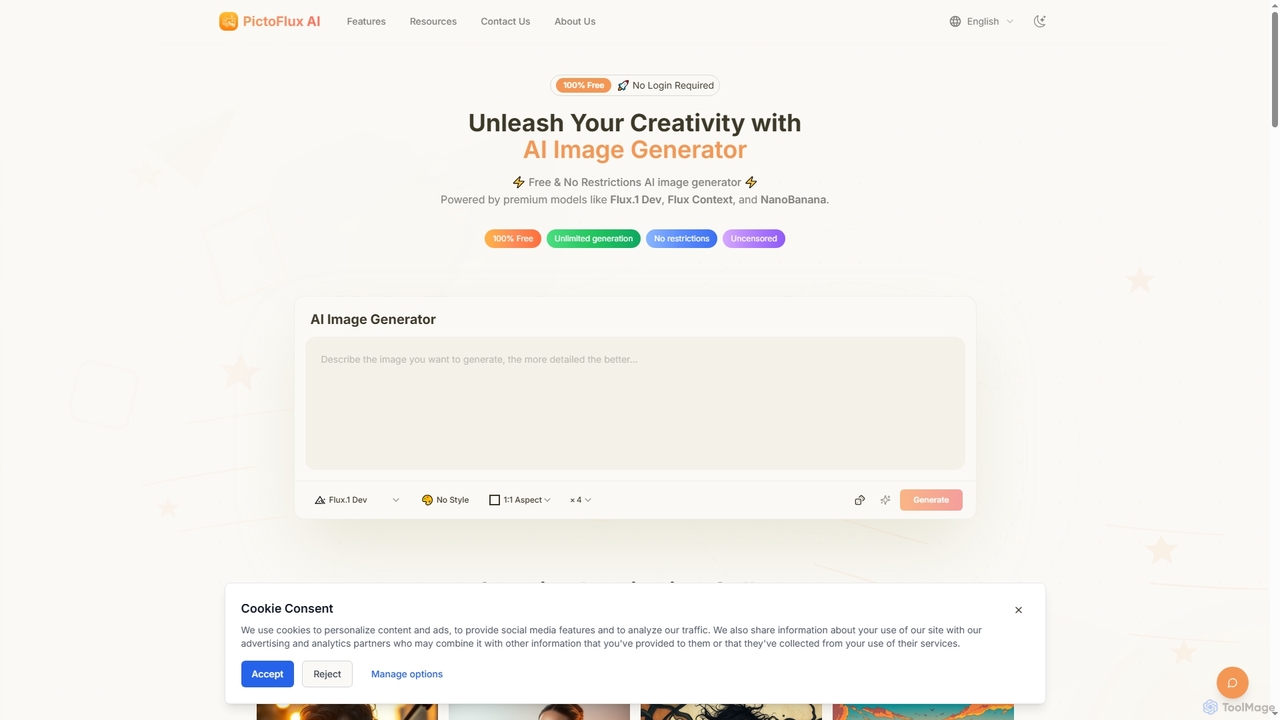
Pictoflux
Pictoflux is a completely free, unlimited, and uncensored AI image generator that requires no login. Powered by advanced open-source models like Flux.1 Dev, it allows anyone to create high-quality, studio-grade images from text prompts instantly and with full creative freedom.
Generative Art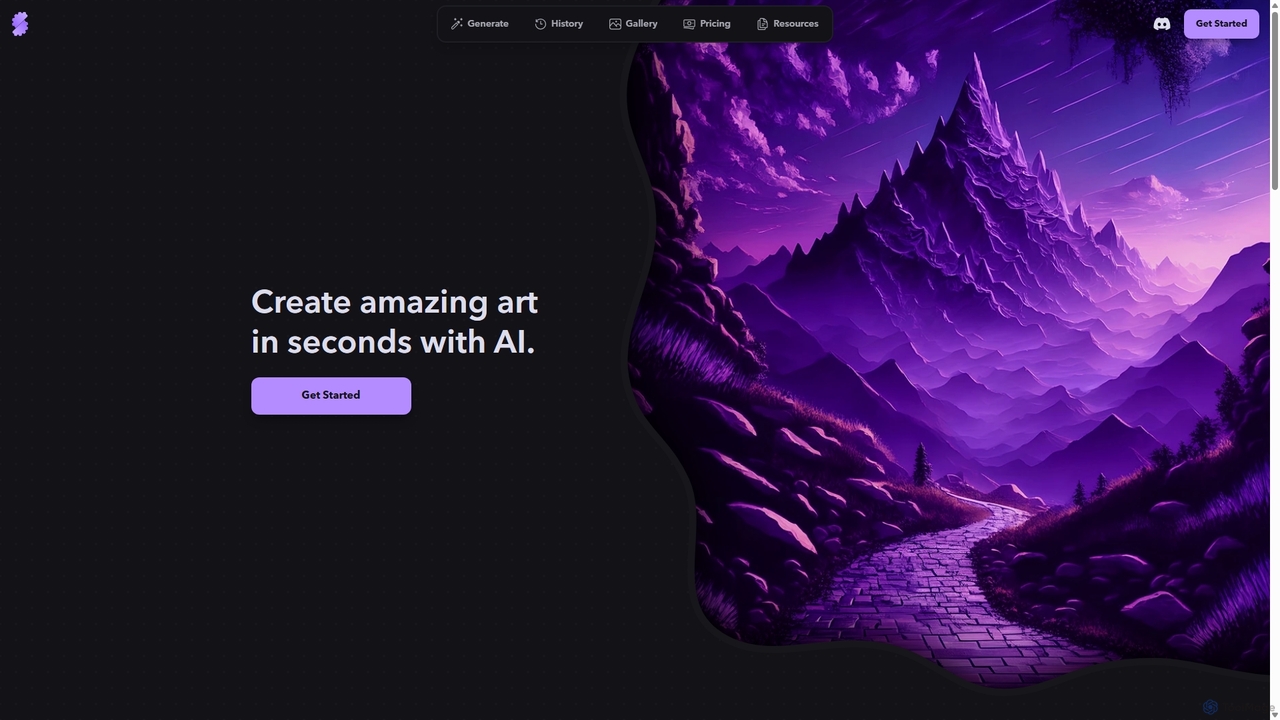
Stablecog
Stablecog is a powerful and user-friendly AI image generator that allows you to create stunning art from text or images in seconds. It supports multiple advanced AI models like Stable Diffusion 3 and SDXL, offering a versatile and creative platform for artists, designers, and content creators. With a generous free plan and flexible paid options, it's accessible to everyone.
Generative Art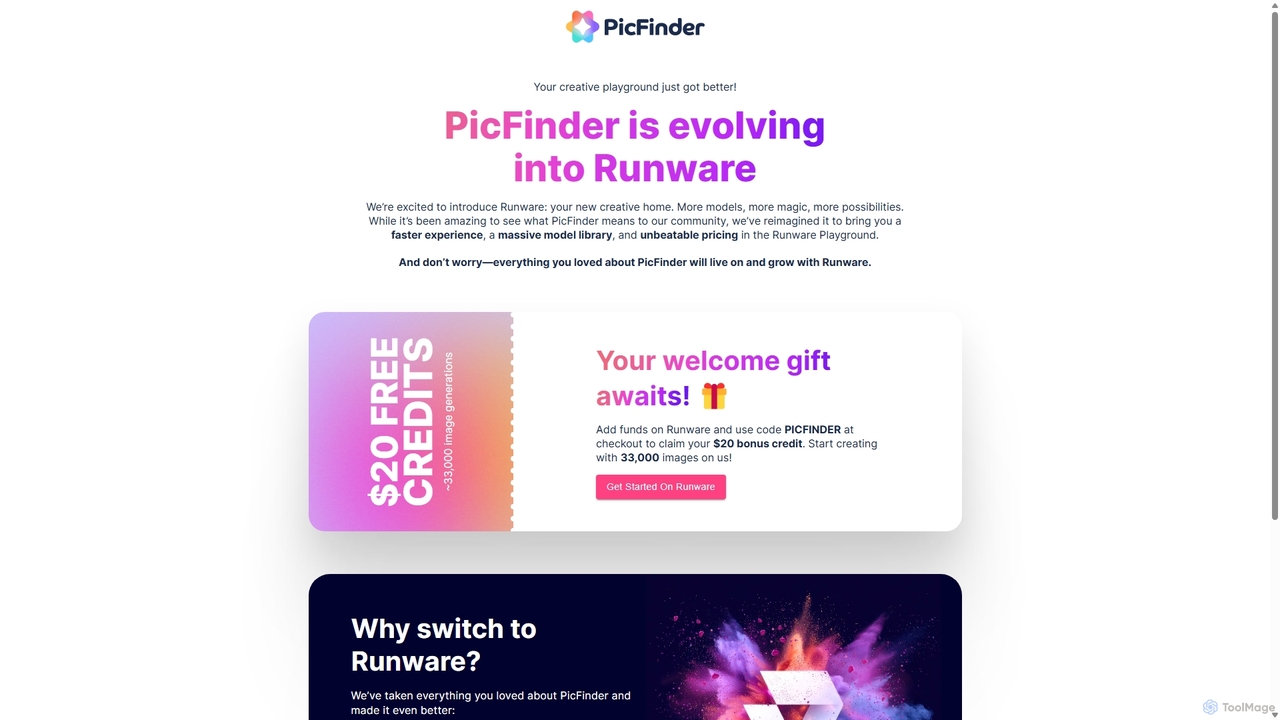
PicFinder
PicFinder has evolved into Runware, a powerful AI image generation platform. It offers a massive library of over 300,000 models, enabling users to create stunning visuals from text prompts. With features like batch generation, customizable controls, and an incredibly low cost, Runware serves as a comprehensive creative playground for artists, designers, and content creators, building upon the legacy of PicFinder.
Generative Art
WOMBO Dream Comments (0)
Sign in to comment.
Sign inNo comments yet.