
ToolMage
Sign in

Best 1 Style Transfer AI tools for Creative Tools

Popular Style Transfer AI tools in Creative Tools include Ghibli AI, helping you work more efficiently.

Ghibli AI
Freemium

Ghibli AI

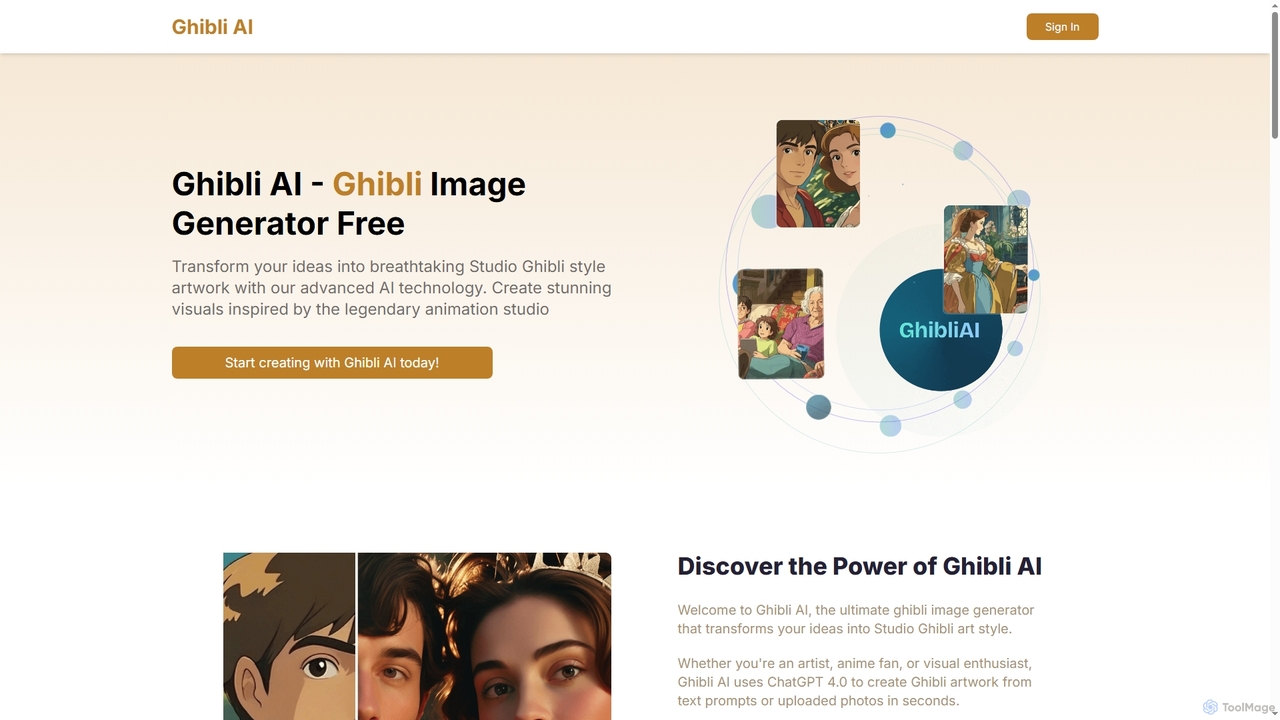
Ghibli AI is an advanced image generator that transforms your text prompts or uploaded photos into stunning Studio Ghibli-style artworks. Leveraging ChatGPT 4.0, it allows artists, fans, and professionals to effortlessly create enchanting visuals inspired by legendary animation, simplifying the process of crafting anime-style masterpieces in seconds.

Style Transfer
Visits 5.7KFavorites 100Likes 109

About Style Transfer

Style Transfer tools are a class of AI applications that apply the artistic style of one image to the content of another. These tools leverage neural networks to separate an image's content from its stylistic elements, such as texture and color palette, allowing them to be recombined in novel ways. This enables users to instantly transform photographs into visuals that mimic famous paintings or apply unique patterns to any image. Unlike simple filters, AI Style Transfer intelligently adapts the style to the shapes and forms of the content image, creating a more cohesive and artistic result.

Core Features

  • Custom Style Input: Upload any image to extract its unique artistic style for application.
  • Content Preservation: Maintain the recognizable shapes and structure of the original content image.
  • Style Intensity Control: Adjust the degree to which the style is applied, from a subtle hint to a complete transformation.
  • High-Resolution Output: Generate final images with sufficient quality for digital use or printing.
  • Preset Style Library: Access a collection of pre-loaded artistic styles, such as impressionism, cubism, or ukiyo-e.

Use Cases

Style Transfer tools are primarily used by digital artists, content creators, marketers, and hobbyists. Common applications include creating unique social media visuals, developing concept art for games or films, generating personalized avatars, and transforming personal photos into decorative wall art. They offer a quick way to explore different visual aesthetics without manual artistic work.

How to Choose

When selecting a Style Transfer tool, consider the output resolution to ensure it meets your needs for print or screen. Evaluate the level of customization, such as the ability to control style intensity and preserve original colors. Check the processing speed and whether it supports video files if needed. Finally, compare the variety of preset styles and the option to upload your own style images.

Featured tool rankings

Style Transfer use cases

1

Creating Unique Social Media Visuals

A social media manager needs to make their brand's posts stand out in a crowded feed. Instead of using generic stock photos, they use a Style Transfer tool. They upload a standard product photo as the content image and an image with the brand's color palette and texture as the style image. The tool generates a stylized version of the product photo that is instantly recognizable and on-brand. This process allows for the rapid creation of a cohesive and eye-catching visual identity across platforms, boosting engagement without requiring advanced graphic design skills.

2

Generating Artistic Profile Pictures and Avatars

An individual wants a unique avatar for their gaming and social media profiles that reflects their personality. They take a clear portrait photo of themselves and use a Style Transfer tool. They browse the preset style library and select a 'comic book' style. The AI applies the bold lines, flat colors, and halftone dot patterns of the comic style to their portrait. The result is a highly personalized and artistic avatar that stands out from standard photos, allowing them to express their creativity and create a memorable online identity across different platforms like Discord, Twitter, or Instagram.

3

Concept Art and Mood Board Development

An art director for a video game needs to quickly explore visual styles for a new environment. They start with a basic 3D render of a scene (the content). Using a Style Transfer tool, they apply various styles: a watercolor painting for a fantasy look, a gritty charcoal sketch for a darker theme, and a vibrant Ukiyo-e print for a stylized approach. In under an hour, they generate dozens of high-quality variations. This process rapidly populates a mood board, helping the entire creative team align on a visual direction and saving countless hours of manual illustration and experimentation.

4

Transforming Photos into Printable Wall Art

A photographer wants to offer clients a unique product by turning their portrait photos into artistic pieces. After a photoshoot, they select the best high-resolution photo and use a Style Transfer tool. They upload an image of Van Gogh's 'Starry Night' as the style reference. The tool intelligently applies the swirling brushstrokes and deep blue-and-yellow palette to the portrait while preserving the client's likeness. They then export the final image in high resolution, ready for printing on canvas. This provides a valuable, personalized art piece for the client and a new revenue stream for the photographer.

5

Enhancing Video Clips with Dynamic Styles

A video editor is creating a travel vlog and wants to add a visually striking intro sequence. They take a simple drone shot of a landscape and use a Style Transfer tool that supports video. They apply a 'moving ink wash' style to the clip. The tool processes the video frame by frame, making the landscape appear as if it's being painted in real-time with flowing ink. The final result is a captivating, animated effect that would typically require complex motion graphics software and significant time to create manually. This adds a professional and artistic touch to the video, making it more engaging for viewers.

6

Designing Unique Marketing and Ad Creatives

A marketing designer for a startup is tasked with creating a new set of ad banners that grab attention. To avoid a generic look, they use a Style Transfer tool. They take a simple photo of their product and apply a bold, geometric pattern as the style. The tool re-imagines the product photo with the sharp lines and vibrant colors of the pattern, creating a distinctive visual. They can then generate multiple variations by slightly adjusting the style intensity. This approach produces a set of unique ad creatives that stand out, increasing click-through rates by presenting a fresh and memorable brand image.

Style Transfer FAQ

What is AI Style Transfer?

AI Style Transfer is a technique that uses neural networks to apply the visual style of one image (the 'style image') to the content of another (the 'content image'). It works by separating the content representations (like object shapes) from the style representations (like textures and colors) in an image. The AI then combines the content of one image with the style of another, effectively 'repainting' the content image. This allows you to transform a photo into something that looks like a painting by a famous artist or apply any abstract pattern to it.

How is Style Transfer different from a regular photo filter?

A regular photo filter applies a uniform, global change to an image, such as adjusting brightness, contrast, or applying a color overlay. It doesn't understand the content of the image. In contrast, AI Style Transfer uses deep learning to analyze both the content image and the style image. It intelligently applies the stylistic elements (like brushstrokes, textures, and patterns) from the style image to the shapes and objects in the content image. The result is a deep, structural transformation that looks like the image was genuinely created in that style, rather than just having a simple layer placed on top.

How to choose a good Style Transfer tool?

When selecting a Style Transfer tool, consider these factors:

  • Output Quality: Check the maximum resolution the tool can export. High resolution is crucial for printing or professional use. Look for results that are sharp and free of strange artifacts.
  • Customization and Control: A good tool allows you to adjust the intensity of the style, preserve the original colors of the content image, and fine-tune other parameters.
  • Processing Speed: Some tools process images almost instantly, while others may take several minutes. If you need to process many images or videos, speed is an important consideration.
  • Style Options: Evaluate the built-in library of styles. More importantly, check if the tool allows you to upload your own custom images to use as a style source.
What are the main applications for Style Transfer?

Style Transfer has a wide range of creative and commercial applications. Key uses include:

  • Digital Art and Illustration: Artists use it to quickly generate new ideas, apply complex textures, or create unique pieces by blending photographic content with artistic styles.
  • Marketing and Branding: Marketers create eye-catching ad creatives and social media posts that align with a specific brand aesthetic, helping them stand out.
  • Entertainment: It's used in game development and film for concept art, creating stylized textures, and applying artistic effects to video footage.
  • Personal Use: Individuals use it to create personalized avatars, turn family photos into printable art for home decor, and for creative photo editing.
Does using Style Transfer infringe on copyright?

The legality of Style Transfer is a complex and evolving area. Using the style of a copyrighted artwork on your own photo for personal, non-commercial use is generally considered low-risk and may fall under 'fair use' in some jurisdictions. However, for commercial projects, the risk is higher. To minimize legal issues, it is best to:

  • Use style images from artworks that are in the public domain (e.g., by old masters like Rembrandt or Monet).
  • Use your own photos or licensed stock images as style sources.
  • Check the terms of service of the specific Style Transfer tool you are using, as they may have their own policies.

For any significant commercial use, consulting with a legal professional is recommended.