
Stillgram Overview
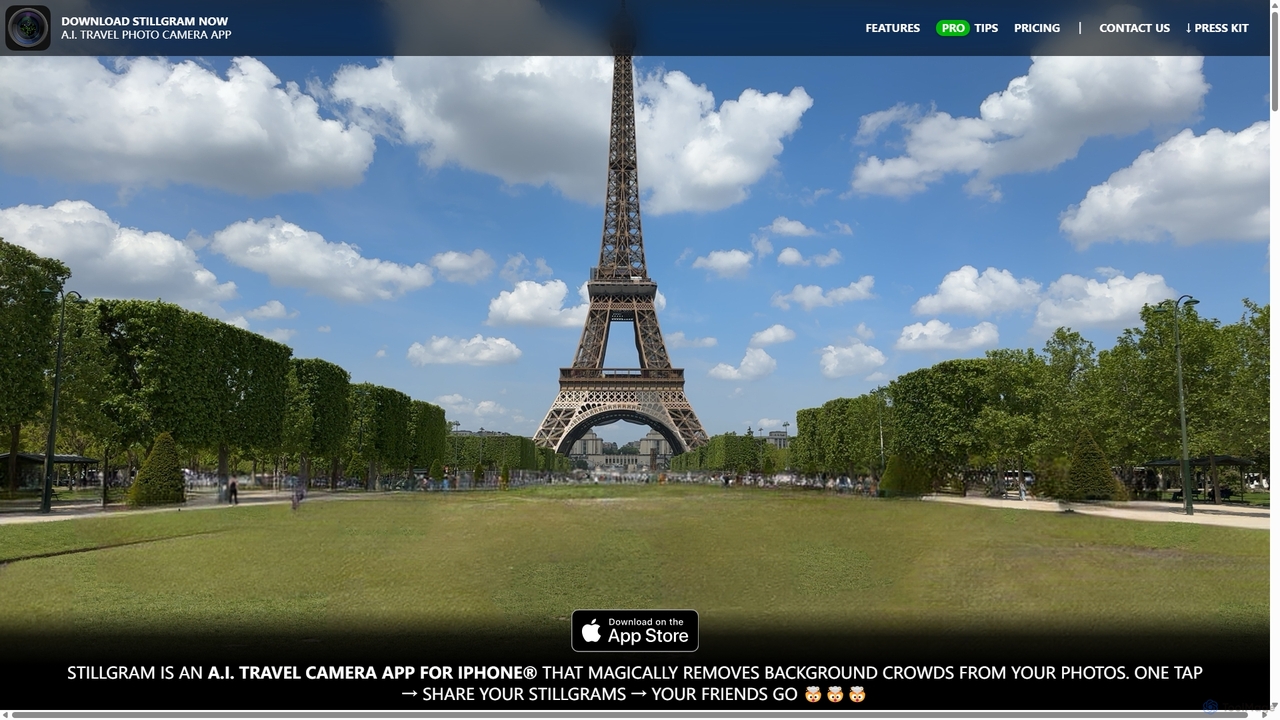
Stillgram is a revolutionary AI camera application for the iPhone, specifically engineered for travelers, photographers, and social media enthusiasts who want to capture the perfect shot without the crowds. In a world where popular tourist destinations are almost always bustling with people, Stillgram offers a magical solution: it intelligently erases moving people from your photos, leaving you with a clean, serene image of the landmark itself. This is achieved through advanced on-device AI that processes everything locally, meaning no mobile data is required—a crucial feature for international travel.
How to use Stillgram
Using Stillgram is designed to be as simple as using your native iPhone camera app. The process is straightforward and intuitive:
- Find Your Angle: For the best results, find a spot where you can see the crowd moving across the background. The AI works by analyzing multiple frames to understand what is stationary (the background) and what is moving (the people). Avoid scenes where crowds are static or completely obscure the background.
- Point and Shoot: Once you have your angle, simply tap the shutter button. Stillgram will automatically capture a sequence of images over a few seconds.
- AI Magic: The app's powerful AI, optimized for the iPhone's Neural Engine, gets to work. It analyzes the patterns, identifies and removes the moving people, and intelligently fills in the background behind them. The entire process is incredibly fast and happens right on your device.
- Select Who Stays (PRO feature): With the PRO version, if you want to keep specific people in the shot (like your family or friends), you can simply tap on them before the final image is generated. The AI will then preserve them while removing everyone else.
- Share Your Creation: Your final, crowd-free photo is ready in moments. You can save it as a high-resolution still image or as a 'Live Stillgram'—a short video that shows the crowded scene magically transforming into your perfect, empty shot, perfect for sharing on Instagram Stories or TikTok.
Core Features of Stillgram
- AI Crowd Removal: The core technology uses sophisticated algorithms to automatically detect and erase moving people and objects from your photos.
- Live Stillgrams: A unique feature that creates a short video showing the before-and-after effect, making for compelling social media content that will wow your friends.
- 100% Offline Functionality: All AI processing is done on your iPhone. This means the app works anywhere without needing an internet connection or using expensive mobile data abroad. It also enhances user privacy.
- Neural Engine Optimization: The app is highly optimized for the Apple Neural Engine, ensuring ultra-fast processing times that would have required a powerful computer just a few years ago.
- Choose Who Stays (PRO): The PRO version gives you full control to select which individuals to keep in the final photo, perfect for group shots at busy locations.
- High-Resolution Output (PRO): PRO users can save their photos in stunning 4K resolution, while the free version supports 1K resolution.
- Watermark-Free (PRO): The PRO subscription removes the Stillgram watermark for a clean, professional look.
- Selfie Mode: Capture perfect, crowd-free selfies. The feature to keep yourself and friends in the shot is available even in the free version for selfies.
Use Cases for Stillgram
Stillgram is the perfect companion for a variety of situations:
- Travel Photography: Capture breathtaking, postcard-perfect photos of world-famous landmarks like the Eiffel Tower, the Colosseum, or Times Square without a single tourist in sight.
- Social Media Content Creation: Create viral-worthy content for Instagram, TikTok, and other platforms using the dynamic Live Stillgram feature.
- Family and Group Portraits: Take a beautiful family photo in front of a popular attraction without strangers photobombing your precious memory.
- Street Photography: Create artistic, empty-street scenes that focus on the architecture and atmosphere of a city, free from human distraction.
- Real Estate Photography: Capture clean shots of public spaces or building exteriors without passersby.
Advantages of Stillgram
Stillgram offers significant advantages over traditional photography and editing methods:
- Simplicity: It automates a process that would otherwise require advanced skills in software like Adobe Photoshop and hours of meticulous editing.
- Convenience: It works instantly, on-the-go, right from your phone. No need to transfer files to a computer.
- Cost-Effective: Avoids expensive data roaming charges thanks to its offline processing. The one-time purchase option also offers great long-term value.
- Privacy-Centric: Since your photos never leave your device for processing, your privacy is fully protected.
- Unique Results: The Live Stillgram feature provides a unique form of content that is not easily replicated, helping your posts stand out.
Pricing and Plans
Stillgram operates on a freemium model, offering both a free and a professional version:
- Stillgram NOT PRO (Free): Includes 1K photo resolution, selfie mode with the ability to keep subjects, sharing as a Stillgram or Live Stillgram, and includes a watermark.
- Stillgram PRO: Unlocks all advanced features. Available as a $2.99 monthly subscription or a $8.99 one-time purchase. PRO benefits include:
- 4K Photo Resolution
- 'Choose-who-stays-in-the-photo' for both selfie and main cameras
- No watermark on exported photos and videos
Stillgram Alternatives

PhotoGrid
PhotoGrid is an all-in-one online collage maker and AI photo editor. It offers over 20,000 templates and a suite of powerful AI tools to create stunning photo collages, remove backgrounds, enhance image quality, and apply creative filters, making professional photo editing accessible to everyone.
Collage Maker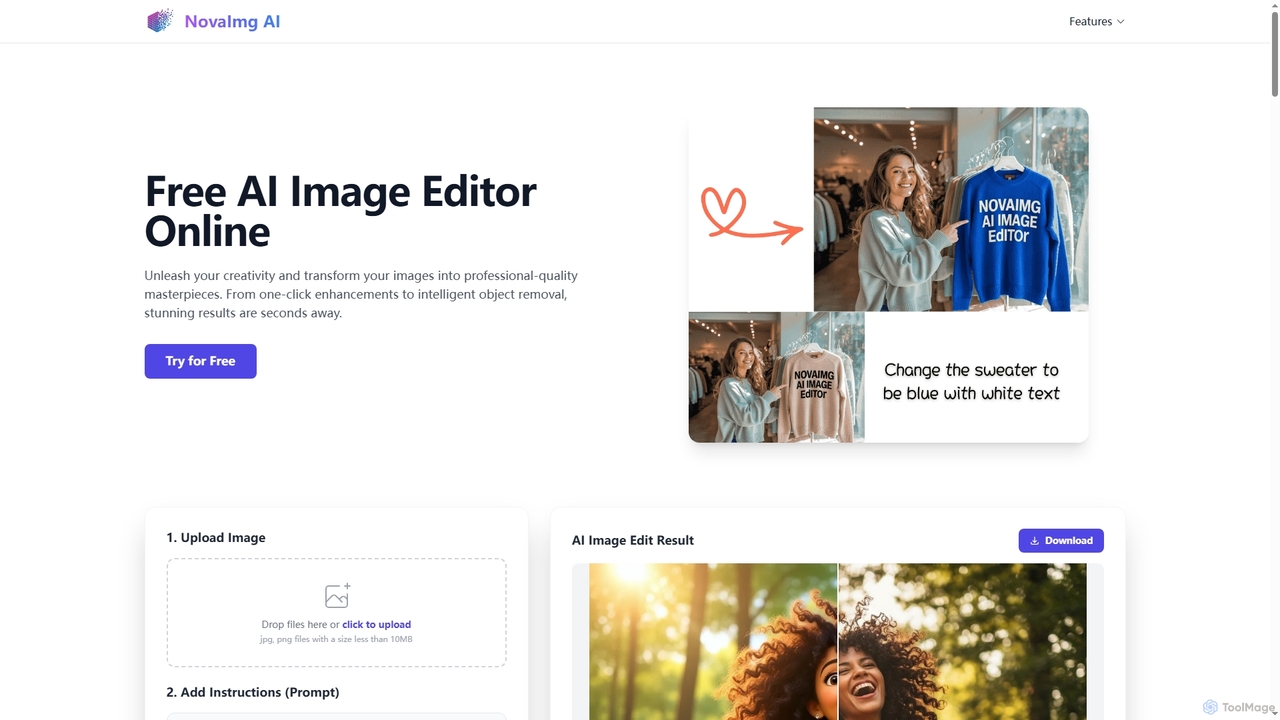
Novaimg
Novaimg is a versatile online AI tool suite for transforming and enhancing visual content. It offers a range of features including AI image editing with text prompts, 4K image upscaling, realistic face swapping for photos, videos, and GIFs, and an intelligent watermark remover. Designed for ease of use, Novaimg helps users create professional-quality images and videos for social media, e-commerce, and creative projects, often for free or with generous daily limits.
Graphic Design
NeuralCam
NeuralCam is an AI-powered camera app for iOS that enhances mobile photography. It offers real-time composition guidance from an AI Photo Coach, smart capture modes for any lighting, and professional-grade auto-editing features like DSLR-like bokeh, intelligent illumination, and AI color grading. It's a complete system designed to help both beginners and experienced photographers take stunning photos.
Ios Apps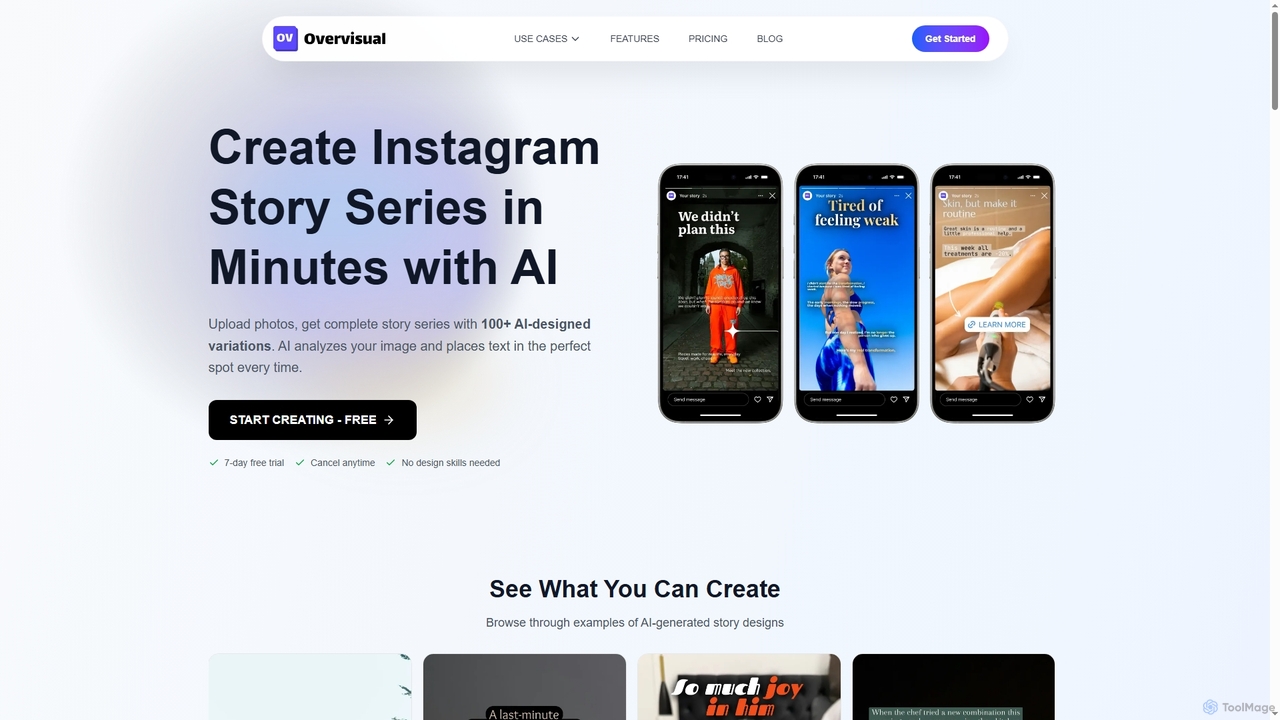
Overvisual
Overvisual is an AI-powered Instagram Story maker that helps creators and businesses generate stunning, engaging story series in minutes. It automates text placement, applies brand kits, and offers interactive widgets, saving significant time and design costs while boosting engagement.
Image Editing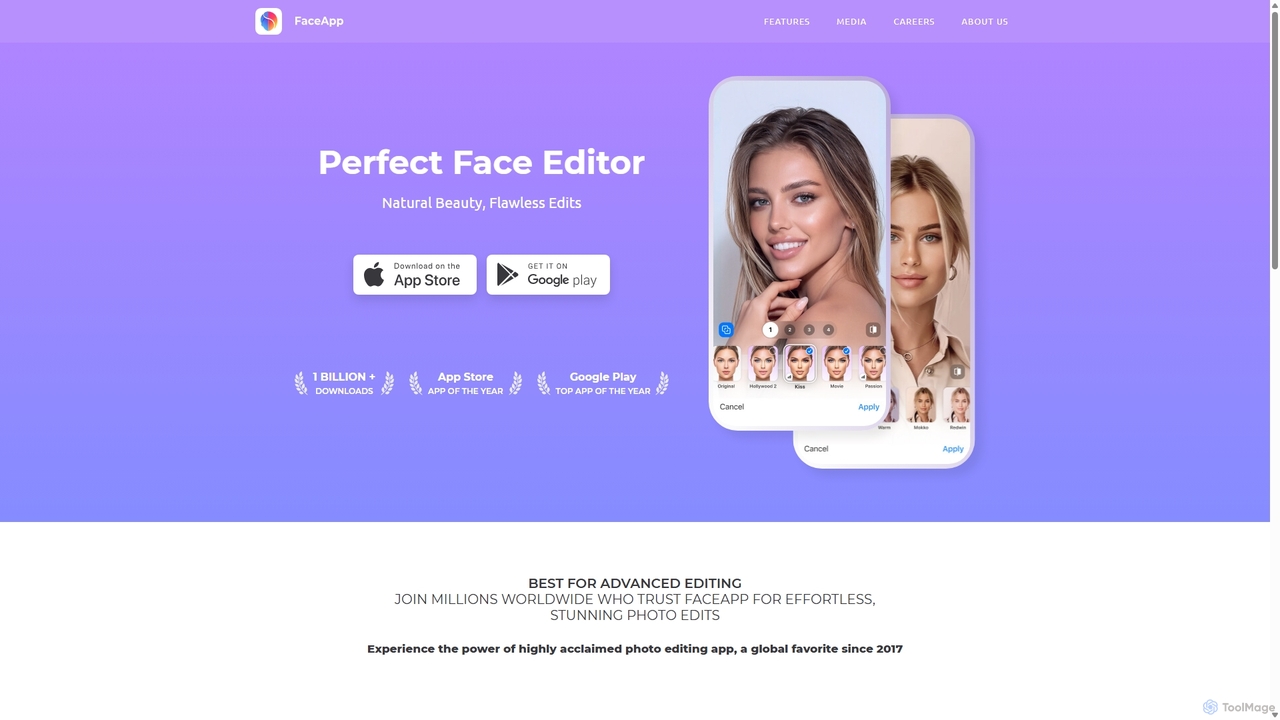
FaceApp
FaceApp is a leading AI-powered photo and selfie editor for iOS and Android. With over a billion downloads, it uses advanced neural networks to offer hyper-realistic transformations. Effortlessly apply filters for aging, gender swap, makeup, hairstyles, and beauty retouching. Perfect for creating stunning, shareable content for social media or simply for fun.
EntertainmentStillgram Categories
Stillgram Jobs
Stillgram Embed Widget
Copy this embed code to place the badge on your blog, article, or product site and send readers directly to this ToolMage detail page.

Related AI tools
PhotoGrid
PhotoGrid is an all-in-one online collage maker and AI photo editor. It offers over 20,000 templates and a suite of powerful AI tools to create stunning photo collages, remove backgrounds, enhance image quality, and apply creative filters, making professional photo editing accessible to everyone.
Collage MakerOvervisual
Overvisual is an AI-powered Instagram Story maker that helps creators and businesses generate stunning, engaging story series in minutes. It automates text placement, applies brand kits, and offers interactive widgets, saving significant time and design costs while boosting engagement.
Image EditingNovaimg
Novaimg is a versatile online AI tool suite for transforming and enhancing visual content. It offers a range of features including AI image editing with text prompts, 4K image upscaling, realistic face swapping for photos, videos, and GIFs, and an intelligent watermark remover. Designed for ease of use, Novaimg helps users create professional-quality images and videos for social media, e-commerce, and creative projects, often for free or with generous daily limits.
Graphic DesignNeuralCam
NeuralCam is an AI-powered camera app for iOS that enhances mobile photography. It offers real-time composition guidance from an AI Photo Coach, smart capture modes for any lighting, and professional-grade auto-editing features like DSLR-like bokeh, intelligent illumination, and AI color grading. It's a complete system designed to help both beginners and experienced photographers take stunning photos.
Ios Apps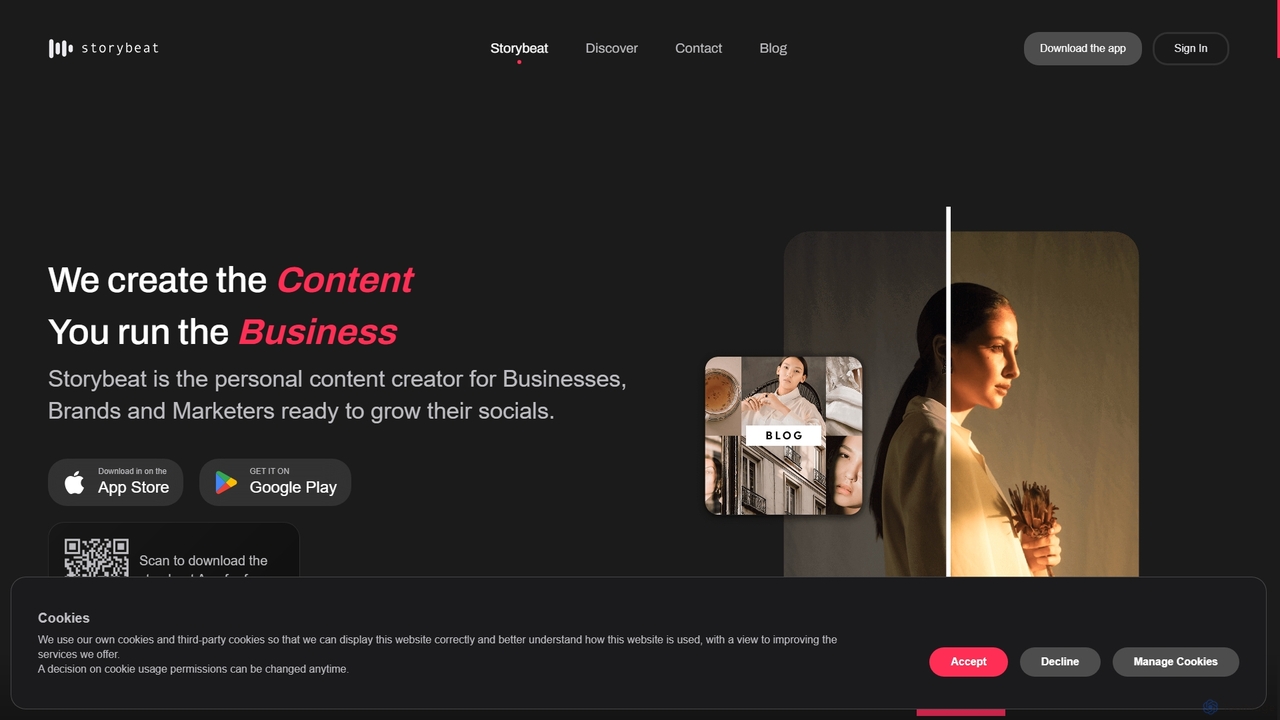
Storybeat
Storybeat is an AI-powered mobile app for creating stunning social media stories and reels. It offers a vast library of templates, filters, and music, along with AI tools like Auto Design, AI Captions, and AI Avatars to help businesses, brands, and creators grow their social presence effortlessly.
Social Media MarketingFaceApp
FaceApp is a leading AI-powered photo and selfie editor for iOS and Android. With over a billion downloads, it uses advanced neural networks to offer hyper-realistic transformations. Effortlessly apply filters for aging, gender swap, makeup, hairstyles, and beauty retouching. Perfect for creating stunning, shareable content for social media or simply for fun.
Entertainment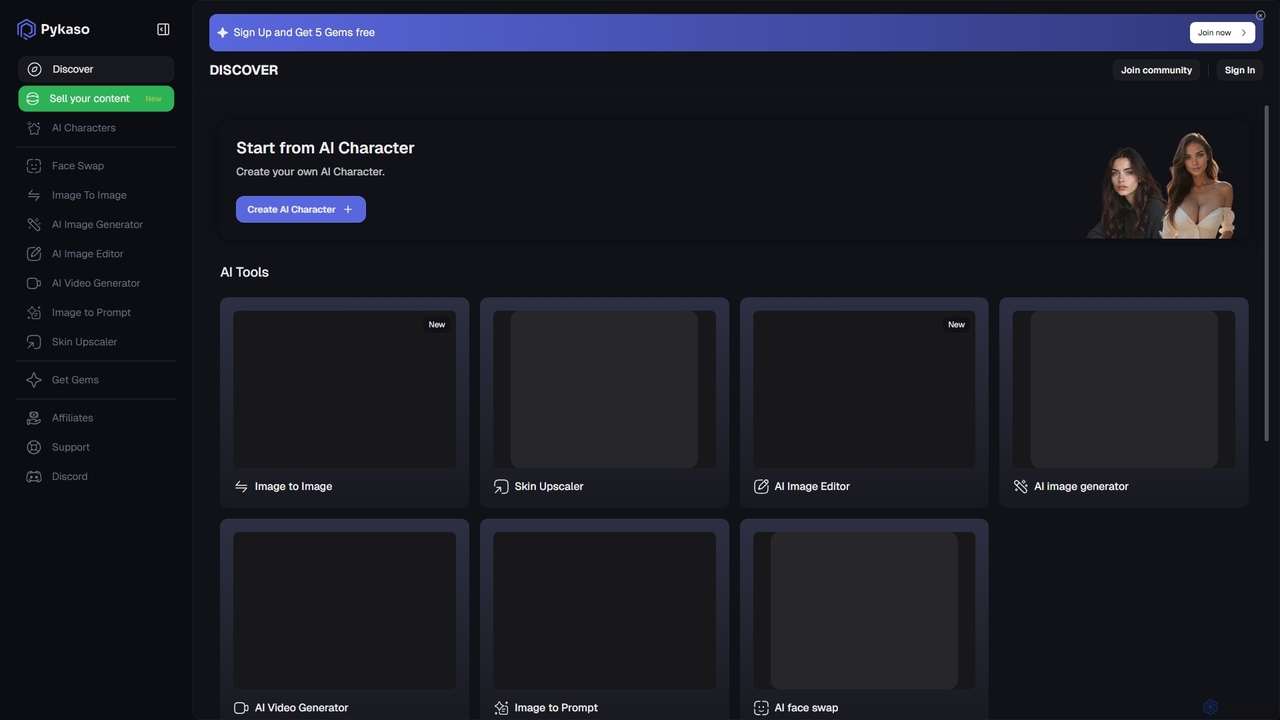
Pykaso
Pykaso is an all-in-one AI content creation suite designed for creating realistic AI influencers and digital characters. It offers a powerful set of tools including high-quality face swapping, an AI image and video generator, a character creator for maintaining consistency, and advanced image editing features like a skin upscaler. It's ideal for content creators, marketers, and social media managers looking to produce unique and engaging visual content effortlessly.
Character Creator
Unboring
Unboring is a powerful AI-driven online tool by Reface that specializes in face swapping and photo animation. Effortlessly transform static images into dynamic, expressive videos, or place any face onto popular memes, GIFs, and video clips. It's designed for creating hilarious, engaging, and highly shareable content for social media, marketing, or personal entertainment without requiring any technical skills.
Meme Generator
Adobe Express
Adobe Express is an all-in-one AI-powered content creation app for designing stunning social media posts, videos, flyers, logos, and more. Powered by Adobe Firefly, it integrates generative AI features like Text to Image and Generative Fill, making professional design accessible to everyone, from beginners to experts.
Graphic Design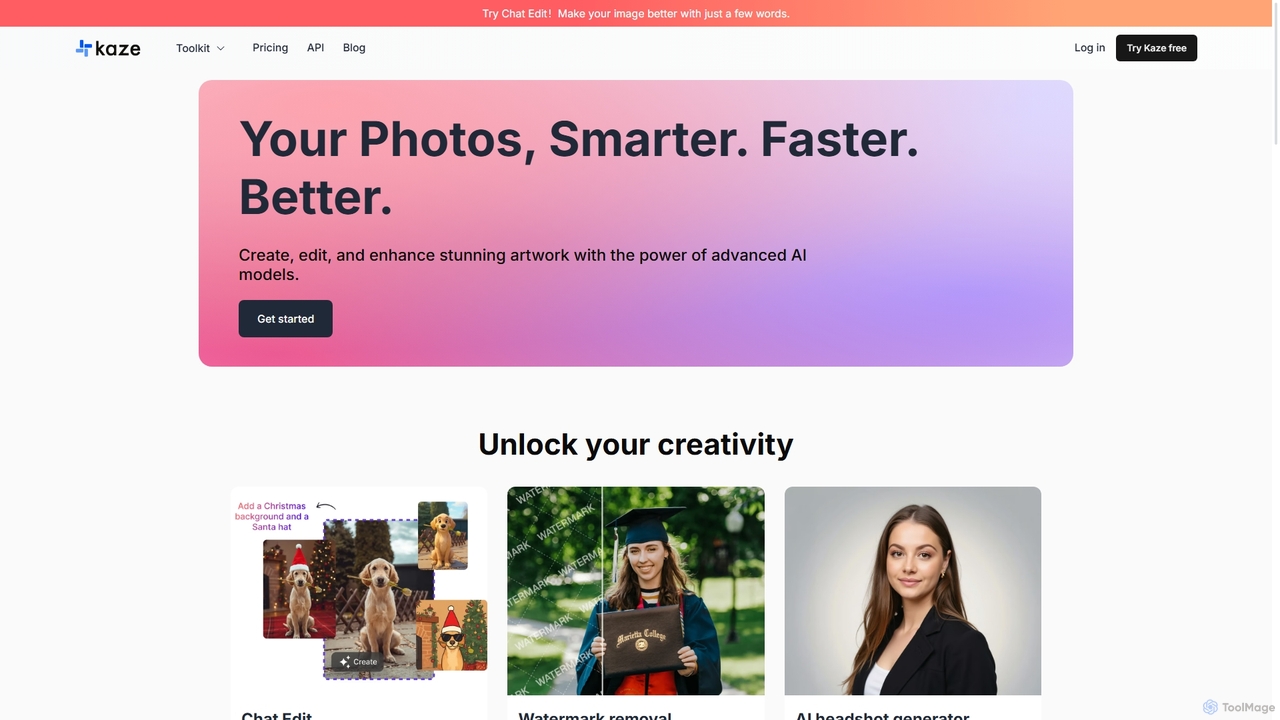
Kaze
Kaze is a comprehensive AI-powered image editing suite designed to create, edit, and enhance photos effortlessly. It offers a wide range of tools including one-click watermark and object removal, photo restoration, image upscaling, background removal, and an AI headshot generator. With its user-friendly interface and advanced AI models, Kaze delivers professional, studio-quality results in seconds, catering to creators, marketers, and photographers.
3D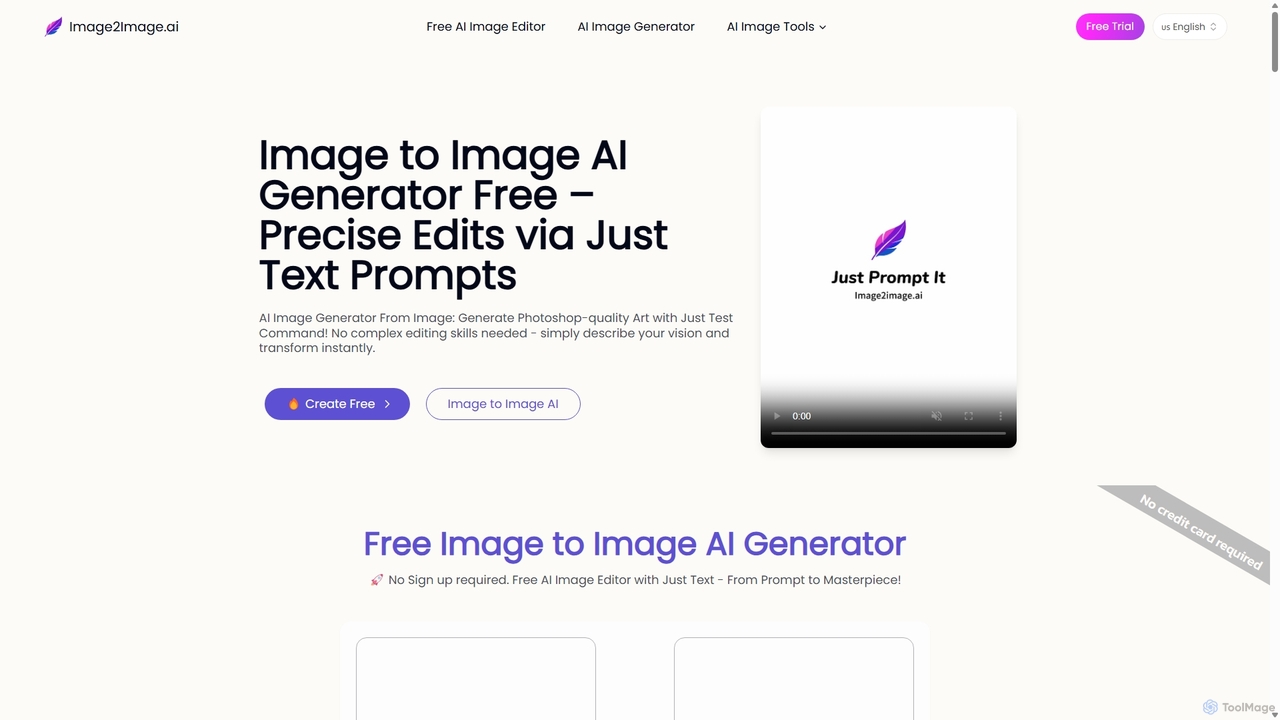
Image to Image AI
Image to Image AI is a powerful free tool that transforms your existing photos into stunning new creations using simple text prompts. It allows for precise edits, style transfers, object removal, and photo restoration while maintaining the consistency and composition of the original image, no professional skills required.
Ai Art Generator
Pixelfox
Pixelfox is a comprehensive, free-to-use AI suite for creators and businesses. It combines a powerful online photo and video editor with over 300 AI writing tools. Effortlessly retouch photos, remove backgrounds, generate images from text, swap faces, and enhance quality. Simultaneously, create SEO-optimized articles, social media content, product descriptions, and much more, all within a single, no-download platform.
3D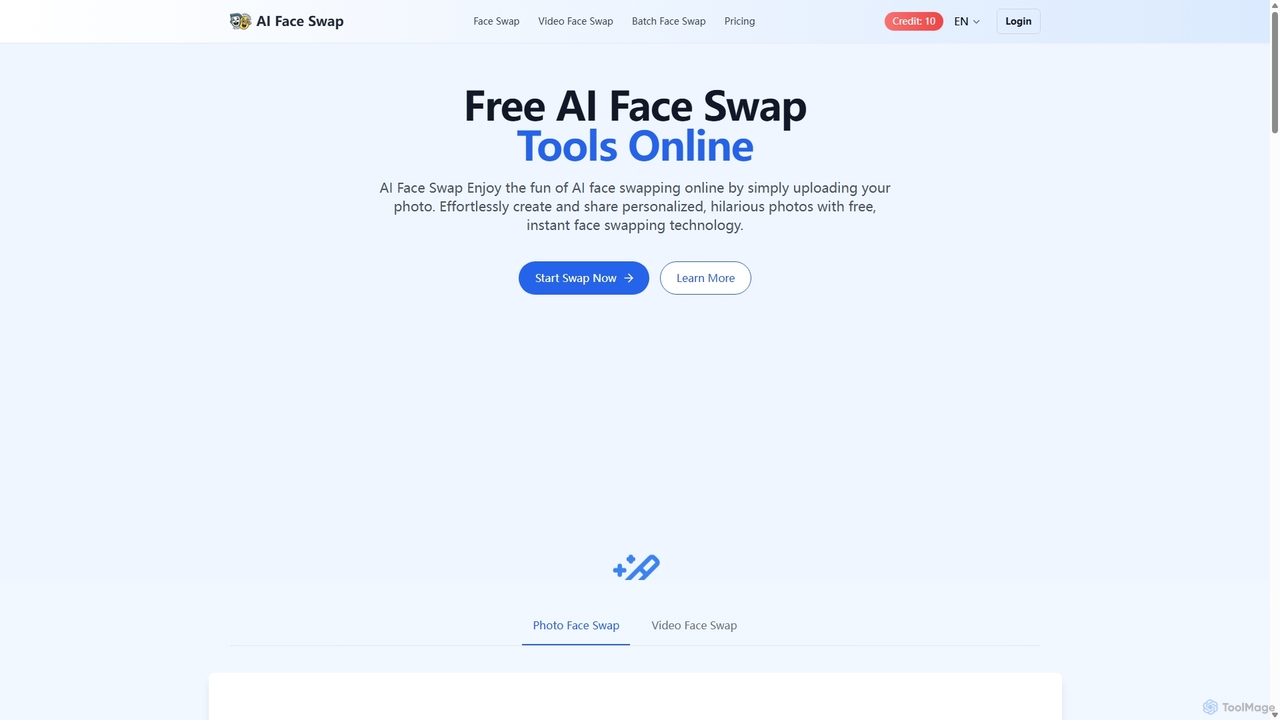
Aifaceswap
Aifaceswap is a free online AI tool that allows users to seamlessly swap faces in photos and videos. It offers features for single image swaps, batch processing for multiple photos, and dynamic video face swapping. With a user-friendly interface and a credit-based system, it's accessible for both casual fun and professional content creation, ensuring high-quality, realistic results instantly without any software installation.
Entertainment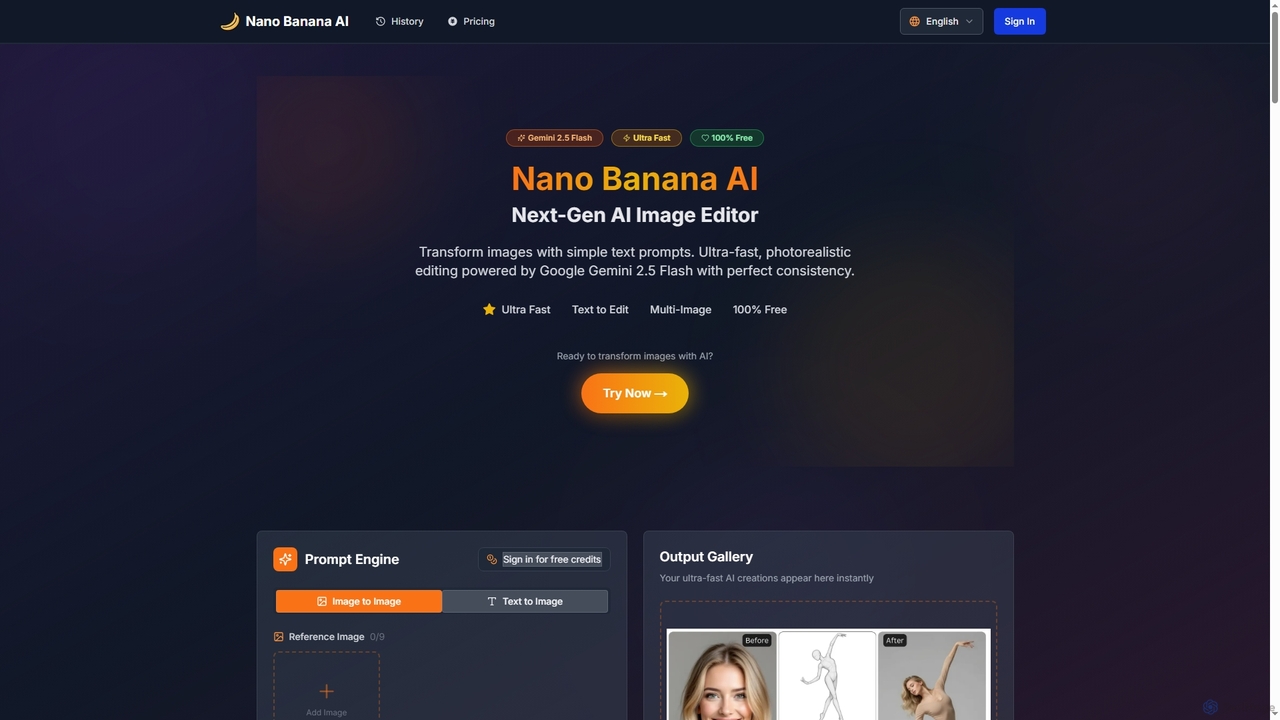
Nano Banana AI
Nano Banana AI is an advanced AI image editor powered by Google Gemini 2.5 Flash, enabling users to transform photos with simple text prompts. It offers ultra-fast, photorealistic editing with perfect character and scene consistency, featuring tools for face swapping, background changes, hairstyle alterations, and a unique Polaroid vintage photo generator. It's designed for both personal and professional creative workflows.
Creative Tools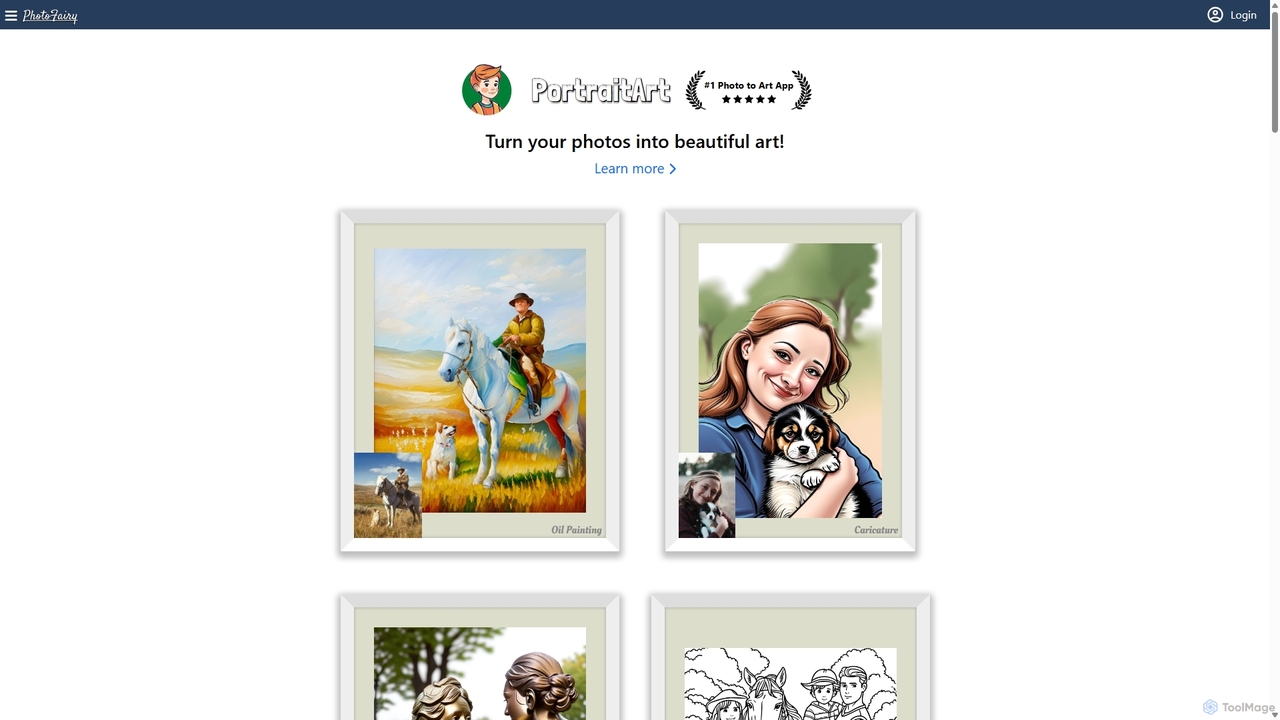
PhotoFairy
PhotoFairy is a powerful AI-driven photo editor and graphic design tool. It effortlessly transforms photos into various art styles, removes backgrounds and objects, generates images from text, and provides an infinite canvas for creative projects. Ideal for designers, marketers, and content creators seeking an all-in-one visual creation platform.
Art Generation
Stillgram Comments (0)
Sign in to comment.
Sign inNo comments yet.