

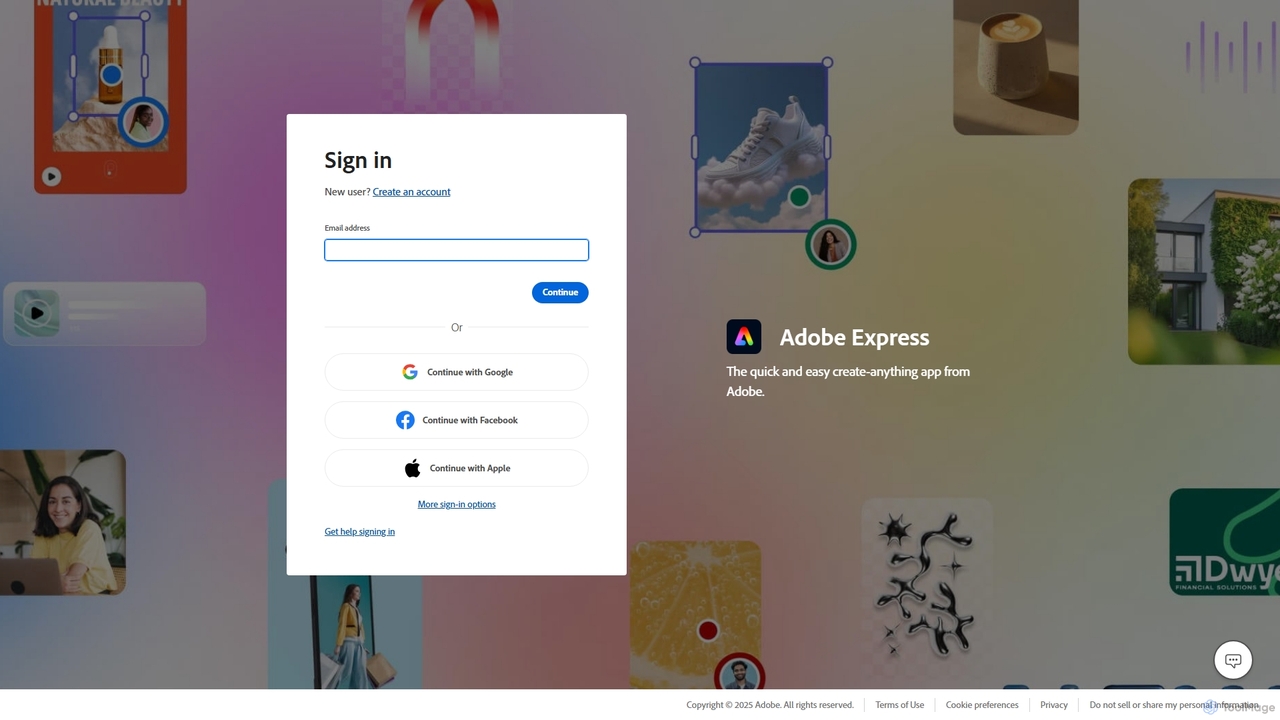
Adobe Express Overview
Adobe Express is a comprehensive, cloud-based design platform that empowers users to quickly and easily create standout content for any purpose. Merging the simplicity of template-based design with the power of Adobe's professional-grade creative tools, Express is the go-to solution for social media managers, marketers, small business owners, and content creators. At its core, it is supercharged by Adobe Firefly, a family of creative generative AI models, which allows users to generate extraordinary images and text effects from simple text prompts, directly within their workflows.
The platform offers an extensive library of professionally designed templates for a wide range of projects, including Instagram stories, TikTok videos, flyers, resumes, logos, and presentations. Its intuitive drag-and-drop editor makes customization seamless, allowing users to personalize templates with their own text, images, and branding elements. Adobe Express also provides access to the vast Adobe Stock collection of royalty-free photos, videos, and music, as well as the entire Adobe Fonts library, ensuring that users have all the assets they need at their fingertips.
How to use Adobe Express
Getting started with Adobe Express is straightforward and designed for efficiency. First, create a free Adobe account or sign in. You can start a project in several ways: choose from thousands of templates, start with a blank canvas for a custom size, or use one of the many AI-powered 'Quick Actions'. For example, to create a social media post, you can browse templates categorized by platform and style. Once you select a template, you enter the editor. Here, you can click on any element to edit it. Change text, swap images with your own or from the Adobe Stock library, and adjust colors to match your brand. To use the generative AI, simply select the 'Text to Image' feature, type a descriptive prompt (e.g., 'a photorealistic image of a cat wearing sunglasses on a beach'), and watch as Firefly generates unique visuals for your project. Similarly, 'Generative Fill' allows you to insert, remove, or replace objects in any image with just a text description. Once your design is complete, you can instantly resize it for different social platforms with a single click, download it in various formats (JPG, PNG, PDF, MP4), or use the built-in Content Scheduler to plan and publish it directly to your social media channels.
Core Features of Adobe Express
- Generative AI by Adobe Firefly: Create unique images and text effects from text prompts, and use Generative Fill to seamlessly add or remove objects from photos.
- All-in-One Editor: Combine video clips, art, animation, and music to make videos in the same place you create images and design layouts.
- Extensive Template Library: Access thousands of professionally designed templates for social media, videos, flyers, logos, and more.
- Quick Actions: Perform one-click tasks such as removing backgrounds from photos and videos, converting files to PDF, resizing images, and trimming videos.
- Content Scheduler: Plan, preview, schedule, and publish content to multiple social media platforms like TikTok, Instagram, Facebook, and more.
- Brand Kits: Upload your brand's logo, fonts, and colors to easily apply them to any design for consistent branding.
- Real-time Collaboration: Invite others to edit and comment on your projects in real-time, streamlining teamwork and feedback.
- Seamless Adobe Integration: Access and edit linked Photoshop and Illustrator files directly within Express, and enjoy a unified library of assets across Creative Cloud.
Use Cases for Adobe Express
Adobe Express is versatile enough for a wide array of users. A social media manager can use it to design and schedule an entire month's worth of content across multiple platforms, using AI to generate eye-catching visuals for campaigns. A small business owner can create a complete brand identity, from a logo and business cards to promotional flyers and website banners, without any prior design experience. A student can build a visually engaging video presentation or a polished resume that stands out. Content creators can quickly produce YouTube thumbnails, TikTok videos, and podcast covers. Marketing teams can collaborate on campaign assets, ensuring brand consistency and accelerating production timelines.
Advantages of Adobe Express
The primary advantage of Adobe Express is its unique combination of user-friendliness and professional power. It democratizes design by making advanced features, like generative AI that is designed to be commercially safe, accessible through a simple interface. Unlike some competitors, its deep integration with the Adobe Creative Cloud ecosystem provides a seamless workflow for professionals who also use Photoshop or Illustrator. The all-in-one nature of the tool saves time and reduces the need for multiple subscriptions, as it handles graphic design, video editing, photo enhancements, and PDF tasks. The vast, high-quality asset library from Adobe Stock and Adobe Fonts further elevates the quality of content users can produce.
Pricing and Plans
Adobe Express operates on a freemium model. The Free Plan is quite generous, offering access to the core editor, thousands of templates, basic editing and photo effects, a limited collection of Adobe Stock photos, and a monthly allocation of generative AI credits for Firefly features. The Premium Plan unlocks the full potential of the platform. It includes everything in the Free plan plus over 200 million Adobe Stock photos and videos, 25,000+ fonts from Adobe Fonts, premium templates, the ability to create unlimited Brand Kits, the Content Scheduler, 100GB of cloud storage, and a significantly larger monthly allocation of generative AI credits. The Premium plan is available as a standalone subscription or is included with most Adobe Creative Cloud plans.
Adobe Express Alternatives
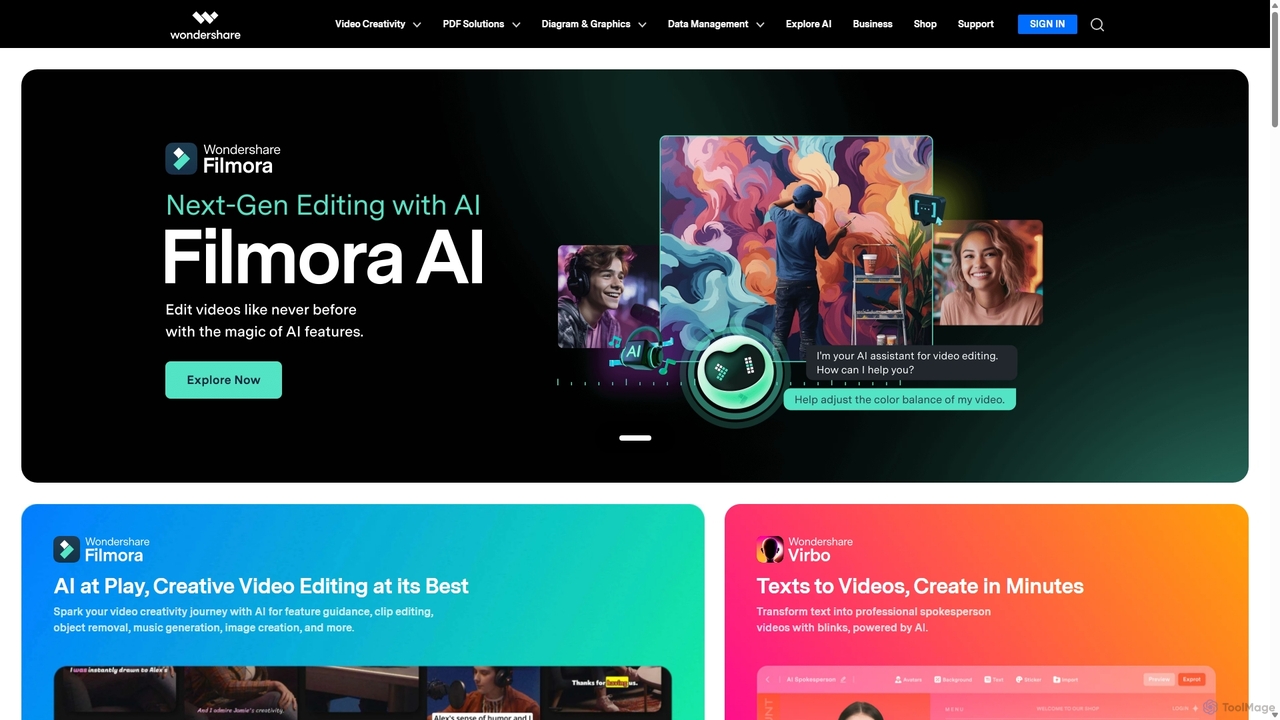
Wondershare
Wondershare offers a comprehensive suite of AI-powered software designed to enhance creativity, productivity, and utility. From advanced video editing and PDF management to data recovery and diagramming, Wondershare provides intuitive, powerful tools for individuals, businesses, and educators to simplify their digital life and creative workflows.
Graphic Design
Adobe
Adobe is the industry-leading suite of creative, marketing, and document management software, supercharged with powerful generative AI. Featuring tools like Photoshop, Premiere Pro, and Acrobat, integrated with Adobe Firefly AI, it empowers creators, businesses, and individuals to bring any idea to life, from stunning visuals and cinematic videos to intelligent, interactive documents.
Graphic Design
Wepik
Wepik is a free, all-in-one online design editor from Freepik. It empowers users to create professional graphics with thousands of customizable templates and powerful AI tools. Features include an AI Image Generator, AI Writer, and a one-click Background Remover, making design accessible to everyone, regardless of skill level.
Image Generation
Picsart
Picsart is an all-in-one AI-powered creative platform for photo and video editing. It offers a comprehensive suite of tools, including AI image generation, background removal, photo enhancement, and a vast library of templates and stock content. Designed for everyone from beginners to professionals, Picsart simplifies the creation of stunning visuals for social media, marketing, and personal projects, accessible on both web and mobile.
3D
Kira
Kira is a powerful AI-powered platform for professional-grade image generation and editing. It combines a versatile text-to-image generator with a comprehensive suite of editing tools, including background removal, inpainting, upscaling, and stylization. Its key feature is the ability to maintain consistent styles and characters across multiple edits and generations, making it ideal for branding, marketing, and creative projects that require a cohesive visual identity.
Graphic DesignAdobe Express Categories
Adobe Express Jobs
Adobe Express Embed Widget
Copy this embed code to place the badge on your blog, article, or product site and send readers directly to this ToolMage detail page.

Related AI tools

CapCut
CapCut is a powerful, all-in-one AI video editor and creative suite. It simplifies content creation with intuitive tools for video editing, graphic design, and team collaboration. It offers a wide range of AI features like auto-captions, script-to-video, background removal, and video upscaling, making professional-quality content accessible to everyone, from beginners to pros, across web, desktop, and mobile platforms.
Graphics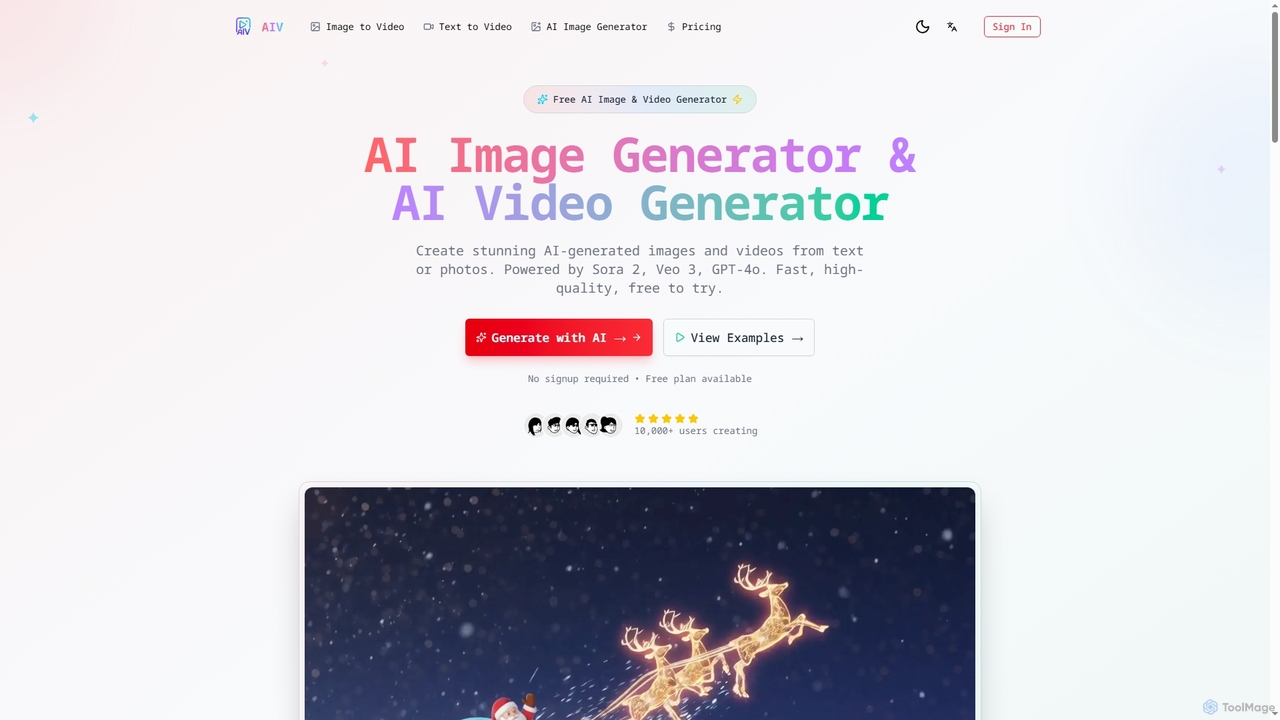
AI Image Video
AI Image Video is a powerful platform that leverages advanced AI models like Sora 2, Veo 3, and GPT-4o to generate stunning images and cinematic videos from text prompts or existing photos. It offers fast, high-quality content creation for various needs, from social media to professional marketing, with an easy-to-use interface and commercial use rights.
Content CreationAdobe
Adobe is the industry-leading suite of creative, marketing, and document management software, supercharged with powerful generative AI. Featuring tools like Photoshop, Premiere Pro, and Acrobat, integrated with Adobe Firefly AI, it empowers creators, businesses, and individuals to bring any idea to life, from stunning visuals and cinematic videos to intelligent, interactive documents.
Graphic Design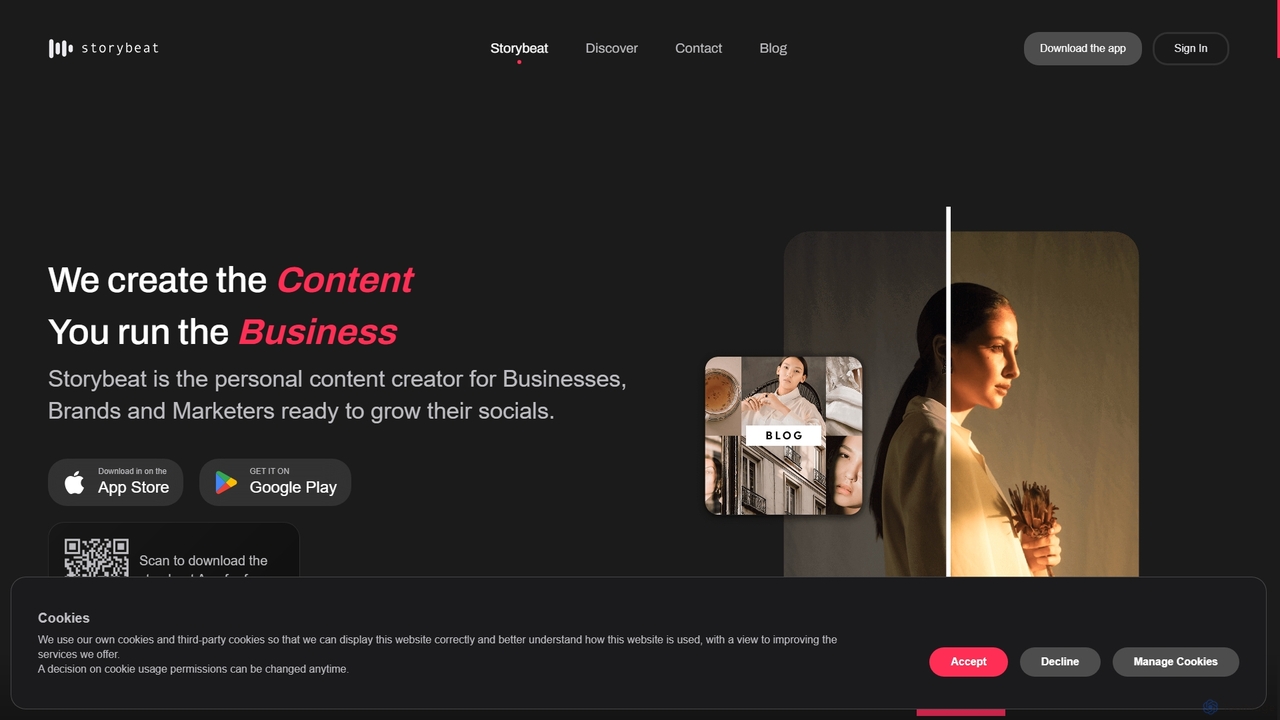
Storybeat
Storybeat is an AI-powered mobile app for creating stunning social media stories and reels. It offers a vast library of templates, filters, and music, along with AI tools like Auto Design, AI Captions, and AI Avatars to help businesses, brands, and creators grow their social presence effortlessly.
Social Media MarketingWondershare
Wondershare offers a comprehensive suite of AI-powered software designed to enhance creativity, productivity, and utility. From advanced video editing and PDF management to data recovery and diagramming, Wondershare provides intuitive, powerful tools for individuals, businesses, and educators to simplify their digital life and creative workflows.
Graphic Design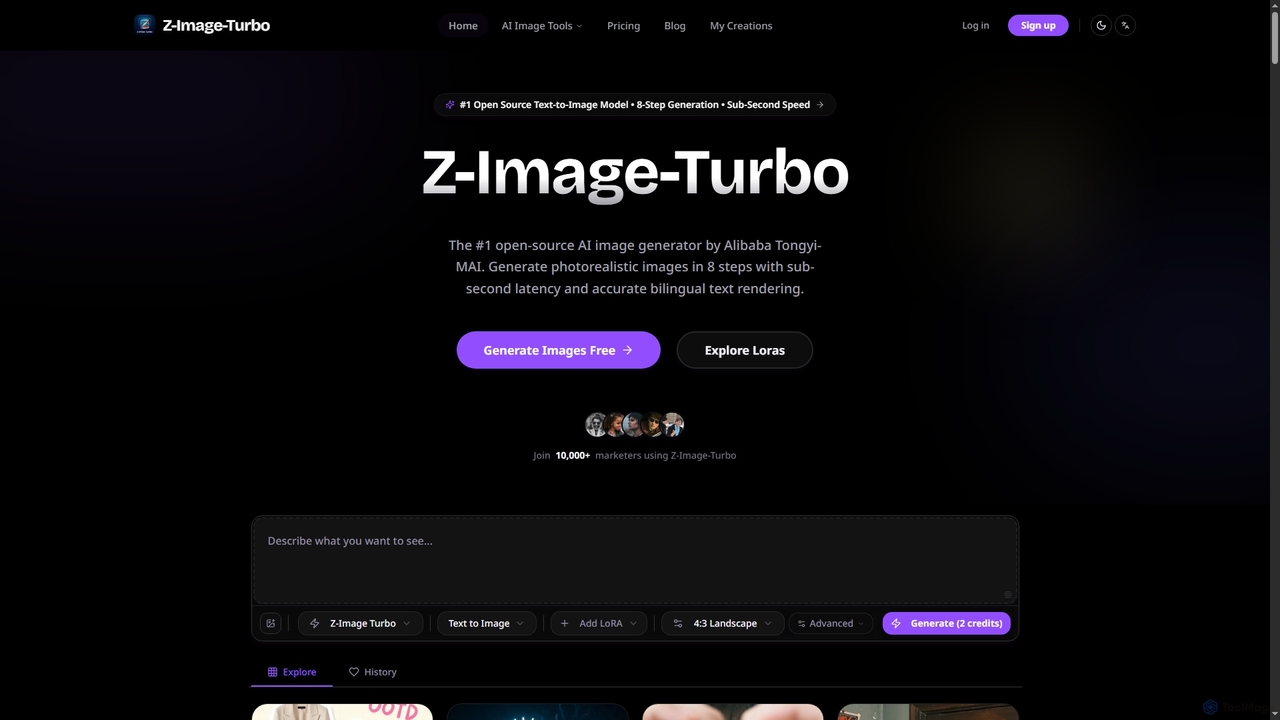
ZImageTurbo
ZImageTurbo is the #1 open-source AI image generator by Alibaba Tongyi-MAI, offering sub-second photorealistic image creation in just 8 steps. It excels in accurate bilingual text rendering (English and Chinese), runs efficiently on consumer GPUs, and provides advanced features for content creators, marketers, and designers.
VisualsWepik
Wepik is a free, all-in-one online design editor from Freepik. It empowers users to create professional graphics with thousands of customizable templates and powerful AI tools. Features include an AI Image Generator, AI Writer, and a one-click Background Remover, making design accessible to everyone, regardless of skill level.
Image Generation
Pixelfox
Pixelfox is a comprehensive, free-to-use AI suite for creators and businesses. It combines a powerful online photo and video editor with over 300 AI writing tools. Effortlessly retouch photos, remove backgrounds, generate images from text, swap faces, and enhance quality. Simultaneously, create SEO-optimized articles, social media content, product descriptions, and much more, all within a single, no-download platform.
3D
AIAI
AIAI is an all-in-one AI creative suite designed to transform ideas into stunning visuals and provide intelligent assistance. It offers powerful tools for generating images, videos, and text content, alongside specialized features like an AI Homework Helper and a productivity-boosting browser extension.
Homework AssistancePicsart
Picsart is an all-in-one AI-powered creative platform for photo and video editing. It offers a comprehensive suite of tools, including AI image generation, background removal, photo enhancement, and a vast library of templates and stock content. Designed for everyone from beginners to professionals, Picsart simplifies the creation of stunning visuals for social media, marketing, and personal projects, accessible on both web and mobile.
3D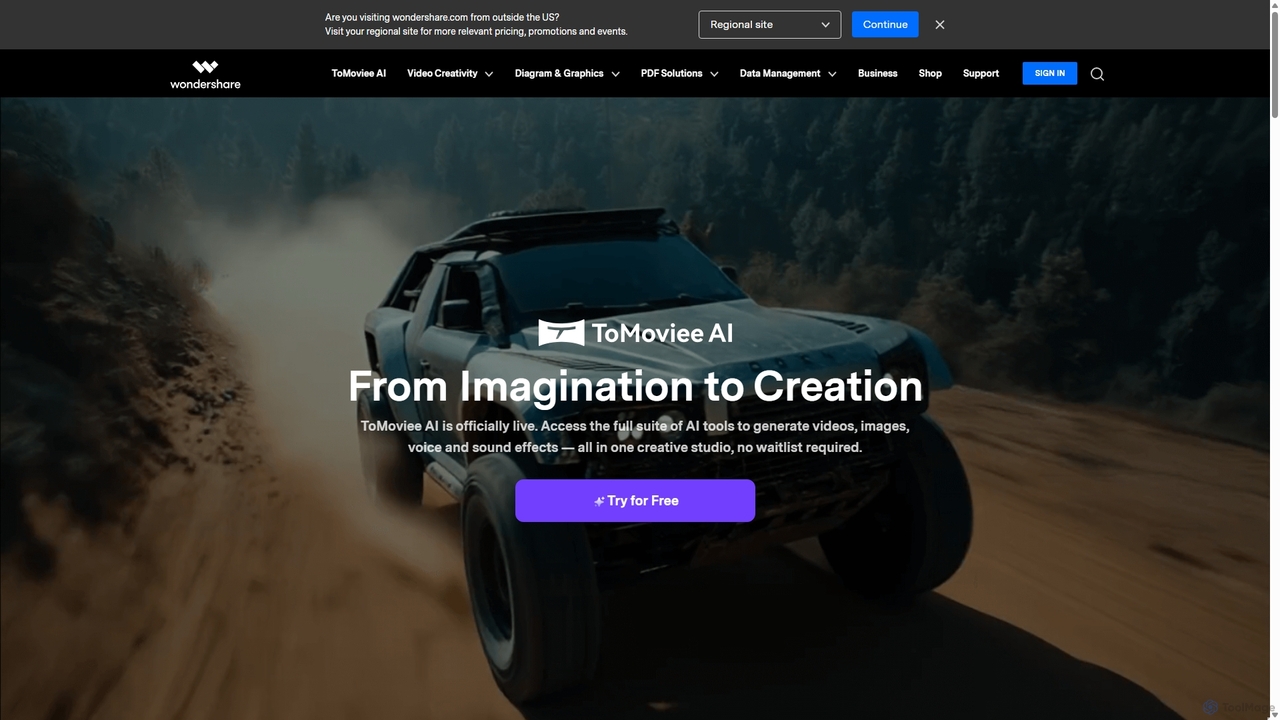
Wondershare
Wondershare offers a comprehensive suite of AI-powered software for creativity, productivity, and utility. From the advanced video editor Filmora and AI content generator ToMoviee to the powerful PDFelement and data recovery tools, Wondershare simplifies digital experiences for millions of users worldwide. It provides intuitive, powerful solutions for content creators, businesses, and individuals to create, manage, and secure their digital assets with ease.
Diagramming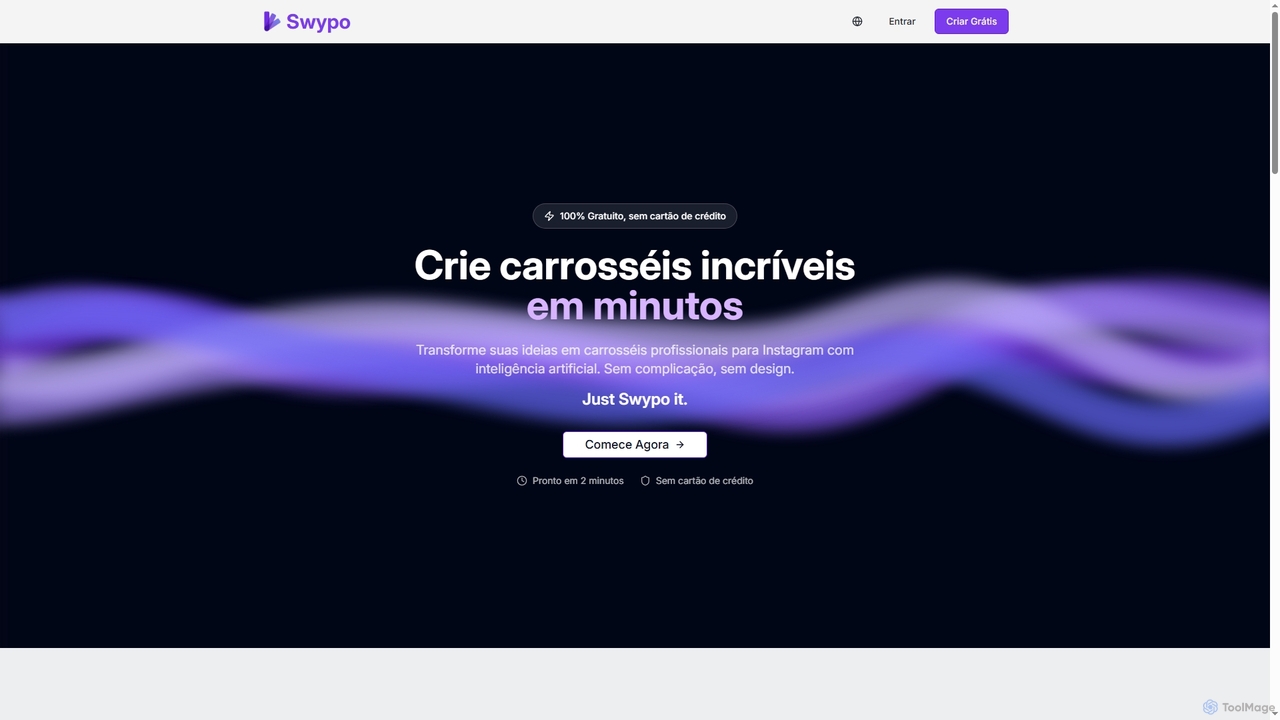
Swypo
Swypo is a free AI-powered tool that allows users to quickly create professional and engaging carousels for Instagram and other social media platforms. It simplifies content creation by transforming text ideas into visually stunning carousels in minutes, without requiring any design skills or a credit card.
Graphic Generator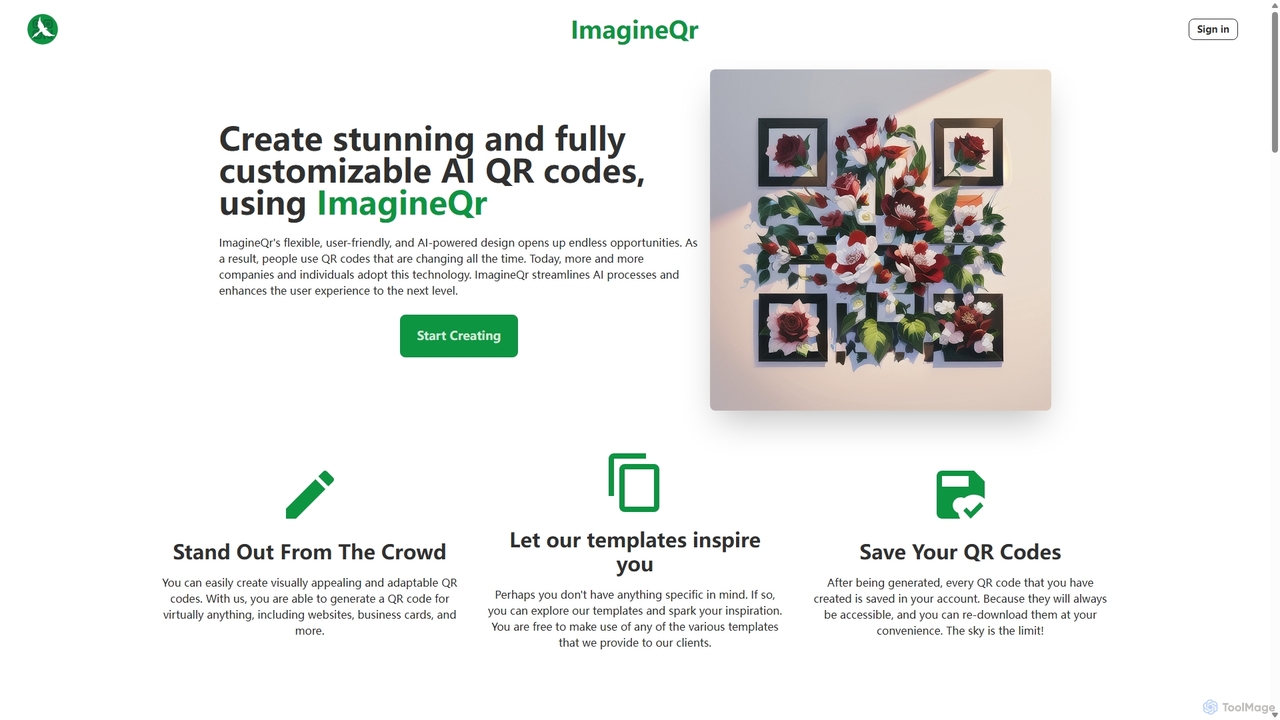
ImagineQr
ImagineQr is an AI-powered platform that transforms standard QR codes into stunning, fully customizable works of art. By using simple text prompts, users can generate visually appealing and scannable QR codes that align with their brand identity or creative vision, significantly boosting engagement for marketing campaigns, business cards, and personal projects.
Image GenerationKira
Kira is a powerful AI-powered platform for professional-grade image generation and editing. It combines a versatile text-to-image generator with a comprehensive suite of editing tools, including background removal, inpainting, upscaling, and stylization. Its key feature is the ability to maintain consistent styles and characters across multiple edits and generations, making it ideal for branding, marketing, and creative projects that require a cohesive visual identity.
Graphic Design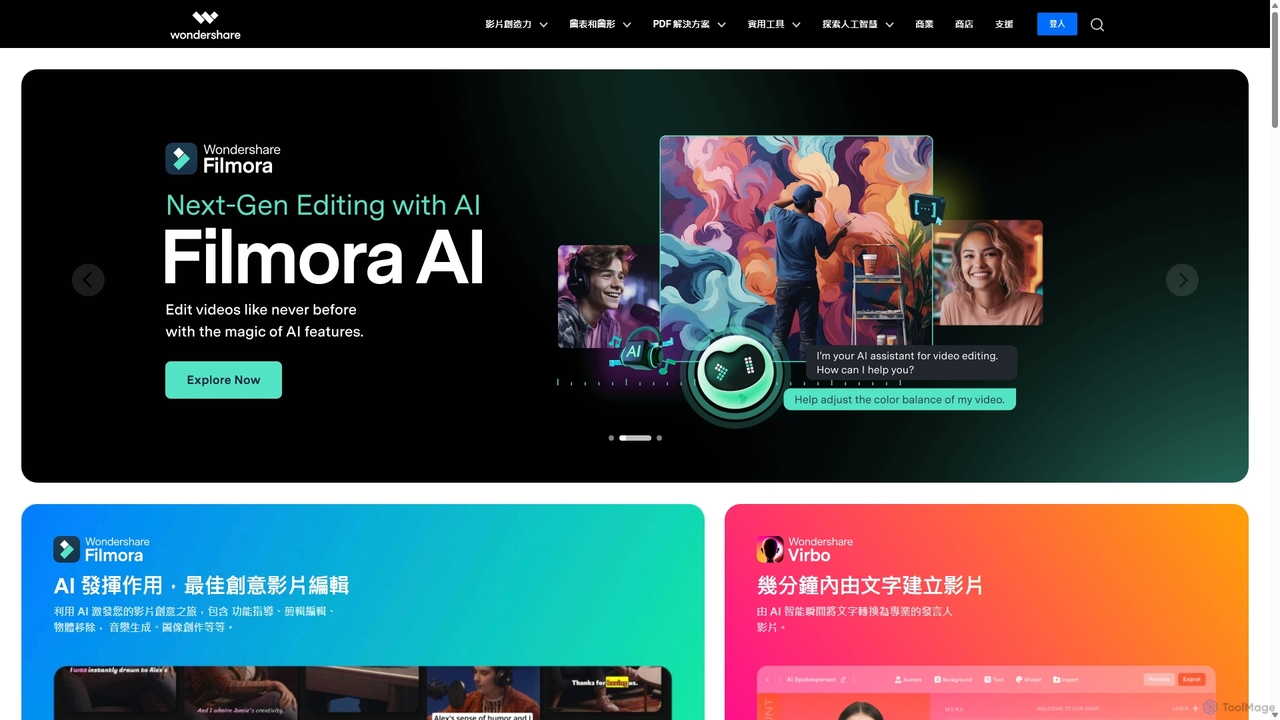
Wondershare
Wondershare offers a comprehensive suite of AI-powered creative and productivity software. From the industry-leading Filmora video editor to the intelligent PDFelement and versatile Edraw diagramming tools, Wondershare empowers creators, professionals, and students to bring their ideas to life. Its integrated AI features streamline workflows, automate complex tasks, and unlock new creative possibilities in video, document management, and visual communication.
Diagramming
Adobe Express Comments (0)
Sign in to comment.
Sign inNo comments yet.