ToolMage
Sign in

Best 4 Visuals AI tools for Content Creation

Popular Visuals AI tools in Content Creation include ZImageTurbo, Thumb, CanvAi, and Instastock, helping you work more efficiently.

ZImageTurbo
Paid

ZImageTurbo

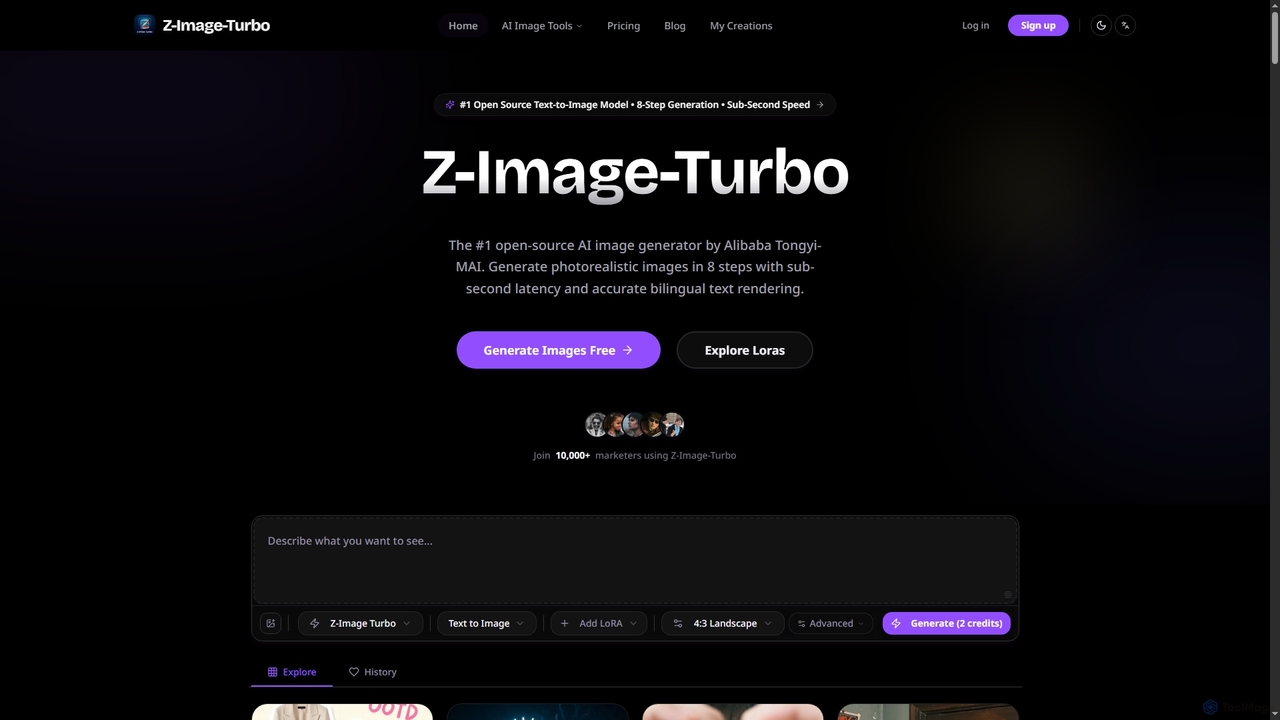
ZImageTurbo is the #1 open-source AI image generator by Alibaba Tongyi-MAI, offering sub-second photorealistic image creation in just 8 steps. It excels in accurate bilingual text rendering (English and Chinese), runs efficiently on consumer GPUs, and provides advanced features for content creators, marketers, and designers.

Visuals
Visits 55.6KFavorites 34Likes 25
CanvAi
Paid

CanvAi

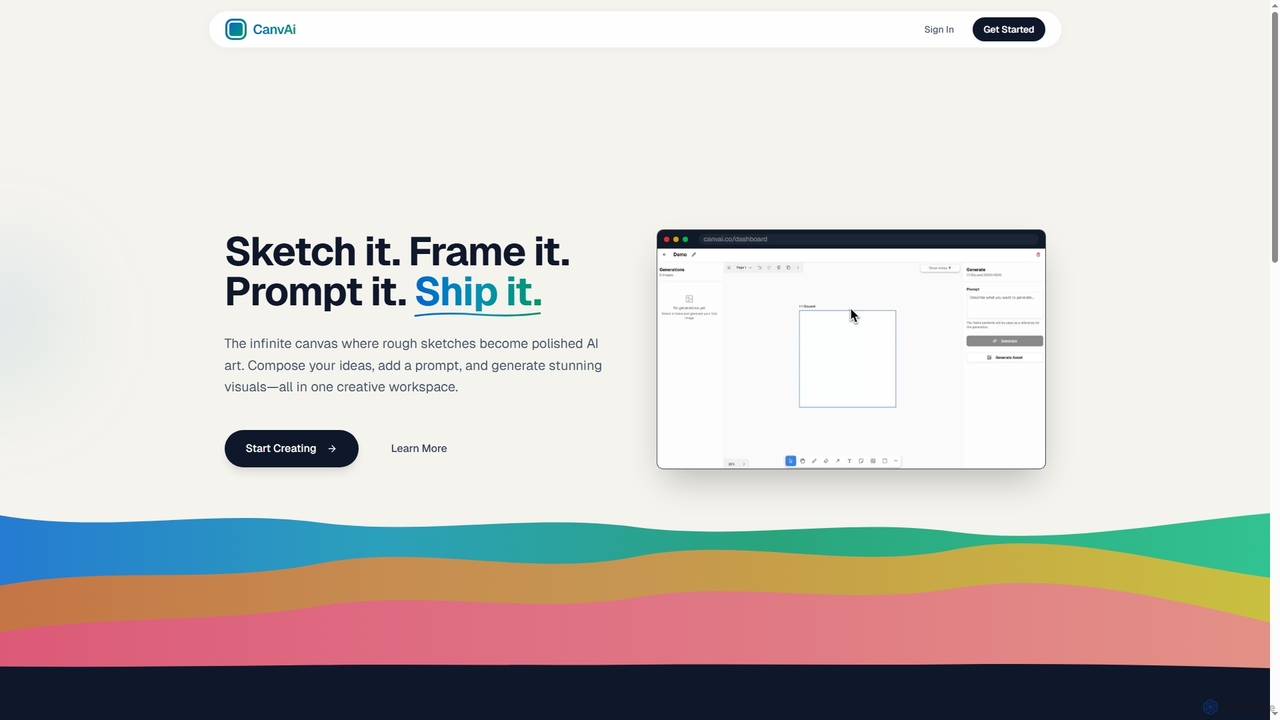
CanvAi is an innovative AI art generator that transforms rough sketches and compositions into polished, high-quality images. It offers an infinite digital canvas, powerful generative AI models, and various artistic styles, streamlining the creative process for artists and designers.

Image Generation
Visits 3.4KFavorites 31Likes 26
Thumb
Freemium

Thumb

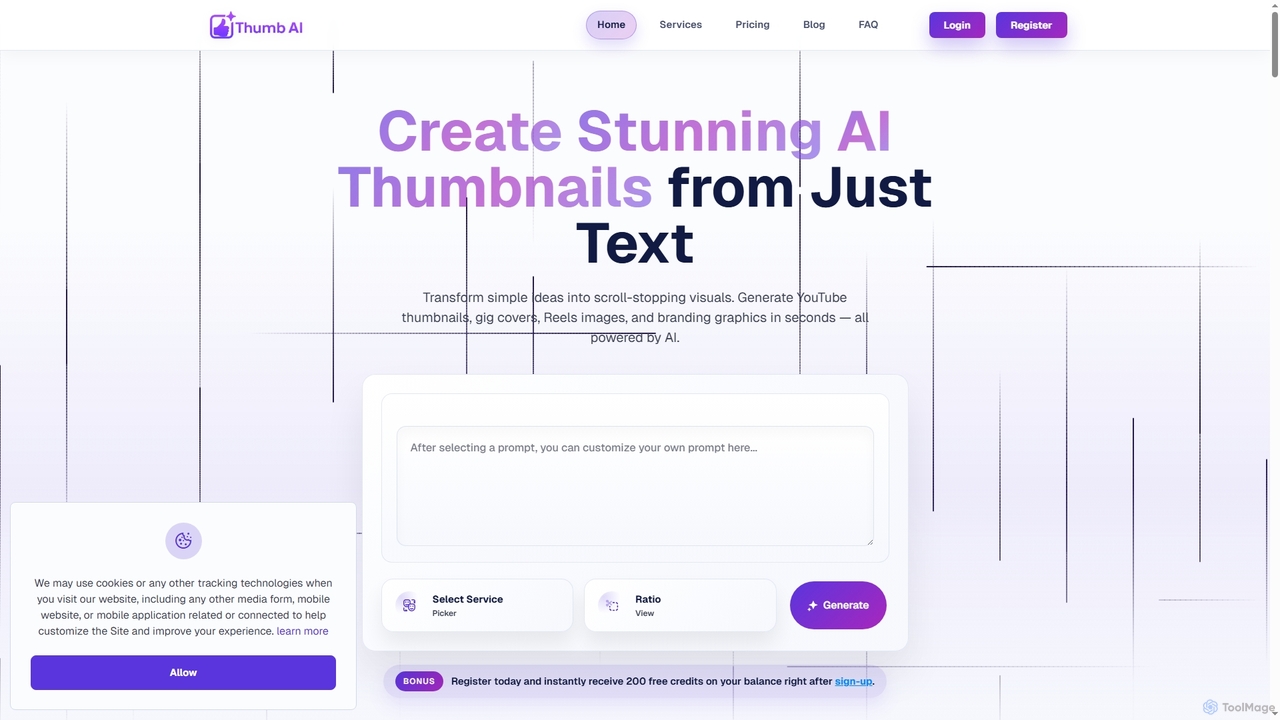
Thumb is an AI-powered design tool that generates stunning, platform-optimized thumbnails, covers, and branding visuals in seconds. It's designed for creators, marketers, freelancers, and businesses to effortlessly transform text ideas into scroll-stopping graphics for YouTube, social media, e-commerce, and more, without requiring any design experience.

Logo Design
Visits 4.4KFavorites 119Likes 115
Instastock
Freemium

Instastock

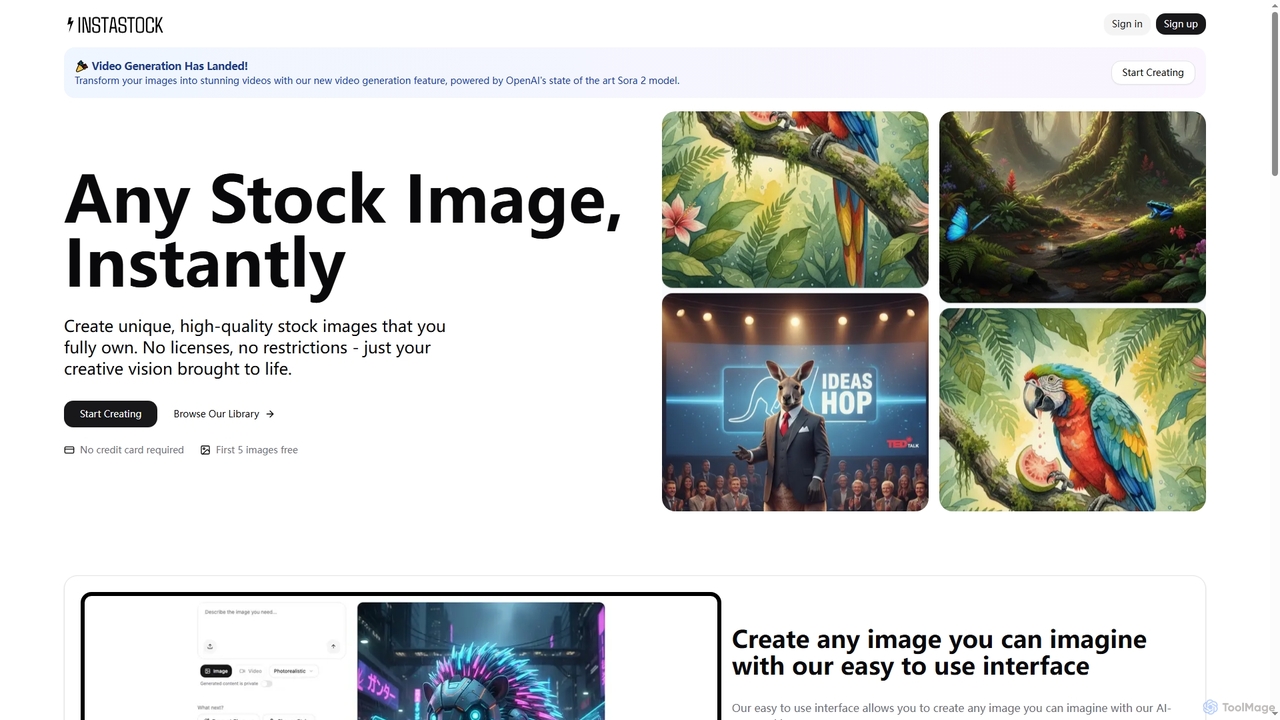
Instastock is an AI-powered platform that enables users to instantly generate unique, high-quality stock images and transform them into stunning videos. It offers advanced AI editing capabilities, allowing for natural language modifications and style changes, all without licensing restrictions.

Visuals
Visits 3.4KFavorites 118Likes 126

About Visuals

AI Visuals tools are a class of software that automates the creation and enhancement of diverse visual assets. These tools leverage generative AI models to transform text, data, or simple outlines into polished presentations, infographics, charts, and other visual content. They significantly lower the barrier to professional design, enabling users without graphic design skills to produce high-quality visuals quickly. This empowers teams to maintain brand consistency and communicate complex information more effectively.

Core Features

  • Multi-Format Generation: Creates a wide range of visual types, including slide decks, reports, charts, and social media graphics.
  • Branding Automation: Applies consistent brand identity (logos, colors, fonts) across all generated visuals.
  • Data-to-Visual Conversion: Automatically transforms raw data from spreadsheets or databases into insightful charts and graphs.
  • Template-Based Design: Utilizes AI-powered templates and layouts to accelerate the creation process and ensure aesthetic quality.
  • Content Enhancement: Improves existing visuals by applying stylistic filters, color correction, or adding dynamic effects.

Use Cases

These tools are widely used by marketing teams for creating campaign assets, business analysts for generating report visualizations, and educators for developing engaging learning materials. Consultants also use them to quickly build client presentations, while content creators produce infographics and social media content at scale.

How to Choose

When selecting an AI Visuals tool, consider the specific output formats you need (e.g., PPTX, PDF, interactive web pages). Evaluate its data integration capabilities and the level of customization available for branding. Also, assess the user interface's ease of use for non-designers and check for collaboration features if you work in a team.

Featured tool rankings

Visuals use cases

1

Automate Business Presentation Creation

A marketing manager needs to create a compelling slide deck for an upcoming product launch on a tight deadline. Instead of designing slides from scratch, they input a text outline of the presentation, key data points, and the company's brand kit (logo, colors, fonts) into an AI Visuals tool. The AI instantly generates a complete, professionally designed presentation with consistent branding, relevant stock imagery, and data visualizations. This process reduces creation time from hours to minutes, ensuring a high-quality, on-brand result without needing a dedicated designer.

2

Generate Data-Driven Infographics for Content Marketing

A content creator wants to enhance a blog post with a compelling infographic summarizing key industry statistics. They provide the AI Visuals tool with the data points and a brief description of the desired style. The tool automatically suggests various layouts, color schemes, and iconographies. The creator selects a template, and the AI populates it with the data, generating a shareable, visually appealing infographic. This allows the creator to produce engaging visual content that increases reader engagement and social media shares, without needing advanced skills in graphic design software.

3

Create Custom Visuals for Social Media Campaigns

A social media manager is running a multi-platform campaign and needs a consistent set of visuals (posts, stories, carousels) tailored for each network. Using an AI Visuals tool, they input the core message, a key product image, and brand guidelines. The AI generates dozens of variations in different aspect ratios and formats, all maintaining a cohesive visual identity. The manager can then quickly select the best options for Instagram, Facebook, and LinkedIn, saving significant time compared to manually creating each asset in a traditional design program.

4

Visualize Complex Data for Business Reports

A business analyst needs to present quarterly sales data to stakeholders in an easily digestible format. Instead of manually creating charts in a spreadsheet program, they connect their data source to an AI Visuals tool. The tool automatically analyzes the data, suggests the most effective chart types (e.g., bar charts for comparison, line charts for trends), and generates a series of interactive, well-designed visualizations. This not only saves time but also helps uncover insights that might be missed in raw data tables, enabling clearer communication and better decision-making.

5

Develop Engaging Educational Materials

An educator is preparing a lesson on a complex scientific topic and wants to create visual aids to help students understand. They input key concepts and definitions into an AI Visuals tool. The AI generates a set of diagrams, flowcharts, and summary slides that break down the information visually. The educator can then use these materials in their lecture or as handouts. This approach makes learning more accessible and memorable for students and saves the educator significant time that would otherwise be spent on manual design.

6

Apply Artistic Styles and Effects to Videos

A video creator wants to give their footage a unique, stylized look, such as mimicking a famous painting or a vintage film aesthetic. Instead of complex manual color grading and effects work, they upload their video clip to an AI Visuals tool. They select a desired artistic style from a library or upload a reference image. The AI analyzes the video frame by frame and applies the style transfer, transforming the footage's look and feel while preserving motion and objects. This allows for rapid creative experimentation and achieving high-end visual effects without specialized software or skills.

Visuals FAQ

What are AI Visuals tools?

AI Visuals tools are applications that use artificial intelligence to generate, compose, and enhance a wide range of visual content. Unlike tools focused on a single output like image generation, AI Visuals tools often handle more complex, structured formats such as presentations, infographics, data visualizations, and branded social media assets. They work by interpreting user inputs like text, data, or brand guidelines to automate design tasks that would typically require specialized skills and significant time.

How do AI Visuals tools differ from AI Image Generators?

The primary difference lies in scope and structure. AI Image Generators focus on creating single, static images from text or image prompts. AI Visuals tools have a broader function, often acting as design assistants for composite documents. They combine text, data, layouts, and branding to create multi-element assets like slide decks or infographics. While an image generator creates a picture, a visuals tool creates a complete, structured visual communication piece.

How to choose the right AI Visuals tool?

To choose the right tool, first identify your primary need. Consider the following factors:

  • Output Format: Do you need presentations (PPTX), reports (PDF), social media graphics (PNG/JPG), or interactive web content?
  • Data Integration: Does the tool need to connect to live data sources like Google Sheets or a database?
  • Branding and Customization: How much control do you need over colors, fonts, and layouts to match your brand identity?
  • Ease of Use: Is the interface intuitive for users without a design background?
  • Collaboration: Do you need features for team members to comment on or co-edit visuals?

Matching these requirements to a tool's feature set will help you find the best fit.

Who can benefit from using AI Visuals tools?

A wide range of professionals can benefit. Marketers can quickly generate on-brand campaign assets. Business analysts and consultants can create insightful data visualizations and reports without deep design knowledge. Educators can develop engaging learning materials more efficiently. Social media managers can produce a high volume of content tailored for different platforms. Essentially, anyone who needs to communicate information visually but lacks the time or expertise for traditional design software can find significant value in these tools.

Can these tools maintain my brand's visual identity?

Yes, brand consistency is a core feature of many AI Visuals tools. Most professional-grade tools allow you to create a 'brand kit' by uploading your logo, defining your color palette, and specifying your brand fonts. Once set up, the AI will automatically apply these elements to all generated content, ensuring that every presentation, infographic, or social media post adheres to your visual identity. This feature is crucial for businesses looking to maintain a consistent and professional appearance across all communication channels.