

CapCut Overview
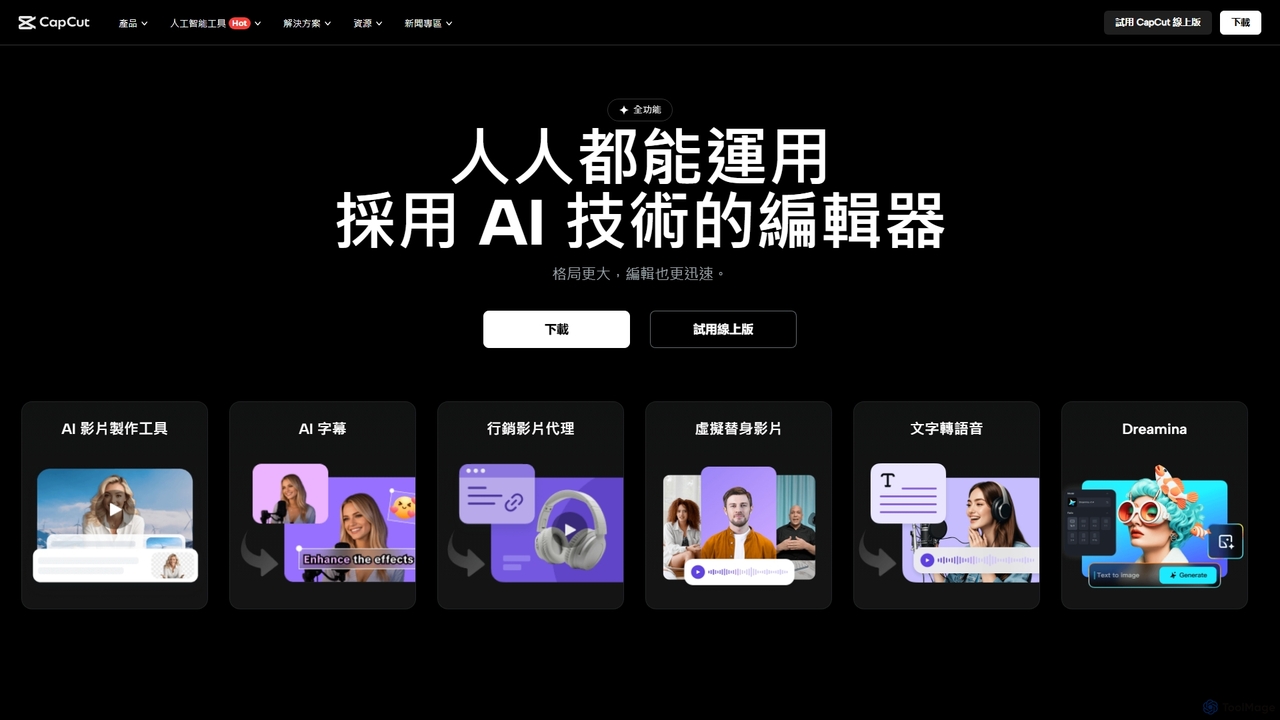
CapCut is a comprehensive and versatile creative suite designed to empower creators of all skill levels. It goes beyond traditional video editing by integrating a powerful set of AI-driven tools for video production, graphic design, and collaborative work. Available as a web-based platform, a desktop application, and a mobile app, CapCut provides a seamless creative experience across all devices, making it a go-to solution for millions of users worldwide, including content creators, marketers, students, and business owners.
At its core, CapCut is an intuitive video editor packed with advanced features. Its AI capabilities automate and simplify complex editing tasks, allowing users to produce high-quality content faster and more efficiently. Whether you're creating short-form videos for social media, detailed product demonstrations, or engaging vlogs, CapCut's smart tools are designed to elevate your creative output.
How to use CapCut
Getting started with CapCut is straightforward. The general workflow involves a few simple steps:
- Start a Project: Open CapCut on your preferred device (web, desktop, or mobile) and start a new project. You can begin from a blank canvas or choose from a vast library of ready-to-use templates tailored for various themes and platforms.
- Import Media: Upload your video clips, images, and audio files into the project. CapCut supports a wide range of formats and offers cloud storage for easy access to your assets.
- Edit on the Timeline: Drag and drop your media onto the multi-track timeline. Use the intuitive tools to trim, cut, split, and arrange your clips. You can easily adjust video speed, apply transitions, and add music or sound effects from the extensive royalty-free library.
- Leverage AI Tools: This is where CapCut shines. With a single click, you can generate automatic captions, remove video backgrounds, enhance video resolution, apply AI color correction, or even convert a written script directly into a complete video with matching scenes and voice-overs.
- Add Creative Elements: Enhance your video with text overlays, animated stickers, filters, and effects. The platform offers a rich selection of assets to make your content visually appealing.
- Export and Share: Once you're satisfied with your creation, export the video in your desired resolution and format. CapCut allows for direct sharing to social media platforms or generating a shareable link for review and collaboration.
Core Features of CapCut
- AI-Powered Video Editing: Includes Script to Video generation, automatic creation of short clips from long videos, video upscaling, and intelligent camera tracking.
- Smart Graphic Design: Create stunning visuals with an online image editor, AI portrait generator, old photo restoration, photo colorizer, and background remover.
- Auto Captions & Text-to-Speech: Automatically generate synchronized subtitles for your videos and convert text into natural-sounding voice-overs in multiple languages and voices.
- Extensive Asset Library: Access a massive, royalty-free library of music, sound effects, stickers, text templates, filters, and transitions.
- Team Collaboration: Create a team space to store assets, share drafts, and collaborate on projects in real-time. Team members can leave comments and review edits seamlessly.
- Cross-Platform Synchronization: Start a project on your phone and finish it on your computer. Your work is synced across devices via cloud storage.
- Video Translation: Translate your video's audio and captions into multiple languages, complete with AI-powered lip-sync to make the dubbed audio look natural.
- Advanced Audio Tools: One-click noise reduction to clean up audio, voice-over recording capabilities, and multi-track audio editing.
Use Cases for CapCut
CapCut is versatile enough for a wide range of applications:
- Social Media Content: Quickly create engaging TikToks, Instagram Reels, and YouTube Shorts using trendy templates and AI-powered clipping tools.
- Marketing & Advertising: Produce professional product demo videos, promotional content, and advertisements with high-quality effects and clear calls-to-action.
- Business & Education: Develop training materials, educational tutorials, and presentations with clear voice-overs, captions, and annotations.
- Vlogging and Personal Projects: Edit travel vlogs, family videos, and personal stories with cinematic filters, smooth transitions, and background music.
- Graphic Design: Design thumbnails, social media posts, and other graphics using the integrated image editor and AI design tools.
Advantages of CapCut
CapCut stands out for its user-centric design and powerful features. Its primary advantages include its intuitive interface, which makes advanced editing accessible to beginners, and its robust suite of AI tools that significantly speed up the creation process. The all-in-one nature of the platform eliminates the need for multiple software applications, while its cross-platform availability ensures flexibility. The extensive free version makes it one of the most accessible and feature-rich editors on the market.
Pricing and Plans
CapCut operates on a freemium model. The free version is incredibly generous, offering access to a vast majority of its editing tools, templates, and assets, making it sufficient for most users. For professionals and creators seeking advanced features, more cloud storage, and exclusive access to premium assets and AI capabilities, CapCut offers a 'Pro' subscription. The platform also features a Creative Partner Program for AI artists, providing credits and early access to new tools.
Traffic
Latest traffic
Status
Monthly traffic trend
- 2025-9: 39.4M
- 2026-1: 63.5M
- 2026-2: 52.7M
- 2026-3: 53.8M
- 2026-4: 51.2M
- 2026-5: 53.0M
Geography
Top 5 countries / regions
- 🇺🇸United States30.5%
- 🇧🇷Brazil23.0%
- 🇮🇩Indonesia19.8%
- 🇻🇳Vietnam18.0%
- 🇮🇳India8.6%
Traffic sources
| Source type | Percentage |
|---|---|
Direct | 83.5% |
Referral | 14.8% |
Email | 1.7% |
Top keywords
| Keyword | Cost per click |
|---|---|
| cap cut | $0.21 |
| capcut | $0.22 |
| capcut pc | $0.50 |
| dreamina | $0.32 |
| dreamina ai | $0.19 |
CapCut Videos on YouTube


Trevor Jones

Jordan Solves It


Justin Brown - Primal Video

CapCut Alternatives
Kapwing
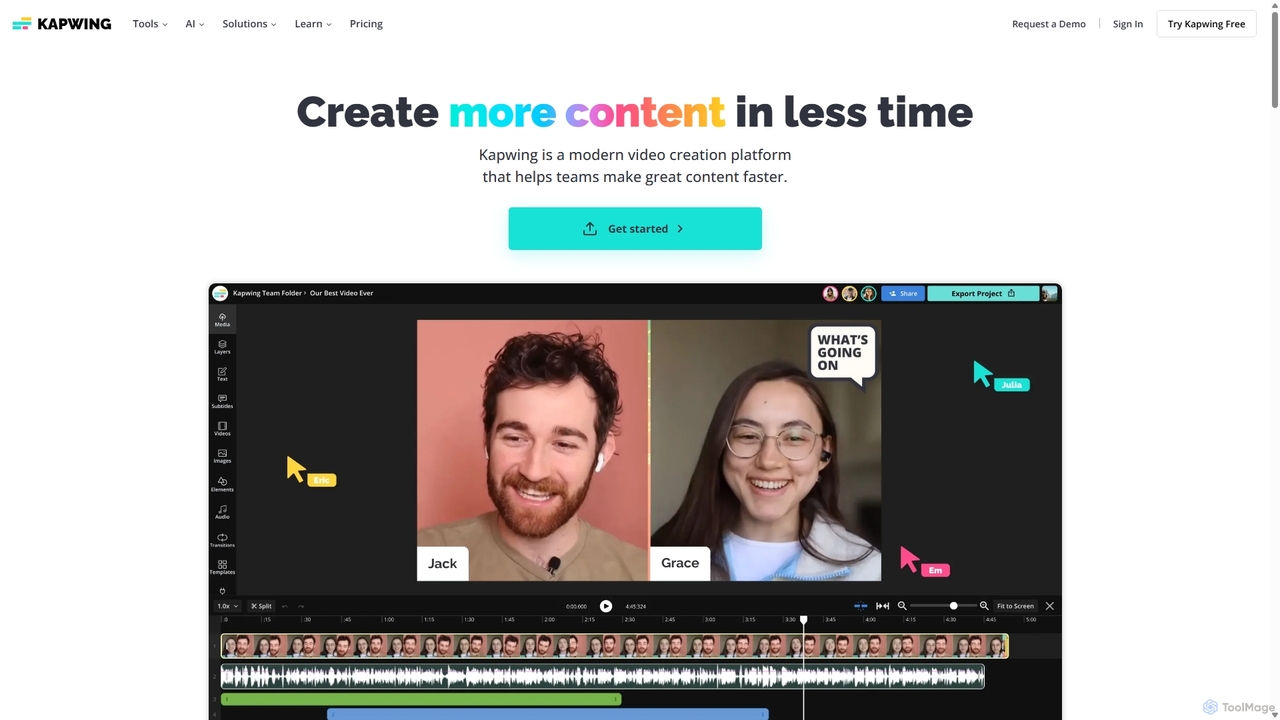
Kapwing is an AI-powered online video editor designed for teams and creators to produce high-quality content faster. It combines a full suite of editing tools with intelligent AI features like text-to-video, automatic subtitling, and background removal in a collaborative, browser-based platform, making video creation accessible to everyone.
Video Marketing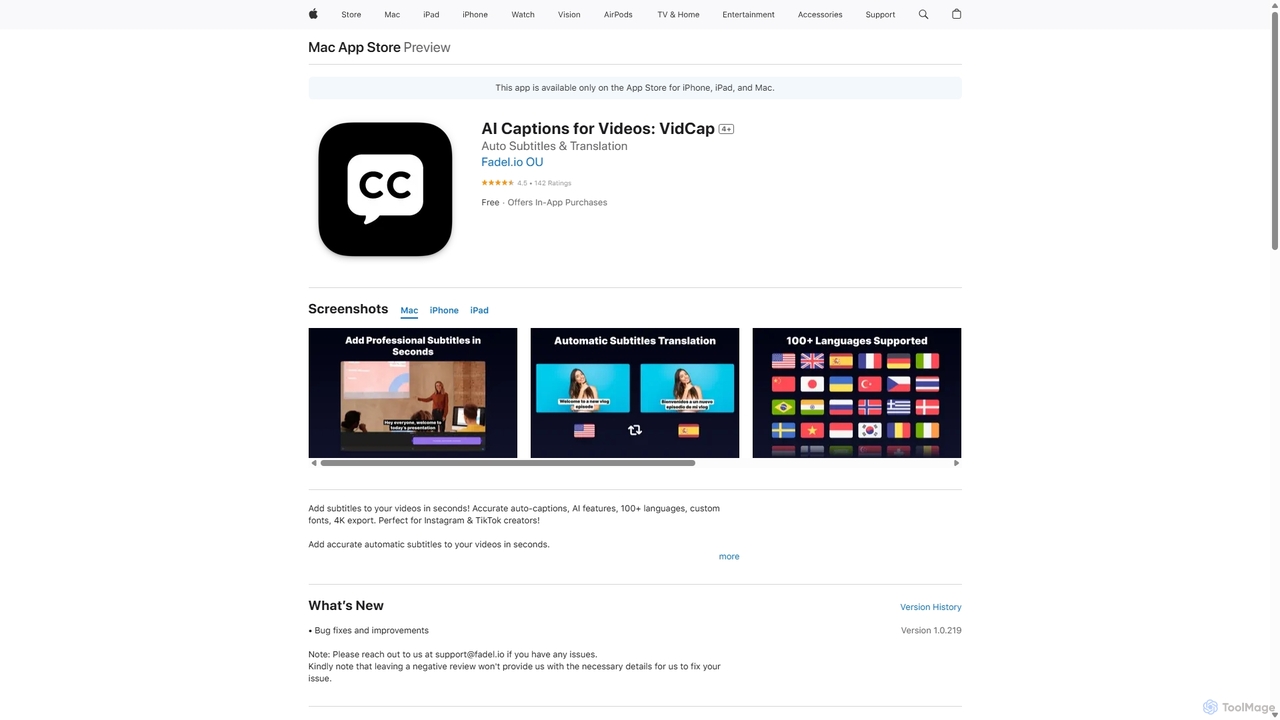
VidCap
VidCap is an AI-powered mobile application designed for content creators to effortlessly add accurate, automatic subtitles to videos. It supports over 100 languages, offers extensive customization options like fonts and animations, and includes advanced features such as AI Eye Contact, a video teleprompter, and background noise removal. Export videos in stunning 4K quality, perfect for boosting engagement on platforms like Instagram and TikTok.
Transcription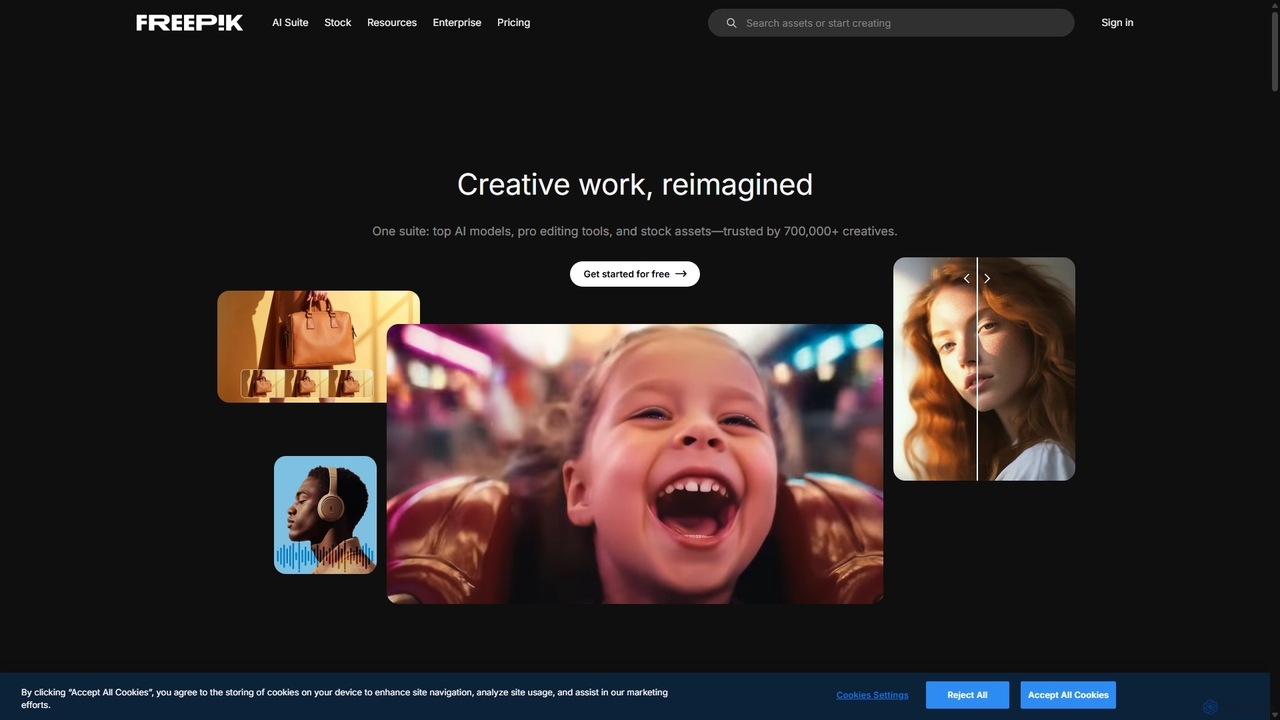
Freepik
Freepik is an all-in-one AI creative suite designed for designers, marketers, and content creators. It integrates top generative AI models for image, video, and audio creation with professional editing tools and a vast library of over 200 million stock assets. This unified platform streamlines the creative workflow, enabling users to generate, edit, and enhance visual content efficiently while maintaining brand consistency and ensuring data privacy.
Image Generation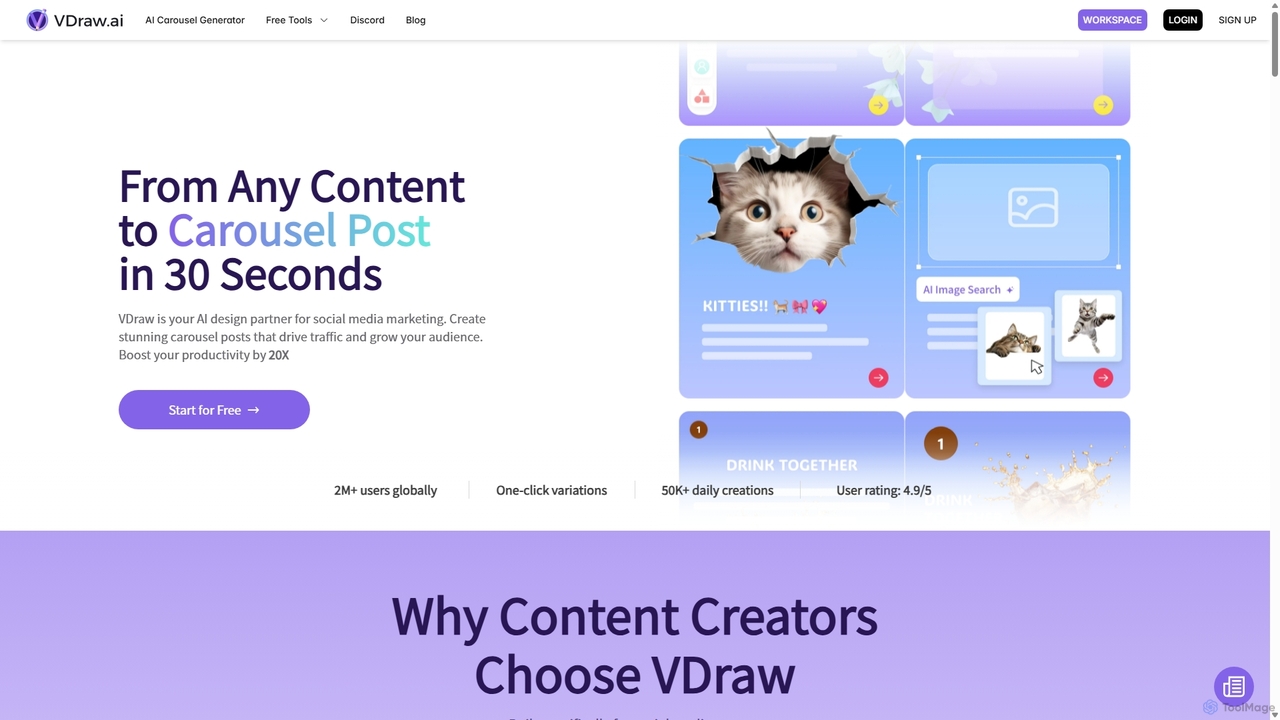
VDraw
VDraw is an AI-powered design partner that transforms any content—text, links, or PDFs—into stunning social media carousel posts in seconds. It offers over 1000 customizable templates, AI-driven content extraction, and a suite of tools for creating infographics, charts, and summaries, helping creators boost productivity and audience engagement without needing design skills.
Visual Marketing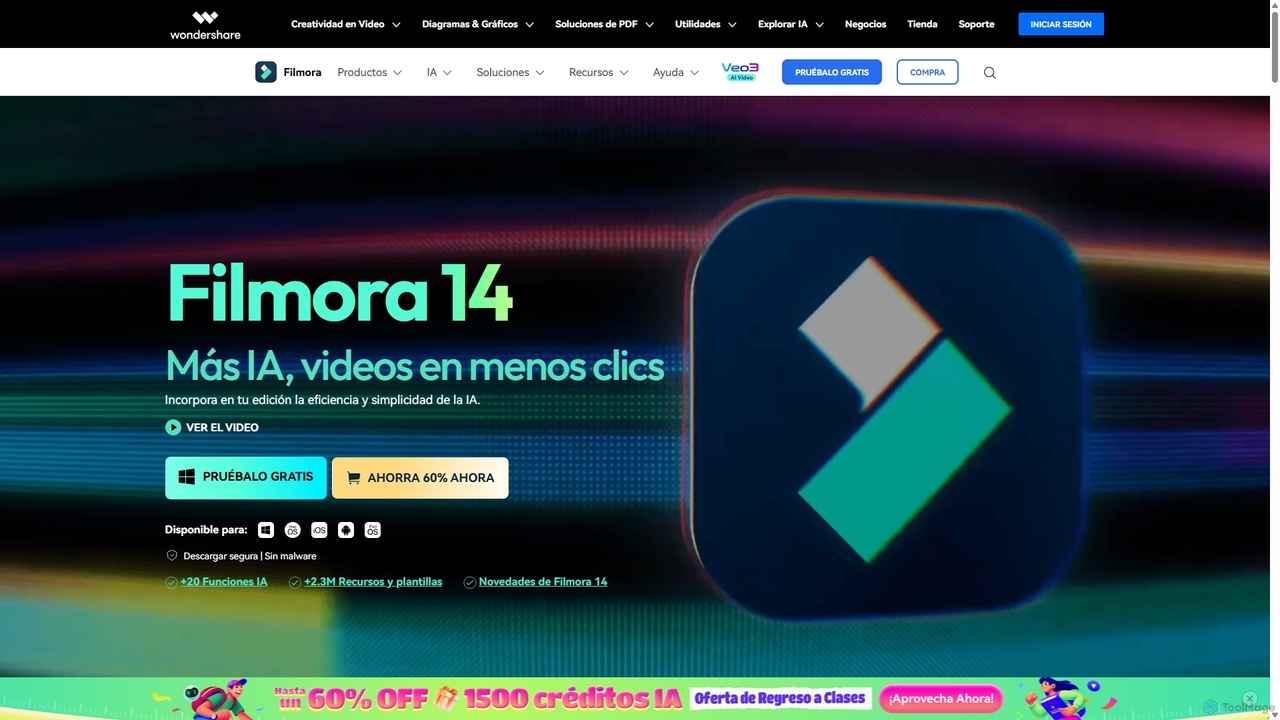
Filmora
Filmora is an AI-powered video editor that simplifies the creation process for both beginners and professionals. It offers a vast suite of AI tools, including smart clip generation, text-to-video, and advanced audio enhancement, combined with a user-friendly interface and a massive library of effects and resources to make video editing faster and more creative.
Social MediaCapCut Categories
CapCut Jobs
CapCut Embed Widget
Copy this embed code to place the badge on your blog, article, or product site and send readers directly to this ToolMage detail page.

Related AI tools
Adobe Express
Adobe Express is an all-in-one AI-powered content creation app for designing stunning social media posts, videos, flyers, logos, and more. Powered by Adobe Firefly, it integrates generative AI features like Text to Image and Generative Fill, making professional design accessible to everyone, from beginners to experts.
Graphic Design
Filmora
Filmora is a powerful yet user-friendly AI video editor designed for creators of all levels. It integrates advanced AI tools like text-to-video, smart cutout, and an AI music generator to streamline the editing process. It offers a rich library of effects, templates, and stock media, making it easy to create professional-quality videos for social media, marketing, or personal projects on Windows and macOS.
Video GenerationKapwing
Kapwing is an AI-powered online video editor designed for teams and creators to produce high-quality content faster. It combines a full suite of editing tools with intelligent AI features like text-to-video, automatic subtitling, and background removal in a collaborative, browser-based platform, making video creation accessible to everyone.
Video MarketingFreepik
Freepik is an all-in-one AI creative suite designed for designers, marketers, and content creators. It integrates top generative AI models for image, video, and audio creation with professional editing tools and a vast library of over 200 million stock assets. This unified platform streamlines the creative workflow, enabling users to generate, edit, and enhance visual content efficiently while maintaining brand consistency and ensuring data privacy.
Image GenerationVDraw
VDraw is an AI-powered design partner that transforms any content—text, links, or PDFs—into stunning social media carousel posts in seconds. It offers over 1000 customizable templates, AI-driven content extraction, and a suite of tools for creating infographics, charts, and summaries, helping creators boost productivity and audience engagement without needing design skills.
Visual MarketingFilmora
Filmora is an AI-powered video editor that simplifies the creation process for both beginners and professionals. It offers a vast suite of AI tools, including smart clip generation, text-to-video, and advanced audio enhancement, combined with a user-friendly interface and a massive library of effects and resources to make video editing faster and more creative.
Social Media
Picsart
Picsart is an all-in-one AI-powered creative platform for photo and video editing. It offers a comprehensive suite of tools, including AI image generation, background removal, photo enhancement, and a vast library of templates and stock content. Designed for everyone from beginners to professionals, Picsart simplifies the creation of stunning visuals for social media, marketing, and personal projects, accessible on both web and mobile.
3D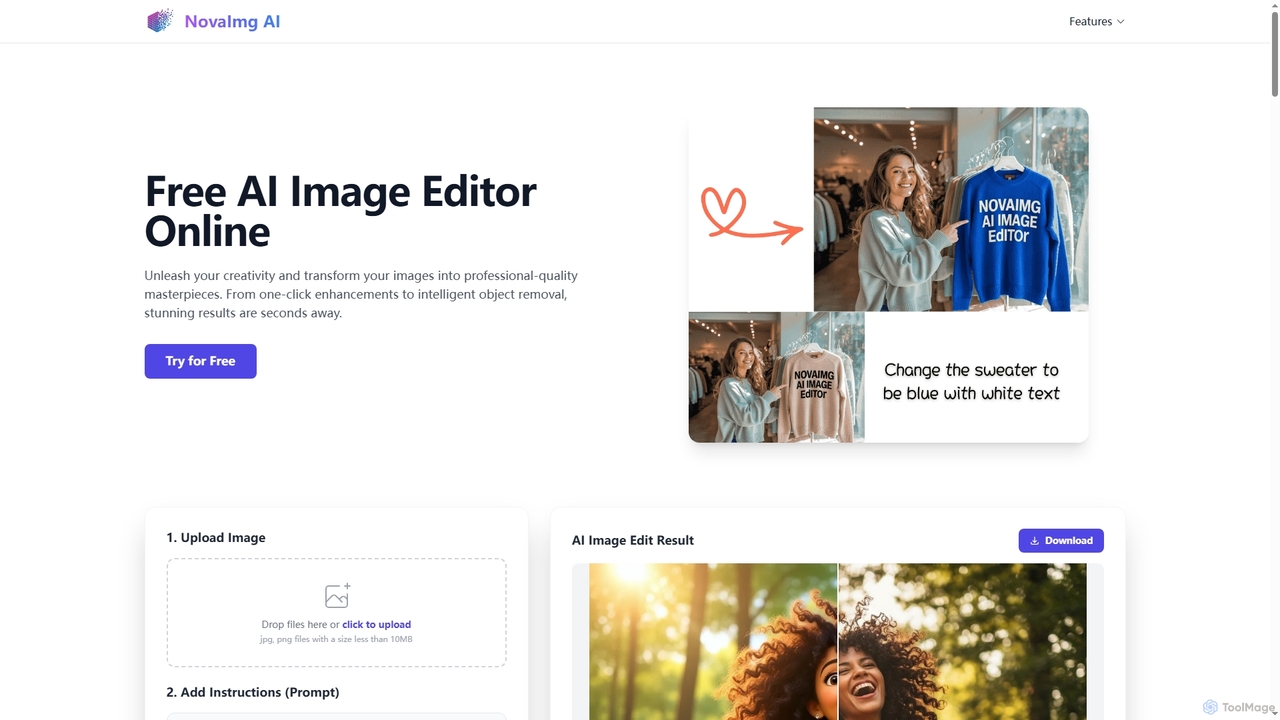
Novaimg
Novaimg is a versatile online AI tool suite for transforming and enhancing visual content. It offers a range of features including AI image editing with text prompts, 4K image upscaling, realistic face swapping for photos, videos, and GIFs, and an intelligent watermark remover. Designed for ease of use, Novaimg helps users create professional-quality images and videos for social media, e-commerce, and creative projects, often for free or with generous daily limits.
Graphic Design
Papagaio AI
Papagaio AI is an innovative AI tool that generates videos with ultra-realistic Brazilian celebrity voices and perfect lip sync from text. Create viral content, personalized messages, and humorous videos in seconds for social media platforms like TikTok, Reels, and WhatsApp.
Social Media Content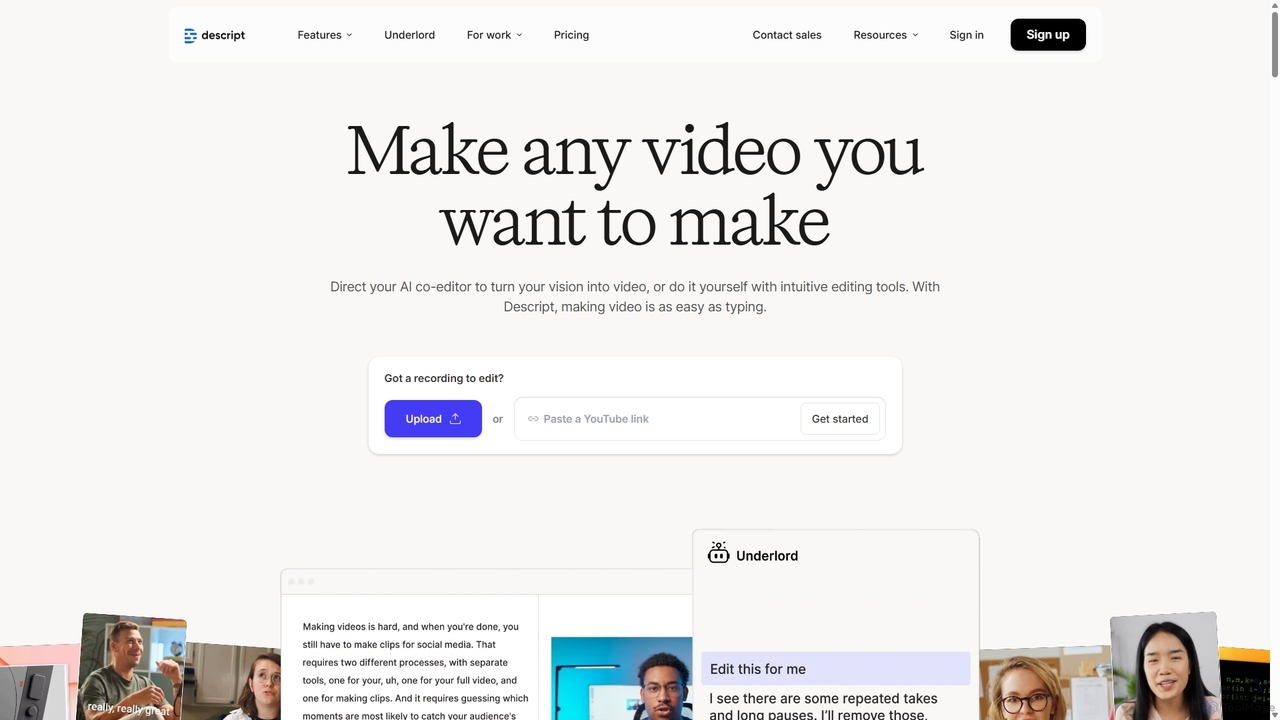
Descript
Descript is an all-in-one AI-powered video and podcast editor that lets you edit media as easily as editing a text document. It features automatic transcription, screen recording, AI voice cloning, filler word removal, and powerful AI effects like Studio Sound and Green Screen to streamline content creation for creators, marketers, and businesses.
Social Media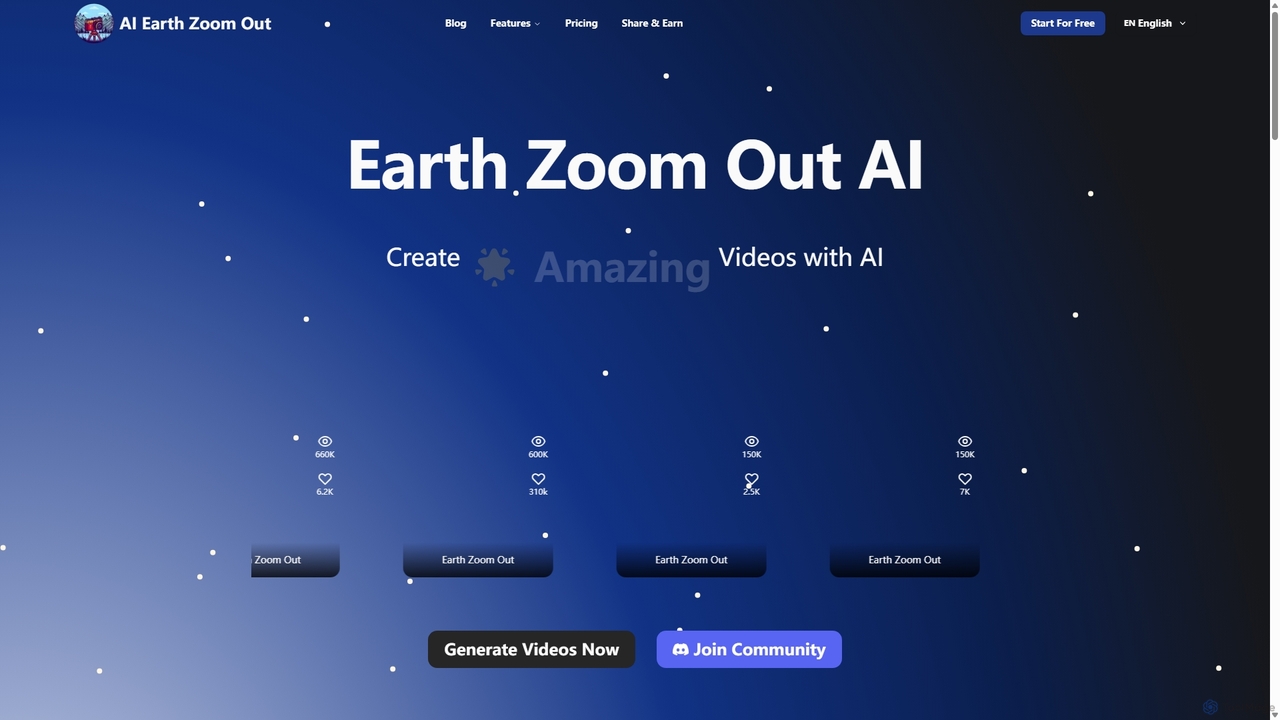
Aiearthzoomout
Aiearthzoomout is an AI-powered video generator that transforms any image into a stunning cinematic Earth zoom-out or zoom-in effect. Powered by higgsfield.ai, it allows creators to produce professional, planet-scale perspective videos in seconds without editing skills. Ideal for social media, brand storytelling, and educational content.
Visual Effects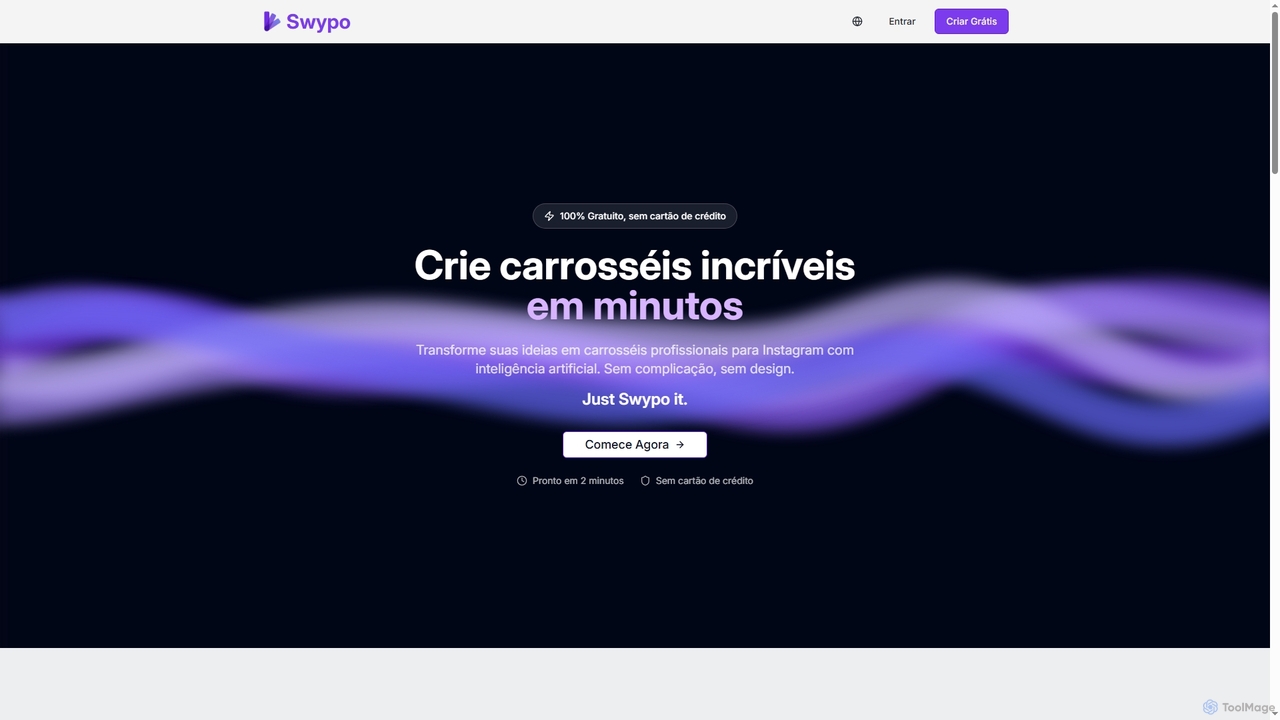
Swypo
Swypo is a free AI-powered tool that allows users to quickly create professional and engaging carousels for Instagram and other social media platforms. It simplifies content creation by transforming text ideas into visually stunning carousels in minutes, without requiring any design skills or a credit card.
Graphic Generator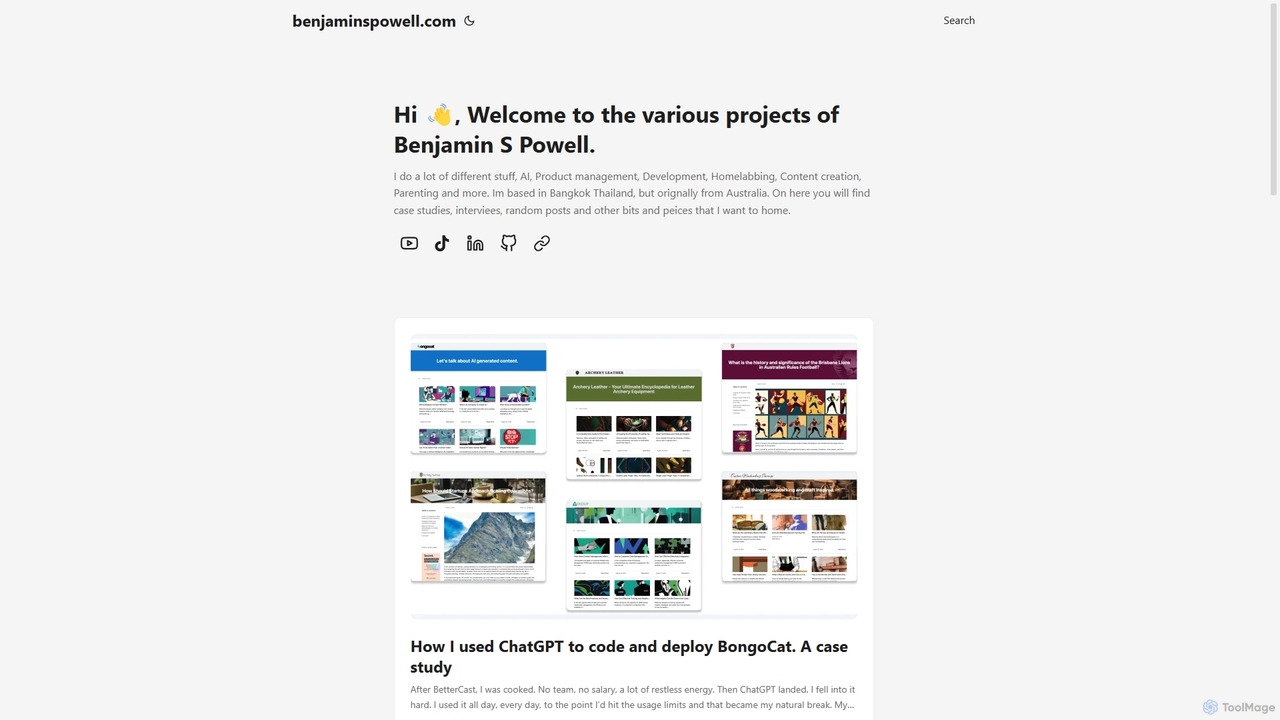
BongoCat
BongoCat is an AI-powered animation and video creation platform that allows users to effortlessly generate engaging animated videos, GIFs, and memes. Perfect for marketers, content creators, and social media managers, it transforms simple text prompts or ideas into vibrant, shareable visual content in minutes, with no animation skills required.
Meme Generator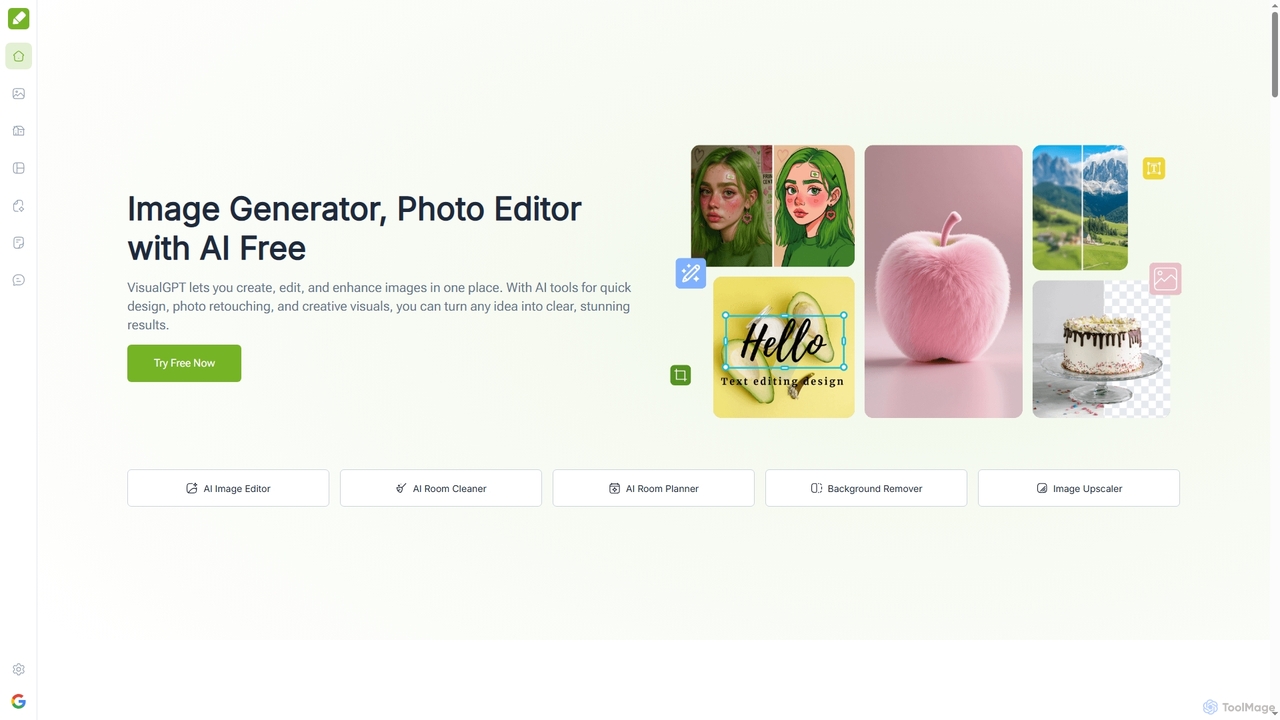
VisualGPT
VisualGPT is an all-in-one online AI platform for generating, editing, and enhancing images. It offers tools like AI image editing, background removal, room planning, and visualization, powered by advanced models like Nano Banana and Stable Diffusion. Designed for ease of use, it helps users create stunning visuals quickly without complex software or design skills.
Graphic Design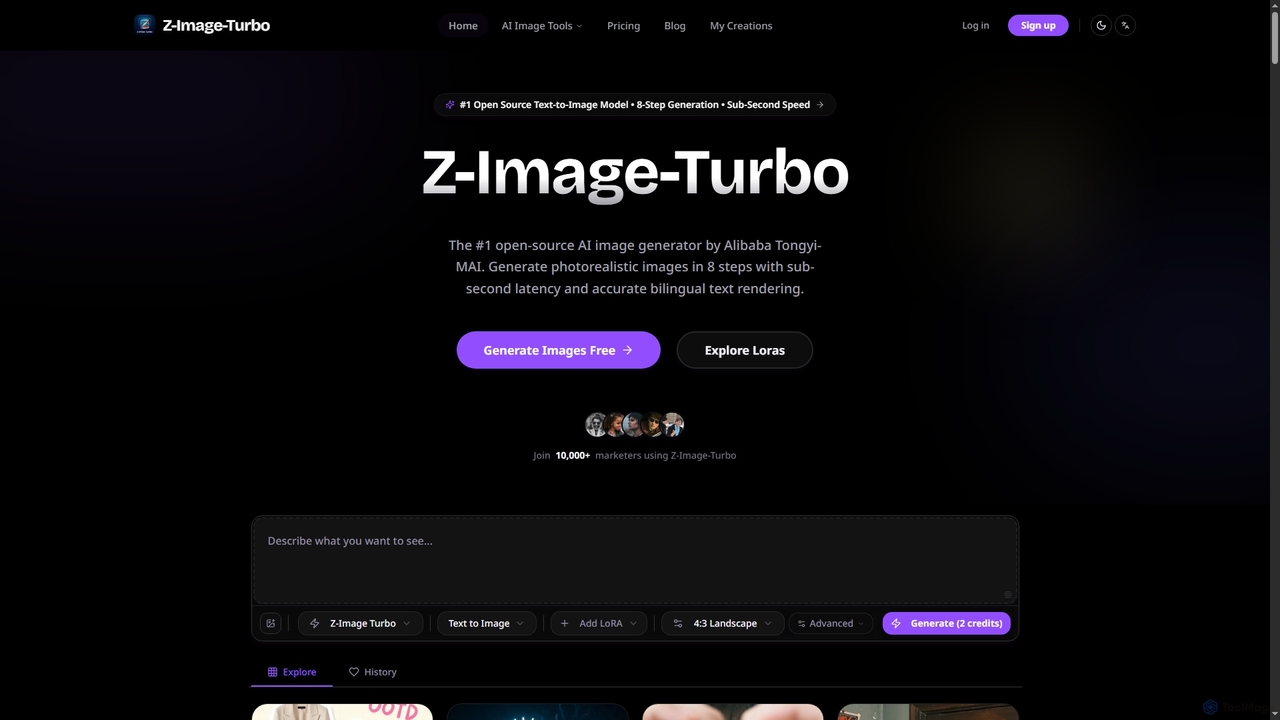
ZImageTurbo
ZImageTurbo is the #1 open-source AI image generator by Alibaba Tongyi-MAI, offering sub-second photorealistic image creation in just 8 steps. It excels in accurate bilingual text rendering (English and Chinese), runs efficiently on consumer GPUs, and provides advanced features for content creators, marketers, and designers.
Visuals
CapCut Comments (0)
Sign in to comment.
Sign inNo comments yet.