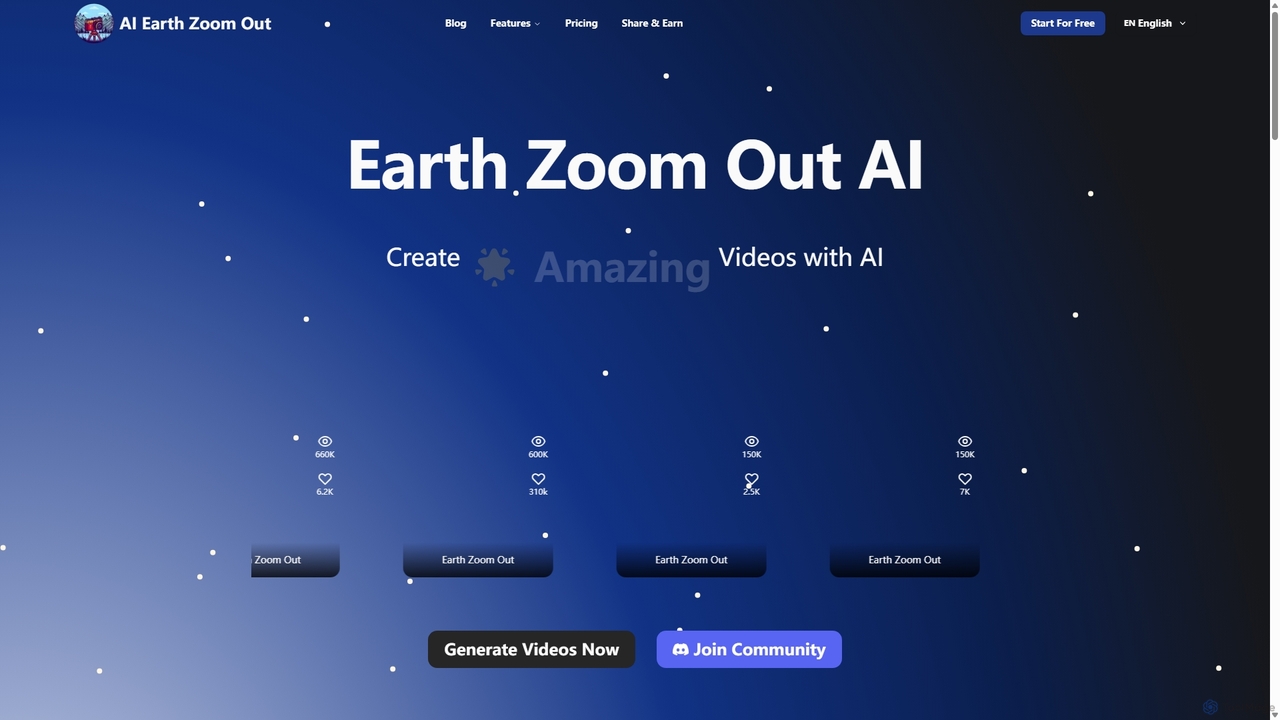
AI Visual Effects tools are a class of software that leverages artificial intelligence to generate, manipulate, and enhance visual effects in videos and images. These tools utilize deep learning models to automate complex tasks like style transfer, object removal, and effect creation from text prompts. They empower creators of all skill levels to produce professional-grade visual effects that were once only achievable with extensive manual effort and specialized software. This accessibility makes them a powerful and engaging subset of creative and fun tools.
Core Features
- Generative Effects: Create dynamic effects like fire, smoke, or magical particles from simple text descriptions or parameters.
- AI Style Transfer: Apply the artistic style of a famous painting or a custom image to your video footage for a unique look.
- Intelligent Object Removal: Seamlessly erase unwanted objects or people from video clips, with the AI intelligently reconstructing the background.
- Automated Rotoscoping: Automatically isolate and mask moving subjects from their background, saving hours of manual frame-by-frame work.
- Video Enhancement & Restoration: Improve video quality by reducing noise, sharpening details, and upscaling resolution using AI algorithms.
Use Cases
These tools are widely used by social media content creators, indie filmmakers, marketing teams, and game developers. For example, a content creator can add dynamic, magical effects to a short video to increase engagement, while a small film production can add realistic weather effects or remove crew mistakes from shots without a large budget.
How to Choose
When selecting an AI Visual Effects tool, consider the specific effects you need (e.g., generative vs. restorative), its integration with your existing video editing workflow, and the processing model (cloud-based or local hardware). Also, evaluate the user interface; some tools offer simple one-click effects perfect for beginners, while others provide granular controls for professional artists.