ToolMage
Sign in

Best 2 Avatar & Face AI tools for Fun Tools

Popular Avatar & Face AI tools in Fun Tools include Supawork and twindleai, helping you work more efficiently.

Supawork
Freemium

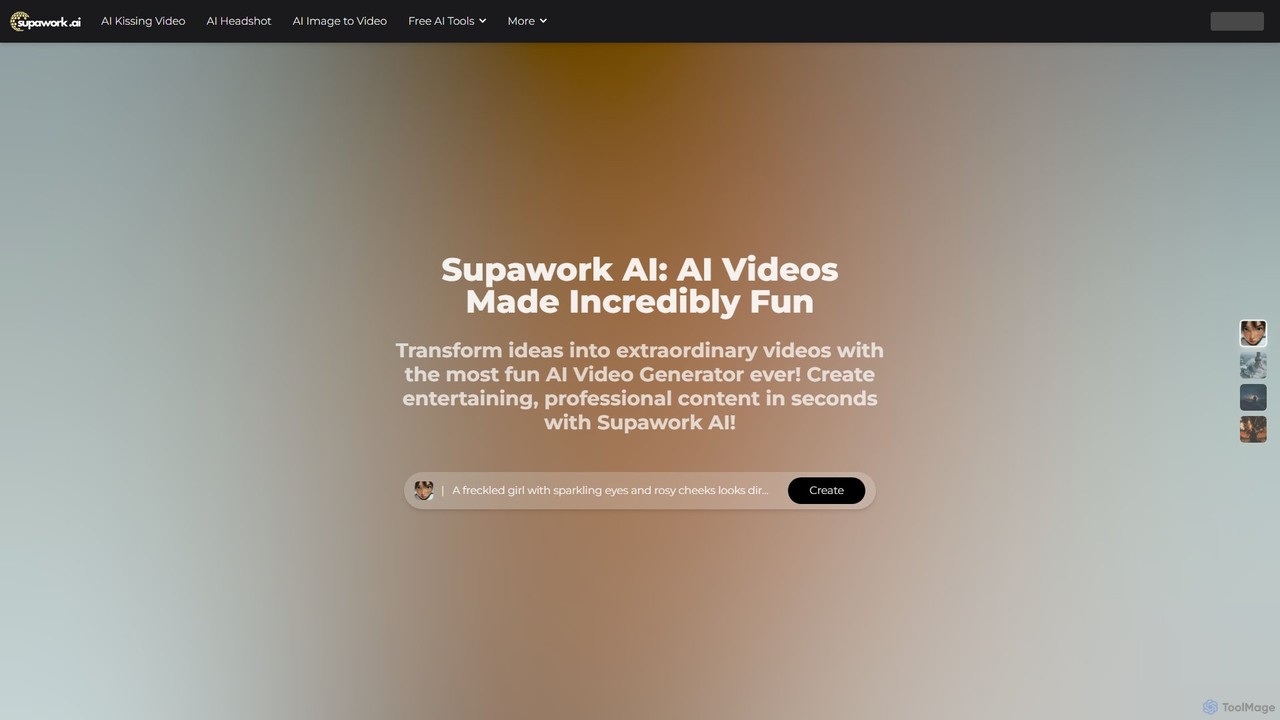
Supawork

Supawork is a versatile AI-powered creative suite that transforms ideas into stunning visual content. It offers a wide range of tools, including text-to-video, image-to-video, AI headshot generation, image editing, and even career tools like an AI resume builder. Designed for both fun and professional use, Supawork makes high-quality content creation fast, accessible, and incredibly easy, with many features available for free without sign-up.

Avatar & Face
Visits 582.1KFavorites 129Likes 147
twindleai
Freemium

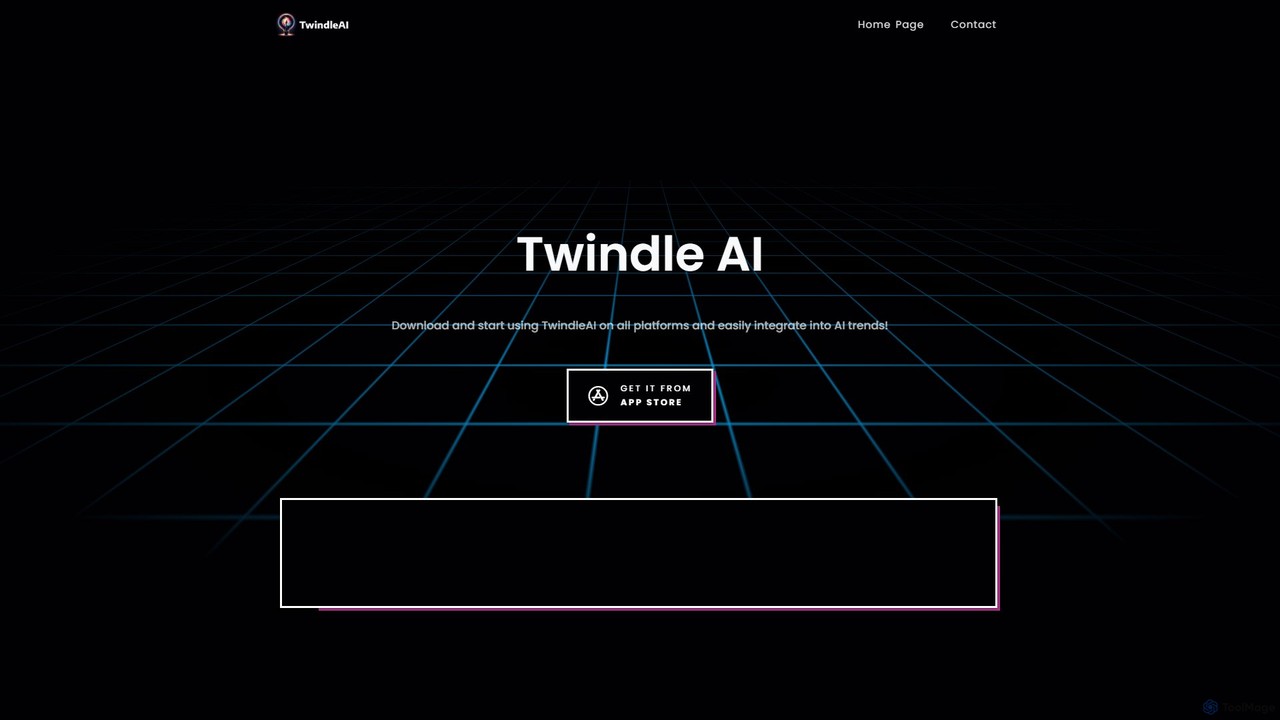
twindleai

TwindleAI is a powerful mobile AI application that puts a creative suite in your pocket. Generate stunning images from text descriptions, transform face photos with unique artistic styles, and enhance your pictures with an advanced AI engine. Perfect for artists, creators, and anyone looking to bring their imagination to life.

Avatar & Face
Visits 4.2KFavorites 86Likes 106

About Avatar & Face

AI Avatar & Face tools are a specialized category of applications designed to create, customize, and animate digital representations of human faces and characters. These tools leverage generative AI models, such as GANs and diffusion models, to transform photos or text descriptions into unique avatars. Their primary value lies in enabling users to generate personalized digital identities, create virtual spokespeople for marketing, or produce engaging animated content without complex 3D modeling skills. As a key part of the Fun Tools ecosystem, they offer a powerful yet accessible way to explore digital expression and visual communication.

Core Features

  • Photo-to-Avatar Conversion: Instantly transforms a user's photograph into various artistic styles, such as cartoon, anime, 3D models, or sketches.
  • Facial Animation & Lip Sync: Animates a static portrait to speak, blink, and show emotion based on an audio file or text input, creating realistic talking heads.
  • Face Swapping: Realistically replaces a face in a video or image with another, while preserving expressions, lighting, and head movements.
  • Text-to-Avatar Generation: Creates a unique avatar character from scratch based on a detailed text description of their appearance, clothing, and style.

Use Cases

These tools are widely used by social media users for creating unique profile pictures, by marketers for producing cost-effective AI spokesperson videos, and by content creators for generating animated characters for their channels. They also serve professionals who wish to use an avatar in virtual meetings for privacy or to reduce video call fatigue, as well as game developers for rapid character prototyping.

How to Choose

When selecting an AI Avatar & Face tool, consider the desired output style (realistic vs. stylized), whether you need static images or animated video, and the level of customization offered. It is also important to evaluate the platform's policy on commercial usage rights for the generated content, the quality of the final output, and the ease of use of the interface.

Featured tool rankings

Avatar & Face use cases

1

Creating a Unique Social Media Profile Picture

A content creator or social media user wants a distinctive profile picture that isn't a standard photograph. They use an AI Avatar tool to upload a selfie. The tool then offers multiple style options, such as 'cyberpunk,' 'fantasy art,' or 'classic cartoon.' The user selects a style, makes minor adjustments to colors or accessories, and generates a high-resolution, unique avatar in minutes. This process allows them to create a memorable digital identity that aligns with their personal brand without needing graphic design skills.

2

Producing AI Spokesperson Videos for Marketing

A small business needs to create a series of marketing videos but lacks the budget for a professional actor and film crew. Using an AI face animation tool, the marketing manager uploads a stock photo of a professional-looking person or a generated avatar. They then type or upload the video script. The AI animates the face, synchronizes the lip movements to the audio, and adds natural head movements and blinks. The result is a professional-looking spokesperson video created in under an hour at a fraction of the cost of a traditional video shoot.

3

Using Animated Avatars in Virtual Meetings

A remote worker wants to maintain a professional presence in video calls without always being on camera, aiming to reduce 'Zoom fatigue' or protect their privacy. They use an AI avatar tool that integrates with their meeting software. The tool captures their facial expressions and head movements in real-time and applies them to a customized 3D or cartoon avatar. This allows them to appear engaged and expressive during the meeting through their avatar, without revealing their personal environment or appearance, leading to more comfortable and sustainable remote collaboration.

4

Rapid Prototyping of Game Characters

A game developer or concept artist needs to quickly visualize different character ideas for a new game. Instead of spending hours sketching, they use a text-to-avatar tool. They input detailed prompts like 'female elf warrior with silver hair, glowing blue eyes, and leather armor with intricate carvings.' The AI generates multiple visual interpretations in seconds. This allows the team to rapidly iterate on character designs, explore different styles, and make creative decisions much faster, significantly accelerating the pre-production phase of game development.

5

Creating Entertaining Face Swap Content

A YouTuber or TikTok creator wants to produce a viral comedy video. They use an AI face swap tool to superimpose a celebrity's face onto their own in a video clip of them dancing or acting out a scene. The tool accurately maps the celebrity's facial features onto their head, matching expressions and movements. This creates a humorous and surprisingly realistic effect that is highly shareable. The process is simple and fast, allowing creators to experiment with numerous ideas and produce engaging short-form video content without needing advanced video editing software.

6

Personalizing Educational Content with Talking Avatars

An educator or corporate trainer is creating an online course and wants to make the material more engaging than simple text or voice-overs. They use an AI talking head generator. They choose a suitable avatar, perhaps one that matches the course's tone, and input the lesson script. The AI generates a video of the avatar narrating the content with realistic speech and expressions. This adds a human-like element to the e-learning module, which can improve student focus and information retention compared to purely text-based or audio-only formats.

Avatar & Face FAQ

What are AI Avatar & Face tools?

AI Avatar & Face tools are applications that use artificial intelligence to generate, modify, or animate digital faces and characters. Unlike general image editors, they specialize in tasks related to human-like representation. Key functions include creating stylized avatars from photos, animating static images to speak (lip-sync), swapping faces in videos, and generating character concepts from text. They are commonly used for creating personalized social media profiles, marketing videos, and entertainment content.

How to choose the right AI Avatar & Face tool?

To choose the right tool, consider your primary goal. Here are a few factors:

  • Output Type: Do you need a static image (like a profile picture) or an animated video (like a spokesperson)?
  • Style: Are you looking for a photorealistic result, a cartoon/anime style, or a 3D model?
  • Input Method: Will you be starting from a photo, a text prompt, or a live video feed?
  • Customization: How much control do you need over details like clothing, background, and facial features?
  • Commercial Use: Check the tool's licensing terms to ensure you can use the generated content for your intended purpose, especially for business.
What's the difference between AI Avatar generators and general AI Image generators?

The primary difference lies in their focus and control. General AI Image Generators (like Midjourney or DALL-E) are broad tools that create any scene or concept from text, offering vast creative freedom. AI Avatar & Face Generators are specialized. They are optimized specifically for creating and manipulating human-like faces, often starting from a user's photo. They provide more granular control over facial features and styles (e.g., cartoon, anime) and excel at tasks like animation and face swapping, which general image generators typically cannot do.

Can I use AI-generated avatars for commercial purposes?

This depends entirely on the terms of service of the specific AI tool you use. Many free or personal-use tools restrict commercial use, meaning you cannot use the avatars in marketing, advertisements, or for-profit products. Paid or business-focused platforms often grant a commercial license, but there may still be limitations. It is crucial to always read and understand the licensing agreement of any tool before using its output for business purposes to avoid copyright issues.

Are AI face swapping tools safe and legal to use?

The technology itself is neutral, but its use is subject to legal and ethical considerations. Using face swap tools for parody, art, or personal entertainment is generally acceptable. However, using them to create deceptive content (deepfakes), impersonate someone without consent, or produce malicious or defamatory material is often illegal and always unethical. Most platforms have strict policies against creating harmful content. Always use these tools responsibly and respect the privacy and consent of others.