

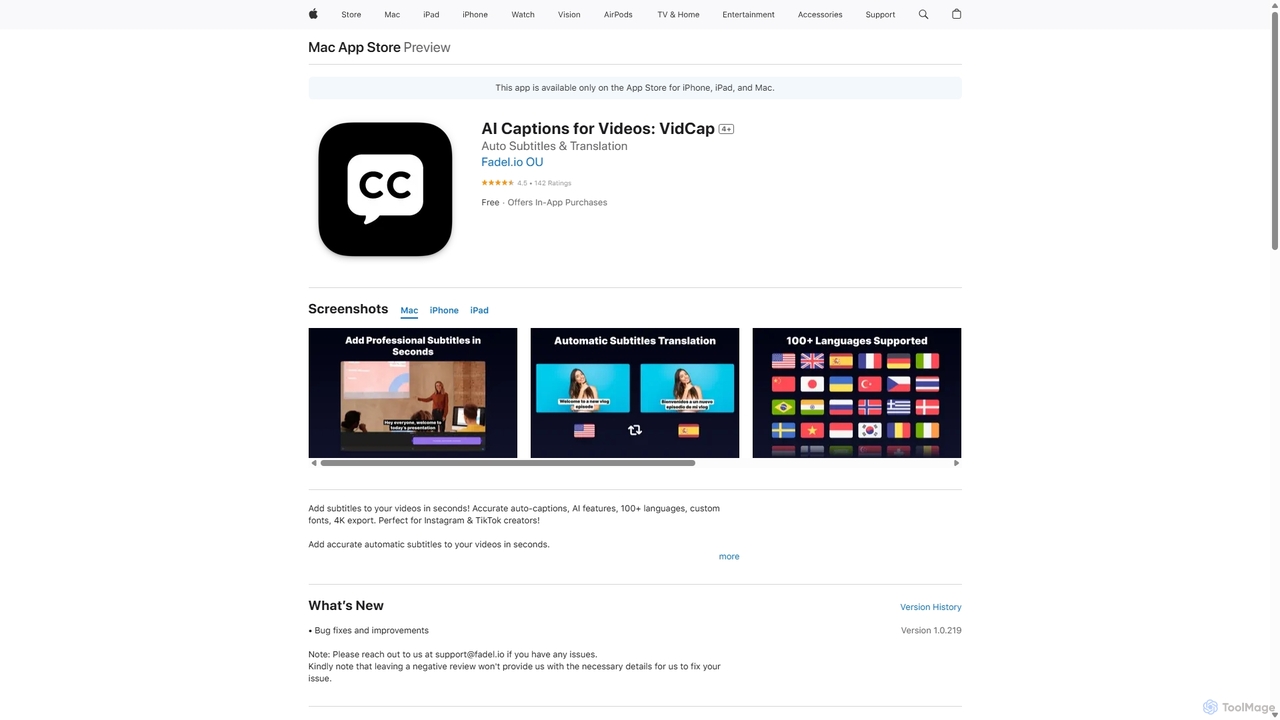
VidCap Overview
VidCap is a comprehensive AI video captioning tool available on the App Store for iPhone, iPad, and Mac, designed to make video content more accessible and engaging. In an era where many users watch videos on mute, VidCap provides a seamless solution for creators to add highly accurate, automatic subtitles in seconds. By leveraging advanced speech-to-text technology, the app ensures that your message is understood, regardless of the viewing context, significantly boosting engagement on social media platforms like Instagram and TikTok.
Beyond simple captioning, VidCap is a full-featured video enhancement suite. It empowers creators with a range of AI-driven tools to elevate their content. The AI Eye Contact feature intelligently adjusts the speaker's gaze to maintain direct eye contact with the camera, fostering a stronger connection with the audience. The built-in Video Teleprompter allows for smooth, scripted deliveries without memorizing lines. Furthermore, the background noise removal function cleans up audio, ensuring professional-sounding videos every time. With support for over 100 languages and translation capabilities, VidCap helps creators reach a global audience effortlessly.
How to use VidCap
Using VidCap is designed to be intuitive and straightforward, requiring no prior video editing experience. The process can be broken down into a few simple steps:
- Import Your Video: Start by selecting and importing the video you want to caption directly from your device's library.
- Automatic Caption Generation: VidCap's AI will automatically analyze the audio and generate time-synced subtitles with remarkable accuracy. This process is quick, even for longer videos.
- Edit and Customize: Review the generated captions. While highly accurate, you can easily tap on any word or phrase to correct it. Customize the appearance of your subtitles by choosing from a wide array of fonts (including your own custom fonts), styles, colors, and text animations to match your brand's aesthetic.
- Enhance with AI Features: Before exporting, apply other AI features like Eye Contact correction, remove distracting background noise, or add your brand's logo as a watermark.
- Preview and Export: Use the preview function to see how your video will look on Instagram or TikTok. Once satisfied, export the final video in high-resolution 4K quality directly to your device or share it on your social platforms. You can also export the transcription as a Text, SRT, or VTT file for other uses.
Core Features of VidCap
- Ultra-Accurate Auto-Captions: Industry-leading speech recognition technology that supports over 100 languages with exceptional accuracy.
- AI Eye Contact: An innovative feature that corrects the speaker's gaze to appear as if they are looking directly at the camera, enhancing viewer connection.
- Video Teleprompter: Record videos while reading from a script displayed on-screen, ensuring a flawless delivery.
- Background Noise Removal: Automatically cleans audio by removing unwanted background sounds, resulting in crisp, clear voiceovers.
- Extensive Customization: Full control over the look and feel of your captions with custom fonts, styles, colors, and dynamic animations.
- Multi-Language Translation: Translate your generated captions into any of the supported languages to reach a global audience.
- Branding and Watermarking: Easily add your own logo or watermark to protect your content and build brand recognition.
- 4K Video Export: Export your finished videos in ultra-high-definition 4K resolution for the best possible quality.
- Transcription Export: Save and export the full video transcription in various formats, including Text, SRT, and VTT.
- Unlimited Video Duration: The app handles videos of any length without limitations.
Use Cases for VidCap
VidCap is an indispensable tool for a wide range of users:
- Social Media Creators & Influencers: Quickly create engaging, accessible content for Instagram Reels, TikToks, and YouTube Shorts that captures attention even when muted.
- Marketing Professionals: Enhance promotional videos, product demos, and advertisements with clear, branded captions to improve message retention and accessibility.
- Educators and Coaches: Make online courses, tutorials, and instructional videos easier to follow by providing accurate subtitles.
- Journalists and Podcasters: Repurpose audio content into shareable video clips for social media, complete with accurate transcriptions.
- Businesses and Corporations: Create professional internal communications, training videos, and public announcements that are accessible to all employees, including those with hearing impairments.
Advantages of VidCap
VidCap stands out from other captioning apps due to its combination of accuracy, speed, and a rich feature set. Its speech-to-text engine is phenomenally good at capturing natural speech and punctuating it correctly, minimizing the need for manual edits. The user interface is simple and intuitive, making professional-grade video editing accessible to everyone. The inclusion of unique AI features like Eye Contact correction and a built-in teleprompter provides value far beyond basic subtitling, making it a powerful, all-in-one content creation tool. Finally, the ability to export in 4K and support for custom branding makes it a truly professional solution.
Pricing and Plans
VidCap operates on a freemium model. The app is free to download and try, with in-app purchases available to unlock premium features and unlimited access.
- Free Version: Allows users to explore the app's basic functionalities.
- Auto Captions (Weekly): $3.99 per week for access to premium captioning features.
- VidCap Pro (Monthly): $9.99 per month, offering full access to all features, including AI Eye Contact, teleprompter, 4K export, and watermark removal.
- VidCap Pro (Annual): $59.99 per year, providing the best value for regular users who want continuous access to all Pro features.
A 3-day free trial is often available for users to experience the full power of VidCap Pro before committing to a subscription.
Traffic
Latest traffic
Status
Monthly traffic trend
- 2025-9: 124.8M
- 2026-1: 144.3M
- 2026-2: 127.3M
- 2026-3: 144.6M
- 2026-4: 140.9M
- 2026-5: 144.7M
Geography
Top 5 countries / regions
- 🇺🇸United States57.6%
- 🇯🇵Japan13.9%
- 🇮🇳India11.3%
- 🇨🇳China9.3%
- 🇬🇧United Kingdom7.9%
Traffic sources
| Source type | Percentage |
|---|---|
Direct | 72.2% |
Referral | 24.9% |
Email | 2.9% |
Top keywords
| Keyword | Cost per click |
|---|---|
| app store | $0.86 |
| $1.12 | |
| google docs | $1.65 |
| google maps | $0.41 |
| $0.21 |
VidCap Videos on YouTube

Tech For Life
VidCap Alternatives

Zubtitle
Zubtitle is an AI-powered online video editor designed to help creators and marketers quickly optimize videos for social media. It specializes in automatic transcription and subtitling, allowing users to add captions, headlines, logos, and progress bars with just a few clicks. The tool simplifies video repurposing for platforms like Instagram, TikTok, and YouTube Shorts, making it easy to create engaging, professional-looking content that captures attention even when muted.
Transcription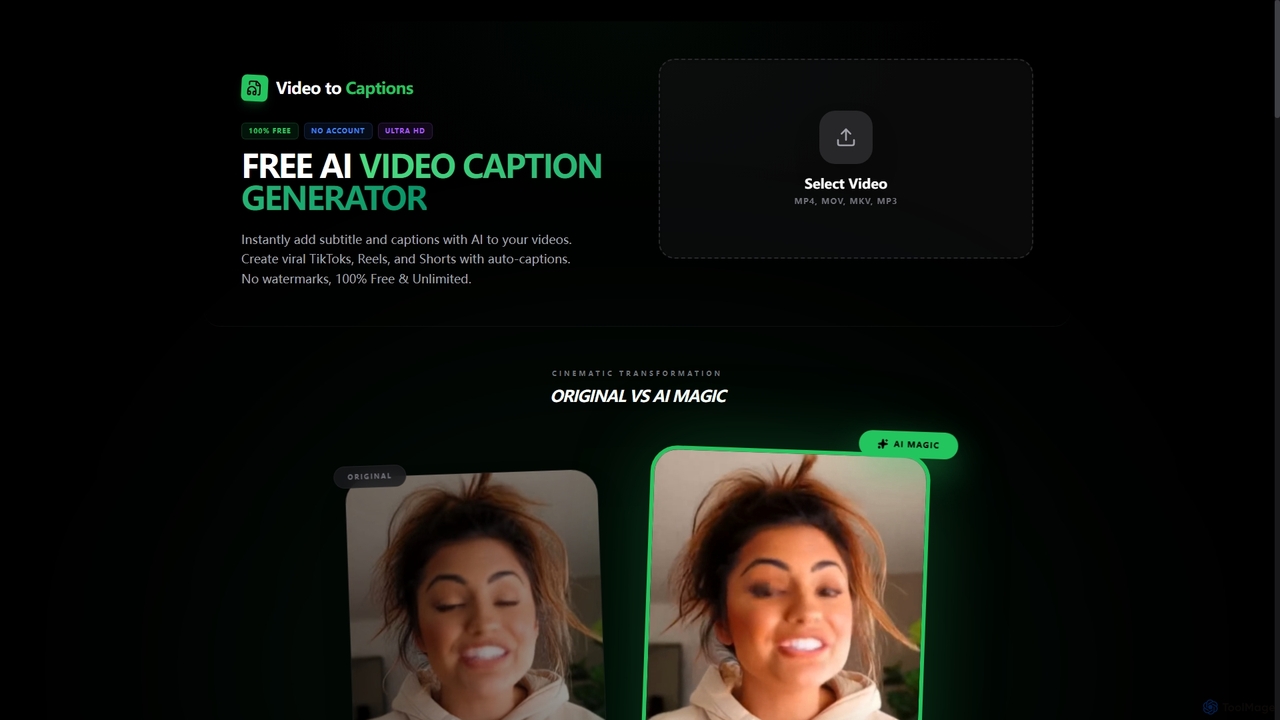
VideotoCaptions
VideotoCaptions is a 100% free AI-powered online tool that instantly generates subtitles and captions for videos. It helps creators boost engagement on platforms like TikTok, Instagram Reels, and YouTube Shorts with various viral caption styles, all without requiring an account or leaving watermarks.
3D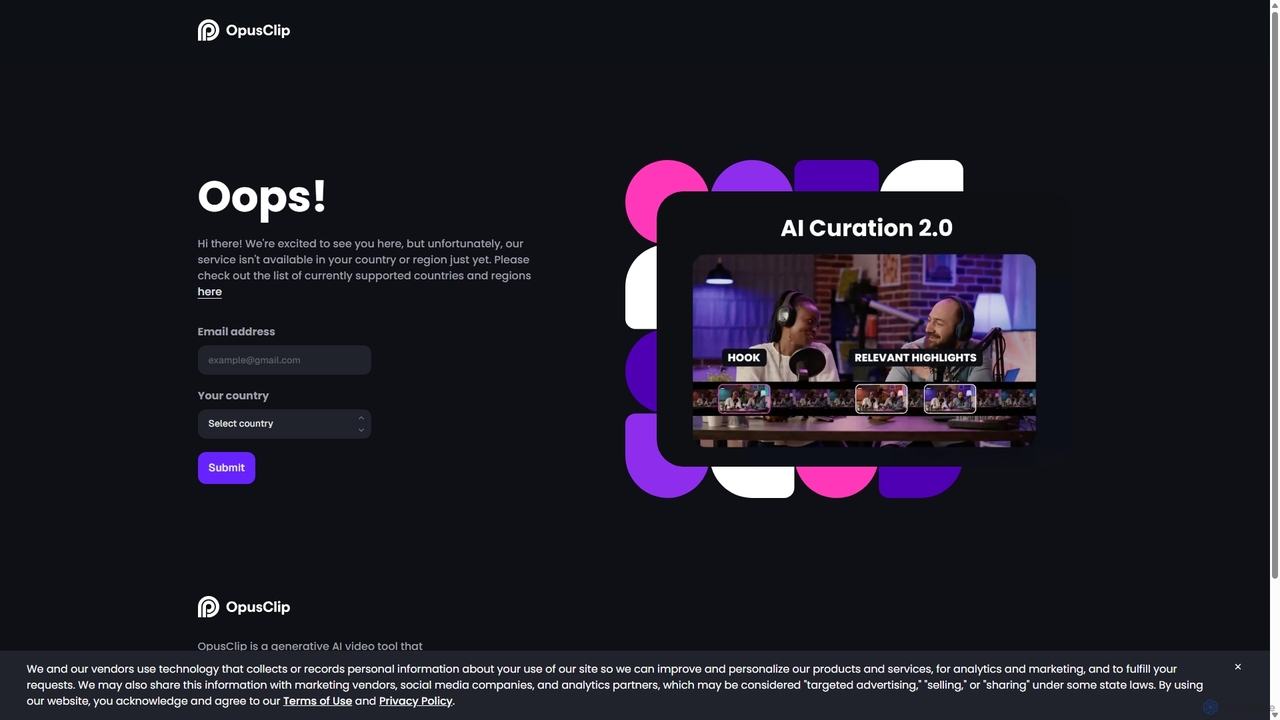
OpusClip
OpusClip is a generative AI video repurposing tool that turns long videos into viral short clips with one click. It automatically identifies the most compelling hooks, reframes the video, adds dynamic captions, and scores clips for virality, streamlining content creation for social media.
Video Marketing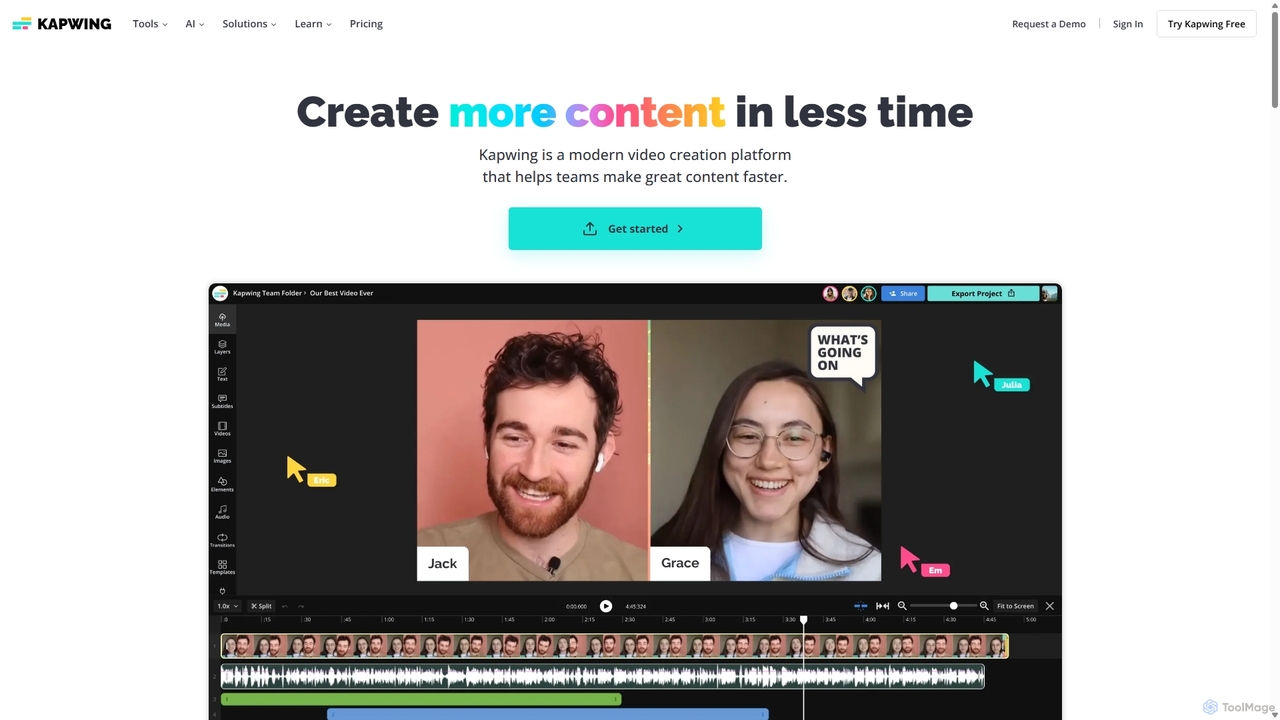
Kapwing
Kapwing is an AI-powered online video editor designed for teams and creators to produce high-quality content faster. It combines a full suite of editing tools with intelligent AI features like text-to-video, automatic subtitling, and background removal in a collaborative, browser-based platform, making video creation accessible to everyone.
Video Marketing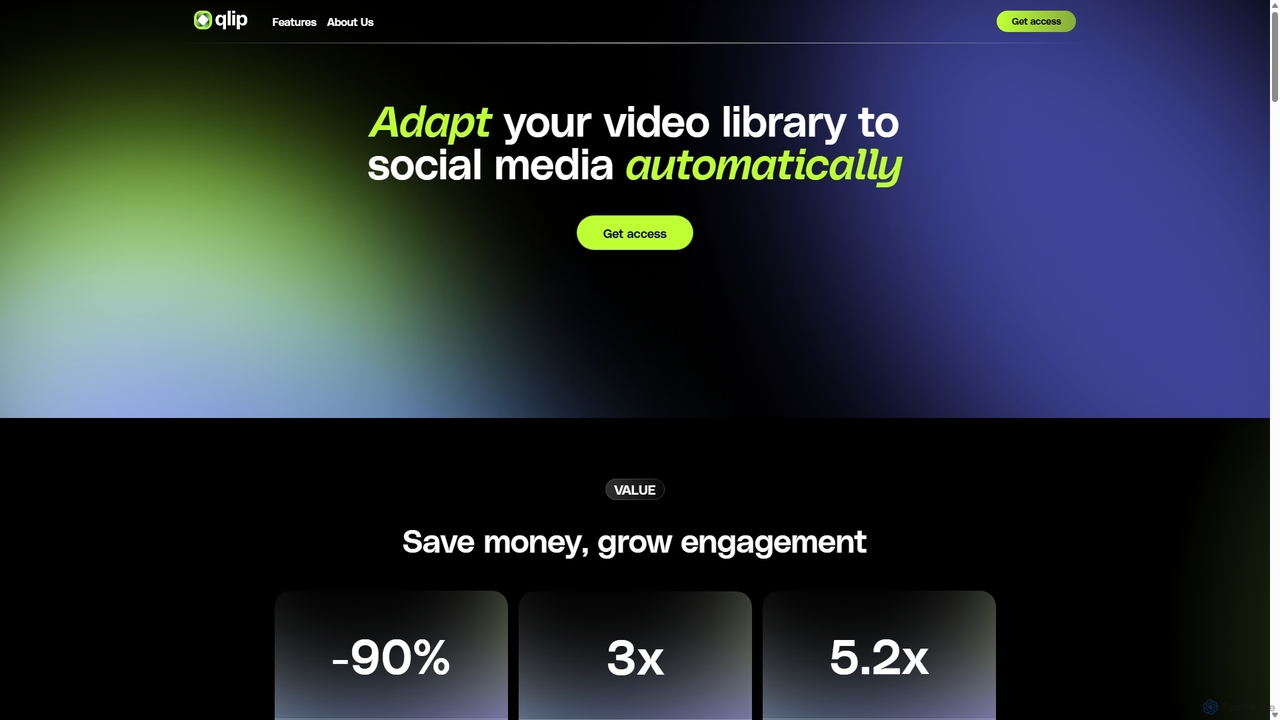
Qlip
Qlip is an AI-powered platform that automatically extracts impactful short clips from long-form videos. Designed for marketers and content creators, it simplifies repurposing content for social media with features like auto-reframing, branded subtitles, and transcription, helping to save costs and boost engagement.
Video MarketingVidCap Categories
VidCap Jobs
VidCap Embed Widget
Copy this embed code to place the badge on your blog, article, or product site and send readers directly to this ToolMage detail page.

Related AI tools
VideotoCaptions
VideotoCaptions is a 100% free AI-powered online tool that instantly generates subtitles and captions for videos. It helps creators boost engagement on platforms like TikTok, Instagram Reels, and YouTube Shorts with various viral caption styles, all without requiring an account or leaving watermarks.
3D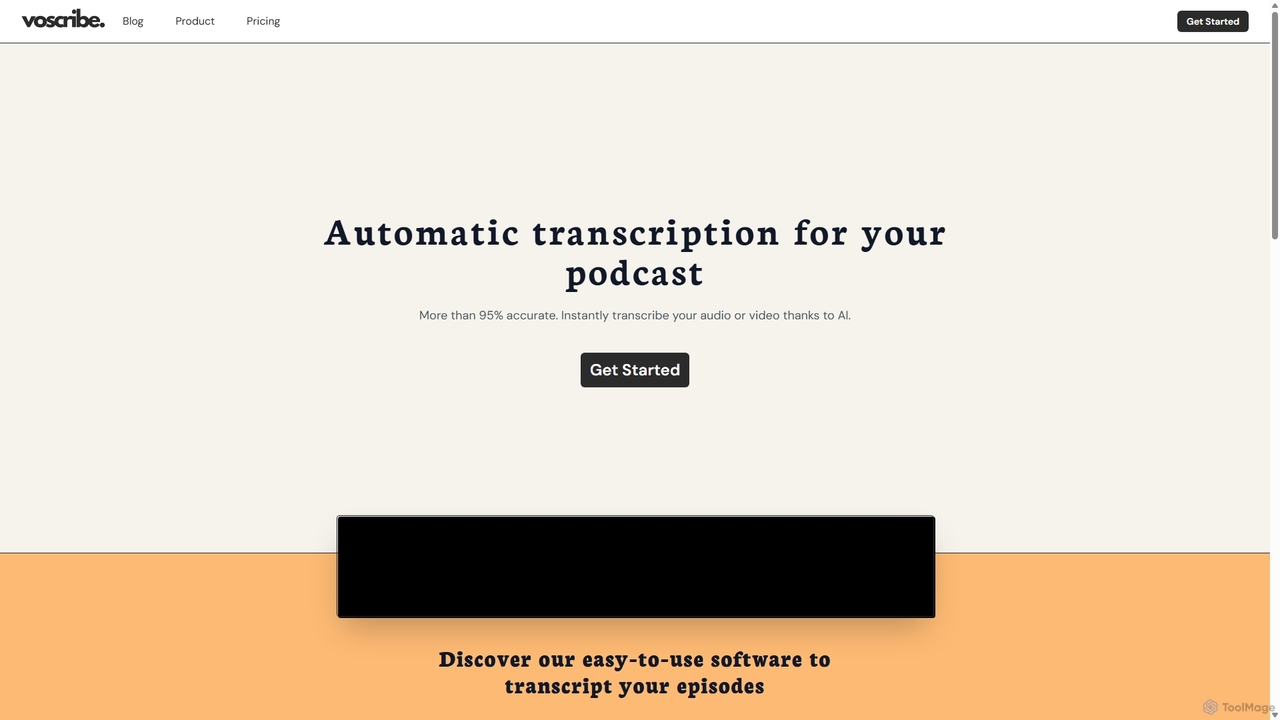
Voscribe
Voscribe is an AI-powered suite for podcasters and video creators, offering highly accurate, fast, and automatic transcription services. It converts audio and video to text in minutes, provides an intuitive editor to sync and edit transcripts, and generates subtitles (SRT) effortlessly. Ideal for content repurposing, enhancing accessibility, and saving valuable production time.
TranscriptionZubtitle
Zubtitle is an AI-powered online video editor designed to help creators and marketers quickly optimize videos for social media. It specializes in automatic transcription and subtitling, allowing users to add captions, headlines, logos, and progress bars with just a few clicks. The tool simplifies video repurposing for platforms like Instagram, TikTok, and YouTube Shorts, making it easy to create engaging, professional-looking content that captures attention even when muted.
Transcription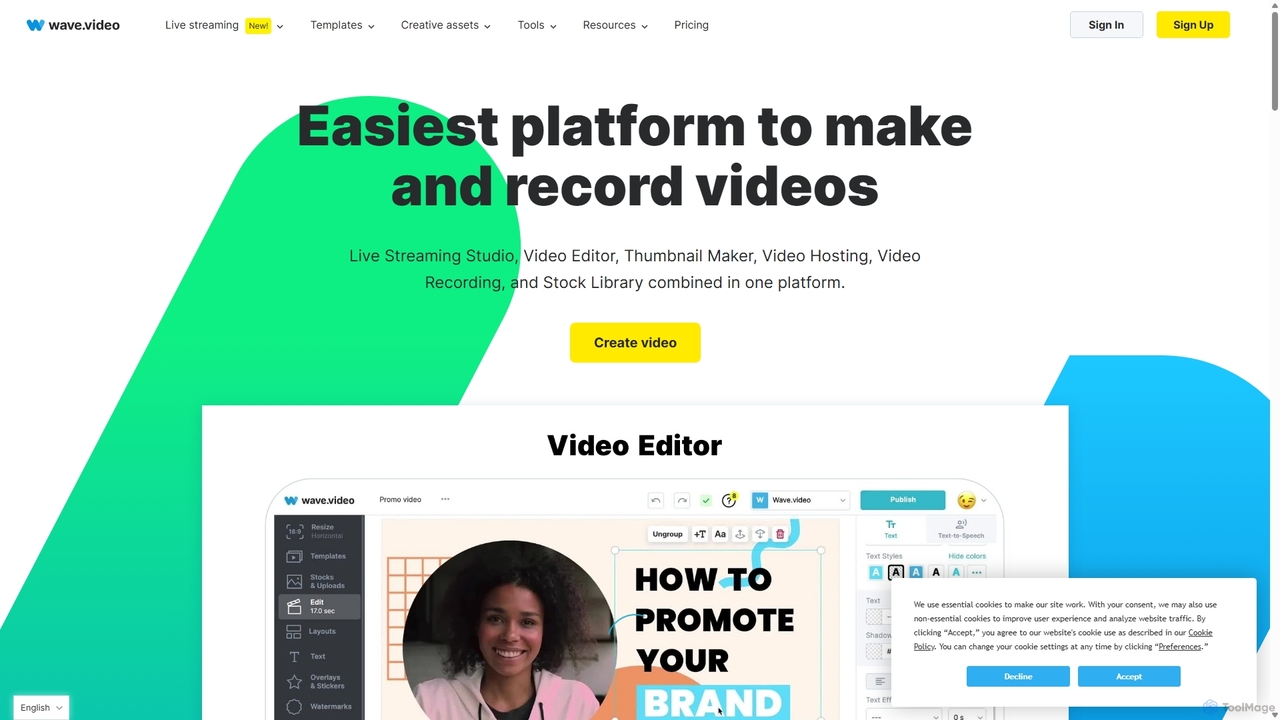
Wave.video
Wave.video is an all-in-one video marketing platform that empowers businesses and creators to easily edit, record, multi-stream, and host videos. It combines a powerful online video editor, a live streaming studio, a thumbnail maker, secure video hosting, and a vast stock library into a single, user-friendly interface. Ideal for marketers and content creators of any skill level looking to produce professional-quality videos that drive engagement and results.
Video Generation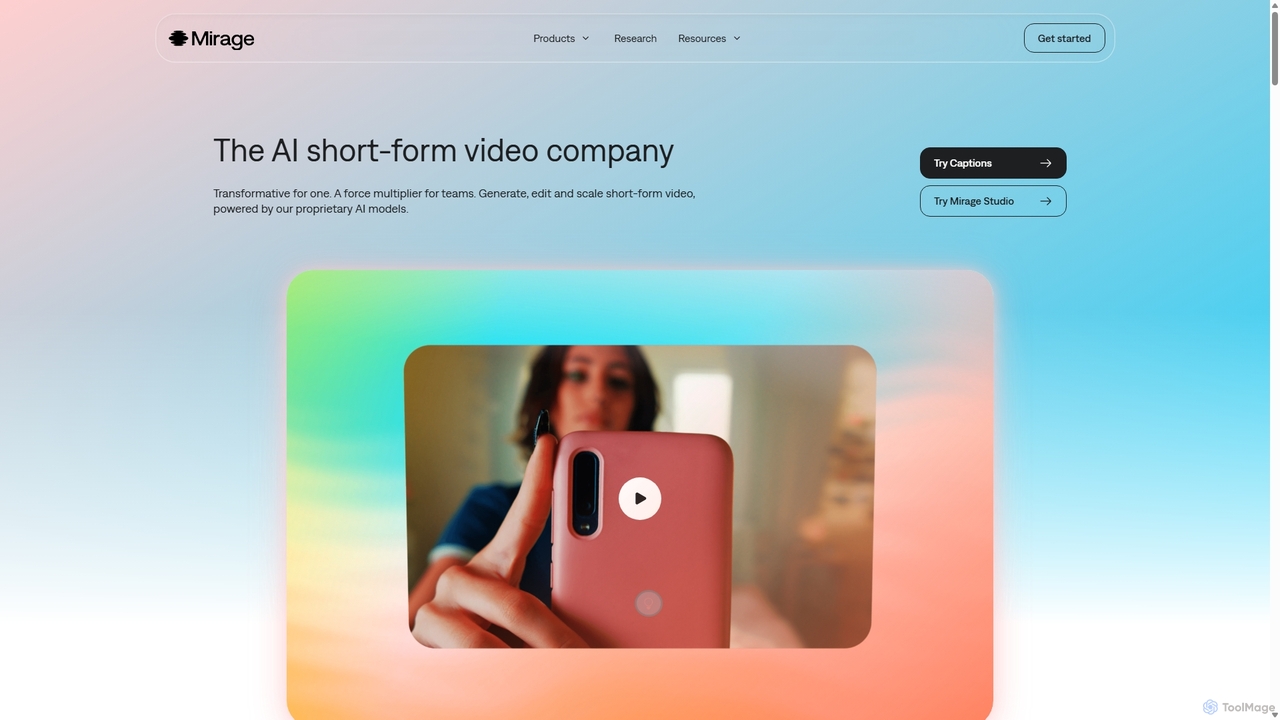
Mirage
Mirage is an AI video platform that transforms ideas into engaging short-form videos. It offers the Captions app for creators to generate and edit talking videos with text prompts, and Mirage Studio for teams to scale video production. Powered by proprietary AI, Mirage creates photorealistic footage and AI avatars, streamlining video creation for platforms like TikTok and Instagram.
AdvertisingKapwing
Kapwing is an AI-powered online video editor designed for teams and creators to produce high-quality content faster. It combines a full suite of editing tools with intelligent AI features like text-to-video, automatic subtitling, and background removal in a collaborative, browser-based platform, making video creation accessible to everyone.
Video MarketingQlip
Qlip is an AI-powered platform that automatically extracts impactful short clips from long-form videos. Designed for marketers and content creators, it simplifies repurposing content for social media with features like auto-reframing, branded subtitles, and transcription, helping to save costs and boost engagement.
Video Marketing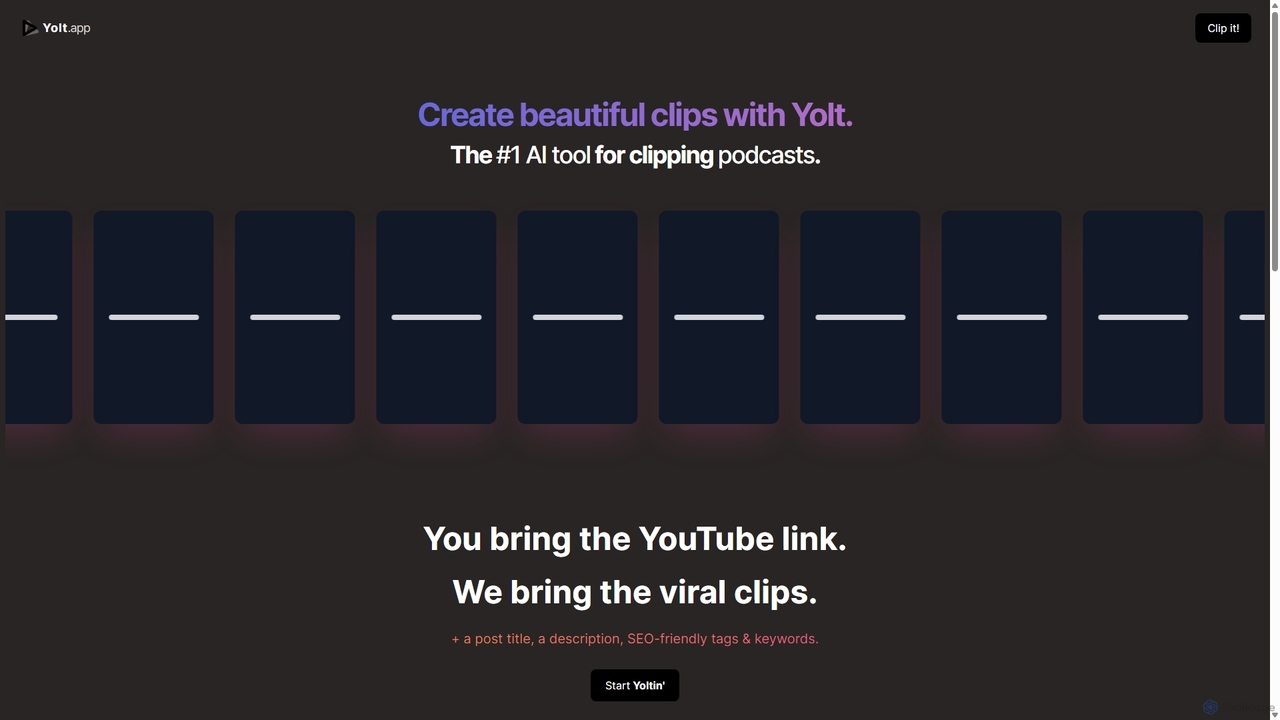
Yolt
Yolt is an AI-powered tool that transforms long-form YouTube videos, especially podcasts, into engaging, short, viral clips for social media. Simply provide a YouTube link, and Yolt's AI identifies the best moments, generates clips with subtitles, and provides optimized titles, descriptions, and SEO tags to maximize your reach and engagement on platforms like TikTok, Instagram Reels, and YouTube Shorts.
Video MarketingOpusClip
OpusClip is a generative AI video repurposing tool that turns long videos into viral short clips with one click. It automatically identifies the most compelling hooks, reframes the video, adds dynamic captions, and scores clips for virality, streamlining content creation for social media.
Video Marketing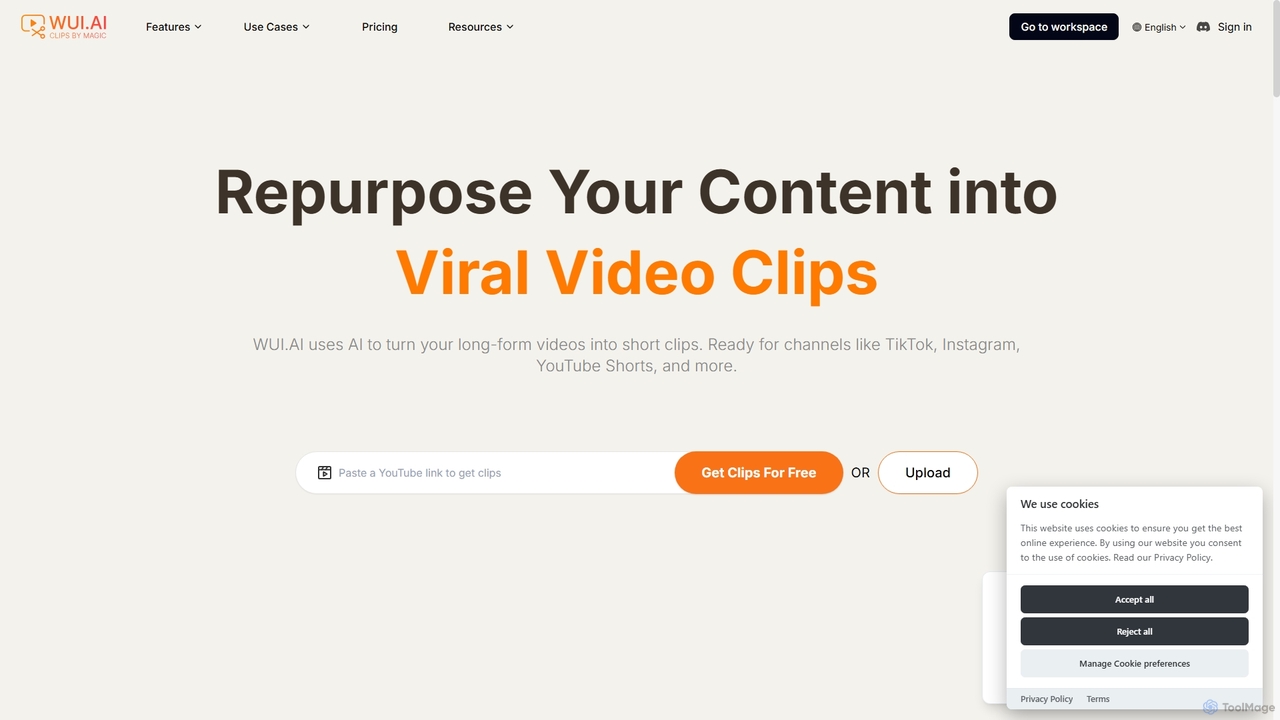
WUI.AI
WUI.AI is an AI-powered platform that transforms long-form videos and podcasts into engaging, viral short clips for social media. It automates highlight detection, subtitling, resizing, and translation, helping creators and marketers save time and maximize their content's reach on platforms like TikTok, Instagram, and YouTube Shorts.
Automation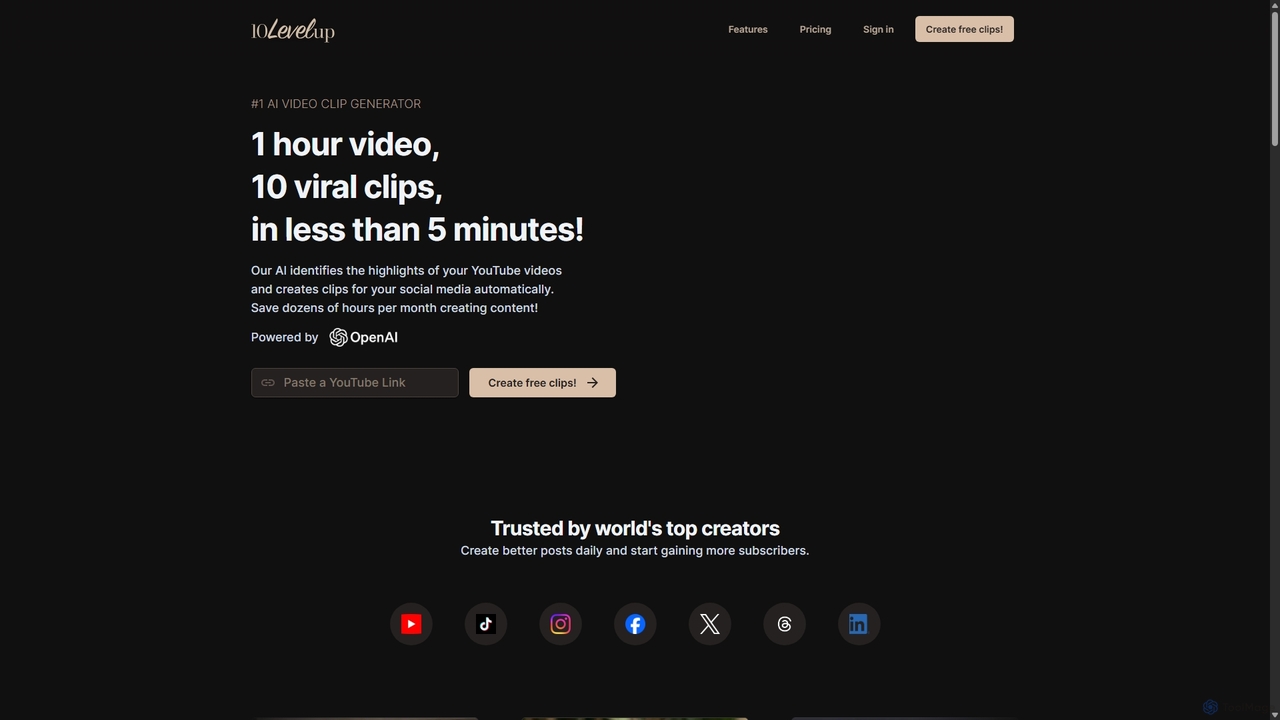
10LevelUp
10LevelUp is an AI-powered video clip generator that automatically transforms long videos and podcasts into engaging, shareable short clips for social media. It intelligently identifies the most compelling moments, formats them for platforms like TikTok, Reels, and Shorts, and supports over 100 languages, helping creators and marketers save time and grow their audience.
Automation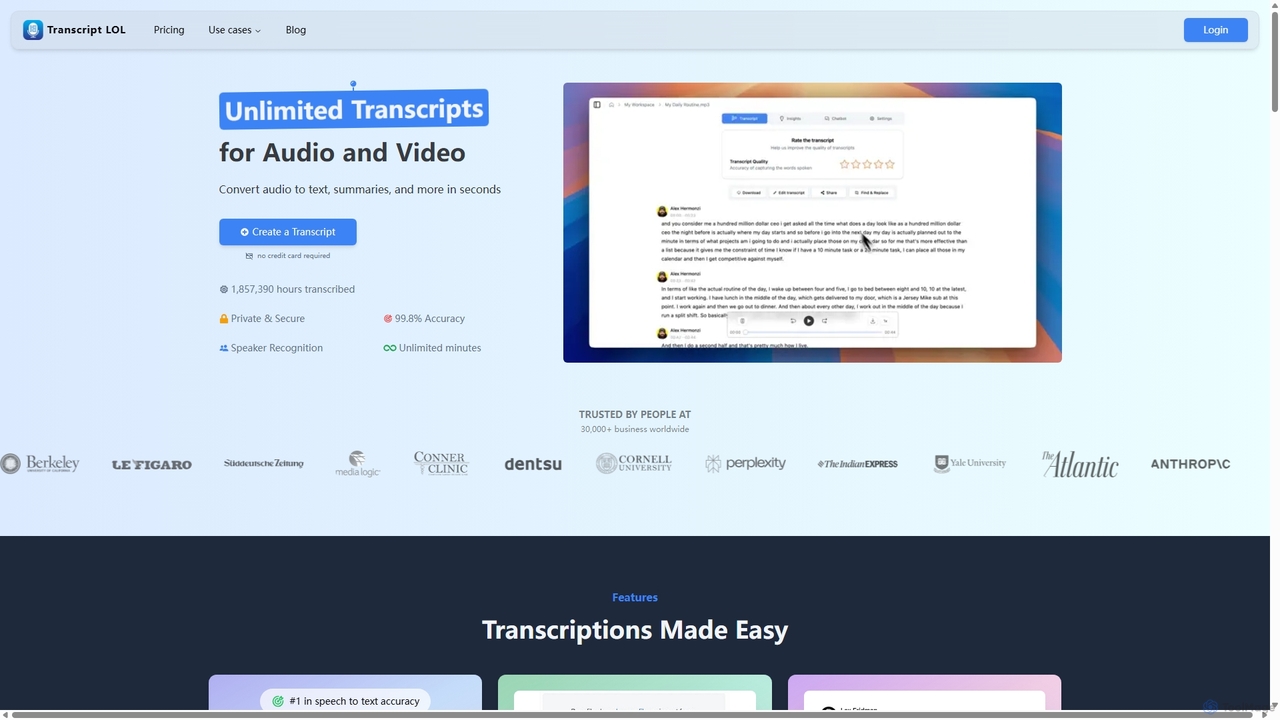
Transcript LOL
Transcript LOL is an AI-powered transcription service that rapidly converts audio and video files into accurate text. It offers unlimited transcriptions, speaker recognition, and advanced AI features to generate summaries, blog posts, social media content, and more, streamlining content creation and analysis workflows.
Speech To Text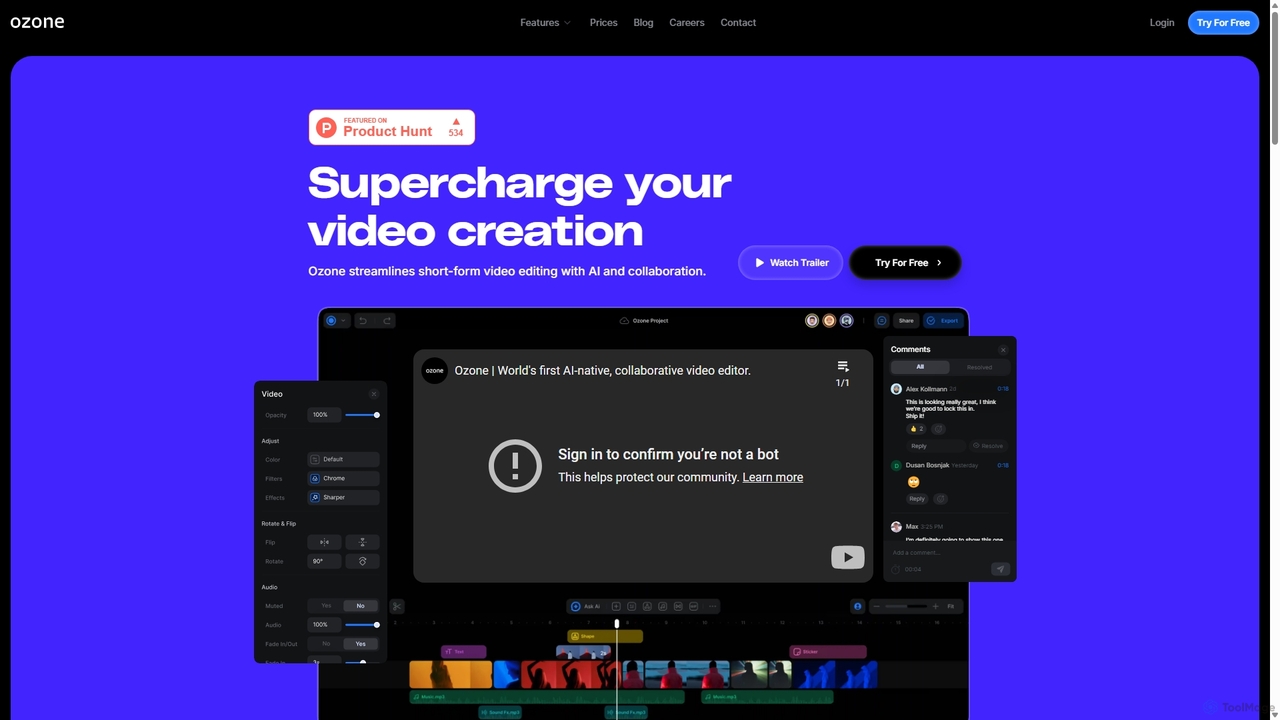
Ozone
Ozone is an AI-powered, cloud-based video editing platform that streamlines short-form video creation. It combines intelligent features like auto-captioning, text-to-video, and silence removal with real-time collaboration tools. Designed for content creators and marketing teams, Ozone eliminates the need for powerful hardware and complex workflows, allowing users to focus on storytelling and produce professional videos faster from anywhere.
Voice Synthesis
Remove Backgrounds AI
Remove Backgrounds AI is an AI-powered tool for seamless video background removal. It specializes in human video matting, using a recurrent neural network to accurately and quickly extract subjects from their backgrounds. Ideal for content creators and marketers, it delivers professional, studio-quality results in minutes, simplifying complex editing tasks with an intuitive interface and a simple pay-per-video pricing model.
Social Media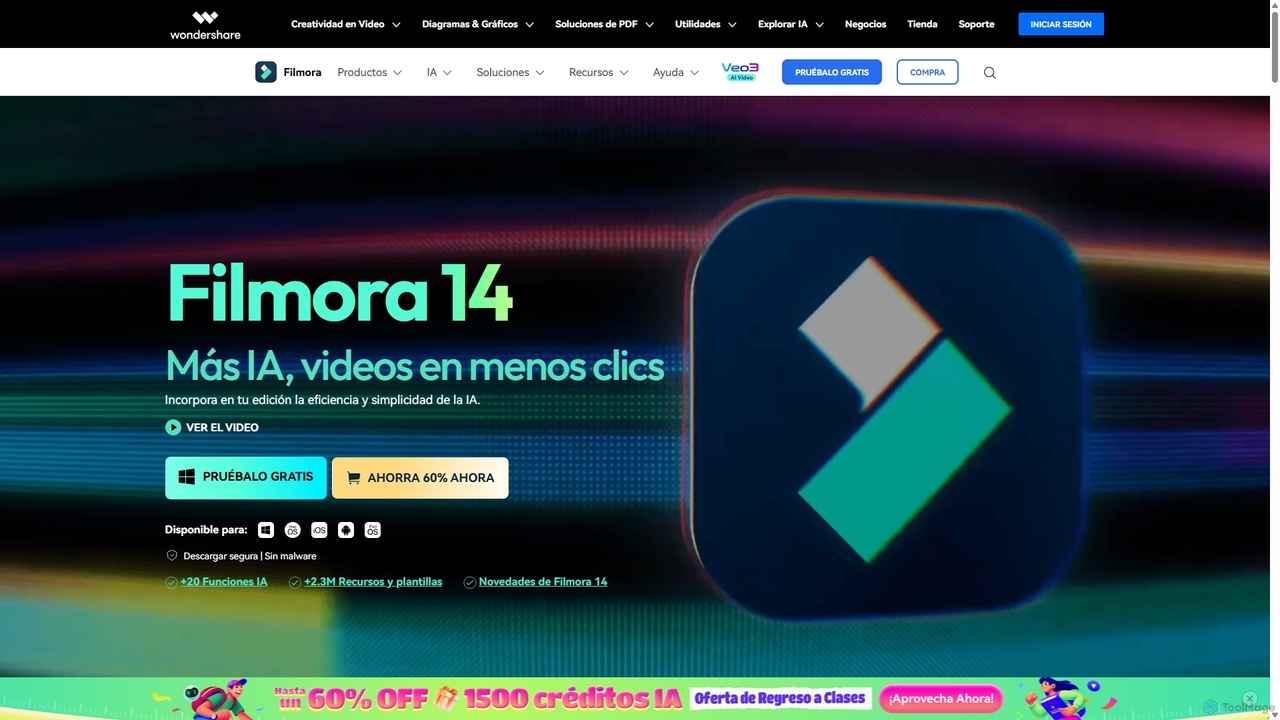
Filmora
Filmora is an AI-powered video editor that simplifies the creation process for both beginners and professionals. It offers a vast suite of AI tools, including smart clip generation, text-to-video, and advanced audio enhancement, combined with a user-friendly interface and a massive library of effects and resources to make video editing faster and more creative.
Social Media
VidCap Comments (0)
Sign in to comment.
Sign inNo comments yet.