ToolMage
Sign in

Best 14 Creative Tools for Design

Popular Creative Tools in Design include Dream by WOMBO, Monet, kiri.art, AI Banana, Get Claude Skills, Nano Banana AI, ArtRoom AI, QuickUtils, ImgtoPrompt, and Amuse, helping you work more efficiently.

ImgtoPrompt
Freemium

ImgtoPrompt

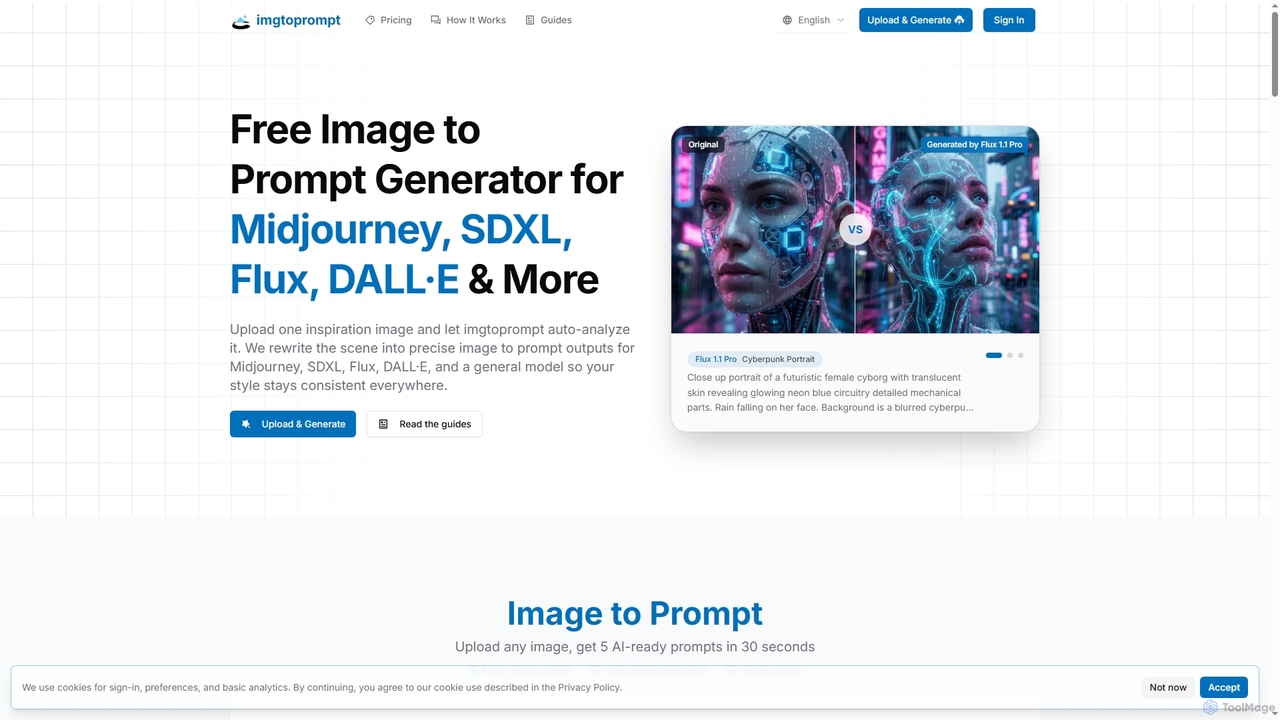
ImgtoPrompt is an AI-powered image-to-prompt generator that transforms inspiration images into precise, optimized prompts for leading AI art models like Midjourney, SDXL, Flux, and DALL·E. It streamlines the creative workflow by offering multi-model support and intelligent adaptation of prompt syntax.

Image Generation
Visits 8KFavorites 123Likes 132
Monet
Freemium

Monet

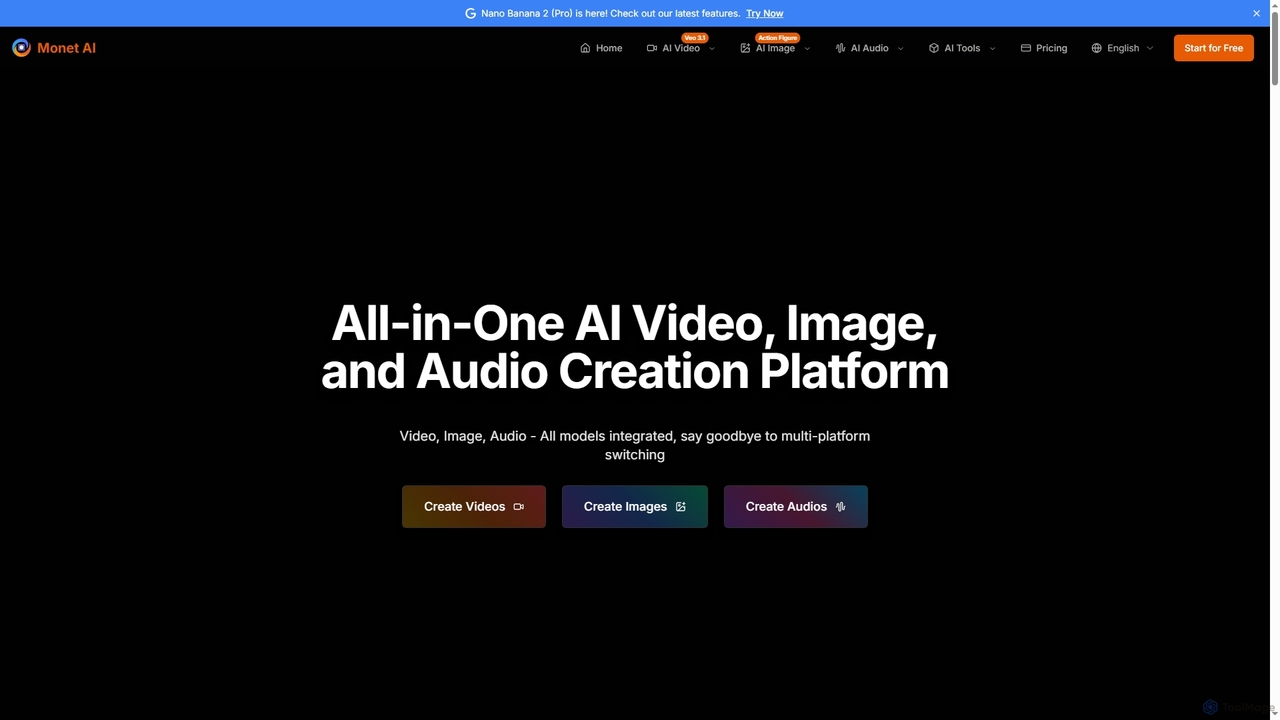
Monet is an all-in-one AI creation platform that integrates leading AI models for generating high-quality videos, images, and audio. It offers text-to-video, image-to-video, text-to-image, style transfer, and text-to-speech functionalities, streamlining creative workflows for diverse users.

Image Generation
Visits 196.9KFavorites 156Likes 141
Get Claude Skills
Free

Get Claude Skills

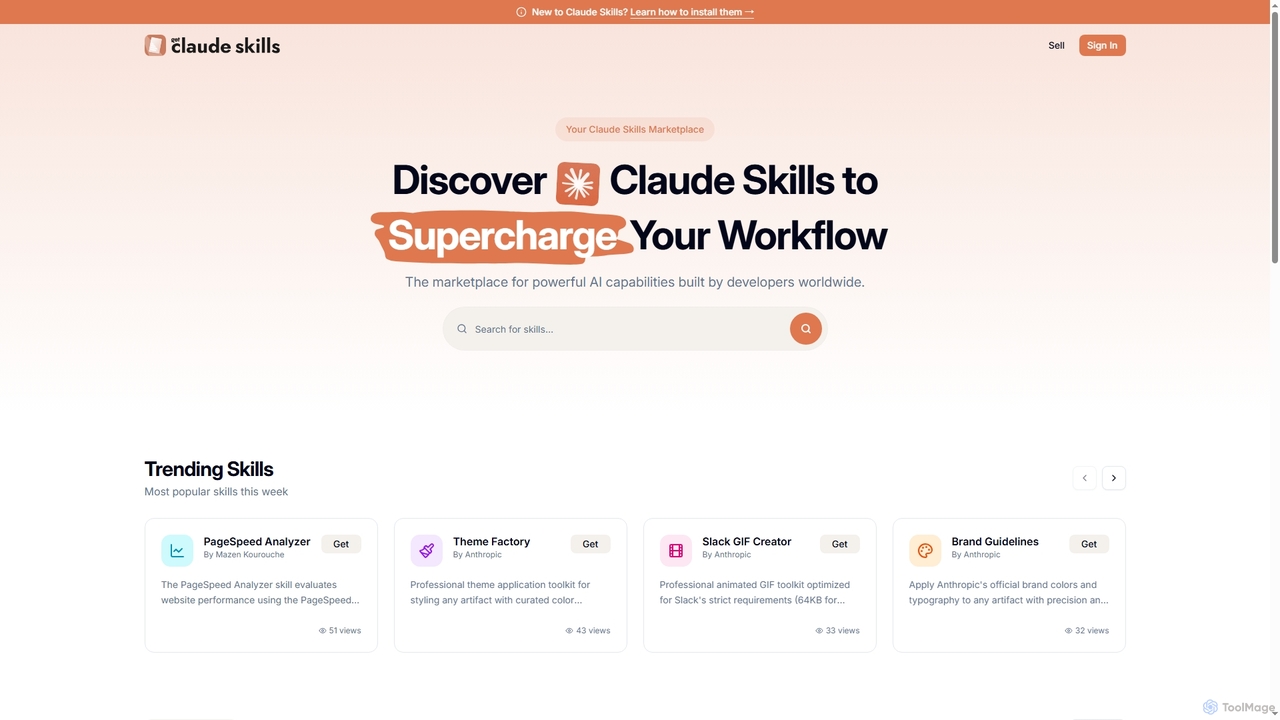
Get Claude Skills is a dynamic marketplace for discovering and sharing powerful AI capabilities designed to enhance workflows with Claude AI. It offers a diverse range of specialized tools, from performance analysis and design systems to advanced content generation and productivity suites, all built by developers to extend Claude's functionality.

Strategy
Visits 11KFavorites 140Likes 159
QuickUtils
Free

QuickUtils

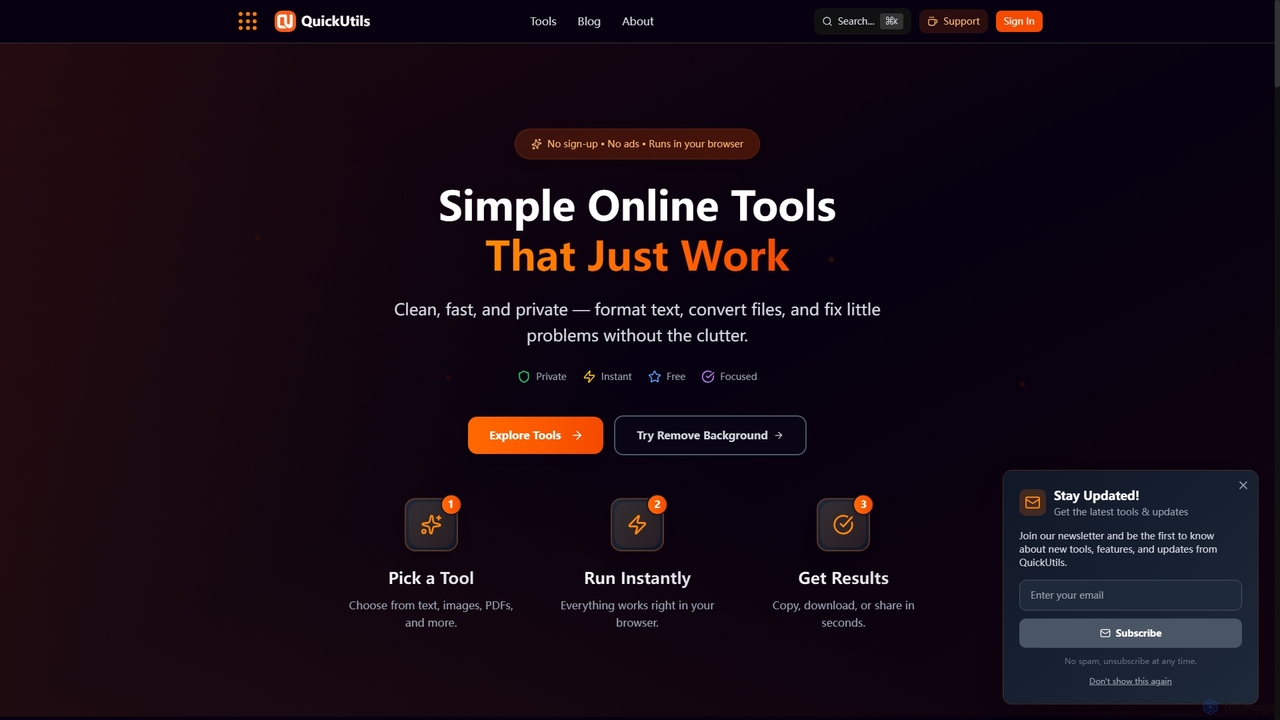
QuickUtils offers a comprehensive suite of free, privacy-focused online tools designed for instant productivity. From AI-powered image background removal and text paraphrasing to QR code generation and JSON formatting, it provides clean, fast, and secure utilities that run directly in your browser without sign-ups or ads.

Conversion
Visits 8.4KFavorites 127Likes 122
AI Banana
Paid

AI Banana

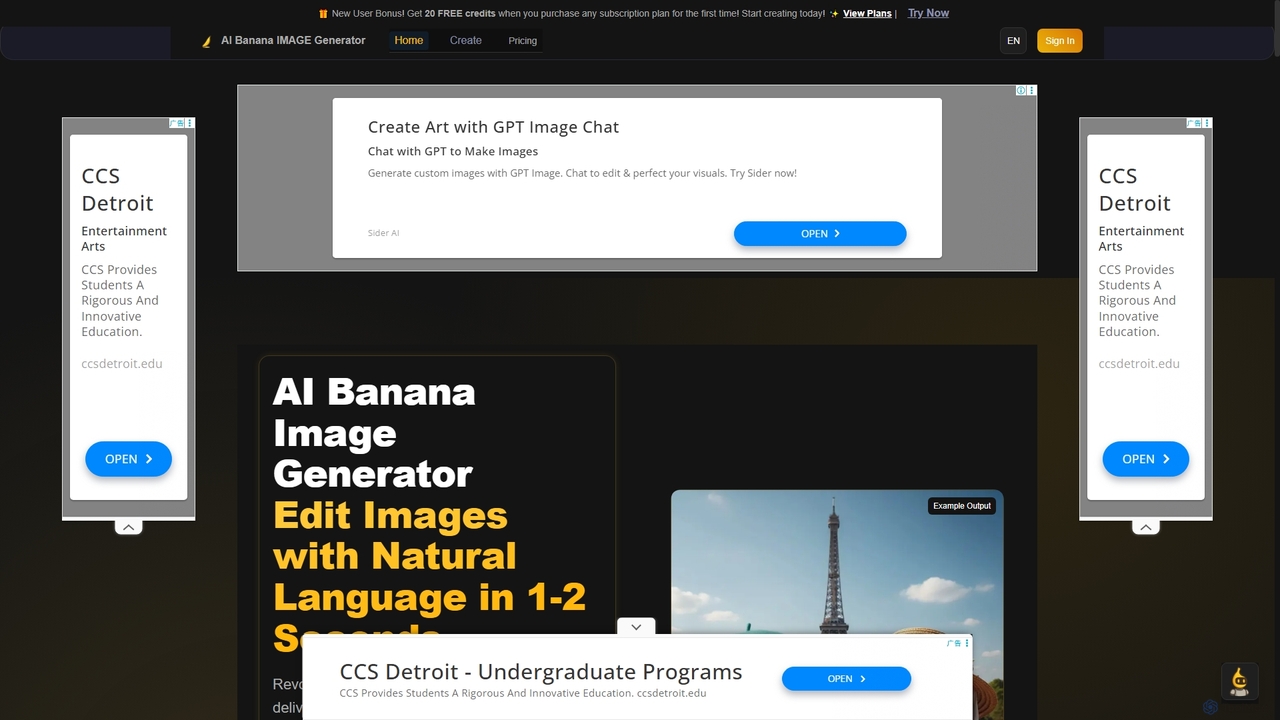
AI Banana is a revolutionary AI image generator and editor powered by Nano Banana AI technology, enabling users to create and modify images with natural language in 1-2 seconds. It offers 95% identity preservation and multi-image story creation, making professional visual content accessible without technical editing skills.

Creative Tools
Visits 12.5KFavorites 158Likes 132
Nano Banana AI
Freemium

Nano Banana AI

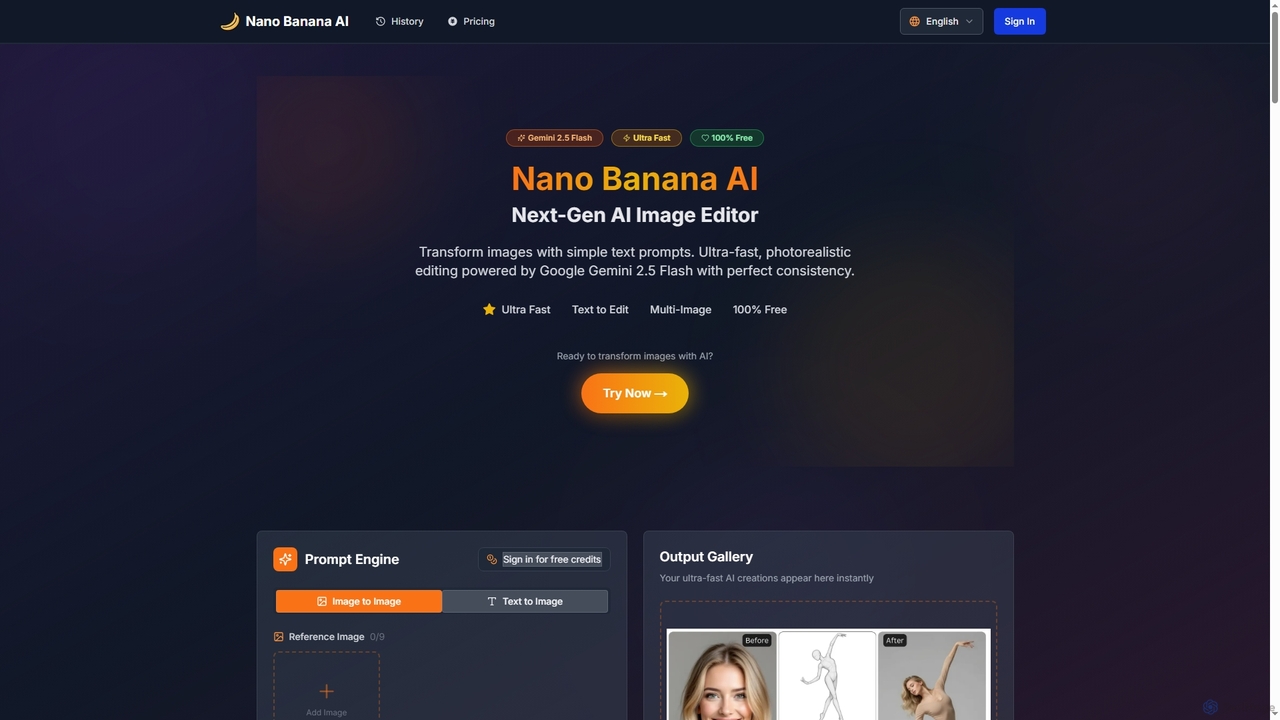
Nano Banana AI is an advanced AI image editor powered by Google Gemini 2.5 Flash, enabling users to transform photos with simple text prompts. It offers ultra-fast, photorealistic editing with perfect character and scene consistency, featuring tools for face swapping, background changes, hairstyle alterations, and a unique Polaroid vintage photo generator. It's designed for both personal and professional creative workflows.

Creative Tools
Visits 8.6KFavorites 145Likes 141
Nano Banana
Freemium

Nano Banana

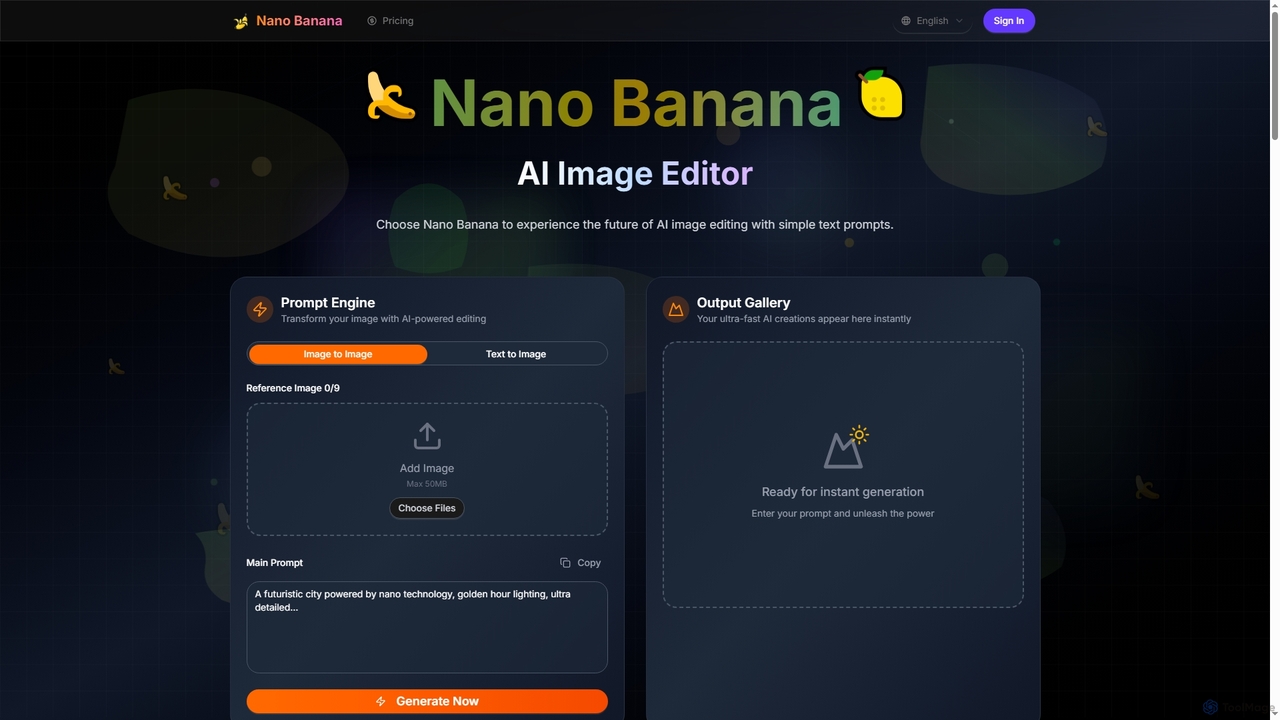
Nano Banana is an advanced AI image editor and generator that transforms text prompts into stunning visuals and offers comprehensive image manipulation capabilities. It provides over 20 unique artistic styles, professional editing features like object addition and background transformation, and even video generation from text, catering to both casual users and creative professionals.

Digital Art
Visits 7.2KFavorites 151Likes 143
Amuse
Free

Amuse

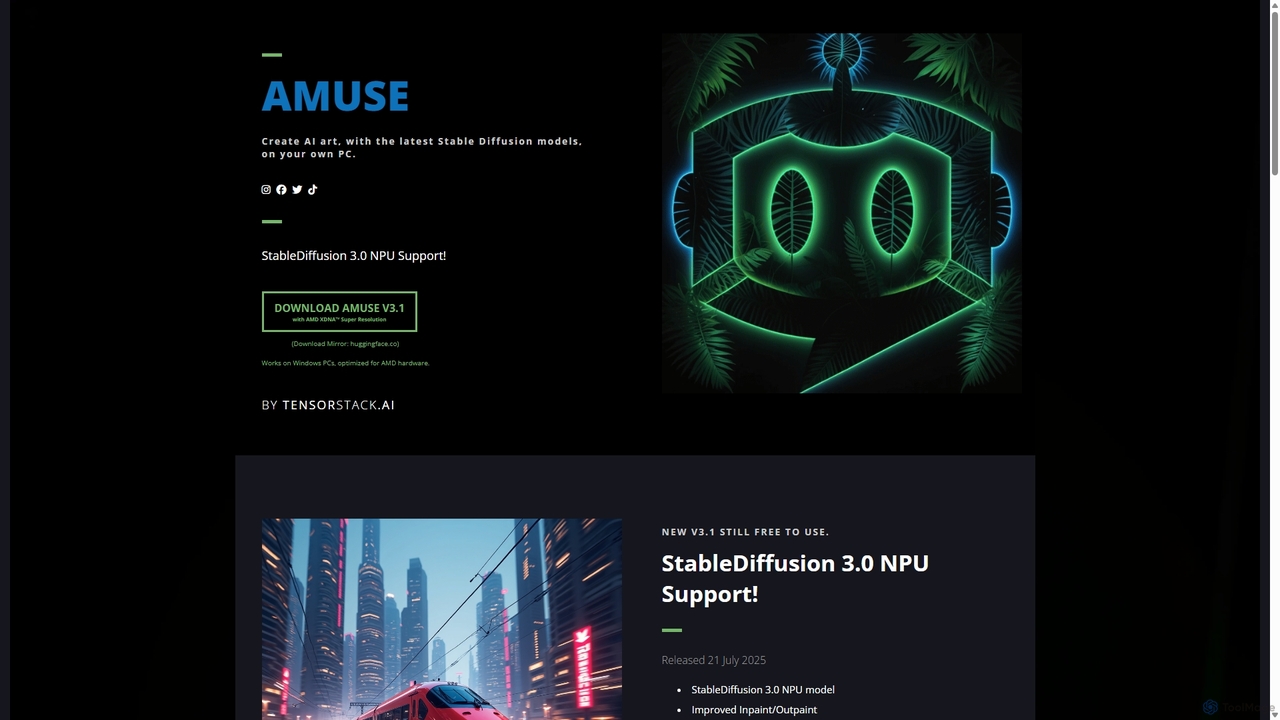
Amuse is a free, powerful AI image and video generation tool for Windows PCs that runs locally on your hardware. It features Stable Diffusion 3.0, an easy mode for beginners, an expert mode for advanced users, and is highly optimized for AMD hardware with NPU support. Create stunning art, apply custom AI filters, and experiment with video generation without any cost or login requirements.

Generative Art
Visits 7.9KFavorites 148Likes 150
Dream by WOMBO
Freemium

Dream by WOMBO

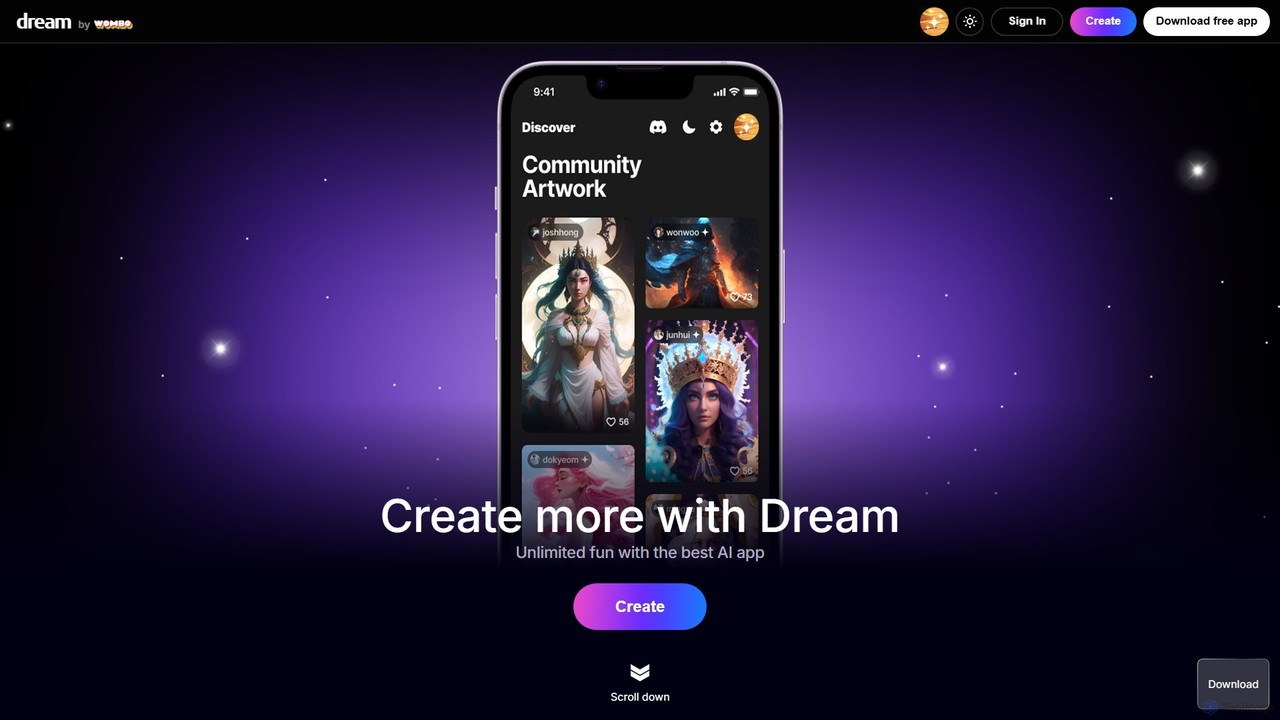
Dream by WOMBO is a powerful AI art generator that transforms your text prompts into stunning paintings and images in seconds. With a vast library of art styles, an intuitive interface, and both web and mobile app versions, it makes creating unique digital art accessible to everyone, from artists to hobbyists.

Image Generation
Visits 249.8KFavorites 156Likes 166
Quick Text-to-Image
Free

Quick Text-to-Image

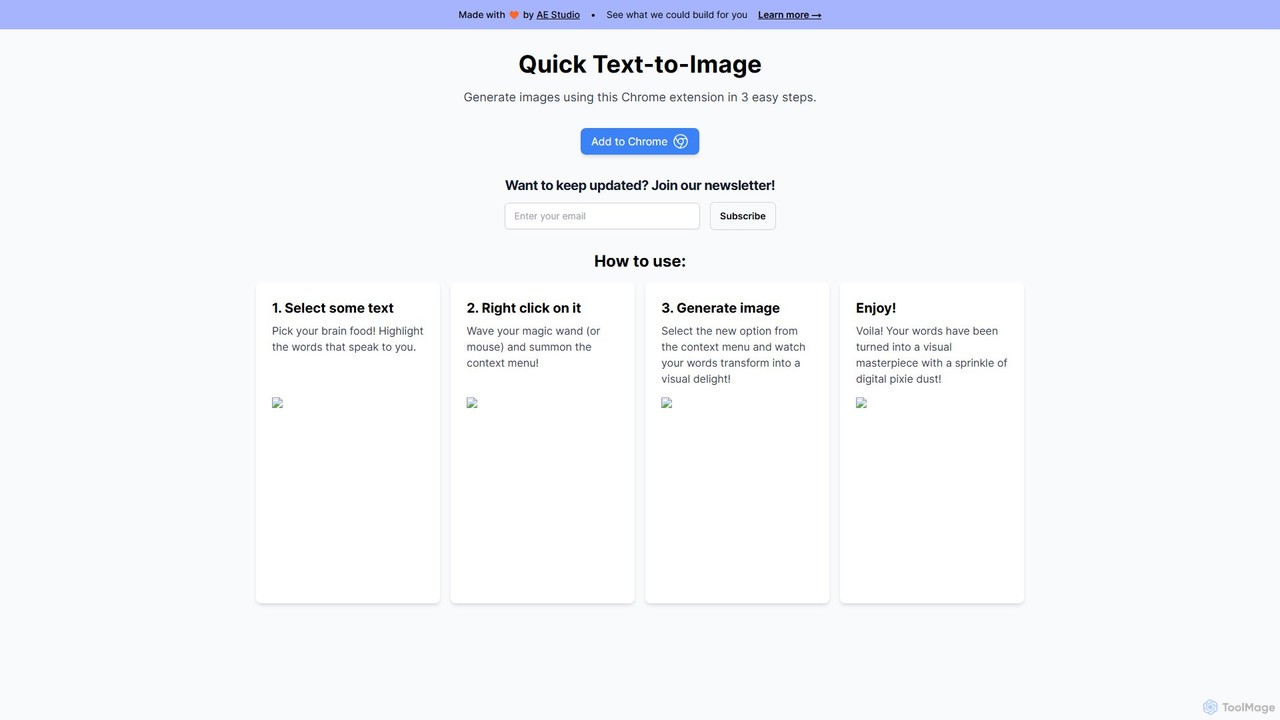
A free Chrome extension that instantly generates AI images from any selected text on a webpage. Simply highlight text, right-click, and create stunning visuals, streamlining your creative workflow for content creation, marketing, and design.

Creative Tools
Visits 7.3KFavorites 193Likes 216
ArtRoom AI
Freemium

ArtRoom AI

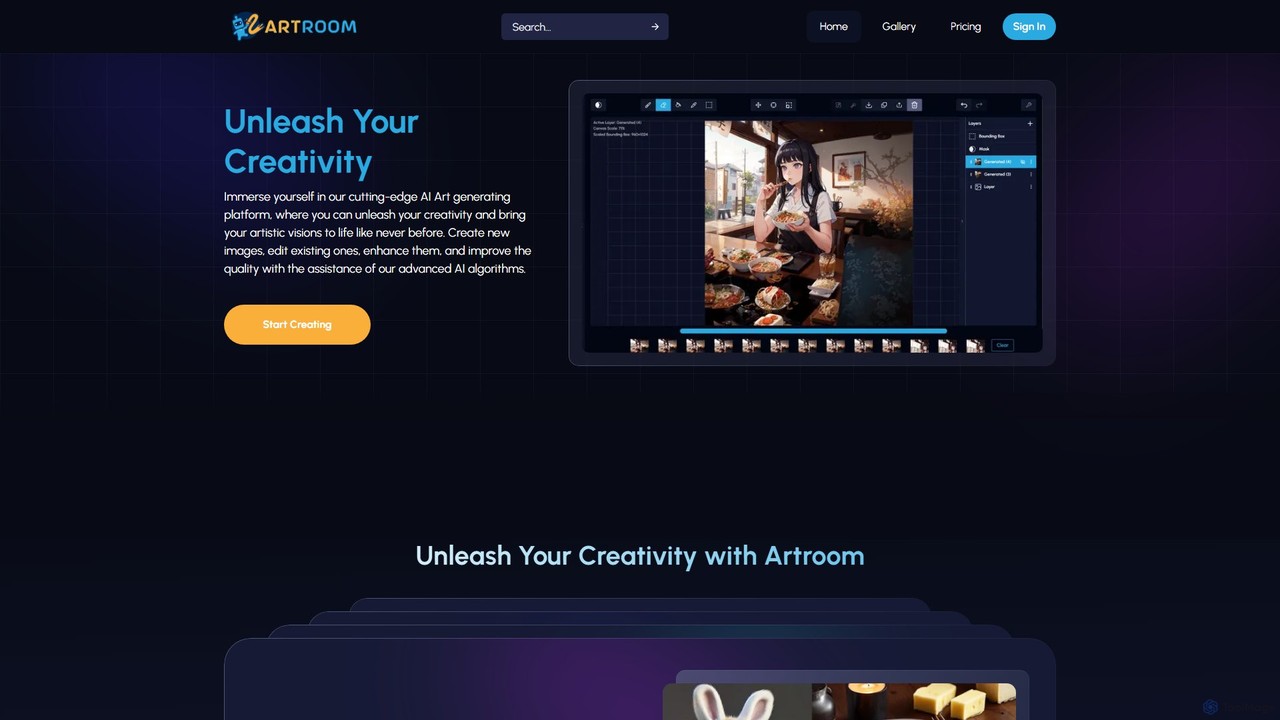
ArtRoom AI is an advanced AI art generation platform offering precise creative control. It features layer-based editing, ControlNet for pose and structure replication, and seamless integration with CivitAI for unlimited LoRA models. Create, edit, and enhance images up to 4K resolution, making it ideal for artists, designers, and hobbyists.

Digital Art
Visits 8.5KFavorites 150Likes 141
Phase.art
Freemium

Phase.art

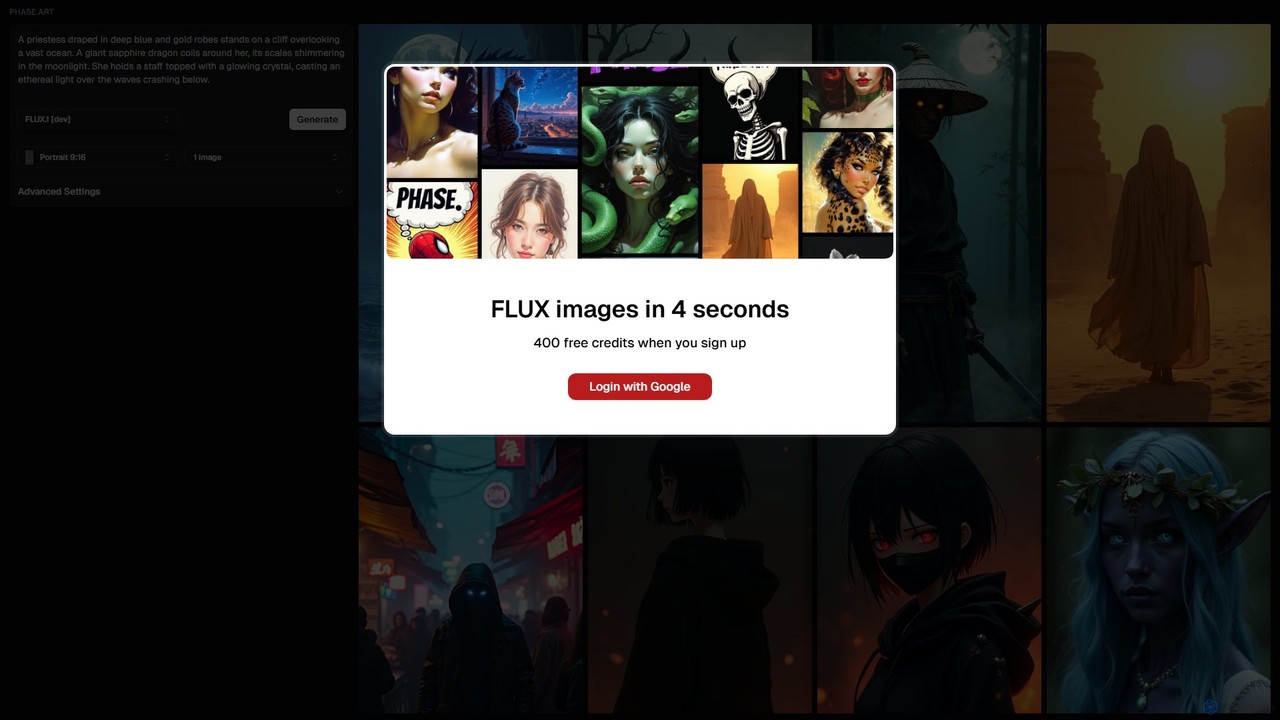
Phase.art is an ultra-fast AI image generator that creates stunning visuals from text prompts in just 4 seconds using its proprietary Flux technology. It's designed for artists, designers, and creators who need rapid iteration and high-quality results. New users receive 400 free credits to start exploring their creativity immediately.

Image Generation
Visits 7.2KFavorites 130Likes 142
kiri.art
Freemium

kiri.art

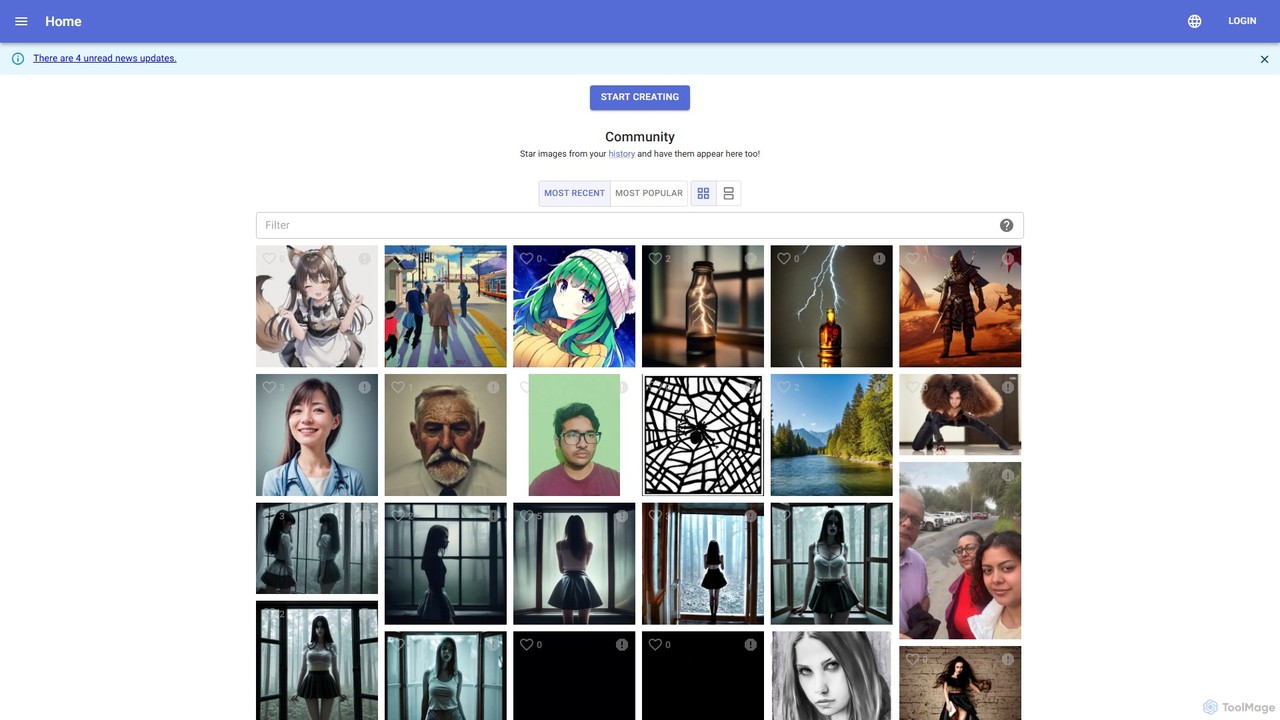
kiri.art is a web-based AI image generator powered by Stable Diffusion. It features a user-friendly interface and a strong focus on community, allowing users to create, share, and discover AI-generated art. It offers advanced controls for detailed image customization, making it suitable for both beginners and experienced artists.

Generative Art
Visits 16.8KFavorites 121Likes 113
Craftura
Freemium

Craftura

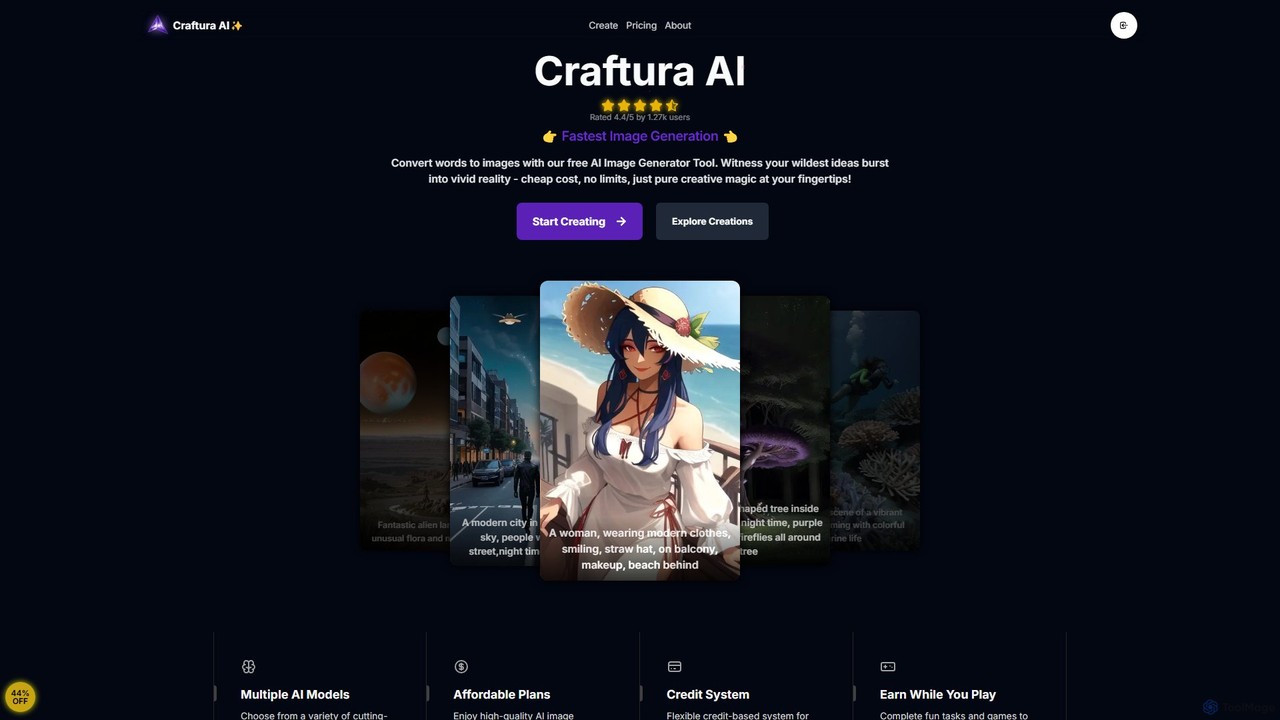
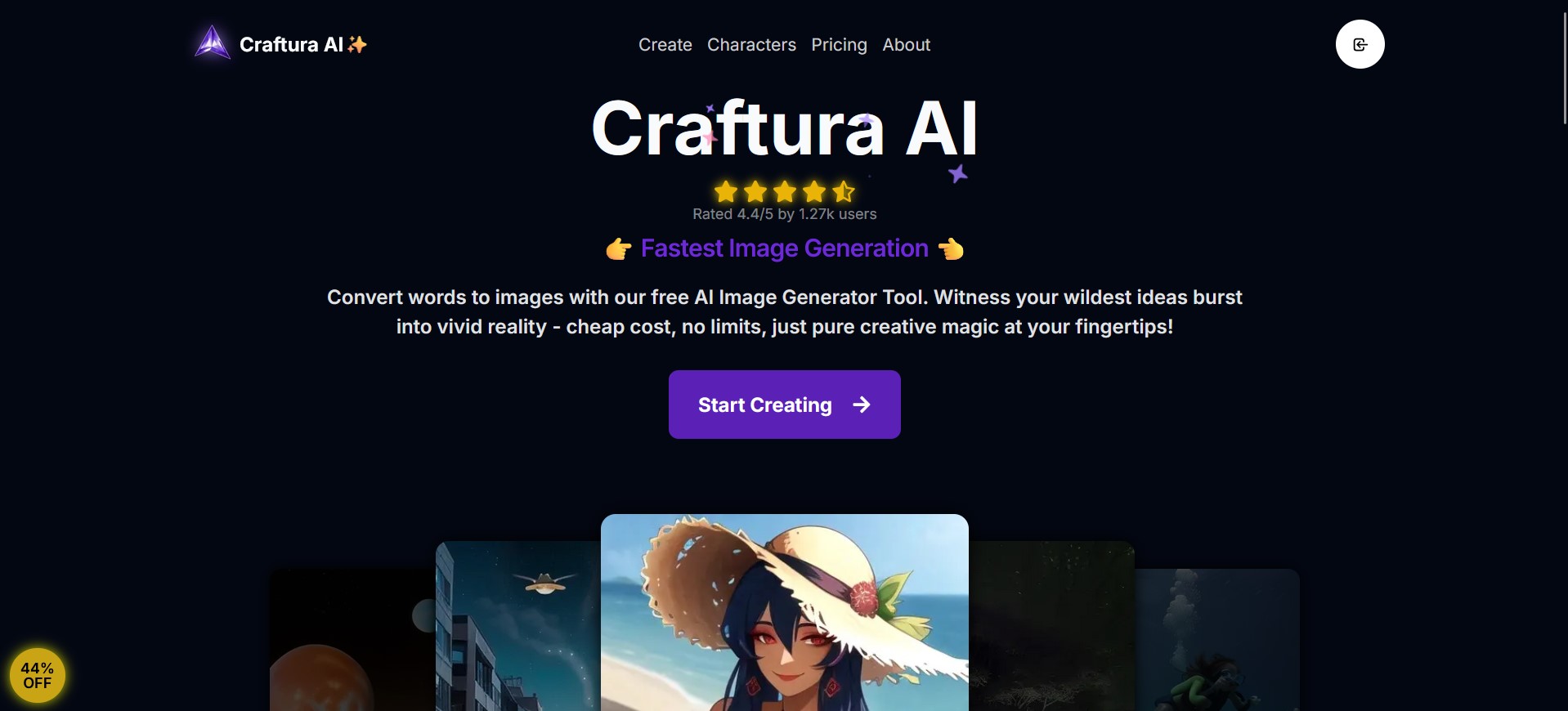
Craftura is a next-gen AI image generator powered by Stable Diffusion and Flux models. It offers an intuitive interface, an AI prompt enhancer, and highly affordable plans, including a free tier with unlimited image generation. Turn your text descriptions into stunning visual art effortlessly.

Generative Art
Visits 7KFavorites 155Likes 144

About Creative Tools

Creative Tools are AI-powered applications designed to assist and automate various aspects of content generation, enhancement, and transformation within the broader field of design. Leveraging advanced machine learning models, these tools can generate novel ideas, create original assets, or modify existing content across diverse media formats like images, videos, audio, and text. They empower creators, marketers, and designers to accelerate workflows, overcome creative blocks, and explore innovative artistic possibilities, pushing the boundaries of traditional design processes.

Core Features

  • Generative Content Creation: Automatically produce images, text, audio, or video from simple prompts or existing data.
  • Style Transfer & Transformation: Apply artistic styles from one source to another, or convert content between different formats (e.g., text to speech, 2D to 3D).
  • Automated Editing & Enhancement: Intelligent features for background removal, image upscaling, color correction, or video stabilization.
  • Ideation & Brainstorming: Generate concepts, headlines, story plots, or design variations to spark creativity.
  • Personalized Content Generation: Create tailored content at scale for marketing campaigns or individual user experiences.

Use Cases

Creative Tools are indispensable for professionals in digital marketing, game development, media production, and graphic design. They enable rapid prototyping of visual concepts for advertising campaigns, generate unique character assets for games, or compose original background music for videos. These tools streamline repetitive tasks, allowing creators to focus on strategic and conceptual aspects of their projects.

How to Choose

When selecting an AI Creative Tool, consider the specific media type you work with (e.g., image, video, audio, text), the desired output quality and level of customization, and its integration capabilities with your existing design software. Evaluate the ease of use, the range of available styles or models, and the pricing structure, including any credit-based systems or subscription tiers, to ensure it aligns with your workflow and budget.

Featured tool rankings

Creative Tools use cases

1

Generate Unique Marketing Visuals for Campaigns

A marketing specialist needs to create diverse visual assets for an upcoming product launch across multiple social media platforms. Using AI Creative Tools, they input text descriptions of the product and desired themes, generating dozens of unique images, banners, and ad creatives in minutes. This process saves hours of traditional design work, allowing for rapid iteration and A/B testing to identify the most engaging visuals, ultimately boosting campaign performance and brand recognition.

2

Generating Unique Marketing Visuals for Campaigns

Marketing professionals can use AI creative tools to quickly generate a wide array of visual assets, such as social media graphics, banner ads, and product mockups, from text descriptions or reference images. This accelerates content production, allows for A/B testing of different visual styles, and ensures a consistent brand aesthetic across multiple platforms, significantly reducing the time spent on manual design.

3

Compose Original Background Music for Videos

A video content creator requires unique, royalty-free background music for their YouTube series but lacks musical composition skills. They utilize an AI music composition tool, specifying genre, mood, tempo, and instrument preferences. The tool generates several original tracks, from which the creator selects the perfect fit. This eliminates the need for expensive stock music licenses or hiring a composer, significantly reducing production costs and speeding up the video editing workflow while maintaining creative control over the audio.

4

Designing Game Character Concepts and Assets

Game developers and concept artists leverage AI creative tools to rapidly iterate on character designs, environment textures, and prop models. By inputting descriptive prompts or sketches, they can generate numerous variations, explore different art styles, and create high-quality assets in a fraction of the time it would take manually. This speeds up the pre-production phase and fosters greater creative exploration.

5

Design Game Character Concept Art Rapidly

A game artist is tasked with developing multiple concept art variations for a new game character within a tight deadline. Instead of sketching each idea manually, they use an AI image generation tool. By inputting character descriptions, stylistic keywords, and desired poses, the tool quickly produces dozens of unique concept art pieces. This allows the artist to explore a wider range of visual directions, gather feedback efficiently, and iterate on designs much faster, accelerating the pre-production phase of game development.

6

Automated Video Content Creation for Social Media

Content creators and social media managers can utilize AI creative tools to transform text scripts or blog posts into engaging short-form videos. These tools can automatically select relevant stock footage, generate voiceovers, add background music, and apply dynamic transitions, enabling the production of daily video content without extensive editing skills or resources, thereby boosting audience engagement.

7

Automate Social Media Content Creation for Influencers

A social media influencer needs to consistently post engaging content across platforms but finds the manual creation process time-consuming. They leverage AI Creative Tools to automate parts of their workflow. By providing a topic or theme, the tools can generate relevant images, short video clips, or even draft captions and hashtags. This enables the influencer to maintain a high posting frequency, experiment with different content styles, and focus more on audience engagement rather than the repetitive tasks of content production, significantly scaling their online presence.

8

Composing Original Background Music for Podcasts and Videos

Podcasters, YouTubers, and filmmakers can employ AI music generation tools to create unique, royalty-free background scores tailored to the mood and length of their content. Instead of searching through stock music libraries, they can specify genres, instruments, and emotional tones, generating bespoke tracks that perfectly complement their narrative, enhancing the overall production quality and brand identity.

9

Generate Personalized Product Mockups for E-commerce

An e-commerce business wants to offer personalized product mockups to customers, such as seeing a custom design on various apparel items. Manually creating these mockups for each customer is impractical. They integrate an AI Creative Tool that takes a customer's design and automatically applies it to different product templates (t-shirts, mugs, phone cases) with realistic lighting and shadows. This enhances the customer experience, increases conversion rates by visualizing the final product, and significantly reduces the design team's workload for custom orders.

10

Brainstorming and Ideation for Writers and Designers

Writers, copywriters, and graphic designers can use AI creative tools as a powerful brainstorming partner. For writers, it can generate story outlines, headline variations, or plot twists. For designers, it can produce mood boards, color palettes, or logo concepts. This helps overcome creative blocks, provides fresh perspectives, and expands the range of initial ideas before committing to a specific direction.

11

Develop Interactive Story Elements for Digital Narratives

A digital storyteller or indie game developer aims to create dynamic, interactive narrative elements without extensive coding or artistic resources. They use AI Creative Tools to generate character dialogues, plot twists, or even visual scenes based on story prompts. For instance, an AI text generator can produce multiple dialogue options for a character, while an image generator can visualize different outcomes of a player's choice. This accelerates content production for interactive experiences, allowing creators to focus on narrative depth and player engagement.

12

Transforming Photos into Artistic Illustrations

Artists and hobbyists can use AI creative tools to apply complex artistic styles to their photographs, transforming them into paintings, sketches, or abstract art with a single click. This allows for creative experimentation without requiring advanced drawing or painting skills, offering a new avenue for personal expression and creating unique visual content for portfolios or personal projects.

Creative Tools FAQ

What are AI Creative Tools?

AI Creative Tools are software applications that use artificial intelligence, particularly generative AI models, to assist in the creation, modification, and enhancement of various forms of digital content. They go beyond traditional design software by actively generating new content—such as images, text, audio, or video—from user prompts or existing data, rather than just editing pre-existing elements. Their core purpose is to accelerate creative workflows, automate repetitive tasks, and unlock new artistic possibilities for users across different skill levels.

What are AI Creative Tools?

AI Creative Tools are software applications that leverage artificial intelligence, particularly machine learning and deep learning, to assist in generating, enhancing, or transforming creative content. They typically feature capabilities like text-to-image generation, video synthesis, music composition, and 3D asset creation. These tools empower users to produce unique artistic and multimedia assets with greater speed and efficiency, often requiring minimal technical or artistic expertise.

How do AI Creative Tools differ from traditional design software?

AI Creative Tools fundamentally differ from traditional design software primarily in their generative capabilities. Traditional software (like Photoshop or Illustrator) provides tools for users to manually manipulate and edit content. In contrast, AI Creative Tools can generate entirely new content from scratch based on algorithms and prompts, or intelligently transform existing content with minimal user input. While traditional tools require direct manual effort for every detail, AI tools can automate complex creative tasks, offering speed and novel output, often serving as a complementary asset to traditional workflows within the broader design ecosystem.

How do AI Creative Tools differ from traditional design software?

AI Creative Tools fundamentally differ from traditional design software by focusing on generative capabilities rather than purely manual manipulation. While traditional tools like Photoshop or Illustrator require users to create every element from scratch or edit existing ones, AI tools can generate entirely new content (images, music, text) from simple prompts. They act as creative co-pilots, automating ideation and initial drafts, allowing designers to focus on refinement and strategic decisions, significantly speeding up the creative process.

Who benefits most from using AI Creative Tools?

A wide range of professionals and enthusiasts benefit significantly from AI Creative Tools. This includes graphic designers seeking rapid concept generation, marketers needing diverse visual content at scale, content creators automating video or audio production, game developers prototyping assets, and writers overcoming creative blocks. Essentially, anyone involved in digital content creation who wants to enhance efficiency, explore new creative avenues, or automate repetitive tasks will find these tools highly valuable, regardless of their technical or artistic skill level.

Who can benefit most from using AI Creative Tools?

A wide range of professionals and enthusiasts can benefit from AI Creative Tools. This includes graphic designers, content creators, marketers, video editors, musicians, game developers, and even hobbyists. These tools are particularly valuable for individuals or teams looking to accelerate their creative workflow, generate diverse ideas quickly, overcome creative blocks, or produce high-quality content without extensive technical skills. They democratize advanced creative capabilities, making them accessible to a broader audience.

What types of content can AI Creative Tools generate or enhance?

AI Creative Tools are highly versatile and can generate or enhance a broad spectrum of digital content. This includes:

  • Images: From realistic photos to abstract art, logos, illustrations, and product mockups.
  • Text: Marketing copy, headlines, story plots, scripts, and blog post outlines.
  • Video: Short clips, animated sequences, and automated compilations from text or images.
  • Audio: Background music, sound effects, and voiceovers.
  • 3D Models: Textures, basic shapes, and conceptual models for various applications.
They can also perform tasks like style transfer, image upscaling, background removal, and color grading across these media types.

What are the key considerations when choosing an AI Creative Tool?

When selecting an AI Creative Tool, consider several key factors. First, evaluate the specific creative output you need (e.g., images, video, audio, 3D models) and ensure the tool specializes in that area. Second, assess the quality and fidelity of the AI-generated content, looking for realism, artistic style, and customization options. Third, consider ease of use and the learning curve, especially if you have limited technical expertise. Finally, examine the pricing model (subscription, pay-per-use, free tiers) and integration capabilities with your existing creative software workflow.

Can AI Creative Tools replace human artists and designers?

AI Creative Tools are designed to augment, not replace, human artists and designers. While AI can automate repetitive tasks and generate initial concepts rapidly, it lacks the nuanced understanding of human emotion, cultural context, and strategic vision that professional creators possess. Instead, these tools serve as powerful assistants, freeing up designers to focus on higher-level creative thinking, problem-solving, and adding unique human touches that AI cannot replicate. They transform the creative process, making it more efficient and expansive, rather than rendering human talent obsolete.

What should I consider when choosing an AI Creative Tool?

When selecting an AI Creative Tool, several factors are crucial. First, consider the specific media type you primarily work with (e.g., image, video, audio). Second, evaluate the output quality and customization options—how much control do you have over the generated content? Third, check for integration capabilities with your existing creative software or platforms. Fourth, assess the ease of use and learning curve, especially if you're new to AI tools. Finally, compare pricing models, including free tiers, subscription costs, and credit-based systems, to ensure it fits your budget and usage frequency.

What are the ethical considerations when using AI Creative Tools?

Using AI Creative Tools involves several ethical considerations. Key concerns include copyright and intellectual property of AI-generated content, especially when trained on existing artistic works. There are also questions around the originality and authenticity of AI-created art, potential biases embedded in the AI models, and the impact on human creative professions. Users should prioritize tools that offer transparency about their training data, respect intellectual property rights, and provide features for attributing or disclosing AI involvement to maintain ethical standards and foster responsible AI use.