
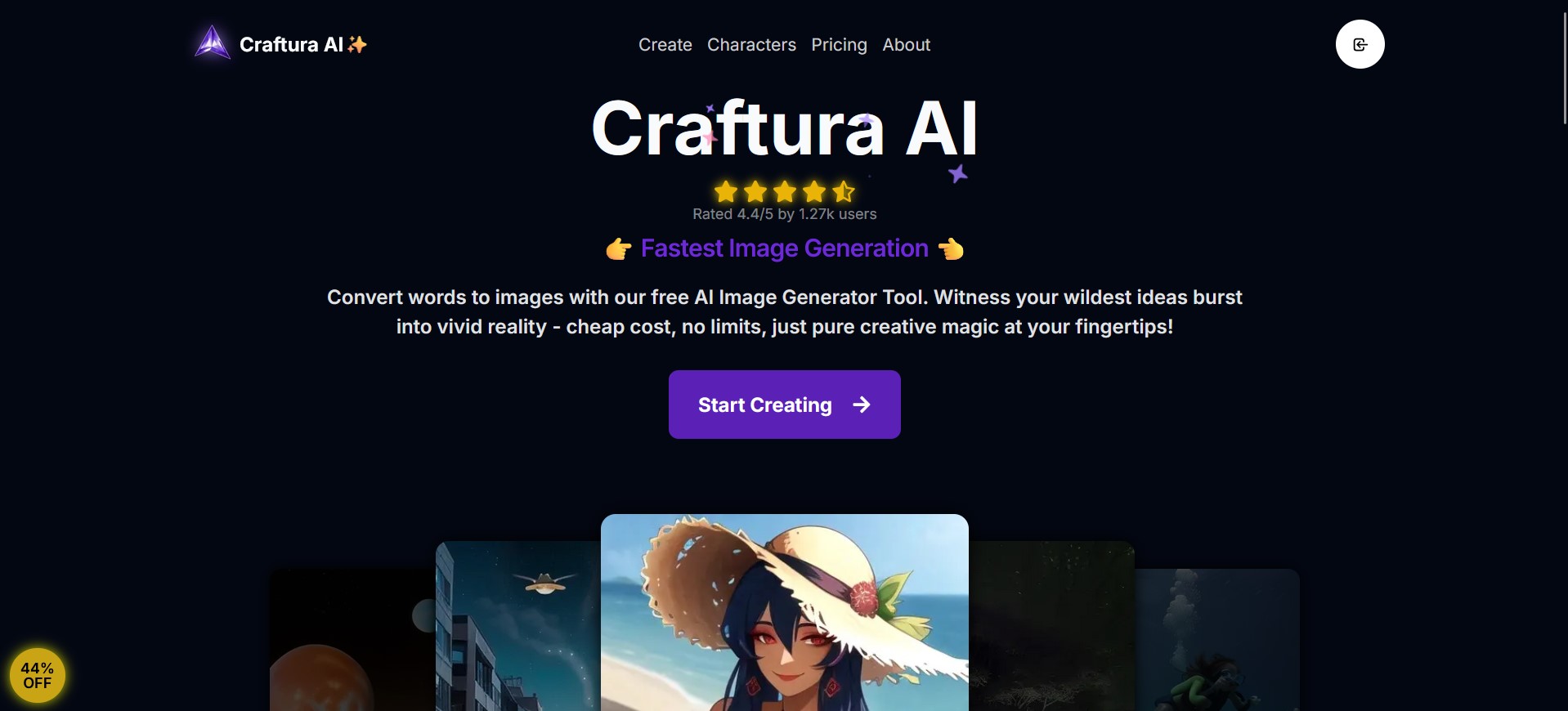
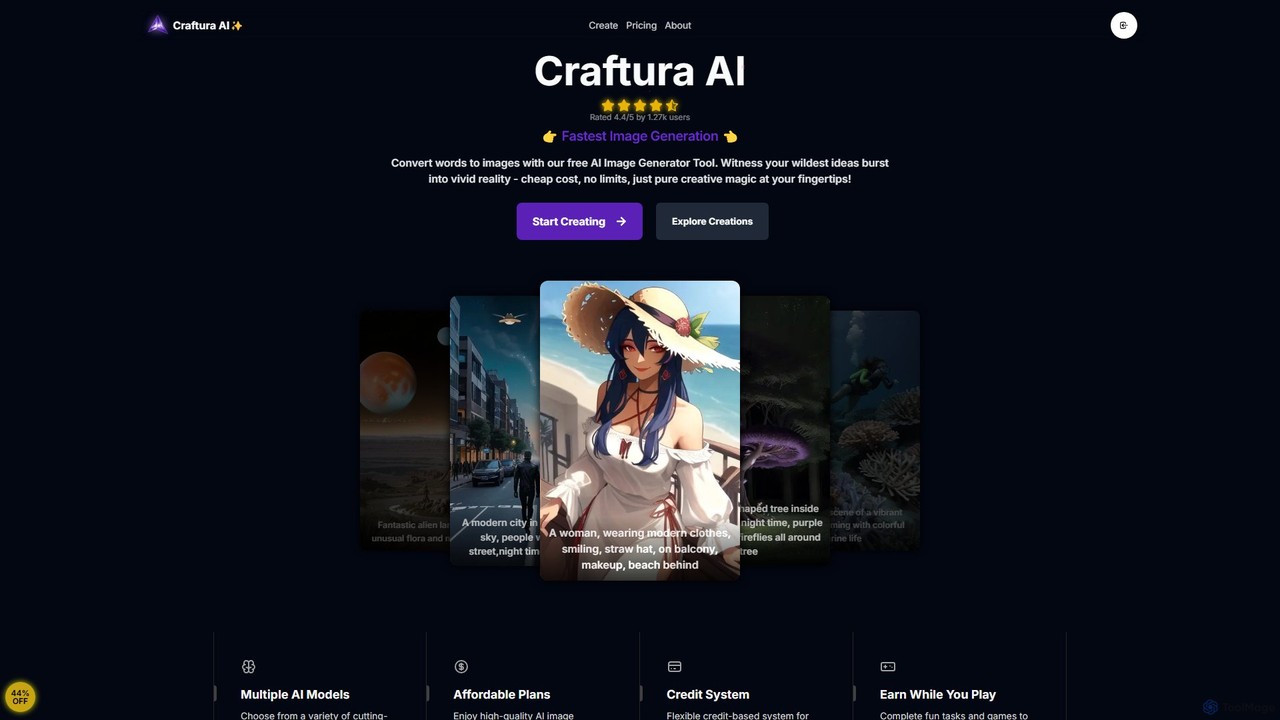
Craftura Overview
Craftura is an advanced and user-friendly AI art generation platform designed to empower creativity for artists, designers, and enthusiasts alike. Built on the powerful foundations of Stable Diffusion and featuring support for cutting-edge Flux models, Craftura transforms simple text prompts into vivid, high-quality images. The platform's core mission is to make state-of-the-art AI image creation accessible and affordable, offering a seamless experience from idea to final artwork. With its clean user interface, powerful features, and a unique credit system, Craftura stands out as a versatile tool for anyone looking to explore the boundaries of digital art.
The platform is not just a tool but a creative partner. It features an innovative AI Prompt Enhancer that helps users who are unsure where to start or want to refine their ideas. This feature can take a basic concept and expand it into a detailed, descriptive prompt, unlocking more complex and nuanced visual results. This, combined with a comprehensive prompt guide, allows both beginners and experts to achieve precise control over their creations.
How to use Craftura
Using Craftura is a straightforward and intuitive process, designed for maximum creative flow:
- Start with a Prompt: Begin by typing a description of the image you want to create in the text box. Be as simple or as detailed as you like.
- Enhance Your Prompt (Optional): If you need inspiration or want to add more detail, use the 'AI Prompt Enhancer'. This feature will automatically enrich your basic idea into a more descriptive prompt for better results.
- Apply Advanced Controls: For fine-tuned results, use the advanced prompting syntax. Increase a keyword's importance with `(keyword)`, decrease it with `[keyword]`, or set specific weights like `(keyword:1.5)`. You can also blend concepts, such as `[impressionist:cyberpunk:0.5]`, to merge styles.
- Choose Your Model: Select from a variety of available AI models, including different versions of Stable Diffusion and the advanced Flux models, to achieve different artistic styles and levels of detail.
- Generate Your Image: Click the generate button and watch as the AI brings your text to life in seconds. Paid plan users benefit from priority processing for even faster results.
- Earn More Credits: If you're on the free plan, you can earn additional credits by participating in fun tasks and games available on the platform, allowing you to continue creating without cost.
Core Features of Craftura
- Multiple AI Models: Access a diverse range of generative models, including the latest Stable Diffusion and state-of-the-art Flux models, for a wide spectrum of artistic styles.
- AI Prompt Enhancer: An intelligent tool that automatically improves and details your simple prompts, making it easy to generate complex and beautiful images without being a prompt expert.
- Advanced Prompting Guide: A detailed guide and syntax support for users who want precise control over their images, including keyword weighting and concept blending.
- Unlimited Image Generation: All plans, including the free tier, offer unlimited image creation, removing creative barriers.
- Flexible Credit System: A unique system where credits are used for generation. Users can earn free credits through platform activities, making it highly accessible.
- High-Speed Generation: Optimized for rapid processing, ensuring a quick turnaround from prompt to image, with priority speeds for subscribers.
- Clean and Intuitive UI: The user interface is widely praised for being clean, smooth, and easy to navigate, providing a pleasant user experience.
Use Cases for Craftura
Craftura is a versatile tool suitable for a wide range of creative and professional applications:
- Digital Artists and Illustrators: Quickly generate concept art, character designs, and unique illustrations to inspire or incorporate into larger projects.
- Content Creators and Marketers: Create custom, eye-catching visuals for social media posts, blog articles, advertisements, and marketing campaigns.
- Writers and World-Builders: Visualize characters, environments, and key scenes from stories, novels, and game worlds.
- Designers: Brainstorm visual ideas, create mood boards, and generate assets for graphic design, web design, and presentations.
- Hobbyists and AI Enthusiasts: Experiment with the creative possibilities of AI art in an affordable, fun, and accessible environment.
Advantages of Craftura
Craftura offers several key advantages over other AI image generators:
- Exceptional Affordability: With a generous free plan and competitively priced premium options, it provides incredible value.
- User-Centric Design: The platform is built for ease of use, catering to both beginners with the prompt enhancer and experts with advanced controls.
- Cutting-Edge Technology: Support for Flux models places it at the forefront of AI image generation quality and capability.
- Engaging and Rewarding: The ability to earn free credits through games and tasks creates a fun and interactive user experience.
- No Auto-Renewal Hassle: Subscriptions are managed manually, giving users full control over their spending without worrying about unexpected charges.
Pricing and Plans
Craftura offers a simple and transparent pricing structure:
- FREE Plan: $0/month. Includes access to all AI models, unlimited credits for generation, and access to Free Credits Tools. Images may have watermarks and are generated at standard resolution and priority.
- PRO Plan: $14.99/month. Provides 1-month access with all the benefits of the free plan, plus no watermarks, higher resolution outputs, priority image processing, and priority customer support.
- PREMIUM Plan: $99.99/year. The best value plan, offering 12 months of access with all the features of the PRO plan at a significant discount.
Payments can be made via various methods, and the founder offers direct support for any payment-related issues. Subscriptions do not auto-renew.
Craftura Alternatives
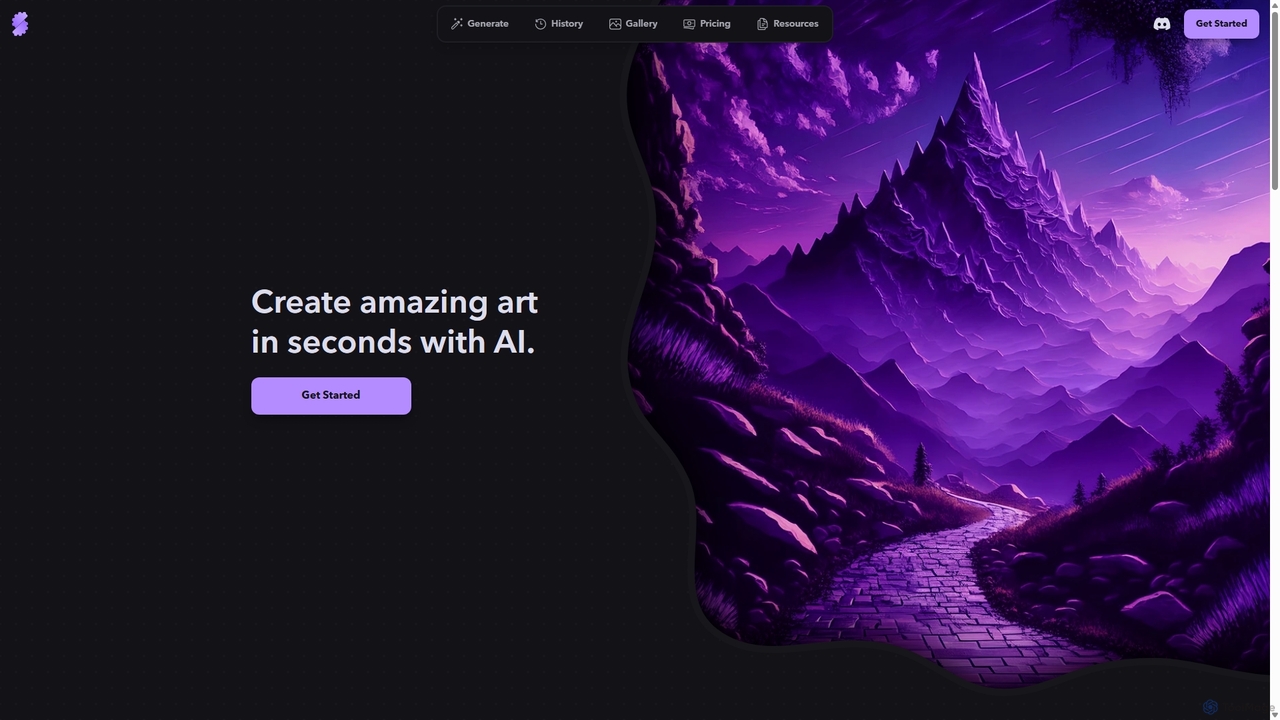
Stablecog
Stablecog is a powerful and user-friendly AI image generator that allows you to create stunning art from text or images in seconds. It supports multiple advanced AI models like Stable Diffusion 3 and SDXL, offering a versatile and creative platform for artists, designers, and content creators. With a generous free plan and flexible paid options, it's accessible to everyone.
Generative Art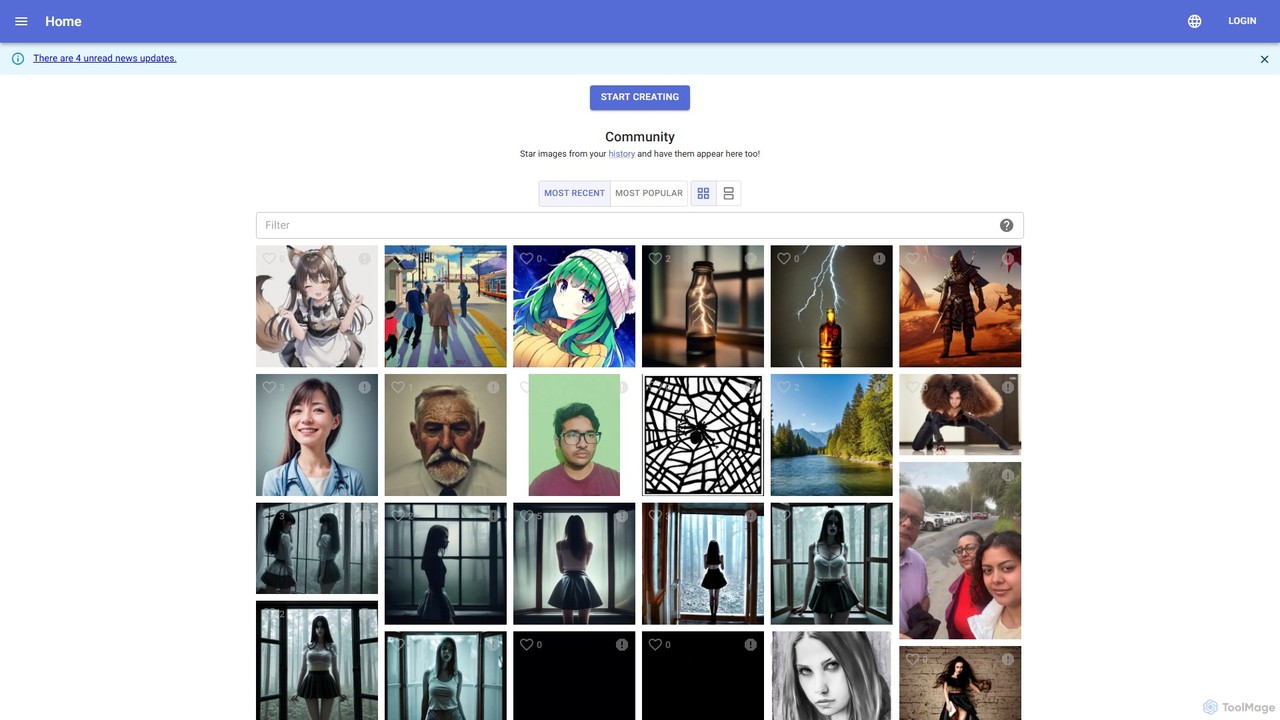
kiri.art
kiri.art is a web-based AI image generator powered by Stable Diffusion. It features a user-friendly interface and a strong focus on community, allowing users to create, share, and discover AI-generated art. It offers advanced controls for detailed image customization, making it suitable for both beginners and experienced artists.
Generative Art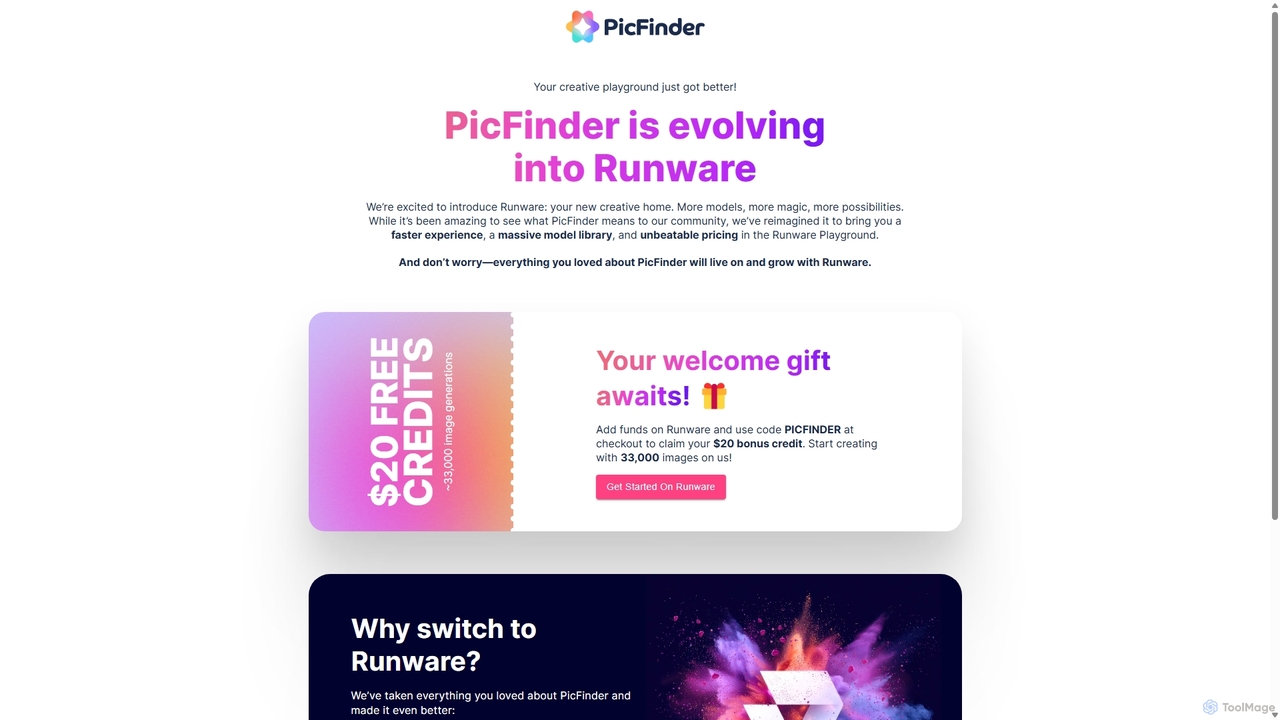
PicFinder
PicFinder has evolved into Runware, a powerful AI image generation platform. It offers a massive library of over 300,000 models, enabling users to create stunning visuals from text prompts. With features like batch generation, customizable controls, and an incredibly low cost, Runware serves as a comprehensive creative playground for artists, designers, and content creators, building upon the legacy of PicFinder.
Generative Art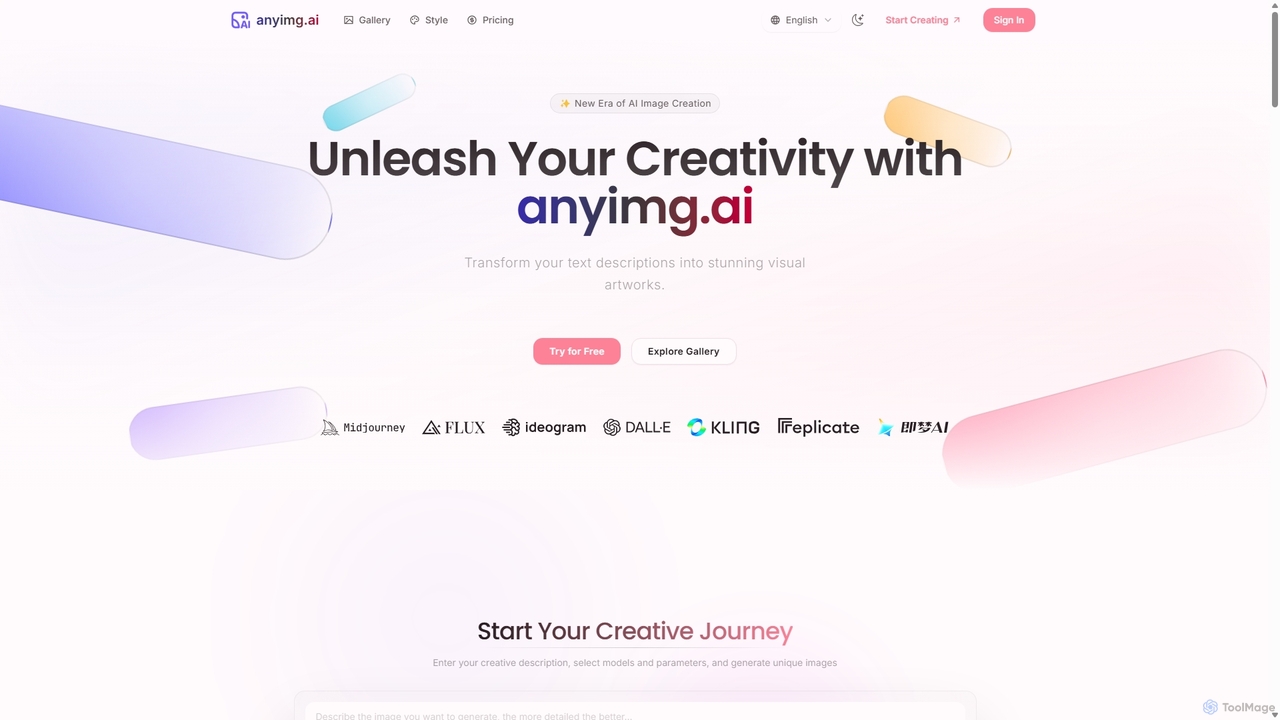
Anyimg
Anyimg is a powerful AI image generation platform that transforms text descriptions into stunning visual artworks. It supports over 12 advanced AI models like Midjourney, DALL-E 3, and Stable Diffusion XL, offering a wide range of art styles, high-resolution outputs up to 4K, and commercial usage rights for professional projects.
Generative Art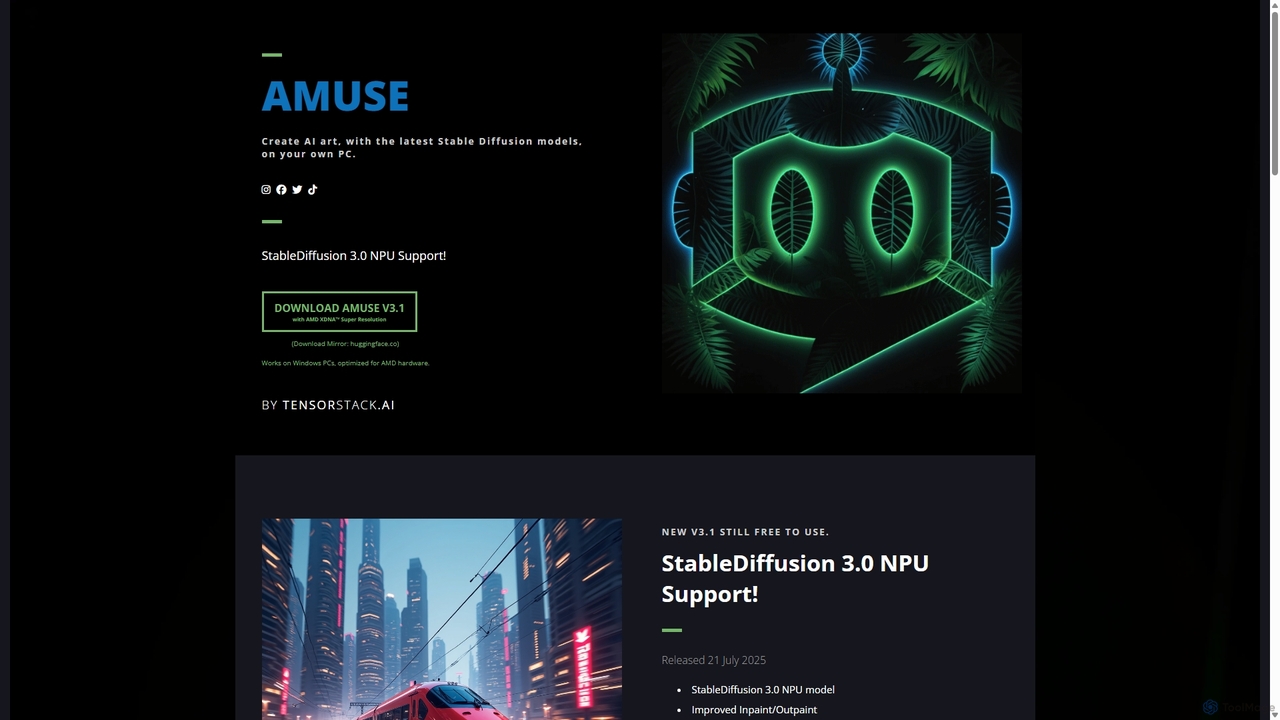
Amuse
Amuse is a free, powerful AI image and video generation tool for Windows PCs that runs locally on your hardware. It features Stable Diffusion 3.0, an easy mode for beginners, an expert mode for advanced users, and is highly optimized for AMD hardware with NPU support. Create stunning art, apply custom AI filters, and experiment with video generation without any cost or login requirements.
Generative ArtCraftura Categories
Craftura Embed Widget
Copy this embed code to place the badge on your blog, article, or product site and send readers directly to this ToolMage detail page.

Related AI tools
Stablecog
Stablecog is a powerful and user-friendly AI image generator that allows you to create stunning art from text or images in seconds. It supports multiple advanced AI models like Stable Diffusion 3 and SDXL, offering a versatile and creative platform for artists, designers, and content creators. With a generous free plan and flexible paid options, it's accessible to everyone.
Generative ArtPicFinder
PicFinder has evolved into Runware, a powerful AI image generation platform. It offers a massive library of over 300,000 models, enabling users to create stunning visuals from text prompts. With features like batch generation, customizable controls, and an incredibly low cost, Runware serves as a comprehensive creative playground for artists, designers, and content creators, building upon the legacy of PicFinder.
Generative Art
Jyek
Jyek is an AI agent platform that understands objectives, creates execution plans, uses tools, and delivers verifiable results for complex, multi-step tasks.
AutomationAnyimg
Anyimg is a powerful AI image generation platform that transforms text descriptions into stunning visual artworks. It supports over 12 advanced AI models like Midjourney, DALL-E 3, and Stable Diffusion XL, offering a wide range of art styles, high-resolution outputs up to 4K, and commercial usage rights for professional projects.
Generative Art
Text2Img.VIP
Text2Img.VIP is an AI-powered platform that transforms text descriptions into stunning, high-quality images. Leveraging advanced models like Stable Diffusion, Midjourney, and DALL-E, it serves designers, marketers, and educators. The tool offers a freemium model, providing both free access with basic features and paid plans for faster generation and priority support.
Graphic Design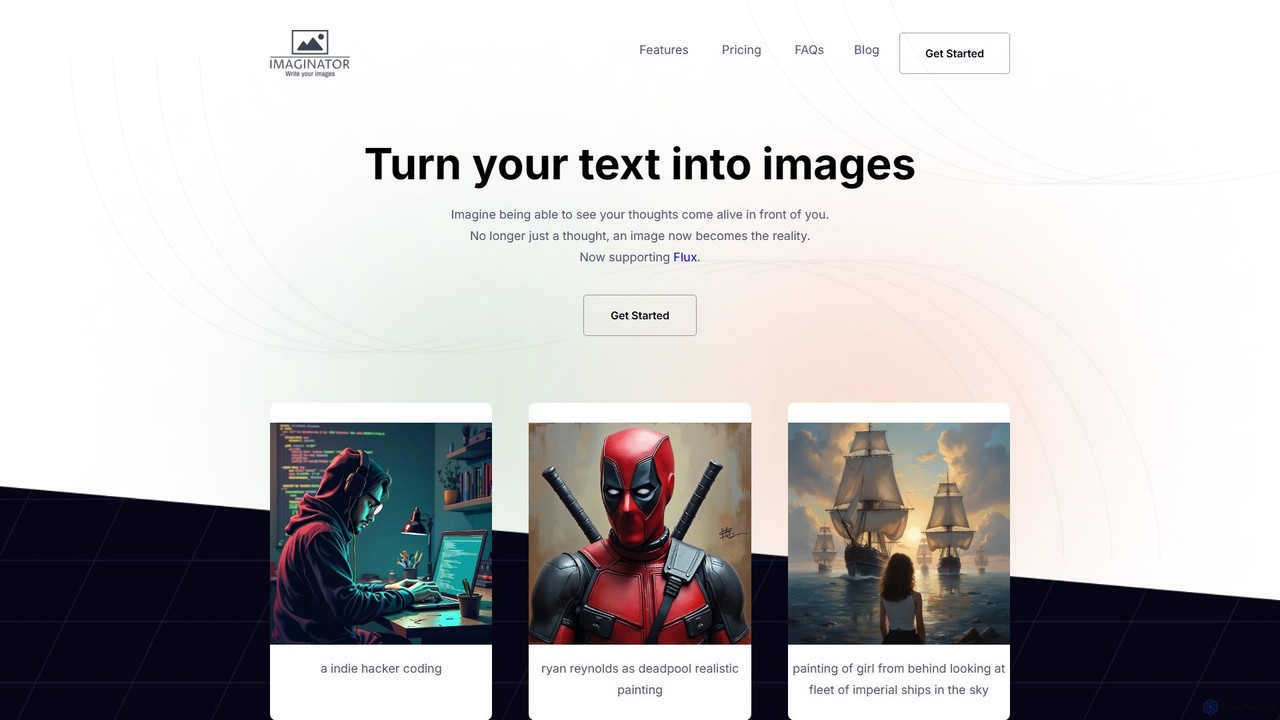
Imaginator
Imaginator is an advanced AI image generator that transforms your text descriptions into stunning visuals. Leveraging the cutting-edge Flux model, it allows users to create high-quality, realistic, and artistic images from simple prompts. It features a straightforward credit-based system and is designed for creators, developers, and marketers.
Ai Art
picassopix
PicassoPix is an advanced AI image generator that transforms your text prompts into stunning, high-quality visual art and images. Ideal for artists, marketers, and creators, it offers a versatile toolkit to produce unique illustrations, posters, and social media content effortlessly, unlocking creative possibilities in seconds.
Digital Art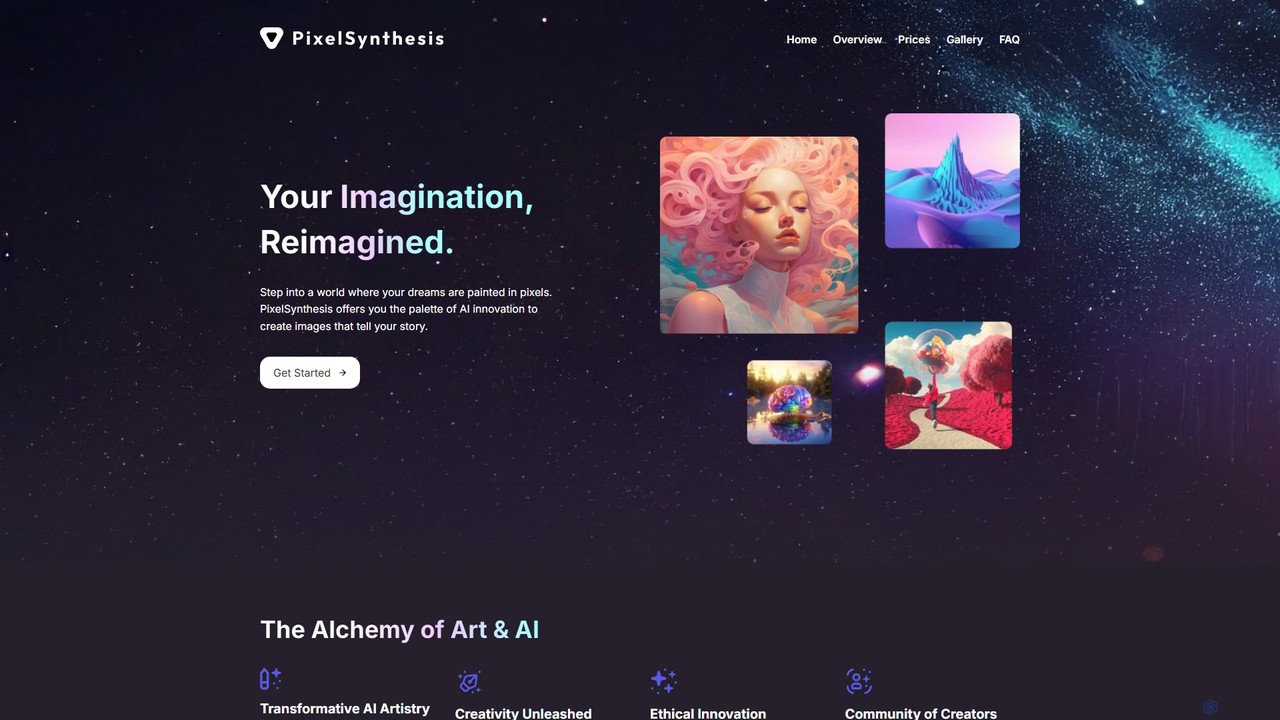
PixelSynthesis
PixelSynthesis is an advanced AI-powered platform that transforms your text descriptions into unique, high-quality visual art. Designed for both beginners and professionals, it offers a user-friendly interface to bring creative ideas to life. With flexible pricing and commercial use options, it's a powerful tool for artists, marketers, and content creators.
Digital Art
Aimajic
Aimajic is a powerful AI-driven image and art generator that transforms your text prompts into stunning, high-quality visuals. Designed for artists, marketers, and creators, it simplifies the creative process, allowing anyone to produce unique illustrations, photorealistic images, and abstract art in seconds.
Creative
Splend AI
Splend AI is a generative art platform that transforms simple text descriptions into unique, high-quality visual artwork. It offers a variety of predefined styles and allows for custom creations, making it ideal for artists, designers, and NFT creators. The tool provides a free tier for daily use and a premium subscription for unlimited generations with full commercial rights.
Image Generation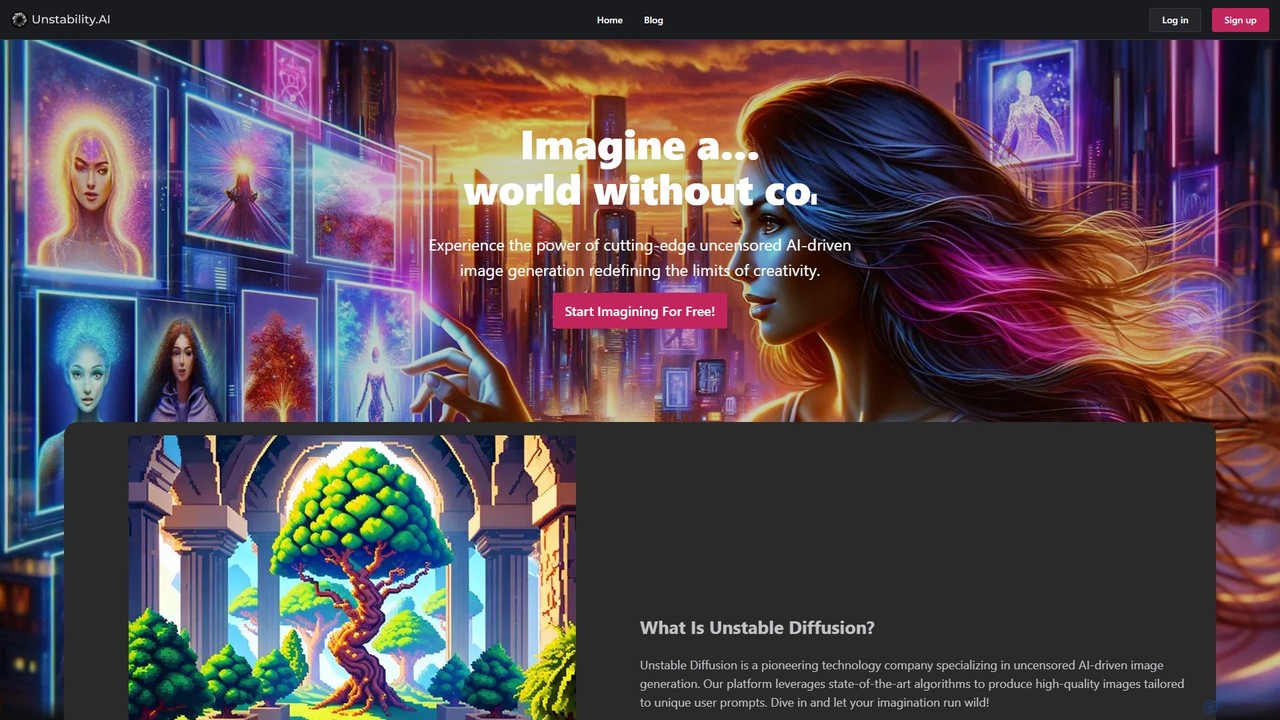
Unstable Diffusion
Unstable Diffusion is an uncensored AI image generation platform that empowers users to create high-quality, realistic visuals from text prompts without creative restrictions. It leverages state-of-the-art diffusion models to offer limitless artistic possibilities, from stunning landscapes to complex character designs. The platform provides a free-to-start experience, advanced customization options, and instant image creation, catering to artists, designers, and creative enthusiasts who seek ultimate freedom in their AI-generated art.
Generative Art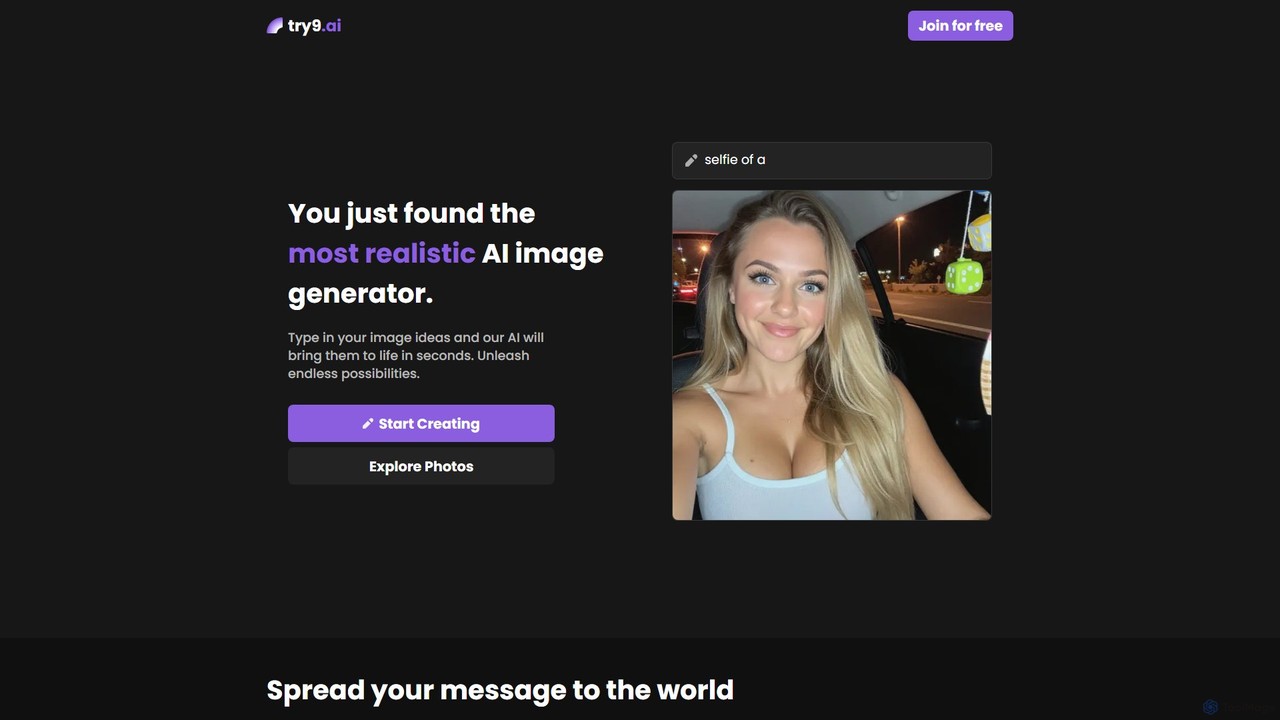
try9.ai
try9.ai is a user-friendly and powerful AI image generator that transforms your text ideas into highly realistic photos in seconds. Powered by advanced models like Stable Diffusion, it allows for detailed customization and offers a seamless creative experience for artists, marketers, and content creators. Start creating for free and explore endless visual possibilities.
Generative Art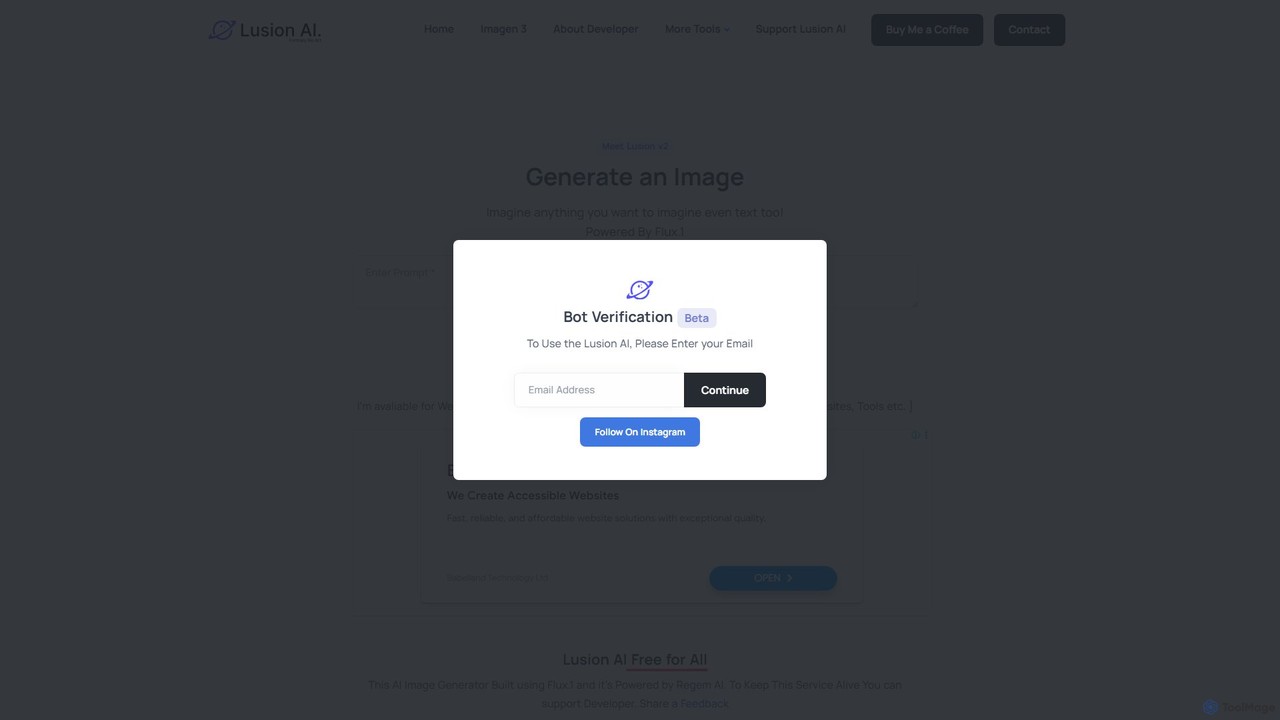
Lusion AI
Lusion AI is a free, web-based AI image generator that provides access to multiple advanced models like Imagen 3, Flux.1, and Stable Diffusion. It allows users to create high-quality images, including those with accurate text, from simple text prompts without any cost or registration.
Generative Art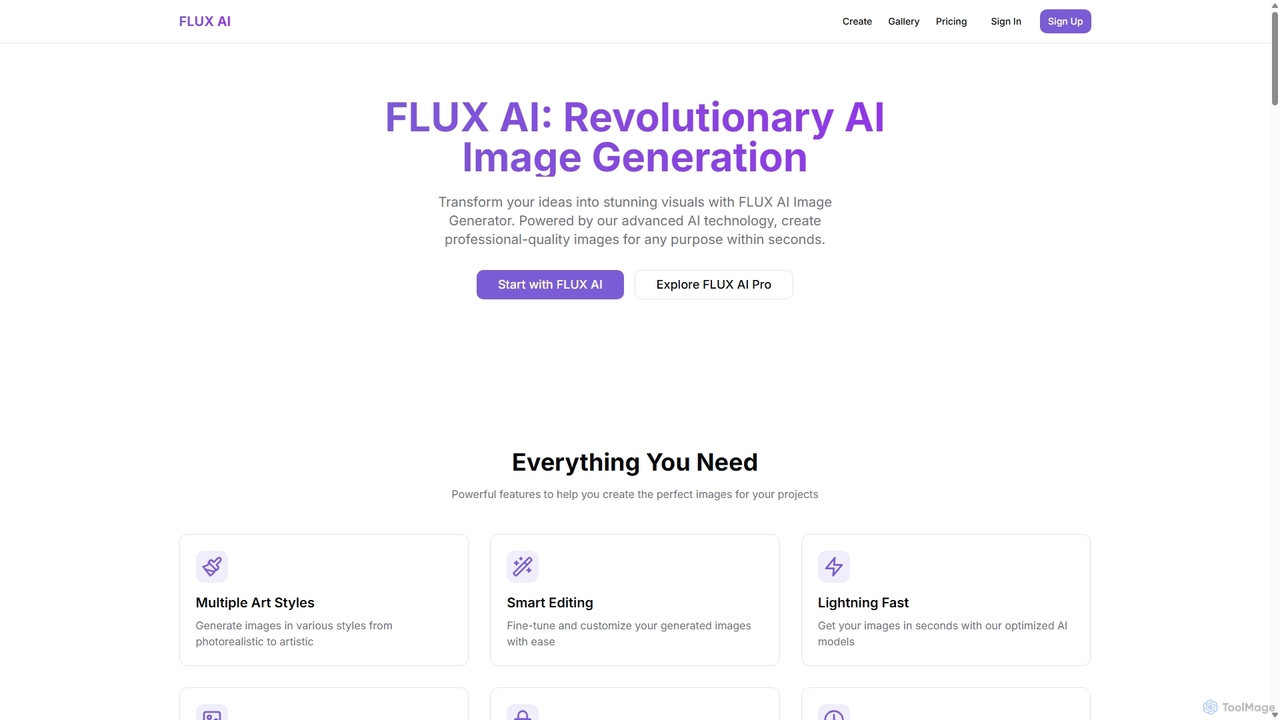
flux1
flux1 is a powerful AI image generator that transforms text prompts into high-quality visuals in seconds. It offers a wide range of artistic styles, from photorealistic to abstract, and provides smart editing tools for fine-tuning creations. With features like high-resolution output, full commercial rights, and a user-friendly interface, flux1 is ideal for artists, marketers, and content creators looking to streamline their creative workflow and produce stunning images effortlessly.
Generative Art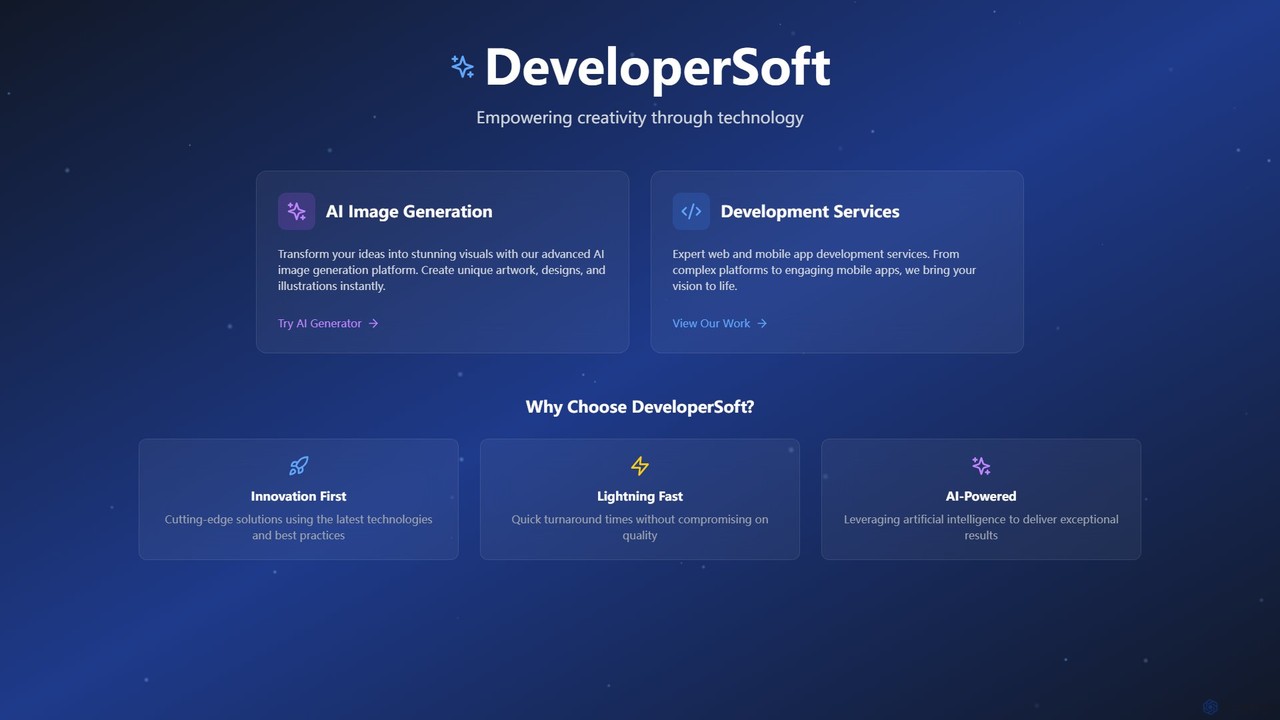
DeveloperSoft
DeveloperSoft offers a powerful AI Image Generation platform that transforms your text prompts into stunning, unique visuals. Ideal for artists, marketers, and developers, it combines a user-friendly image creator with expert web and mobile app development services, empowering creativity through technology.
Generative Art
Craftura Comments (0)
Sign in to comment.
Sign inNo comments yet.