

Quick Text-to-Image Overview
Quick Text-to-Image is a powerful and intuitive Chrome extension developed by the innovation experts at AE Studio. It fundamentally changes how we create visual content by embedding an advanced AI image generator directly into your web browser. Forget the cumbersome process of copying text, opening new tabs, and navigating complex interfaces. With this tool, any word, phrase, or sentence on a webpage can be transformed into a stunning visual masterpiece with just a couple of clicks. It's designed for anyone who needs to create visuals quickly, from content creators and marketers to students and researchers, streamlining workflows and unlocking creative potential on the fly.
How to use Quick Text-to-Image
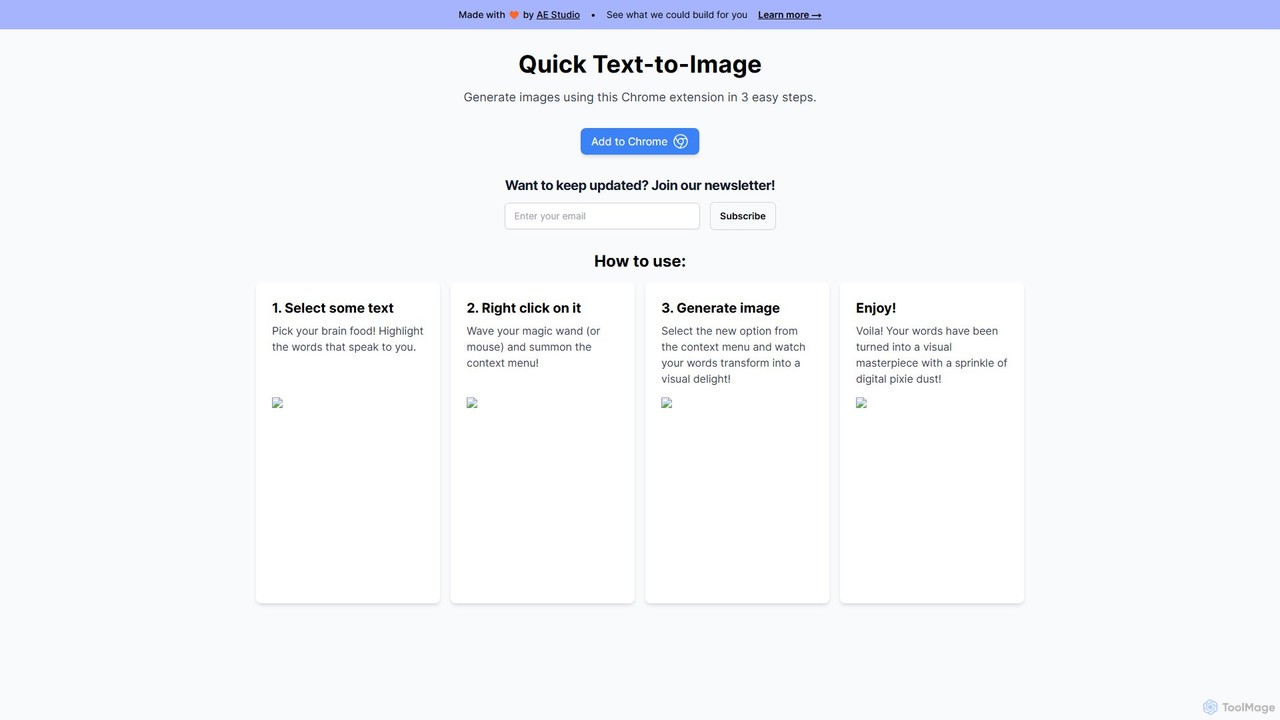
The beauty of Quick Text-to-Image lies in its simplicity. The entire process takes seconds and is seamlessly integrated into your natural browsing habits. The three-step process is as follows:
- Select some text: While browsing any website, simply highlight the text that inspires you. This could be a powerful quote, a product description, a complex concept, or a line of poetry.
- Right click on it: Once the text is selected, right-click to open the context menu. You'll find a new option, "Generate image," added by the extension.
- Generate image: Click on the new option from the context menu. The AI will instantly process your selected text and generate a unique, high-quality image that visually represents your words. The result appears as if by magic, a "visual delight" ready to be used.
Core Features of Quick Text-to-Image
- Seamless Browser Integration: As a Chrome extension, it lives inside your browser, eliminating the need for external software or websites. It's always there when you need it.
- Contextual Image Generation: The AI generates images directly from the text you highlight, ensuring the visuals are highly relevant and context-aware.
- Instantaneous Results: True to its name, the tool is built for speed. Go from text to image in a matter of seconds, dramatically accelerating your creative workflow.
- Intuitive Right-Click Operation: There is no learning curve. If you know how to right-click, you know how to use this tool. This makes it accessible to users of all technical skill levels.
- Powered by Advanced AI: The extension leverages a sophisticated text-to-image AI model to interpret nuances in language and produce diverse, creative, and high-quality visuals.
- Zero-Friction Workflow: It removes all the barriers between an idea and its visual representation, allowing for uninterrupted creative flow and brainstorming.
Use Cases for Quick Text-to-Image
This tool is versatile and can be used by a wide range of professionals and individuals:
- Content Creators & Bloggers: Instantly generate featured images for articles, illustrations for blog posts, or unique visuals for social media channels directly from their research or draft content.
- Marketers & Social Media Managers: Quickly create eye-catching ad creatives, social media posts, or presentation slides based on marketing copy, product descriptions, or trending topics.
- Students & Educators: Visualize complex scientific concepts, historical events, or literary themes to improve comprehension and create engaging learning materials.
- Designers & Artists: Use it as a rapid brainstorming tool to generate a wide range of visual ideas and mood boards from a simple text prompt or creative brief.
- Personal Use: Turn your favorite quotes, dreams, or random thoughts into unique, shareable art for personal enjoyment or to share with friends and family.
Advantages of Quick Text-to-Image
- Massive Productivity Boost: By integrating the image generation process into the browser, it saves a significant amount of time and effort compared to traditional methods.
- Enhanced Creativity: The ability to instantly visualize text encourages experimentation and helps users explore creative ideas without friction.
- Ultimate Convenience: The power of an AI art generator is always just a right-click away, wherever you are on the web.
- Simplicity and Accessibility: No complex settings or configurations. Its straightforward design makes advanced AI technology available to everyone.
- Cost-Effective Solution: As a free tool, it provides immense value without any financial commitment, democratizing access to AI-powered creative tools.
Pricing and Plans
Quick Text-to-Image is offered as a completely free Chrome extension. There are no hidden fees or subscription plans mentioned on the website. You can simply add it to your Chrome browser from the official Chrome Web Store and start using it immediately. This makes it an exceptionally valuable tool for individuals and teams looking to leverage AI for visual content creation without any budget constraints. The tool is developed and maintained by AE Studio, a leading development and data science agency, as a showcase of their capabilities.
Quick Text-to-Image Alternatives
AIAI
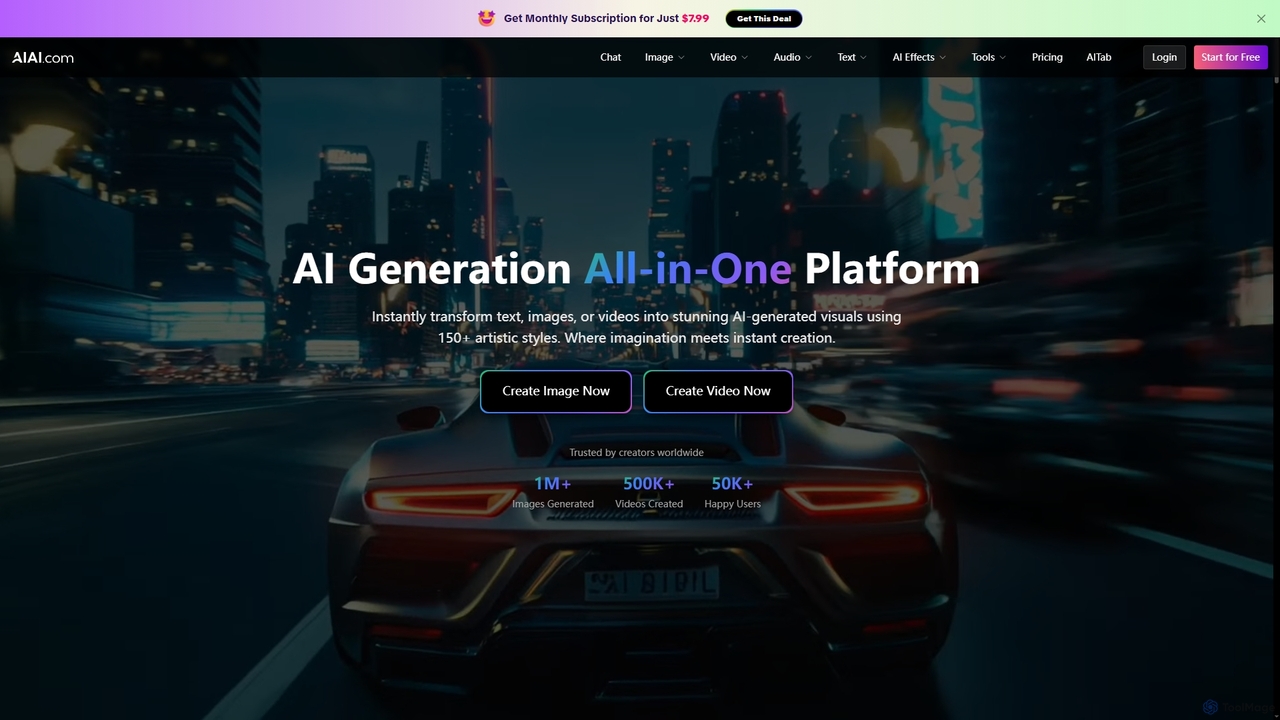
AIAI is an all-in-one AI creative suite designed to transform ideas into stunning visuals and provide intelligent assistance. It offers powerful tools for generating images, videos, and text content, alongside specialized features like an AI Homework Helper and a productivity-boosting browser extension.
Homework Assistance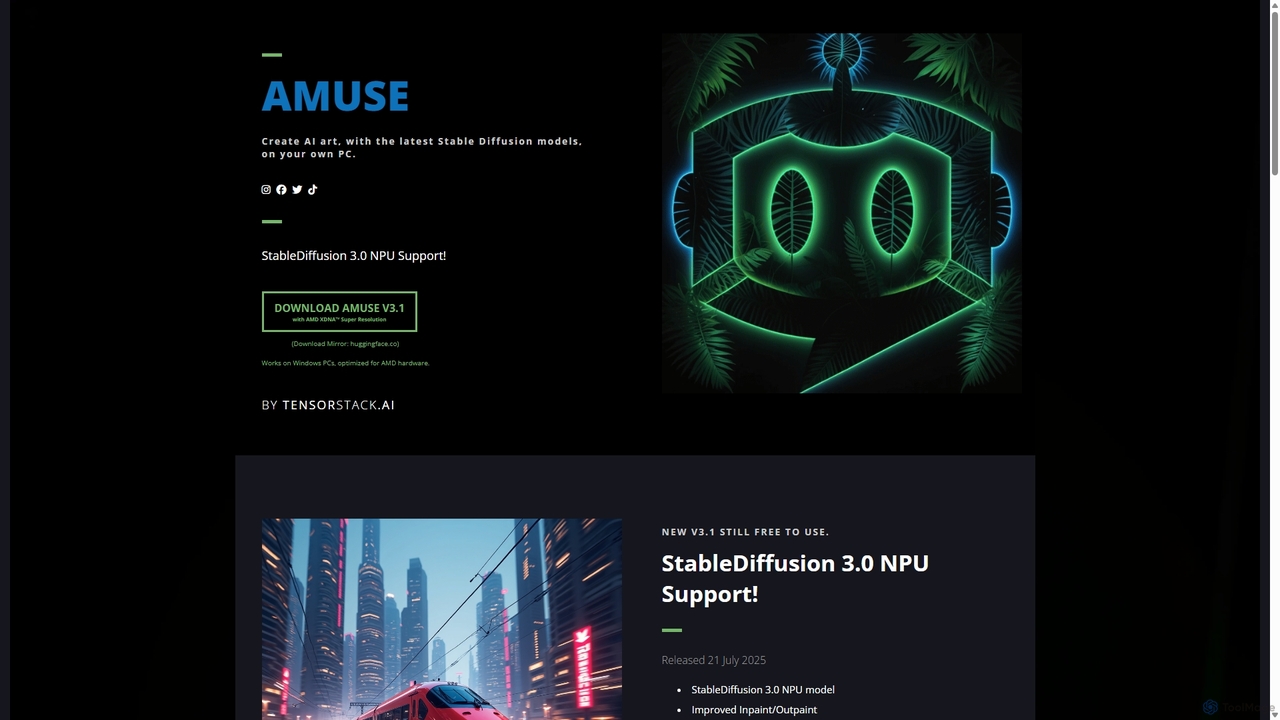
Amuse
Amuse is a free, powerful AI image and video generation tool for Windows PCs that runs locally on your hardware. It features Stable Diffusion 3.0, an easy mode for beginners, an expert mode for advanced users, and is highly optimized for AMD hardware with NPU support. Create stunning art, apply custom AI filters, and experiment with video generation without any cost or login requirements.
Generative Art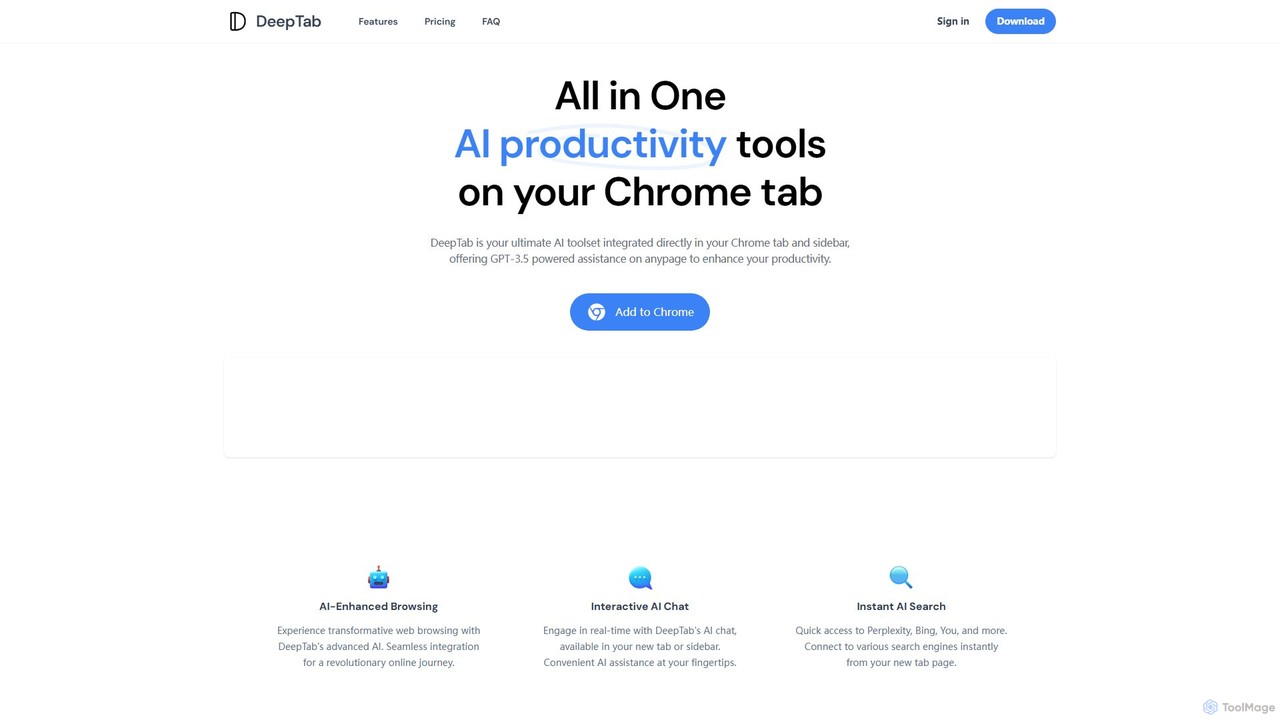
DeepTab
DeepTab is an all-in-one AI productivity toolkit integrated into your Chrome new tab and sidebar. It offers GPT-3.5/GPT-4 powered assistance, an interactive AI chat, instant access to multiple AI search engines, and a directory of AI websites to supercharge your browsing experience.
Chatbot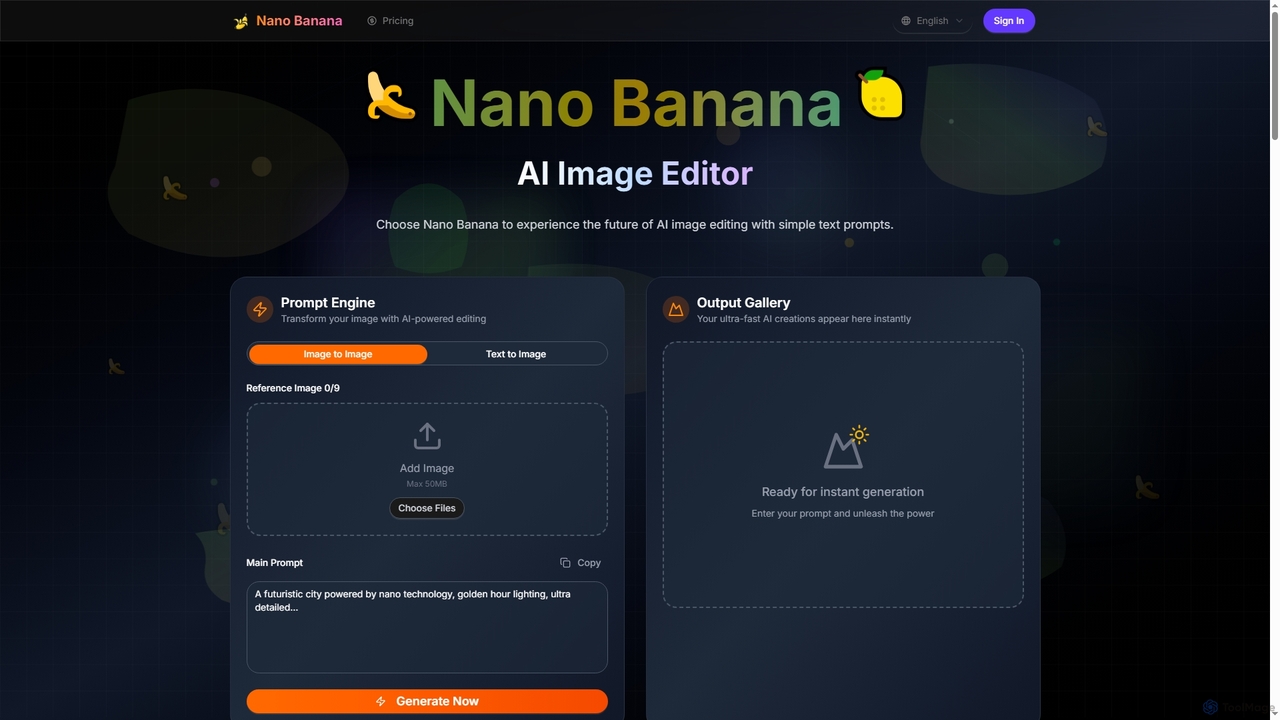
Nano Banana
Nano Banana is an advanced AI image editor and generator that transforms text prompts into stunning visuals and offers comprehensive image manipulation capabilities. It provides over 20 unique artistic styles, professional editing features like object addition and background transformation, and even video generation from text, catering to both casual users and creative professionals.
Digital Art
Sitescripter
Sitescripter is an AI-powered Chrome extension designed to revolutionize your web browsing. It automates repetitive tasks, summarizes web pages instantly, enables chat with websites, and generates content for social media and professional communications. By creating a personalized AI model, it offers smart form autofill and context-aware assistance, saving you hours of work and boosting your online productivity and presence.
Browser ExtensionsQuick Text-to-Image Categories
Quick Text-to-Image Embed Widget
Copy this embed code to place the badge on your blog, article, or product site and send readers directly to this ToolMage detail page.

Related AI tools
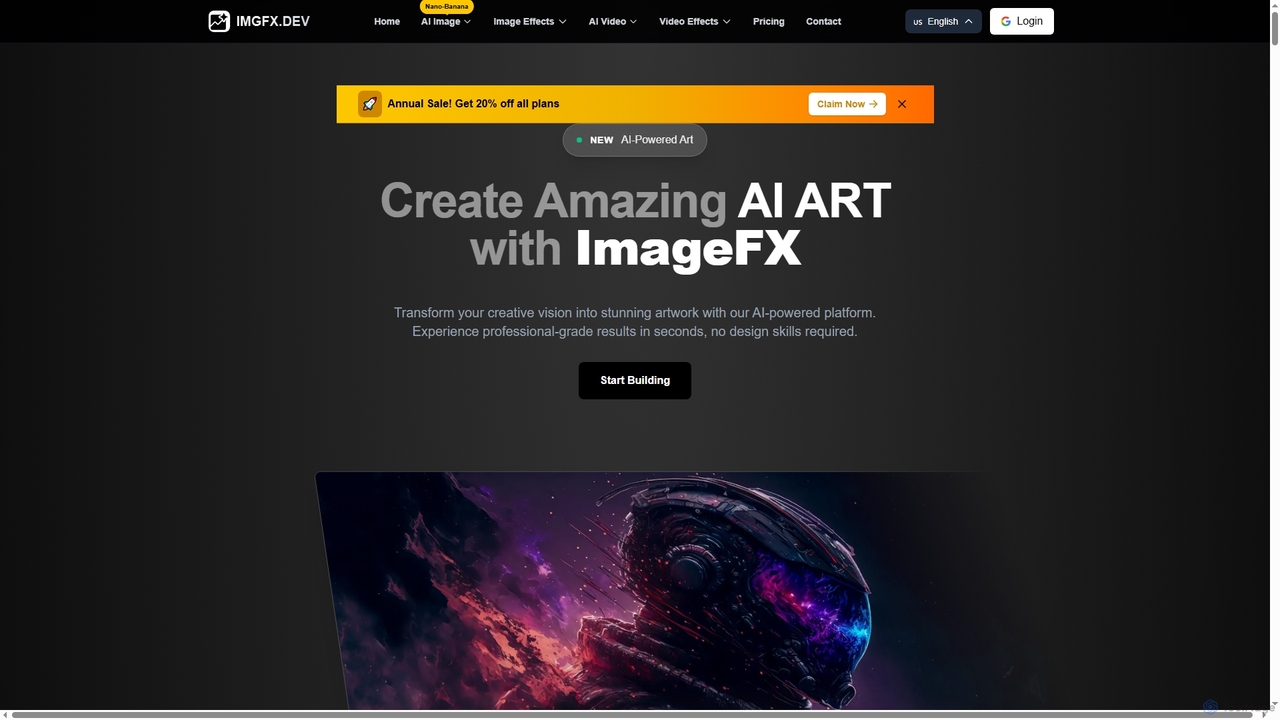
ImageFX
ImageFX is an AI-powered platform that transforms creative visions into stunning images and videos. It offers professional-grade results in seconds, without requiring design skills, featuring text-to-image, image-to-image, text-to-video, and image-to-video capabilities, along with advanced editing tools for diverse creative needs.
Creative Asset GenerationAIAI
AIAI is an all-in-one AI creative suite designed to transform ideas into stunning visuals and provide intelligent assistance. It offers powerful tools for generating images, videos, and text content, alongside specialized features like an AI Homework Helper and a productivity-boosting browser extension.
Homework Assistance
Jimeng
Jimeng is a one-stop AI creation platform by Bytedance (creator of Jianying/CapCut) for generating high-quality images and videos. It features text-to-video, text-to-image, an Intelligent Canvas for advanced editing, and strong support for Chinese language prompts, turning creative ideas into stunning visual content.
Generative Art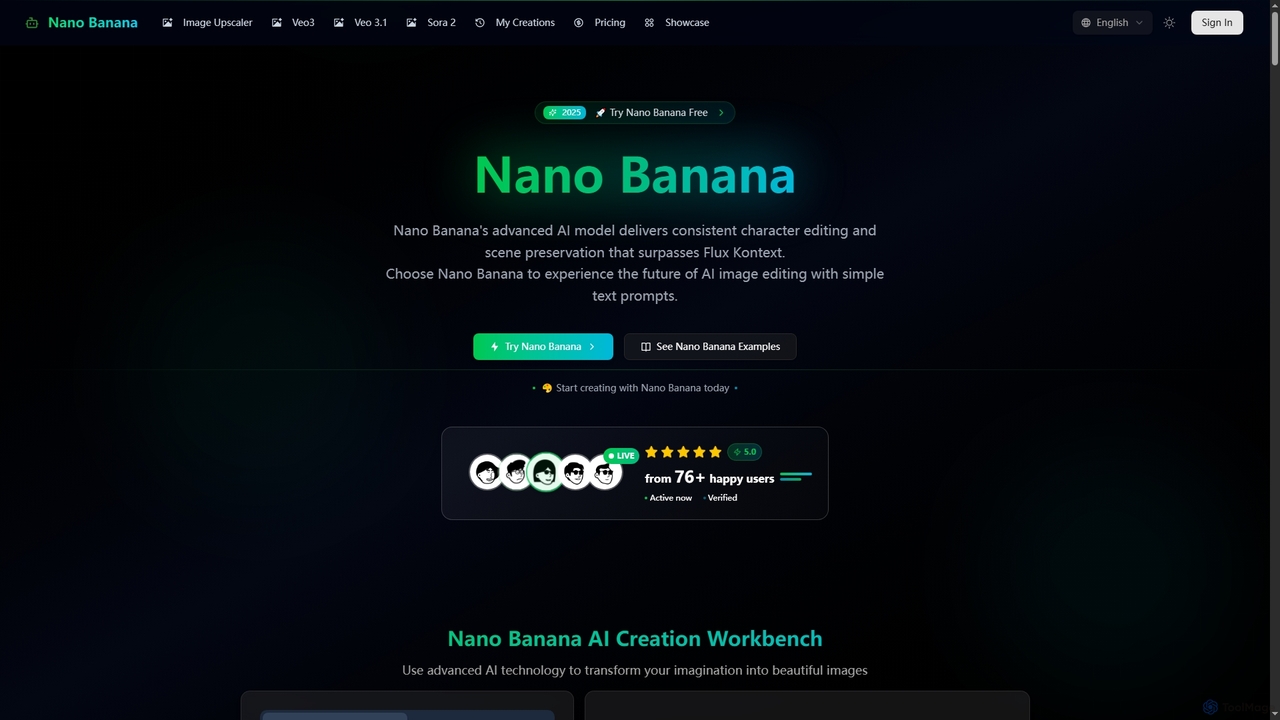
Nano Banana
Nano Banana is an advanced AI-powered platform for image generation and editing, offering consistent character editing, scene preservation, and in-context visual modifications. It also features a professional AI image upscaler and two cutting-edge AI video generators, Veo 3.1 and Sora 2, enabling users to create stunning visuals and cinematic videos from text or images with unparalleled speed and quality.
Digital Art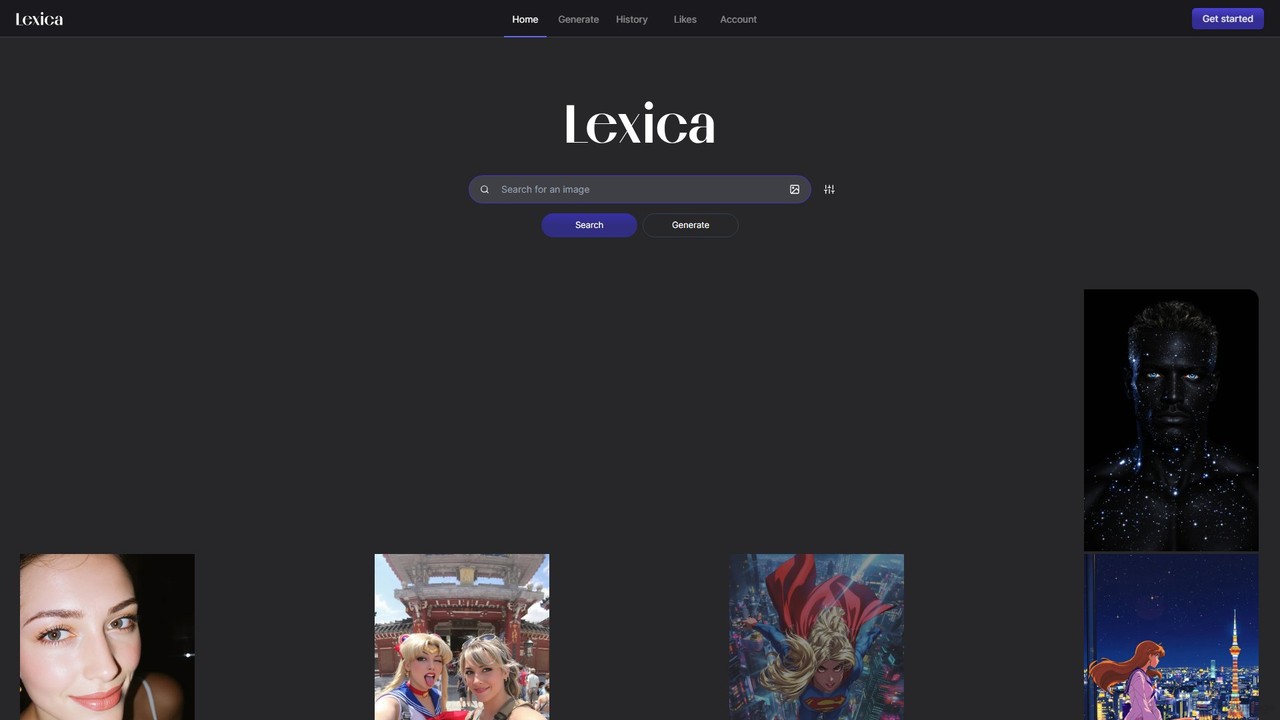
Lexica
Lexica is a powerful AI image generator and search engine. It allows users to create stunning visuals from text prompts using its advanced model, Lexica Aperture. It also features a vast, searchable library of millions of AI-generated images and their prompts, making it an invaluable tool for inspiration and creative exploration.
Inspiration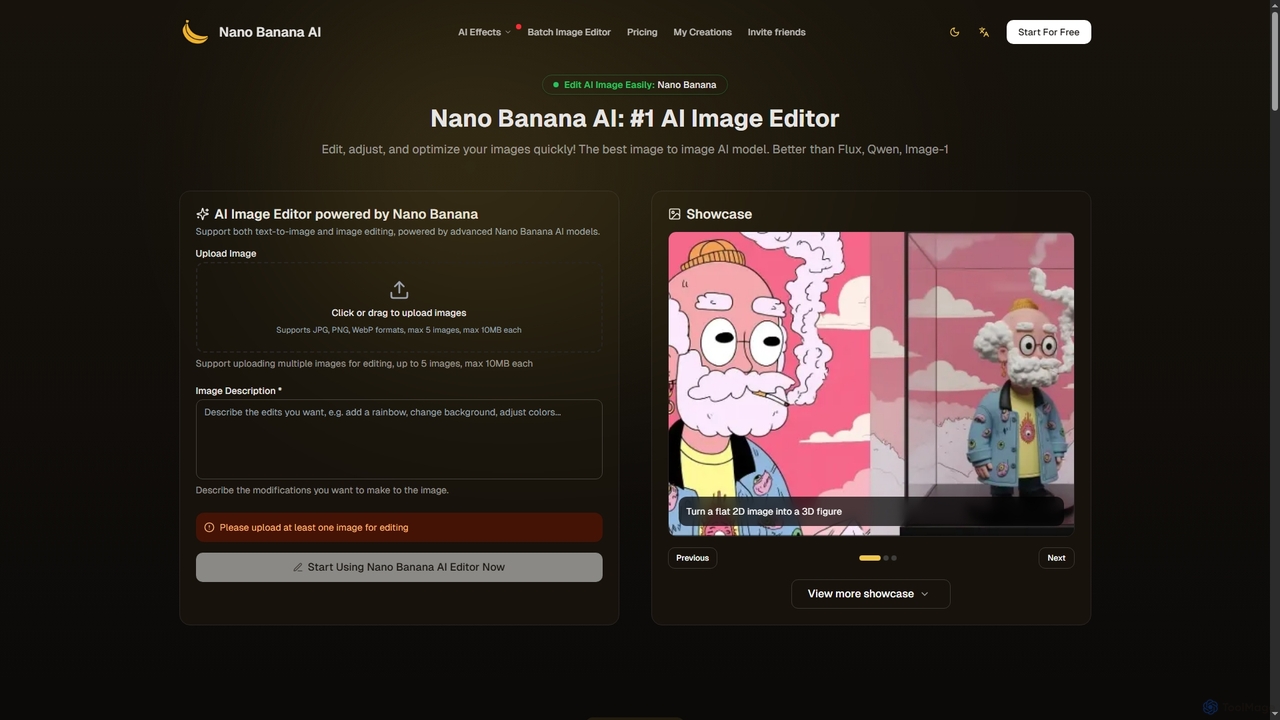
Nano Banana
Nano Banana is an advanced AI image editor and generator that allows users to effortlessly transform photos and create stunning visuals. It supports text-to-image generation, comprehensive image editing, and even specialized features like AI action figure creation. With lightning-fast processing and professional-quality output, Nano Banana simplifies complex editing tasks for personal and commercial use.
Digital Art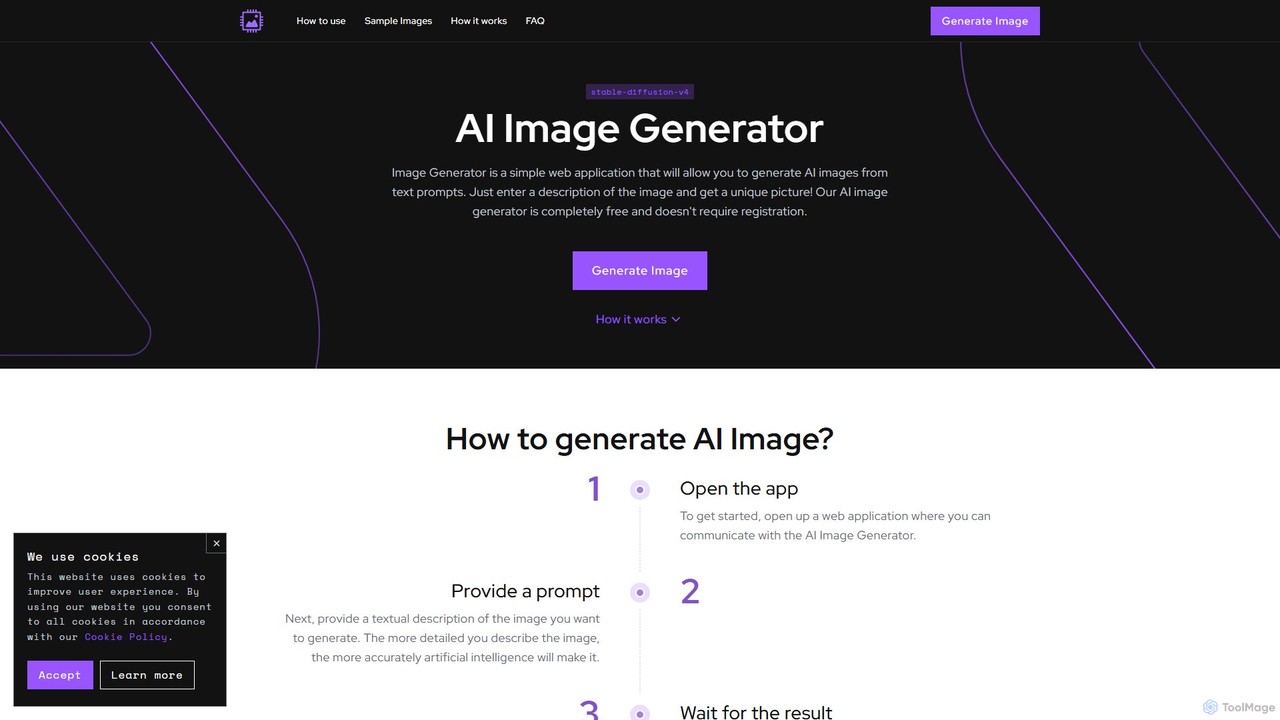
image_generator
A completely free, web-based AI image generator that creates unique images from text prompts. Powered by Stable Diffusion, it requires no registration and offers customization options like negative prompts and image dimensions. Ideal for artists, designers, and hobbyists for personal projects.
Generative Art
Flux AI Image Generator
Flux AI is a comprehensive suite for creating high-quality, unique visuals. It offers advanced AI tools for image and video generation from text or images, featuring multiple models, LoRA fine-tuning for customization, high-resolution output, and a suite of image enhancement tools for designers, marketers, and creators.
Image Generation
Nily AI
Nily AI is an all-in-one AI assistant designed to boost productivity. It integrates over 20 advanced AI tools into a single platform, accessible via a convenient Chrome sidebar. Key features include LLM comparison, AI writing, image generation, email assistance, and chatting with PDFs or YouTube videos, catering to a wide range of professionals.
Image Generation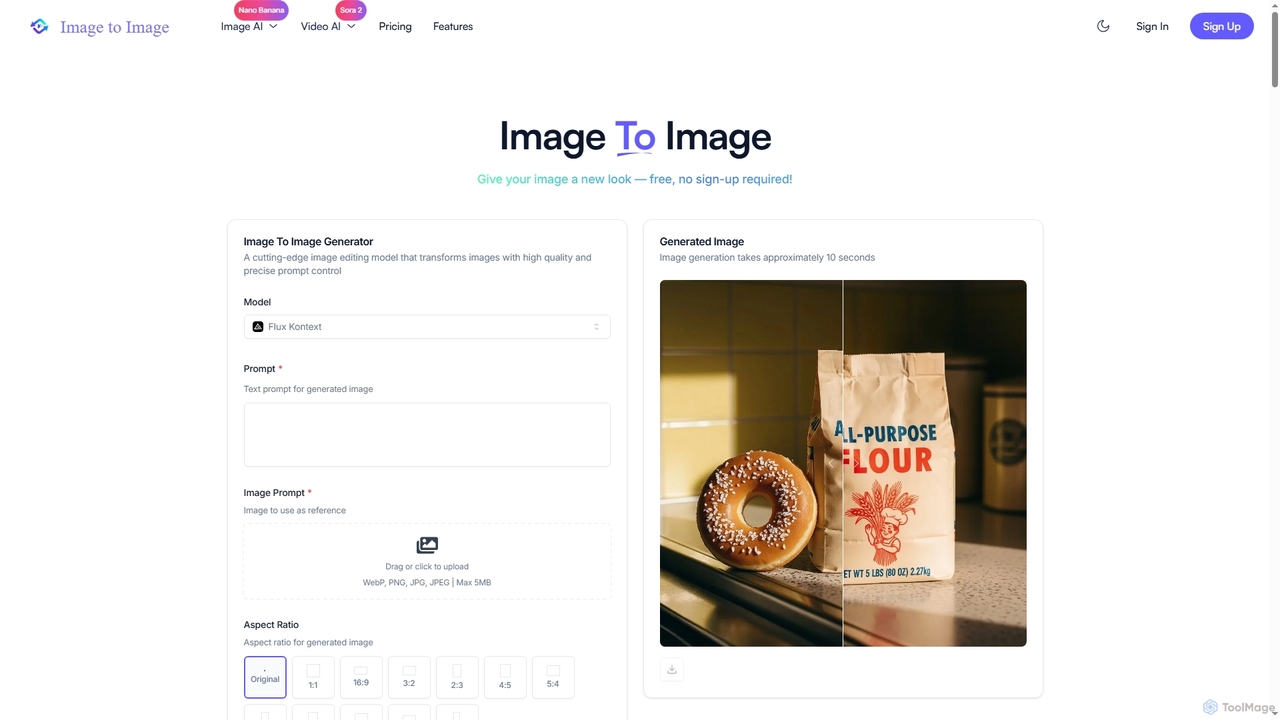
Image to Image
Image to Image is an all-in-one AI creative suite that transforms existing images, generates new visuals from text, and creates dynamic videos from both images and text. It offers high-fidelity outputs, multiple AI models, and a user-friendly interface for artists, designers, marketers, and content creators.
Creative Suite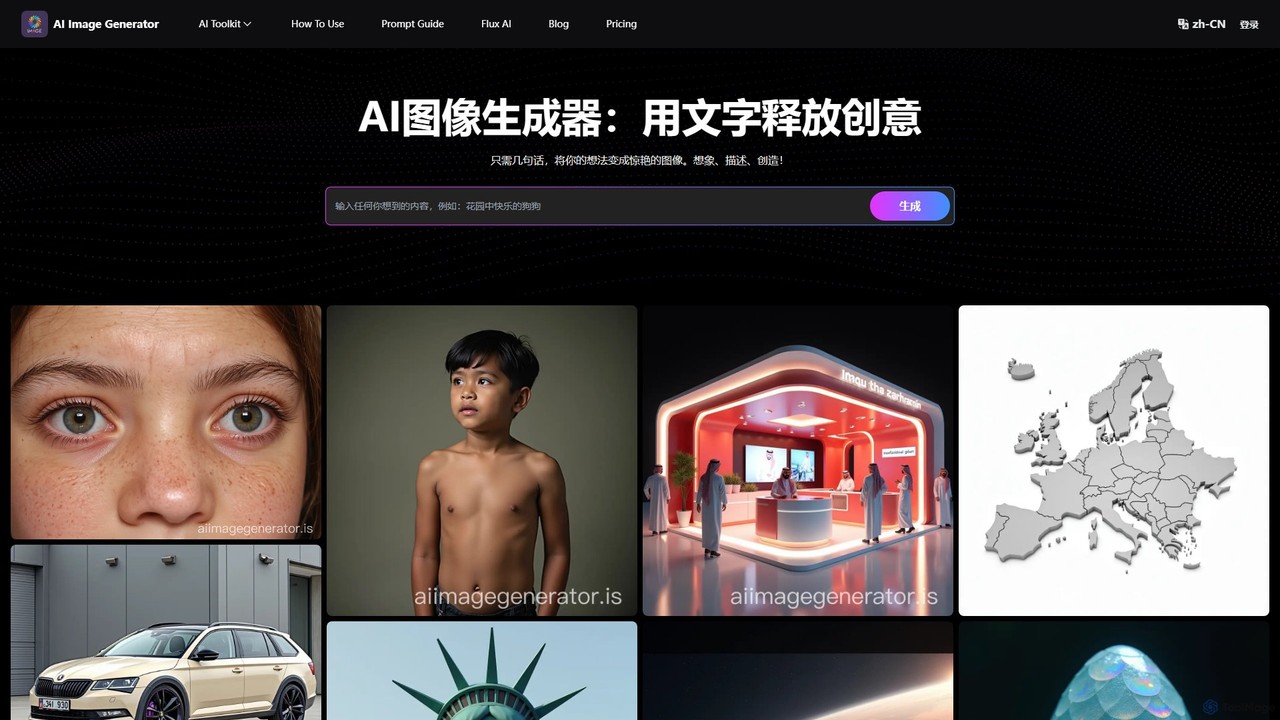
AI Image Generator
A free, web-based AI tool that transforms text descriptions into stunning images using advanced models like Stable Diffusion XL. It offers various styles, including realistic, anime, and 3D, making it ideal for artists, designers, marketers, and hobbyists. Users can easily generate unique, high-quality visuals for commercial or personal projects by simply writing a prompt, selecting a model, and choosing dimensions.
Generative Art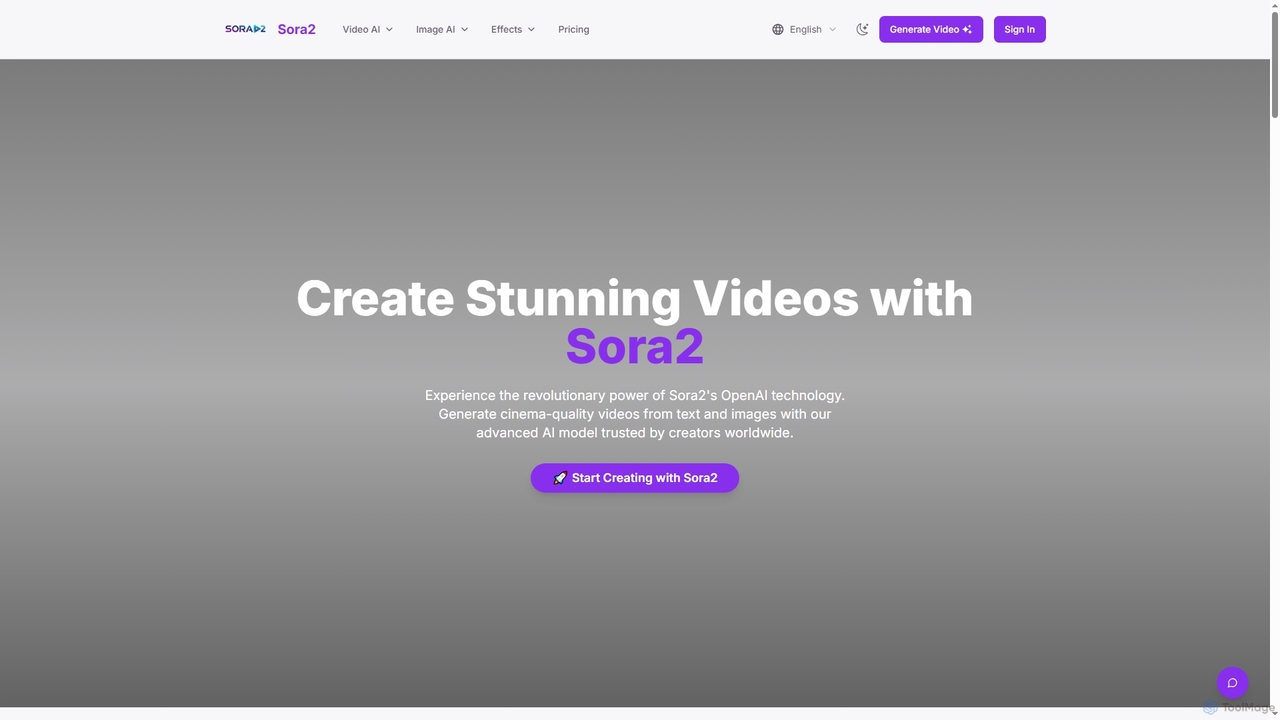
Sora2web
Sora2web is an advanced AI platform offering cinema-quality video and high-fidelity image generation from text and images. Leveraging models like OpenAI's Sora2, Kling, and Nanobanana, it provides creators, marketers, and businesses with powerful tools for diverse content needs, including realistic physics simulations, consistent character appearance, and a wide array of visual effects, all within an intuitive, cloud-based environment.
Content Creation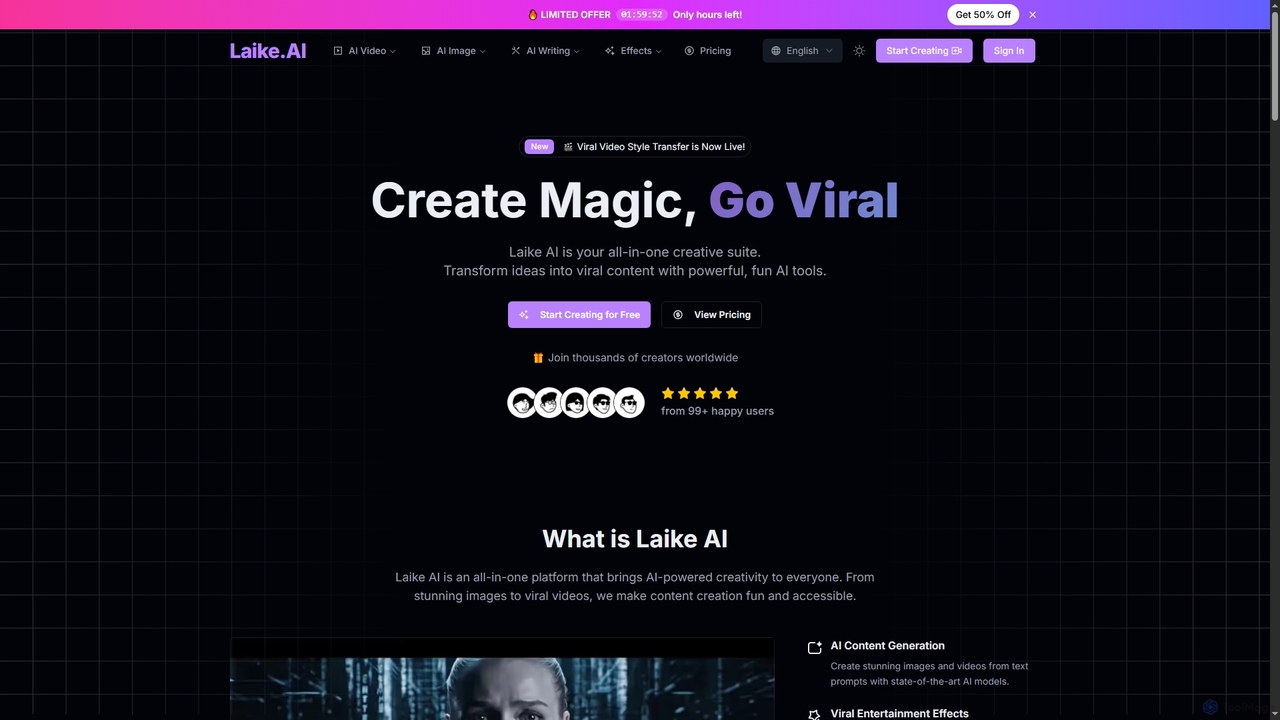
Laike
Laike is an all-in-one AI-powered creative suite designed to transform ideas into viral content. It offers powerful tools for generating stunning images and videos, applying trending entertainment effects, and sharing creations effortlessly across social platforms.
Image Generation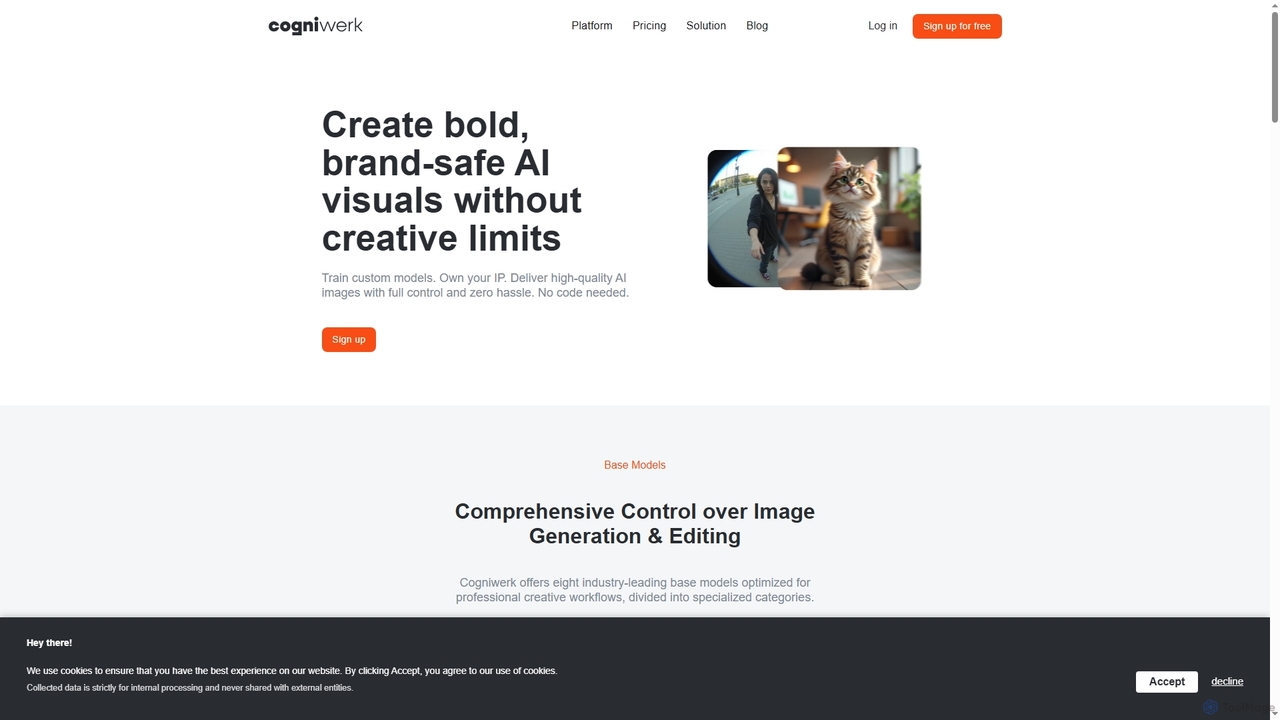
Cogniwerk
Cogniwerk is a comprehensive European AI platform designed for creative professionals, offering advanced tools for high-quality image and video generation, custom model training, and sophisticated prompting. It emphasizes compliance with GDPR and EU AI Act readiness, providing creators with full ownership and creative freedom for their digital assets.
Visual Design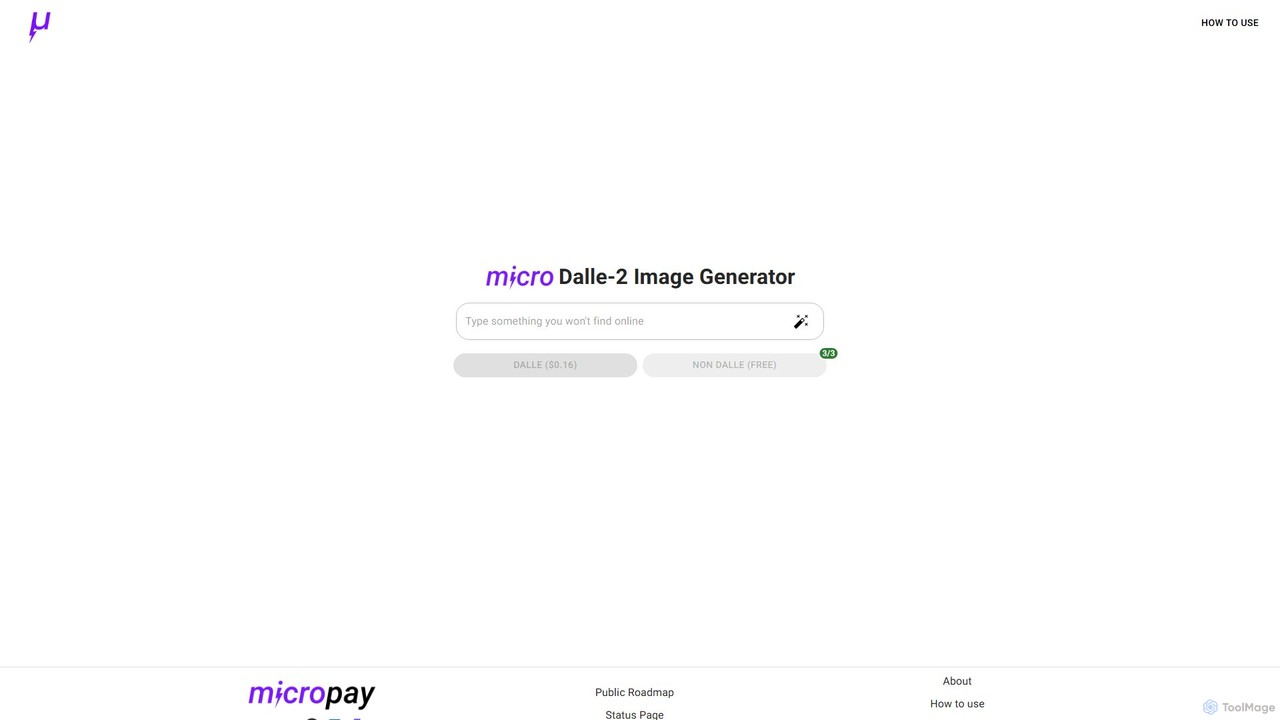
micropay
micropay is an AI image generator that provides access to the powerful DALL-E 2 model through a simple microtransaction system. Users can create unique, high-quality images from text prompts on a pay-per-use basis, without needing a monthly subscription. A free tier with limited generations is also available for trial and basic use.
Generative Art
Quick Text-to-Image Comments (0)
Sign in to comment.
Sign inNo comments yet.